
7 Software Engineer - Data & AI Intern Cover Letter Templates with Example
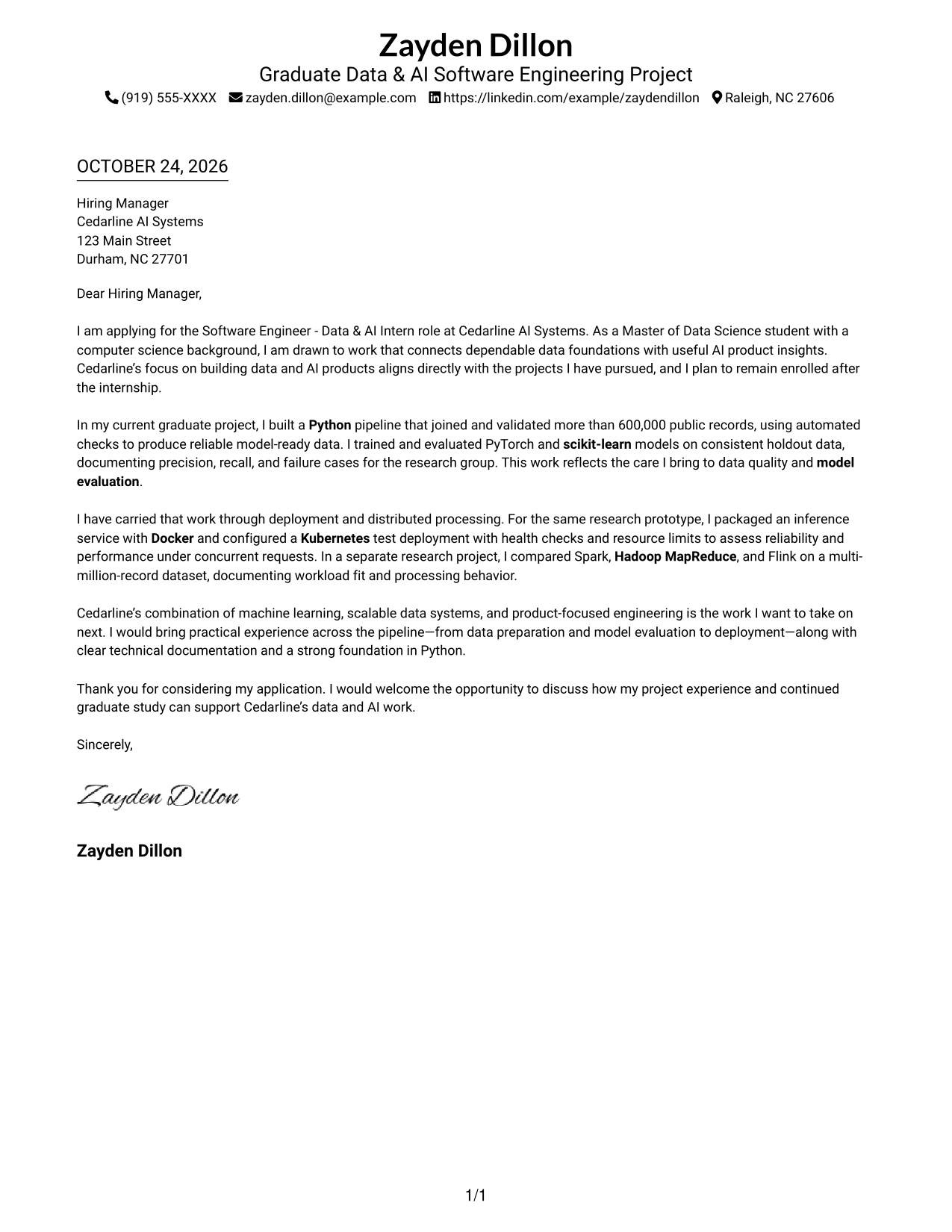
This practical guide shows you how to shape a focused Software Engineer - Data & AI Intern cover letter and compare seven layouts.
What Makes a Great Software Engineer - Data & AI Intern Cover Letter in 2026
A strong letter connects your interest in the role to its work across data pipelines, machine learning, and reliable AI products. A clear opening, focused body, and confident closing help the employer see your purpose and fit.
Use specific evidence, such as building and validating data, evaluating models, or preparing a service for deployment. Show how that work supports the employer’s goals, and keep your motivation genuine and specific.
The featured Software Engineer - Data & AI Intern example moves from role motivation to evidence of data, model, deployment, and distributed-processing work, then closes with a clear statement of fit. Adapt that focused progression while choosing a presentation that suits the employer and communication context.
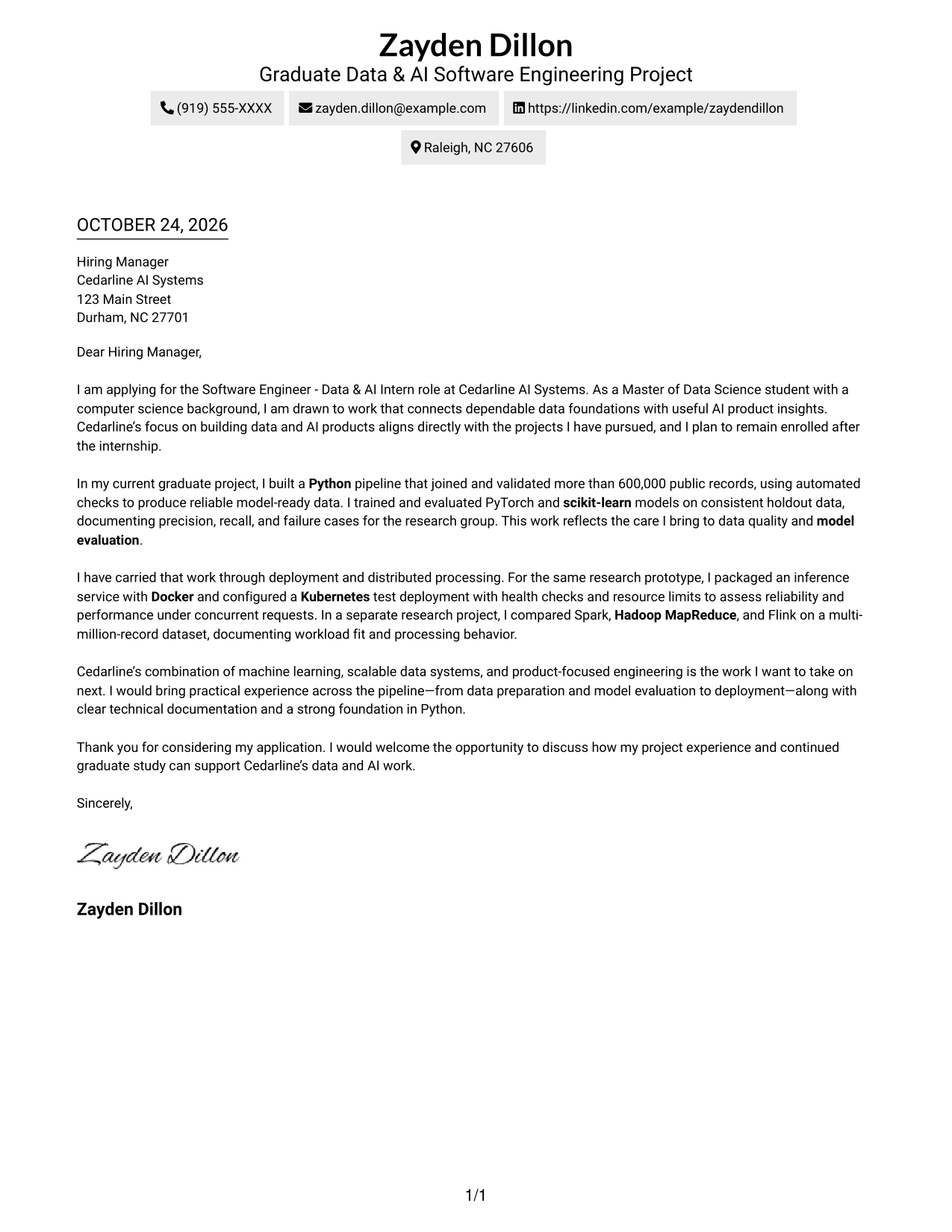
#1 Simple One Column Format Cover Letter Example
A single-column layout keeps sender details and the continuous letter body in one reading path for a direct, unified presentation.
Why This Format Works
- Sender details remain easy to find without dividing the letter's reading path.
- One continuous body lets reviewers follow motivation, evidence, and closing in order.
- Without a photo, the page keeps attention on the written message.
Best For
- Single-column reading preferences
- Direct letter flow
- Text-first application materials
- Photo-free document preferences
- Sender details in the header
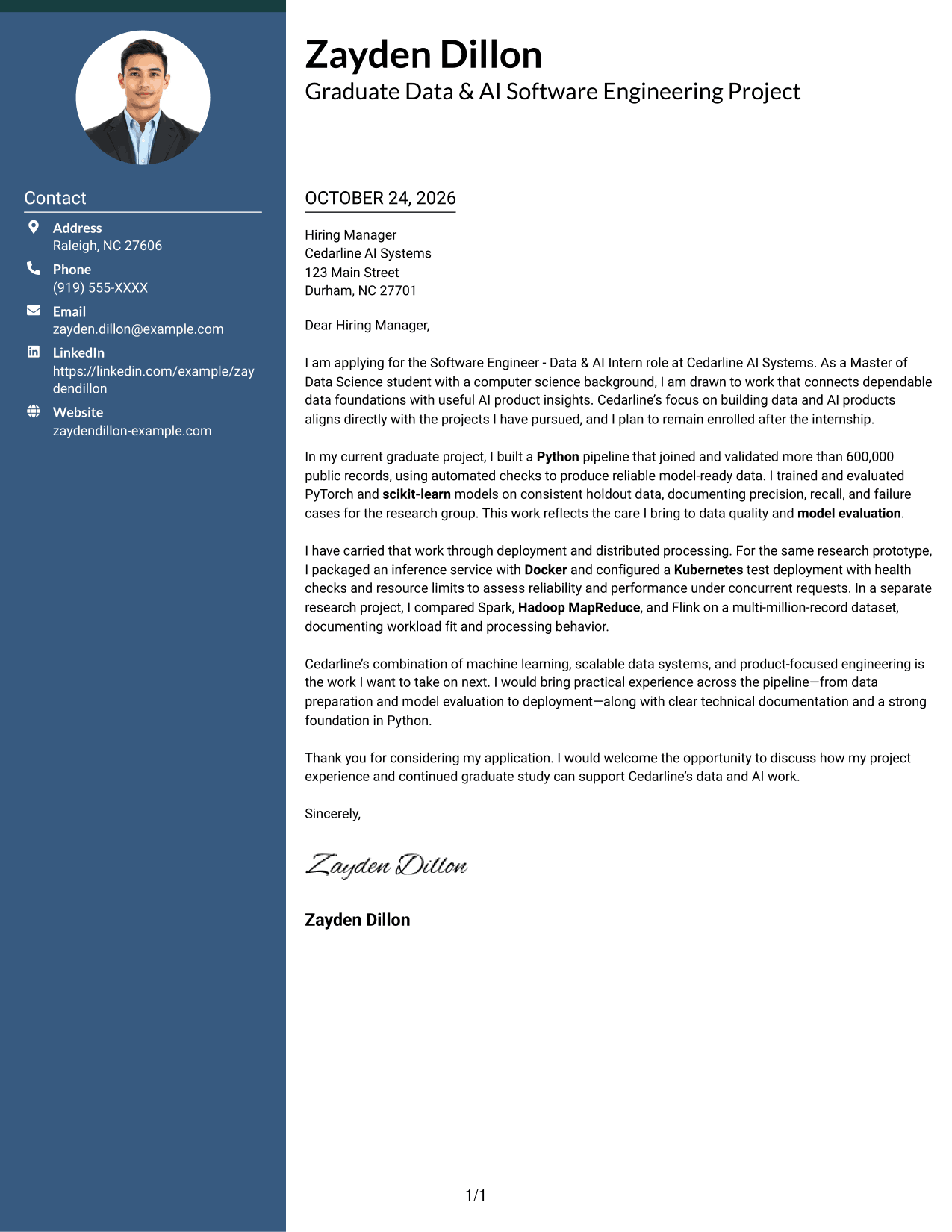
#2 Two Column Format Cover Letter Example
A contact sidebar sits beside the continuous letter body, giving sender information its own place while keeping the argument in one reading column.
Why This Format Works
- The contact sidebar gives reviewers a separate place to find sender information.
- A single letter body preserves the progression from motivation through evidence to closing.
- The photo-free presentation keeps the page focused on written communication.
Best For
- Contact-sidebar layouts
- Letters with several body paragraphs
- Continuous argument flow
- Photo-free application materials
- Detailed role motivation
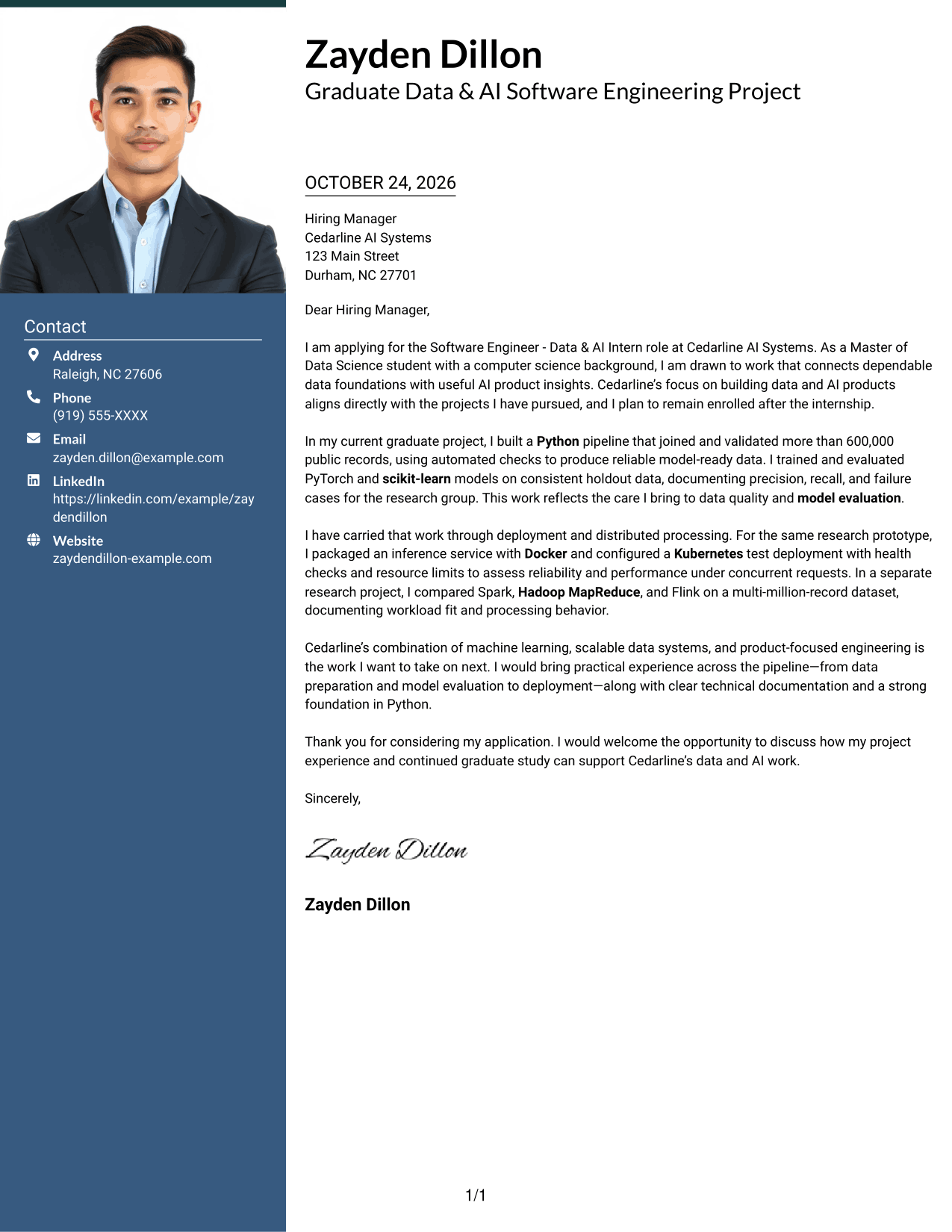
#3 Photo Header Two Column Format Cover Letter Example
A photo in the header gives this two-column layout a personal visual element, while the contact sidebar remains separate from the continuous letter body.
Why This Format Works
- The header photo offers a personal visual choice without interrupting the letter's message.
- The contact sidebar keeps sender details apart from the continuous body.
- Reviewers can follow motivation, evidence, and closing in one clear sequence.
Best For
- Photo-inclusive letter layouts
- Contact-sidebar preferences
- Continuous paragraph arguments
- Personal visual presentation
- Clear opening-to-close reading
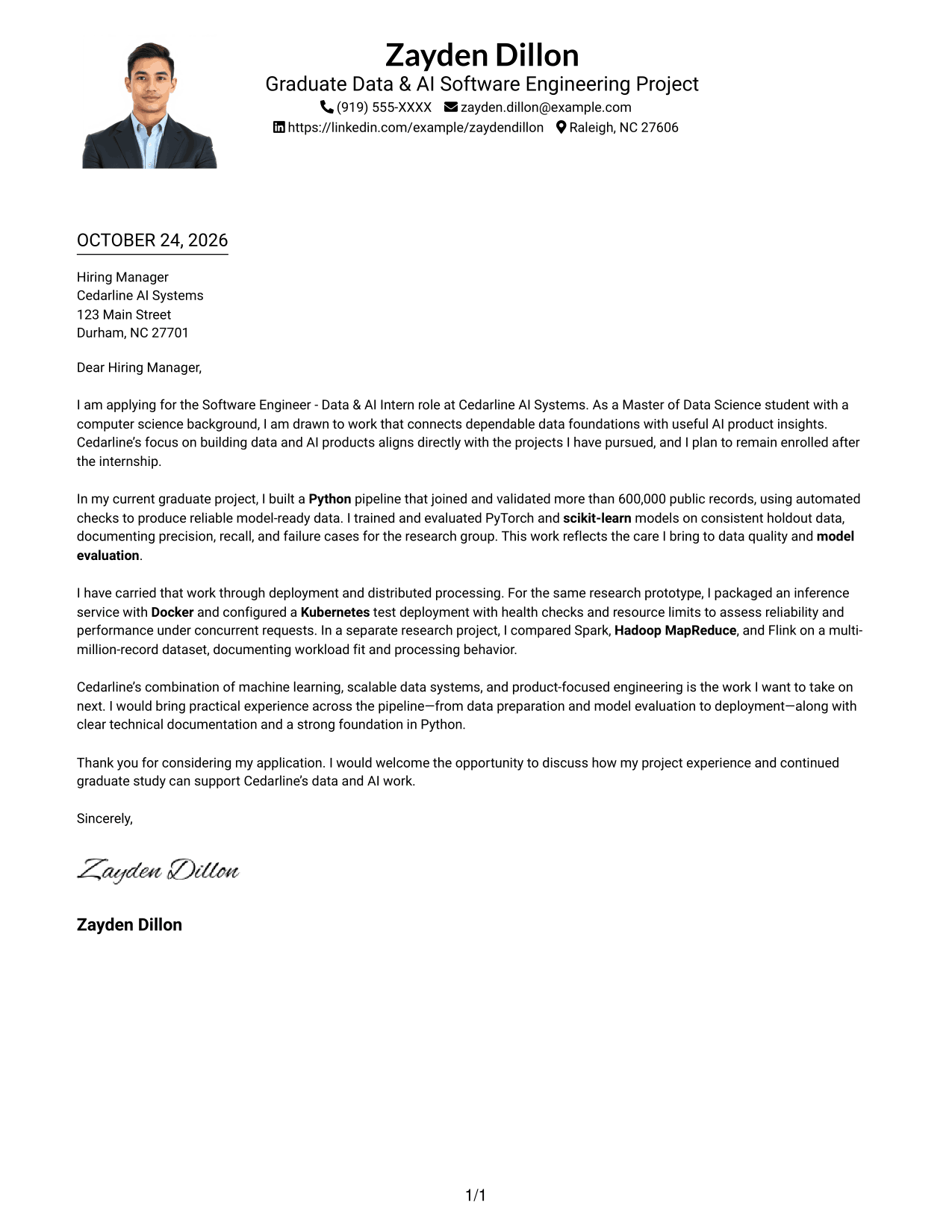
#4 One Column Format with Photo Cover Letter Example
This one-column format includes a photo and keeps the sender details and letter in one reading path for a unified presentation.
Why This Format Works
- The single-column order lets reviewers move through the letter without shifting between columns.
- Sender details and the continuous body share one direct reading path.
- The photo provides a visual option while the written argument remains in paragraphs.
Best For
- One-column letter preferences
- Photo-inclusive documents
- Direct paragraph reading
- Unified sender and letter layout
- Personal visual presentation
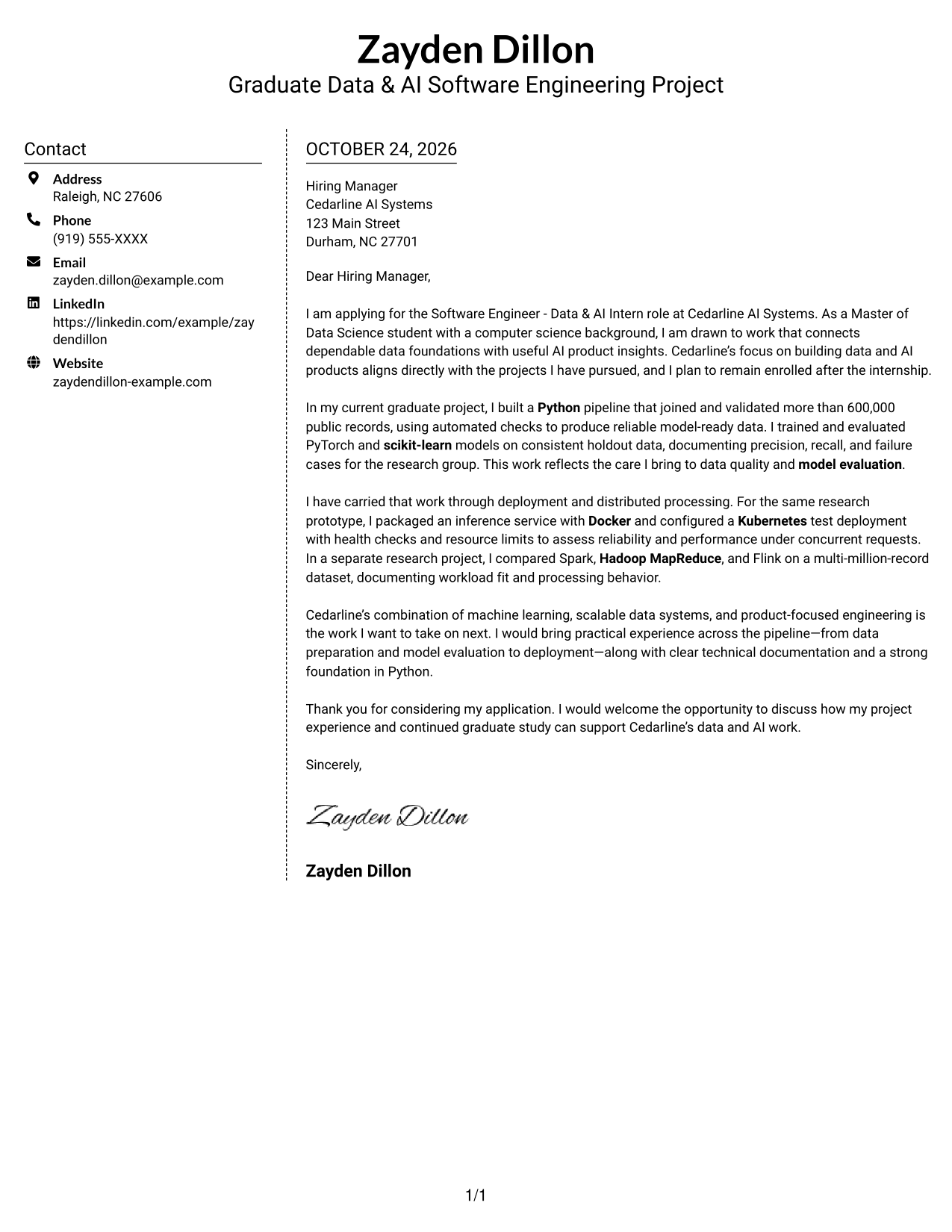
#5 Simple Two Column Format Cover Letter Example
A contact sidebar and a single letter body form the two-column layout, keeping contact information distinct from the letter's continuous paragraphs.
Why This Format Works
- Sender contact details are easy to locate in their separate sidebar.
- The body keeps the letter's opening, evidence, and closing together.
- With no photo, the layout presents the message through text alone.
Best For
- Separate contact information
- Multi-paragraph letters
- Text-only presentation
- A continuous letter argument
- Photo-free document preferences
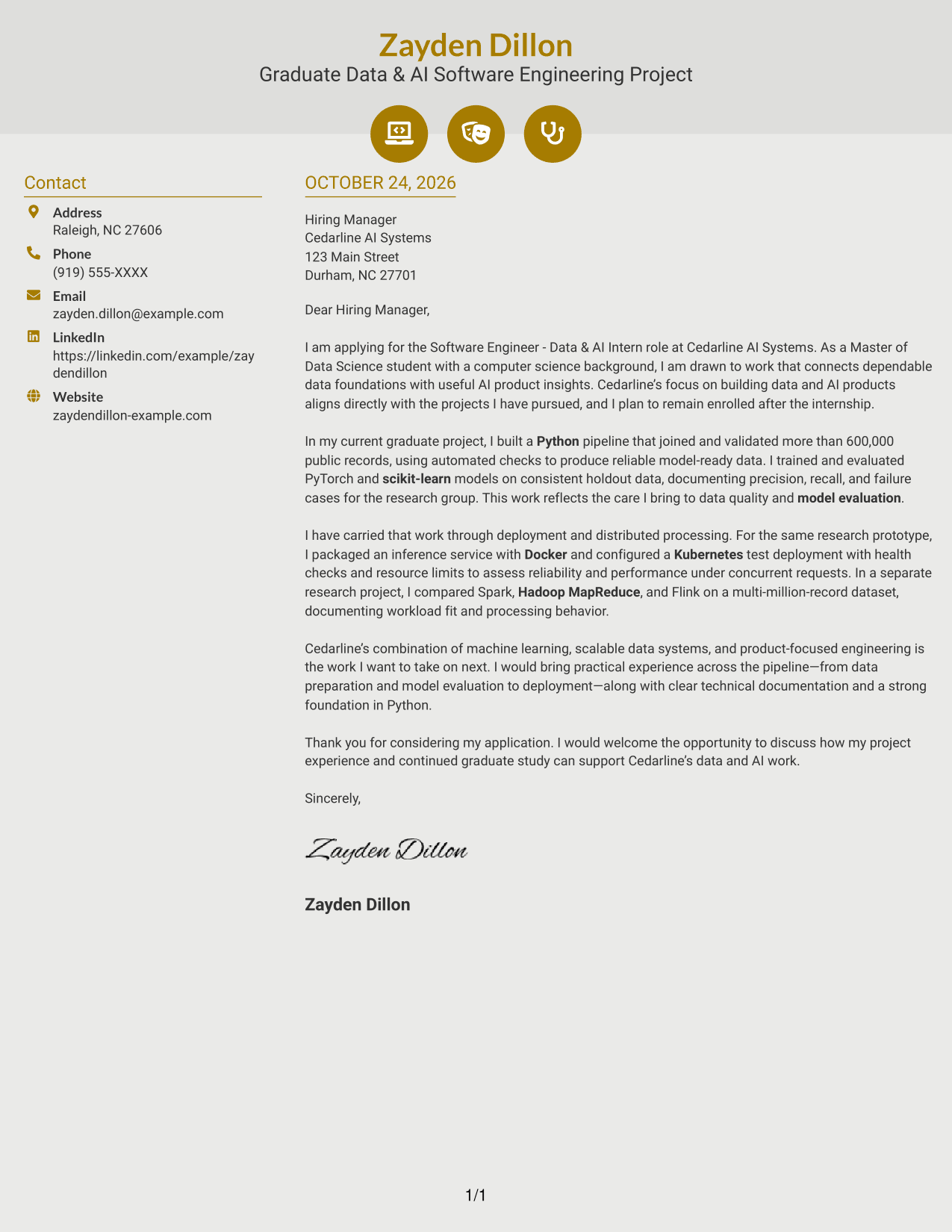
#6 Modern Icon Format Cover Letter Example
Contact icons and decorative header accents add visual cues to this two-column format, while the letter itself remains one continuous body.
Why This Format Works
- Contact icons help distinguish contact details without labeling parts of the letter argument.
- The sidebar keeps sender information apart from the uninterrupted letter body.
- Reviewers can follow the paragraphs from opening to closing in order.
Best For
- Icon-supported contact details
- Sidebar contact organization
- Continuous prose letters
- Decorative header accents
- Photo-free layouts
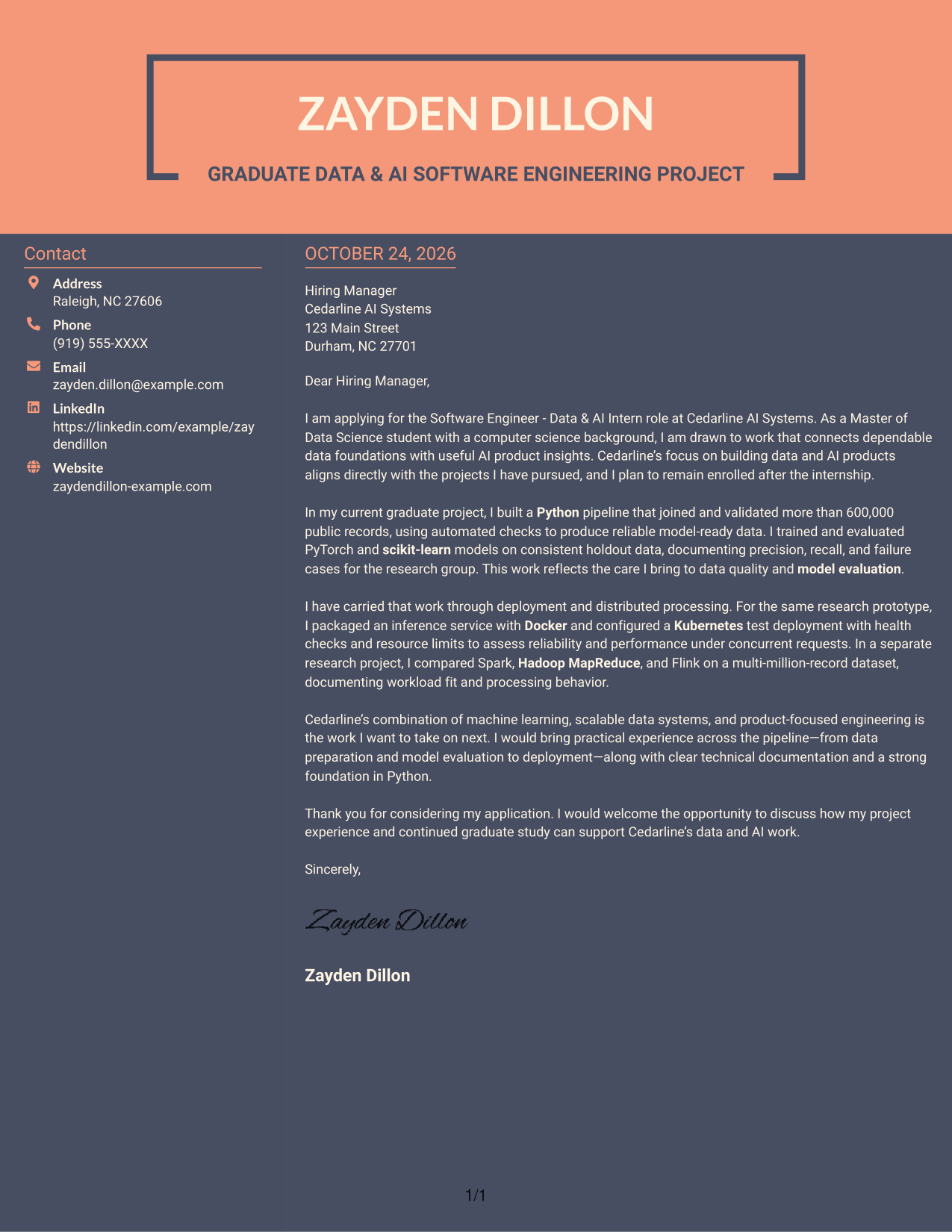
#7 Creative Two Tone Format Cover Letter Example
A contact sidebar beside one continuous letter body gives this two-column layout distinct places for sender details and the written message.
Why This Format Works
- The sidebar gives sender contact information a separate, easy-to-find location.
- The continuous body keeps the letter's argument in a single reading sequence.
- The photo-free page leaves the written message as its main visual content.
Best For
- Distinct contact and letter areas
- Photo-free application documents
- Letters with a continuous argument
- Easy sender-detail reference
- Written-message-first presentation
See Also
- 7 Software Engineer - Data & AI Intern Resume Templates with Example
- 33 AI Fullstack Software Engineer-Intern Resume Templates with Example 2026 (ATS-Optimized)
- 33 AI Fullstack Software Engineer Resume Templates with Example 2026 (ATS-Optimized)
- 33 AI Platform & Integrations Software Engineer Resume Templates with Example 2026 (ATS-Optimized)
- 33 AI Software Engineer Intern Resume Templates with Example 2026 (ATS-Optimized)
- 33 Applied AI/ML Software Engineer Resume Templates with Example 2026 (ATS-Optimized)
- 33 Entry Level AI Software Engineer Resume Templates with Example 2026 (ATS-Optimized)
- 33 Generative AI Software Engineer (Entry Level) Resume Templates with Example 2026 (ATS-Optimized)
- 30+ AI Fullstack Software Engineer Cover Letter Templates with Example 2026
- 30+ AI Fullstack Software Engineer-Intern Cover Letter Templates with Example 2026
Frequently Asked Questions
What should a Software Engineer - Data & AI Intern cover letter emphasize?
Show how your experience connects to the role’s data and AI work. You might discuss a Python pipeline, model development and evaluation, distributed processing, or deployment, using only examples that reflect your own work.
How can I make my opening paragraph specific to this role?
Name the Software Engineer - Data & AI Intern role and explain why its mix of software engineering, data systems, and AI products interests you. Connect that motivation to the work you want to contribute to.
How should I describe technical work in the body of the letter?
Choose a relevant example and explain your contribution, the tools you used, and what the work helped the team understand or deliver. For example, you can describe validating data, evaluating model behavior, or testing deployment reliability.
How can I show interest in the employer?
Refer to the employer’s stated focus on data and AI products, then explain how that work connects to your interests. Add a genuine, specific reason for applying when you have one.
What is a clear way to close this cover letter?
Briefly restate the contribution you could make, thank the reader for considering your application, and express interest in discussing your fit. Keep the tone direct and professional.




