
7 Solution Architect - Linux and Kubernetes Infrastructure Cover Letter Templates with Example
This practical guide to a Solution Architect - Linux and Kubernetes Infrastructure cover letter shows how to connect technical expertise to customer priorities through seven layouts.
What Makes a Great Solution Architect - Linux and Kubernetes Infrastructure Cover Letter in 2026
A strong letter links Linux and Kubernetes infrastructure experience to customer goals. It explains how the applicant guides discovery, technical validation, and decisions in clear business terms.
Use evidence such as demonstrations, proofs of concept, or work with sales and engineering teams. Connect that evidence to the employer's needs and explain why its customer-focused work interests you.
The featured example moves from role motivation to technical validation, team collaboration, and a focused close. Adapt that progression while choosing a presentation that fits the employer and the communication context.
#1 Simple One Column Format Cover Letter Example
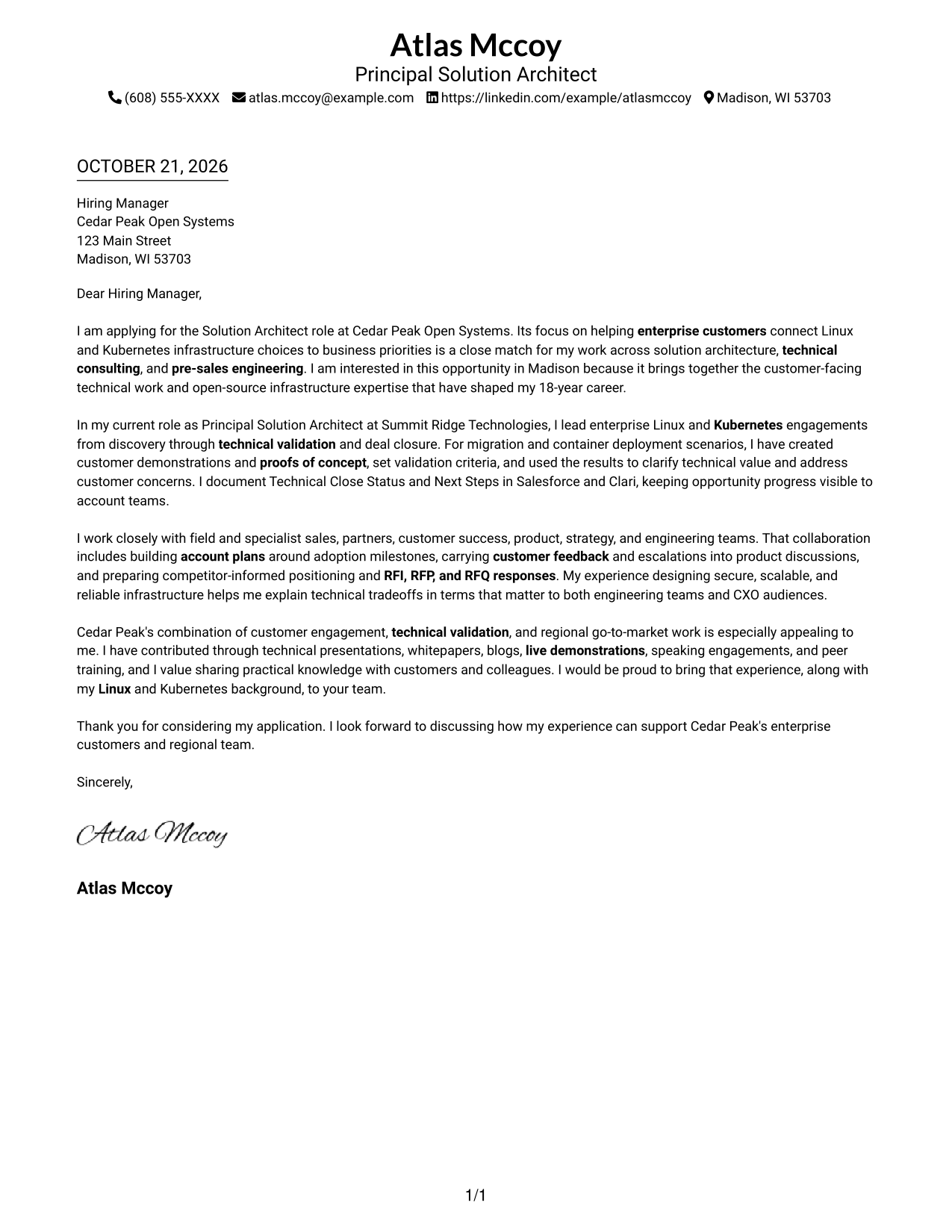
Sender details and the continuous letter share one column, giving the message a straightforward reading path.
Why This Format Works
- Sender details share the page with the letter, keeping contact information easy to find.
- The single-column body carries the opening, supporting points, and close in sequence.
- With no portrait, the page suits readers who prefer text-led correspondence.
Best For
- Single-column letter reading
- Contact information in the header
- Text-led application documents
- Paragraph-based persuasive writing
- Letters with a clear closing
#2 Two Column Format Cover Letter Example
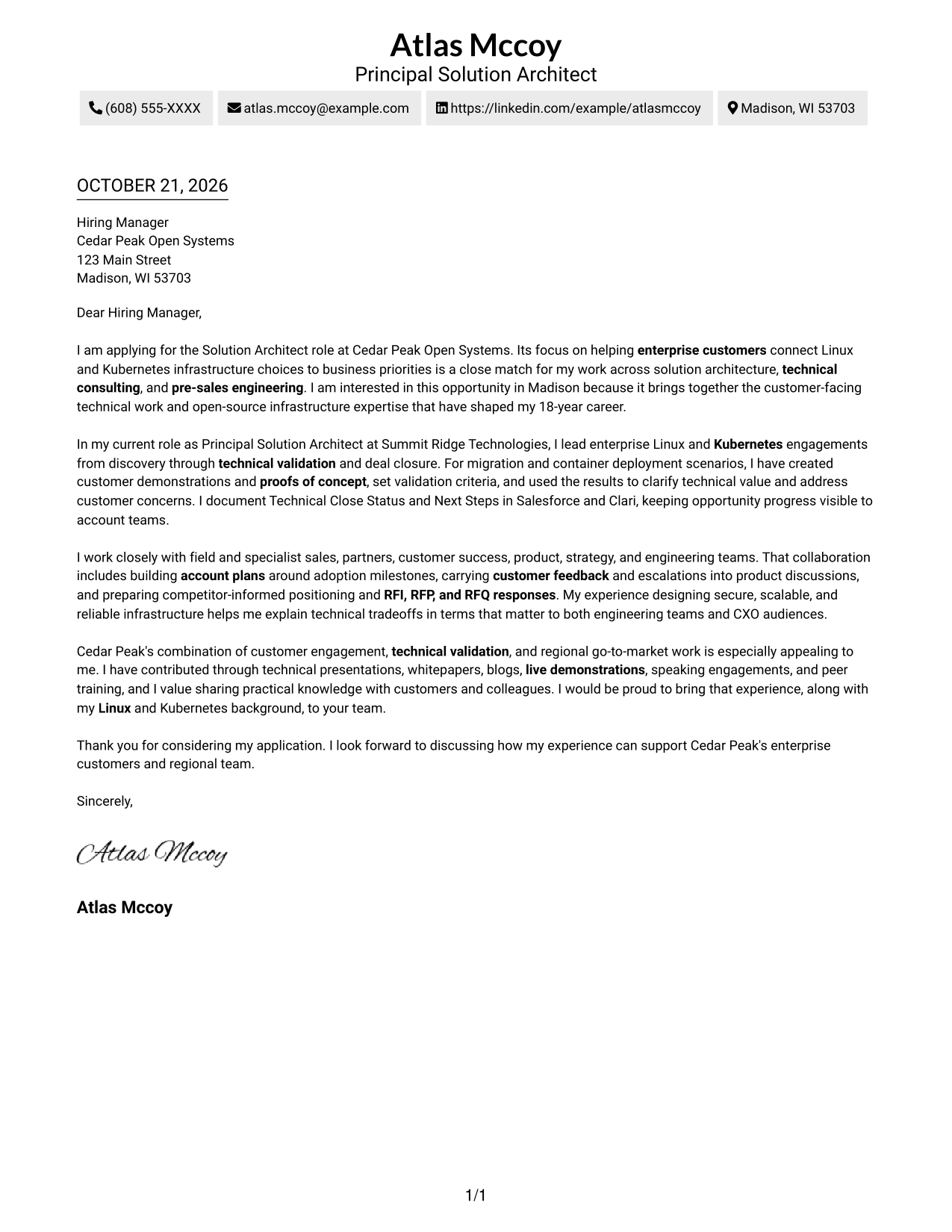
A contact sidebar sits beside the continuous letter body, keeping sender details apart from the message.
Why This Format Works
- The sidebar keeps contact details apart from the letter paragraphs.
- One continuous body lets the reviewer follow the argument in paragraph order.
- Without a portrait, the layout suits a text-first visual preference.
Best For
- Side-by-side contact and message areas
- One-column argument text
- Photo-free correspondence
- Letters without body headings
- Applications connecting role interest with evidence
#3 Photo Header Two Column Format Cover Letter Example
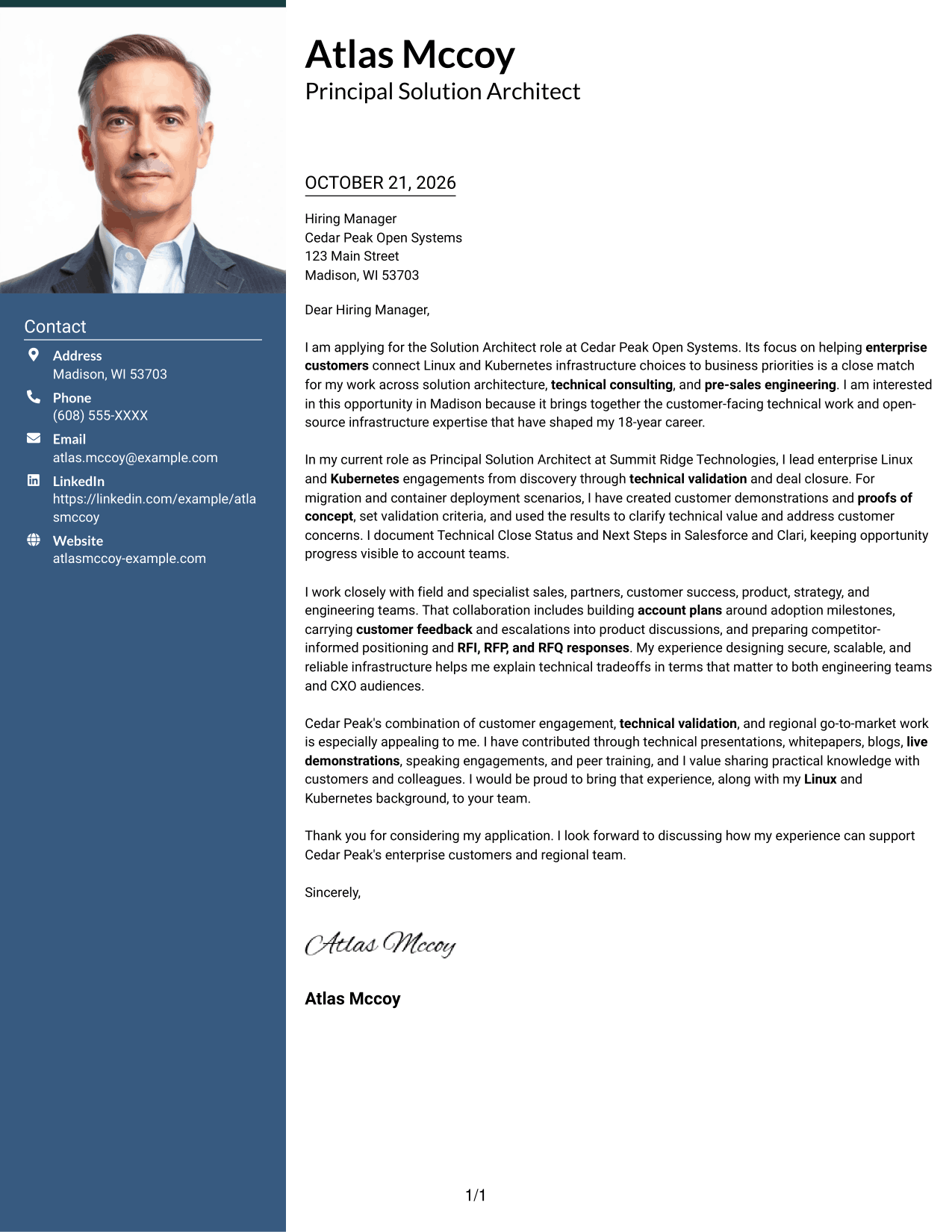
A portrait accompanies the contact sidebar, while the letter stays in one continuous body for a clear separation of personal details and message.
Why This Format Works
- The contact sidebar keeps sender information separate from the message.
- One letter body preserves a direct path from motivation to closing.
- The portrait adds a personal visual element without changing the letter's argument.
Best For
- Letters with a visible portrait
- Contact details outside the message
- Continuous paragraph-based arguments
- One-column letter text
- Personal imagery alongside written communication
#4 One Column Format with Photo Cover Letter Example
A portrait appears with the sender details above a single-column letter, keeping the page's personal and written elements in one reading path.
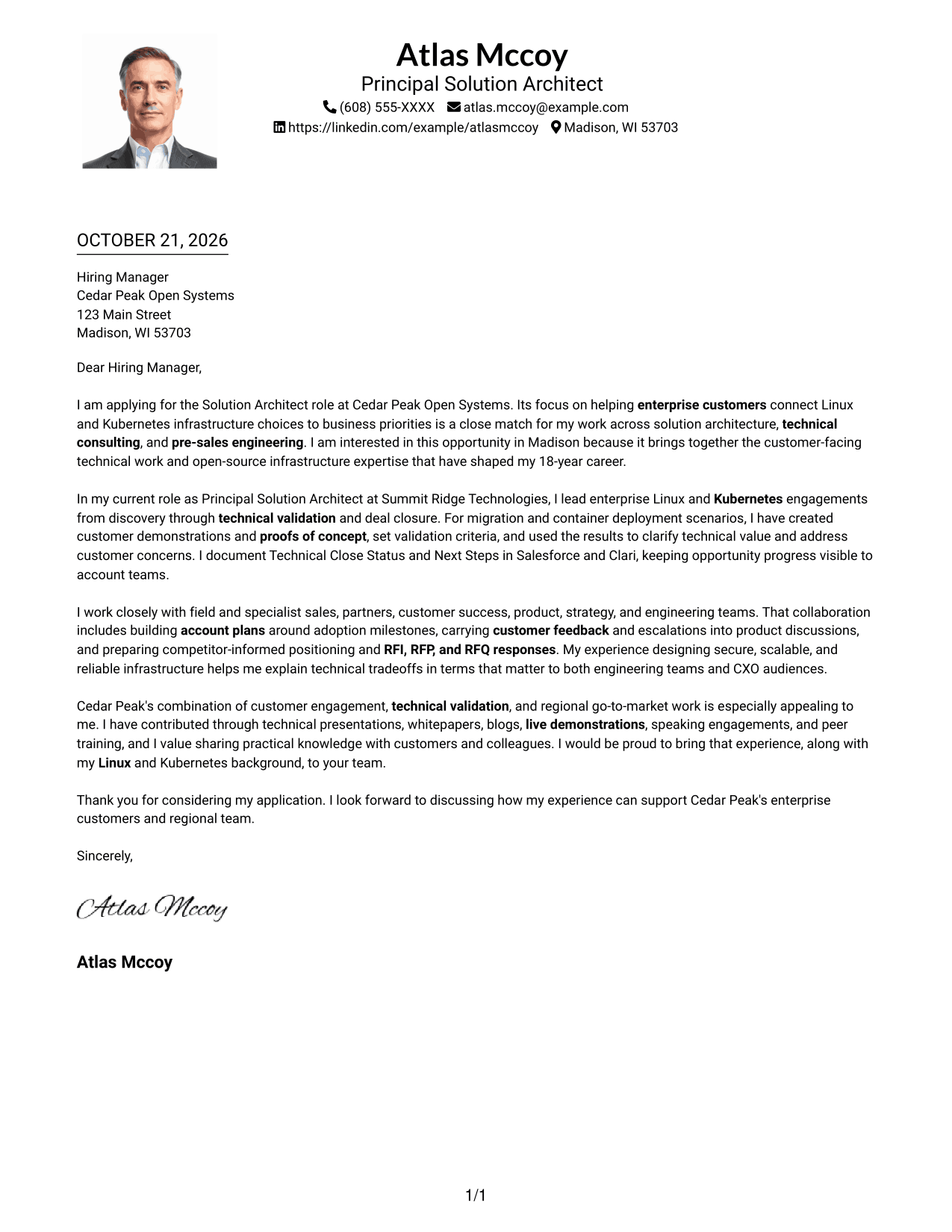
Why This Format Works
- A portrait adds a visible personal element while the letter stays in one column.
- One body column keeps the message in familiar letter-reading order.
- Sender details in the header remain distinct from the letter paragraphs.
Best For
- Portraits paired with one-column letters
- Sender details in the header
- Continuous paragraph-style messages
- Applications without a contact sidebar
- Photo-inclusive written applications
#5 Simple Two Column Format Cover Letter Example
The contact area and letter body occupy separate columns, giving contact details a distinct place while the message remains continuous.
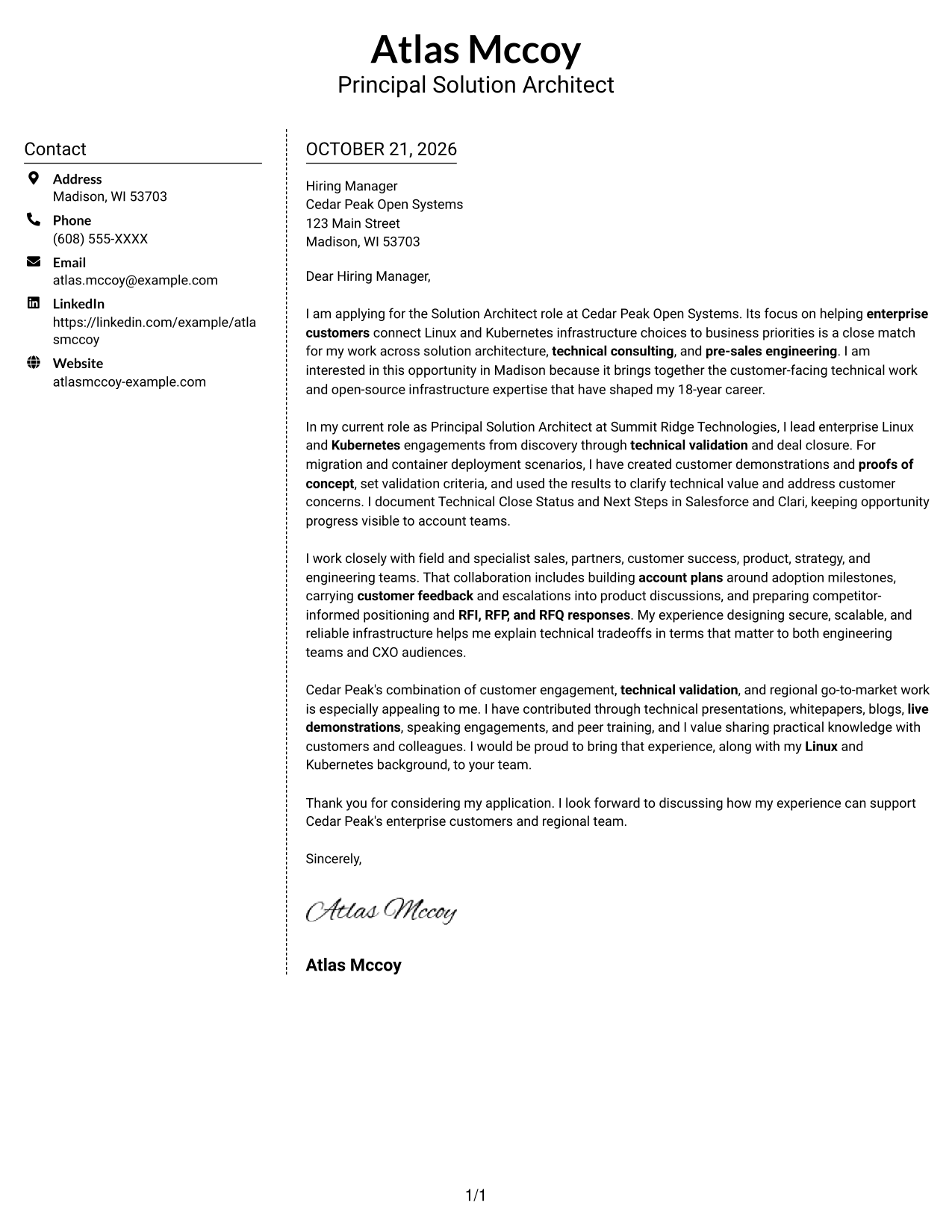
Why This Format Works
- A separate contact area helps readers locate sender information beside the message.
- The letter paragraphs remain together in one uninterrupted body.
- The photo-free layout keeps the page focused on written communication.
Best For
- Separate contact and letter areas
- Continuous written arguments
- Photo-free application materials
- Letters with paragraph-led evidence
- Contact details easy to reference
#6 Modern Icon Format Cover Letter Example
Contact icons add visual cues beside the letter's continuous body, helping readers distinguish contact information from the message.
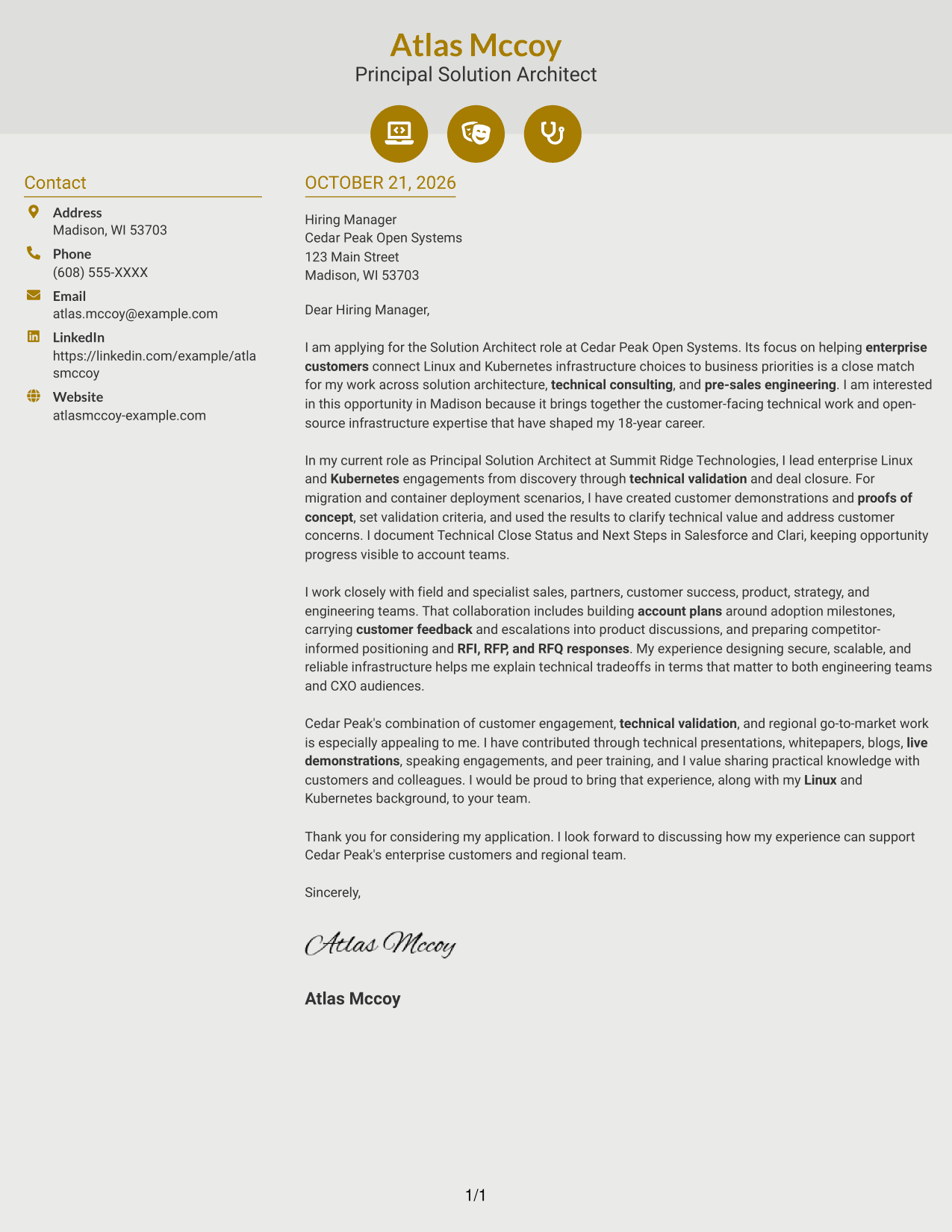
Why This Format Works
- Icons mark contact information, not stages of the letter's message.
- The continuous body keeps motivation and supporting points in natural paragraph order.
- A separate contact sidebar makes sender details easy to locate beside the message.
Best For
- Icon-cued contact information
- Sidebar beside the message
- Photo-free correspondence
- Unheaded letter paragraphs
- Letters with a focused closing
#7 Creative Two Tone Format Cover Letter Example
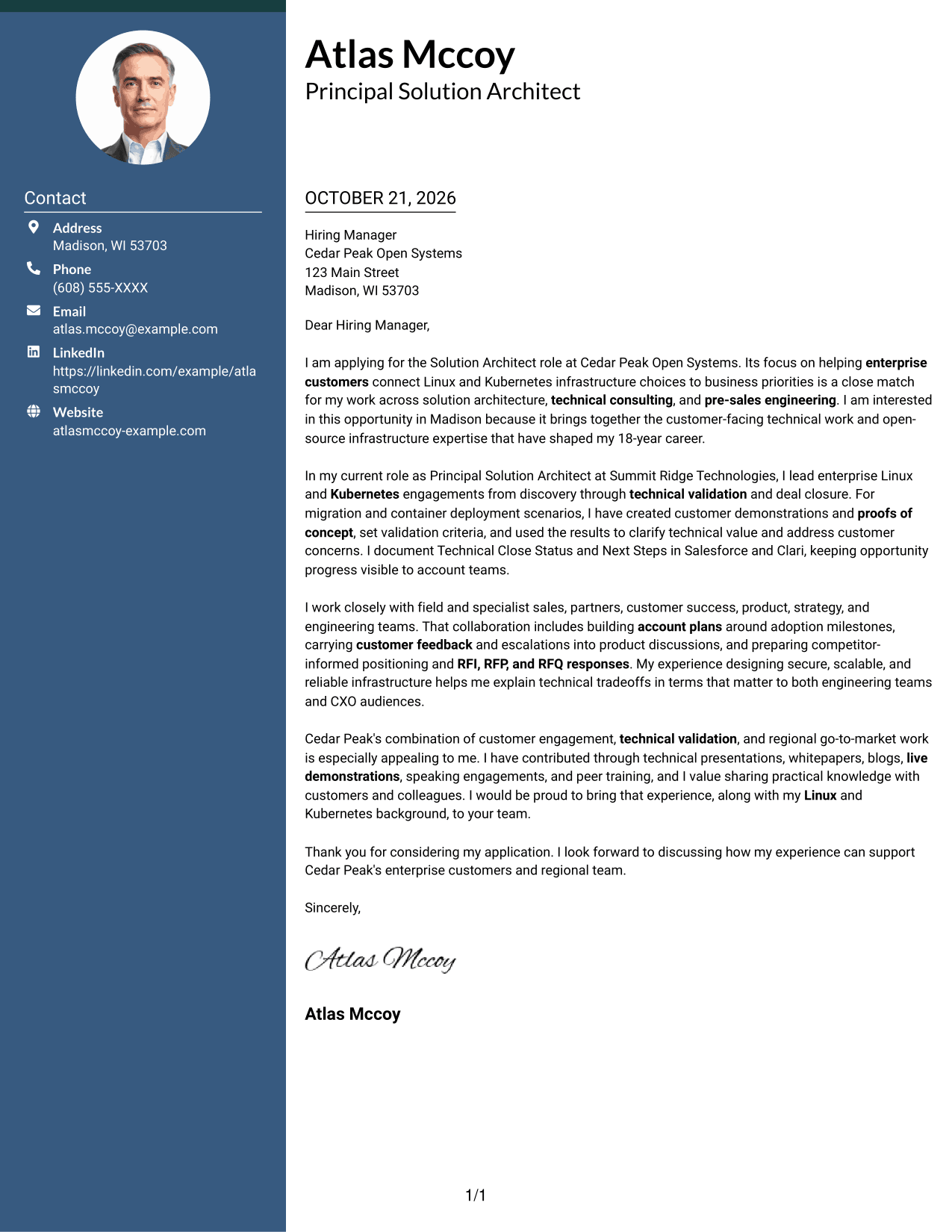
A contact sidebar is set apart from the continuous letter body, keeping sender details distinct while the message reads as one piece.
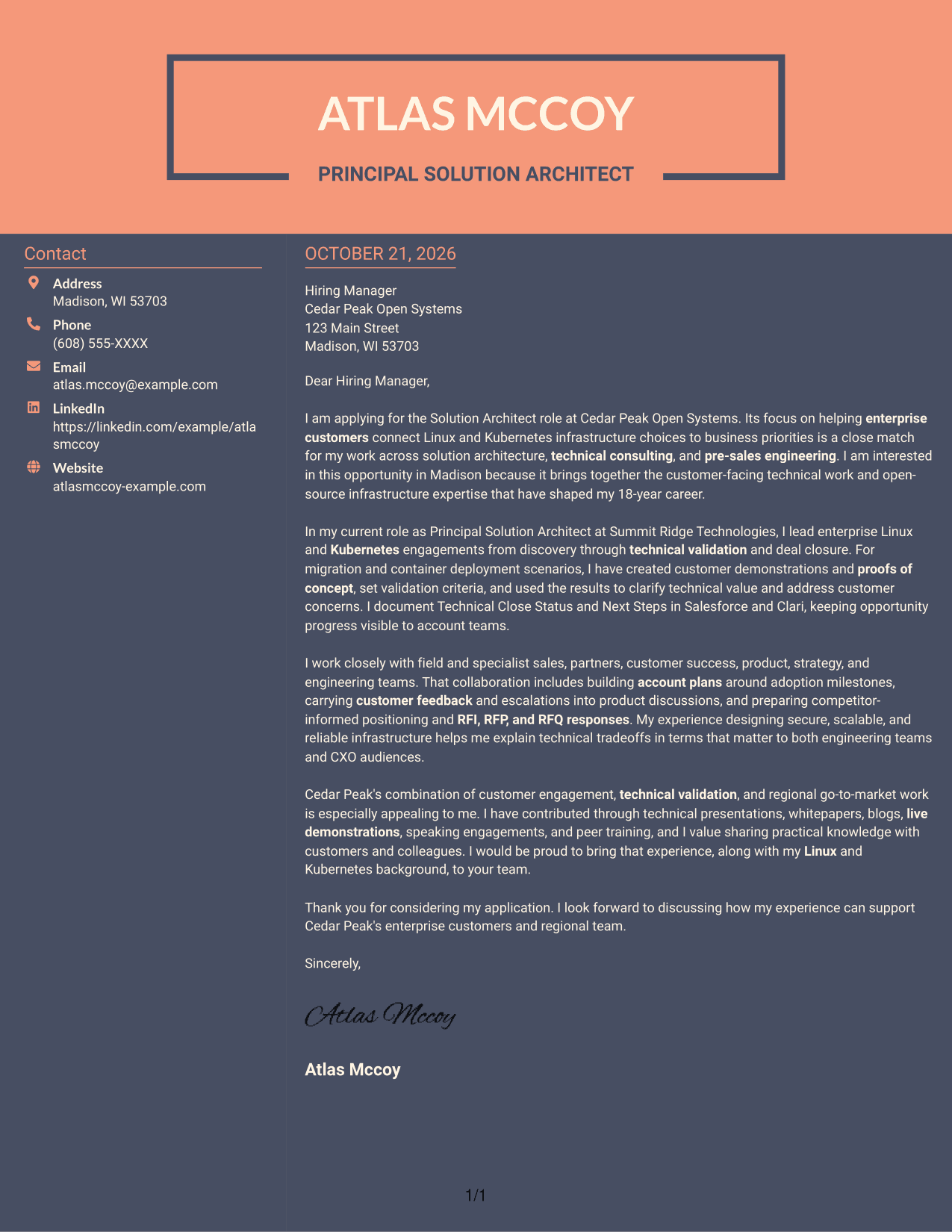
Why This Format Works
- The contact sidebar places sender details beside, rather than within, the letter body.
- All argument paragraphs stay together in one continuous body.
- Leaving out a portrait suits applications that favor text over personal imagery.
Best For
- Two-column contact and message areas
- Applications without portrait requirements
- Continuous persuasive paragraphs
- Letters with a focused opening
- Technical roles involving customer communication
Why Use ResumeInMinutes for a Solution Architect - Linux and Kubernetes Infrastructure Cover Letter
ResumeInMinutes gives you an example to review, image previews to compare, and an editor link to customize a letter for the role.
- Role-focused writing guidance
- Clear professional layouts
- Image previews
- Editor-based customization
- Cover letter examples
- Flexible presentation choices
Use the example to explain how you assess customer needs, validate infrastructure solutions, and connect technical choices to business priorities.
See Also
- 7 Solution Architect - Linux and Kubernetes Infrastructure Resume Templates with Example
- 7 Senior Solution Architect, Traffic Infrastructure ASE Resume Templates with Example
- 7 Agentic Solution Architect Resume Templates with Example
- 7 AI Application Solutions Architect - Generative AI Resume Templates with Example
- 7 AI Engineering Solutions Architect Resume Templates with Example
- 33 AI/ML Solutions Architect Resume Templates with Example 2026 (ATS-Optimized)
- 33 AI Solutions Architect Resume Templates with Example 2026 (ATS-Optimized)
- 7 Associate AI Solution Architect - Enterprise GenAI Resume Templates with Example
- 7 Agentic Solution Architect Cover Letter Templates with Example
- 7 AI Application Solutions Architect - Generative AI Cover Letter Templates with Example
Frequently Asked Questions
What should a Solution Architect - Linux and Kubernetes Infrastructure cover letter highlight?
Show how you understand customer goals and explain infrastructure choices in terms of business needs. Relevant examples may include Linux and Kubernetes solution design, technical demonstrations, proofs of concept, validation criteria, and customer communication.
How can I show the value of a proof of concept?
Briefly describe the customer need, the use case you tested, and the success criteria. Then explain how the results helped clarify technical value or address a concern.
How should I explain technical work to different audiences?
Use clear language and connect each technical choice to an outcome the audience values. For engineering readers, explain the design and validation. For CXO audiences, focus on business priorities, risk, and operational value.
Can I preview the cover letter before opening it in the editor?
Yes. Review the image preview on this page, then use the editor link to open the example and customize it.
How can I show interest in the employer?
Refer to the role's focus on customer engagement, Linux and Kubernetes infrastructure, and technical validation. Explain why that work fits your interests, and connect your experience to the employer's stated needs.




