
7 Special Assets Associate I - Trust Real Estate Cover Letter Templates with Example
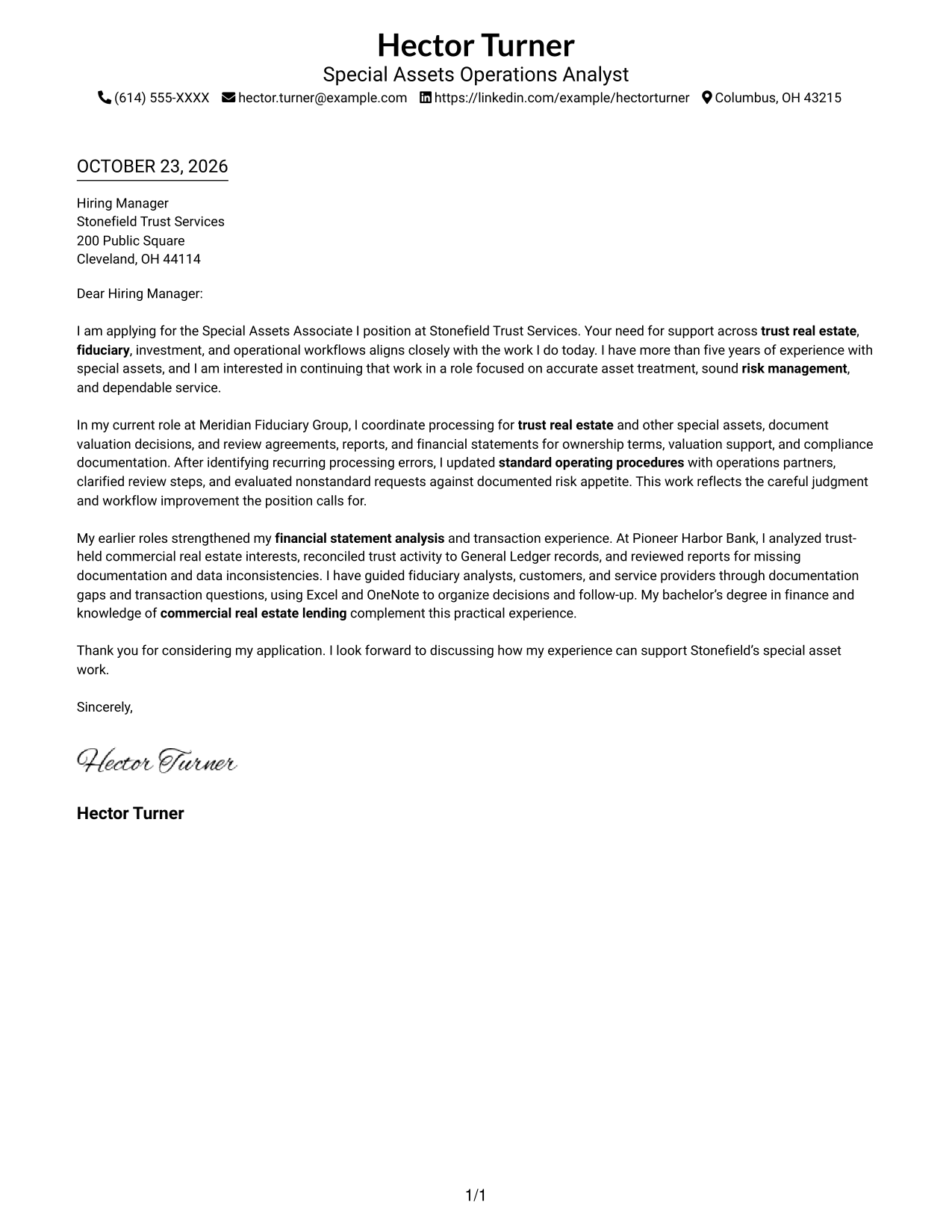
This practical guide to the Special Assets Associate I - Trust Real Estate cover letter presents the example in 7 layouts, helping you choose a clear way to show role fit.
What Makes a Great Special Assets Associate I - Trust Real Estate Cover Letter
A strong letter connects trust real estate and fiduciary operations experience to accurate valuation, complex transactions, and careful risk management.
Use brief evidence from document reviews, exception handling, or process improvements, then explain how your approach supports the employer’s service and control needs.
The featured Special Assets Associate I - Trust Real Estate example moves from role interest to evidence of valuation review, transaction accuracy, and process improvement, then closes with a clear invitation to talk. Adapt this progression and choose a presentation that suits the employer and communication context.
#1 Simple One Column Format Cover Letter Example
A single-column page places sender details in the header above one continuous letter body, suiting readers who want a familiar reading path.
Why This Format Works
- Sender details have a clear place in the header, separate from the employer-facing message.
- One continuous body lets motivation, supporting evidence, and the closing follow a natural order.
- Single-column reading suits people who prefer a familiar letter page without side-by-side areas.
Best For
- Familiar single-column letters
- Header-based sender identification
- Uninterrupted paragraph reading
- Text-first application documents
- No-sidebar correspondence
#2 Two Column Format Cover Letter Example
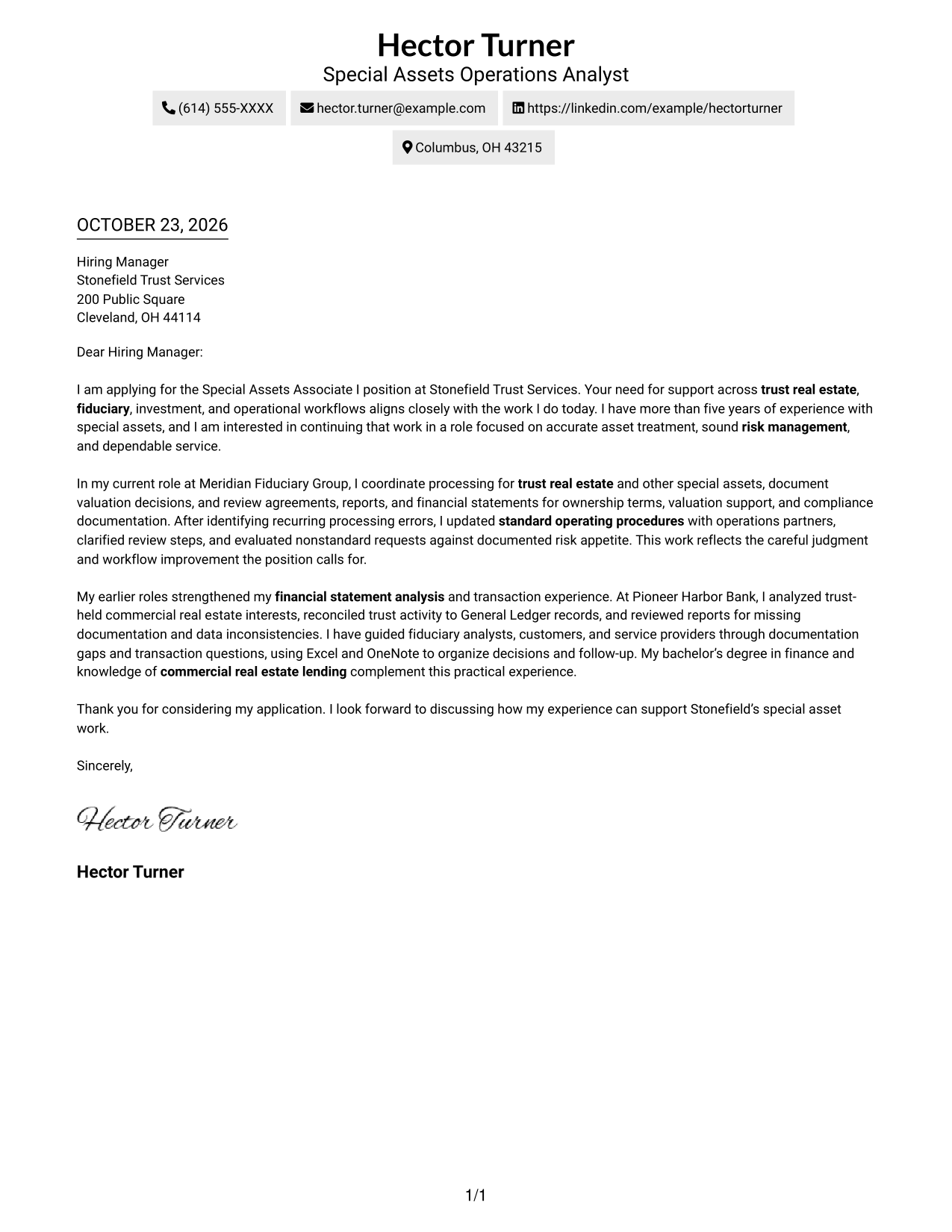
A contact sidebar sits beside one continuous letter body, keeping contact details separate while the message reads in sequence.
Why This Format Works
- Contact details in the sidebar are easy to find without searching through the letter.
- One continuous body keeps the opening, supporting points, and closing in their intended order.
- The portrait-free page suits readers who want attention on written correspondence.
Best For
- Contact details kept nearby
- Side-by-side page organization
- Continuous paragraph-based letters
- Applications with concise sender details
- Portrait-free correspondence
#3 Photo Header Two Column Format Cover Letter Example
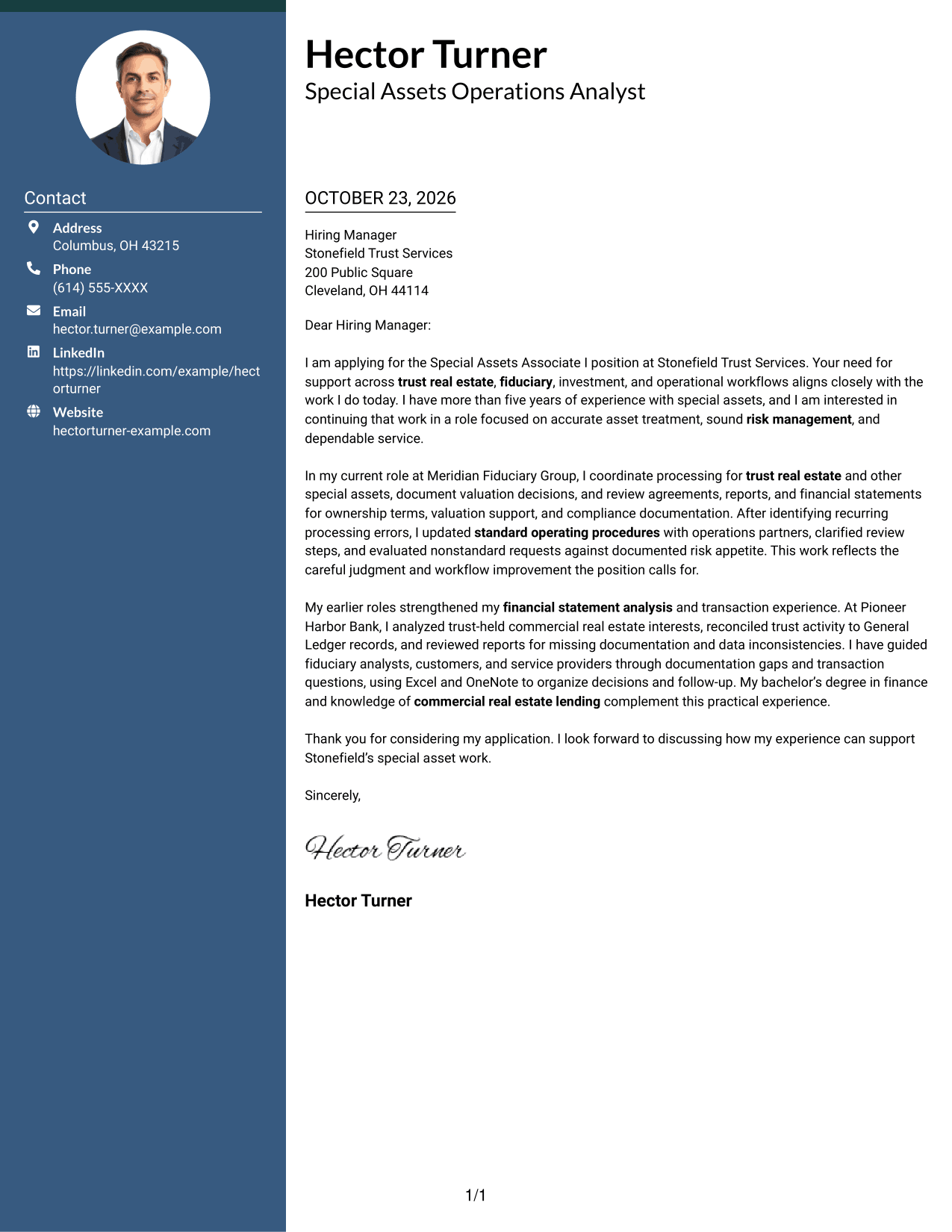
A photo accompanies the contact-sidebar and single-body layout, offering a portrait option while keeping the letter itself continuous.
Why This Format Works
- Sidebar contact details remain separate from the letter's single continuous body.
- The opening, evidence, and closing stay together, so readers can follow the argument in order.
- The included photo suits readers who prefer portrait-inclusive application documents.
Best For
- Portrait-inclusive correspondence
- Sidebar contact presentation
- Continuous letter narratives
- Personal visual preferences
- Multi-paragraph cover letters
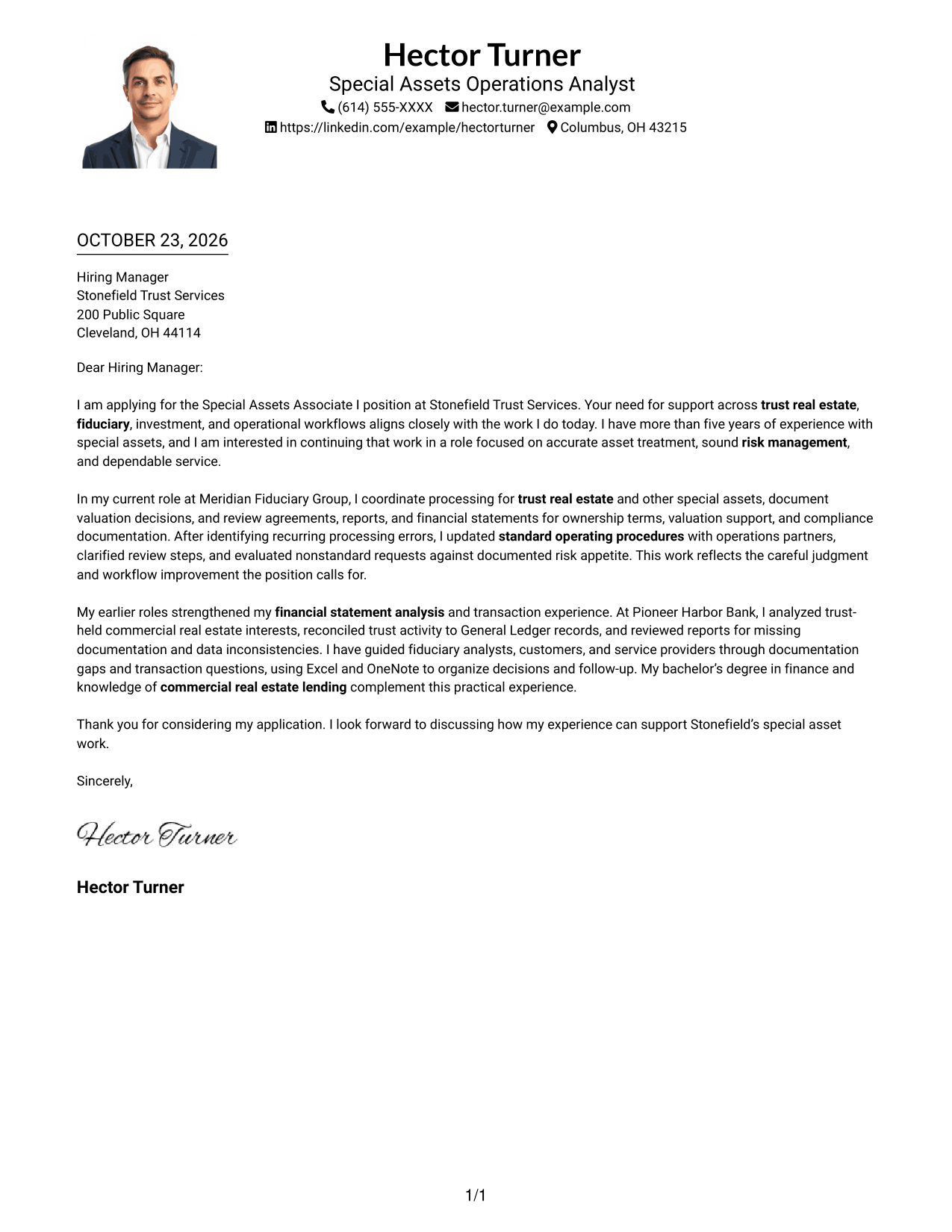
#4 One Column Format with Photo Cover Letter Example
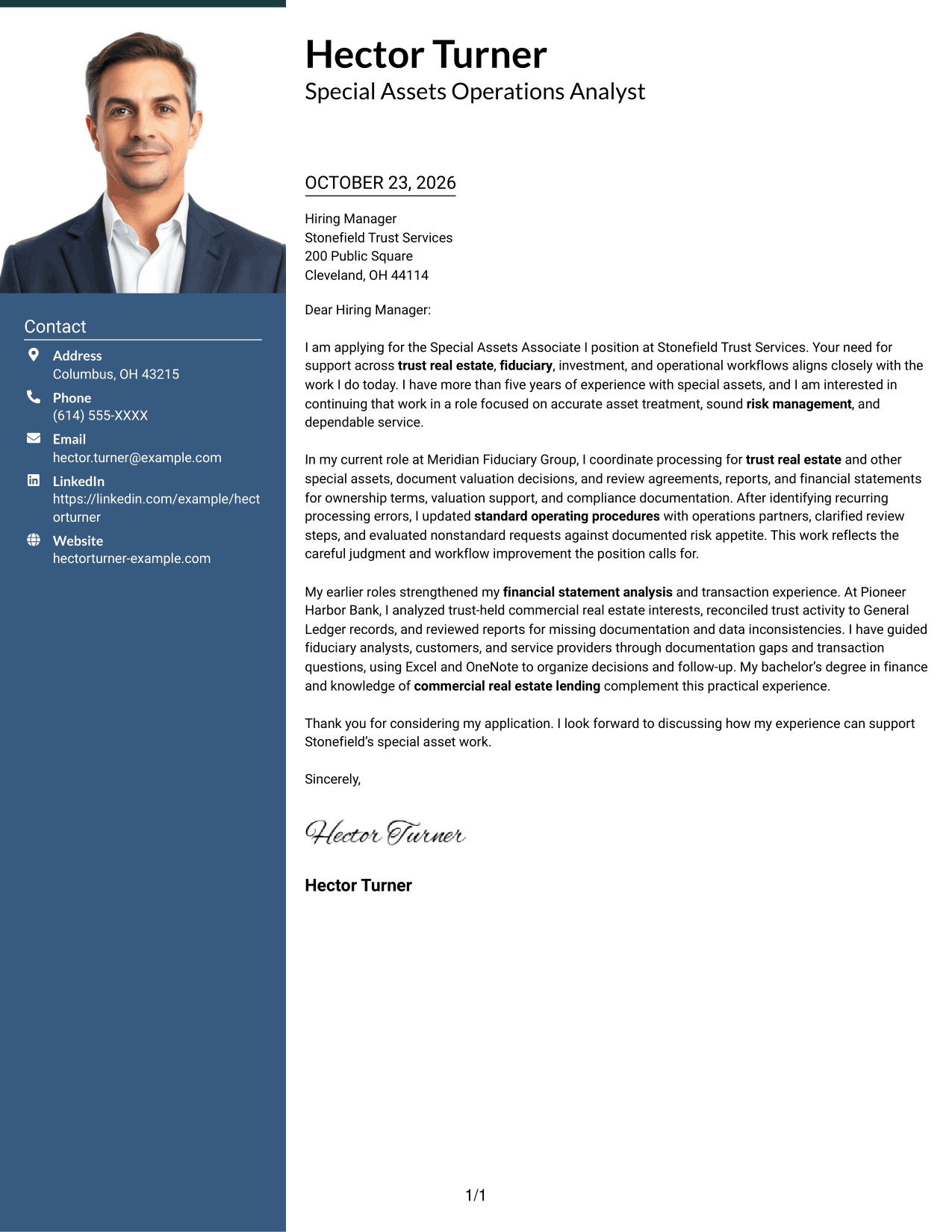
The single-column layout includes a photo while keeping sender details in the header and the letter in one continuous body, for readers who want a portrait with familiar letter flow.
Why This Format Works
- Sender details stay in the header, apart from the letter's continuous paragraphs.
- The single-column body lets the opening, evidence, and closing read in sequence.
- An included photo suits readers who want a portrait with familiar letter structure.
Best For
- Single-column correspondence
- Portrait-inclusive letter design
- Header-based contact information
- Multi-paragraph applications
- Familiar letter sequence
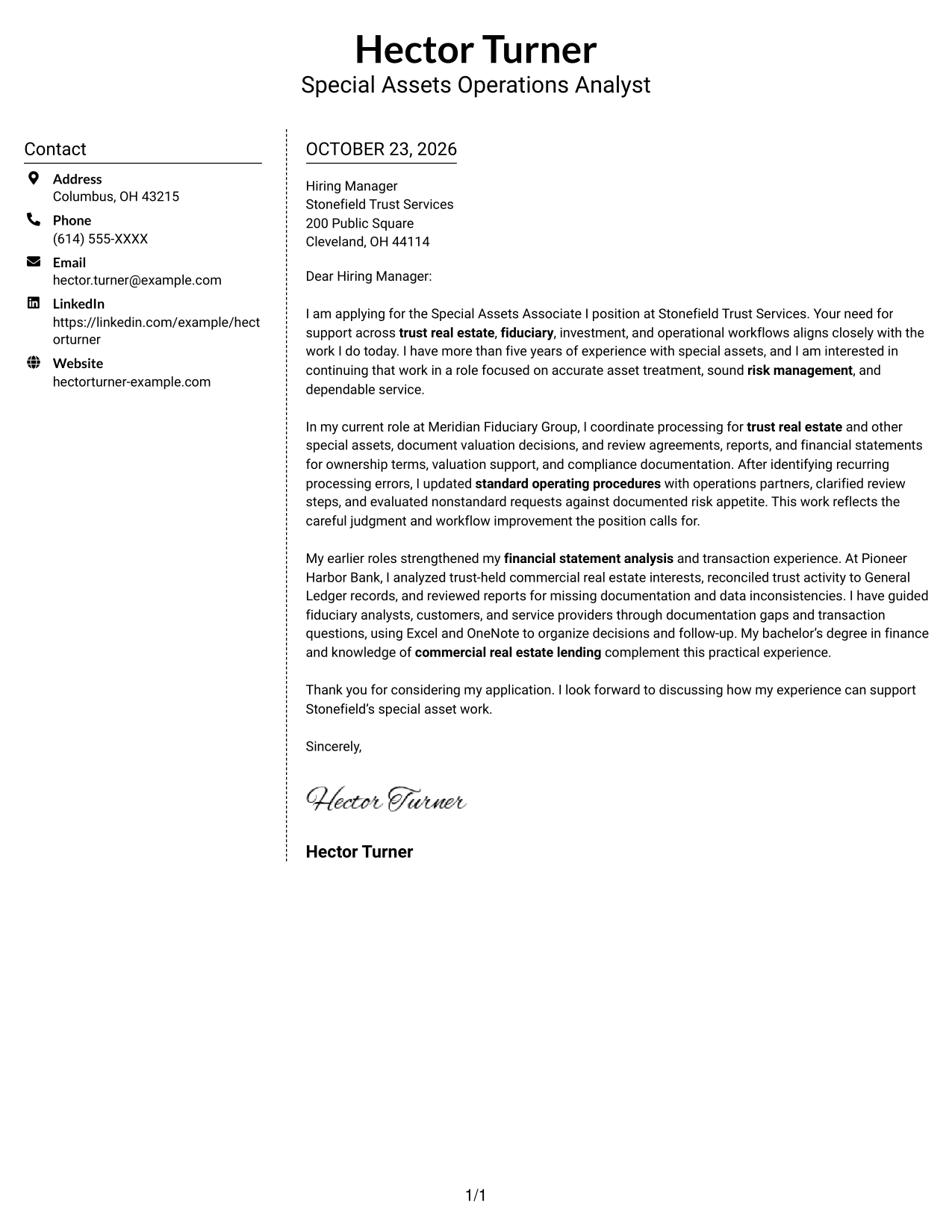
#5 Simple Two Column Format Cover Letter Example
A contact sidebar shares the page with one uninterrupted letter body, a useful choice for keeping sender details distinct from the message.
Why This Format Works
- The contact sidebar gives sender information a separate place beside the message.
- A single letter body preserves the order of the opening, evidence, and closing.
- The photo-free presentation suits readers who prefer written content without a portrait.
Best For
- Sidebar contact details
- Uninterrupted letter arguments
- Two-part page layouts
- Portrait-free correspondence
- Multi-paragraph cover letters
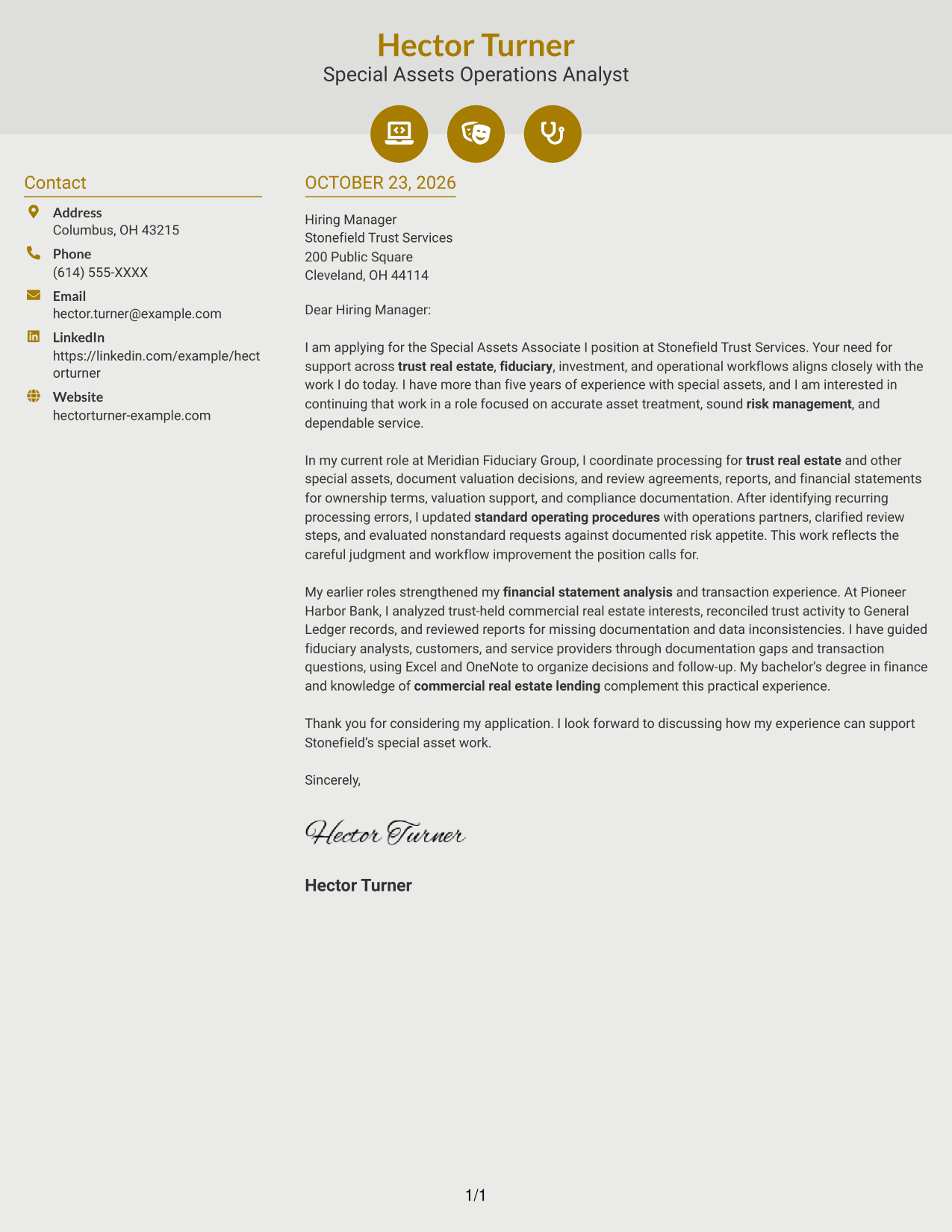
#6 Modern Icon Format Cover Letter Example
Contact-detail icons and small header accents sit within a two-column layout, helping contact cues stand apart from the continuous letter body.
Why This Format Works
- Contact icons make sender details easier to distinguish from the letter text.
- The single body keeps motivation, supporting evidence, and closing in paragraph order.
- Decorative header accents add visual detail without labeling parts of the argument.
Best For
- Icon-marked contact details
- Decorative header accents
- Sidebar-based contact organization
- Continuous-paragraph letters
- Readers who value visual contact cues
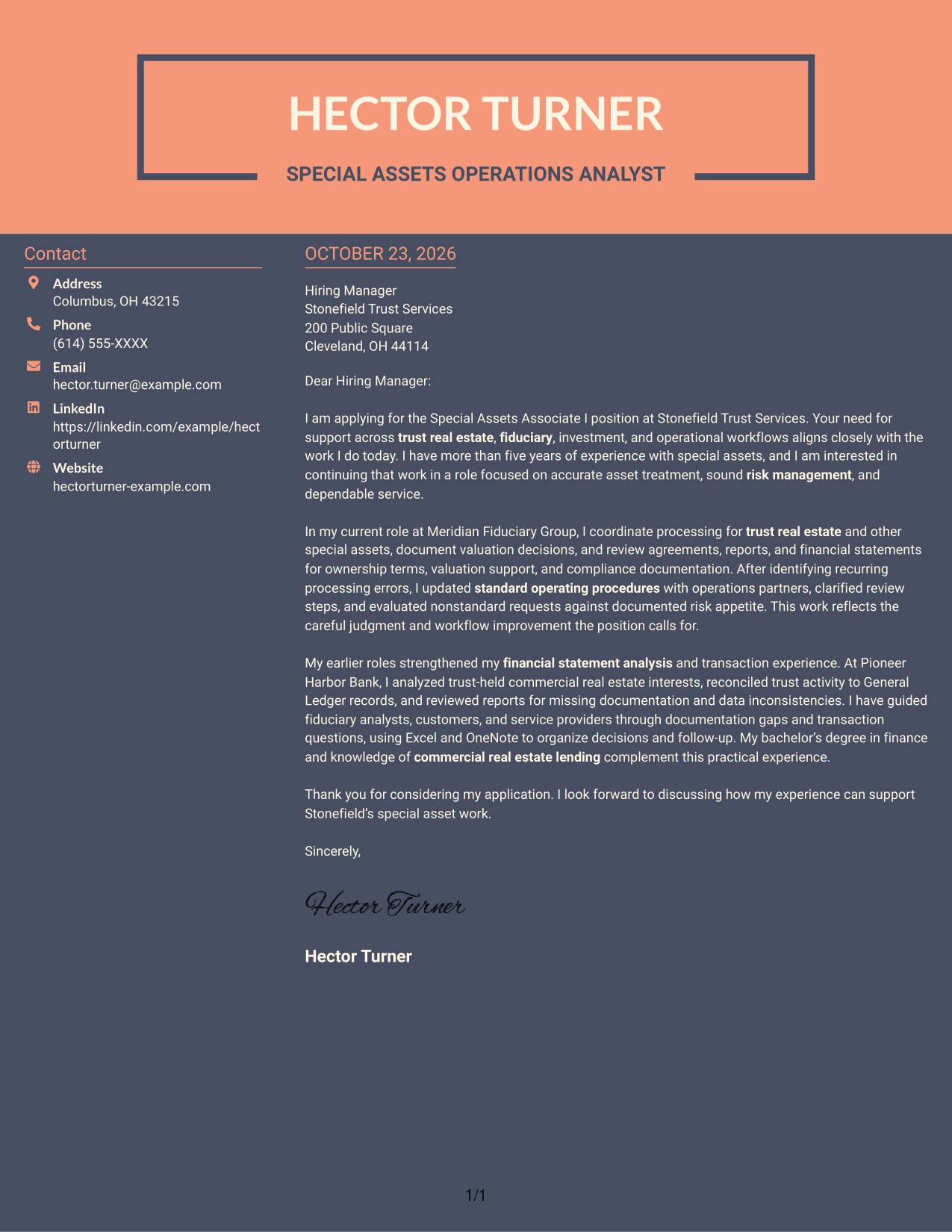
#7 Creative Two Tone Format Cover Letter Example
A contact sidebar pairs with one continuous letter body in this two-column layout, suiting readers who want contact details apart from the message.
Why This Format Works
- A contact sidebar keeps sender information distinct from the employer-facing message.
- The continuous body lets readers follow motivation, evidence, and closing as one letter.
- The paired columns create a distinct page style while preserving a single letter body.
Best For
- Contact details beside letter text
- Two-column correspondence
- Continuous letter paragraphs
- Distinct page organization
- Sidebar contact navigation
Why Use ResumeInMinutes for a Special Assets Associate I - Trust Real Estate Cover Letter
ResumeInMinutes makes it easier to compare cover letter presentations and open an example in the editor to customize it for the role.
- Clear cover letter layouts
- Role-focused writing guidance
- Editor access to customize examples
- Image previews for comparison
- Professional presentation
- Cover letter examples
Build a focused letter that connects trust real estate work, accurate transaction handling, sound judgment, and clear communication to the position’s needs.
See Also
- 7 Special Assets Associate I - Trust Real Estate Resume Templates with Example
- 7 Accountant - Fixed Assets Accounting Resume Templates with Example
- 7 Asset Management Coordinator Resume Templates with Example
- 7 Asset Management Engineer Co-Op Resume Templates with Example
- 7 IFS Cloud Solution Architect - Utility Asset Management Resume Templates with Example
- 7 Member of Custody Operations, Digital Assets Resume Templates with Example
- 7 Publishing Project Management Intern - Game Asset Clearance Resume Templates with Example
- 7 Sanctions Advisor - Digital Assets and Banking Resume Templates with Example
- 7 IFS Cloud Solution Architect - Utility Asset Management Cover Letter Templates with Example
- 7 Publishing Project Management Intern - Game Asset Clearance Cover Letter Templates with Example
Frequently Asked Questions
How should I show fit for a Special Assets Associate I - Trust Real Estate role?
Connect your relevant work to trust real estate, fiduciary and investment workflows, valuation review, transaction processing, and risk controls. Use a specific example to show your judgment and communication style.
Does this guide show one letter in different presentation styles?
Yes. It features one Special Assets Associate I - Trust Real Estate cover letter example presented in different layouts, so you can compare the visual options and tailor the message.
Which cover letter style suits a trust real estate role?
Choose a clean, readable style that makes your opening, supporting evidence, and closing easy to follow. Consider the employer and communication context when choosing a more distinctive presentation.
What evidence should I include in the body of my letter?
Share concise examples of reviewing agreements or financial statements, resolving exceptions, supporting valuations, improving procedures, or guiding customers and service providers. Explain the result and why it matters to the role.
How can I tailor the letter to Stonefield Trust Services?
Refer to the role’s focus on accurate documentation, risk-aware processing, customer solutions, and workflow improvement. Link those needs to relevant examples from your own work, and close by inviting a conversation.




