
7 Sr Staff Application Engineer - FPGA Resume Templates with Example
This guide shows you how to build a Sr Staff Application Engineer - FPGA resume that is clear, focused, and easy to review. You will learn how to organize strong evidence and compare professional resume formats.
For this role, lead with outcomes from customer-facing engineering work, then support them with evidence from FPGA prototyping, hardware-assisted verification, SoC validation, and RTL-to-hardware workflows. Use concise bullets that show technical decisions, evaluation work, deployment support, sales partnership, and field feedback.
The same complete resume is shown in 7 ATS-friendly layouts so you can compare reading order, section balance, and visual structure without changing the underlying career evidence. The examples also show how to surface tools such as HAPS, ProtoCompiler, ZeBu 200, ZS5 Emulation, Xilinx FPGA, Intel FPGA, Verilog, and VHDL in relevant sections.
What Makes a Great Sr Staff Application Engineer - FPGA Resume in 2026
A strong resume is outcome-focused, easy to scan, and grounded in technical evidence. It should connect senior application engineering work with customer evaluations, deployment, and business impact.
Match the job language with accurate terms such as FPGA prototyping, hardware-assisted verification, RTL-to-hardware workflows, HAPS, ProtoCompiler, ZeBu 200, synthesis, partitioning, hardware bring-up, debugging, benchmarking, and pre-sales engineering.
The examples shown below are intentionally detailed to demonstrate a range of experiences, skills, accomplishments and relevant keywords. We prefer detailed resumes as they provide more context to the hiring managers and also help the ATS systems identify relevant qualifications and score your resume better for a match. But the length of a resume is an individual choice. If you want a one page resume, just keep the most relevant experience and information for the job. Note: Resume examples are for educational purposes only. Use only information that accurately reflects your experience and qualifications. References to real organizations do not imply affiliation or endorsement.
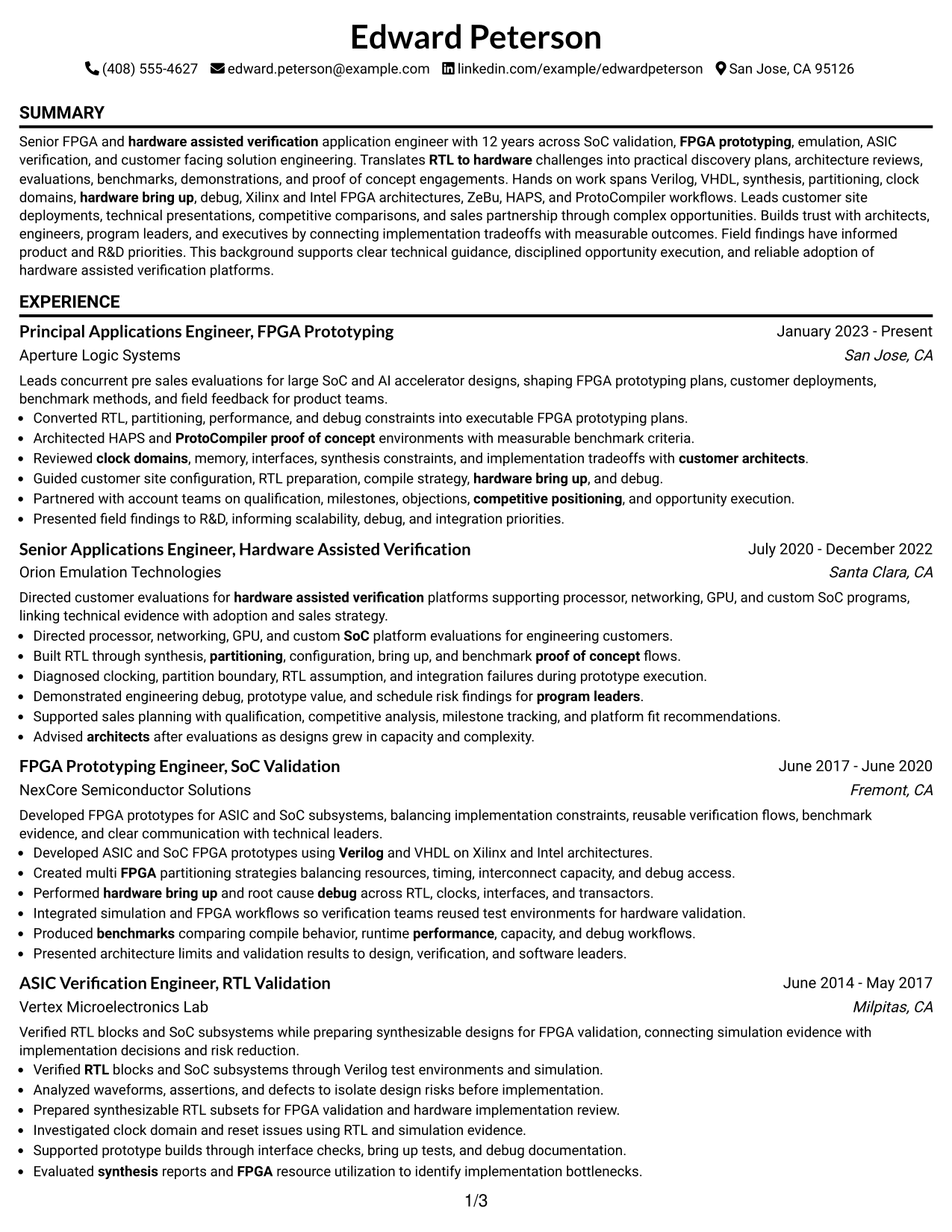
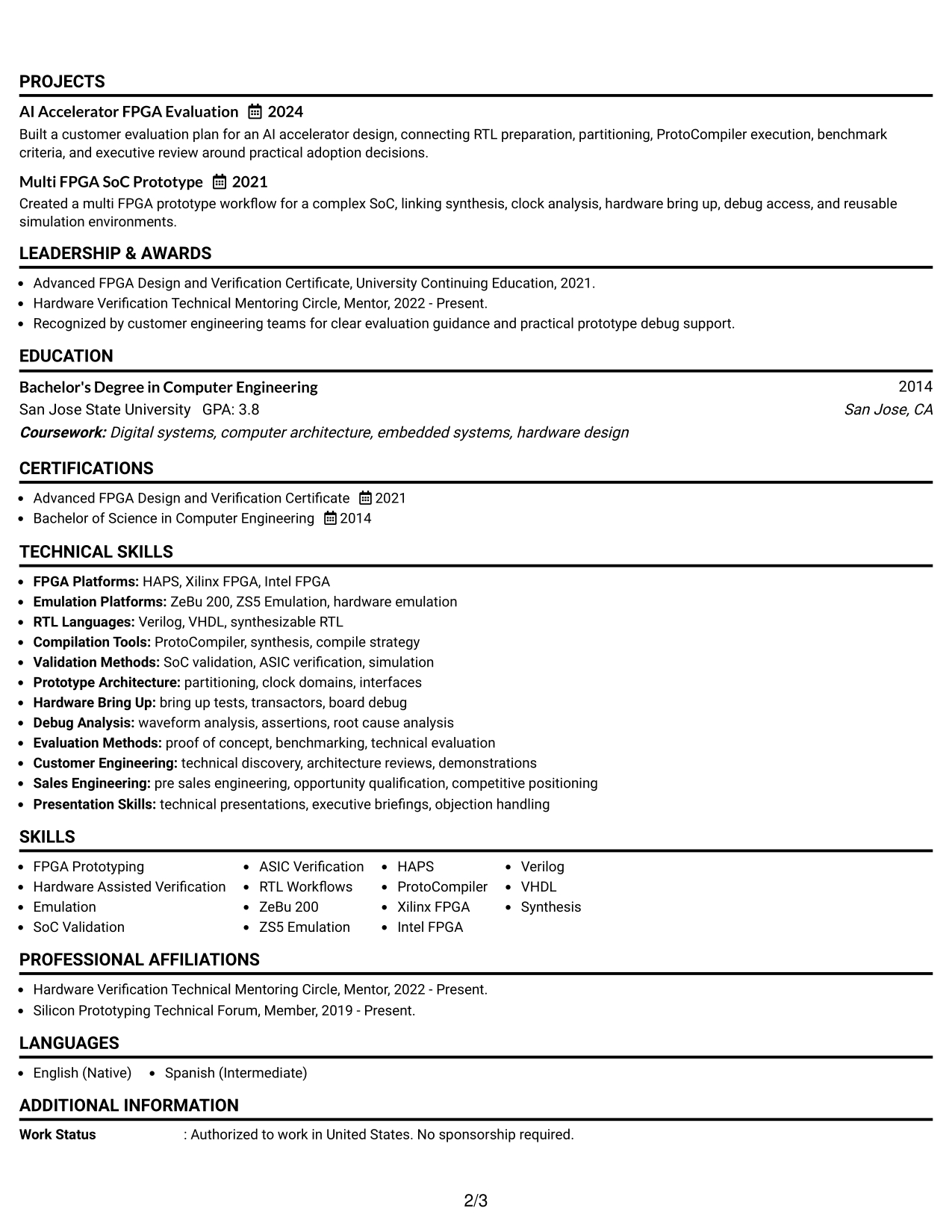
#1 Simple One Column Format Resume Example
A simple one-column flow gives recruiters a direct reading path through every resume section.
Why This Format Works
- Linear reading order makes career progression easy to follow from role to role.
- Full-width sections give experience and achievements room for clear, detailed bullets.
- Separate blocks keep skills, education, projects, and credentials easy to locate.
Best For
- Detailed senior experience
- Straightforward recruiter scanning
- Long technical achievement bullets
- Clear chronological progression
- Traditional professional applications
Resume Keywords
- FPGA Prototyping
- Hardware Assisted Verification
- RTL to hardware
- SoC Validation
- ZeBu 200
- ZS5 Emulation
- HAPS
- ProtoCompiler
- Xilinx FPGA
- Intel FPGA
- Verilog
- VHDL
- Synthesis
- Partitioning
- Hardware Bring Up
- Debug
- Proof of Concept
- Benchmarking
- Pre Sales Engineering
- Architecture Reviews
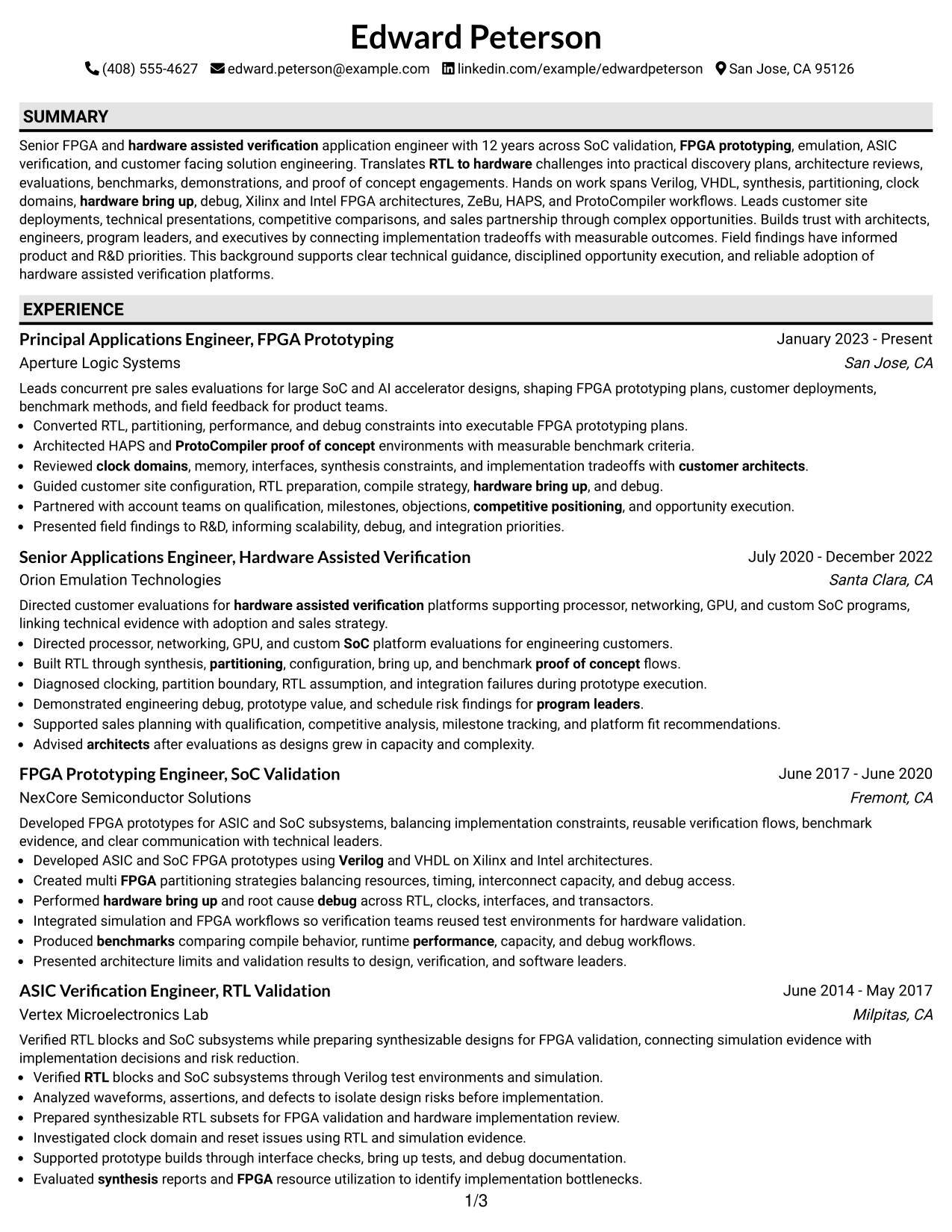
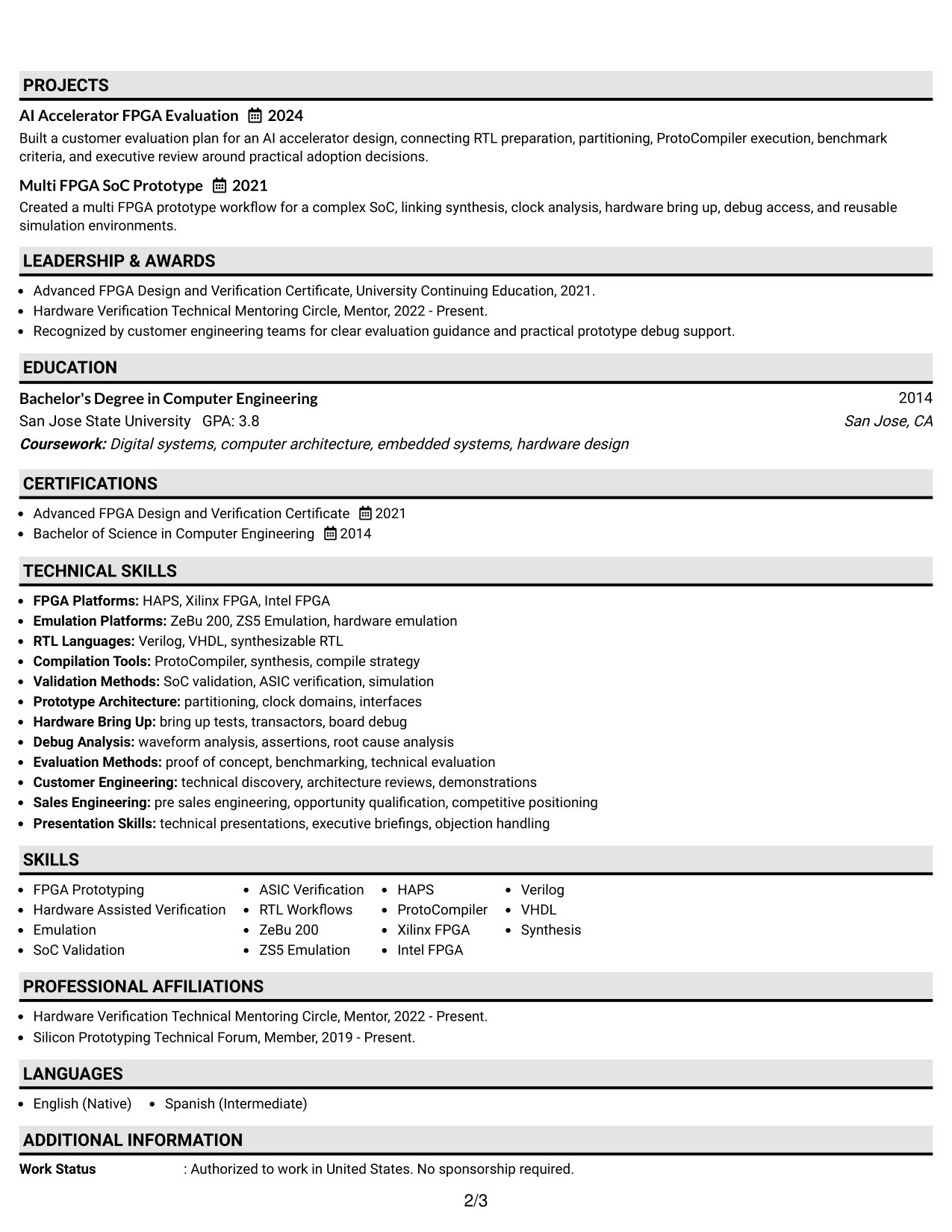
#2 Plain One Column with Shaded Labels Resume Example
Shaded section labels break the one-column flow into clear stops for faster recruiter scanning.
Why This Format Works
- Shaded labels separate experience, skills, education, and projects without changing reading order.
- Section boundaries help reviewers return quickly to achievements after checking credentials.
- Single-column structure keeps career history continuous while labels improve navigation.
Best For
- Section-heavy resumes
- Readers who value clear labels
- Continuous work history
- Balanced skills and experience
- Fast reference during interviews
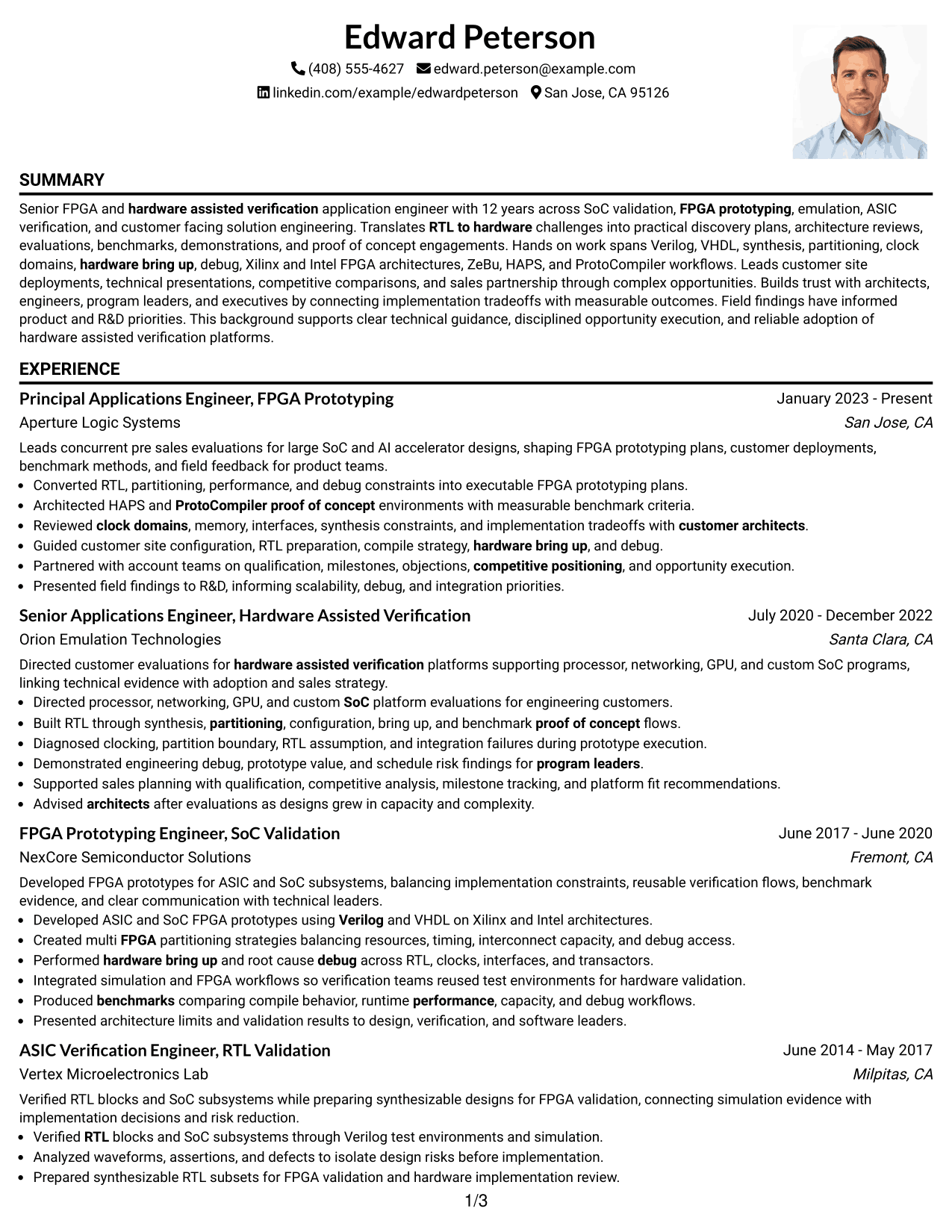
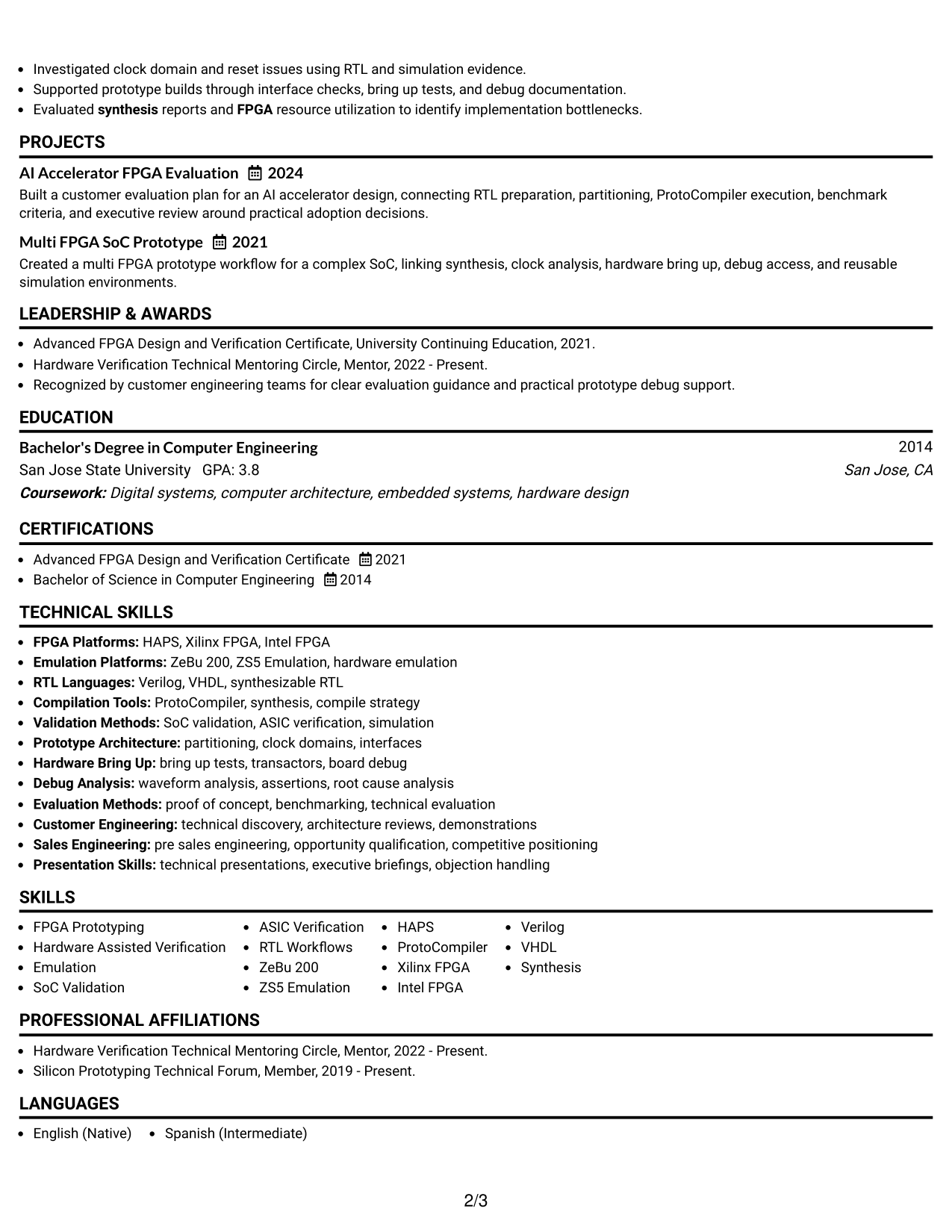
#3 One Column Format with Photo Right Resume Example
A right-side photo adds personal identification while the one-column body keeps recruiter reading simple.
Why This Format Works
- One-column body preserves a clear sequence for experience, achievements, and education.
- Photo stays in the header area without splitting the main career narrative.
- Full-width content space supports detailed experience while sections remain easy to follow.
Best For
- Markets where photos are customary
- International application contexts
- Direct chronological storytelling
- Experience with detailed bullets
- Readers preferring one clear path
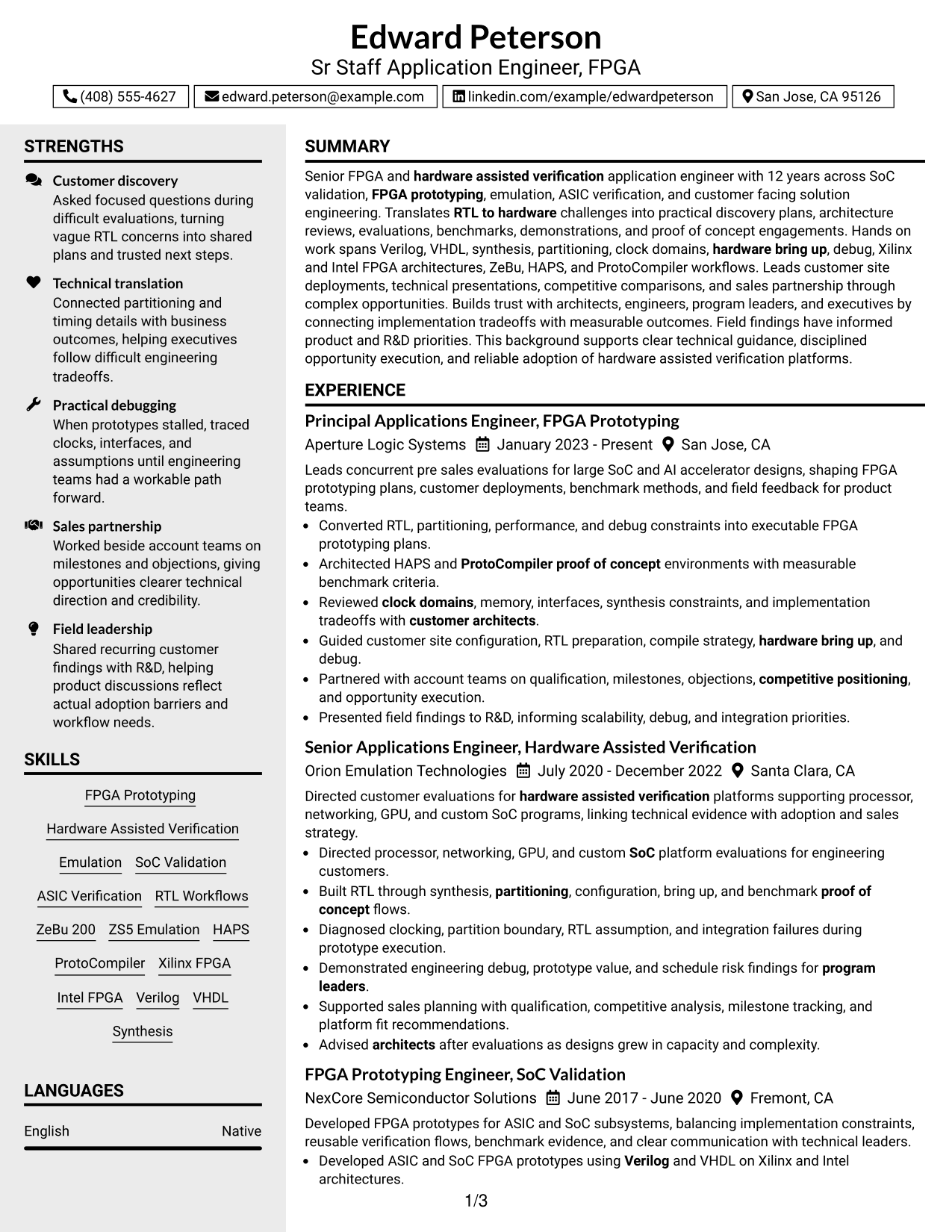
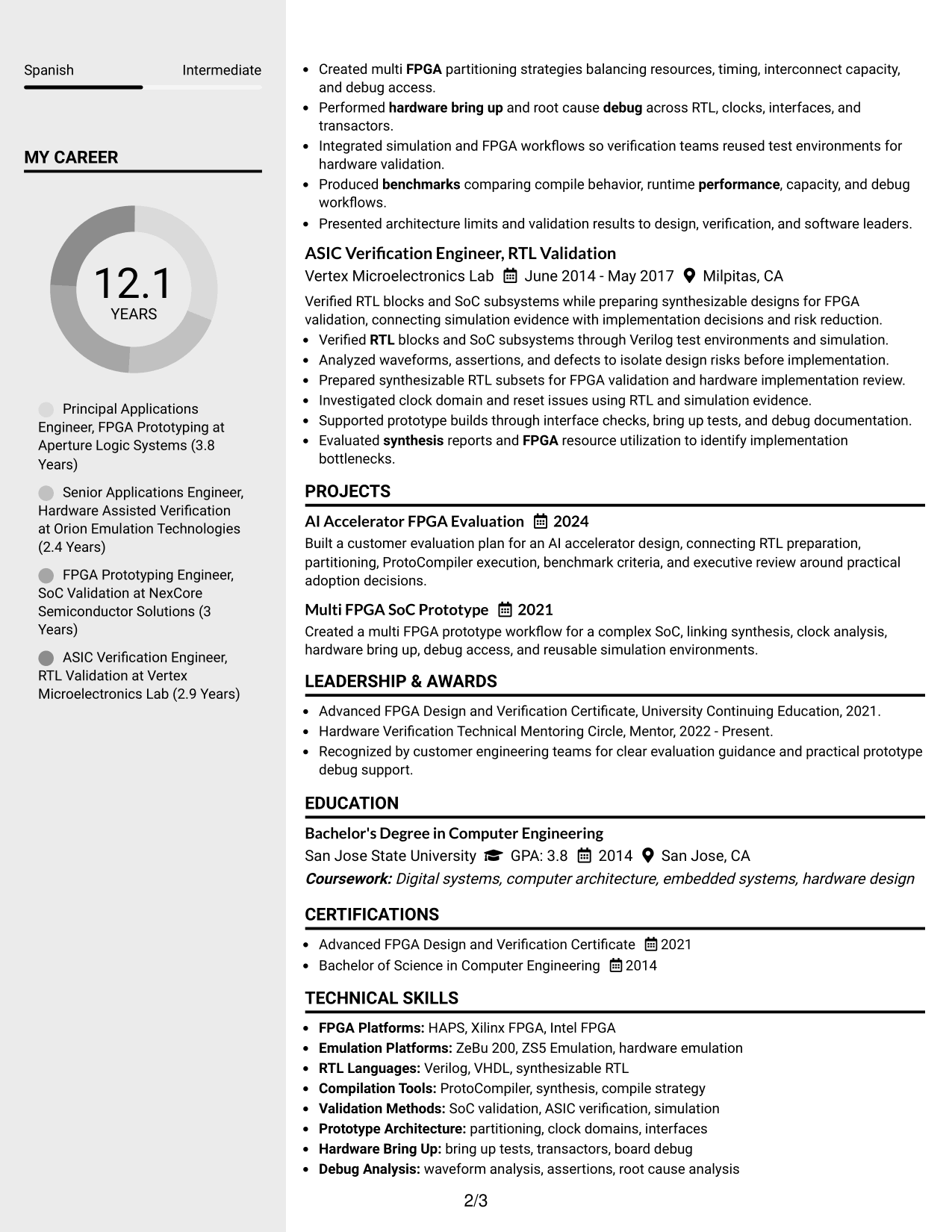
#4 Clean Two Column Sidebar Format Resume Example
A clean two-column sidebar separates supporting details from the main career story for quick recruiter navigation.
Why This Format Works
- Two-column separation keeps career experience distinct from compact supporting resume details.
- Sidebar structure gives skills and credentials dedicated space without interrupting work history.
- Main content area lets reviewers follow achievements while scanning supporting sections nearby.
Best For
- Skill-rich technical resumes
- Compact supporting credentials
- Experienced professionals with varied sections
- Side-by-side information scanning
- Applications needing clear section separation
#5 Two Column Format Resume Example
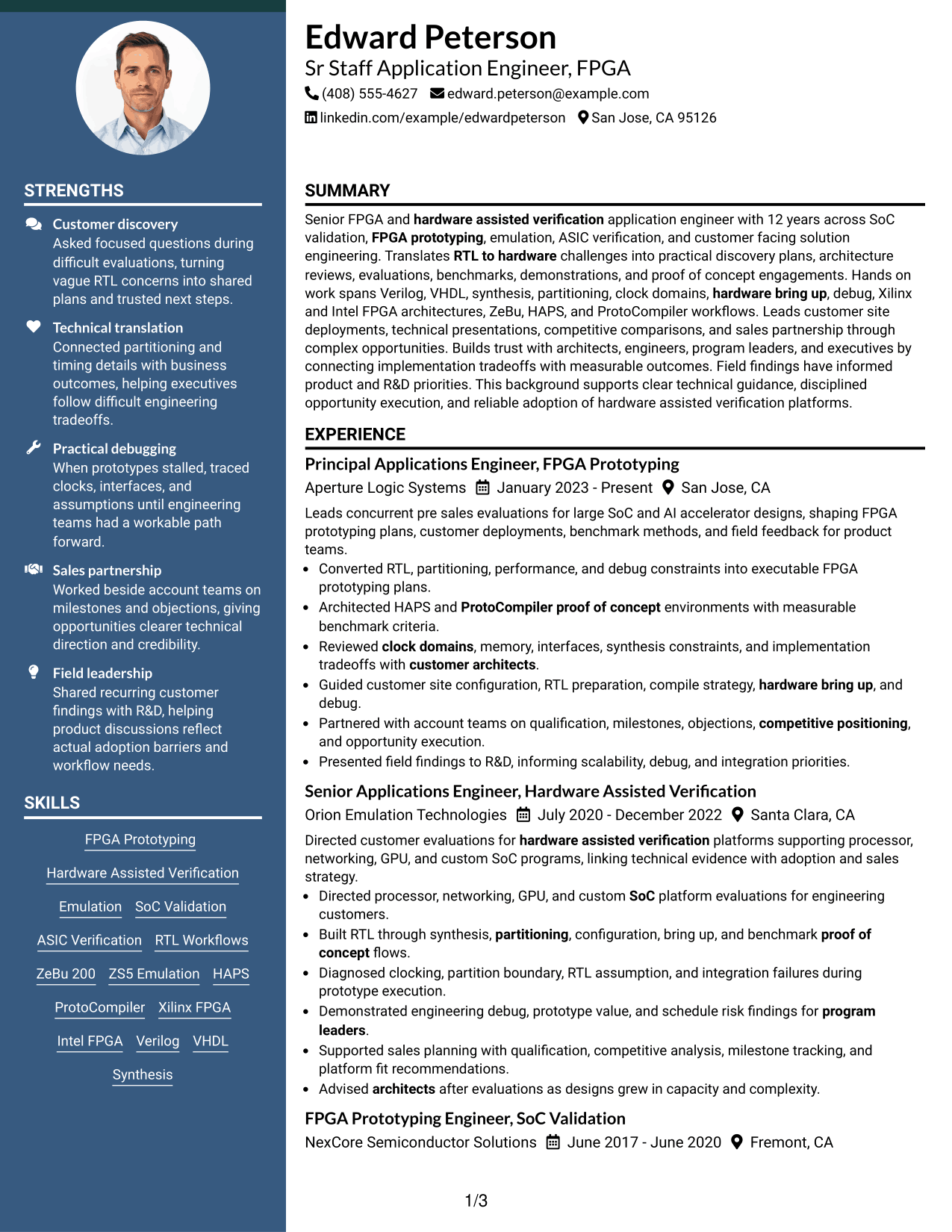
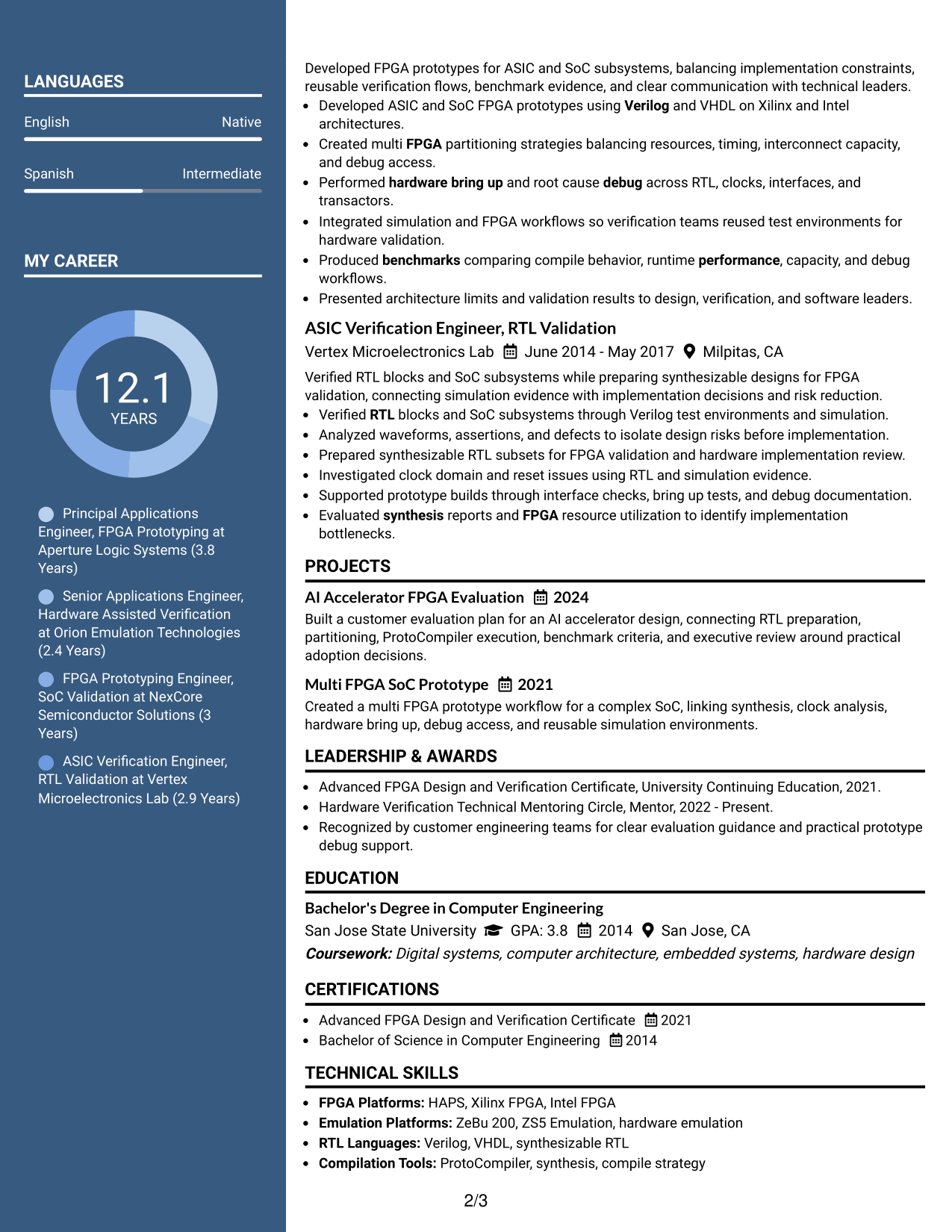
A balanced two-column layout lets recruiters compare core career evidence with supporting sections in less vertical space.
Why This Format Works
- Parallel columns divide career evidence and supporting information into clear visual groups.
- Experience remains prominent while skills, projects, and education stay easy to reference.
- Balanced section widths help reviewers scan several content types without a crowded flow.
Best For
- Broad technical skill sets
- Mixed experience and project content
- Readers comparing multiple sections
- Resumes with many supporting details
- Modern professional applications
#6 Photo Header Two Column Format Resume Example
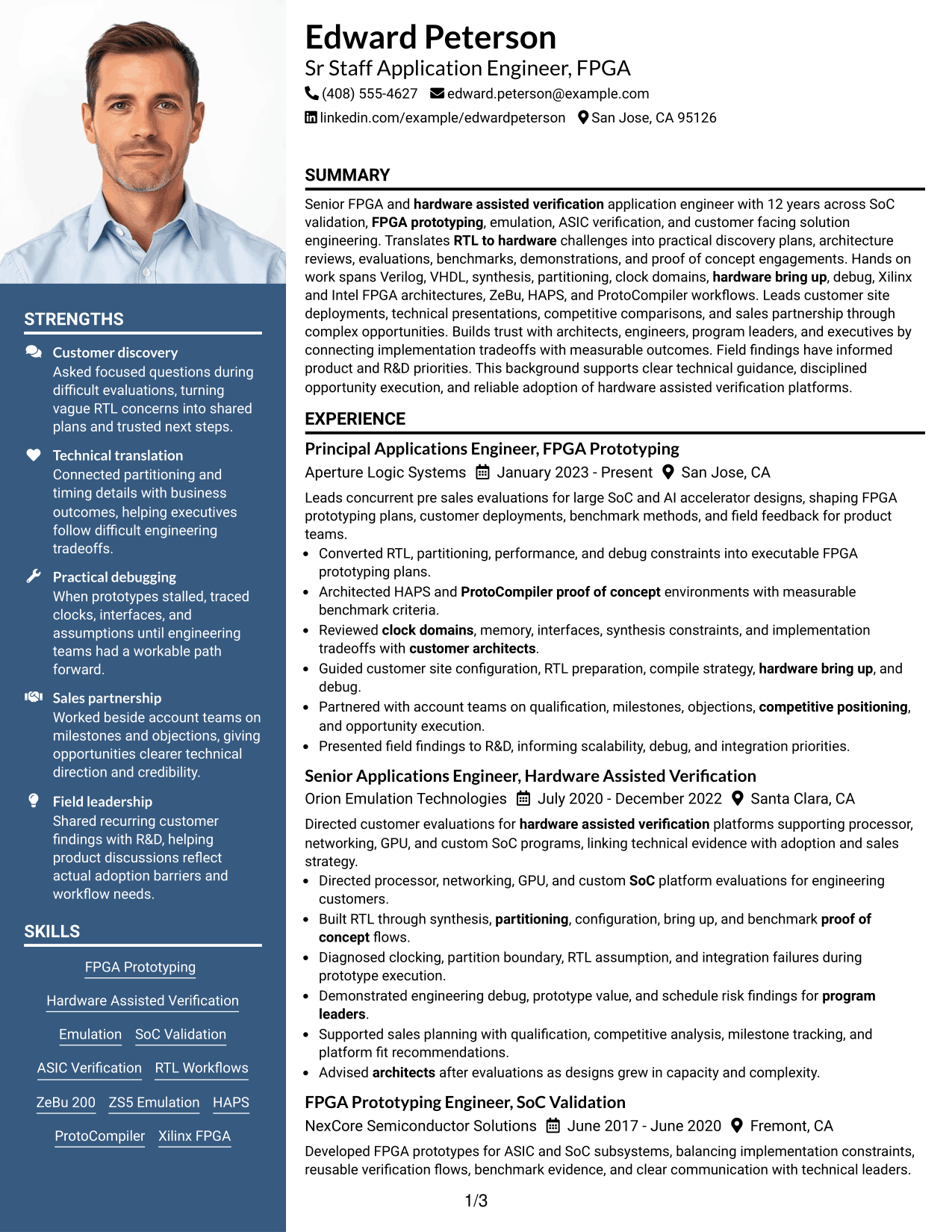
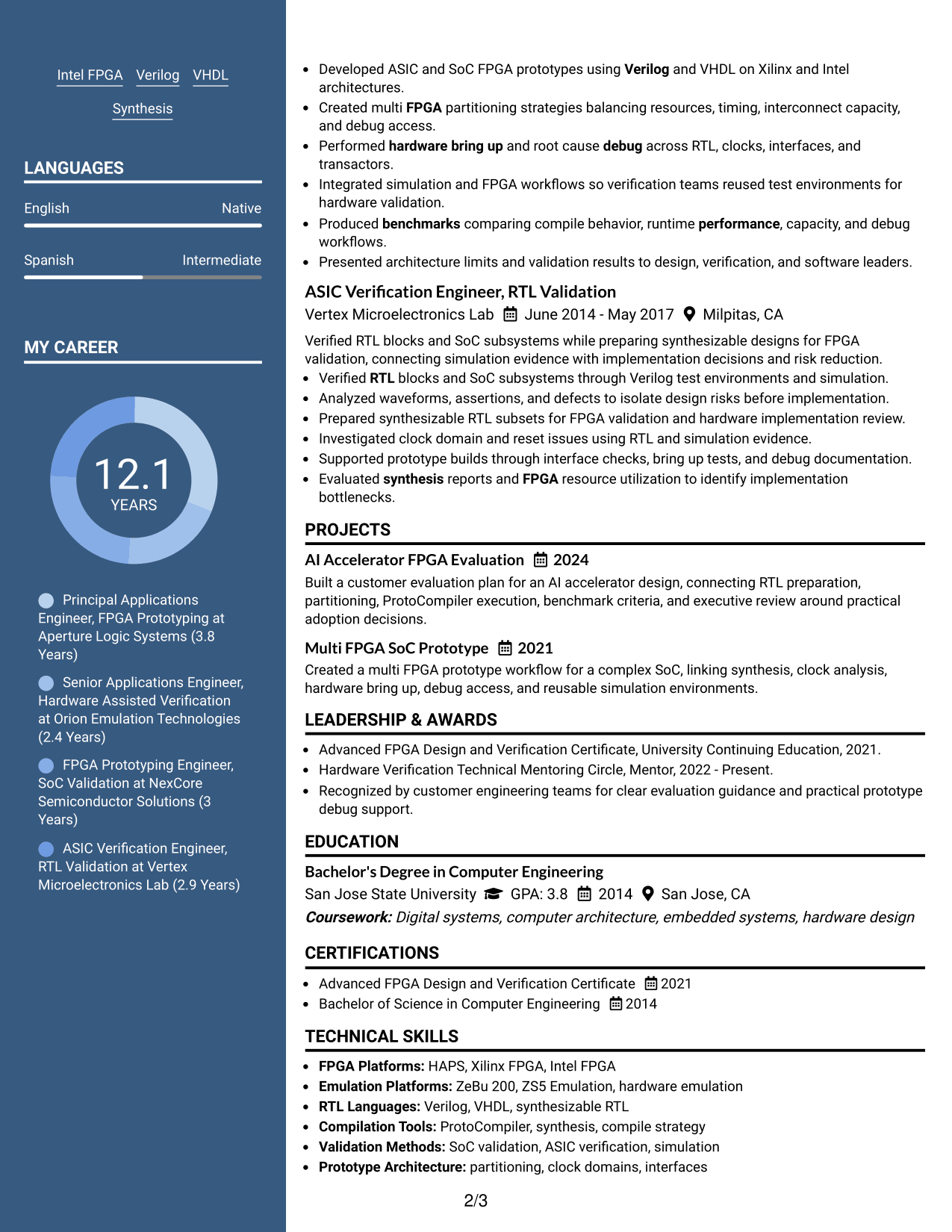
A photo header identifies the applicant while two body columns help recruiters scan career and supporting sections efficiently.
Why This Format Works
- Two body columns separate detailed experience from shorter supporting resume sections.
- Header photo provides identification without taking space inside the main body columns.
- Parallel structure makes achievements and credentials easier to review in separate passes.
Best For
- Regions that expect resume photos
- Profiles with several supporting sections
- Visual separation of career evidence
- Readers making quick section comparisons
- International professional resumes
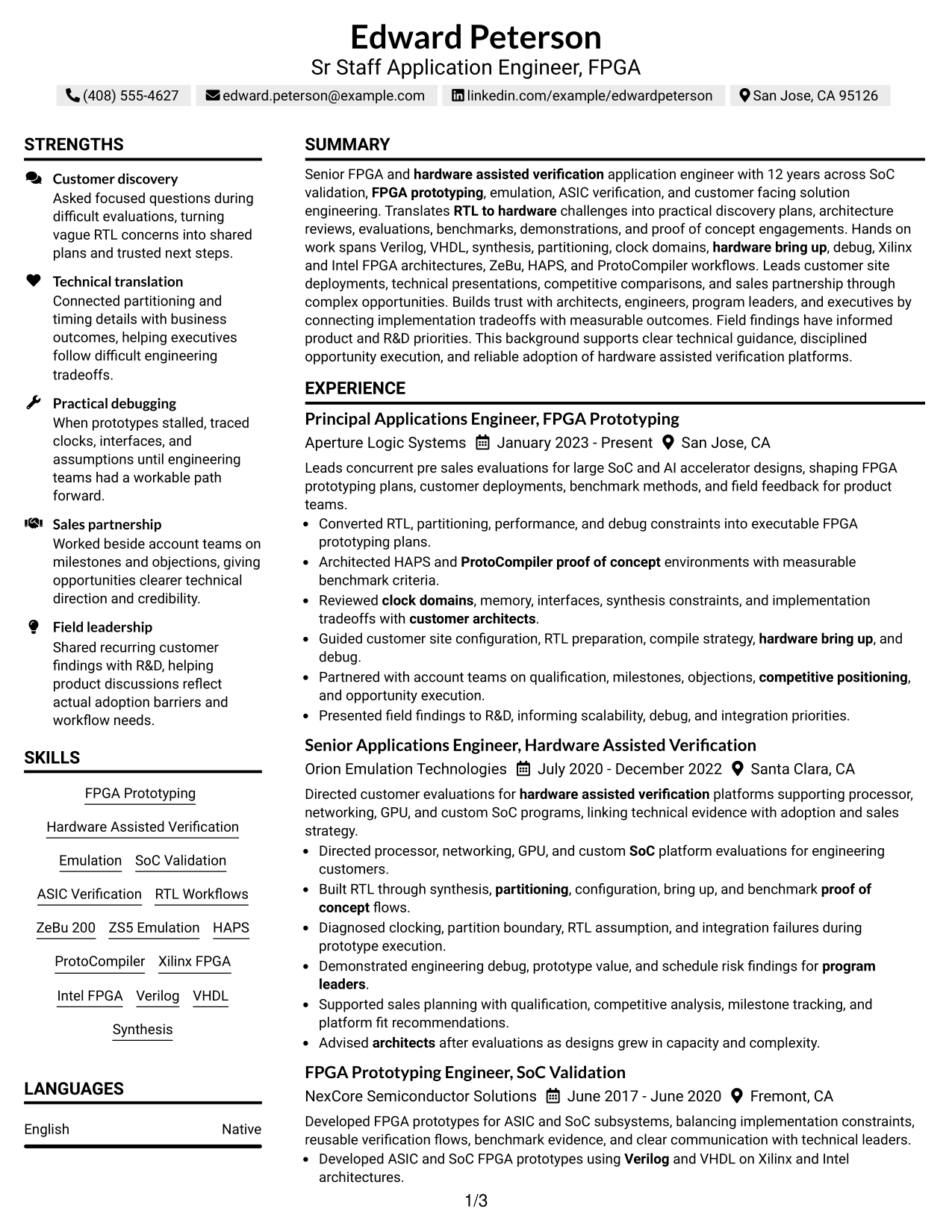
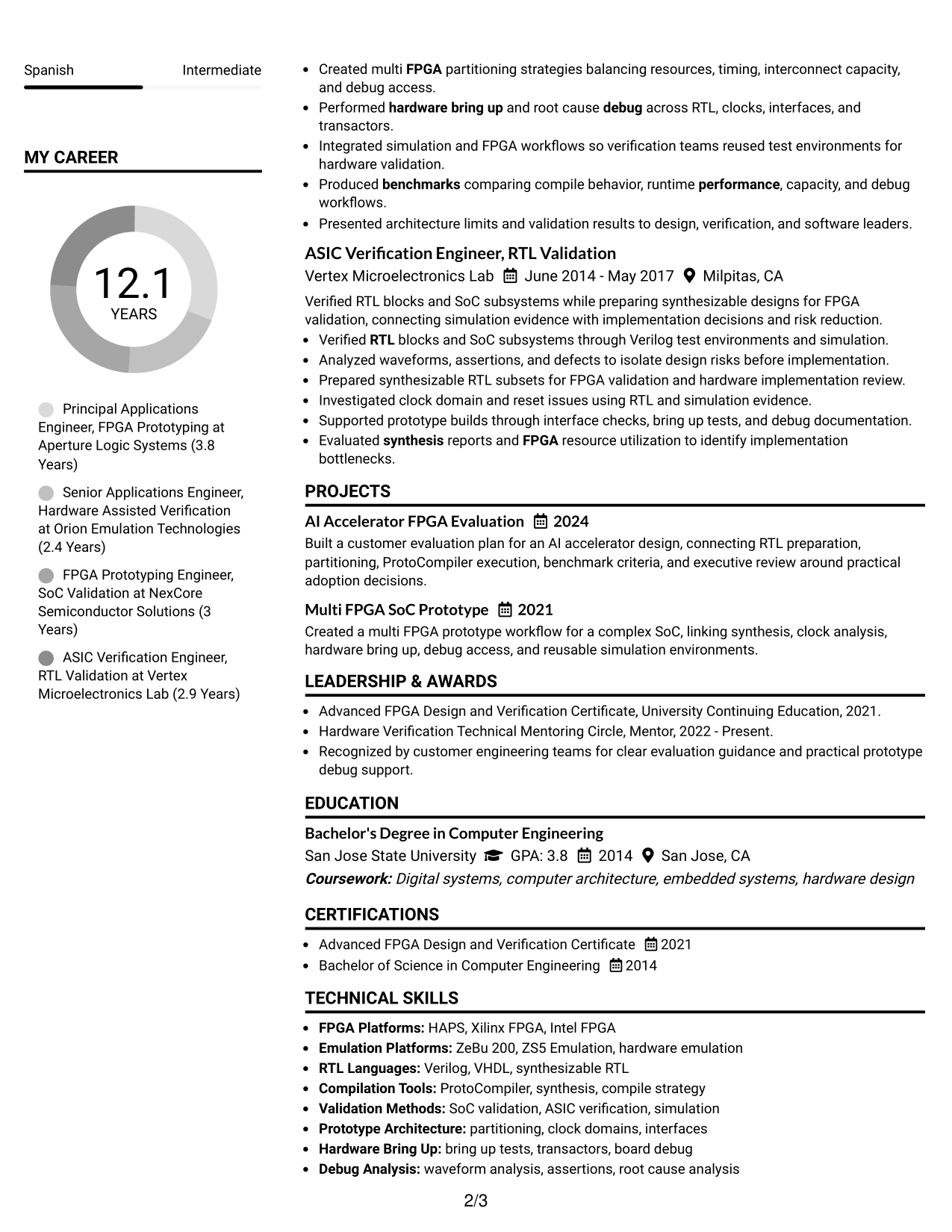
#7 Simple Two Column Format Resume Example
A simple two-column structure organizes dense resume content into clear groups that recruiters can scan quickly.
Why This Format Works
- Simple columns reduce long vertical sections while keeping content groups clearly separated.
- Career history can hold focus as skills and education remain easy to find.
- Clean grouping supports quick review of achievements, projects, and credentials across the page.
Best For
- Dense technical resumes
- Career histories with supporting sections
- Quick skills reference
- Compact project and credential details
- Recruiters scanning broad qualifications
Why Build Your Sr Staff Application Engineer - FPGA Resume with ResumeInMinutes
ResumeInMinutes helps you turn complex engineering work into clear resume sections that recruiters and technical leaders can review quickly. You can keep technical depth while making customer impact, evaluation work, and career progression easier to find.
- ATS-friendly section structure
- Keyword-focused technical content
- Experience and project organization
- Tools and platform visibility
- Free PDF resume previews
- Resume customization support
Use the builder to tailor summaries, skills, experience bullets, projects, certifications, and technical keywords for a Sr Staff Application Engineer - FPGA application while keeping the resume readable and evidence-based.
See Also
- 7 Sr. Staff R&D Engineer - Electromagnetic Resume Templates with Example
- 7 Application Engineer - Electronic Security Systems Resume Templates with Example
- 7 Application Engineer Resume Templates with Example
- 7 Applications Engineer - Electrification Resume Templates with Example
- 33 Associate Electrical Applications Engineer Resume Templates with Example 2026 (ATS-Optimized)
- 7 Cloud Engineer - Enterprise Application Infrastructure Resume Templates with Example
- 7 Field Applications Engineer Resume Templates with Example
- 7 Lead Enterprise Applications Engineer - Order to Cash Resume Templates with Example
- 30+ Associate Electrical Applications Engineer Cover Letter Templates with Example 2026
- 30+ Sr. AI Automation Engineer Cover Letter Templates with Example 2026
Frequently Asked Questions
Are these Sr Staff Application Engineer - FPGA resume templates ATS-friendly?
Yes. The layouts use clear sections and readable headings. ATS results still depend on the content you enter, so use accurate role terms from the job description and your real experience.
Are these different resumes?
No. This guide shows one complete Sr Staff Application Engineer - FPGA resume in several visual layouts so you can compare structure without changing the underlying evidence.
What should a Sr Staff Application Engineer - FPGA resume include?
Include a focused summary, technical skills, customer-facing application engineering experience, FPGA prototyping and emulation work, evaluations, proof-of-concept projects, benchmarks, deployment support, education, and relevant credentials.
Which technical keywords matter most for this role?
Use only terms you can support, such as FPGA prototyping, hardware-assisted verification, RTL-to-hardware workflows, SoC validation, synthesis, partitioning, clock domains, hardware bring-up, debug, HAPS, ProtoCompiler, ZeBu 200, Xilinx FPGA, Intel FPGA, Verilog, and VHDL.
How should I show pre-sales engineering impact?
Describe technical discovery, architecture reviews, evaluations, proof-of-concept work, benchmarks, objection handling, deployment guidance, and sales partnership. Show the decision or outcome when the source information supports it.
Should I include projects if I already have senior experience?
Yes, when a project makes important technical scope easier to understand. A short project section can highlight evaluation design, multi-FPGA prototyping, benchmark methods, or workflow integration without repeating job bullets.
Should I include a photo on my resume?
For U.S. applications, a no-photo resume is usually the safer choice. Use a photo only when it is customary or expected in the country or market where you are applying.
Can I customize these resume templates?
Yes. You can change the resume text, section order, design style, and PDF output while keeping the content focused on the Sr Staff Application Engineer - FPGA role.




