30+ Sr. UX Designer Cover Letter Templates with Example 2026
Are you looking to create a Sr. UX Designer cover letter that effectively showcases your skills and experiences? You’re in the right place.
A strong cover letter allows you to emphasize your user experience design skills, collaborative projects, and passion for enhancing digital platforms beyond what is on your resume. It clearly outlines why you are an ideal fit for the role and how your experiences align with the needs of Innovative Trading Solutions.
In this guide, you’ll see one proven Sr. UX Designer cover letter example, learn what makes it effective, and explore how to generate the same cover letter in 33 different styles and themes to match your personality, career aspirations, and the company’s culture in just a few minutes.
What Makes a Great Sr. UX Designer Cover Letter in 2026
High-impact cover letters for Sr. UX Designer roles in 2026 are specific, design-focused, and tailored to the job description. The best cover letters consistently highlight three essential areas:
- Relevant design skills and experiences
- Projects, collaborations, or significant contributions to UX design
- Communication skills and enthusiasm for user-centered design
Instead of merely summarizing the resume, effective cover letters articulate:
- Why you are motivated to join Innovative Trading Solutions
- How your experiences and projects relate to their needs
- Your ability to thrive in a dynamic, Agile environment
For this role, key skills typically include Figma, user research, prototyping, design systems, collaboration, and UX principles.
The templates below demonstrate how an effective, ATS-friendly Sr. UX Designer cover letter can be presented in various professional styles.
Essential Sections of a Sr. UX Designer Cover Letter
High-performing cover letters typically follow a structured format. When a cover letter lacks clarity or organization, hiring managers often lose interest quickly.
The strongest cover letters usually include these sections:
- HEADER
- DATE
- EMPLOYER / HIRING MANAGER DETAILS
- OPENING PARAGRAPH
- WHY THIS ROLE / WHY THIS COMPANY
- RELEVANT PROJECTS OR EXPERIENCE
- TECHNICAL SKILLS ALIGNMENT
- CULTURE / TEAM FIT
- CLOSING PARAGRAPH
- PROFESSIONAL SIGN-OFF
The example below adheres to this structure, providing readers with a model to confidently create their own cover letters.
#1 Sr. UX Designer Cover Letter Example
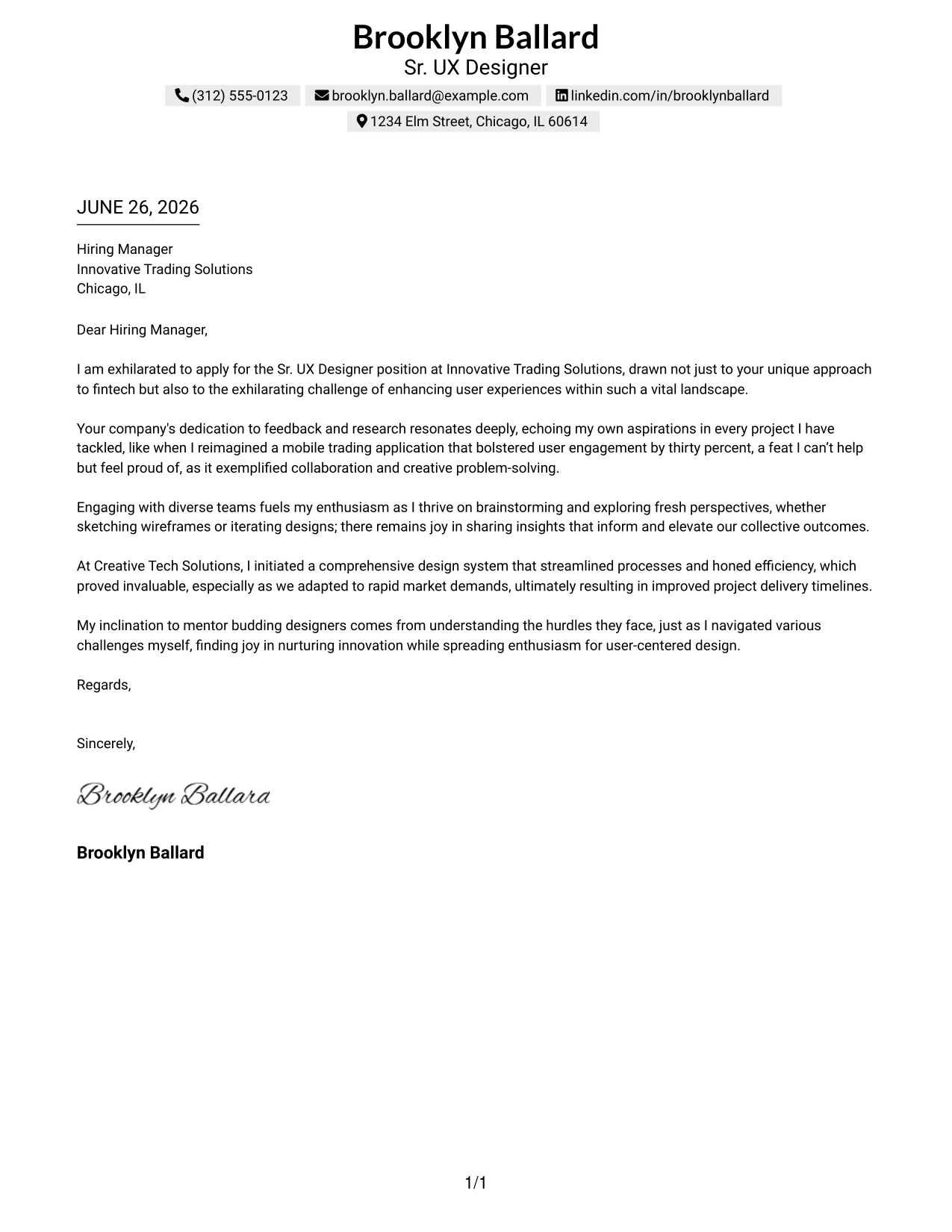
This cover letter demonstrates Brooklyn Ballard's application for the Sr. UX Designer position at Innovative Trading Solutions, emphasizing her experience in enhancing user engagement through user-centered design principles. It highlights relevant achievements, like a 30% increase in user engagement and collaboration with cross-functional teams, demonstrating both her skills and alignment with the organization's goals in fintech.
This traditional layout keeps the content structured and professional, making it ATS-friendly while presenting Brooklyn's qualifications and enthusiasm effectively.
Candidate Snapshot
- Name: Brooklyn Ballard
- Education: B.A. in Graphic Design
- Target Role: Sr. UX Designer
- Highlighted Skills: Figma, User Research, Prototyping, Design Systems
Why This Cover Letter Works
- Initiates with palpable enthusiasm for the role, aligning her experience with the company’s vision in fintech.
- Showcases her significant achievement of a 30% increase in user engagement, making her results tangible.
- Emphasizes collaboration with product and engineering teams, highlighting her cross-functional experience.
- Mentions user-centered design practices, reflecting her strong foundation in UX principles.
- Conveys her mentoring experience, which resonates with the company's culture of teamwork and support.
- Maintains a professional structure appropriate for senior-level roles while ensuring readability.
Keywords Matched From Job Description
- SaaS
- User Research
- Prototyping
- Design Systems
- Collaboration
- Cross-Functional Teams
- User-Centered Design
- Figma
- Mentoring
- Agile Methodologies
#2 Sr. UX Designer Cover Letter Example (Two Column Format)
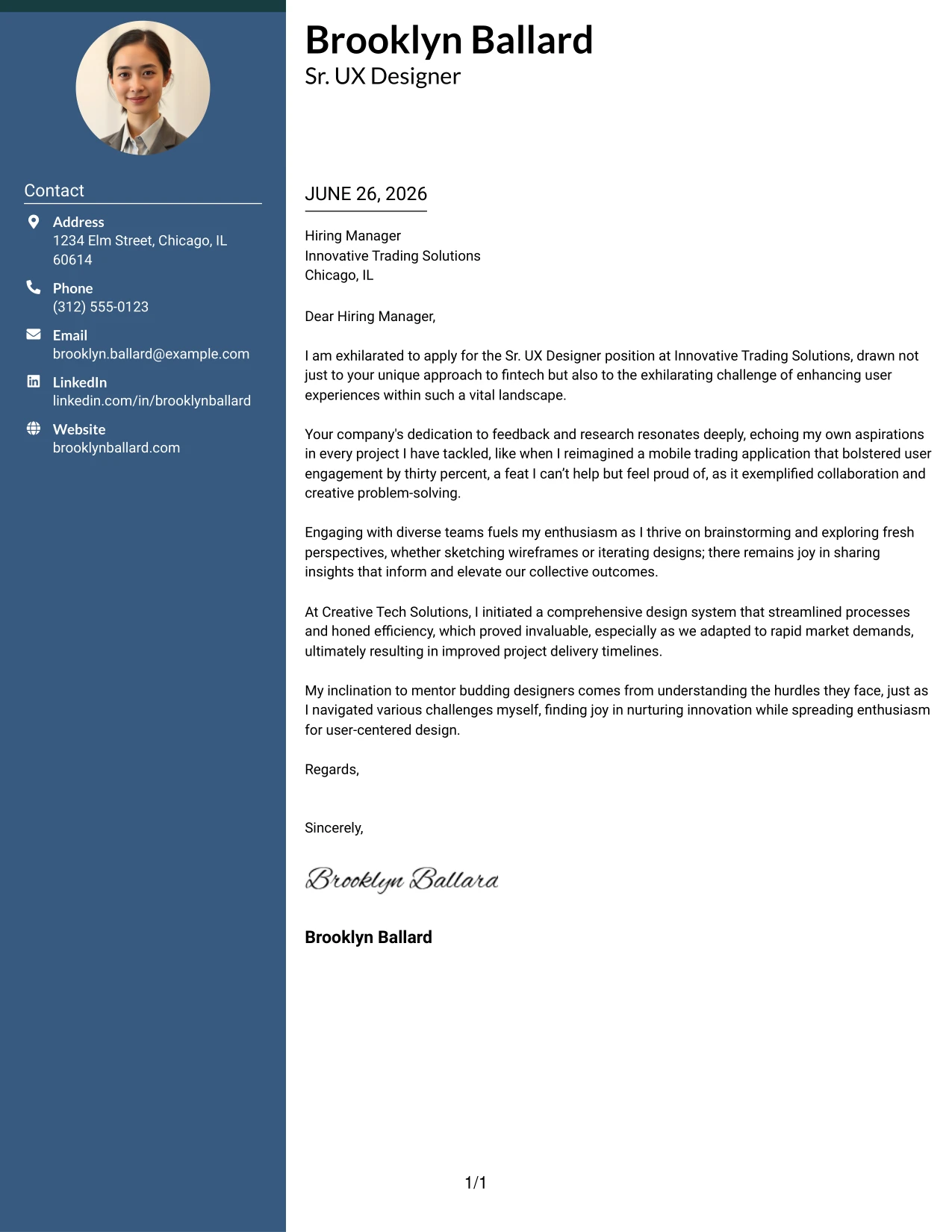
This version showcases Brooklyn Ballard in a streamlined two-column format, combining her professional contact details with a professional presentation that emphasizes the content of the letter. The layout enhances readability and adds a polished aspect to her application.
Why the Two Column Format Works
- Creates a visually appealing presentation that remains professional and easy to navigate.
- Left sidebar conveniently organizes contact information for quick reference by recruiters.
- Focuses on content readability, ensuring the hiring manager can easily digest key qualifications.
- Allows Brooklyn’s personality to shine through while showcasing her professional tone.
- Significantly improves her visibility among candidates using standard templates.
- Ideal for modern tech companies that value both design and clear communication.
Best For
- SaaS Industry Roles
- Tech Companies
- Creative Applications
- Entry-Level Opportunities
- Design-Driven Employers
- Professional Branding
- Strong First Impression
#3 Sr. UX Designer Cover Letter Example (Photo Header Two Column Format)
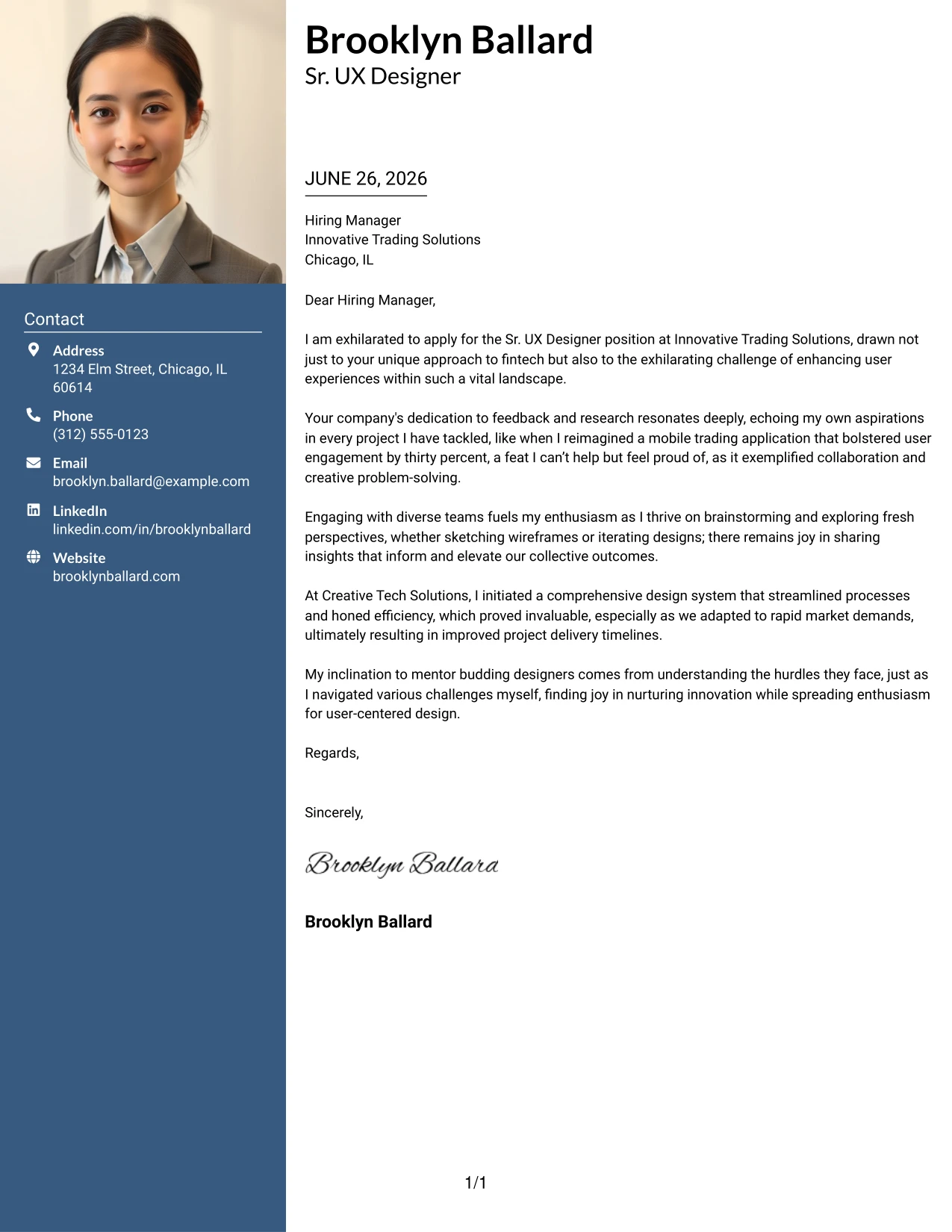
This version employs a sleek two-column layout with a profile photo, fostering a compelling personal brand while maintaining professionalism. This design aids Brooklyn in standing out during competitive applications while presenting her essentials attractively.
Why the Photo Header Two Column Format Works
- Strengthens personal branding by introducing a professional photo, making her more memorable.
- The unique layout combines aesthetic appeal with clarity in communication.
- Maintains a structured approach while enhancing visual engagement.
- Brings attention to crucial content, balancing creativity with professionalism.
- Perfect for positions that require both design aesthetic and clear communication skills.
- Positional advantage for candidates in creative fields.
Best For
- Sr. UX Designer Roles
- Tech and Startups
- Creative Industries
- Entry-Level Positions
- Modern Employers
- Student Applicants
#4 Sr. UX Designer Cover Letter Example (Simple One Column Format)
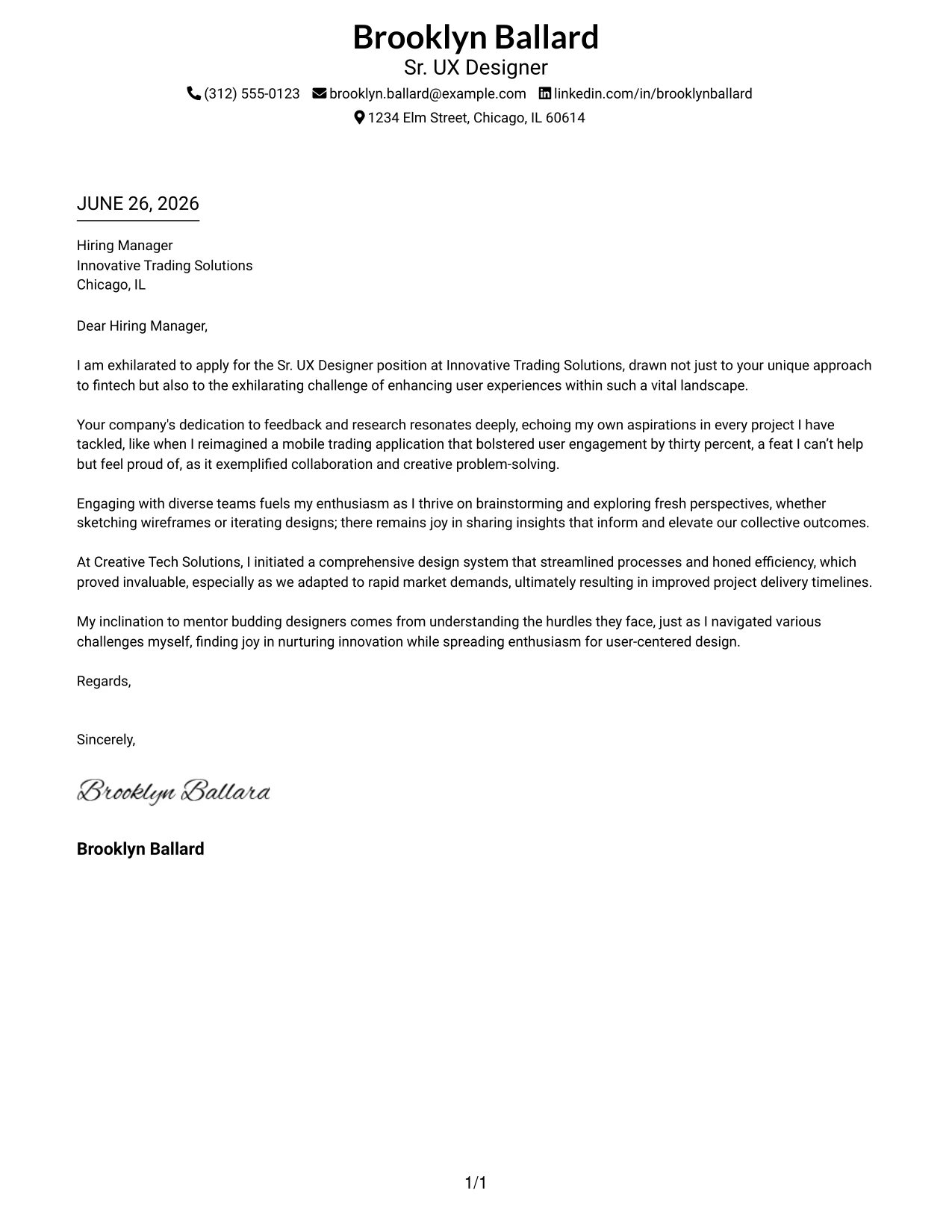
This version utilizes a clean one-column layout to present Brooklyn's cover letter in a straightforward manner. This structure focuses on clarity without distractions, ideal for more traditional employers, particularly within the fintech sector.
Why the Simple One Column Format Works
- Focuses on written content, facilitating rapid comprehension by hiring managers.
- Utilizes a traditional approach that many employers appreciate for its simplicity.
- Designed to remain compatible with ATS, enhancing the likelihood of passing initial screenings.
- Eliminates distractions, letting Brooklyn’s qualifications and experience take the forefront.
- Excellent for financial institutions or conservative corporate environments.
- Ideal for candidates who prioritize clear and professional presentations.
Best For
- Corporate Employers
- Fintech Industry Applications
- Traditional Companies
- ATS-Friendly Applications
- Entry-Level Roles
- Professional Simplicity
#5 Sr. UX Designer Cover Letter Example (One Column Format with Photo)
This version uses a refined one-column layout with Brooklyn's photo, maintaining professionalism while adding a personal touch. This approach enhances visibility and introduces a memorable branding element.
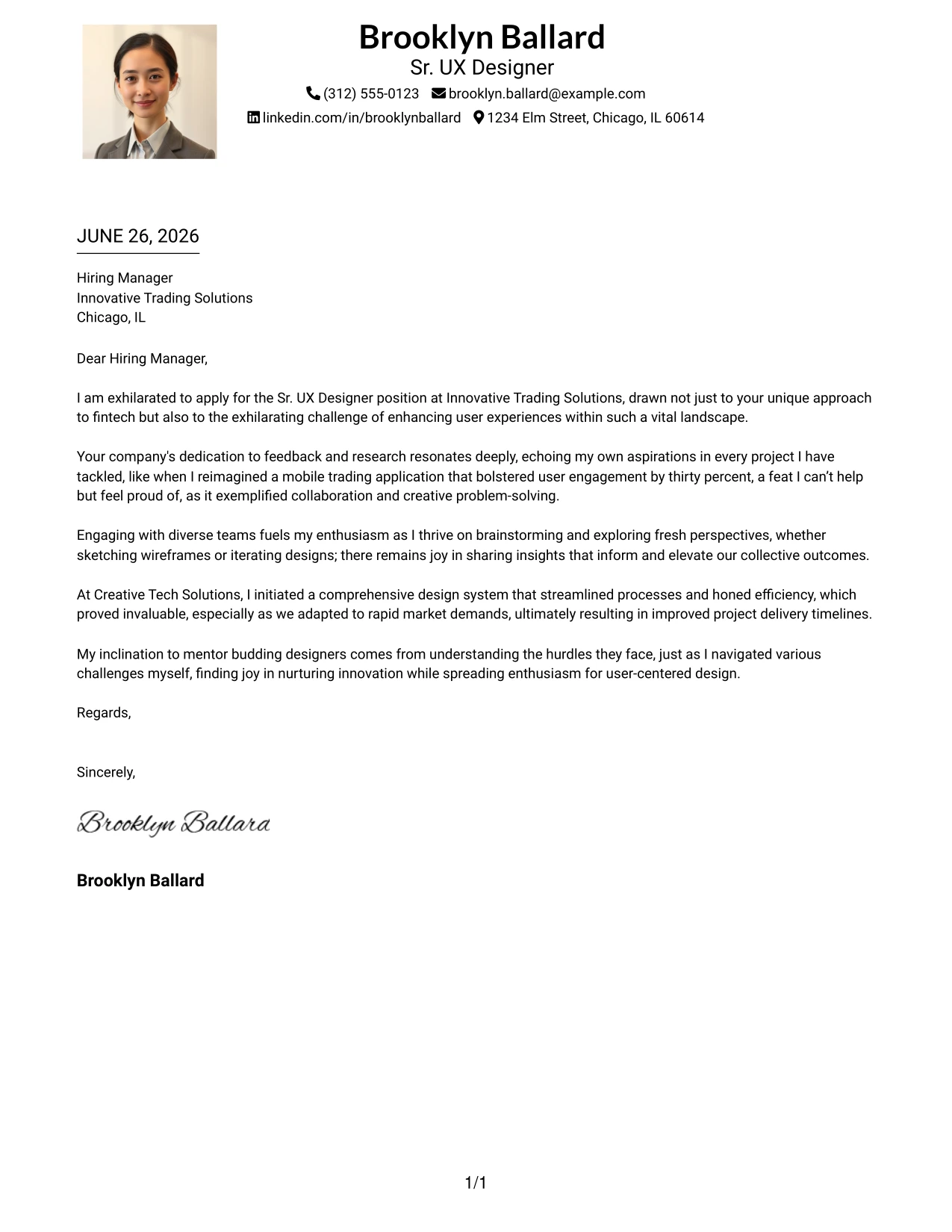
Why the One Column Format with Photo Works
- Combines simplicity and professionalism, ensuring clarity in presentation.
- Integrates a photo to strengthen personal branding without compromising professionalism.
- Keeps focus on the essential skills and experience highlighted in the cover letter.
- Maintains ATS compatibility and ease of reading for recruiters.
- Demonstrates Brooklyn’s modern approach while respecting traditional standards.
- Ideal for candidates seeking to balance personality with professional formatting.
Best For
- Creative Industries
- Design-Driven Companies
- Entry-Level Positions
- Professional Branding
- Text-Focused Applications
- Modern Employers
#6 Sr. UX Designer Cover Letter Example (One Column Format with Photo Right)
This iteration adopts a professional one-column format with a photo on the right, balancing a modern look with effective layout. This design is especially advantageous in industries where including a photo is customary.
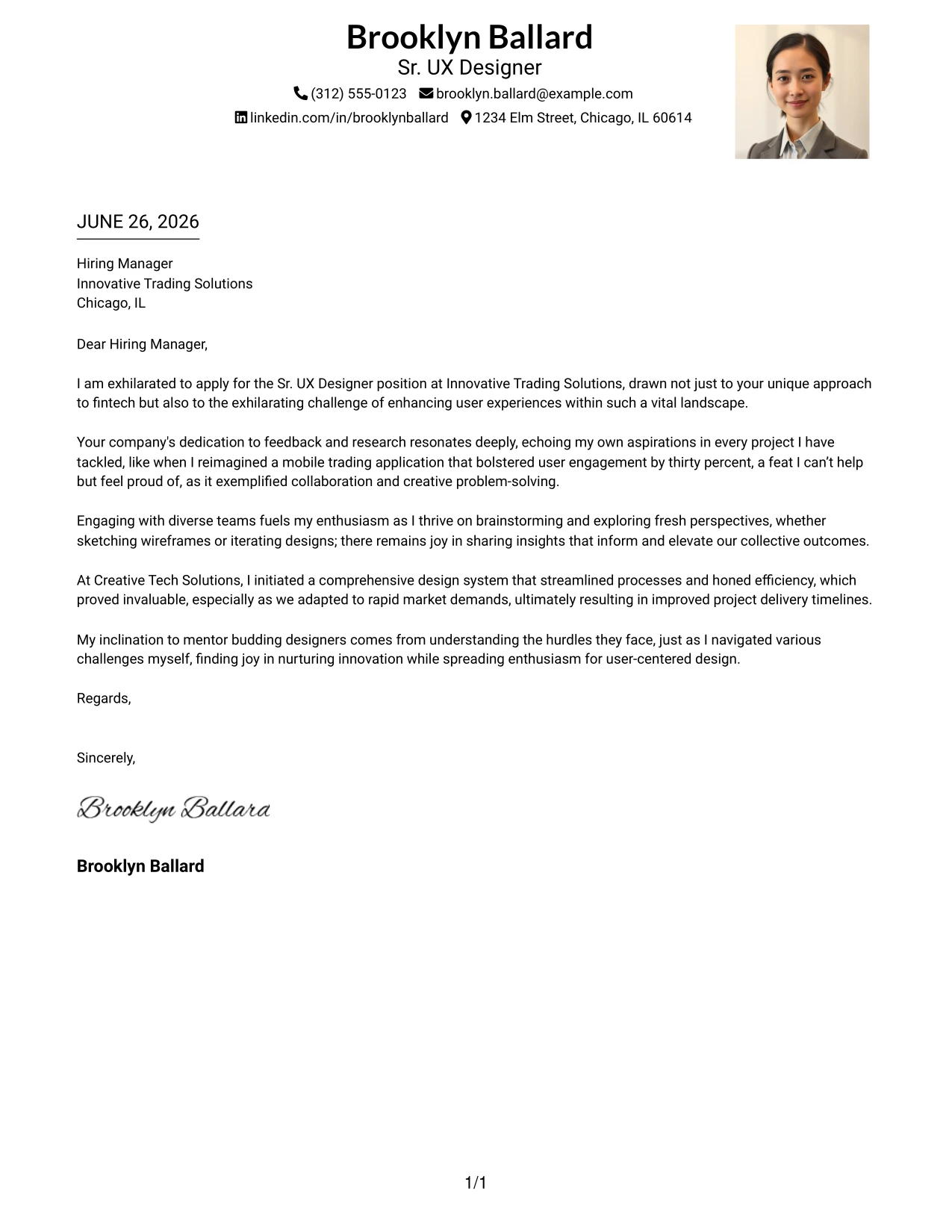
Why the One Column Format with Photo Right Works
- Delivers a clean structure that effortlessly guides the reader through the content.
- Right-side photo adds a touch of elegance to Brooklyn’s presentation.
- Keeps the focus on her qualifications and motivation, ensuring clarity.
- Provides personal branding without overwhelming content, enhancing engagement.
- Suitable for industries that accept or encourage photos in applications.
- Maintains a balance between a modern touch and industry expectations.
Best For
- International Applications
- Tech Companies
- Creative Companies
- Entry-Level Positions
- Modern Work Environments
- Candidate Branding
#7 Sr. UX Designer Cover Letter Example (Simple Two Column Format)
This format offers a clean two-column layout with organized contact details on the left and the main content on the right. The design caters to both clarity and professionalism, beneficial for attracting attention.
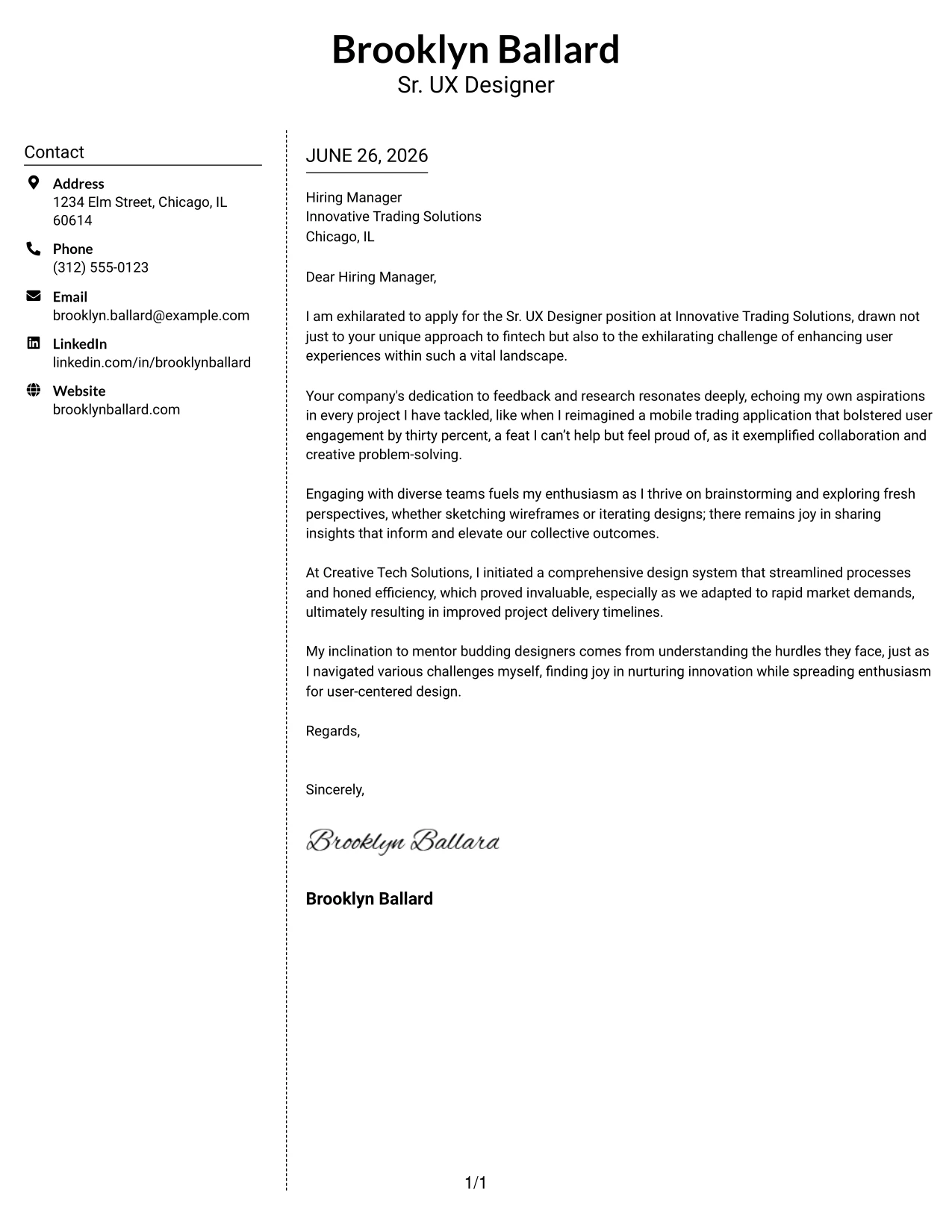
Why the Simple Two Column Format Works
- Effectively separates essential contact details for immediate accessibility by recruiters.
- Dotted line for separation presents a structured, yet uncomplicated design.
- Keeps the content area professional and focused on qualifications.
- Recommended for candidates seeking a subtle upgrade from typical one-column formats.
- Ensures timely communication of key information to hiring managers.
- Balances readability with efficient visual representation.
Best For
- Sr. UX Designer Roles
- Modern Companies
- Entry-Level Positions
- Tech-Oriented Teams
- Professional Employers
- Structured Layout Preferences
#8 Sr. UX Designer Cover Letter Example (Stylish Two Column Designer Format)
This iteration presents a stylish two-column format featuring a colored left sidebar, enhancing visual appeal while keeping the content professional. This is particularly attractive for candidates in creative fields.
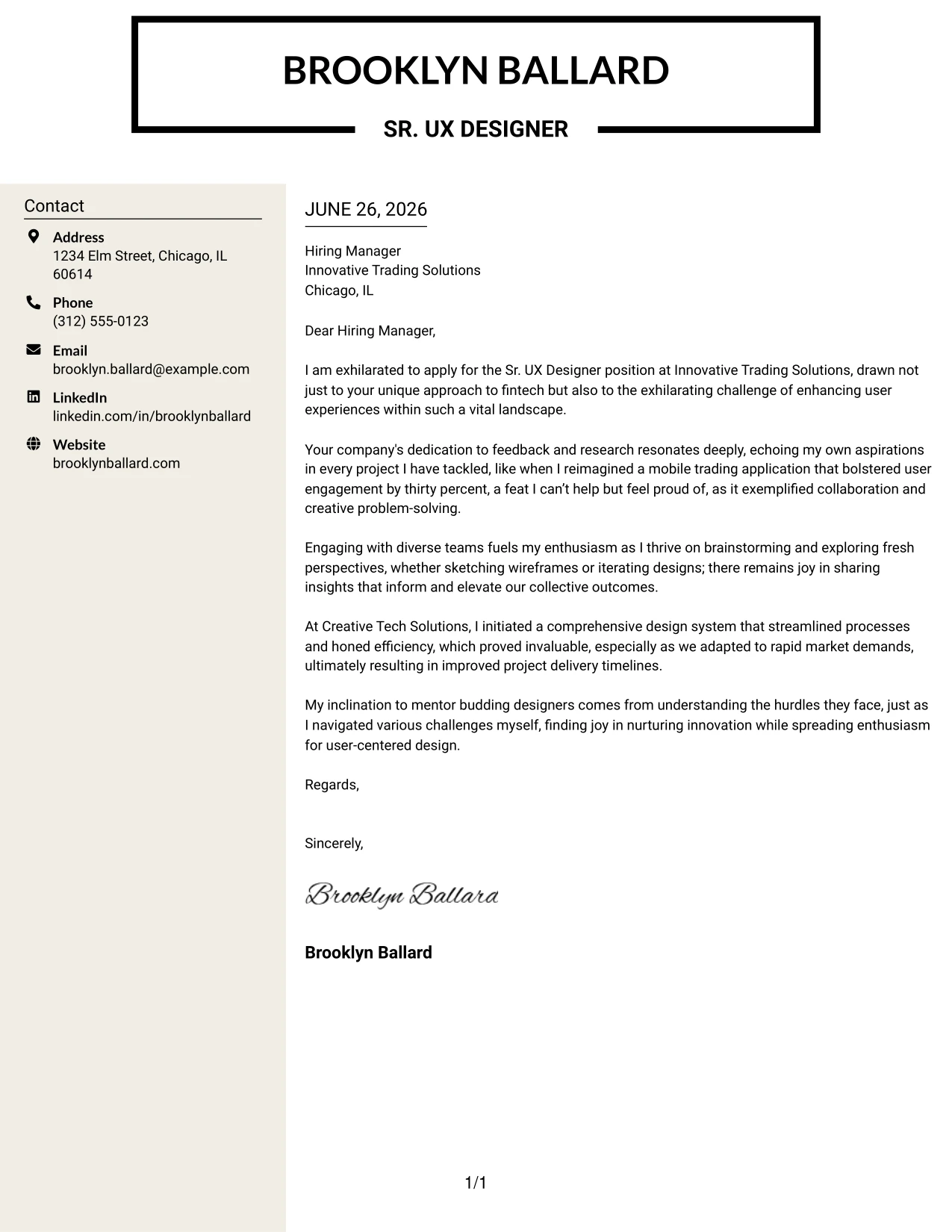
Why the Stylish Two Column Format Works
- Creates an eye-catching first impression with a striking left sidebar.
- Organizes contact information clearly, promoting accessibility for recruiters.
- The main content area remains focused on qualifications and fit for the position.
- Effectively conveys creativity alongside a professional message.
- Ideal for candidates who want to convey design expertise through their application.
- Distinguishes Brooklyn from standard templates through visual flair.
Best For
- SaaS Companies
- Creative Industry Roles
- Modern Employers
- Tech Startups
- Design-Oriented Roles
- Visual Branding
#9 Sr. UX Designer Cover Letter Example (Colored Two Column Format)
This iteration employs a colored two-column layout with blue accents that create a modern aesthetic, providing an engaging reading experience while maintaining professionalism.
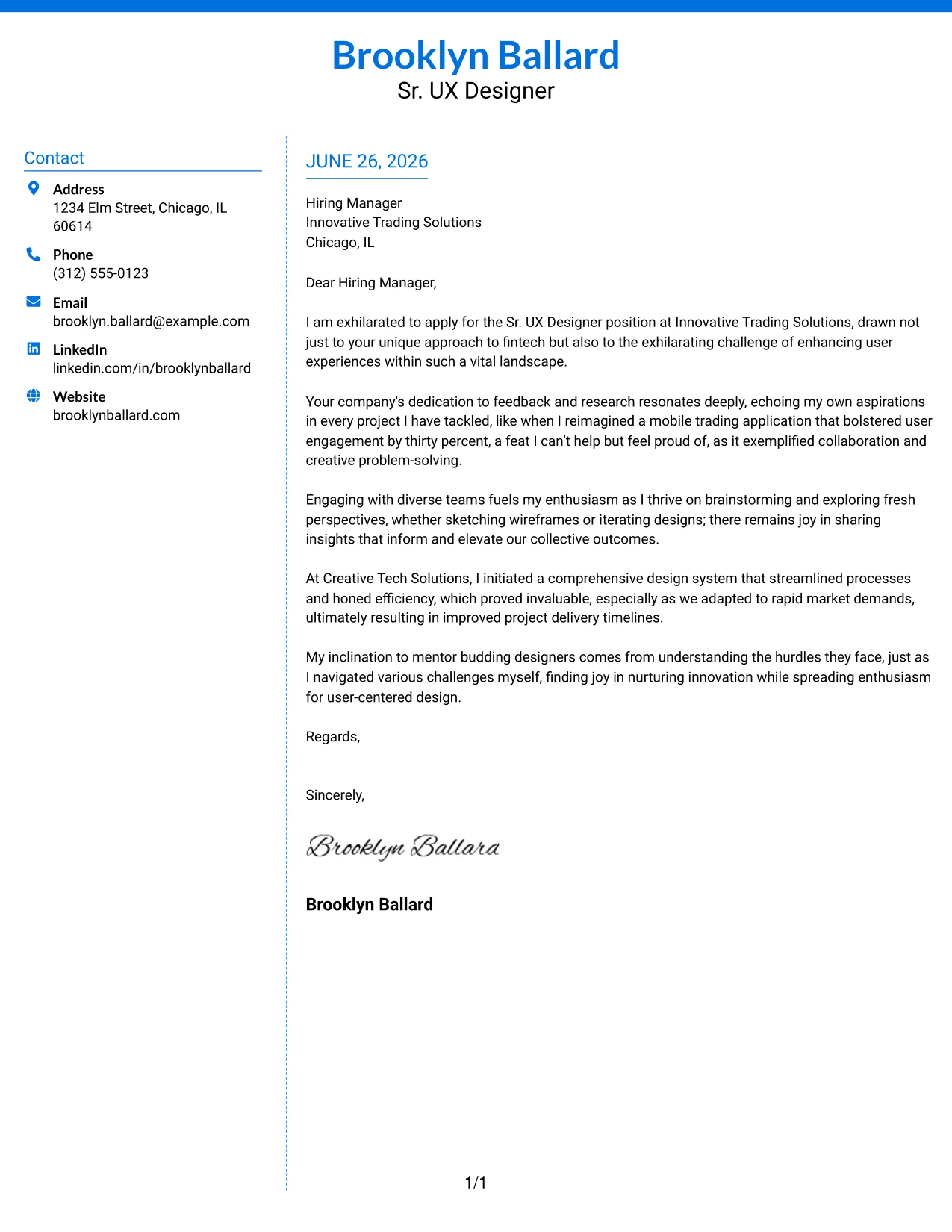
Why the Colored Two Column Format Works
- Utilizes subtle colors to enhance section visibility and navigation.
- Structure maintains clarity while adding personality to the presentation.
- Immediate access to contact information fosters quicker communication.
- Ideal for candidates seeking a fresh alternative to traditional formats.
- Reinforces Brooklyn’s design sensibility in an engaging manner.
- Perfectly aligns with creative tech companies seeking modern applicants.
Best For
- Creative Technology Companies
- Modern Employers
- Entry-Level Opportunities
- Startup Environments
- Distinguished Visual Branding
- Tech-Savvy Positions
#10 Sr. UX Designer Cover Letter Example (Creative Two Tone Format)
This unique layout features a two-tone design, giving Brooklyn's cover letter a memorable and eye-catching presentation while retaining professionalism throughout.
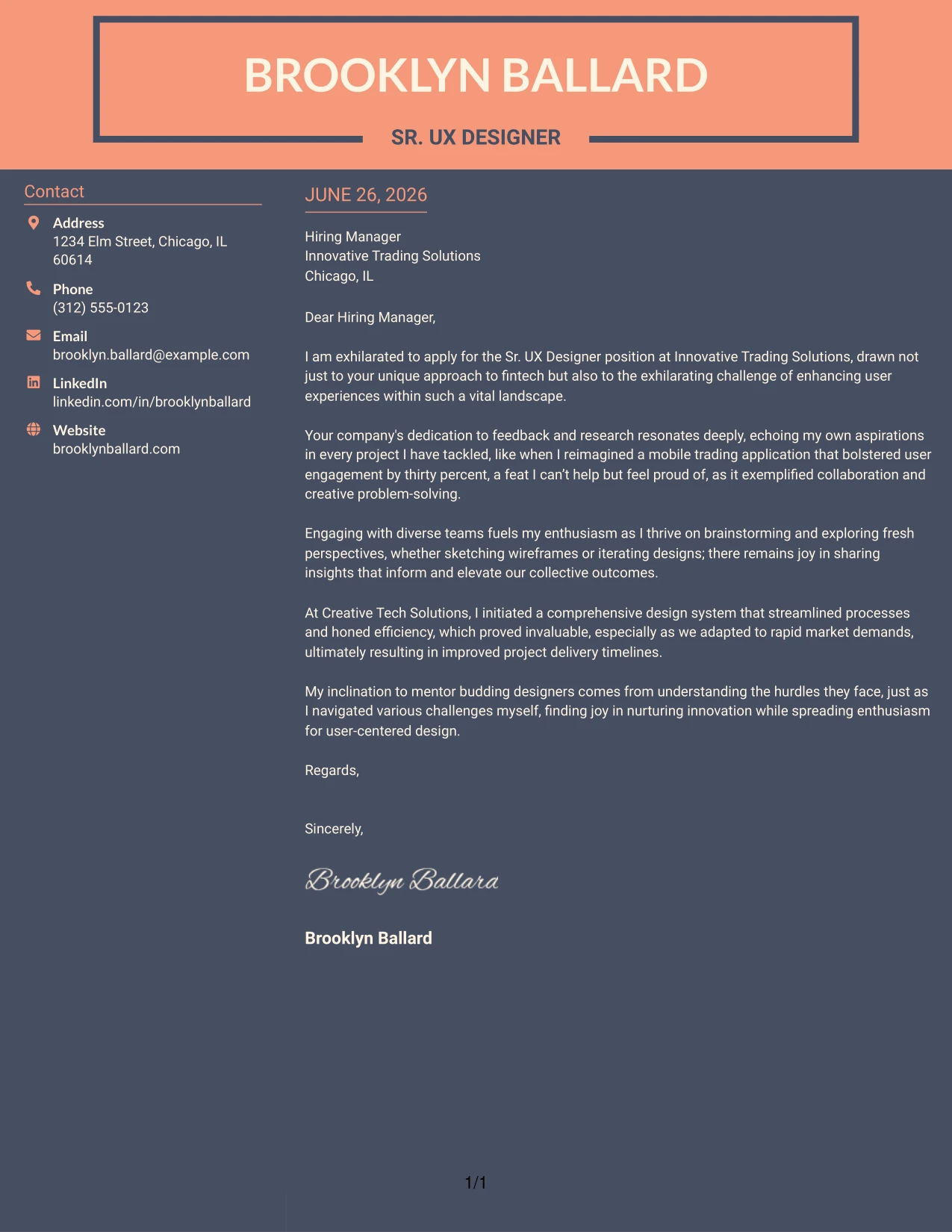
Why the Creative Two Tone Format Works
- Contrasting colors instantly attract attention and differentiate sections effectively.
- Bold headings enhance readability and prioritize important content.
- Creates a structured look while allowing for a striking personal brand presentation.
- Offers an engaging alternative to traditional cover letters, particularly in creative industries.
- Perfectly matches Brooklyn’s design sense with the expectations of modern employers.
- Ensures clarity while allowing creativity to shine through.
Best For
- Creative Positions
- SaaS Companies
- Startup Environments
- Modern Employers
- UI / UX Focused Roles
- Entry-Level Applications
#11 Sr. UX Designer Cover Letter Example (Modern Icon Format)
This cover letter leverages a modern icon format, integrating soft background shading and accent colors. This approach ensures Brooklyn's strengths are highlighted effectively, engaging hiring managers with a creative yet professional presentation.
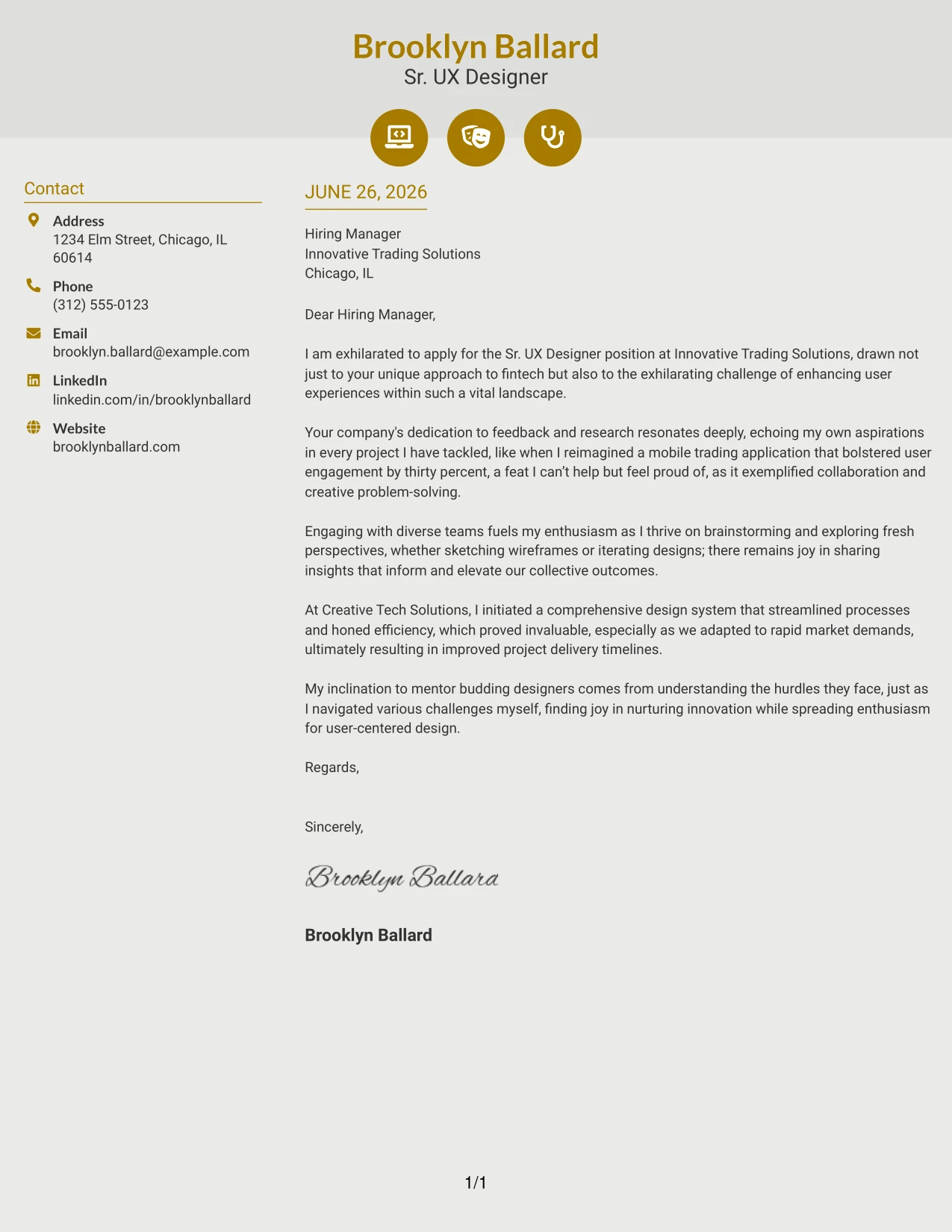
Why the Modern Icon Format Works
- Icons emphasize Brooklyn's technical strengths, showcasing her qualifications visually.
- Soft shading enhances readability and creates an inviting look.
- Accent colors guide the reader's eye to important sections, aiding navigation.
- Facilitates quick scanning for recruiters while maintaining professionalism.
- Appealing to candidates who appreciate a contemporary, memorable design.
- Ideal for tech and startup environments where creative presentation is valued.
Best For
- Creative Tech Companies
- SaaS Roles
- UI / UX Applications
- Entry-Level Positions
- Modern Design Environments
- Visual Communication Roles
#12 Sr. UX Designer Cover Letter Example (Minimal Header Format)
This version utilizes a simple yet effective text-based cover letter format with a neat name header that displays all contact details concisely in one line. The design's simplicity ensures a distraction-free reading experience, allowing your qualifications and writing to take center stage.
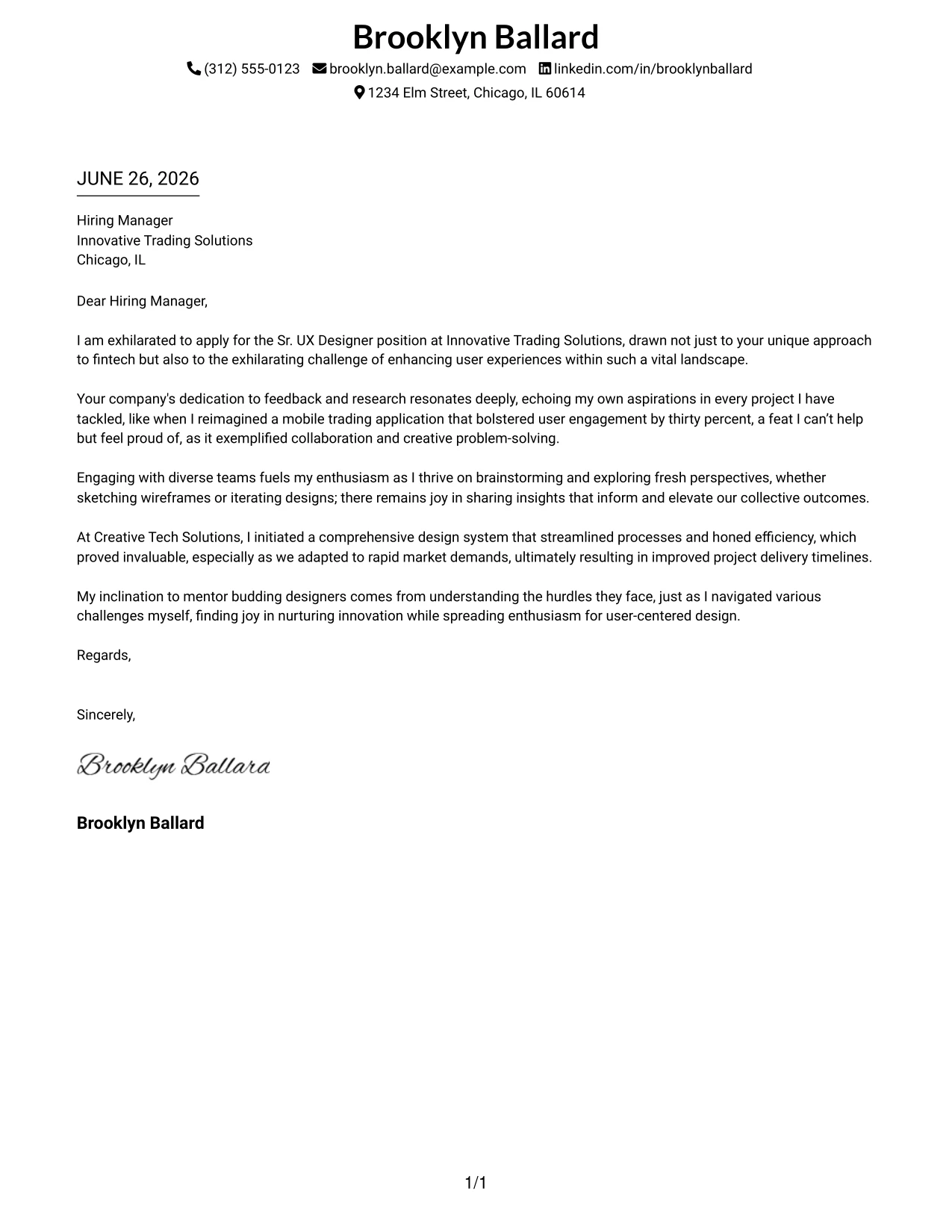
Why This Cover Letter Works
- The clean layout directs attention to the content, showcasing Brooklyn's qualifications effectively.
- Listing contact details in a single line enhances organization and professionalism.
- A minimal title accentuates the focus on writing quality, suitable for the UX design field.
- This format is user-friendly for hiring managers, enabling quick scanning.
- Its classic presentation aligns well with both tech and corporate industries.
- The straightforwardness reflects the applicant's clear communication skills, essential for UX design.
- It emphasizes written expression, allowing Brooklyn's passion for UX to resonate with potential employers.
Best For
- Sr. UX Designer roles
- Tech Industry Employers
- Corporate environments
- Formal applications
- ATS-compatible submissions
- Experienced professionals
- Creative yet professional positions
- Fast-paced organizations
- Text-focused application needs
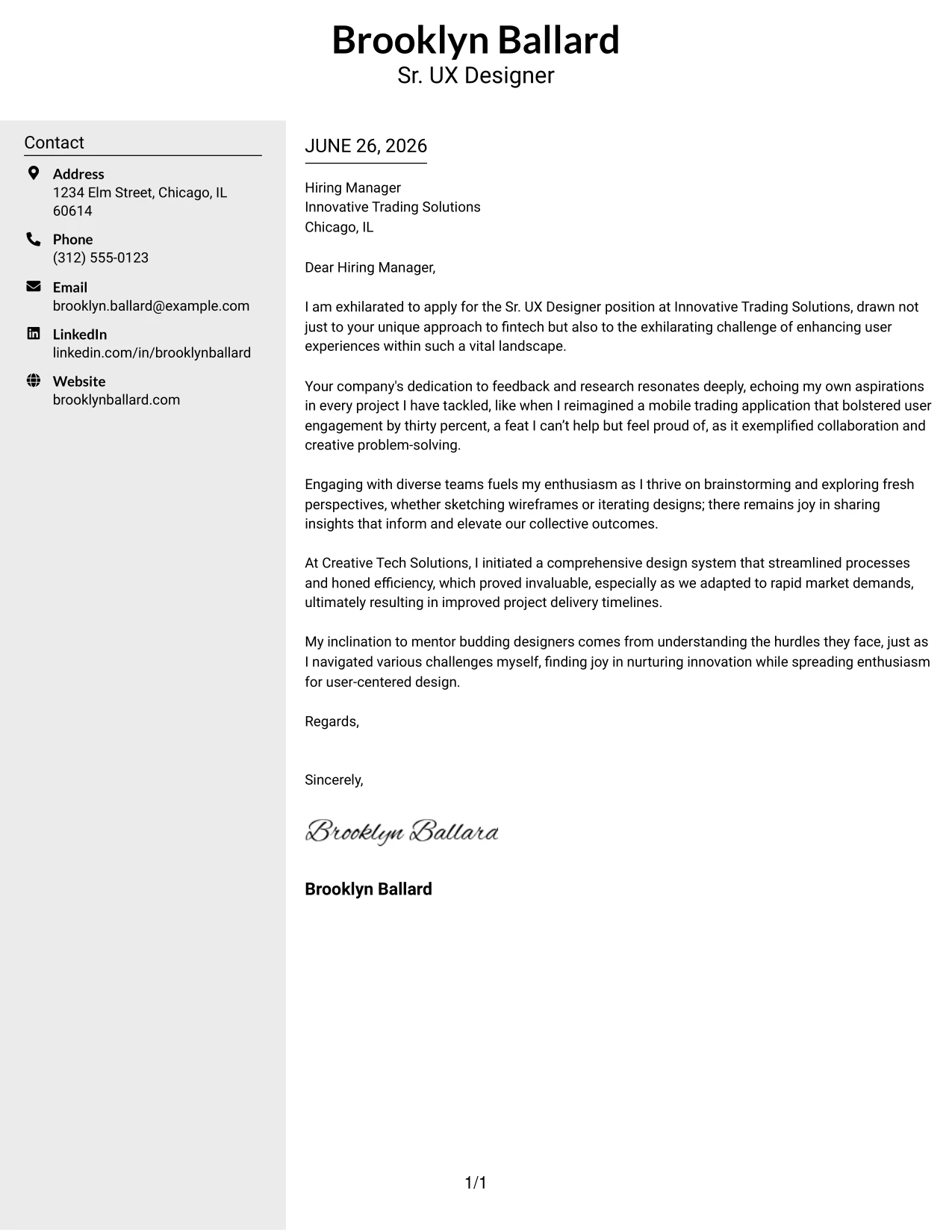
#13 Sr. UX Designer Cover Letter Example (Clean Two Column Sidebar Format)
This version features a two-column layout with a visually appealing left sidebar for contact information and a centrally aligned title header. This approach combines professionalism and elegance, enhancing readability without losing clarity.
Why This Cover Letter Works
- The two-column layout offers a professional organization that separates contact info from the body text.
- Centered header promotes a cohesive professional identity, pertinent in UX design.
- Improved organization and readability make it easy for hiring managers to locate essential information.
- Style enhancements retain focus on the letter's content, crucial for persuasive communication.
- This format aligns with industry standards while remaining ATS-friendly, ensuring broad accessibility.
- It maintains modernity while catering to both traditional and innovative employers.
Best For
- Sr. UX Designer positions
- Tech-driven firms
- Corporate applicants
- Creative industries
- Experienced applicants
- Professional branding initiatives
- ATS-friendly applications
- Structured communication styles
- Modern and traditional environments
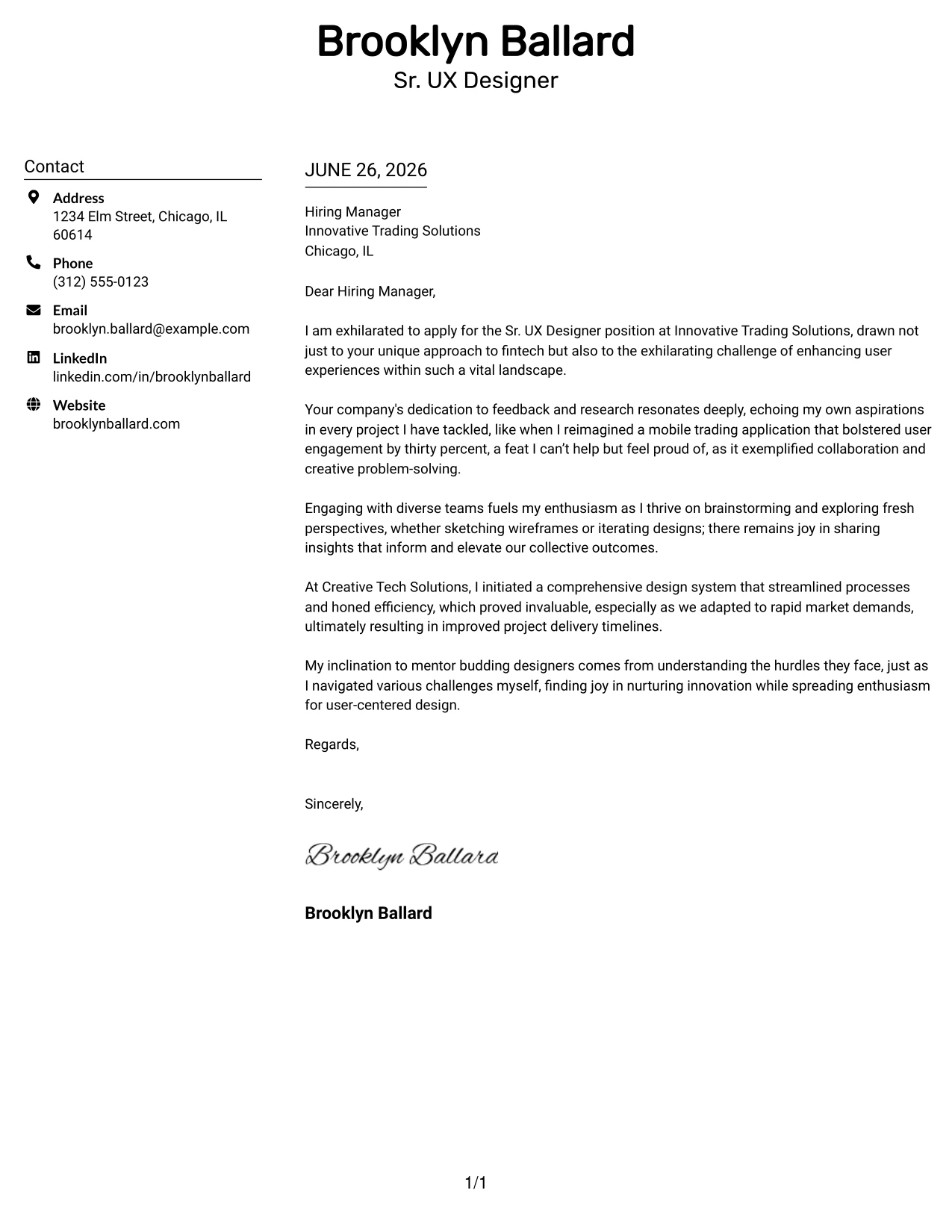
#14 Sr. UX Designer Cover Letter Example (Plain Two Column Format)
This style employs a plain two-column layout separating contact information on the left and letter content on the right. With no decorative elements, it maintains a straightforward and professional tone suitable for the UX field.
Why This Cover Letter Works
- This layout clearly delineates contact details and content for better readability.
- The absence of decorative lines or graphics ensures a clean, focused design.
- The modern format supports easy scanning for recruiters, vital in high-volume hiring scenarios.
- Its simplicity reflects professionalism and aligns well with Brooklyn's design ethos.
- Maintains an air of professionalism, suitable for various industries including UX.
- ATS-friendly attributes ensure compatibility with most application processes.
Best For
- Sr. UX Designer roles
- Technical industries
- Corporate environments
- Experienced professionals
- Career advancement applications
- ATS-compliant submissions
- Clean design philosophies
- Entry to mid-level UX jobs
- Simple yet effective presentations
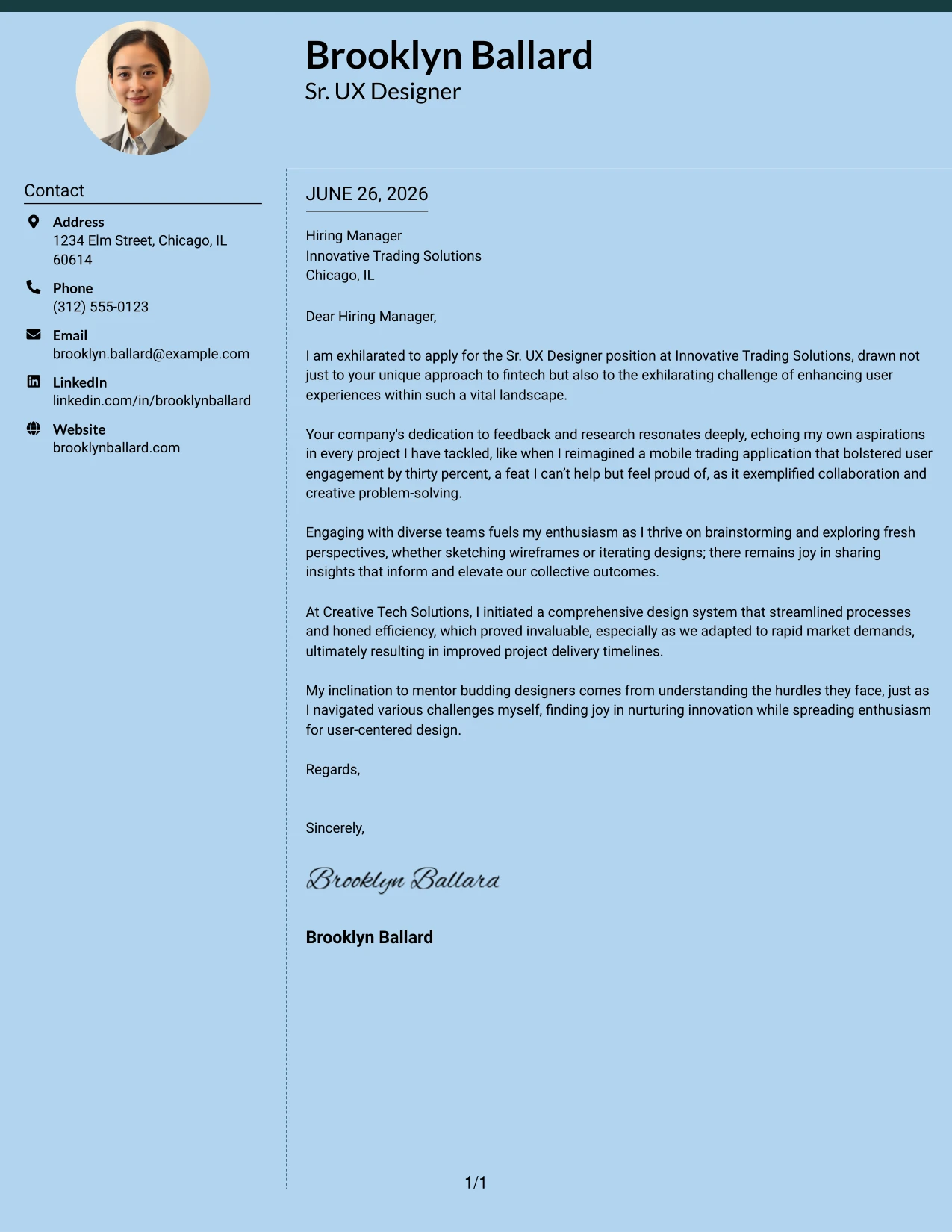
#15 Sr. UX Designer Cover Letter Example (Modern Full Background Two Column Format)
This variant showcases a full-page background color, defined by a dotted line separating two columns and a bold accent line, creating a modern yet professional appearance while keeping the structure organized and easy to navigate.
Why This Cover Letter Works
- The full-background design creates an impactful first impression, showcasing Brooklyn's modern approach to UX.
- The dotted line enhances document structure while allowing easy content separation.
- The top accent provides visual interest, aligning with creative standards of the UX industry.
- The effective two-column layout promotes an organized flow of information for smooth reading.
- This format strikes a balance between creativity and professional standards appealing to hiring managers.
- Captures attention while conveying Brooklyn's commitment to design excellence.
Best For
- Senior UX Designer roles
- Creative industries
- Modern tech companies
- Startup environments
- College graduates
- Professional branding opportunities
- Visual-focused applications
- Unique yet professional presentations
- Strong potential for visual impact
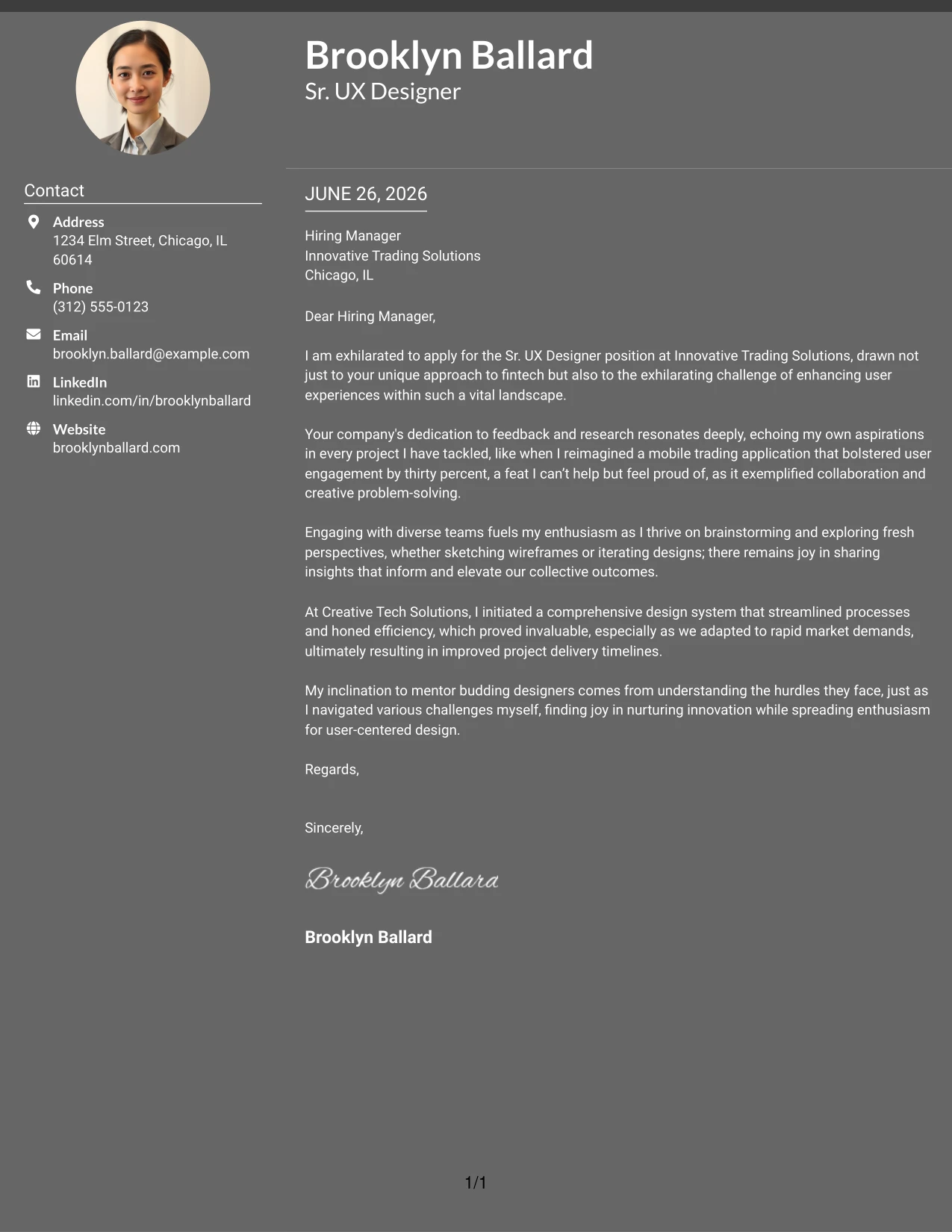
#16 Sr. UX Designer Cover Letter Example (Dark Mode Two Column Format)
This version features a eye-catching dark background with light text, creating a premium look that emphasizes modern aesthetics while preserving a professional structure.
Why This Cover Letter Works
- The dark background creates a striking first impression, ideal for tech-savvy environments.
- Light text enhances readability and modern appeal, consistent with Brooklyn's UX expertise.
- The two-column organization separates contact and letter sections for streamline navigation.
- This format caters well to innovative companies seeking standout candidates.
- It balances creativity with professional integrity, key for design roles.
- This modern aesthetic differentiates Brooklyn's application from conventional submissions.
Best For
- Sr. UX Designer positions
- Tech startups
- Innovative companies
- Creative roles
- Experienced professionals
- Personal branding applications
- High-impact visual communication
- Roles focused on design
- Contemporary aesthetics
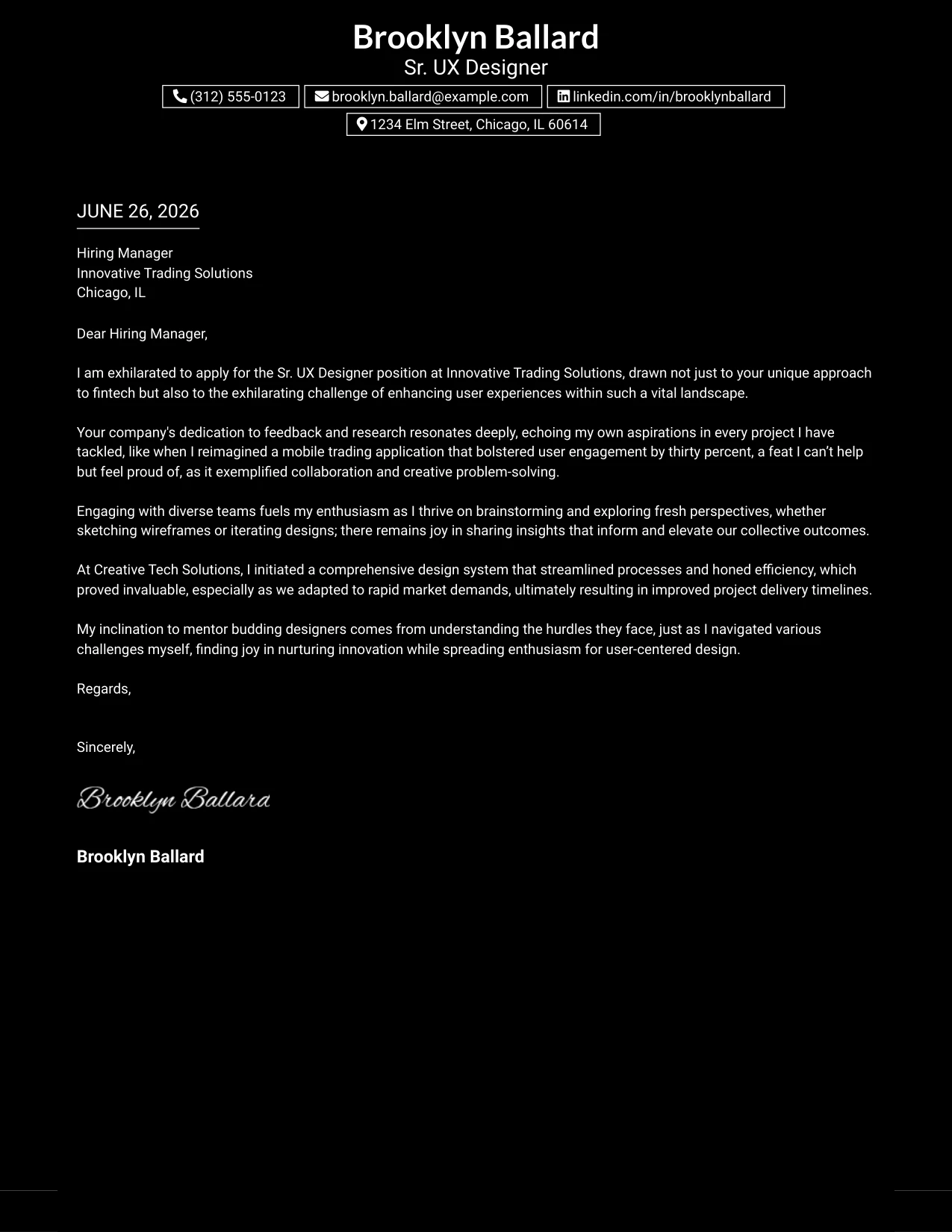
#17 Sr. UX Designer Cover Letter Example (Dark Mode Box Header Format)
This format employs a one-column dark mode layout with boxed contact information, blending sleek design with professionalism, creating an impactful presentation amenable for tech-focused roles.
Why This Cover Letter Works
- The black background establishes a striking visual appeal that attracts attention.
- Boxed contact details ensure that vital information stands out clearly.
- The one-column design maintains simplicity while keeping the content organized.
- The bold color scheme fosters a modern aesthetic suitable for Brooklyn's target industry.
- It helps the letter stand out amidst standard applications, capturing interest.
- Combining creativity with professionalism lends strength to Brooklyn's branding.
Best For
- Sr. UX Designer careers
- Tech startups
- Modern employers
- Front-end design roles
- Computer Science students
- Innovative applications
- Creative presentation needs
- Personal branding enhancement
- Visual exploration in design
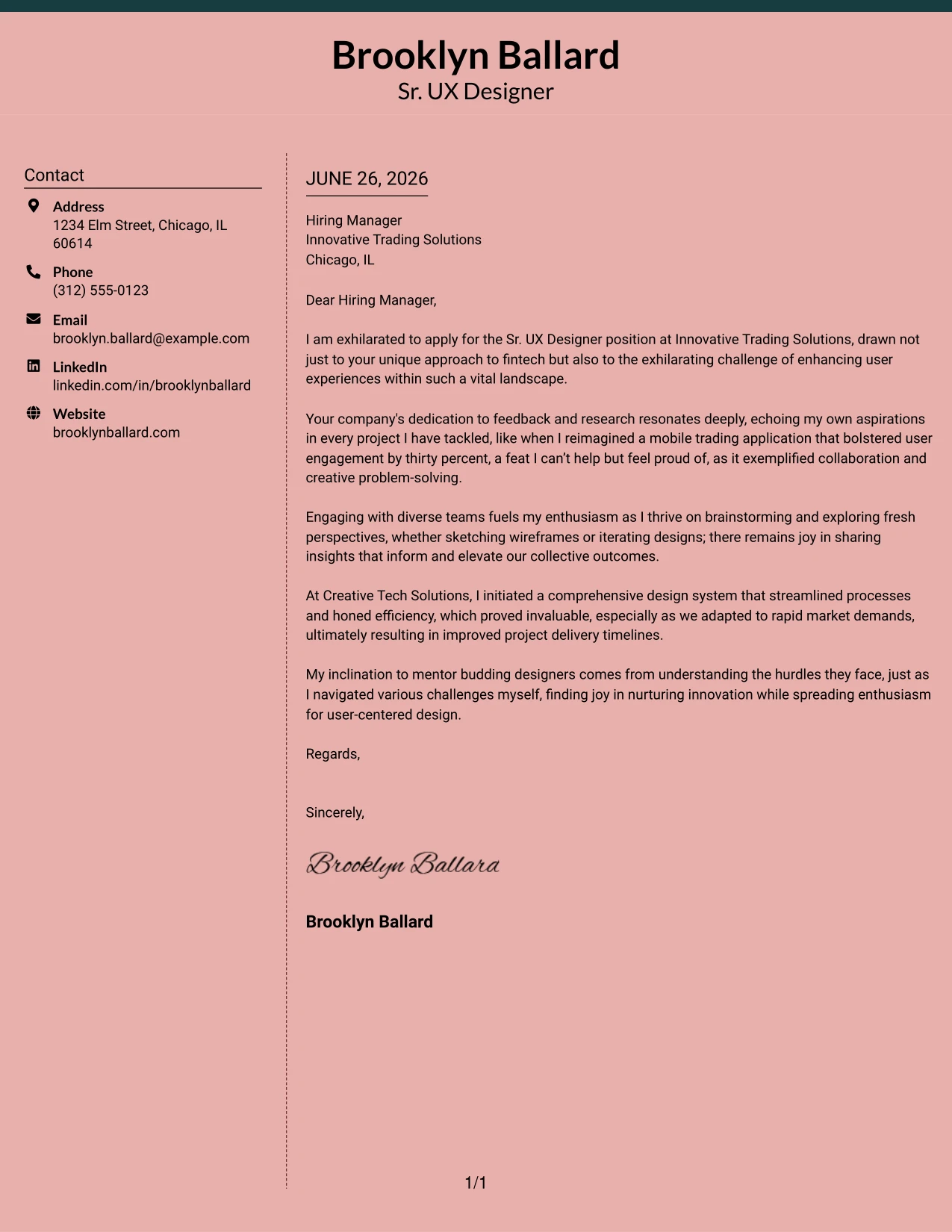
#18 Sr. UX Designer Cover Letter Example (Elegant Full Background Two Column Format)
This variant employs a full-page background color, complemented by a dotted divider between the columns, combining elegance with modern functionality to create an aesthetically pleasing yet professional layout.
Why This Cover Letter Works
- The cohesive background establishes an upscale, professional appearance that resonates with Brooklyn's design ethos.
- The dotted line adds structural clarity while creating a smooth transition between sections.
- The two-column layout aids quick scanning, vital in fast-paced recruitment environments.
- Such features add an element of refinement without compromising simplicity and readability.
- This design approach aligns with UX principles, showcasing Brooklyn's background in user-centric design.
- Unique visual elements help the cover letter stand out among typical submissions.
Best For
- Sr. UX Designer roles
- Modern companies
- Tech industry positions
- Creative applications
- Professional branding opportunities
- Distinctive presentation needs
- Visual designers
- Elegant yet functional communications
- Subtle color palettes
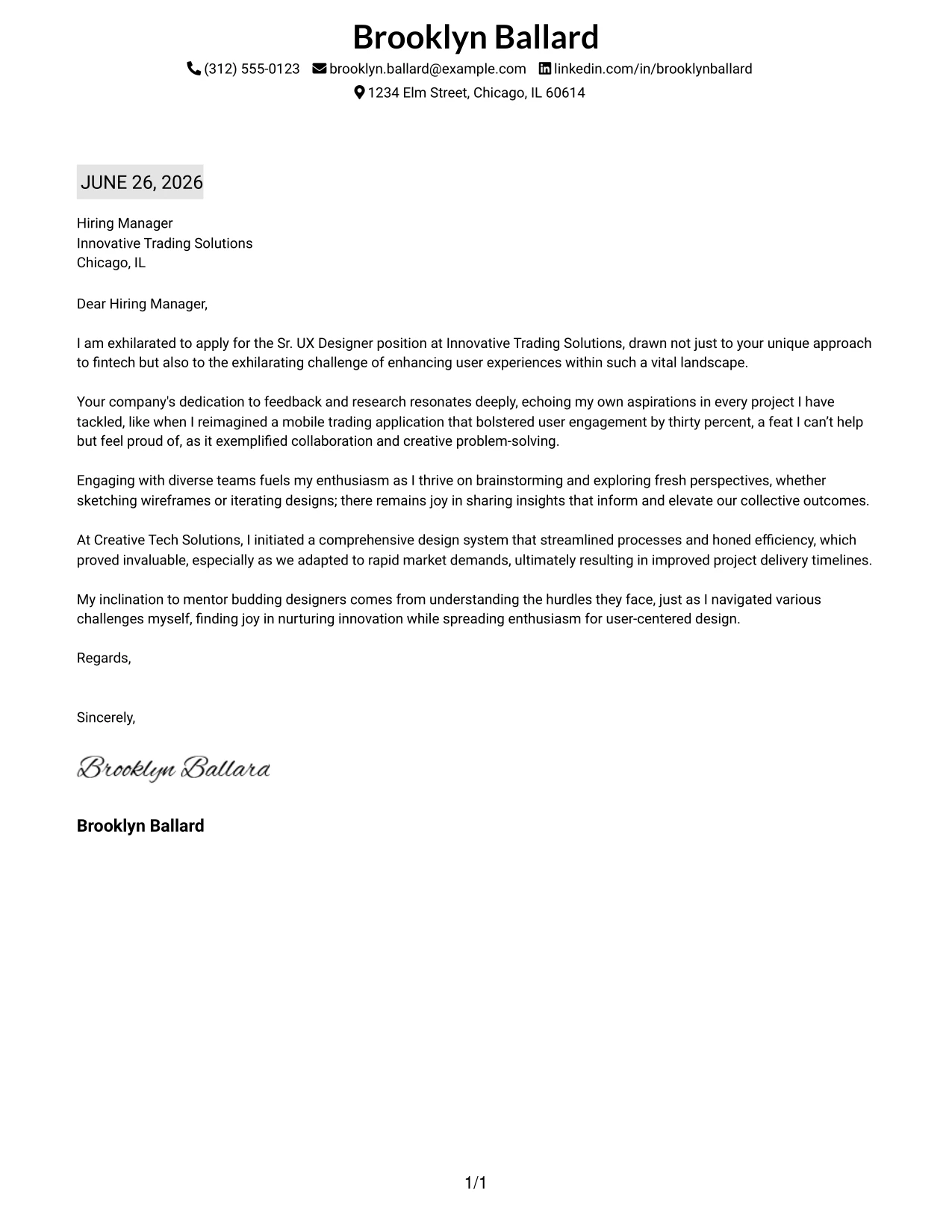
#19 Sr. UX Designer Cover Letter Example (Plain One Column with Highlighted Date)
This version features a simple one-column text layout accentuated by a subtle background highlight behind the date, emphasizing professionalism and attention to detail in Brooklyn's application.
Why This Cover Letter Works
- The one-column format keeps the layout straightforward and professional, ideal for UX design roles.
- The highlighted date enhances the sense of urgency and relevance, which is crucial in job applications.
- Minimalist design focuses on the quality of writing and qualifications, crucial for Brooklyn's professionalism.
- The format is particularly well-suited for conservative industries or environments.
- Fast scanning by hiring managers is facilitated by this simplicity, making it effective in high-volume settings.
- This design is cleanly formatted to support ATS-friendly systems for digital submissions.
Best For
- Sr. UX Designer positions
- Traditional corporate employers
- Entry-level to mid-level roles
- College graduates
- ATS-compliant applications
- Minimalistic designs
- Professional presentation needs
- Structured formats for quick scanning
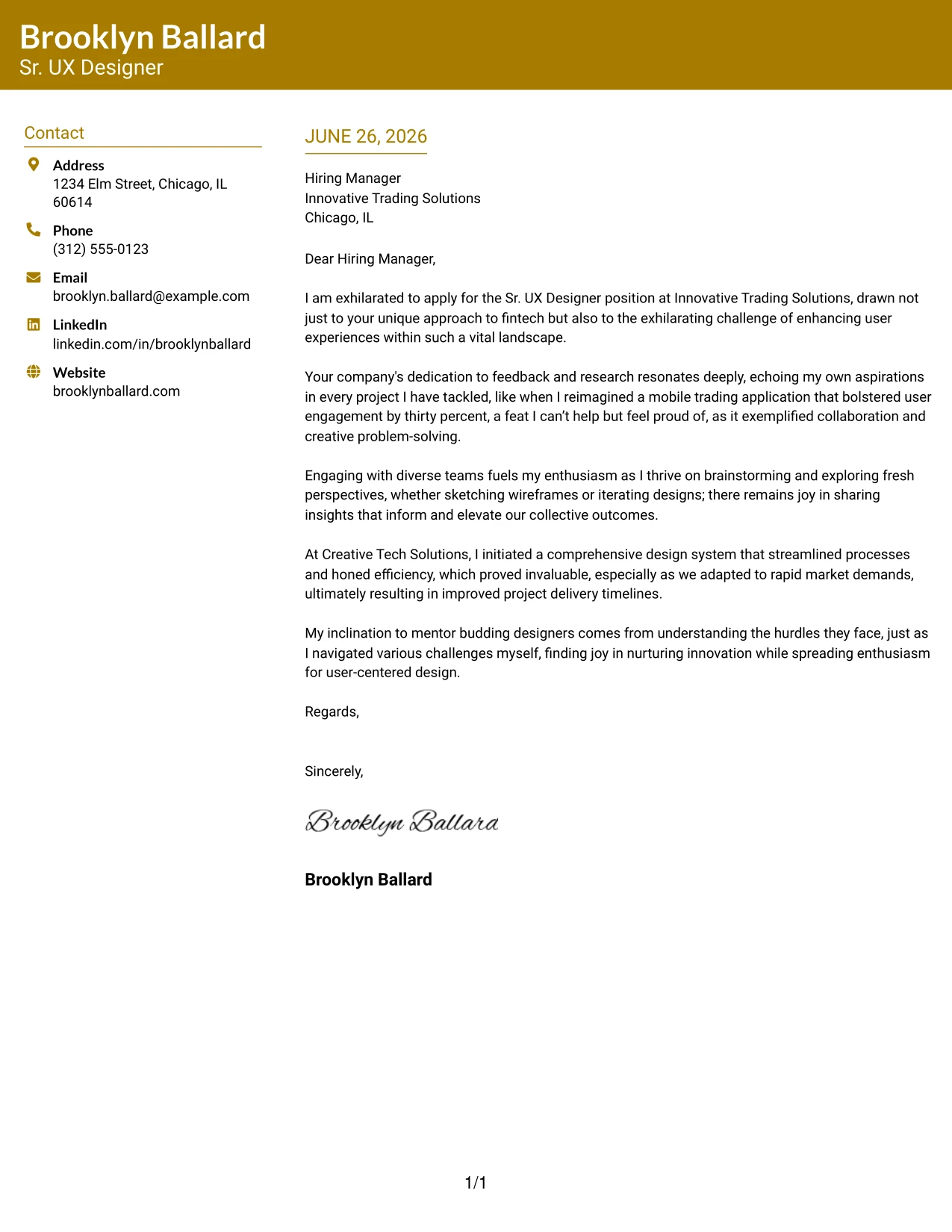
#20 Sr. UX Designer Cover Letter Example (Bold Color Header Professional Format)
This design incorporates a full-width colored header where Brooklyn’s name and educational details are prominently displayed, enhancing visual interest while maintaining a structured professional layout throughout.
Why This Cover Letter Works
- The bold header captures immediate attention, reinforcing Brooklyn's professional branding.
- Distinct identification makes the candidate memorable for hiring managers.
- Accent-colored headings tie the design together, enhancing visual consistency across the document.
- Clean structure aids organization, providing a logical flow for the reader.
- This format is perfectly suited for candidates aiming for a polished and modern look.
- Combines elements of creativity with professionalism, catering to competitive design sectors.
Best For
- Sr. UX Designer roles
- Tech-focused employers
- Graduate applications
- Corporate environments
- Current students seeking positions
- Applications requiring ATS compatibility
- Professionally stylish submissions
- Creative job opportunities
- Positions valuing strong personal branding
#21 Sr. UX Designer Cover Letter Example (Photo Header Color Sidebar Format)
This layout combines a two-column design with a professional profile photo, along with a full-width top accent bar and a colored left sidebar for contact information, creating a visually engaging and organized document.
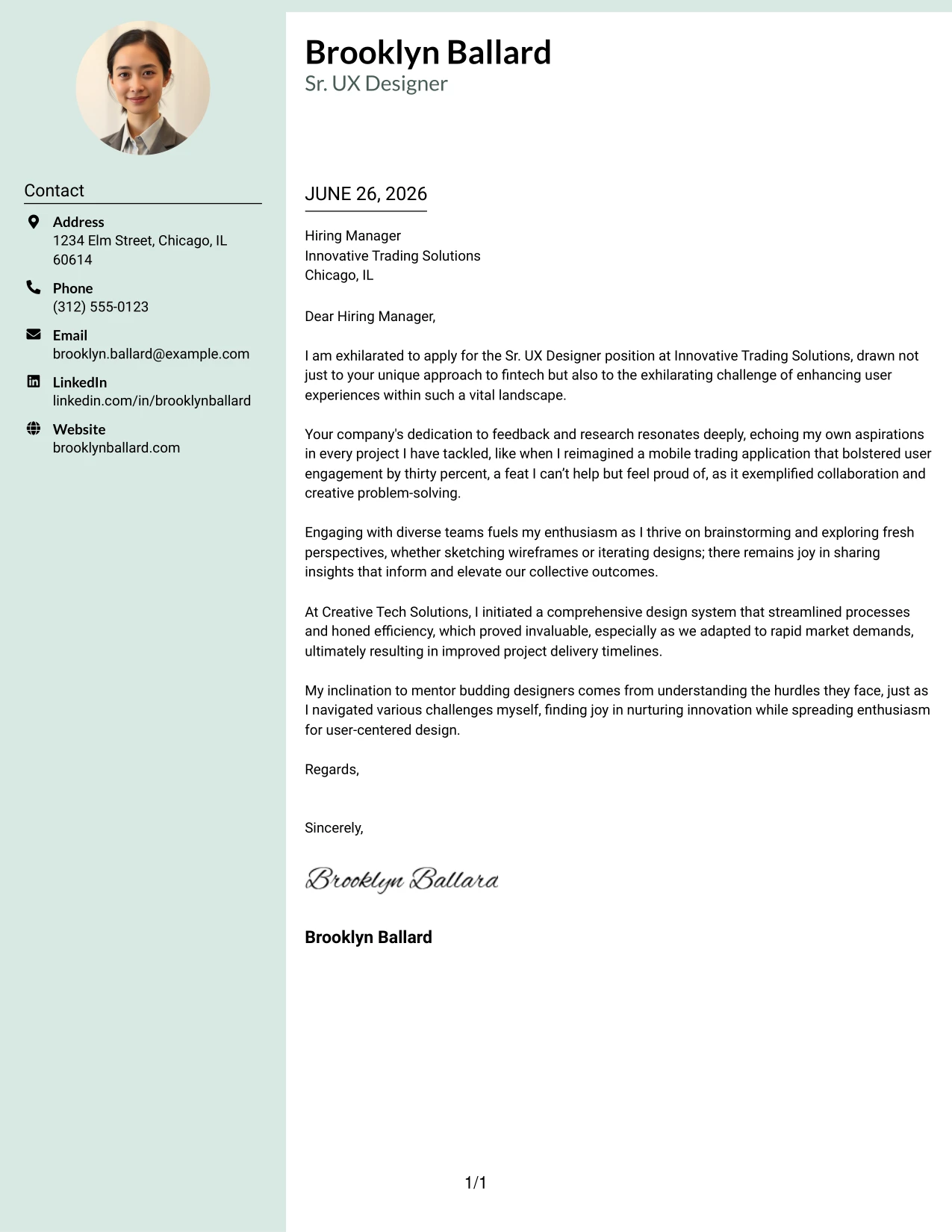
Why This Cover Letter Works
- Including a profile photo adds a personal touch and reinforces branding for the candidate.
- The full-width top accent line creates a polished and memorable first impression.
- A colored left sidebar organizes contact details, improving usability.
- Employing two-column structure enhances readability and logical flow of information.
- Modern design elements distinguish Brooklyn's application from traditional formats.
- The usability aspect of this layout resonates well with tech-driven firms seeking design-savvy candidates.
Best For
- Sr. UX Designer roles
- Companies focused on technology
- Graduate and recent applications
- Modern corporate environments
- Creative industries
- Startup applicants
- Personal branding focus
- Visually-driven formats
- Professional design aesthetics
#22 Sr. UX Designer Cover Letter Example (Top Left Header Color Accent Format)
This version features a clean two-column layout where the candidate's name and educational background are neatly aligned at the top left, utilizing accent-colored headings to enhance professionalism while maintaining a minimalist approach.
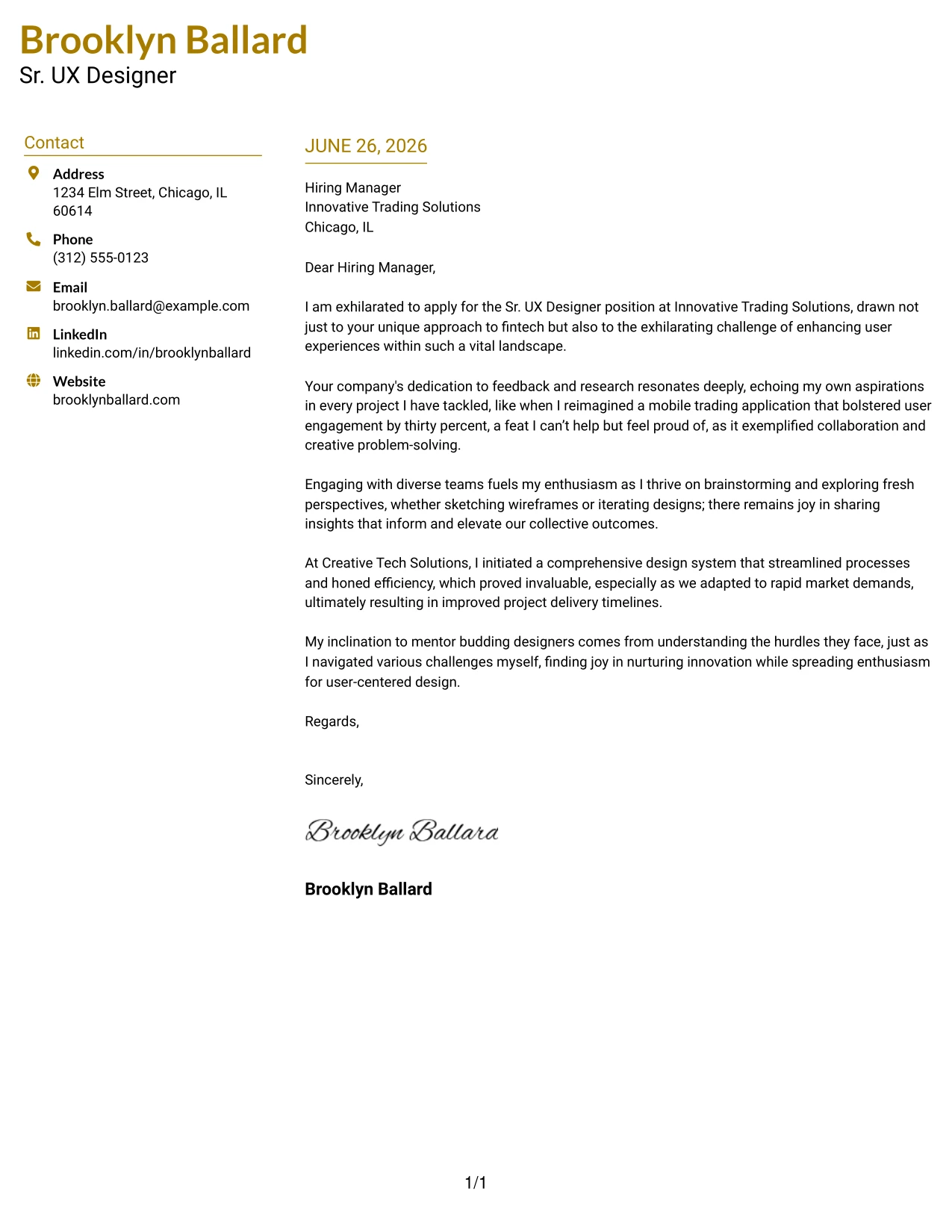
Why This Cover Letter Works
- Arranging the name and education at the top left establishes Brooklyn's professional identity immediately.
- Accent-colored headings infuse personality without overwhelming the design.
- Two-column layout cleanly separates important details from the letter body for streamlined reading.
- Minimalist approach keeps focus on qualifications and writing quality, crucial for technical roles.
- Easy for hiring managers to scan effectively in busy settings.
- This contemporary layout distinguishes Brooklyn from applicants using plain text formats.
- Balances simplicity and branding, crucial for compelling UX design presentations.
Best For
- Sr. UX Designer applications
- Corporate recruitment processes
- Graduate job seekers
- Tech-focused companies
- Creative industries
- Professional branding initiatives
- ATS-compliant submissions
- Stylized formats for individuality
- Modern layout preferences
#23 Sr. UX Designer Cover Letter Example (Centered Header Classic Two Column Format)
This version uses a centered name and contact header combined with a sleek two-column layout that radiates professionalism. By focusing entirely on the content, this format enables the candidate to make a lasting impression with their qualifications.
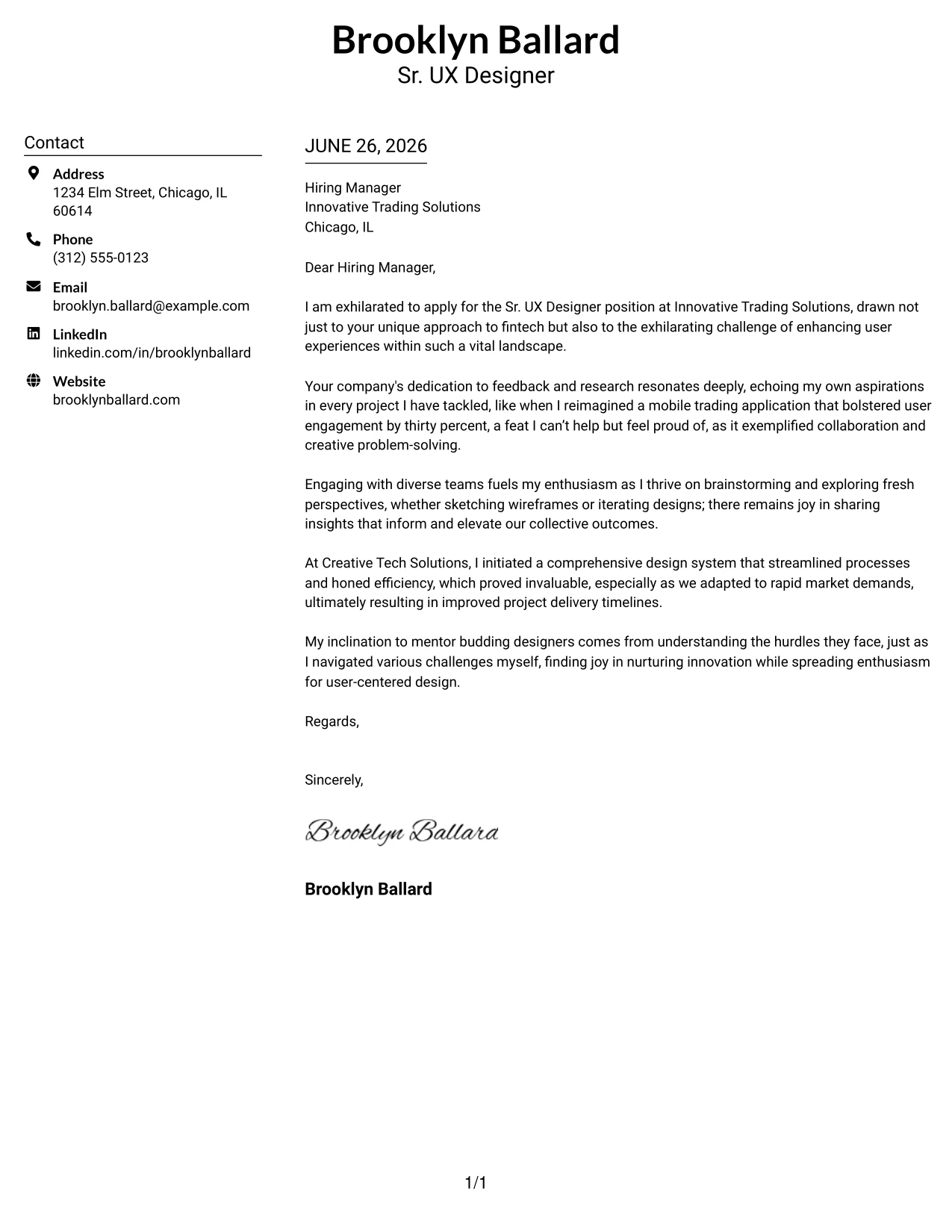
Why the Centered Header Classic Two Column Format Works
- Centered header presents a balanced and polished first impression, aligning with the professional approach expected in UX design.
- Two-column structure distinctly separates contact details from letter content, enabling quick access to essential information.
- Clean black-on-white styling ensures the design remains timeless and exudes professionalism suited for fintech environments.
- The absence of distracting elements keeps the focus firmly on the candidate's relevant experience and qualifications.
- This format facilitates efficient scanning by hiring managers, aligning with their need for clear communication.
- Ideal for both traditional and contemporary employers in the tech industry.
- Efficient balance of structure and readability enhances overall presentation quality.
Best For
- Sr. UX Designer Roles
- Fintech Companies
- Professional Design Applications
- Experienced Designers
- Corporate Environments
- ATS Friendly Documents
- Design-Focused Hiring Teams
- Structured Presentations
- Minimalist Designs
- Timeless Professionalism
#24 Sr. UX Designer Cover Letter Example (Left Aligned Header Clean Two Column Format)
This version showcases a left-aligned name and contact header paired with a structured two-column format that feels confident and approachable. The clean layout enhances readability while maintaining a professional tone.
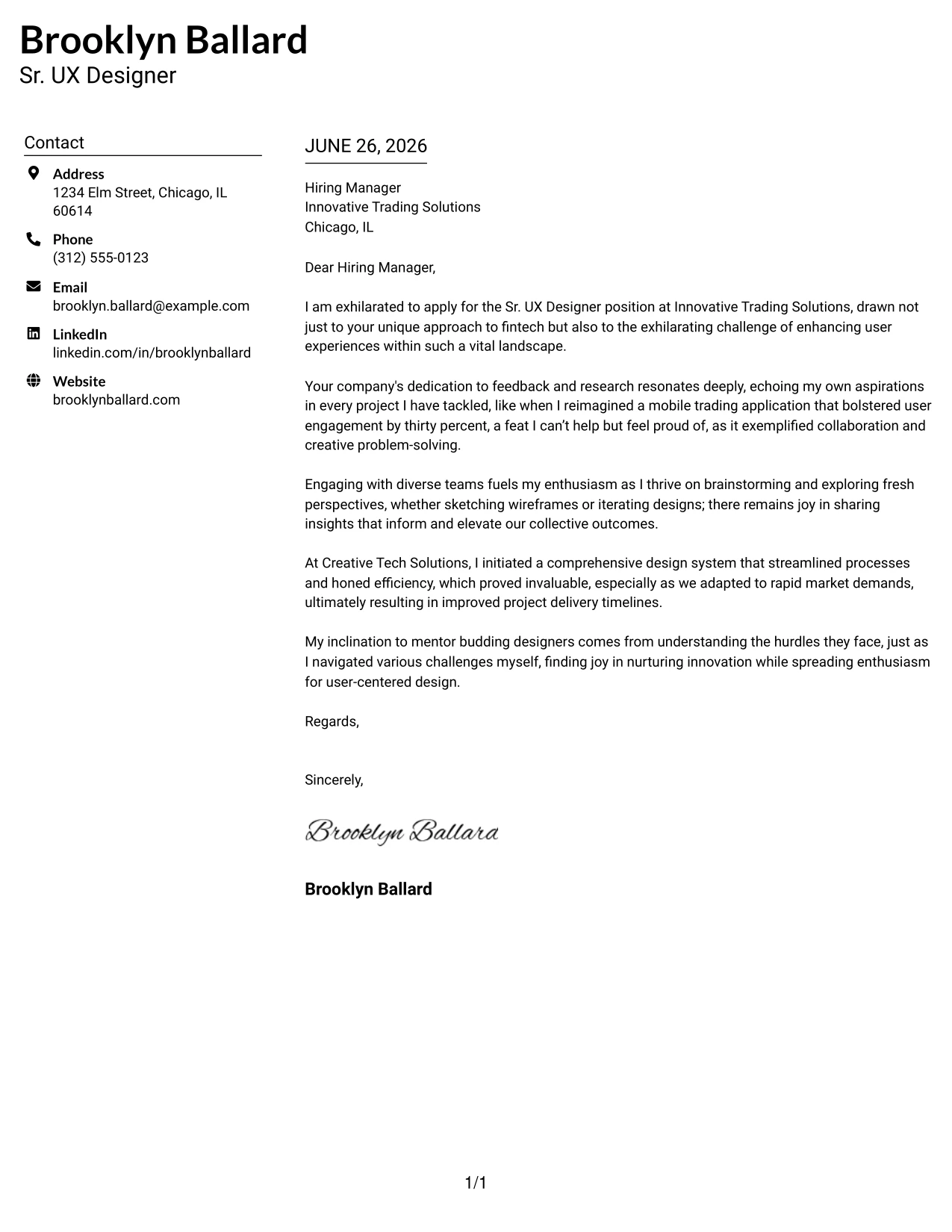
Why the Left Aligned Header Clean Two Column Format Works
- Left-aligned header creates a strong first impression, showcasing clarity and confidence.
- The reading flow is intuitive, guiding the eye smoothly from the header into the content.
- The two-column structure keeps contact details neatly organized and easily visible.
- Minimal black-and-white styling enhances professionalism, making it versatile across industries.
- Allows for excellent readability, accommodating quick reviews and assessments by recruiters.
- Strikes a balance between modern aesthetics and classic professionalism.
- Well-suited for internships as well as entry-level roles in tech.
Best For
- Sr. UX Designer Positions
- Tech Employers
- Graduate Applications
- Creative Teams
- Modern Job Seekers
- Entry-Level Jobs
- ATS Friendly PDFs
- Professional Branding
- Structured Cover Letters
- Readable Layouts
#25 Sr. UX Designer Cover Letter Example (Accent Divider Modern Two Column Format)
This version incorporates a matching accent-colored header and bold vertical divider between the two columns, creating a modern and structured presentation. It effectively adds personality while ensuring the overall document remains professional.
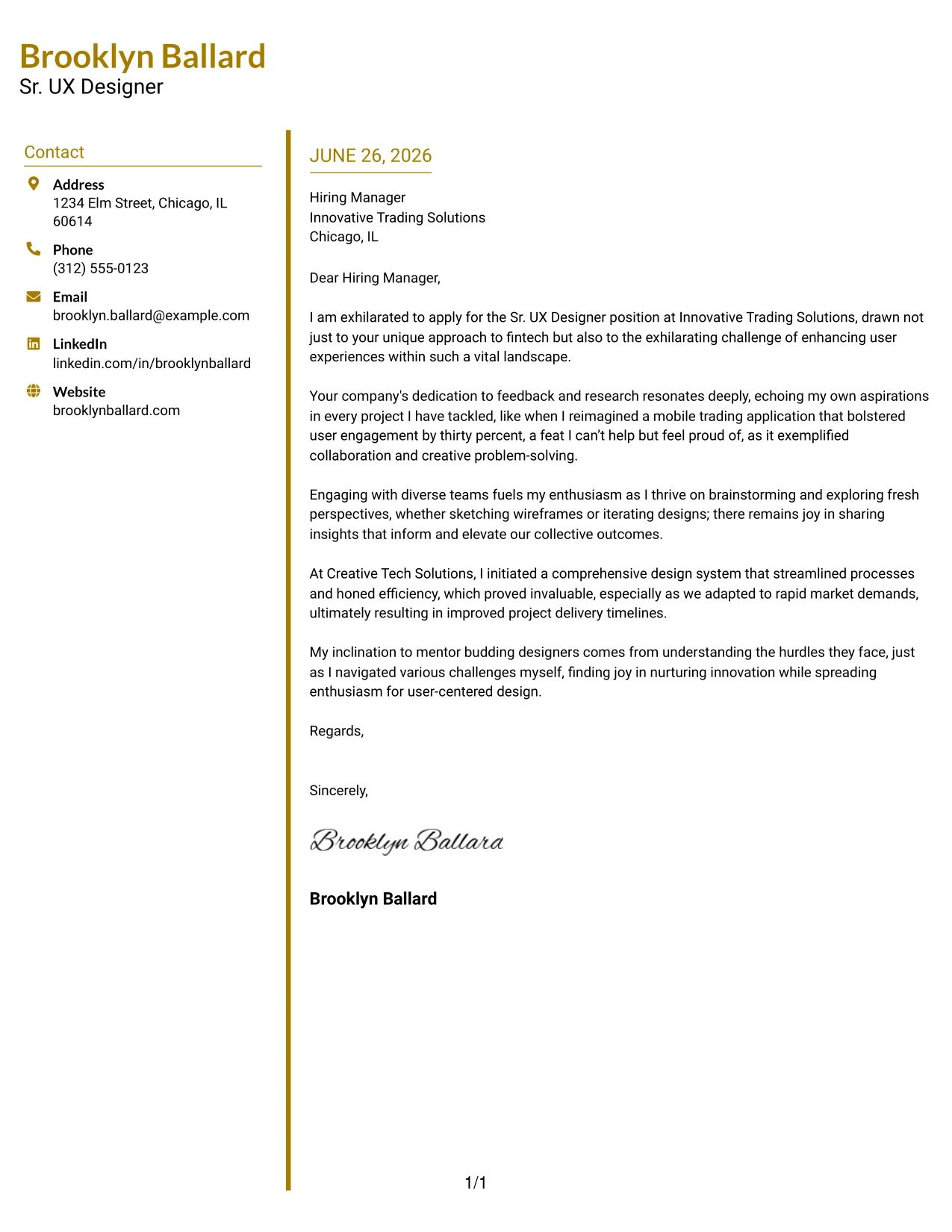
Why the Accent Divider Modern Two Column Format Works
- The color divider creates a distinct visual separation between sections, enhancing interpretability.
- Matching heading accents foster consistency and strengthen personal branding.
- Two-column layout retains clarity in presenting contact details, making them easy to scan.
- This modern structure integrates freshness without compromising professionalism.
- Guides a recruiter's attention seamlessly from left to right, improving engagement.
- Appropriate for corporate roles but adds a personal touch suitable for creative positions.
- Combines organization, readability, and a touch of individuality.
Best For
- Sr. UX Designer Roles
- Creative Tech Companies
- Graduate Applications
- Modern Templates
- ATS Friendly PDFs
- Professional Branding
- Structured Applications
- Entry-Level Jobs
- Color Accent Designs
- Innovative Job Environments
#26 Sr. UX Designer Cover Letter Example (Shaded Labels Clean Two Column Format)
This version utilizes a two-column layout with subtle shaded background labels for the contact and date sections. The gentle highlights create visual structure while maintaining a minimalist and professional appearance.
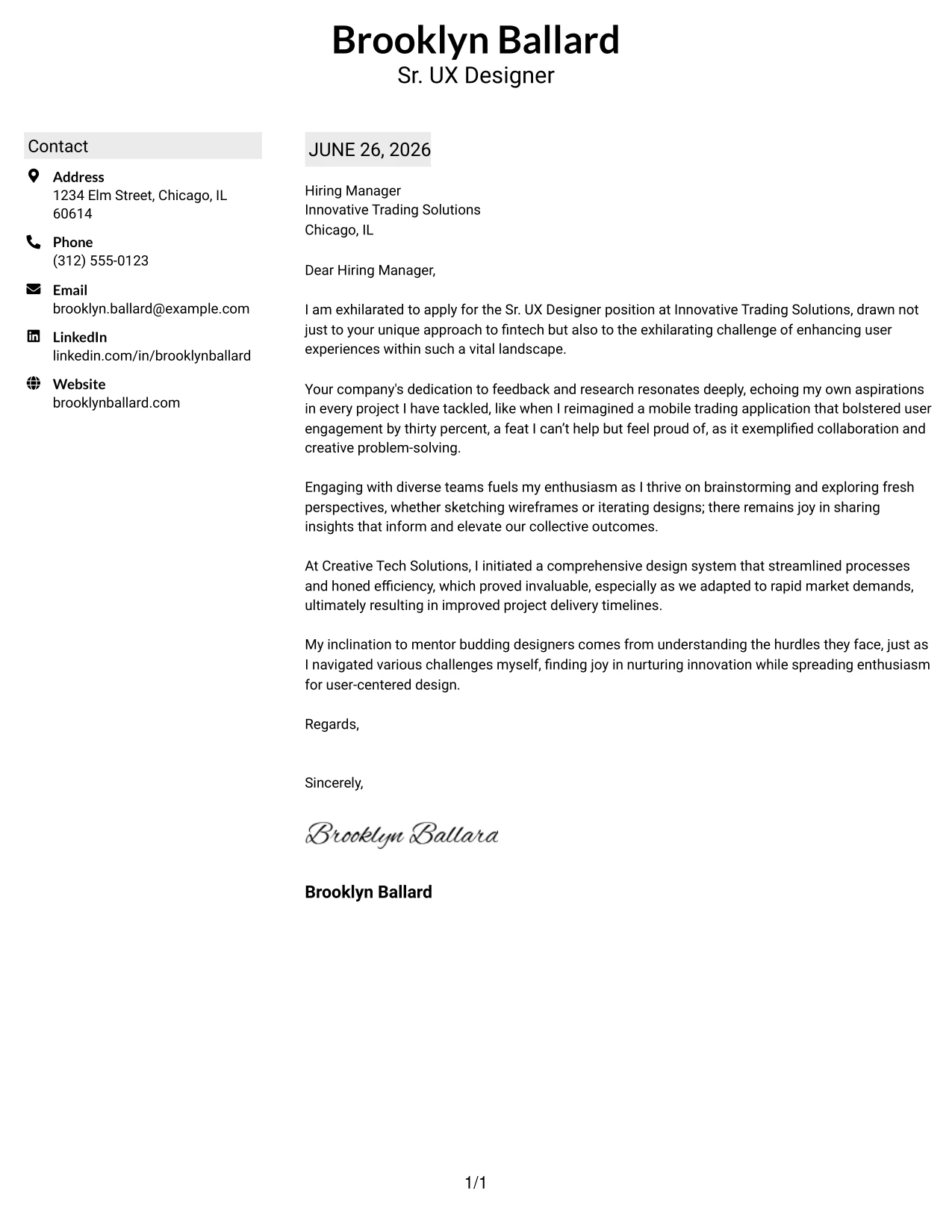
Why the Shaded Labels Clean Two Column Format Works
- Subtle shading highlights key headings, enhancing focus without overwhelming the design.
- The two-column structure separates contact details from the body of the letter, improving organization.
- This minimal styling maintains professionalism and is recruiter-friendly, ideal for fintech.
- Soft visual anchors guide the reader's eye, making navigation easier.
- Creates interest without breaking from a conservative aesthetic—suitable for corporate environments.
- Perfect for applicants looking for a polished, modern appearance.
- Delivers a compelling mix of simplicity, organization, and clean branding.
Best For
- Sr. UX Designer Positions
- Corporate Environments
- Graduate Applications
- Entry-Level Roles
- ATS Friendly PDFs
- Modern Minimal Design
- Professional Templates
- Corporate Employers
- Structured Layouts
- Clean Branding
#27 Sr. UX Designer Cover Letter Example (Photo Header Color Accent International Format)
This version combines a professional profile photo, accent-colored headings, and bold top border for a polished presentation. It is especially useful in industries where including a photo is common or expected.
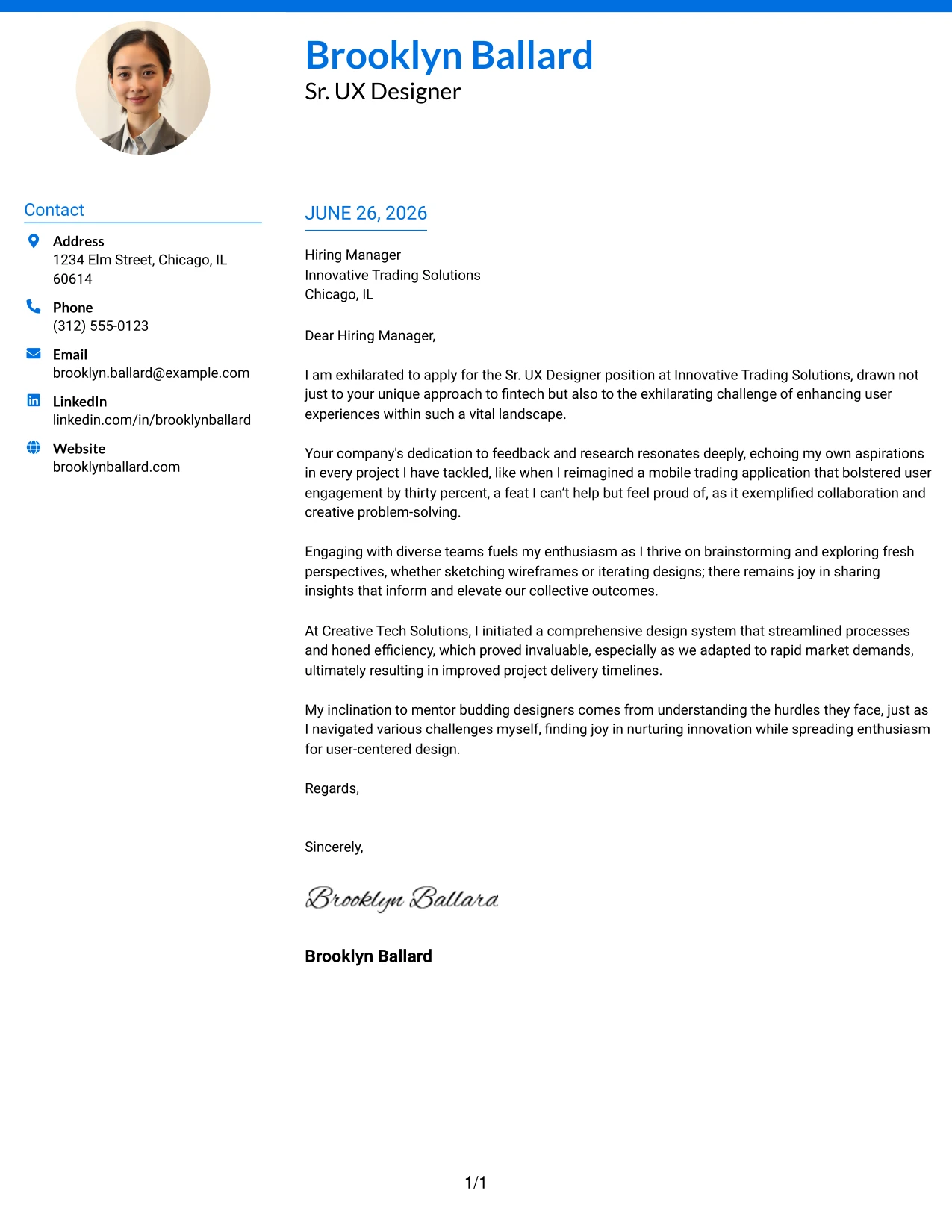
Why the Photo Header Color Accent International Format Works
- Including a professional photo establishes a strong personal introduction where culturally appropriate.
- Accent-colored headings create structure and contribute to modern branding.
- The bold top border adds instant visual distinction, enhancing overall presentation.
- The two-column layout clearly separates contact details from the main letter, which aids readability.
- Allows for quick scanning by recruiters, ensuring ease of evaluation.
- Balances creativity with professional readability, essential in user experience roles.
- Best for international applications and roles that require strong personal interactions.
Best For
- Sr. UX Designer Positions
- International Applications
- Fintech Job Markets
- Client-Facing Roles
- Graduate Opportunities
- Modern Companies
- Photo-Friendly Markets
- ATS Friendly PDFs
- Effective Personal Branding
- Strong First Impressions
#28 Sr. UX Designer Cover Letter Example (Large Profile Photo International Two Column Format)
This version features a large professional profile photo, bold name header, and organized two-column layout. It is ideal for environments where including a photo improves positive recall and enhances first impressions.
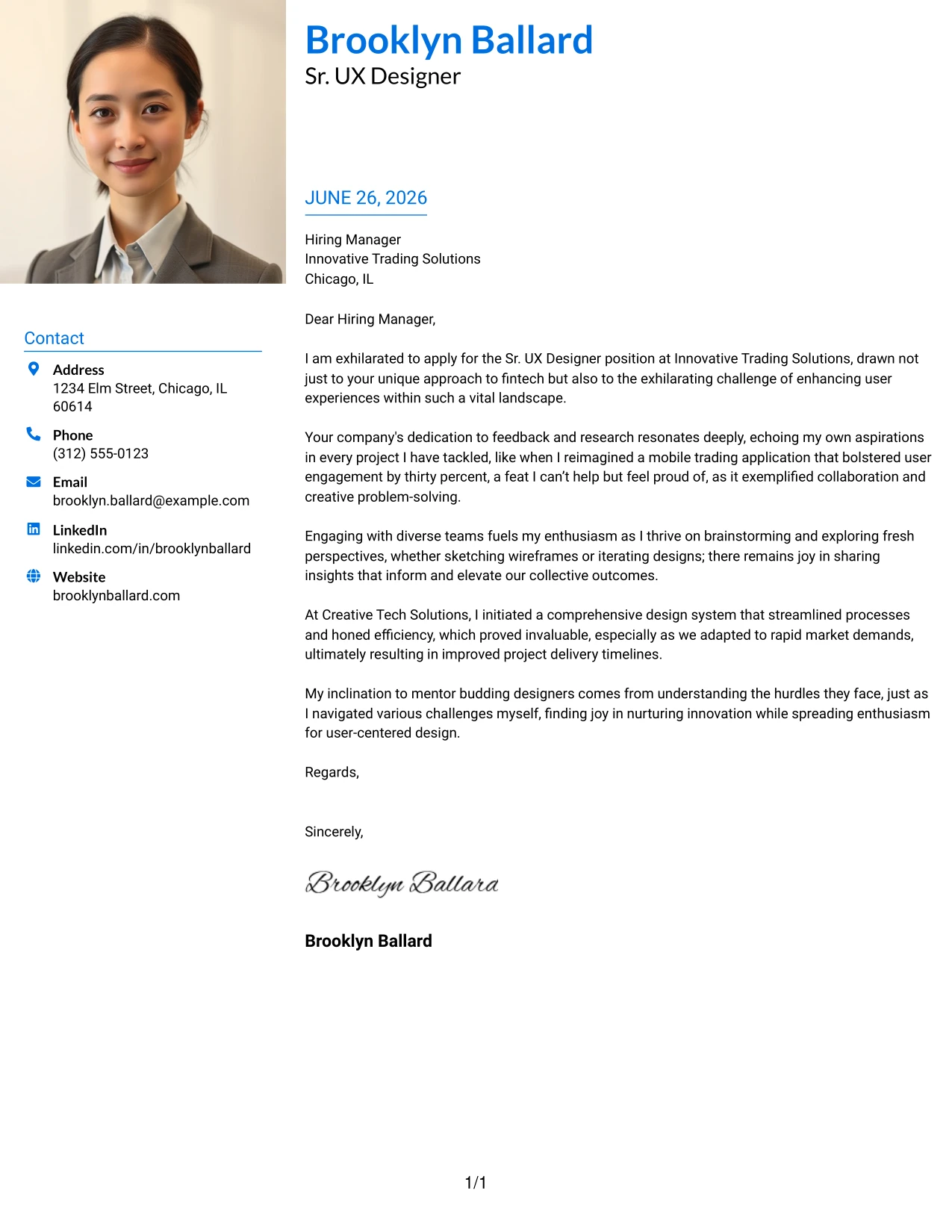
Why the Large Profile Photo International Two Column Format Works
- A large photo establishes an immediate personal connection, making applicants memorable in competitive markets.
- Accent-colored name header elevates branding and visibility, making a bold statement.
- The two-column structure maintains organized contact information, streamlining access for recruiters.
- A modern presentation sets candidates apart from more traditional templates.
- A clean structure combines professionalism with approachability, essential in UX roles.
- Most effective for client-oriented positions requiring personable interactions.
- Success lies in balancing personality and professionalism, leaving a lasting impression.
Best For
- Sr. UX Designer Positions
- International Work Markets
- Global Tech Employers
- Client-Facing Applications
- Graduate Programs
- Visual-Focused Roles
- Photo-Friendly Resumes
- ATS Friendly PDFs
- Dynamic Personal Branding
- Memorable First Impressions
#29 Sr. UX Designer Cover Letter Example (One Column Boxed Contact Header Format)
This rendition features a clean one-column layout with neatly boxed contact details directly below the candidate's name. The bordered contact sections create structure while ensuring that the design remains modern and user-friendly.
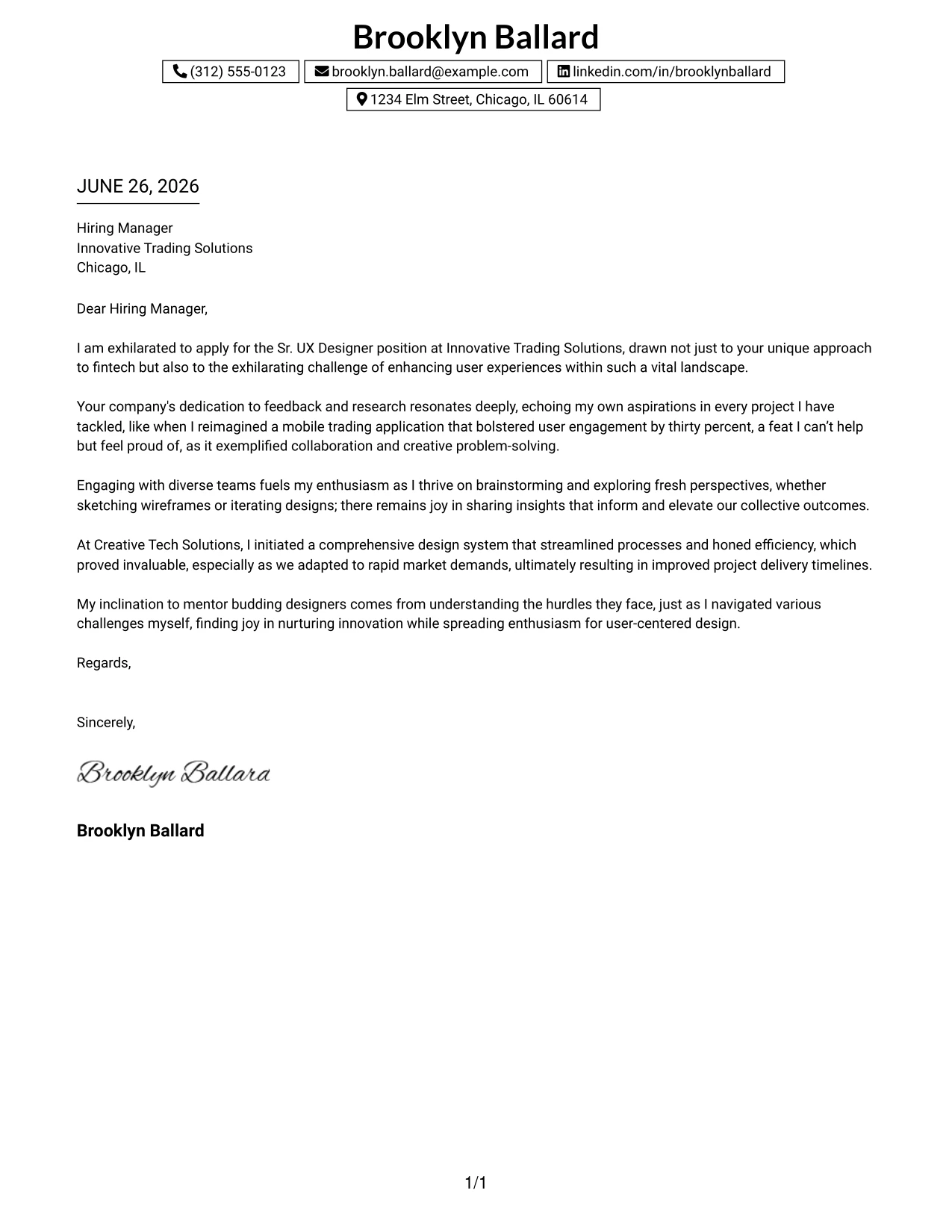
Why the One Column Boxed Contact Header Format Works
- Boxed contact details provide immediate organization of vital information, which is critical in fast-paced hiring environments.
- Centered header effectively presents a strong professional identity from the outset.
- A single-column structure simplifies reading flow, making the letter easily digestible.
- Clean borders enhance the visual appeal without detracting from the content.
- Outstanding readability ensures smooth navigation for recruiters and hiring managers.
- This modern minimalist style resonates well across diverse industries.
- A compelling blend of branding, simplicity, and professionalism enhances the overall impact.
Best For
- Sr. UX Designer Roles
- Student Applications
- Graduate Opportunities
- Corporate Environments
- Tech Employers
- Minimalist Templates
- ATS Friendly PDFs
- Modern Layouts
- Professional Branding
- Readable Design
#30 Sr. UX Designer Cover Letter Example (One Column Shaded Contact Header Format)
This version retains a clean one-column professional layout while replacing boxed contact sections with soft shaded highlights. The gentle emphasis enhances modern appeal while keeping the layout elegant and readable.
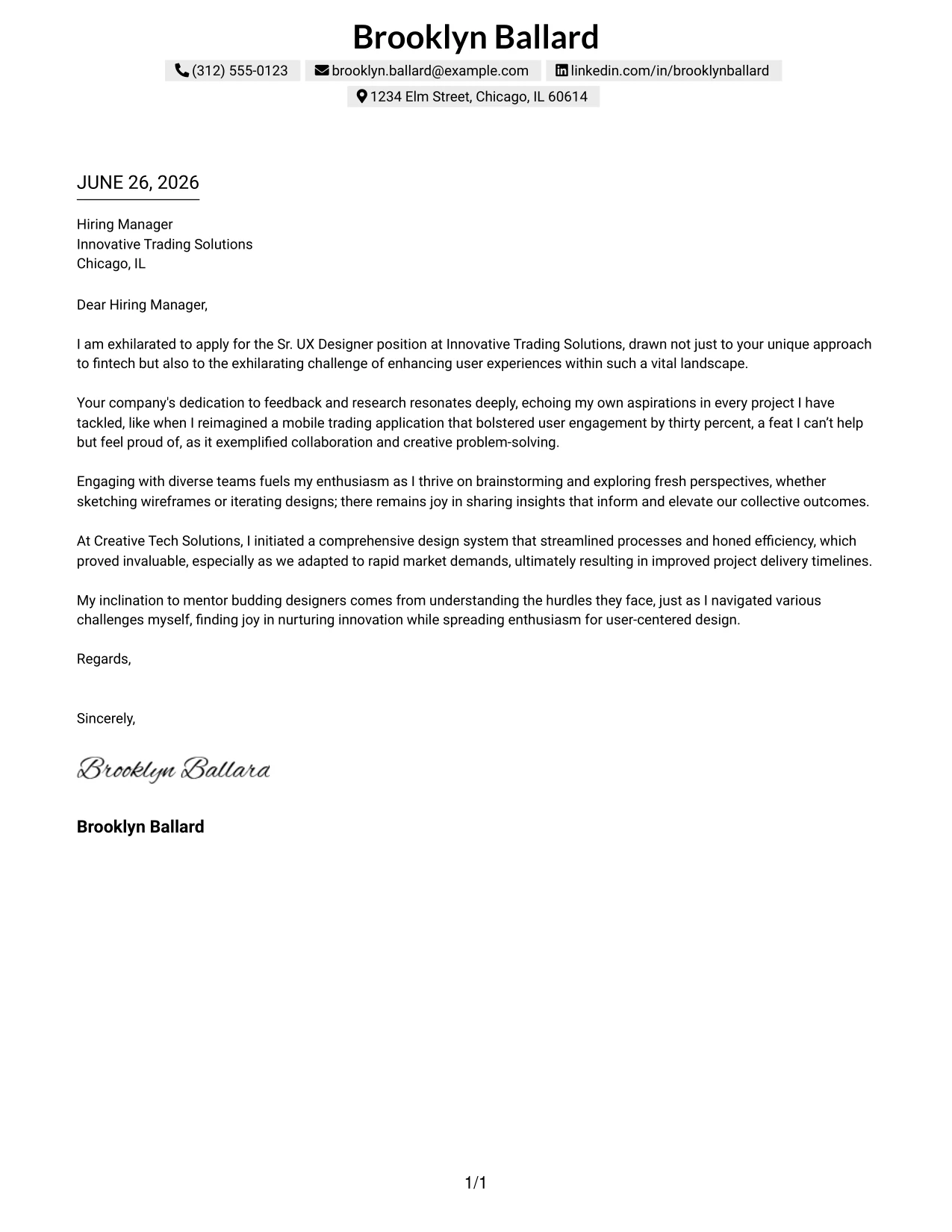
Why the One Column Shaded Contact Header Format Works
- Shaded contact sections organize details with a subtle yet effective style devoid of harsh borders.
- Maintains a soft visual appeal compared to more traditional boxed layouts, enhancing readability.
- Centered header preserves a strong branding presence, reflecting professionalism.
- A single-column reading layout supports natural flow for the reader while enhancing focus.
- Excellent white space balance fosters improved legibility, ideal for busy hiring managers.
- Recognized as professional enough for corporate roles, while visually contemporary.
- Presents an appealing mix of elegance, simplicity, and clarity—all essential for design professionals.
Best For
- Sr. UX Designer Positions
- Student Applications
- Graduate Roles
- Corporate Environments
- Tech Employers
- Minimalist Templates
- ATS Friendly PDFs
- Modern Design Aesthetics
- Elegant Layouts
- Strong Professional Branding
#31 Sr. UX Designer Cover Letter Example (Boxed Contact Header with Job Title Format)
This format enhances the boxed contact layout by incorporating the candidate's job title directly beneath their name. This strategic addition communicates the candidate's focus to recruiters immediately.
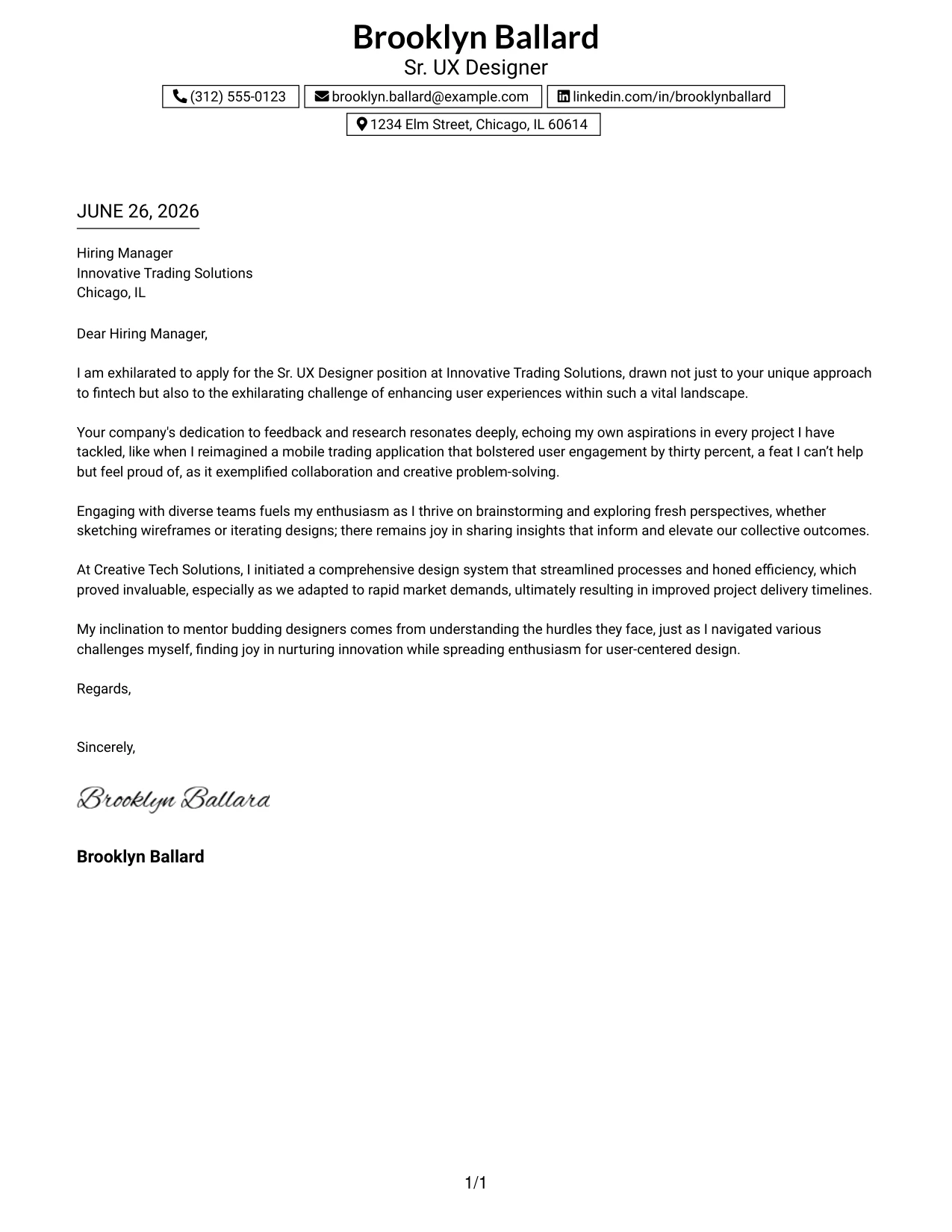
Why the Boxed Contact Header with Job Title Format Works
- Job title directly communicates the candidate's specialized focus, enhancing immediate understanding for recruiters.
- Organized boxed contact details keep all important information readily accessible.
- The centered header provides a polished and professional first impression right away.
- A one-column structure ensures the letter remains clean and easy to read.
- Strong branding presents a more intentional candidate image, critical in competitive fields.
- This contemporary minimalist style complements tech applications particularly well.
- Brings together clarity, structure, and professionalism, making it attractive for hiring managers.
Best For
- Sr. UX Designer Roles
- Computer Science Students
- Graduate Applications
- Tech Employers
- Corporate Environments
- ATS Friendly PDFs
- Professional Branding
- Modern Templates
- Focused Career Applications
- User-Centric Roles
#32 Sr. UX Designer Cover Letter Example (Plain Professional Layout with Job Title & Shaded Date)
This version employs a clean one-column structure that features the candidate name, job title, and streamlined contact information at the top. The soft shaded date block subtly emphasizes key details while keeping the layout modern and professional.
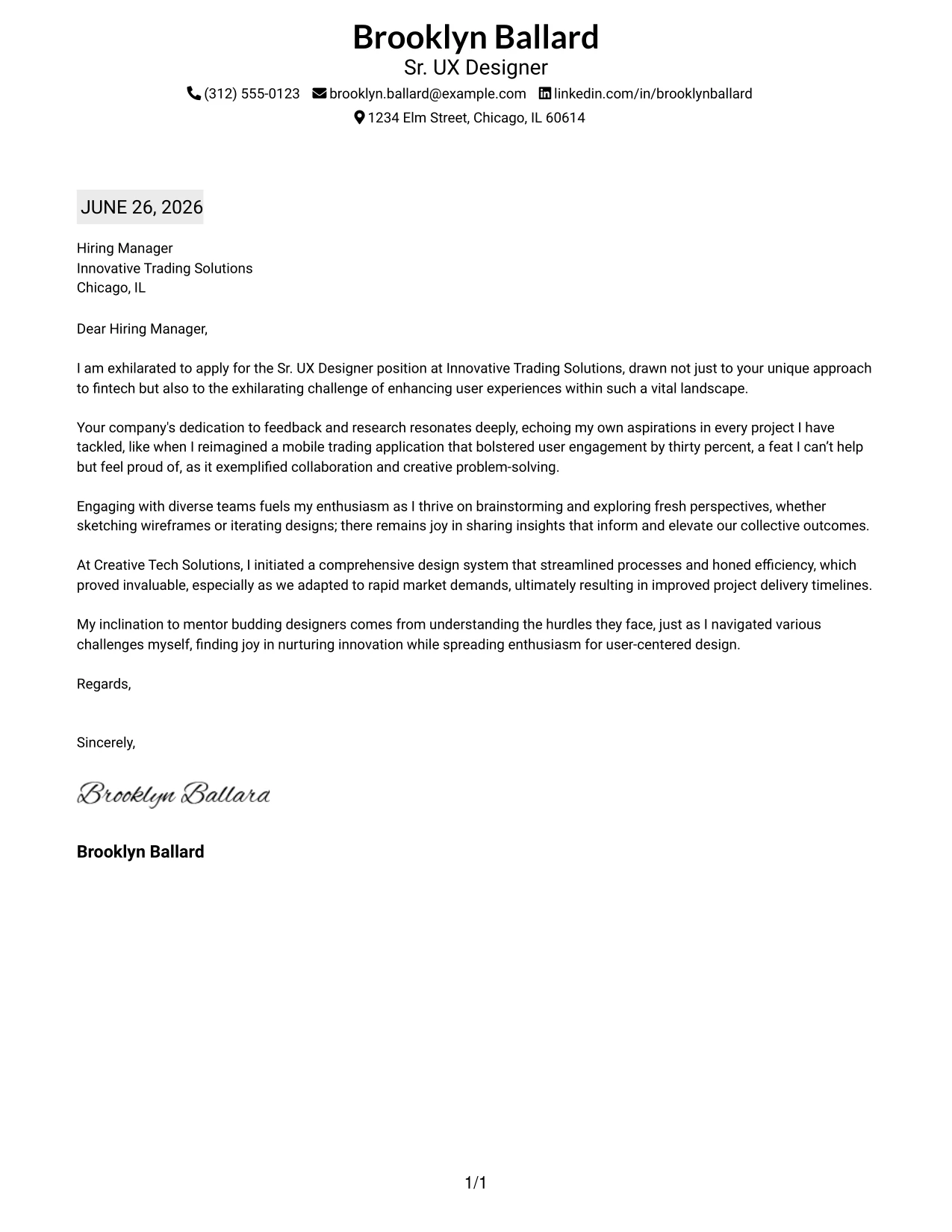
Why the Plain Professional Layout with Job Title & Shaded Date Works
- The job title clarifies the candidate's intent and focus right at the outset.
- Incorporating a shaded date introduces visual nuance while maintaining an uncluttered look.
- Smooth one-column layout ensures a natural reading experience, which benefits recruiters.
- The top contact row efficiently utilizes space, fostering a modern aesthetic.
- Minimalist styling allows the content itself to shine through, ensuring clarity.
- A professional appearance is suitable for various employers, aligning with industry expectations.
- Combines simplicity, clarity, and a strong brand presence in one effective format.
Best For
- Sr. UX Designer Positions
- Corporate Applications
- Tech Employers
- Graduate Roles
- Student Applicants
- ATS Friendly PDFs
- Minimalist Templates
- Modern Job Seekers
- First Career Applications
- Professional Communication
#33 Sr. UX Designer Cover Letter Example (Two-Line Contact Header with Underlined Date Format)
This configuration features a clean centered header with contact information presented across two balanced lines, which enhances spacing and readability. The underlined date brings subtle structure while keeping the overall design minimal and inviting.
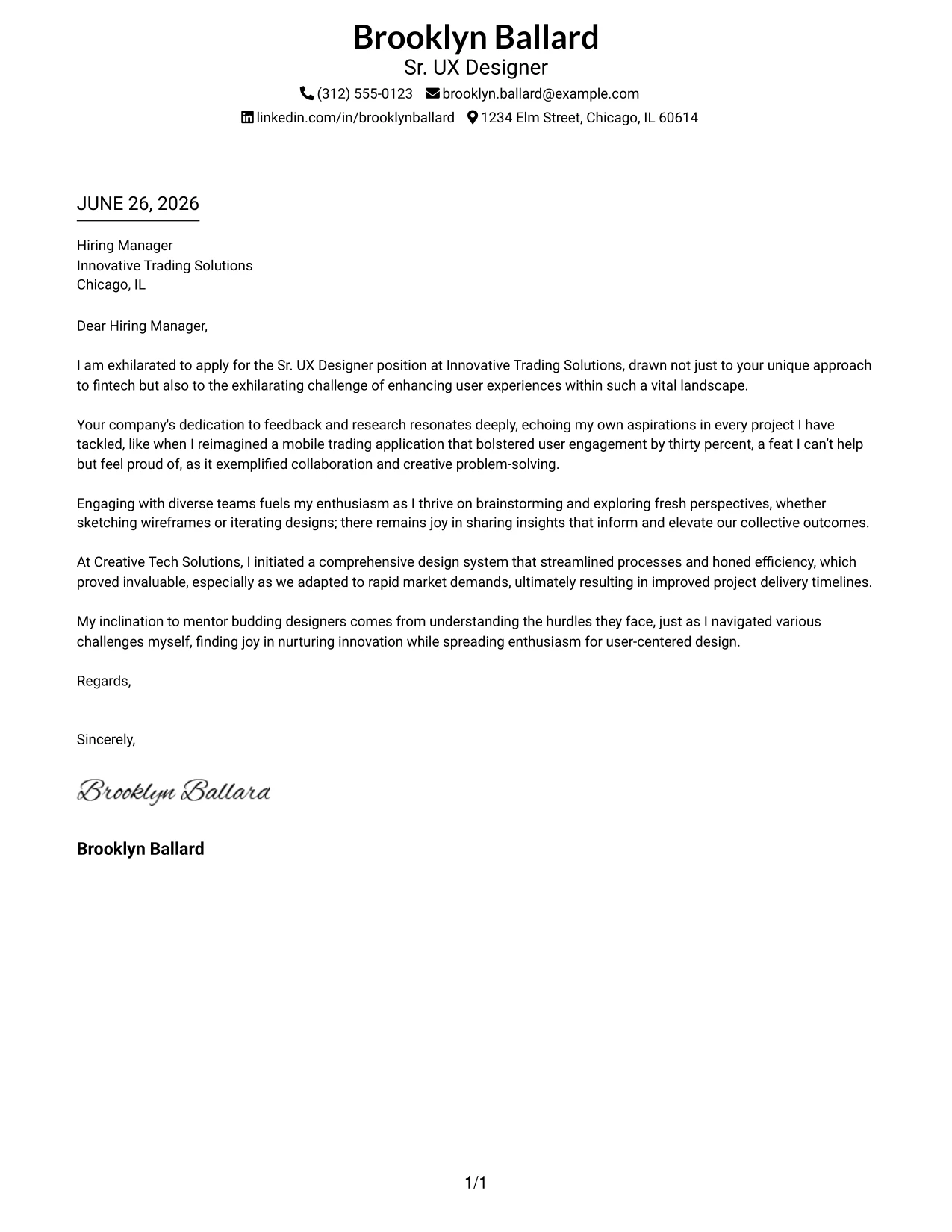
Why the Two-Line Contact Header with Underlined Date Format Works
- The two-line contact header improves spacing, making it easier to read on various devices.
- Centered branding creates an immediate polished impression—essential for client-facing roles in UX.
- An underlined date provides structural clarity without adding clutter.
- Plain one-column layout keeps the focus sharp on the content, crucial for effective communication.
- Modern typography feels fresh and aligns well with recruiting preferences.
- Easy scanning improves a hiring manager's ability to evaluate at a glance.
- This format combines simplicity with a sense of balance and professionalism.
Best For
- Sr. UX Designer Positions
- Computer Science Students
- Graduate Applications
- Tech Employers
- Corporate Environments
- ATS Friendly PDFs
- Minimalist Templates
- Modern Candidates
- Professional Branding
- Clear Communication
Why Use ResumeInMinutes for a Sr. UX Designer Cover Letter
ResumeInMinutes empowers designers and professionals to craft personalized cover letters swiftly, eliminating the need to start from scratch.
- 33 writing styles
- ATS-friendly formatting
- Job-description-based customization
- Quick cover letter generation
- Professional templates
- Support for resumes and cover letters alike
Whether you're applying for a Sr. UX Designer position or another role in user experience design, you can create a polished cover letter in minutes.
See Also
- 33 Sr. UX Content Designer Resume Templates with Example 2026 (ATS-Optimized)
- 33 Sr. UX Designer Resume Templates with Example 2026 (ATS-Optimized)
- 33 Entry-Level UI/UX Experience Designer Resume Templates with Example 2026 (ATS-Optimized)
- 33 Junior UI/UX Designer Resume Templates with Example 2026 (ATS-Optimized)
- 33 Lead User Experience (UX) Designer Resume Templates with Example 2026 (ATS-Optimized)
- 33 Lead UX Designer Resume Templates with Example 2026 (ATS-Optimized)
- 33 Principal Associate - UX/UI Designer Resume Templates with Example 2026 (ATS-Optimized)
- 33 Principal Conversational UX Designer Resume Templates with Example 2026 (ATS-Optimized)
- 30+ Sr. UX Content Designer Cover Letter Templates with Example 2026
- 30+ Entry-Level UI/UX Experience Designer Cover Letter Templates with Example 2026
Frequently Asked Questions
Are these Sr. UX Designer cover letter templates ATS-friendly?
Yes. The templates feature clean, readable formatting and include design-focused keywords such as user experience, prototyping, Figma, collaboration, and agile methodologies.
Are these 33 different cover letters?
No. This guide uses one Sr. UX Designer cover letter example shown in 33 different template styles, layouts, and design themes.
Can I download the templates as PDFs?
Yes. Each style includes a free PDF download to preview the design and choose the format that best fits your application.
Which cover letter style is best for a Sr. UX Designer?
For most applications, a clean one-column or simple two-column template works well. For modern tech companies, creative styles with subtle color accents or structured layouts can also be effective.
Can I still write a strong cover letter if I have limited experience?
Yes. A strong cover letter can emphasize relevant projects, collaboration skills, and your eagerness to tackle new challenges in UX design.
Should I include a photo on my cover letter?
Include a photo only if it’s common in your country, region, or industry. For U.S. applications, a no-photo template is generally the safer option.
Can I customize these cover letter templates?
Yes. ResumeInMinutes allows for customization of cover letter text, layout, design style, and PDF format tailored to your specific Sr. UX Designer application.