
7 Staff Attorney - Labor Division (Unemployment Section) Resume Templates with Example
This guide shows you how to build a Staff Attorney - Labor Division (Unemployment Section) resume that is clear, focused, and easy to review. You will learn how to organize strong legal evidence and compare professional resume layouts.
Give clear space to legal research, written opinions, contested administrative hearings, court work, appellate advocacy, and public-sector client counseling. Use specific bullets that connect records, legal authority, case strategy, and practical guidance without overstating your experience.
The same complete resume is presented in 7 layouts so you can compare reading order, section balance, and visual emphasis. Each example includes format guidance, and the first example also highlights useful resume keywords grounded in the role.
What Makes a Great Staff Attorney - Labor Division (Unemployment Section) Resume in 2026
A strong resume makes legal judgment, writing, hearing work, litigation, and appellate experience easy to find. It also shows steady responsibility across public-sector matters.
Use grounded terms such as unemployment law, administrative law, legal opinions, contested administrative hearings, appellate advocacy, and client counseling when they match your record.
The examples shown below are intentionally detailed to demonstrate a range of experiences, skills, accomplishments and relevant keywords. We prefer detailed resumes as they provide more context to the hiring managers and also help the ATS systems identify relevant qualifications and score your resume better for a match. But the length of a resume is an individual choice. If you want a one page resume, just keep the most relevant experience and information for the job. Note: Resume examples are for educational purposes only. Use only information that accurately reflects your experience and qualifications. References to real organizations do not imply affiliation or endorsement.
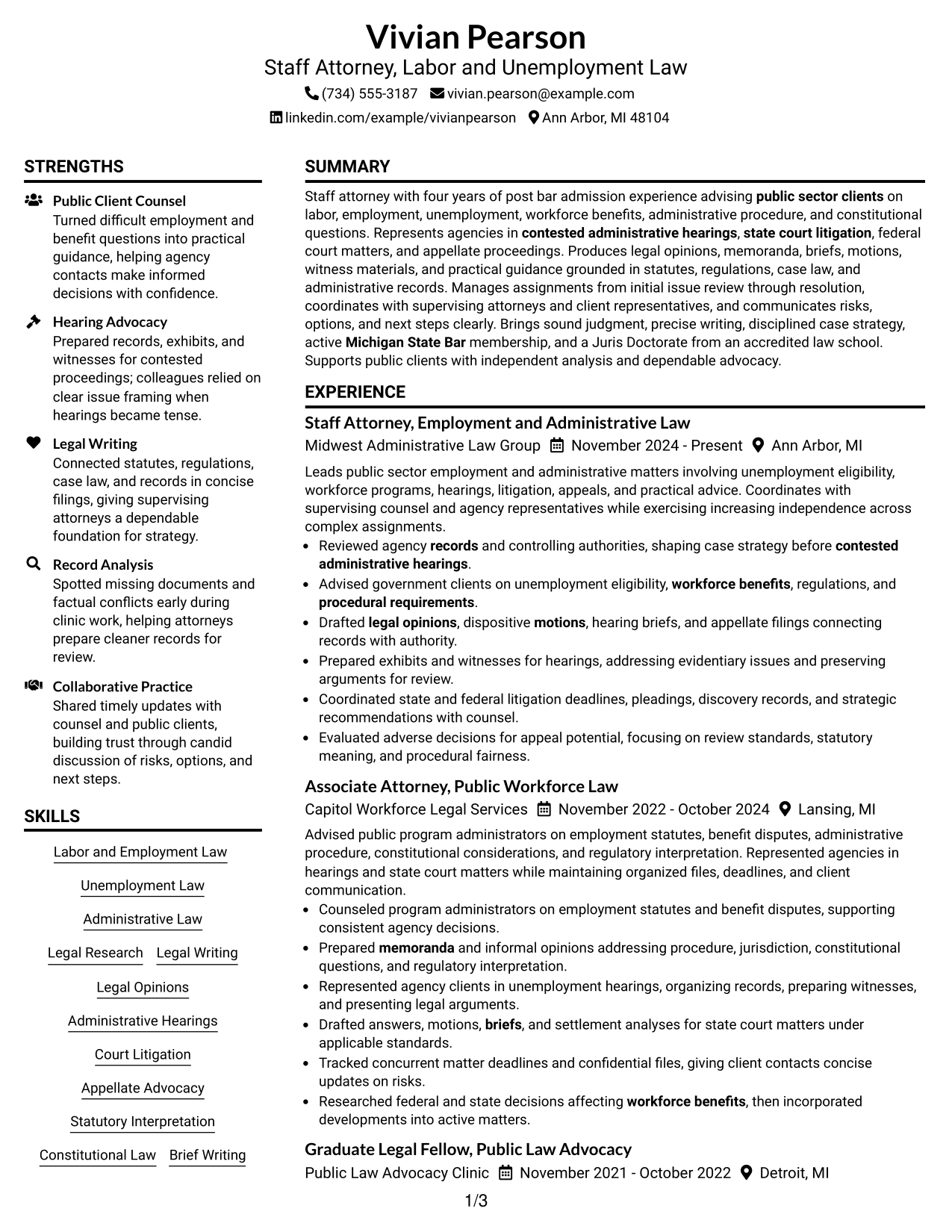
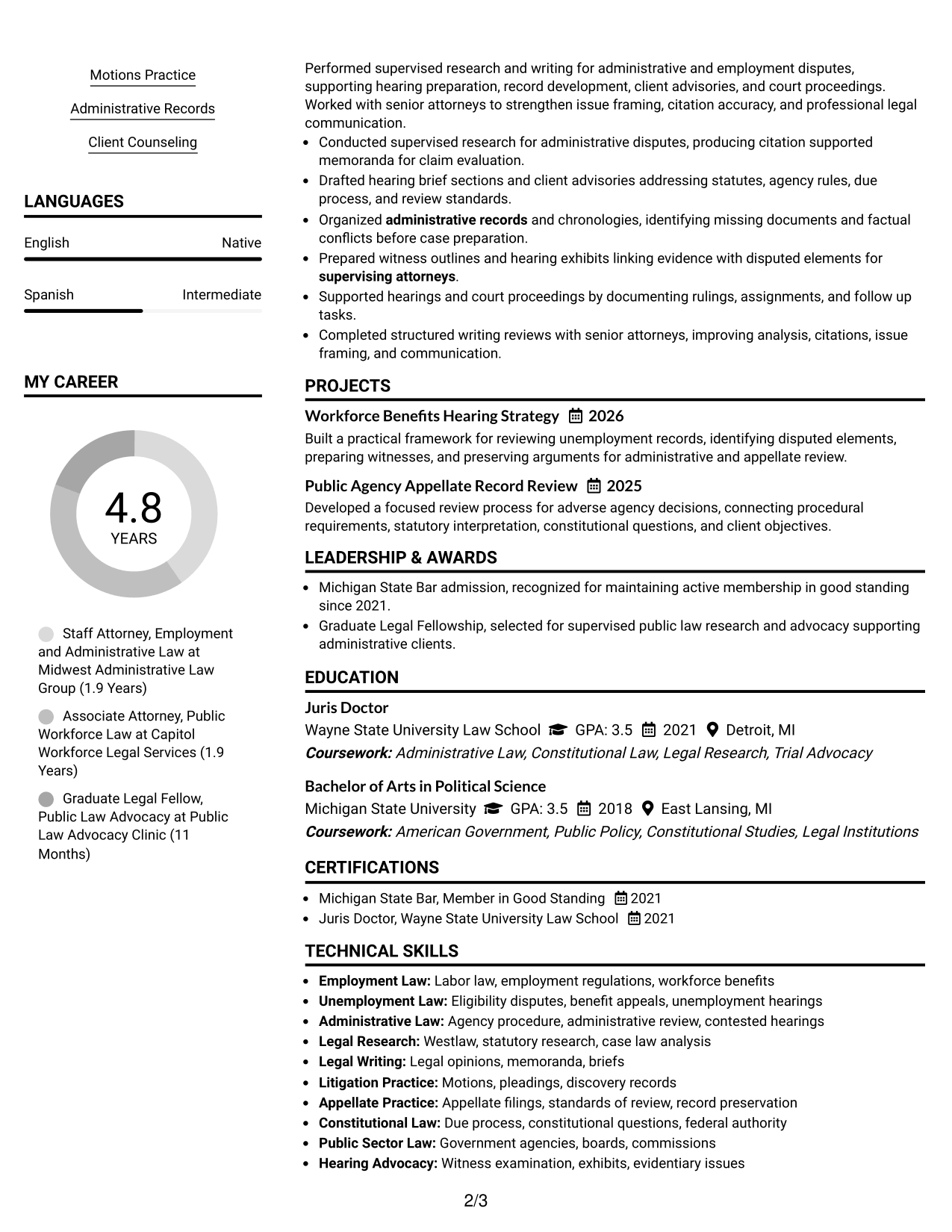
#1 Plain Two Column Format Resume Example
A plain two-column structure separates core sections cleanly, helping recruiters scan legal experience and supporting credentials faster.
Resume Snapshot
- Four years of post-bar admission legal experience
- Michigan State Bar member in good standing
- Juris Doctor from Wayne State University Law School
- Experience across administrative hearings, litigation, and appellate work
Why This Format Works
- Parallel sections keep extensive experience and supporting credentials easy to compare.
- Clear boundaries help reviewers separate career progression from education and skills.
- Balanced space supports detailed achievements without making the resume feel crowded.
Best For
- Detailed legal experience
- Visible credentials alongside experience
- Readers comparing several resume sections
- Applications with substantial supporting information
- Public-sector attorney resumes
Resume Keywords
- Staff Attorney
- Unemployment Law
- Administrative Law
- Legal Research
- Legal Writing
- Legal Opinions
- Contested Administrative Hearings
- Federal and State Court Litigation
- Appellate Advocacy
- Statutory Interpretation
- Constitutional Law
- Public Sector Client Counseling
#2 Simple One Column Format Resume Example
A simple one-column flow gives recruiters one direct reading path through experience, education, skills, and credentials.
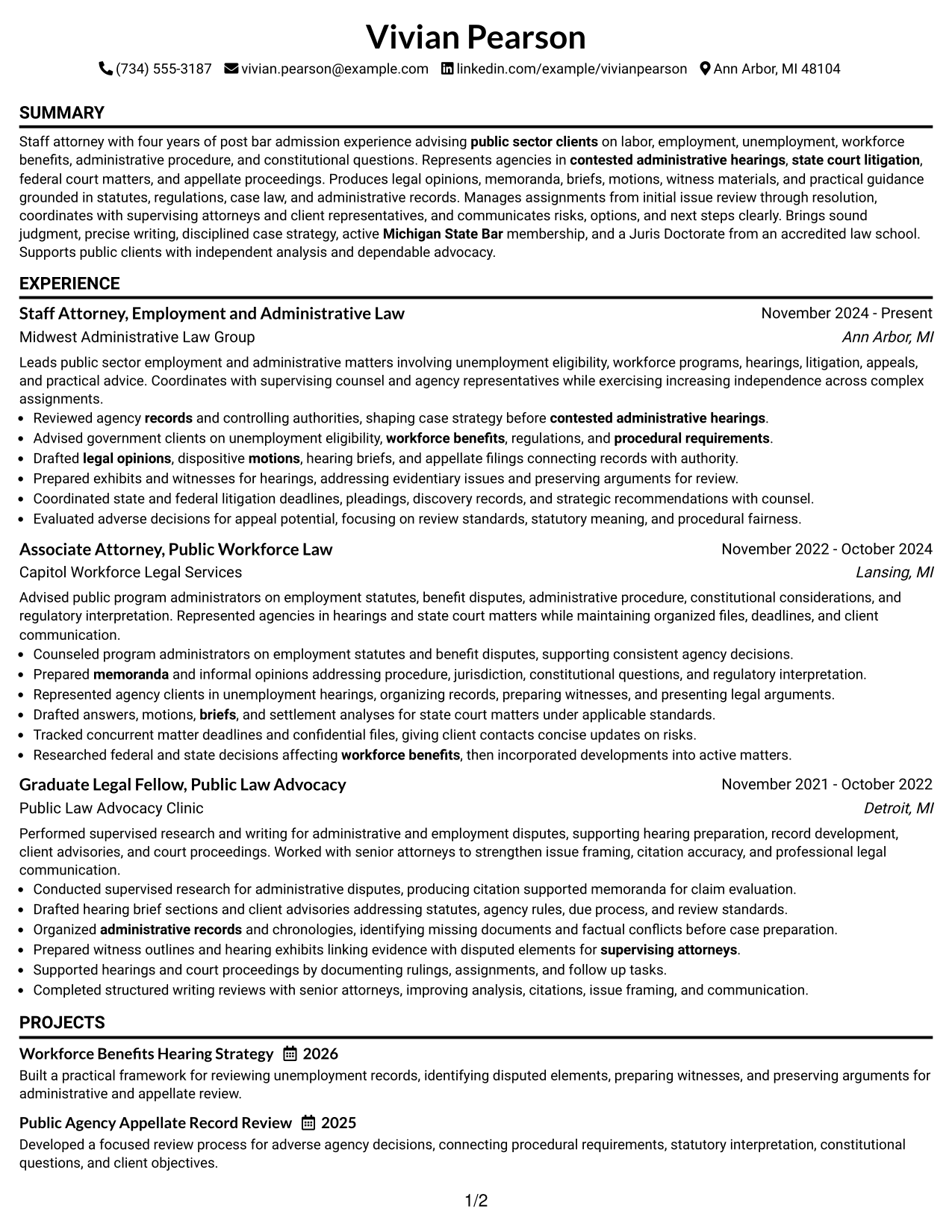
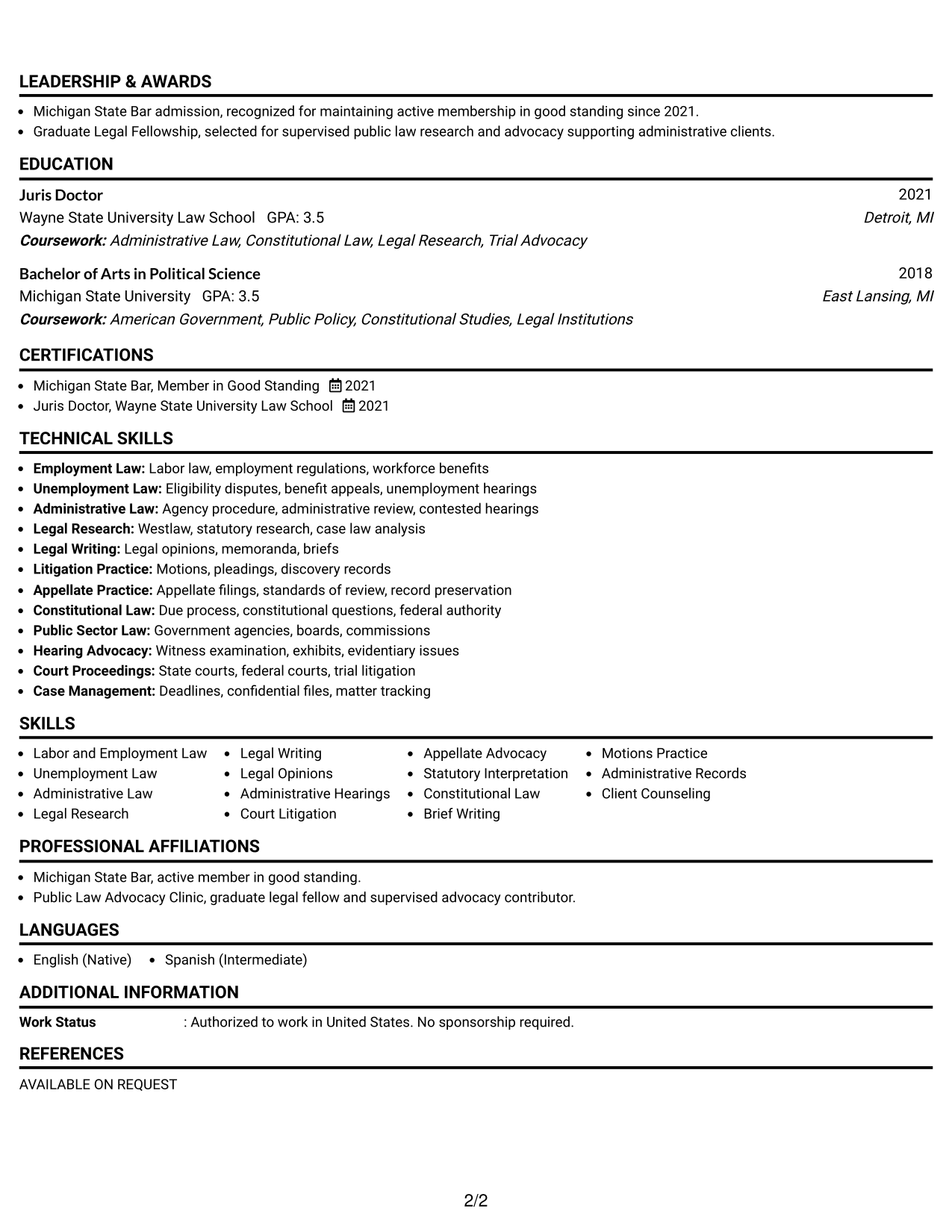
Why This Format Works
- Linear reading order makes career progression simple to follow from top to bottom.
- Full-width sections give detailed experience bullets room to stay readable.
- Consistent section flow keeps education and credentials easy to locate.
Best For
- Straightforward recruiter scanning
- Long experience descriptions
- Traditional legal applications
- Readers who prefer one reading path
- ATS-focused resume organization
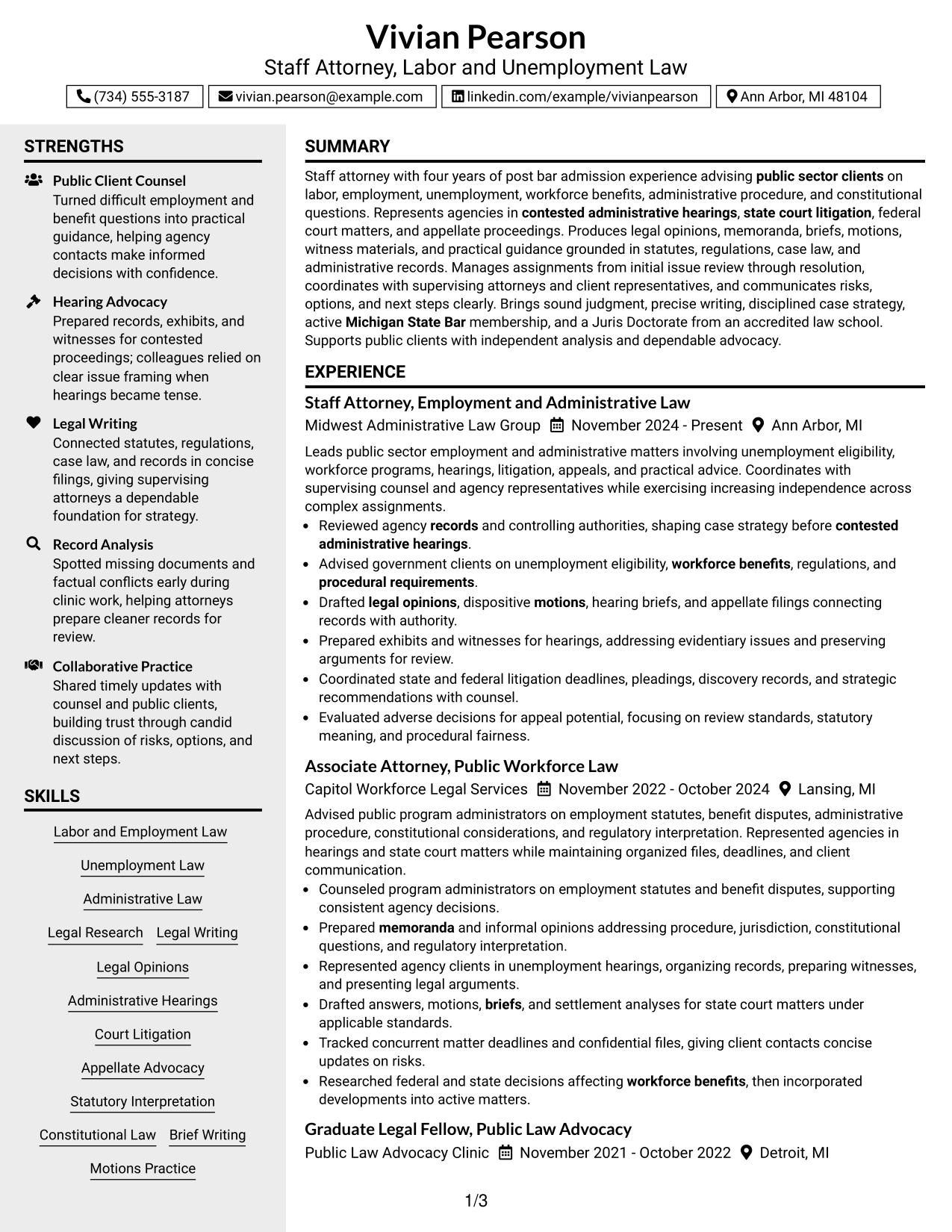
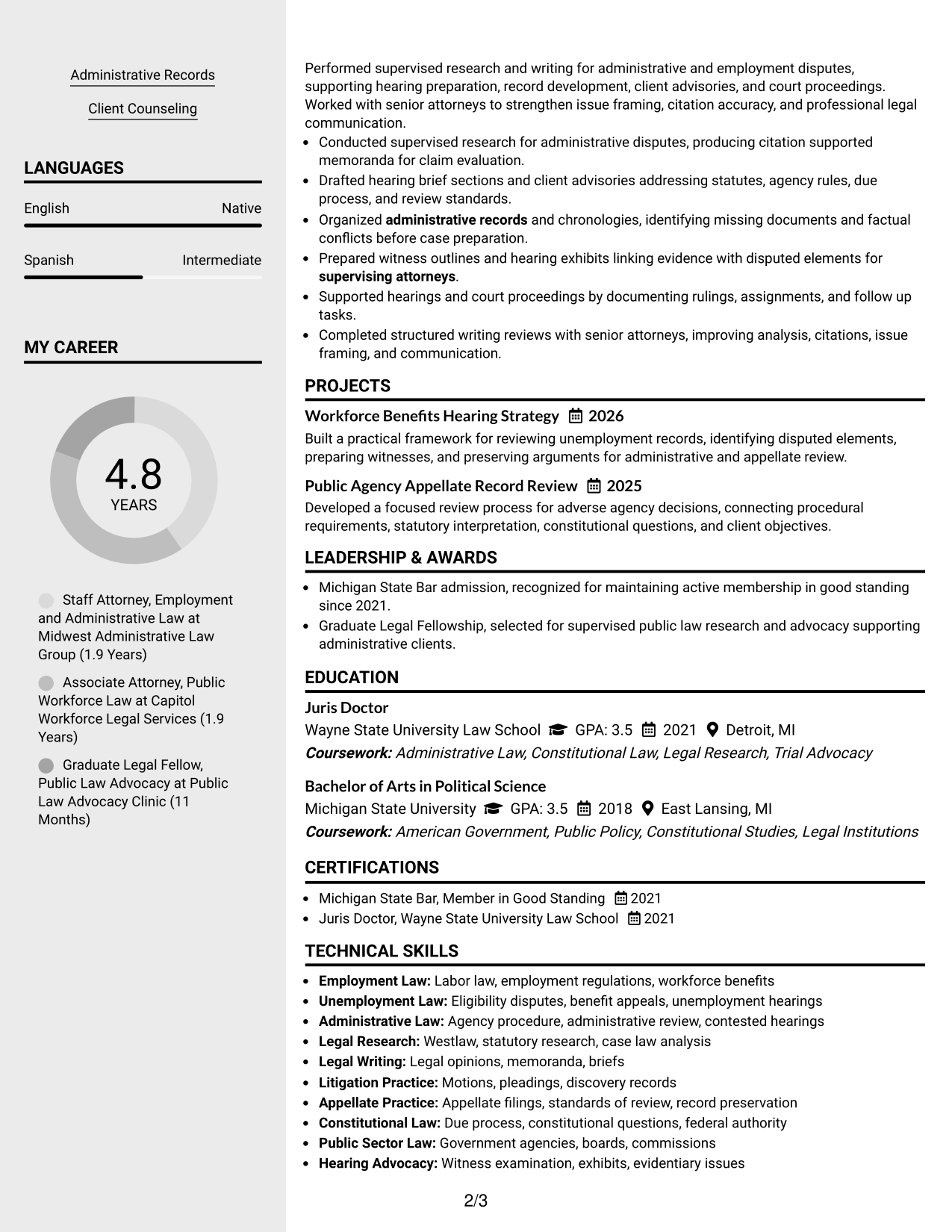
#3 Clean Two Column Sidebar Format Resume Example
A clean two-column sidebar format lets recruiters review primary experience while finding supporting information in a separate side area.
Why This Format Works
- Main-column space keeps career history prominent while secondary details remain accessible.
- Sidebar separation helps reviewers find skills and credentials without interrupting experience.
- Distinct content zones make education and achievements easier to scan independently.
Best For
- Experience-first resume review
- Compact skills and credentials
- Clear separation of primary and secondary content
- Resumes with several supporting sections
- Reviewers who scan by section
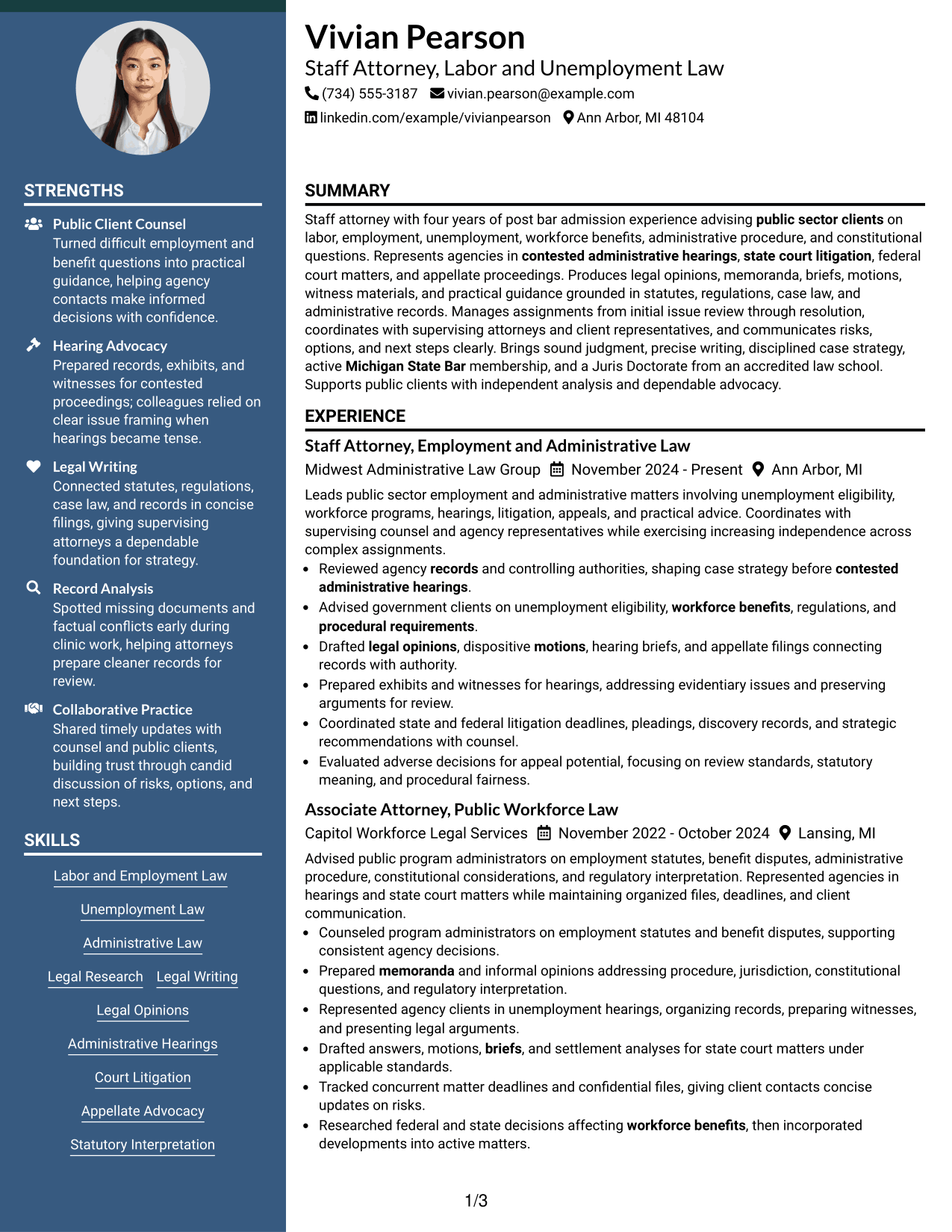
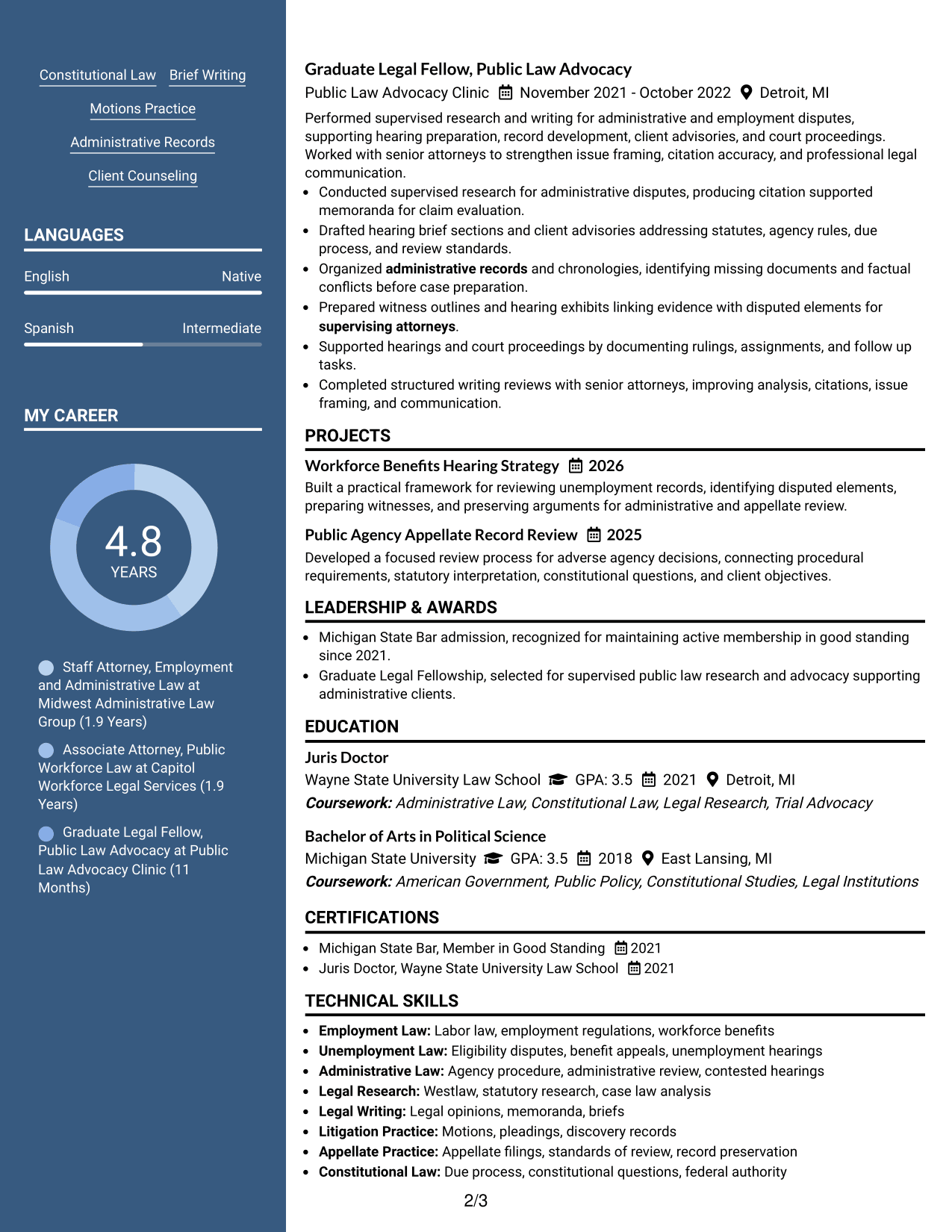
#4 Two Column Format Resume Example
A balanced two-column format helps recruiters move between substantial legal experience and shorter supporting sections without losing context.
Why This Format Works
- Two-column organization gives experience and credentials clear, separate visual regions.
- Section contrast helps reviewers compare achievements with education and professional standing.
- Shared page width handles multiple content categories without forcing dense paragraphs.
Best For
- Balanced section visibility
- Mixed long and short resume sections
- Applications with broad legal responsibilities
- Readers comparing qualifications quickly
- Content that benefits from parallel grouping
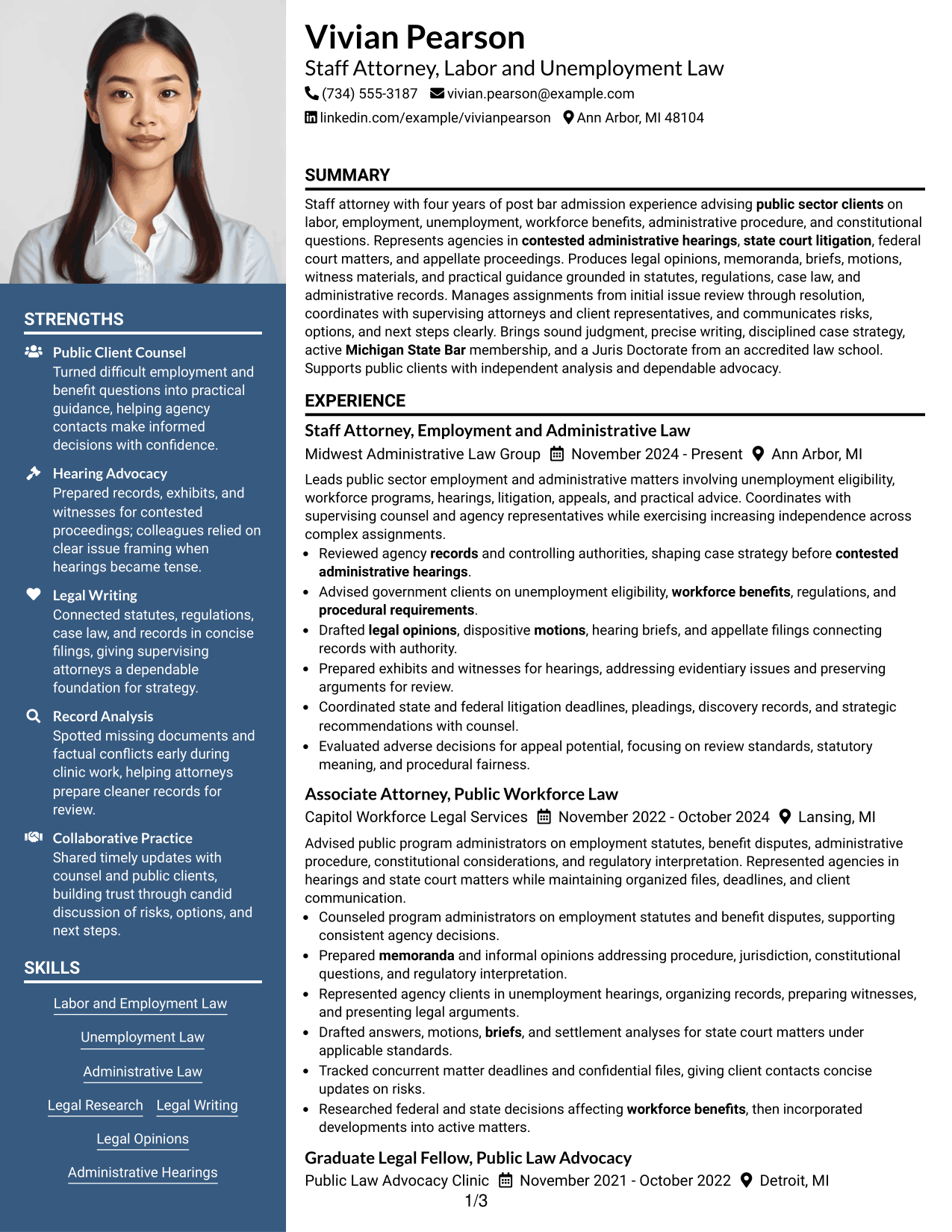
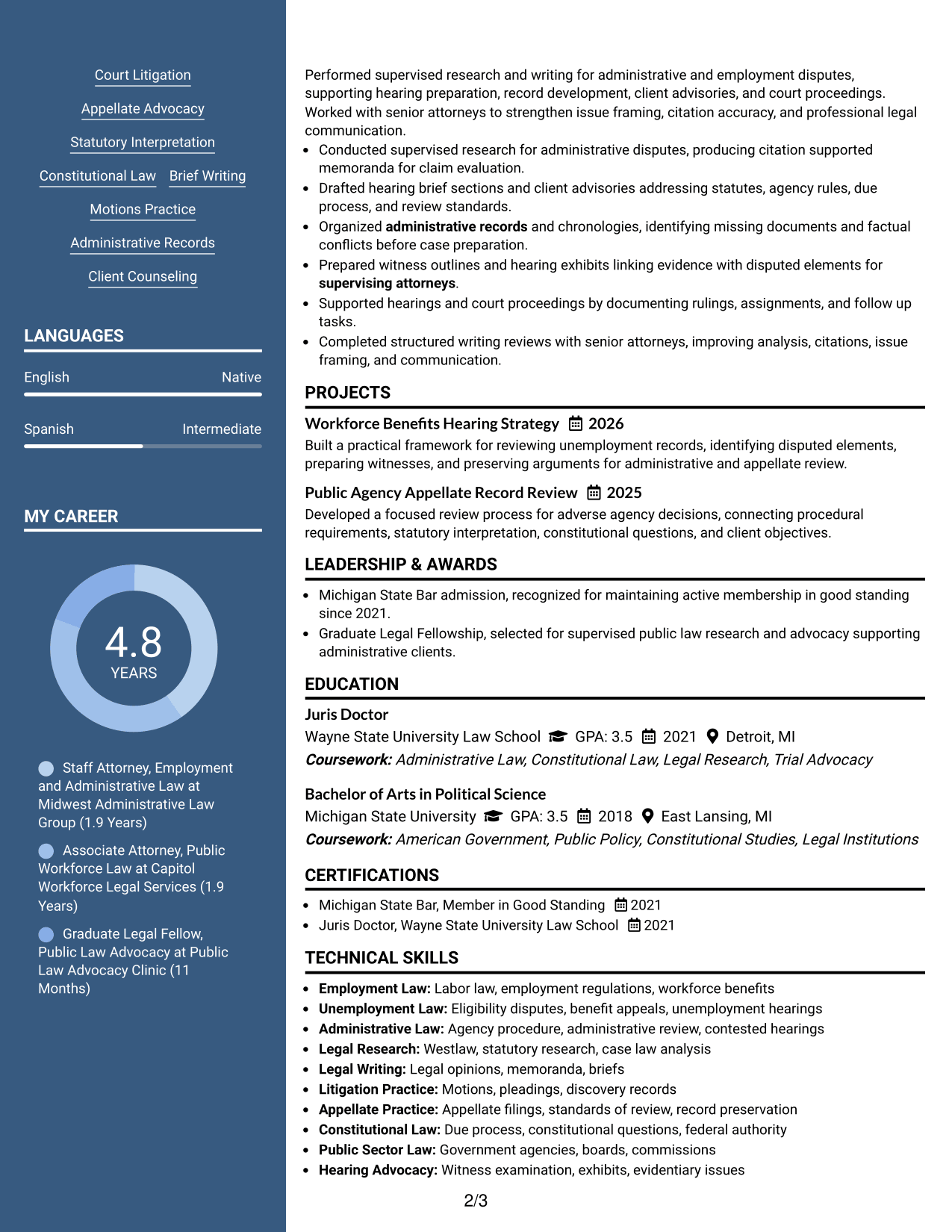
#5 Photo Header Two Column Format Resume Example
A photo header above a two-column body gives recruiters a distinct identity area while keeping resume sections organized below.
Why This Format Works
- Two-column body keeps experience and supporting credentials separated for quick review.
- Dedicated header distinguishes identity details from the resume's substantive sections.
- Body structure preserves clear access to education, skills, and career history.
Best For
- Regions where resume photos are customary
- Applications needing a distinct identity header
- Content with several supporting sections
- Readers separating contact details from qualifications
- Two-column resumes with visual personalization
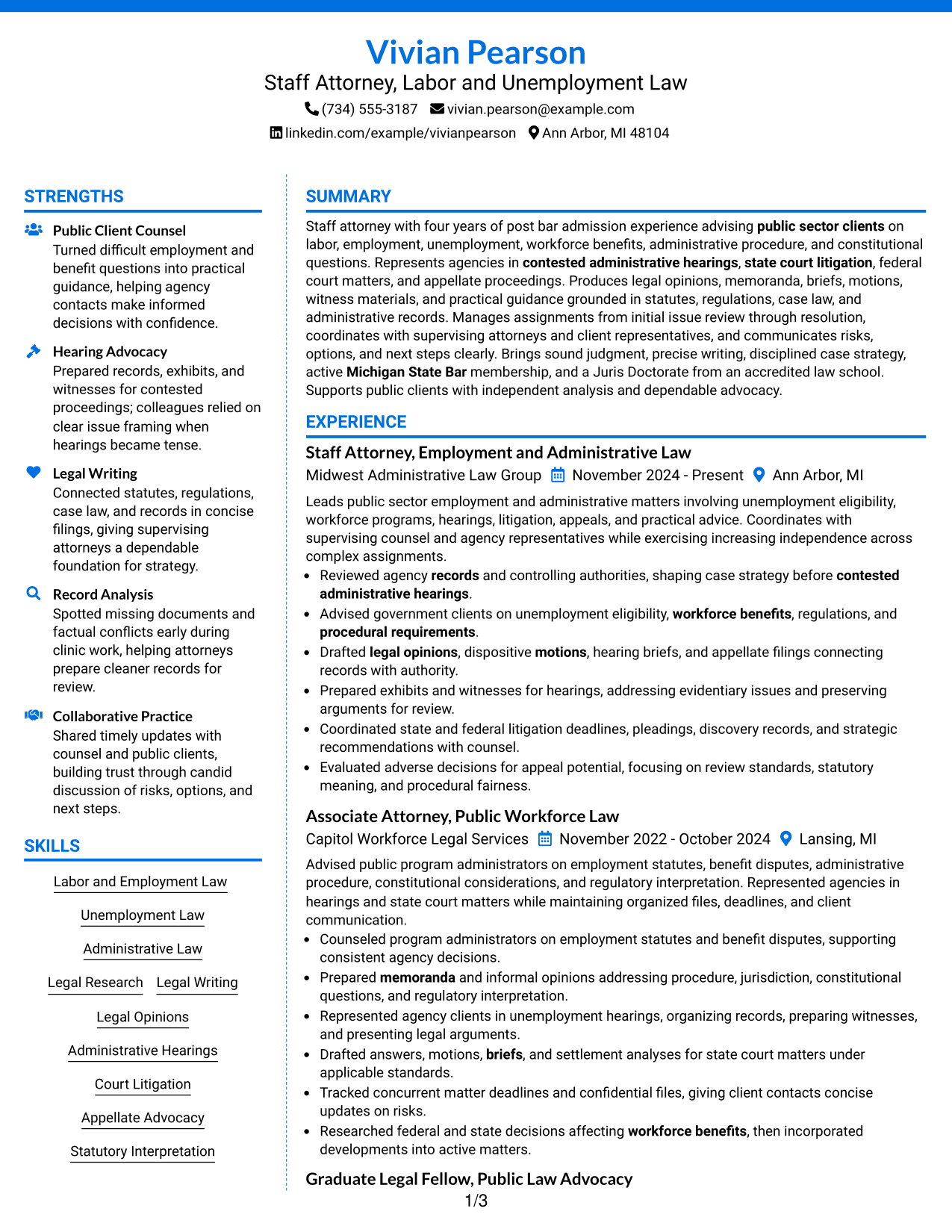
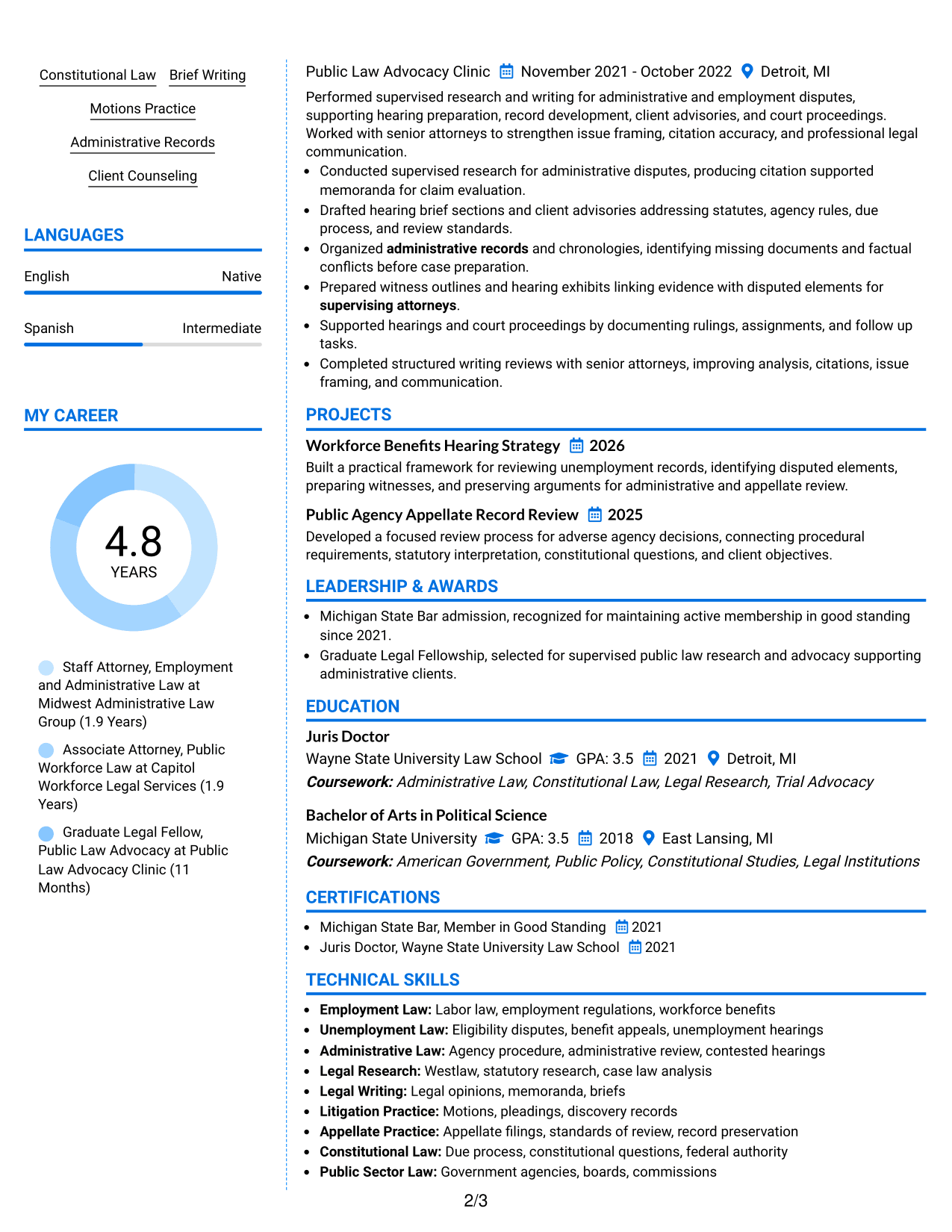
#6 Colored Two Column Format Resume Example
A colored two-column structure uses section contrast to help recruiters move quickly between experience, skills, education, and credentials.
Why This Format Works
- Color contrast can mark section boundaries without changing the resume's evidence.
- Two-column grouping keeps shorter qualifications visible beside deeper career information.
- Separate content areas help reviewers distinguish skills, education, and experience.
Best For
- Readers who value strong section contrast
- Resumes with varied section lengths
- Applications allowing restrained color
- Quick comparison of experience and qualifications
- Structured resumes with many content categories
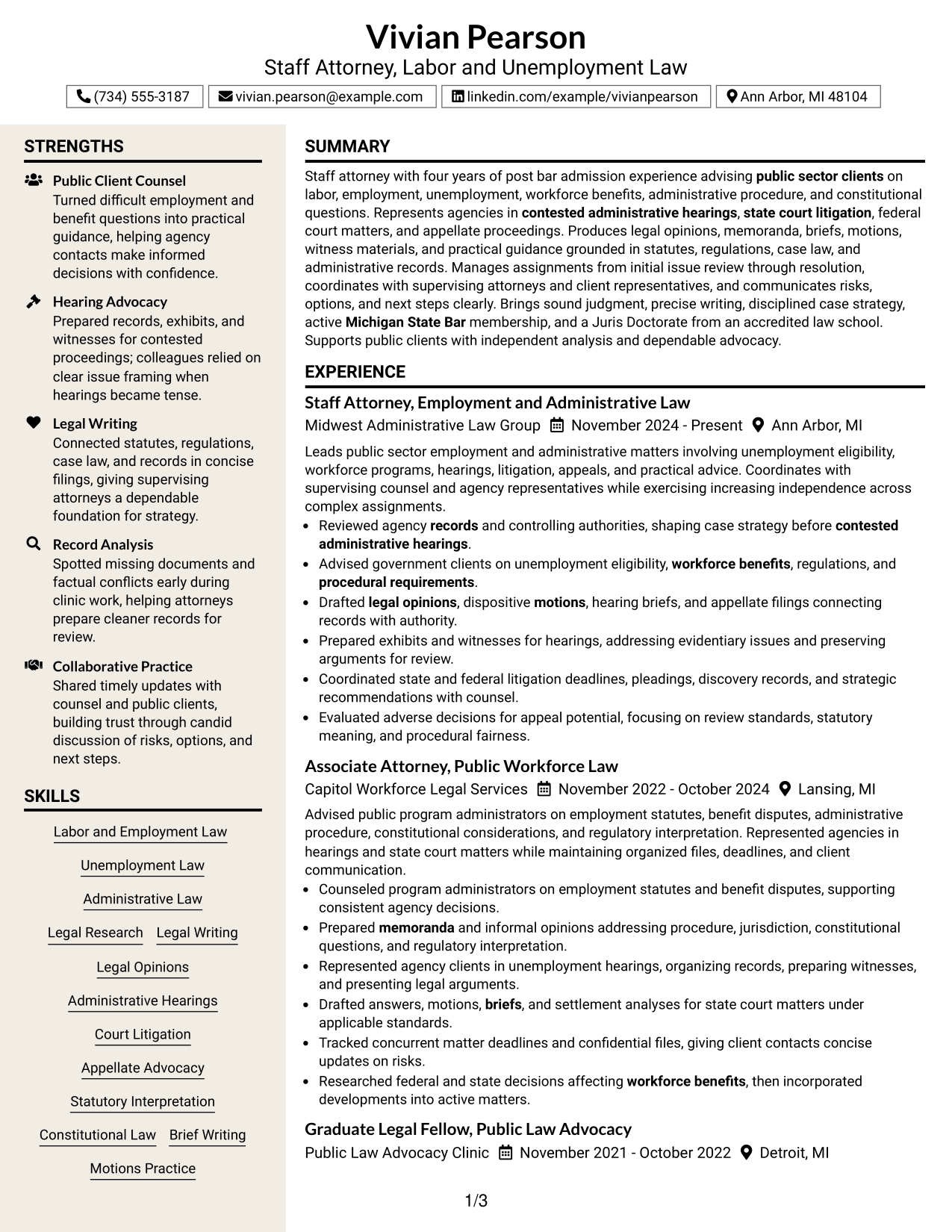
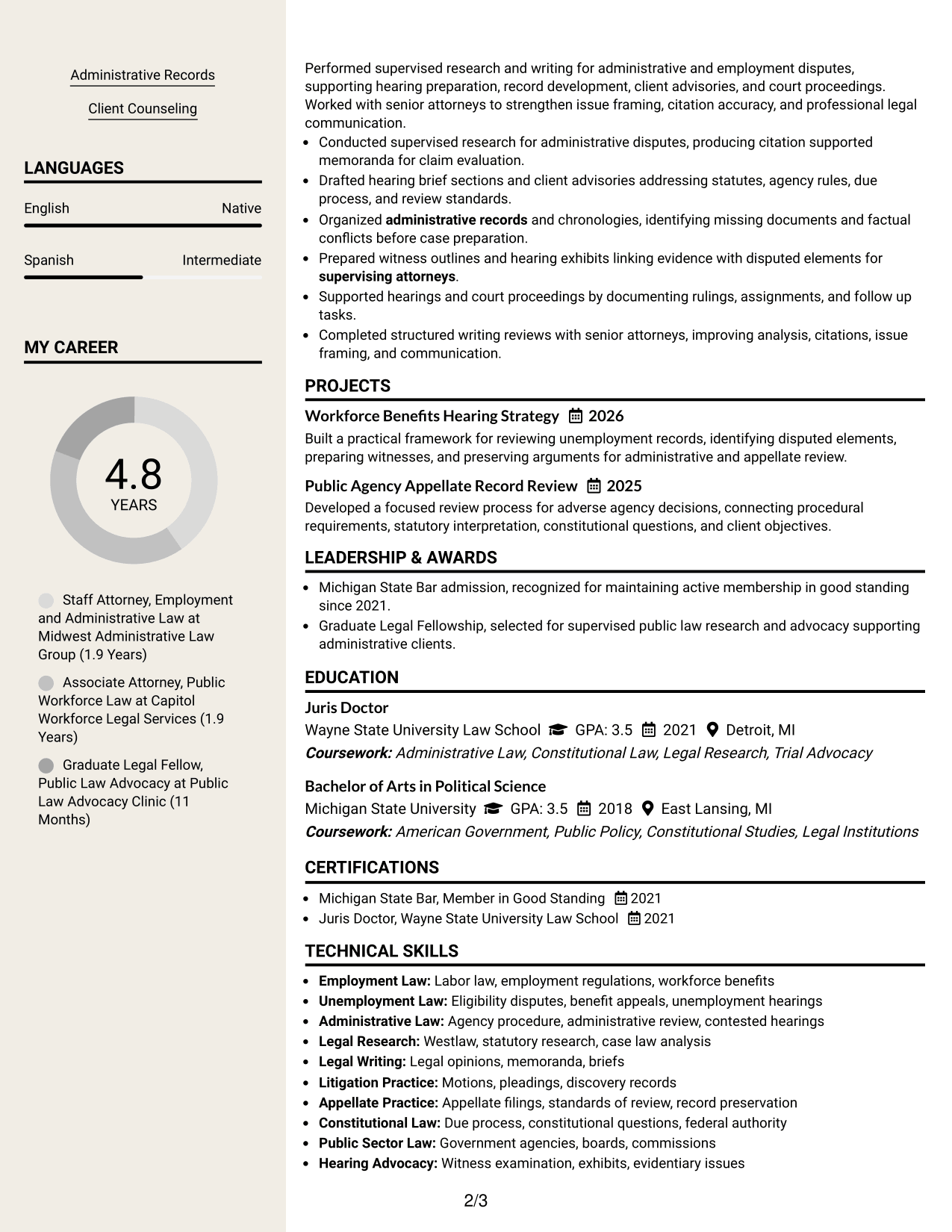
#7 Stylish Two Column Designer Format Resume Example
A stylish two-column designer format gives recruiters distinct content zones while keeping professional experience and supporting sections easy to trace.
Why This Format Works
- Defined content zones make complex career information easier to navigate.
- Two-column spacing prevents supporting sections from breaking the main experience narrative.
- Visual separation helps reviewers locate achievements, education, skills, and credentials.
Best For
- Applications that permit modern styling
- Resumes with several content groups
- Readers who rely on visual section cues
- Career histories needing clear navigation
- Professional documents with restrained design
Why Build Your Staff Attorney - Labor Division (Unemployment Section) Resume with ResumeInMinutes
ResumeInMinutes helps you organize legal experience, education, bar status, skills, projects, and case work into a resume that is easier to scan and tailor.
- Professional resume formats
- ATS-friendly section structure
- Role-focused keyword guidance
- Clear legal experience organization
- Free PDF resume previews
- Flexible resume customization
You can adjust the wording and layout while keeping the resume centered on unemployment matters, administrative proceedings, court litigation, appellate work, and practical advice for public clients.
See Also
- 7 Staff Attorney - Community Justice and Movement Lawyering Resume Templates with Example
- 7 Assistant County Attorney V - Affordable Housing Development and Finance Resume Templates with Example
- 7 Claims Adjuster - Attorney Represented Injury Resume Templates with Example
- 7 Youth Services Supervisor III Resume Templates with Example
- 7 Legal Secretary - Prosecution Support Resume Templates with Example
- 7 Police Officer Candidate/Police Officer I Resume Templates with Example
- 7 Registered Nurse 1 - Long-Term Care Resume Templates with Example
- 7 Global Product Marketing Resume Templates with Example
- 7 Staff Quality Engineer NPD Resume Templates with Example
- 7 Fire Inspector Resume Templates with Example
Frequently Asked Questions
Are these Staff Attorney - Labor Division (Unemployment Section) resume templates ATS-friendly?
Yes. The layouts use clear sections and readable headings. Keep important legal terms in normal text so applicant tracking systems can identify them.
Are these different resumes?
No. The guide shows the same Staff Attorney - Labor Division (Unemployment Section) resume in different visual formats so you can compare organization and readability.
What should this resume include?
Include a focused summary, legal experience, education, Michigan State Bar status, relevant skills, and clear evidence of research, writing, hearings, litigation, appellate work, and client counseling.
Can I download the resume templates as PDFs?
Yes. Each design includes a free PDF preview so you can review the format before choosing a layout for your resume.
Which resume style works well for this legal role?
A clean one-column format gives a direct reading path. A two-column format can also work when section order stays clear and important legal experience remains easy to find.
How should I write experience bullets for unemployment and administrative law?
Start with a clear action. Then name the matter, record, filing, hearing, or advice you handled. Add a result only when the source facts support it.
Should I include a photo on a U.S. legal resume?
For most U.S. applications, a no-photo resume is usually the safer choice. Use a photo only when local practice clearly supports it.
Can I customize these resume templates?
Yes. You can change the text, format, and PDF layout while keeping the content accurate and focused on the Staff Attorney - Labor Division (Unemployment Section) role.




