
7 Staff Nurse (RN) - Inpatient OR, Level I Trauma Cover Letter Templates with Example
This guide helps you create a focused Staff Nurse (RN) - Inpatient OR, Level I Trauma cover letter and compare its seven layouts.
What Makes a Great Staff Nurse (RN) - Inpatient OR, Level I Trauma Cover Letter in 2026
A strong letter connects your operating-room experience to the care needs of a Level I Trauma setting. Make your interest in the role clear and show how you support safe, coordinated care.
Use relevant evidence, such as focused assessment, trauma case readiness, surgical counts, or clear handoffs. Link that experience to the employer’s priorities in patient safety, teamwork, and evidence-based care.
The featured example moves from a clear opening to evidence of operating-room fit and a focused close, giving you a progression to adapt while choosing a presentation that suits the employer and communication context.
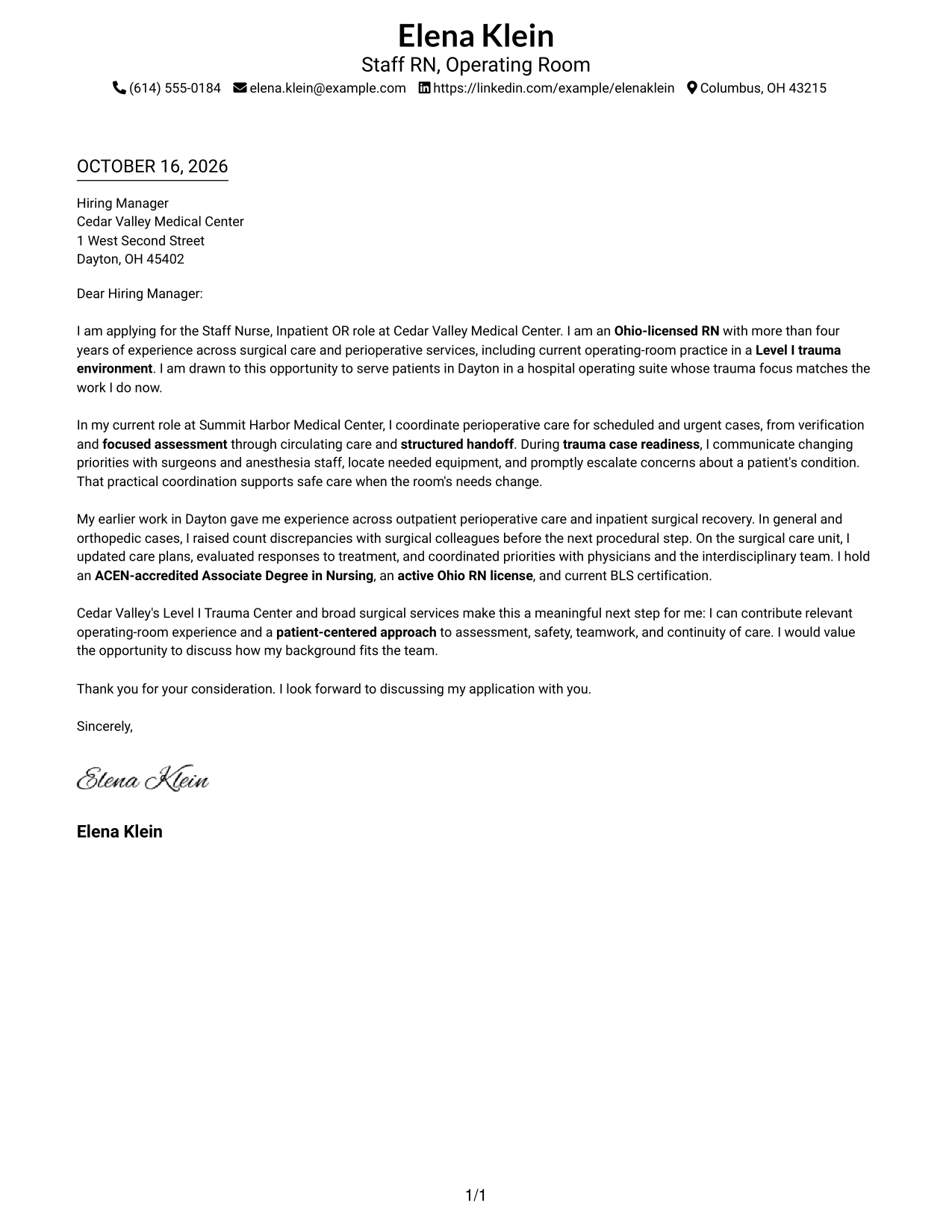
#1 Simple One Column Format Cover Letter Example
A single-column page keeps sender details in the header and presents the complete letter body in one familiar reading path.
Why This Format Works
- Sender details stay easy to find in the header, apart from the letter.
- Continuous paragraphs let the opening, support, and close read as one argument.
- A familiar single-column page suits readers who prefer standard correspondence.
Best For
- Standard business-letter presentation
- Multi-paragraph application letters
- Letters balancing motivation and evidence
- Applications connecting current and earlier work
- Straightforward employer correspondence
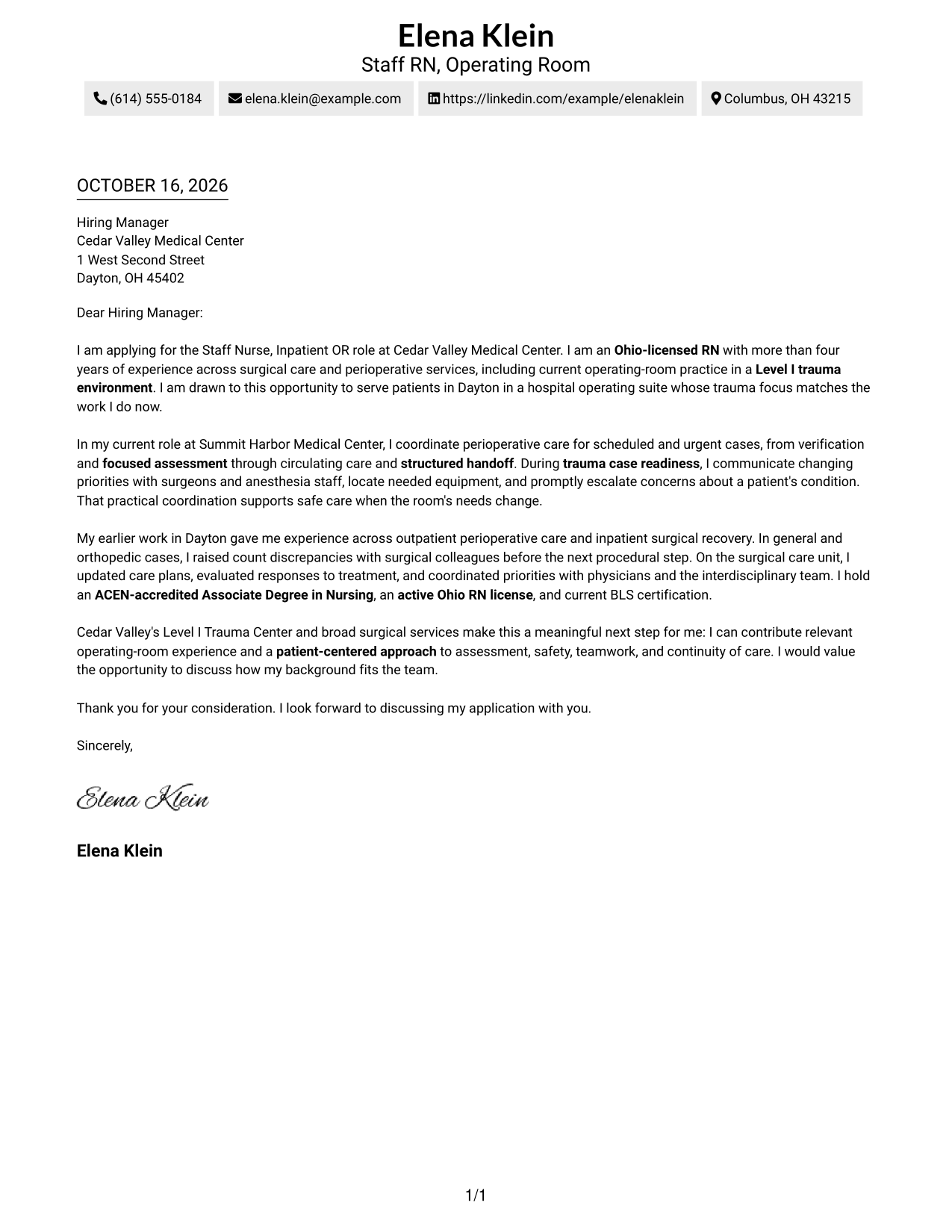
#2 Two Column Format Cover Letter Example
A contact sidebar sits beside the continuous letter body, keeping contact details separate from the message.
Why This Format Works
- The sidebar gives contact information a distinct place beside the letter.
- One body column keeps motivation and supporting points in a clear sequence.
- The paired areas suit readers who prefer contact details apart from the message.
Best For
- Letters with several connected points
- Employer-specific application messages
- Correspondence with complete sender details
- Contact-and-letter separation
- Side-by-side page organization
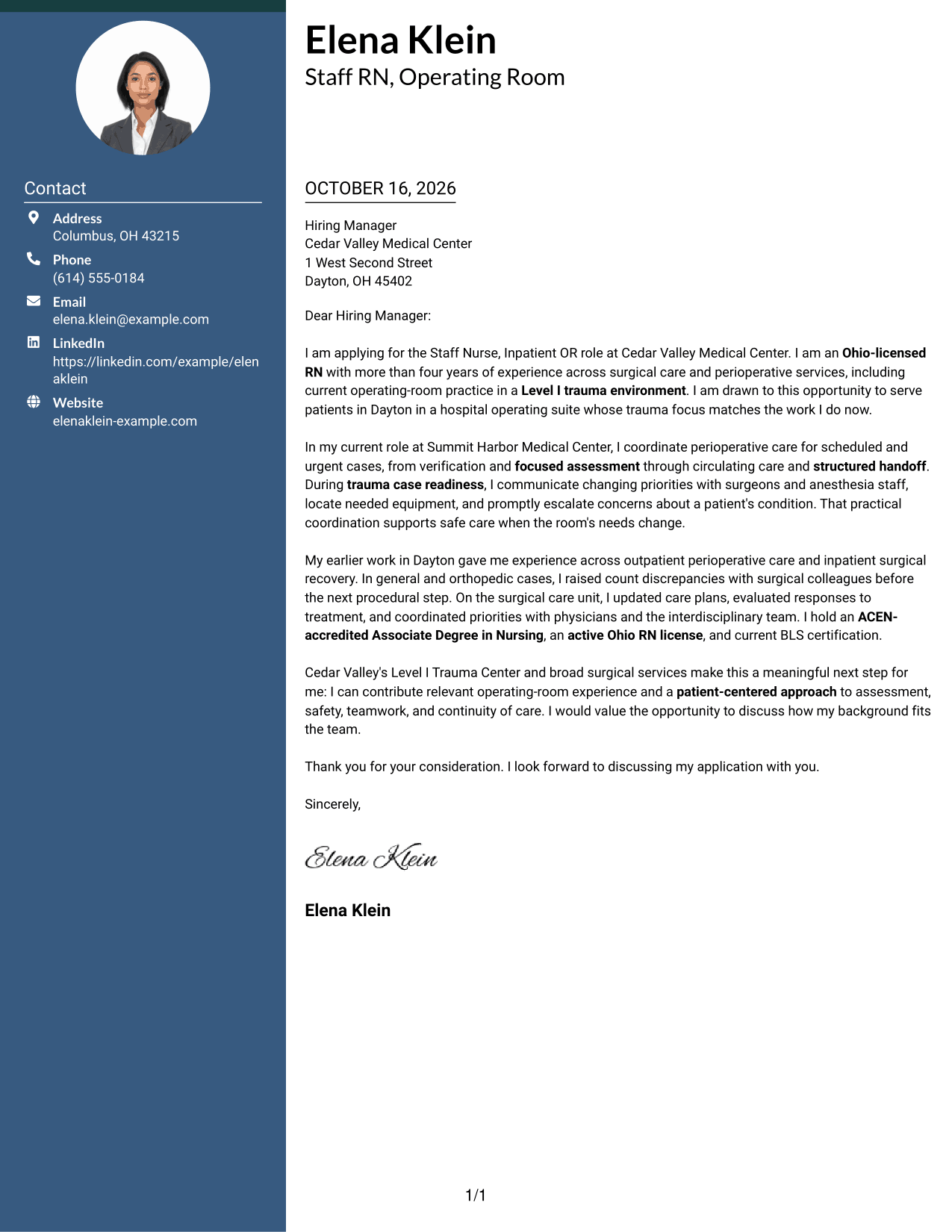
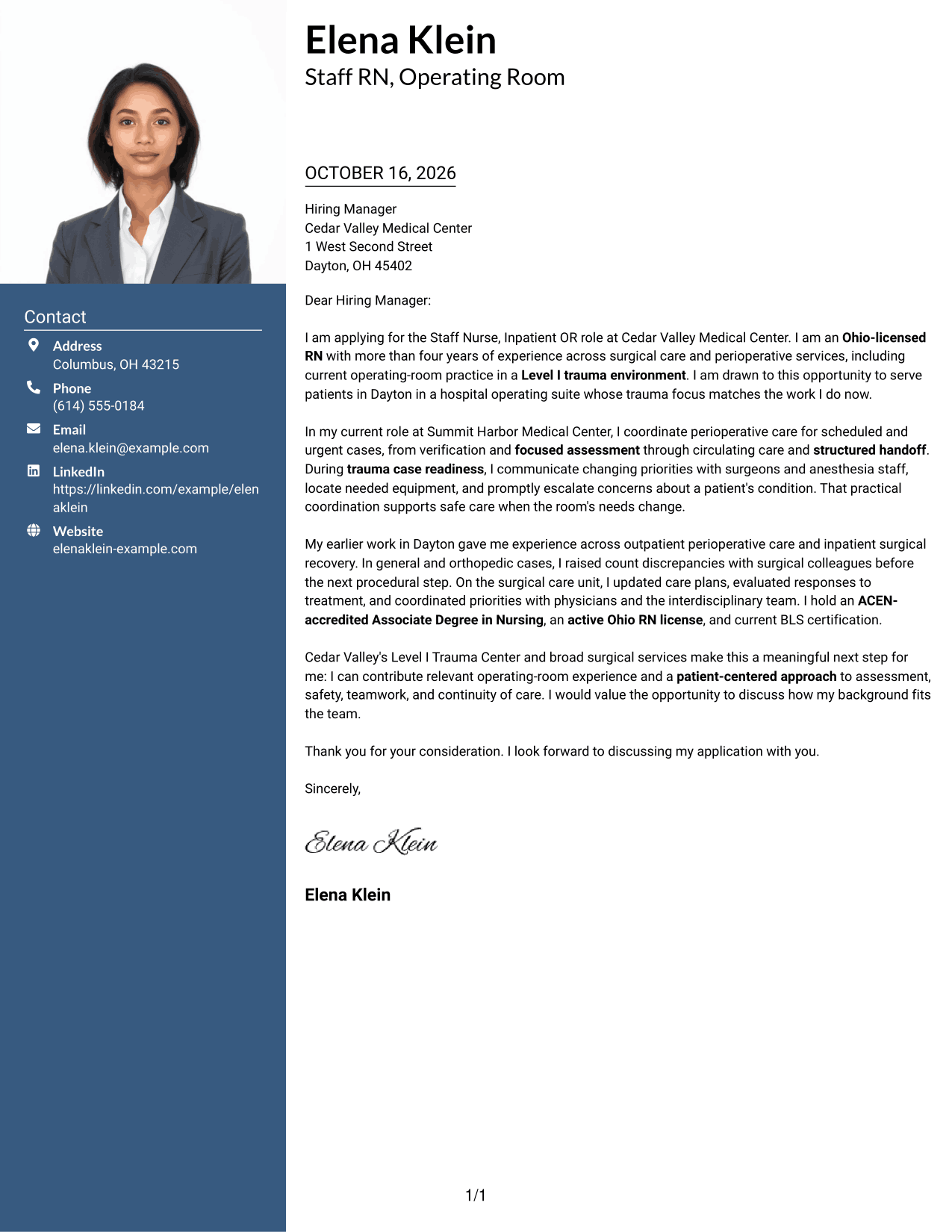
#3 Photo Header Two Column Format Cover Letter Example
A photo appears in the header, while a contact sidebar sits beside the continuous letter body.
Why This Format Works
- The contact sidebar keeps sender information apart from the letter's message.
- A single body column preserves the order of the letter's paragraphs.
- The header photo suits applicants who want a portrait in the page design.
Best For
- Applications preferring a portrait
- Letters with several supporting points
- Contact details outside the message
- Portrait-led page presentation
- Employer correspondence with a personal tone
#4 One Column Format with Photo Cover Letter Example
The page pairs a photo with a single-column letter body, keeping the paragraphs together beneath the header.
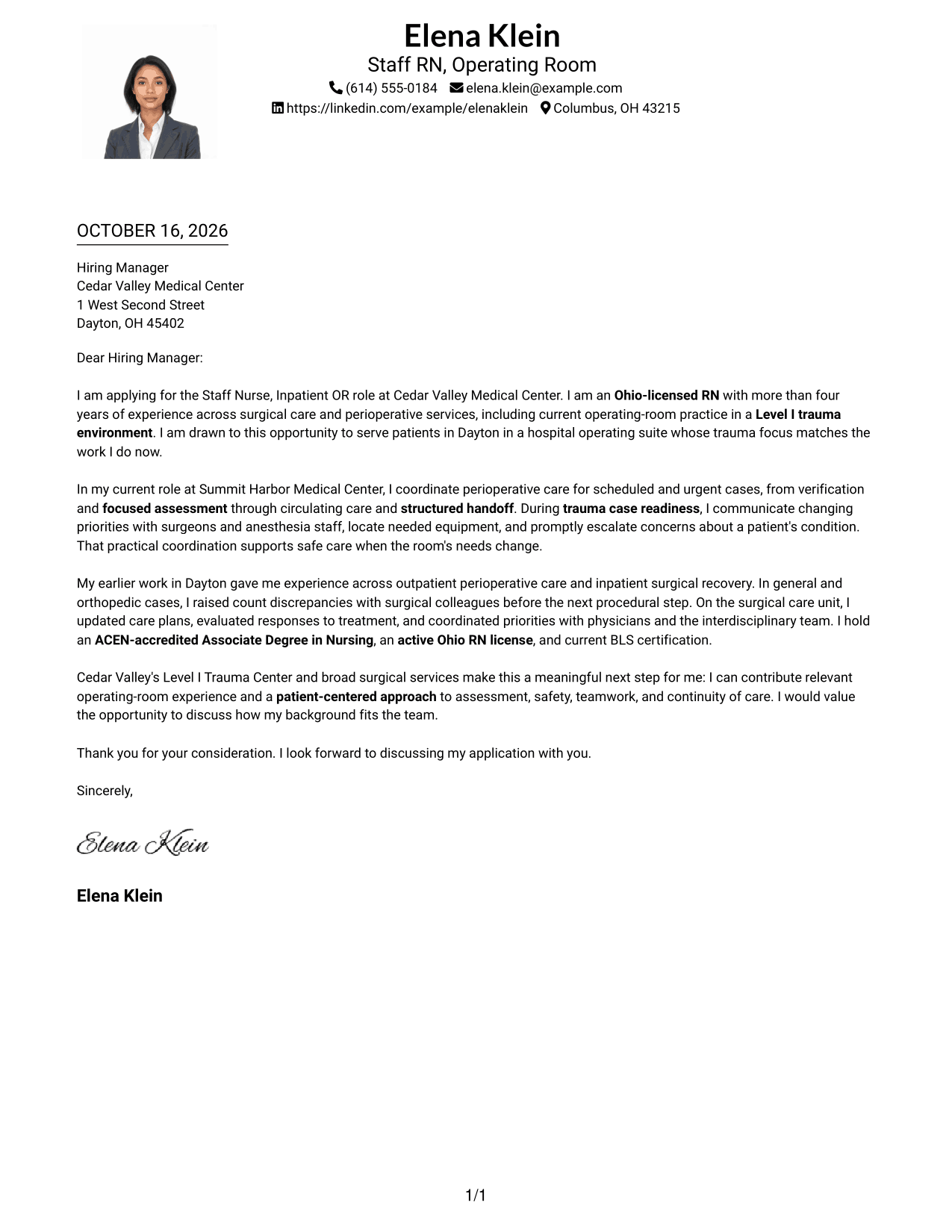
Why This Format Works
- The single body column keeps each paragraph on the same reading path.
- Header placement gives sender details a clear location before the letter begins.
- A portrait offers a visible personal element without dividing the letter body.
Best For
- One-column letter presentation
- Applications preferring a portrait
- Letters with a focused set of points
- Header-first contact details
- Paragraph-led employer correspondence
#5 Simple Two Column Format Cover Letter Example
A contact sidebar and one uninterrupted letter body form a two-column page, with the message kept together.
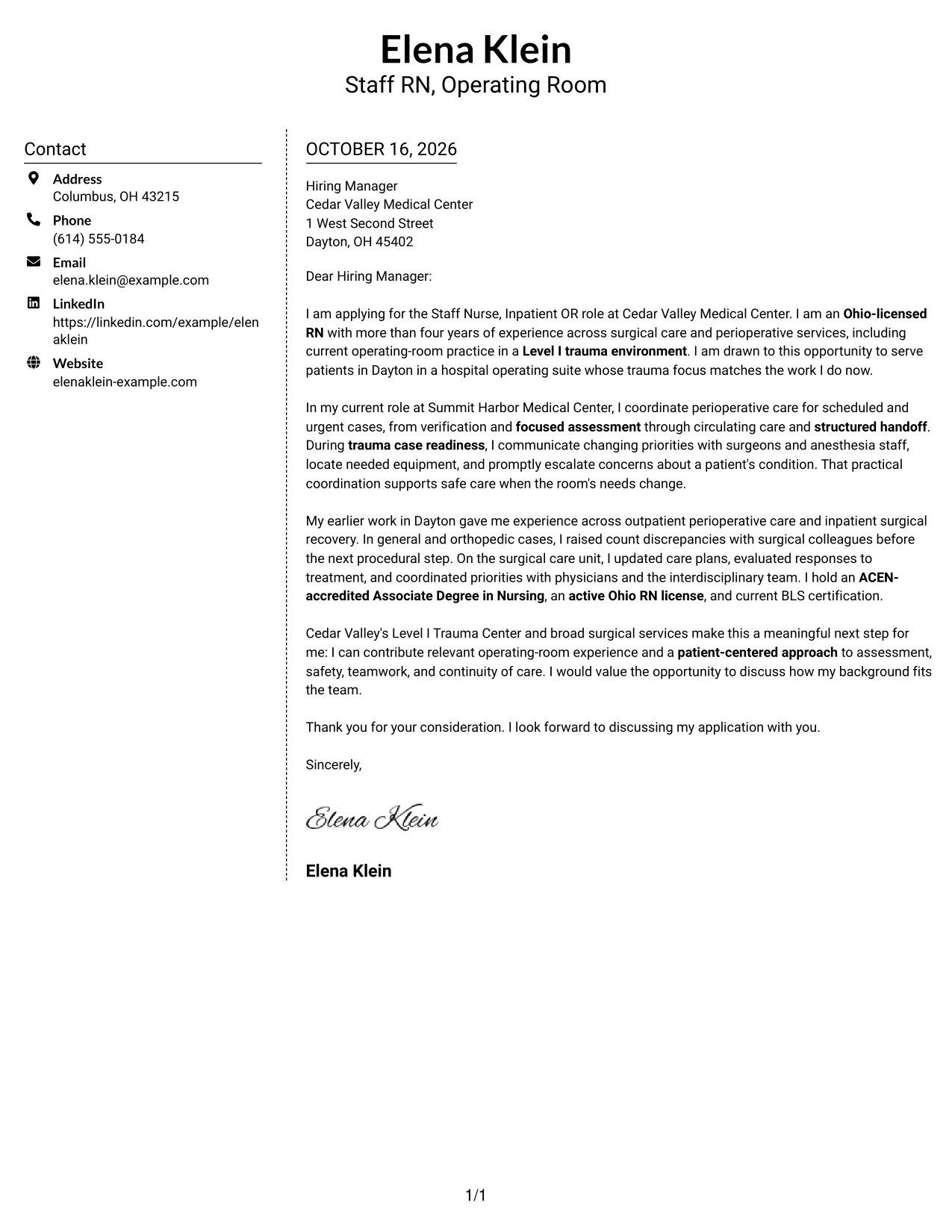
Why This Format Works
- The sidebar places contact information outside the letter's continuous paragraphs.
- Readers can follow the message in one body column from start to finish.
- This arrangement suits a preference for distinct contact and letter areas.
Best For
- Letters with multiple supporting details
- Applications requiring full contact information
- Separate contact and message areas
- Employer-focused correspondence
- Readers who prefer a two-column page
#6 Modern Icon Format Cover Letter Example
Contact icons identify details in the sidebar, while the letter remains together in one continuous body column.
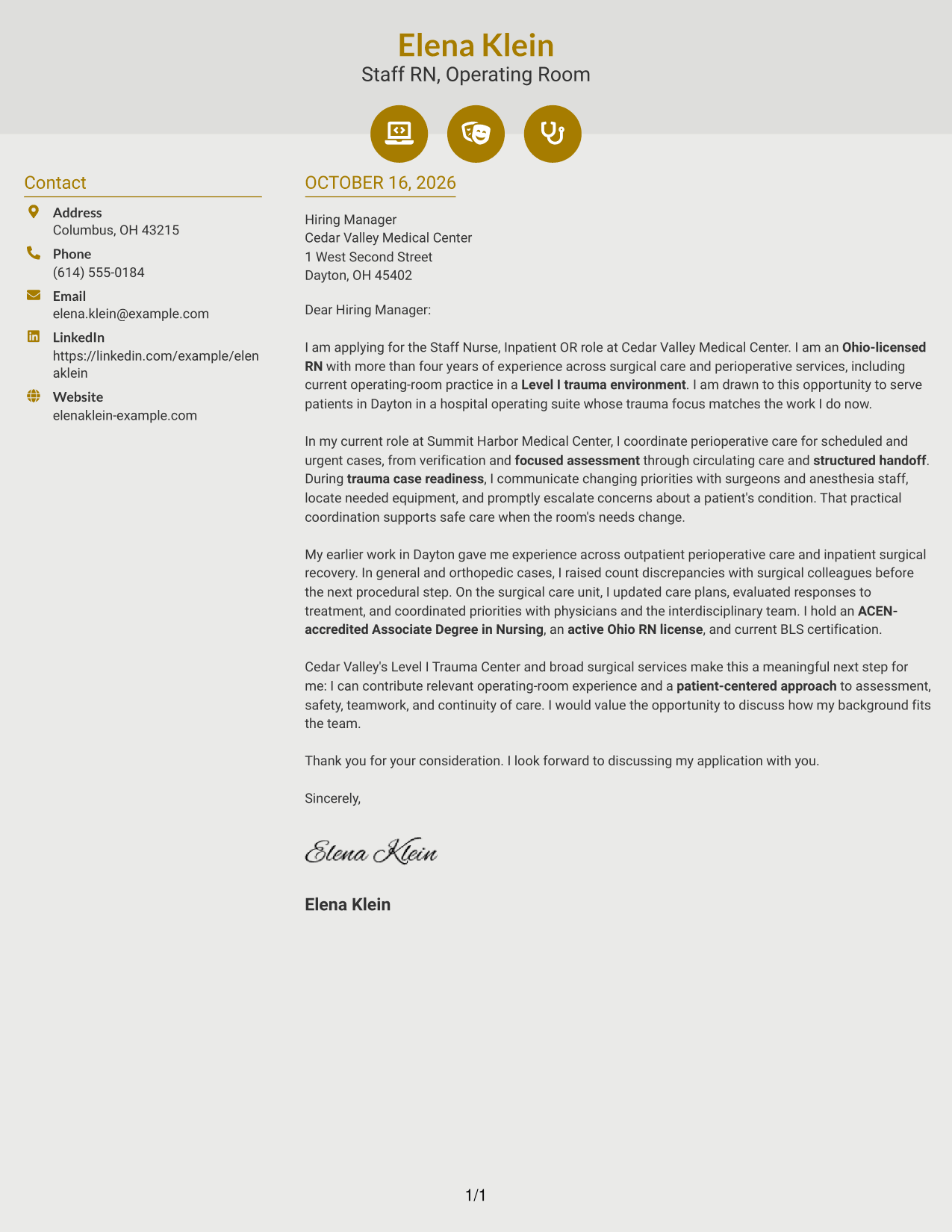
Why This Format Works
- Icons act as cues for contact details, not for parts of the letter argument.
- The sidebar separates contact information from the message itself.
- A continuous body column keeps the letter's points in their intended order.
Best For
- Contact details with visual cues
- Letters with connected supporting points
- Applications needing clear sender information
- A continuous message beside contact details
- Readers who favor icon-led contact presentation
#7 Creative Two Tone Format Cover Letter Example
A contact sidebar sits beside one continuous letter body, giving the page a two-column structure without splitting the message.
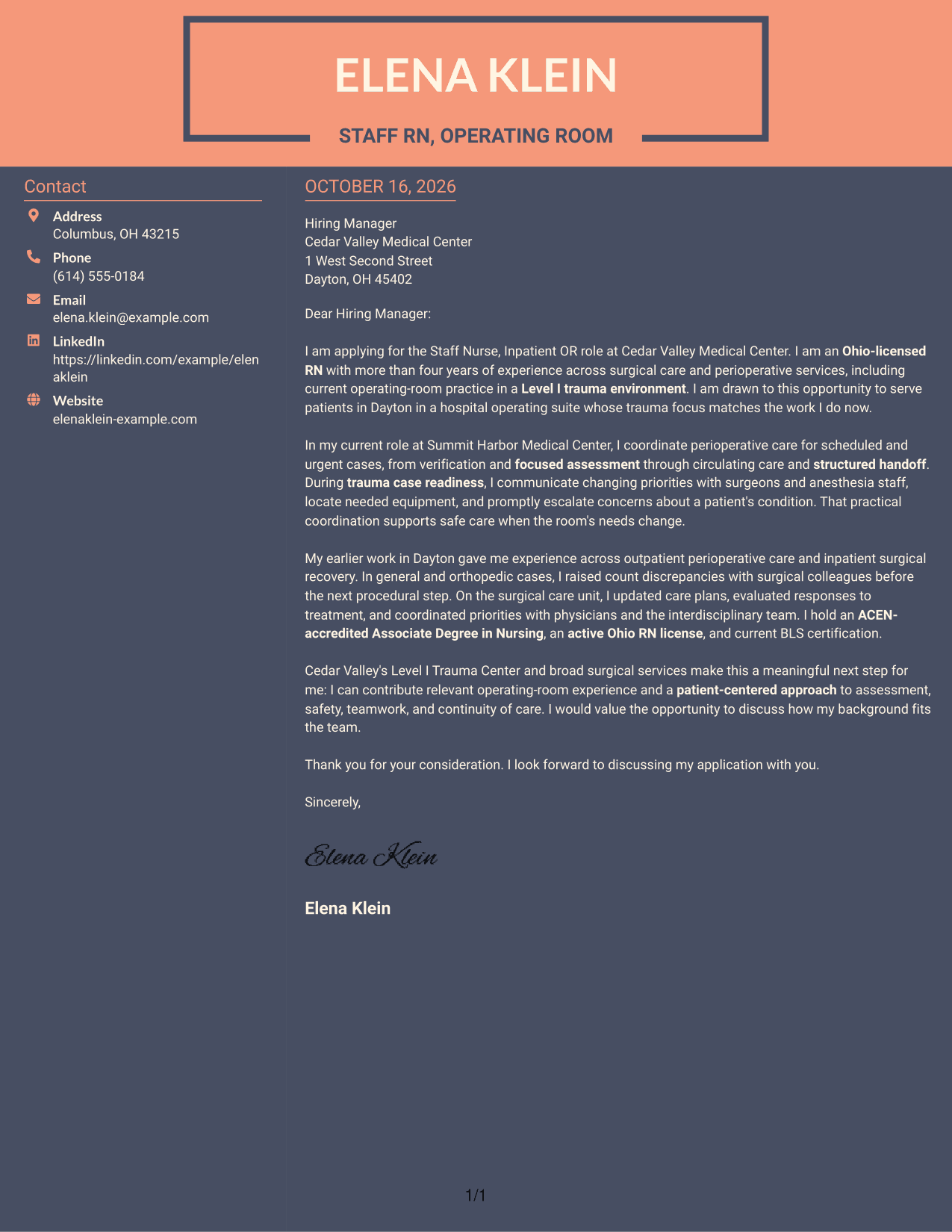
Why This Format Works
- The sidebar makes sender details easy to distinguish from the letter text.
- One continuous body keeps the opening, supporting points, and close together.
- The two-column page suits readers who want contact information beside the message.
Best For
- Letters with several related points
- Applications with full sender details
- Contact information beside the message
- Employer-specific correspondence
- Readers preferring distinct page areas
See Also
- 7 Staff Nurse (RN) - Inpatient OR, Level I Trauma Resume Templates with Example
- 33 Staff Nurse (RN), Adult Emergency Department - Full-Time, Nights Resume Templates with Example 2026
- 33 Staff Nurse (RN) NICU Resume Templates with Example 2026 (ATS-Optimized)
- 33 Staff Nurse (RN) PICU Resume Templates with Example 2026 (ATS-Optimized)
- 7 Charge Nurse (RN) - Ortho Trauma Resume Templates with Example
- 33 Staff Nurse - Endocrinology Resume Templates with Example 2026 (ATS-Optimized)
- 33 Staff Nurse/ICU Resume Templates with Example 2026 (ATS-Optimized)
- 7 Charge Nurse (RN) - Emergency Department Resume Templates with Example
- 30+ Staff Nurse (RN), Adult Emergency Department - Full-Time, Nights Cover Letter Templates with Example 2026
- 30+ Staff Nurse (RN) NICU Cover Letter Templates with Example 2026
Frequently Asked Questions
What should a Staff Nurse (RN) - Inpatient OR, Level I Trauma cover letter emphasize?
Connect your relevant operating-room experience to the role’s care needs. Give clear examples of patient assessment, safe perioperative care, teamwork, and communication during urgent cases.
Does this page show different cover letters or different designs?
It presents one cover letter example in several visual styles. Compare the image previews, then open an example in the editor to customize it.
How can I show fit for a Level I Trauma operating room?
Describe relevant experience with urgent case readiness, changing priorities, communication with the surgical team, and prompt escalation of patient concerns. Keep each example specific and accurate to your background.
What makes an operating-room cover letter opening effective?
Name the role and briefly explain why it interests you. Then connect your background to the setting, such as inpatient surgical care or trauma operating-room practice when that experience applies.
How should I close my cover letter?
Restate your interest, connect your strengths to the team’s needs, and invite a conversation. Keep the closing professional and direct.




