7 Staff Security Engineer - Product Security Resume Templates with Example
This guide shows you how to build a Staff Security Engineer - Product Security resume that is clear, focused, and easy to review. You will learn how to organize strong evidence so recruiters can quickly understand your scope and judgment.
For this role, your resume should show product security ownership, secure software work, threat modeling, authorization, API security, vulnerability testing, cloud security, and practical engineering influence. Use precise bullets that connect risks, actions, and verified results instead of listing tools without context.
You will see the same resume presented in 7 layouts, with notes on reading order, section structure, keywords, and PDF options. Compare the formats and choose the one that makes your strongest evidence easiest to find.
What Makes a Great Staff Security Engineer - Product Security Resume in 2026
A strong resume shows clear staff-level ownership, sound security judgment, and production engineering depth. It gives recruiters fast proof of what you reviewed, built, tested, improved, and drove to resolution.
Use exact terms that match the role, including threat modeling, OAuth, OIDC, SAML, JWT, RBAC, ReBAC, API security, AWS IAM, Kubernetes, CNAPP, and security automation. Support them with concise experience bullets, projects, certifications, and verified remediation work.
The examples shown below are intentionally detailed to demonstrate a range of experiences, skills, accomplishments and relevant keywords. We prefer detailed resumes as they provide more context to the hiring managers and also help the ATS systems identify relevant qualifications and score your resume better for a match. But the length of a resume is an individual choice. If you want a one page resume, just keep the most relevant experience and information for the job. Note: Resume examples are for educational purposes only. Use only information that accurately reflects your experience and qualifications. References to real organizations do not imply affiliation or endorsement.
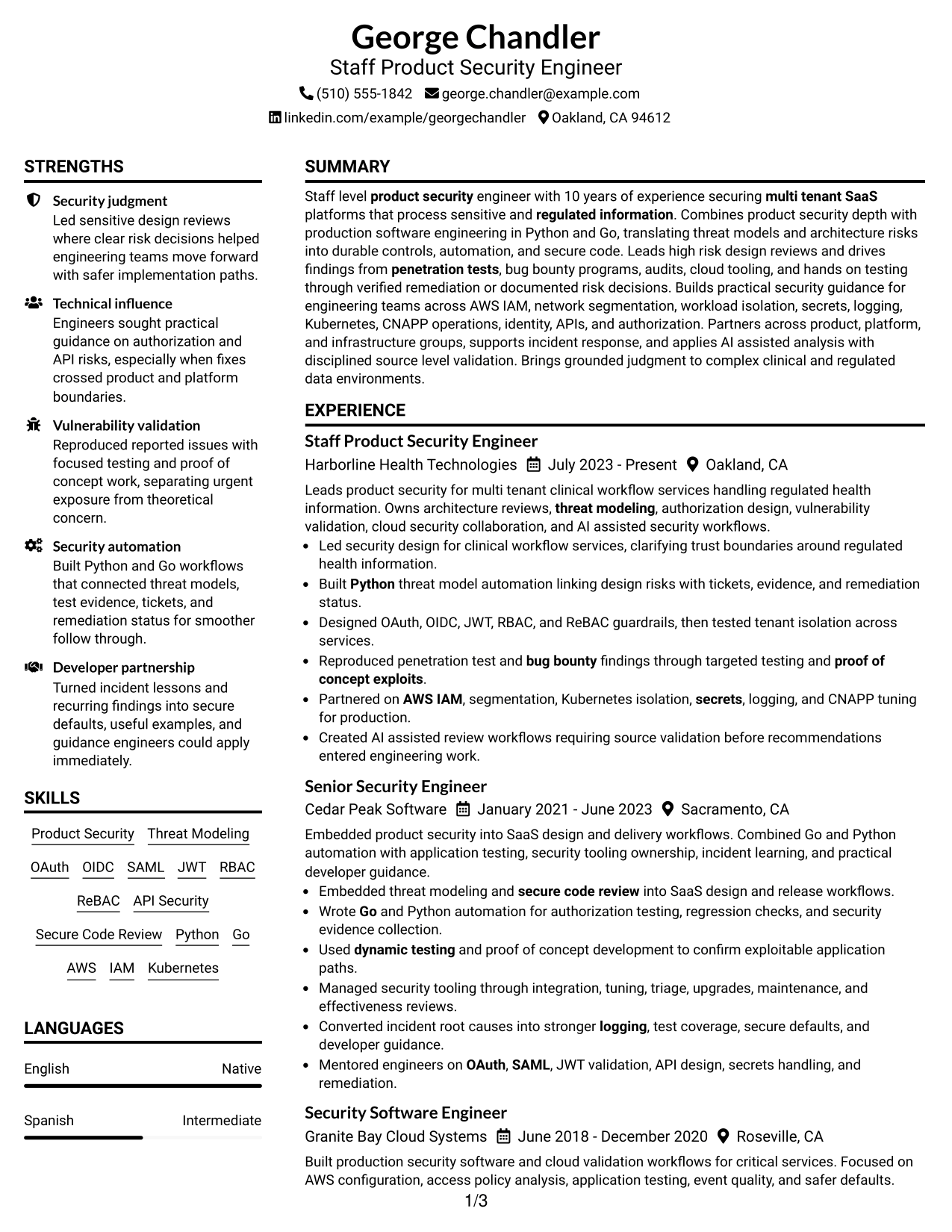
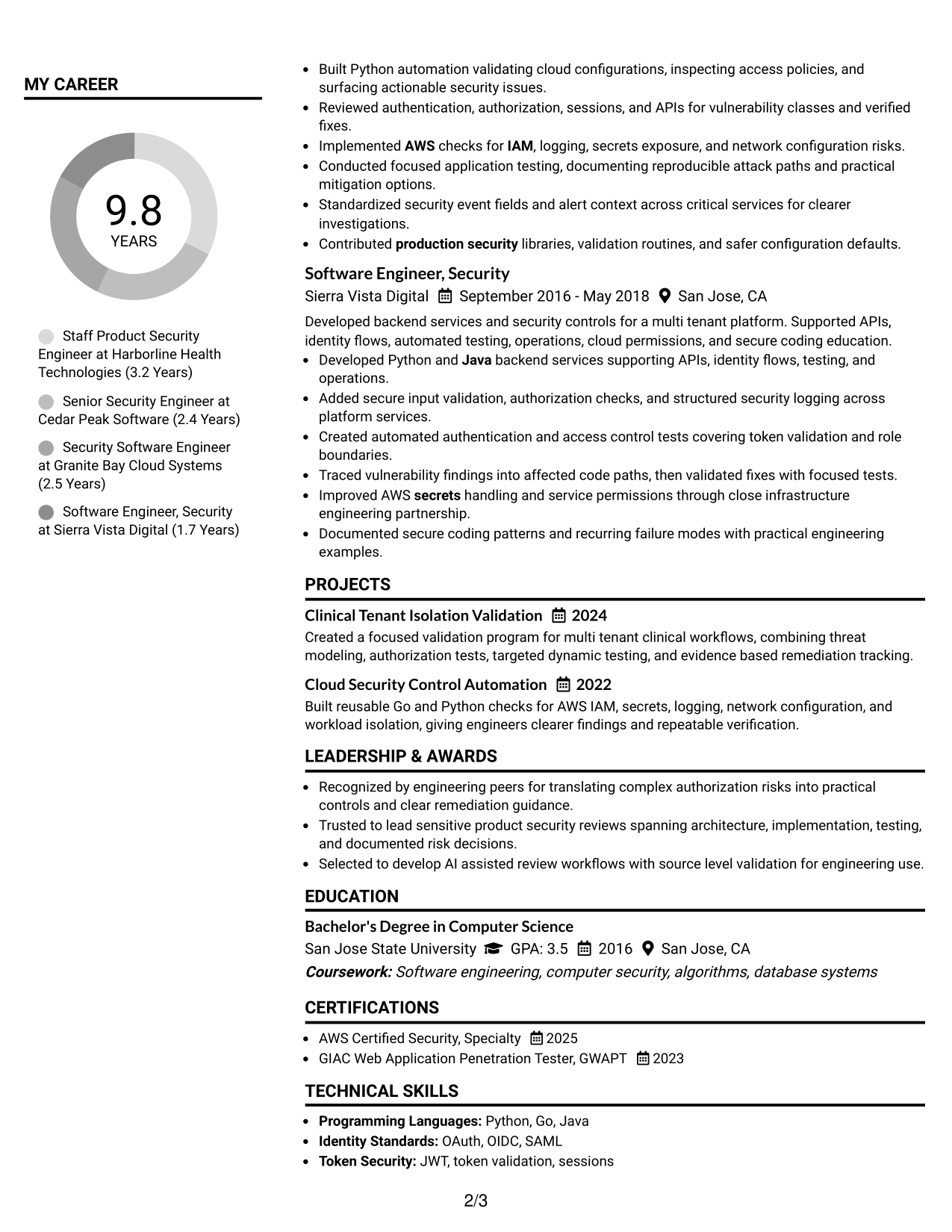
#1 Plain Two Column Format Resume Example
The Plain Two Column Format keeps core sections side by side so recruiters can scan detailed evidence without losing structure.
Resume Snapshot
- 10 years securing multi-tenant SaaS platforms with sensitive and regulated information
- Staff-level ownership across architecture reviews, threat modeling, vulnerability validation, and remediation
- Production software and automation experience in Python, Go, and Java
- AWS Certified Security, Specialty and GIAC Web Application Penetration Tester credentials
Why This Format Works
- Parallel sections separate dense experience from supporting skills and credentials.
- Clear section boundaries help recruiters follow career progression and security ownership.
- Balanced columns keep projects and education visible beside extensive professional experience.
Best For
- Detailed technical experience
- Broad skills and credentials
- Fast comparison of major sections
- Staff-level career progression
- Readers who prefer compact organization
Resume Keywords
- Product Security
- Threat Modeling
- OAuth
- OIDC
- SAML
- JWT
- RBAC
- ReBAC
- API Security
- Secure Code Review
- Python
- Go
- AWS
- IAM
- Kubernetes
- CNAPP
- Security Automation
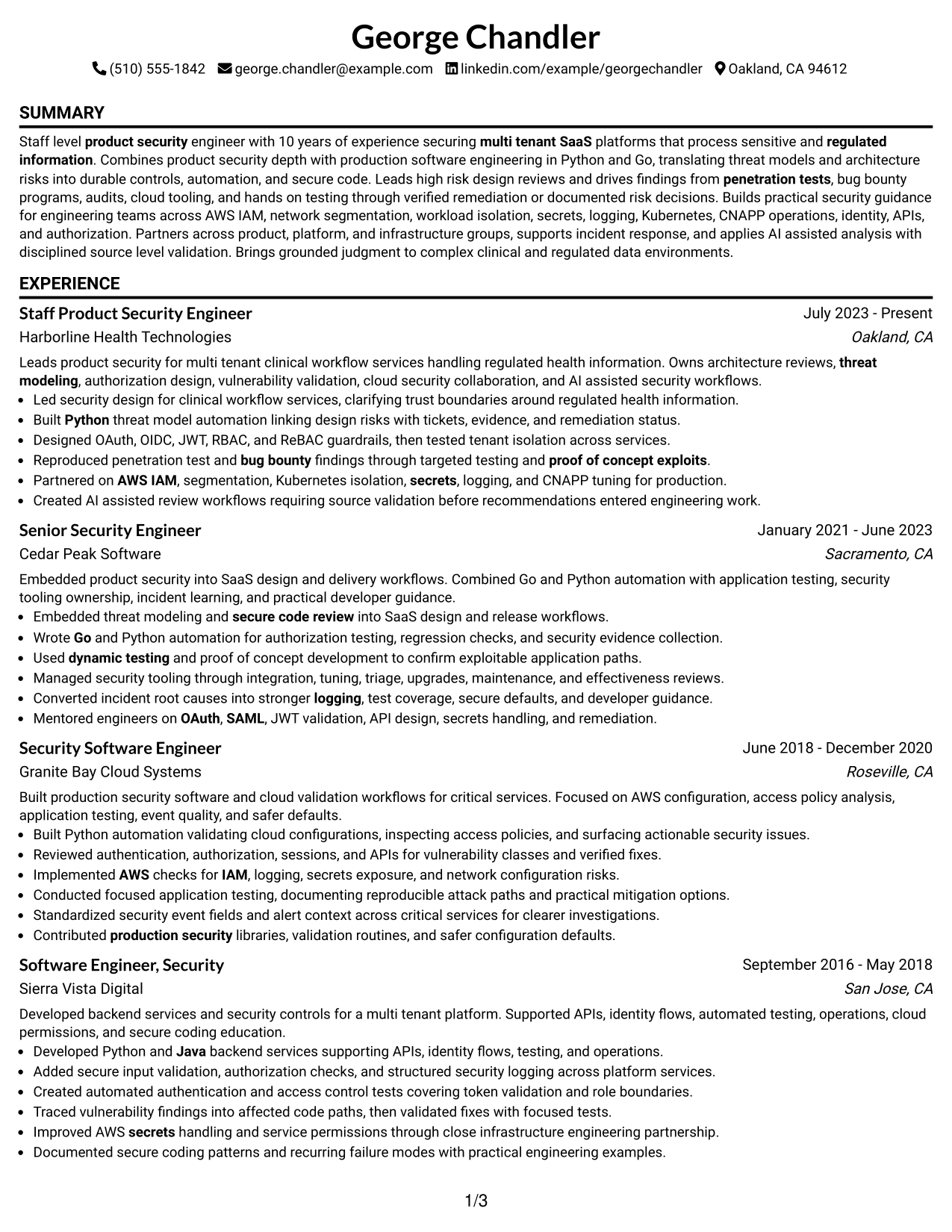
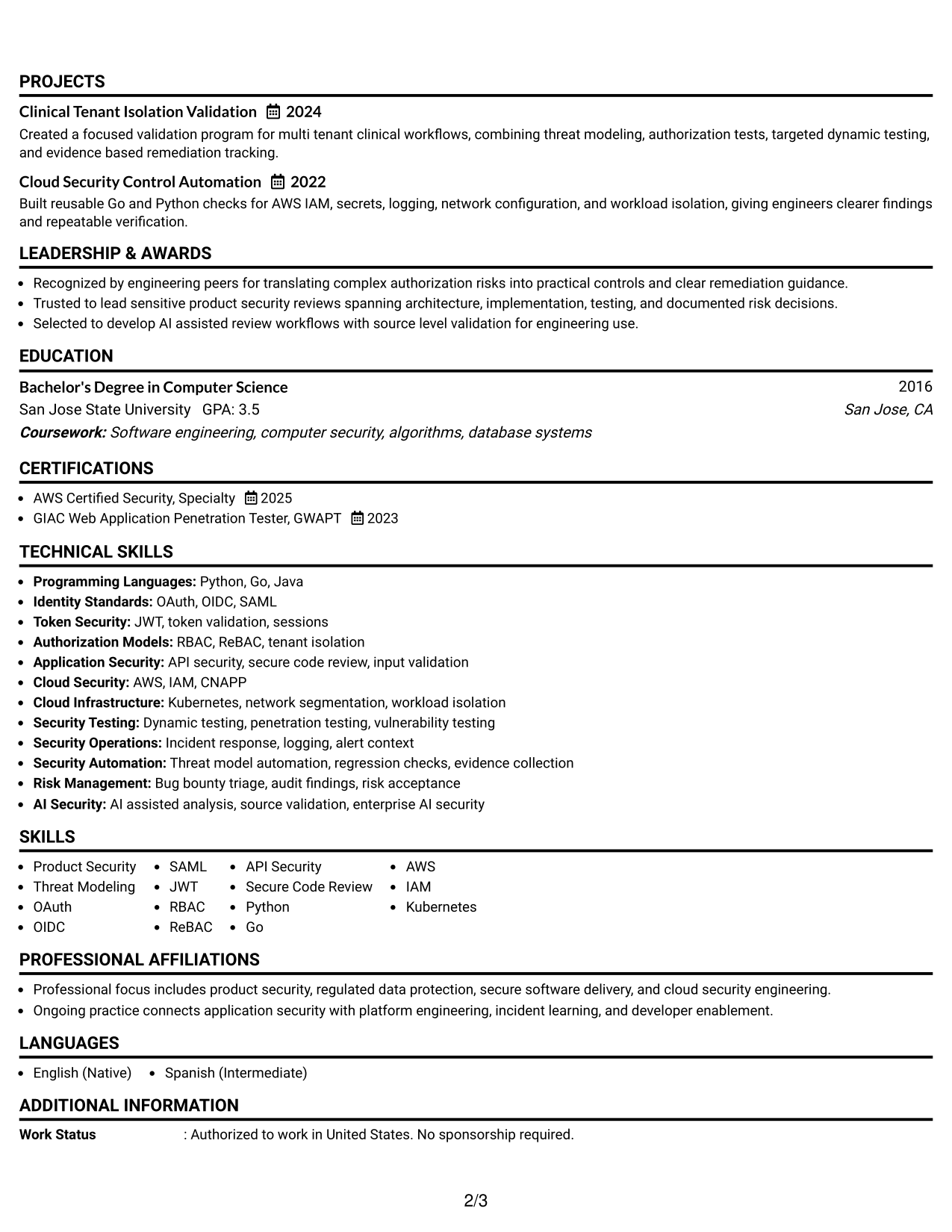
#2 Simple One Column Format Resume Example
The Simple One Column Format gives recruiters one direct reading path from the summary through experience, skills, projects, and credentials.
Why This Format Works
- One reading path makes long experience sections easy to follow.
- Full-width space gives achievements room without splitting attention across columns.
- Simple section order keeps skills and credentials easy to locate.
Best For
- Straightforward recruiter scanning
- Long experience descriptions
- Simple ATS-oriented structure
- Applications needing clear chronology
- Readers who prefer linear flow
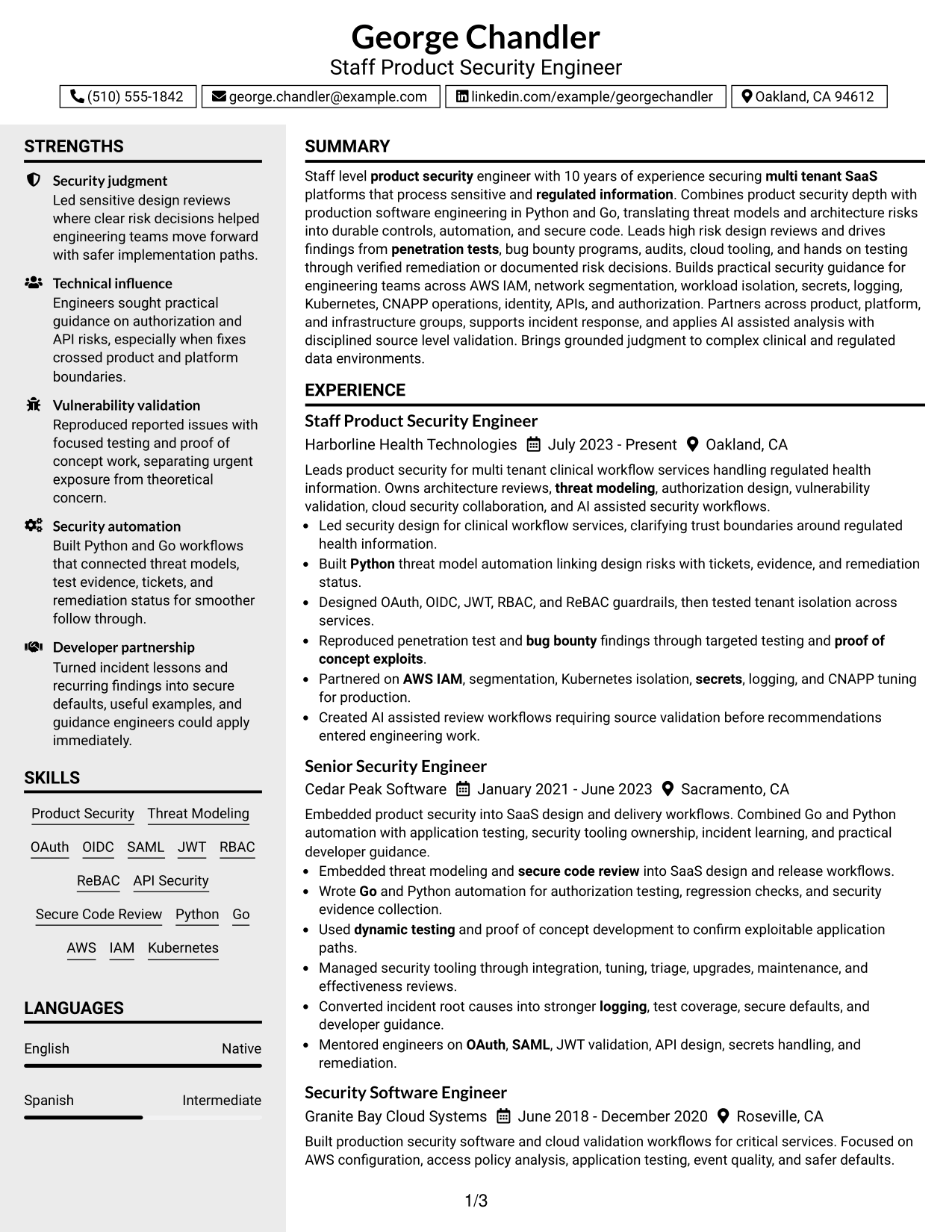
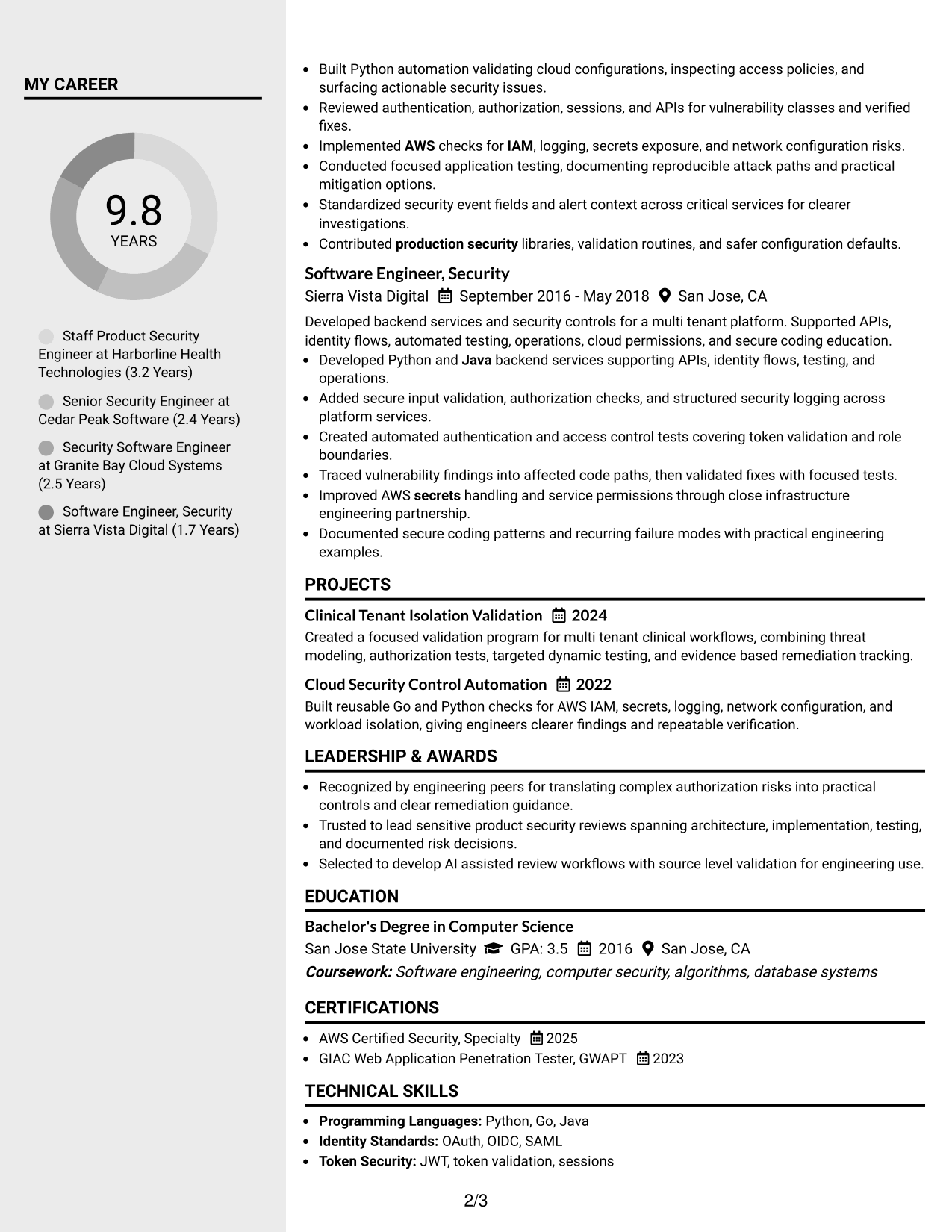
#3 Clean Two Column Sidebar Format Resume Example
The Clean Two Column Sidebar Format gives recruiters a main evidence path plus a separate area for quick reference information.
Why This Format Works
- Main-column space keeps experience and achievements in a steady reading sequence.
- Sidebar separation makes supporting skills and credentials easier to reference.
- Distinct content zones reduce searching across a technically dense resume.
Best For
- Experience-led resumes with supporting details
- Quick access to skills
- Compact credential reference
- Technical profiles with many sections
- Reviewers comparing evidence and qualifications
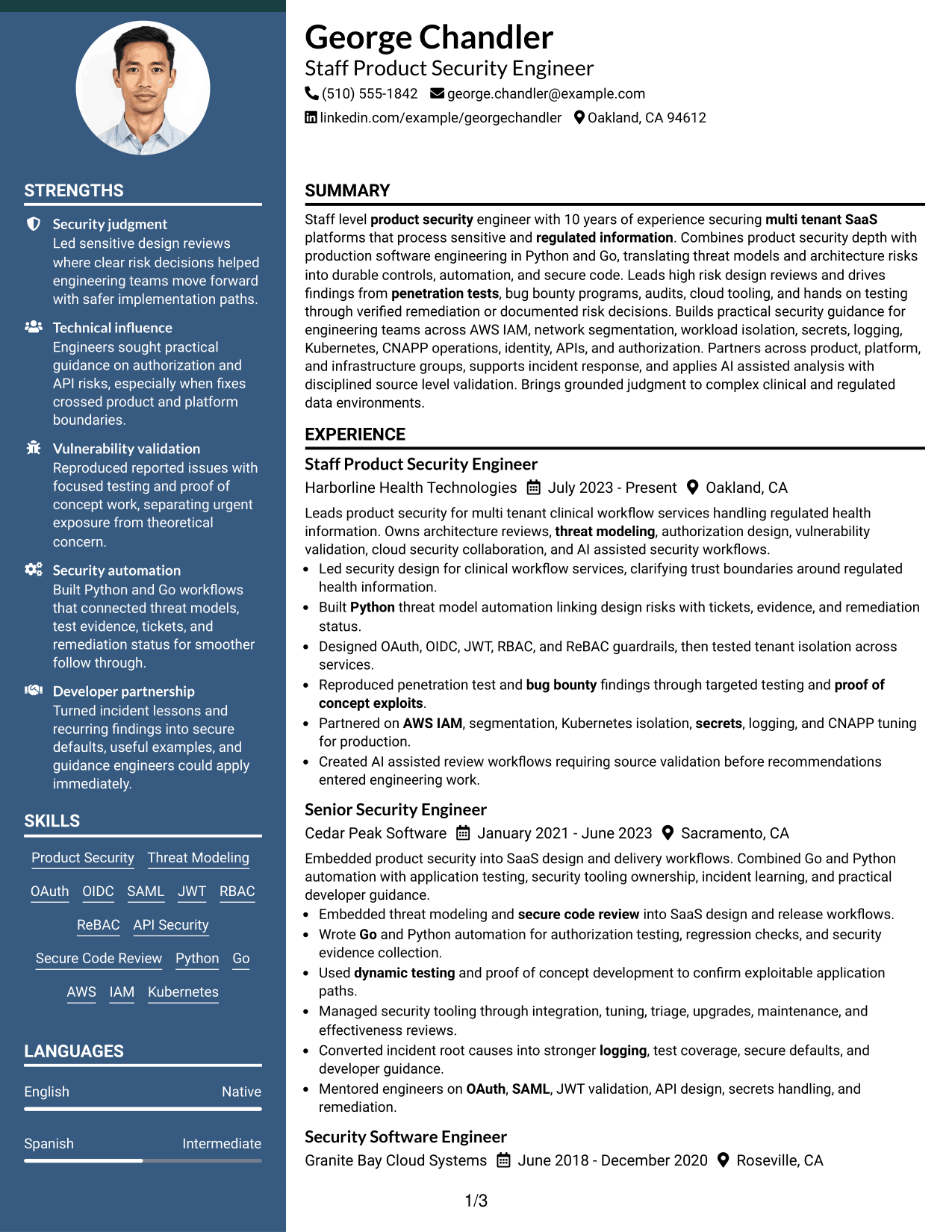
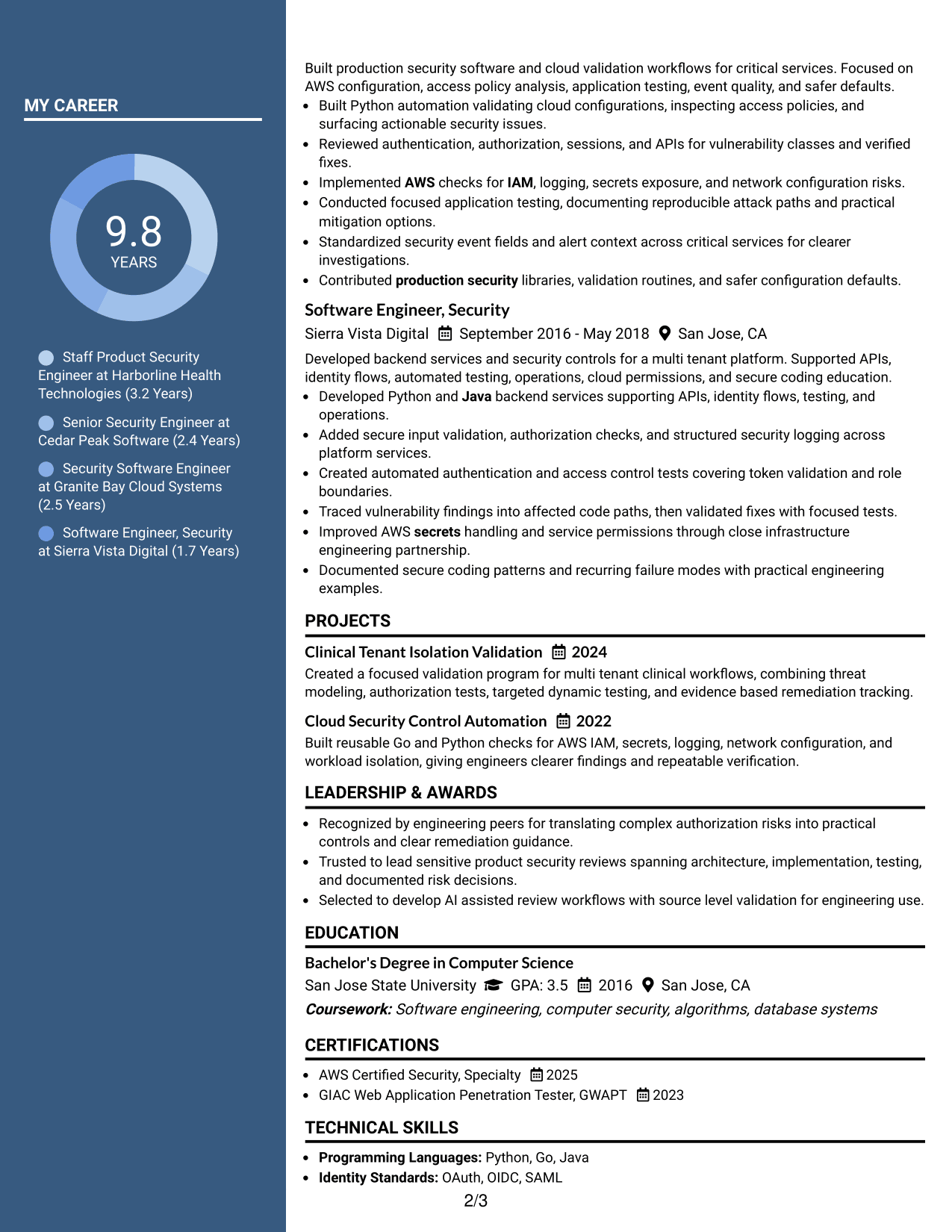
#4 Two Column Format Resume Example
The Two Column Format lets recruiters compare major resume sections in parallel while keeping experience and qualifications clearly separated.
Why This Format Works
- Two-column organization divides extensive experience from supporting professional details.
- Parallel section blocks help recruiters compare achievements with broader qualifications.
- Separated areas keep education and credentials visible without interrupting experience flow.
Best For
- Balanced technical and professional content
- Several supporting resume sections
- Compact side-by-side review
- Senior security career histories
- Applications with strong credentials
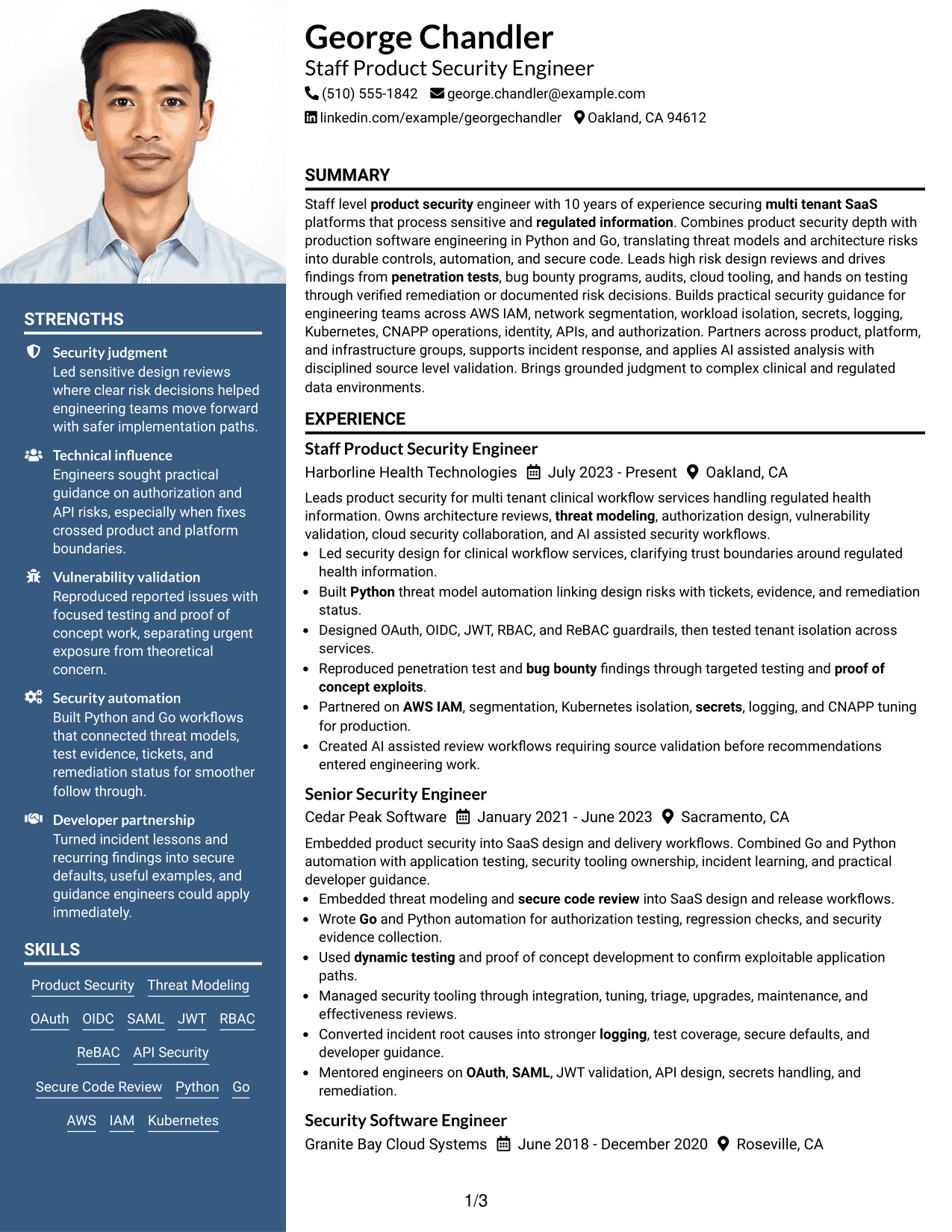
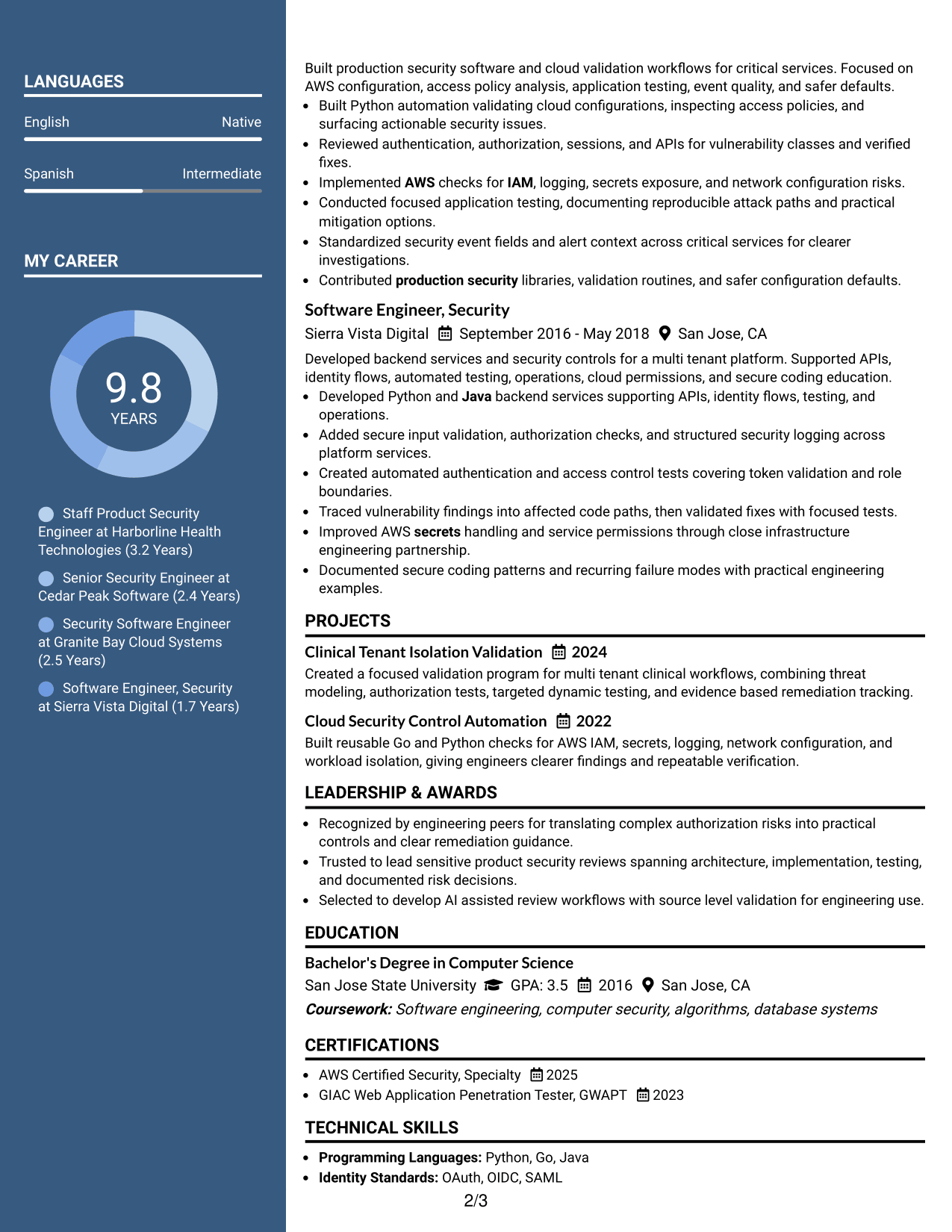
#5 Photo Header Two Column Format Resume Example
The Photo Header Two Column Format combines a photo header with two-column body sections so recruiters can scan the resume in defined content areas.
Why This Format Works
- Two-column body structure keeps experience separate from supporting qualifications.
- Header photo identifies the person without changing the resume's evidence order.
- Section separation helps recruiters move between achievements, skills, and credentials.
Best For
- Markets where resume photos are expected
- International application contexts
- Structured two-column reading
- Resumes with several qualification sections
- Readers needing clear section separation
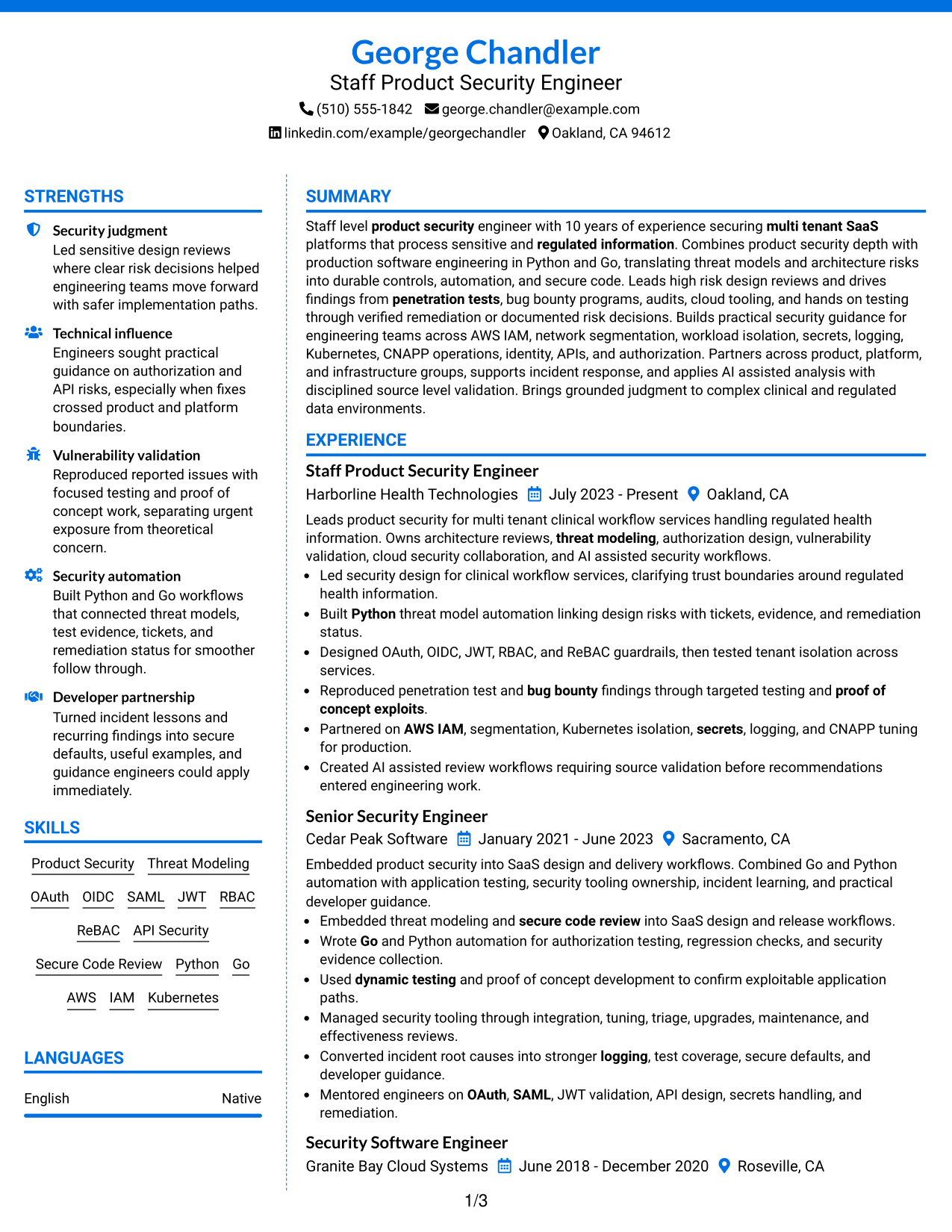
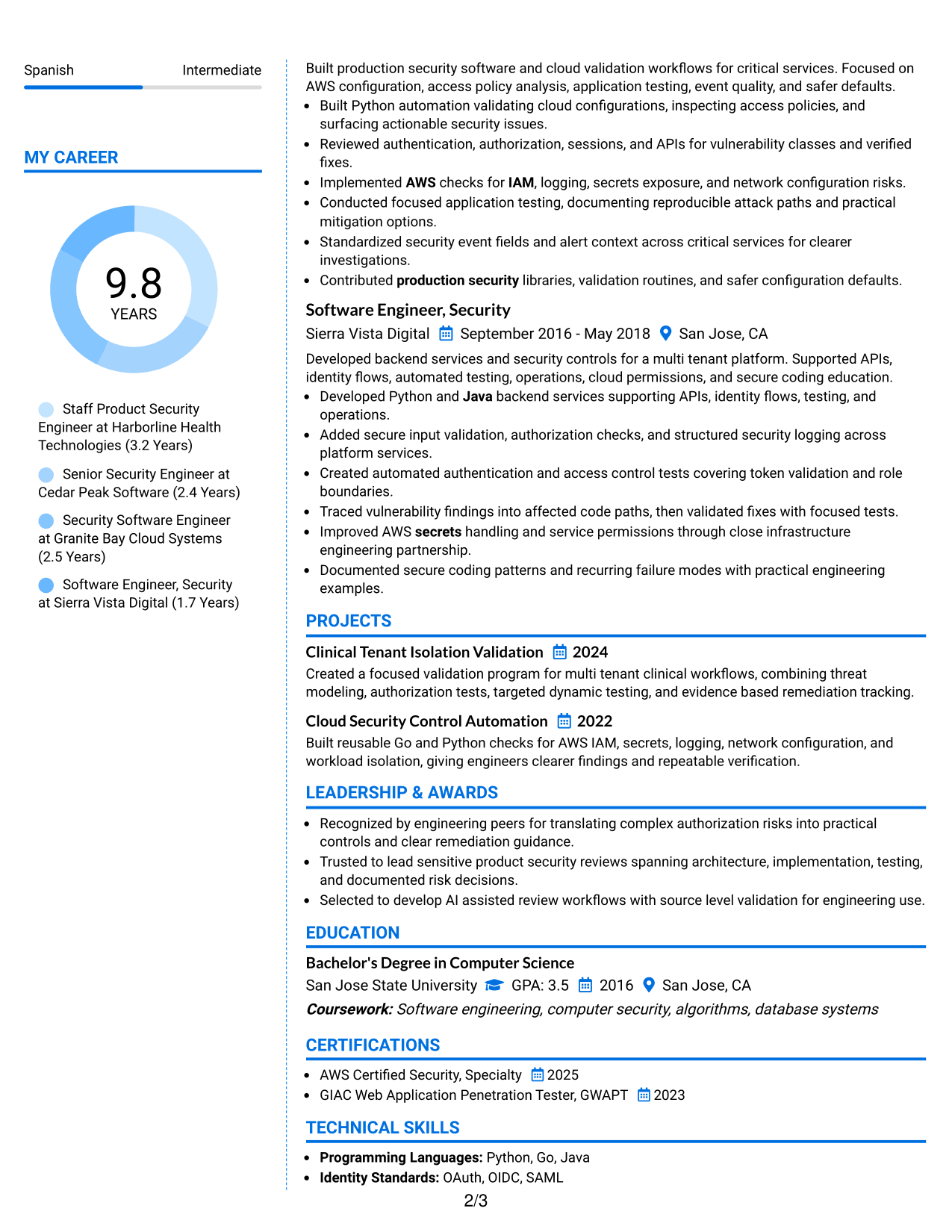
#6 Colored Two Column Format Resume Example
The Colored Two Column Format uses two organized content areas with color accents that help recruiters distinguish major resume sections quickly.
Why This Format Works
- Color accents mark section changes without replacing clear content hierarchy.
- Two content areas keep career evidence apart from supporting qualifications.
- Visual separation helps recruiters locate skills, education, and credentials faster.
Best For
- Readers who value strong section cues
- Content with many supporting categories
- Modern visual presentation
- Quick movement between resume sections
- Technical experience with compact support details
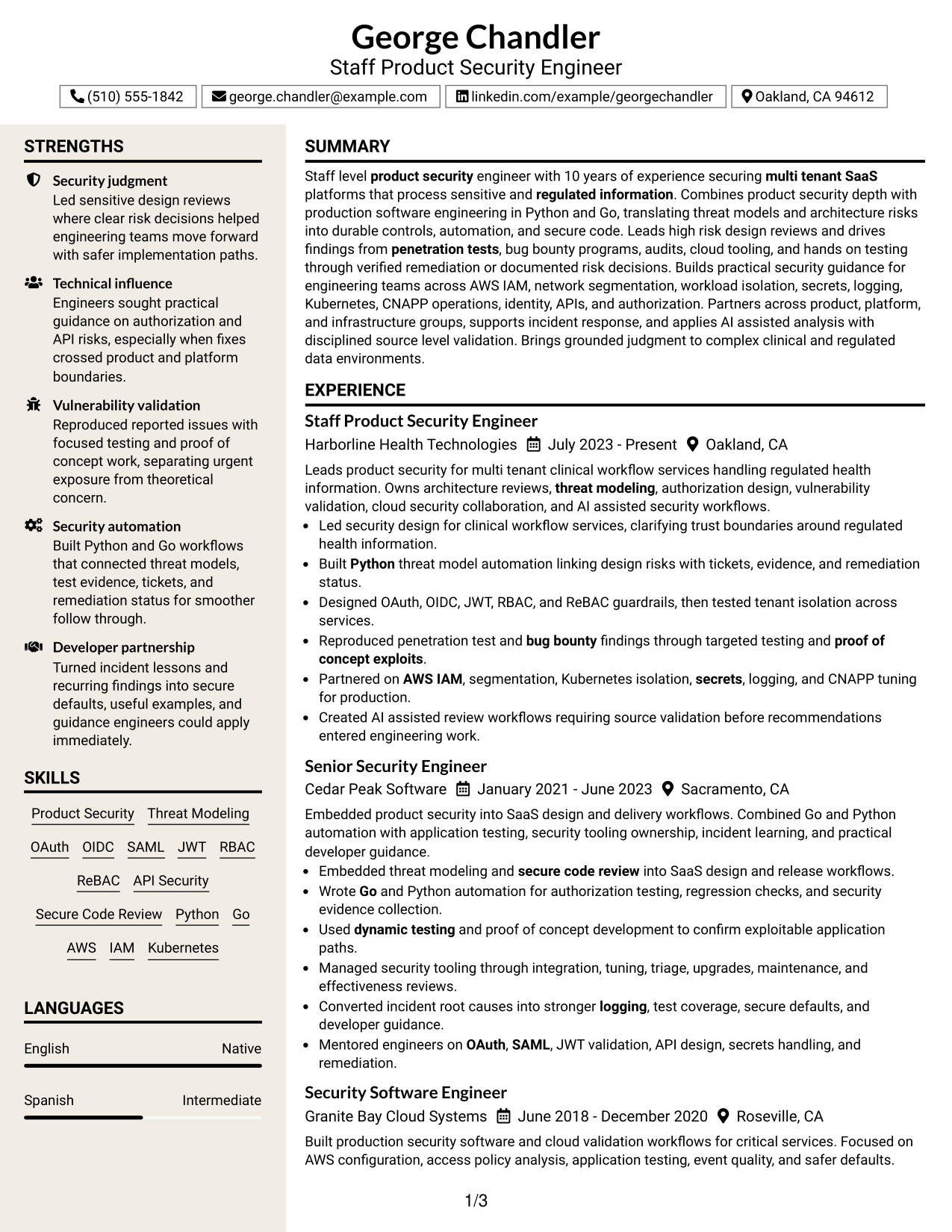
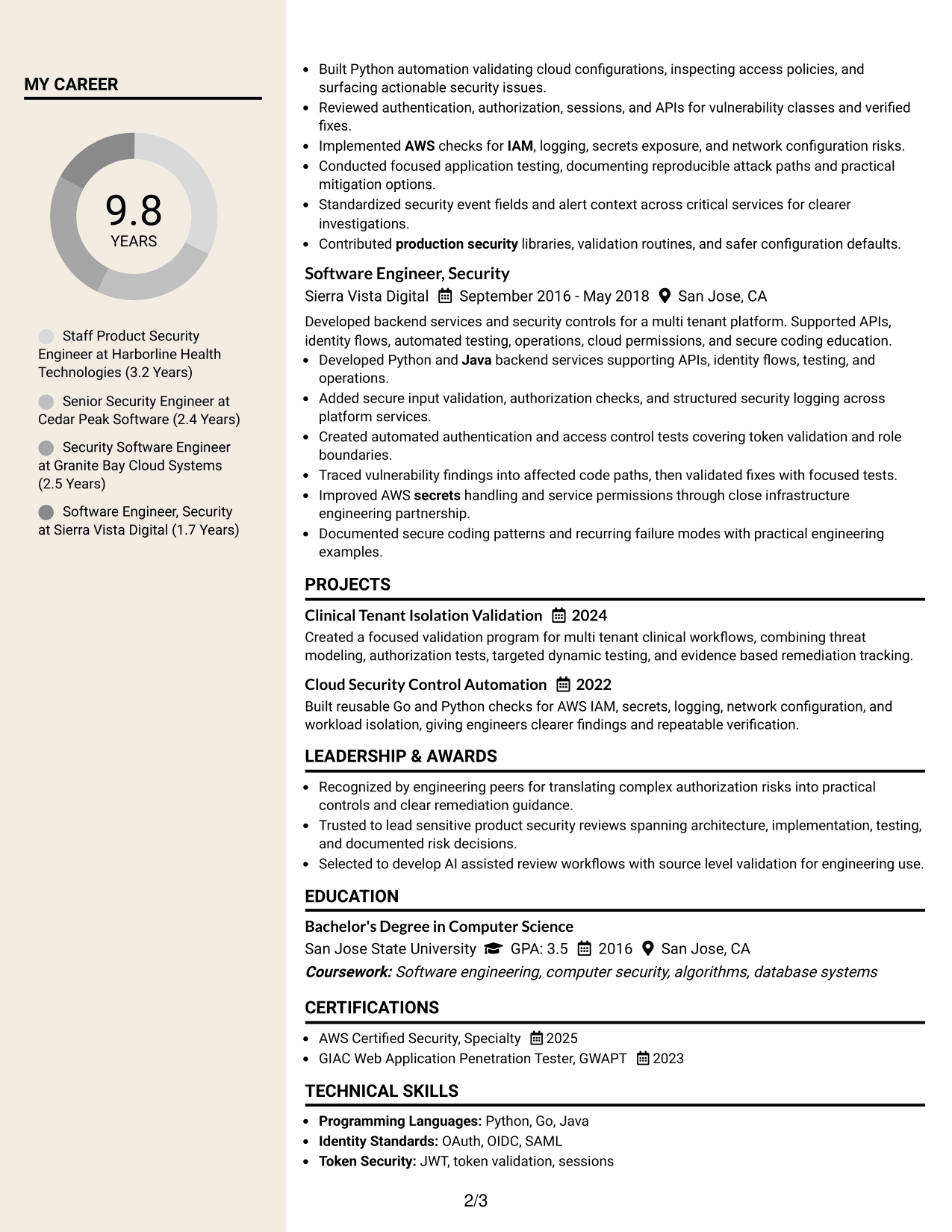
#7 Stylish Two Column Designer Format Resume Example
The Stylish Two Column Designer Format gives recruiters a structured two-column view with stronger visual styling for section navigation.
Why This Format Works
- Distinct styling helps section boundaries stand out during a quick review.
- Two-column structure keeps extensive experience beside concise supporting information.
- Defined blocks help recruiters separate achievements, skills, and credentials cleanly.
Best For
- Applications allowing stronger visual styling
- Readers who scan by section blocks
- Detailed experience plus concise support content
- Professional portfolios with matching design
- Resumes needing clear visual navigation
Why Build Your Staff Security Engineer - Product Security Resume with ResumeInMinutes
ResumeInMinutes helps you turn complex security work into a resume that is easier to scan, tailor, and compare. It keeps experience, skills, projects, credentials, and technical evidence in clear sections.
- Clear resume section structure
- ATS-focused keyword organization
- Experience and project formatting
- Security skills and tools grouping
- Free PDF resume previews
- Fast resume customization
Use the builder to keep product security evidence specific. Show how you handled design risk, validation, remediation, developer guidance, cloud controls, and incident learning without hiding important details in long paragraphs.
See Also
- 33 Staff Security Engineer – Red Team (AI) Resume Templates with Example 2026 (ATS-Optimized)
- 33 Staff Product Engineer Resume Templates with Example 2026 (ATS-Optimized)
- 33 AI Automation Engineer, Security Resume Templates with Example 2026 (ATS-Optimized)
- 33 Cyber Security Engineer, Junior Resume Templates with Example 2026 (ATS-Optimized)
- 33 Cyber Security Engineer, VP Resume Templates with Example 2026 (ATS-Optimized)
- 7 Lead Engineer AI Security - Security Architecture Resume Templates with Example
- 33 Lead Engineer, Network Security Platform Resume Templates with Example 2026 (ATS-Optimized)
- 33 Lead Security Engineer, Purple Team Resume Templates with Example 2026 (ATS-Optimized)
- 30+ Staff Security Engineer – Red Team (AI) Cover Letter Templates with Example 2026
- 30+ Staff Product Engineer Cover Letter Templates with Example 2026
Frequently Asked Questions
Are these Staff Security Engineer - Product Security resume templates ATS-friendly?
Yes. The layouts use clear headings and standard resume sections that support ATS reading. Your results still depend on using accurate role terms and simple text structure.
Are these different resumes?
No. The guide shows one Staff Security Engineer - Product Security resume in different visual formats so you can compare organization and scanning.
What should this resume include?
Include a focused summary, recent security engineering experience, programming work, threat modeling, identity and authorization work, vulnerability testing, cloud security, projects, education, and relevant certifications.
Which keywords matter for this role?
Use keywords only when they are true for your background. Relevant terms can include product security, OAuth, OIDC, SAML, JWT, RBAC, ReBAC, API security, threat modeling, secure code review, AWS IAM, Kubernetes, CNAPP, and security automation.
How should I write staff-level security experience bullets?
Show scope, judgment, action, and outcome. Strong bullets explain the risk you handled, what you changed or verified, who you influenced, and how the issue reached resolution or a documented risk decision.
Should I include penetration testing and bug bounty work?
Yes, when it reflects your real work. Explain how you reproduced findings, tested exploitability, built proof-of-concept evidence, recommended mitigations, and verified remediation.
Should I include a photo on a U.S. security engineering resume?
Usually no. For U.S. applications, a no-photo resume is normally the safer choice unless the application context clearly expects otherwise.
Can I customize these resume templates?
Yes. You can edit the text and format so the resume reflects your actual product security work, tools, credentials, and target requirements.