33 Staff Security Engineer – Red Team (AI) Resume Templates with Example 2026 (ATS-Optimized)
This guide shows you how to build a Staff Security Engineer – Red Team (AI) resume that is clear, focused, and ready for technical review. You will learn how to present offensive security leadership as evidence of disciplined execution, sound judgment, and measurable defensive improvement.
Strong resumes for this role connect Red Team, Purple Team, and adversary emulation work to clear objectives, safety controls, detection validation, and stakeholder outcomes. They also give ATS systems and technical reviewers a direct view of LLM architecture, agentic AI, MITRE ATT&CK, MITRE ATLAS, cloud security, and authorized operator tradecraft.
Below, you’ll find a complete Staff Security Engineer – Red Team (AI) resume example presented across 33 ATS-optimized resume formats, with guidance on section order, achievement bullets, technical skills, certifications, projects, and free PDF downloads.
What Makes a Great Staff Security Engineer – Red Team (AI) Resume in 2026
A strong resume is strategic, technically precise, and easy to scan. It connects authorized adversary operations with detection outcomes, response readiness, safe execution, and leadership across enterprise environments.
Use focused bullets and relevant keywords such as LLM architecture, AI agents, MITRE ATT&CK, MITRE ATLAS, MITRE Caldera, AWS, Azure, Cobalt Strike, and detection validation.
The examples shown below are intentionally detailed to demonstrate a range of experiences, skills, accomplishments and relevant keywords. We prefer detailed resumes as they provide more context to the hiring managers and also help the ATS systems identify relevant qualifications and score your resume better for a match. But the length of a resume is an individual choice. If you want a one page resume, just keep the most relevant experience and information for the job.
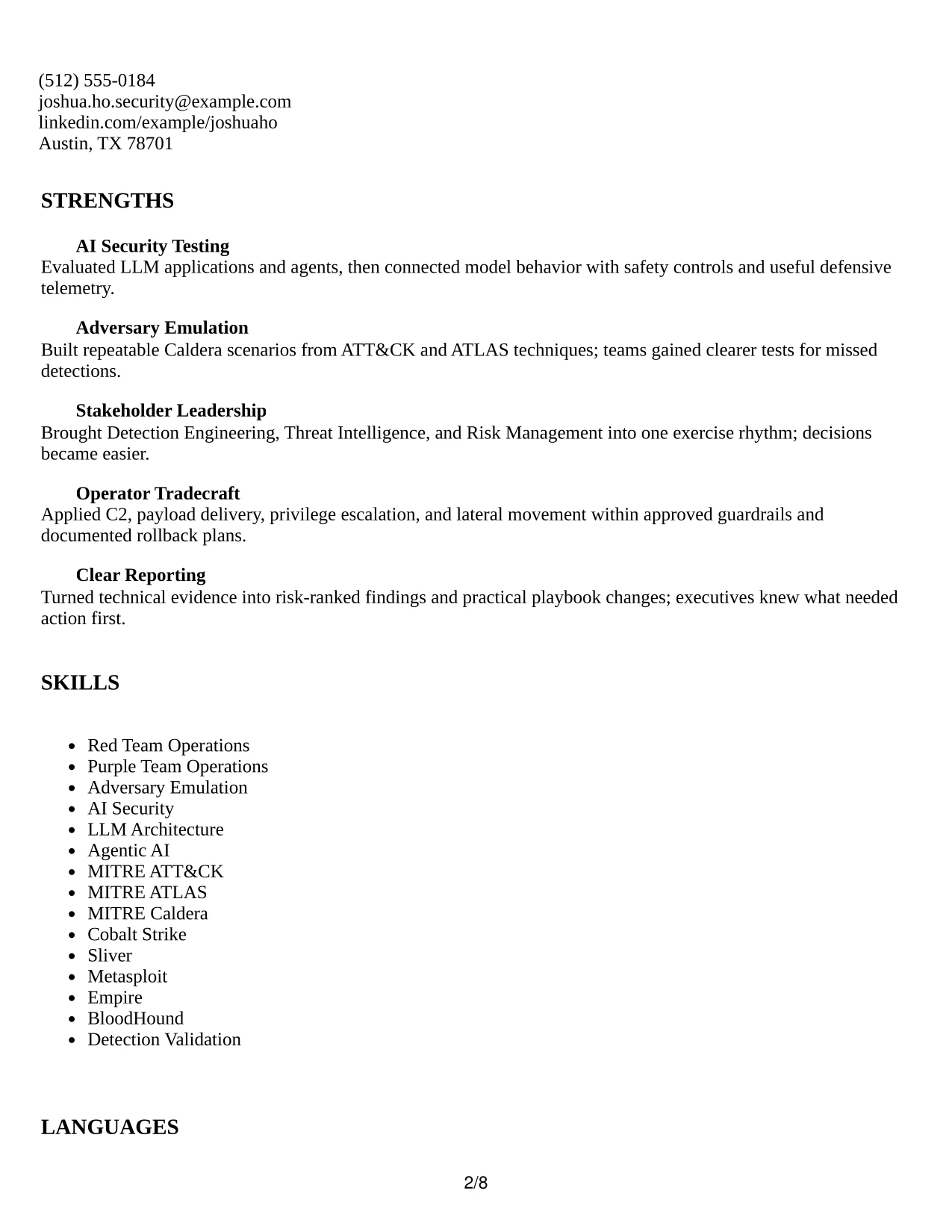
#1 Plain Two Column Format Resume Example
The Plain Two Column Format separates career evidence from supporting details so readers can scan both areas quickly. The main column can carry the professional summary, experience, projects, and measurable outcomes, while the narrower column holds skills, certifications, education, and tools.
For a Staff Security Engineer – Red Team (AI) resume, this structure gives priority to AI security testing, adversary emulation, MITRE ATT&CK, MITRE ATLAS, and detection validation. Clear section labels and direct bullets also support ATS parsing without removing technical depth.

Resume Snapshot
- Staff-level offensive security engineer with more than eight years of experience.
- Five-plus years leading Red Team, Purple Team, and adversary emulation operations.
- AI and cloud coverage spanning LLM architecture, agent behavior, AWS, Azure, and Kubernetes.
- Certifications include OSCP, CRTO, and CISSP.
Why the Plain Two Column Format Works for a Resume
- Creates a clear hierarchy between career evidence and supporting qualifications.
- Places recent experience in a wide reading area for faster recruiter scanning.
- Keeps a substantial skills list visible without crowding the experience section.
- Makes technical tools such as MITRE Caldera, Cobalt Strike, Sliver, and BloodHound easy to find.
- Supports ATS-friendly headings and keyword placement when text remains selectable.
- Gives measurable detection outcomes and operational controls enough room for concise bullets.
Resume Keywords
- Staff Security Engineer
- Red Team operations
- AI security
- Purple Team
- Adversary Emulation
- MITRE ATT&CK
- MITRE ATLAS
- MITRE Caldera
- Detection validation
- Incident response readiness
- PyTorch
- TensorFlow
- Hugging Face
- LangChain
- AWS
- Azure
- Cobalt Strike
- Sliver
- Metasploit
- Empire
- BloodHound
- OSCP
- CRTO
- CISSP
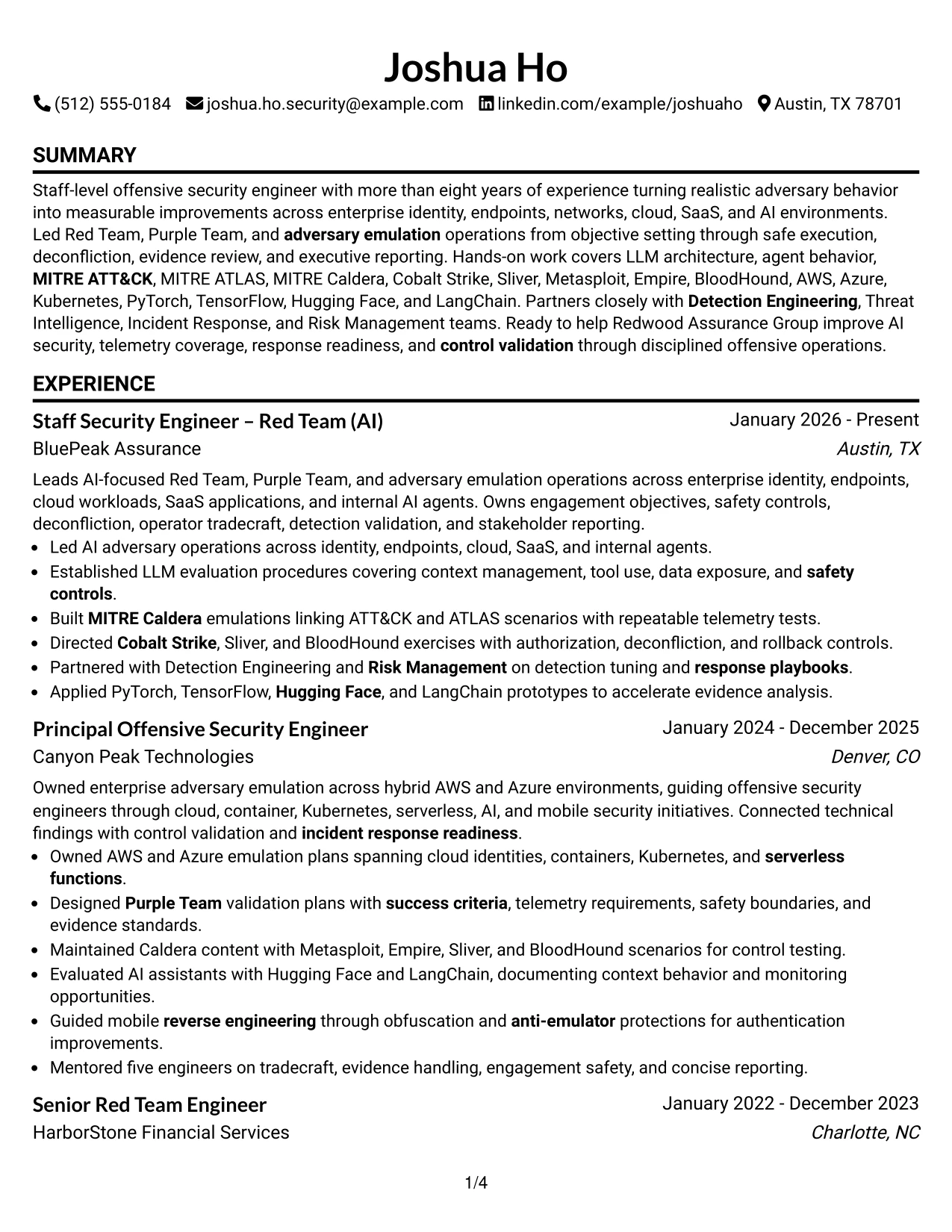
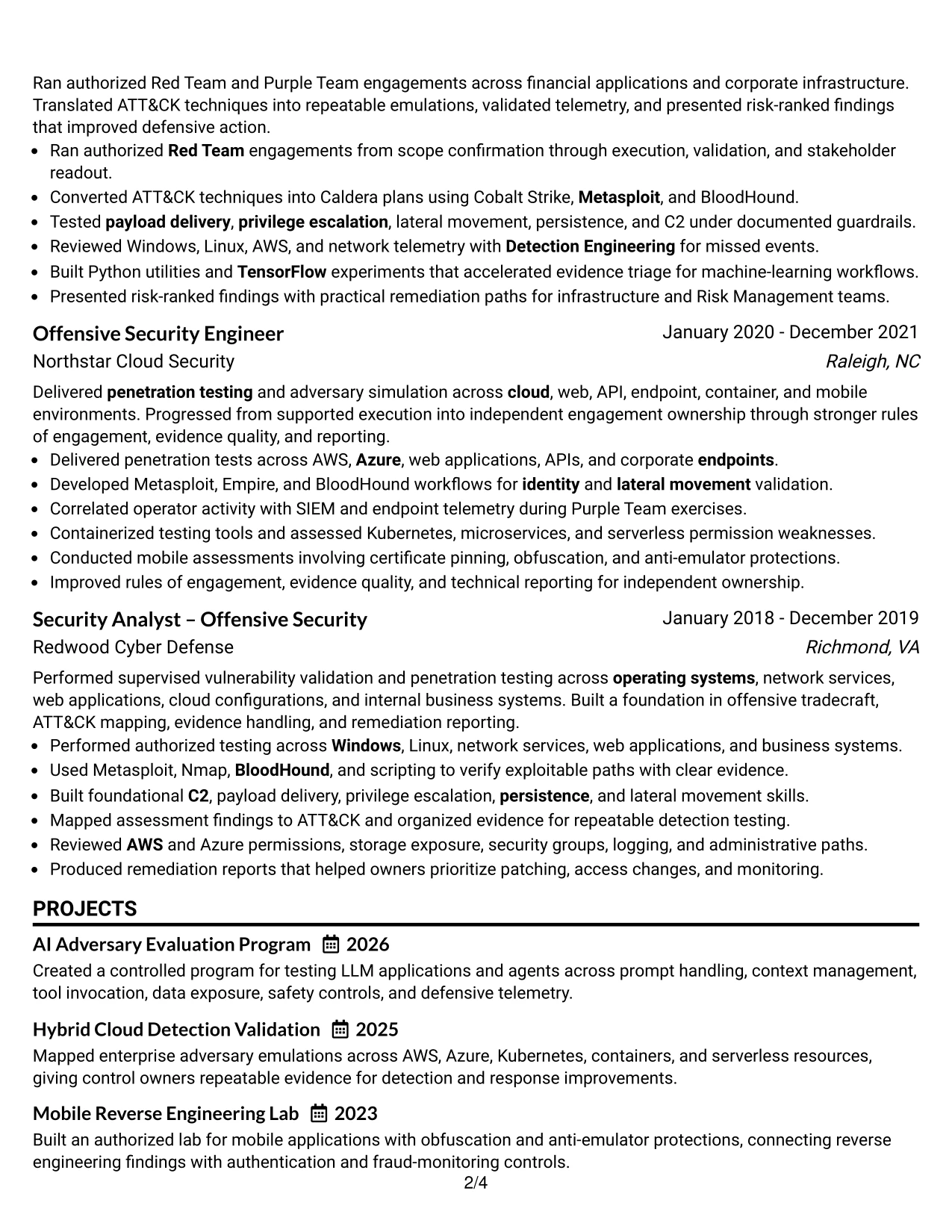
#2 Simple One Column Format Resume Example
Recruiters move from the header to the summary, then through experience, projects, education, certifications, and skills in one uninterrupted path. That sequence works well when the resume must present a detailed technical record without asking the reader to jump between columns.
The Simple One Column Format gives each role enough width for bullets that connect authorized operations to measurable defensive improvements. It can present cloud environments, AI frameworks, operator tradecraft, and reporting outcomes in a clean order that remains easy for ATS systems to read.
Why the Simple One Column Format Works for a Resume
- Provides one consistent reading path from summary through certifications.
- Gives long achievement bullets full line width and better context.
- Keeps dates, employers, role titles, and locations in predictable positions.
- Supports a high volume of technical keywords without side-column compression.
- Makes projects such as AI Adversary Evaluation Program easy to place near related experience.
- Works well when experience, tools, education, and certifications all need meaningful detail.
Best For
- Resumes with several detailed roles and six-bullet experience sections.
- Candidates who need full-width space for adversary emulation evidence.
- Applications where ATS parsing and predictable section order are priorities.
- Technical resumes that combine AI security, cloud, mobile, and endpoint work.
- Documents that need projects to reinforce the main experience record.
- Readers who prefer a direct top-to-bottom review without column changes.
- Resumes with extensive tools, certifications, and framework keywords.
- Applications that require clear separation between professional history and supporting sections.
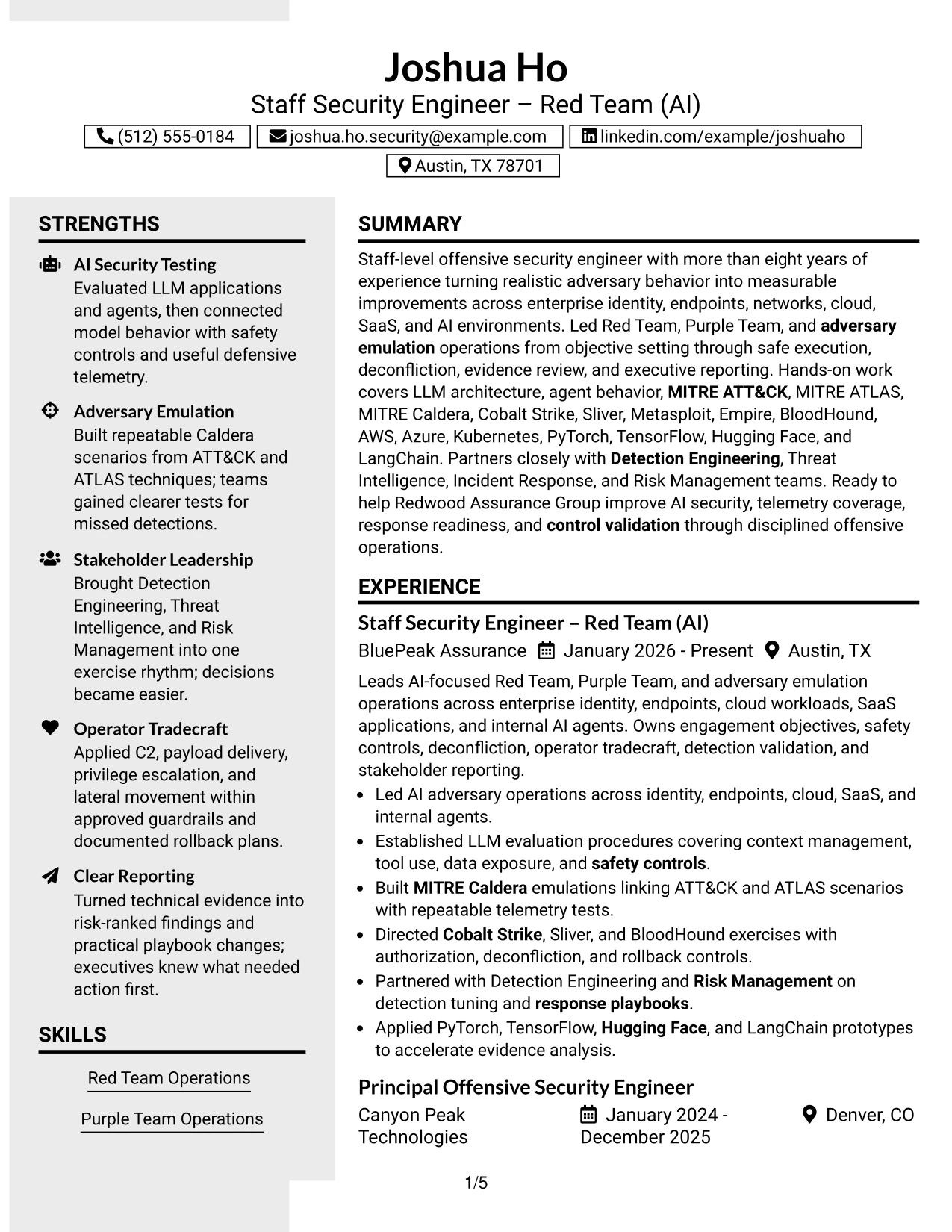
#3 Clean Two Column Sidebar Format Resume Example
The strongest evidence appears first in the main column: recent leadership, repeatable emulations, AI application testing, and improvements to detection coverage. A compact sidebar then keeps certifications, education, platforms, and supporting skills available without interrupting that evidence.
The Clean Two Column Sidebar Format is effective when a resume must show both strategic ownership and hands-on tradecraft. Short bullets can connect MITRE techniques, telemetry review, safety controls, and risk-ranked reporting to specific operational results.
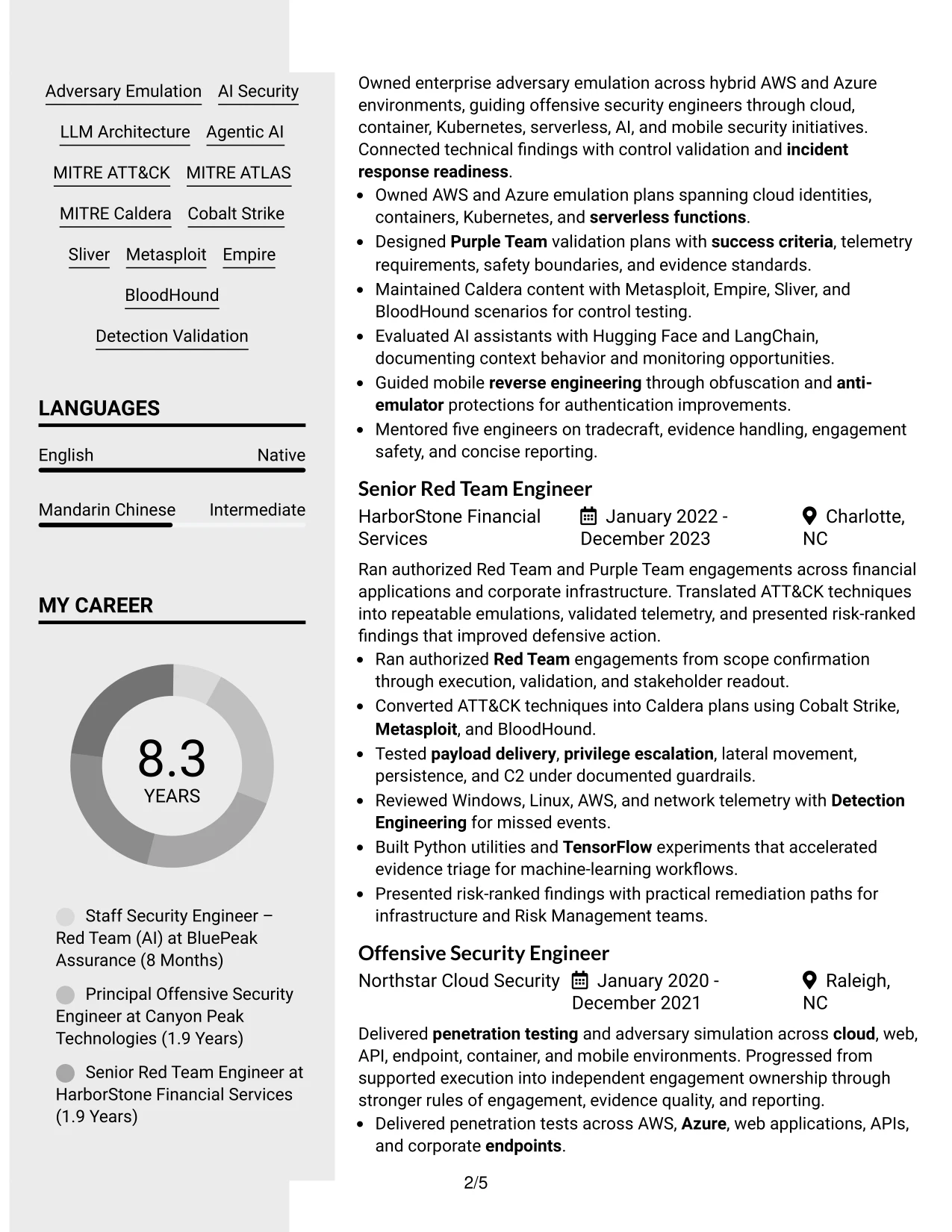
Why the Clean Two Column Sidebar Format Works for a Resume
- Puts high-value outcomes in the primary reading area.
- Separates supporting credentials from detailed work history.
- Makes certifications and framework knowledge easy to locate during a quick review.
- Supports evidence-rich bullets about telemetry gaps, control validation, and response readiness.
- Provides room for tools without allowing tool names to overshadow achievements.
- Balances leadership scope with practical operator tradecraft.
Best For
- Resumes where recent achievements should dominate the first scan.
- Candidates presenting both executive reporting and hands-on testing evidence.
- Applications that require certifications and platforms to remain visible beside experience.
- Technical professionals showing repeatable emulations rather than isolated tool use.
- Documents that need a strong evidence column with concise qualification support.
- Readers comparing operational ownership with technical execution.
- Security resumes connecting ATT&CK mappings to telemetry and control outcomes.
#4 Two Column Format Resume Example
Content is balanced between a broad experience area and a focused qualifications area. The main section can show leadership across Red Team operations, AI agents, cloud workloads, and stakeholder reporting, while the secondary section keeps education, certifications, tools, and technical frameworks easy to review.
For this application, the format supports a practical review of both scope and execution. The resume can show objectives, success criteria, safety controls, deconfliction, and measurable detection outcomes without burying the keywords required for AI-focused adversary operations.
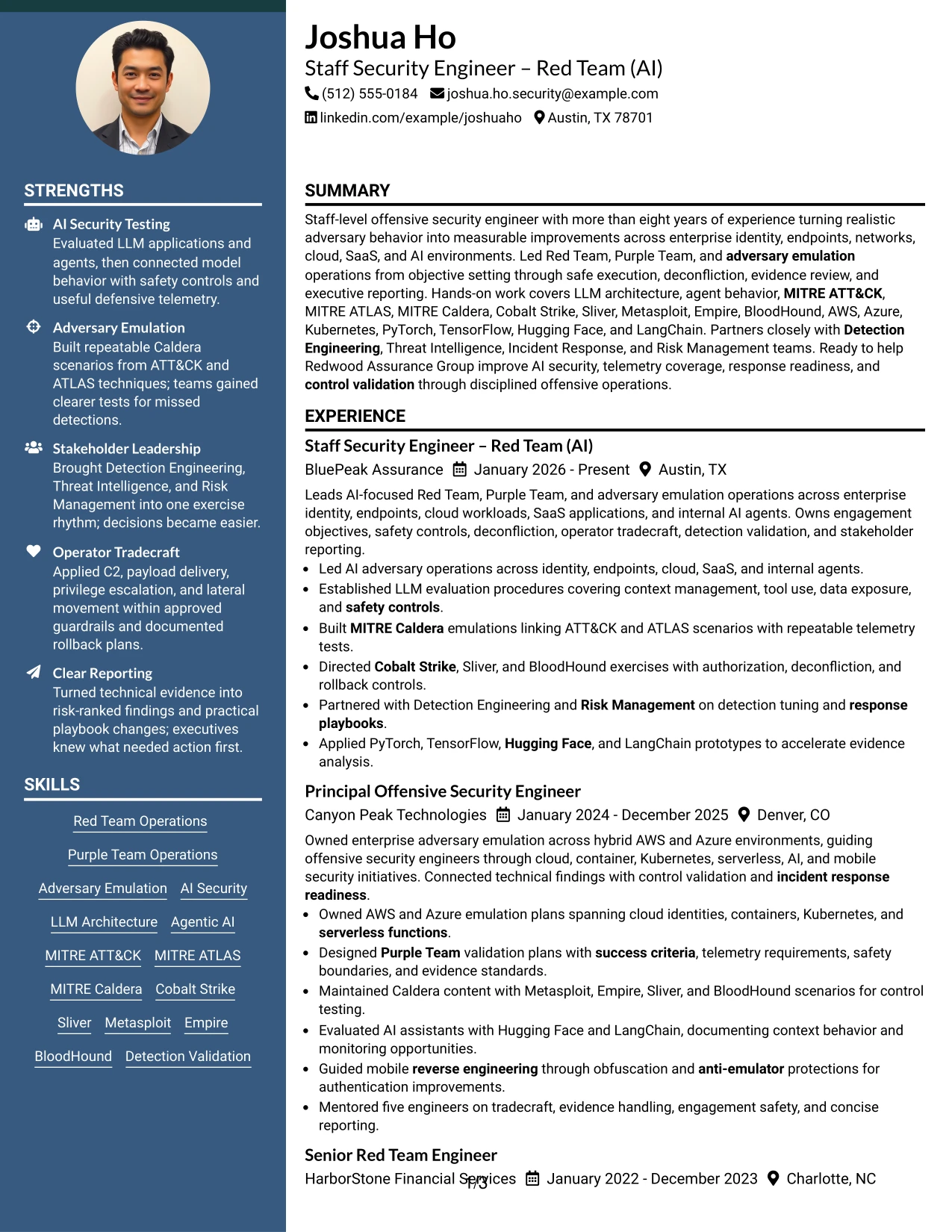
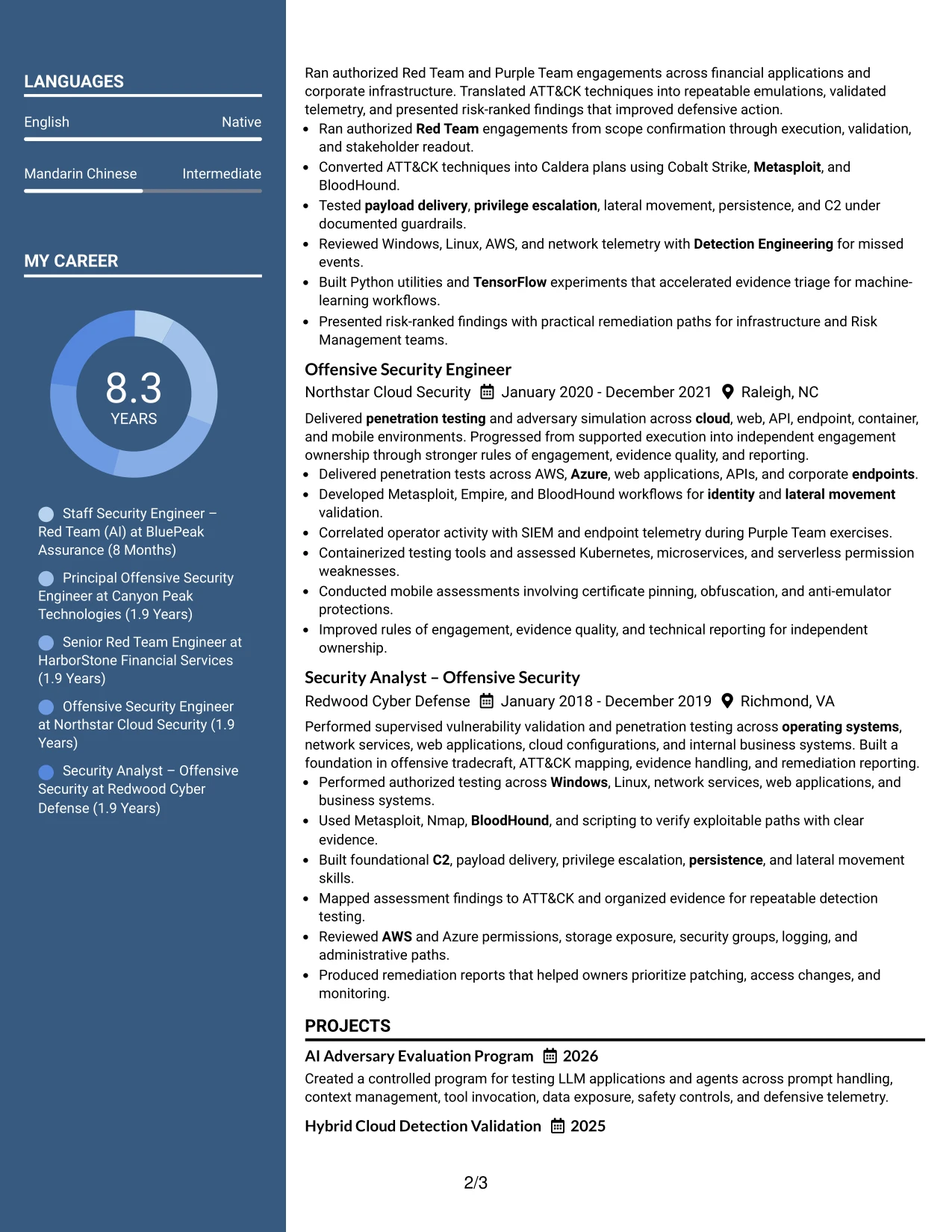
Why the Two Column Format Works for a Resume
- Balances leadership evidence with technical qualification details.
- Keeps target-role keywords visible near the top of the document.
- Allows experience bullets to explain scope, controls, execution, and results.
- Creates space for cloud, AI, operating system, and container coverage.
- Helps readers connect certifications with the work they support.
- Supports quick review of both recent roles and deeper technical breadth.
- Makes a strong choice for applications that combine strategic ownership with hands-on delivery.
Best For
- Applications that assess both operating scope and technical execution.
- Resumes combining enterprise security leadership with detailed platform coverage.
- Candidates who need separate areas for experience and framework knowledge.
- Documents showing cloud, AI, endpoint, network, and SaaS work together.
- Reviews where safety controls and measurable outcomes must remain prominent.
- Applications that require certifications, education, and tools without reducing experience space.
- Readers who want a fast comparison of role history and technical breadth.
#5 Photo Header Two Column Format Resume Example
A practical application review benefits from a strong opening identity area followed by two focused content zones. The upper header establishes the target role and contact details, while the columns organize leadership evidence, technical skills, certifications, education, and project work.
The Photo Header Two Column Format can present an established professional profile with a polished visual entry point and a structured technical body. For this resume, the detailed sections should still carry the decision-making weight through AI security testing, Caldera emulations, cloud operations, and detection improvements.
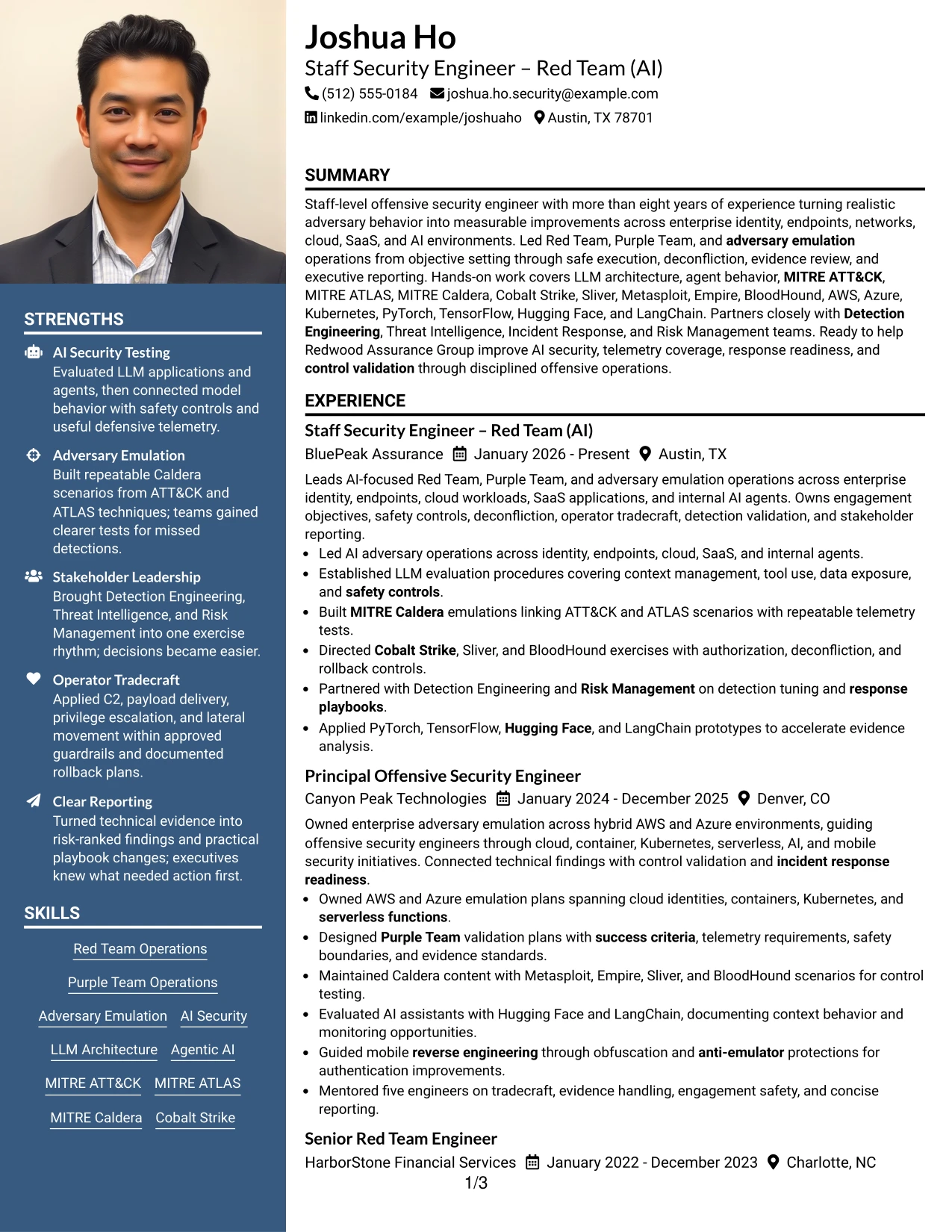
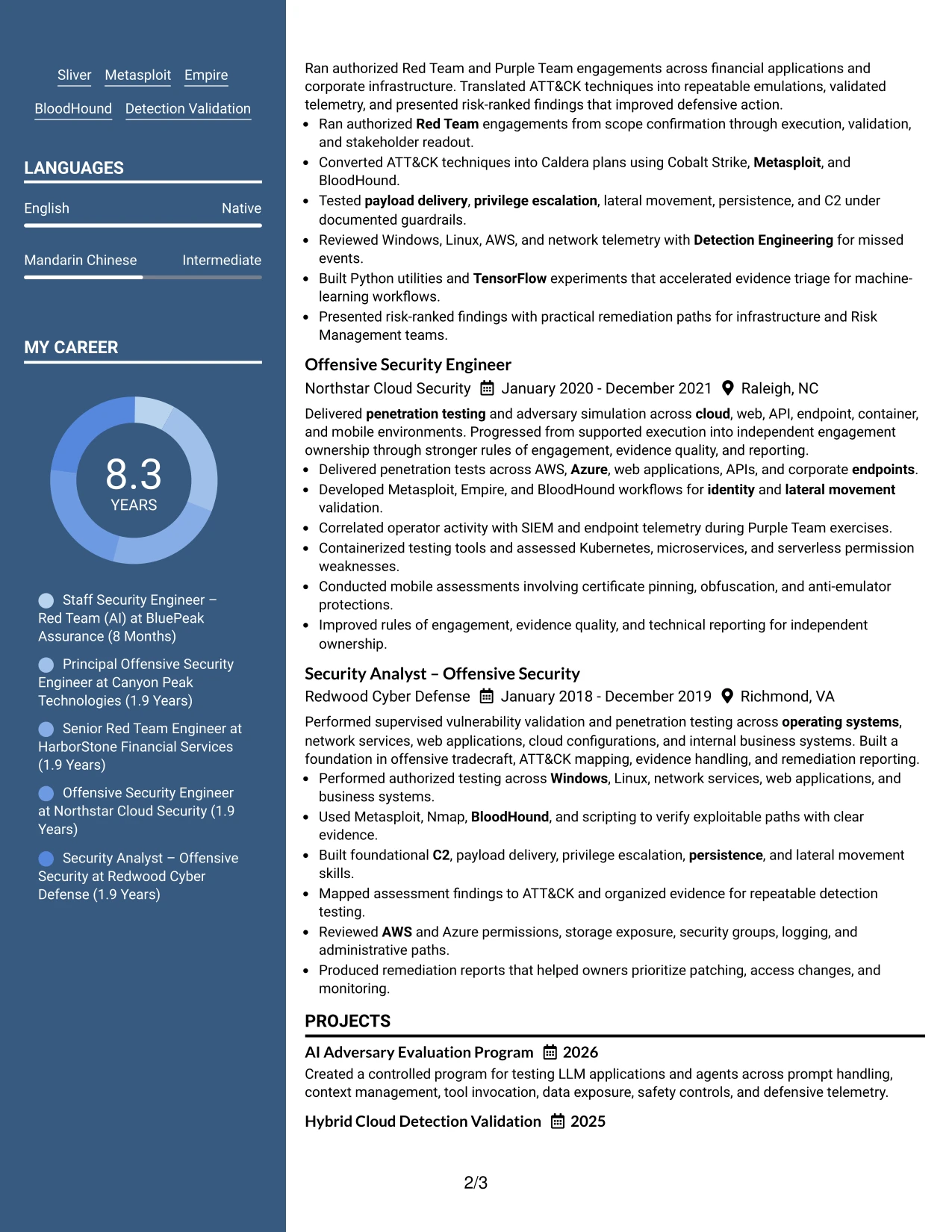
Why the Photo Header Two Column Format Works for a Resume
- Creates a strong first screen for a polished professional application.
- Uses the header to establish role identity before technical detail begins.
- Gives recent leadership experience a broad area for readable achievement bullets.
- Keeps credentials, tools, and frameworks organized in a supporting column.
- Provides a clear place for projects that demonstrate AI and cloud testing depth.
- Supports a balanced presentation of strategic scope and operator capability.
- Works best when the visual header remains restrained and the text remains selectable.
Best For
- Applications where a polished first impression supports senior-level positioning.
- Candidates who want a clear identity header above substantial technical evidence.
- Resumes pairing broad leadership experience with a compact qualifications column.
- Documents that need visible projects, certifications, and tools beside role history.
- Professional profiles where visual presentation should support rather than replace evidence.
- Reviews requiring fast access to contact details, role title, and core capabilities.
- Applications that benefit from a structured presentation of AI, cloud, and adversary work.
#6 Colored Two Column Format Resume Example
A restrained visual hierarchy helps the reader connect the target role with the most relevant evidence before moving into supporting details. Color can distinguish sections, while the resume text remains focused on Red Team operations, AI security, adversary emulation, and detection validation.
The Colored Two Column Format aligns well with a role that requires both technical depth and cross-functional leadership. Experience bullets can carry enterprise scope and measurable outcomes, while the side area highlights MITRE frameworks, cloud platforms, AI tools, certifications, and education.

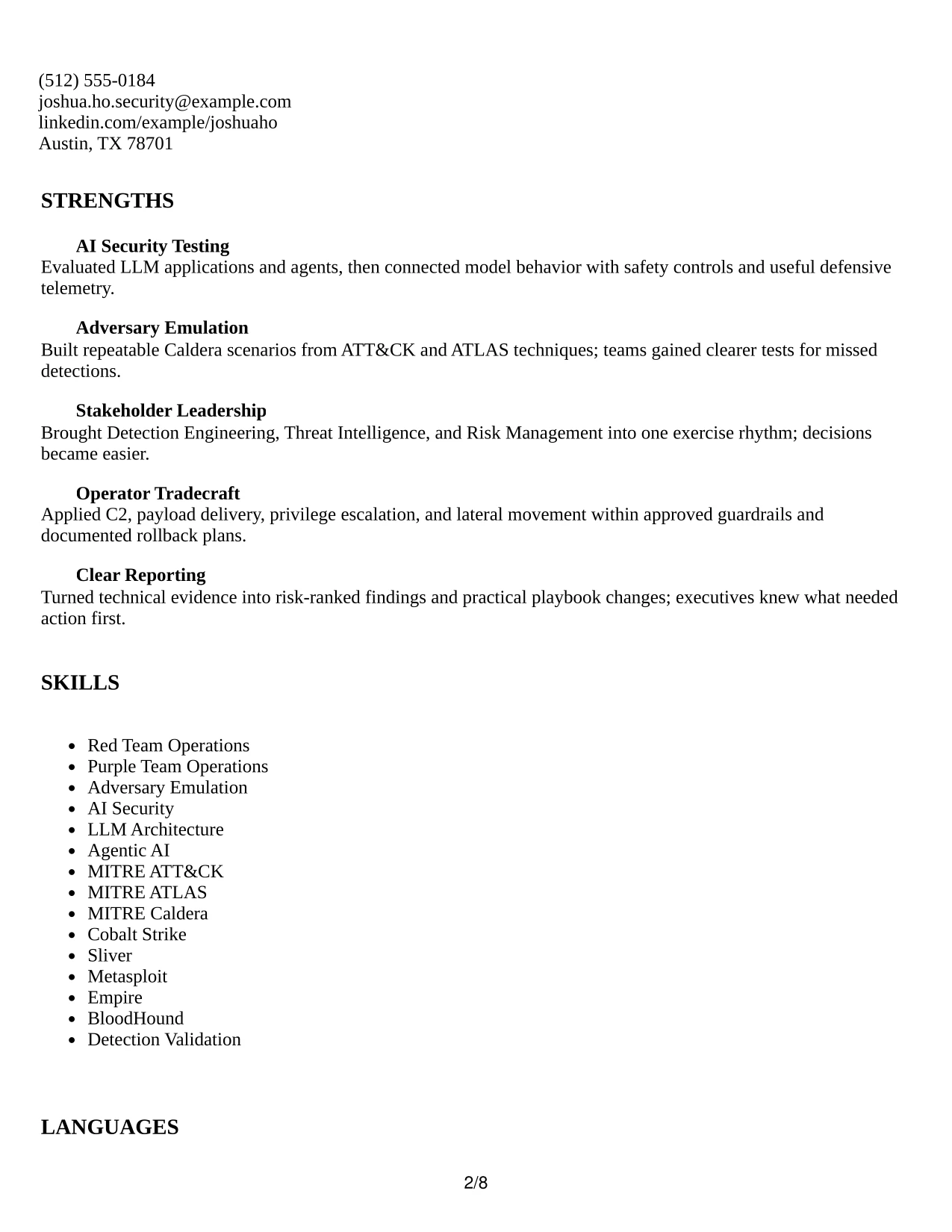
Why the Colored Two Column Format Works for a Resume
- Uses visual grouping to make role alignment clear at a glance.
- Keeps target-role capabilities near the top without repeating them throughout the page.
- Separates strategic achievements from tools and supporting credentials.
- Makes complex technical coverage easier to scan by grouping related terms.
- Provides room for both stakeholder leadership and operator tradecraft.
- Maintains a professional structure while giving important sections stronger visual priority.
Best For
- Applications where clear role alignment should guide the first review.
- Security professionals combining cross-functional leadership with technical execution.
- Resumes that need grouped coverage for AI, cloud, detection, and adversary work.
- Candidates presenting many frameworks without turning the document into a keyword block.
- Documents where certifications and education should remain visible but secondary.
- Readers who benefit from visual section cues during a fast technical scan.
- Applications requiring a polished structure with evidence-led content.
#7 Stylish Two Column Designer Format Resume Example
The Stylish Two Column Designer Format gives the resume a deliberate structure: a wide evidence area for experience and projects, with a compact area for skills, certifications, education, and tools. Its visual details should guide attention without competing with the achievement bullets.
For this Staff Security Engineer – Red Team (AI) application, the strongest sequence is leadership scope, AI and cloud operations, repeatable emulation work, and defensive outcomes. The supporting column can reinforce that story with MITRE ATT&CK, MITRE ATLAS, Caldera, AI frameworks, and certifications.
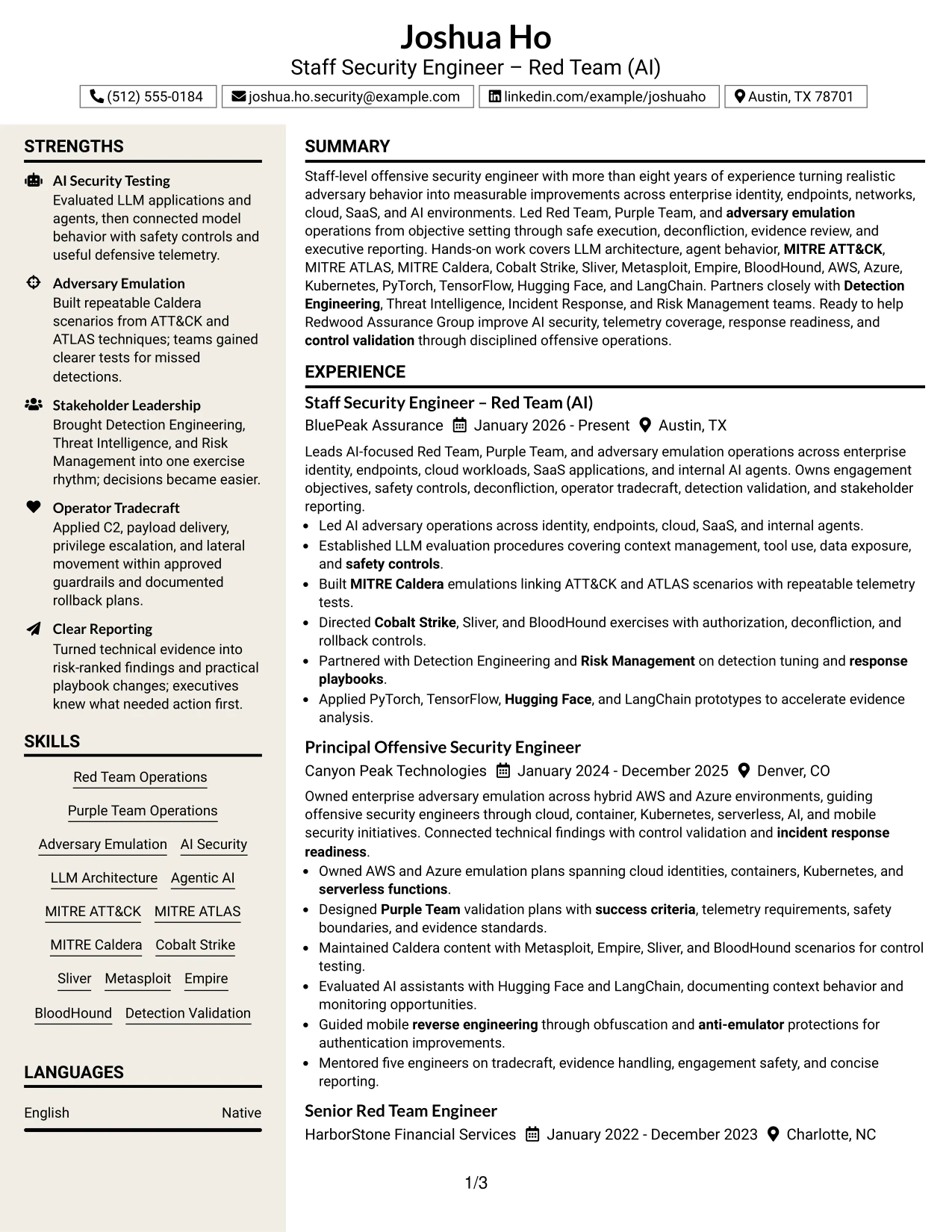
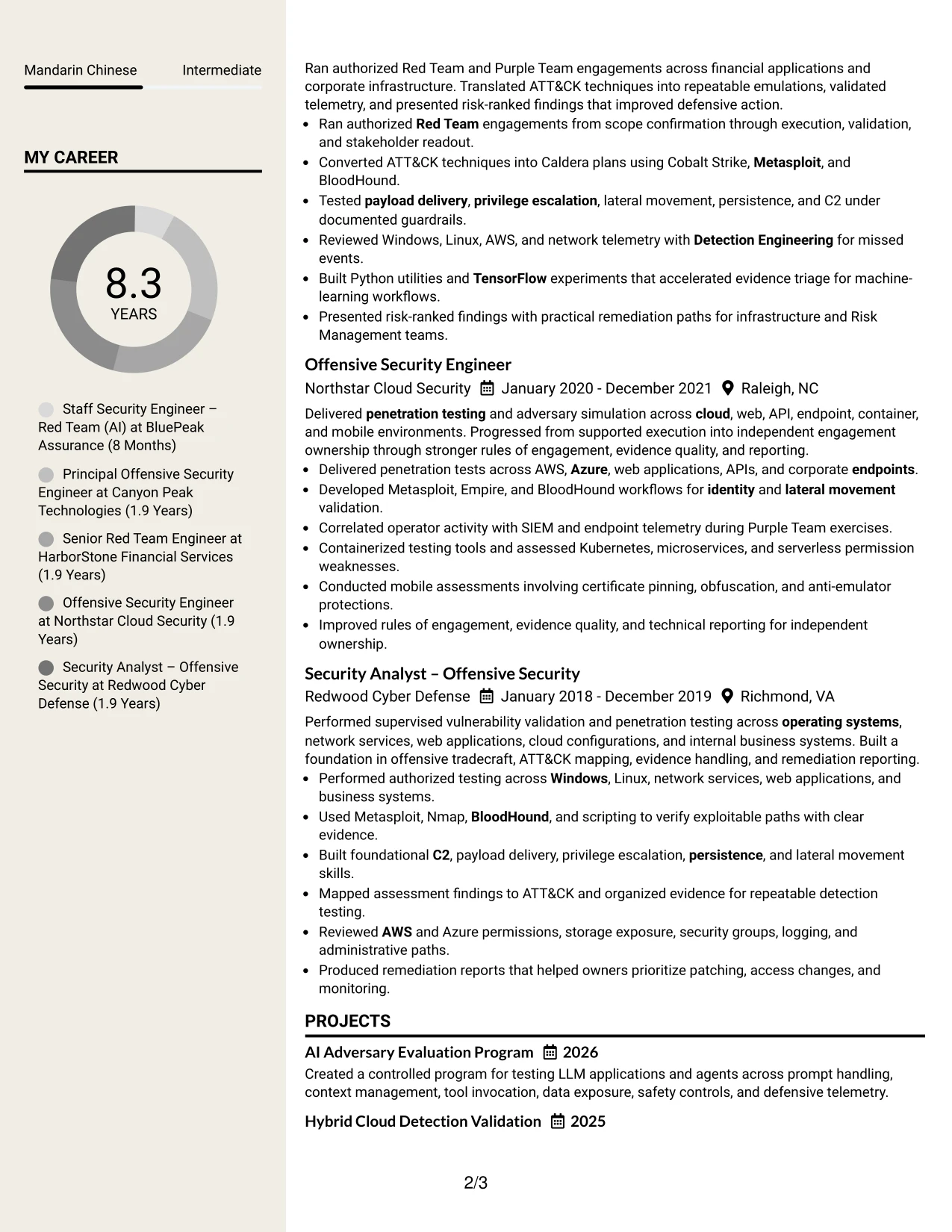
Why the Stylish Two Column Designer Format Works for a Resume
- Creates a clear division between achievement evidence and supporting qualifications.
- Gives projects and recent roles enough room for complete technical context.
- Uses compact visual markers to improve navigation between resume sections.
- Keeps certifications and tools available without weakening the experience narrative.
- Supports concise bullets that show authorization, safety, execution, and results.
- Helps a senior technical profile feel organized despite broad platform coverage.
- Preserves a professional review path when design elements remain secondary to text.
Best For
- Resumes that need a structured presentation of broad technical evidence.
- Candidates combining project work with a substantial professional history.
- Applications where visual navigation can improve review speed without reducing clarity.
- Documents showing AI agents, cloud-native systems, mobile testing, and enterprise controls.
- Professionals who want supporting credentials separated from achievement bullets.
- Readers reviewing several technical domains within a single coherent document.
- Applications that benefit from a designed format while retaining strong text hierarchy.
#8 Modern Icon Format Resume Example
Readers move through the document in a single column, using clear section markers to distinguish summary, experience, projects, education, certifications, and skills. Icons can improve navigation when they support labels and do not replace text that ATS tools need to parse.
The Modern Icon Format accommodates a detailed technical record while keeping the page visually organized. It can present long-form experience bullets, AI evaluation projects, cloud environments, operator tradecraft, and reporting outcomes in a steady sequence.

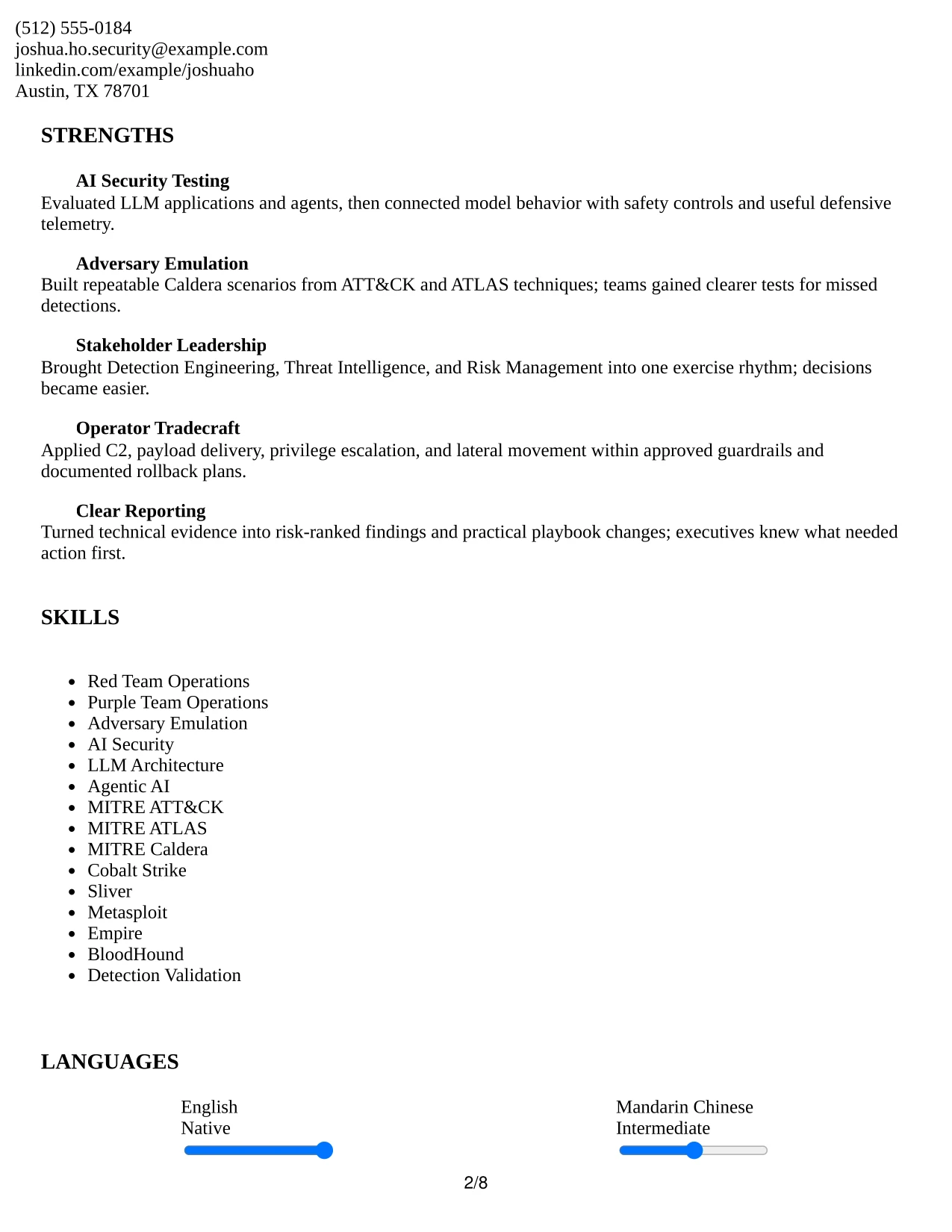
Why the Modern Icon Format Works for a Resume
- Creates one reliable path through a detailed professional record.
- Uses icons as navigation aids while preserving text-based section labels.
- Gives experience bullets full width for technical context and results.
- Provides room for projects that demonstrate AI security and cloud validation.
- Keeps a broad tool inventory readable through clear grouped headings.
- Supports ATS review when icons remain supplemental rather than informational.
- Works well for resumes that need both visual order and substantial content volume.
Best For
- Detailed resumes with multiple roles, projects, and supporting sections.
- Candidates who need full-width space for technical achievement bullets.
- Applications where a single reading path simplifies ATS and recruiter review.
- Documents with broad tools that need clear category labels instead of dense blocks.
- Professionals presenting both operational work and structured project evidence.
- Readers who appreciate light visual navigation during a long technical review.
- Applications requiring readable coverage of AI, cloud, mobile, and endpoint security.
#9 Modern Full Background Two Column Format Resume Example
The most persuasive evidence should lead the review: staff-level ownership, AI-focused operations, repeatable emulations, and improvements to detection and response readiness. A two-column structure then distributes supporting details such as certifications, platforms, education, and project work around that central record.
The Modern Full Background Two Column Format can make a broad security profile feel unified. Strong contrast between sections helps readers distinguish professional history from skills, while concise bullets preserve the evidence needed for authorized testing, telemetry analysis, and control validation.
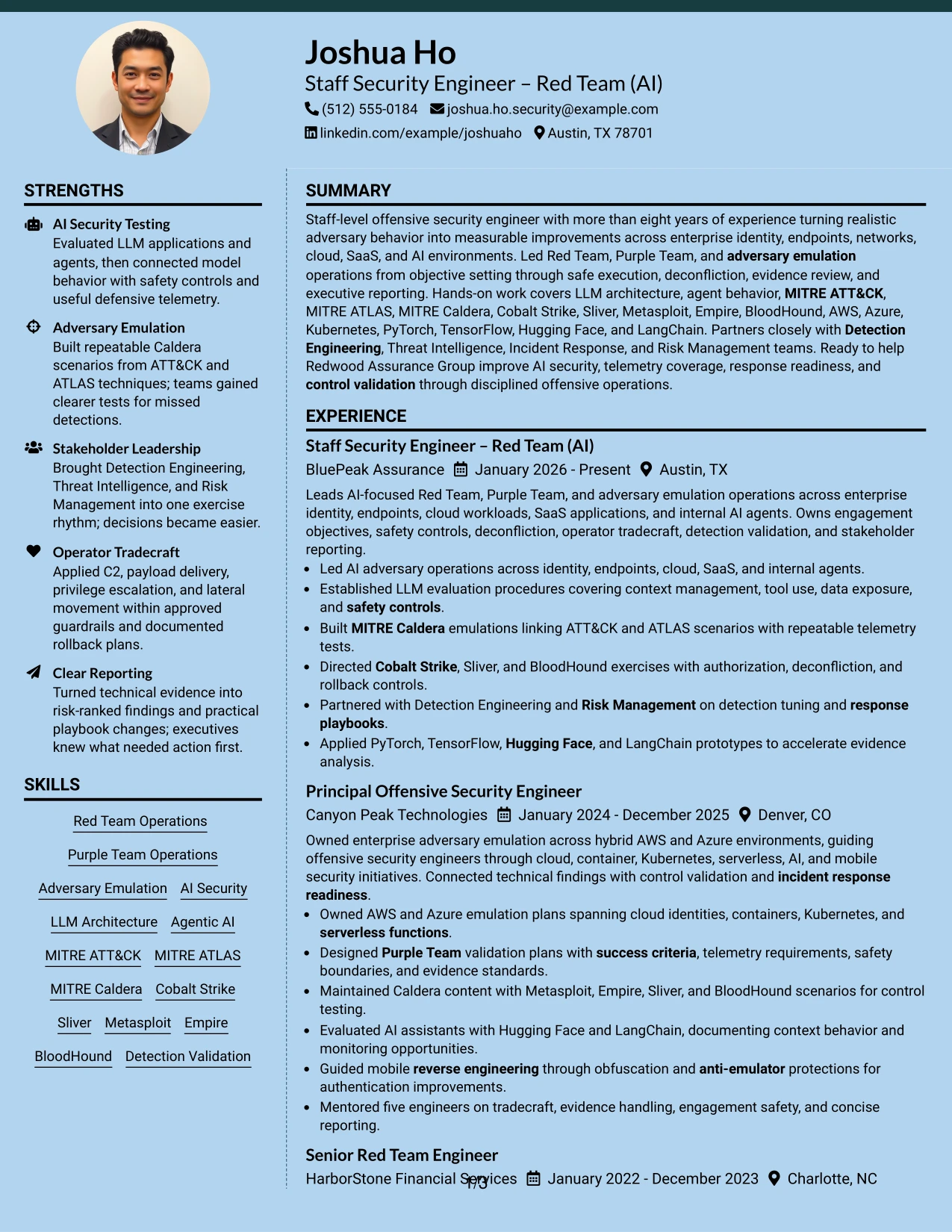
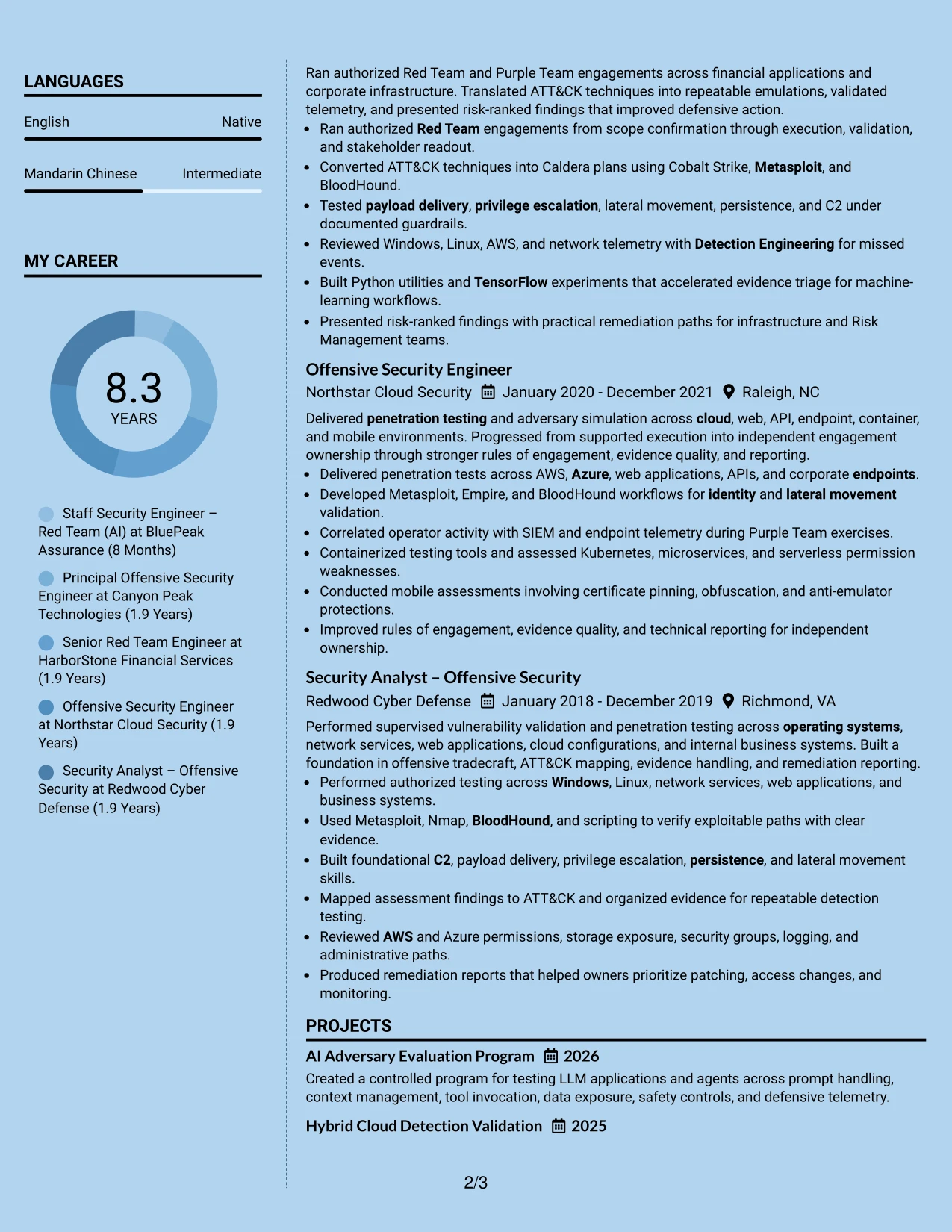
Why the Modern Full Background Two Column Format Works for a Resume
- Places leadership scope and measurable defensive outcomes at the center of the review.
- Uses two columns to organize broad technical coverage without excessive repetition.
- Makes AI, cloud, and adversary emulation evidence easy to identify.
- Separates credentials and tools from the primary achievement narrative.
- Supports concise bullets mapped to TTPs, telemetry gaps, and detection opportunities.
- Creates a unified presentation for experience, projects, and certifications.
- Remains effective when contrast is used for hierarchy rather than decoration.
Best For
- Applications where evidence of defensive improvement must appear first.
- Candidates presenting broad enterprise coverage across identity, cloud, SaaS, and AI.
- Resumes that need to connect TTPs with telemetry and control outcomes.
- Documents balancing staff-level ownership with detailed operator capabilities.
- Technical profiles requiring visible projects and credentials beside experience.
- Readers who scan for outcomes before reviewing the supporting tool inventory.
- Applications where a unified visual system can organize complex security work.
#10 Dark Mode Two Column Format Resume Example
Content is distributed so the main column can explain leadership, technical execution, and measurable results while the secondary column supports the review with skills, certifications, education, and tools. That balance is useful when the resume must show both strategic judgment and hands-on depth.
For this application, the Dark Mode Two Column Format should keep contrast and spacing disciplined. The document can present AI adversary operations, LLM evaluation, cloud emulation, operator tradecraft, and stakeholder reporting in a strong sequence without allowing the visual treatment to reduce readability.
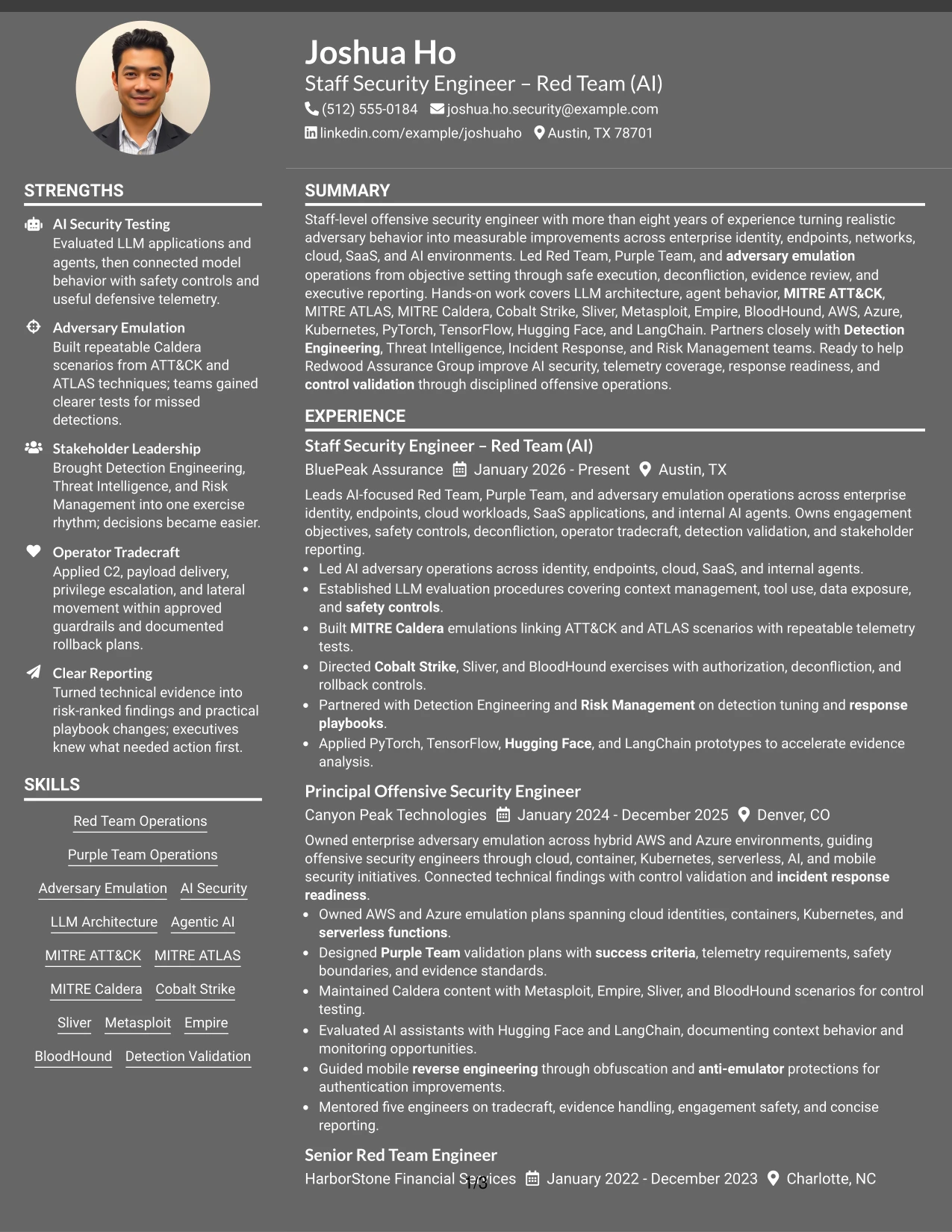
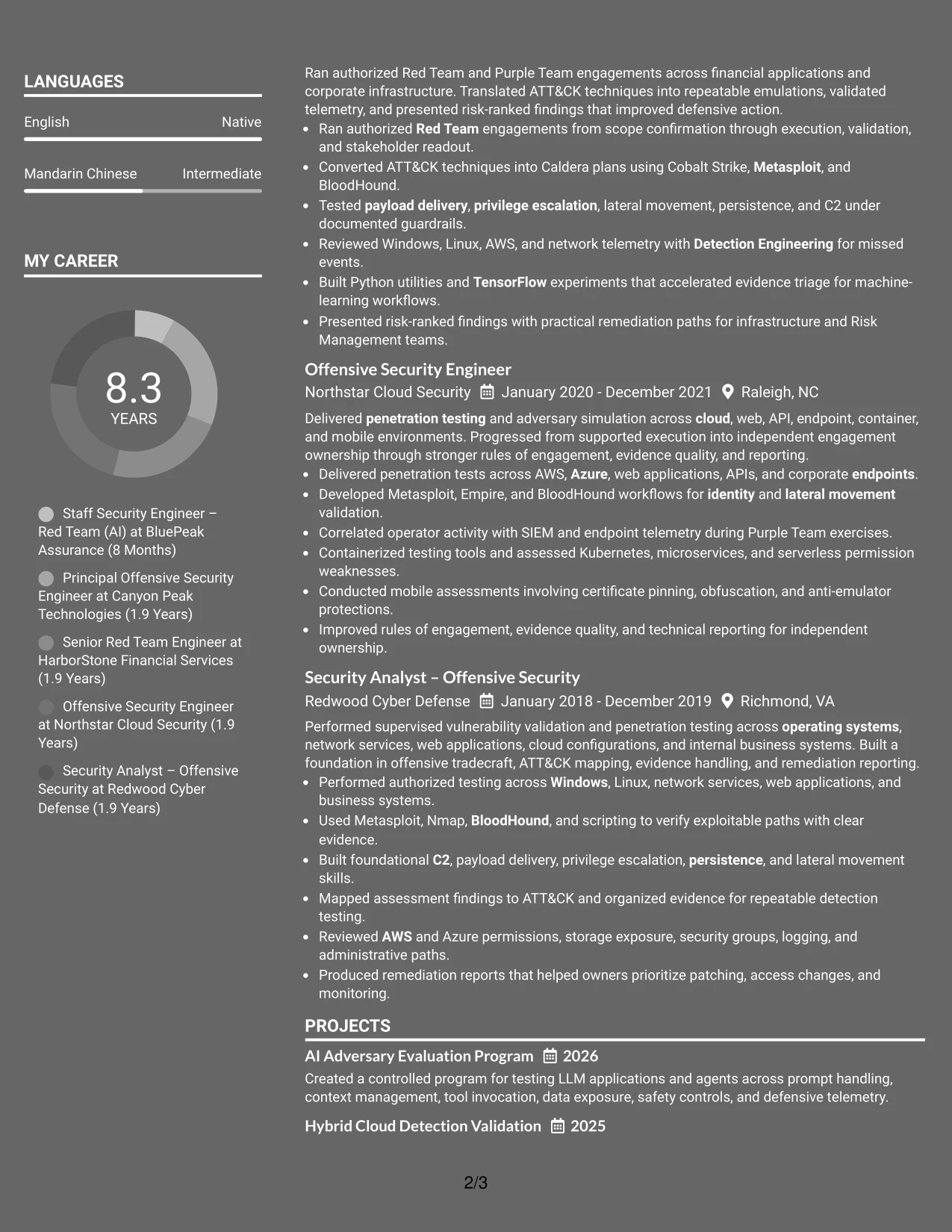
Why the Dark Mode Two Column Format Works for a Resume
- Balances strategic responsibility with detailed technical evidence.
- Gives recent experience enough width for outcome-focused bullets.
- Creates a dedicated area for certifications, tools, frameworks, and education.
- Supports a strong application presentation when contrast remains accessible.
- Helps organize AI security, cloud, detection, and operator content into clear groups.
- Keeps safety controls, deconfliction, and rollback practices visible within experience bullets.
- Works best when text contrast, spacing, and ATS-readable content remain priorities.
Best For
- Applications seeking a polished presentation of senior technical responsibility.
- Candidates who need to show leadership decisions alongside hands-on operations.
- Resumes combining AI testing, cloud emulation, and defensive validation evidence.
- Documents where a supporting column can carry extensive tools and credentials.
- Readers who scan recent outcomes first and technical breadth second.
- Applications that benefit from strong visual separation between experience and qualifications.
- Professionals presenting a mature security profile without sacrificing readable detail.
#11 Dark Mode Box Header Format Resume Example
A practical application review starts with a clear role header, concise summary, and visible evidence of scope. From there, the single-column structure can move through experience, projects, education, certifications, and skills without forcing the reader to change reading direction.
The Dark Mode Box Header Format gives the document a strong visual entry while preserving space for detailed resume content. It suits a technical profile that must explain AI agents, MITRE-based emulations, cloud environments, detection validation, and authorized operator tradecraft in a logical order.

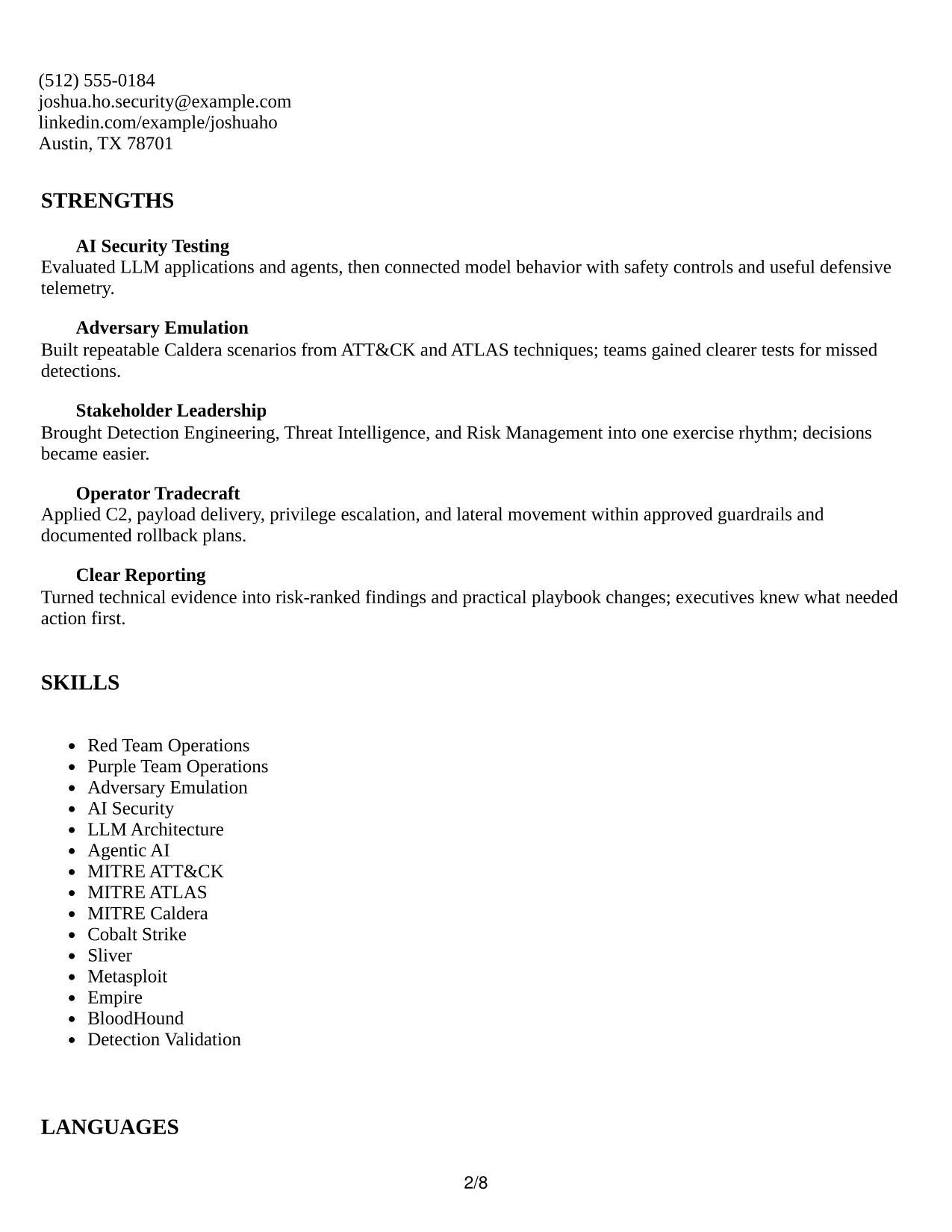
Why the Dark Mode Box Header Format Works for a Resume
- Creates a clear starting point for role, scope, and core qualifications.
- Uses a single column to preserve context in detailed experience bullets.
- Gives projects a natural place to reinforce AI and cloud security evidence.
- Keeps education, certifications, and skills in a predictable sequence.
- Supports readable keyword coverage for ATT&CK, ATLAS, Caldera, and AI frameworks.
- Allows measurable outcomes and stakeholder work to remain central to the review.
- Works well when the box header is restrained and the content stays ATS-readable.
Best For
- Applications needing a strong role header above a detailed technical record.
- Candidates who want one continuous path through experience and projects.
- Resumes showing AI agents, adversary emulation, cloud systems, and detection work together.
- Documents where full-width bullets must preserve technical cause and effect.
- Professionals combining certifications with extensive hands-on platform coverage.
- Readers who prefer clear section order and minimal changes in reading direction.
- Applications where visual identity should support, not compete with, evidence.
#12 Elegant Full Background Two Column Format Resume Example
A restrained visual hierarchy gives this resume an executive presence while keeping the content easy to review. The two-column structure separates core skills, certifications, and tools from the main experience record, so the Staff Security Engineer – Red Team (AI) profile is clear at a glance.
The format supports strong role alignment through a focused summary, detailed achievement bullets, and distinct sections for education and certifications. MITRE ATT&CK, MITRE ATLAS, AI security, cloud platforms, and red team tools remain visible without competing with measurable operational evidence.

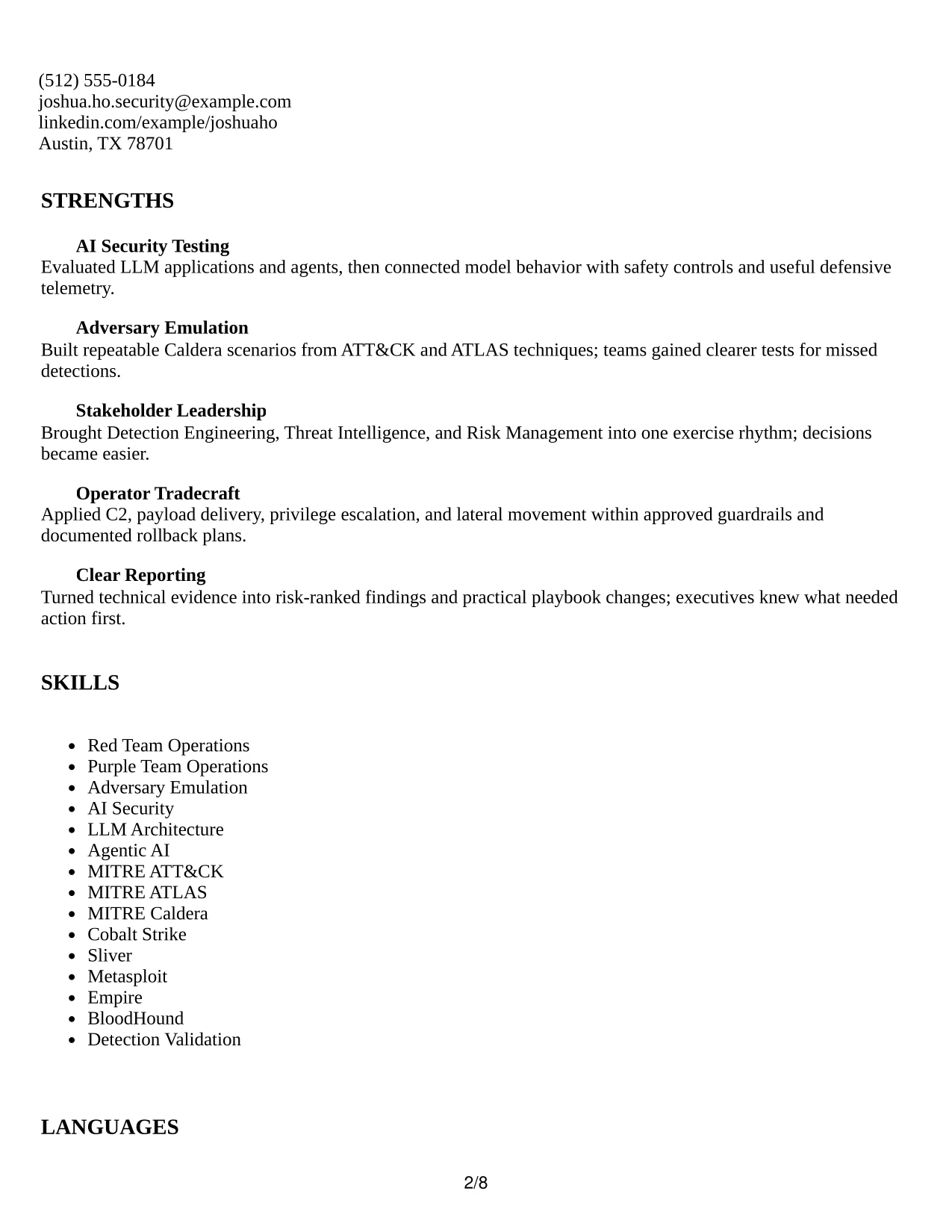
Why the Elegant Full Background Two Column Format Works for a Resume
- A clear summary establishes staff-level scope before the reader reaches the employment history.
- Two columns organize skills, certifications, and tools beside detailed experience evidence.
- Experience bullets connect adversary operations with detection validation and response readiness.
- Technical keywords such as MITRE Caldera, AWS, Azure, and LLM architecture are easy to locate.
- The hierarchy gives leadership, tradecraft, and stakeholder partnership equal visibility.
- Separate education and certification areas support required qualification checks.
- The restrained design adds polish without distracting from ATS-friendly text and standard section labels.
Best For
- Staff-level resumes that need a polished but controlled presentation
- Candidates balancing deep technical tools with leadership evidence
- Two-column organization of skills, certifications, and supporting details
- Roles where executive reporting and operational ownership matter
- Resumes that must show both AI security and enterprise environments
- Submissions that benefit from the Elegant Full Background Two Column Format's clear information hierarchy.
- Technical professionals presenting several related security frameworks
#13 Creative Two Tone Format Resume Example
The Creative Two Tone Format places the resume name and section structure in a single, ordered flow. That approach lets a reviewer move from the professional summary to experience, projects, education, certifications, and skills without switching between separate content areas.
Color contrast adds recognition to section labels while the one-column sequence preserves strong scanning behavior. Detailed bullets show how authorized red team operations, AI application testing, Caldera emulations, and telemetry review produced practical defensive improvements.
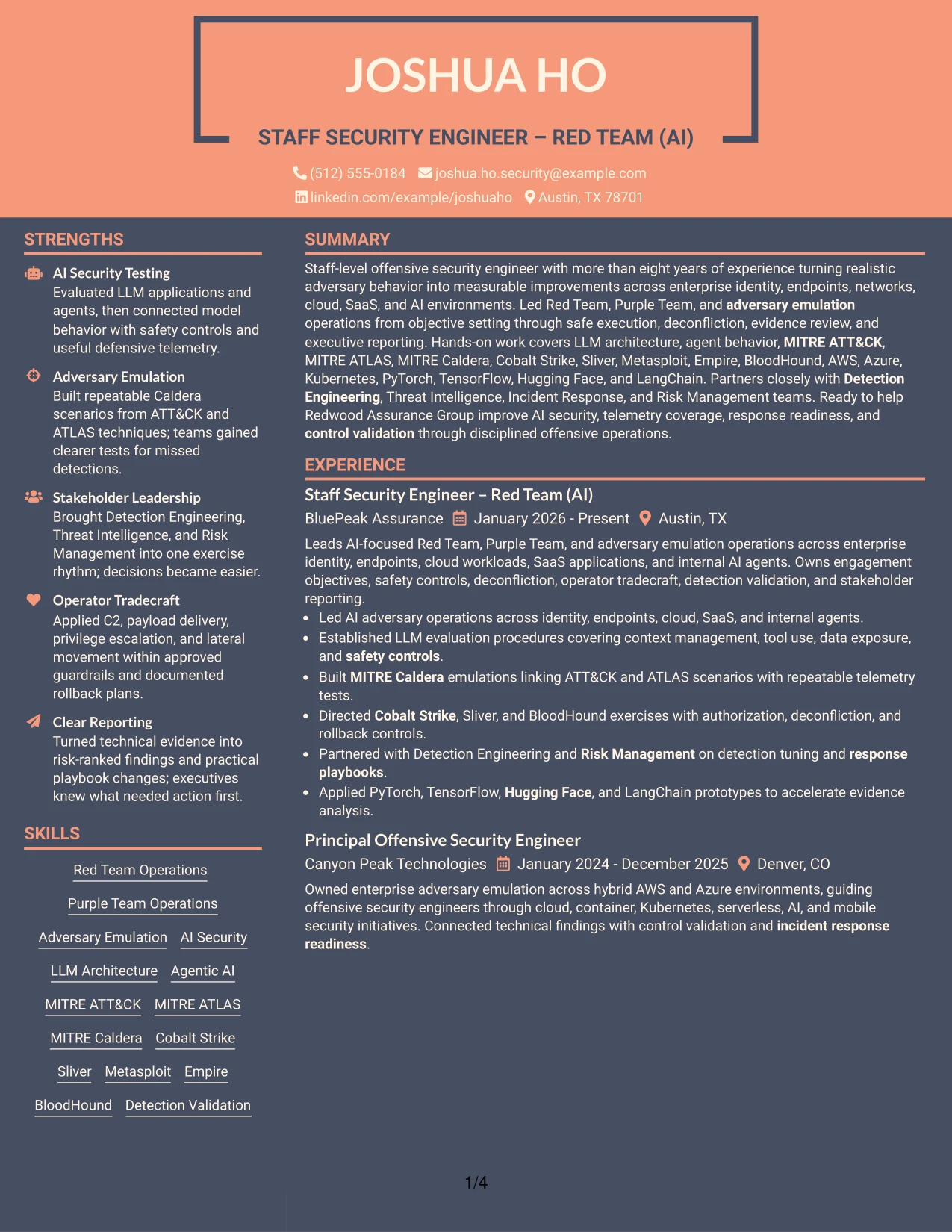
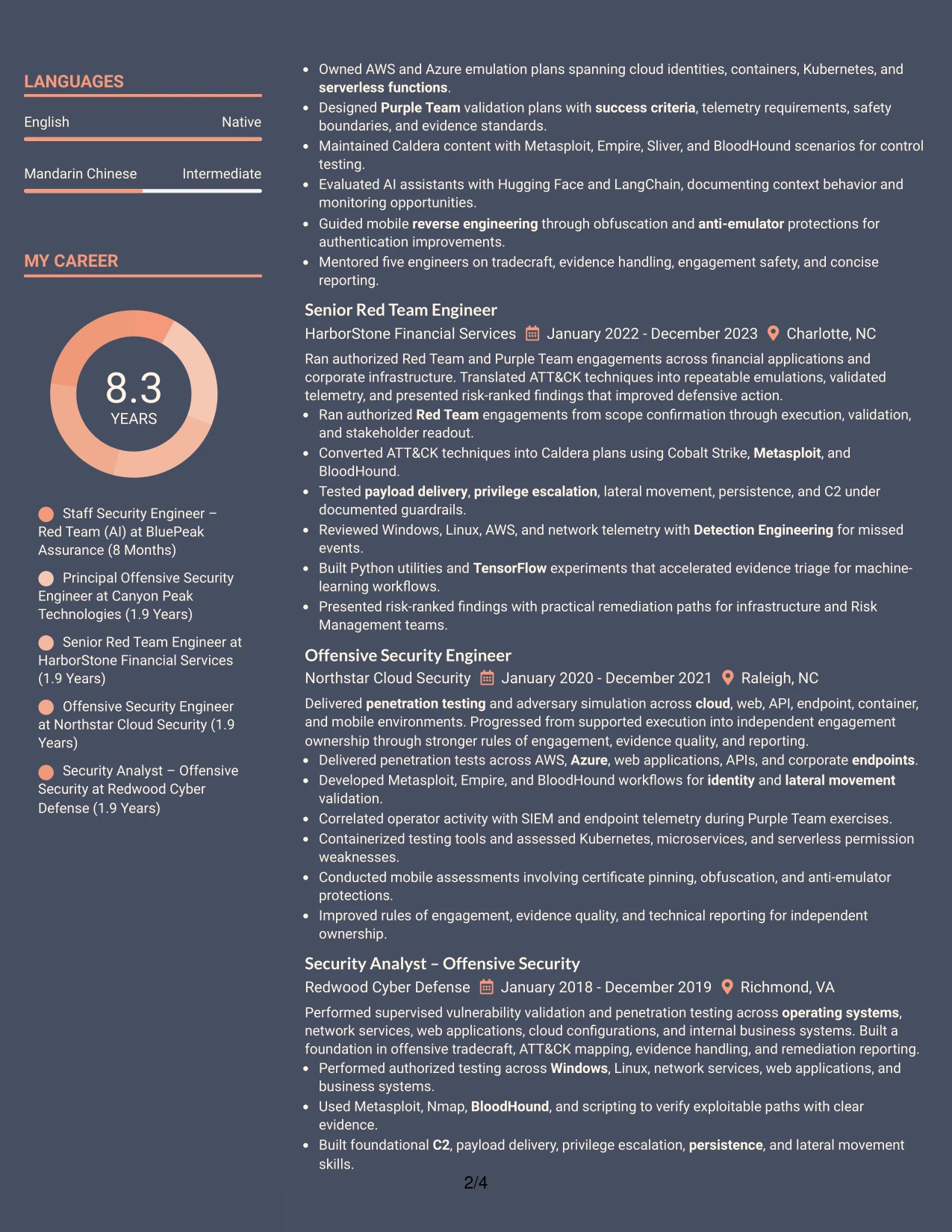
Why the Creative Two Tone Format Works for a Resume
- A one-column path keeps employment dates, employers, and accomplishments in a predictable order.
- Two-tone labels distinguish sections without replacing standard resume headings.
- Bullets make technical actions and defensive outcomes easier to scan.
- The summary places eight-plus years of offensive security experience near the top.
- Projects provide space for AI adversary evaluation and hybrid cloud validation.
- Tools and frameworks remain searchable in a simple text sequence.
- The format combines visual distinction with a structure that supports ATS parsing.
Best For
- One-column resumes that need a clear beginning-to-end reading path
- Applications where section labels should stand out without dominating the page
- Technical profiles with several projects that support the work history
- Candidates presenting dense tool lists alongside concise achievement bullets
- Resume reviews that depend on fast comparison of dates and responsibilities
- Applicants who want creative contrast with conventional content order
- Roles requiring both operational detail and readable stakeholder outcomes
#14 Minimal Header Format Resume Example
Readers can move from the centered header into the summary and then through experience, projects, education, certifications, and skills in a direct sequence. The uncluttered entry point makes the target role and contact details easy to confirm before technical review begins.
A single column gives each employment section enough room for detailed bullets. The resume can therefore show LLM evaluation, adversary emulation, cloud testing, operator tradecraft, and detection improvements without forcing the reader to decode a crowded page.
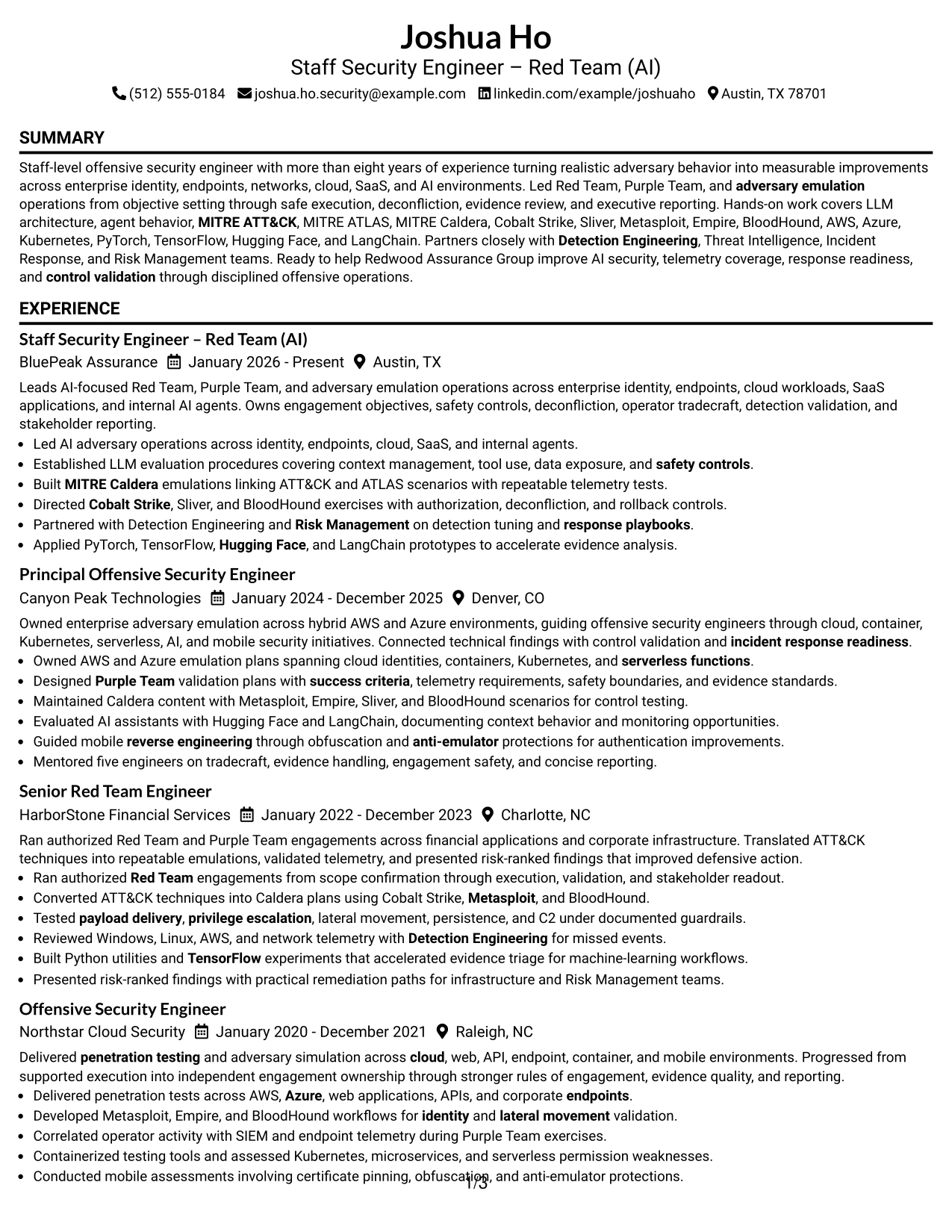
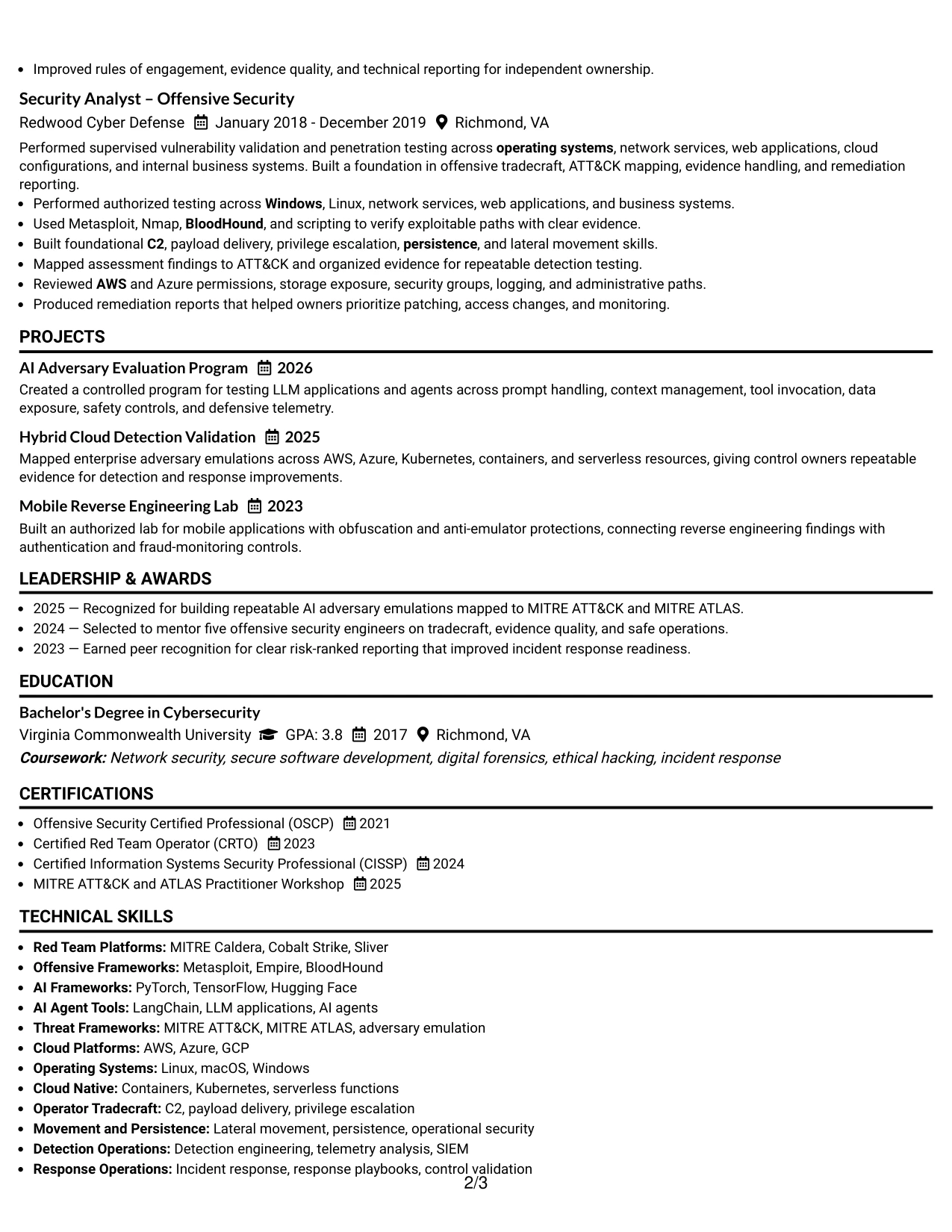
Why the Minimal Header Format Works for a Resume
- The compact header confirms identity, location, contact details, and target role quickly.
- A single reading path supports consistent review of five positions.
- Detailed bullets preserve context for authorized testing and safety controls.
- Projects add evidence of AI, cloud, and mobile security work beyond job titles.
- Certifications appear as a distinct qualification block.
- The summary gives the reader a fast view of scope, tools, and leadership.
- Minimal decoration leaves more space for searchable technical content.
Best For
- Resumes with substantial experience that need maximum writing space
- Candidates whose work history carries more weight than visual decoration
- Applications reviewed in a quick, top-to-bottom sequence
- Profiles combining long technical bullets with project evidence
- Readers comparing certifications and employment history in one column
- ATS-focused submissions using familiar headings and plain text
- Professionals who want a clean header with a dense but orderly body
#15 Plain One Column with Shaded Labels Resume Example
Evidence receives priority through direct accomplishment bullets that show what was tested, built, led, and improved. The resume can present AI-focused operations, Caldera scenarios, cloud environments, and detection validation with enough context to support each technical claim.
Shaded labels divide the one-column page into recognizable resume sections while keeping the content plain and searchable. This balance is useful for a role that requires both hands-on tradecraft and disciplined controls such as authorization, deconfliction, rollback, and measurable outcomes.
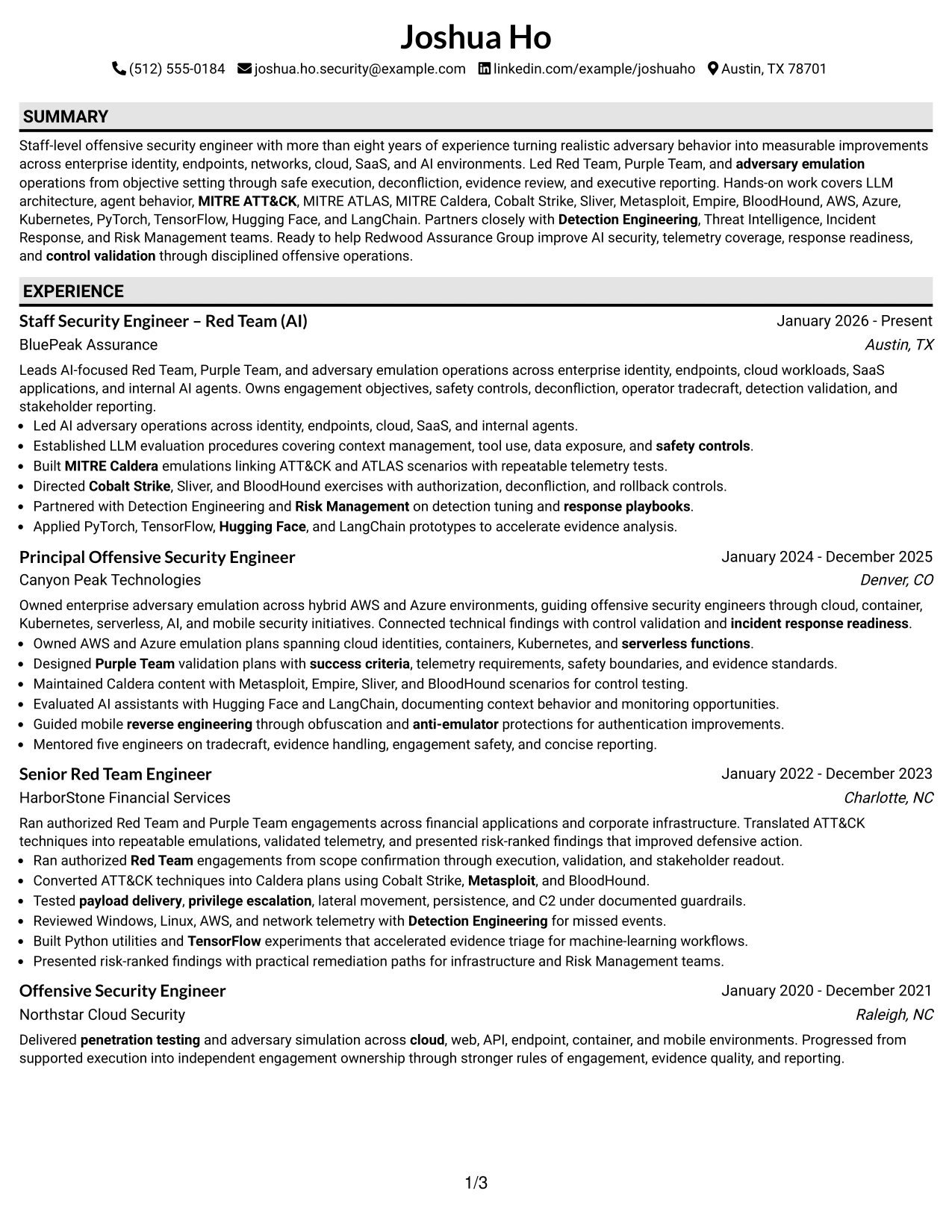
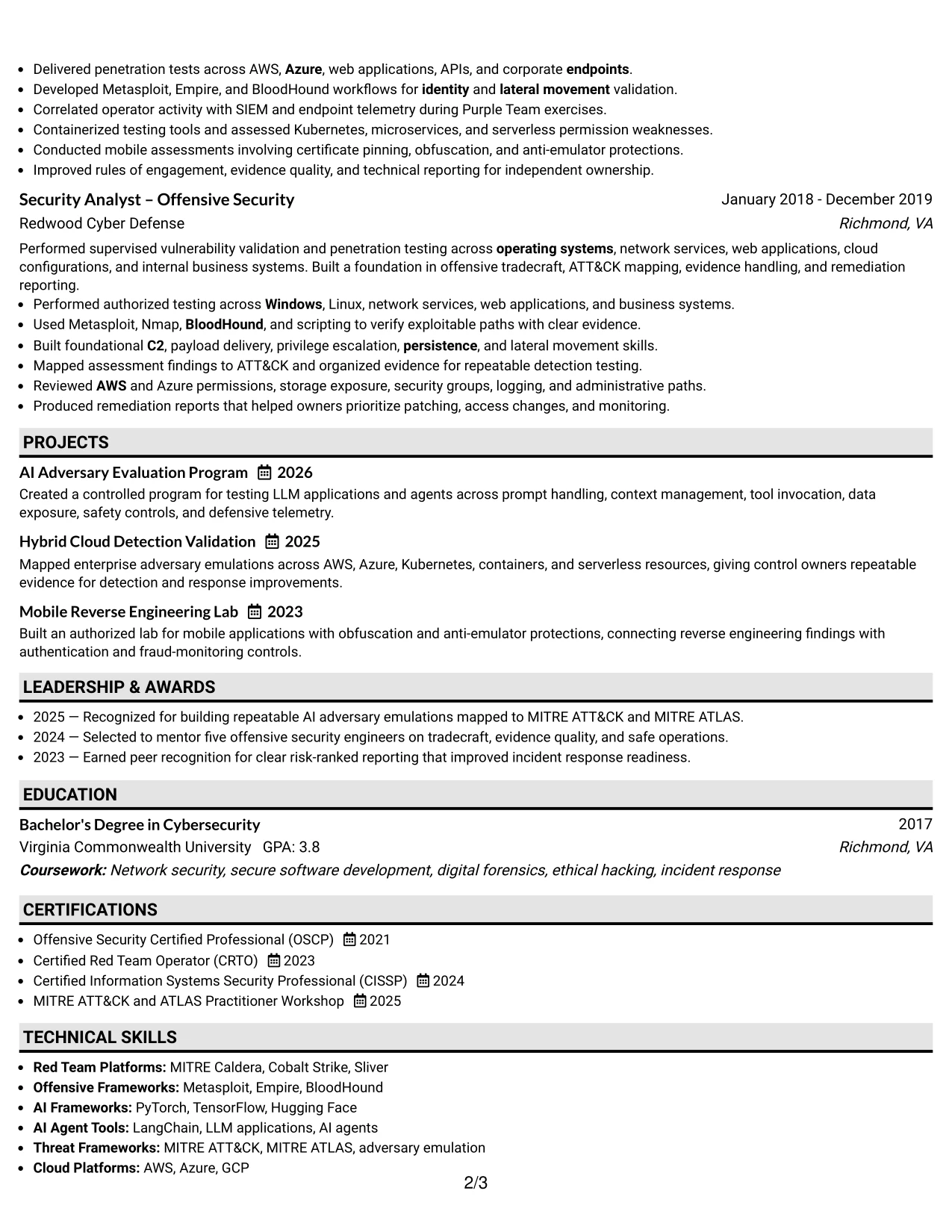
Why the Plain One Column with Shaded Labels Format Works for a Resume
- Achievement bullets place operational evidence ahead of decorative elements.
- Shaded labels make experience, projects, skills, education, and certifications easy to separate.
- The format gives safety controls and deconfliction details room to remain visible.
- Technical frameworks can be listed without breaking the main reading flow.
- Risk-ranked findings show how offensive testing informed defensive decisions.
- A plain structure supports reliable ATS extraction of dates and section content.
- One column keeps evidence connected to the employer and role where it occurred.
Best For
- Resumes judged mainly on documented technical evidence
- Authorized security testing profiles with detailed controls and boundaries
- Applicants who need space for tools, frameworks, and operating environments
- Applications where ATS extraction and human review both matter
- Candidates showing how findings led to detection or response improvements
- Technical work histories with repeatable testing methods
- Readers who prefer clear labels over decorative navigation
#16 Text/Fang Style Resume Example
Content is balanced through a measured one-column layout that gives the summary, work history, projects, and qualifications a consistent visual weight. The page can carry a substantial technical record while preserving space for clear bullets and readable section breaks.
This structure fits a practical application need: showing senior offensive security ownership without losing the supporting detail behind AI, cloud, mobile, and detection work. It keeps the role title, relevant frameworks, and evidence of cross-team partnership close to the main career narrative.

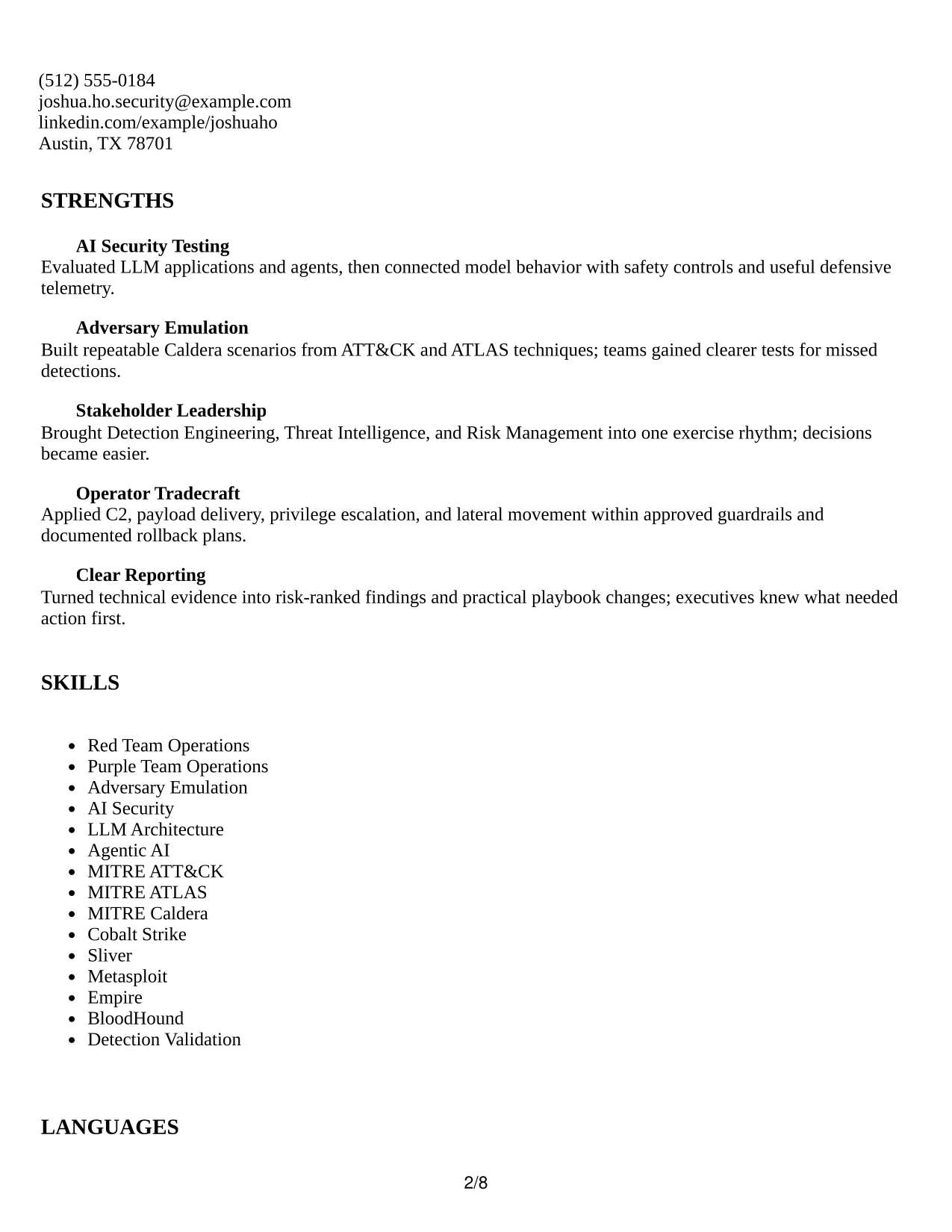
Why the Text/Fang Style Works for a Resume
- Consistent spacing helps a long technical history remain readable.
- The one-column format keeps each achievement tied to its employer and date range.
- Projects extend the evidence base with AI agents, cloud validation, and mobile testing.
- Skills can include both frameworks and environments without a complex visual system.
- The summary gives context for staff-level leadership and hands-on execution.
- Certifications and education remain easy to locate during qualification review.
- The layout supports a practical application packet that can be exported and scanned cleanly.
Best For
- Applications needing a balanced presentation of depth and readability
- Professionals combining enterprise operations with focused technical projects
- Resumes where each bullet must stay connected to a specific role
- Candidates presenting cloud, AI, mobile, and detection work together
- Review processes that value complete evidence over visual effects
- Longer career histories that need steady spacing and clear section breaks
- Job submissions requiring a practical document for digital review
#17 Bold Color Header Professional Format Resume Example
For a practical application, the resume needs to establish the target role and technical value before the detailed record begins. A bold color header does that quickly, then gives the summary, experience, projects, skills, education, and certifications a professional one-column framework.
The strong top treatment can highlight a Staff Security Engineer – Red Team (AI) profile without overwhelming the evidence. Under it, concise bullets explain AI adversary operations, enterprise testing, MITRE mappings, detection outcomes, and leadership across security teams.

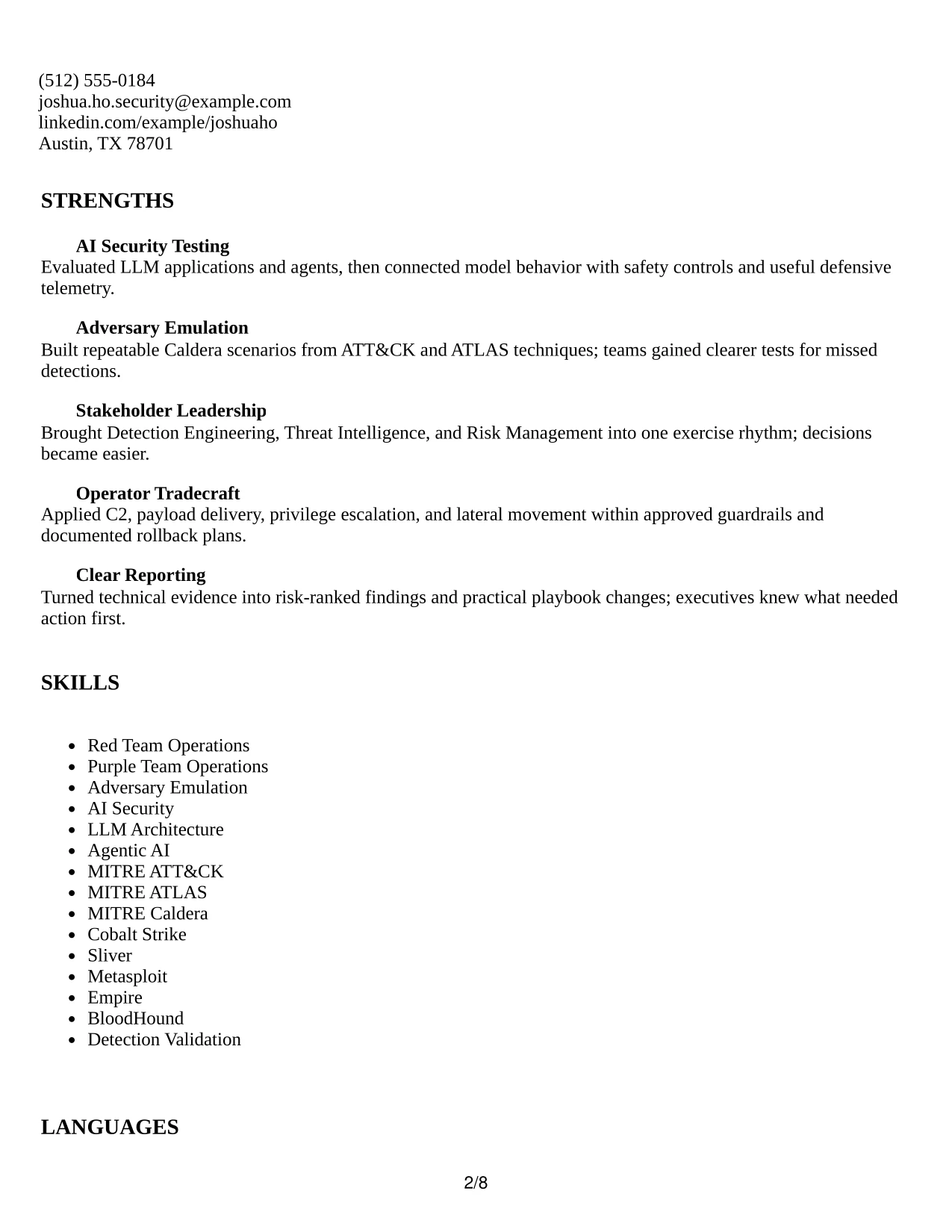
Why the Bold Color Header Professional Format Works for a Resume
- The header creates immediate hierarchy for the target role and contact information.
- A professional one-column body keeps technical evidence in a familiar order.
- Bullets connect AI testing and adversary operations to measurable defensive work.
- Distinct project content supports claims about repeatable emulation and cloud validation.
- Skills and tools remain easy to find below the career narrative.
- The format gives leadership and hands-on execution a unified presentation.
- Color is concentrated at the top, preserving focus on readable resume content.
Best For
- Applications that benefit from a confident first-page introduction
- Professionals wanting visual distinction without a complex page structure
- Resumes where the target role should be prominent from the start
- Candidates combining leadership, technical execution, and project work
- Security applications requiring visible frameworks and cloud environments
- Reviewers who prefer a strong header followed by conventional sections
- Digital submissions that need professional presentation and readable bullets
#18 Photo Header Color Sidebar Format Resume Example
A restrained visual character combines a colored sidebar and header photo area with a focused professional record. The resume still leads with the target role, summary, and evidence, while the sidebar can organize contact details, certifications, and selected skills in a compact way.
For this profile, the visual treatment supports a staff-level presentation of AI security and offensive operations. The main content can carry detailed experience bullets on LLM evaluation, enterprise adversary emulation, cloud platforms, and partnerships with Detection Engineering and Risk Management.
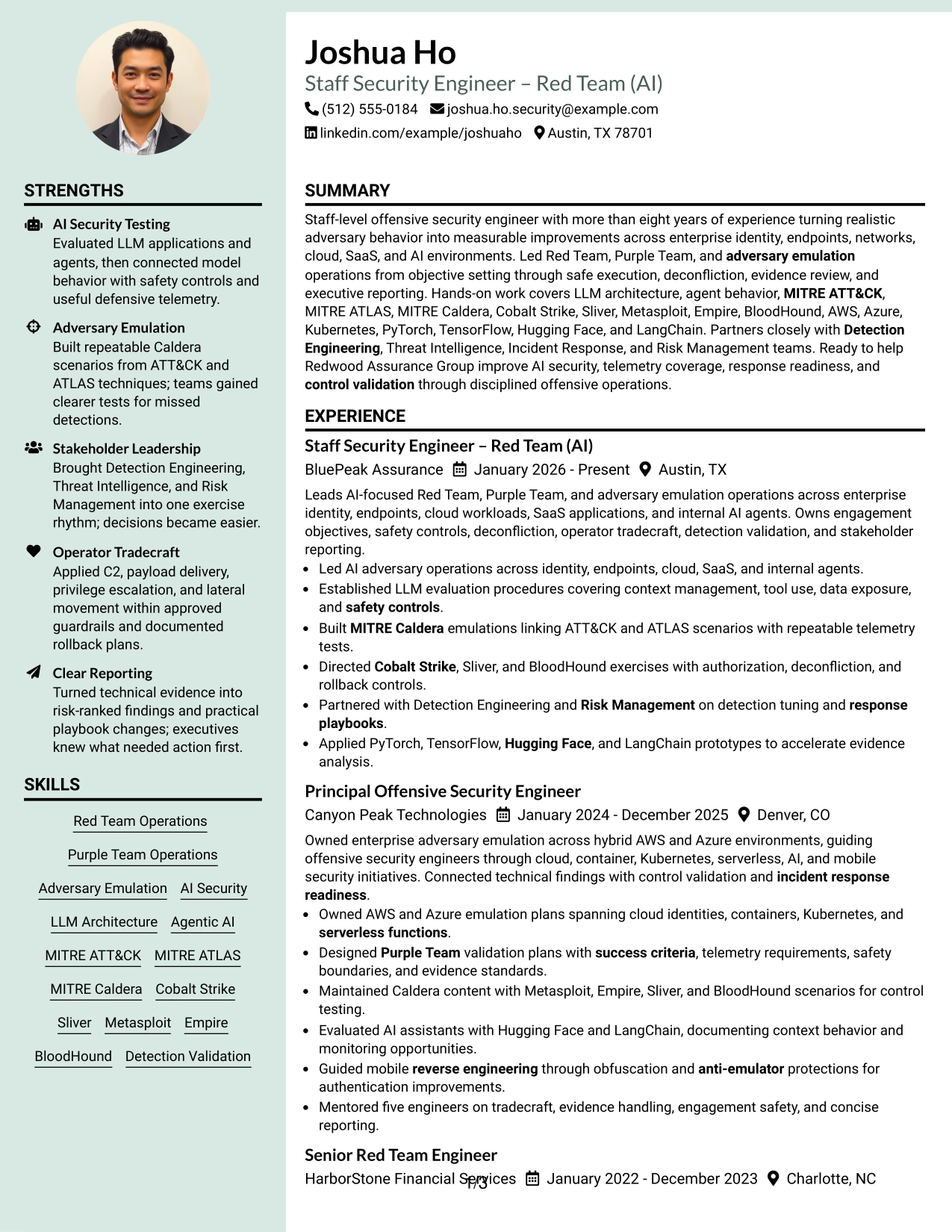
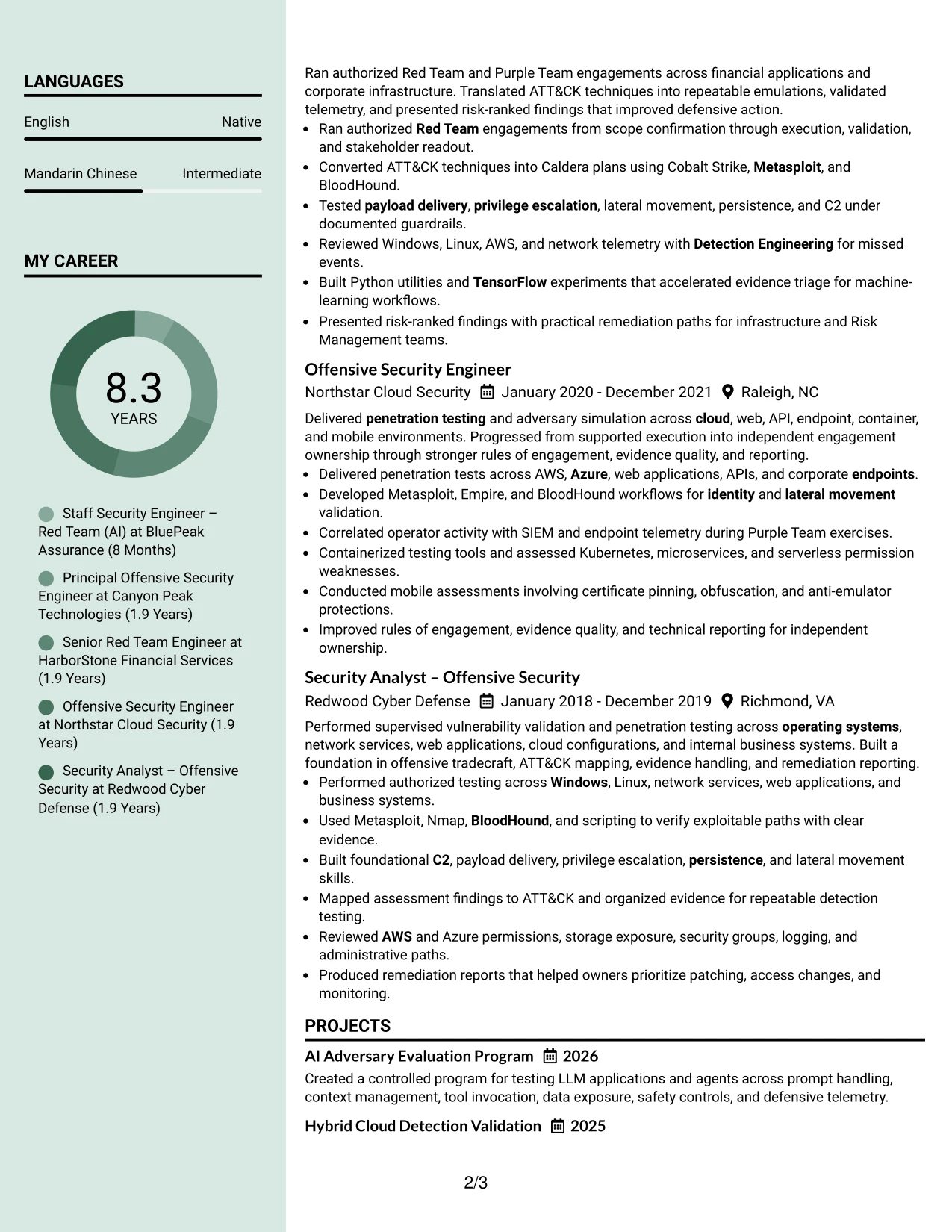
Why the Photo Header Color Sidebar Format Works for a Resume
- The header creates a recognizable introduction for the target role.
- A sidebar separates contact details and selected qualifications from career evidence.
- The main content area preserves room for detailed accomplishment bullets.
- Color can distinguish supporting information without changing the section order.
- AI security, cloud, and adversary emulation remain visible in the primary narrative.
- Projects and certifications can reinforce the experience record without crowding it.
- A professional photo area may support identity-focused presentation when appropriate for the application.
Best For
- Applications where a polished personal presentation is appropriate
- Professionals who want supporting details separated from the main work history
- Resumes pairing a concise sidebar with detailed technical accomplishments
- Candidates balancing a recognizable header with substantial evidence
- Digital portfolios or direct-review submissions that allow visual branding
- Roles where leadership presence and technical depth should appear together
- Applicants using a photo only when local norms and application rules support it
#19 Top Left Header Color Accent Format Resume Example
The Top Left Header Color Accent Format establishes a clear starting point at the upper left, then moves through the resume in a familiar single-column sequence. The accent helps the target role and contact details stand out while the body keeps summary, experience, projects, education, certifications, and skills easy to follow.
That structure supports fast alignment review for an AI-focused red team position. The content can show Caldera emulations, ATT&CK and ATLAS mapping, cloud testing, LLM frameworks, and detection improvements in a consistent set of bullets.
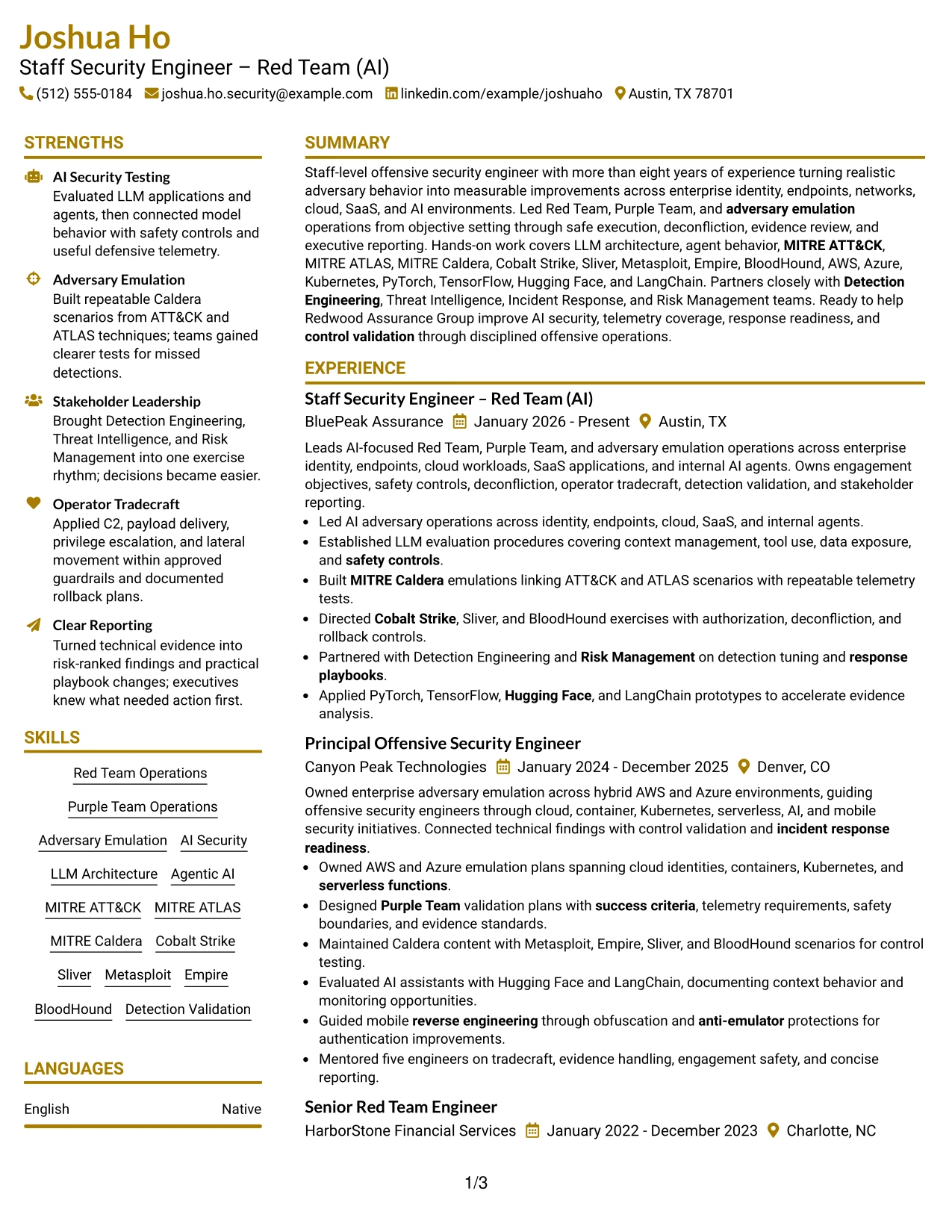
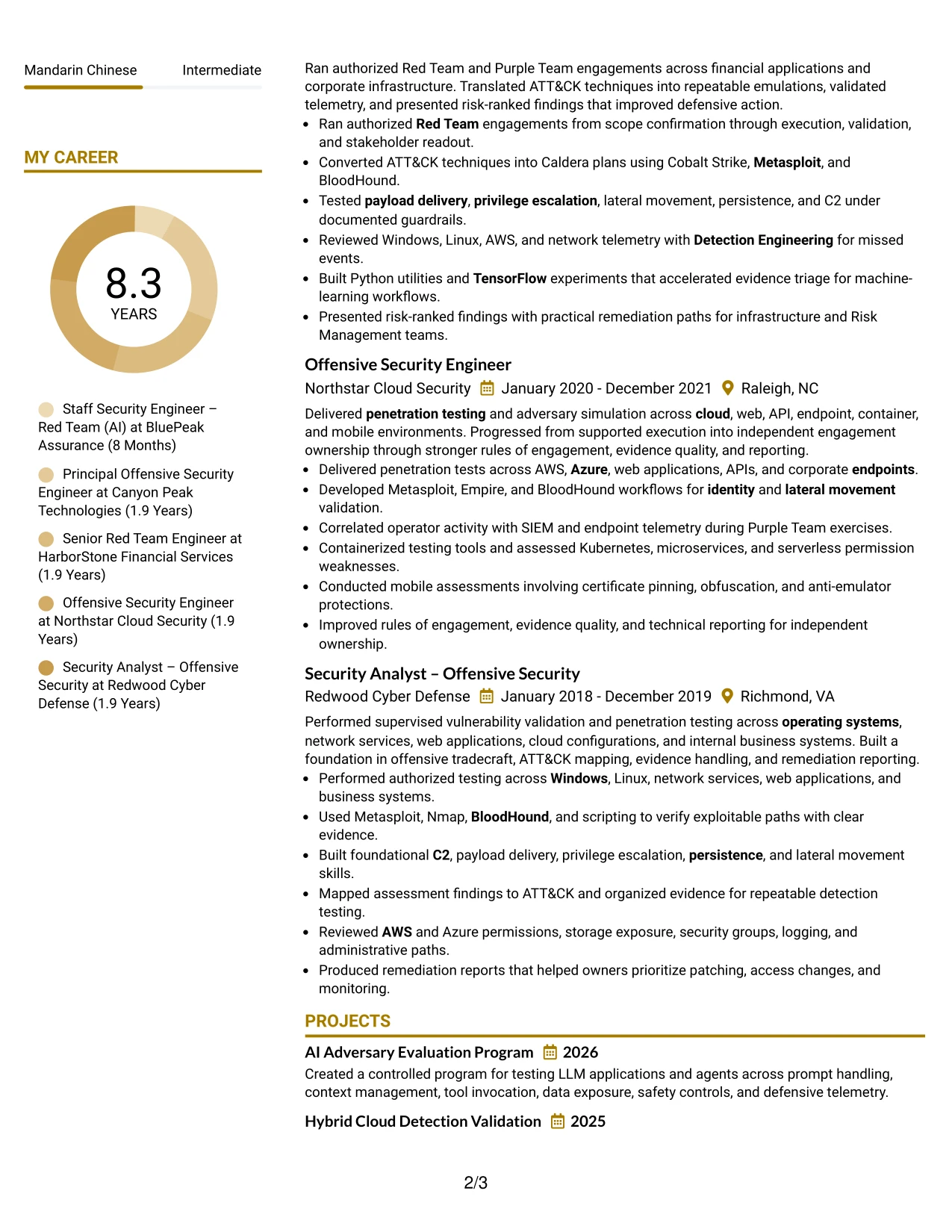
Why the Top Left Header Color Accent Format Works for a Resume
- A top-left entry point matches common reading behavior for resume reviewers.
- The color accent gives the header distinction without adding extra navigation.
- One-column sequencing keeps employers, dates, and bullets easy to compare.
- Technical keywords appear in standard sections that support search and extraction.
- Projects reinforce the core record with focused AI and cloud examples.
- The summary connects staff-level scope with hands-on offensive security work.
- The format is visually organized while keeping the evidence compact.
Best For
- Resumes reviewed from the top left in a quick screening process
- Candidates who want a small visual accent instead of a full design treatment
- One-column applications with several technical keywords to scan
- Profiles where projects should reinforce rather than interrupt experience
- Professionals showing both AI security and traditional red team operations
- Digital submissions requiring a familiar, readable information order
- Applicants seeking visual polish while preserving concise evidence
#20 Centered Header Classic Two Column Format Resume Example
A reviewer can begin with the centered header, confirm the target role, and then scan the two columns for supporting qualifications and career evidence. This navigation pattern works well when the resume must show a broad technical toolkit alongside detailed leadership and operational results.
The classic structure can place skills, certifications, and tools in one column while reserving the other for experience and projects. Joshua Ho’s record is especially well suited to that balance because AI security, MITRE frameworks, cloud platforms, and operator tradecraft all need visibility.
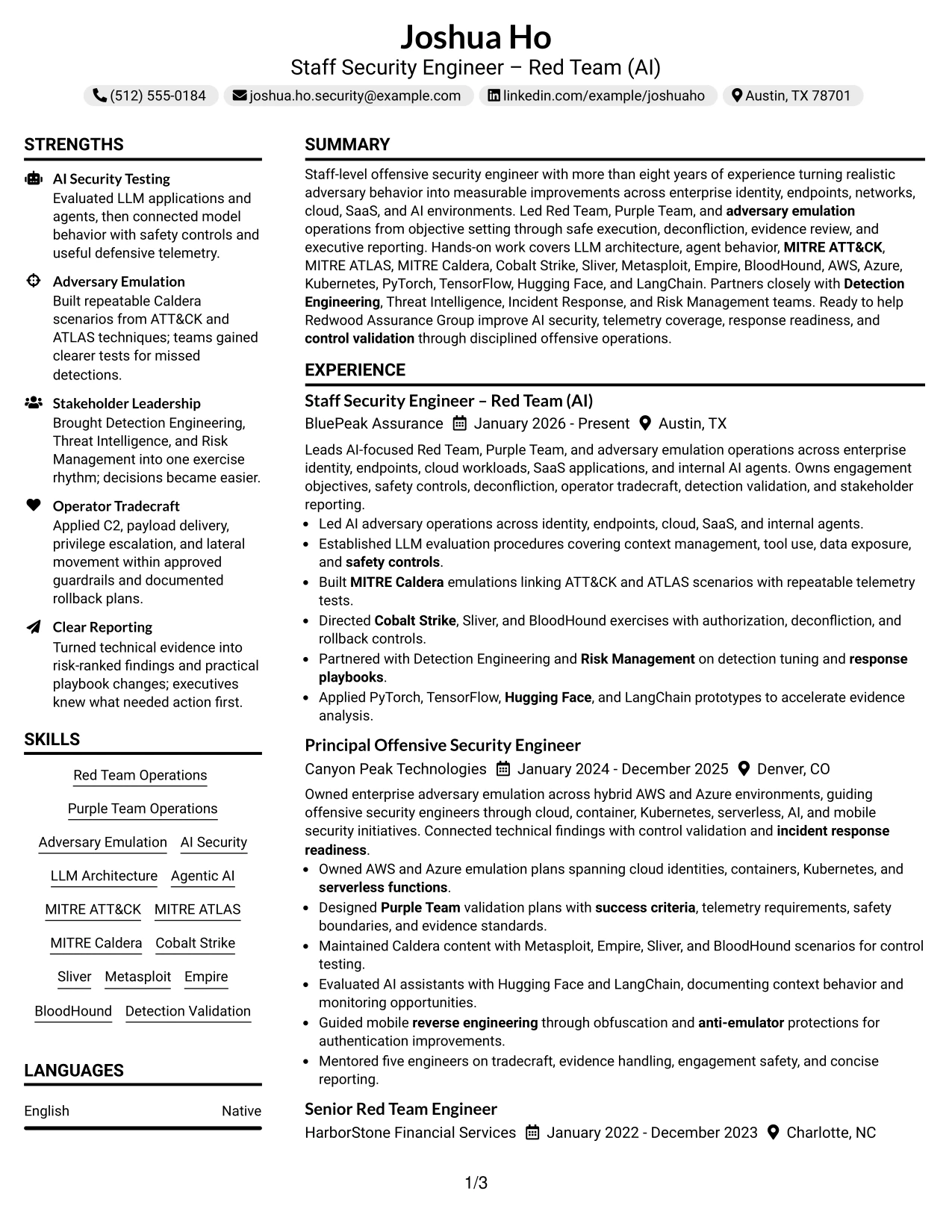
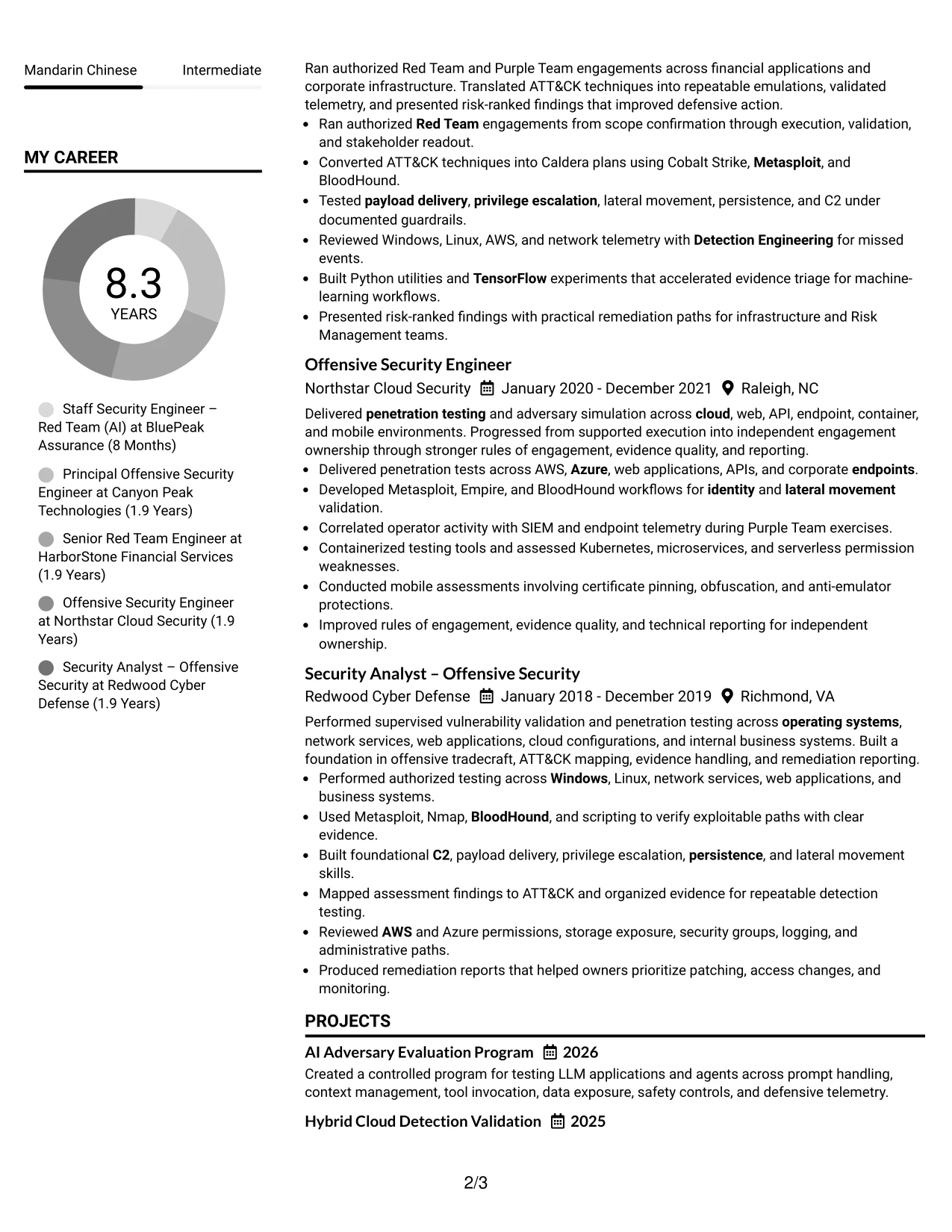
Why the Centered Header Classic Two Column Format Works for a Resume
- The centered header gives the target role a clear visual starting point.
- Two columns separate supporting qualifications from the main employment history.
- Bulleted experience preserves detail for complex authorized operations.
- A dedicated skills area makes frameworks and tools quick to locate.
- Projects add focused evidence without interrupting the chronological record.
- The format supports both staff-level scope and hands-on technical depth.
- Classic section treatment helps readers compare content across a familiar structure.
Best For
- Resumes with a broad skills inventory and a detailed experience record
- Candidates needing a centered introduction with organized supporting content
- Technical profiles where tools should remain visible beside career evidence
- Applications reviewed by readers who prefer classic resume conventions
- Professionals combining leadership, projects, certifications, and work history
- Roles requiring evidence across AI, cloud, identity, endpoints, and SaaS
- Documents that need strong content volume without a crowded single column
#21 Left Aligned Header Clean Two Column Format Resume Example
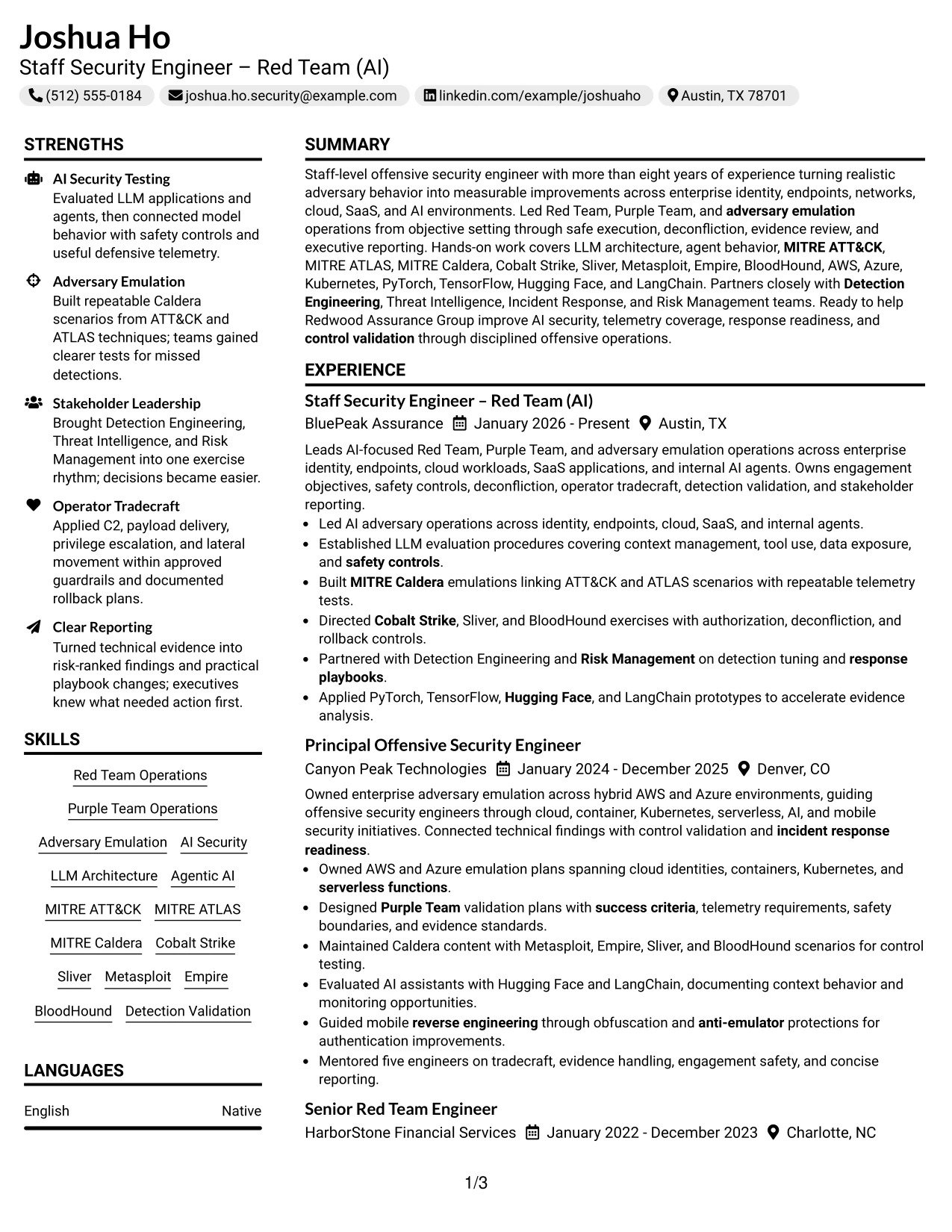
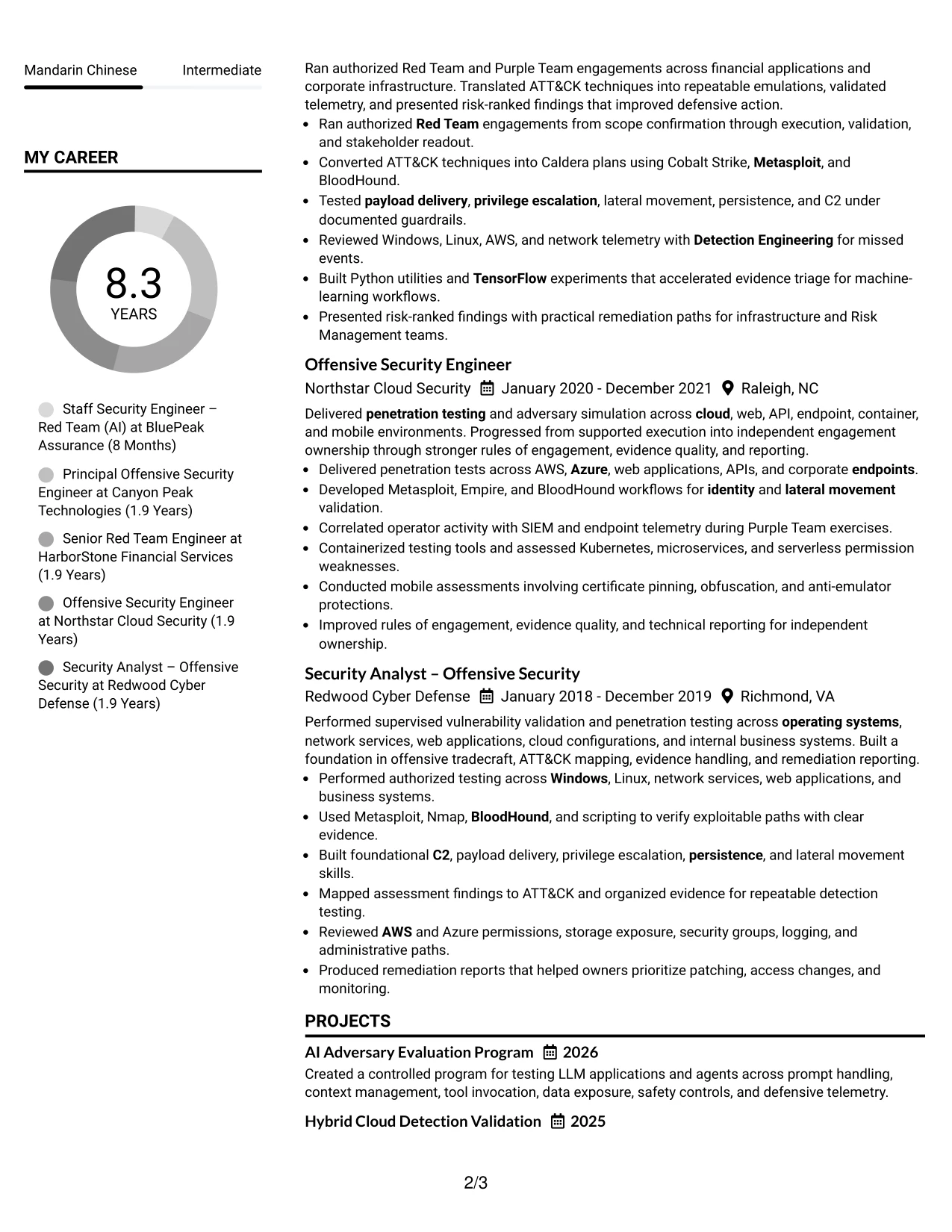
Evidence leads the page through concise bullets that show ownership, technical execution, and defensive results. A left-aligned header keeps the target role and contact details easy to confirm, while the two-column body creates room for both a detailed career record and supporting qualifications.
The clean structure is effective for a profile with several connected domains. Experience can document AI agent testing, adversary emulation, cloud and container work, and detection validation, while a secondary column keeps certifications, skills, education, and tools in view.
Why the Left Aligned Header Clean Two Column Format Works for a Resume
- The left-aligned header gives the document a direct and familiar starting point.
- Evidence-focused bullets show actions, methods, and defensive outcomes.
- Two columns hold detailed experience without hiding certifications or skills.
- The format supports separate treatment of AI frameworks and red team platforms.
- Cloud, container, and operating system experience can remain visible as supporting evidence.
- A clean hierarchy helps readers move from summary to qualifications and employment.
- Standard text sections remain suitable for ATS review and human scanning.
Best For
- Evidence-led resumes where accomplishments should appear before design elements
- Candidates with broad technical coverage and a substantial work history
- Applications needing a visible skills and certification area beside experience
- Profiles showing connected AI, cloud, container, and endpoint work
- Reviewers who scan from a left-aligned header into structured columns
- Technical submissions that require both detail and fast qualification checks
- Professionals presenting control validation alongside offensive execution
#22 Simple Two Column Format Resume Example
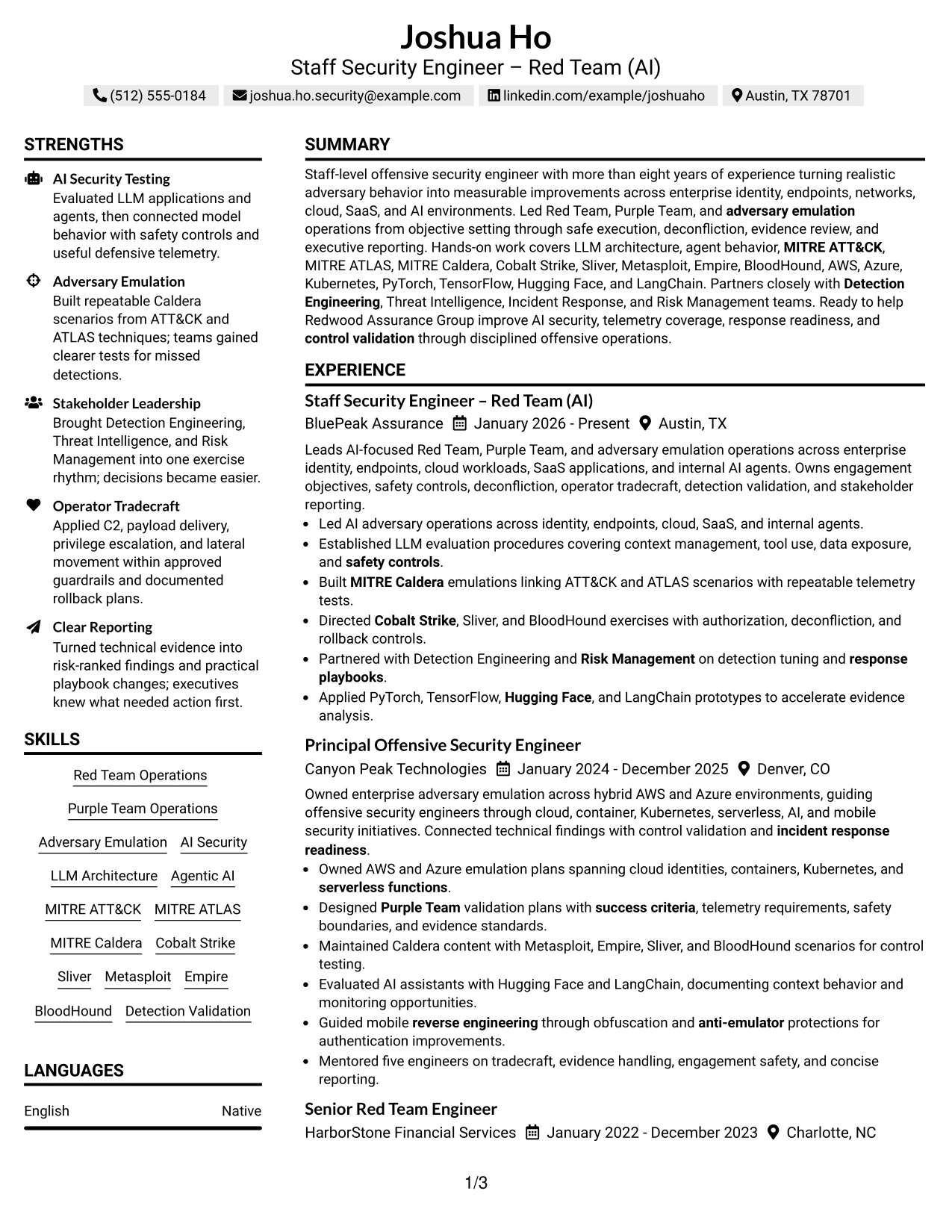
Balanced spacing distributes the resume across two practical columns without making either side compete for attention. The main column can carry the summary, experience, and projects, while the supporting column presents skills, tools, education, and certifications in compact groups.
This arrangement suits an application that needs both technical breadth and readable evidence. The resume can show authorized C2 and tradecraft, MITRE Caldera scenarios, AI frameworks, cloud-native environments, and response readiness while preserving a simple review path.
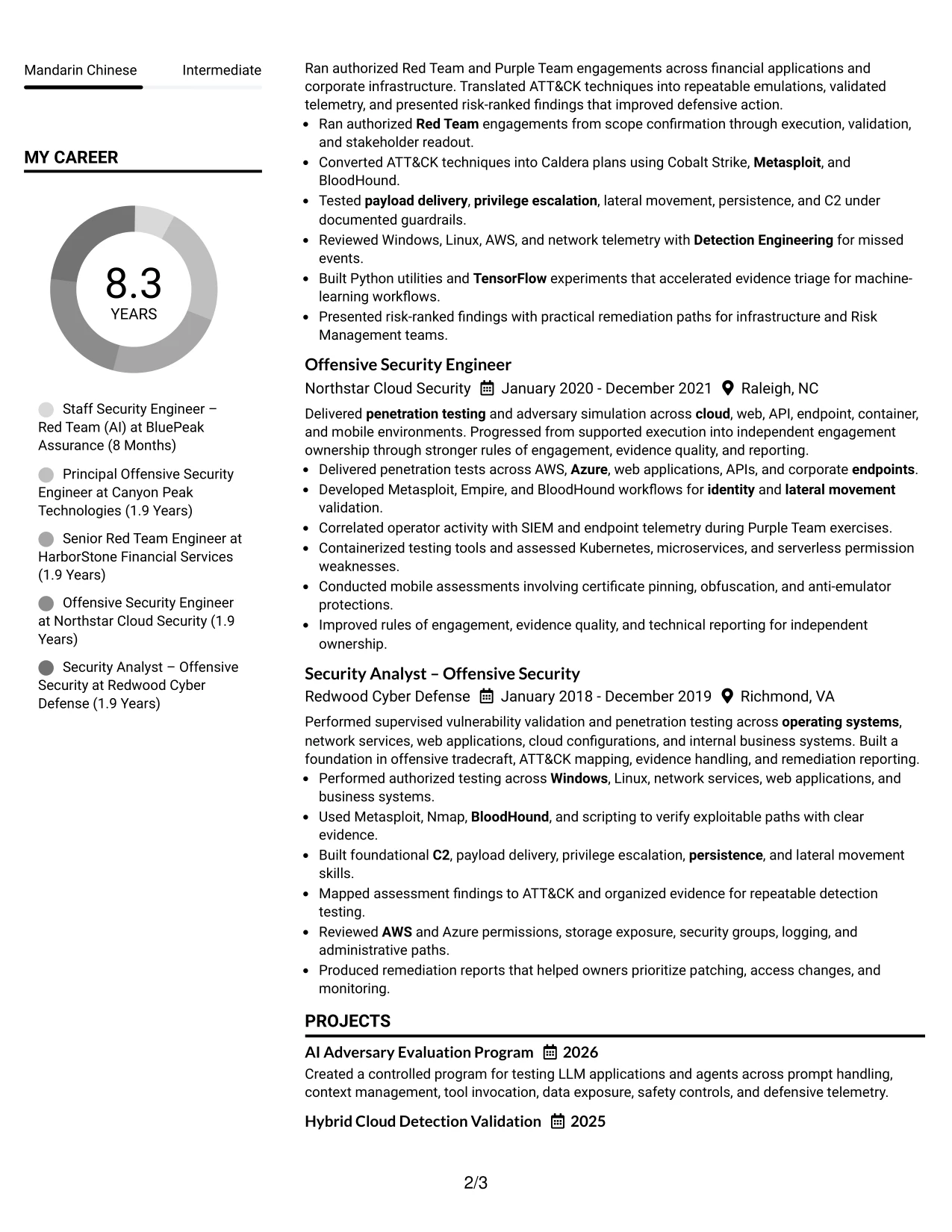
Why the Simple Two Column Format Works for a Resume
- Balanced columns reduce pressure on the main experience section.
- Compact groups make tools, certifications, and education easy to review.
- The main column keeps achievement bullets connected to employers and dates.
- Projects provide additional evidence for AI, cloud, and mobile security work.
- Simple section treatment supports consistent ATS reading and human scanning.
- The format can show technical breadth without repeating information across the page.
- Spacing keeps dense security content readable during a quick application review.
Best For
- Applications needing a practical balance between detail and page space
- Candidates with many tools, frameworks, and certifications to organize
- Resumes combining chronological experience with focused technical projects
- Profiles where cloud-native and AI evidence must remain visible together
- Readers who prefer compact supporting sections beside a strong main column
- Submissions requiring a simple layout for digital review and ATS processing
- Professionals showing both operator tradecraft and response readiness
#23 Accent Divider Modern Two Column Format Resume Example
For a Staff Security Engineer – Red Team (AI) resume, a two-column structure helps place contact details, certifications, and technical skills beside a detailed career record. Accent dividers separate major sections without competing with evidence such as AI security testing, adversary emulation, and detection validation.
The format supports fast review while preserving room for strong experience bullets. MITRE Caldera work, ATT&CK and ATLAS mapping, cloud environments, AI frameworks, and measurable defensive outcomes can appear in a clear hierarchy that also supports ATS-friendly text parsing.
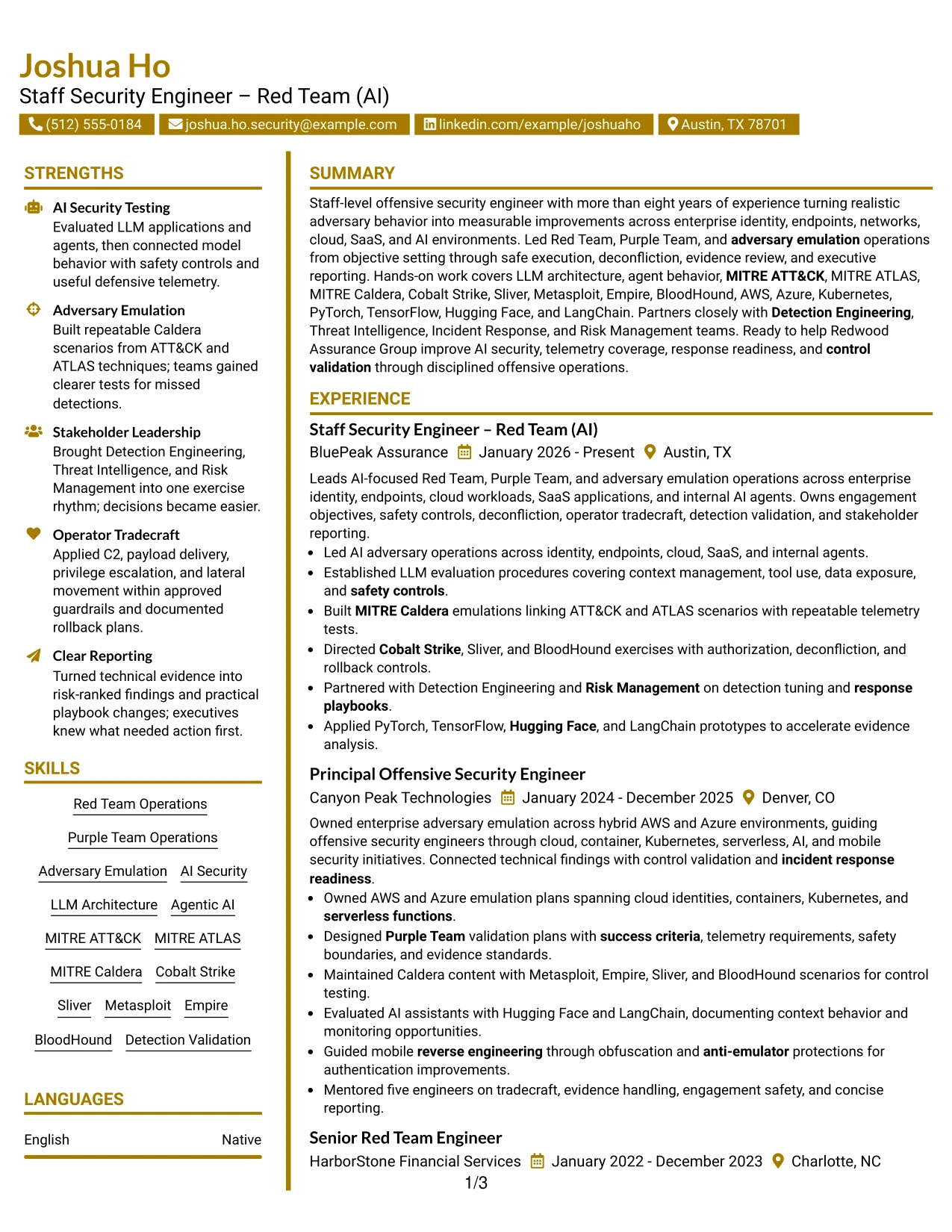
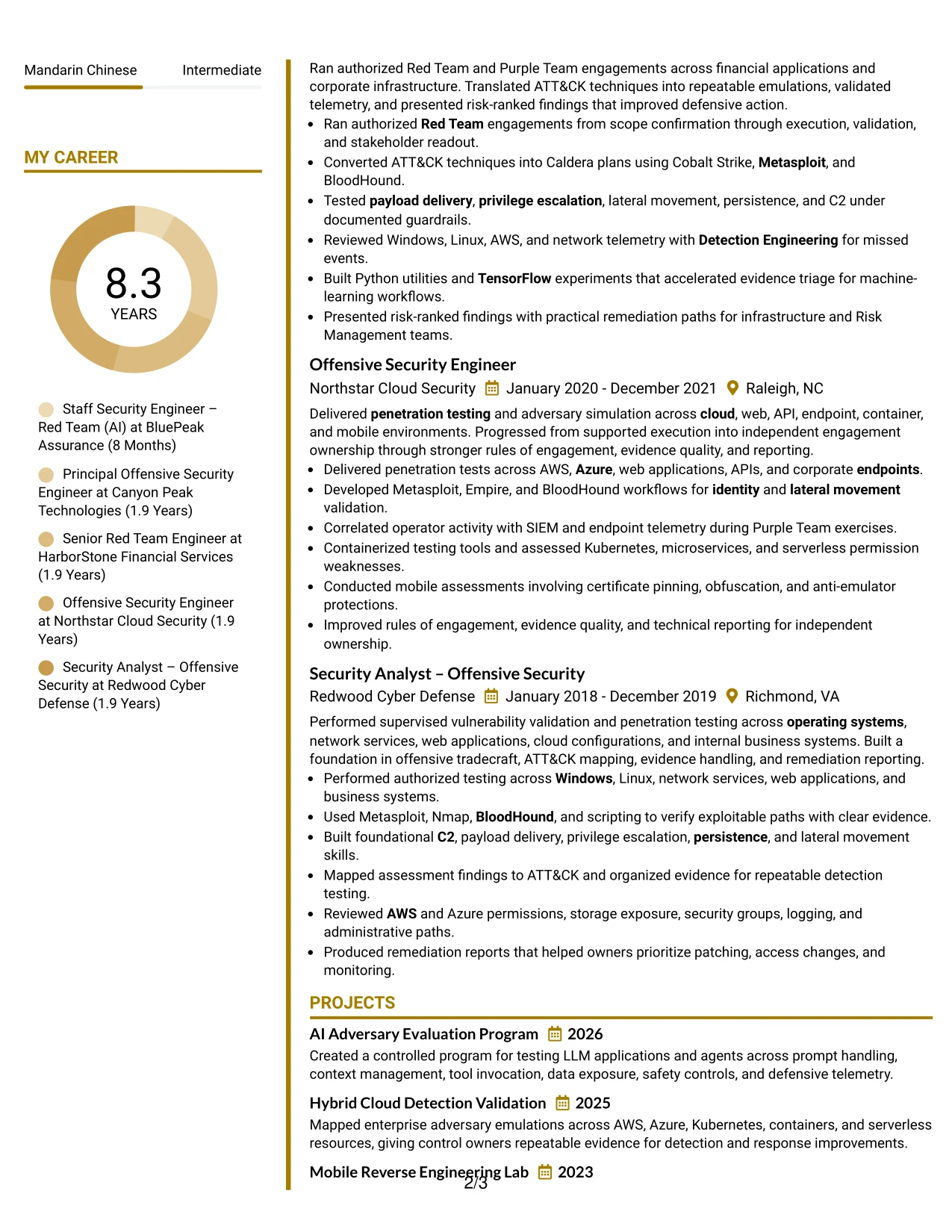
Why the Accent Divider Modern Two Column Format Works for a Resume
- Two columns separate supporting details from the main experience record.
- Accent dividers make section boundaries easy to locate during a quick review.
- Short bullet points keep complex offensive security work readable.
- Skills and tools can sit close to the experience they support.
- Certifications and education remain visible without interrupting career evidence.
- Keywords such as MITRE ATT&CK, MITRE ATLAS, AWS, and LangChain are easy to scan.
- The structure gives AI security projects and detection outcomes a defined place.
Best For
- Resumes that need clear separation between profile details and career evidence
- Professionals presenting both leadership scope and hands-on technical work
- Applications with substantial tool, framework, and certification content
- Readers who prefer a balanced two-column information structure
- Documents that need strong section cues without heavy visual decoration
- ATS-conscious resumes using standard headings and selectable text
- Candidates showing connected experience across cloud, AI, and enterprise environments
#24 Shaded Labels Clean Two Column Format Resume Example
A restrained visual hierarchy helps a recruiter move from the target role to the summary, then through experience, skills, certifications, and education. Shaded labels identify each section while the two-column arrangement keeps supporting information available beside the main record.
For this Staff Security Engineer – Red Team (AI) resume, the structure reinforces alignment with AI-focused adversary operations. It gives prominent space to LLM architecture, PyTorch, TensorFlow, Hugging Face, LangChain, MITRE Caldera, and partnerships with Detection Engineering and Risk Management.
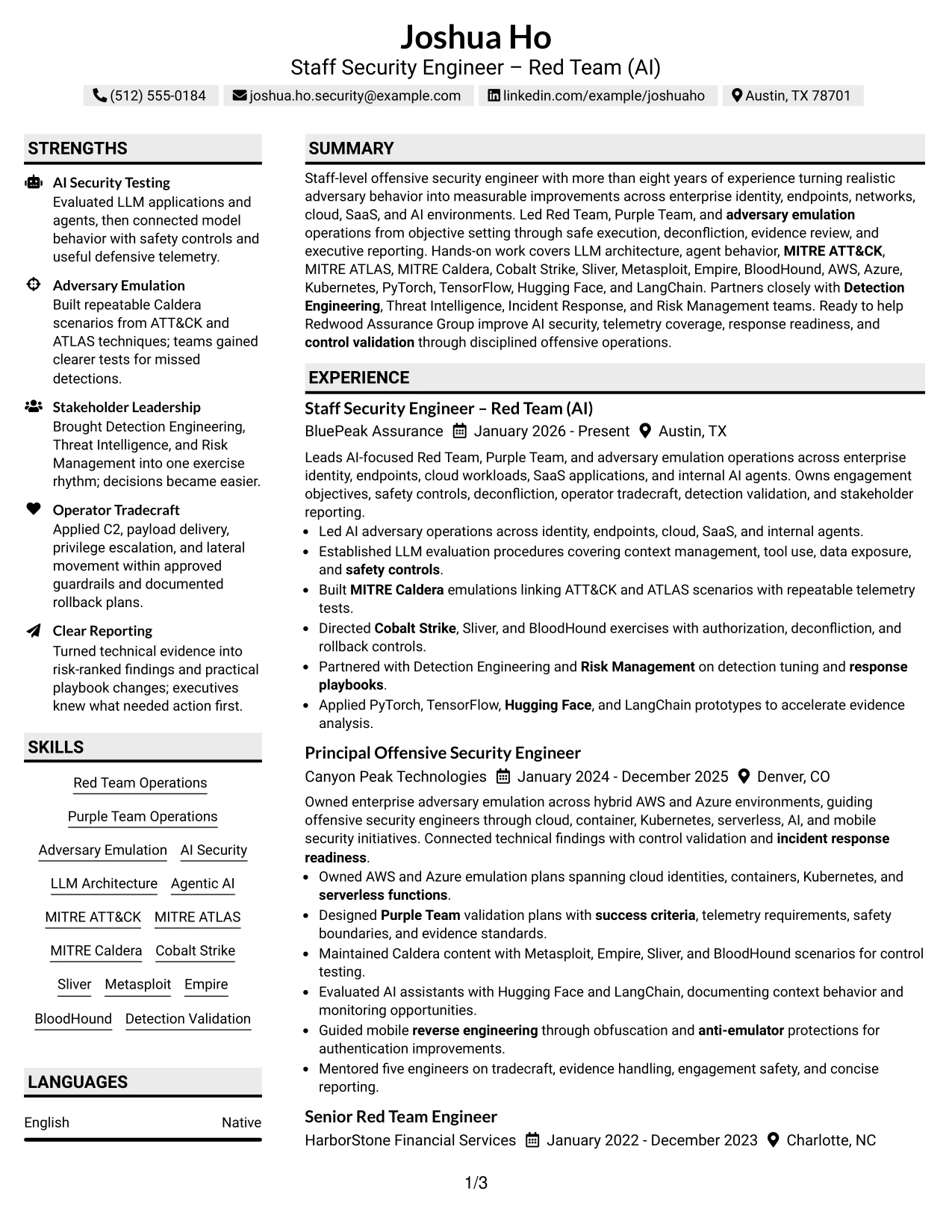
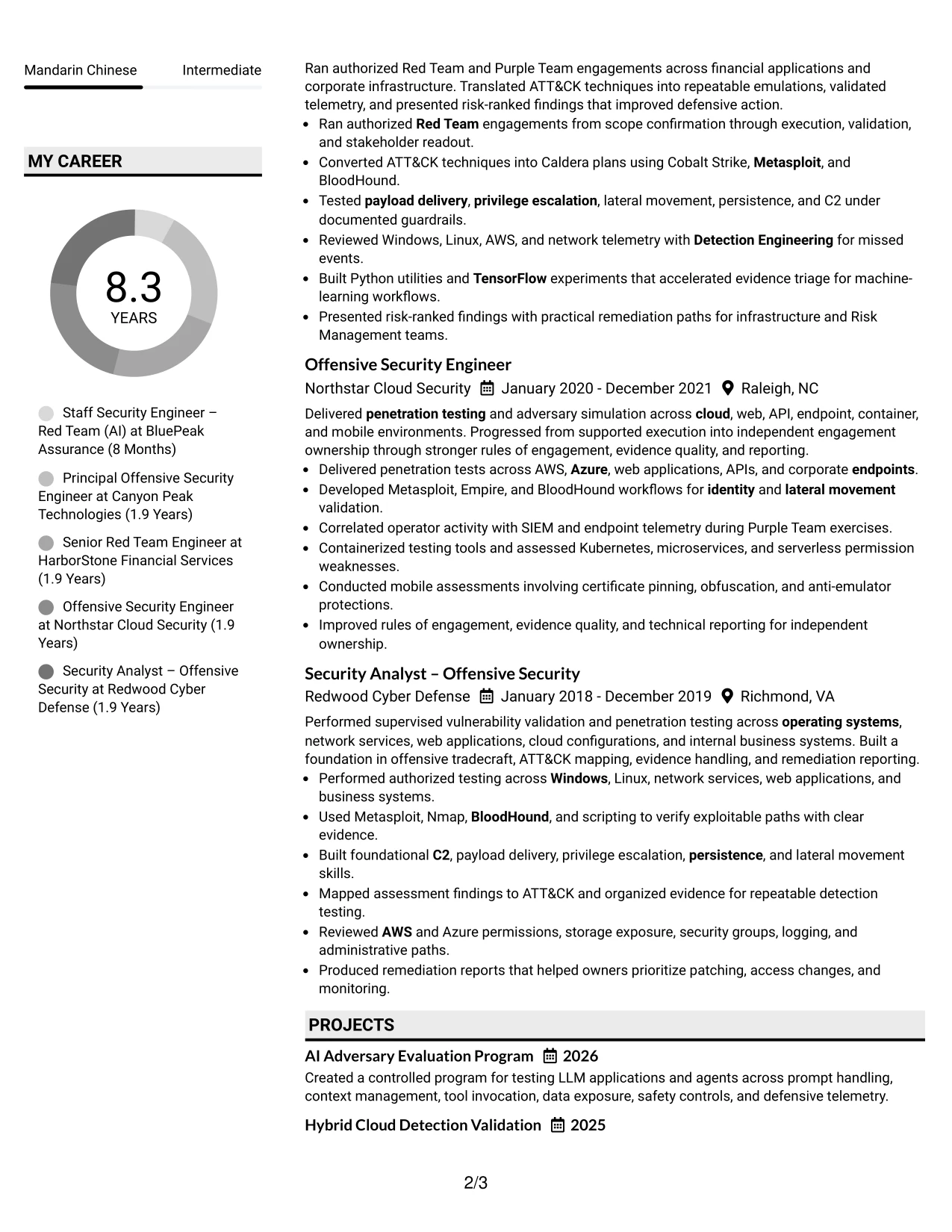
Why the Shaded Labels Clean Two Column Format Works for a Resume
- Shaded labels create clear entry points for each resume section.
- The two-column design connects technical skills with related experience.
- A clean hierarchy supports quick comparison against role requirements.
- Bullets can show scope, controls, tools, and defensive outcomes in sequence.
- The format keeps certifications and education easy to find.
- Standard section labels help ATS systems interpret the document.
- Technical keywords remain visible without turning the resume into a keyword list.
Best For
- Applications where direct alignment to a detailed job description matters
- Resumes combining leadership responsibilities with specific operator tradecraft
- Readers who scan section labels before reviewing individual bullets
- Documents that need two-column organization without dense visual effects
- Candidates with several certifications and technical frameworks to present
- Roles requiring visible links between offensive activity and control validation
- ATS-aware submissions that still benefit from strong visual signposting
#25 Photo Header Color Accent International Format Resume Example
The Photo Header Color Accent International Format organizes the resume around a prominent header, followed by a single-column sequence of summary, experience, projects, skills, education, and certifications. Color accents distinguish sections while keeping the professional record in one reading path.
For a Staff Security Engineer – Red Team (AI) resume, that path can lead from enterprise offensive security experience to AI adversary evaluation, cloud testing, mobile reverse engineering, and repeatable detection outcomes. A photo can support the header when appropriate for the application context, but the resume evidence remains the central content.
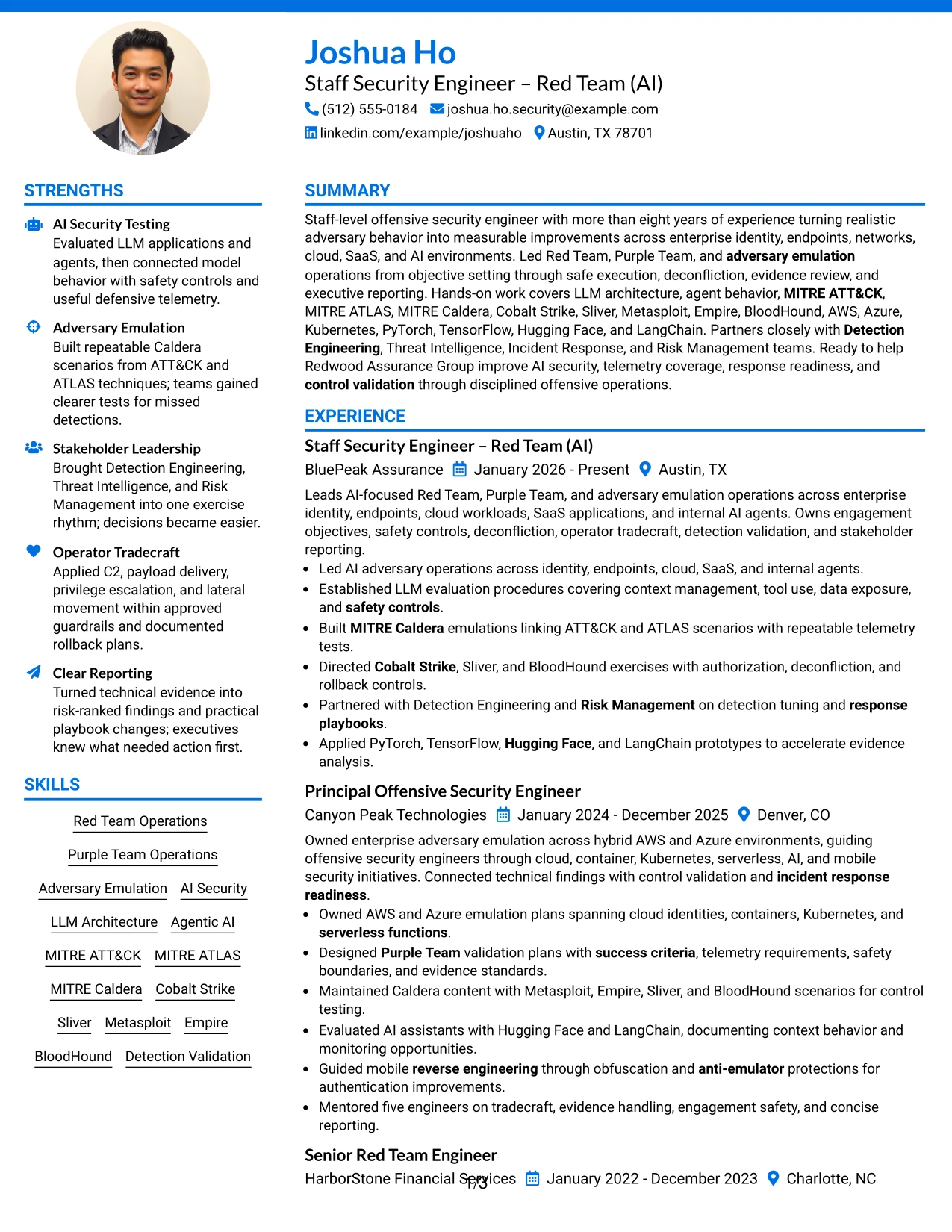
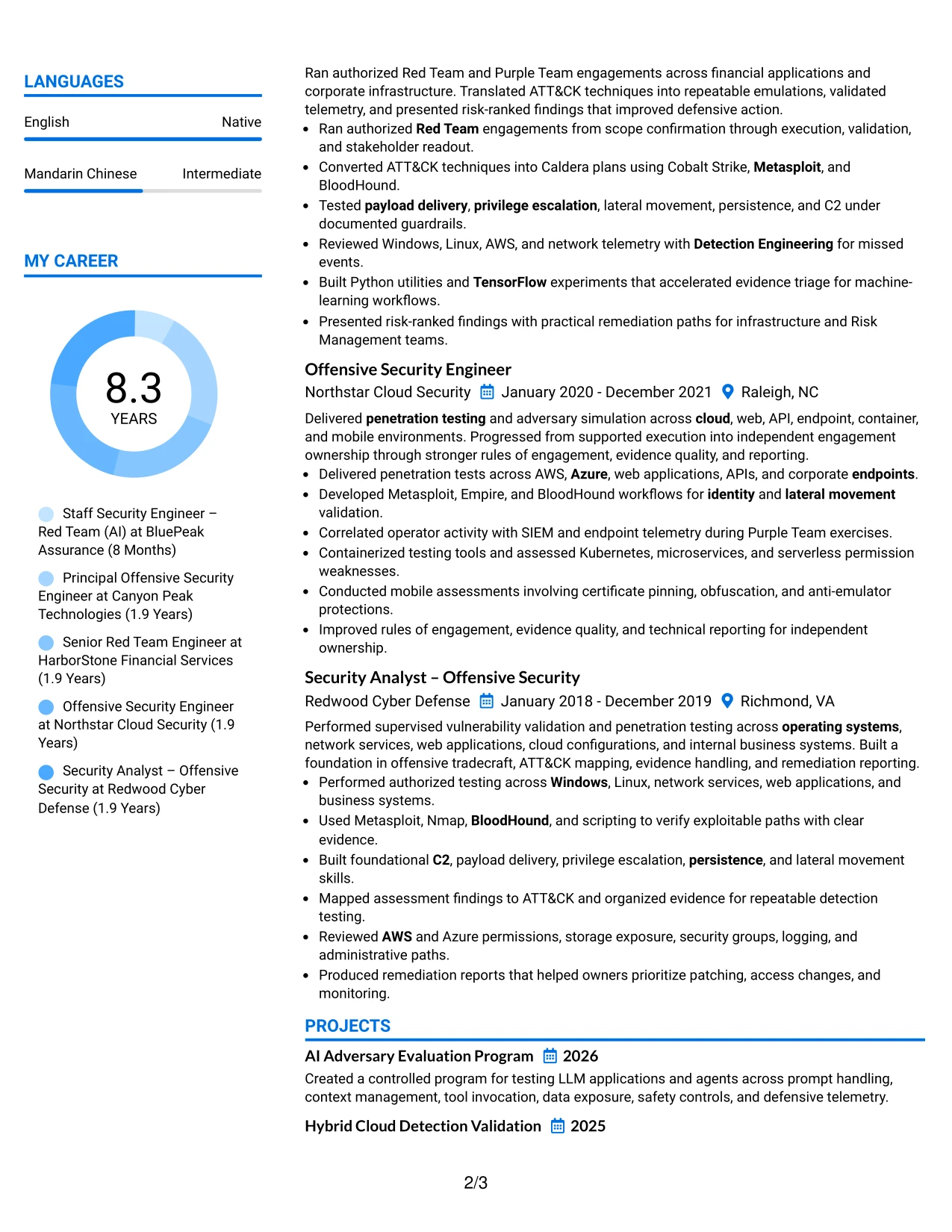
Why the Photo Header Color Accent International Format Works for a Resume
- A single column gives recruiters one predictable path through the resume.
- The header can establish the target role and core professional identity quickly.
- Color accents separate experience, projects, skills, and certifications.
- Photo placement is available for contexts where it is appropriate.
- Detailed bullets remain together instead of being split across columns.
- Projects can add evidence for AI security and cloud detection validation.
- A consistent sequence supports both human review and text extraction.
Best For
- Applications where a single reading path improves resume review
- Candidates presenting projects alongside formal work experience
- International application contexts where a professional photo may be accepted
- Documents that need clear separation between role history and technical evidence
- Resumes with several focused projects that deserve dedicated entries
- Readers who value a visible header before reviewing detailed qualifications
- Submissions that require a polished visual structure while retaining searchable text
#26 Large Profile Photo International Two Column Format Resume Example
Recruiters can move from the large profile header to compact supporting details, then across the main experience record in two columns. This navigation pattern makes it possible to show substantial work history while keeping skills, certifications, education, and projects available for reference.
The resume content supports that volume with five offensive security roles, AI and cloud projects, and certifications including OSCP, CRTO, and CISSP. A large profile photo may suit an application setting that accepts one, while the document should keep its strongest emphasis on measurable operations, safety controls, and defensive improvements.
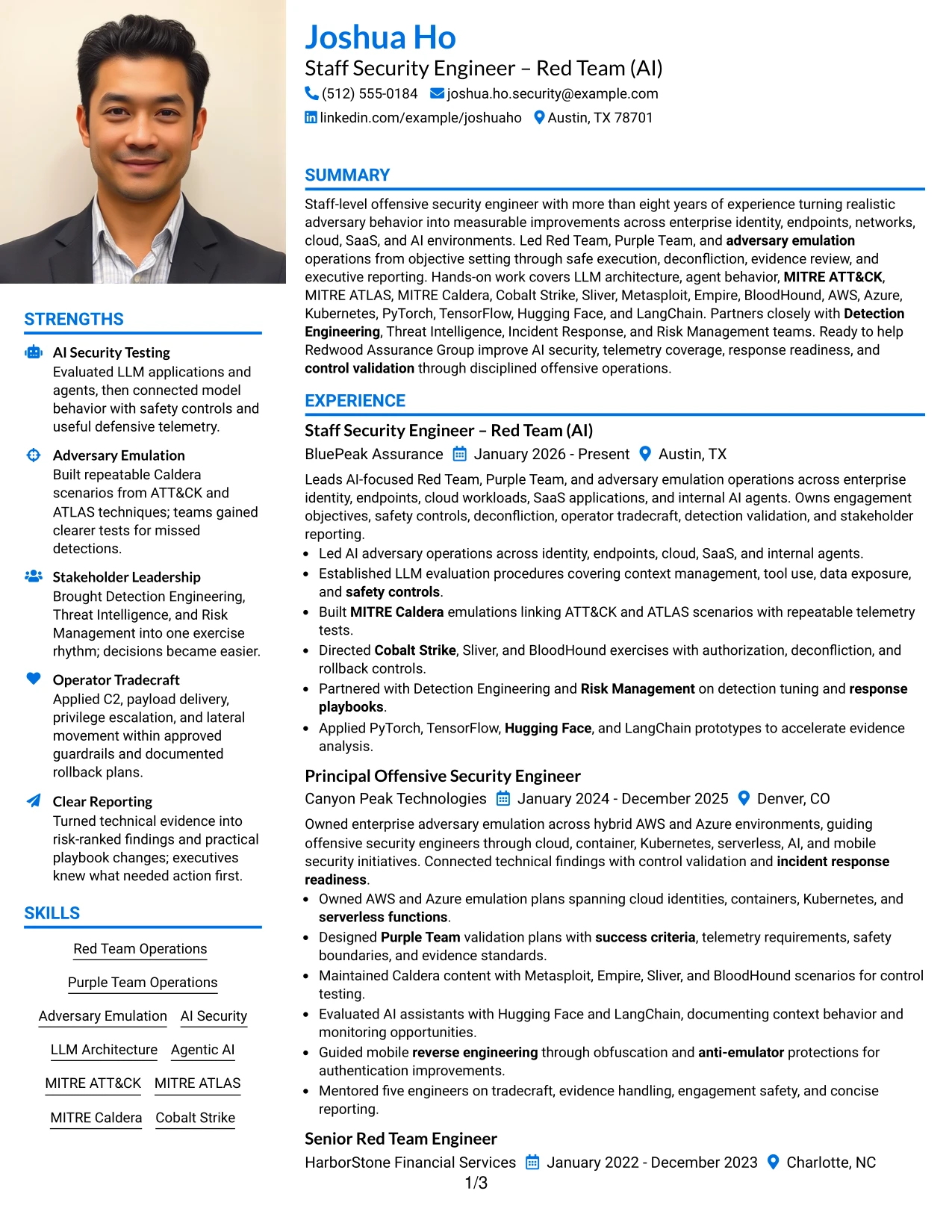
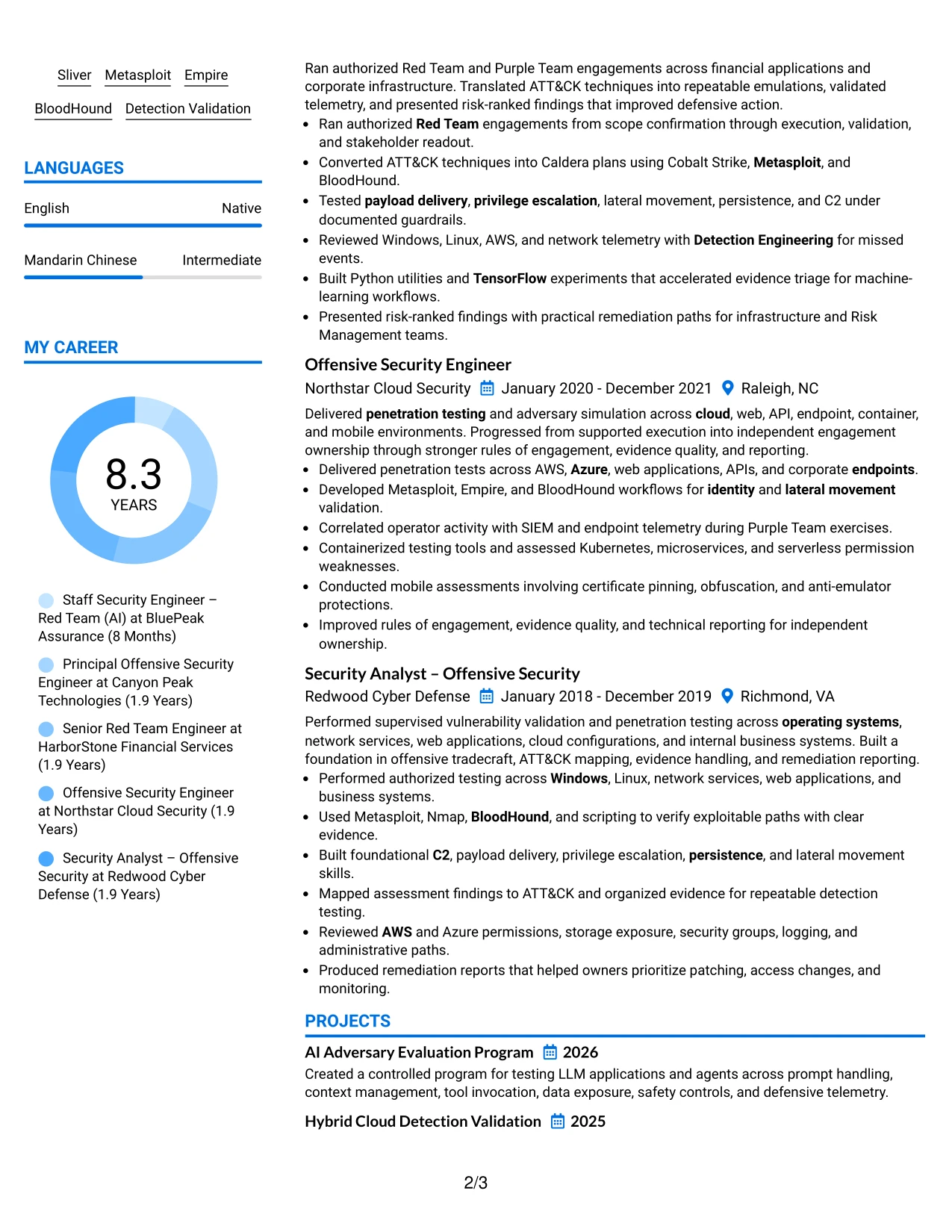
Why the Large Profile Photo International Two Column Format Works for a Resume
- Two columns help accommodate a long and technically varied career record.
- Supporting details can remain visible while experience receives the main reading area.
- The large header creates a clear first stop for role and contact information.
- A profile photo is available when the application context supports it.
- Multiple projects can supplement employment history without creating a separate document.
- Tools, certifications, and cloud platforms can be grouped for quick reference.
- The structure supports both leadership scope and detailed operator evidence.
Best For
- Resumes with several roles, projects, and certification entries
- Applications that allow a profile photo and benefit from a prominent header
- Professionals balancing extensive experience with a broad technical toolkit
- Documents where side content must remain available during experience review
- Readers who need to compare role history with skills and credentials
- Candidates showing progression from execution to engagement ownership
- International submissions requiring a structured presentation of substantial content
#27 One Column Format with Photo Resume Example
Evidence receives priority in this one-column resume format, so experience bullets can lead the reader from authorized operations to AI evaluation, cloud testing, and detection improvements. A photo appears in the header area, while the main content follows a direct sequence through the professional record.
For the target role, the resume can present scope definition, safety controls, deconfliction, MITRE Caldera emulations, and stakeholder reporting without forcing related evidence into separate columns. Projects, certifications, education, and skills then reinforce the same technical story.
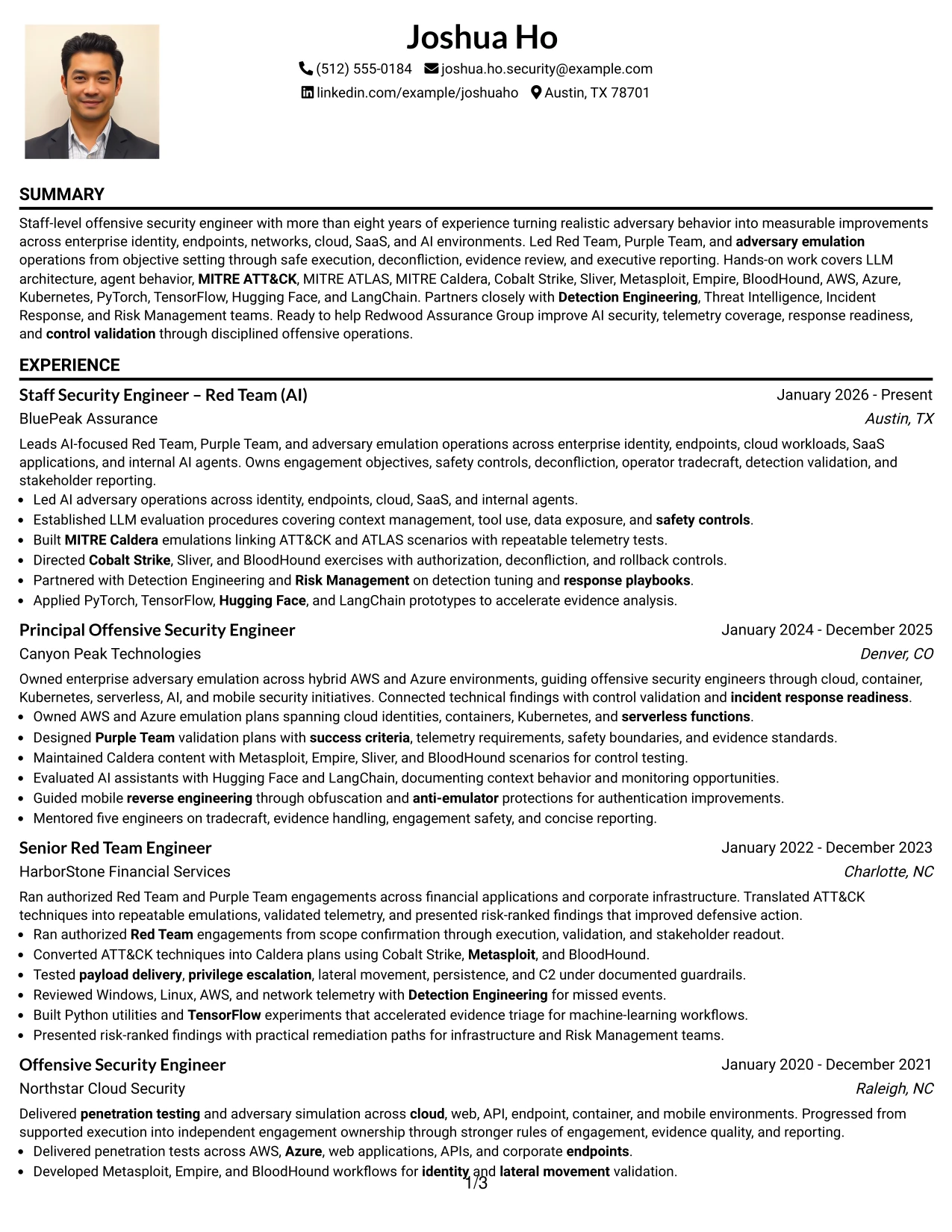
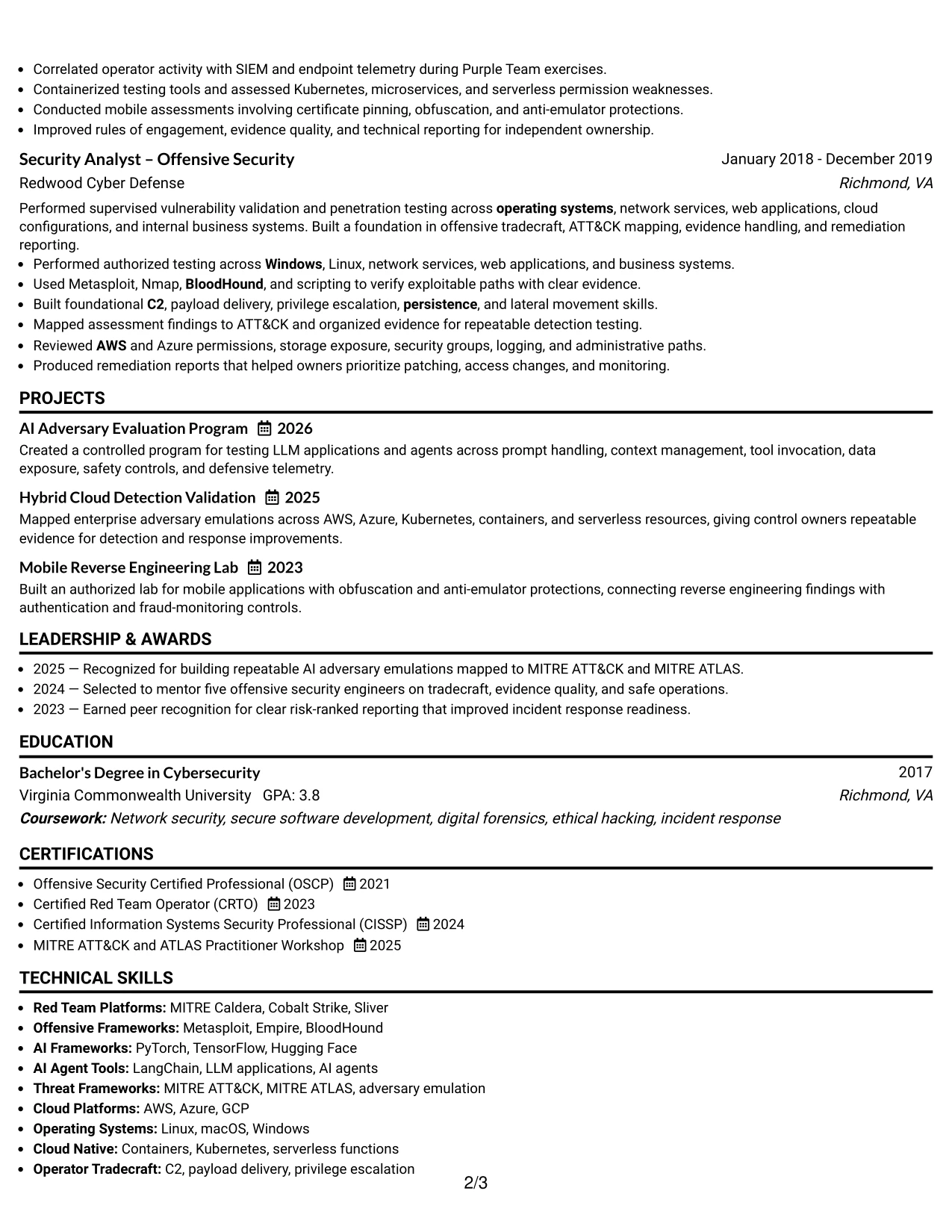
Why the One Column Format with Photo Works for a Resume
- A single column keeps evidence in a direct chronological sequence.
- Experience bullets can show action, technical method, and defensive result together.
- The photo provides a defined header element when suitable for the application.
- AI security projects can follow experience without breaking the reading flow.
- Certifications support the evidence instead of competing with it.
- Standard headings and linear text improve ATS interpretation.
- The format gives authorized testing and measurable outcomes room to remain specific.
Best For
- Applications where experience evidence should lead the review
- Resumes that need a direct chronology from early testing to staff-level work
- Candidates presenting technical projects as supporting proof
- Documents requiring a photo within an otherwise focused one-column structure
- Readers who prefer complete bullets over compressed side-panel summaries
- ATS-focused submissions with standard sections and a linear content order
- Roles where safety controls, reporting, and operational scope need explanation
#28 One Column Format with Photo Right Resume Example
Balanced content distribution keeps the contact and photo area distinct while the one-column body carries the resume evidence. This arrangement gives experience, projects, skills, education, and certifications enough width for readable bullets and complete technical terms.
The layout fits a role that combines AI-focused adversary operations with enterprise coverage. The body can explain LLM evaluation, cloud and SaaS testing, operator tradecraft, telemetry review, and response playbook updates without relying on dense side-by-side text.
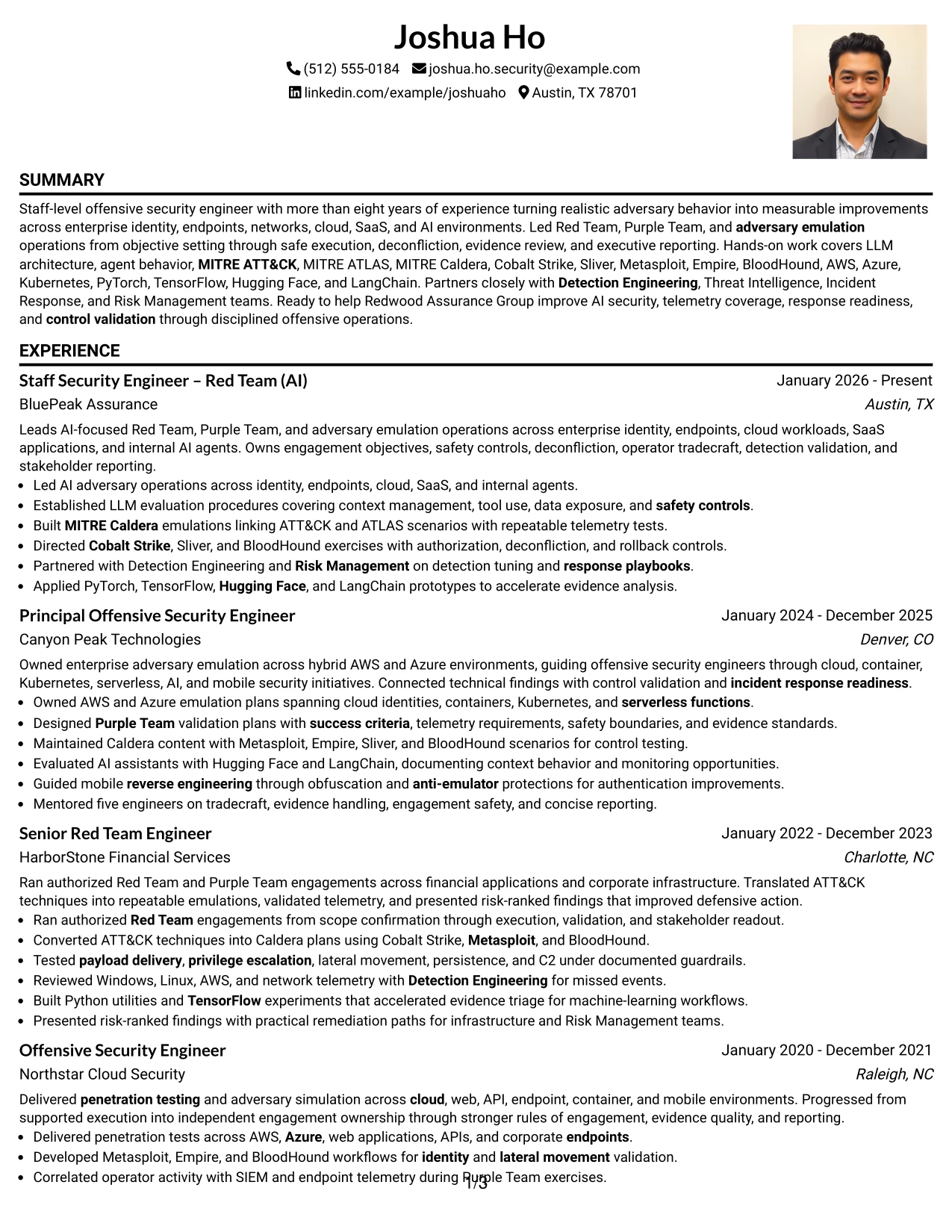
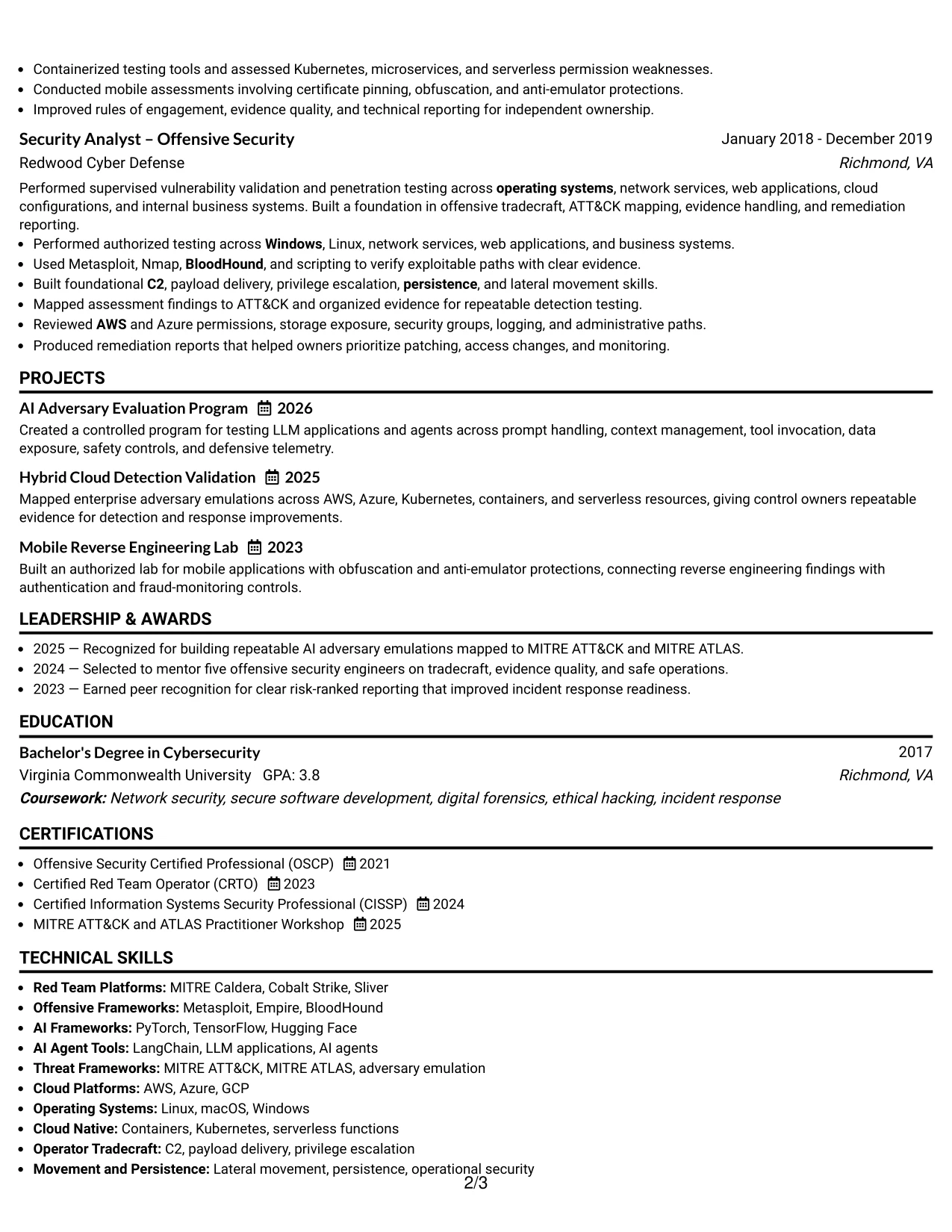
Why the One Column Format with Photo Right Works for a Resume
- A right-side photo area preserves width for the main resume content.
- The one-column body supports complete bullets and technical descriptions.
- Experience, projects, and certifications can follow a consistent vertical rhythm.
- The photo position creates balance without interrupting the main evidence.
- AI and cloud work can be explained with enough context for accurate review.
- Skills can reinforce experience rather than appearing as disconnected terms.
- The structure works well when application materials need a polished but readable header.
Best For
- Applications needing a balanced header with a defined photo position
- Resumes with long bullets that require full page width
- Professionals combining AI evaluation, cloud security, and operator tradecraft
- Documents where projects and certifications should follow work history naturally
- Readers who want uninterrupted access to the main experience record
- Submissions that favor clear vertical organization over compact panels
- Candidates whose evidence depends on explaining methods and defensive results
#29 One Column Boxed Contact Header Format Resume Example
For a resume submitted to a technical security team, a boxed contact header gives immediate access to the target role, location, and contact details before the reader reaches the evidence. The one-column body then presents summary, experience, projects, skills, education, and certifications in a straightforward order.
That structure suits a Staff Security Engineer – Red Team (AI) application because the content can move from more than eight years of offensive security work to AI agents, adversary emulation, cloud platforms, and detection validation. The boxed header adds definition while the body remains focused on searchable, role-relevant content.
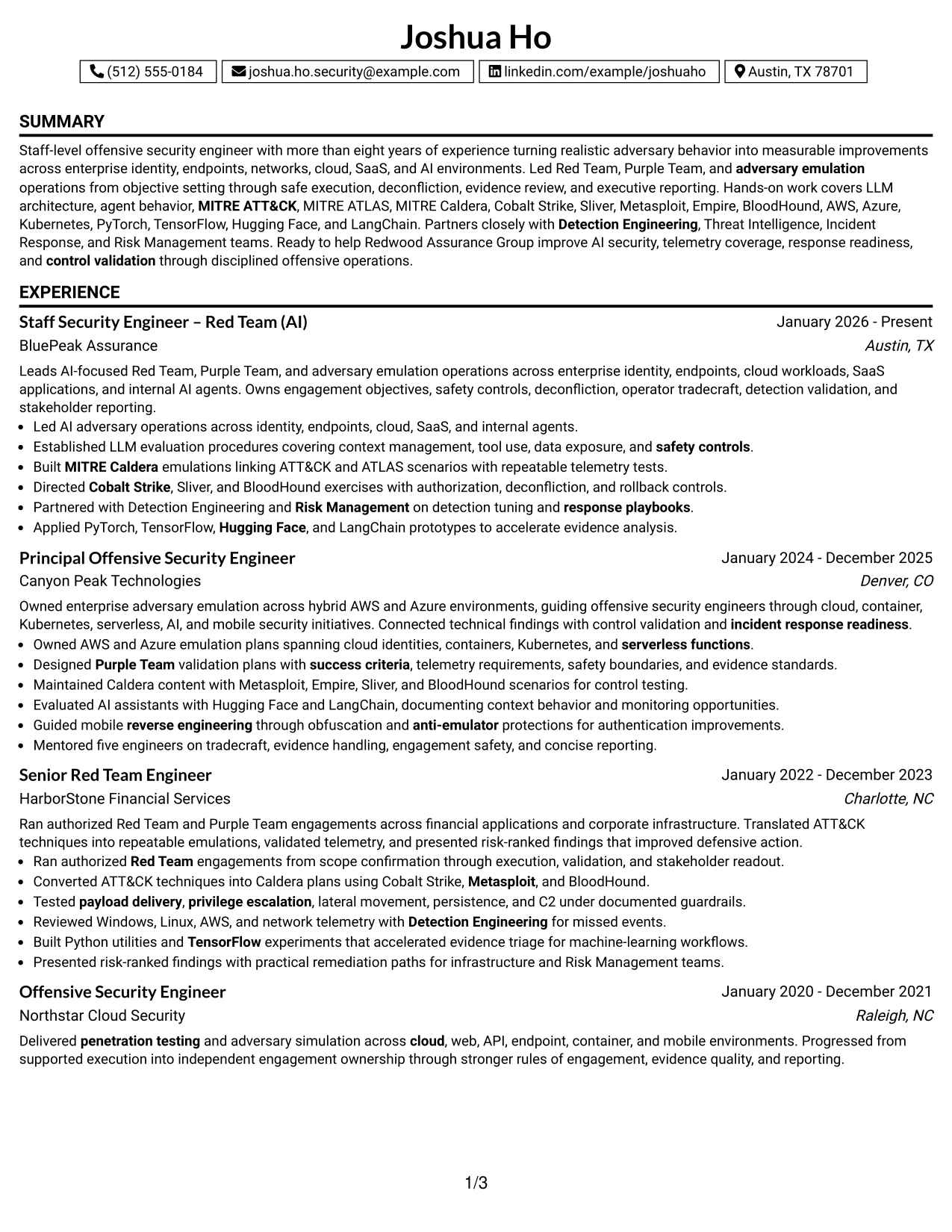
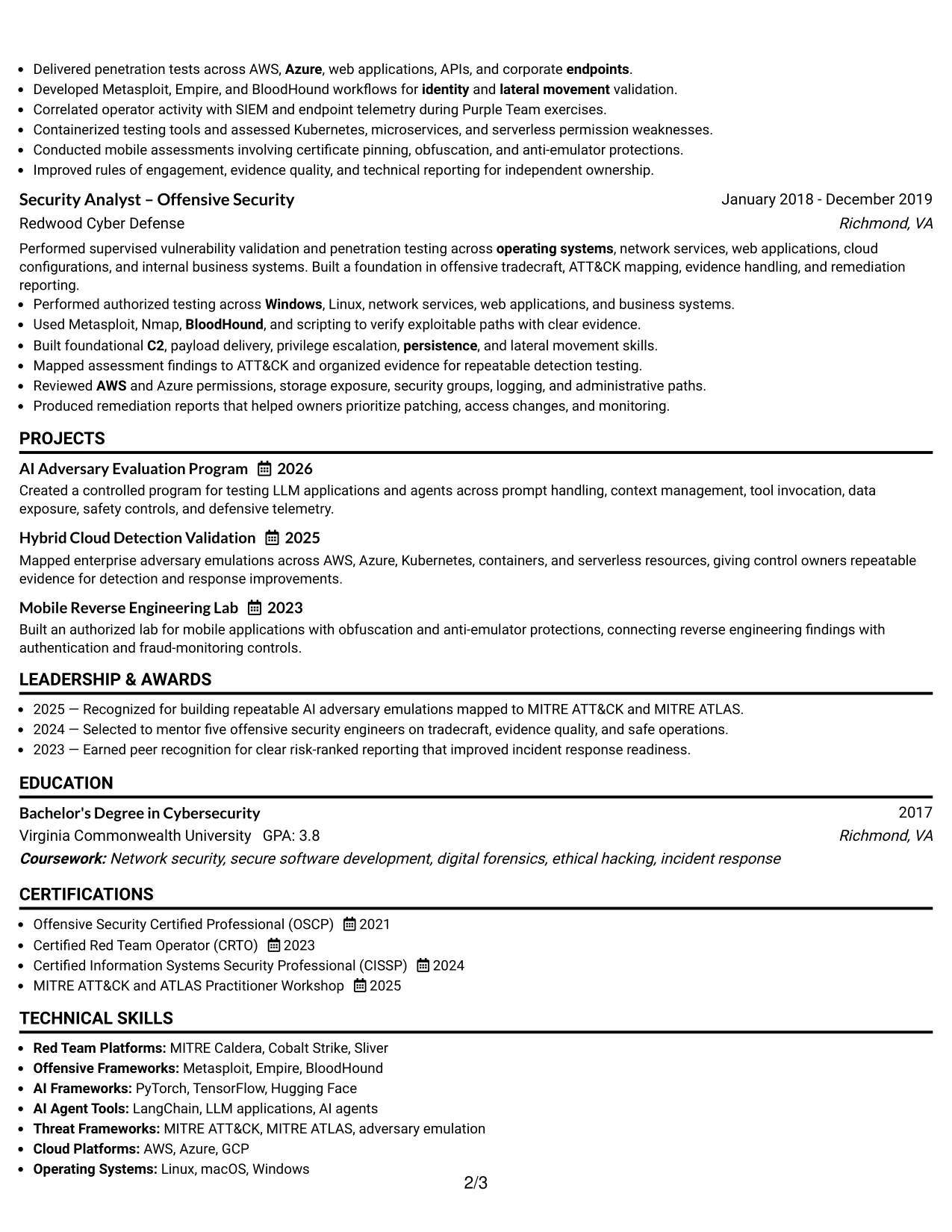
Why the One Column Boxed Contact Header Format Works for a Resume
- The boxed header makes contact information and the target role easy to locate.
- A single content column supports simple chronological review.
- The summary can establish staff-level scope before detailed bullets begin.
- Projects provide a clear place for AI and mobile security evidence.
- Skills and tools remain searchable in a familiar resume sequence.
- Certifications and education can close the document without side-panel compression.
- The format presents a polished contact area while keeping technical content practical.
Best For
- Applications that need a strong but restrained contact area
- Resumes using a simple one-column sequence for ATS and recruiter review
- Candidates whose summary should frame a broad offensive security record
- Documents with separate project evidence for AI, cloud, or mobile work
- Readers who want contact details confirmed before scanning experience
- Submissions where searchable text matters more than decorative elements
- Professionals needing consistent space for skills, certifications, and education
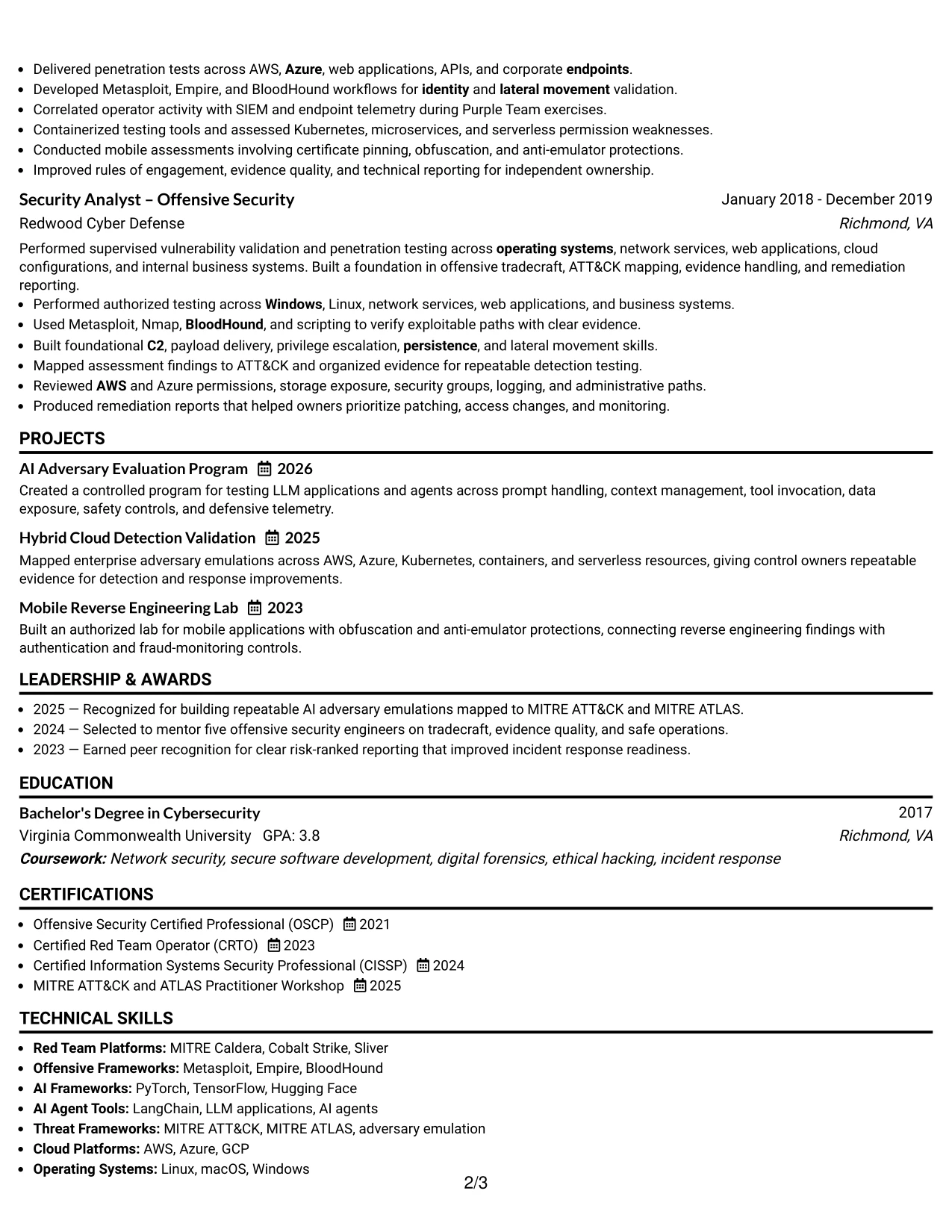
#30 One Column Shaded Contact Header Format Resume Example
A shaded contact header gives the resume a restrained visual hierarchy before the reader reviews the summary and experience. The one-column sequence keeps role alignment visible across Red Team operations, AI security, cloud environments, MITRE frameworks, and defensive partnerships.
For Joshua Ho, the format can connect each major section to the requirements for a Staff Security Engineer – Red Team (AI) position. Shaded labels help distinguish experience, projects, skills, certifications, and education while the bullets carry the proof of scope, technical depth, and leadership.
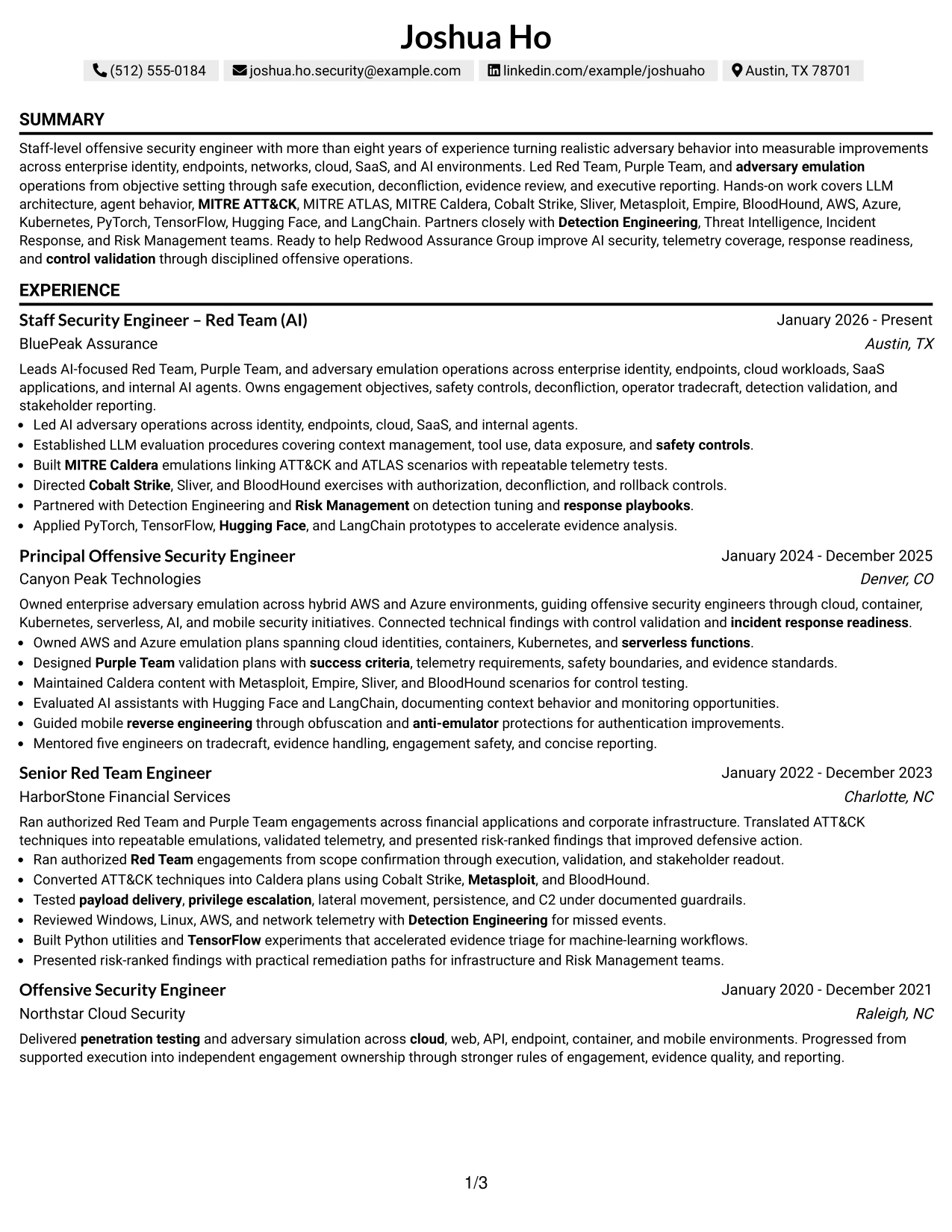
Why the One Column Shaded Contact Header Format Works for a Resume
- The shaded header establishes contact details and target role without taking over the page.
- Section labels guide review from summary to experience and supporting credentials.
- A single column keeps related bullets together for stronger role alignment.
- AI security and adversary emulation terms remain easy to locate.
- Leadership evidence can sit beside technical accomplishments in the same sequence.
- Projects and certifications add targeted support to the employment record.
- The format gives a clean visual cue while preserving conventional resume structure.
Best For
- Applications requiring visible alignment between the role title and resume evidence
- Professionals combining staff-level leadership with hands-on offensive work
- Documents where shaded labels improve navigation without adding columns
- Candidates with supporting projects that reinforce current responsibilities
- Readers comparing requirements with skills, tools, and certification evidence
- ATS-conscious resumes that need a polished but conventional presentation
- Submissions emphasizing AI security, detection outcomes, and enterprise scope
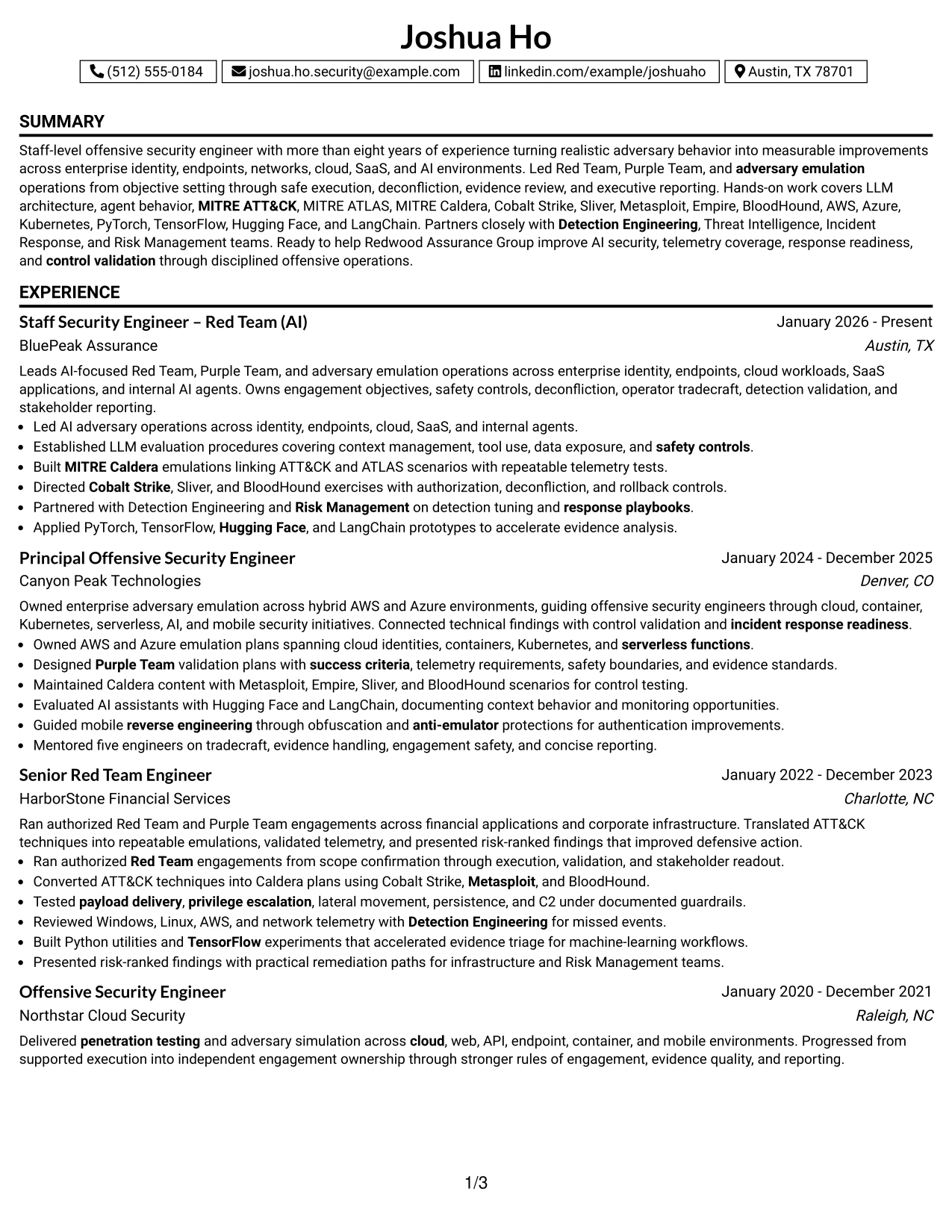
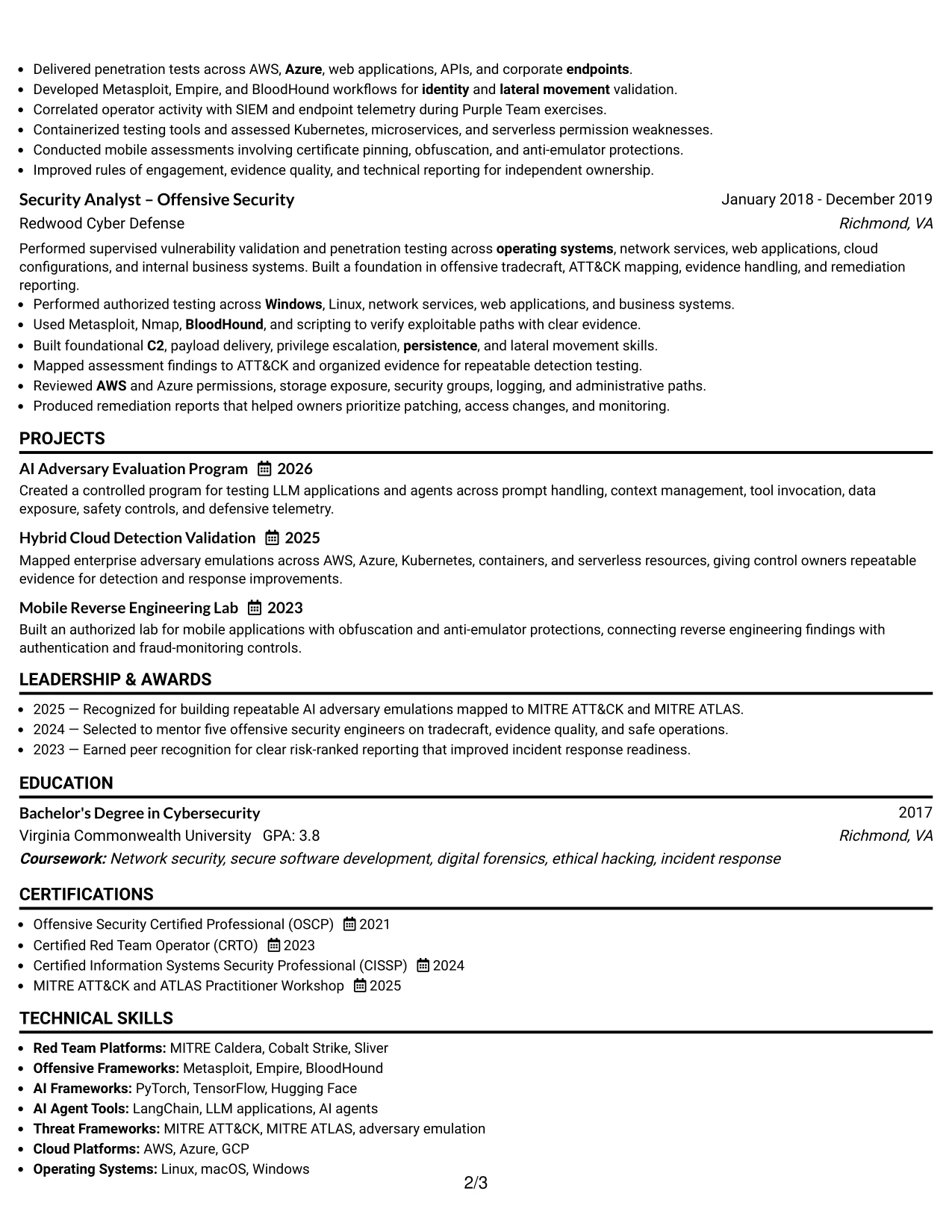
#31 Boxed Contact Header with Job Title Format Resume Example
The Boxed Contact Header with Job Title Format starts with a defined identity block, then moves through the summary and the main resume sections. This structure makes the target role visible before the reader evaluates experience bullets, technical skills, projects, education, and certifications.
The content can then show how authorized Red Team and Purple Team operations connect to AI agents, LLM architecture, MITRE ATT&CK, MITRE ATLAS, cloud platforms, and control validation. A clear section order also helps preserve the difference between tools, responsibilities, and demonstrated outcomes.
Why the Boxed Contact Header with Job Title Format Works for a Resume
- The job title appears in a prominent location for immediate role context.
- The boxed header separates identity details from the evidence below.
- A one-column flow supports chronological experience review.
- Bullets can distinguish responsibilities from tools and outcomes.
- Projects offer focused proof for AI adversary evaluation and cloud validation.
- Skills and certifications remain easy to locate during recruiter screening.
- Conventional headings support ATS parsing and consistent document reading.
Best For
- Applications where the exact target role should be visible at the top
- Resumes needing a strong boundary between contact details and career evidence
- Candidates with technical projects that need their own supporting section
- Readers reviewing chronological experience before skills and credentials
- Documents that must distinguish tools from results and responsibilities
- ATS-friendly submissions using familiar headings and a linear structure
- Security professionals presenting both enterprise scope and AI specialization
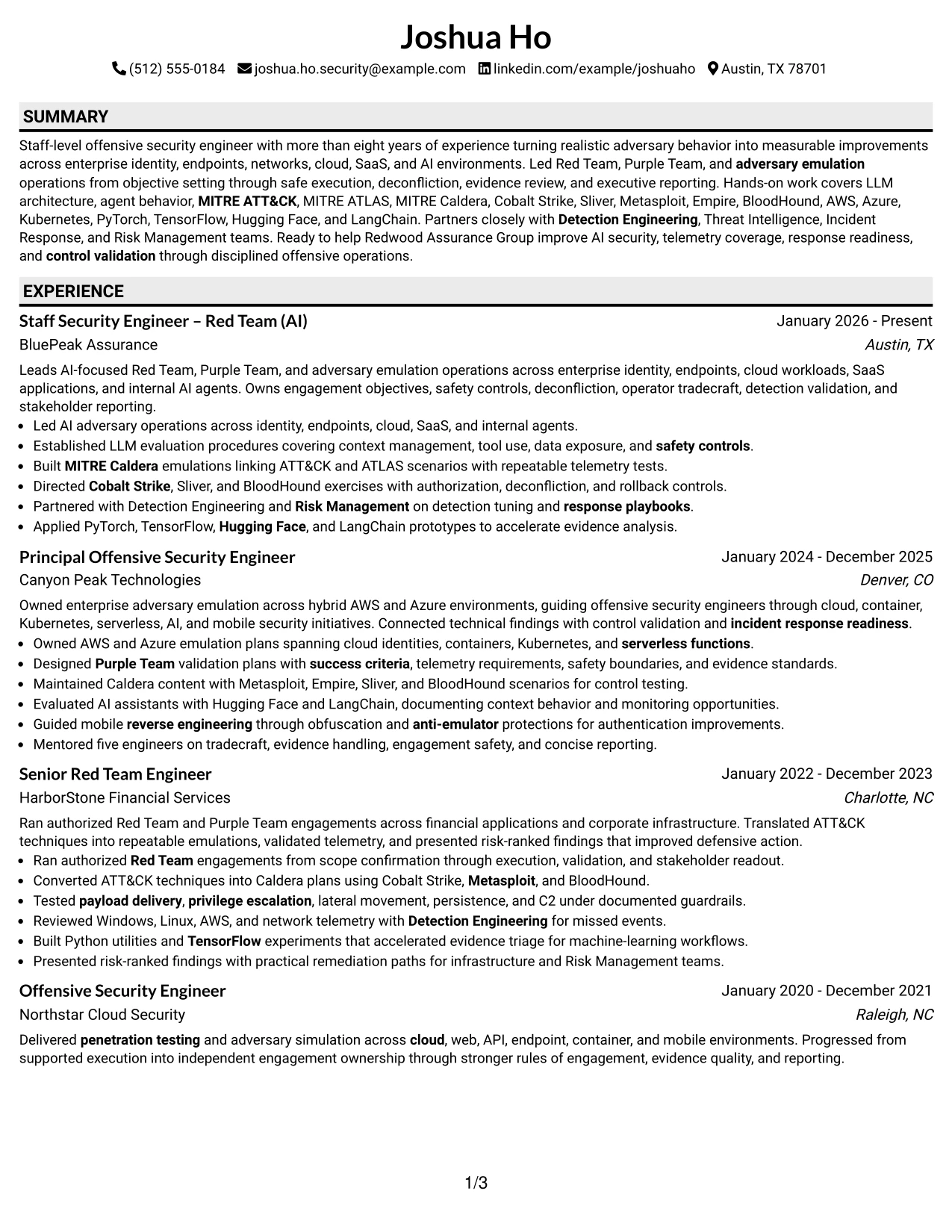
#32 Plain Professional Layout with Job Title & Shaded Labels Resume Example
Readers can begin with the job title and summary, then move through clearly labeled experience, projects, skills, education, and certifications. Shaded labels create checkpoints in a plain one-column layout, which is useful when the resume contains substantial technical and leadership content.
The content volume is supported by five roles, three focused projects, four certifications, and a broad skills record. Experience bullets can document AI agent testing, Caldera emulations, cloud and container assessments, mobile reverse engineering, mentoring, and risk-ranked reporting without crowding a secondary column.
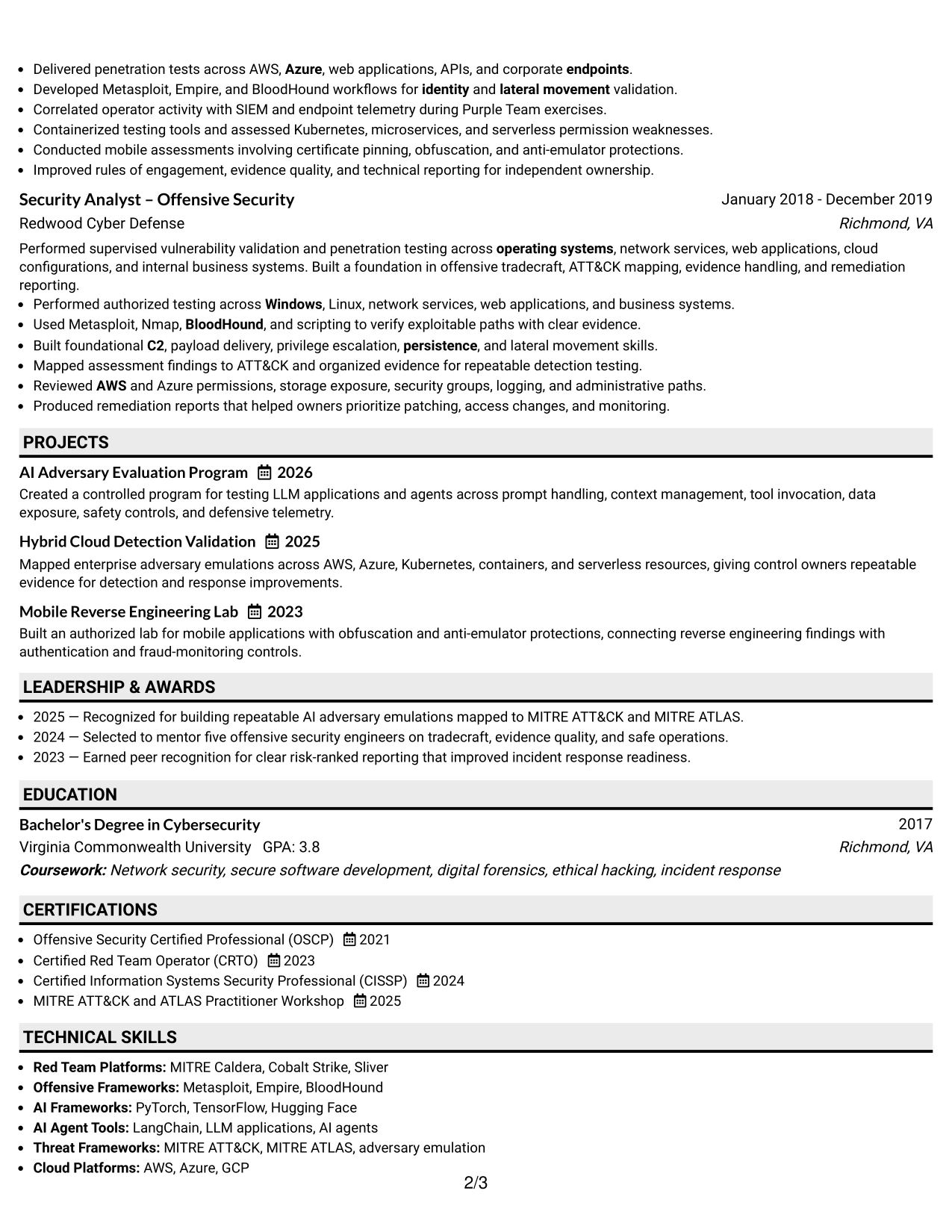
Why the Plain Professional Layout with Job Title & Shaded Labels Works for a Resume
- The linear path handles a substantial amount of career evidence.
- Shaded labels help readers return to specific sections during review.
- The job title frames the document before detailed qualifications appear.
- Five roles can be presented with consistent dates, employers, and bullets.
- Projects extend the evidence without interrupting the employment sequence.
- Certifications and skills remain accessible near the end of the document.
- Plain formatting supports ATS reading and reliable text extraction.
Best For
- Resumes with extensive experience that need a dependable reading path
- Professionals presenting several roles plus distinct technical projects
- Applications where section labels support repeated recruiter review
- Candidates needing space for tools, frameworks, certifications, and education
- Readers who value content volume over decorative design
- Documents with detailed bullets covering AI, cloud, mobile, and enterprise work
- ATS-focused submissions that still need visible organization and hierarchy
#33 Classic One Column Resume Format Resume Example
Authorized operations and measurable defensive improvements receive priority in this classic one-column resume format. The sequence lets the reader assess the summary, career evidence, projects, skills, education, and certifications without navigating side panels or decorative interruptions.
For a Staff Security Engineer – Red Team (AI) resume, the strongest evidence includes AI-focused adversary operations, repeatable ATT&CK and ATLAS emulations, LLM evaluation, cloud coverage, operator tradecraft, and stakeholder reporting. The traditional structure keeps those points searchable and easy to compare with job requirements.
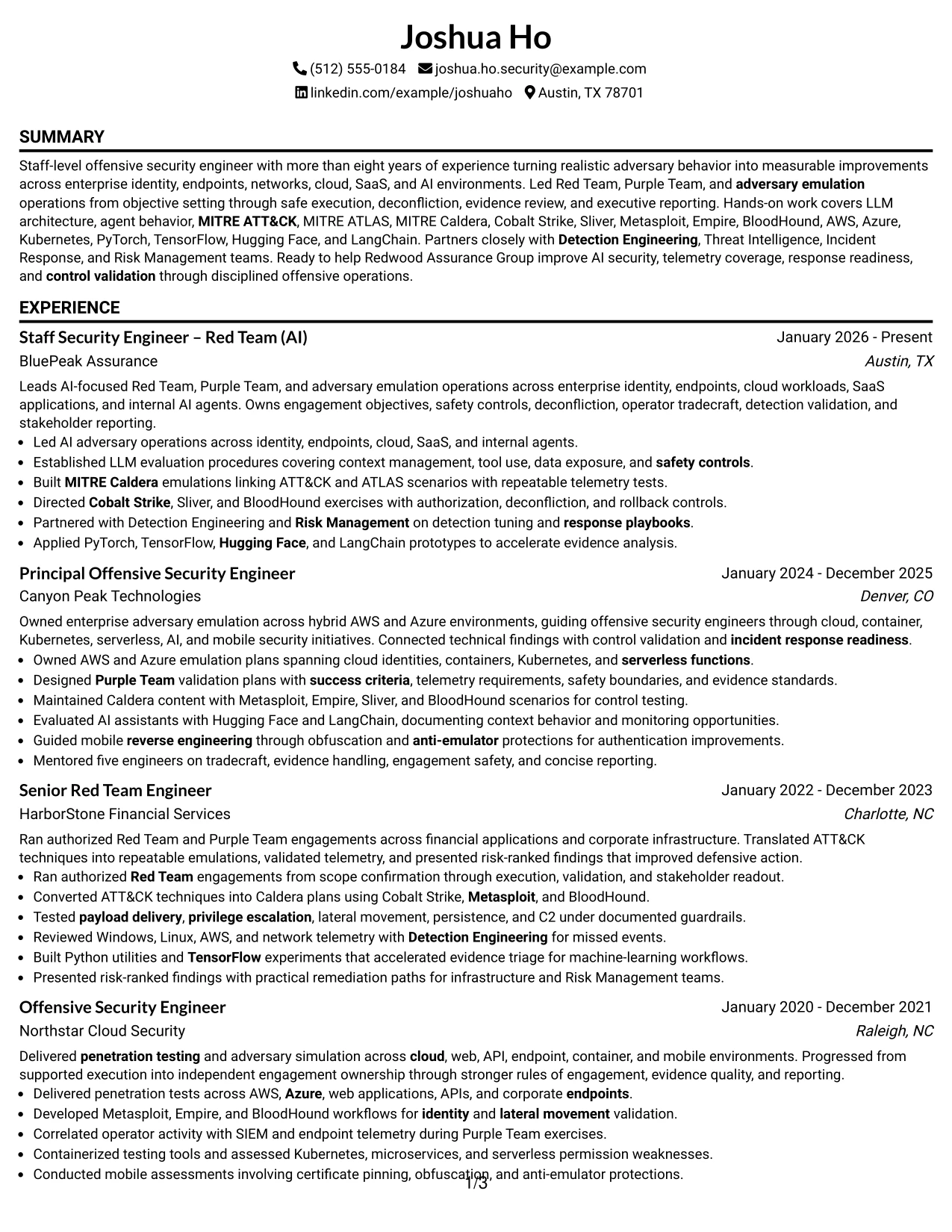
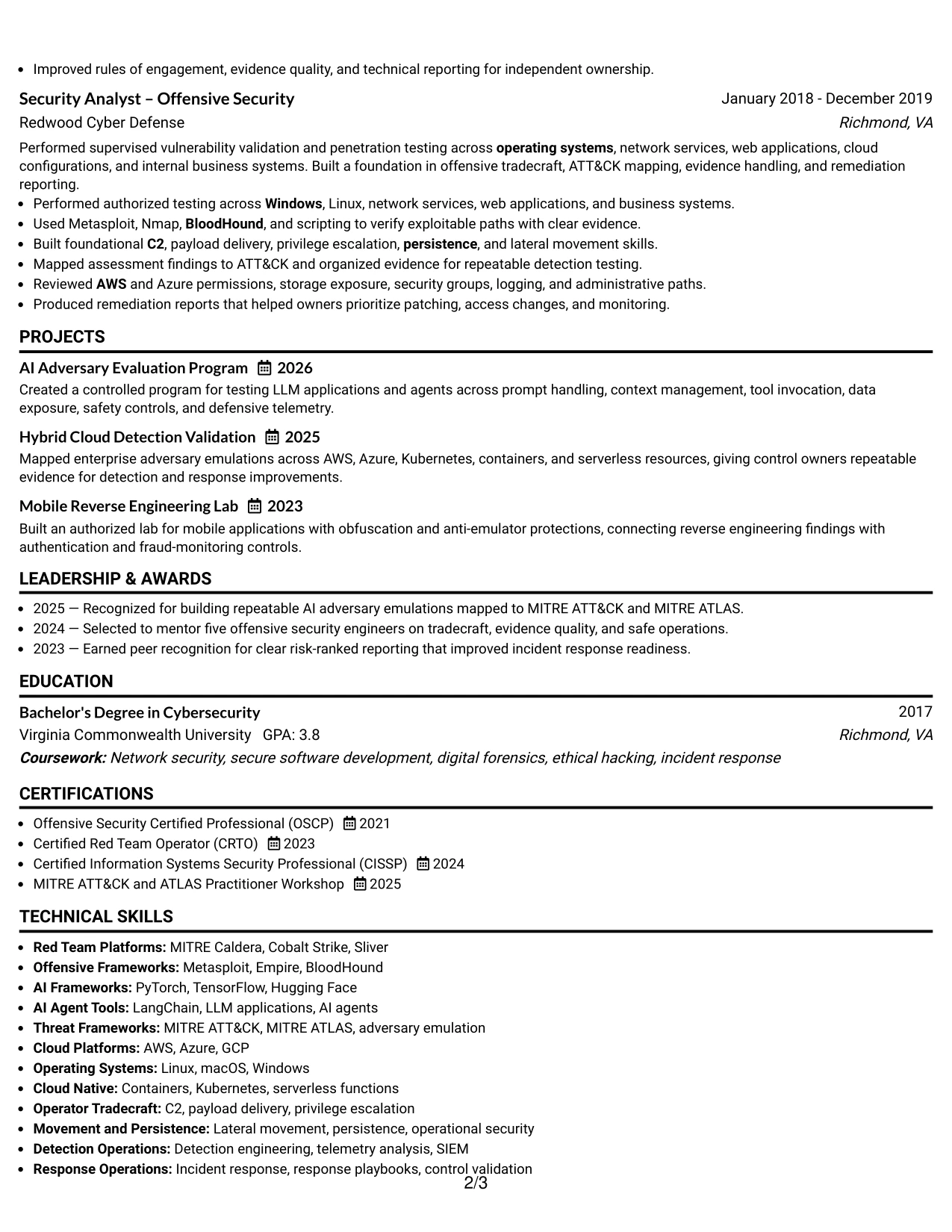
Why the Classic One Column Resume Format Works for a Resume
- A classic sequence puts measurable work evidence before supporting details.
- One-column reading reduces navigation effort for recruiters and ATS tools.
- Chronological roles show progression across offensive security responsibilities.
- Projects add focused proof without changing the document structure.
- Technical skills can reinforce terms already demonstrated in experience bullets.
- Certifications and education provide a clear closing credential section.
- The format keeps authorized testing, safety controls, and defensive results prominent.
Best For
- Applications that favor familiar, evidence-first resume structures
- Candidates whose career progression is central to the presentation
- Documents needing strong ATS compatibility and straightforward text flow
- Professionals showing measurable outcomes across several security environments
- Readers who prefer chronological experience over visual sidebars
- Resumes where projects should support, not compete with, employment evidence
- Roles requiring clear proof of technical depth, scope, and operational discipline
Why Build Your Staff Security Engineer – Red Team (AI) Resume with ResumeInMinutes
ResumeInMinutes helps offensive security professionals turn complex operations, technical tools, leadership responsibilities, and defensive outcomes into a structured resume that supports both ATS parsing and expert review.
- ATS-ready resume formats
- Clear technical section structure
- Targeted offensive security keywords
- Organized skills and tools presentation
- Free PDF resume previews
- Resume customization support
Use the formats to emphasize AI security testing, repeatable emulation, cloud and enterprise coverage, certifications, measurable improvements, and collaboration with Detection Engineering, Threat Intelligence, Incident Response, and Risk Management teams.
See Also
- 33 AI-Powered Cybersecurity Product Engineer Resume Templates with Example 2026 (ATS-Optimized)
- 33 Cyber Security Engineer, Junior Resume Templates with Example 2026 (ATS-Optimized)
- 33 Staff Software Engineer Resume Templates with Example 2026 (ATS-Optimized)
- 33 Staff Structural Engineer Resume Templates with Example 2026 (ATS-Optimized)
- 30+ Cyber Security Engineer, VP Cover Letter Templates with Example 2026
- 33 Staff Product Engineer Resume Templates with Example 2026 (ATS-Optimized)
- 33 AI Research Engineer Resume Templates with Example 2026 (ATS-Optimized)
- 33 Campus AI Research Engineer (Intern) Resume Templates with Example 2026 (ATS-Optimized)
- 33 Associate Cybersecurity Engineer Resume Templates with Example 2026 (ATS-Optimized)
- 33 Senior Cybersecurity Engineer Resume Templates with Example 2026 (ATS-Optimized)
Frequently Asked Questions
Are these Staff Security Engineer – Red Team (AI) resume templates ATS-friendly?
Yes. They use readable headings, consistent sections, and role-specific keywords such as AI security, adversary emulation, MITRE ATT&CK, MITRE ATLAS, cloud platforms, and detection validation.
Are these various resumes?
No. This guide presents one Staff Security Engineer – Red Team (AI) resume example across distinct formats and design styles.
What should a Staff Security Engineer – Red Team (AI) resume include?
Include a focused summary, Red Team and Purple Team experience, AI and LLM security work, adversary emulation, technical skills, cloud platforms, certifications, education, projects, and measurable detection or response outcomes.
Can I download the resume templates as PDFs?
Yes. Each resume design offers a free PDF download so you can review the structure and choose a format for your application.
Which resume style is best for a Staff Security Engineer – Red Team (AI) position?
A clean one-column or simple two-column format is usually the safest choice. It keeps technical evidence easy to scan and helps ATS tools read sections, dates, skills, and achievements correctly.
How should I show offensive security achievements on this resume?
Describe the authorized operation, scope, technical approach, safety controls, and result. Highlight outcomes such as repeatable emulations, improved telemetry, detection tuning, response playbook updates, or clearer control validation.
Should I include AI tools and security frameworks?
Yes, when they reflect your documented experience. Relevant examples include PyTorch, TensorFlow, Hugging Face, LangChain, MITRE Caldera, MITRE ATT&CK, MITRE ATLAS, Cobalt Strike, Sliver, Metasploit, Empire, and BloodHound.
Can I customize these resume templates?
Yes. ResumeInMinutes allows you to adjust the resume text, sections, format, design style, and PDF layout for a Staff Security Engineer – Red Team (AI) application.