
7 STEM Fellow - Scientific AI Evaluation Resume Templates with Example
This guide shows you how to build a clear, focused resume for a STEM Fellow - Scientific AI Evaluation role. You will learn how to present relevant research evidence and choose a layout that makes your qualifications easy to review.
The examples show one resume in 7 layouts. Compare the image previews, then open a layout in the editor to explore how its sections are arranged.
For this role, connect scientific judgment with careful evaluation of AI-generated research claims. Highlight relevant work with Claude and Claude Code, experimental design, data interpretation, Python workflows, and research planning when these match your experience.
What Makes a Great STEM Fellow - Scientific AI Evaluation Resume in 2026
A strong resume makes your research focus, scientific judgment, and evaluation skills easy to find. Use clear headings and concise bullets to show how you approach complex questions and assess evidence.
Use relevant terms such as Claude, Claude Code, scientific evaluation, experimental design, dataset development, model assessment, and Python workflows. Support each skill with accurate examples from your research, tools, or education.
Note: Resume examples are for educational purposes only. Use only information that accurately reflects your experience and qualifications. References to real organizations do not imply affiliation or endorsement.
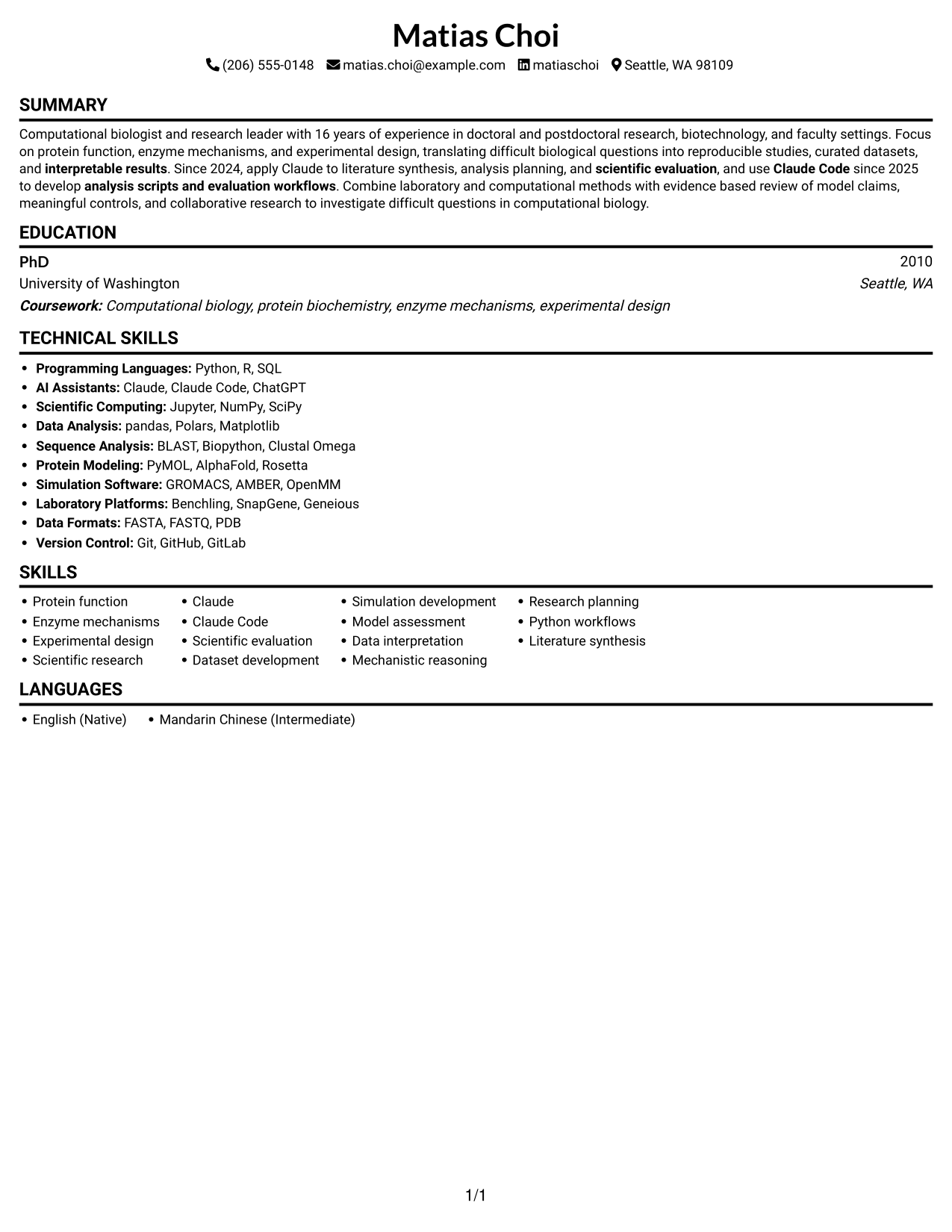
#1 Simple One Column Format Resume Example
A one-column body keeps the resume's sections in one reading path, making the order easy to follow.
Why This Format Works
- One reading path lets reviewers follow the summary, skills, and education in order.
- Clear section breaks help locate research strengths without scanning parallel columns.
- An ATS-readable text structure keeps core qualifications in a familiar sequence.
Best For
- Single-path section review
- ATS-readable text structure
- Text-first resumes
- Sequential career summaries
- Clear skills and education sections
Resume Keywords
- Scientific research
- Claude
- Claude Code
- scientific evaluation
- Simulation development
- analysis planning
- interpretable results
- Mechanistic reasoning
- analysis scripts and evaluation workflows
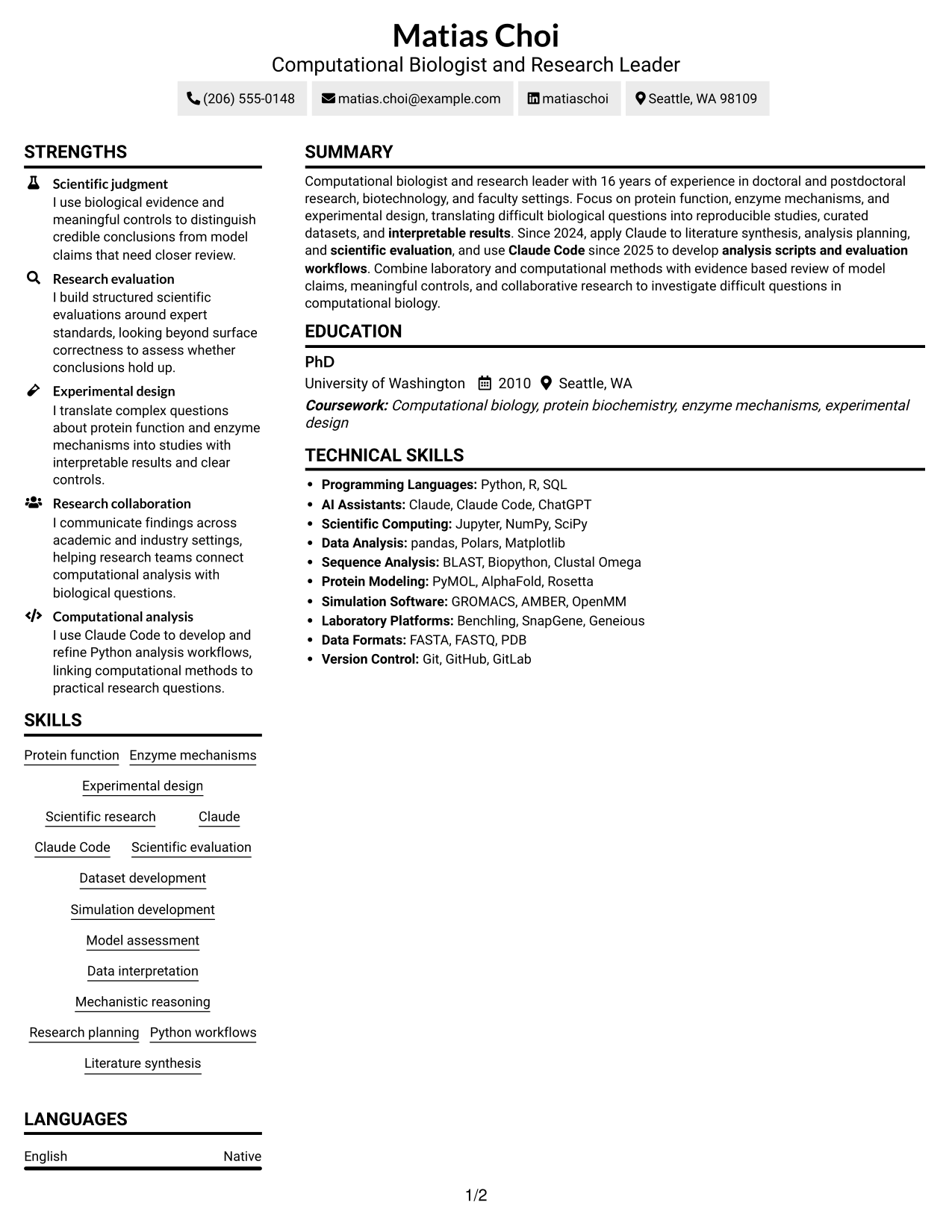
#2 Simple Two Column Format Resume Example
Two columns place resume content in parallel areas, giving reviewers another way to scan the sections.

Why This Format Works
- Parallel columns let reviewers find skills and education without passing through every section.
- Separate content areas can keep research strengths distinct from supporting qualifications.
- An ordered resume flow helps reviewers connect the summary with later section details.
Best For
- Parallel section scanning
- Distinct category grouping
- Skills and education visibility
- Compact content organization
- Two-column reading preference
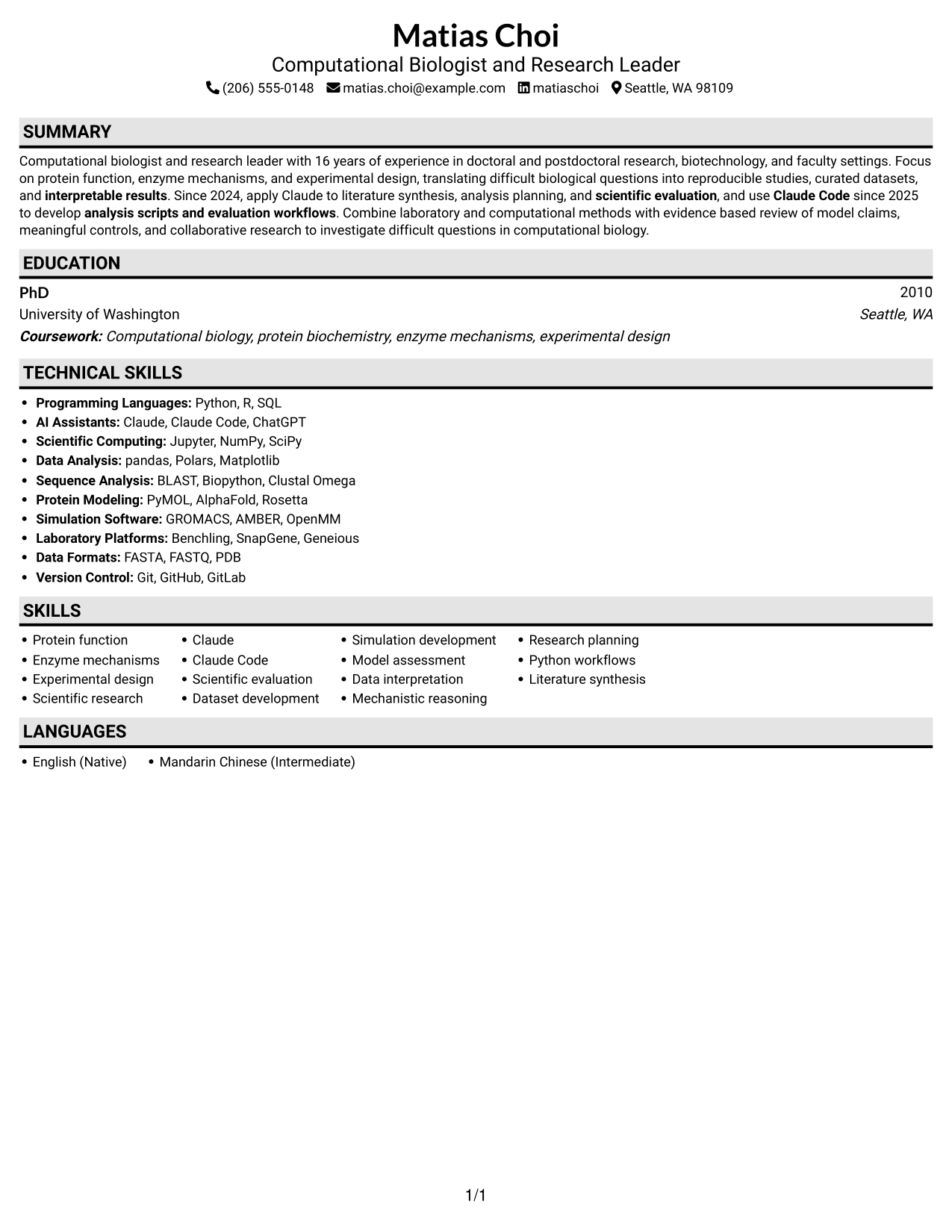
#3 Plain One Column with Shaded Labels Resume Example
A one-column body presents the resume in a direct sequence, which suits readers who prefer a linear review.
Why This Format Works
- One continuous column supports a steady review of the summary, skills, and education.
- Section labels give reviewers clear places to find resume categories.
- A linear structure keeps research qualifications in a familiar order for ATS review.
Best For
- Resume with sequential sections
- ATS-readable content order
- Text-focused review
- Easy section location
- Full-width body text
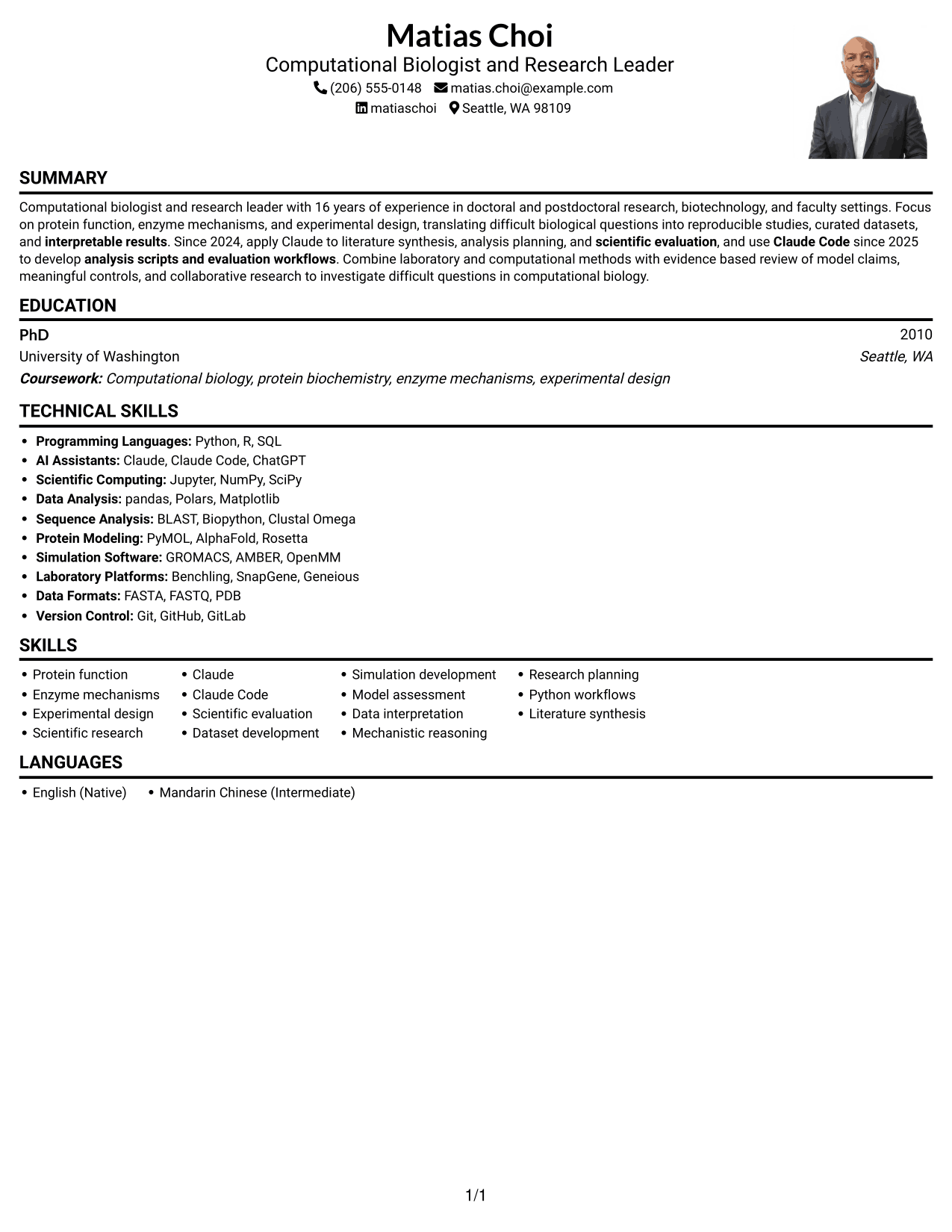
#4 One Column Format with Photo Right Resume Example
This one-column resume includes a photo, while its text sections follow a single reading path.
Why This Format Works
- The one-column reading order keeps the resume's text sections easy to follow.
- A photo adds a visual element while the resume content remains text-led.
- Section headings help reviewers locate education and technical skills.
Best For
- One-column text review
- Resume with a portrait
- Linear section navigation
- Photo-inclusive document preference
- Skills and education in sequence
#5 Clean Two Column Sidebar Format Resume Example
The two-column body organizes resume content in parallel areas for readers who prefer a structured scan.
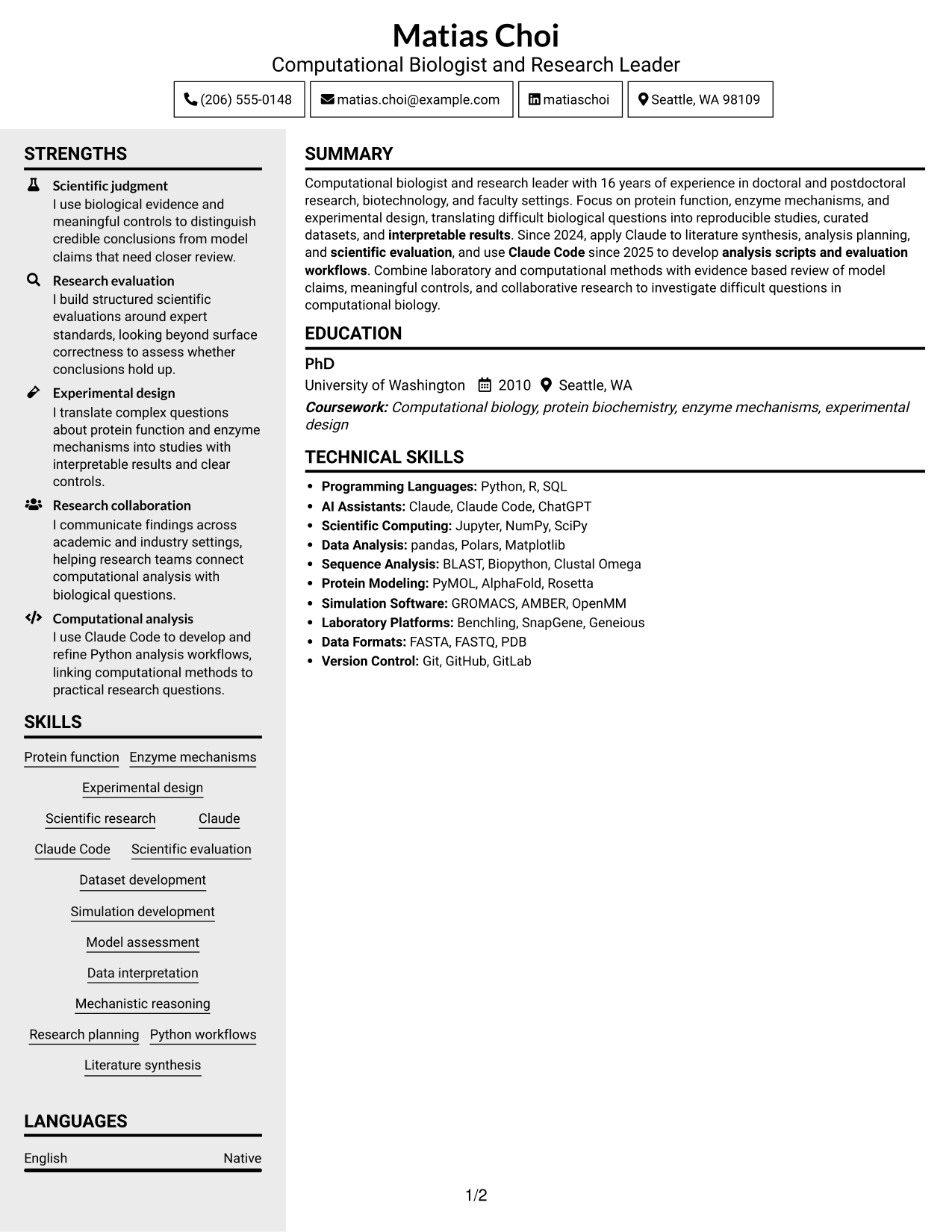

Why This Format Works
- Two columns separate resume information, helping reviewers move between skills and education.
- Distinct content areas organize research strengths without requiring one long section sequence.
- Section grouping gives technical skills and education clear places in the resume.
Best For
- Parallel content review
- Distinct resume categories
- Skills and education access
- Structured section scanning
- Two-column information layout
#6 Two Column Format Resume Example
Two columns give the resume a side-by-side reading structure, useful when reviewers want to scan separate areas.
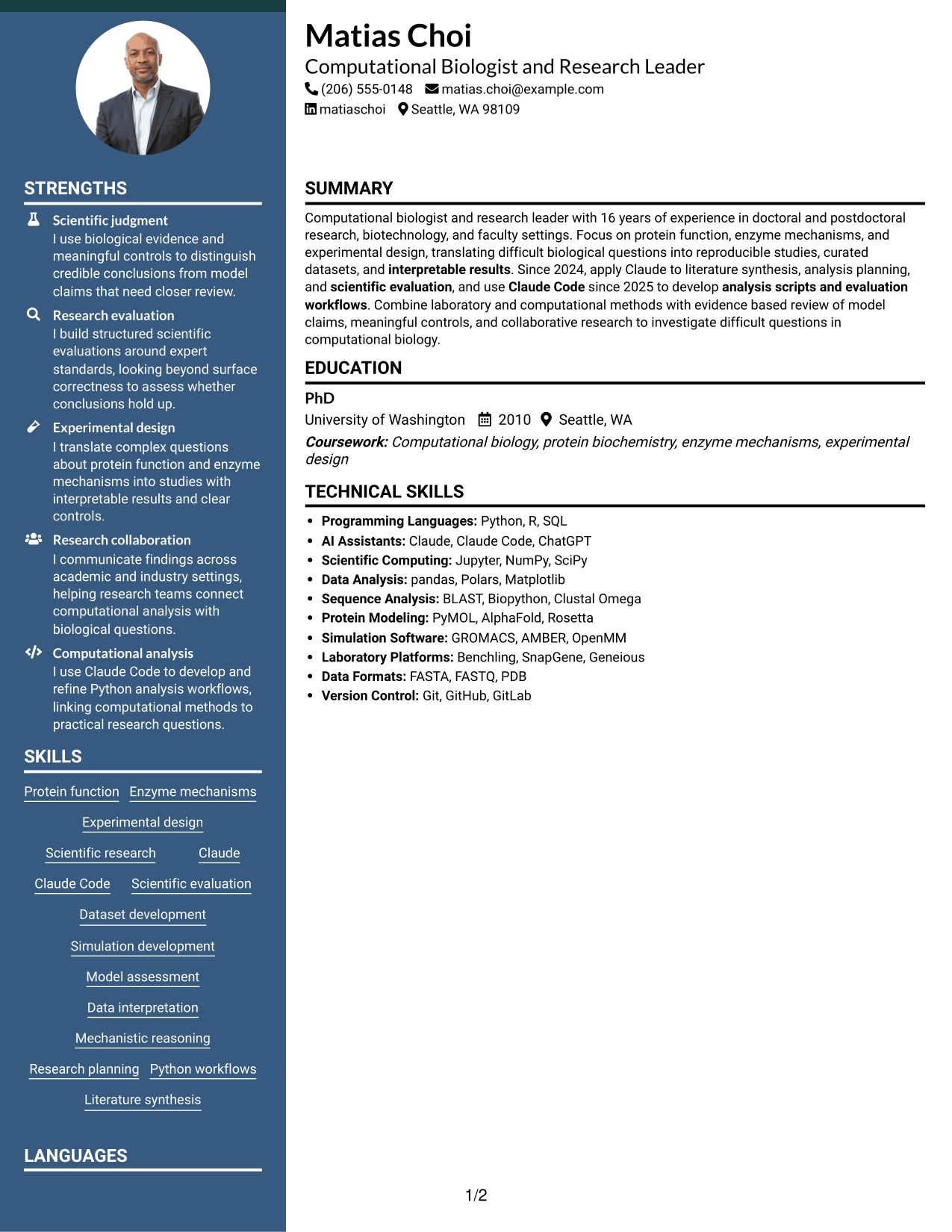

Why This Format Works
- Side-by-side reading lets reviewers compare core strengths with supporting resume sections.
- Separate columns reduce the need to move through every section in sequence.
- Section grouping helps education and technical skills remain easy to locate.
Best For
- Side-by-side section review
- Separate content areas
- Shorter scanning paths
- Skills beside supporting details
- Parallel resume organization
#7 Photo Header Two Column Format Resume Example
This two-column resume includes a photo, pairing a portrait with parallel areas for the document content.
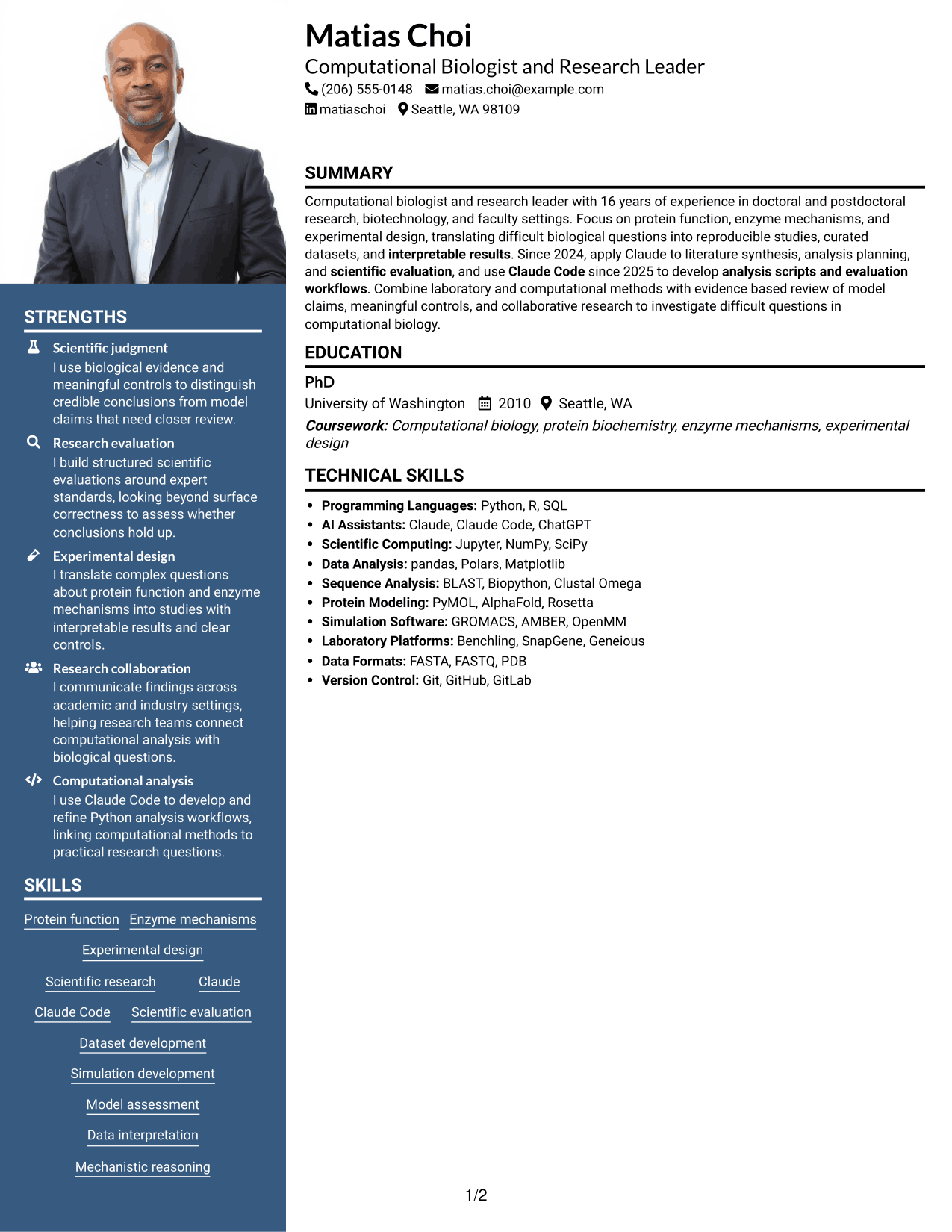
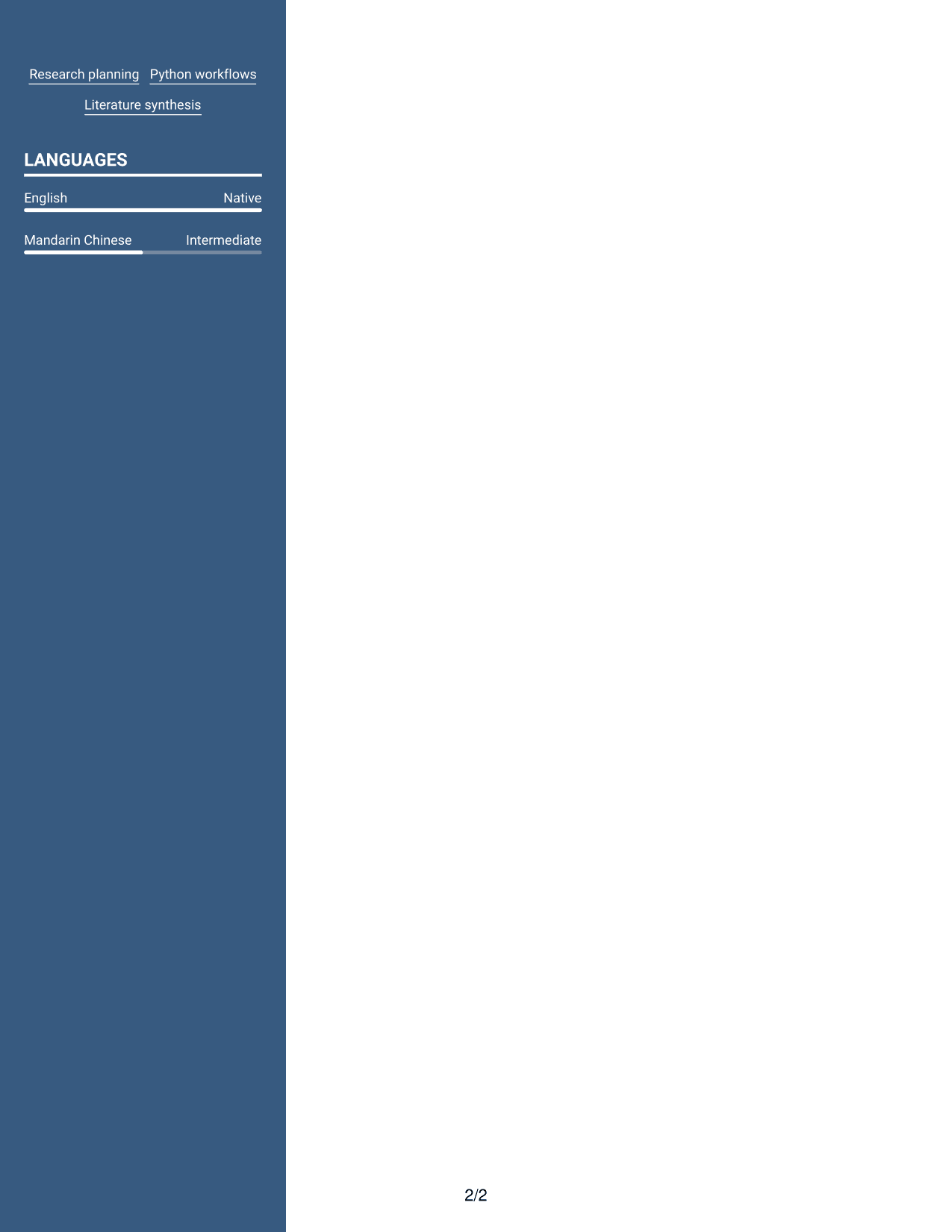
Why This Format Works
- Two columns organize resume sections while the photo adds a visual element.
- Parallel content areas help reviewers locate education and skills efficiently.
- The portrait adds visual presentation without replacing the resume's structured content.
Best For
- Two-column section scanning
- Resume with a portrait
- Parallel content organization
- Photo-inclusive resume preference
- Separate skills and education areas
Why Build Your STEM Fellow - Scientific AI Evaluation Resume with ResumeInMinutes
ResumeInMinutes lets you compare resume image previews and open an example in the editor. A clear one-column structure can help readers follow your research focus, skills, education, and supporting evidence.
- ATS-friendly section structure
- Research and skills organization
- Role-focused keyword guidance
- Clear education and experience sections
- Space for tools and research methods
- Resume customization in the editor
Choose a layout that makes your qualifications easy to scan. Keep claims accurate, and use specific details to explain your contribution to research, evaluation, or analysis work.
See Also
- 33 Registered Nurse, Stem Cell/ICU Resume Templates with Example 2026 (ATS-Optimized)
- 7 STEM Facilitator Resume Templates with Example
- 33 Chemical Engineering Fellow Resume Templates with Example 2026 (ATS-Optimized)
- 33 Geophysics Senior Research Fellow Resume Templates with Example 2026 (ATS-Optimized)
- 7 Postdoctoral Fellow - Statistical Genetics and Genomics Resume Templates with Example
- 7 Equipment Development Engineer - Wafer Bonding Resume Templates with Example
- 7 Sales Development Representative - SaaS Prospecting Resume Templates with Example
- 7 Payroll Program Manager - Payroll Systems and Transformation Resume Templates with Example
- 7 STEM Fellow - Scientific AI Evaluation Cover Letter Templates with Example
- 30+ Registered Nurse, Stem Cell/ICU Cover Letter Templates with Example 2026
Frequently Asked Questions
Are these STEM Fellow - Scientific AI Evaluation resume templates ATS-friendly?
The layouts use readable sections and familiar headings that can support ATS parsing. Use clear wording for relevant skills, such as scientific evaluation, Claude, Claude Code, experimental design, and model assessment.
Are these different resumes or layouts of one example?
This page shows one STEM Fellow - Scientific AI Evaluation resume example in different layouts. Compare the image previews and open a preferred version in the editor.
What should a STEM Fellow - Scientific AI Evaluation resume include?
Include a focused summary, education, relevant research experience, technical skills, and tools. Add clear evidence of scientific judgment, evaluation work, experimental design, data interpretation, or research planning when it reflects your background.
How can I show that I use Claude and Claude Code?
Name the tools in your skills section when you have used them. In a relevant experience or project bullet, explain what you did, such as literature synthesis, analysis planning, script development, or evaluation workflow design.
How can I describe scientific AI evaluation work?
State the research question, the evaluation method, and what the results showed. Explain how you used evidence or meaningful controls to assess a model's claims, without overstating the findings.
Should I include a photo on my resume?
For U.S. applications, a no-photo resume is generally the safer choice. Use a photo only when it is customary or requested in the region where you are applying.




