
7 Store Manager - Coffeehouse Operations Cover Letter Templates with Example
This practical guide helps you create a Store Manager - Coffeehouse Operations cover letter that makes your fit clear and gives the hiring team a reason to keep reading. You will find advice for shaping a focused message for this role.
Learn how to open with clear interest, choose evidence that shows how you lead a coffeehouse team, and connect your motivation to the employer’s needs. You will also see how to close with confidence and a professional tone.
The same cover letter is presented in 7 layouts, so you can compare different ways to present your message while keeping its role-specific content clear.
What Makes a Great Store Manager - Coffeehouse Operations Cover Letter in 2026
A strong letter connects welcoming guest service with the daily work of leading a coffeehouse team. Show how you support beverage quality, organize shifts, and keep service steady during busy periods.
Use relevant examples, such as coaching supervisors, adjusting floor coverage based on sales patterns, or resolving guest concerns. Explain how your approach fits the employer’s focus on team growth, customer care, and sales-focused operations.
The featured Store Manager - Coffeehouse Operations example moves from role interest to hands-on leadership evidence, team development, and a clear closing. Adapt that focused progression, then choose a presentation that suits the employer and the communication context.
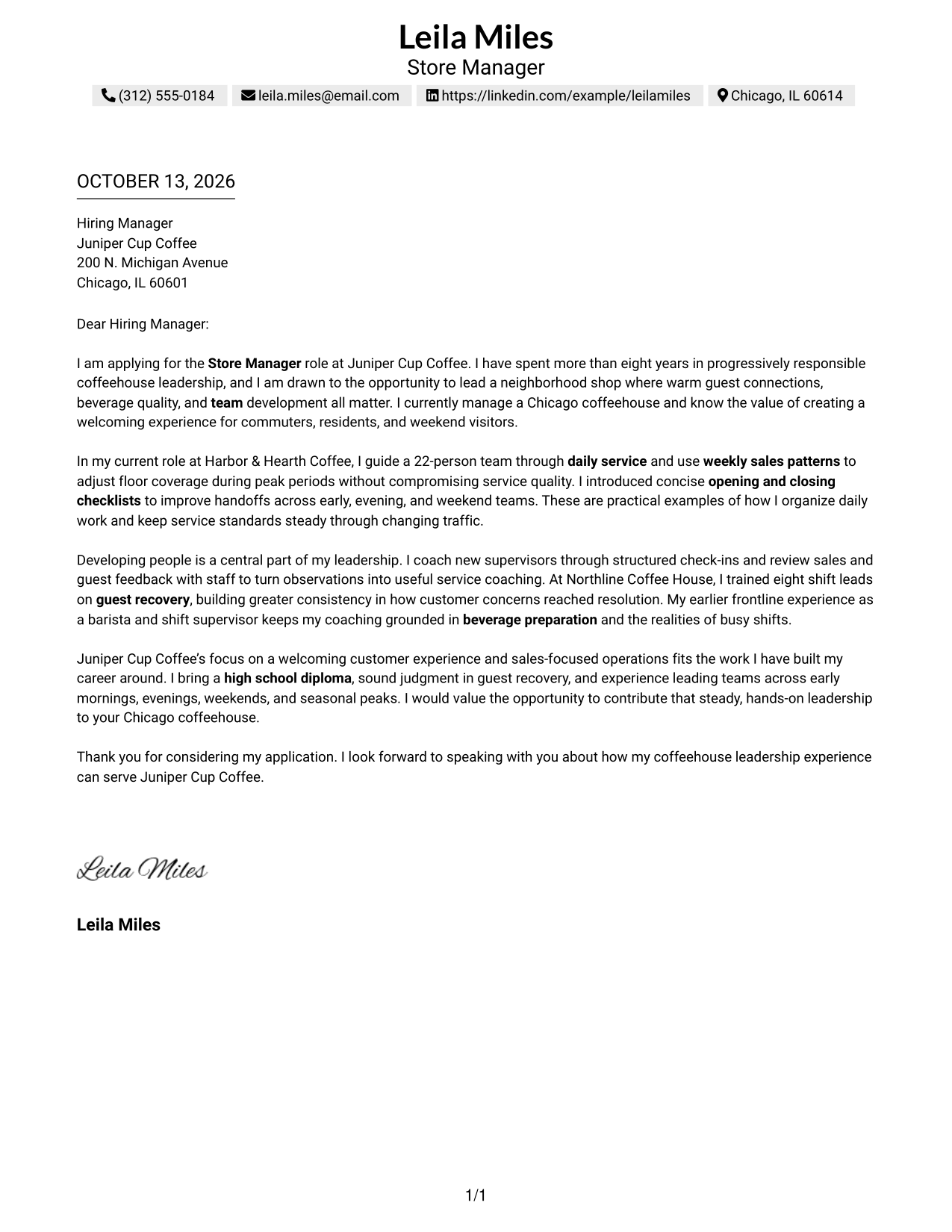
#1 Simple One Column Format Cover Letter Example
The Simple One Column Format gives the opening, motivation, evidence, and closing one clear reading path, helping reviewers follow the letter’s case from interest to fit.
Why This Format Works
- One reading path lets reviewers follow the opening, motivation, evidence, and closing in order.
- Sender details in the header stay separate from the letter’s persuasive message.
- The uninterrupted body lets reviewers connect motivation with its supporting evidence.
Best For
- Letters with a clear persuasive narrative
- Familiar paragraph-by-paragraph reading
- Header-based sender details
- Applications with several points of evidence
- Readers who prefer a direct reading order
#2 Two Column Format Cover Letter Example
The Two Column Format places contact details in a sidebar beside one continuous letter body, so reviewers can find sender information without interrupting the message.
Why This Format Works
- A separate contact sidebar keeps sender details apart from the letter’s opening and closing.
- The continuous body lets motivation and supporting evidence unfold in reading order.
- Reviewers can move from contact information to the full argument without split body columns.
Best For
- Contact details separate from the message
- Letters with several evidence paragraphs
- Quick access to sender information
- A single, uninterrupted argument
- Readers who scan contact details first
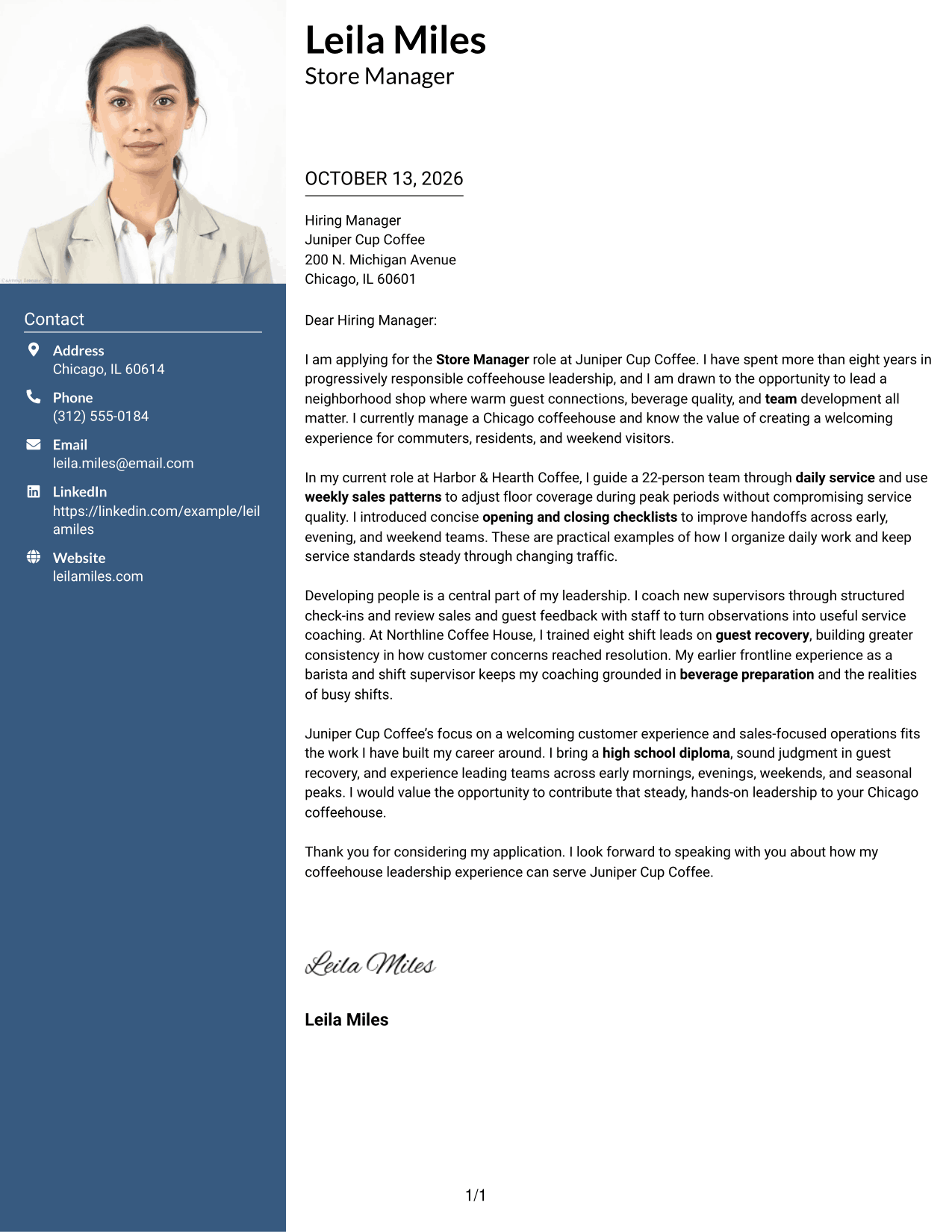
#3 Photo Header Two Column Format Cover Letter Example
With a photo header and contact sidebar, the Photo Header Two Column Format gives the letter a personal visual introduction while keeping its message in one continuous body.
Why This Format Works
- The contact sidebar leaves the continuous body free to carry the full case.
- One body column keeps motivation and supporting evidence together as one argument.
- The opening and closing remain within the same clear reading sequence.
Best For
- Letters suited to a personal photo
- Contact details beside the letter body
- One continuous persuasive message
- Several connected points of evidence
- A visual introduction with clear reading order
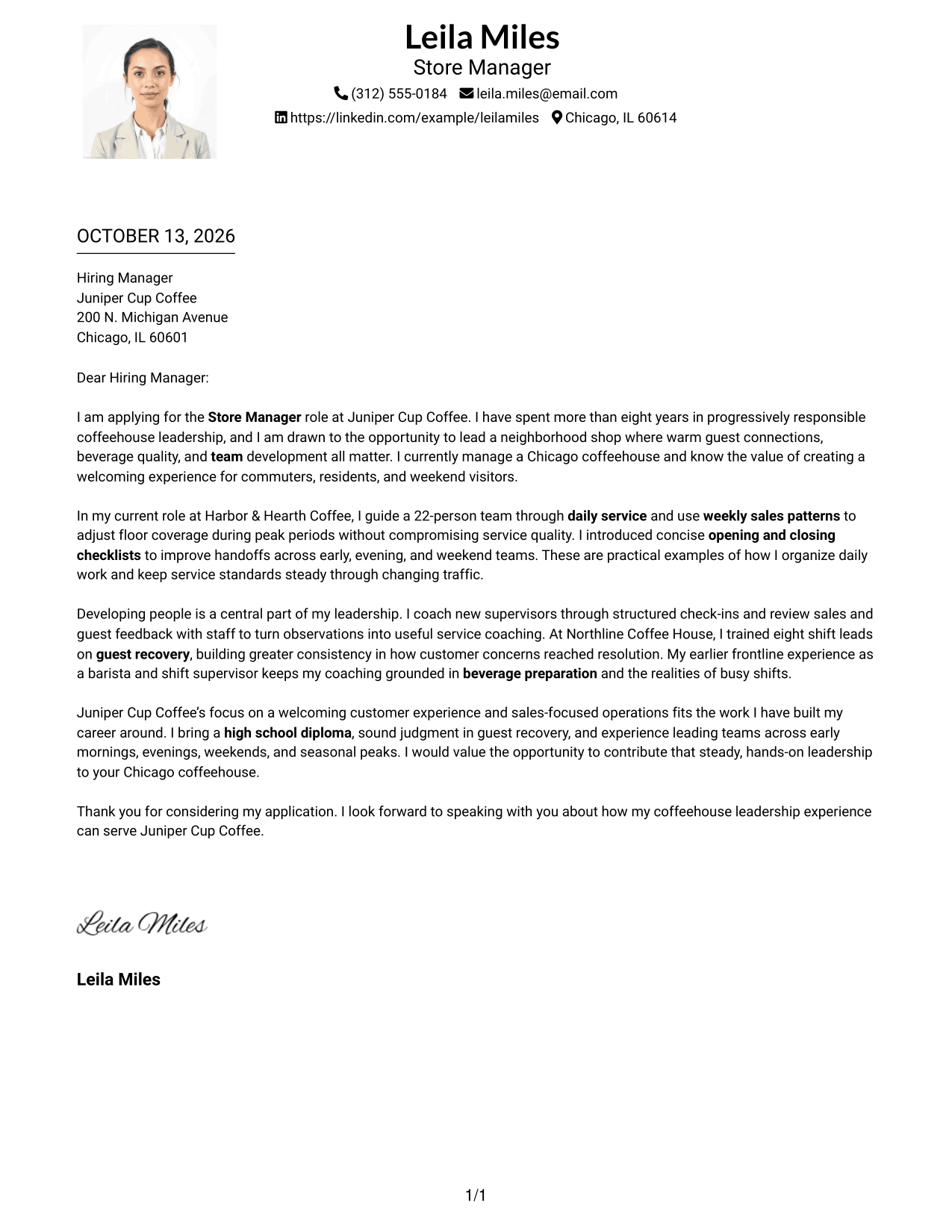
#4 One Column Format with Photo Cover Letter Example
The One Column Format with Photo keeps the letter in a single reading flow and adds a photo to the sender’s visual introduction.
Why This Format Works
- The single-column body guides reviewers from the opening through the closing.
- A continuous letter sequence keeps motivation close to its supporting evidence.
- Sender details in the header stay distinct from the main message.
Best For
- A personal photo with a direct reading flow
- Letters with a connected narrative
- Header-based sender information
- Evidence explained across several paragraphs
- Readers who prefer a familiar letter layout
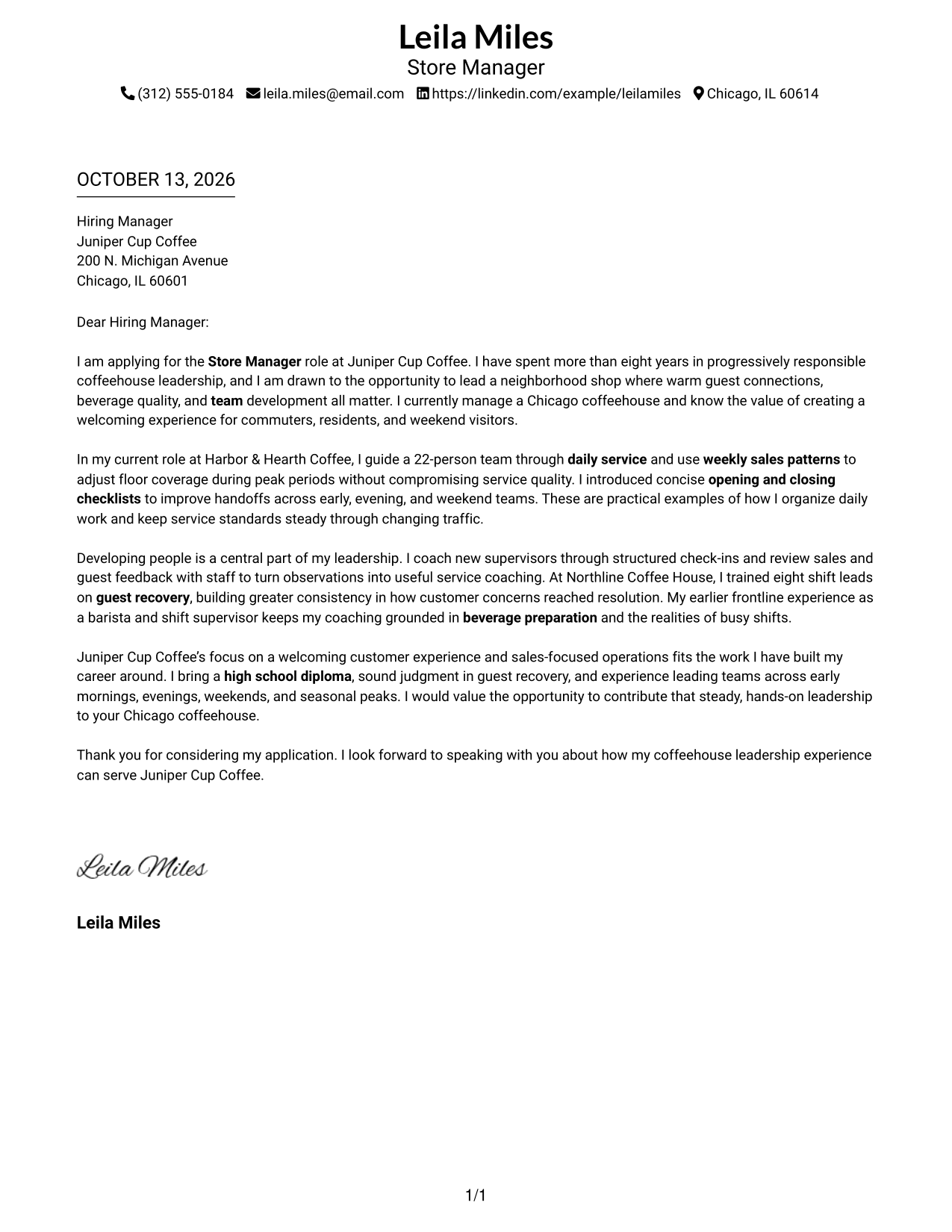
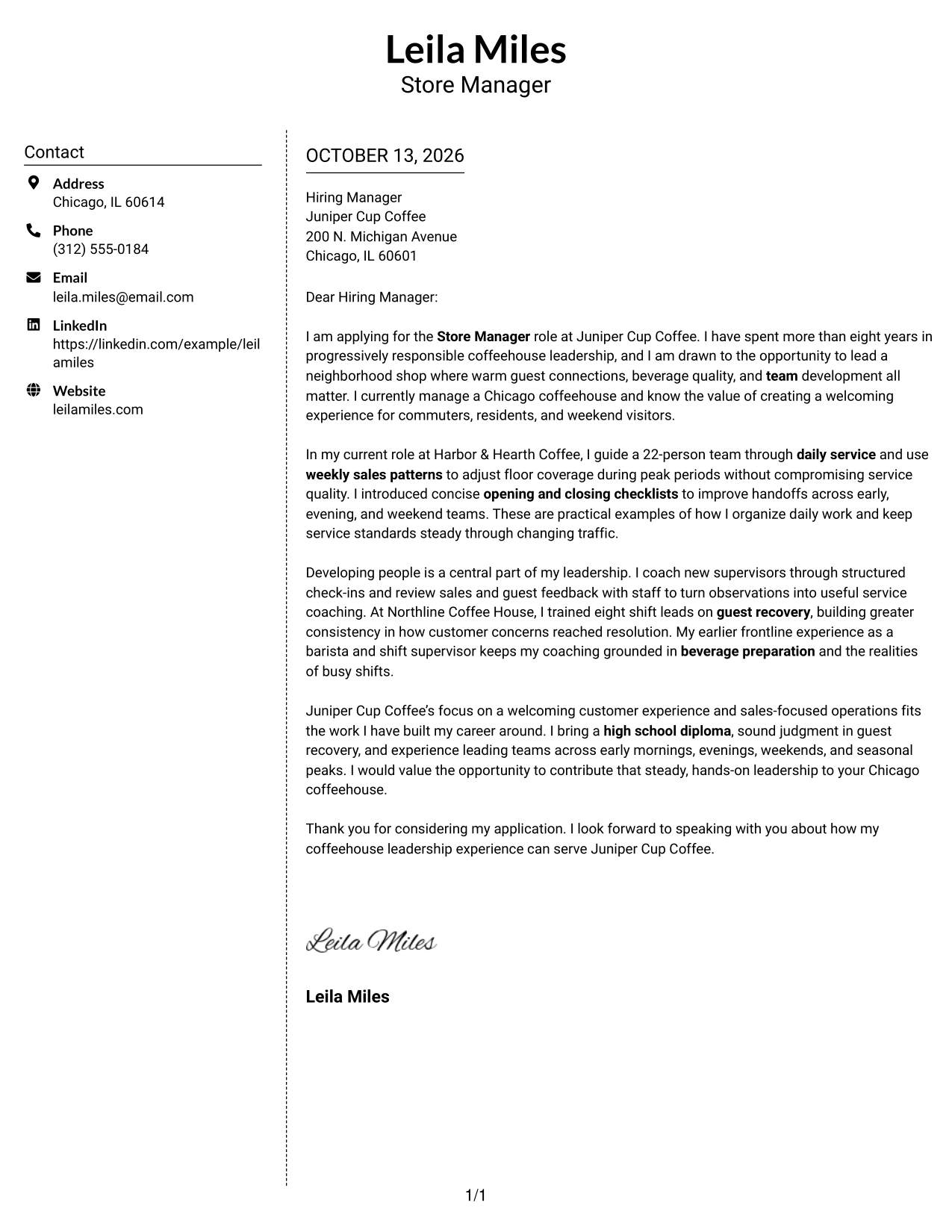
#5 Simple Two Column Format Cover Letter Example
The Simple Two Column Format keeps contact details beside, rather than inside, the continuous letter body, giving reviewers two clear places to look.
Why This Format Works
- Contact details sit apart while the opening and closing stay in the letter body.
- A single body column keeps the persuasive message together from start to finish.
- The sidebar gives reviewers a separate place to find sender information.
Best For
- A clear split between contact details and message
- Letters with a focused central argument
- Easy access to sender information
- A single body reading sequence
- Readers who want simple navigation
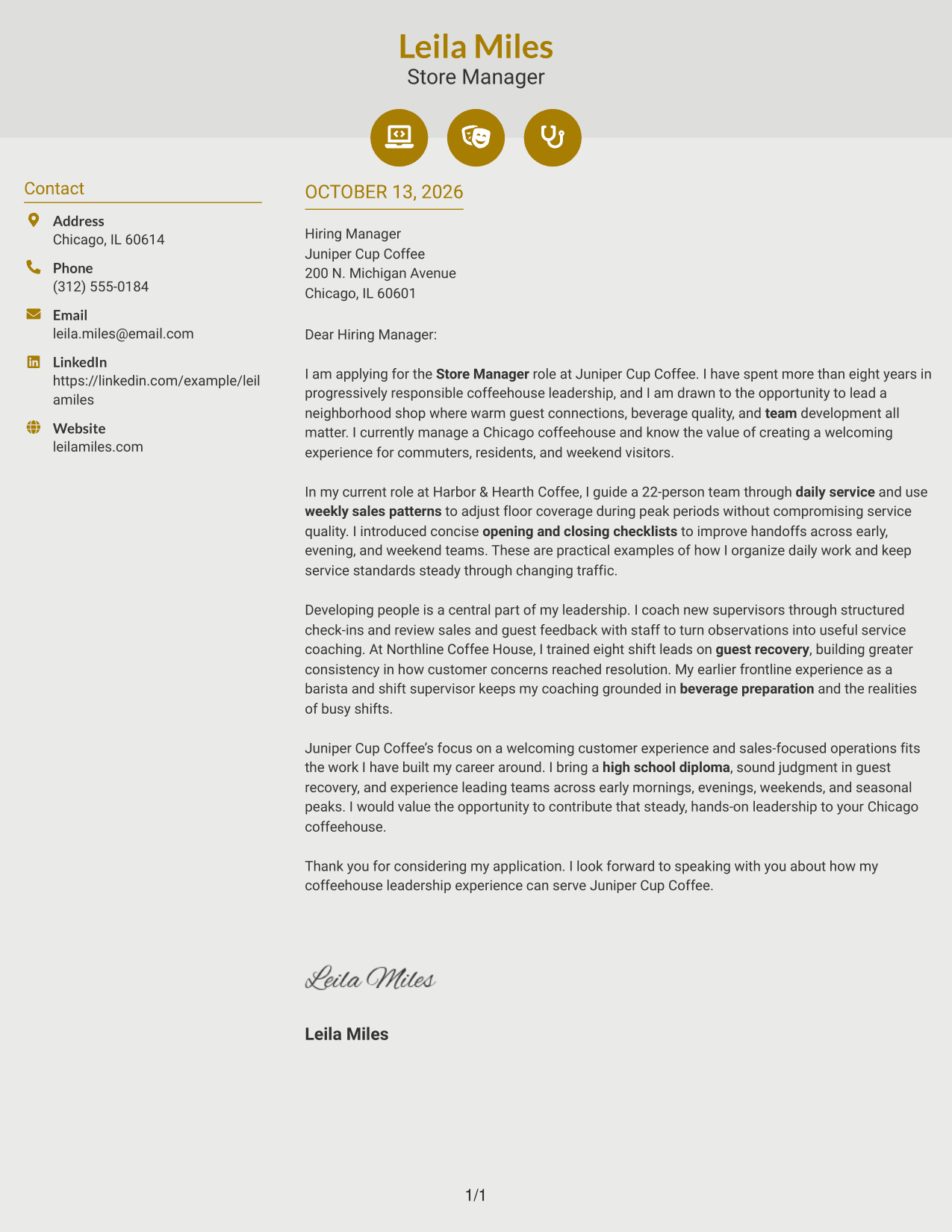
#6 Modern Icon Format Cover Letter Example
The Modern Icon Format uses a contact sidebar and small visual cues around contact details, while the letter itself remains one continuous message.
Why This Format Works
- Contact cues help reviewers locate sender details before reading the letter’s opening.
- The continuous body keeps motivation and evidence in one connected sequence.
- A separate sidebar leaves the closing within the letter’s main reading path.
Best For
- Contact details marked with visual cues
- Letters with a continuous persuasive message
- Easy separation of sender information and body
- A clear path from opening to closing
- Readers who value contact navigation
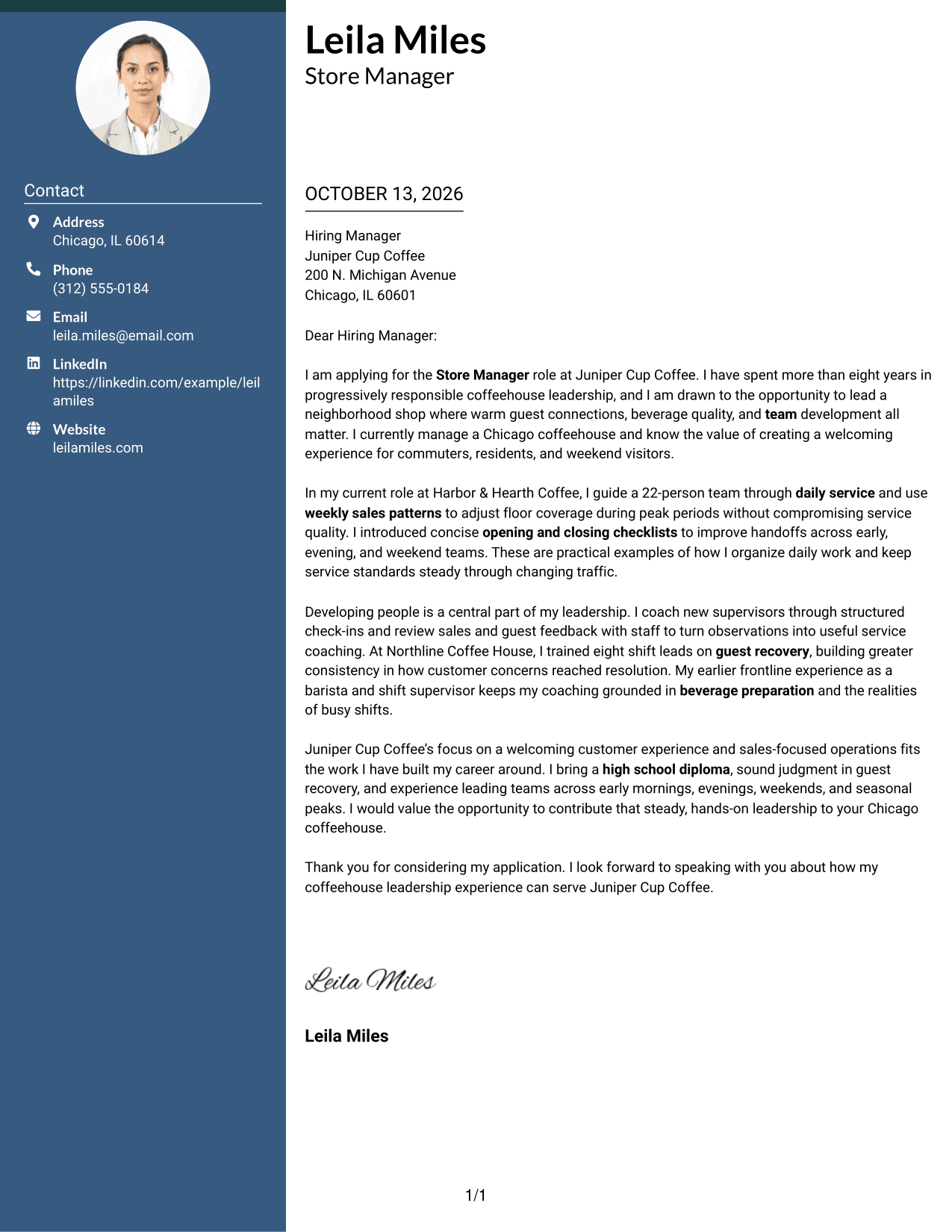
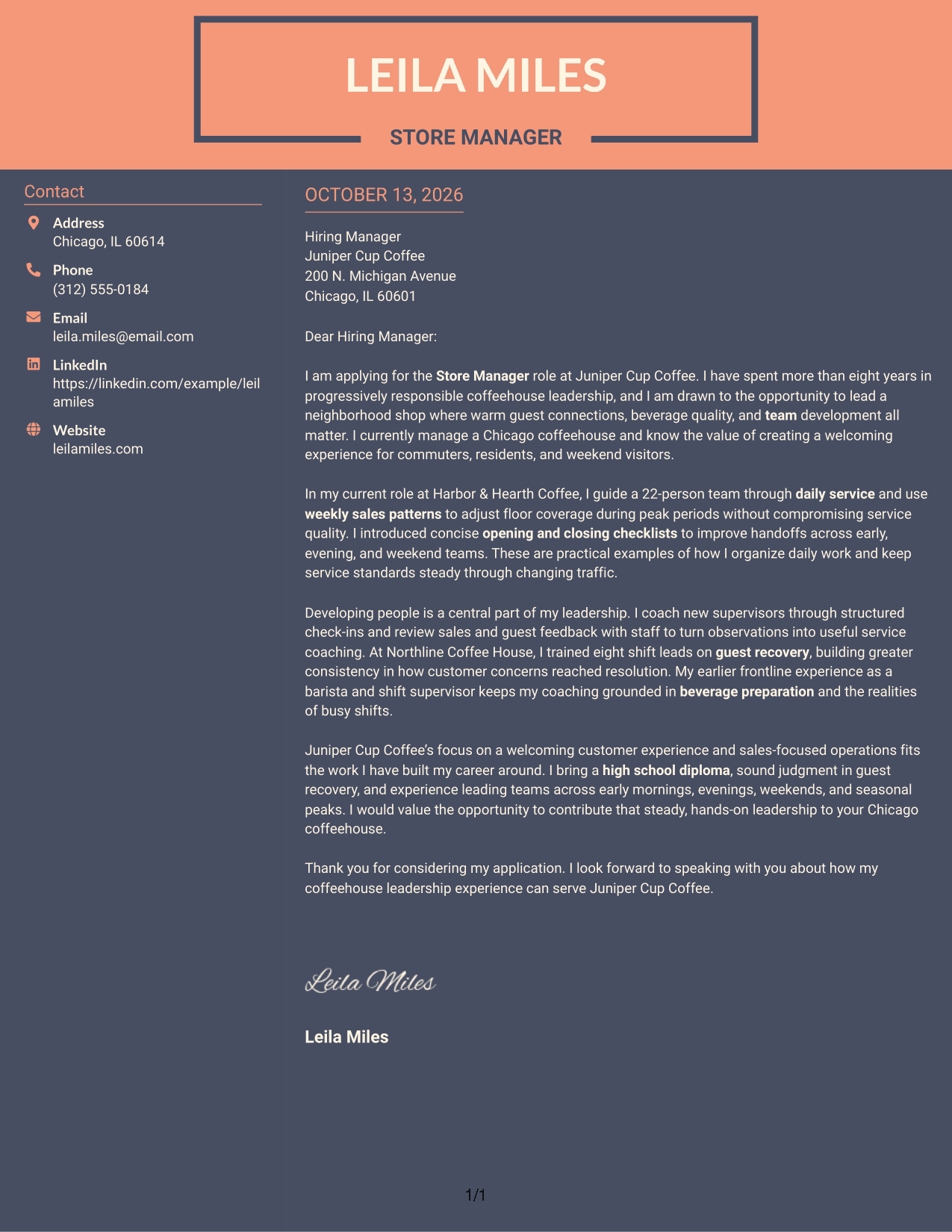
#7 Creative Two Tone Format Cover Letter Example
The Creative Two Tone Format uses color to distinguish the contact sidebar from the continuous letter body, keeping contact details apart from the message.
Why This Format Works
- Color contrast helps distinguish contact details from the letter’s opening and argument.
- One continuous body keeps the motivation, evidence, and closing in reading order.
- The separate sidebar leaves the letter’s main message together in one place.
Best For
- A visible distinction between contact details and message
- Letters with a clear persuasive sequence
- Quick access to sender information
- A continuous body with separate contact navigation
- Readers who prefer color-led organization
See Also
- 7 Store Manager - Coffeehouse Operations Resume Templates with Example
- 7 General Manager - Retail Store Operations Resume Templates with Example
- 7 Assistant Store Manager - Fashion Retail Resume Templates with Example
- 7 Assistant Store Manager Resume Templates with Example
- 7 Assistant Store Manager - Telecommunications Retail Resume Templates with Example
- 7 Campus Store Lead Assistant Resume Templates with Example
- 33 Full-Time Store Associate Resume Templates with Example 2026 (ATS-Optimized)
- 33 Retail Store Associate Resume Templates with Example 2026 (ATS-Optimized)
- 7 General Manager - Retail Store Operations Cover Letter Templates with Example
- 30+ Assistant Store Manager Cover Letter Templates with Example 2026
Frequently Asked Questions
What should a Store Manager - Coffeehouse Operations cover letter include?
Include a clear opening, examples of team leadership and guest service, and a closing that shows interest in the role. Explain how your approach supports daily operations, beverage quality, and sales goals.
How can I show coffeehouse leadership in my cover letter?
Describe specific actions and their purpose. For example, the featured letter explains how its writer guided a 22-person team, adjusted floor coverage using weekly sales patterns, and introduced opening and closing checklists.
How can I show that I can coach a coffeehouse team?
Give a direct example of how you help people improve. The featured letter describes coaching new supervisors through check-ins and training eight shift leads on guest recovery.
How should I discuss guest service and customer concerns?
Show how you listen, respond calmly, and help the team provide a welcoming experience. A brief example of resolving a concern or improving service makes your approach easier to understand.
How can I connect my letter to an employer’s needs?
Refer to the employer’s priorities, such as team development, beverage quality, welcoming service, and sales-focused operations. Then connect those priorities to relevant actions from your own work.
What is a good way to close a coffeehouse store manager cover letter?
End with a brief statement of interest and thanks. Invite a conversation about how your leadership and coffeehouse operations experience could support the team.
Can I change the wording and presentation of these cover letter examples?
Yes. Adjust the wording to reflect your own experience and the employer’s needs, then choose a presentation that keeps the letter clear and easy to read.




