
7 Strategic Relationship Management Director - WealthTech Cover Letter Templates with Example
This guide helps you write a Strategic Relationship Management Director - WealthTech cover letter and compare its seven layouts.
What Makes a Great Strategic Relationship Management Director - WealthTech Cover Letter in 2026
A strong letter connects client relationship leadership with the role’s goals for account growth, advisor engagement, and wealth technology. It should make a clear case for fit through a focused opening, relevant examples, and a direct close.
Use specific evidence, such as managing RIA and Home Office relationships, tracking shared KPIs, or coordinating executive and internal teams. Link that evidence to the employer’s needs, and explain why its work and client focus matter to you.
The featured Strategic Relationship Management Director - WealthTech example follows a focused progression from interest and role fit to evidence, employer alignment, and a clear close. Adapt that flow while choosing a presentation that suits the employer and the communication context.
#1 Simple One Column Format Cover Letter Example
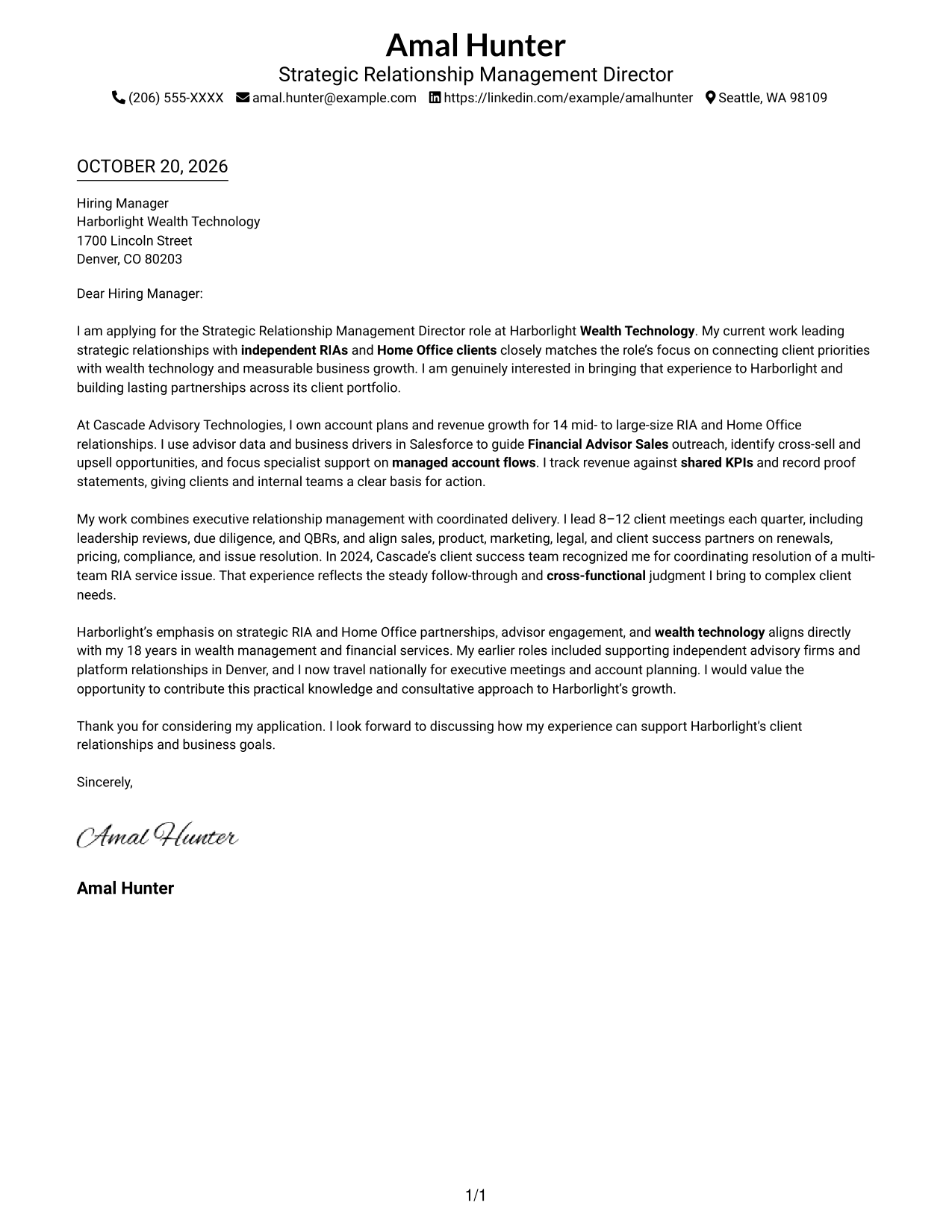
A single column places sender details above one uninterrupted letter body, keeping the layout direct and easy to follow.
Why This Format Works
- Sender details in the header stay distinct from the letter’s main paragraphs.
- One body column keeps the opening, evidence, and closing in sequence.
- The single-column page avoids a separate contact sidebar beside the message.
Best For
- Single-column reading
- Header-based contact details
- Continuous letter arguments
- Portrait-free applications
- Formal application correspondence
#2 Two Column Format Cover Letter Example
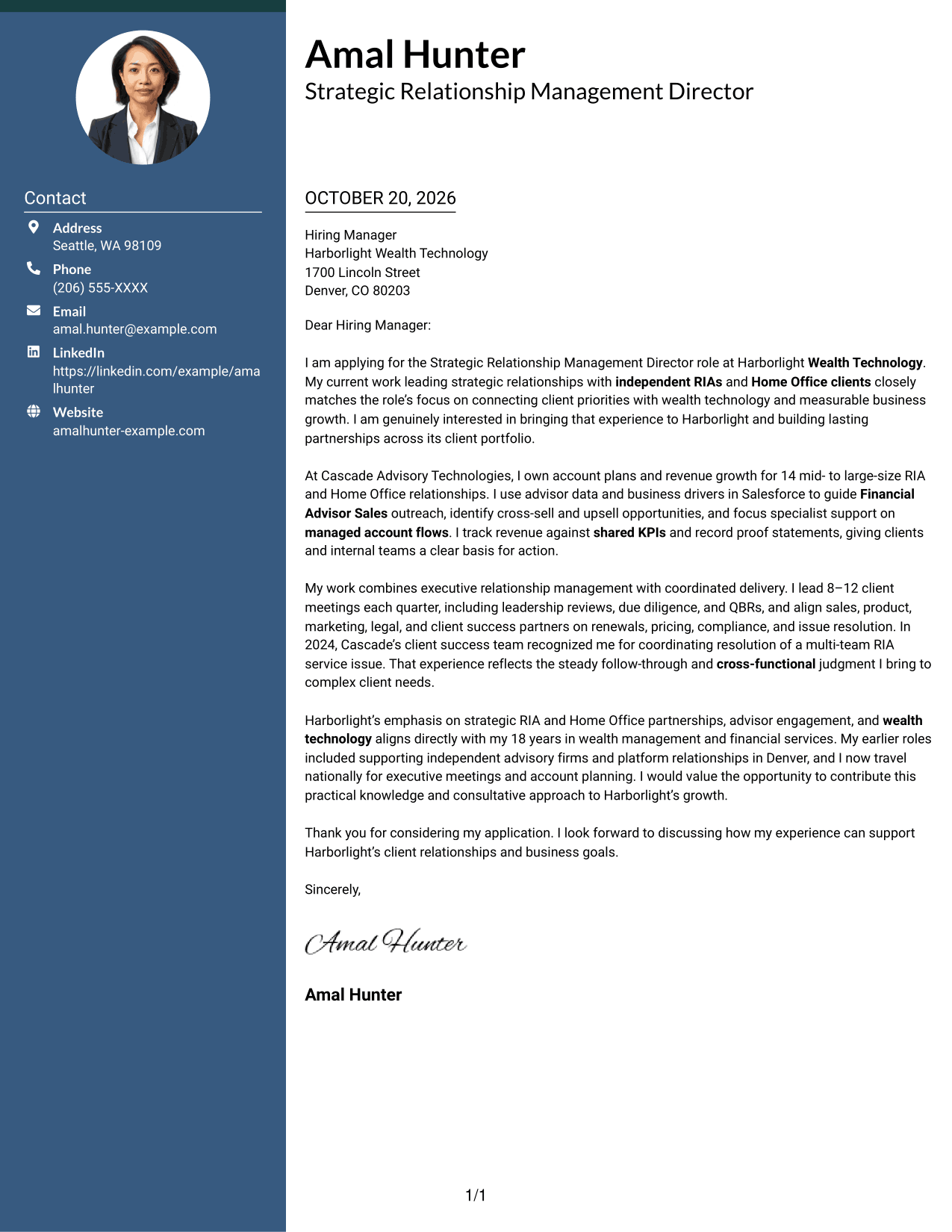
A contact sidebar sits beside one continuous letter body, separating contact access from the employer-focused message.
Why This Format Works
- Contact information is easy to locate beside the employer-directed letter.
- One continuous body lets the opening, supporting points, and close read in order.
- Separate columns distinguish sender details from the message without dividing its argument.
Best For
- Quick sender-detail lookup
- Separate contact and message areas
- Continuous letter-body reading
- Portrait-free correspondence
- Two-column page preference
#3 Photo Header Two Column Format Cover Letter Example
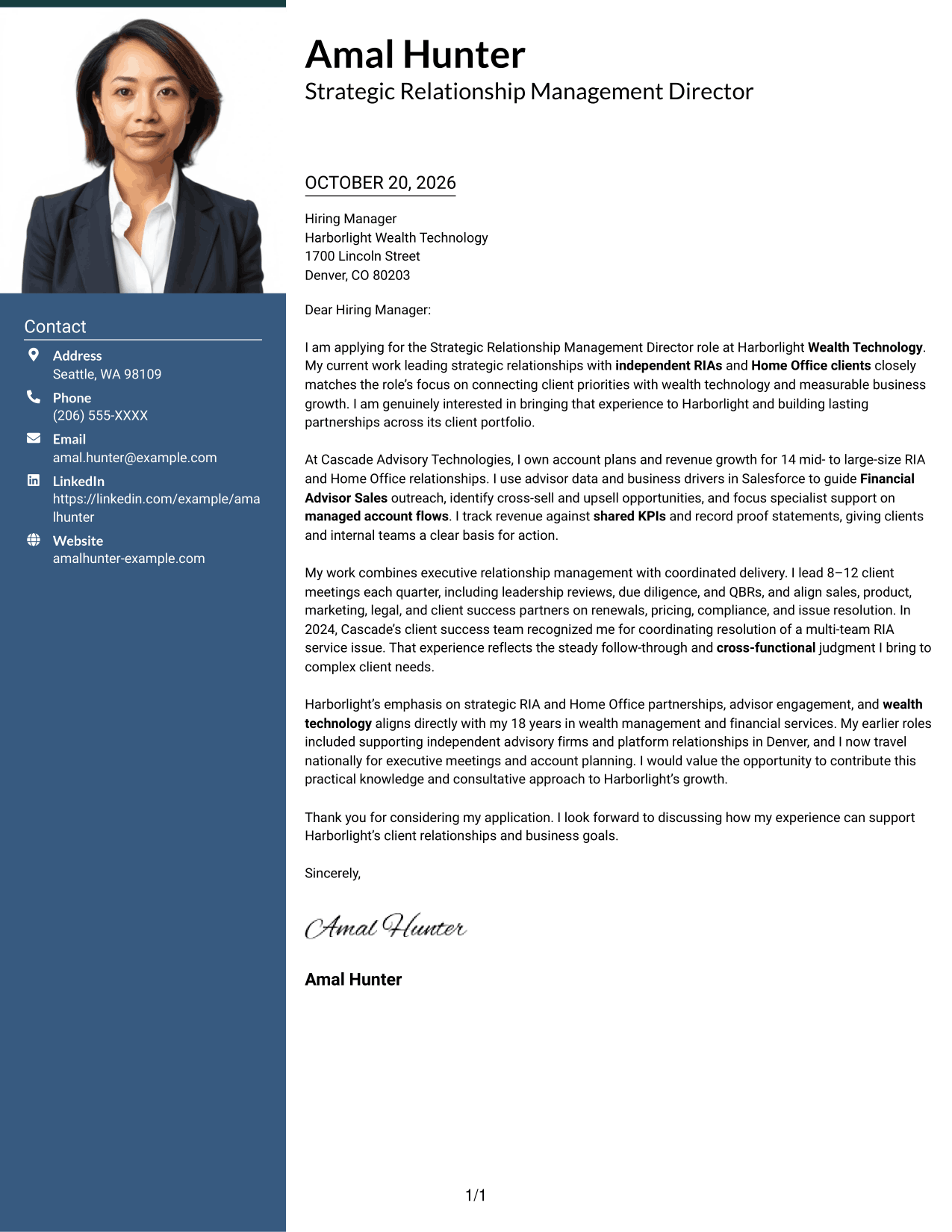
A portrait shares the contact sidebar beside the continuous letter body, creating a photo-forward two-column presentation.
Why This Format Works
- The portrait gives the header a clear visual focus while leaving the message unchanged.
- Contact details remain apart from the body, giving sender information a distinct place.
- A single letter column preserves the paragraph sequence from greeting through closing.
Best For
- Photo-inclusive applications
- Sidebar-based contact access
- Continuous paragraph letters
- Two-column document preference
- Portrait-forward contact presentation
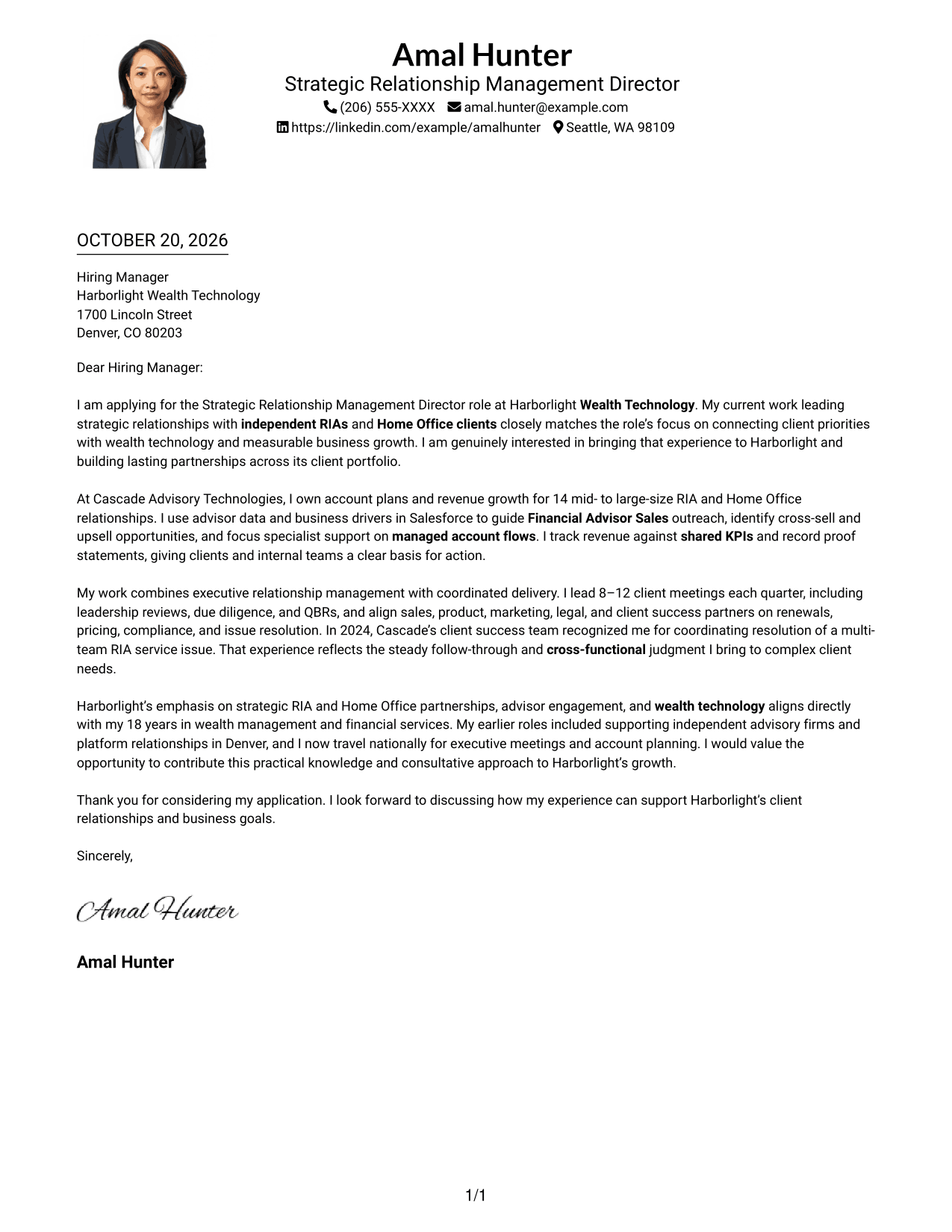
#4 One Column Format with Photo Cover Letter Example
A portrait appears with the header above a single letter column, combining a personal visual element with direct paragraph flow.
Why This Format Works
- The portrait in the header adds a clear visual element before the letter begins.
- One column keeps the opening, supporting paragraphs, and closing together.
- Contact details in the header remain easy to find without a sidebar.
Best For
- Portrait-led letter headers
- Single-column letter reading
- Header-based contact details
- Continuous paragraph structure
- Executive-facing applications
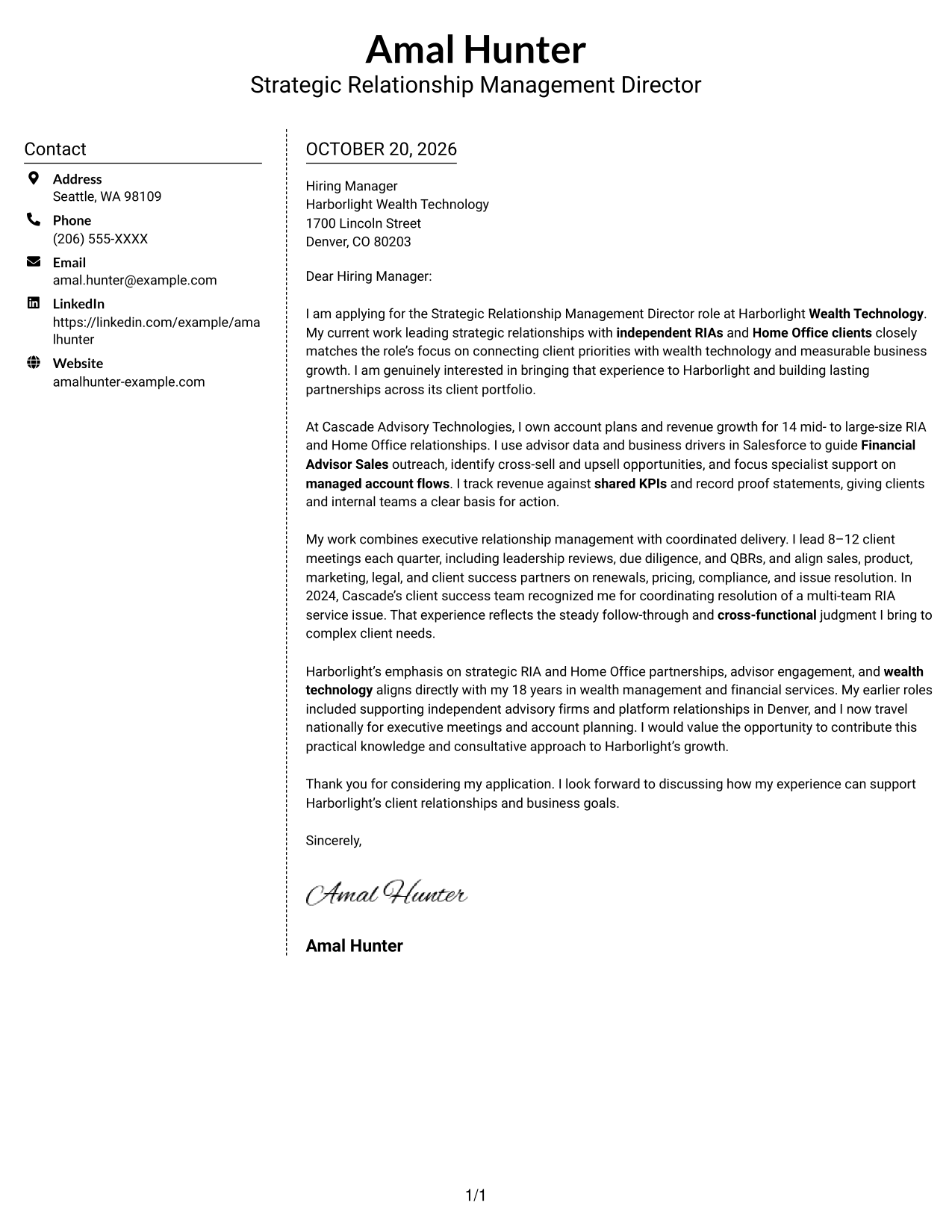
#5 Simple Two Column Format Cover Letter Example
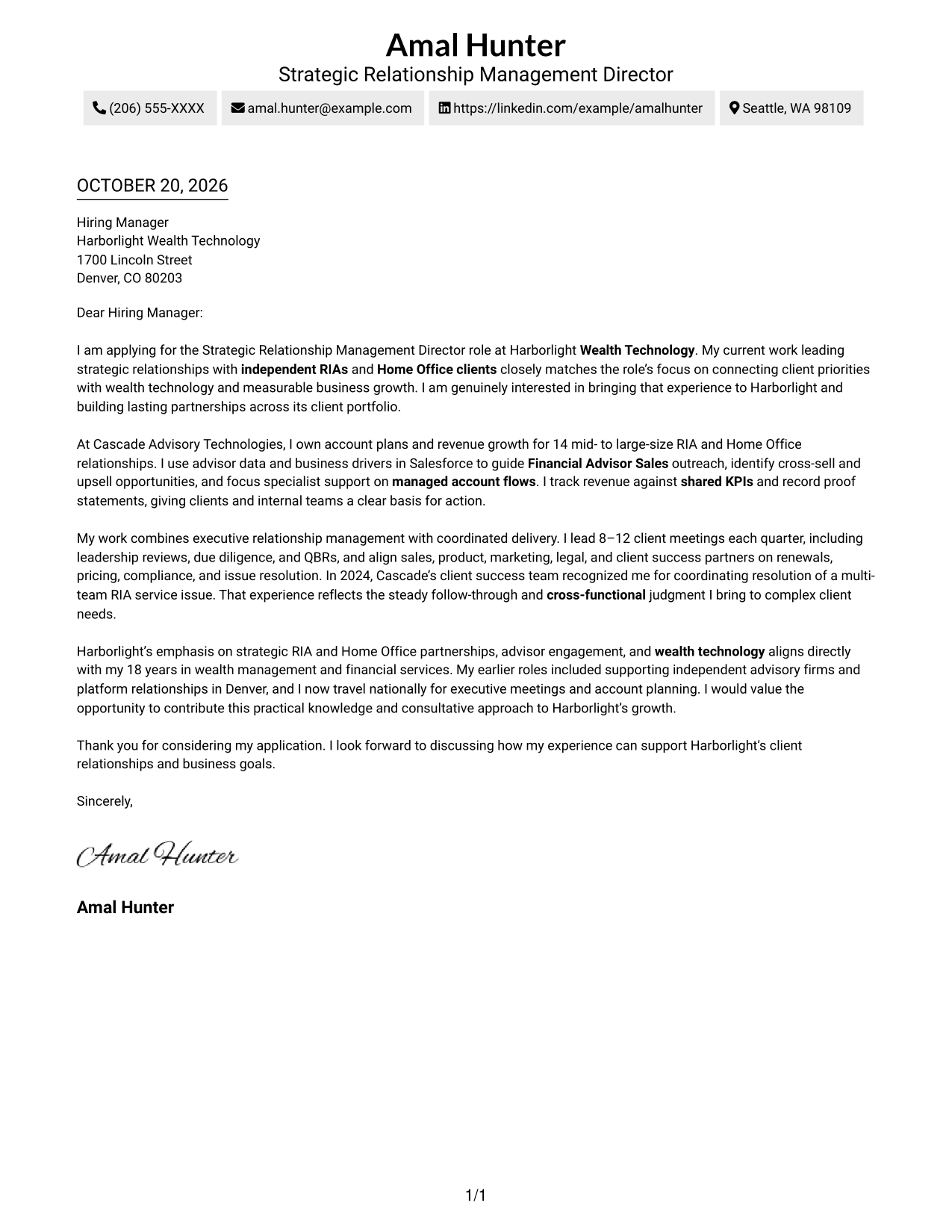
The contact sidebar and letter body occupy separate columns, while the argument remains one continuous sequence.
Why This Format Works
- Contact details occupy their own sidebar, apart from the letter’s main text.
- The letter remains one connected argument, not parallel columns of prose.
- Readers can refer to sender information without losing the paragraph sequence.
Best For
- Separate contact and message areas
- Fast sender-detail lookup
- Continuous letter-body reading
- Portrait-free applications
- Two-column document preference
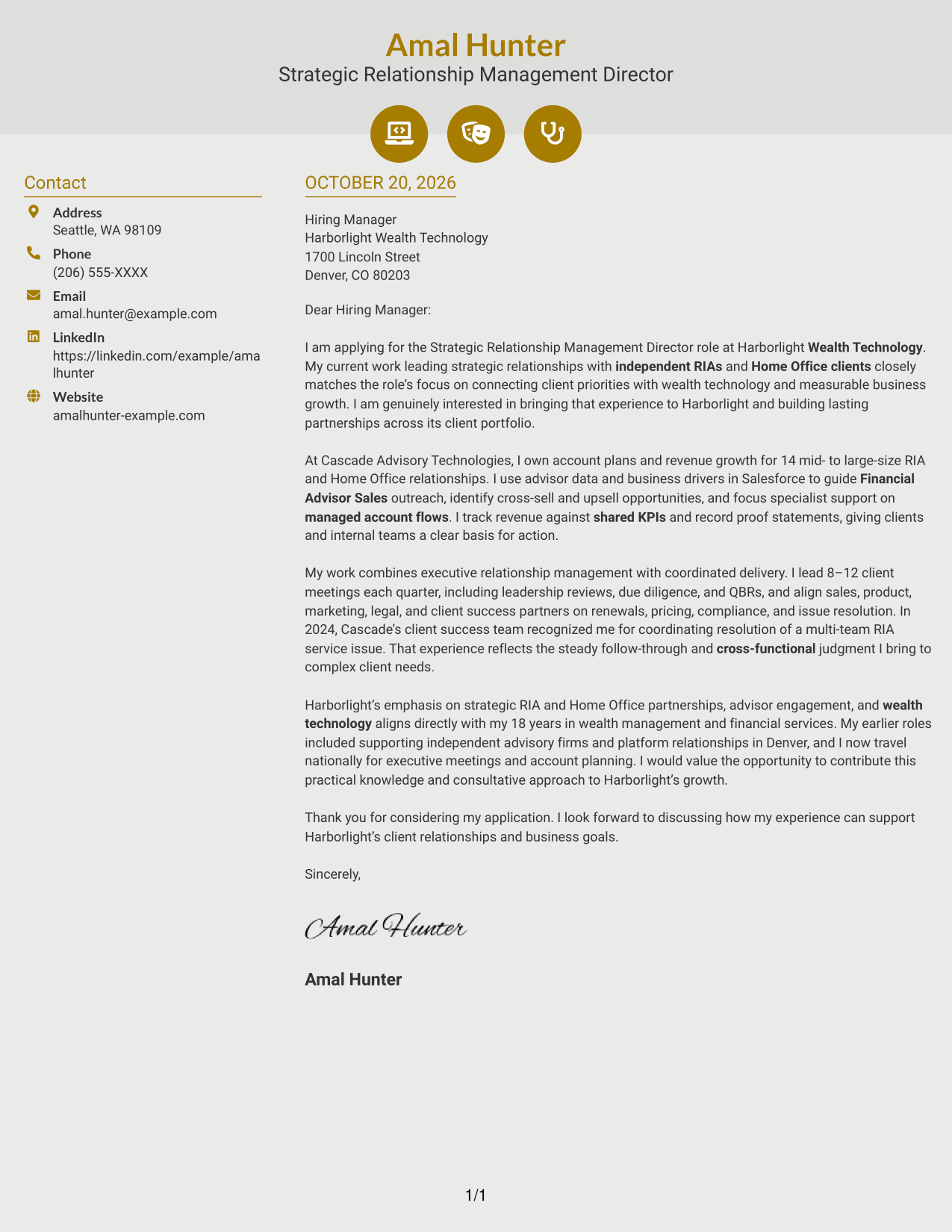
#6 Modern Icon Format Cover Letter Example
Contact icons add visual cues within the sidebar, while the letter stays in one continuous body beside it.
Why This Format Works
- Contact icons help readers recognize sender details in the sidebar.
- The letter body remains a single narrative beside the contact area.
- Small header accents add a visual touch without labeling letter content.
Best For
- Icon-cued contact details
- Sidebar contact access
- Continuous letter-body reading
- Portrait-free correspondence
- Two-column page preference
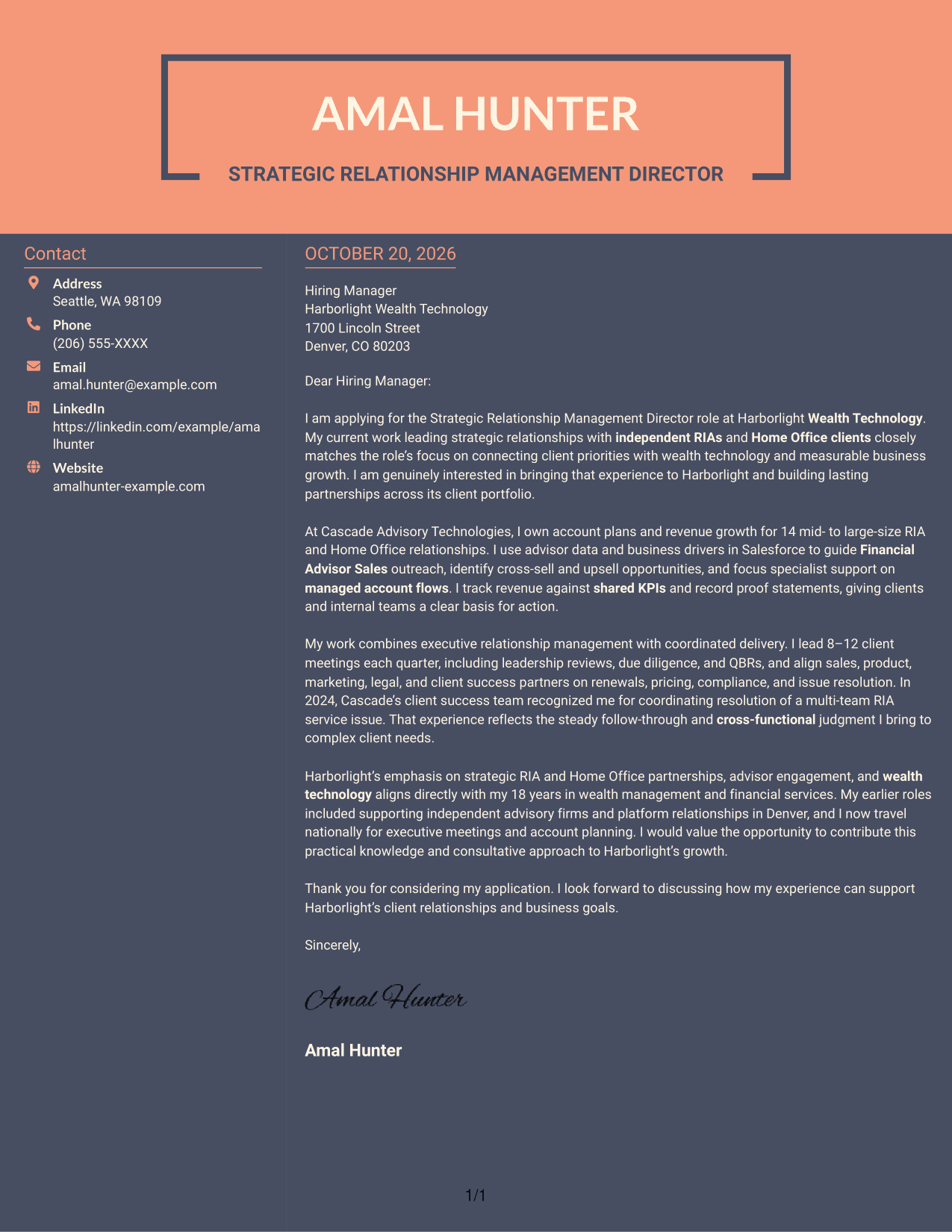
#7 Creative Two Tone Format Cover Letter Example
The contact sidebar sits beside a continuous letter body in two columns, giving contact details and the message separate places.
Why This Format Works
- The sidebar keeps sender details beside, but distinct from, the letter’s main text.
- A continuous body keeps the opening, supporting paragraphs, and closing together.
- Readers can move from contact information to the message without split argument columns.
Best For
- Contact details beside the message
- Single narrative letter body
- Two-column reading order
- Portrait-free applications
- Separate sender information
See Also
- 7 Strategic Relationship Management Director - WealthTech Resume Templates with Example
- 7 Director of Strategic Grants Resume Templates with Example
- 7 Director of Strategic Operations Resume Templates with Example
- 7 Senior Director, Strategic Alliances Resume Templates with Example
- 7 Assistant Director Construction Management Resume Templates with Example
- 7 Assistant Director for Employer Engagement Resume Templates with Example
- 33 Assistant Director of Development - Athletics Fundraising Resume Templates with Example
- 7 Assistant Director of Operations - Financial Aid Resume Templates with Example
- 30+ Associate Director, Senior Service Designer (GenAI Experience) Cover Letter Templates with Example 2026
- 30+ Director, Codes & Standards - Data Centers & Direct Current Applications Cover Letter Templates with Example 2026
Frequently Asked Questions
What should the opening paragraph say for this role?
Name the Strategic Relationship Management Director - WealthTech role, state your interest, and connect your background to its focus on RIA and Home Office relationships, wealth technology, or business growth.
What evidence can make this cover letter more convincing?
Choose examples that show the scale and results of your relationship work. You might describe account planning, revenue ownership, advisor engagement, executive meetings, or a complex client issue you helped resolve.
How can I show alignment with the employer?
Refer to the employer’s stated focus on strategic RIA and Home Office partnerships, advisor engagement, and wealth technology. Explain how your own approach connects client priorities with coordinated action and measurable goals.
Which cover letter layout should I choose?
Compare the image previews, then choose a clear layout that fits the employer and the way your letter will be read. You can open an example in the editor to view or customize it.
Should I include metrics in my cover letter?
Include a number when it gives useful context and you can support it. For example, account scope or quarterly client meeting volume can help readers understand the scale of your work.




