
7 Structural Engineer - Data Centers Resume Templates with Example
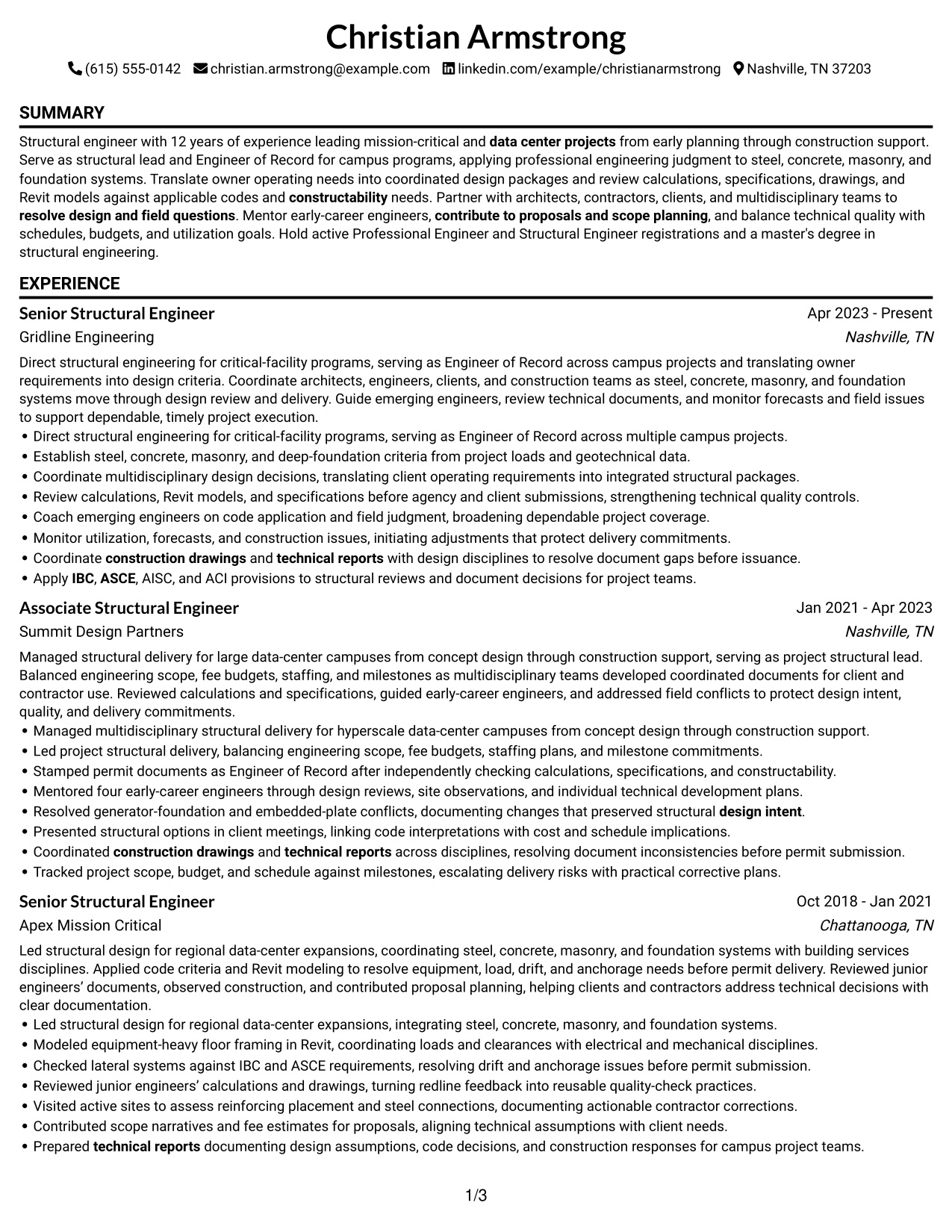
This guide shows you how to build a clear, focused Structural Engineer - Data Centers resume. You will learn how to present project work and technical judgment so reviewers can quickly understand your value.
A strong resume connects design decisions with project results. Organize your experience around structural systems, Engineer of Record duties, technical reviews, construction support, and coordination with project teams. Include relevant codes and tools, such as IBC, ASCE, AISC, ACI, and Autodesk Revit, where they reflect your work.
The examples present this resume in 7 layouts, with guidance to help you compare formats and choose a clear way to show your experience, education, licenses, skills, and measurable contributions.
What Makes a Great Structural Engineer - Data Centers Resume in 2026
A strong resume is easy to scan and shows how your structural work supports safe, buildable data center projects. Clear sections and specific achievement bullets help reviewers see your role in design, coordination, and construction support.
Use accurate terms for your experience, including Engineer of Record, steel and concrete design, foundations, technical review, and field observation. Add relevant codes, software, PE or SE licenses, and measurable results when they apply to your work.
The examples shown below are intentionally detailed to demonstrate a range of experiences, skills, accomplishments and relevant keywords. We prefer detailed resumes as they provide more context to the hiring managers and also help the ATS systems identify relevant qualifications and score your resume better for a match. But the length of a resume is an individual choice. If you want a one page resume, just keep the most relevant experience and information for the job. Note: Resume examples are for educational purposes only. Use only information that accurately reflects your experience and qualifications. References to real organizations do not imply affiliation or endorsement.
#1 Simple One Column Format Resume Example
The Simple One Column Format keeps resume sections in one clear reading path, helping recruiters follow experience, education, and credentials.
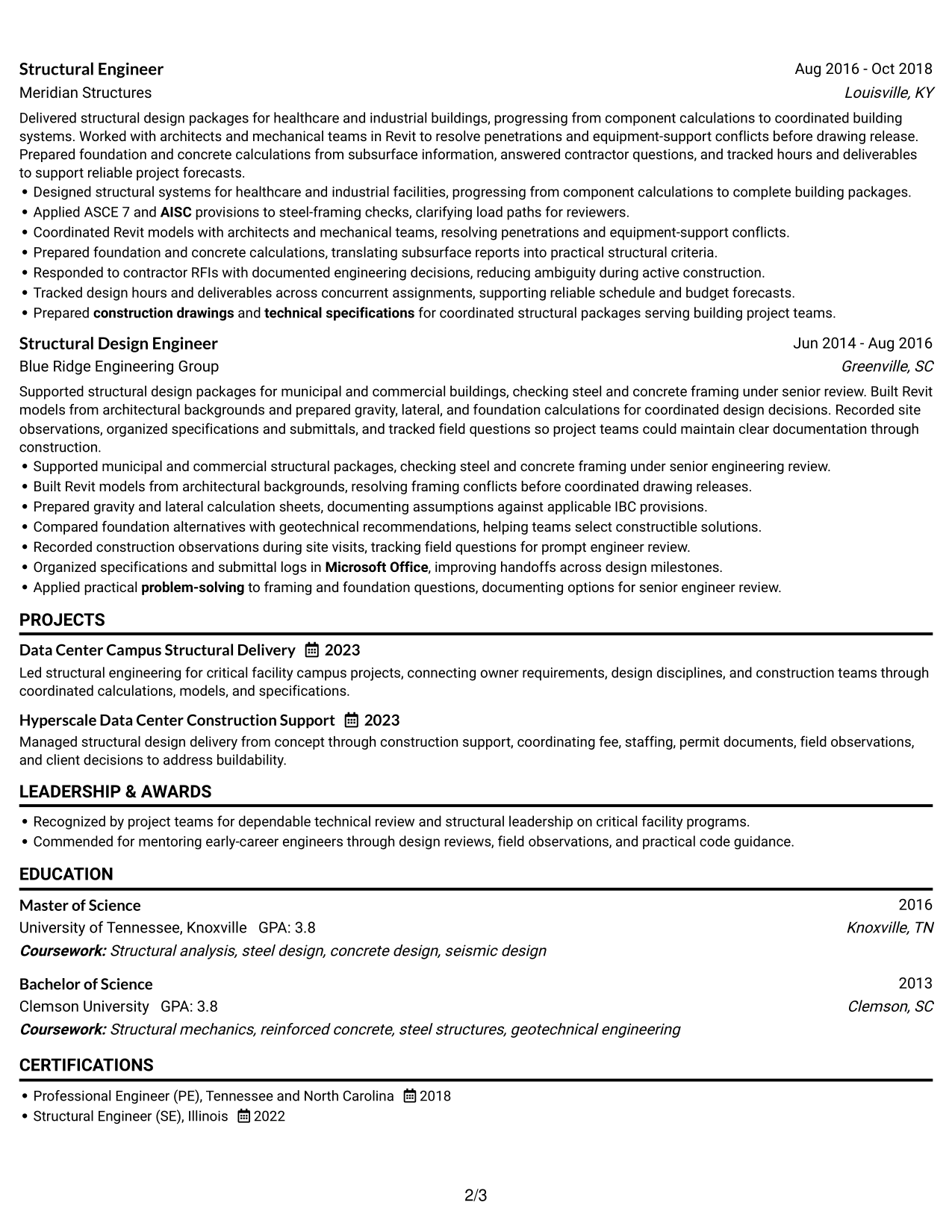
Why This Format Works
- One-column reading order helps reviewers follow career progression without switching between areas.
- Consistent section flow keeps education and credentials easy to locate.
- Achievement bullets stay beside the experience entries they explain.
Best For
- Linear resume review
- Detailed experience histories
- Clear career progression
- Education with professional credentials
- Top-to-bottom reading preference
Resume Keywords
- data center projects
- Structural analysis
- steel design
- concrete design
- Masonry design
- Foundation design
- Managed structural design delivery from concept through construction support
- IBC
- ASCE
- AISC
- ACI
- Autodesk Revit
- technical review
- Quality control
- review calculations, specifications, drawings, and Revit models against applicable codes and constructability needs.
#2 Plain One Column with Shaded Labels Resume Example
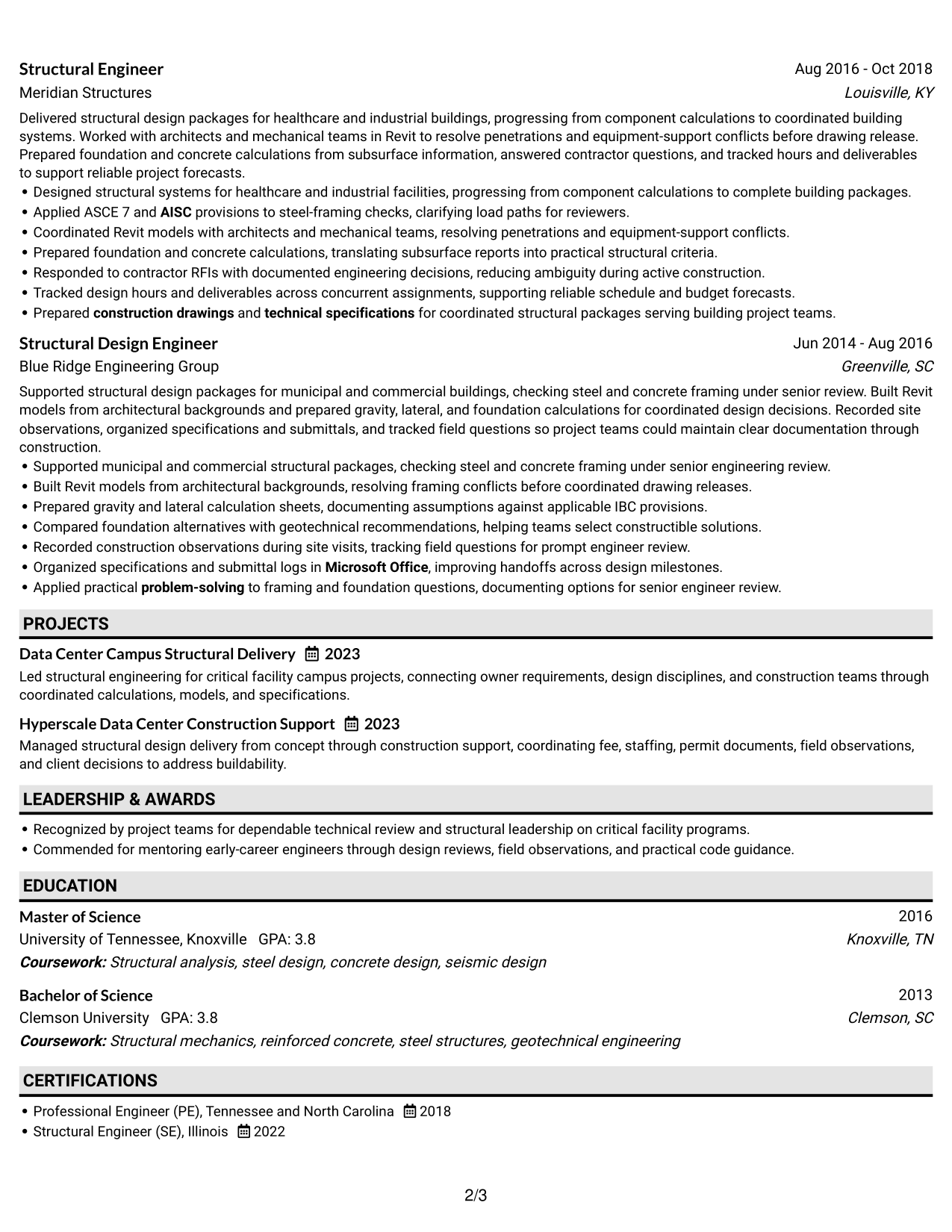
The Plain One Column with Shaded Labels format uses section labels to guide recruiters through a clear, continuous resume reading path.
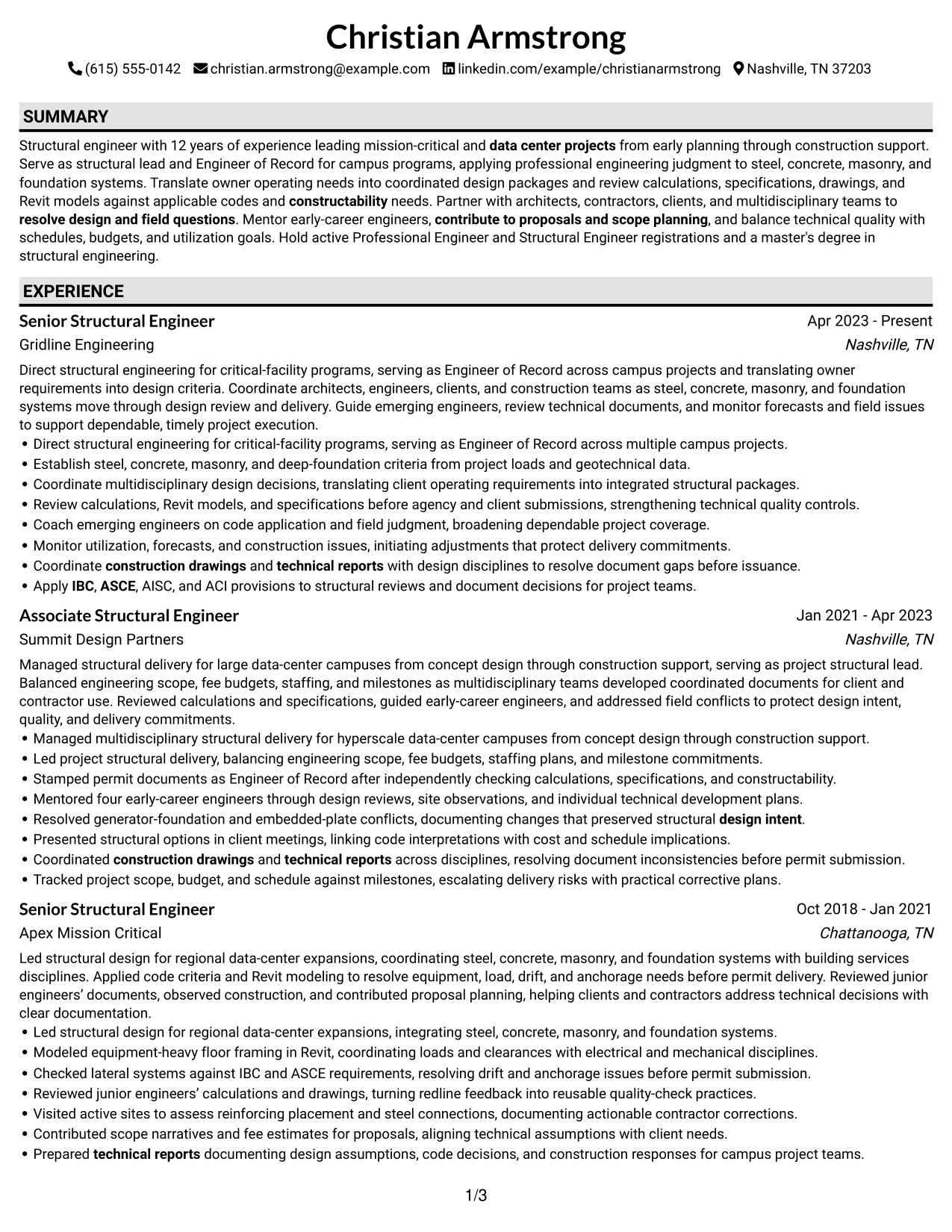
Why This Format Works
- Shaded labels help reviewers distinguish education from work history at a glance.
- Visible section markers make credentials easier to find in a detailed resume.
- Clear label breaks guide reviewers from skills to achievement bullets.
Best For
- Section-heavy resumes
- Fast section lookup
- Clearly labeled credentials
- Multiple experience entries
- Distinct skills and education sections
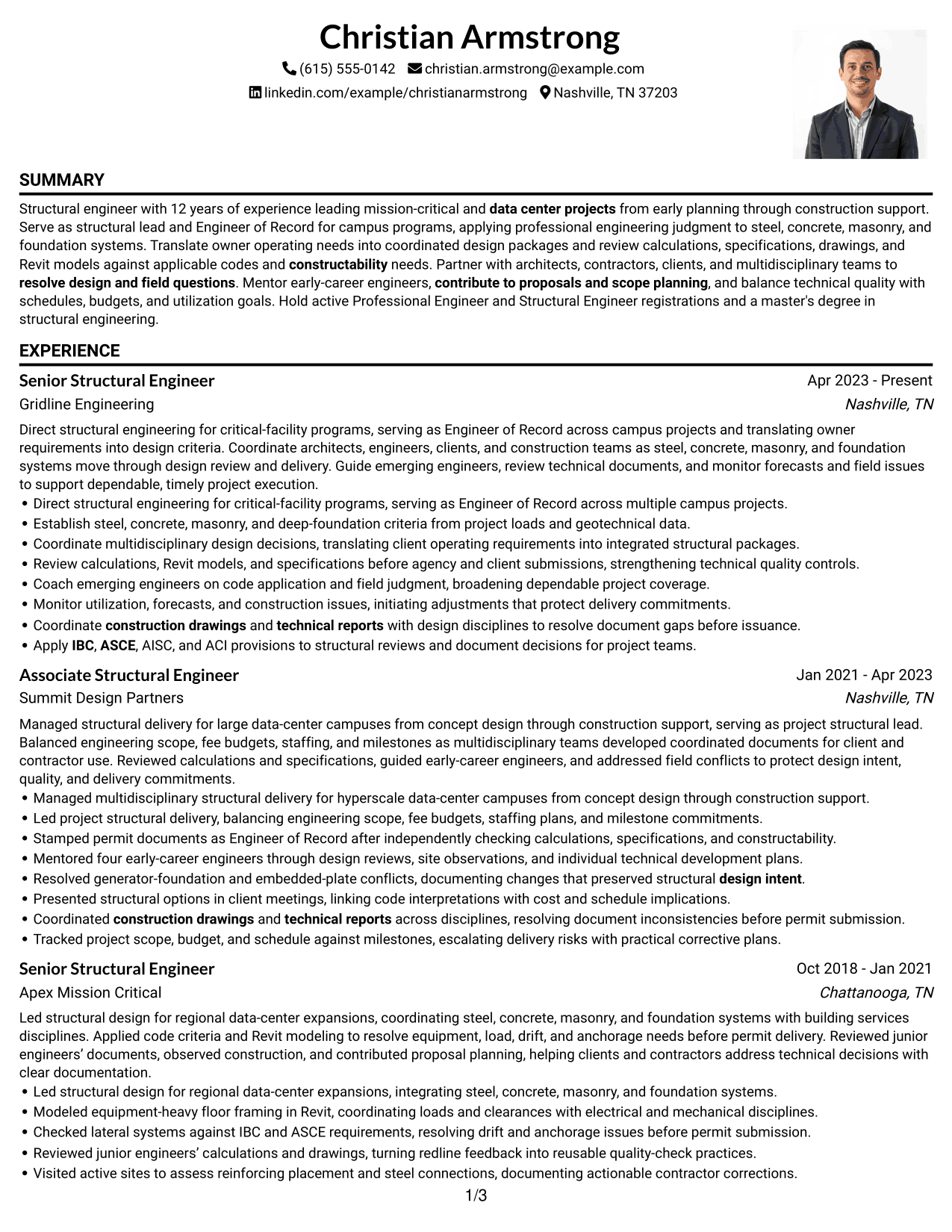
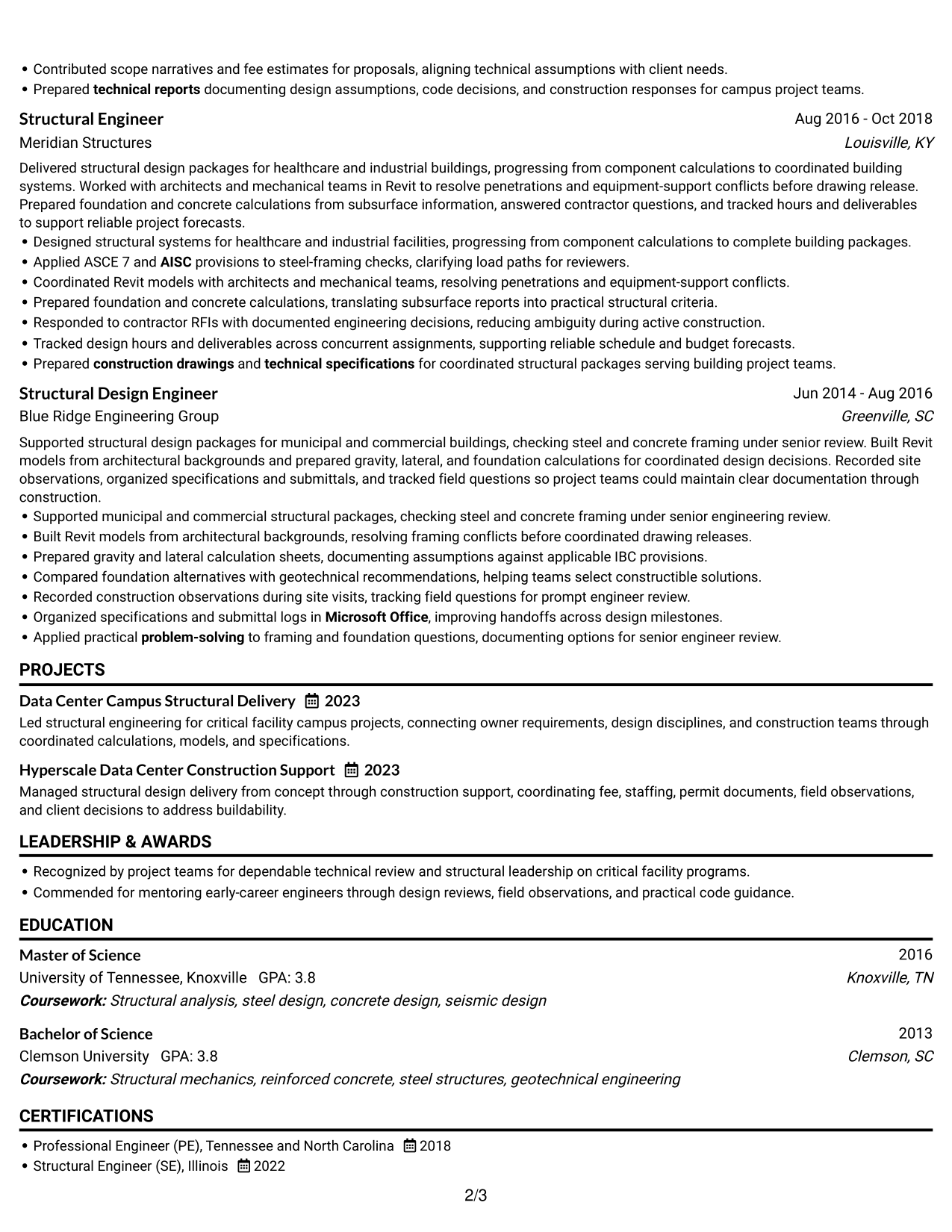
#3 One Column Format with Photo Right Resume Example
The One Column Format with Photo Right keeps resume text in one clear path, with the photo set apart from the sections recruiters scan.
Why This Format Works
- One continuous text path keeps experience entries in a familiar review order.
- Photo placement at the right avoids interrupting text about education and credentials.
- Single-column reading order gives skills and project details a clear sequence.
Best For
- Photo-inclusive resume formats
- Single-path text review
- Photo separate from resume details
- Role histories with project detail
- Familiar section-by-section reading
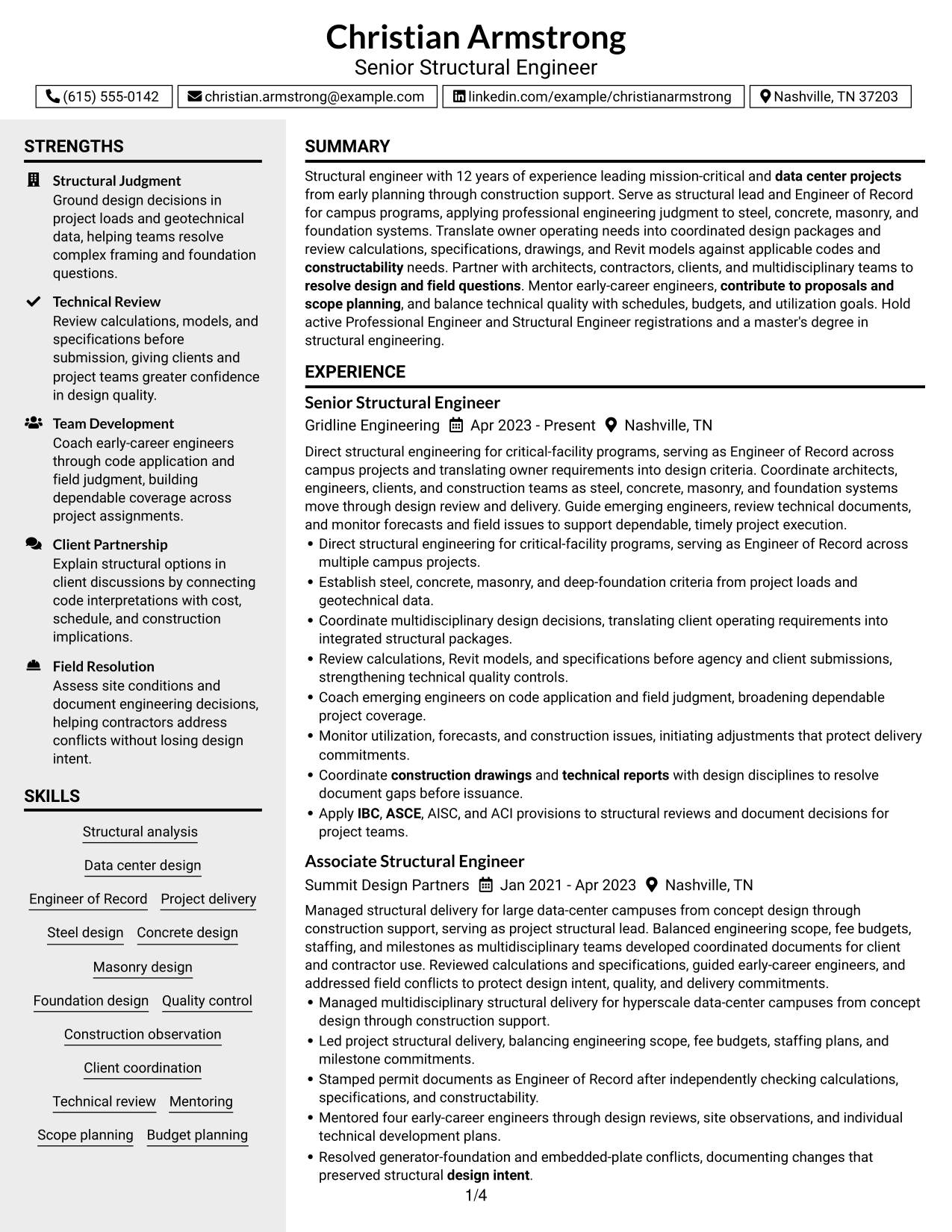
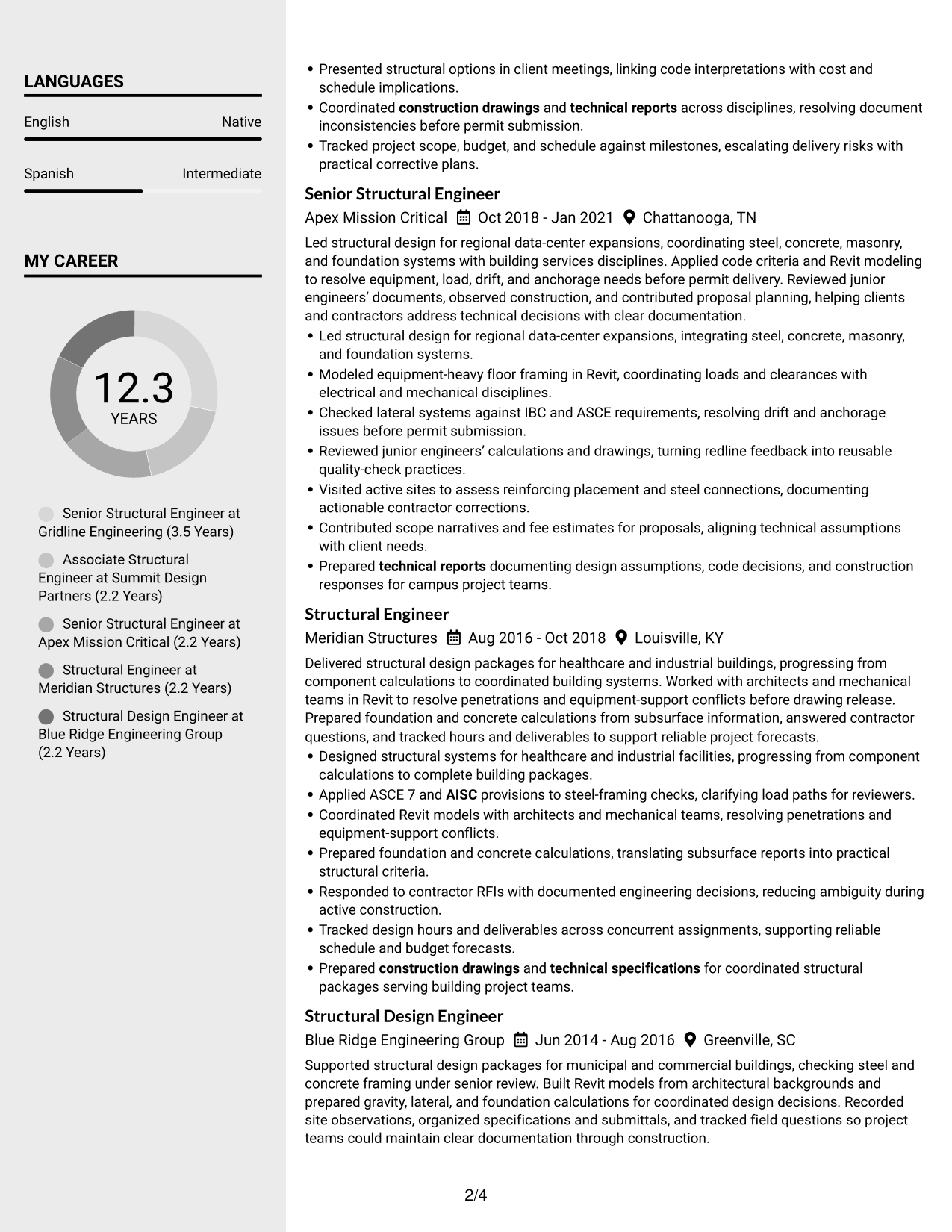
#4 Clean Two Column Sidebar Format Resume Example
The Clean Two Column Sidebar Format separates resume content into a sidebar and a main reading area, helping recruiters scan skills and experience.
Why This Format Works
- Sidebar separation gives skills a distinct place beside detailed experience entries.
- Main-column reading space lets career progression unfold through role descriptions.
- Separate content areas keep education and credentials findable during experience review.
Best For
- Skills beside full experience history
- Resumes with several content sections
- Separate skills and career-history review
- Compact education and credential details
- Side-by-side section navigation
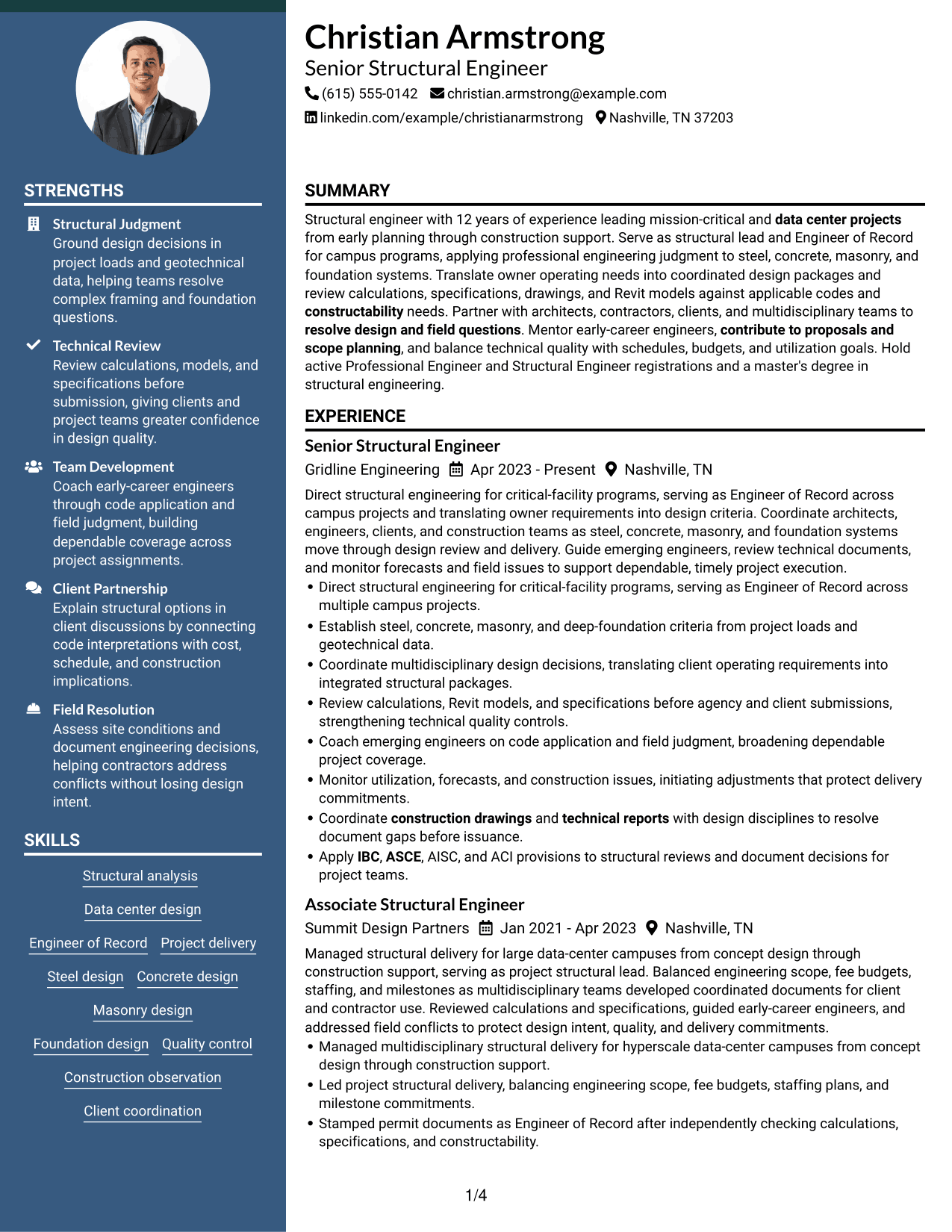
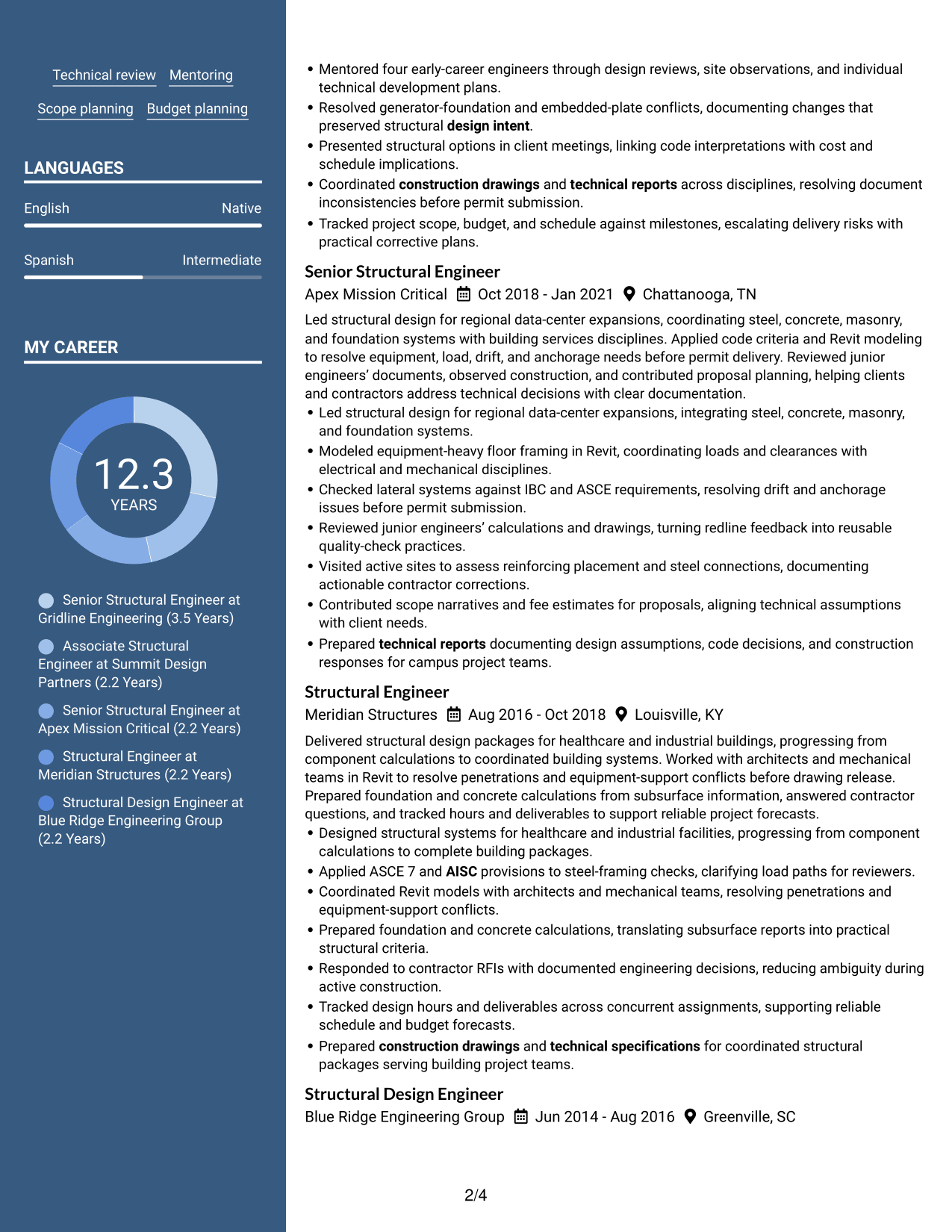
#5 Two Column Format Resume Example
The Two Column Format divides resume content into two reading areas, helping recruiters scan experience and qualifications with clear visual separation.
Why This Format Works
- Two reading areas help reviewers find education while following the work history.
- Separate columns give skills and project details distinct points in the overall scan.
- Divided content can make longer experience entries easier to track by role.
Best For
- Experience and qualifications in parallel
- Dense work history with supporting details
- Side-by-side resume review
- Distinct project and education sections
- Quick movement between content areas
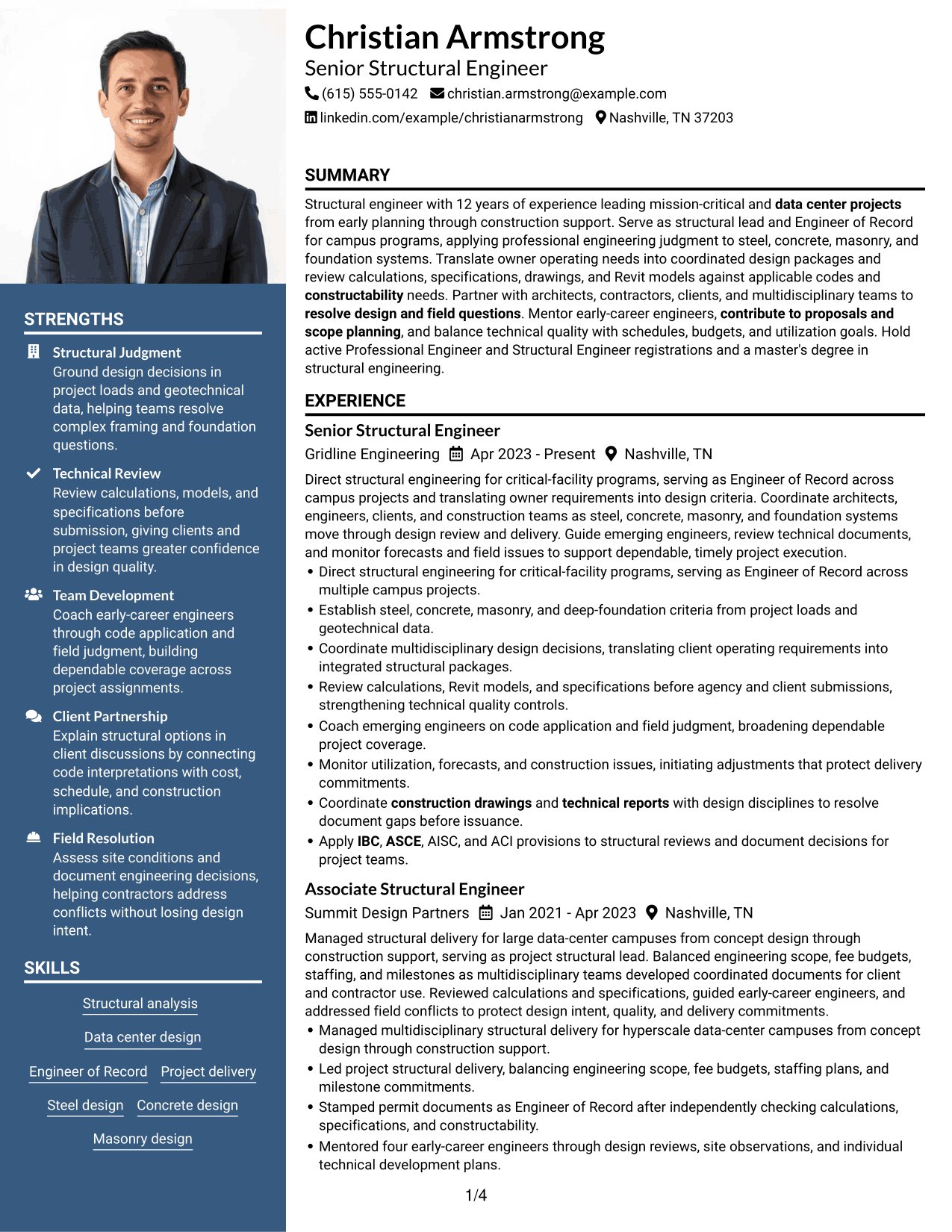
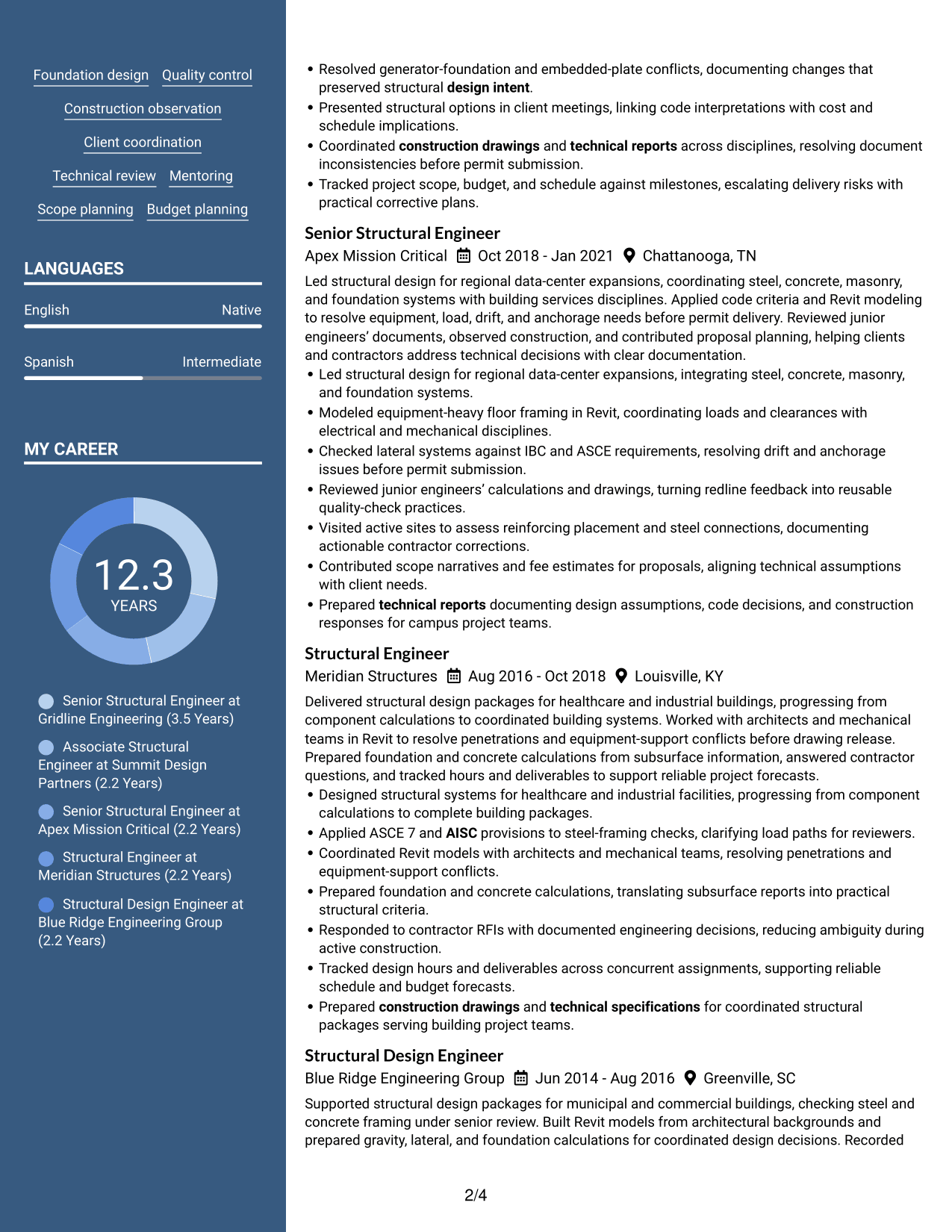
#6 Photo Header Two Column Format Resume Example
The Photo Header Two Column Format pairs a photo-led header with two resume text areas, giving recruiters clear places to scan experience and qualifications.
Why This Format Works
- Header photo placement keeps the image separate from career details under review.
- Two text areas help reviewers distinguish experience entries from education and credentials.
- Separated text areas let reviewers revisit skills while following career progression.
Best For
- Photo-led resume headers
- Two-area resume review
- Photo separate from text content
- Experience plus supporting qualifications
- Career histories with several sections
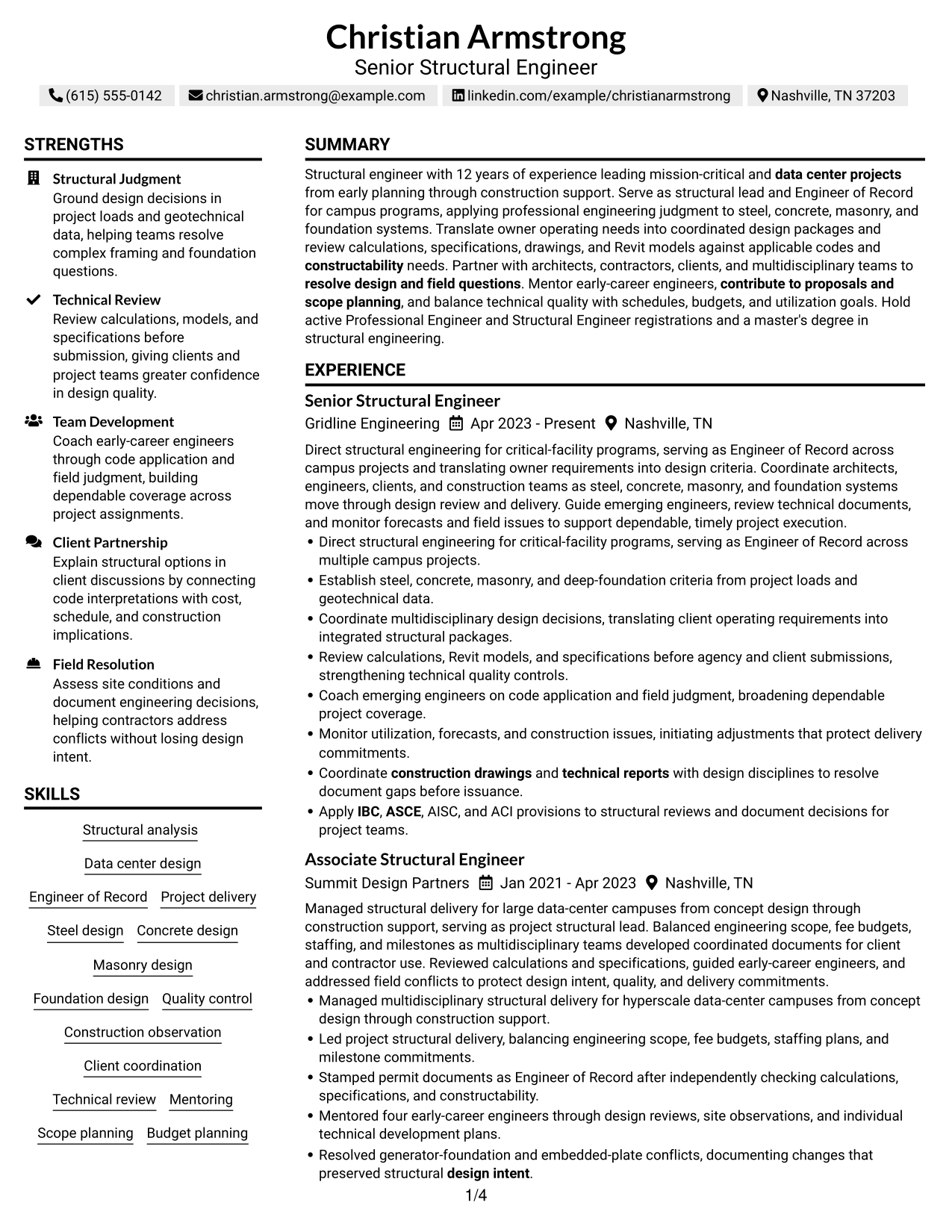
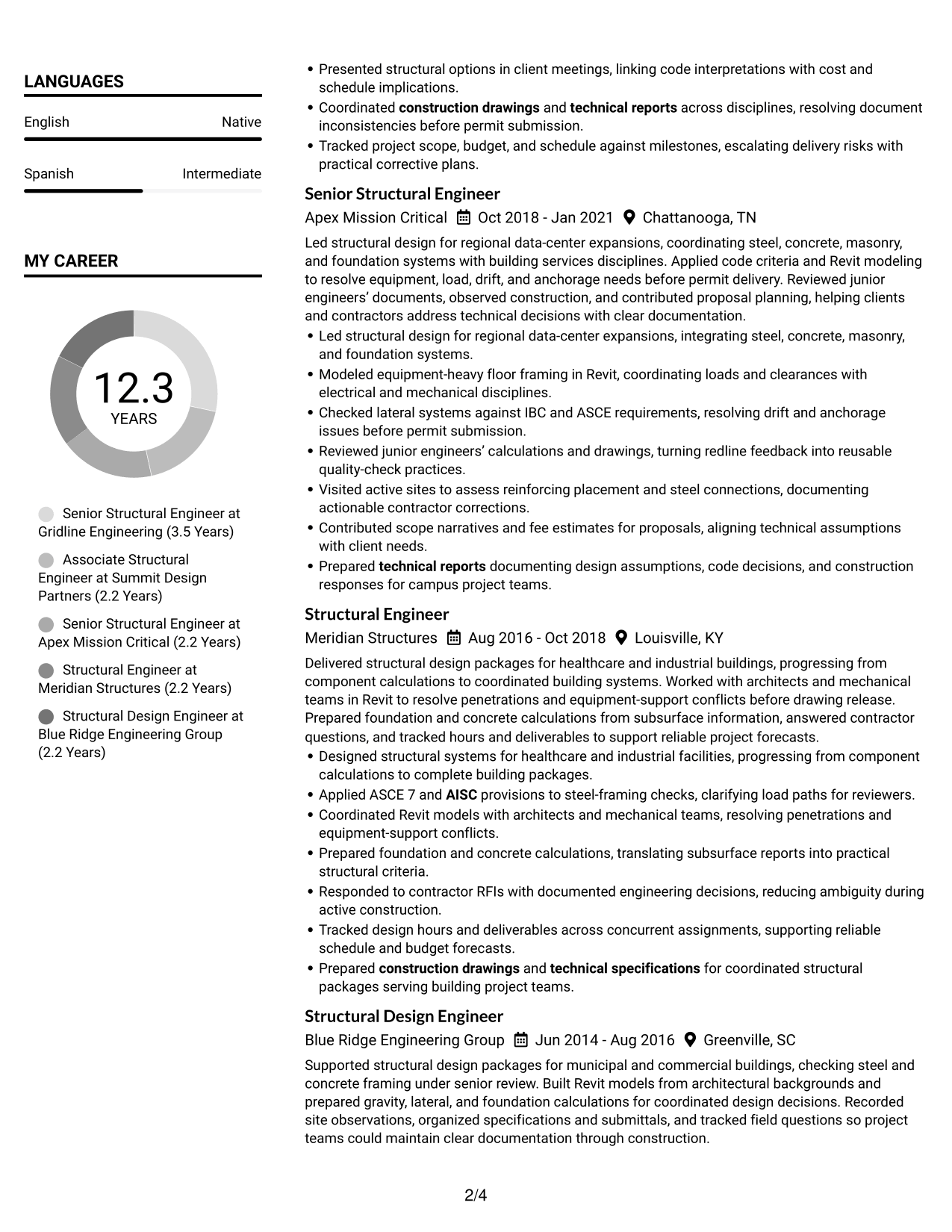
#7 Simple Two Column Format Resume Example
The Simple Two Column Format places resume sections in two clear areas, so recruiters can scan experience and supporting qualifications without one long text stream.
Why This Format Works
- Two clear areas keep detailed work history from crowding supporting sections such as education.
- Distinct section paths make skills easier to revisit alongside experience entries.
- Dividing content helps reviewers trace career progression and locate project details separately.
Best For
- Two-area section organization
- Detailed work history with supporting sections
- Separate review of experience and skills
- Project details alongside career progression
- Readers comparing resume sections
Why Build Your Structural Engineer - Data Centers Resume with ResumeInMinutes
ResumeInMinutes helps you organize structural project experience into clear sections that are easy to review and update. You can show design work, technical skills, licenses, education, and project results in one focused resume.
- ATS-friendly section structure
- Clear project and experience sections
- Technical skills and keyword guidance
- Education and license organization
- Resume PDF previews
- Resume customization support
Choose a format that gives your structural design, project coordination, technical review, and construction support clear space. Then adjust the sections to match your verified experience and the needs of the Structural Engineer - Data Centers role.
See Also
- 33 Bridge Inspection - Structural Engineer Resume Templates with Example 2026 (ATS-Optimized)
- 33 Bridge Structural Engineer Resume Templates with Example 2026 (ATS-Optimized)
- 33 Entry-Level Structural Engineer Resume Templates with Example 2026 (ATS-Optimized)
- 33 Mid-Level Structural Engineer Resume Templates with Example 2026 (ATS-Optimized)
- 33 Project Structural Engineer Resume Templates with Example 2026 (ATS-Optimized)
- 33 Senior Structural Engineer 2 Resume Templates with Example 2026 (ATS-Optimized)
- 33 Senior Structural Engineer Resume Templates with Example 2026 (ATS-Optimized)
- 33 Staff Structural Engineer Resume Templates with Example 2026 (ATS-Optimized)
- 7 Structural Engineer - Data Centers Cover Letter Templates with Example
- 30+ Bridge Inspection - Structural Engineer Cover Letter Templates with Example 2026
Frequently Asked Questions
Are these Structural Engineer - Data Centers resume templates ATS-friendly?
The formats use clear headings and organized sections to support resume scanning. Include role-related terms such as Engineer of Record, structural design, IBC, ASCE, AISC, ACI, Autodesk Revit, and construction support when they accurately describe your background.
Are these separate resume examples?
This guide shows one Structural Engineer - Data Centers resume example in different layouts and design styles. Compare them to find a format that presents your experience clearly.
What should a Structural Engineer - Data Centers resume include?
Include a focused summary, relevant experience, education, technical skills, project work, and active licenses. Show your part in structural design, coordination, technical reviews, project delivery, and field issue resolution.
Can I download the resume templates as PDFs?
Yes. The resume styles provide PDF previews so you can review the page layout and select a format that fits your content.
Which resume style works well for a Structural Engineer - Data Centers role?
A simple layout with clear headings and readable experience sections is a reliable choice. Select a design that makes project scope, structural systems, codes, software, licenses, and results easy to find.
How can I show data center project experience?
Describe the project phase, structural systems, and your responsibilities. Add details about design coordination, Engineer of Record work, technical reviews, construction observations, and measurable outcomes when they are supported by your experience.
Should I include PE and SE registrations?
Include active Professional Engineer or Structural Engineer registrations that you hold. List the license type and the state or jurisdiction, and keep the details current.
Can I customize these resume templates?
Yes. You can edit the resume text and adjust the layout and design. Keep the content focused on verified skills, project work, education, licenses, and results for the Structural Engineer - Data Centers role.




