
7 Student Services Specialist - Veteran Student Success Cover Letter Templates with Example
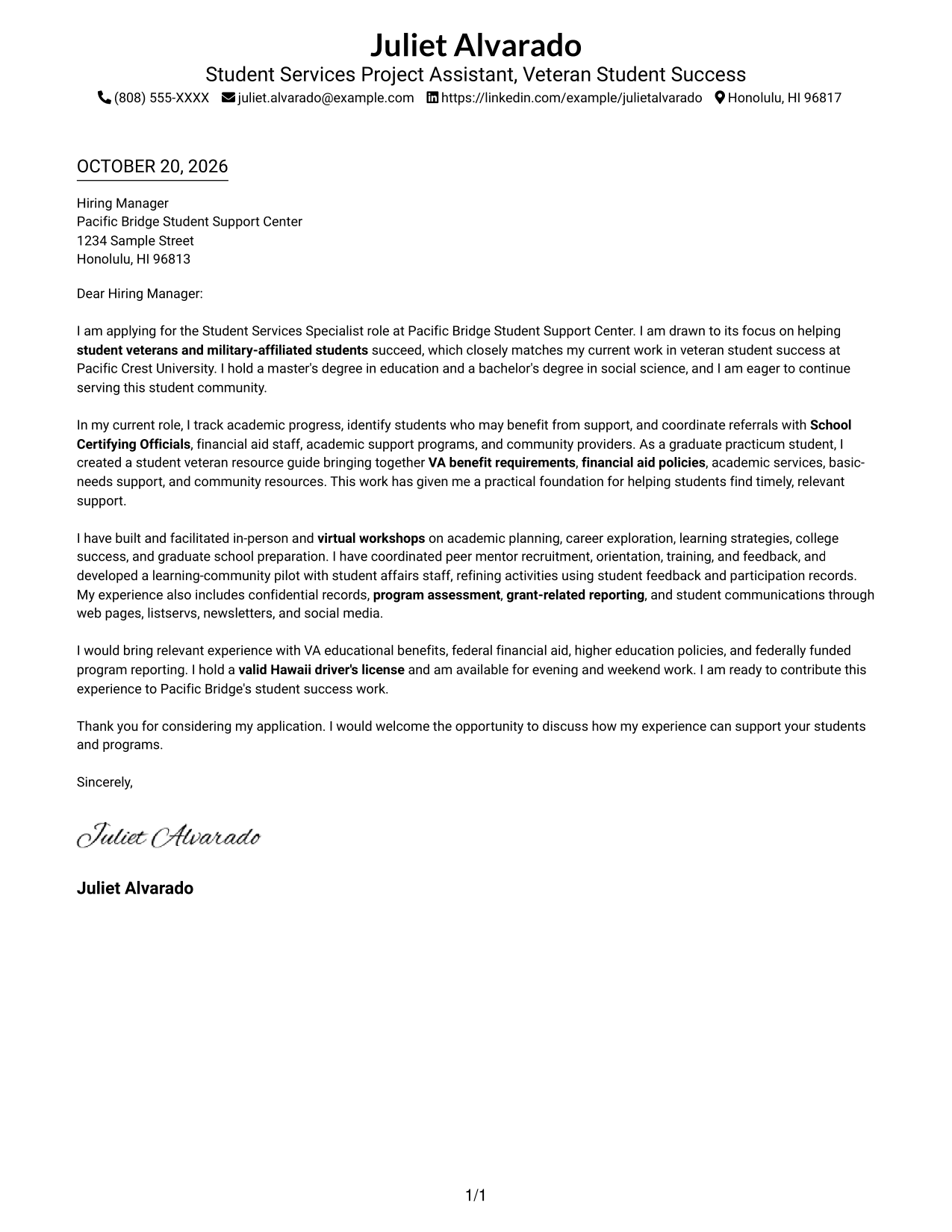
This practical guide to a Student Services Specialist - Veteran Student Success cover letter shows you how to present role fit with clarity across seven layouts.
What Makes a Great Student Services Specialist - Veteran Student Success Cover Letter in 2026
A strong letter connects your interest in supporting student veterans and military-affiliated students with the work of the role, such as academic guidance, workshops, peer mentoring, and coordinated referrals.
Use specific examples to show how you support student progress, protect confidential information, or assess programs. Then link that evidence to the employer’s goals and explain why this student success work matters to you.
The featured Student Services Specialist - Veteran Student Success example moves from role motivation to relevant student support experience and a clear close. Adapt that focused progression while choosing a presentation that suits the employer and communication context.
#1 Simple One Column Format Cover Letter Example
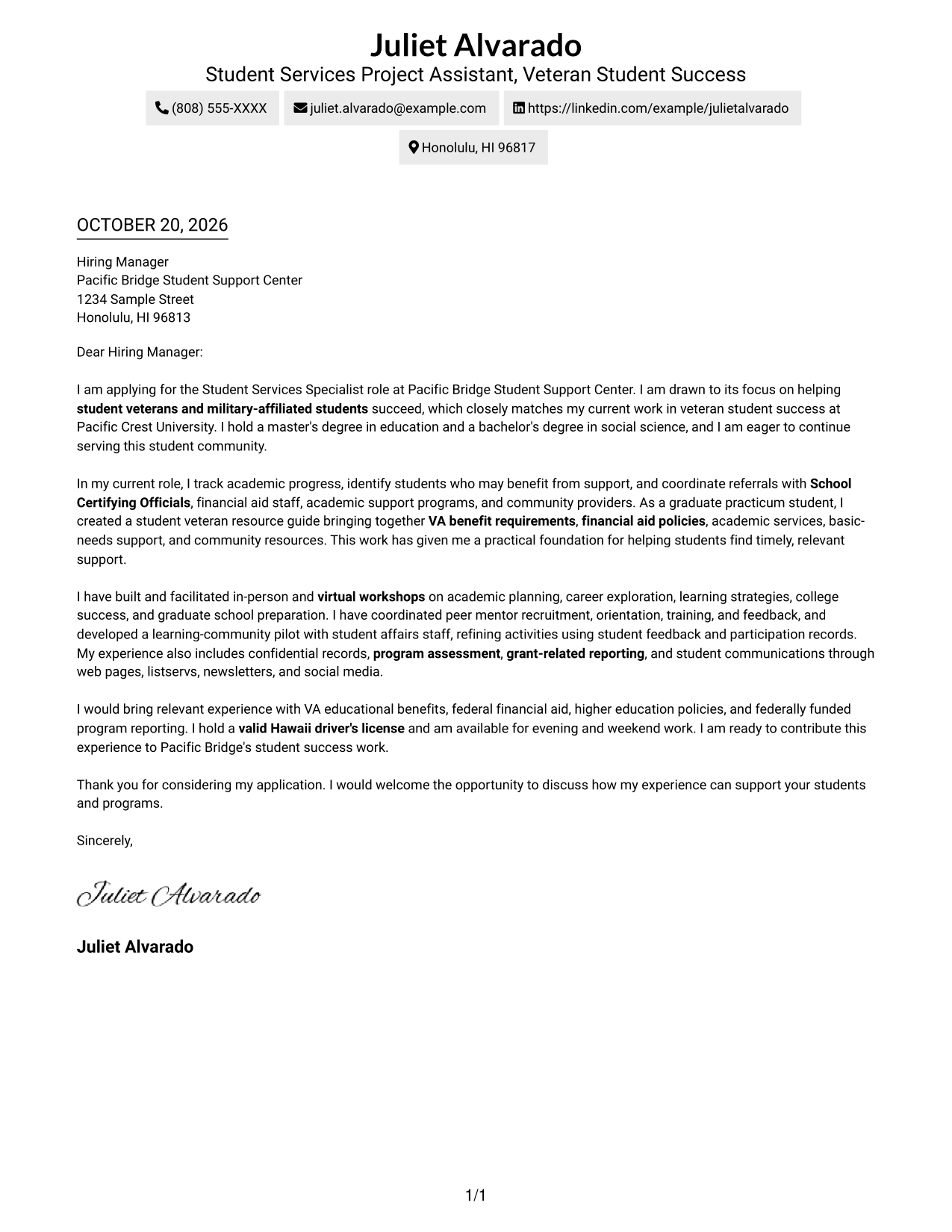
A single-column layout keeps sender details and the letter body in one reading path, a practical choice for a direct message.
Why This Format Works
- Sender details and the letter body share one column, creating a direct reading path.
- One continuous body presents the opening, supporting points, and closing in sequence.
- Without a contact sidebar, the page keeps attention on a single text column.
Best For
- Single-column reading preference
- Direct application letters
- Letters with a focused case
- One uninterrupted message
- Contact details in the header
#2 Two Column Format Cover Letter Example
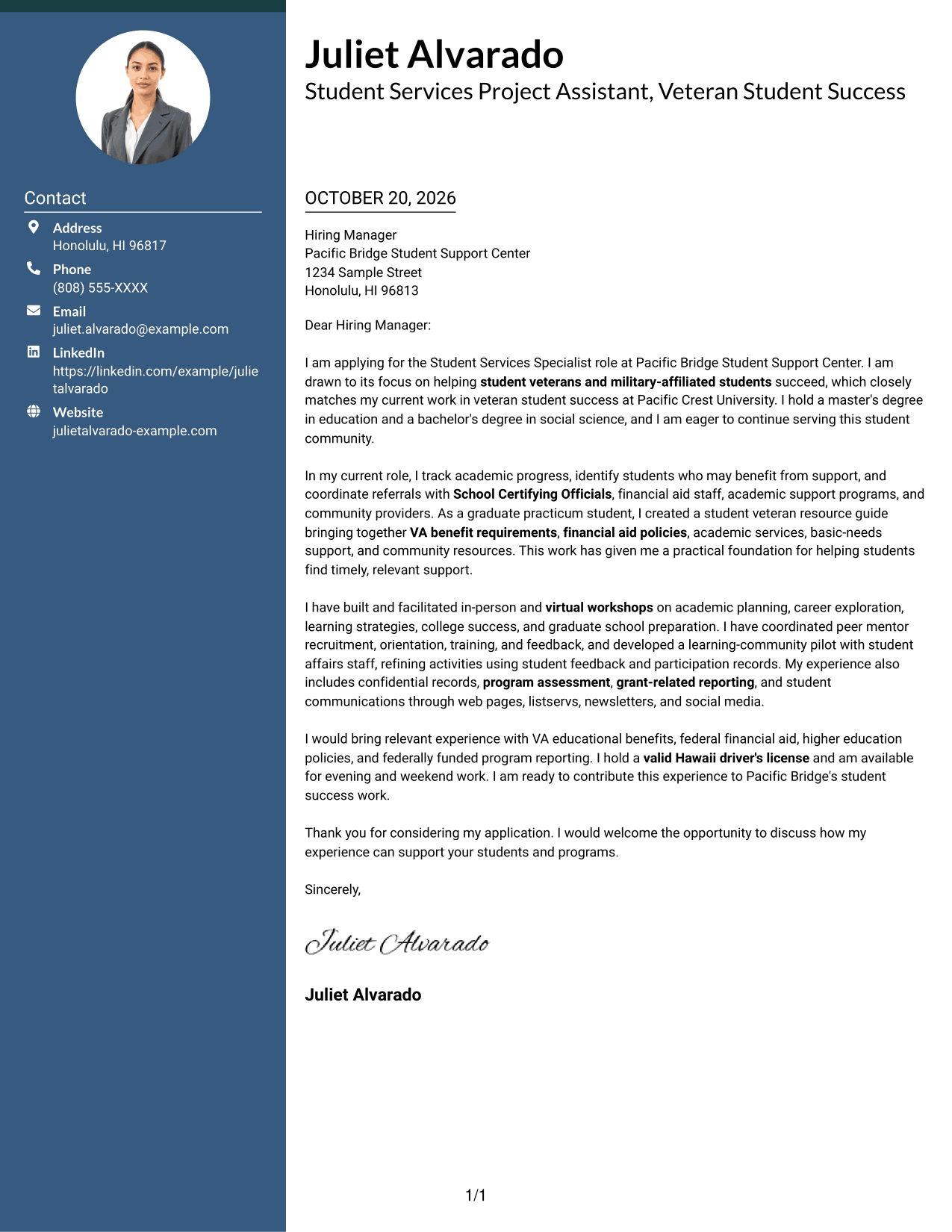
A contact sidebar beside one continuous letter body suits readers who want sender information set apart from the message.
Why This Format Works
- Contact details occupy a sidebar, separate from the letter's persuasive message.
- The body stays in one column, keeping the letter's points in sequence.
- The side-by-side arrangement keeps contact information and the letter visible together.
Best For
- Sidebar contact presentation
- Multi-paragraph applications
- Letters with detailed sender information
- Continuous persuasive letters
- Side-by-side page preference
#3 Photo Header Two Column Format Cover Letter Example
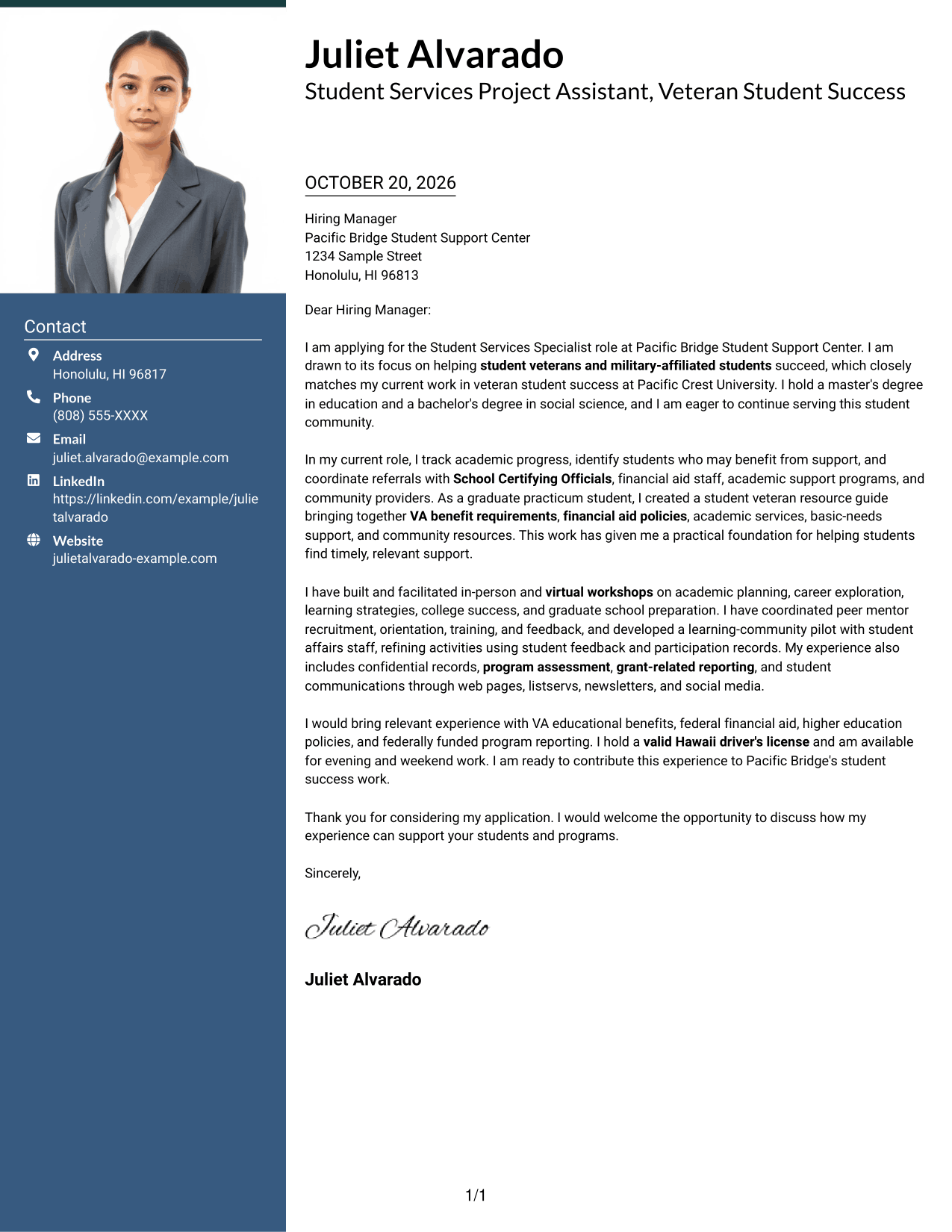
A photo adds a personal visual element to this two-column design, where a contact sidebar sits beside one letter body.
Why This Format Works
- The photo offers a personal visual choice without dividing the letter's argument.
- A sidebar places contact details apart from the continuous message.
- The letter body remains in one column, so its points read in order.
Best For
- Photo-inclusive application documents
- Contact details set apart
- Multi-paragraph letters
- A single letter narrative
- Readers who prefer a personal visual element
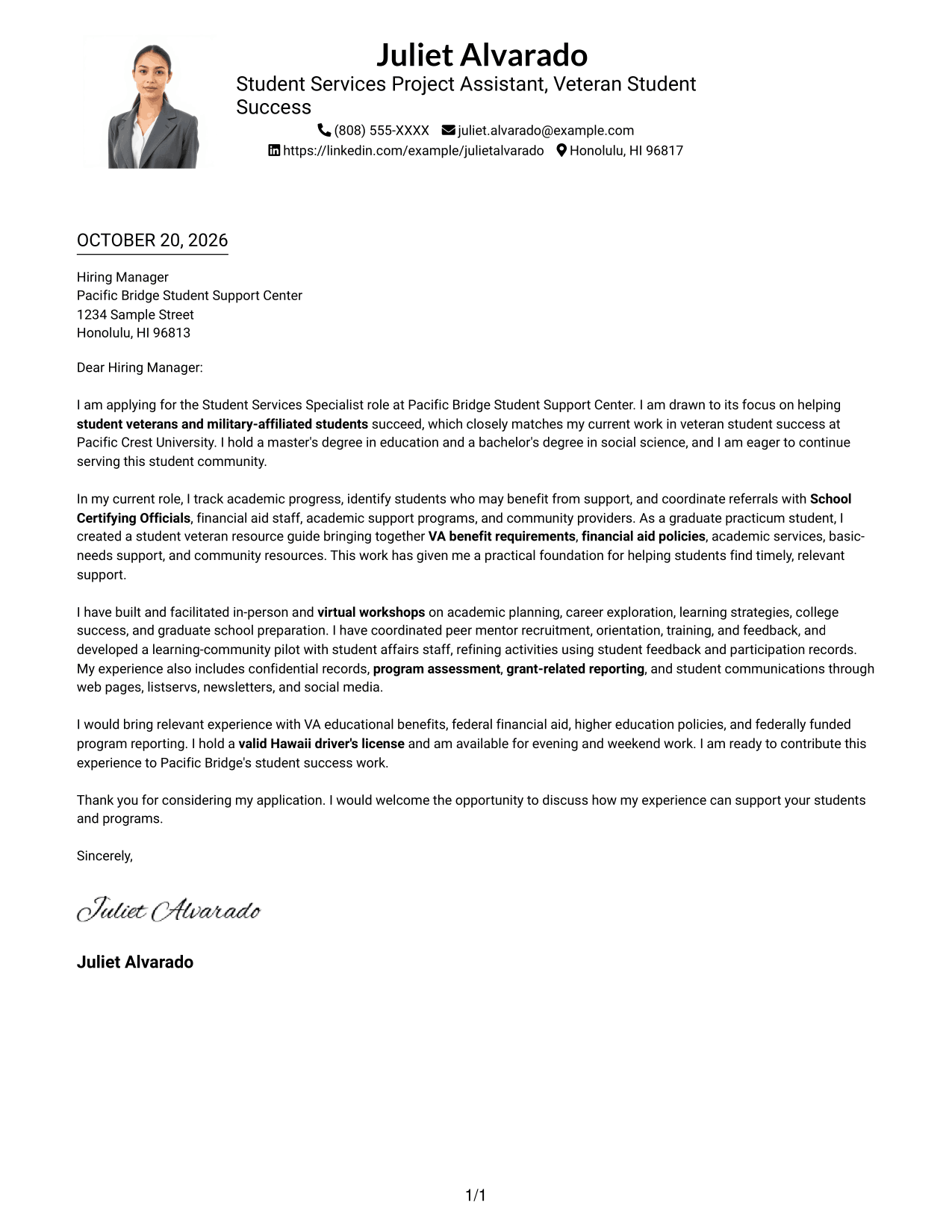
#4 One Column Format with Photo Cover Letter Example
This one-column format includes a photo, pairing a personal visual choice with a direct path through the letter.
Why This Format Works
- The photo adds a visual point of identification while the letter remains one column.
- Sender details appear in the header, apart from the continuous letter message.
- The single-column body keeps opening, supporting points, and closing in sequence.
Best For
- One-column page preference
- Photo-inclusive correspondence
- Letters with several supporting points
- A continuous application message
- Sender details in the header
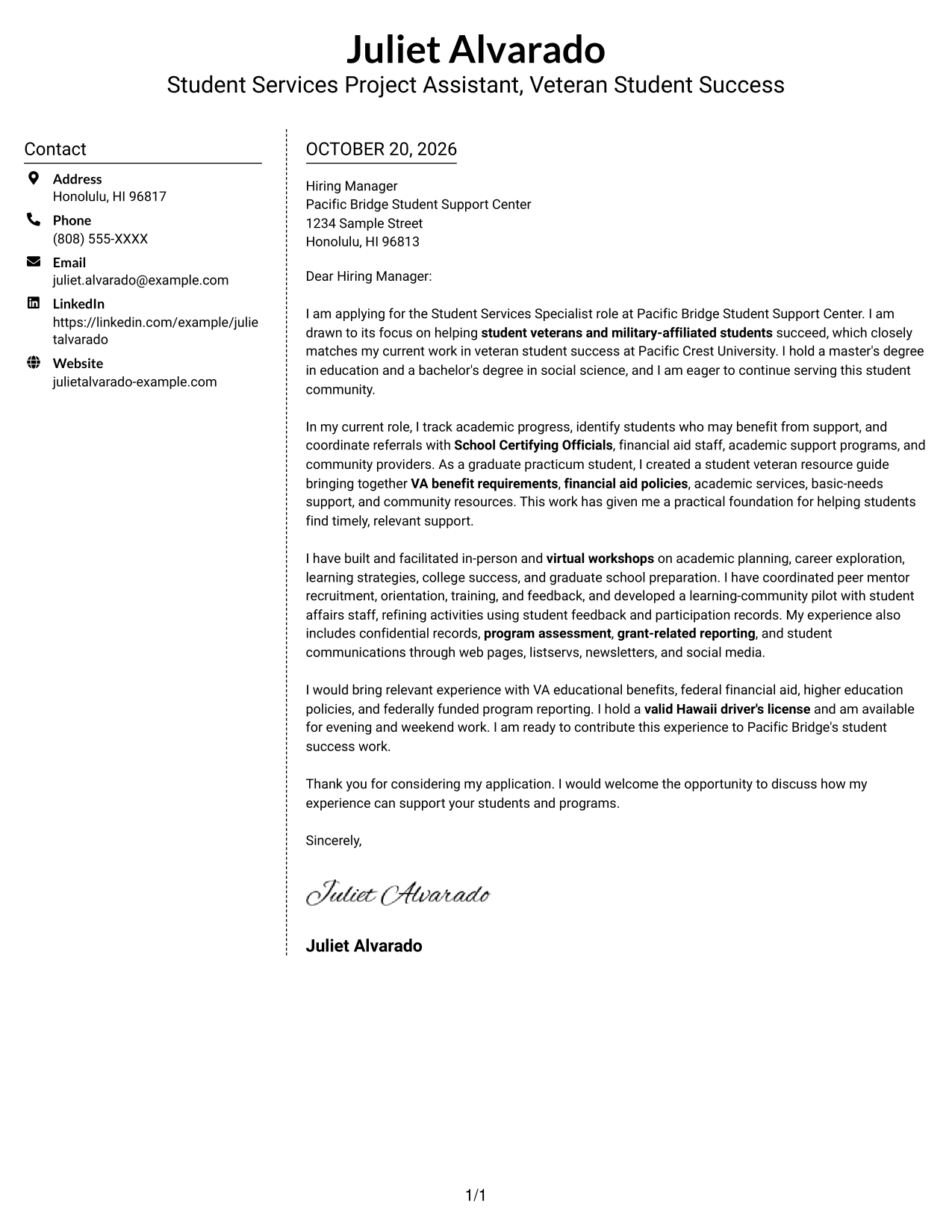
#5 Simple Two Column Format Cover Letter Example
A contact sidebar gives this two-column format a clear division between sender details and the uninterrupted letter body.
Why This Format Works
- The sidebar gives sender details a separate place beside the letter.
- One continuous body keeps the opening, case, and closing together.
- The two-column view distinguishes contact information from the message itself.
Best For
- Separate contact presentation
- Letters with a clear central argument
- Multi-paragraph application messages
- Readers who prefer two columns
- Sender information beside the letter
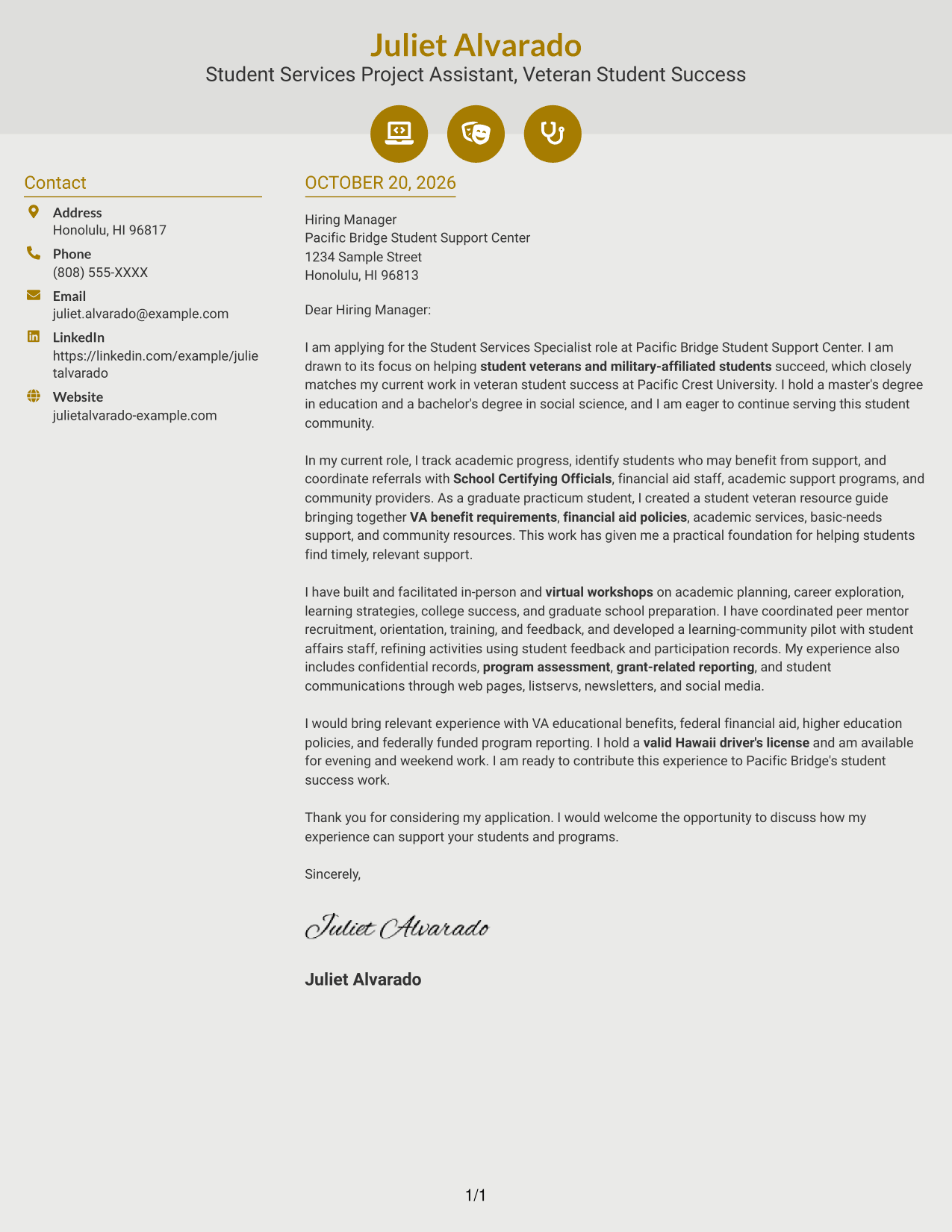
#6 Modern Icon Format Cover Letter Example
This two-column layout uses icons as contact cues or header accents, keeping them separate from the continuous letter body.
Why This Format Works
- Contact icons cue sender details without labeling parts of the letter's argument.
- The sidebar keeps contact information apart from the message.
- Opening, supporting paragraphs, and closing stay together in one letter body.
Best For
- Icon cues for contact details
- A continuous letter argument
- Two-column page preference
- Multi-paragraph application letters
- Decorative header accents
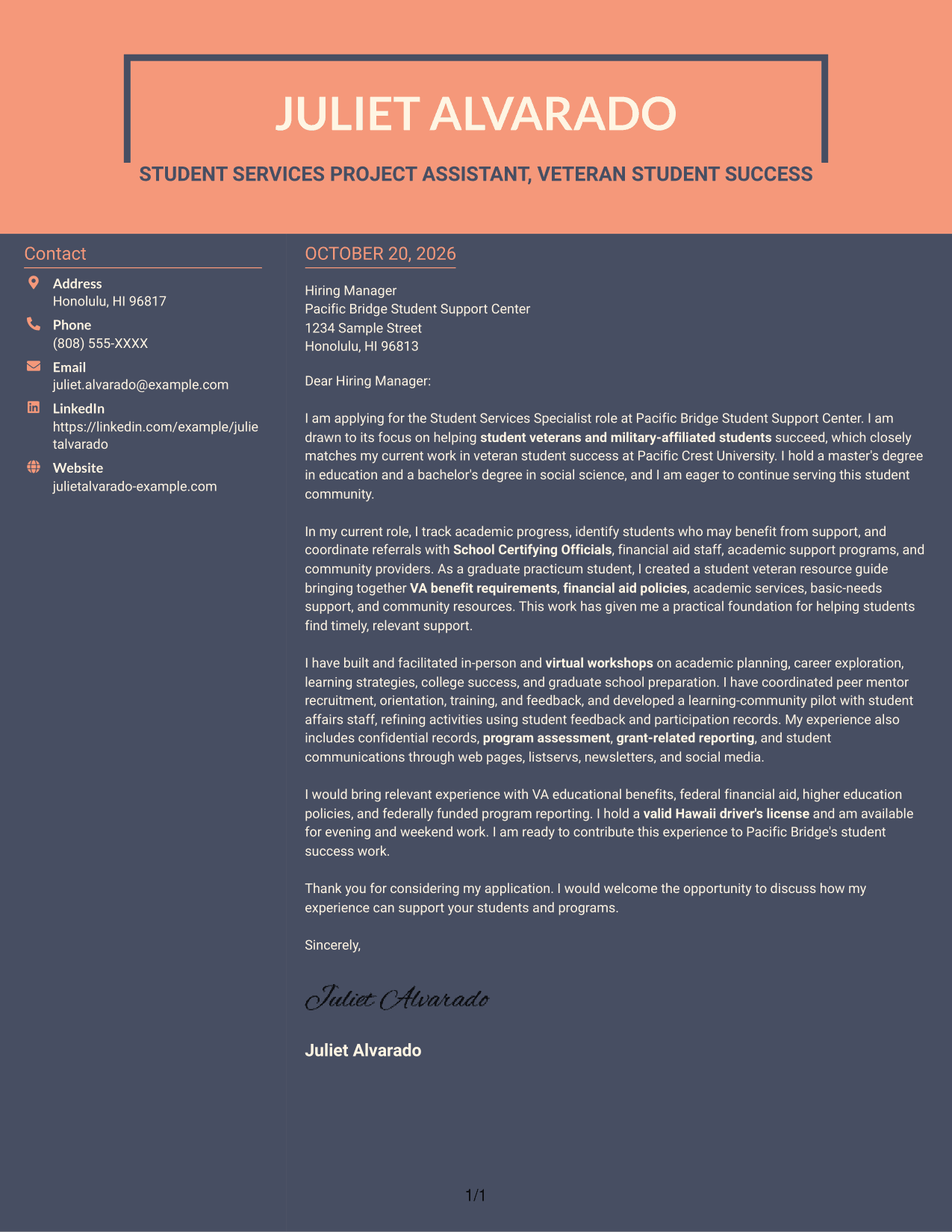
#7 Creative Two Tone Format Cover Letter Example
The two-column arrangement separates contact details from the letter while keeping the full message in one continuous body.
Why This Format Works
- Contact information has its own sidebar beside the central letter message.
- The body stays together as one sequence from opening to closing.
- Separate columns make the contact area distinct from the persuasive text.
Best For
- Sidebar-based contact details
- Letters with several supporting paragraphs
- One continuous persuasive message
- Readers who prefer distinct page areas
- Two-column correspondence
See Also
- 7 Student Services Specialist - Veteran Student Success Resume Templates with Example
- 7 Academic Counselor - Student-Athlete Services Resume Templates with Example
- 7 Student Financial Services Advisor Resume Templates with Example
- 7 Student Services Support Specialist Resume Templates with Example
- 7 Student Worker - Multimedia Services Resume Templates with Example
- 33 Biological Sciences Pre-Health Student Success and Program Coordinator Resume Templates with Example
- 7 Executive Director, Student Success and Retention Resume Templates with Example
- 7 Customer Success Director - Financial Services & Insurance Resume Templates with Example
- 30+ Civil/Structural Engineering Co-op Student Cover Letter Templates with Example 2026
- 7 Project Specialist - Student Engagement Cover Letter Templates with Example
Frequently Asked Questions
What should the opening paragraph say for this role?
State your interest in the Student Services Specialist - Veteran Student Success position and connect it to supporting student veterans and military-affiliated students. Keep the opening direct, then use the body to show relevant experience.
What experience is useful to highlight in this cover letter?
Choose examples that show student progress monitoring, timely referrals, workshop delivery, peer mentor coordination, or program assessment. Mention VA educational benefits, financial aid, or confidential records when your experience supports those claims.
How can I show alignment with the employer?
Connect your examples to the role’s focus on retention, graduation, student success programming, and coordinated support. Explain how your communication and judgment help students reach the right campus or community resources.
Should this cover letter include every relevant duty?
No. Select a few strong examples that match the position, such as workshops, peer mentoring, referrals, or reporting. A focused letter is easier to follow and leaves room to explain your motivation.
How can I compare the cover letter examples?
Review the PNG previews to compare each presentation, then open an example in the editor to view or customize it. Choose a clear style that supports your message and fits the employer’s communication context.




