
7 Sustainability Professional Cover Letter Templates with Example
This practical guide to a Sustainability Professional cover letter presents seven layouts and shows how to connect a clear opening, relevant evidence, and genuine motivation.
What Makes a Great Sustainability Professional Cover Letter in 2026
A strong Sustainability Professional cover letter links resource stewardship and environmental work to practical service needs. It gives a clear reason for applying and shows how the applicant’s approach can support responsible resource use.
Use specific evidence, such as coordinating improvement efforts, reviewing service data, or communicating with community partners. Connect that experience to the employer’s stated sustainability focus without assuming details the job posting does not provide.
The featured Sustainability Professional example moves from motivation to current responsibilities, a community recycling pilot, relevant education, and a direct close. Use that focused progression as a guide, then choose a presentation that suits the employer and the communication context.
#1 Simple One Column Format Cover Letter Example
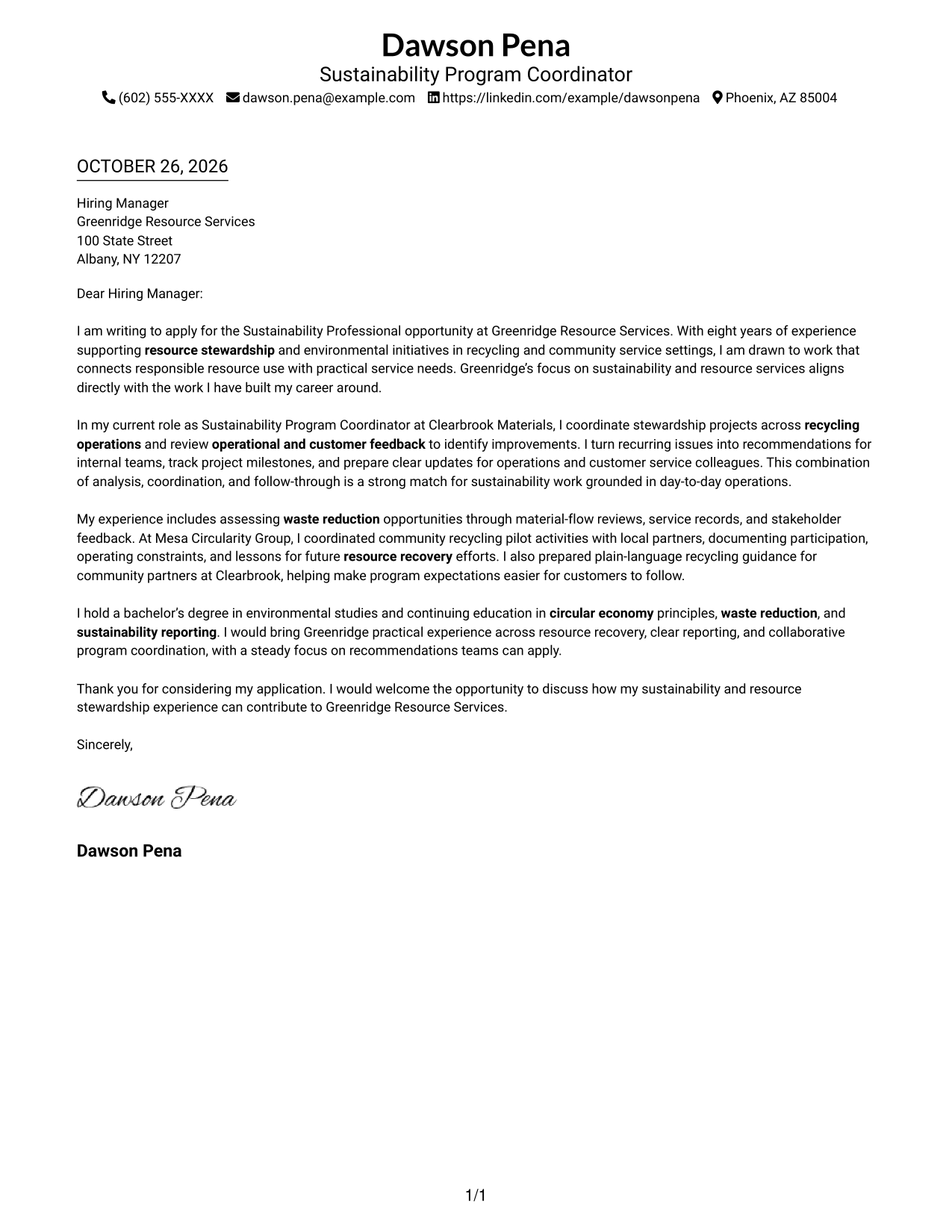
The Simple One Column Format places sender details in the header above a single-column letter, a direct choice for readers who prefer a familiar page flow.
Why This Format Works
- Header details are easy to find before the reader begins the letter.
- One reading path carries the greeting, supporting points, and closing in sequence.
- Paragraph transitions move the application case forward without argument headings.
Best For
- Single-column page preference
- Header-based contact details
- Photo-free correspondence
- Unheaded letter paragraphs
- Familiar application letters
#2 Two Column Format Cover Letter Example
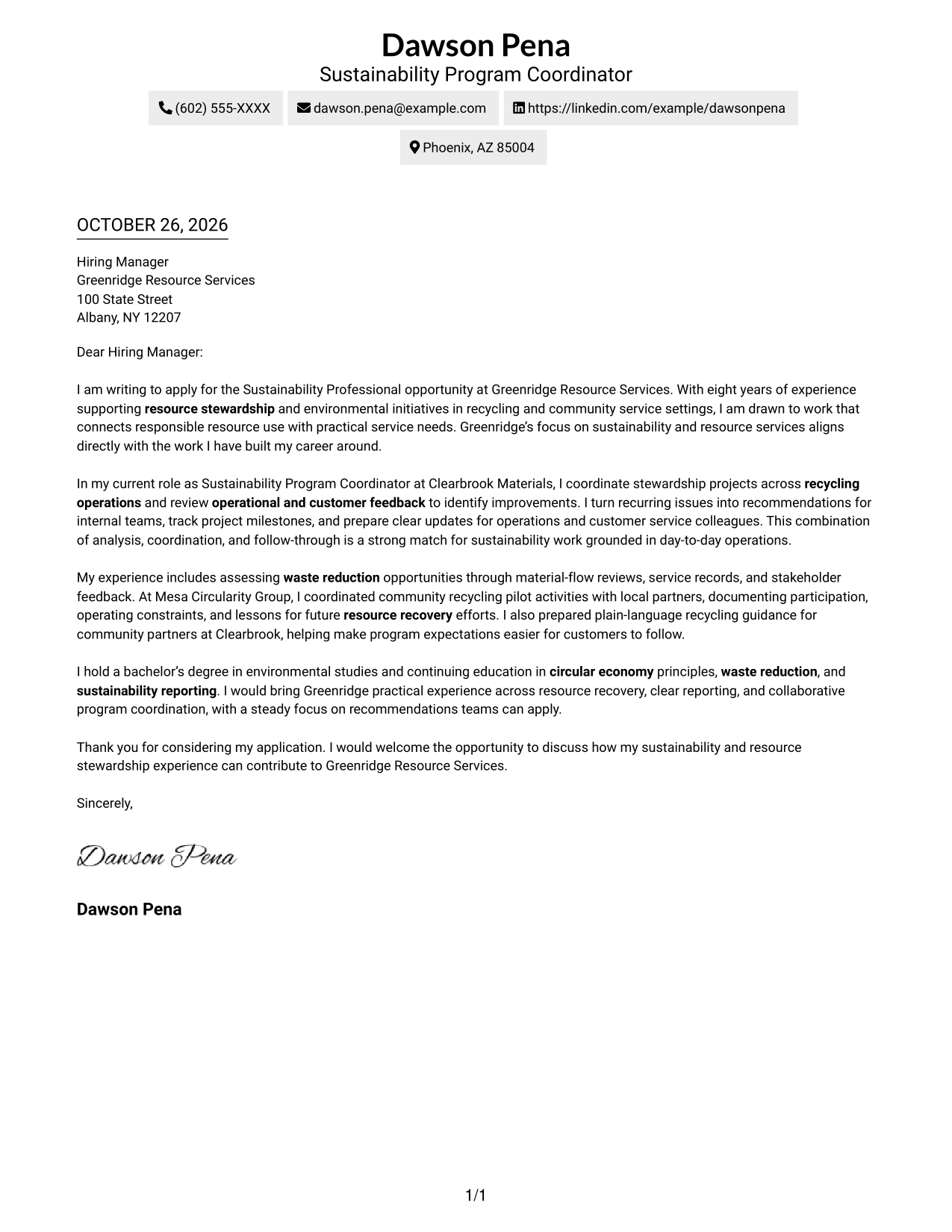
The Two Column Format places a contact sidebar beside one continuous letter body, keeping contact details distinct from the application message.
Why This Format Works
- A dedicated sidebar separates contact details from the persuasive paragraphs.
- The letter body keeps motivation, examples, and closing in one reading path.
- Without argument headings, paragraph transitions carry the case from interest to fit.
Best For
- Two-column page preference
- Contact details outside the letter body
- Photo-free application letters
- Paragraph-led persuasion
- Side-by-side document layouts
#3 Photo Header Two Column Format Cover Letter Example
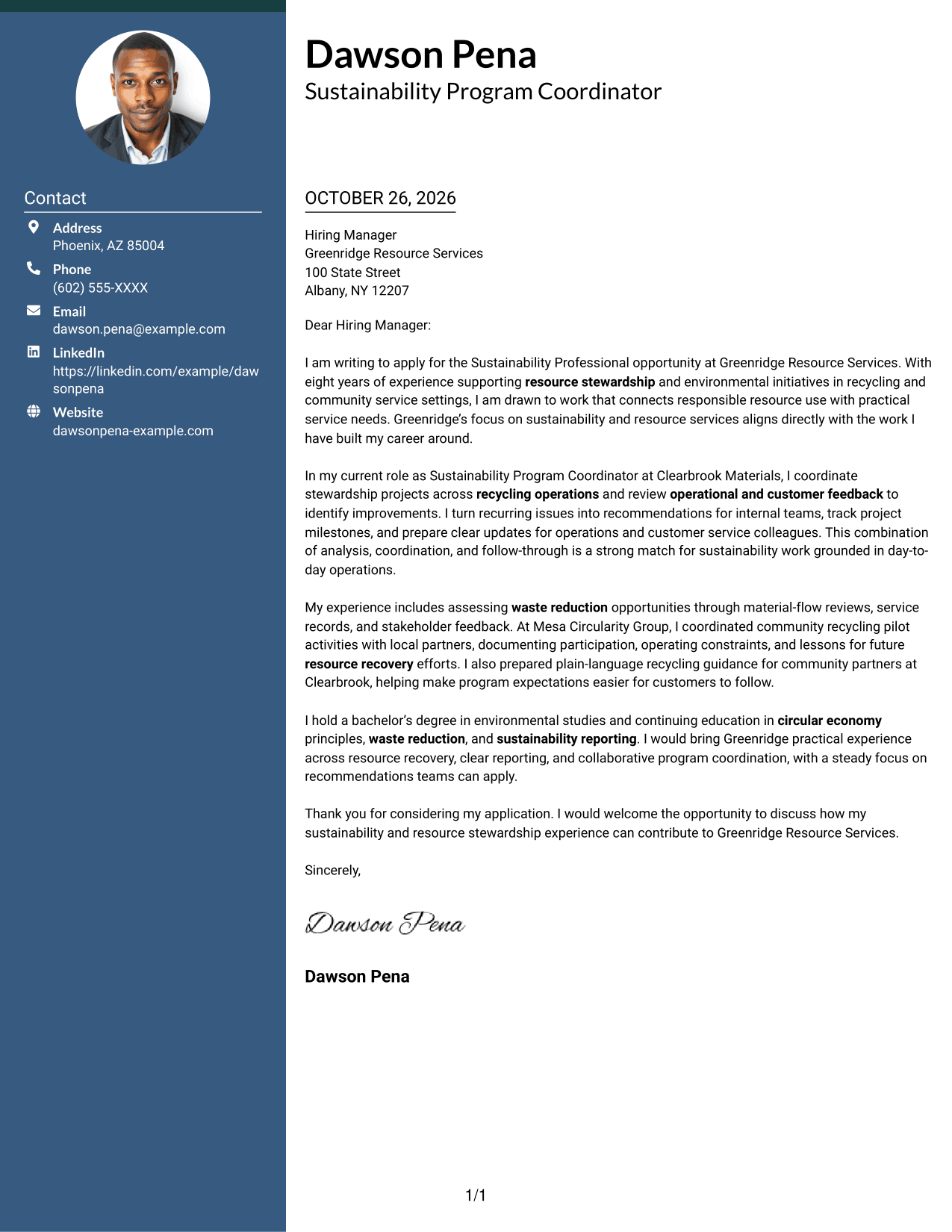
The Photo Header Two Column Format combines a photo and contact sidebar with one continuous letter body, for readers who want a personal visual element alongside a focused message.
Why This Format Works
- The photo adds a personal visual element without splitting the letter's argument.
- A contact sidebar keeps sender details apart from the main message.
- One continuous body lets the reader follow the case from opening to close.
Best For
- Two-column page preference
- Photo-inclusive correspondence
- Contact sidebar presentation
- Unheaded letter paragraphs
- Personal visual introductions
#4 One Column Format with Photo Cover Letter Example
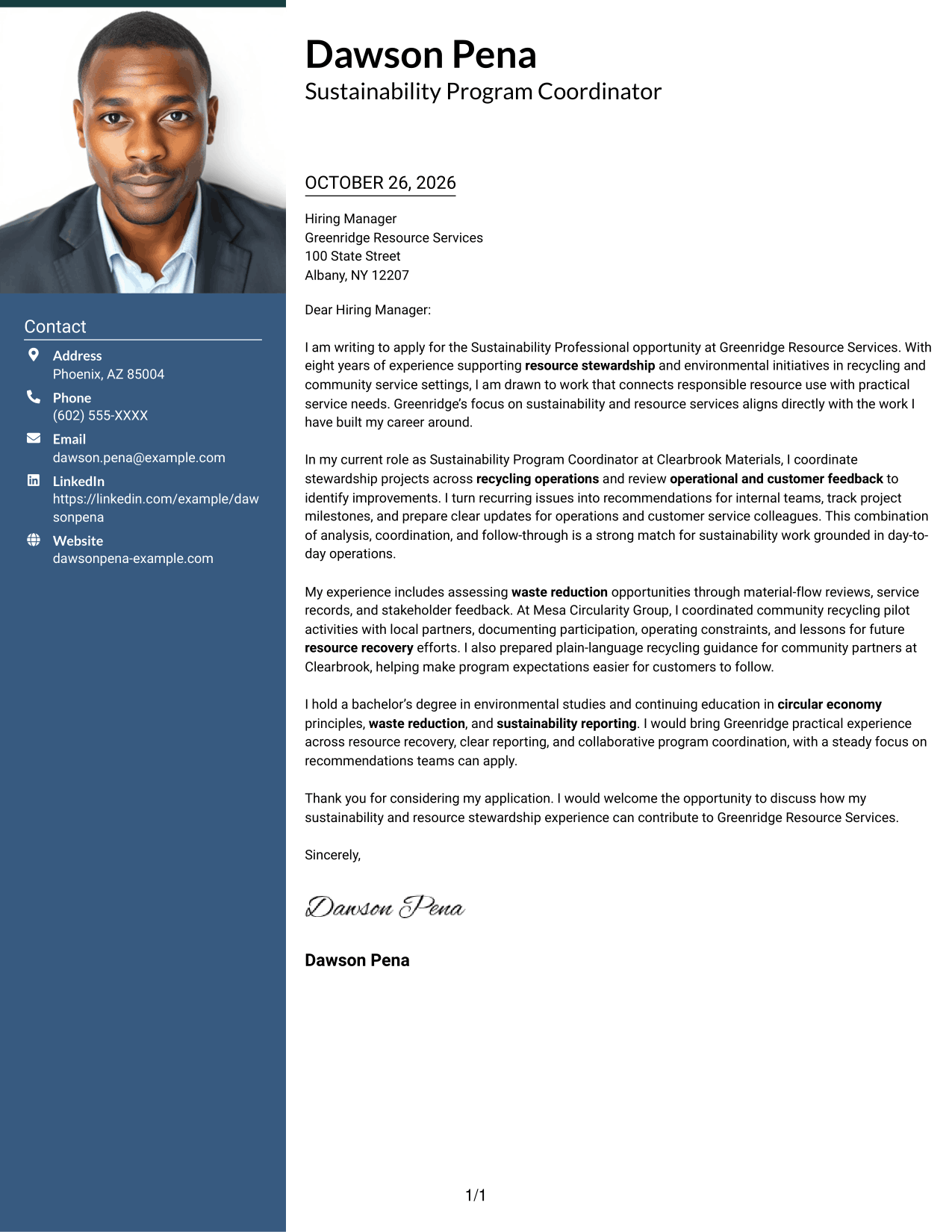
The One Column Format with Photo presents the letter in one column and includes a photo, a practical choice for readers who prefer a direct page layout with a personal visual element.
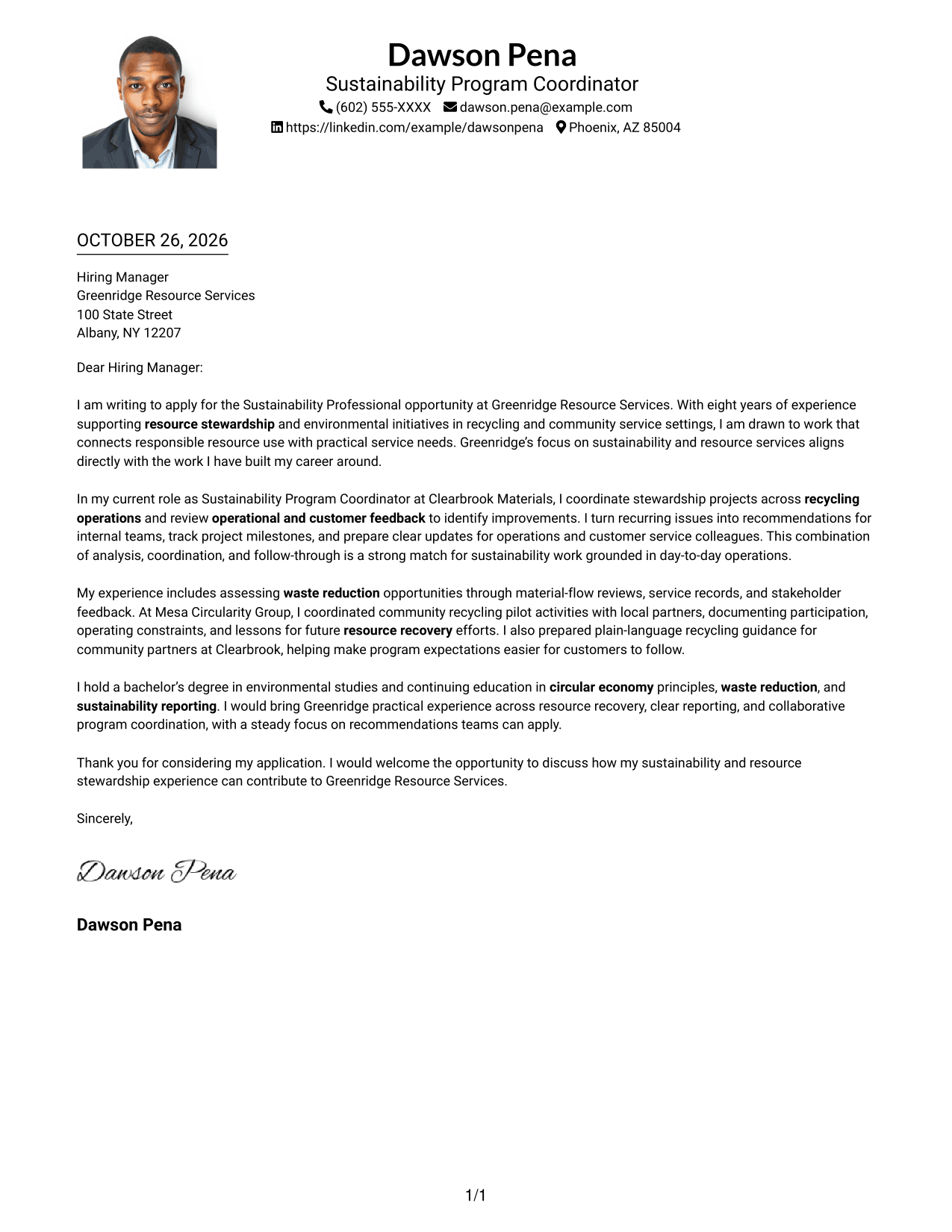
Why This Format Works
- A single column gives the letter one clear direction from opening to close.
- The photo adds a visual point of recognition without changing the letter's argument.
- Paragraph breaks give each part of the message room to develop.
Best For
- Single-column page preference
- Photo-inclusive correspondence
- Paragraph-led application letters
- Unheaded letter arguments
- Direct page layouts
#5 Simple Two Column Format Cover Letter Example
The Simple Two Column Format keeps contact details in a sidebar beside the continuous letter body, a straightforward layout for readers who want the two areas clearly separated.
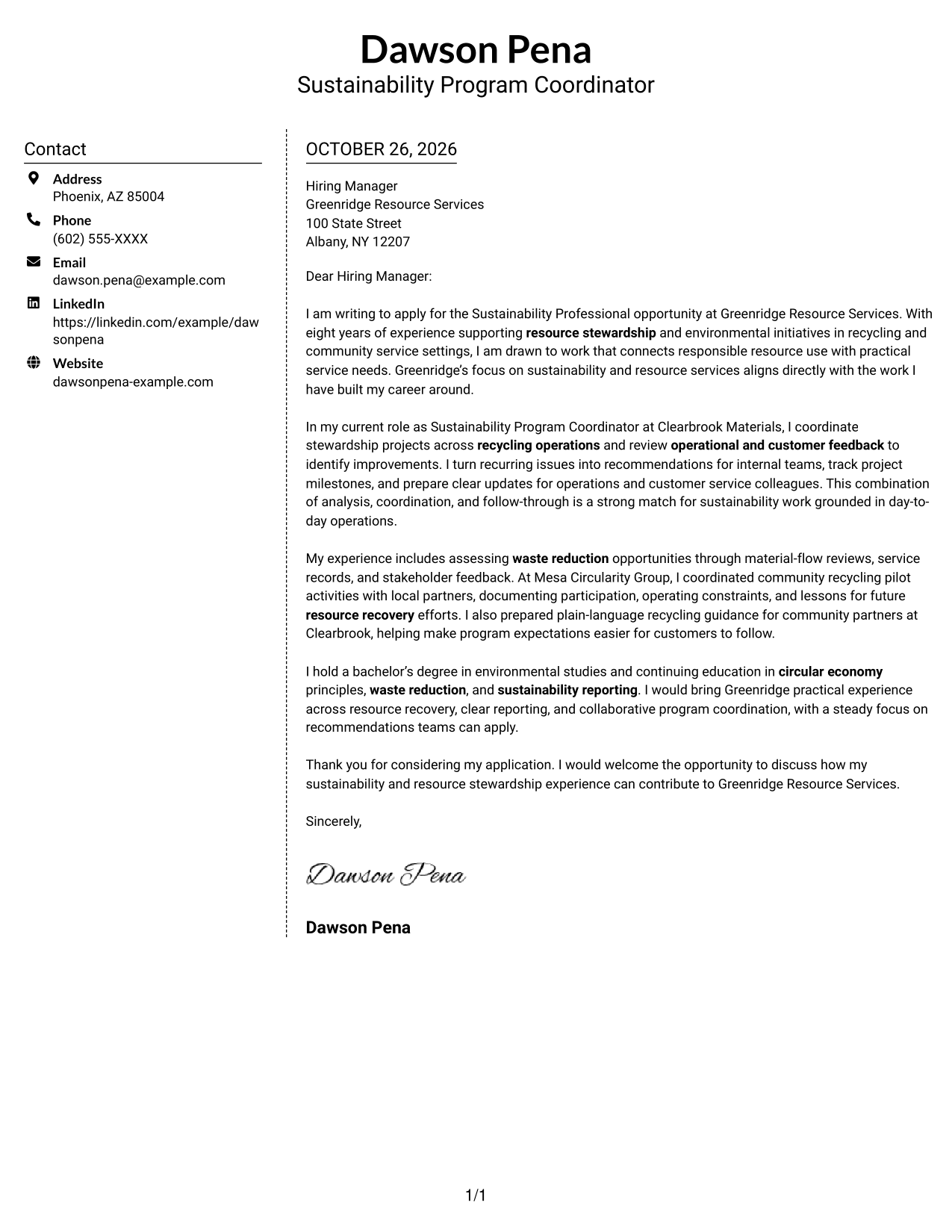
Why This Format Works
- Contact information occupies its own area beside the letter body.
- The main message stays together rather than splitting into parallel columns.
- A simple layout keeps attention on the letter's paragraphs and closing.
Best For
- Side-by-side page layouts
- Separate contact and letter areas
- Photo-free correspondence
- Continuous application letters
- Simple visual organization
#6 Modern Icon Format Cover Letter Example
The Modern Icon Format uses two columns for contact details and the continuous letter body, with icons serving as contact cues or decorative accents rather than argument labels.
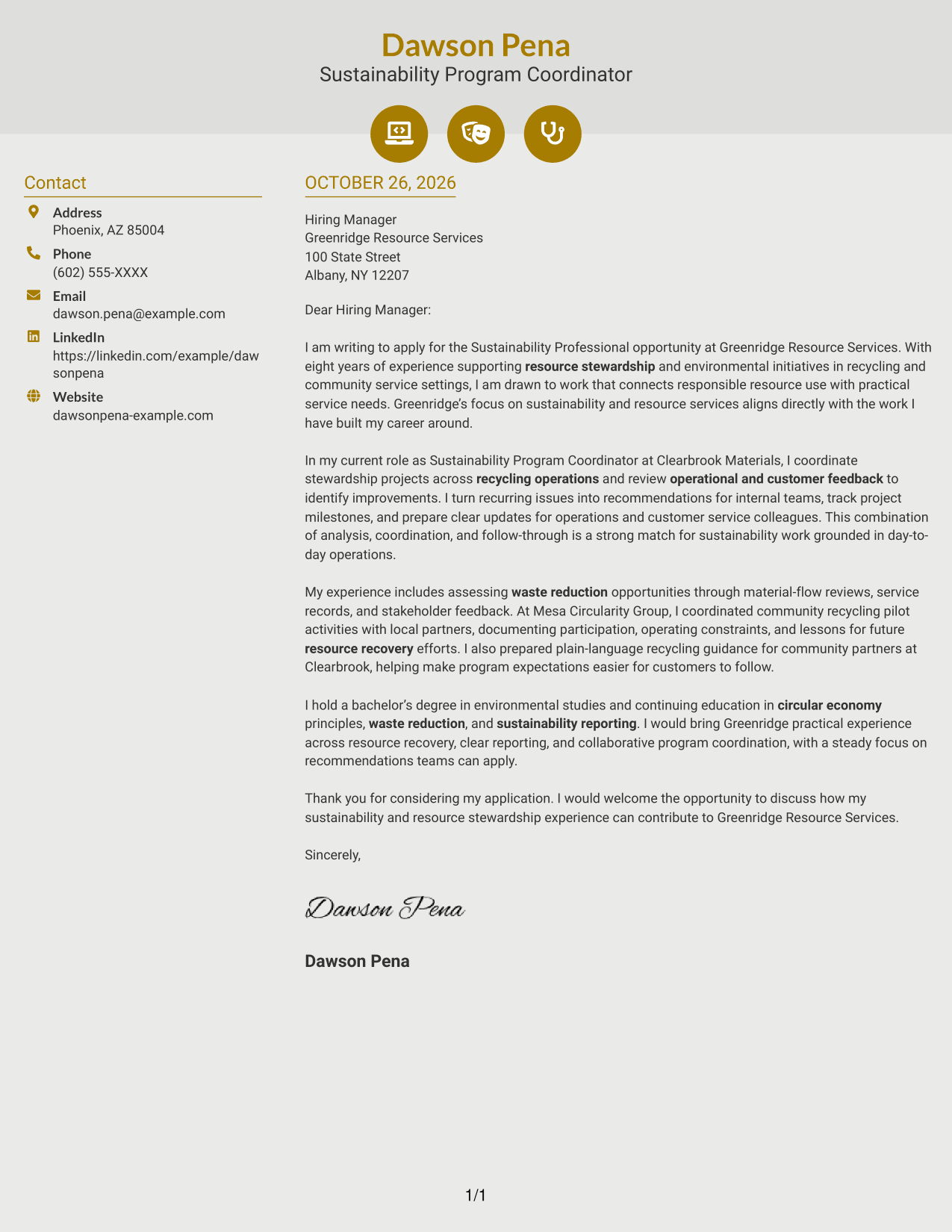
Why This Format Works
- Contact icons can help distinguish personal details from the letter text.
- The sidebar keeps contact information separate from the application message.
- The continuous body leaves opening, evidence, and closing in one narrative.
Best For
- Two-column page preference
- Icon-marked contact details
- Photo-free application letters
- Unheaded persuasive letters
- Decorative header accents
#7 Creative Two Tone Format Cover Letter Example
The Creative Two Tone Format places a contact sidebar beside one continuous letter body, offering a two-column option for readers who want contact details outside the main message.
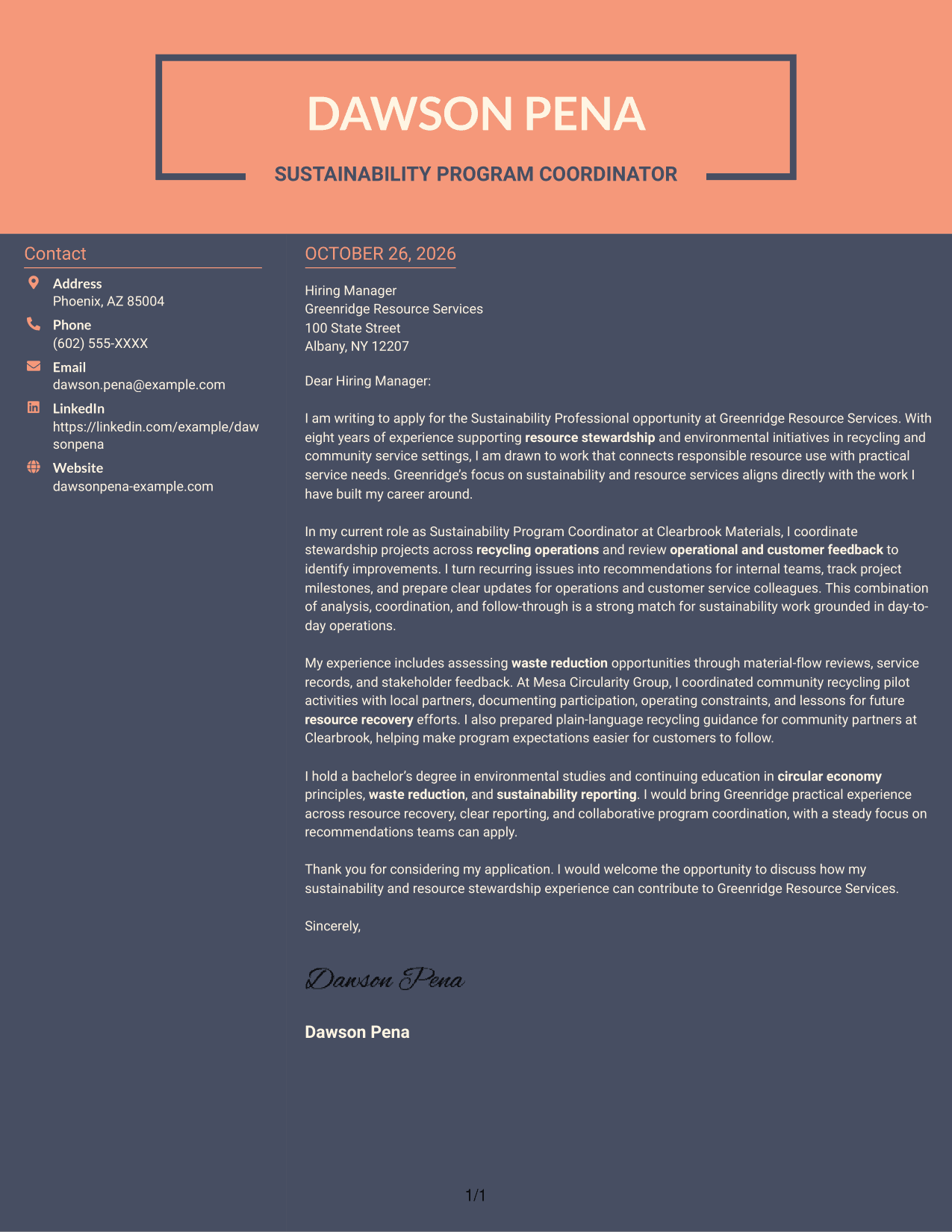
Why This Format Works
- A separate sidebar gives contact details a clear place beside the letter.
- The body stays in one column, so the application message reads as a whole.
- Paragraphs can carry the reader from initial interest to the closing request.
Best For
- Two-column reading preference
- Contact details beside the letter
- Photo-free application documents
- Paragraph-based persuasion
- Distinct contact and message areas
See Also
- 7 Sustainability Professional Resume Templates with Example
- 7 Associate Manager, Sustainability Reporting Resume Templates with Example
- 7 Postdoctoral Research - Applying AI in Environment and Sustainability Resume Templates with Example
- 33 Product Manager, Sustainability AI Resume Templates with Example 2026 (ATS-Optimized)
- 7 Zero Waste & Circularity Support Specialist (Concierge) - Environmental Sustainability Resume Templates with Example
- 7 Associate Director for Academic, Career, and Professional Development Resume Templates with Example
- 7 Cost Estimating Professional Resume Templates with Example
- 33 Financial Professional/Insurance Sales Resume Templates with Example
- 7 Associate Manager, Sustainability Reporting Cover Letter Templates with Example
- 30+ Product Manager, Sustainability AI Cover Letter Templates with Example 2026
Frequently Asked Questions
How can a Sustainability Professional cover letter show a strong fit?
Connect your motivation to the employer’s stated sustainability focus, then support your fit with specific examples. Resource stewardship, recycling operations, project coordination, and clear communication are relevant themes in this featured application.
What evidence should I include in a Sustainability Professional cover letter?
Choose examples that show how you reviewed service or material information, coordinated a practical improvement, or worked with community partners. Explain what you did and how the work supported reliable service or responsible resource use.
How should I choose a cover letter layout?
Compare the image previews for clear, readable presentation, then open an example in the editor to explore it. Choose a layout that fits the employer and the communication context.
What if the Sustainability Professional job posting gives few details?
Address the sustainability focus that is stated, and avoid guessing about duties or qualifications. Use a concise example from your own experience to show how you approach resource stewardship, analysis, or collaboration.
Should I include a photo on my cover letter?
Use a photo only if it is common or expected in your location or field. For U.S. applications, a no-photo cover letter is usually a straightforward choice.




