
7 Talent Acquisition Analyst - Full-Cycle Recruiting Cover Letter Templates with Example
This practical guide to a Talent Acquisition Analyst - Full-Cycle Recruiting cover letter compares seven layouts and shows how to present your fit clearly.
What Makes a Great Talent Acquisition Analyst - Full-Cycle Recruiting Cover Letter in 2026
A strong letter connects full-cycle recruiting work to the role’s needs, from search planning and sourcing through selection and onboarding.
Use specific examples of manager partnership, candidate communication, recruitment updates, and process improvement. Link that evidence to the employer’s public-service needs and explain your interest in the work.
The featured example follows a focused progression from role interest to recruiting evidence and a clear close. Adapt that structure while choosing a presentation that suits the employer and the communication context.
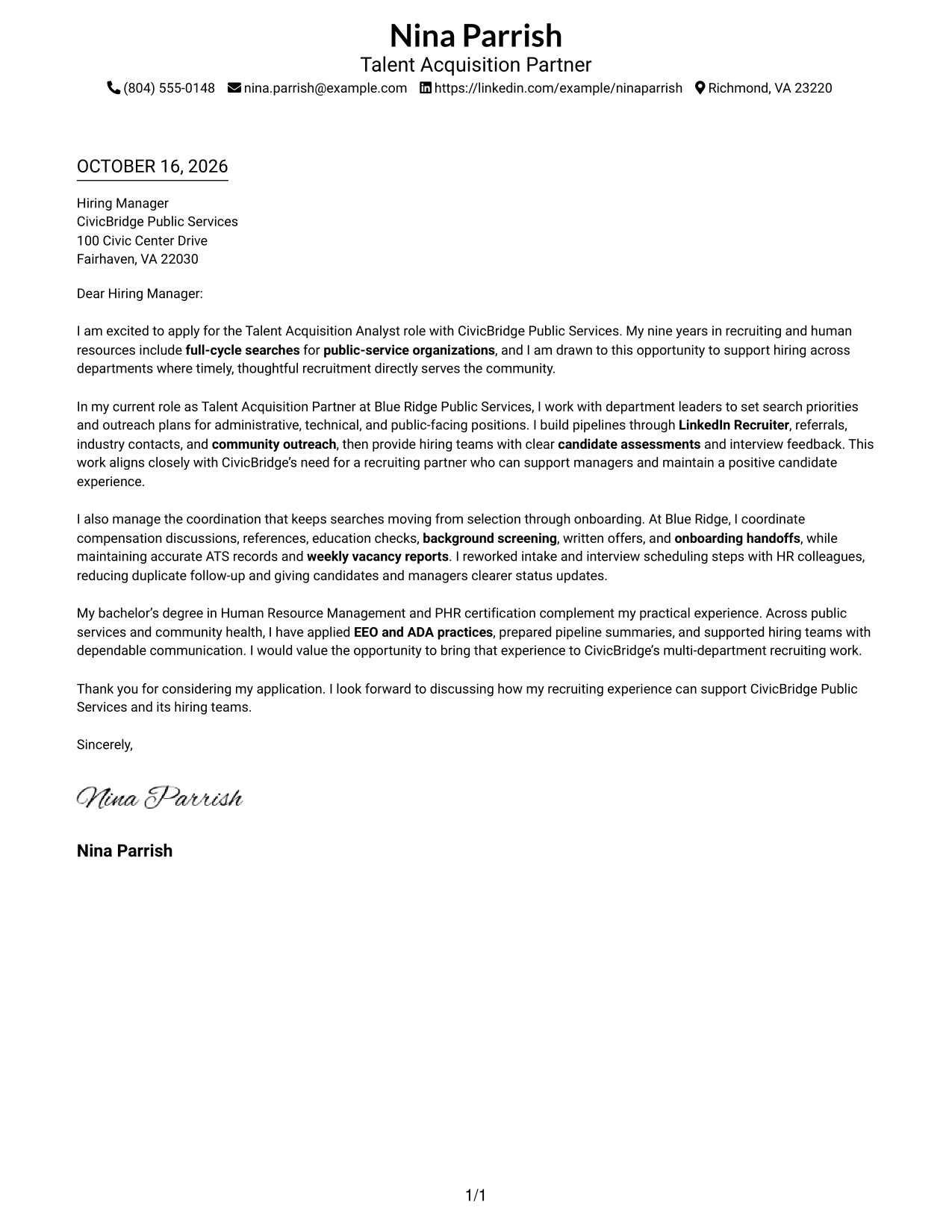
#1 Simple One Column Format Cover Letter Example
Simple One Column Format places sender details in the header above one continuous letter body, keeping contact information and the message in a direct reading order.
Why This Format Works
- Sender details remain in the header, apart from the uninterrupted letter body.
- Opening, supporting points, and closing stay in one clear reading sequence.
- The photo-free layout keeps the page focused on written communication.
Best For
- Single-column letter layouts
- Header-based contact details
- Continuous paragraph arguments
- Photo-free applications
- Direct reading order
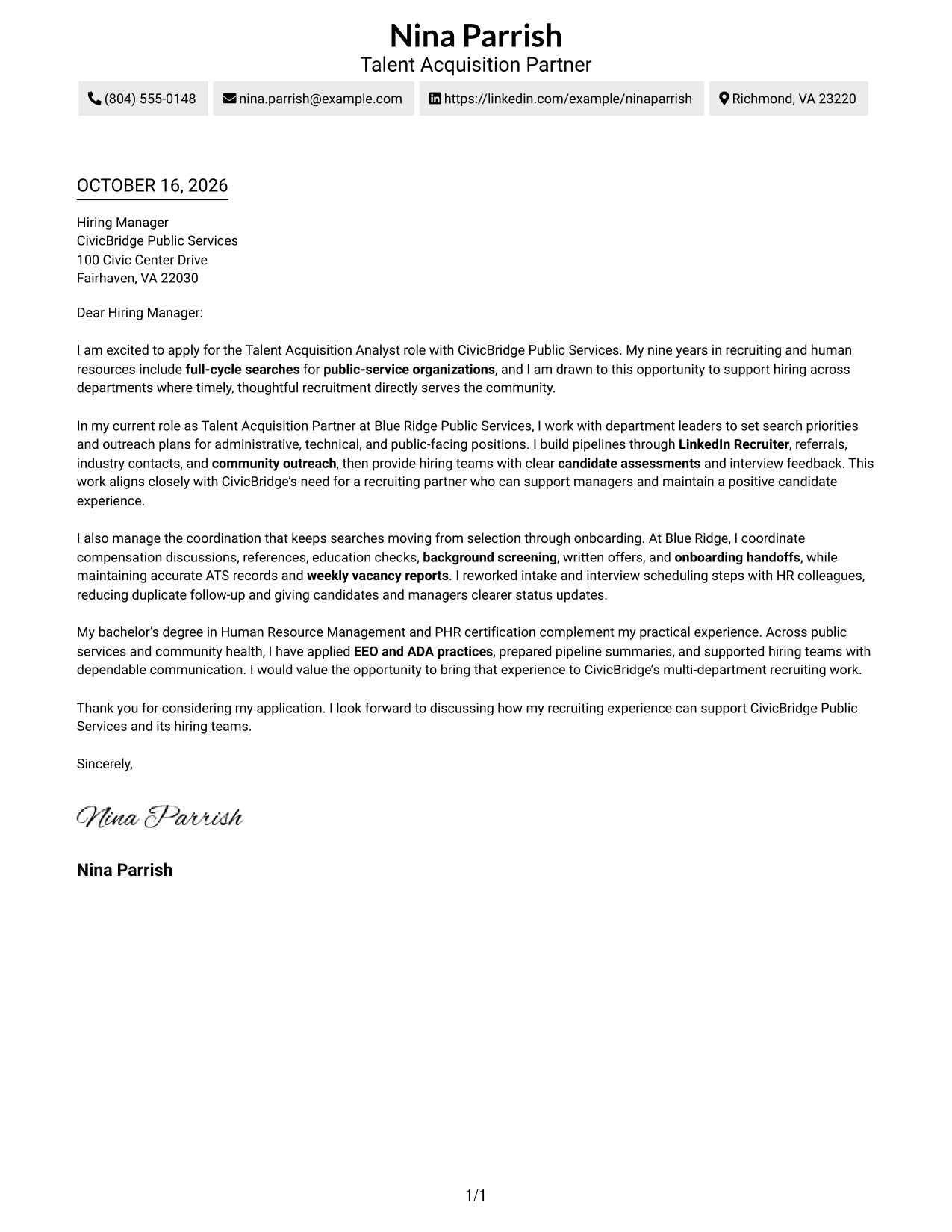
#2 Two Column Format Cover Letter Example
Two Column Format places a contact sidebar beside one continuous letter body, separating sender information from the message for clear access to both.
Why This Format Works
- A contact sidebar keeps sender information distinct from the letter's message.
- One continuous body lets reviewers follow the argument from opening to close.
- The photo-free presentation suits readers who prefer a text-led letter.
Best For
- Sidebar contact details
- Continuous letter paragraphs
- Quick access to sender information
- Photo-free applications
- Side-by-side contact and message
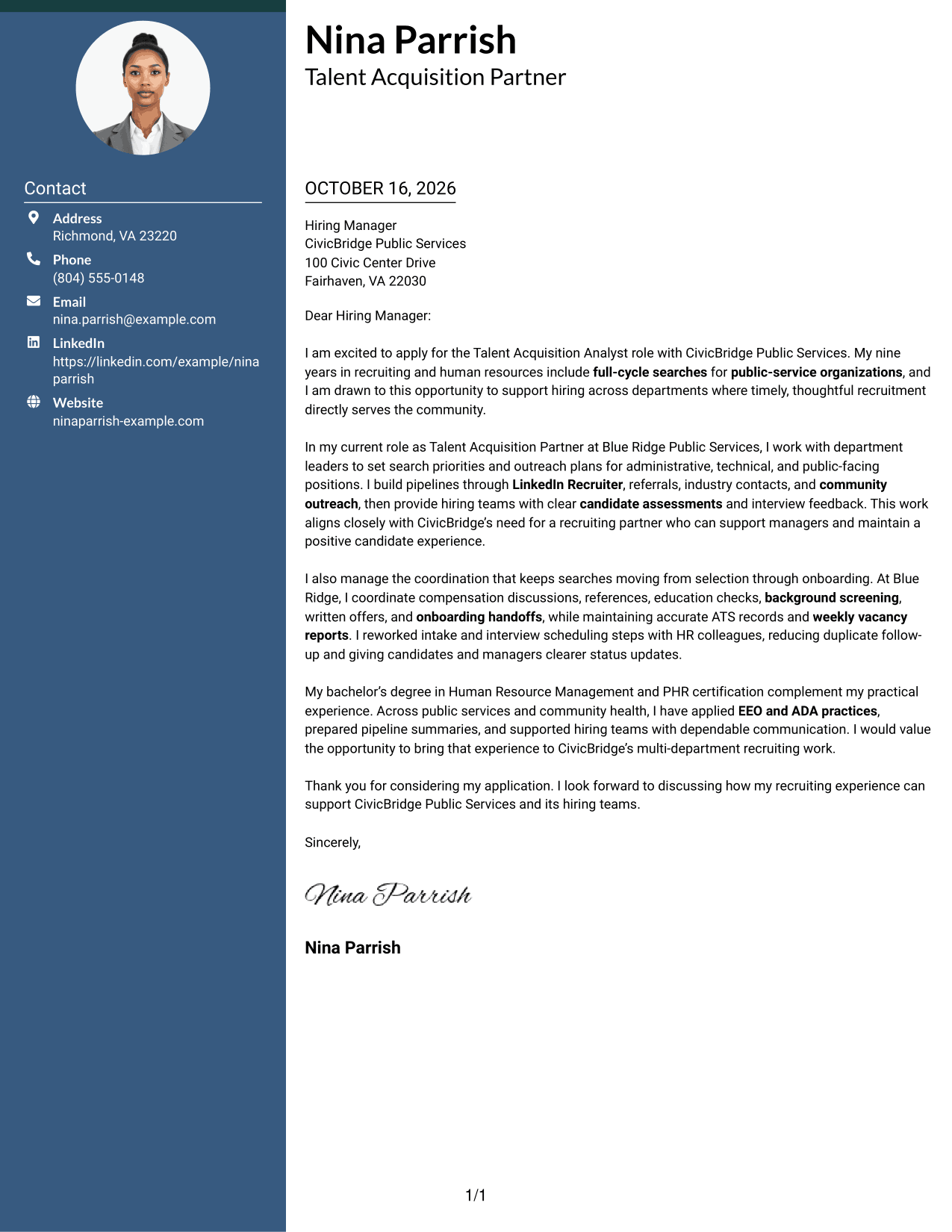
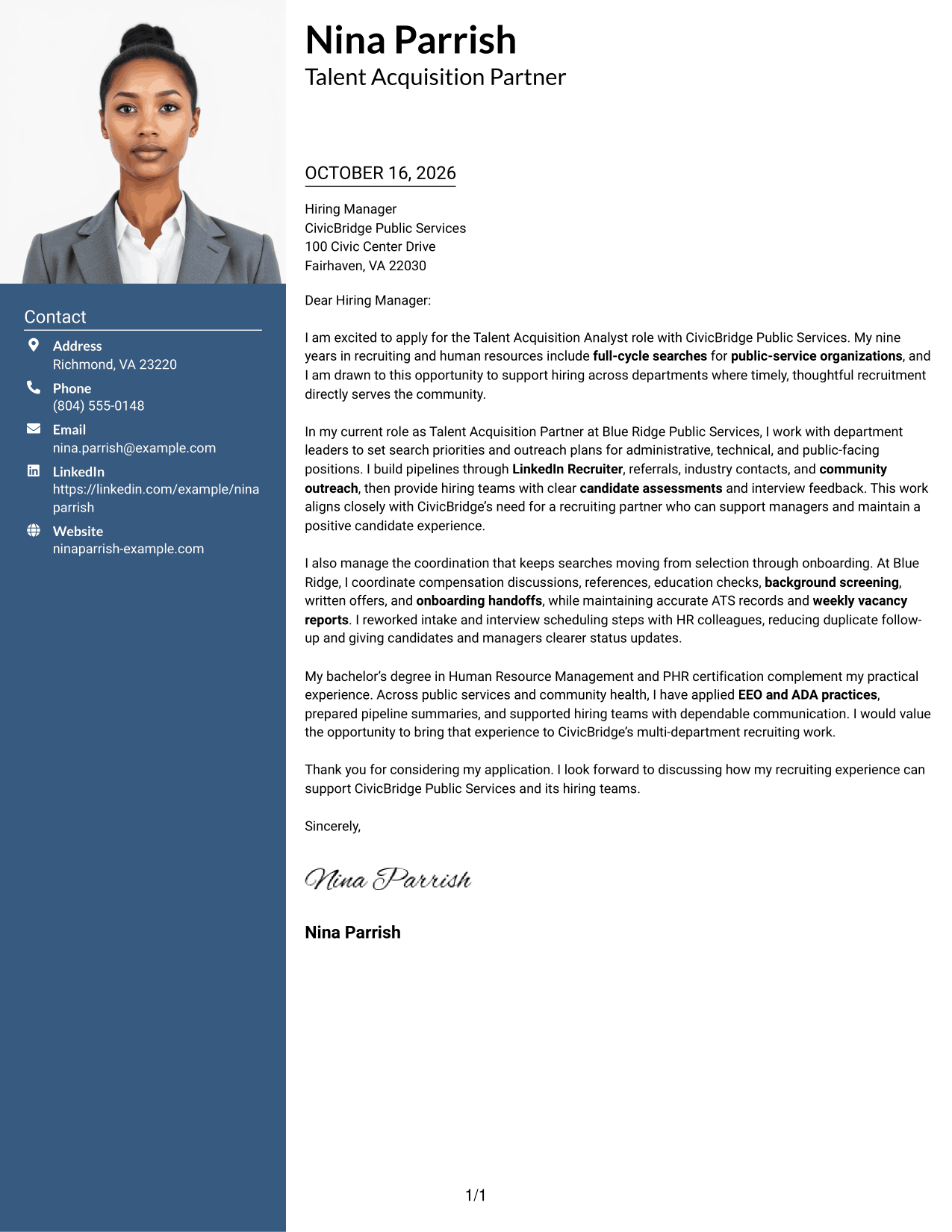
#3 Photo Header Two Column Format Cover Letter Example
Photo Header Two Column Format includes a photo and a contact sidebar beside one continuous letter body, offering a portrait-led visual choice while keeping the message together.
Why This Format Works
- The contact sidebar gives sender information a separate place beside the letter.
- One continuous body keeps the opening, evidence, and close in reading order.
- The photo adds a personal visual element to the letter.
Best For
- Sidebar-based contact details
- Continuous letter paragraphs
- Portrait-inclusive applications
- A visible sender identity
- Clear contact and message separation
#4 One Column Format with Photo Cover Letter Example
One Column Format with Photo includes a photo with sender details in the header and one continuous letter body, combining a portrait with a direct reading path.
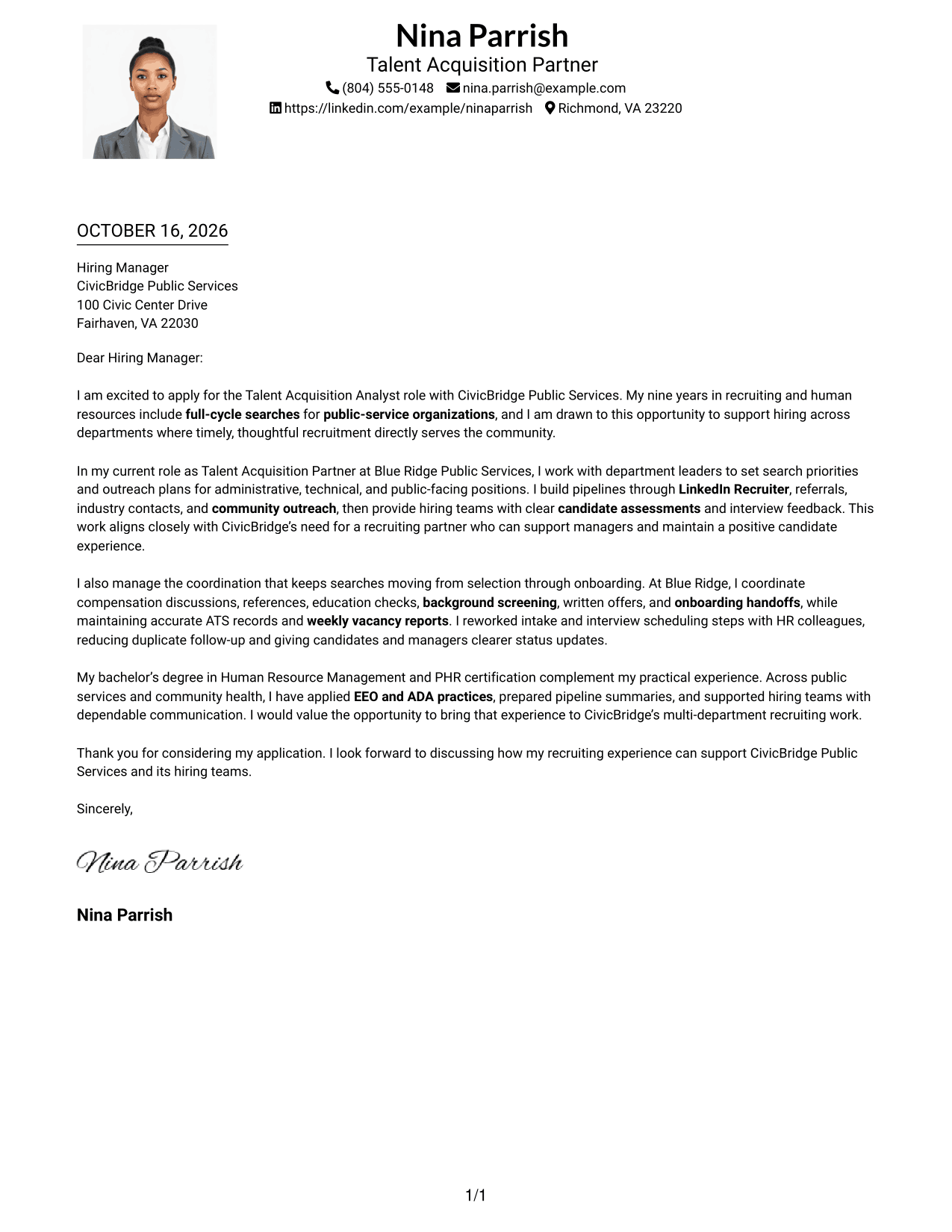
Why This Format Works
- Sender details stay in the header while the letter remains in one body column.
- Reviewers can follow the message from greeting through closing without parallel text.
- The photo offers a portrait-led visual choice within a single-column layout.
Best For
- Single-column letter layouts
- Header-based contact details
- Portrait-inclusive applications
- Continuous paragraph arguments
- Direct reading order
#5 Simple Two Column Format Cover Letter Example
Simple Two Column Format sets the contact sidebar beside one continuous letter body, making it easy to distinguish the sender's details from the letter's message.
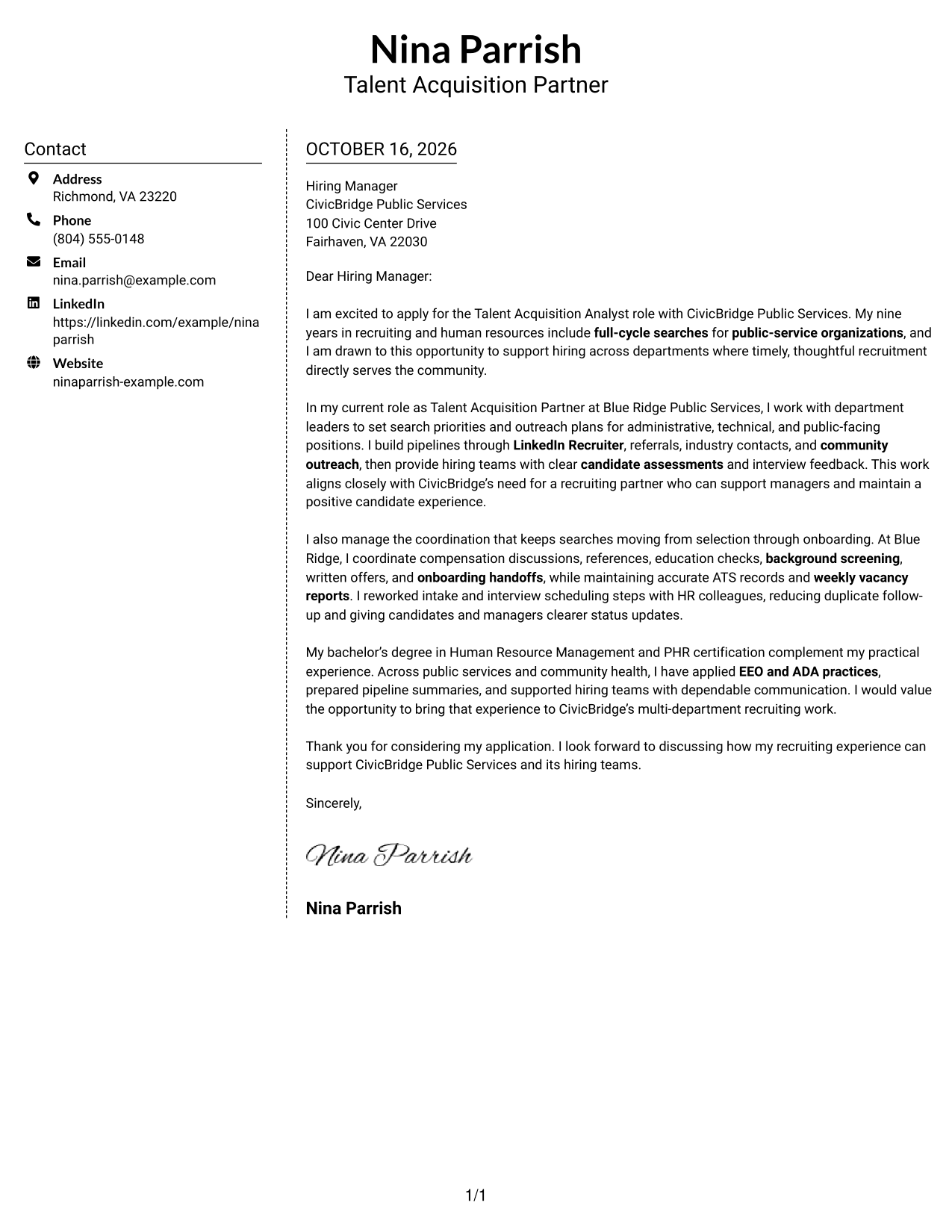
Why This Format Works
- Sender contact information has its own sidebar beside the letter body.
- The uninterrupted paragraphs preserve the letter's opening-to-close sequence.
- With no photo, the design keeps attention on the written message.
Best For
- Sidebar contact presentation
- Uninterrupted letter paragraphs
- Multiple contact channels
- Photo-free applications
- Separate contact and message areas
#6 Modern Icon Format Cover Letter Example
Modern Icon Format uses a contact sidebar beside one continuous letter body, with icons serving as contact cues or decorative header accents rather than argument labels.
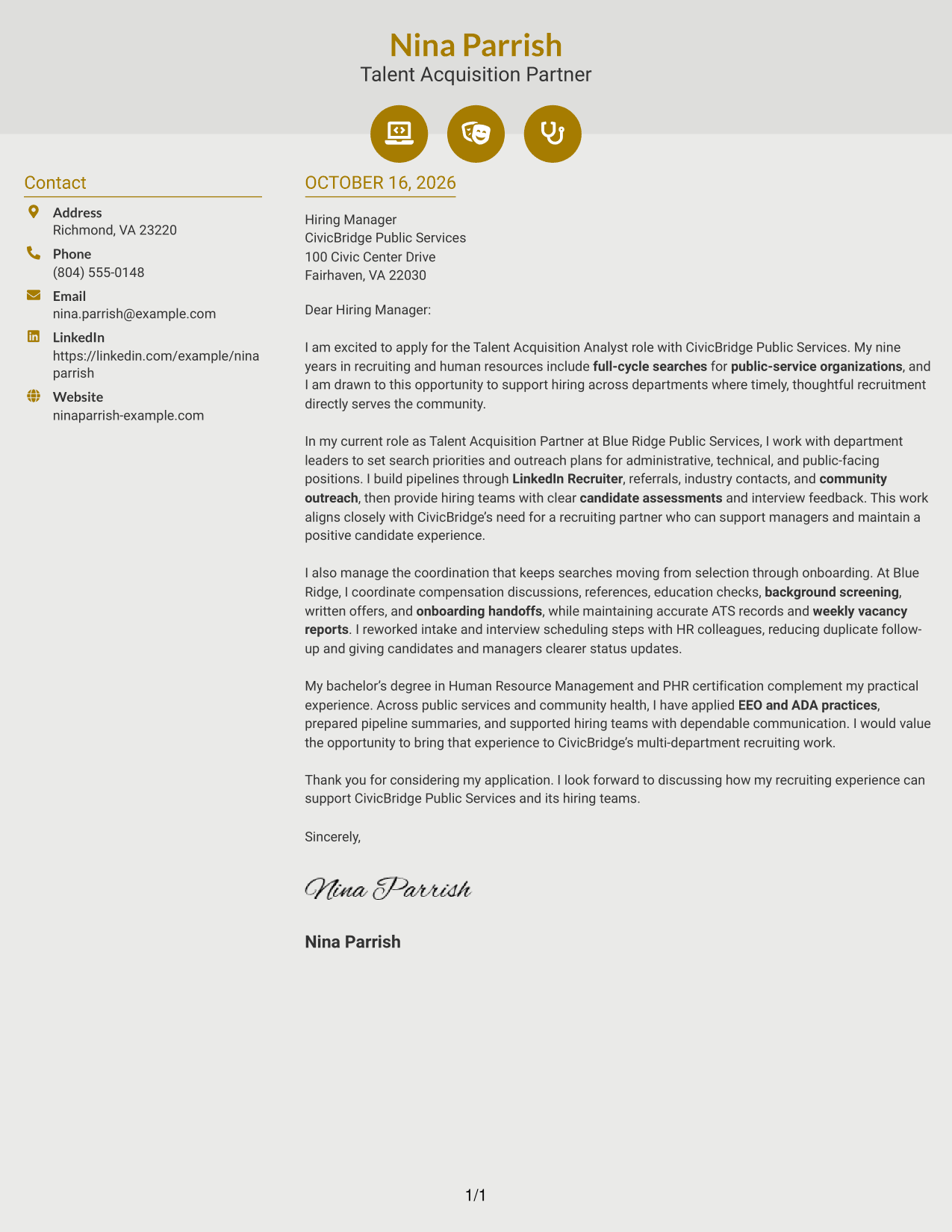
Why This Format Works
- Contact icons help distinguish sender details from the letter's paragraphs.
- The single letter body keeps the message in one readable sequence.
- A sidebar places contact information apart from the full letter argument.
Best For
- Icon-cued contact details
- Continuous letter paragraphs
- Side-by-side contact and message
- Photo-free applications
- Visual contact markers
#7 Creative Two Tone Format Cover Letter Example
Creative Two Tone Format places a contact sidebar beside one continuous letter body, giving sender details a separate location while the letter remains in one reading sequence.
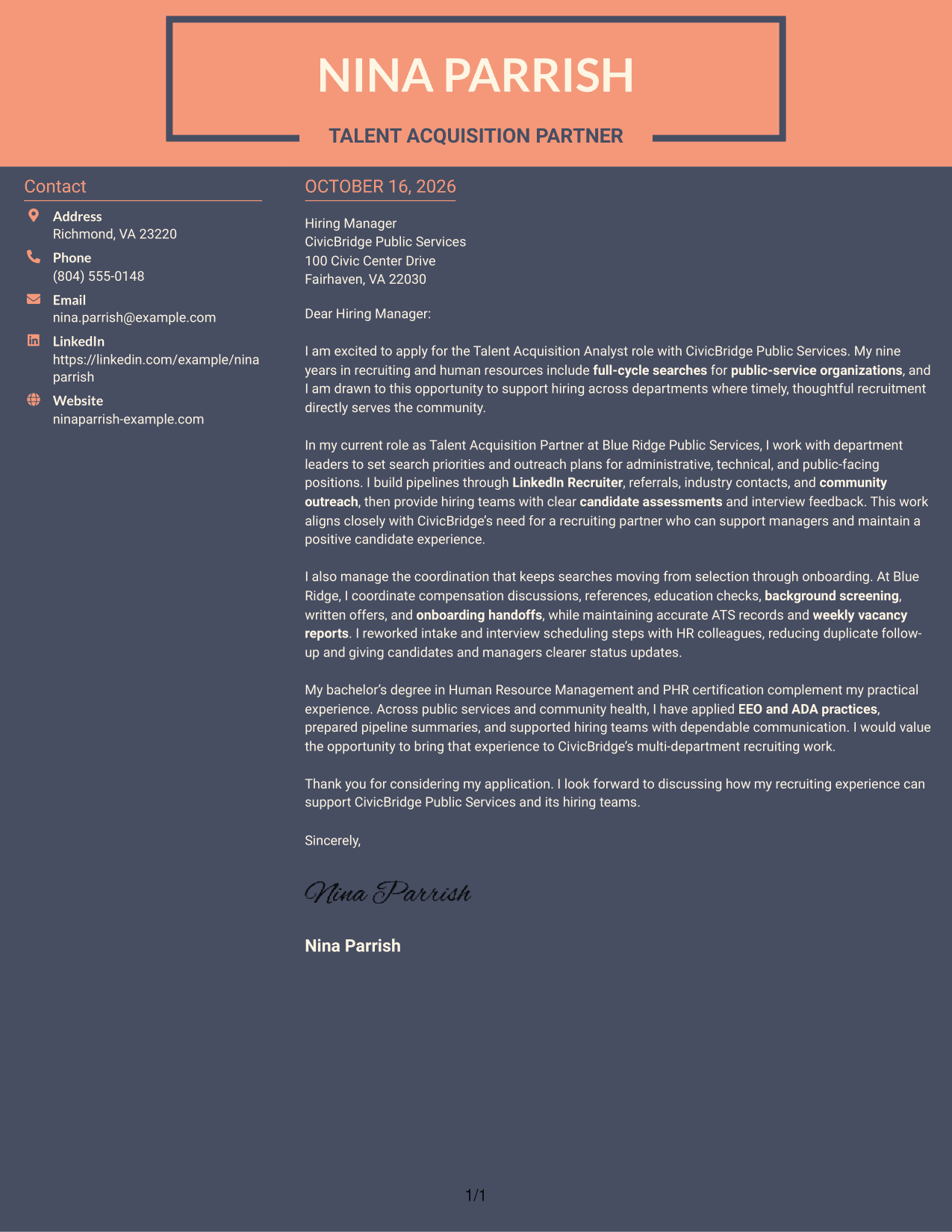
Why This Format Works
- A separate contact sidebar makes sender details easy to locate.
- The connected paragraphs let reviewers follow the complete letter in order.
- The photo-free layout keeps the focus on contact details and written communication.
Best For
- Sidebar contact information
- One continuous letter body
- Quick contact lookup
- Photo-free applications
- Clear reading sequence
See Also
- 7 Talent Acquisition Analyst - Full-Cycle Recruiting Resume Templates with Example
- 33 Accounts Payable Analyst - Invoice Processing Resume Templates with Example 2026 (ATS-Optimized)
- 33 Accounts Payable Analyst Resume Templates with Example 2026 (ATS-Optimized)
- 33 All Source Intelligence Analyst - Intelligence Analysis Resume Templates with Example
- 7 Analyst/Associate: Equity Research - Telecommunication, Data Center and Tower Resume Templates with Example
- 33 Analyst - Cybersecurity Operations Resume Templates with Example 2026 (ATS-Optimized)
- 33 Analyst, Data Analytics Resume Templates with Example 2026 (ATS-Optimized)
- 7 Analyst, Demand Planning Salty Resume Templates with Example
- 30+ Accounts Payable Analyst Cover Letter Templates with Example 2026
- 30+ Analyst Cover Letter Templates with Example 2026
Frequently Asked Questions
What should a Talent Acquisition Analyst - Full-Cycle Recruiting cover letter emphasize?
Show how you support searches from intake and sourcing through selection, offers, and onboarding. Include relevant examples of hiring-manager partnership, candidate communication, and recruitment coordination.
How can I show fit for a public-service recruiting role?
Connect your recruiting approach to the organization’s service needs. If supported by your background, describe public-service hiring, community outreach, or work with teams across departments.
What evidence can make the letter more persuasive?
Use a brief example of a search you supported, a clear candidate or manager communication practice, or a process improvement. Nina Parrish’s example describes changes to intake and interview scheduling that reduced duplicate follow-up and improved status updates.
How should I discuss recruiting systems and reporting?
State only the systems and reporting tasks you have used. For this role, relevant examples may include keeping applicant tracking records current and sharing clear updates on vacancies and recruiting activity.
Which cover letter presentation works well for this role?
Choose a clear, easy-to-read layout that gives the opening, supporting examples, and closing room to stand out. Compare the image previews, then open an example in the editor if you want to customize its presentation.




