
7 Technical Architect - Healthcare IT Infrastructure Cover Letter Templates with Example
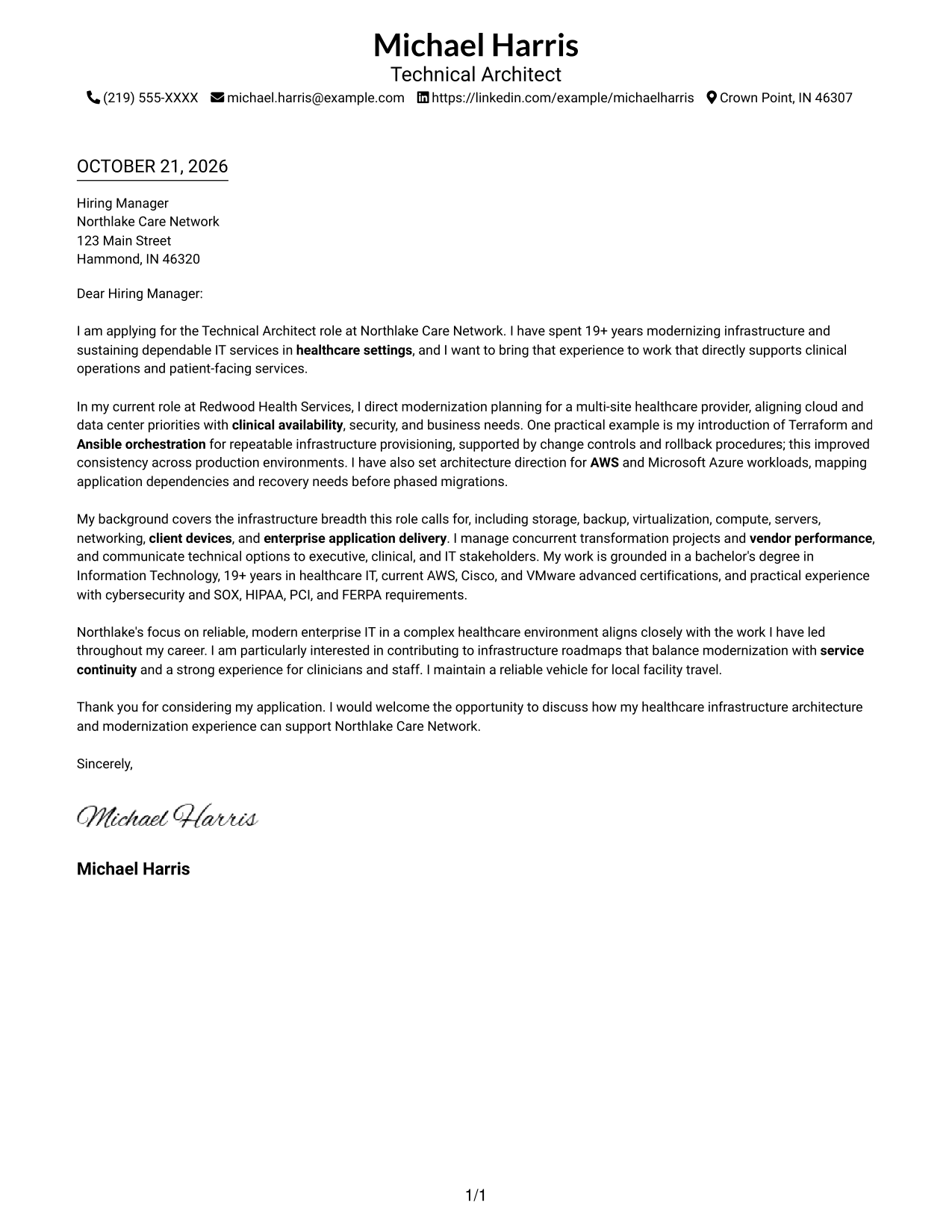
This practical guide to the Technical Architect - Healthcare IT Infrastructure cover letter presents seven layouts to help you make a clear case for your fit.
What Makes a Great Technical Architect - Healthcare IT Infrastructure Cover Letter in 2026
A strong letter links infrastructure leadership to reliable healthcare services. Show how your approach supports modernization while protecting clinical availability and a good experience for staff.
Use specific evidence, such as guiding cloud migrations or improving infrastructure provisioning with Terraform and Ansible. Connect that work to the employer’s needs, including security, service continuity, and clear communication across technical and clinical teams.
The featured example moves from role interest to concrete modernization evidence, broader infrastructure leadership, and employer alignment. Adapt that focused progression while choosing a presentation that suits the employer and communication context.
#1 Simple One Column Format Cover Letter Example
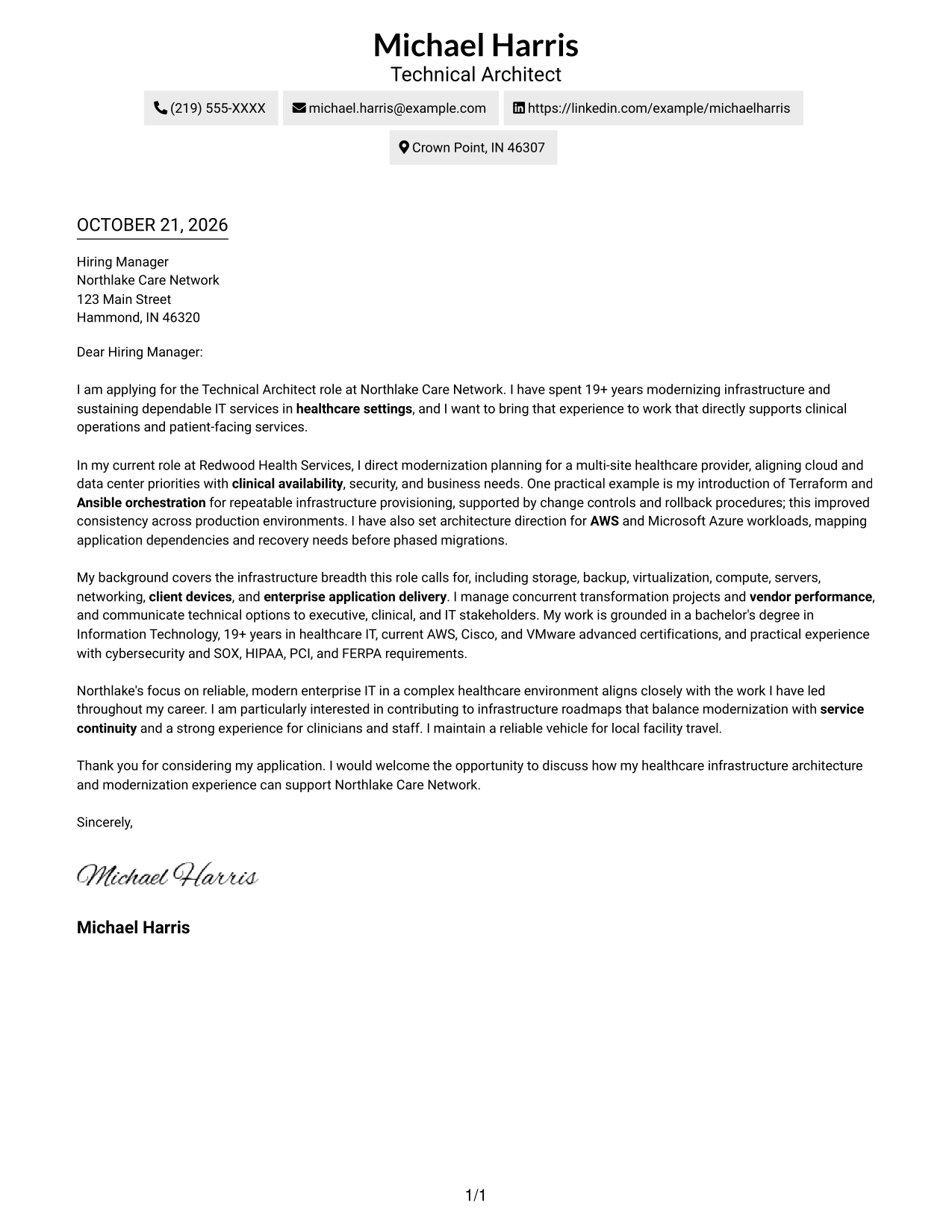
Sender details sit in the header above a single-column, continuous letter body, giving the message one clear reading path.
Why This Format Works
- One reading path lets reviewers follow the opening, evidence, motivation, and close in order.
- Header sender details stay separate from the letter's continuous paragraphs.
- Without a sidebar, the letter body has the full page width available.
Best For
- Single-column letter layouts
- Continuous persuasive writing
- Header-based sender details
- Opening-to-close review
- Simple contact presentation
#2 Two Column Format Cover Letter Example
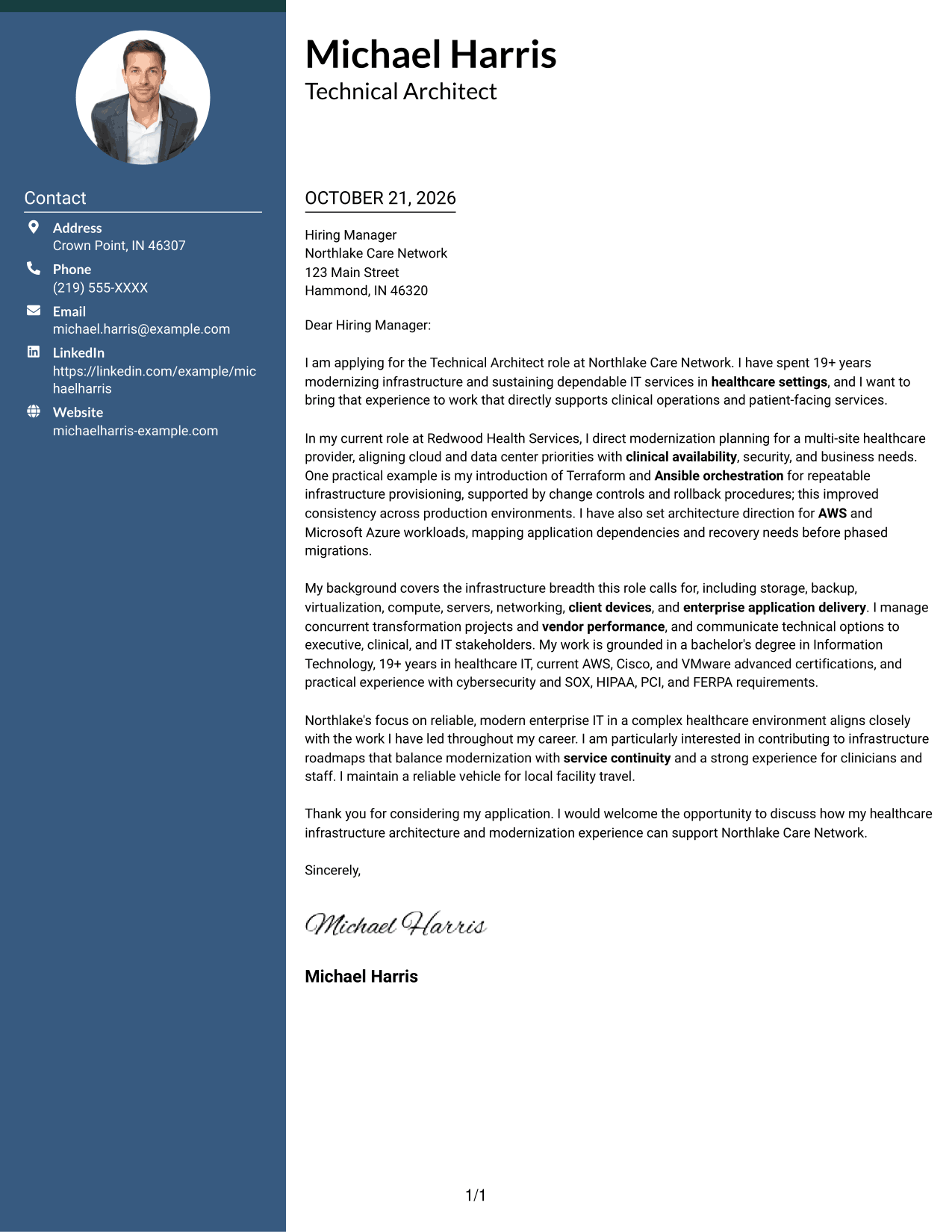
A contact sidebar sits beside the continuous letter body, separating contact details from the message while keeping the letter itself in one column.
Why This Format Works
- The sidebar gives reviewers a direct place to find contact details.
- The body remains one continuous column for an opening-to-close reading path.
- Separate reading areas distinguish correspondence details from the application message.
Best For
- Sidebar-based contact organization
- One-column letter-body reading
- Continuous letter arguments
- Quick access to sender details
- Separate contact and message areas
#3 Photo Header Two Column Format Cover Letter Example
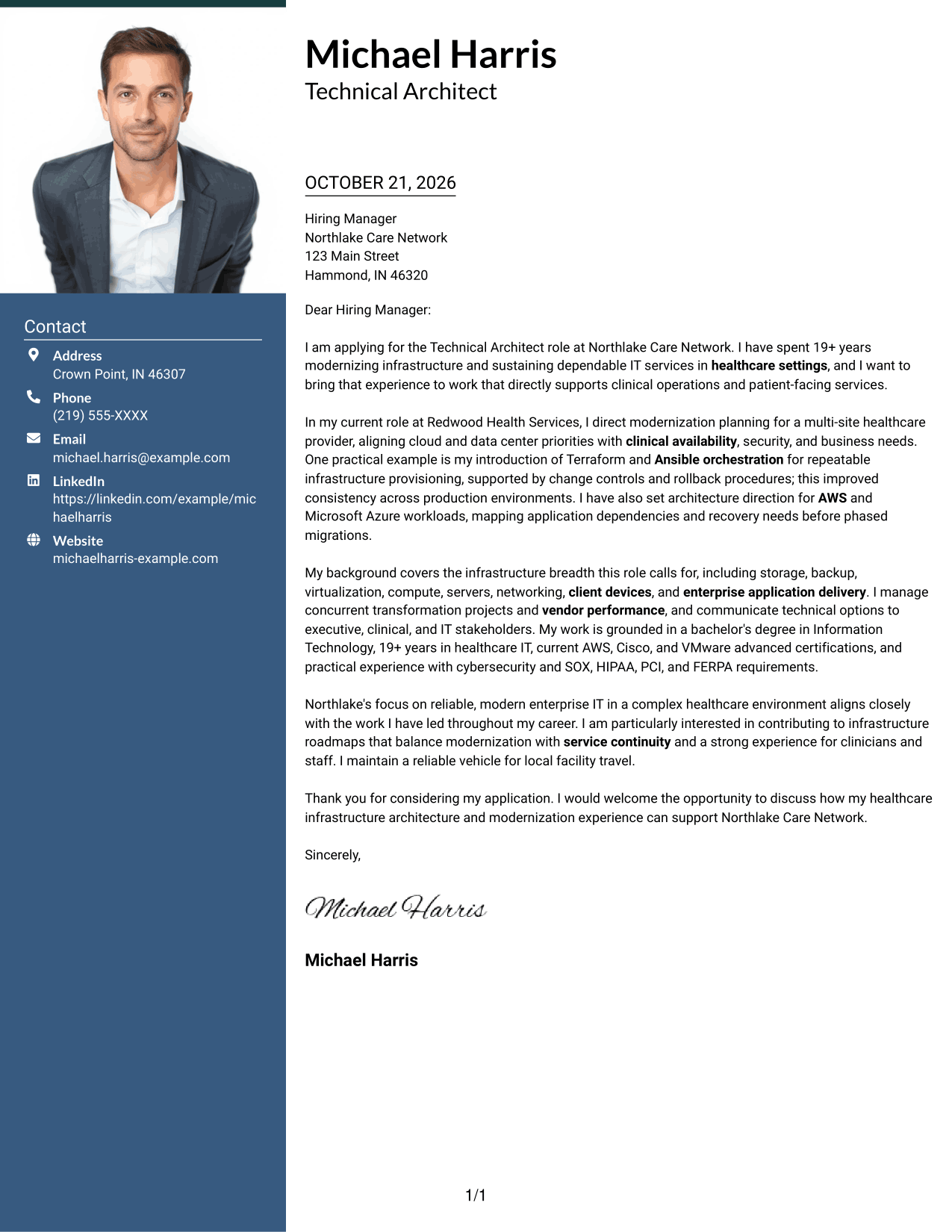
A photo header and contact sidebar frame a single-column letter body, keeping the portrait and contact information apart from the message.
Why This Format Works
- The photo header adds a visible personal detail for readers who prefer a portrait.
- Contact information stays outside the letter's continuous paragraphs.
- The single-column body keeps the message in a clear reading sequence.
Best For
- Portrait-inclusive applications
- Photo header preference
- Separated contact information
- Continuous letter-body reading
- A clear message sequence
#4 One Column Format with Photo Cover Letter Example
The one-column page keeps sender details in the header and the continuous letter body together, with a photo included in the presentation.
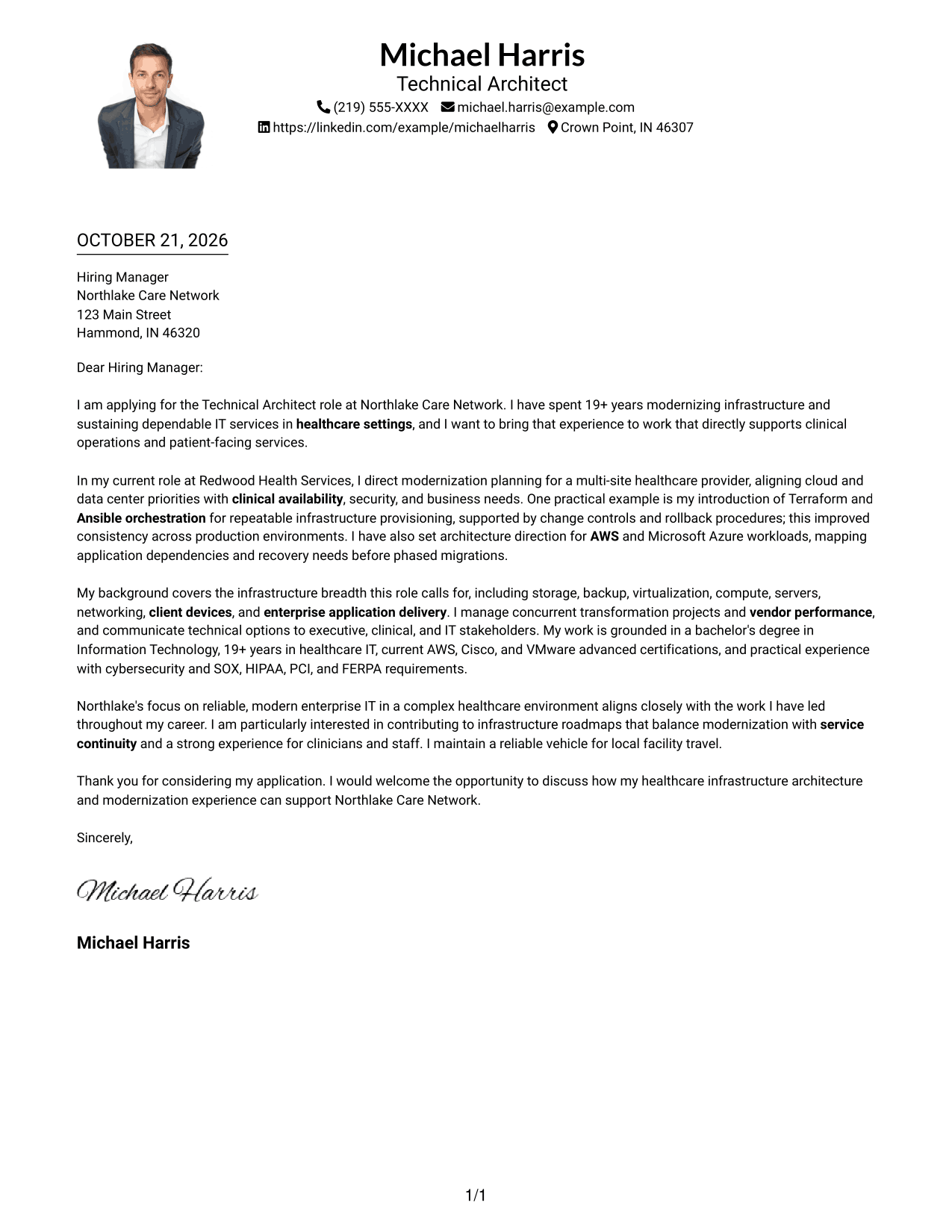
Why This Format Works
- One column gives the letter a direct path from its opening to its close.
- Header-based sender details remain distinct from the message paragraphs.
- The included photo suits readers who want a portrait in the page presentation.
Best For
- One-column letter layouts
- Portrait-inclusive documents
- Header-based contact details
- Direct paragraph reading
- A personal image preference
#5 Simple Two Column Format Cover Letter Example
A contact sidebar stands beside the continuous letter body, giving correspondence details their own area while the message stays in one column.
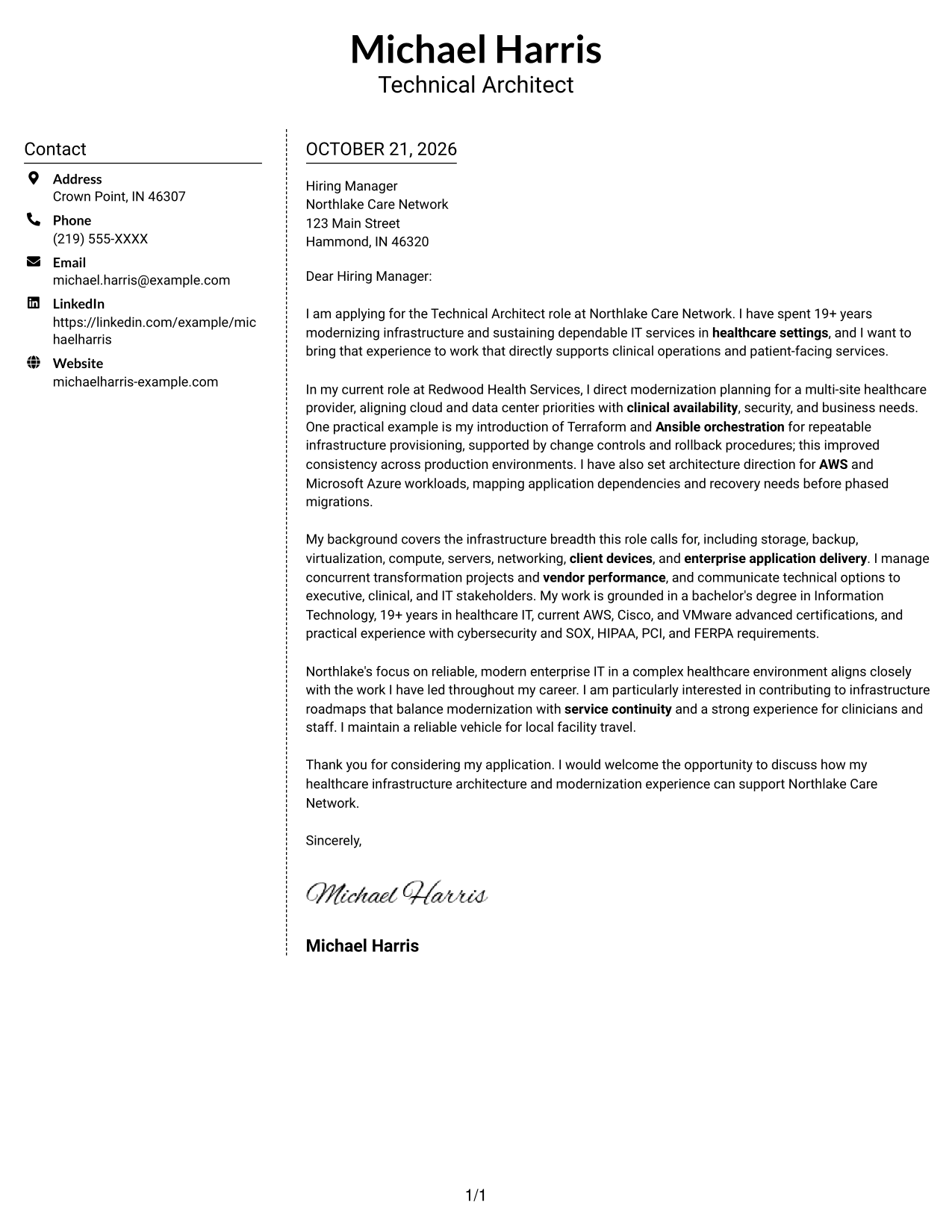
Why This Format Works
- The sidebar keeps contact information distinct from the letter's persuasive paragraphs.
- A single-column body lets readers follow the message without parallel argument columns.
- The two areas make sender details easy to locate apart from the letter.
Best For
- Side-by-side contact organization
- Single-column letter-body flow
- No-photo document preferences
- Clear separation of message and details
- Continuous persuasive prose
#6 Modern Icon Format Cover Letter Example
Contact icons and a sidebar sit beside the continuous letter body, using visual cues for contact details without dividing the letter's message.
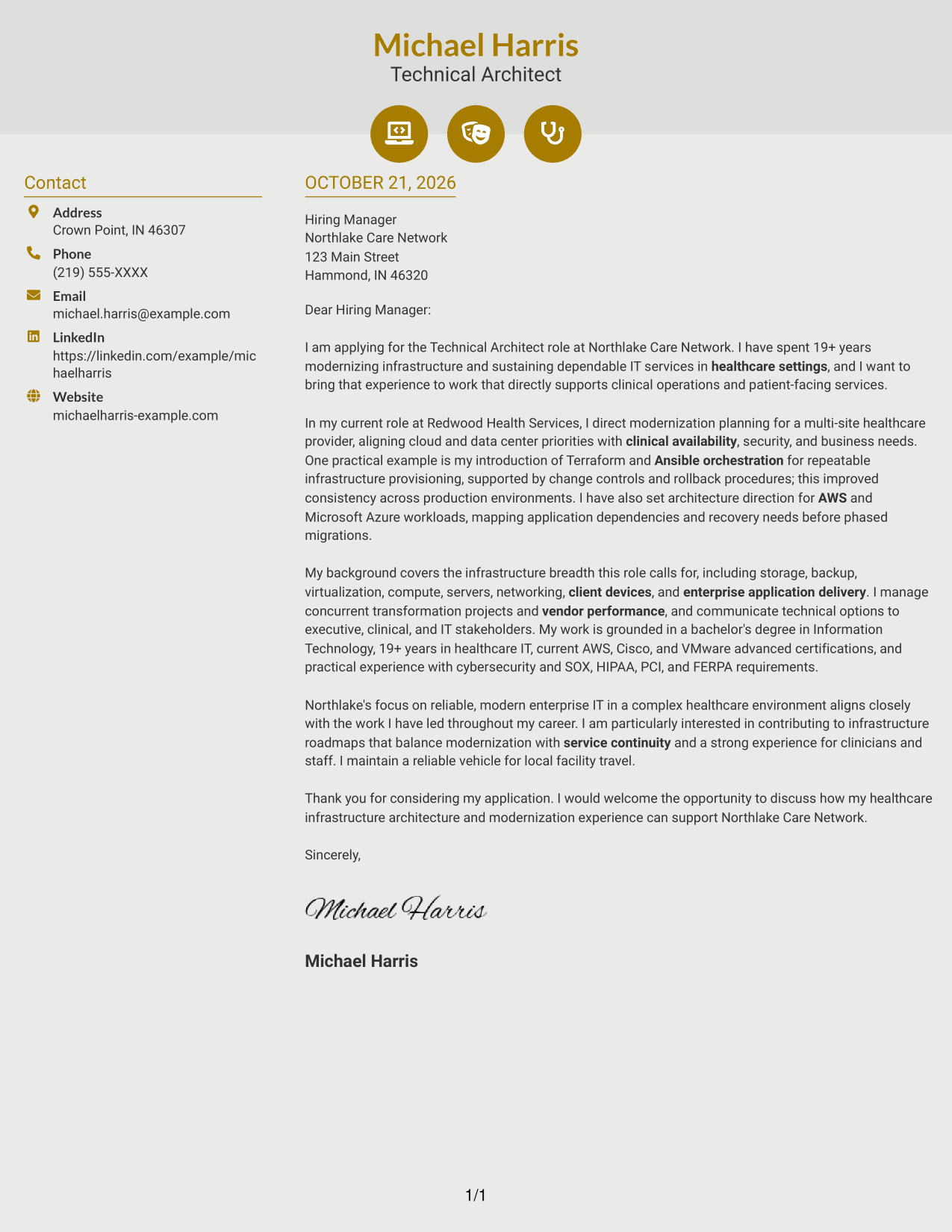
Why This Format Works
- Contact icons give readers visual cues for locating correspondence details.
- The sidebar keeps contact information apart from the continuous letter body.
- One-column paragraphs preserve a straightforward path through the message.
Best For
- Icon-led contact cues
- Sidebar contact details
- One-column message reading
- Continuous cover letter prose
- Quick contact lookup
#7 Creative Two Tone Format Cover Letter Example
The two-column arrangement places contact details beside one continuous letter body, keeping the correspondence information separate from the written message.
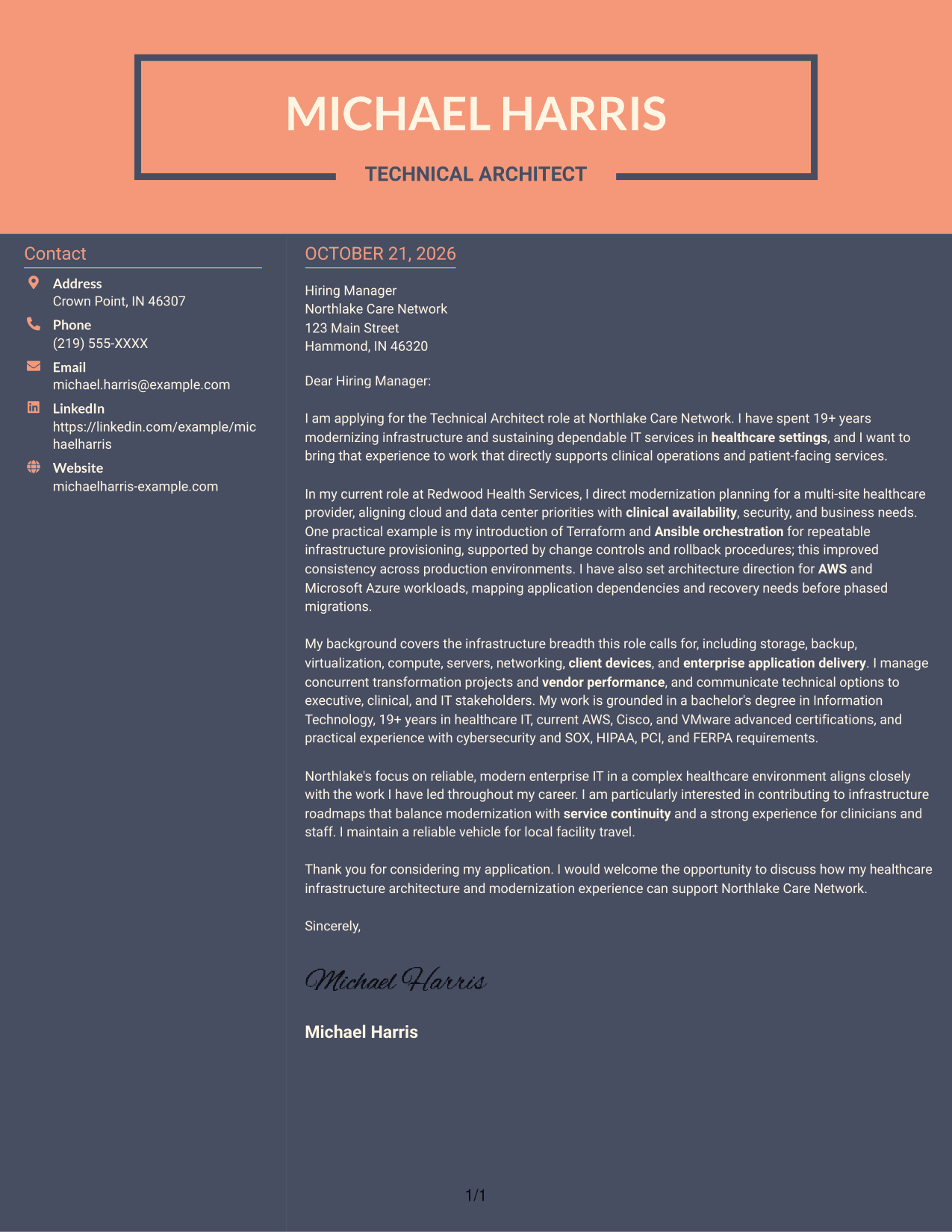
Why This Format Works
- The contact area gives correspondence details a distinct place beside the letter.
- The letter stays in one column, so its paragraphs read as a connected argument.
- A clear division helps reviewers move between contact information and the message.
Best For
- Two-column contact organization
- A single-column letter body
- Distinct contact and message areas
- Connected paragraph sequences
- Side-by-side document structure
Explore the Technical Architect - Healthcare IT Infrastructure Cover Letter Example
Use the image preview to review the letter’s presentation, then open the example in the editor to customize it. Keep the message focused on the employer’s priorities and the evidence that best supports your fit.
- Clear opening and role interest
- Specific infrastructure evidence
- Healthcare service continuity
- Cloud and modernization focus
- Employer alignment
- Direct, professional closing
Keep each paragraph purposeful: explain why the role matters to you, show how your work supports the organization, and close with a courteous next step.
See Also
- 7 Technical Architect - Healthcare IT Infrastructure Resume Templates with Example
- 33 Java Technical Architect Resume Templates with Example 2026 (ATS-Optimized)
- 7 Project Architect - Technical Project Delivery Resume Templates with Example
- 7 Technical Solution Architect - Enterprise Integration Resume Templates with Example
- 7 Senior Solution Architect, Traffic Infrastructure ASE Resume Templates with Example
- 7 Solution Architect - Linux and Kubernetes Infrastructure Resume Templates with Example
- 33 Advisory Data Architect-Senior Manager Resume Templates with Example 2026 (ATS-Optimized)
- 7 Agentic Solution Architect Resume Templates with Example
- 30+ Java Technical Architect Cover Letter Templates with Example 2026
- 7 Project Architect - Technical Project Delivery Cover Letter Templates with Example
Frequently Asked Questions
What should a Technical Architect - Healthcare IT Infrastructure cover letter emphasize?
Focus on how your architecture decisions support reliable healthcare services. Give clear examples of infrastructure modernization, cloud planning, service continuity, security, and communication with technical and nontechnical teams.
How can I show infrastructure leadership in the body of my letter?
Describe a specific decision or initiative, your role in it, and the result. For example, explain how you introduced Terraform and Ansible orchestration with change controls to improve consistency across production environments.
How should I connect cloud experience to a healthcare architecture role?
Explain how you assessed application dependencies, recovery needs, security, and operational support before planning a migration. Mention AWS or Microsoft Azure only when they reflect your own experience.
How can I show that I understand healthcare service needs?
Connect infrastructure choices to clinical availability, service continuity, and the experience of clinicians and staff. You can also explain how you account for healthcare regulations such as HIPAA, alongside other relevant controls.
What tone works well for a healthcare infrastructure architect cover letter?
Use a direct, professional tone. State your interest clearly, support your claims with concrete examples, and explain complex decisions in language that both technical and nontechnical readers can follow.
Should I include employer-specific motivation in my closing paragraph?
Yes. Briefly connect the organization’s stated priorities to the work you want to contribute, such as balancing infrastructure modernization with reliable clinical services. Close with a courteous expression of interest in further discussion.




