
7 Technical Customer Service Representative - Hardware and Software Support Cover Letter Templates with Example
Use this practical guide to shape a Technical Customer Service Representative - Hardware and Software Support cover letter, with seven layouts to compare.
What Makes a Great Technical Customer Service Representative - Hardware and Software Support Cover Letter in 2026
A strong letter connects your interest in the role with clear examples of troubleshooting hardware, software, and system issues. Use the opening to state your fit, then show how you communicate with customers and guide cases toward resolution.
Choose evidence that shows accurate case notes, thoughtful escalations, and reliable follow-up. Link those strengths to the employer’s support needs, and explain your interest in helping customers understand products and services.
The featured example follows a focused progression from role fit to relevant support evidence and a clear close, which you can adapt while choosing a presentation suited to the employer and communication context.
#1 Simple One Column Format Cover Letter Example
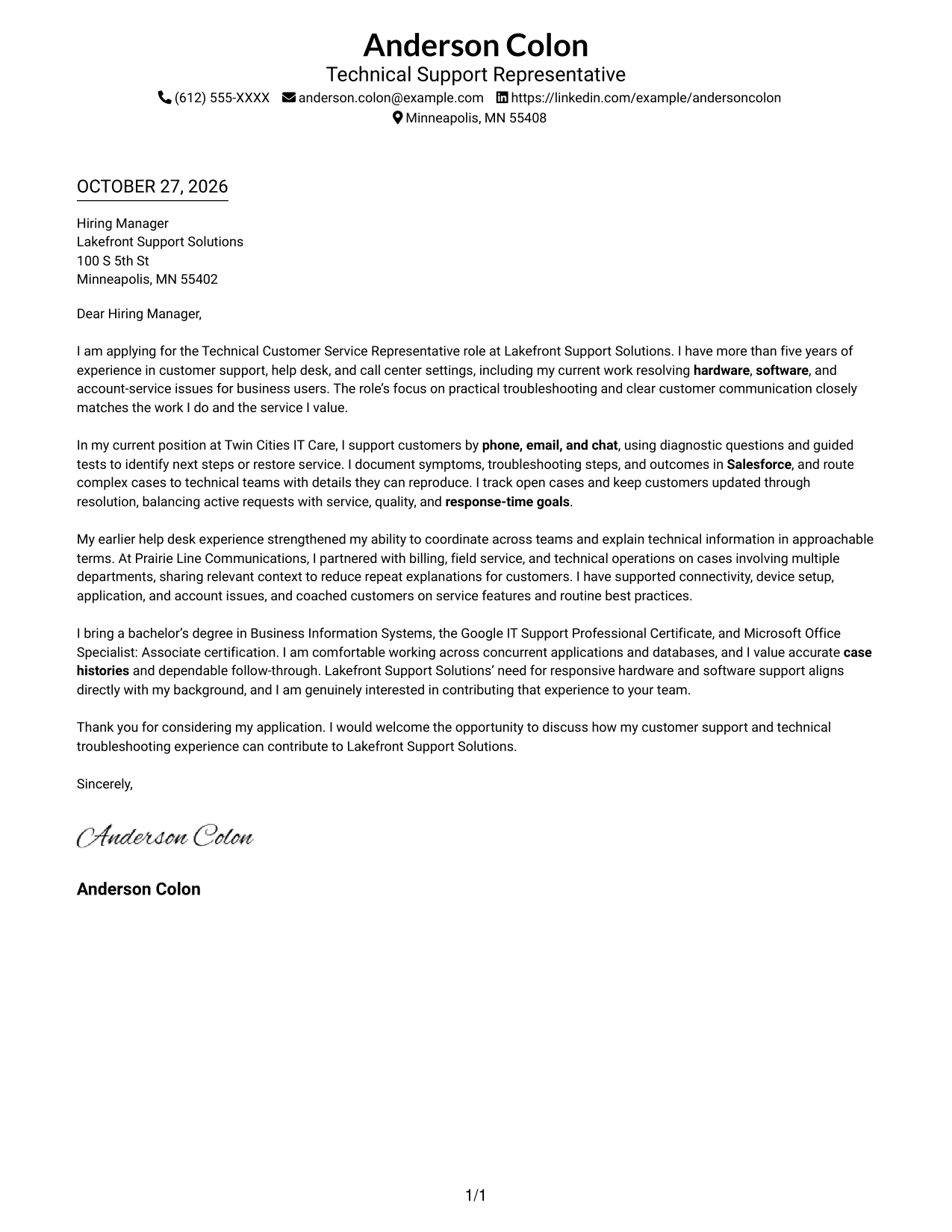
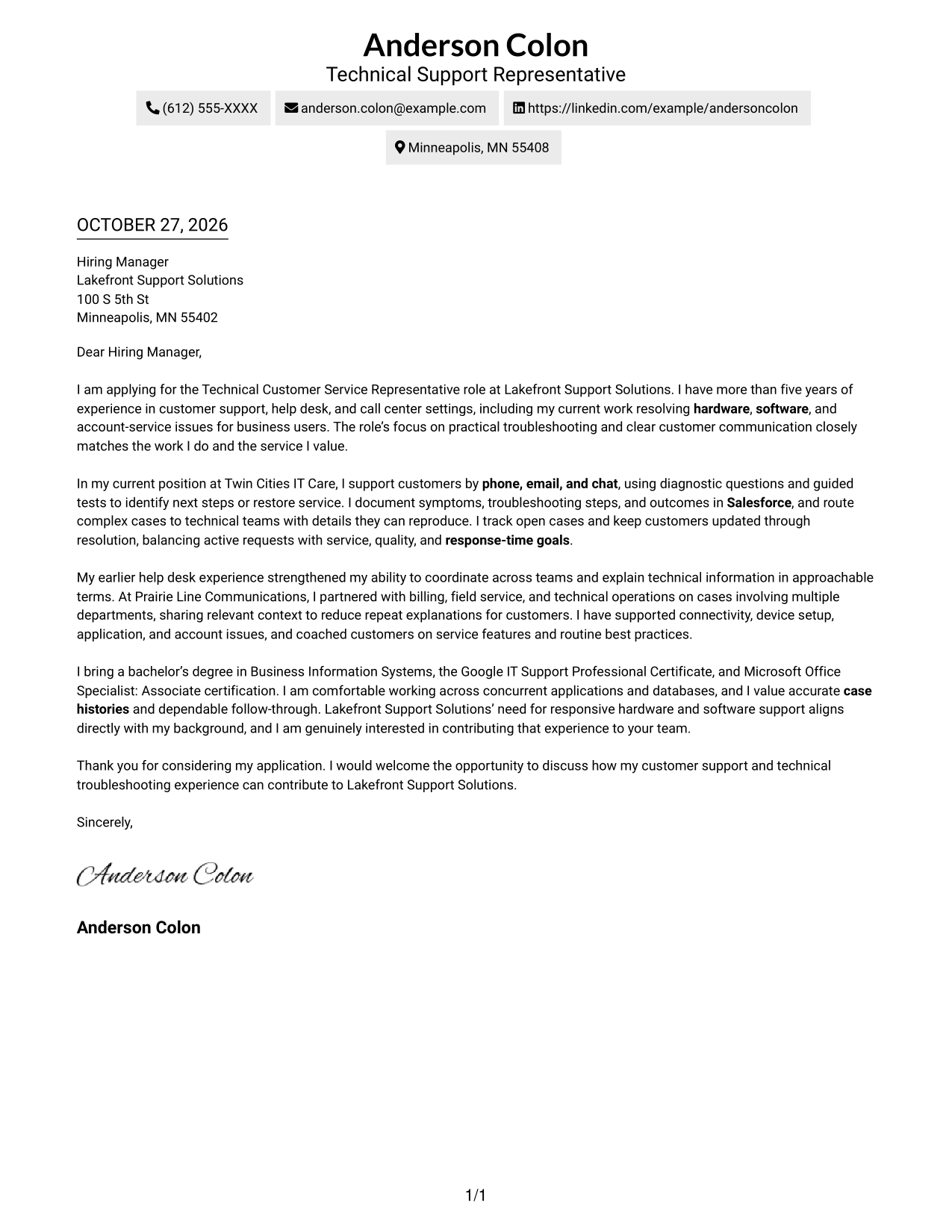
Simple One Column Format keeps sender details in the header and the letter body in one column for a direct reading path.
Why This Format Works
- Header contact details are easy to locate before the reader reaches the message.
- One body column keeps the opening, supporting points, and closing in sequence.
- The header separates sender information from the letter’s continuous message.
Best For
- One-column correspondence
- Header-based contact details
- Continuous paragraph reading
- Text-led application materials
- A familiar letter reading order
#2 Two Column Format Cover Letter Example
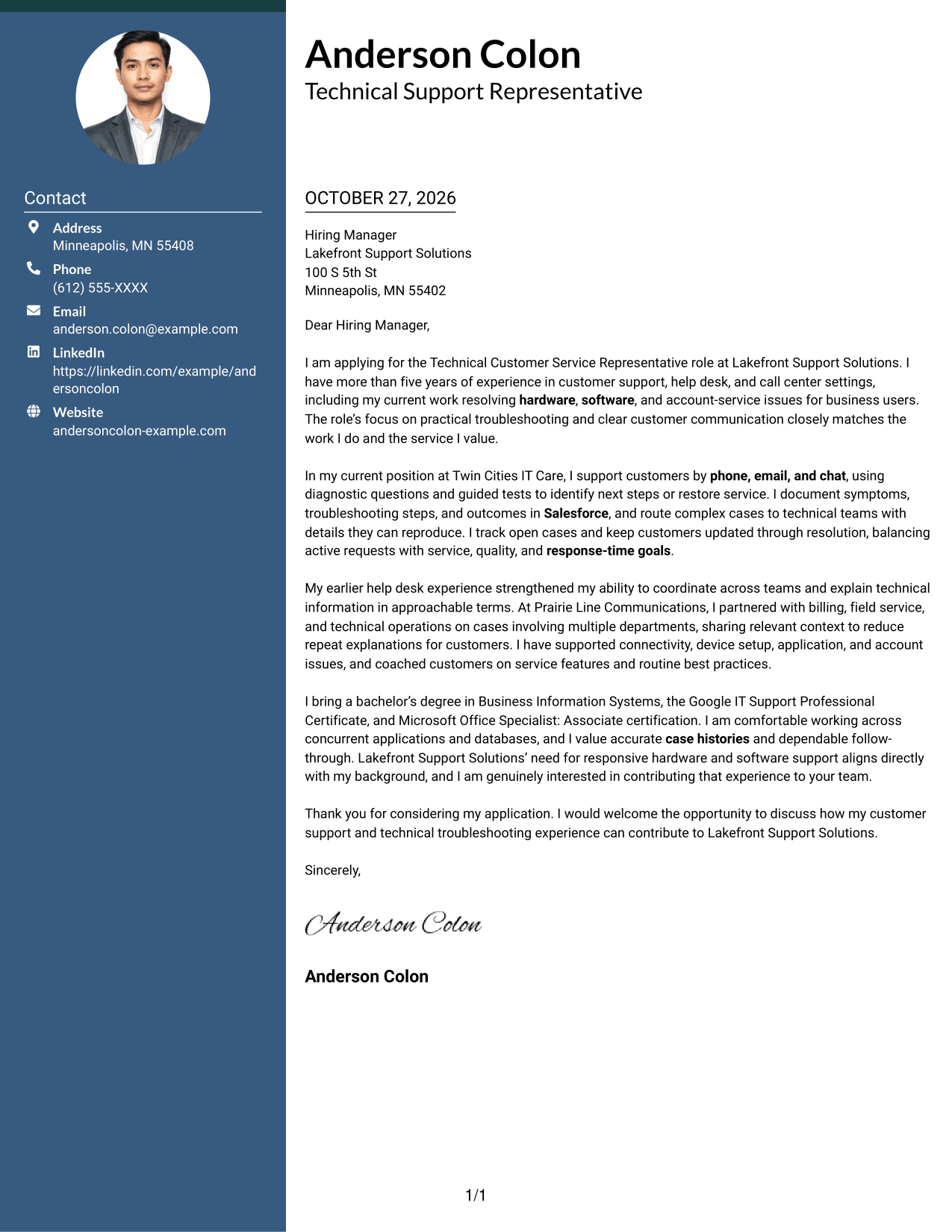
Two Column Format places a contact sidebar beside one continuous letter body, giving sender details and the message separate places.
Why This Format Works
- The contact sidebar separates sender details from the letter’s central message.
- A single body column lets readers follow the full letter in sequence.
- Contact information stays beside the message for quick reference during review.
Best For
- Side-by-side contact access
- One-column letter text
- Visible sender information
- Continuous letter paragraphs
- Technical support applications
#3 Photo Header Two Column Format Cover Letter Example
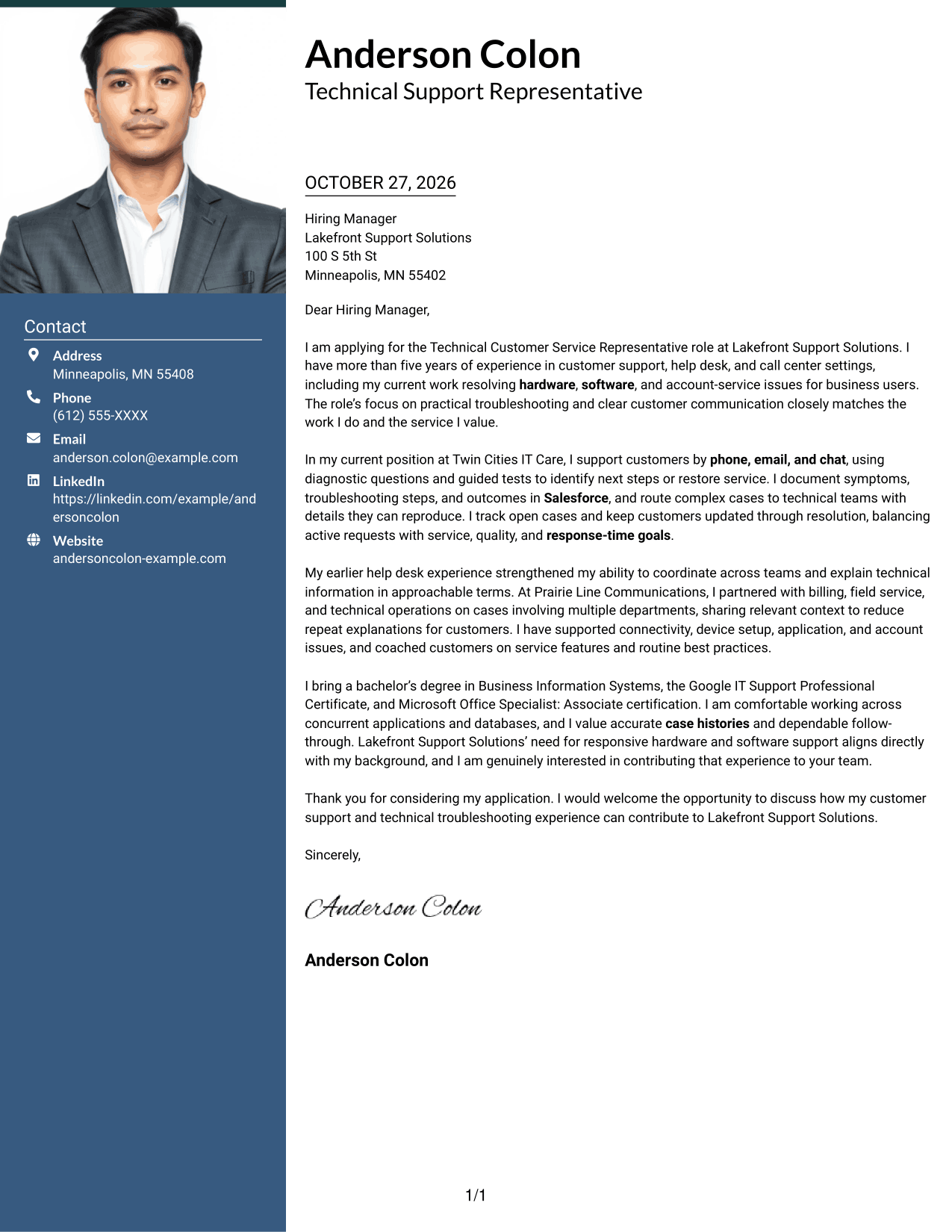
Photo Header Two Column Format combines a photo and contact sidebar with one letter column for a visual introduction and clear message area.
Why This Format Works
- The photo adds a personal visual element without breaking the letter’s body text.
- The contact sidebar keeps sender details apart from the continuous message.
- One body column preserves a clear route from greeting through closing.
Best For
- Photo-inclusive correspondence
- Contact details beside the letter
- Single-column message reading
- A visual personal introduction
- Continuous letter paragraphs
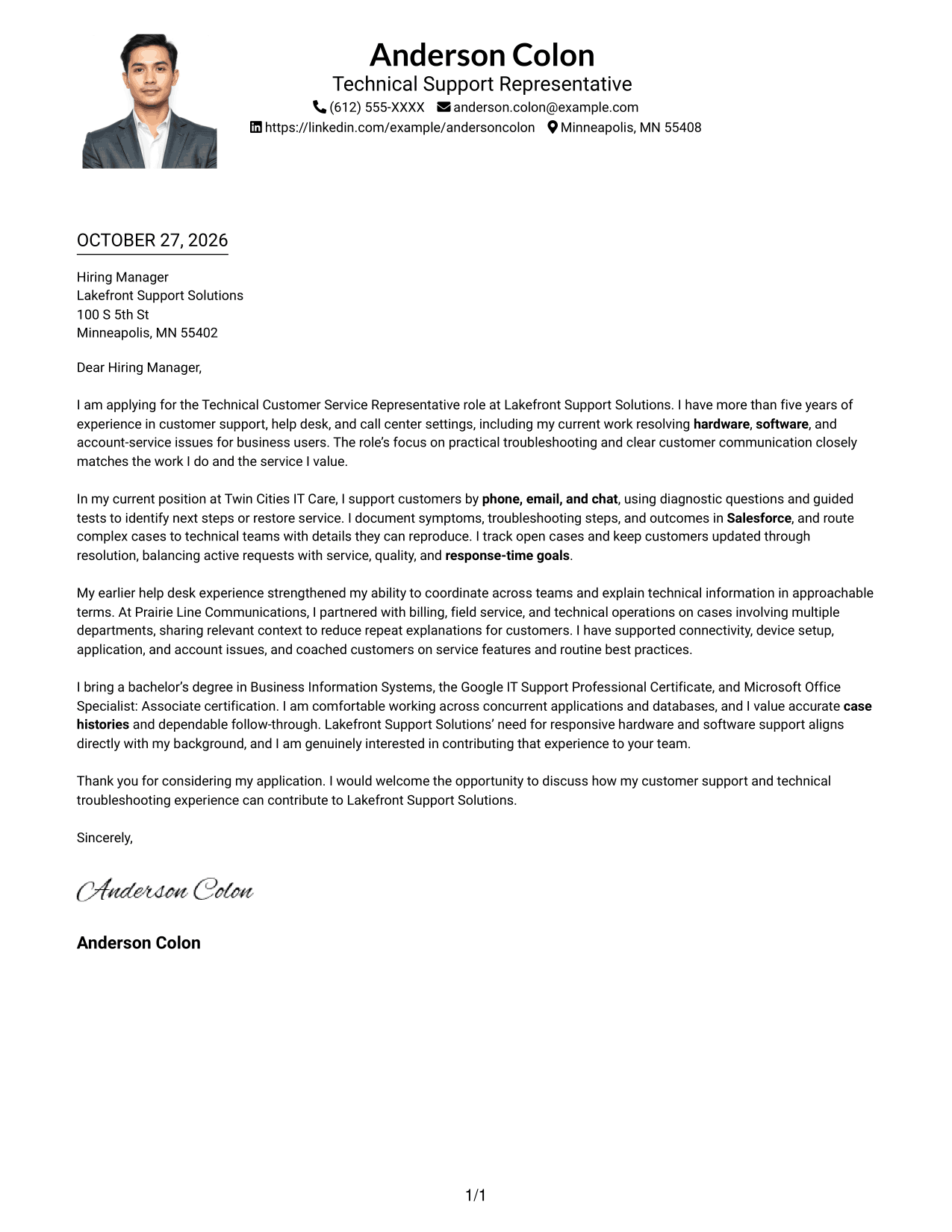
#4 One Column Format with Photo Cover Letter Example
One Column Format with Photo keeps the letter in one reading column and includes a photo for applicants who want a visual element.
Why This Format Works
- The single body column keeps the greeting, case for fit, and closing together.
- A photo adds a personal visual detail without dividing the letter text.
- Sender details in the header remain distinct from the continuous message.
Best For
- Photo-inclusive letters
- One-column message reading
- A personal visual detail
- Header-based sender information
- Direct letter progression
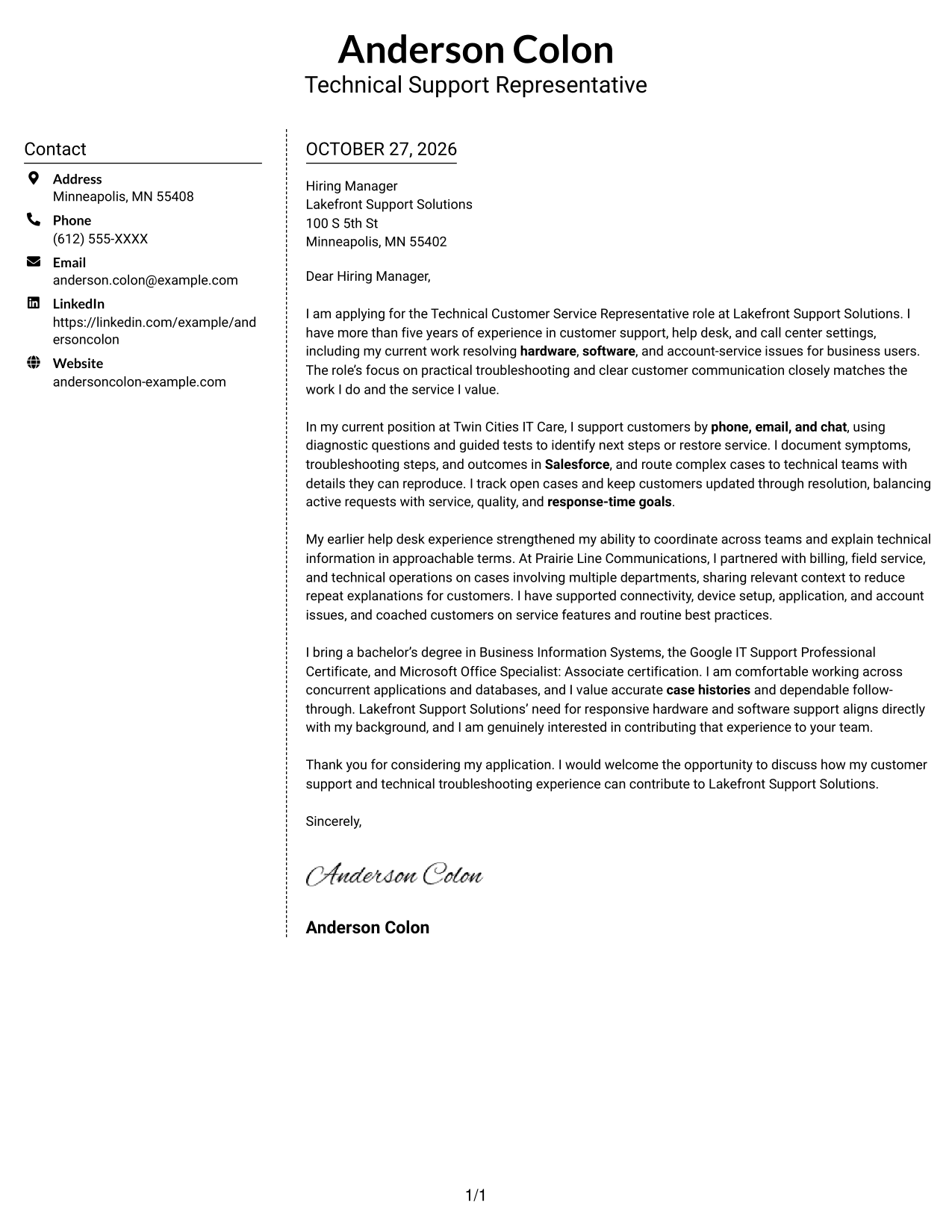
#5 Simple Two Column Format Cover Letter Example
Simple Two Column Format keeps contact details in a sidebar and the full letter in one body column for a clear separation of roles.
Why This Format Works
- The sidebar gives sender details a defined place beside the correspondence.
- A single letter column keeps the argument in its natural paragraph order.
- The layout distinguishes contact information from the message without adding body headings.
Best For
- Separate contact and message areas
- Uninterrupted letter paragraphs
- A single-column argument
- Contact details visible during review
- Letters without body section headings
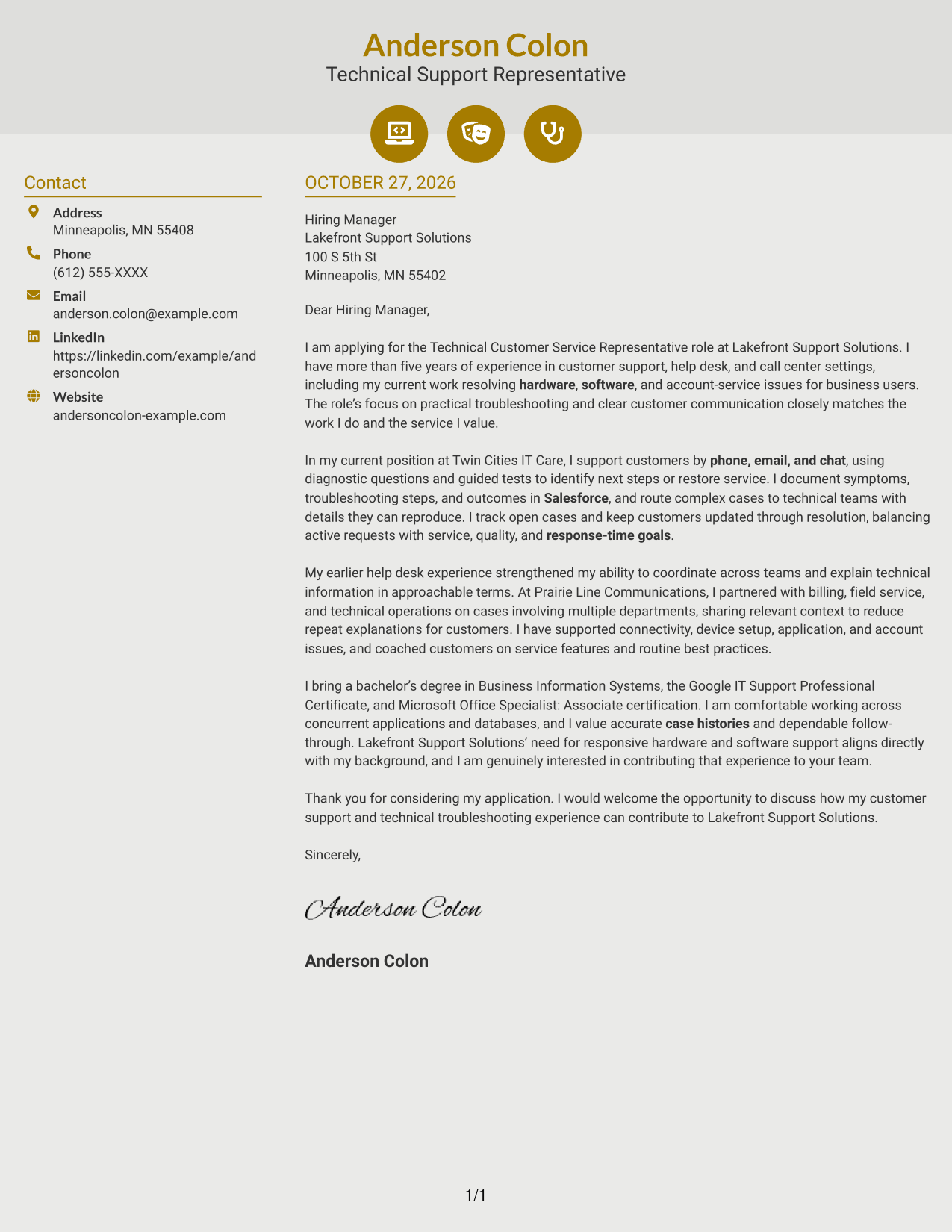
#6 Modern Icon Format Cover Letter Example
Modern Icon Format places contact details in a sidebar beside one continuous letter body, with icons serving as contact cues.
Why This Format Works
- Contact icons help distinguish sender details from the letter’s main text.
- The sidebar sits beside the body, keeping contact information separate from the message.
- One letter column supports a steady reading path from greeting to close.
Best For
- Icon-cued contact details
- Sidebar and letter side by side
- A continuous body message
- Quick location of sender information
- One-column correspondence
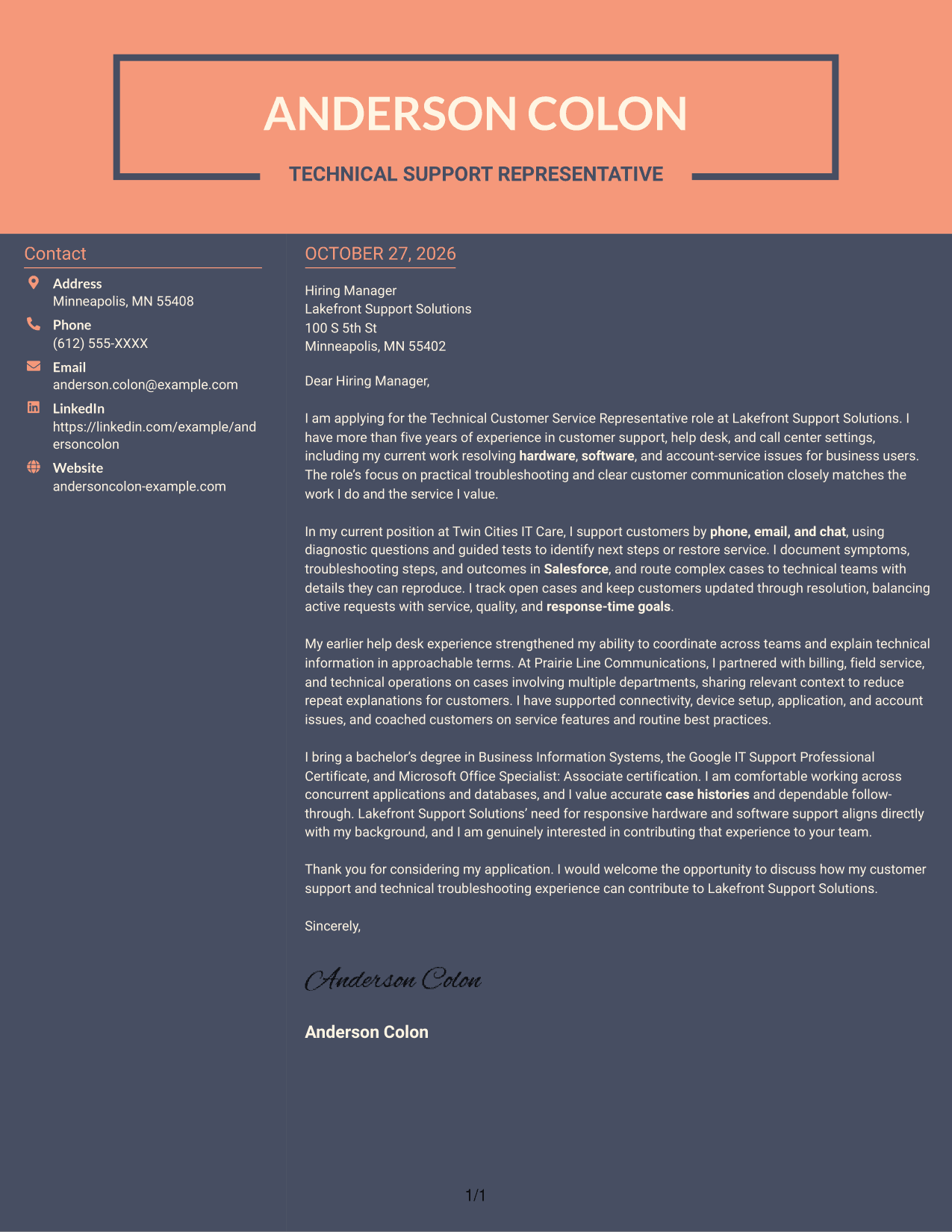
#7 Creative Two Tone Format Cover Letter Example
Creative Two Tone Format places a contact sidebar beside a single letter body, keeping sender information and correspondence easy to distinguish.
Why This Format Works
- The contact sidebar gives sender information a separate place beside the message.
- A single body column keeps the opening, supporting details, and closing together.
- Readers can refer to contact details without confusing them with letter paragraphs.
Best For
- A distinct contact area
- Single-column letter reading
- Continuous persuasive paragraphs
- Visible sender information
- Applications with a focused message
Why Use ResumeInMinutes for a Technical Customer Service Representative - Hardware and Software Support Cover Letter
ResumeInMinutes can help you organize a role-focused cover letter and present your support experience in a clear, professional format.
- Clear cover letter layouts
- Role-focused writing guidance
- Examples to view in the editor
- Focused opening and closing
- Professional presentation options
- Support for tailored applications
Use the preview images to compare presentations, then open an example in the editor to customize the letter for technical customer support work.
See Also
- 7 Technical Customer Service Representative - Hardware and Software Support Resume Templates with Example
- 33 Bi-Lingual Medical Billing Customer Service Support Representative Resume Templates with Example 2026
- 7 Bilingual Customer Service Representative - Insurance Support Resume Templates with Example
- 7 Customer Service/Information Services Support Representative Resume Templates with Example
- 7 Customer Service Representative - Benefits Support Resume Templates with Example
- 7 Customer Service Representative - Public Service Support Resume Templates with Example
- 7 Lead Customer Service Representative - Consumer Technology Support Resume Templates with Example
- 33 Technical Customer Care Representative I Resume Templates with Example 2026 (ATS-Optimized)
- 30+ Bi-Lingual Medical Billing Customer Service Support Representative Cover Letter Templates with Example 2026
- 7 Bilingual Customer Service Representative - Insurance Support Cover Letter Templates with Example
Frequently Asked Questions
What should a Technical Customer Service Representative - Hardware and Software Support cover letter include?
Connect your interest in the role to clear examples of hardware, software, or system troubleshooting. Explain how you communicate with customers, document cases, escalate complex issues, and follow through.
How can I make the opening paragraph effective?
Name the role and briefly explain why your support background fits its needs. Keep the opening direct, then use the body paragraphs to provide specific evidence.
How can I show technical troubleshooting in my letter?
Describe how you ask diagnostic questions, guide customers through tests, or identify the next step. Add how you recorded the issue or coordinated an escalation when that detail supports your example.
How should I show interest in the employer?
Refer to verified details about the role or the employer’s services, then connect them to the work you want to do. Avoid broad praise that could apply to any organization.
Can I compare the cover letter previews and customize an example?
Yes. Compare the PNG preview images, then use the editor link to open and customize an example for your application.




