
7 Technical Product Owner - Salesforce CRM Cover Letter Templates with Example
This practical guide helps you shape a Technical Product Owner - Salesforce CRM cover letter, with seven layouts to compare and adapt for a clear, persuasive application.
What Makes a Great Technical Product Owner - Salesforce CRM Cover Letter in 2026
A strong letter connects Salesforce product leadership to the needs of electrophysiology teams. Show how you turn user needs into a clear roadmap and guide practical delivery.
Use relevant evidence, such as validating workflows, assessing a prototype, or setting measures for adoption and data quality. Then link that evidence to the employer’s priorities and explain why the work matters to you.
The featured example moves from motivation to role fit, specific evidence, delivery strengths, and a focused closing. Adapt that progression to your own experience, choosing a presentation that suits the employer and the communication context.
#1 Simple One Column Format Cover Letter Example
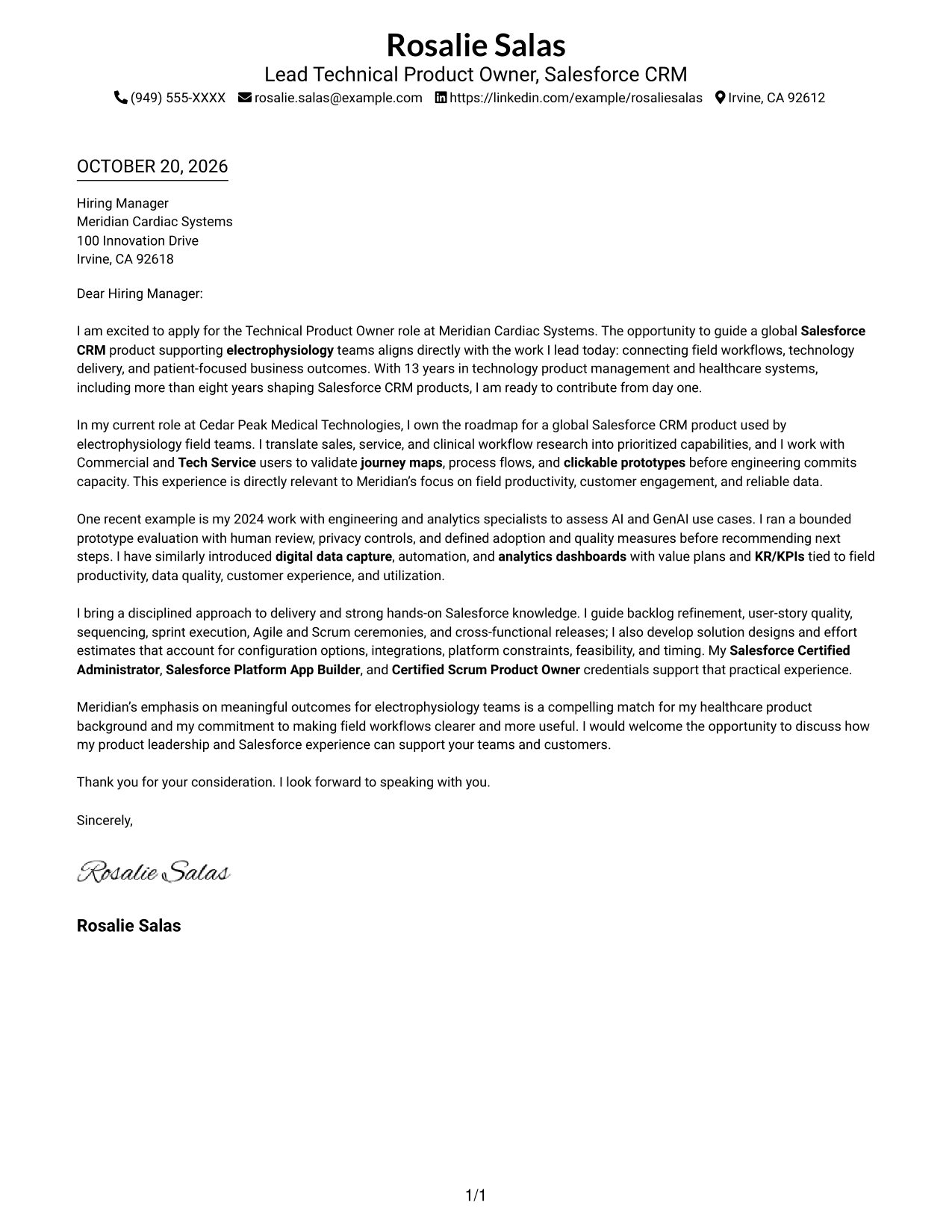
The Simple One Column Format keeps sender details in the header and the continuous letter body in one column, a direct choice for readers who prefer a simple reading order.
Why This Format Works
- The continuous body lets readers follow motivation, evidence, and closing in one sequence.
- Sender details stay in the header, apart from the letter’s persuasive message.
- Without a photo, the design leaves the written case as the main visual focus.
Best For
- Single-column reading preference
- Header-based contact information
- Continuous persuasive letters
- Multi-paragraph correspondence
- Letters with detailed opening context
#2 Two Column Format Cover Letter Example
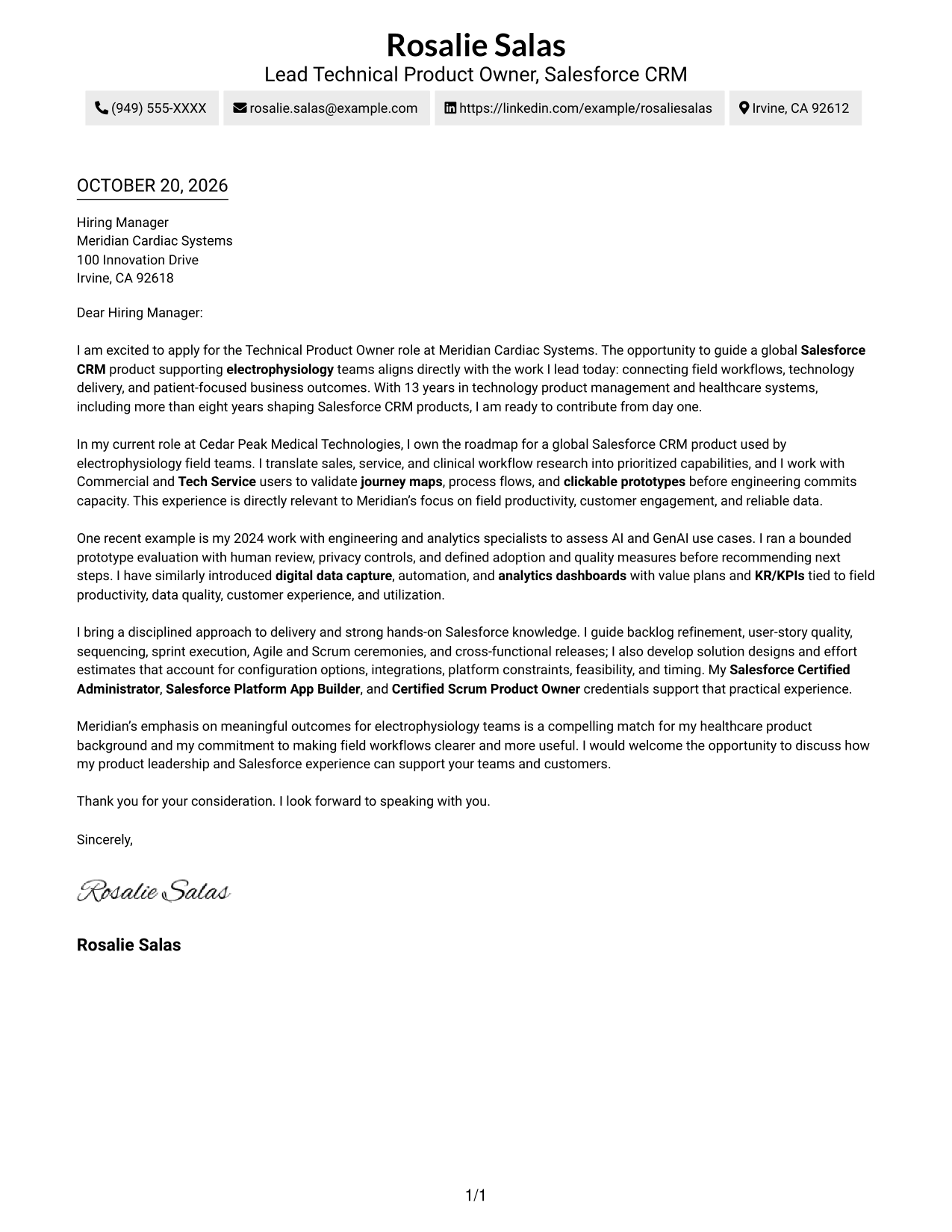
The Two Column Format sets contact details in a sidebar beside one continuous letter body, helping readers keep the sender information and message in view.
Why This Format Works
- The sidebar gives contact details a separate place beside the letter’s main text.
- A single body keeps motivation, supporting evidence, and closing in reading order.
- The photo-free layout suits readers who prefer correspondence without a portrait.
Best For
- Distinct sender and message areas
- Continuous letter narratives
- Photo-free correspondence
- Multi-paragraph application letters
- Letters with complete contact details
#3 Photo Header Two Column Format Cover Letter Example
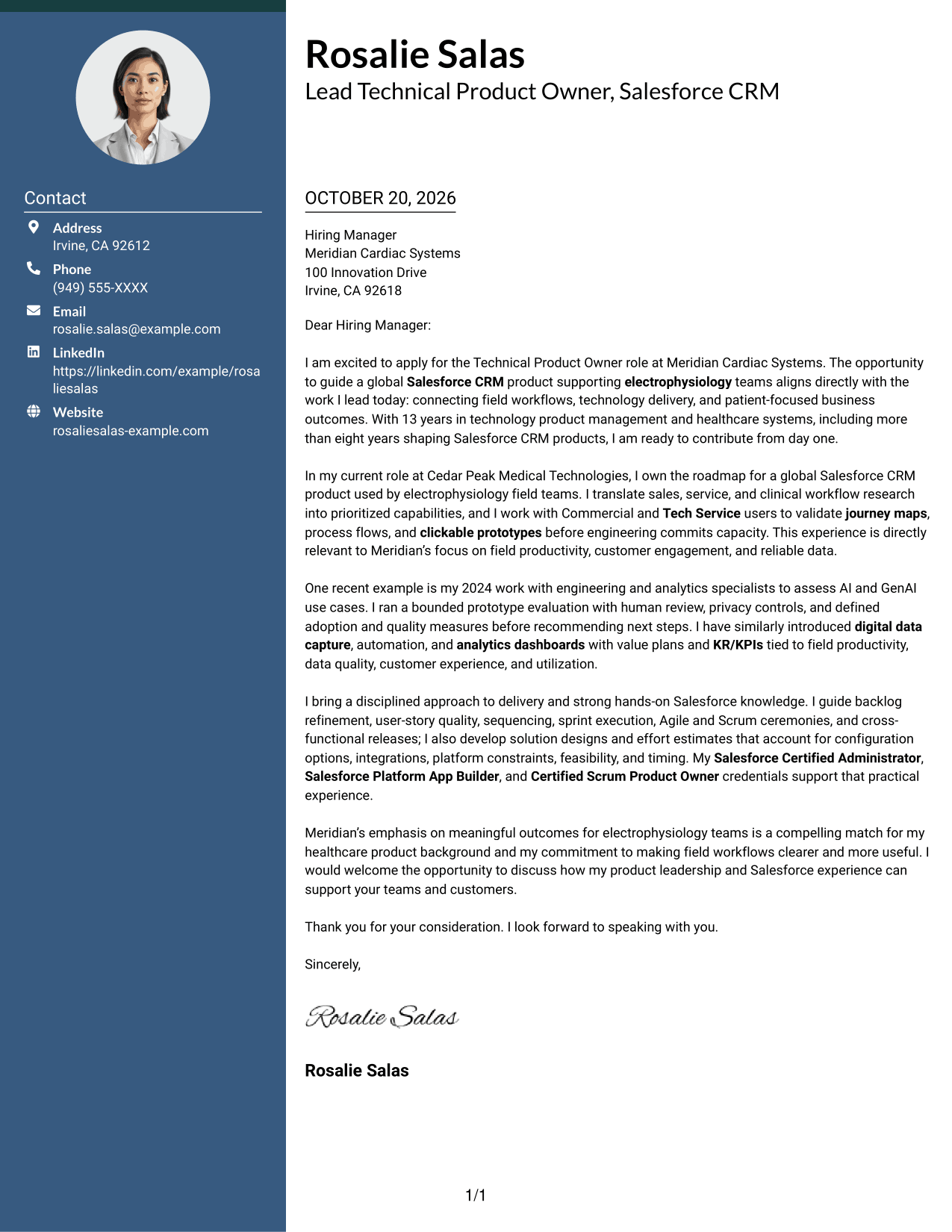
The Photo Header Two Column Format pairs a portrait and contact sidebar with one continuous letter body, for readers who prefer a personal visual element alongside the message.
Why This Format Works
- The contact sidebar gives sender information a distinct place beside the letter.
- One continuous body carries the argument from application interest through the closing.
- A portrait adds a personal visual element without dividing the letter’s paragraphs.
Best For
- Portrait-inclusive correspondence
- Sidebar contact details
- Continuous persuasive writing
- Letters with several body paragraphs
- Personal visual preferences
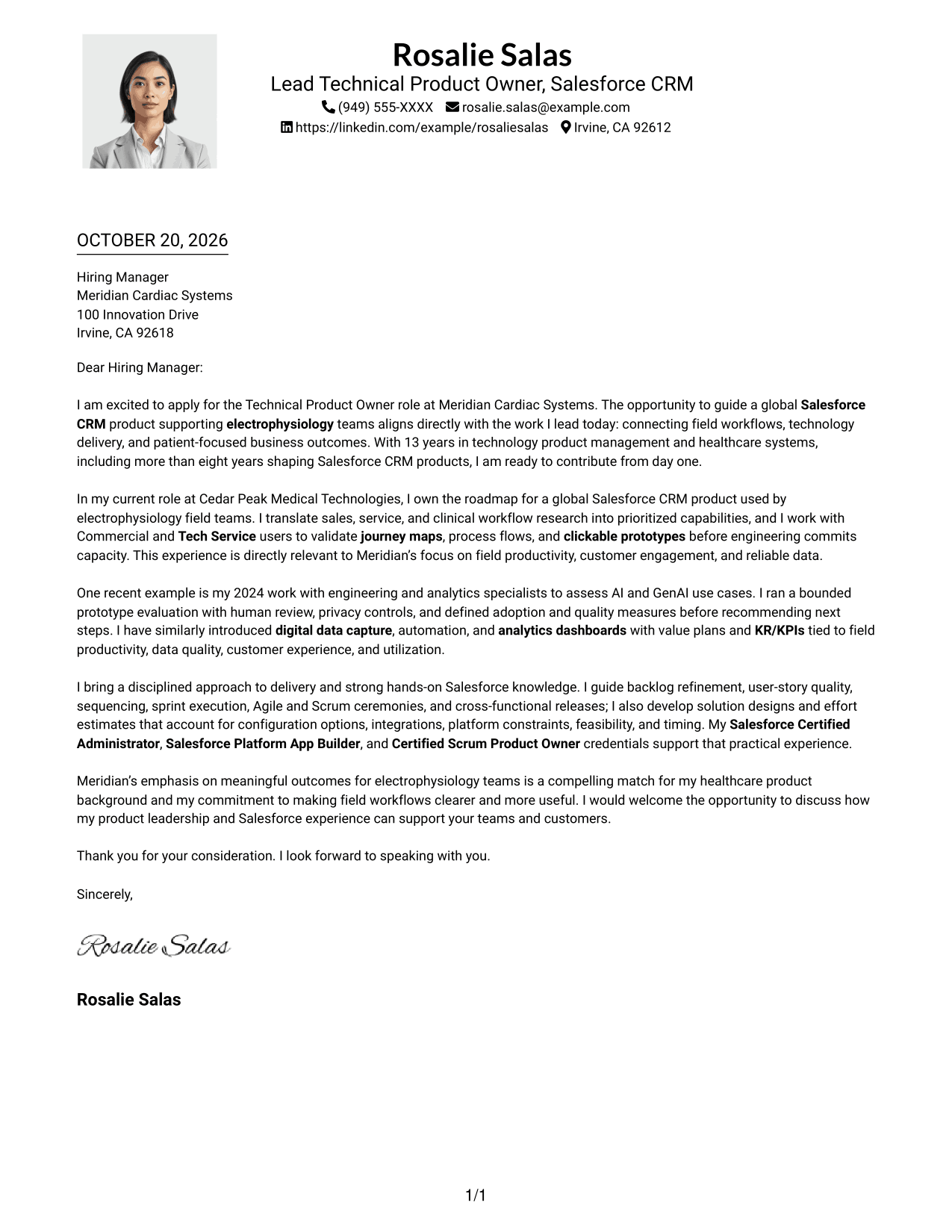
#4 One Column Format with Photo Cover Letter Example
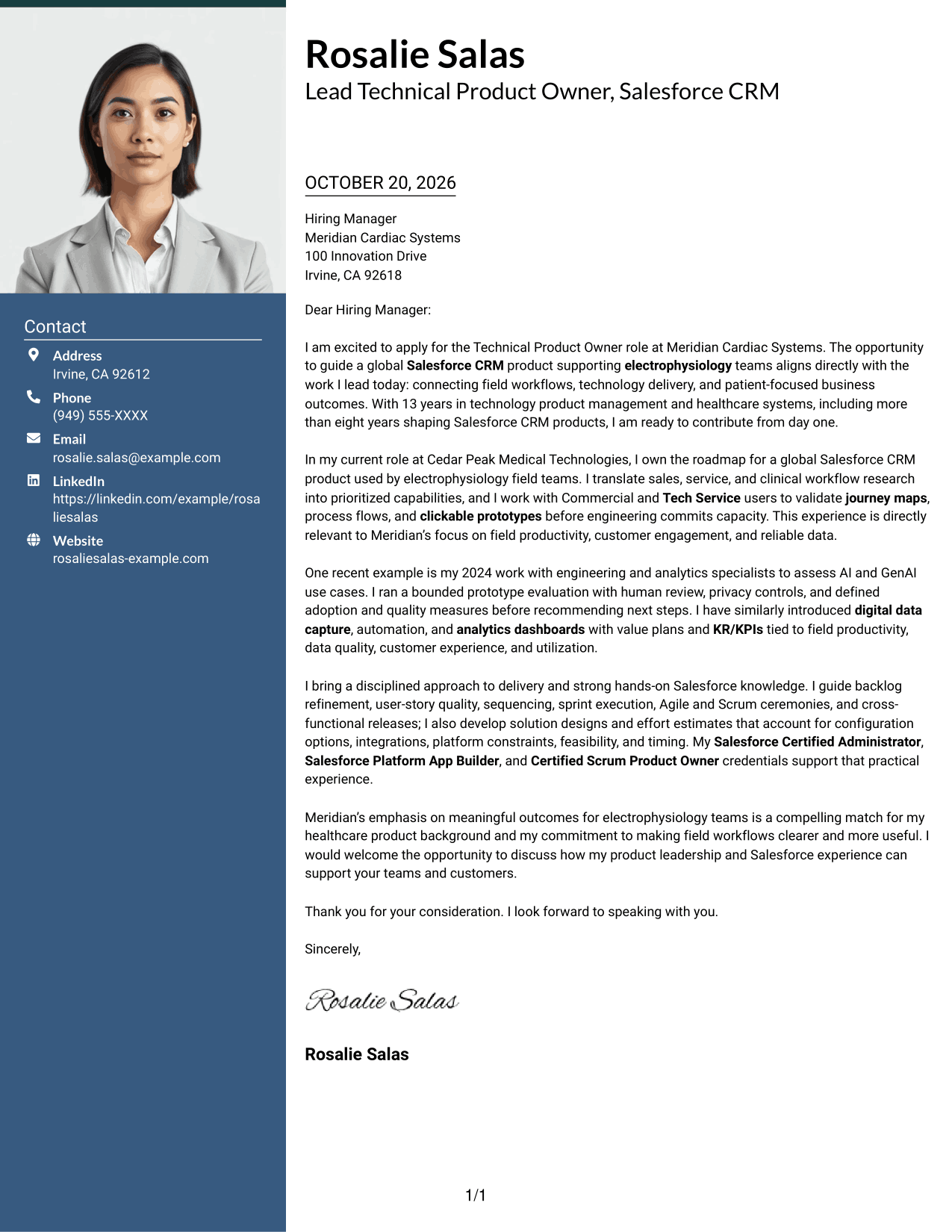
The One Column Format with Photo keeps the letter in one continuous column and includes a portrait, a practical choice for readers who favor a personal visual touch.
Why This Format Works
- One-column reading keeps the opening, supporting points, and close in sequence.
- Sender details stay in the header instead of interrupting the letter body.
- A portrait adds a personal visual feature while the letter remains one column.
Best For
- One-column letter reading
- Portrait-inclusive applications
- Header contact information
- Letters with detailed supporting context
- Personal visual preferences
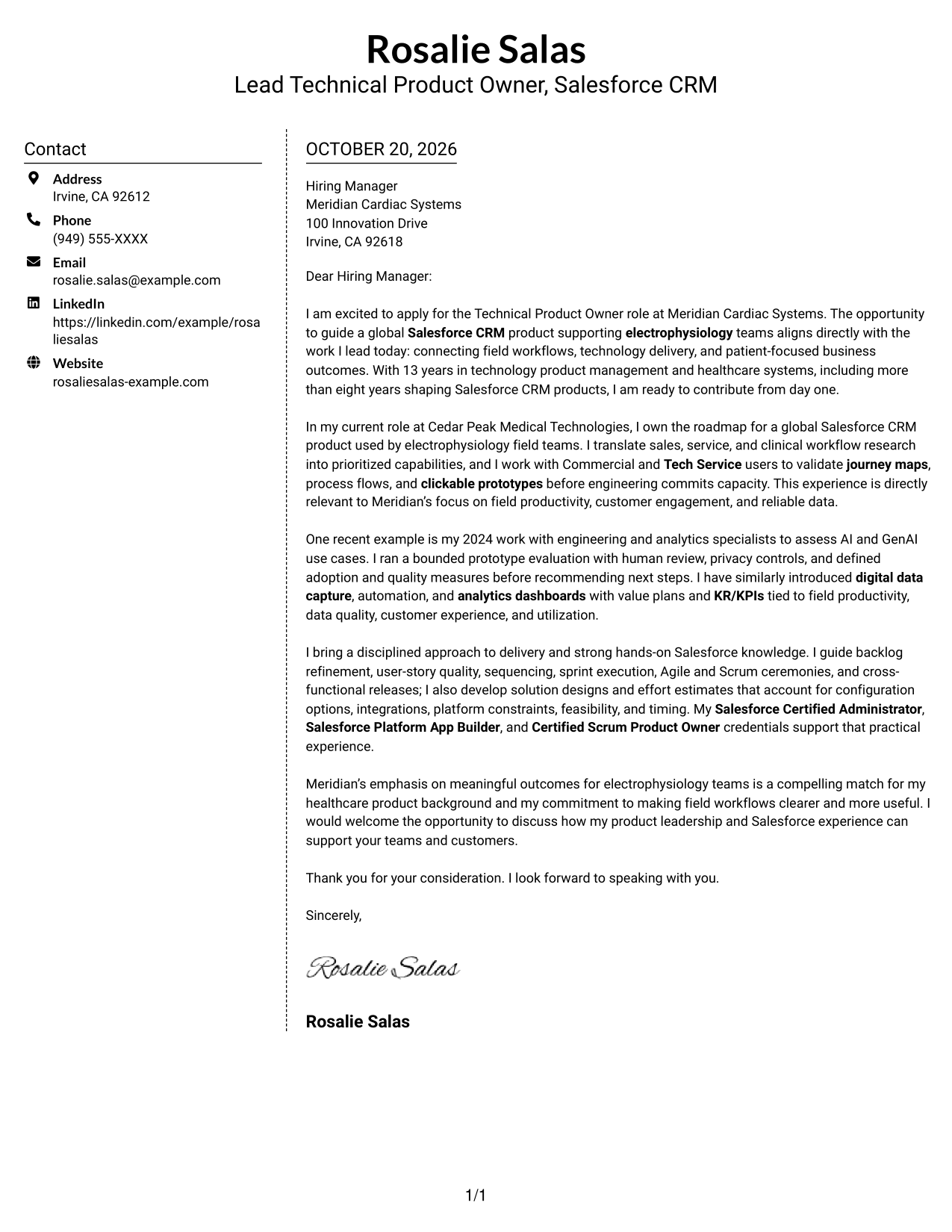
#5 Simple Two Column Format Cover Letter Example
The Simple Two Column Format places contact details beside one continuous letter body, a clear option when sender information should remain distinct from the message.
Why This Format Works
- Contact details in the sidebar stay separate from the letter’s persuasive message.
- The continuous body lets readers follow the case without parallel argument columns.
- A photo-free presentation keeps the focus on written correspondence.
Best For
- Sidebar contact presentation
- One-body letter arguments
- Photo-free correspondence
- Letters with several body paragraphs
- Applications with full contact details
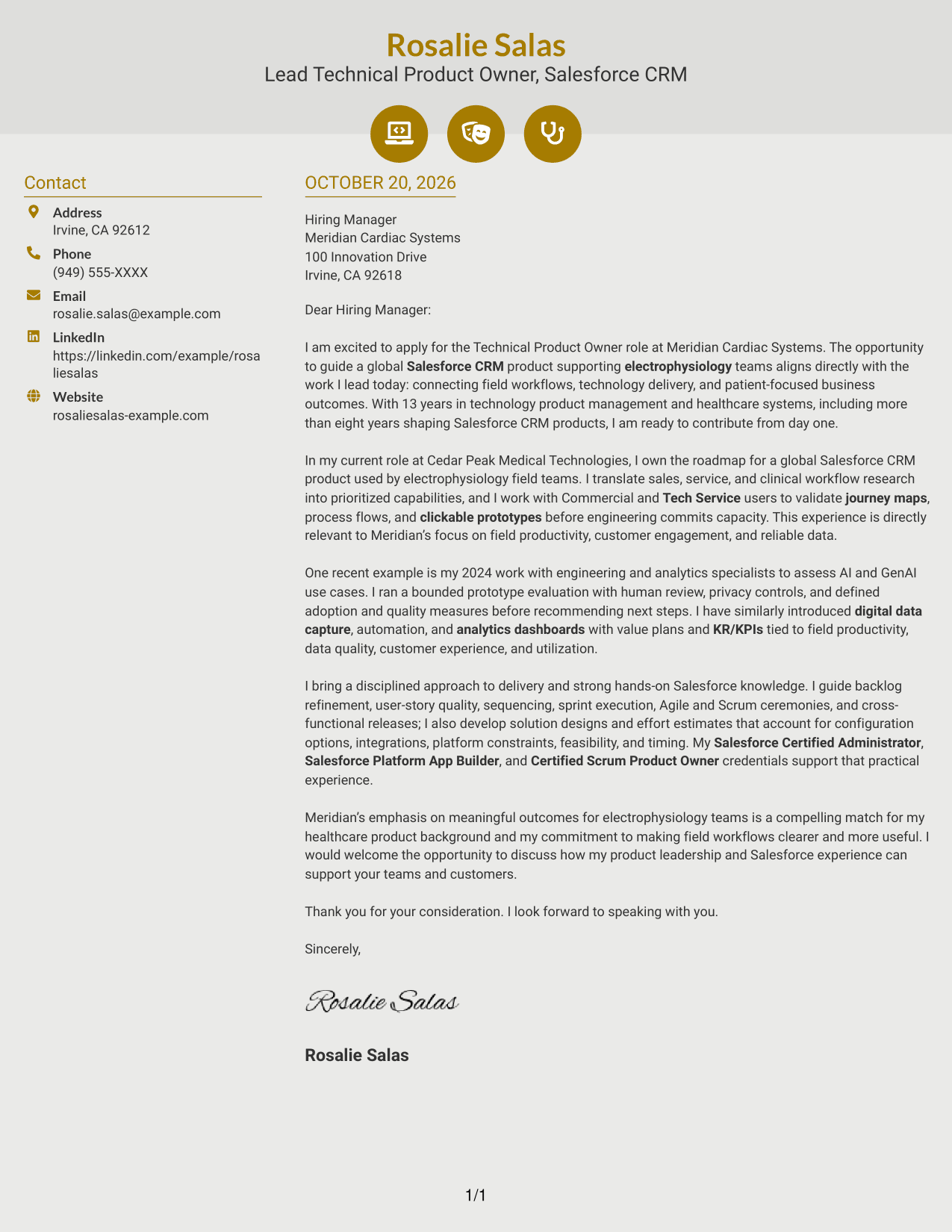
#6 Modern Icon Format Cover Letter Example
The Modern Icon Format pairs a contact sidebar with one continuous letter body, while its icons add visual cues to contact details.
Why This Format Works
- Contact icons help identify sender details without labeling parts of the argument.
- The sidebar separates contact information while the letter remains one continuous body.
- One body carries motivation, evidence, and closing in a clear sequence.
Best For
- Icon-supported contact details
- Separate sender information
- Continuous letter arguments
- Photo-free correspondence
- Letters with several body paragraphs
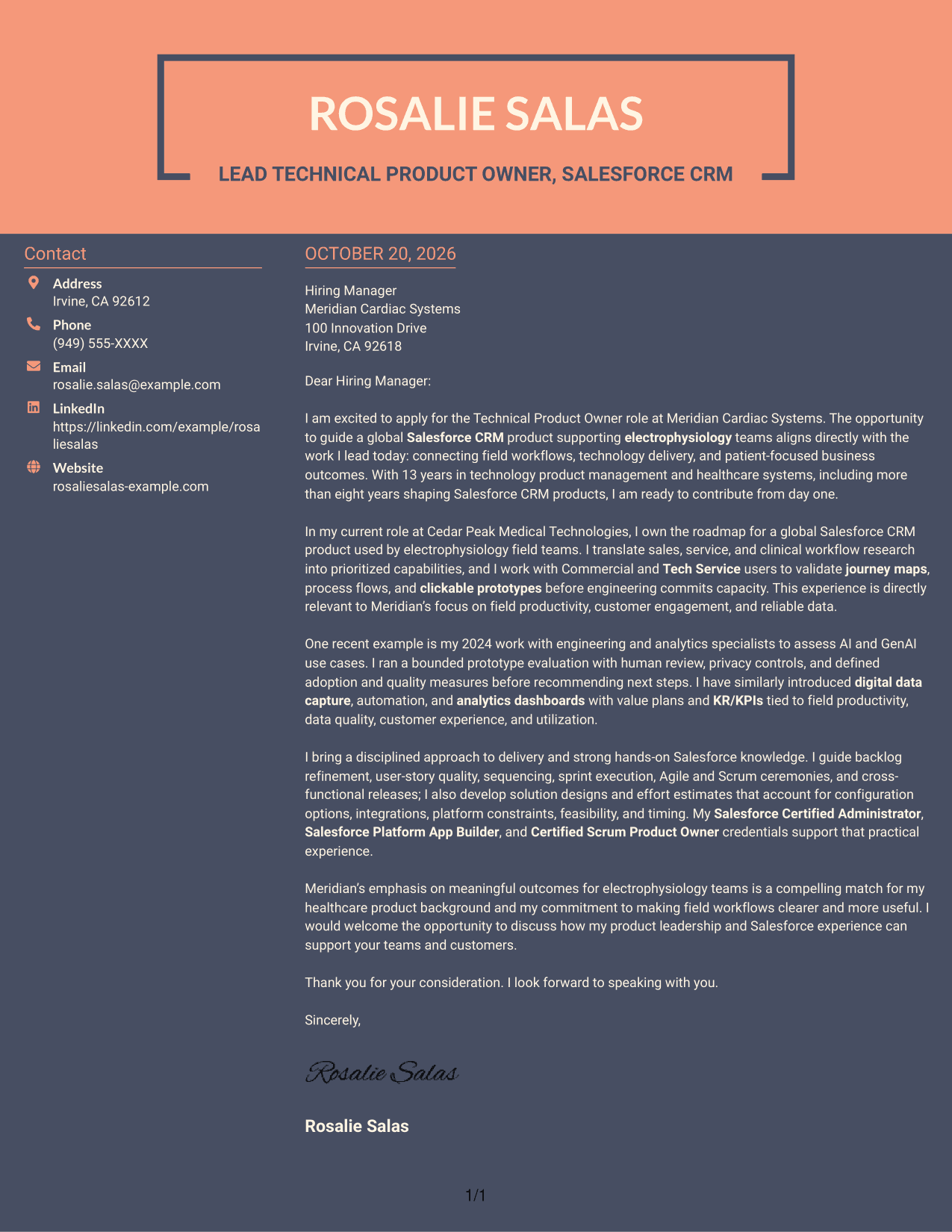
#7 Creative Two Tone Format Cover Letter Example
The Creative Two Tone Format places contact details in a sidebar beside one continuous letter body, useful when sender information should stay distinct from the message.
Why This Format Works
- A contact sidebar keeps sender details separate from the continuous letter body.
- Readers can follow the argument as one letter, not parallel text columns.
- The photo-free design suits a preference for written content without a portrait.
Best For
- Sidebar-based contact details
- One-body persuasive writing
- Photo-free application materials
- Letters with detailed context
- Clear separation of sender and message
Why Use ResumeInMinutes for a Technical Product Owner - Salesforce CRM Cover Letter
ResumeInMinutes gives you a starting point for a role-focused letter. Compare the image previews, then open an example in the editor to customize its wording and presentation.
- Focused cover letter examples
- Clear paragraph progression
- Role-specific guidance
- Different presentation styles
- Examples you can customize in the editor
- Support for a persuasive closing
For a Technical Product Owner - Salesforce CRM application, connect your product direction, user research, and delivery approach to the employer’s needs. Keep the message specific, direct, and easy to follow.
See Also
- 7 Technical Product Owner - Salesforce CRM Resume Templates with Example
- 7 Agile Delivery Owner Lead - New Product Development Resume Templates with Example
- 7 Agile Product Owner Federal Healthcare Resume Templates with Example
- 33 AI Product Owner Resume Templates with Example 2026 (ATS-Optimized)
- 7 Product Owner - Digital Experience Platforms Resume Templates with Example
- 7 Product Owner - RangeOS Resume Templates with Example
- 7 Director, Digital/Technical Product Management Resume Templates with Example
- 7 Director, Technical Product Management - Commerce Resume Templates with Example
- 7 Agile Delivery Owner Lead - New Product Development Cover Letter Templates with Example
- 7 Agile Product Owner Federal Healthcare Cover Letter Templates with Example
Frequently Asked Questions
What should a Technical Product Owner - Salesforce CRM cover letter emphasize?
Show how you connect Salesforce product strategy with user needs and business outcomes. Relevant examples may include roadmap decisions, workflow discovery, solution design, delivery planning, or measures for adoption and data quality.
Are these separate cover letters?
The guide presents one cover letter example in several visual styles. Use the previews to compare the presentation, then open an example in the editor to customize it.
How can I show fit for a Salesforce CRM product role?
Choose evidence that matches the role’s needs. For example, explain how you turned user research into a roadmap, managed delivery tradeoffs, or tested a solution with clear quality and adoption measures.
How should I tailor the letter to an employer?
Refer to a specific priority in the job description, such as field productivity, reliable data, customer experience, or user adoption. Connect it to relevant experience, and explain the contribution you hope to make.
What is a strong way to close a Technical Product Owner - Salesforce CRM cover letter?
Briefly restate the match between your product experience and the role’s needs. Thank the reader and express interest in discussing how you could support the team.




