
7 Technology M&A Due Diligence Manager Resume Templates with Example
This guide shows you how to create a clear, focused Technology M&A Due Diligence Manager resume. It explains how to present deal work and professional strengths so readers can assess your fit quickly.
Strong resumes connect technology findings to transaction decisions. Use concise bullets to show client engagement leadership, IT cost analysis, application assessment, and integration or separation planning.
The example is presented in 7 layouts, so you can compare how each design organizes experience, skills, education, and certifications. The guidance also explains how to use role-specific terms such as ERP, CRM, HRIS, TSA scoping and pricing, P&L impacts, and diligence reporting.
What Makes a Great Technology M&A Due Diligence Manager Resume in 2026
A strong resume uses clear sections and focused bullets to show client delivery, technology assessment, financial analysis, and transaction planning.
Use accurate terms for bottom-up and top-down cost analysis, ERP, CRM, and HRIS assessment, TSA needs, and separation planning. Add measurable results when you can support them with evidence.
Note: Resume examples are for educational purposes only. Use only information that accurately reflects your experience and qualifications. References to real organizations do not imply affiliation or endorsement.
#1 Simple One Column Format Resume Example
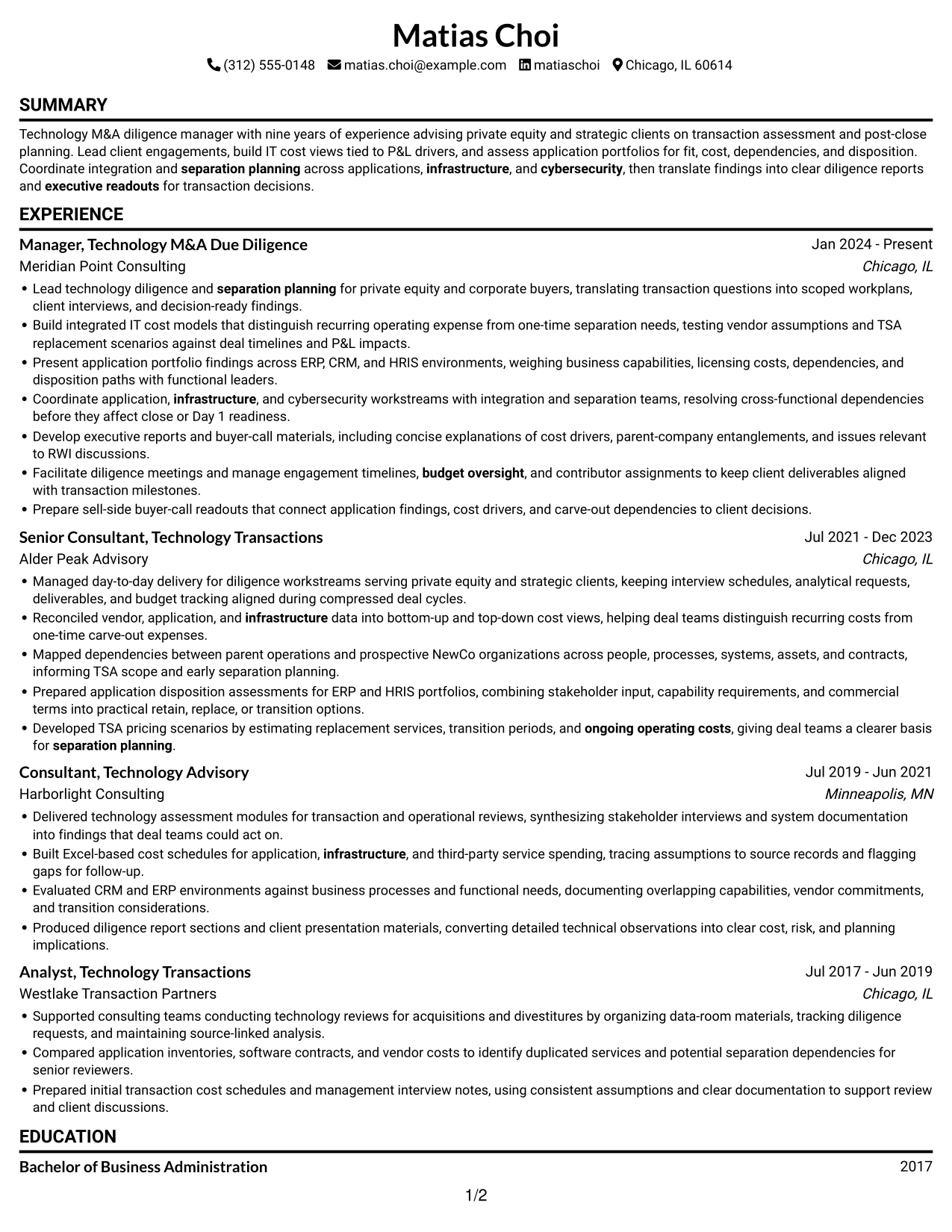
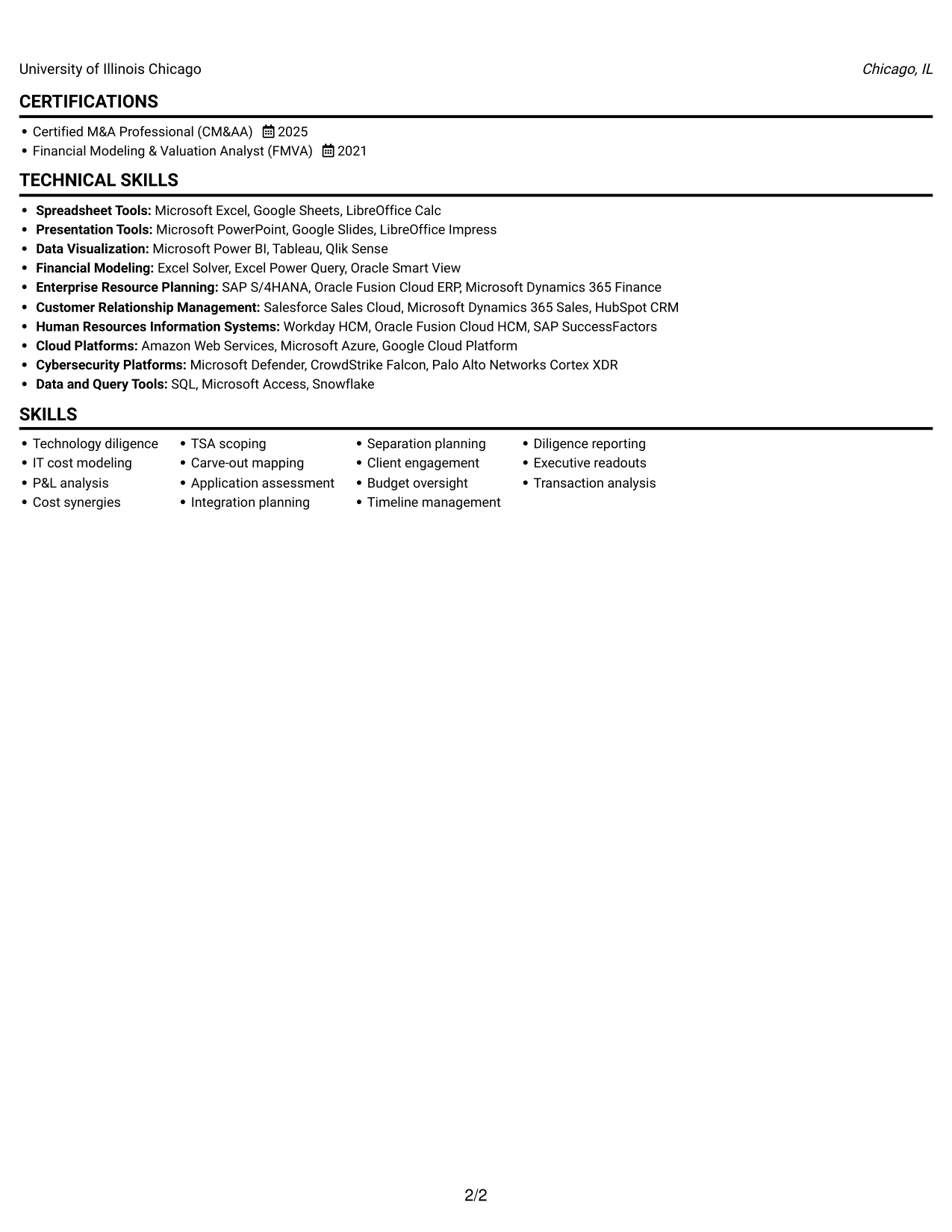
The Simple One Column Format presents resume content in one column, giving reviewers a direct path through each section.
Why This Format Works
- A clear section order helps reviewers follow career progression from role to role.
- Achievement bullets keep cost analysis and transaction outcomes easy to locate.
- Education and certifications remain part of the same direct reading path.
Best For
- Chronological career records
- Detailed experience bullets
- Direct top-to-bottom review
- Skills and credentials alongside experience
- Text-first resume presentation
Resume Keywords
- Technology M&A Due Diligence
- Cost synergies
- ongoing operating costs
- infrastructure
- cybersecurity
- Integration planning
- separation planning
- Timeline management
- budget oversight
- Diligence reporting
- executive readouts
#2 Simple Two Column Format Resume Example
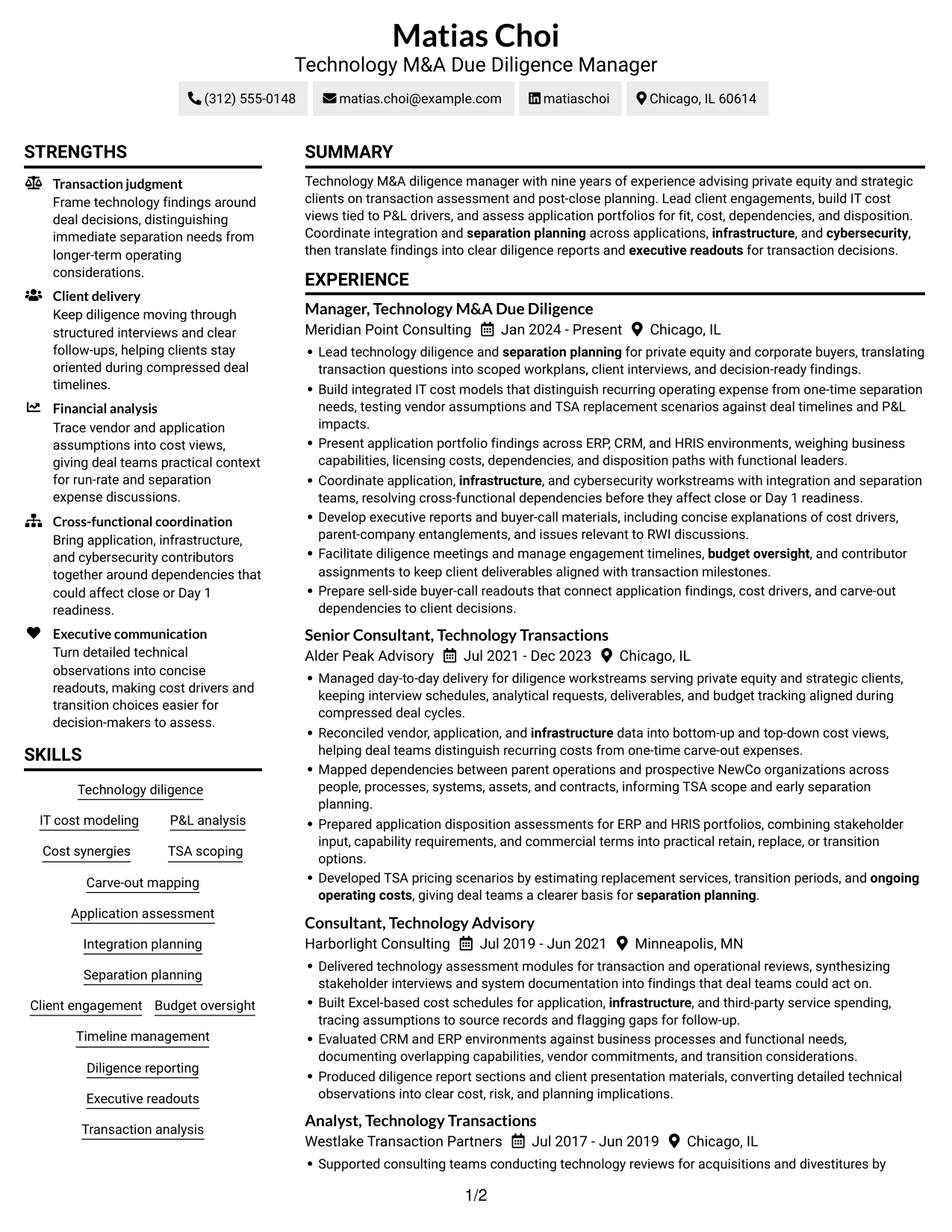
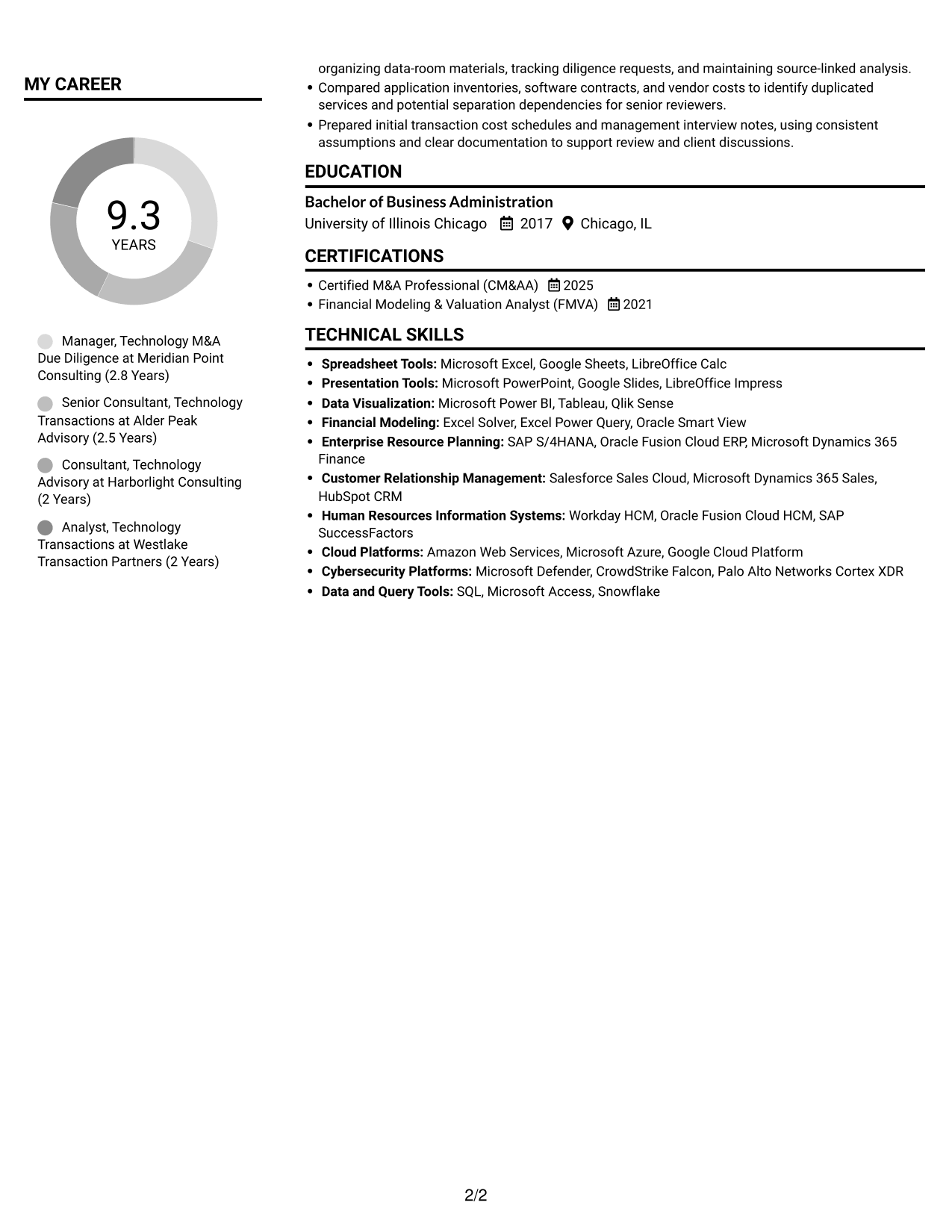
The Simple Two Column Format separates resume content into two areas, helping reviewers move between experience and supporting details.
Why This Format Works
- Distinct content areas let reviewers compare experience with supporting qualifications at a glance.
- Role entries can keep a clear sequence while other resume details remain separate.
- Skills, education, and certifications are easier to check apart from work history.
Best For
- Resume sections reviewed side by side
- Experience with supporting details
- Skill and credential comparisons
- Information needing distinct areas
- Readers scanning across categories
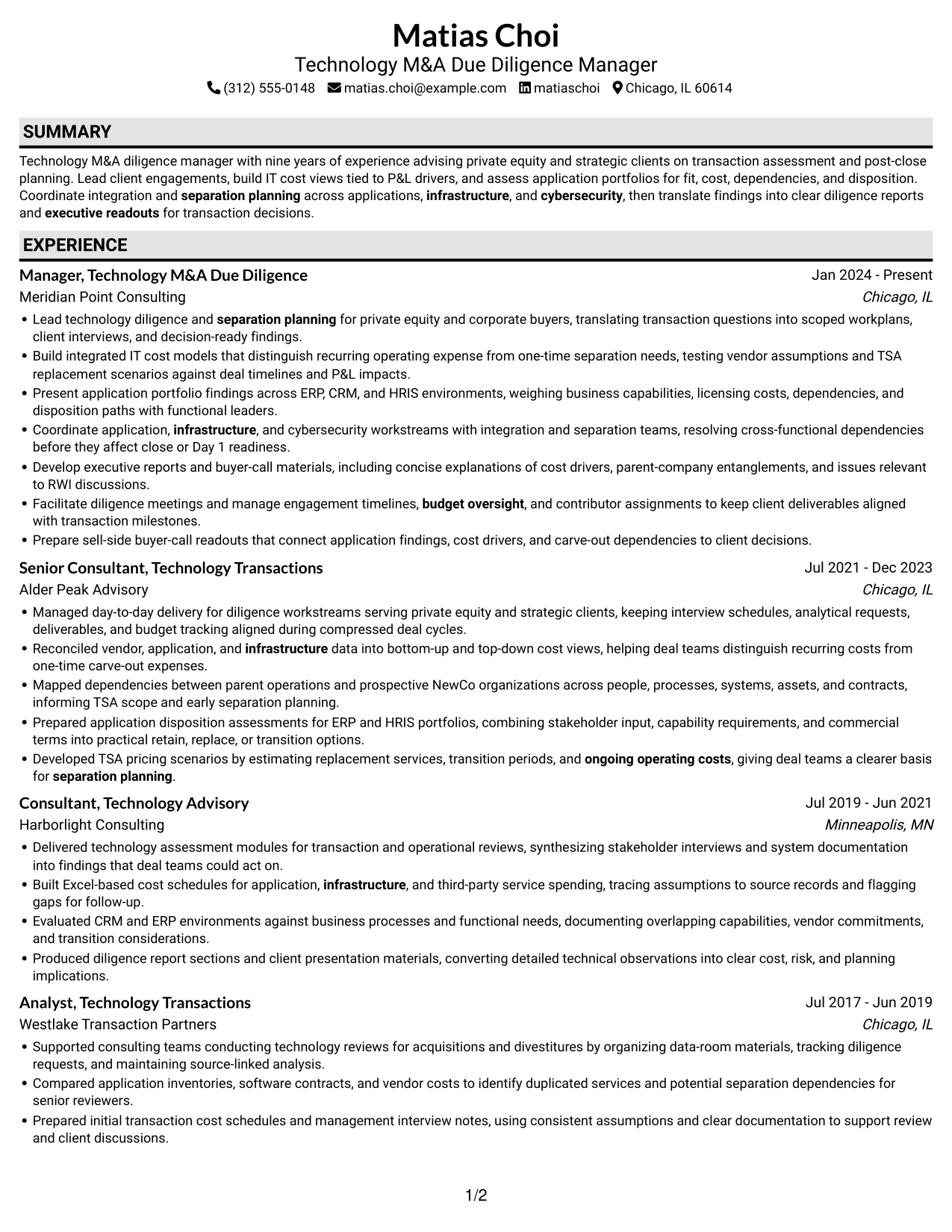
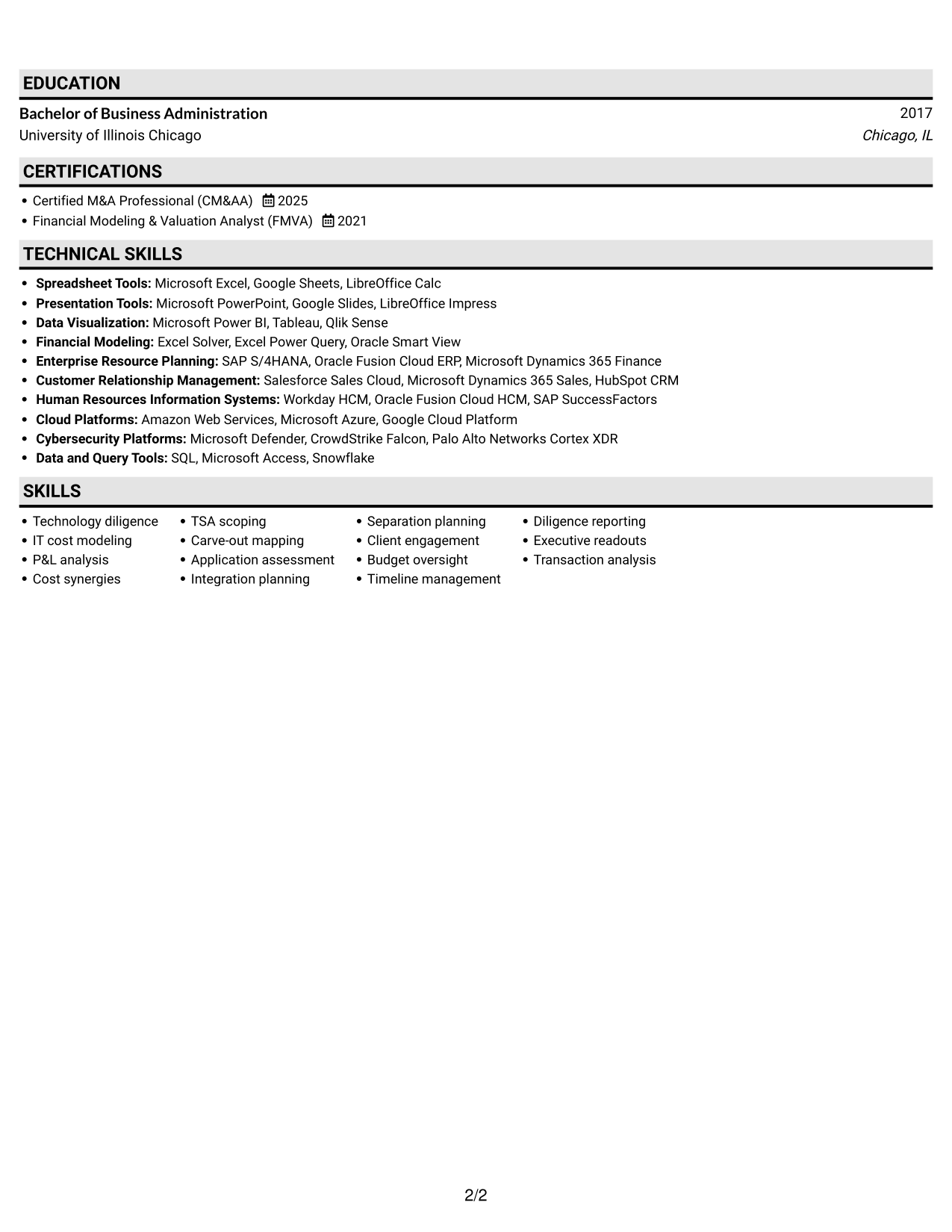
#3 Plain One Column with Shaded Labels Resume Example
The Plain One Column with Shaded Labels format keeps resume content in one column, supporting a steady top-to-bottom review.
Why This Format Works
- A single reading path helps reviewers trace dated roles through the career record.
- Resume sections keep achievements and education easy to find during review.
- Skills and credentials can be considered alongside the full work history.
Best For
- Sequential role-by-role review
- Chronological work histories
- Detailed achievements and education
- One-column resume reading
- ATS-oriented document layouts
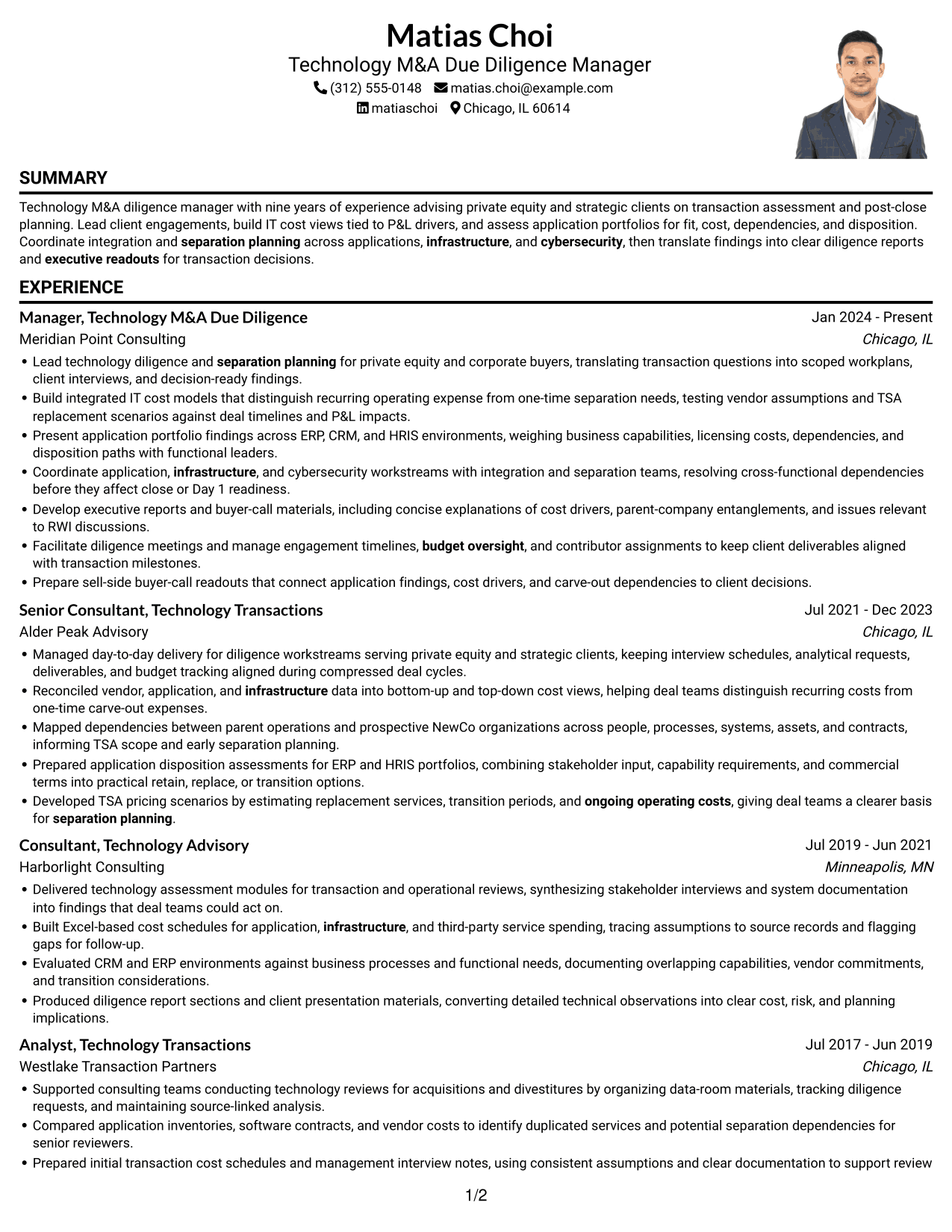
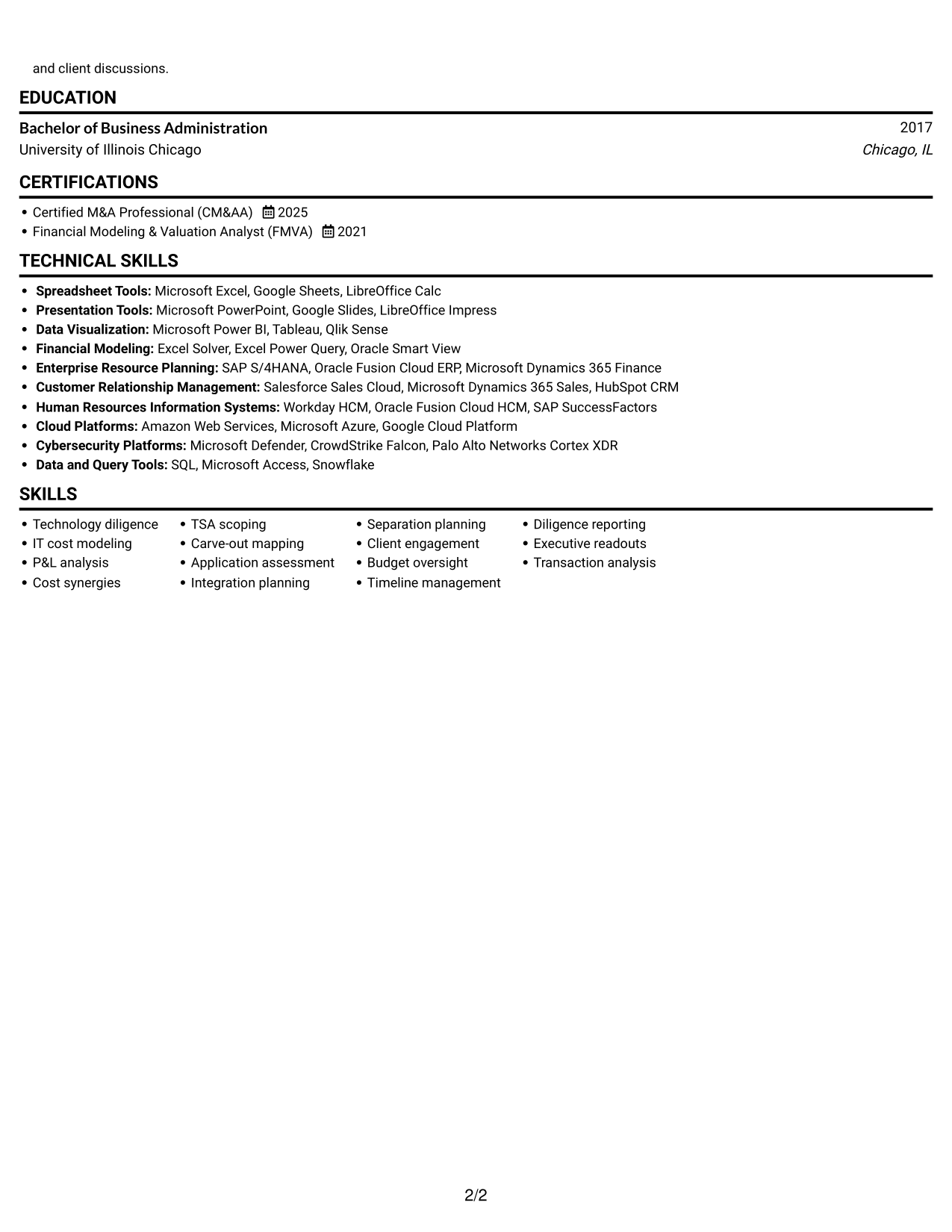
#4 One Column Format with Photo Right Resume Example
The One Column Format with Photo Right keeps resume content in one column and includes a photo, pairing a direct reading sequence with visual identification.
Why This Format Works
- The photo offers a visual identification cue without changing the single-column reading order.
- Career entries can follow a direct sequence from earlier roles to current work.
- Education and credentials remain within the same vertical review path.
Best For
- Resumes that include a photo
- Single-column experience records
- Visual identification preference
- Vertically ordered career histories
- Experience paired with credentials
#5 Clean Two Column Sidebar Format Resume Example
The Clean Two Column Sidebar Format uses two content areas, giving reviewers a way to scan different parts of the resume separately.
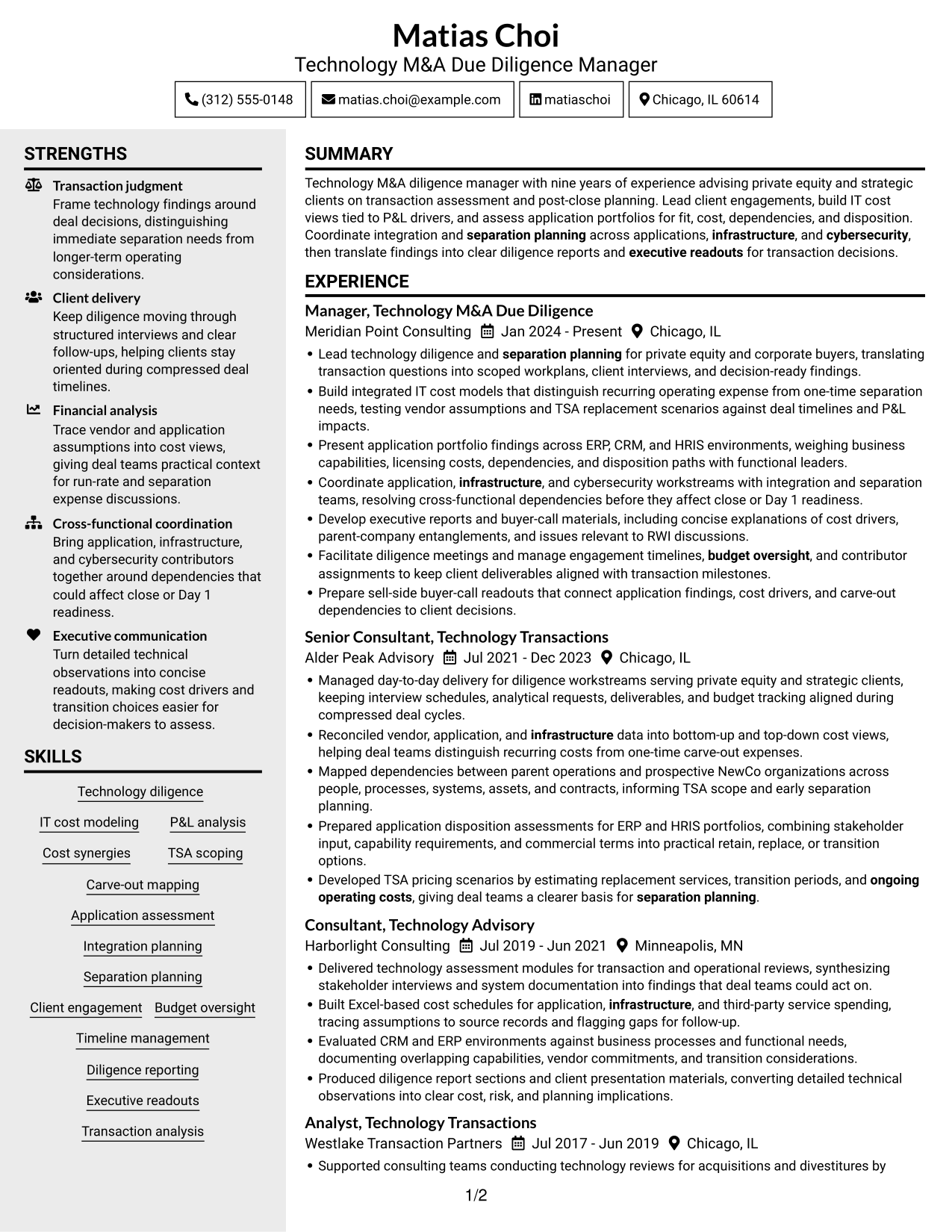
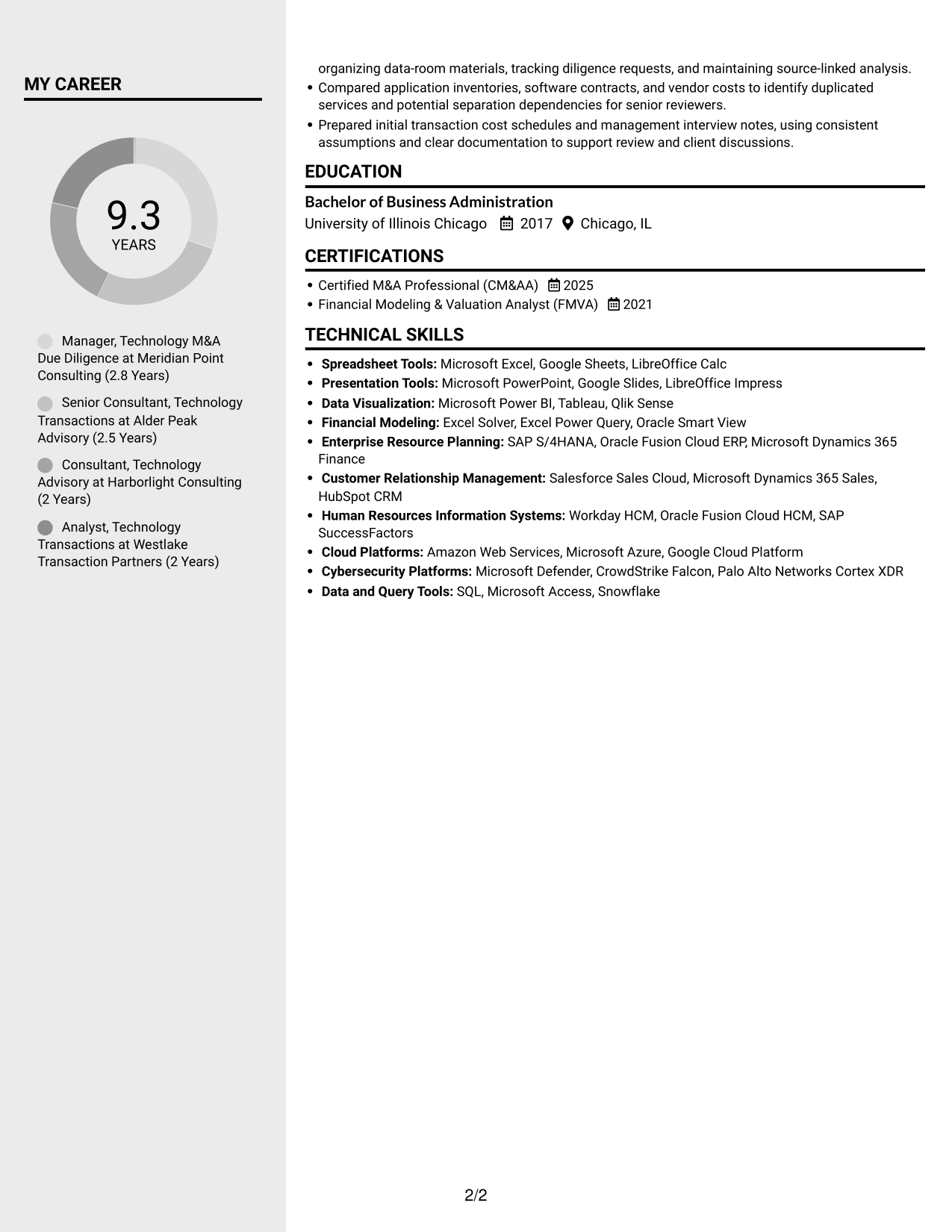
Why This Format Works
- Separate areas make it easier to move between work history and other resume details.
- A clear division helps reviewers locate skills without losing the experience sequence.
- Distinct content groupings support review of education, credentials, and achievements.
Best For
- Separate resume content areas
- Work history with supporting details
- Skills reviewed apart from experience
- Education and credentials sections
- Readers comparing resume categories
#6 Two Column Format Resume Example
The Two Column Format divides resume content across two areas, helping reviewers scan related information without following one long column.
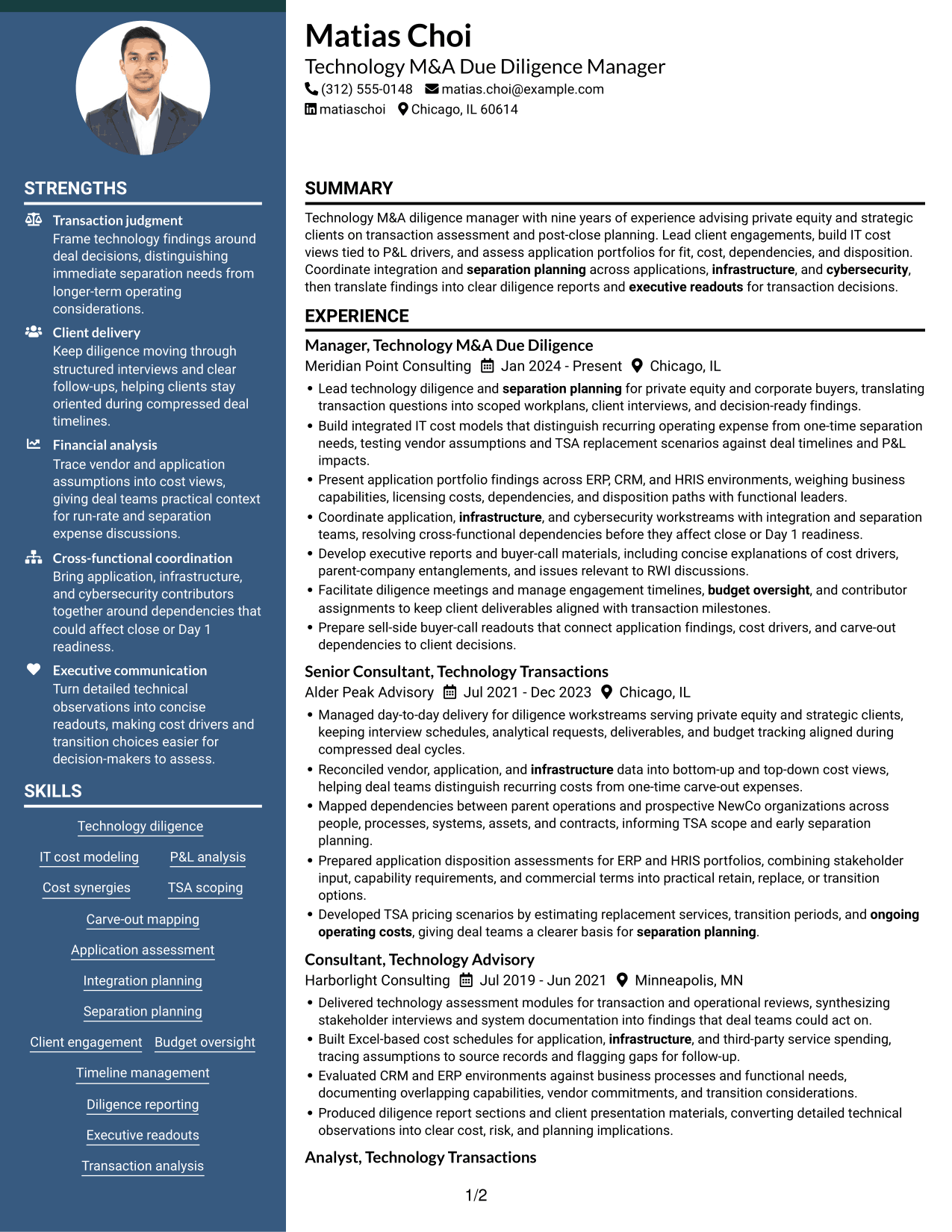
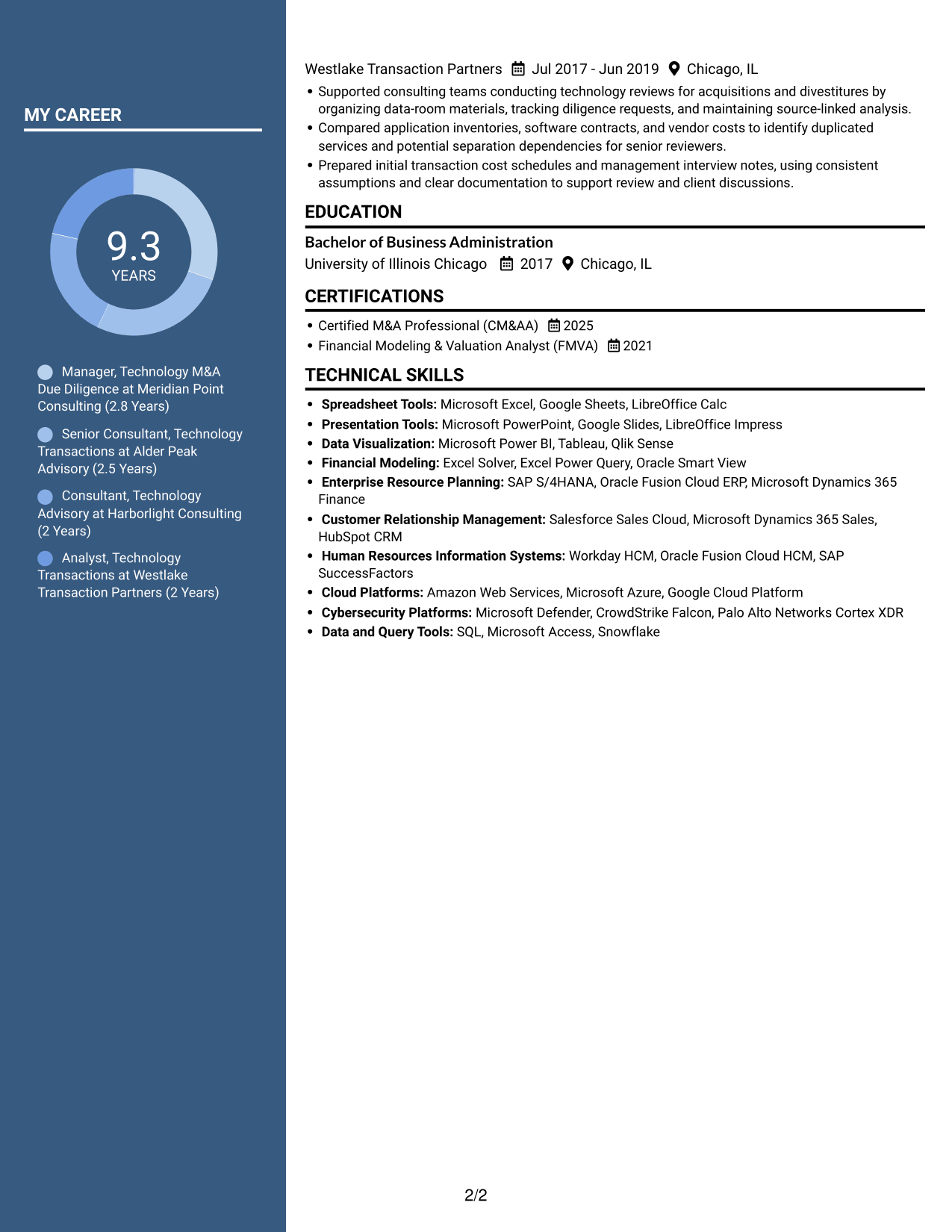
Why This Format Works
- Two content areas give reviewers more than one clear route through resume sections.
- Experience details remain easier to scan when supporting information has its own area.
- The structure can keep skills and education distinct from achievement bullets.
Best For
- Resume details grouped by category
- Experience and supporting information
- Quick review across sections
- Skills and education beside achievements
- Readers who prefer two-column documents
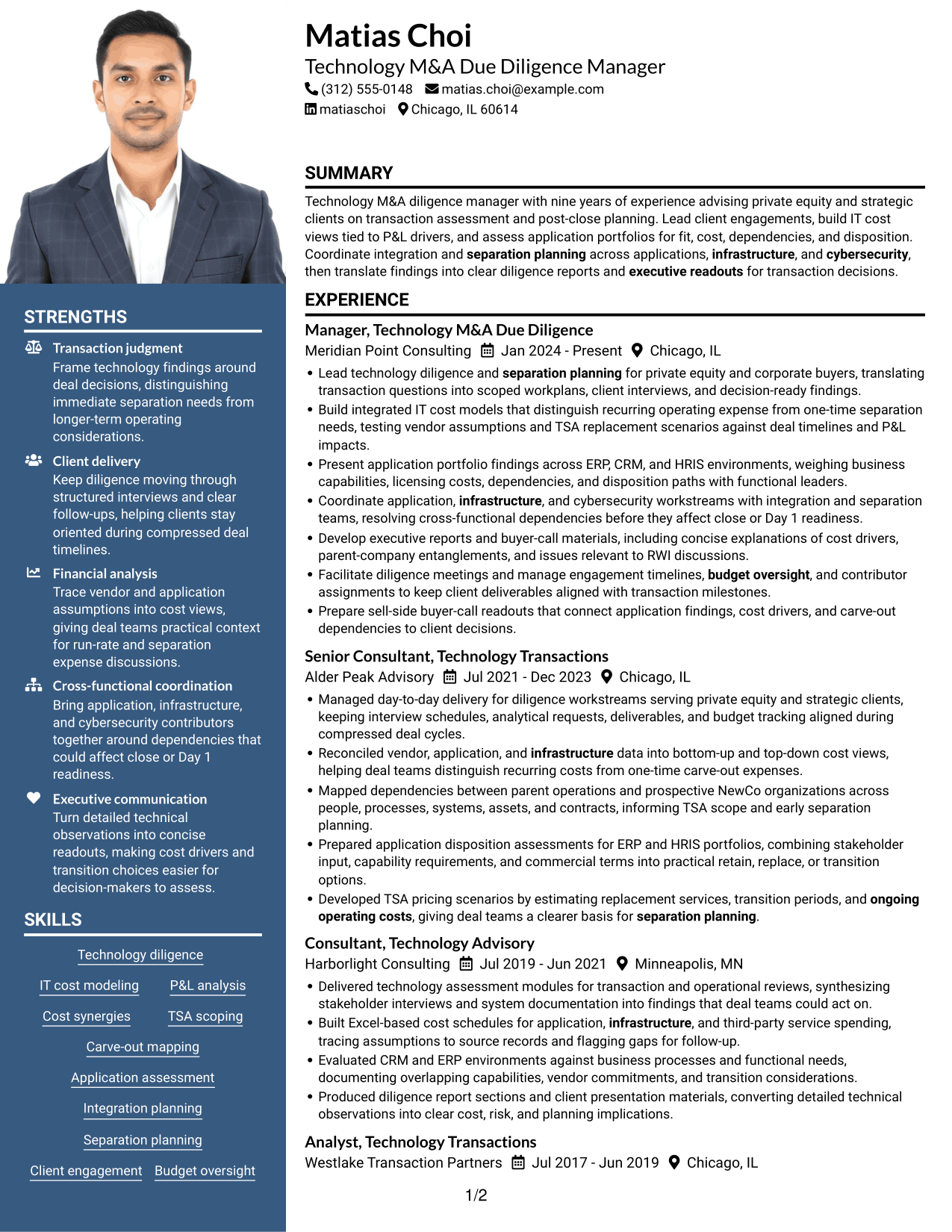
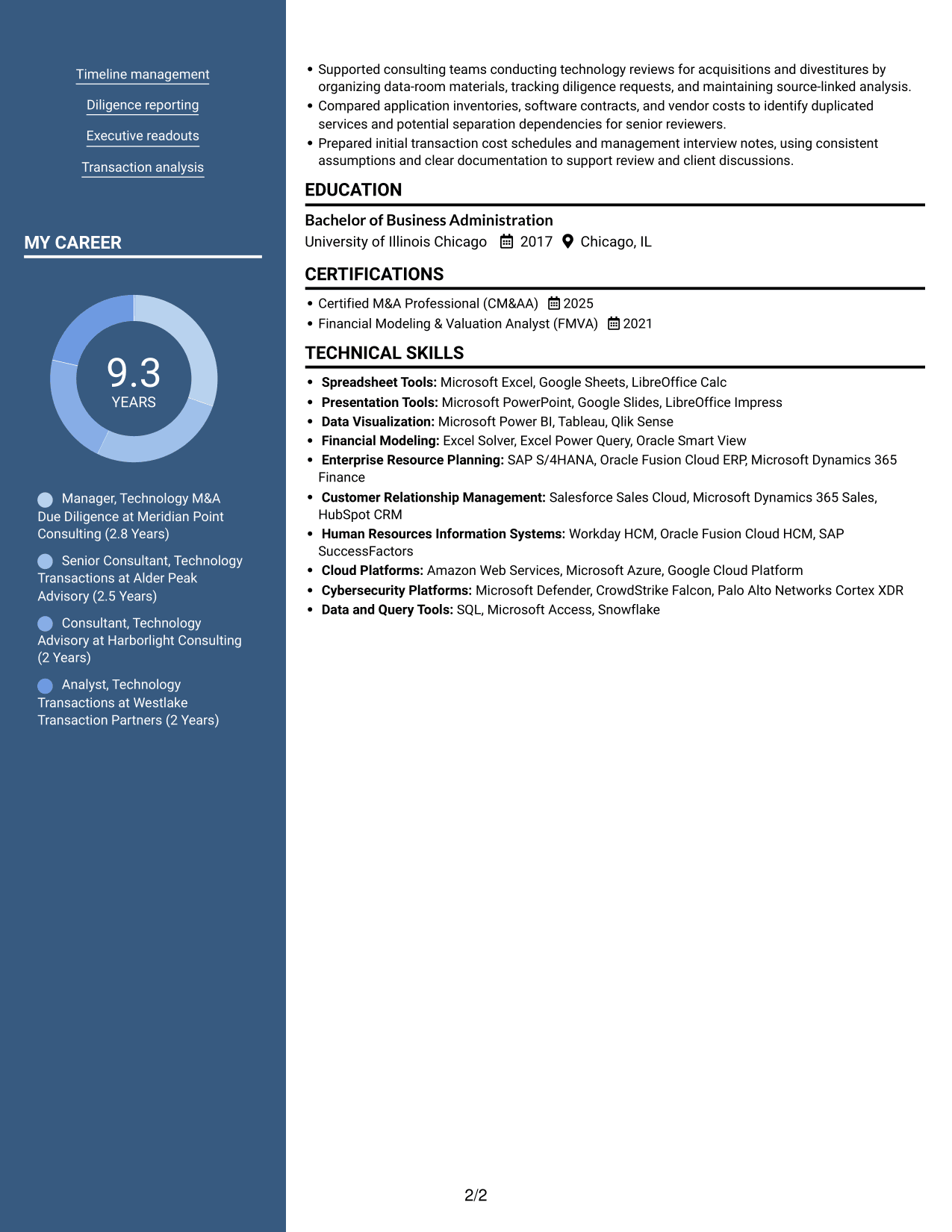
#7 Photo Header Two Column Format Resume Example
The Photo Header Two Column Format combines two-column organization with a photo, giving readers distinct content areas and a visual identification cue.
Why This Format Works
- The two-column arrangement separates resume details into areas reviewers can scan independently.
- The photo adds a visual identification cue alongside the resume content.
- Career history and supporting sections can be reviewed without one long vertical sequence.
Best For
- Two-column resume organization
- Resumes that include a photo
- Career history with supporting sections
- Readers scanning distinct content areas
- Visual identification preference
Why Build Your Technology M&A Due Diligence Manager Resume with ResumeInMinutes
ResumeInMinutes helps you organize relevant experience, technical skills, and credentials in a clear resume format. You can compare image previews and open an example in the editor to customize it.
- Clear resume layouts
- Readable section structure
- Role-focused keywords
- Experience and skills organization
- Image previews for comparison
- Examples you can customize in the editor
Keep the content tied to your own work. Highlight cost models, application findings, carve-out dependencies, TSA planning, and executive reports when they reflect your experience.
See Also
- 7 ROW Due Diligence Agent Resume Templates with Example
- 7 LMS Administrator - Higher Education Learning Platforms Resume Templates with Example
- 7 Library Technical Assistant I - Technical Services Resume Templates with Example
- 7 Restaurant Shift Lead - Front-of-House Service Resume Templates with Example
- 7 Lifeguard - Waterpark Safety Resume Templates with Example
- 7 Director/Senior Director, Life Sciences Industry Strategy Resume Templates with Example
- 7 Equity Research Associate - Immuno-Oncology Resume Templates with Example
- 7 Production Line Helper - Manufacturing Resume Templates with Example
- 7 Healthcare Consulting Supervisor - Epic Clinical Delivery Resume Templates with Example
- 7 Technology M&A Due Diligence Manager Cover Letter Templates with Example
Frequently Asked Questions
Are these Technology M&A Due Diligence Manager resume templates ATS-friendly?
The layouts use clear headings and organized sections to support easy scanning. Include relevant terms such as IT cost modeling, ERP, CRM, HRIS, TSA scoping, integration planning, and diligence reporting when they match your experience.
What do the resume examples show?
They show one Technology M&A Due Diligence Manager resume in several layouts. Compare the image previews to see how each design presents work history, skills, education, and certifications.
What should a Technology M&A Due Diligence Manager resume include?
Include a focused summary, relevant experience, skills, education, and certifications. Use bullets to explain client work, cost analysis, application disposition, carve-out dependencies, TSA planning, and executive readouts.
Which resume layout works well for this role?
A simple layout with clear headings makes consulting work and technical details easier to scan. Choose a design that gives enough space for concise achievement bullets and keeps important sections easy to find.
How can I make technology diligence achievements clear?
State the analysis or workstream, explain your contribution, and show the result when you have a verified measure. For example, connect cost findings or application dependencies to a transaction decision or separation plan.
Should I include a photo on my resume?
Include a photo only when it is expected in your country or field. For U.S. applications, a resume without a photo is usually the safer choice.




