
7 Telecommunications Operator - Hospital Call and Emergency Communications Cover Letter Templates with Example
This practical guide helps you create a Telecommunications Operator - Hospital Call and Emergency Communications cover letter, with seven layouts to compare and a clear way to present your fit.
What Makes a Great Telecommunications Operator - Hospital Call and Emergency Communications Cover Letter in 2026
A strong letter opens with clear interest in hospital call and emergency communications, then explains how your communication style supports patients, staff, and clinicians. A focused closing makes your interest in the role clear.
Use accurate examples such as routing calls, monitoring alarm panels, coordinating pages, or keeping coverage details current. Connect the evidence to the employer’s needs without claiming experience or skills you do not have.
The featured example moves from interest in Pacific Harbor Medical Center to call-handling and emergency communication evidence, then connects those strengths to the role before a direct close. Adapt that progression and choose a presentation suited to the employer and the communication context.
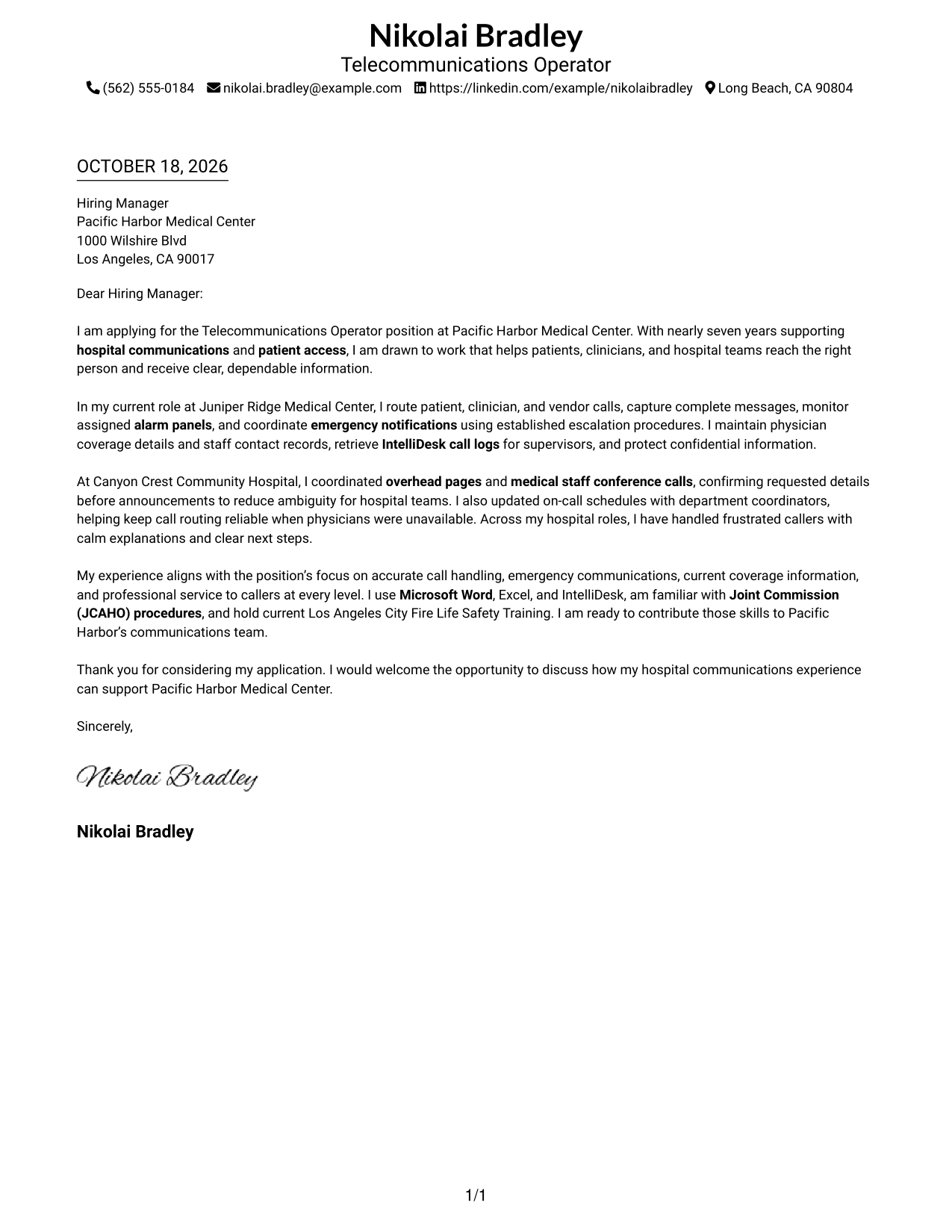
#1 Simple One Column Format Cover Letter Example
A single-column page keeps sender details in the header and the full letter in one continuous reading path, making the message easy to follow.
Why This Format Works
- Sender details remain in the header, apart from the letter’s persuasive message.
- One reading path helps reviewers follow interest, supporting examples, and the closing.
- The photo-free page suits readers who prefer correspondence without a portrait.
Best For
- Single-column letter preferences
- Header-based contact information
- Continuous paragraph arguments
- Photo-free correspondence
- Direct employer-focused messages
#2 Two Column Format Cover Letter Example
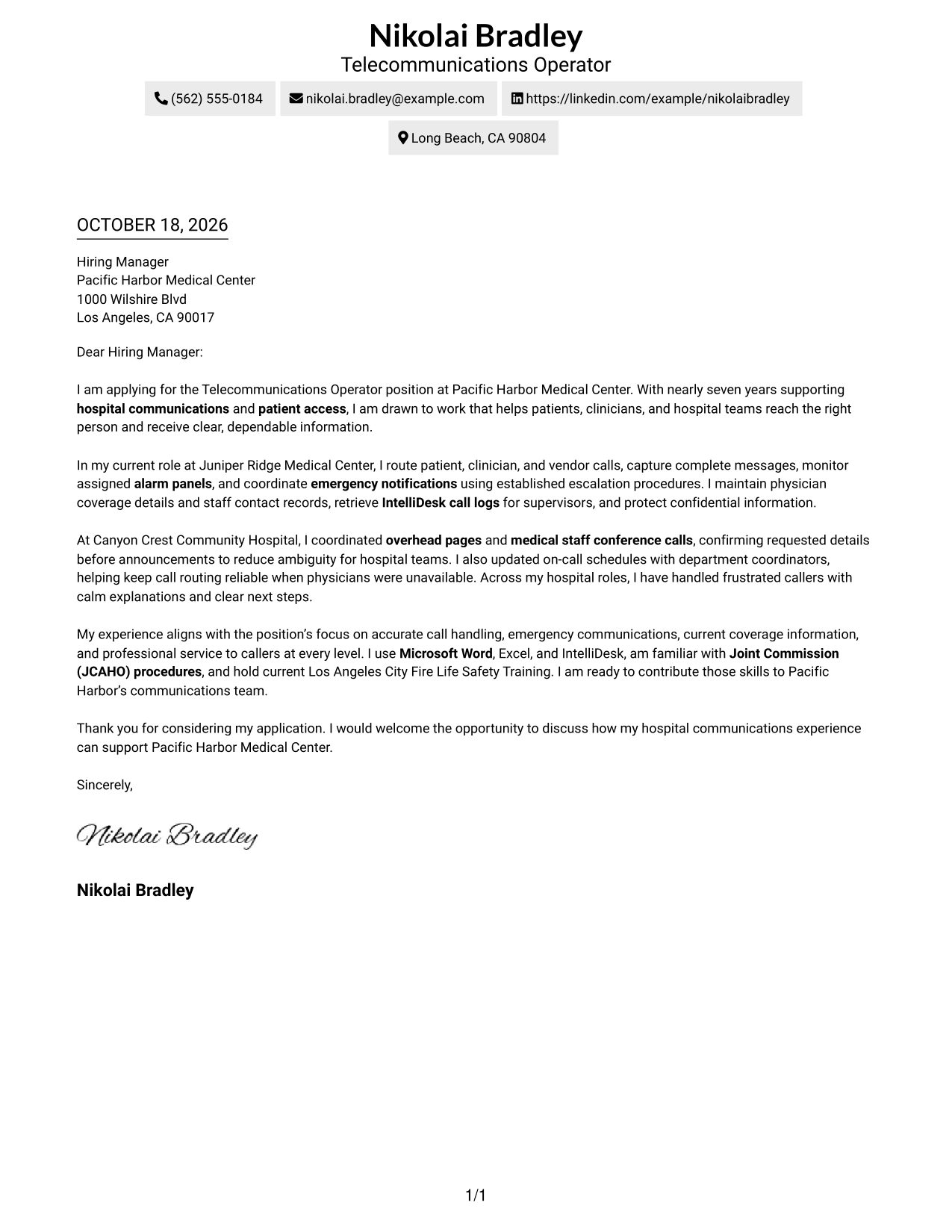
A contact sidebar sits beside one continuous letter body, keeping sender information separate while the message follows a clear reading order.
Why This Format Works
- The sidebar makes sender information easy to locate apart from the message.
- A single letter body preserves the natural order from interest to closing.
- Photo-free styling suits applications that call for a straightforward written presentation.
Best For
- Separate contact and letter areas
- Continuous persuasive messages
- Photo-free applications
- Easy-to-find sender details
- Straightforward written applications
#3 Photo Header Two Column Format Cover Letter Example
A photo adds a portrait to the two-column page, while the letter stays in one continuous body for a clear reading sequence.
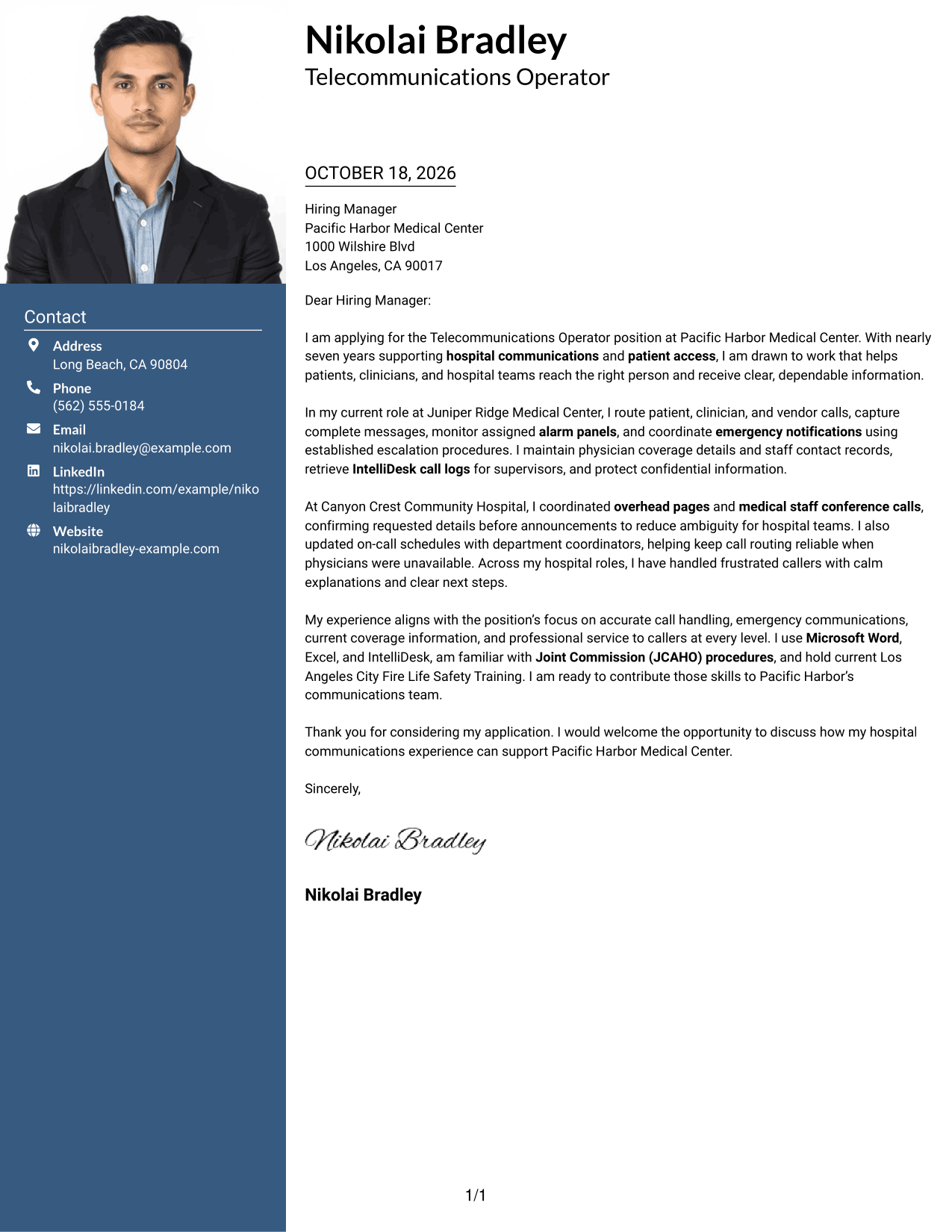
Why This Format Works
- The contact sidebar keeps sender details distinct from the letter’s argument.
- The continuous body lets reviewers follow the message from opening through closing.
- A portrait offers a visual choice for readers who prefer a photo on the page.
Best For
- Contact sidebar layouts
- Portrait-inclusive correspondence
- Uninterrupted letter arguments
- Visible sender information
- Photo-based visual preferences
#4 One Column Format with Photo Cover Letter Example
A one-column letter pairs its continuous body with a photo, keeping the message in a single reading path while adding a portrait.
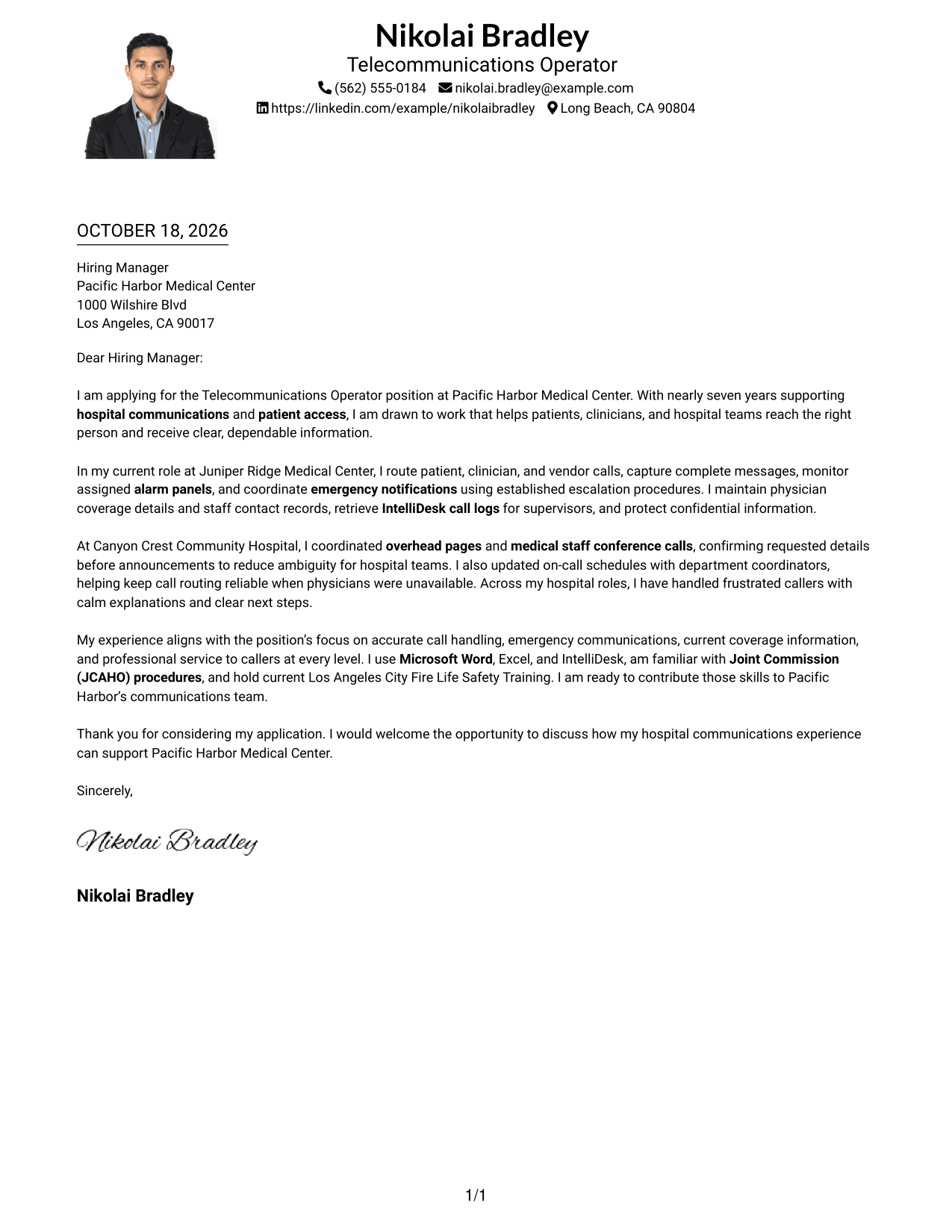
Why This Format Works
- The header holds sender details apart from the continuous letter body.
- A single reading path keeps the opening, supporting points, and closing together.
- The portrait adds a visual element without dividing the letter into columns.
Best For
- One-column letter layouts
- Portrait-inclusive applications
- Header-based contact details
- Continuous persuasive writing
- Single-path reading preferences
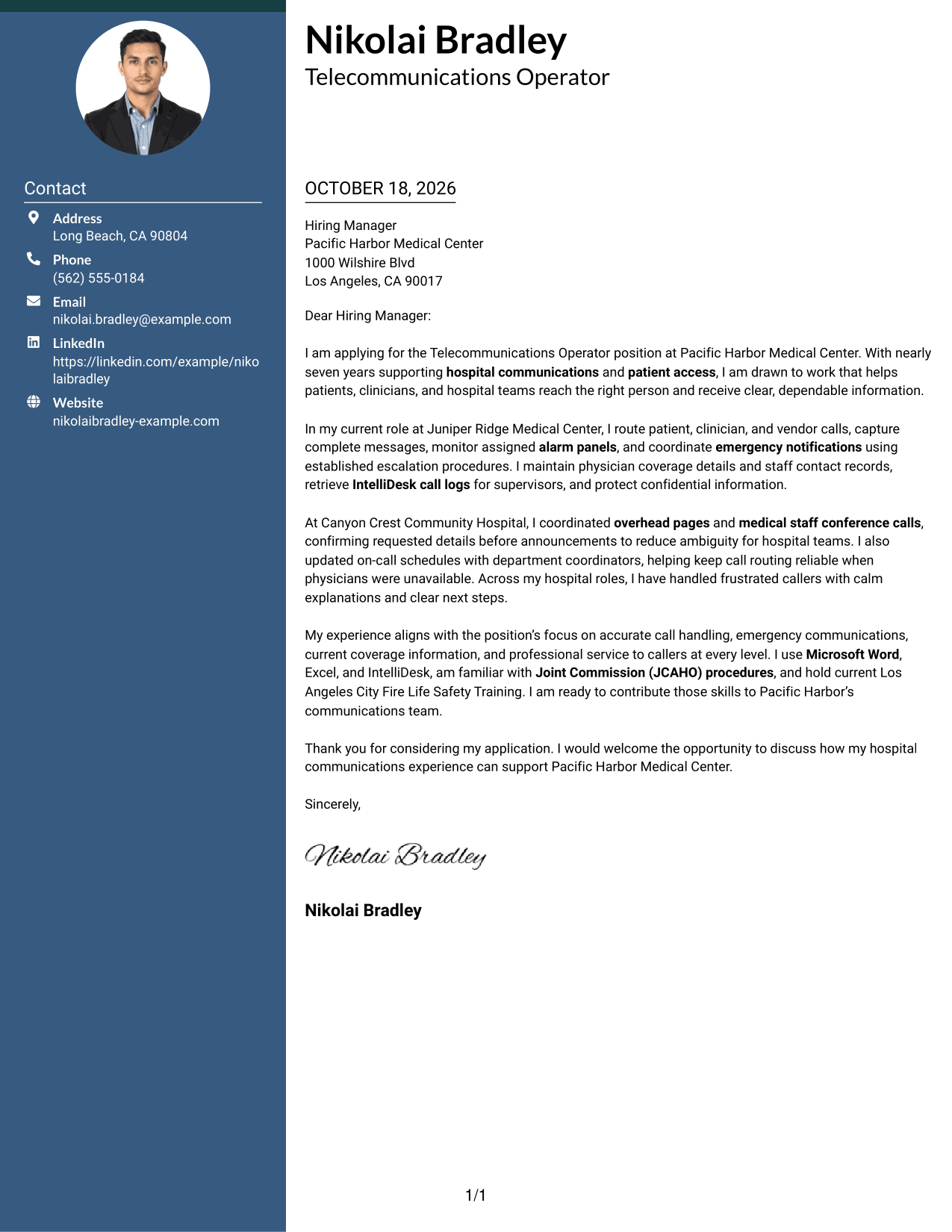
#5 Simple Two Column Format Cover Letter Example
A contact sidebar and one uninterrupted letter body share the page, giving sender details their own space without splitting the message.
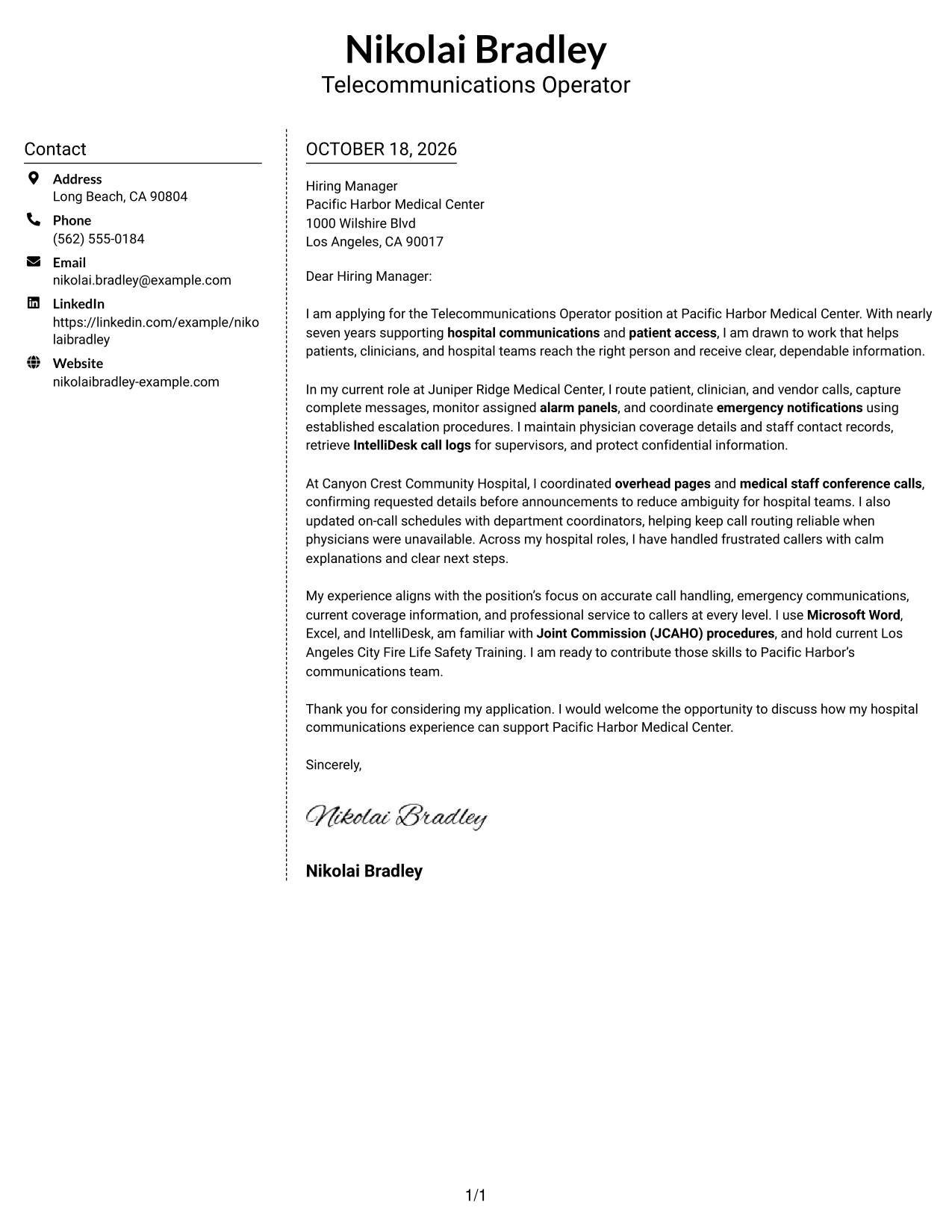
Why This Format Works
- A separate contact area makes sender details easy to find.
- The letter’s opening, evidence, and closing stay in one continuous body.
- The photo-free presentation keeps the page focused on written correspondence.
Best For
- Distinct contact and message areas
- Uninterrupted letter text
- Photo-free correspondence
- Quick access to sender details
- Written employer introductions
#6 Modern Icon Format Cover Letter Example
Contact icons provide visual cues for sender details in the sidebar, while the letter remains one continuous body.
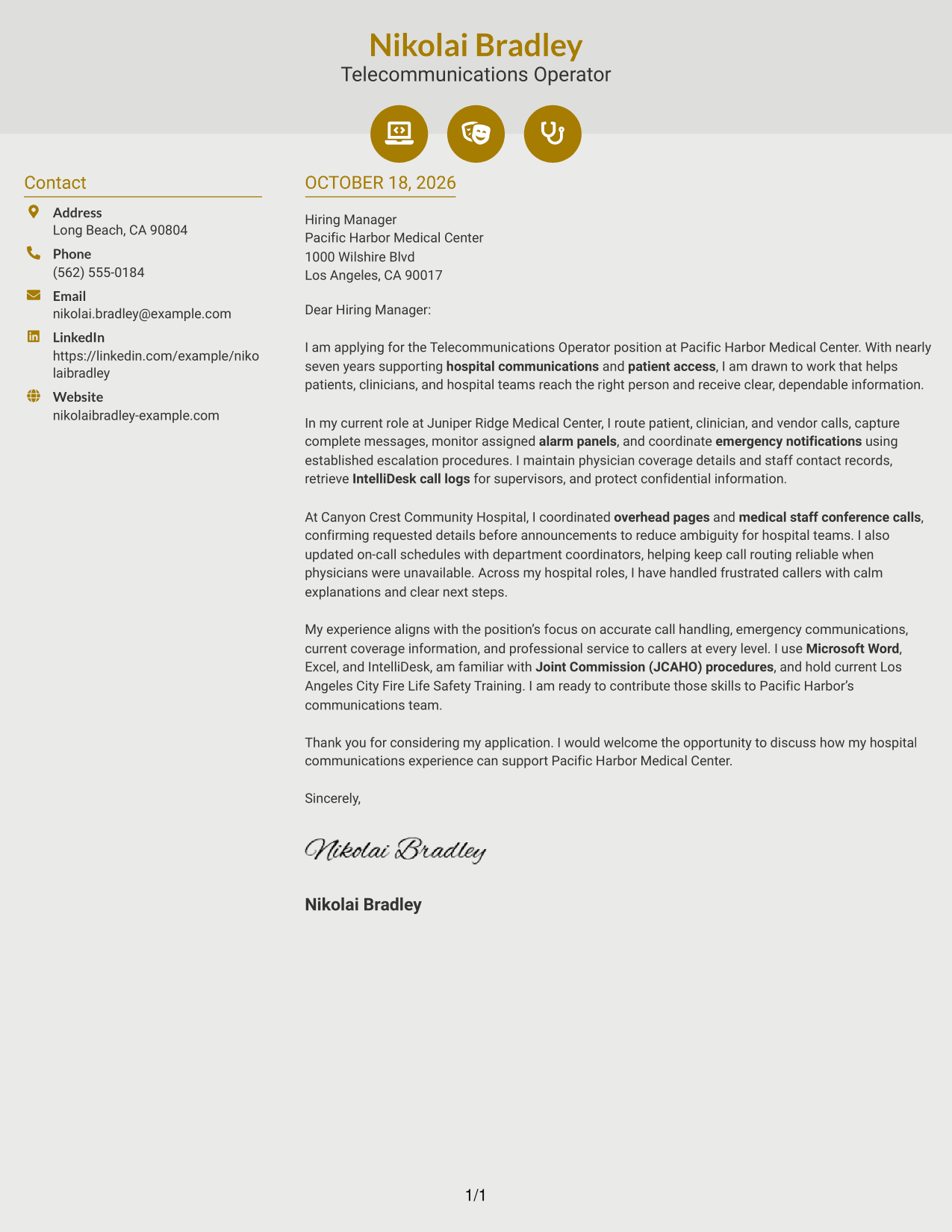
Why This Format Works
- Contact icons give visual cues without labeling the letter’s argument.
- The sidebar separates sender details from the continuous letter body.
- One body keeps motivation, supporting points, and closing in their intended sequence.
Best For
- Icon-cued contact details
- Sidebar contact presentation
- Continuous letter arguments
- Visual contact navigation
- Photo-free written applications
#7 Creative Two Tone Format Cover Letter Example
The two-column layout places sender details beside one continuous letter body, keeping contact information apart from the written case.
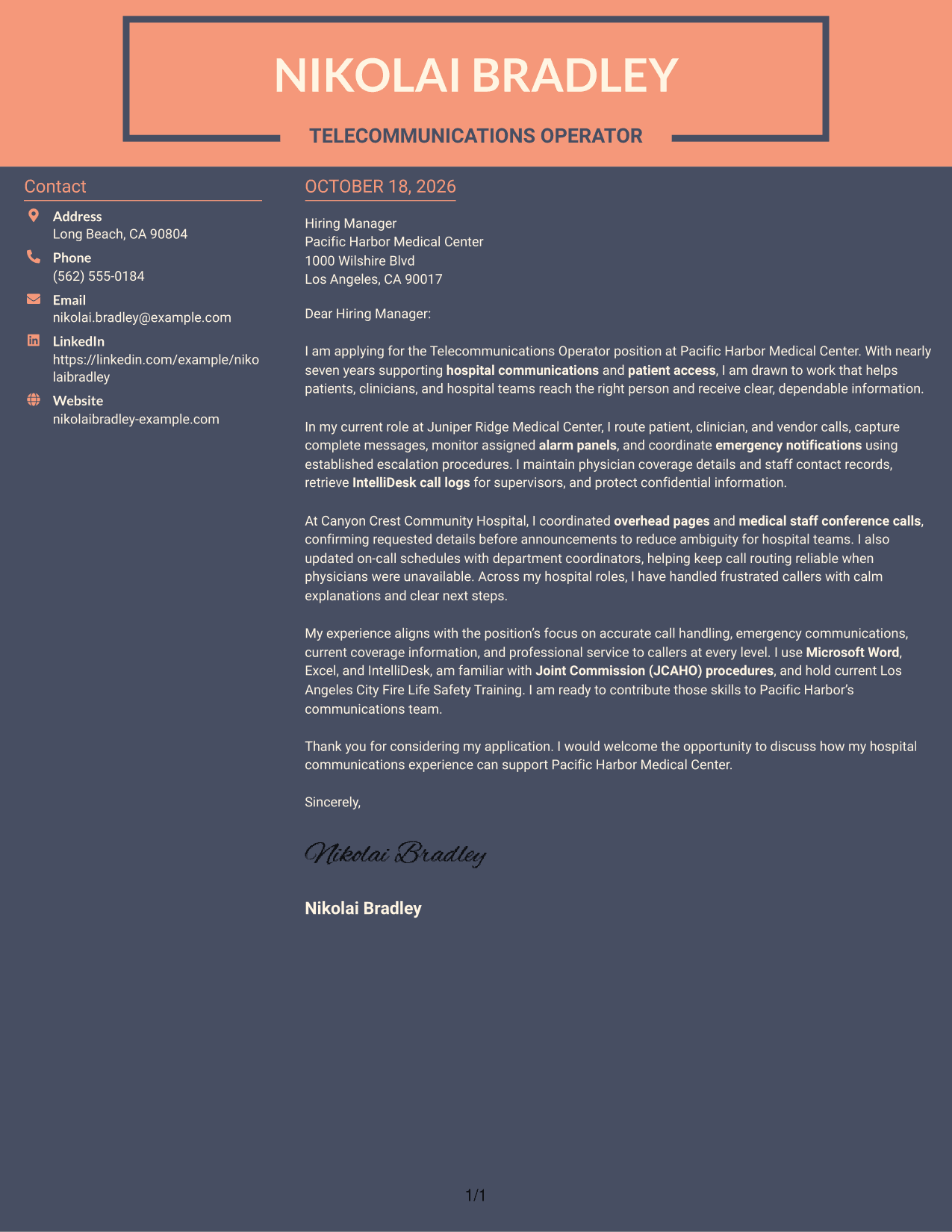
Why This Format Works
- Separate columns keep contact information apart from the persuasive text.
- The written case stays continuous from the opening through the closing.
- Photo-free presentation suits readers who prefer written correspondence without a portrait.
Best For
- Side-by-side contact and letter areas
- Continuous application messages
- Photo-free presentation preferences
- Distinct sender information
- Direct written introductions
Why Use ResumeInMinutes for a Telecommunications Operator Cover Letter
Compare cover letter preview images, then open an example in the editor to explore its presentation and shape your message for hospital communications work.
- Cover letter styles to compare
- Clear, readable layouts
- Focus on role-specific communication
- Examples of strong letter structure
- Preview images for each style
- Editor access for customization
Build a clear case for your fit by connecting call routing, emergency communications, patient service, and reliable information handling to the needs of the position.
See Also
- 7 Telecommunications Operator - Hospital Call and Emergency Communications Resume Templates with Example
- 33 Call Center Operator Resume Templates with Example 2026 (ATS-Optimized)
- 7 Analyst/Associate: Equity Research - Telecommunication, Data Center and Tower Resume Templates with Example
- 7 Assistant Store Manager - Telecommunications Retail Resume Templates with Example
- 33 Fiber Splicer - Telecommunications Network Installation Resume Templates with Example
- 7 Field Operations Technician - Telecommunications Resume Templates with Example
- 7 Manager, Field Engineering - Global Telecommunications Resume Templates with Example
- 7 Retail Store Manager - Telecommunications Resume Templates with Example
- 30+ Call Center Operator Cover Letter Templates with Example 2026
- 7 Automated Long Arm Sewing Machine Operator Cover Letter Templates with Example
Frequently Asked Questions
What should a Telecommunications Operator hospital cover letter include?
Show how you communicate with callers, route messages, and handle urgent requests. Include relevant examples of alarm monitoring, overhead paging, conference calls, or maintaining staff and physician contact information when they reflect your own experience.
Does this guide show different letters or different presentations?
It features one cover letter example in several visual styles. Compare the preview images to see how the same focused message can look in different layouts.
How can I describe emergency communications in my letter?
State your role in monitoring alarms, following escalation steps, or coordinating clear overhead pages. Use a true example and explain how your actions helped keep the message accurate and calm.
How can I show that I communicate well with hospital callers?
Describe how you listen, capture complete details, and give clear next steps. If it matches your experience, mention how you respond calmly to frustrated callers and protect private information.
What is a good way to close a hospital telecommunications cover letter?
Briefly restate your interest and connect your communication experience to the hospital’s needs. Thank the reader and express interest in discussing how you can support the communications team.




