
7 Telephonic Triage Registered Nurse Cover Letter Templates with Example
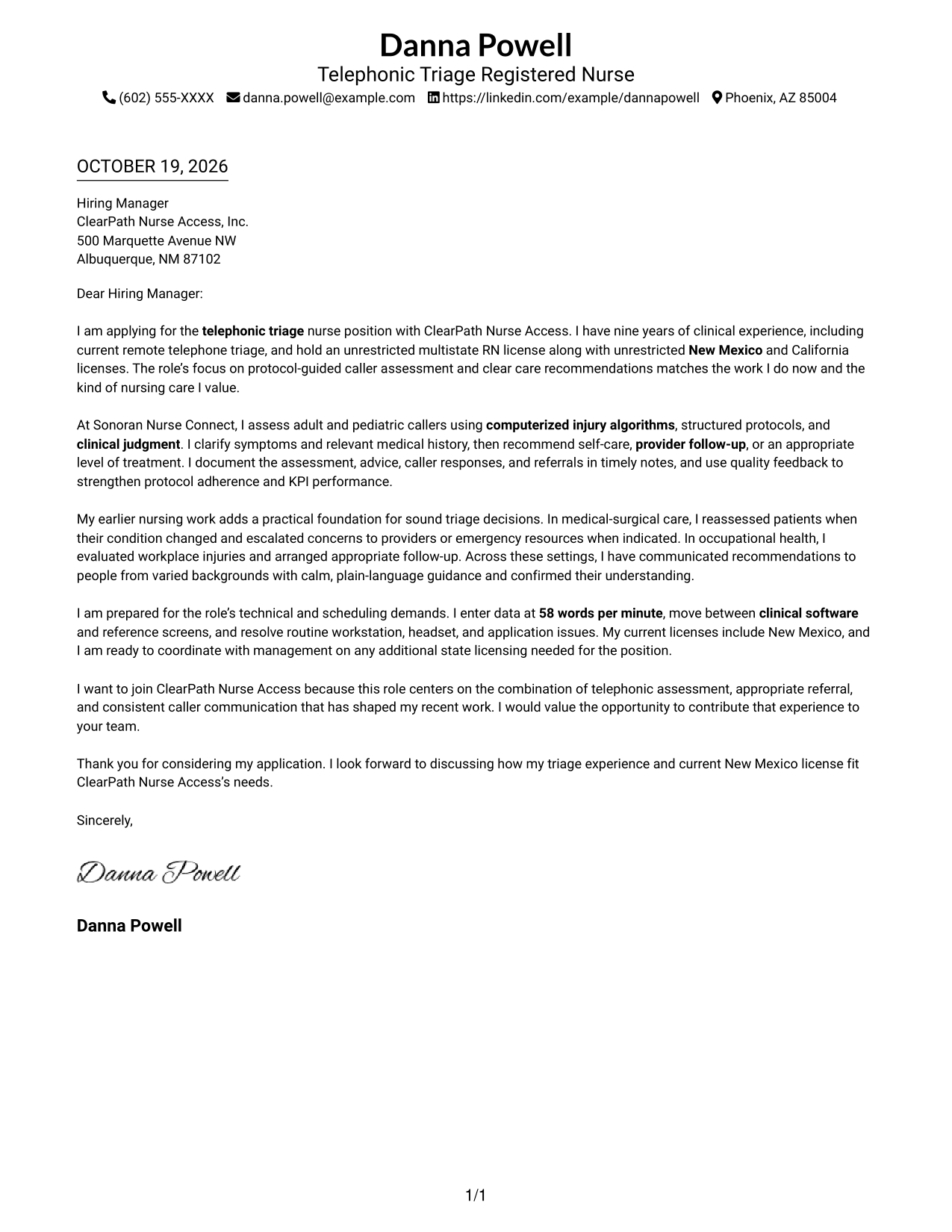
This practical guide helps you create a Telephonic Triage Registered Nurse cover letter, with seven layouts to compare and a clear example to help shape your message.
What Makes a Great Telephonic Triage Registered Nurse Cover Letter in 2026
A strong letter explains how you assess callers, use clinical judgment, and give clear care recommendations by phone. It should also show why this work interests you.
Use relevant examples of protocol-based assessment, accurate documentation, and calm communication. Connect that evidence to the employer’s needs and the way the role supports callers.
The featured example follows a focused progression from role fit and triage experience to motivation and a clear closing, which you can adapt while choosing a presentation that suits the employer and communication context.
#1 Simple One Column Format Cover Letter Example
Simple One Column Format keeps the sender details in the header and the full letter in one reading path, making it a clear choice for direct, text-focused correspondence.
Why This Format Works
- The single-column page keeps the greeting, supporting paragraphs, and closing in one reading path.
- Sender details stay in the header, leaving the letter body free of a contact sidebar.
- The photo-free page keeps the written message at the center of the presentation.
Best For
- Single-column reading order
- Header-based contact details
- Photo-free correspondence
- Text-focused application materials
- Paragraph-led communication
#2 Two Column Format Cover Letter Example
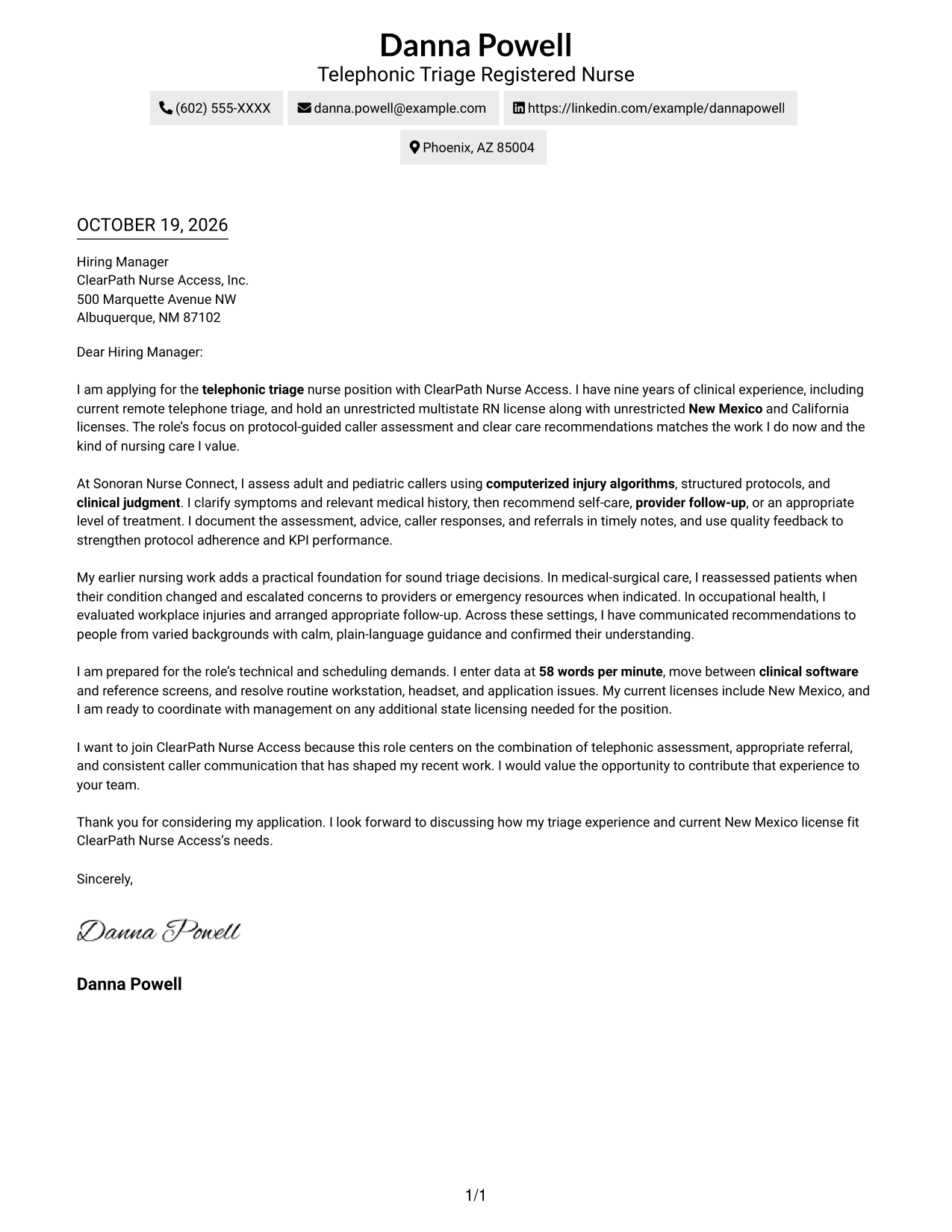
Two Column Format places a contact sidebar beside one continuous letter body, separating sender information from the message for convenient reference.
Why This Format Works
- Contact information sits apart from the message, making sender details easy to locate.
- One uninterrupted body keeps the opening, supporting points, and closing together.
- The photo-free layout gives the written message a clear visual focus.
Best For
- Contact sidebar beside the message
- Letters with multiple contact channels
- Photo-free correspondence
- Formal employer applications
- Text-focused communication
#3 Photo Header Two Column Format Cover Letter Example
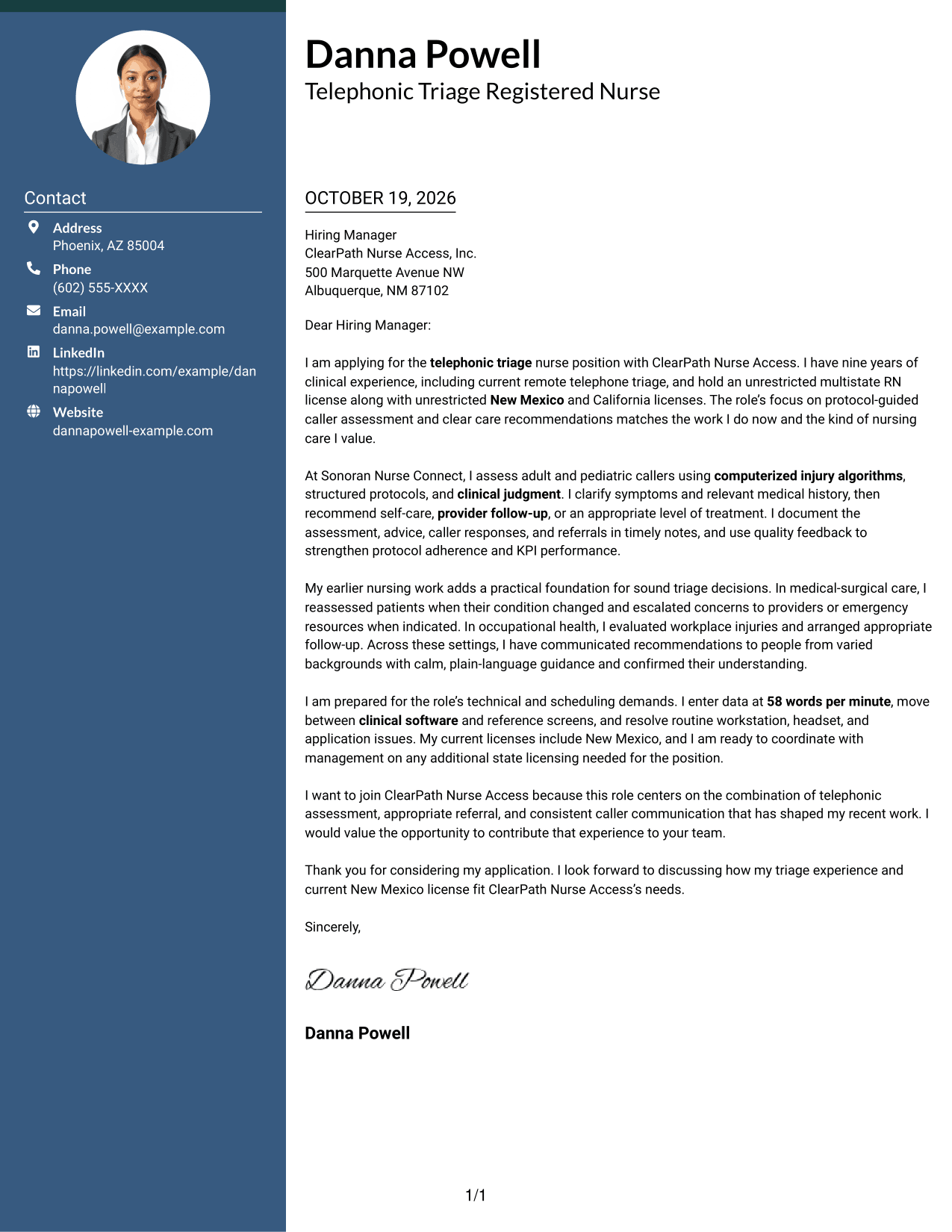
Photo Header Two Column Format combines a portrait and a contact sidebar with one continuous letter body, giving the page a personal visual element while keeping the message together.
Why This Format Works
- A portrait adds a personal visual element without dividing the letter's argument.
- Contact details remain separate while the letter stays in one continuous body.
- The two-column arrangement keeps sender information apart from the full message.
Best For
- Portrait-inclusive correspondence
- Separate contact reference
- Formal employer applications
- Letters with several contact methods
- Personalized written introductions
#4 One Column Format with Photo Cover Letter Example
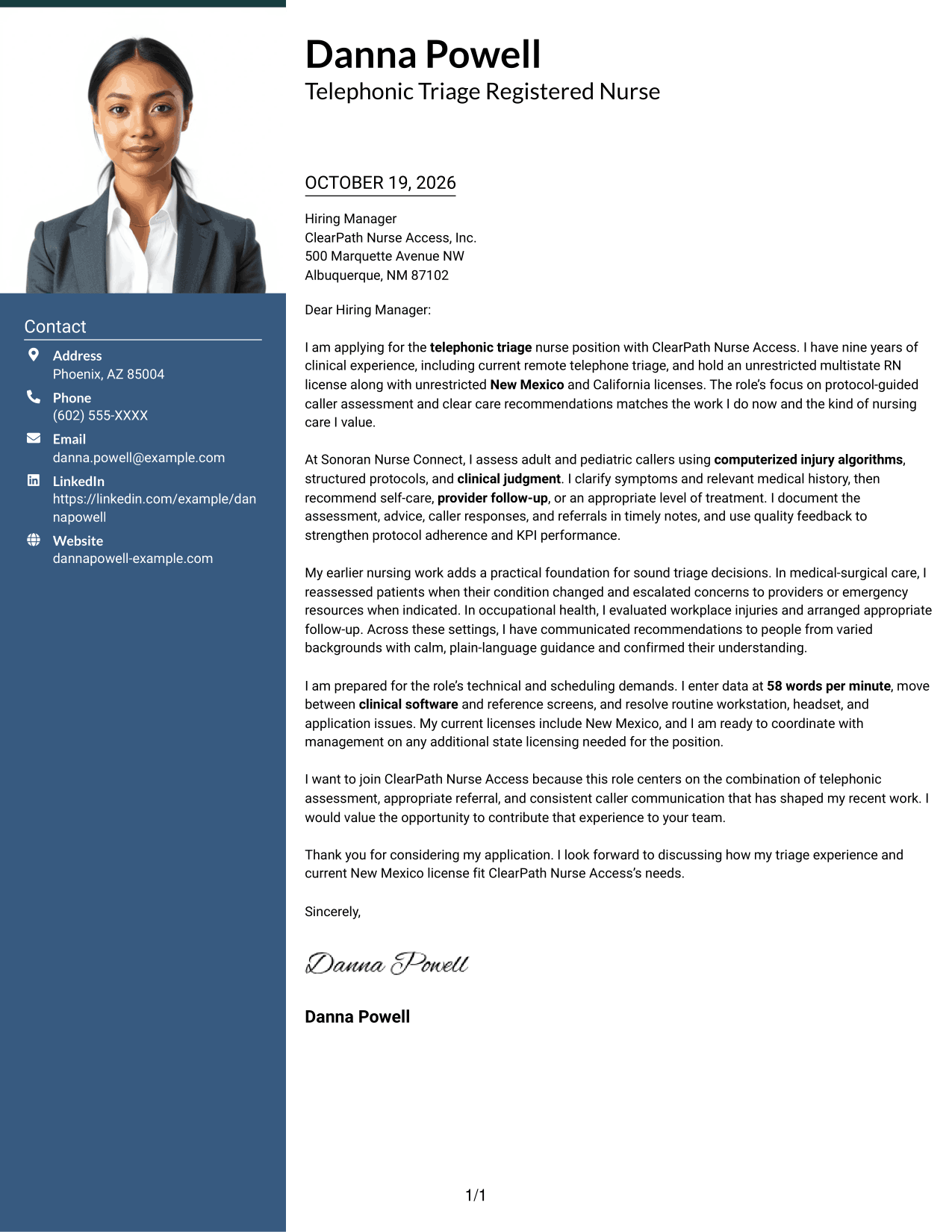
One Column Format with Photo pairs a portrait with a single-column letter, giving the page a personal visual touch while keeping the message in one reading path.
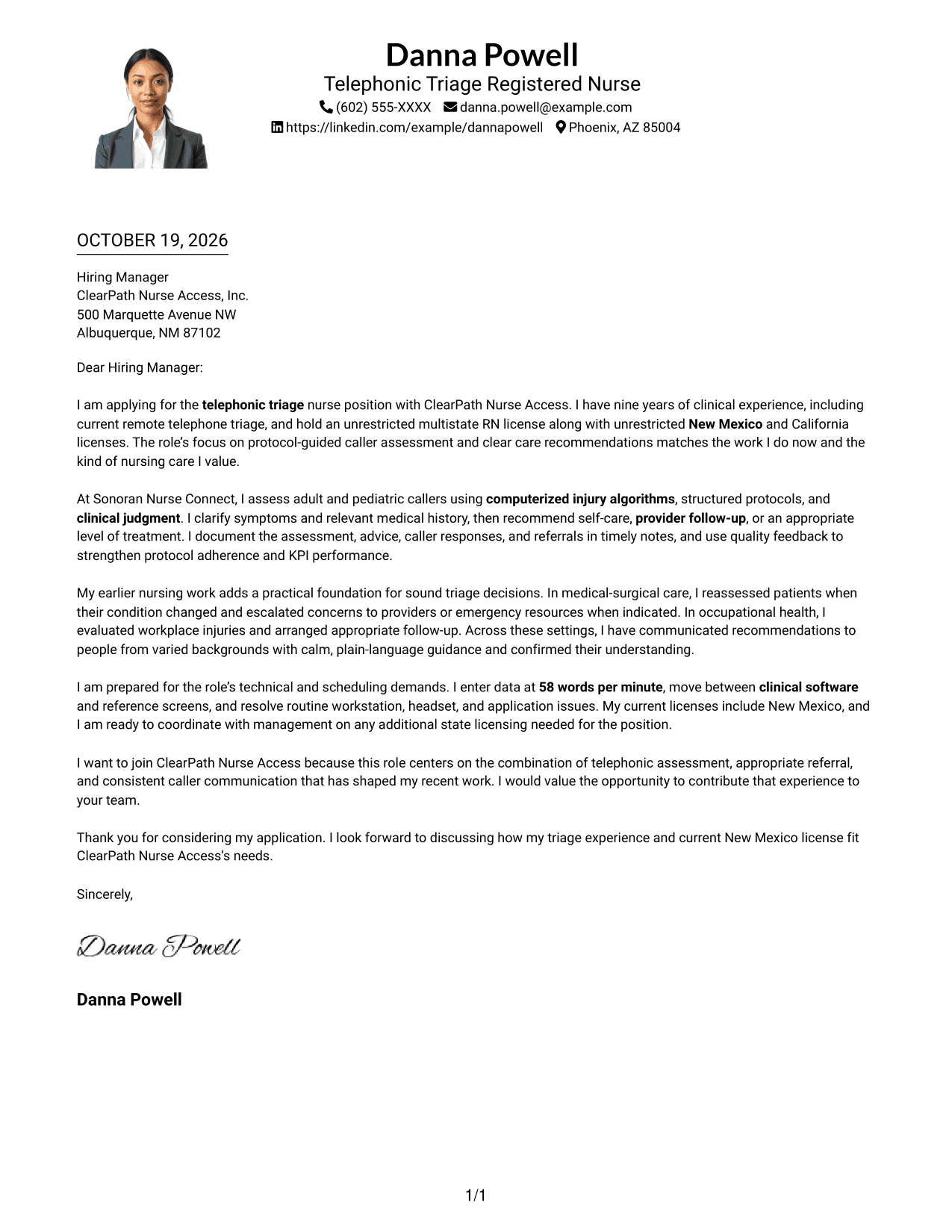
Why This Format Works
- All letter paragraphs remain together, so the opening and closing follow one path.
- Sender details appear in the header rather than beside the message.
- The portrait adds a visual point of personal identification without changing paragraph order.
Best For
- Single-column reading order
- Portrait-inclusive correspondence
- Header-based sender details
- Employer-directed letters
- Personalized written introductions
#5 Simple Two Column Format Cover Letter Example
Simple Two Column Format sets the contact sidebar apart from the continuous letter body, offering a straightforward way to keep contact details near the message without interrupting it.
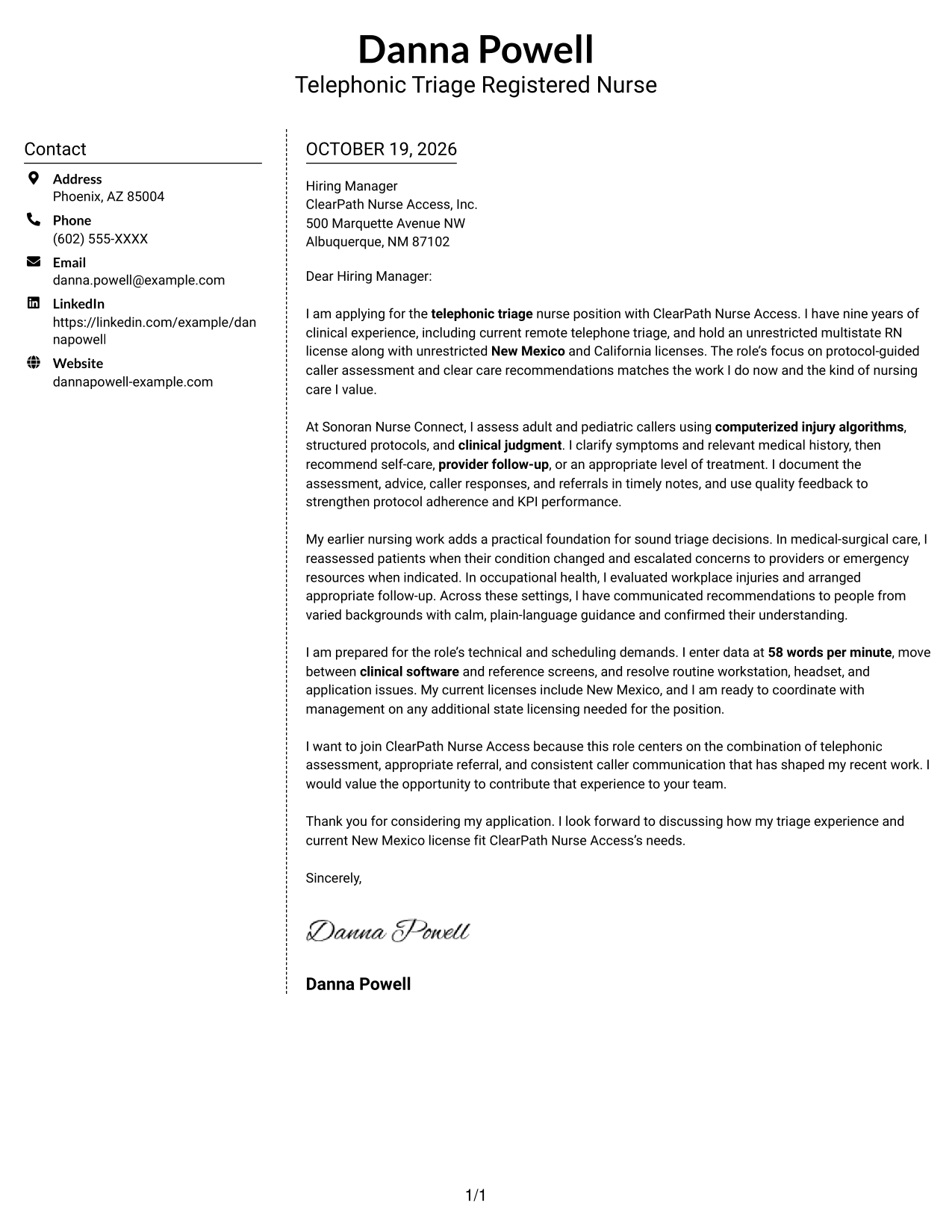
Why This Format Works
- The contact sidebar gives sender details a separate place beside the letter.
- Opening, supporting paragraphs, and closing stay together in the continuous body.
- No photo keeps the visual presentation focused on the written correspondence.
Best For
- Separate contact reference
- Letters with multiple contact methods
- Photo-free correspondence
- Direct employer communication
- Written-first application materials
#6 Modern Icon Format Cover Letter Example
Modern Icon Format uses icons as cues for contact details in a two-column layout, while the letter itself remains one continuous body.
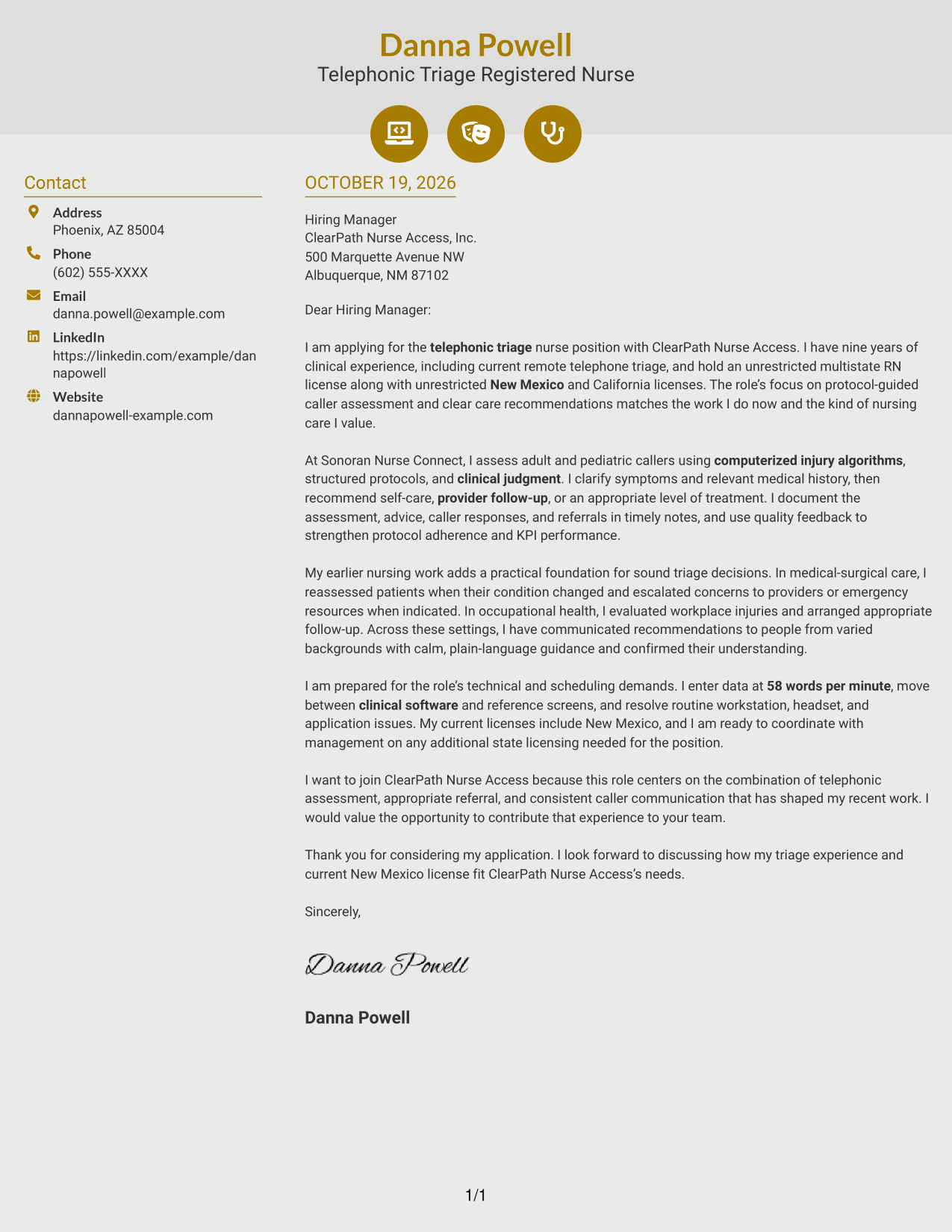
Why This Format Works
- Contact icons help distinguish contact details from the letter's main message.
- The sidebar keeps sender information apart from the continuous letter body.
- A single body preserves the natural order from opening through closing.
Best For
- Icon-marked contact details
- Separate contact reference
- Continuous letter paragraphs
- Photo-free correspondence
- Letters with several contact methods
#7 Creative Two Tone Format Cover Letter Example
Creative Two Tone Format places a contact sidebar beside one continuous letter body, keeping sender details distinct from the message without dividing its paragraphs.
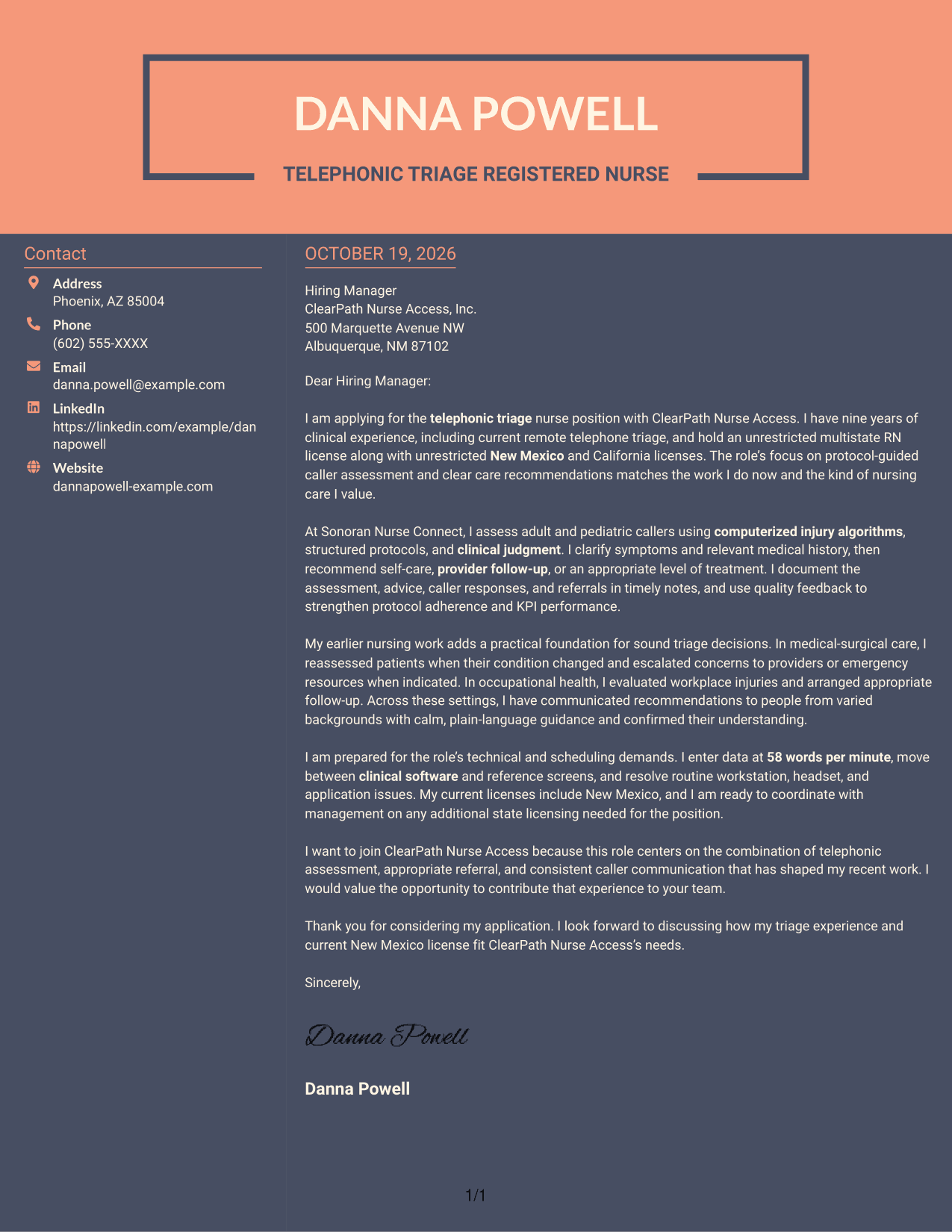
Why This Format Works
- The sidebar separates contact details from the letter's opening and supporting paragraphs.
- A continuous body keeps the complete message in a single reading sequence.
- With no photo, the page presents the sender through written information alone.
Best For
- Contact details beside the message
- Continuous letter paragraphs
- Photo-free correspondence
- Employer-directed applications
- Text-centered communication
See Also
- 7 Telephonic Triage Registered Nurse Resume Templates with Example
- 7 Registered Nurse - Virtual Triage Resume Templates with Example
- 7 Triage Registered Nurse - Virtual Care Resume Templates with Example
- 33 Acute Dialysis Registered Nurse Resume Templates with Example 2026 (ATS-Optimized)
- 33 Advanced Practice Registered Nurse (APRN) - Critical Care Resume Templates with Example 2026
- 33 ASC REGISTERED NURSE Resume Templates with Example 2026 (ATS-Optimized)
- 7 Certified Registered Nurse Anesthetist Resume Templates with Example
- 33 Charge Registered Nurse Resume Templates with Example 2026 (ATS-Optimized)
- 7 Registered Nurse - Virtual Triage Cover Letter Templates with Example
- 7 Triage Registered Nurse - Virtual Care Cover Letter Templates with Example
Frequently Asked Questions
What should a Telephonic Triage Registered Nurse cover letter emphasize?
Focus on how you gather caller information, apply protocols and clinical judgment, recommend an appropriate next step, and explain that guidance clearly. Include relevant evidence of accurate documentation and quality-focused practice.
Does this page show different cover letters or different layouts?
It presents one focused cover letter example in different visual layouts. Compare the image previews, then open an example in the editor to view or customize it.
How can I make the opening paragraph specific to a triage role?
State the role you are applying for and briefly connect your clinical background to telephone assessment and clear care recommendations. Keep the opening direct and save supporting details for the body paragraphs.
What examples work well in the body of this cover letter?
Choose a relevant example that shows how you assessed symptoms, used a protocol or clinical judgment, and communicated an appropriate referral or care recommendation. The featured letter also points to documentation, quality feedback, data entry, and technology skills.
How should I show that I fit the employer’s needs?
Link your supported experience to the role’s stated needs, such as calm caller communication, timely documentation, and sound decisions in changing situations. Mention company-specific reasons for applying only when you can support them with accurate details.




