
7 Triage Registered Nurse - Virtual Care Cover Letter Templates with Example
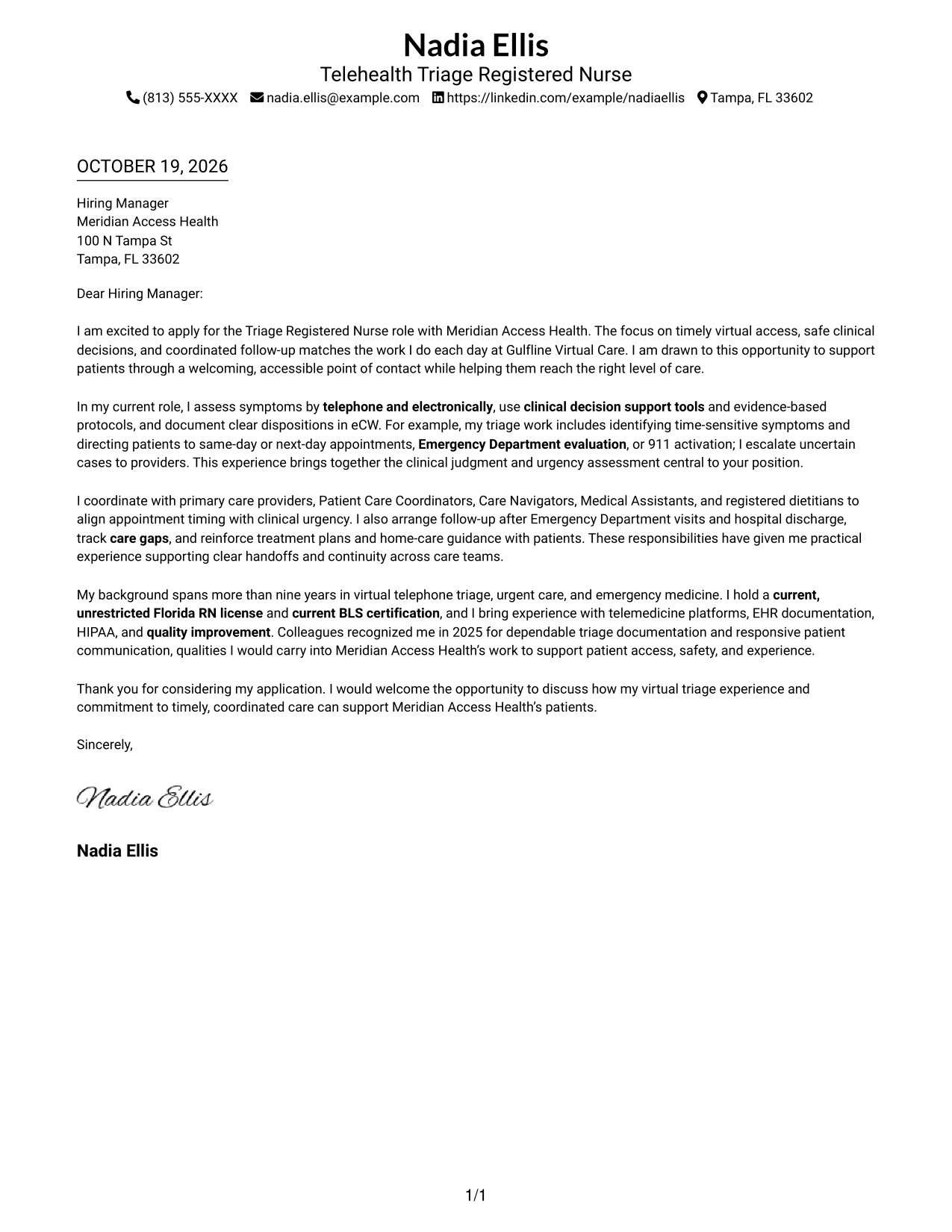
This guide presents a Triage Registered Nurse - Virtual Care cover letter in 7 layouts, helping you compare ways to communicate role fit clearly.
What Makes a Great Triage Registered Nurse - Virtual Care Cover Letter in 2026
A strong letter connects clear virtual symptom assessment with sound judgment about urgency and the right care setting. It also shows how you communicate with patients and care teams to support safe, timely care.
Use specific examples of triage decisions, patient guidance, and coordinated follow-up to support your claims. Connect that evidence to the employer’s focus on access, patient safety, and continuity of care.
The featured example moves from motivation to triage evidence, care coordination, and a clear closing, giving you a focused progression to adapt while choosing a presentation that suits the employer and communication context.
#1 Simple One Column Format Cover Letter Example
The Simple One Column Format keeps sender details in the header and the letter in one column, making the message easy to follow from opening to close.
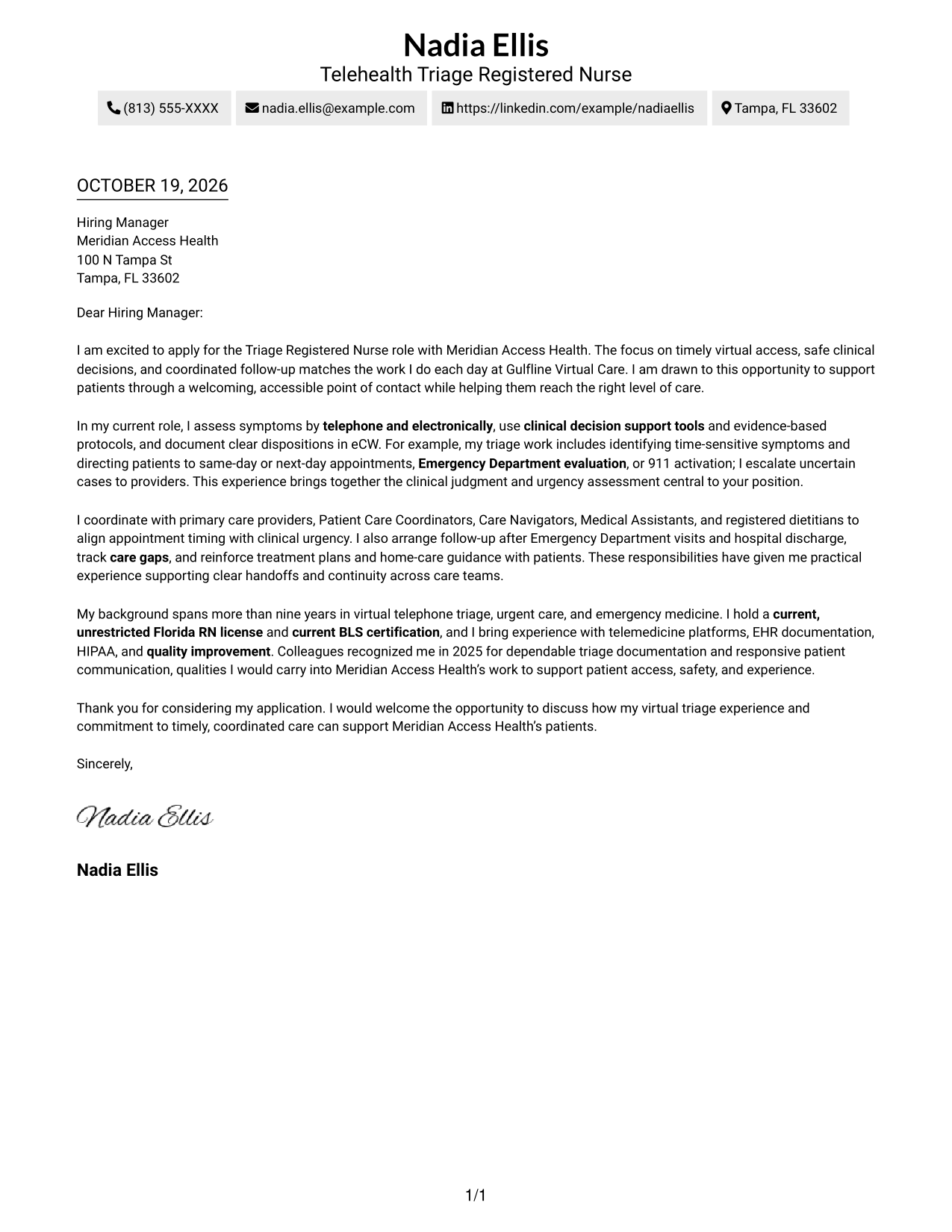
Why This Format Works
- Sender details stay in the header, keeping contact information distinct from the letter.
- One reading path lets reviewers follow motivation, evidence, and closing in order.
- Without body headings, paragraph transitions carry the argument from start to finish.
Best For
- Single-column reading preference
- Header-based contact details
- Paragraph-led application letters
- Text-first letter presentation
- A continuous argument from opening to closing
#2 Two Column Format Cover Letter Example
The Two Column Format places a contact sidebar beside one continuous letter column, so sender information has its own place without dividing the message.
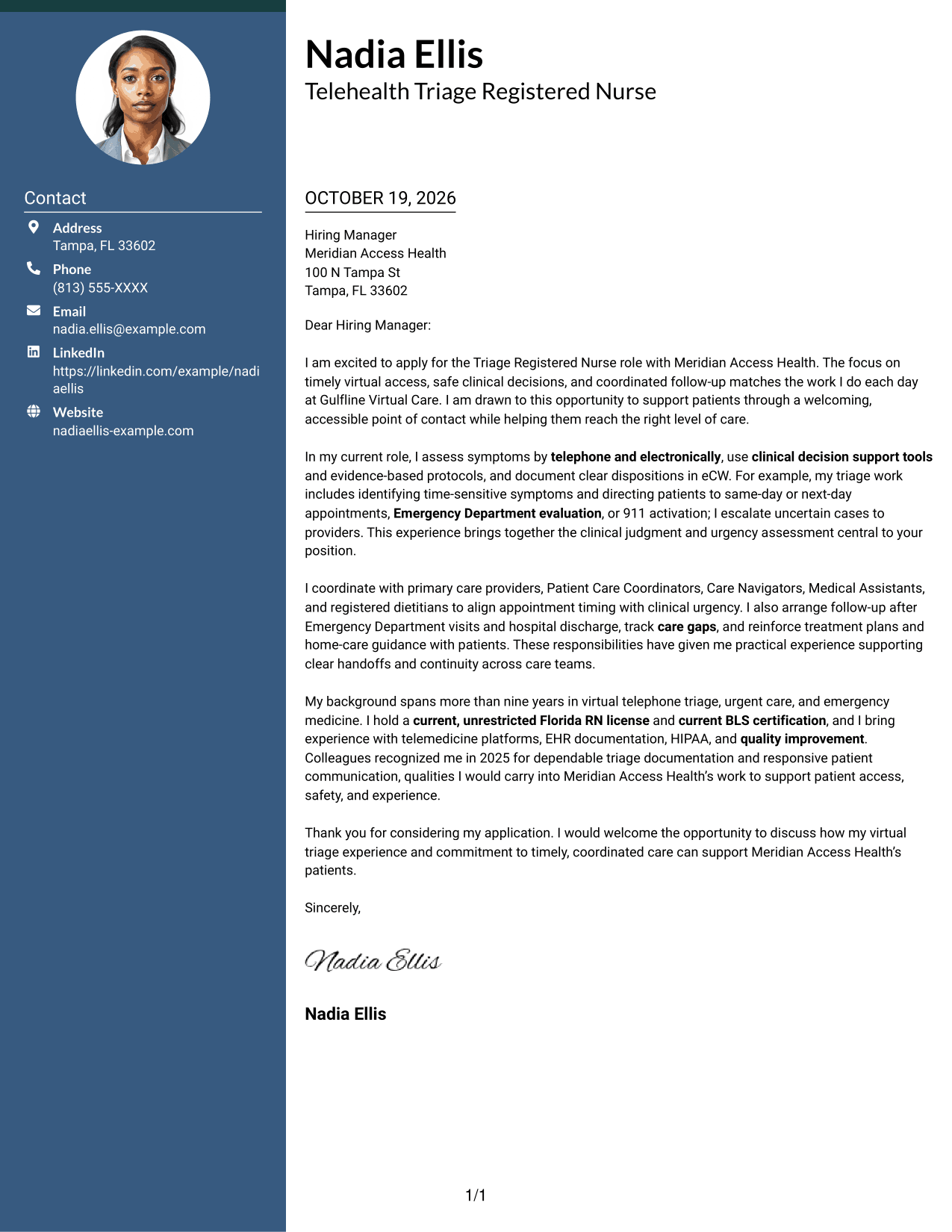
Why This Format Works
- The contact sidebar keeps sender information separate from the letter's continuous paragraphs.
- A single body column preserves the intended order from opening through closing.
- Paragraph transitions link motivation and supporting details without section labels.
Best For
- Contact sidebar preference
- One-column letter-body preference
- Quick access to sender details
- Continuous paragraph-based arguments
- Letters with several supporting points
#3 Photo Header Two Column Format Cover Letter Example
The Photo Header Two Column Format includes a photo, a contact sidebar, and one continuous letter column for readers who want a personal visual element alongside a clear message.
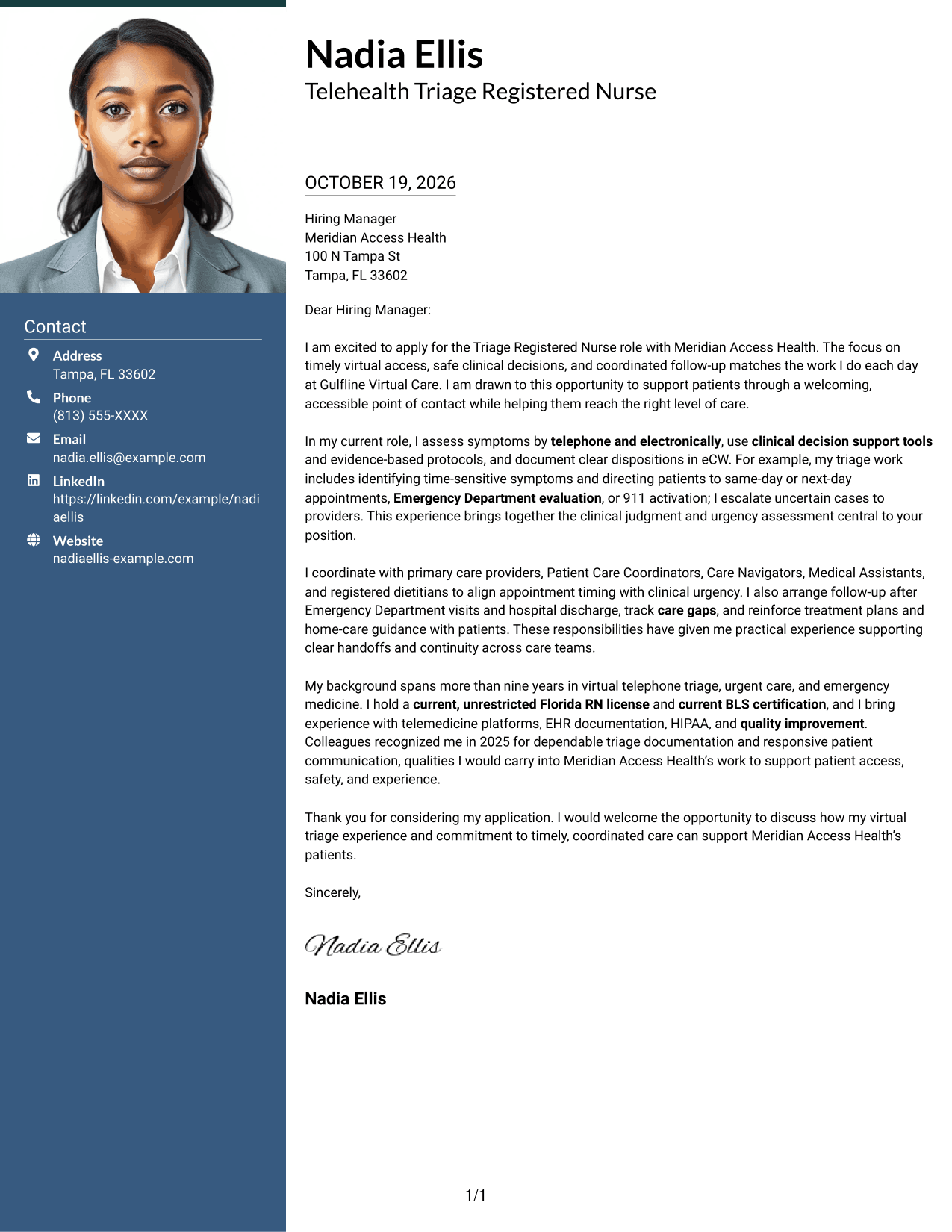
Why This Format Works
- Contact details have their own sidebar, separate from the letter's continuous paragraphs.
- The single body column keeps motivation and supporting examples in a natural sequence.
- An included photo suits readers who prefer a personal visual element.
Best For
- Photo-inclusive presentation
- Contact sidebar preference
- Single-column letter text
- Personal visual detail
- Separate contact and message areas
#4 One Column Format with Photo Cover Letter Example
The One Column Format with Photo pairs a photo with a single letter column and header-based sender details, keeping the message in one reading path.
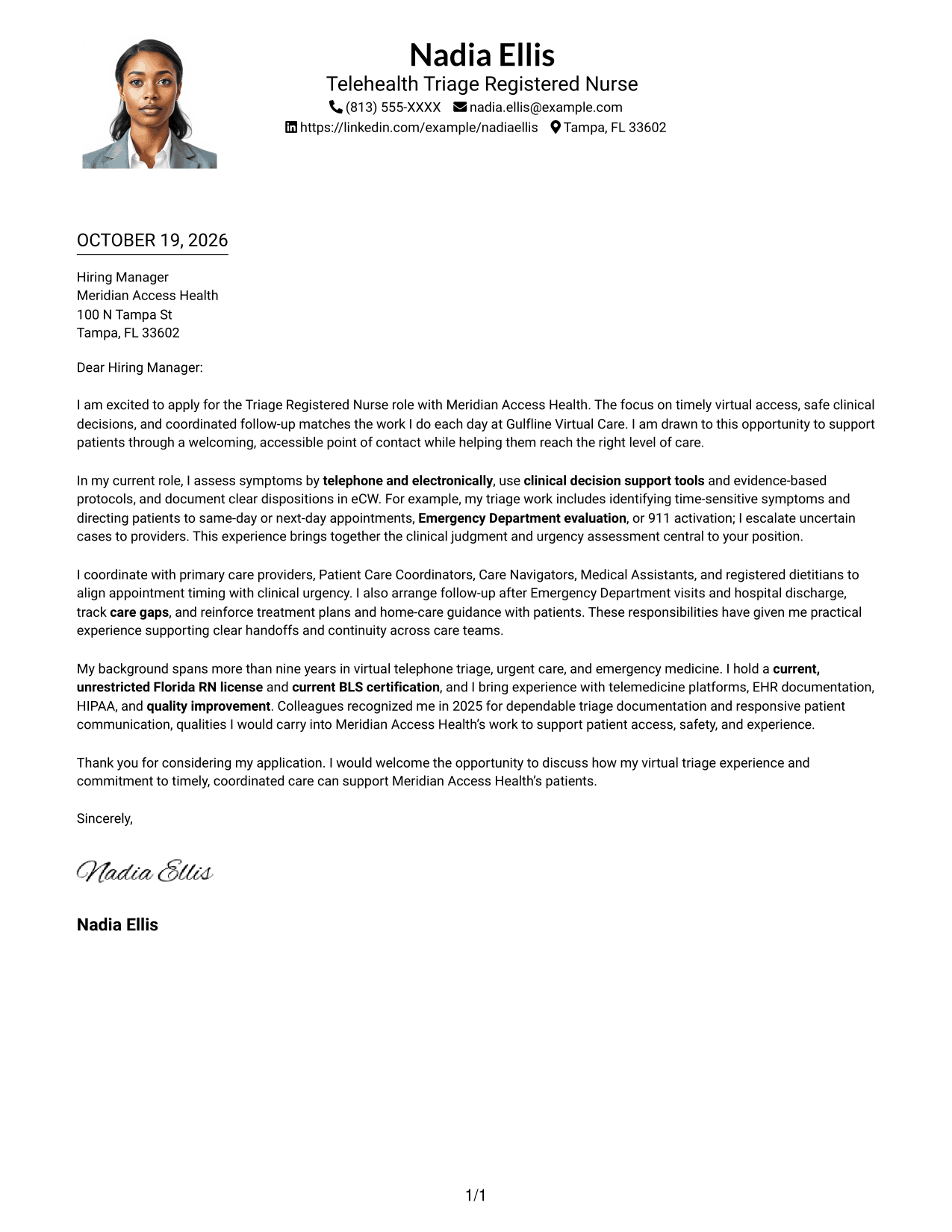
Why This Format Works
- The one-column body keeps the opening, supporting points, and closing in sequence.
- Header-based sender details remain distinct from the paragraphs that make the case.
- A photo adds a personal visual choice without splitting the letter body.
Best For
- Single-column reading preference
- Photo-inclusive letter design
- Header-based contact information
- Paragraph-based application messages
- A personal visual element with uninterrupted text
#5 Simple Two Column Format Cover Letter Example
The Simple Two Column Format sets contact details beside a single continuous letter body, giving readers a separate place to find sender information.
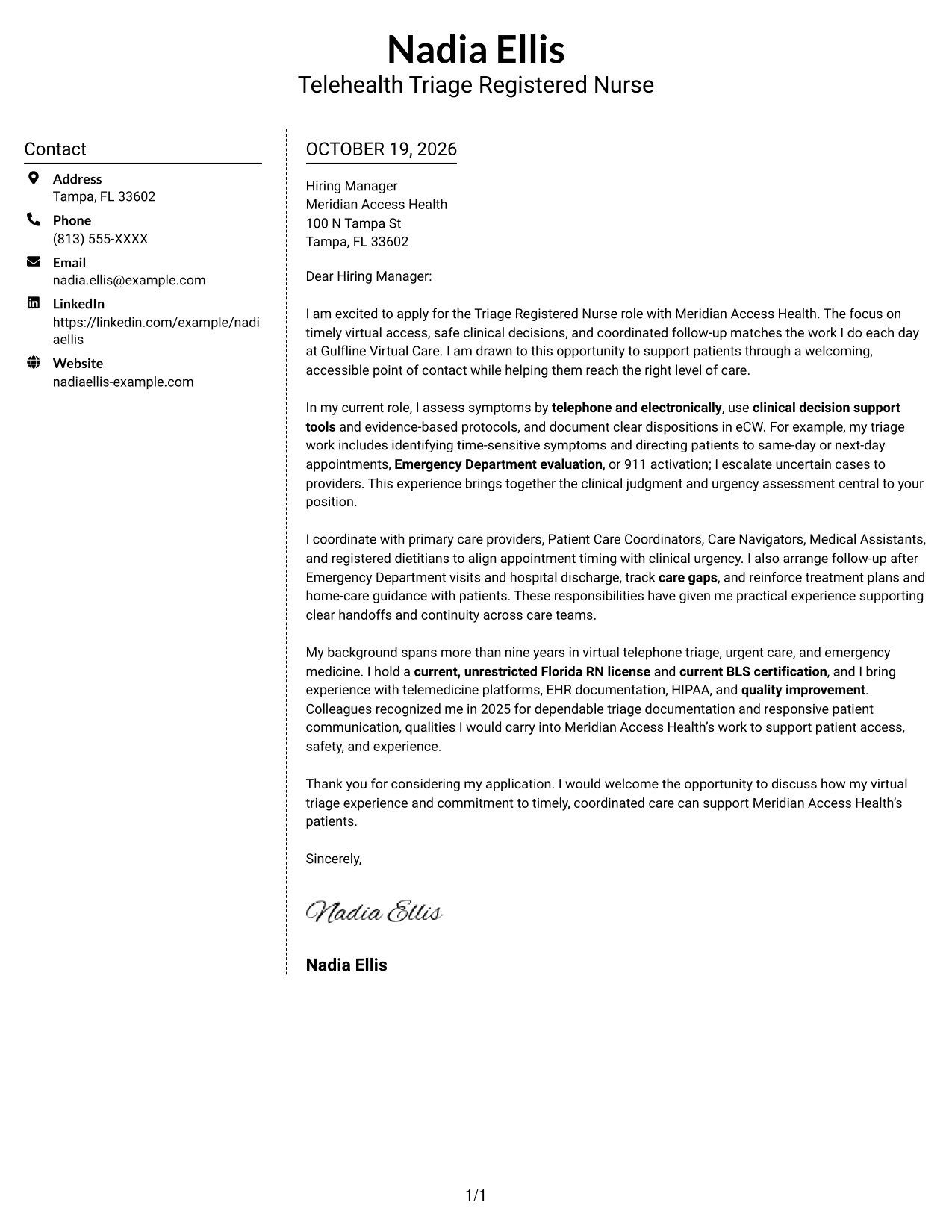
Why This Format Works
- The contact sidebar makes sender information easy to locate beside the letter.
- One continuous body column keeps the message in its intended reading order.
- Paragraphs connect motivation, evidence, and the closing without separate argument headings.
Best For
- Side-by-side contact and letter layout
- Separate sender information
- One-column letter body
- Letters without argument headings
- Clear opening-to-closing sequence
#6 Modern Icon Format Cover Letter Example
The Modern Icon Format uses contact cues in a sidebar beside one continuous letter column, helping distinguish sender details from the message.
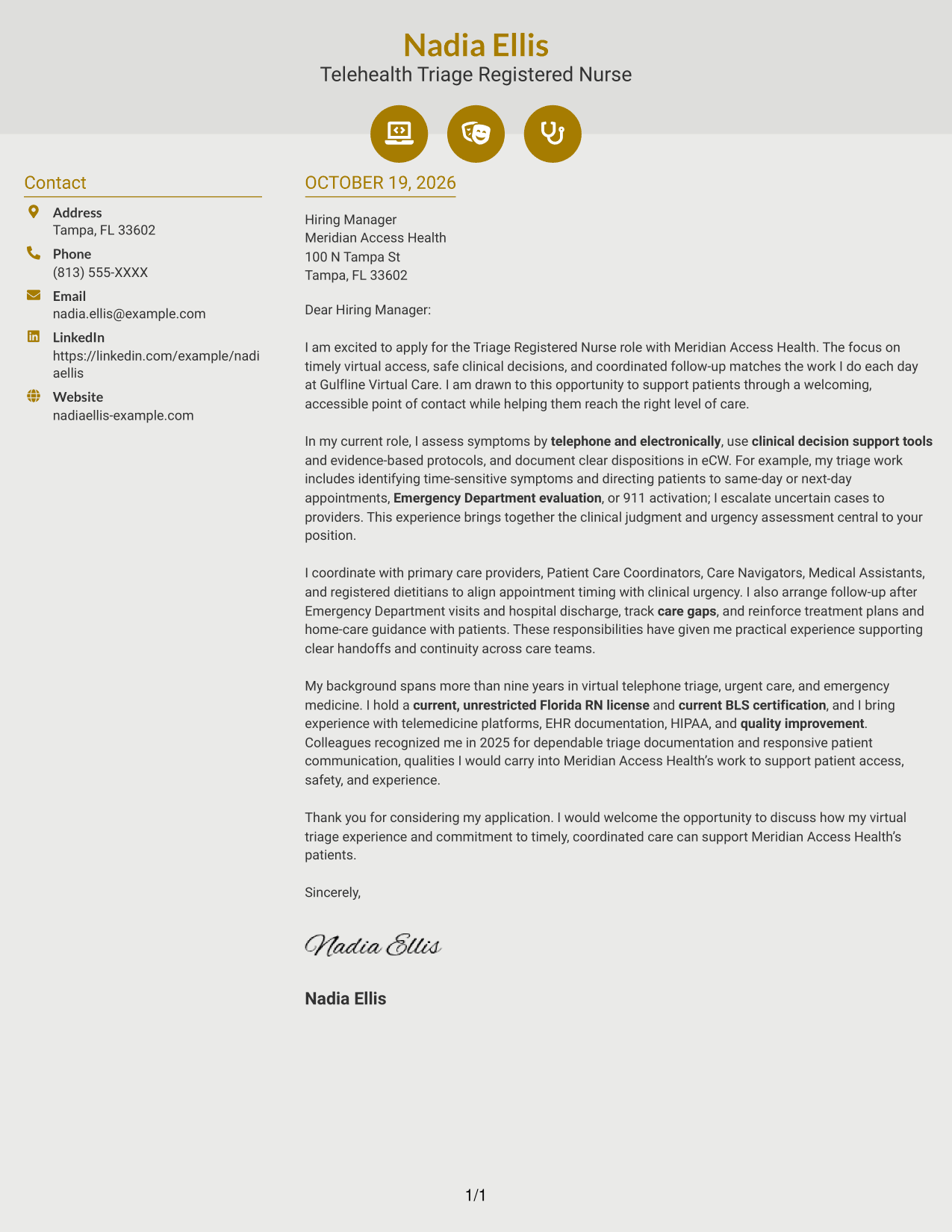
Why This Format Works
- Contact icons act as cues for sender details, not labels for letter arguments.
- The sidebar separates contact information while the letter stays in one body column.
- Paragraph order helps readers follow the opening, supporting points, and closing.
Best For
- Icon cues for contact details
- Sidebar-and-letter arrangement
- Single-column message flow
- Letters with distinct sender information
- A clear paragraph sequence
#7 Creative Two Tone Format Cover Letter Example
The Creative Two Tone Format places a contact sidebar beside a single continuous letter column, keeping contact information apart from the message itself.
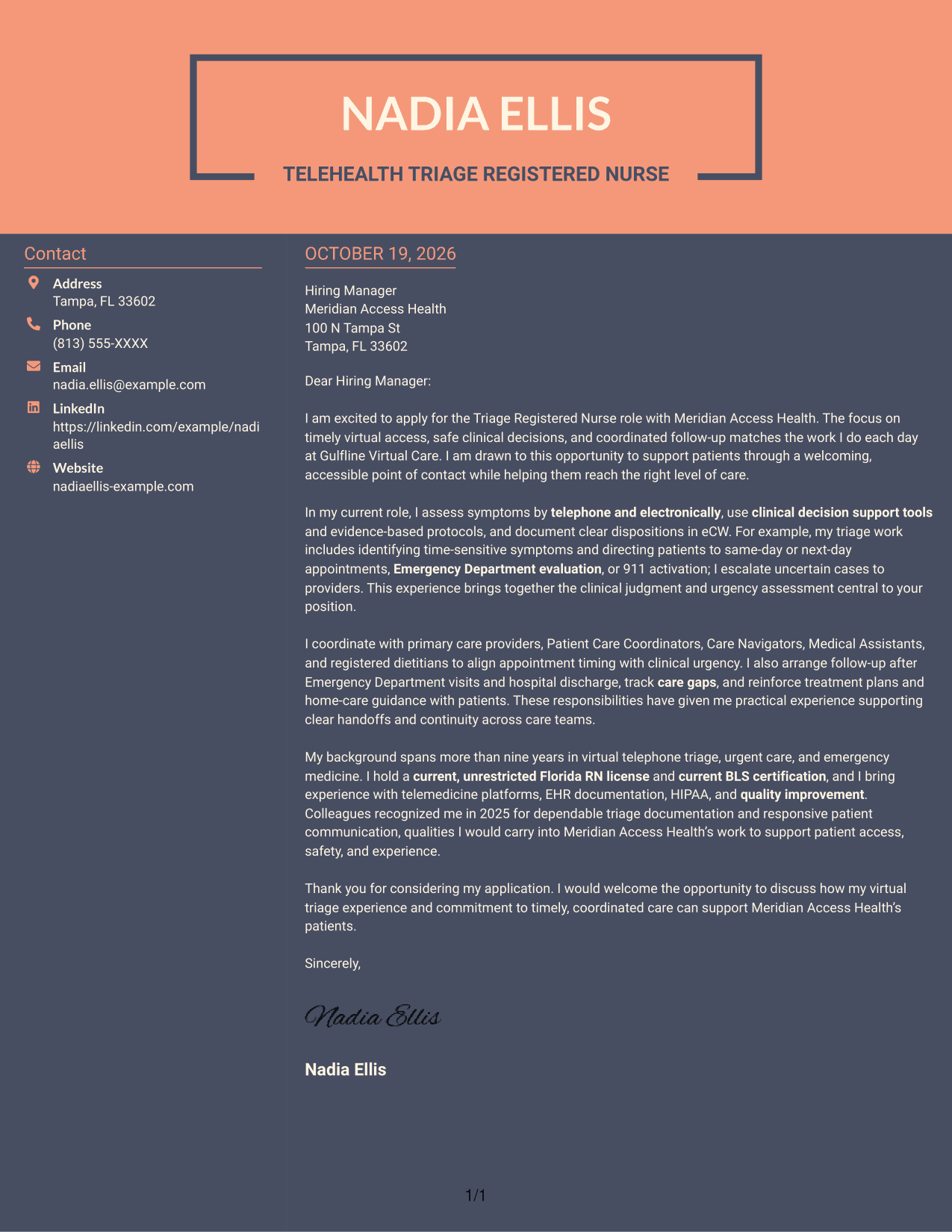
Why This Format Works
- Separate contact and letter areas give sender details a defined place on the page.
- The single-column body supports a steady path from the opening to the close.
- Unlabeled paragraphs let the letter's own transitions connect its main points.
Best For
- Contact information beside the letter
- One-column body preference
- Paragraph-led persuasive messages
- Distinct sender and message areas
- A steady reading path
See Also
- 7 Triage Registered Nurse - Virtual Care Resume Templates with Example
- 7 Registered Nurse - Virtual Triage Resume Templates with Example
- 7 Telephonic Triage Registered Nurse Resume Templates with Example
- 33 Advanced Practice Registered Nurse (APRN) - Critical Care Resume Templates with Example 2026
- 33 Home Care Registered Nurse Resume Templates with Example 2026 (ATS-Optimized)
- 33 Home Care Registered Nurse RN Resume Templates with Example 2026 (ATS-Optimized)
- 7 Neonatal Intensive Care Unit Registered Nurse Resume Templates with Example
- 33 Pediatric Intensive Care Unit (PICU) Registered Nurse Resume Templates with Example 2026 (ATS-Optimized)
- 7 Registered Nurse - Virtual Triage Cover Letter Templates with Example
- 7 Telephonic Triage Registered Nurse Cover Letter Templates with Example
Frequently Asked Questions
What should the opening paragraph say in a Triage Registered Nurse - Virtual Care cover letter?
State the role you are applying for and briefly explain your interest in virtual access, safe clinical decisions, or coordinated follow-up. Keep the opening direct and specific to the position.
What experience should I highlight for virtual triage?
Choose relevant evidence, such as telephone or electronic symptom assessment, using triage protocols, selecting a safe disposition, escalating uncertain cases, and coordinating follow-up. Include only details that match your own experience.
How can I show that I fit the employer’s care model?
Link your examples to the position’s needs. For example, explain how clear patient guidance, accurate eCW documentation, and effective handoffs can support access, safety, and continuity.
How should I close a Triage Registered Nurse - Virtual Care cover letter?
Thank the reader for considering your application and express interest in discussing how your relevant triage and communication experience could support the care team.
What do the cover letter previews show?
The image previews let you compare the presentation of the example. You can open an example in the editor to view or customize it.




