
7 Turf Field Research Technician III Cover Letter Templates with Example
Use this practical guide to create a focused Turf Field Research Technician III cover letter, compare seven layouts, and present your fit clearly.
What Makes a Great Turf Field Research Technician III Cover Letter in 2026
A strong letter connects your interest in the role to the work of coordinating turfgrass studies and field sites. Use the opening to show motivation, the body to give relevant evidence, and the close to state your interest clearly.
Support your fit with examples of field coordination, seedbed preparation, turfgrass maintenance, spray calibration, or equipment troubleshooting. Link the evidence to the employer's research needs and keep every claim accurate.
The featured Turf Field Research Technician III example moves from role interest to field-operations evidence and a clear close. Adapt that progression while choosing a layout and tone that fit the employer and communication context.
#1 Simple One Column Format Cover Letter Example
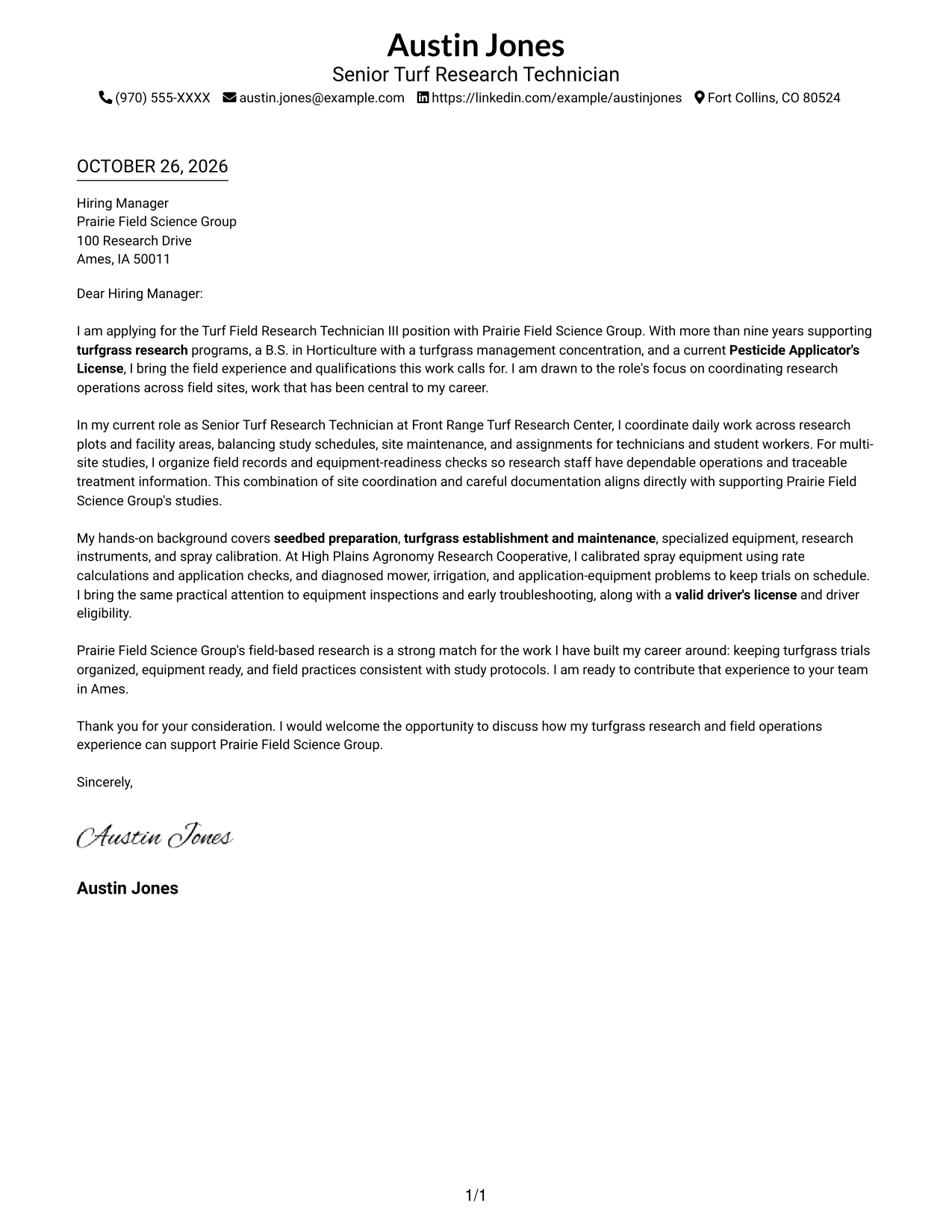
A single-column page keeps sender details and the letter in one direct reading path.
Why This Format Works
- The single column presents contact details and the message in a straightforward sequence.
- One continuous body lets motivation, evidence, and the closing connect without argument headings.
- Without a portrait, the header keeps its focus on sender contact details.
Best For
- Single-column correspondence
- A familiar contact-to-message sequence
- Letters linking field experience and calibration evidence to role needs
- Turfgrass research applications
- Applications with a direct personal motivation
#2 Two Column Format Cover Letter Example
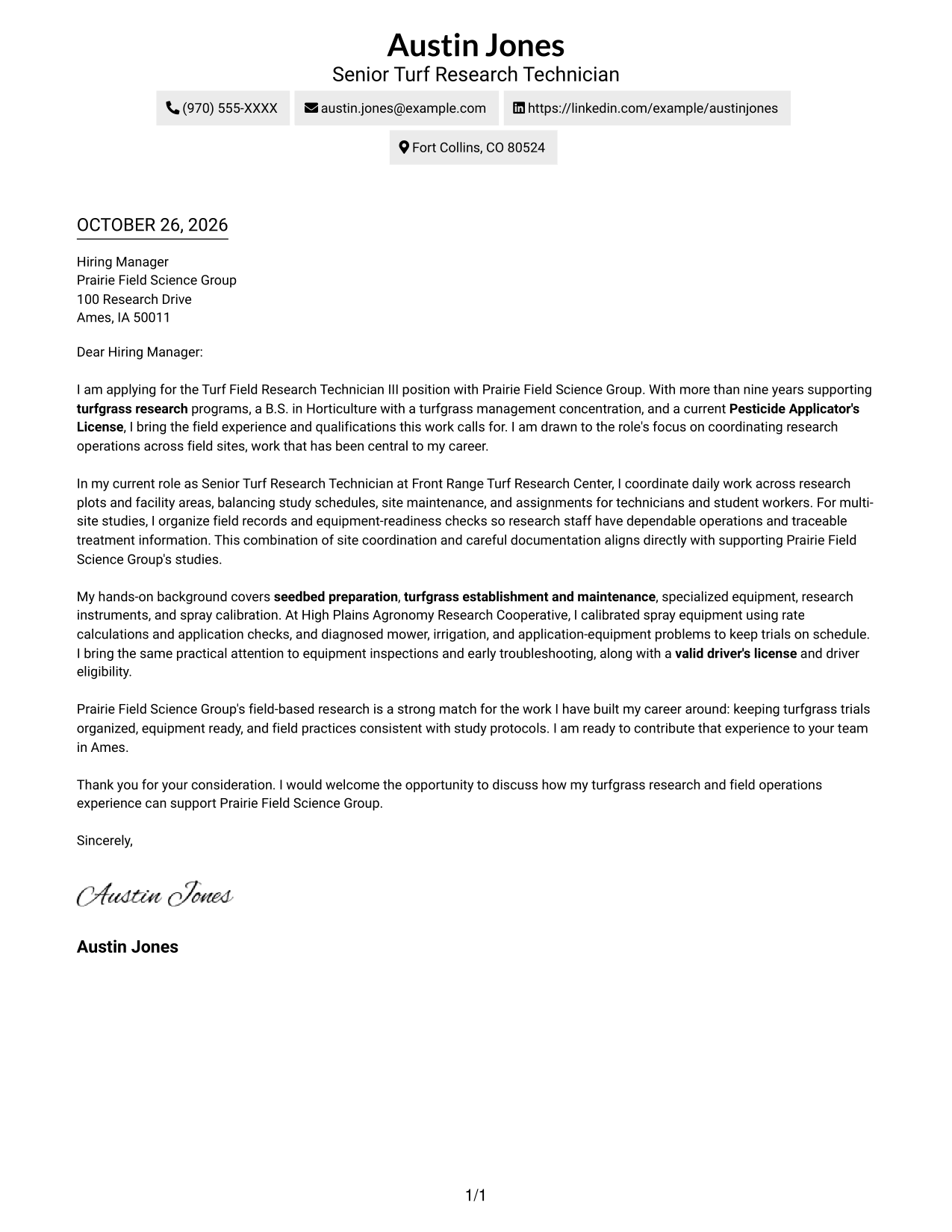
A contact sidebar sits beside the continuous letter body, keeping contact details distinct from the message.
Why This Format Works
- The sidebar separates contact details from the letter's persuasive message.
- One continuous body carries motivation, evidence, and the closing in sequence.
- Without argument headings, the letter reads as a personal message rather than a form.
Best For
- Contact details kept in a separate area
- Letters connecting field experience and calibration evidence to role needs
- Turfgrass research applications
- Applications with several points of employer fit
- Correspondence that keeps a personal tone
#3 Photo Header Two Column Format Cover Letter Example
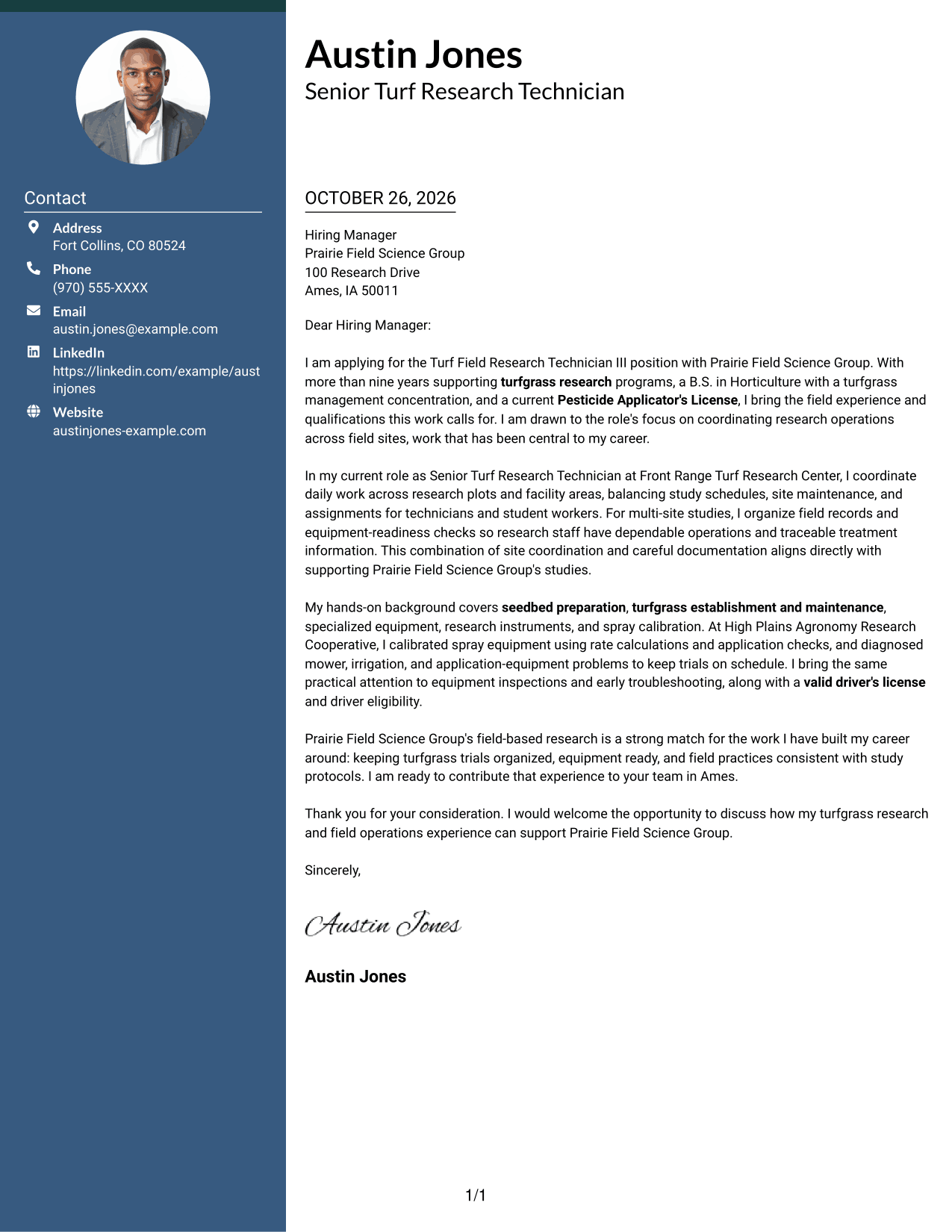
A photo header adds a portrait to the two-column layout, suited to applicants who prefer a personal visual introduction.
Why This Format Works
- The contact sidebar keeps sender details apart from the continuous letter body.
- The portrait provides a personal visual element without interrupting the letter's argument.
- A single body carries motivation, evidence, and the closing in their natural order.
Best For
- Portrait-forward correspondence
- Separate contact details and letter text
- Letters linking field experience and calibration evidence to role needs
- Turfgrass research applications
- Applications that balance personal motivation with role fit
#4 One Column Format with Photo Cover Letter Example
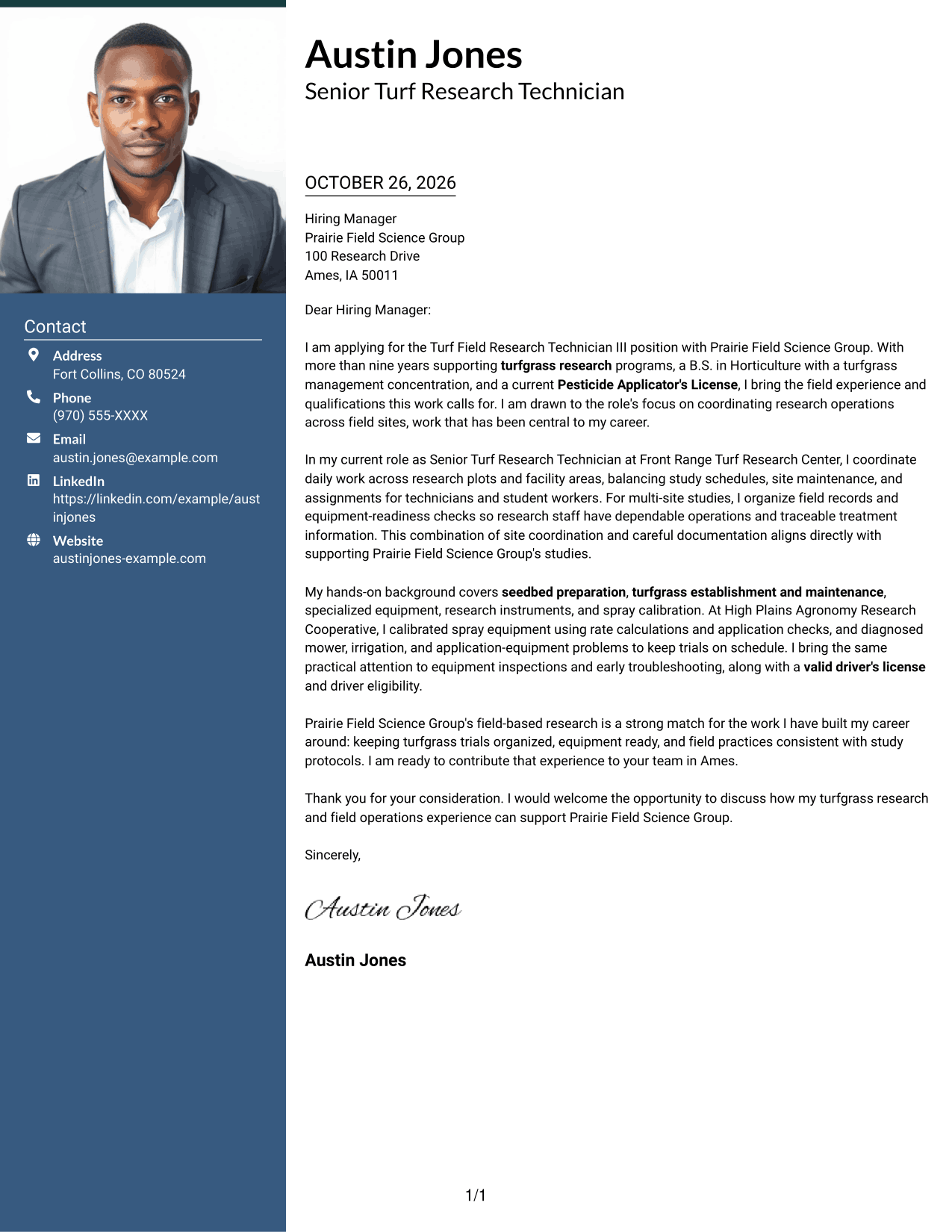
A portrait appears with the single-column letter, offering a personal visual choice while keeping the message in one reading lane.
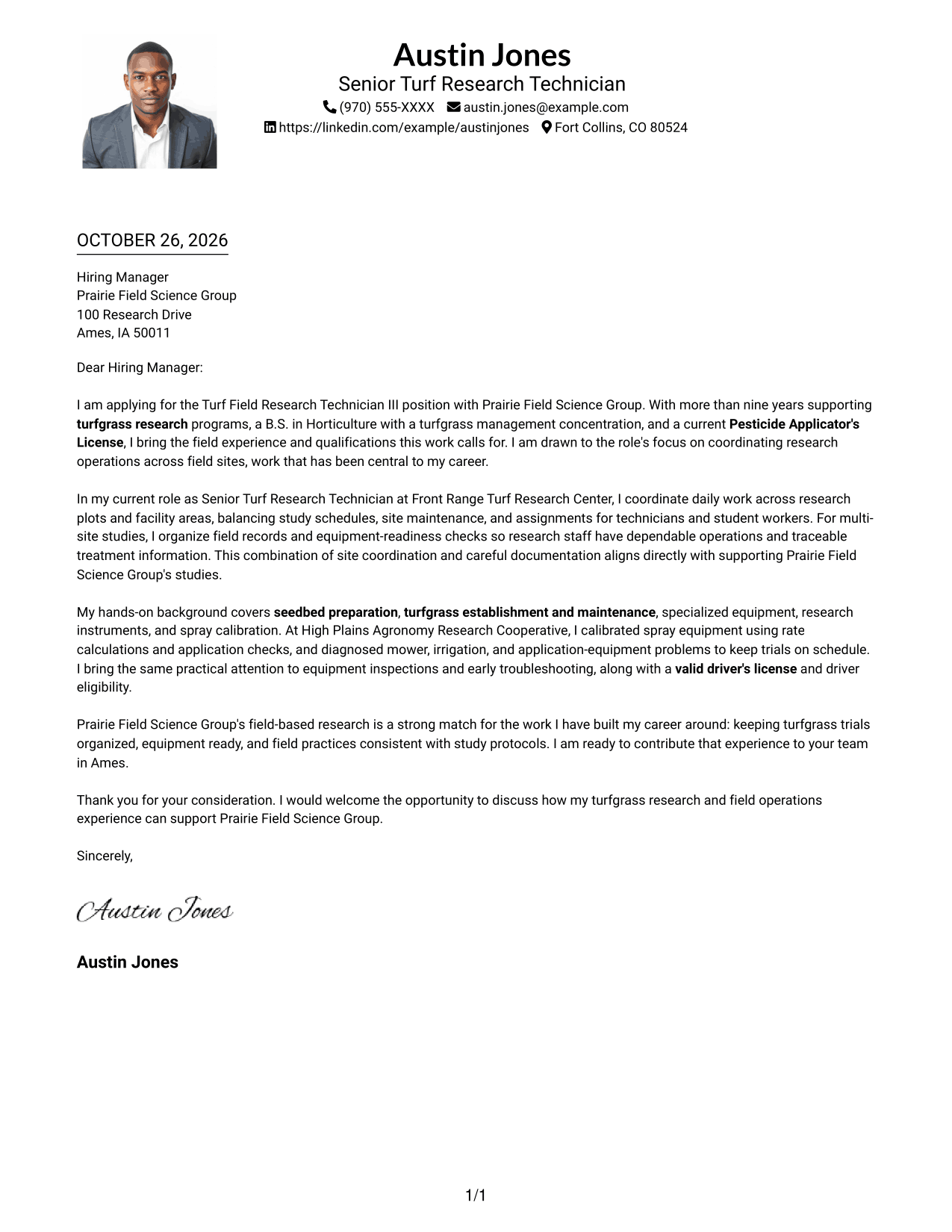
Why This Format Works
- The portrait adds a personal visual element alongside the sender details.
- One column keeps the contact information and letter in a shared reading order.
- The continuous body lets motivation and supporting evidence lead naturally to the closing.
Best For
- Single-column correspondence with a portrait
- A personal visual introduction
- Letters linking field experience and calibration evidence to role needs
- Turfgrass research applications
- Applications that connect motivation with role fit
#5 Simple Two Column Format Cover Letter Example
A contact sidebar beside one continuous letter body gives this simple two-column format a clear separation between details and message.
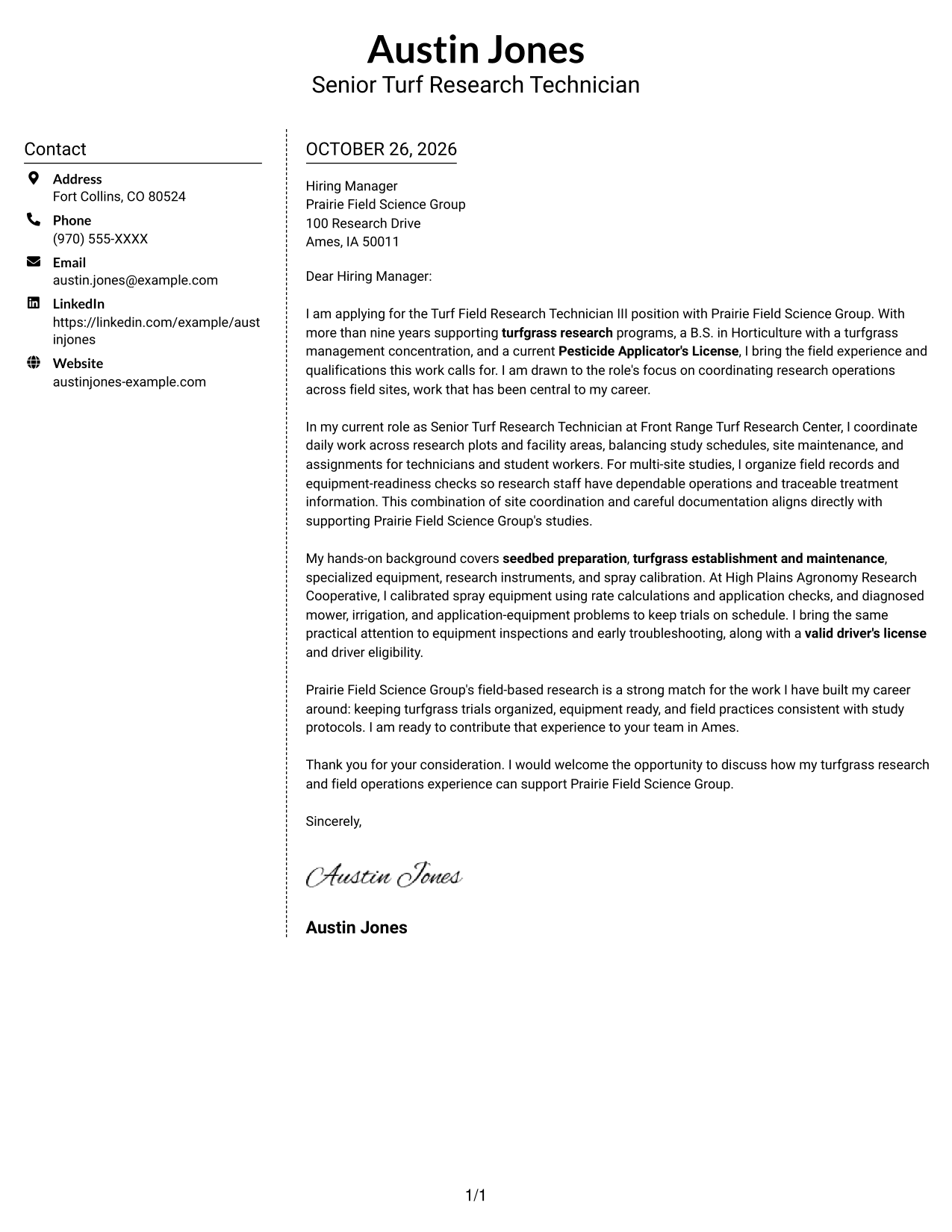
Why This Format Works
- The sidebar keeps contact information easy to distinguish from the letter itself.
- Motivation, evidence, and the closing remain together in one continuous body.
- No argument headings let the message read as direct correspondence.
Best For
- Contact details set apart from the message
- Letters linking field experience and calibration evidence to role needs
- Turfgrass research applications
- Applications with a clear reason for employer interest
- Readers who prefer a direct letter style
#6 Modern Icon Format Cover Letter Example
The two-column layout uses icons as contact cues and header accents, helping the contact area stand out from the letter body.
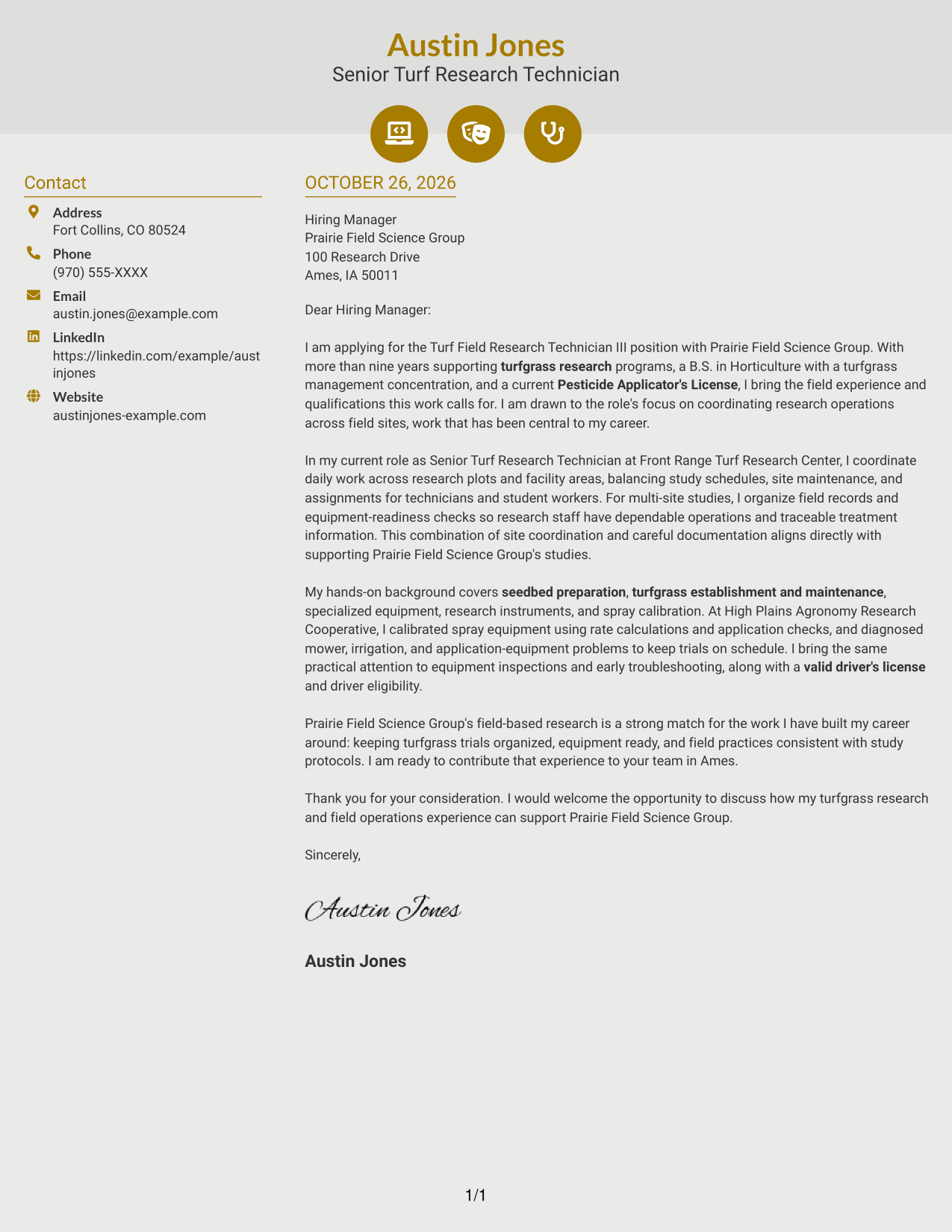
Why This Format Works
- Contact icons act as visual cues for details in the sidebar.
- The letter body stays continuous, so its persuasive points retain their natural sequence.
- Header accents add visual character without labeling motivation, evidence, or the closing.
Best For
- Icon-led contact details
- A distinct contact area beside the letter
- Letters linking field experience and calibration evidence to role needs
- Turfgrass research applications
- Applications with a clear link between interest and qualifications
#7 Creative Two Tone Format Cover Letter Example
The two-column structure places a contact sidebar beside one continuous letter body, keeping contact details separate from the message.
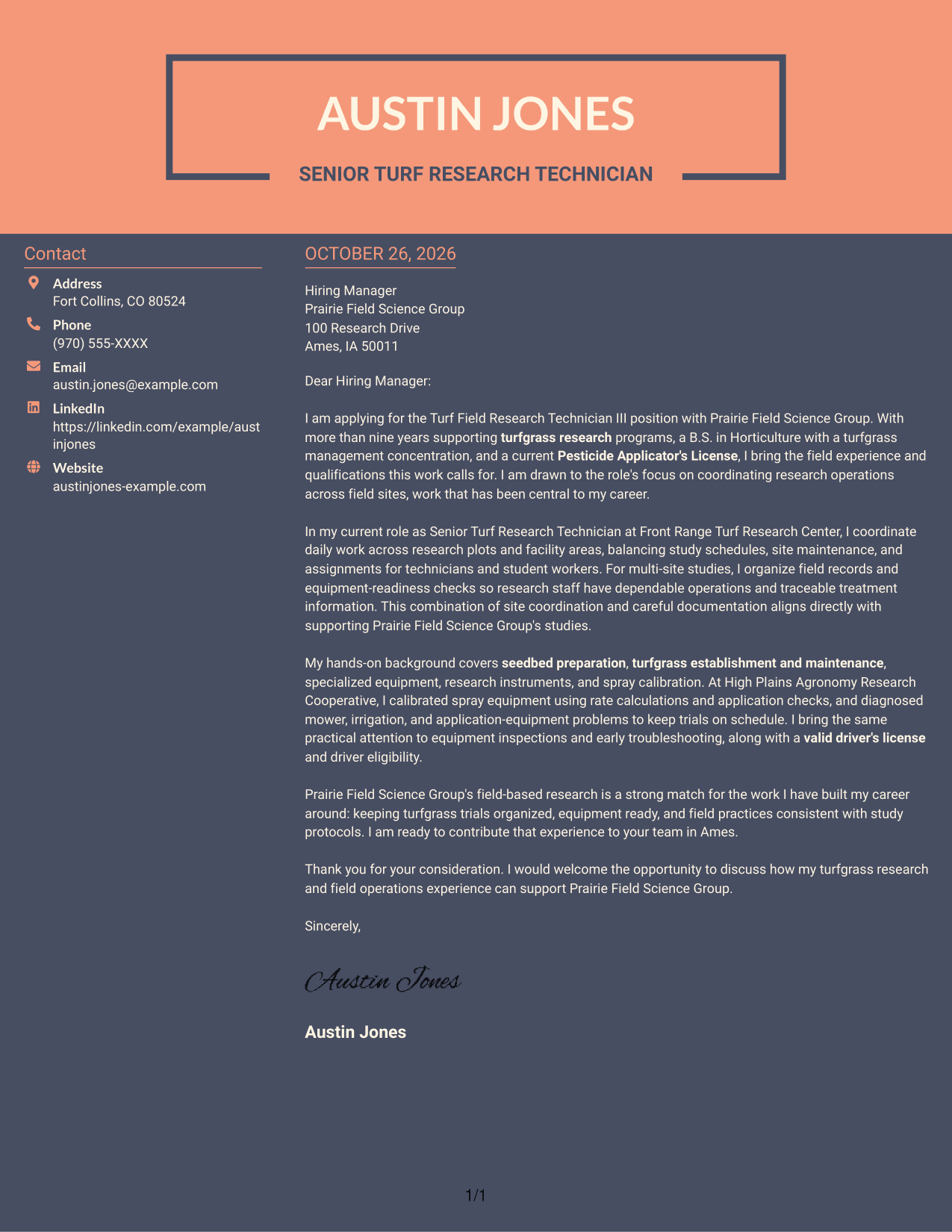
Why This Format Works
- The separate contact area lets readers locate sender details without entering the letter body.
- A continuous body keeps the opening, supporting evidence, and close in order.
- The letter needs no argument headings to guide its persuasive message.
Best For
- Contact information separated from correspondence
- Letters linking field experience and calibration evidence to role needs
- Turfgrass research applications
- Applications that connect employer interest with relevant evidence
- A continuous, personal letter message
See Also
- 7 Turf Field Research Technician III Resume Templates with Example
- 7 Laboratory Technician III Resume Templates with Example
- 7 Maintenance Technician I, II, or III - Water Resume Templates with Example
- 33 Pharmacy Technician III - Advanced Certified Resume Templates with Example 2026 (ATS-Optimized)
- 33 Pharmacy Technician III Resume Templates with Example 2026 (ATS-Optimized)
- 7 Service Technician III - Rental Division Resume Templates with Example
- 7 Shop Administrative Technician III - Maintenance Operations Support Resume Templates with Example
- 33 Surgical Technician III Resume Templates with Example 2026 (ATS-Optimized)
- 30+ Pharmacy Technician III - Advanced Certified Cover Letter Templates with Example 2026
- 30+ Pharmacy Technician III Cover Letter Templates with Example 2026
Frequently Asked Questions
What should a Turf Field Research Technician III cover letter emphasize?
Show how your experience relates to field study coordination, turfgrass maintenance, equipment care, and spray calibration. Connect those examples to the role's daily research needs.
How can I show that I am a good fit for this role?
Choose specific examples that demonstrate relevant field operations and practical judgment. Explain how your work helped keep studies organized, equipment ready, or treatments consistent.
Which cover letter style works well for a field research role?
Choose a clear layout that makes your opening, supporting examples, and closing easy to follow. The best presentation is one that suits the employer and the communication context.
How should I explain my interest in the employer?
Refer to a specific part of the role that matters to you, such as coordinating work across field sites or supporting reliable turfgrass research. Keep the reason honest and tied to the opportunity.
Can I view and customize the cover letter examples?
Compare the PNG image previews, then use the editor links to view or customize an example. The preview helps you assess its visual layout before opening it in the editor.




