33 User Experience Designer Resume Templates with Example 2026 (ATS-Optimized)
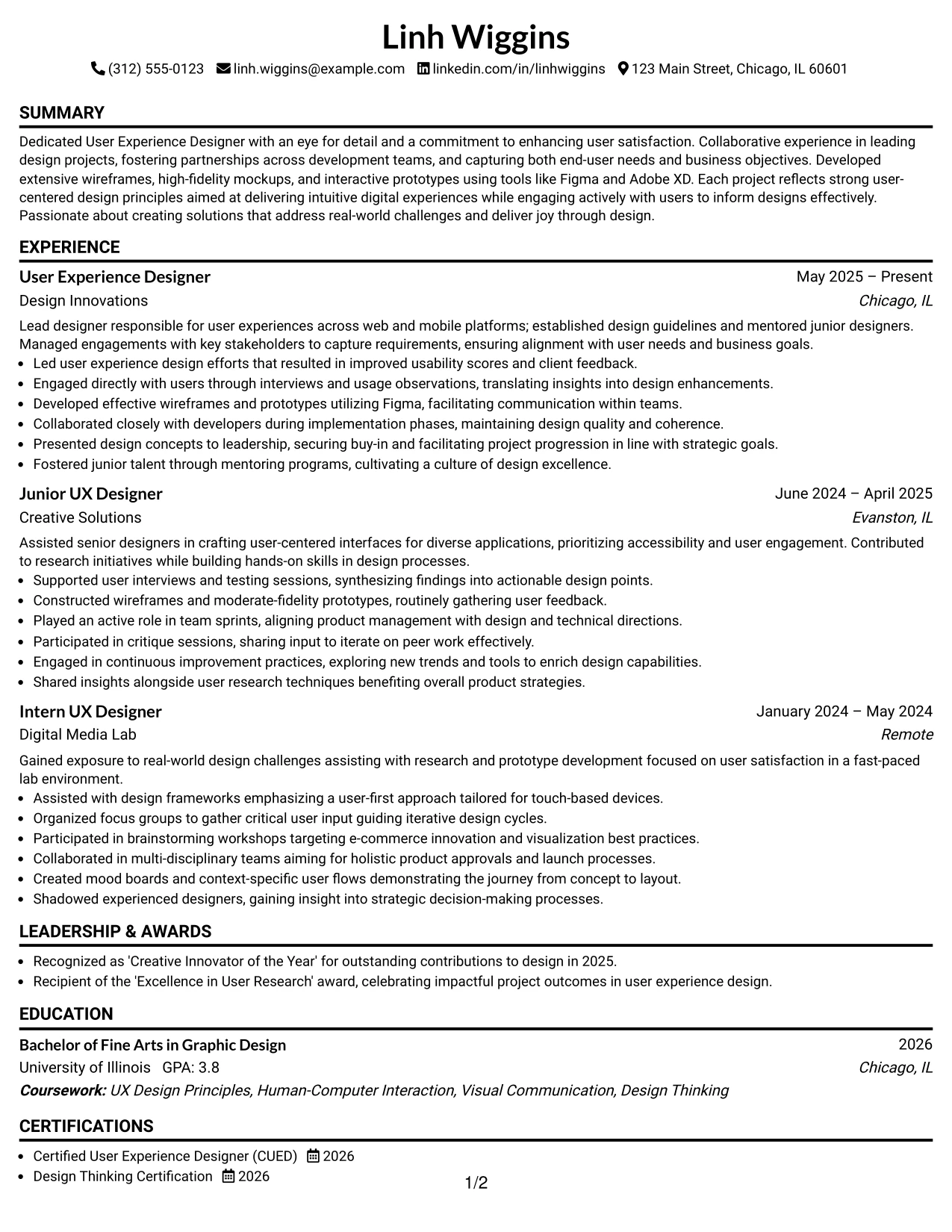
Need a User Experience Designer resume that showcases your skills, projects, and design experience to recruiters effectively? This guide highlights resume structure, ATS keyword optimization, measurable bullet points, and a showcase of your design work.
A standout resume must demonstrate your qualifications through clear headings, concise achievement bullets, relevant technical skills, practical project examples, and exposure to UX methods.
Below, you’ll find a complete User Experience Designer resume example featured in 33 ATS-friendly resume layouts, including free PDF downloads and format notes to assist in selecting the right style for your application.
What Makes a Great User Experience Designer Resume in 2026
An effective UX resume in 2026 should be keyword-focused, evidence-based, and designed for quick recruiter scanning. The goal is to present your qualifications clearly through well-defined sections, keywords, projects, and measurable outcomes.
- Utilize a focused summary that clearly states the target role and your strongest design abilities.
- Highlight projects, coursework, internships, or team roles using action verbs and results.
- Clearly list tools, including Figma, Adobe XD, and other relevant design software.
- Use bullet points to demonstrate outcomes, such as usability improvements, user satisfaction metrics, or design enhancements.
Resume content should consist of scannable sections, not narrative paragraphs. For this role, effective keyword alignment often includes user-centered design, prototyping, usability testing, collaborative design, Figma, Adobe XD, wireframing, and human-computer interaction.
The examples below illustrate how consistent resume content can adapt across 33 layouts while maintaining sections, keywords, bullets, and readability for recruiters.
Essential Sections of a User Experience Designer Resume
Most high-impact resumes follow a structured layout. When crucial sections are absent, recruiters may perceive the resume as incomplete, even when the candidate possesses strong skills.
High-performing resumes typically include the following sections. You can slightly adjust the order, but these headings make the resume easier to scan, easier to compare, and more ATS-compatible:
- SUMMARY
- EXPERIENCE
- PROJECTS
- LEADERSHIP & AWARDS
- EDUCATION
- CERTIFICATIONS
- TECHNICAL SKILLS
- SKILLS (Soft Skills)
- PROFESSIONAL AFFILIATIONS
- ADDITIONAL INFORMATION
- REFERENCES (Optional or “Available upon request”)
The resume examples below utilize this structure so that the page centers on organization, keyword targeting, achievement-based content, and formatting that appeals to recruiters.
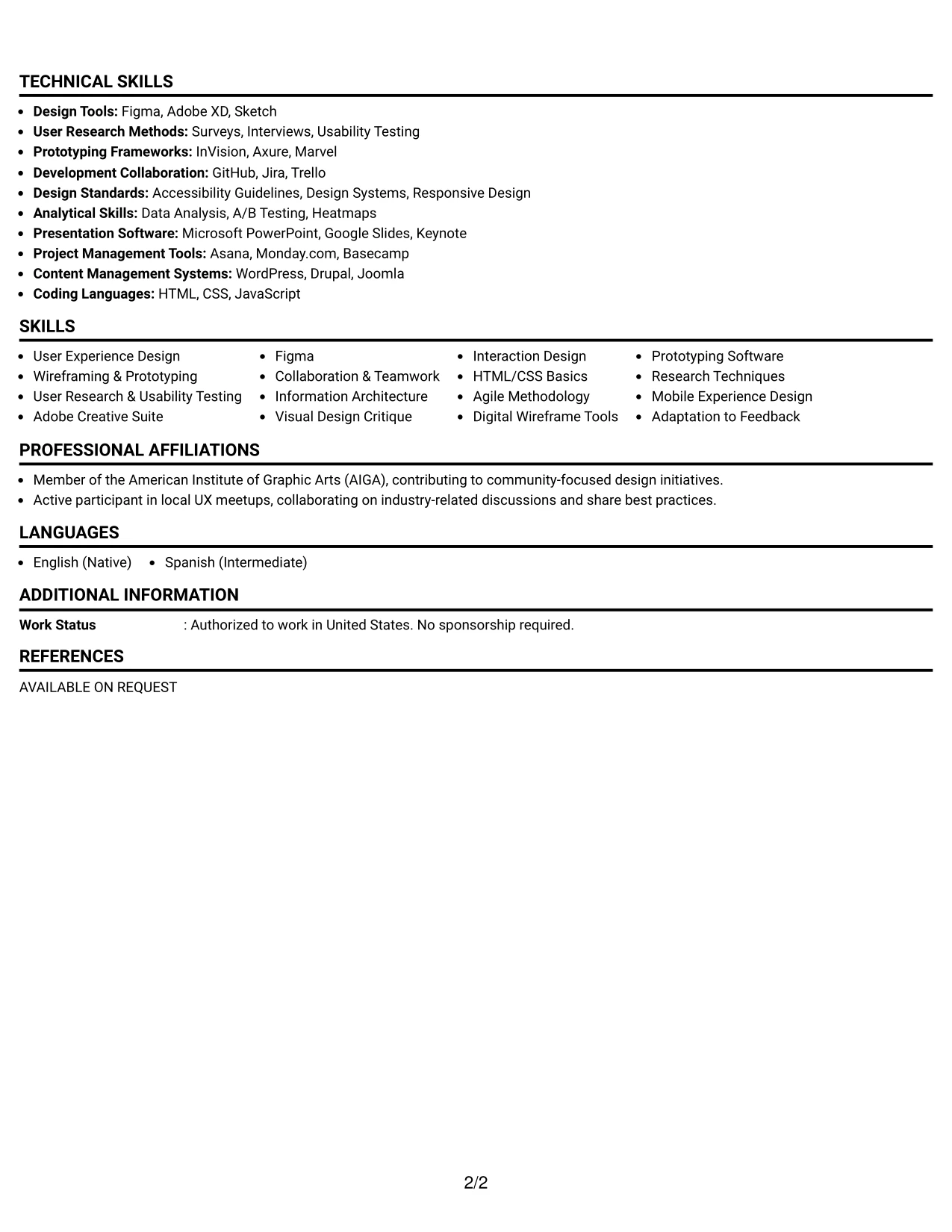
#1 User Experience Designer Resume Example (Simple One Column Format)
This resume features a clear simple One Column Format, enhancing section clarity and ensuring ease of readability for both ATS and recruiters.
The layout is particularly effective for candidates like Linh Wiggins, showcasing the vital components—summary, experience, education, technical skills, and achievements—that align closely with the User Experience Designer role.
Why the Simple One Column Format Works for a Resume
- Keeps information organized and accessible, aiding both recruiters and ATS in parsing the qualifications.
- Utilizes concise bullet points to emphasize Linh's skills, projects, and industry-relevant achievements.
- Ideal for showcasing a balance of technical design and user-centered methodologies for recruitment in design roles.
- Eliminates unnecessary dense text, ensuring focus remains on impactful experiences.
- Optimizes keyword usage related to UX design, wireframing, and tools like Figma and Adobe XD.
- Best suited for candidates prioritizing clear communication of their design process and outcomes over elaborate formatting.
Best For
- Tech Companies Looking for UX Designers
- Creative Agencies Focused on User Experience
- Entry and Junior-Level Design Positions
- Project Management in Design Teams
- Candidates Sharing Academic Projects and Internships
- Roles Requiring Collaboration with Development Teams
- Creation of User-Centered Digital Interfaces
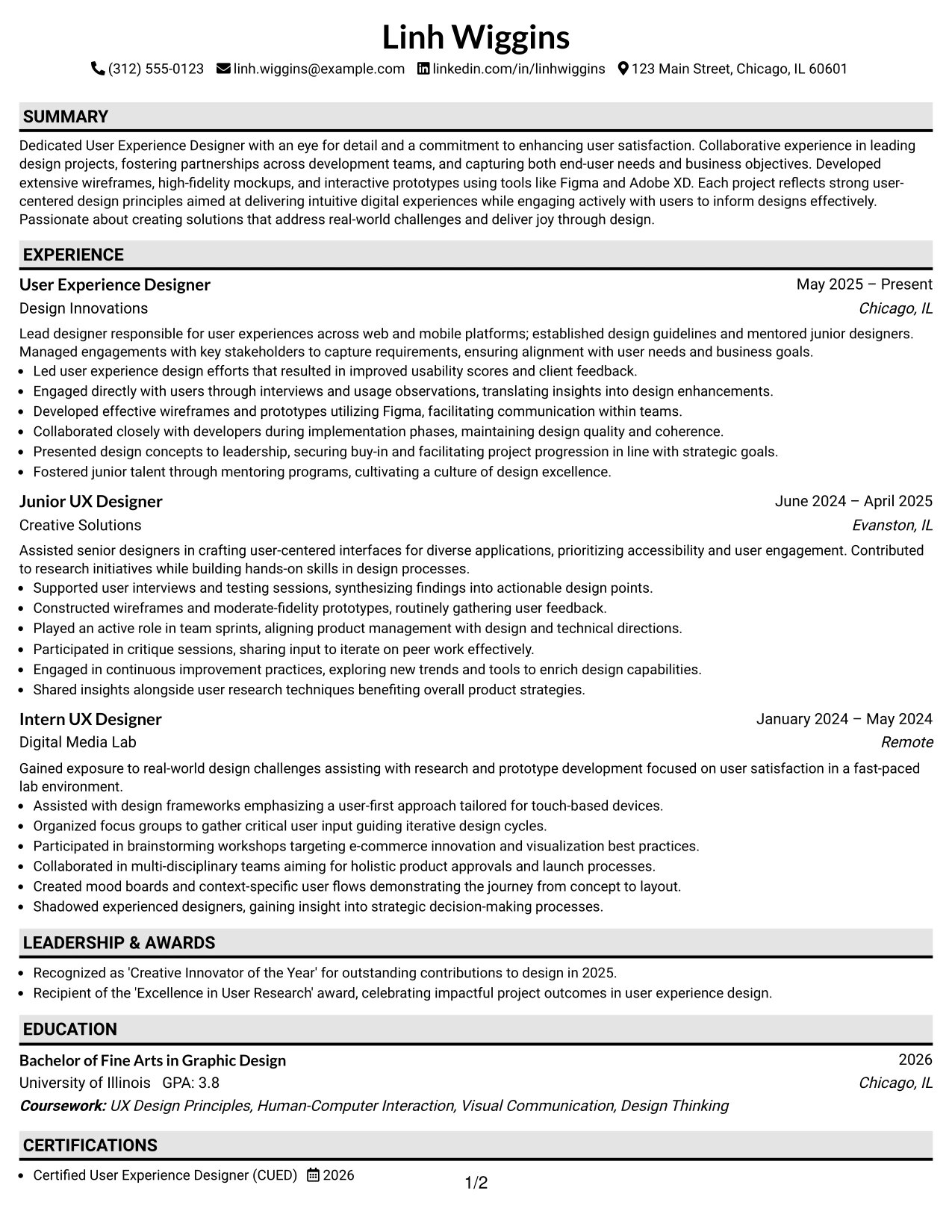
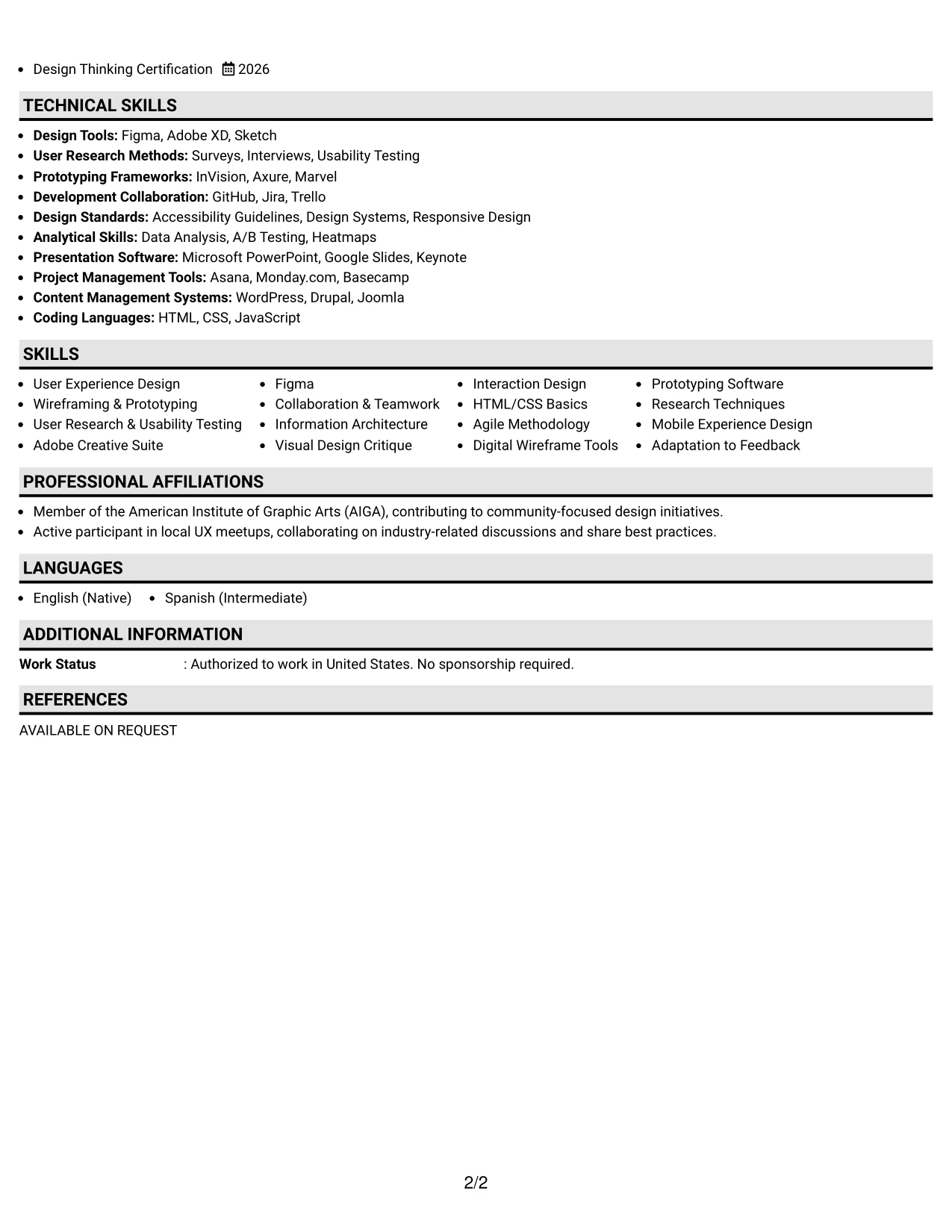
#2 User Experience Designer Resume Example (Plain One Column with Shaded Labels)
This resume adopts a straightforward Plain One Column with Shaded Labels format for clarity and improved ATS-readability.
The layout strategically highlights Linh's summary, projects, education, and skills, ensuring easy alignment with User Experience Design job requirements.
Why the Plain One Column with Shaded Labels Works for a Resume
- Facilitates an organized structure, making it easier for HR and ATS to identify Linh's qualifications.
- Uses impactful verbs and keywords to articulate Linh's technical proficiencies and notable results.
- Effectively shows academic projects and practical experience, crucial for early-career UX designer roles.
- Avoids long paragraphs, focusing on scannable information relevant to Linh’s capabilities.
- Highlights keywords associated with user research, visual design, and analytical tools.
- Best for candidates with a strong focus on functionality and user engagement in their resumes.
Best For
- Recruitment Agencies Seeking Design Talent
- Startups Innovating in User Experience
- Internship Programs with Design Focus
- Design Competitions and Portfolio Reviews
- Employers Prioritizing User-Centered Design Skills
#3 User Experience Designer Resume Example (One Column Format with Photo Right)
This resume format features Linh in a visually appealing one Column Format with Photo Right, establishing a personal brand while highlighting critical UX achievements and skills.
This layout is effective for showcasing Linh's creativity and engagement metrics, making it suitable for positions in UX design.
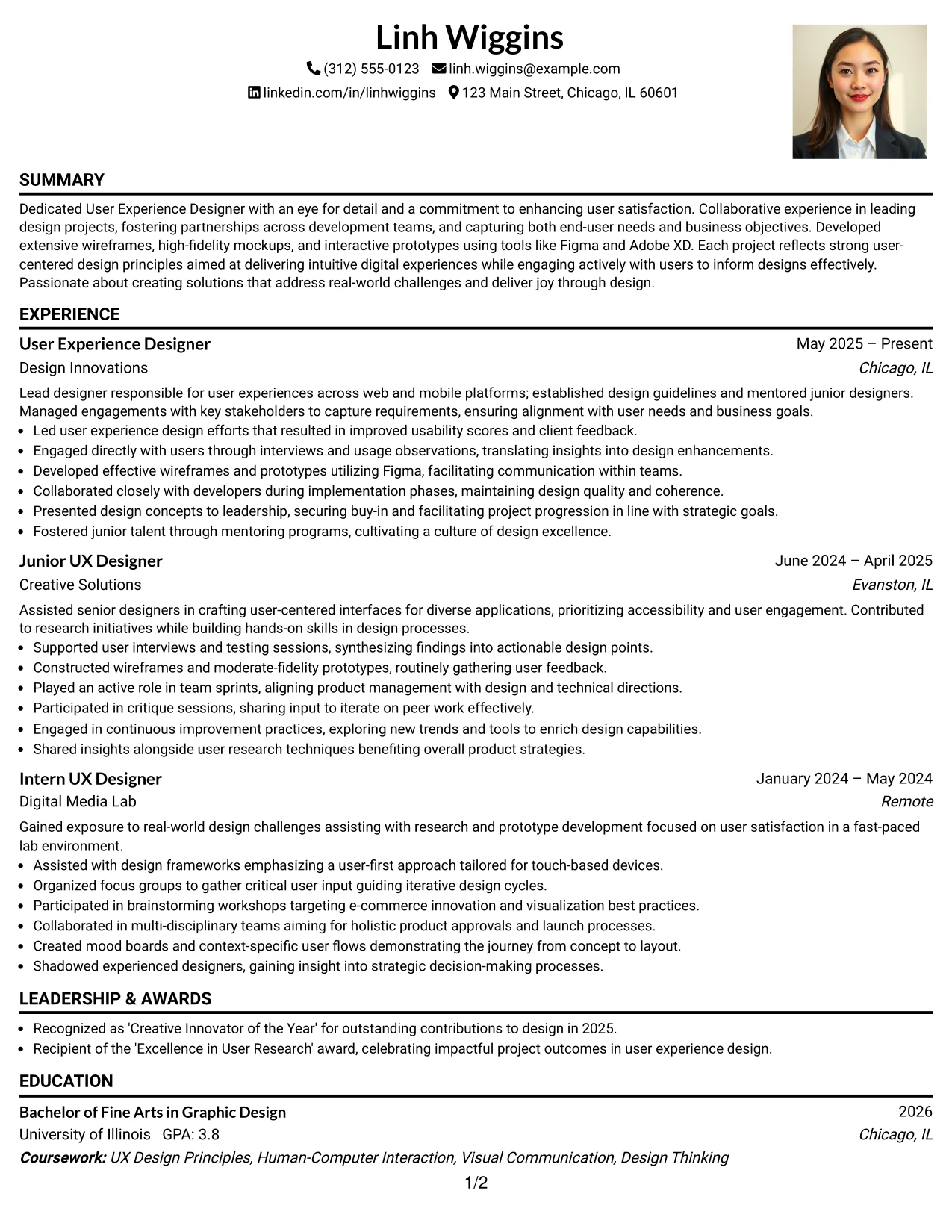
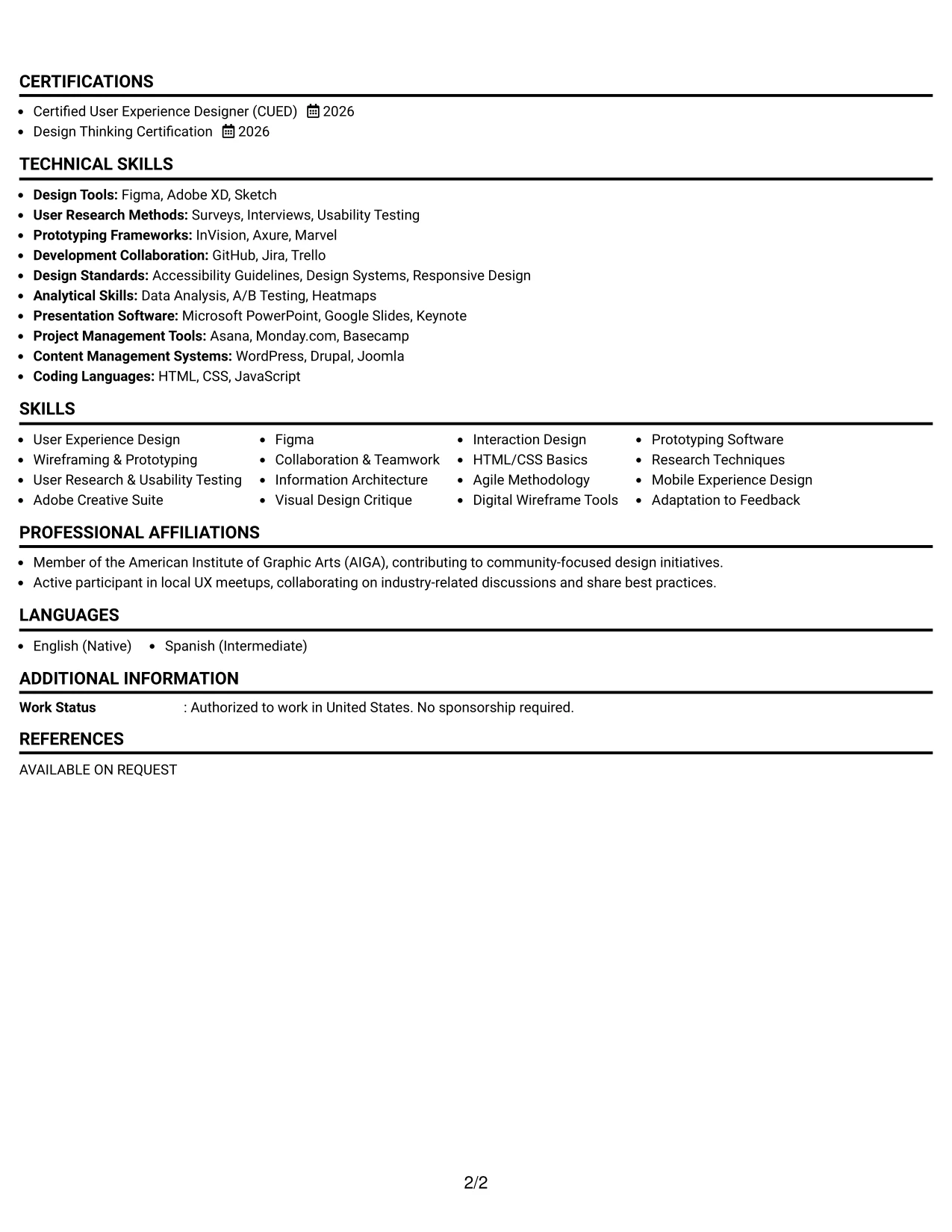
Why the One Column Format with Photo Right Works for a Resume
- Incorporates a personal touch while retaining a professional presentation, ideal for Linh's focus on UX design.
- Clearly defined sections enable quick identification of qualifications relevant to UX positions.
- Highlights Linh’s ability to combine creativity and functionality, essential for UX roles.
- Attracts attention from employers looking for innovative thinking in design.
- Keeps UX achievements and skills at the forefront, ensuring relevance in fast-paced environments.
- Strikes a balance between design aesthetics and structured content delivery.
- Effectively conveys Linh's adaptability in creating resumes that align with current trends in design.
Best For
- Agencies and Brands Seeking Creative UX Designers
- Positions Focused on User Interface and Experience Design
- Companies Emphasizing Creativity and Collaboration
- Internships in Digital Product Design
- Roles Focused on User Journey Optimization
- Innovative Firms in Tech and Creative Industries
#4 User Experience Designer Resume Example (Clean Two Column Sidebar Format)
This resume layout employs a clean two Column Sidebar Format, clearly distinct between contact details, skills, and main achievements for effortless scanning.
This format is especially well-suited for Linh's internship applications, emphasizing education, projects, and technical skills without overwhelming the reader.
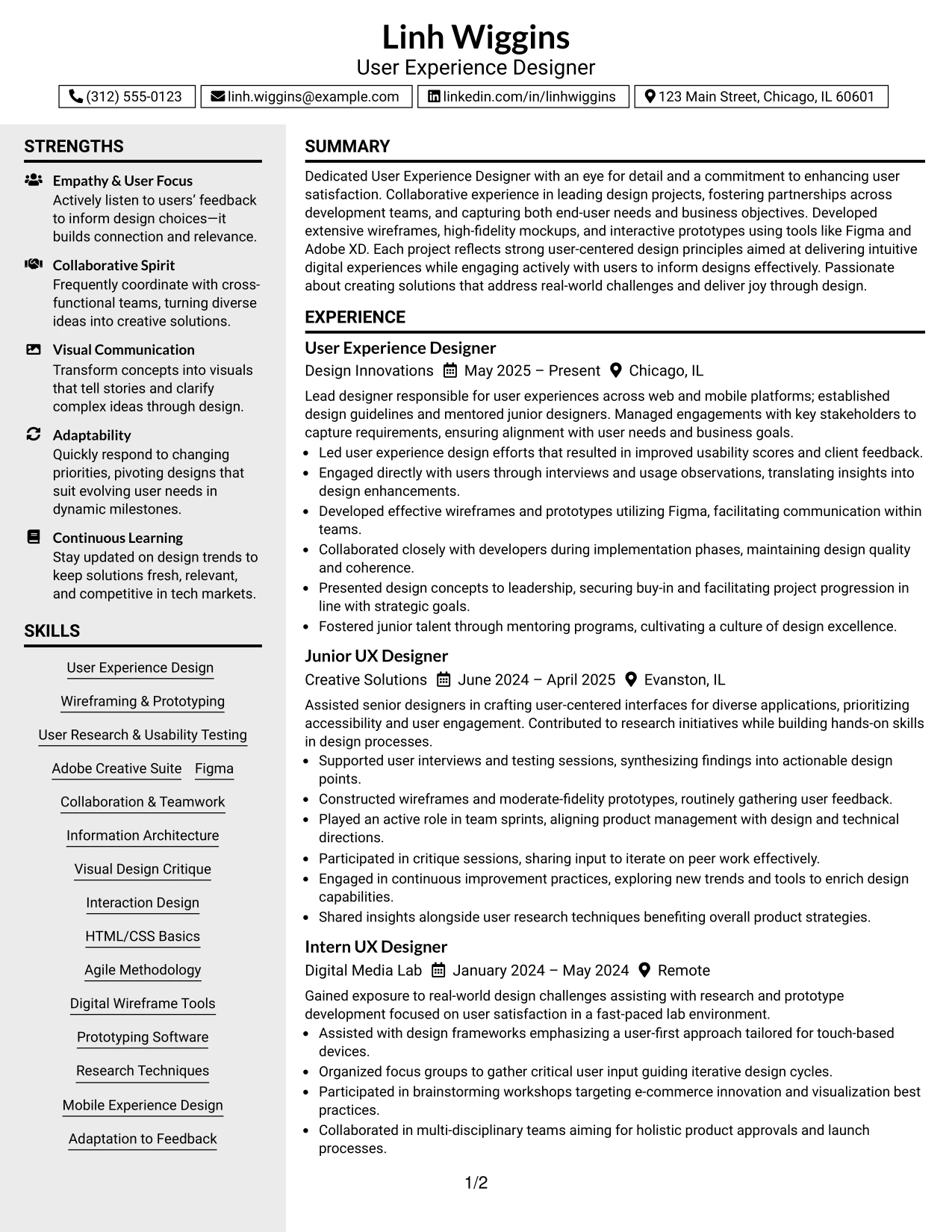
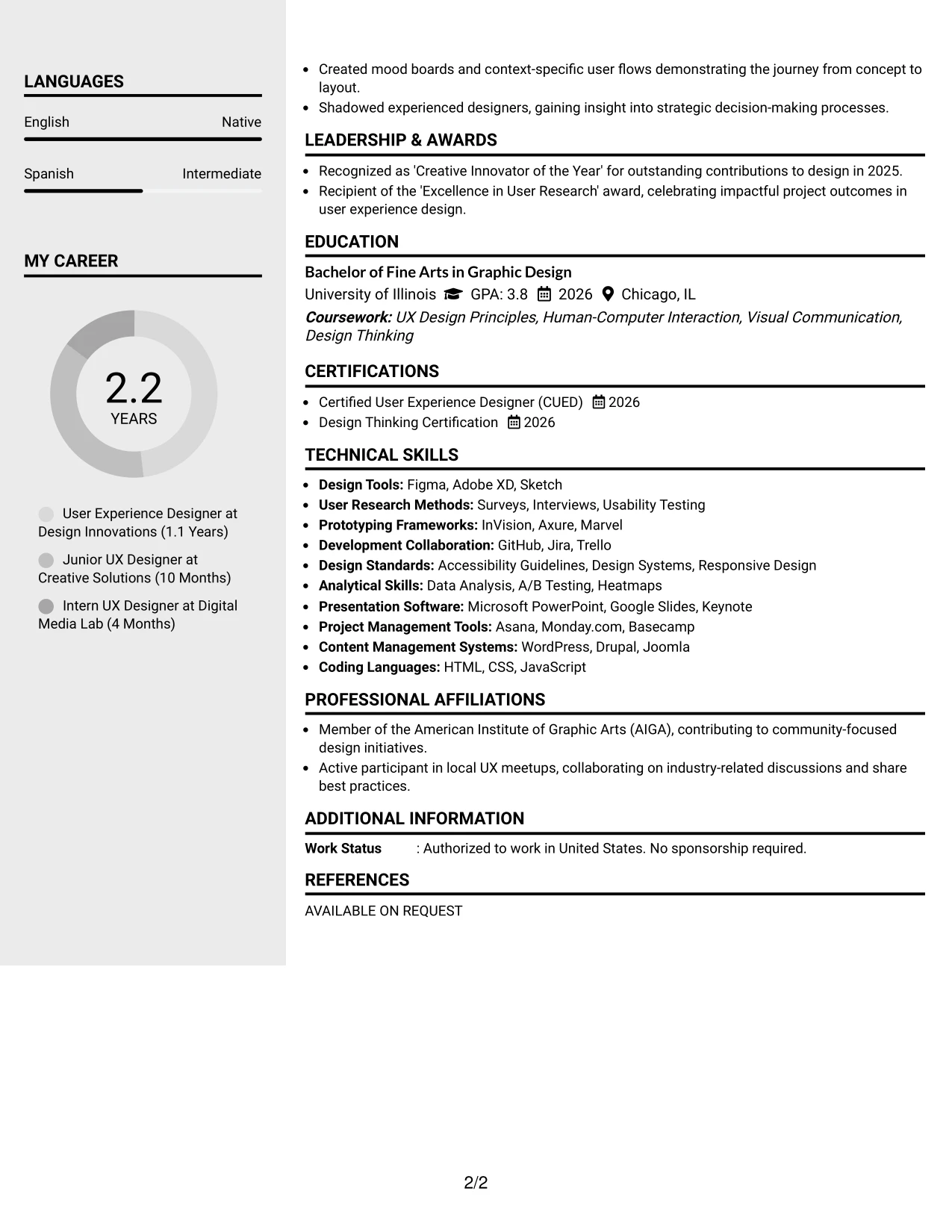
Why the Clean Two Column Sidebar Format Works for a Resume
- Organizes contact information and skills separately from accomplishments for quick access by recruiters.
- Facilitates easy identification of technical skills and project links pivotal for user experience roles.
- Grants recruiters immediate access to priority sections, making Linh's qualifications easily identifiable.
- Establishes a clear visual hierarchy while preserving a polished look, crucial for UX resumes.
- Aids ATS scanning with structured text and logical alignment.
- Ideal for students showcasing a mix of academic coursework and hands-on project experience relevant to UX design.
- Maintains focus by employing bullet points and organized sections for clarity.
Best For
- Companies with Conservative Design Standards
- University Career Fair Opportunities
- Applications Targeting Digital Roles
- Concise and Clean Resume Styles
- Marketing Departments Seeking Interns
- Positions Where Reading Ease is Vital
#5 User Experience Designer Resume Example (Two Column Format)
This example utilizes a structured two Column Format that separates contact details and skills from Linh's core achievements effectively.
This structure benefits internship applications, highlighting education, projects, and technical expertise in a clear, accessible manner.
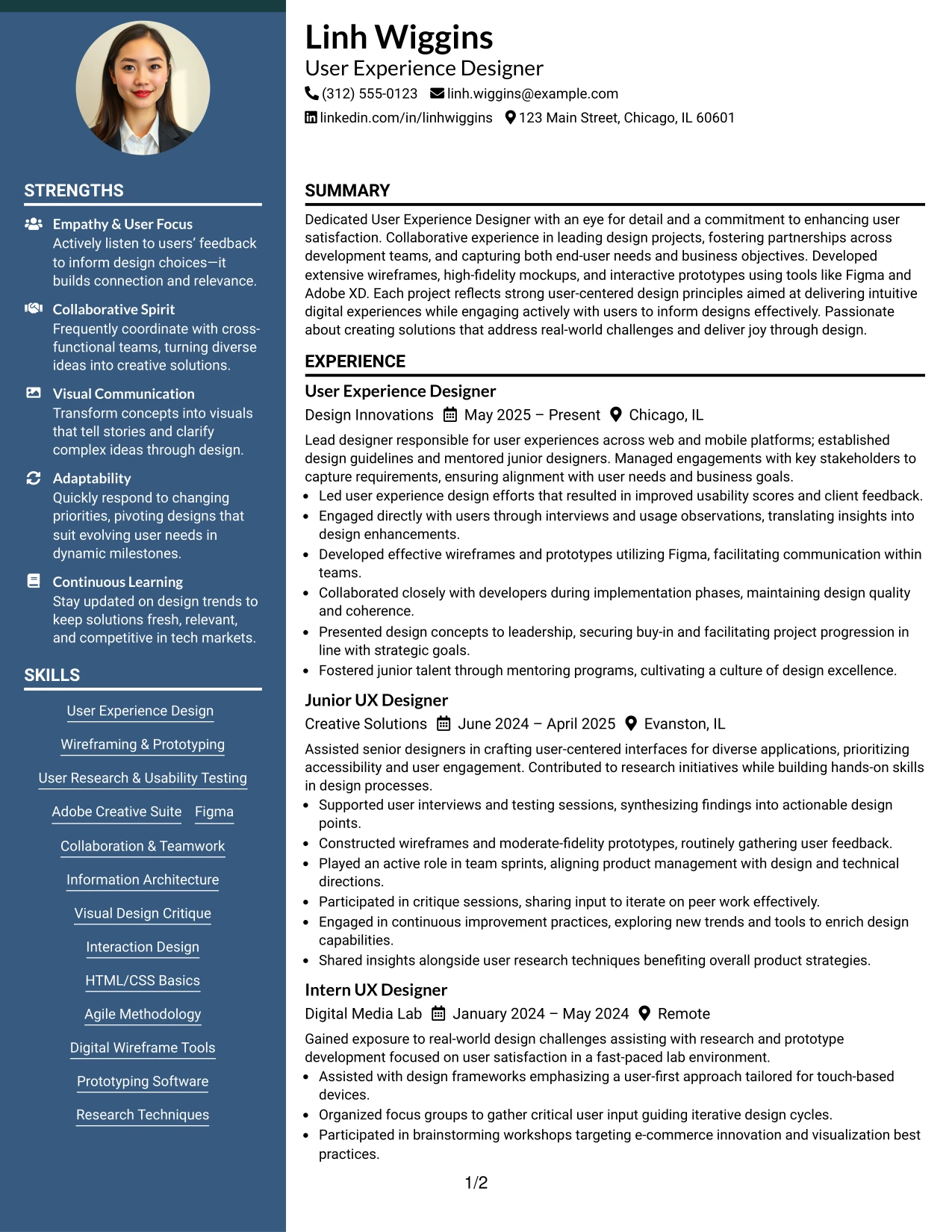
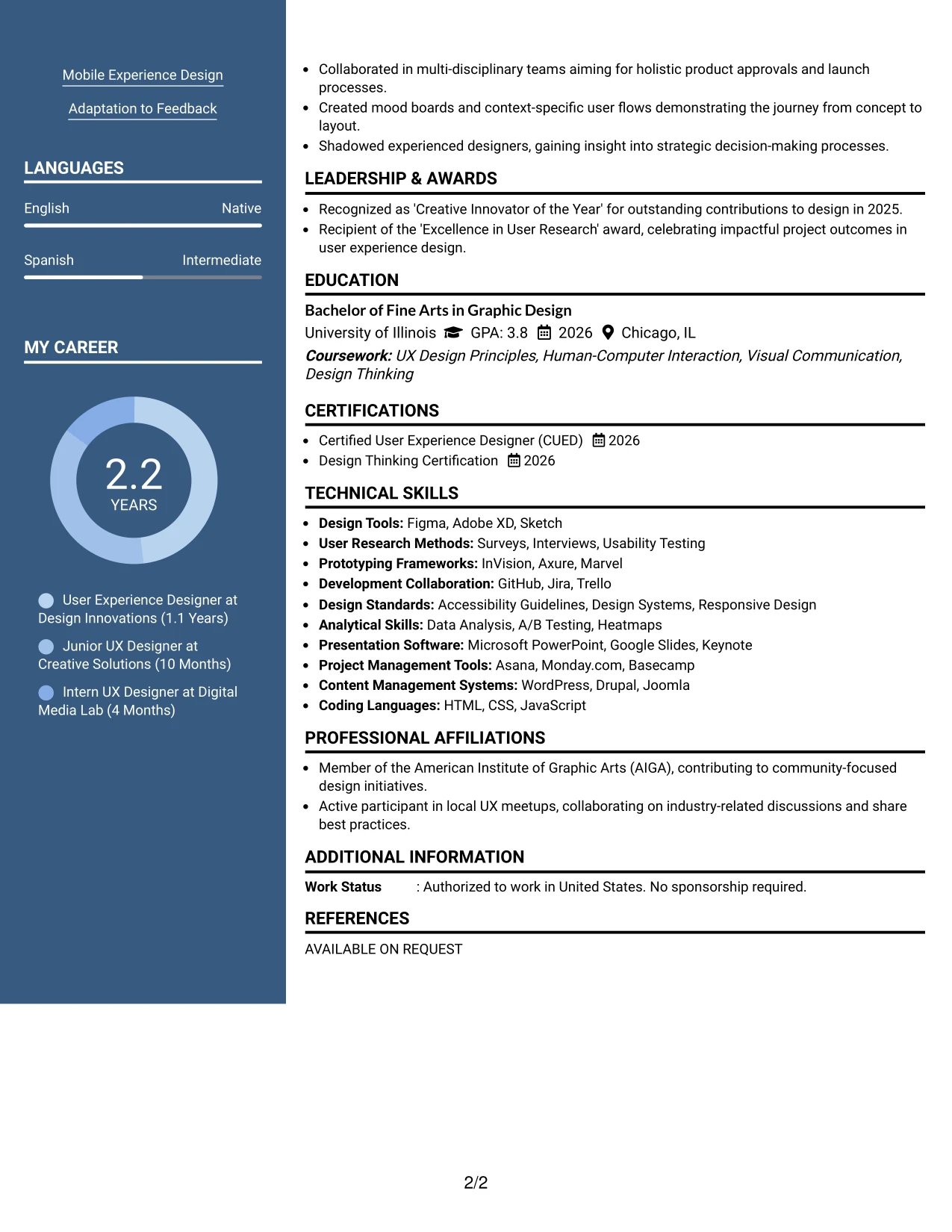
Why the Two Column Format Works for a Resume
- Clearly separates Linh's contact information and skills from key achievements, enhancing readability.
- Improves visibility of technical competencies, tools, and project links for easy access.
- Streamlines the review process for recruiters, allowing quick reference to Linh's qualifications.
- Maintains a clear visual hierarchy while ensuring professionalism throughout the resume.
- Supports ATS functions by organizing sections in an easily recognizable manner.
- Ideal for students presenting a combination of coursework, projects, and relevant work experience in UX design.
- Ensures focused communication through effective bullet points and structured sections.
Best For
- ATS-Compatible Designs for Job Applications
- Internships in User Experience Design
- Roles Emphasizing Technical Knowledge and Creativity
- Positions Requiring Joint Effort in Collaborative Projects
- Students Pursuing Digital Marketing and UX Studies
#6 User Experience Designer Resume Example (Photo Header Two Column Format)
This resume presents Linh with an elegant photo Header Two Column Format, integrating a personal brand while ensuring organizational clarity across all sections.
This approach adds value to creative roles in UX, emphasizing skills, project contributions, and measurable impacts, making it perfect for internship applications.
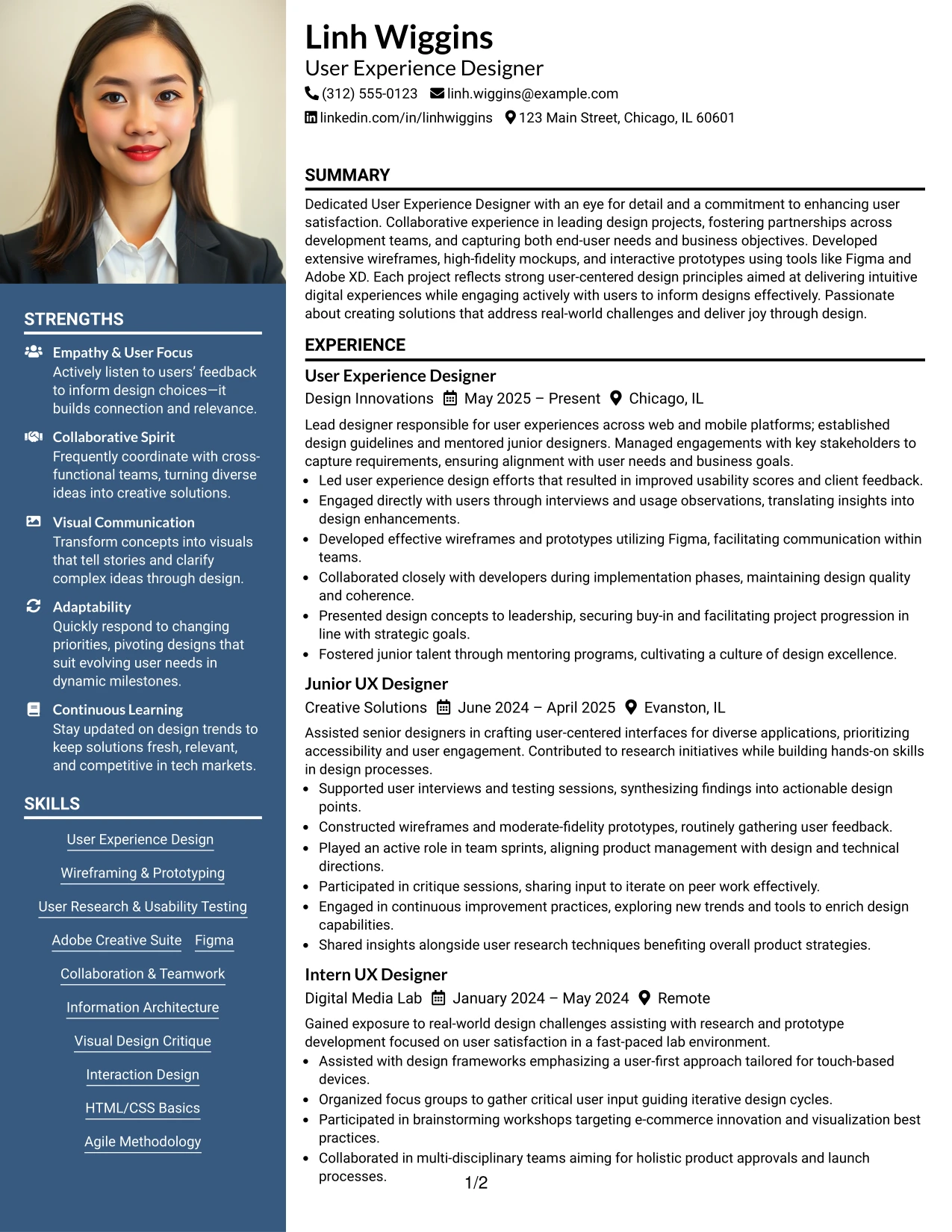
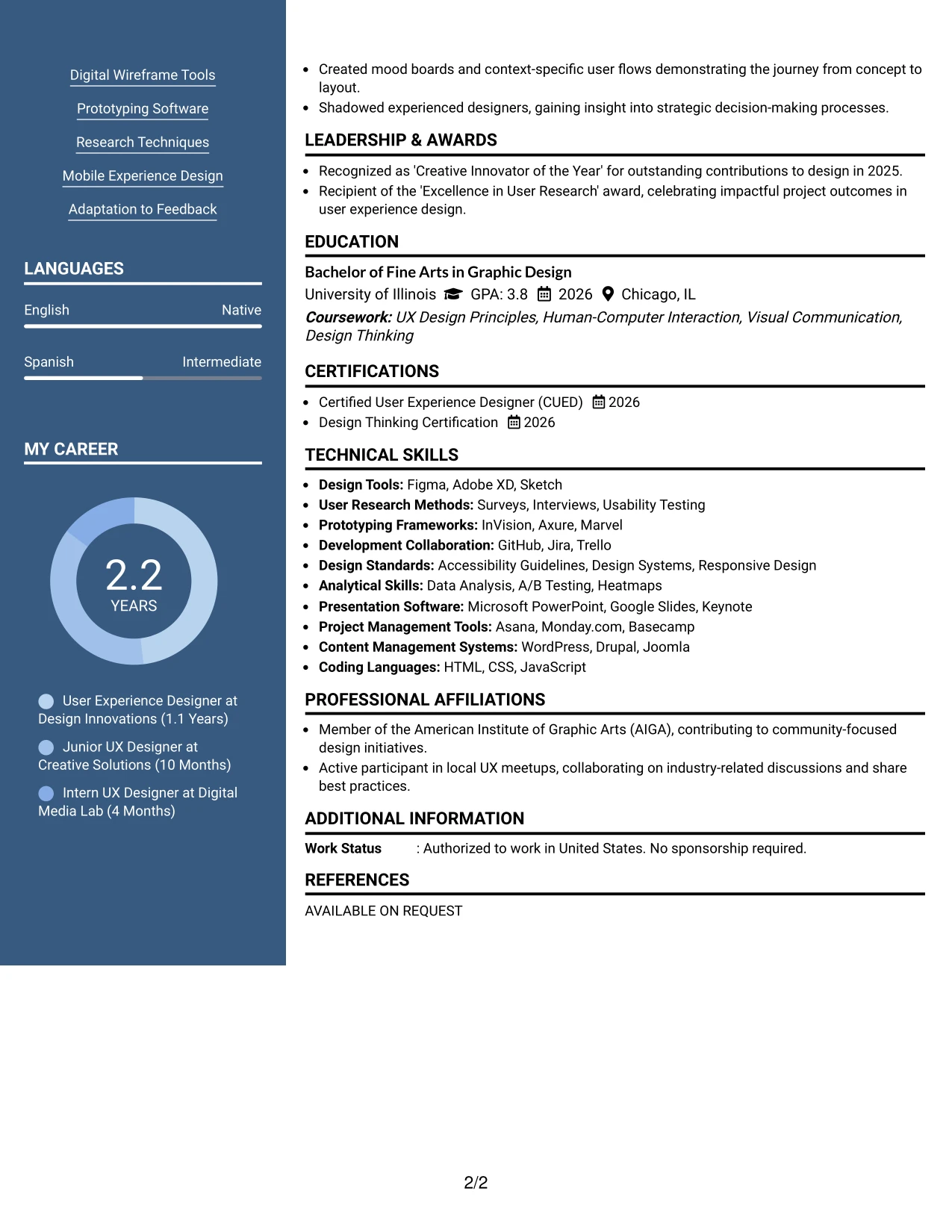
Why the Photo Header Two Column Format Works for a Resume
- Introduces a personal branding element without distracting from the core content.
- Keeps sections like summary and skills in a clear focus for prospective employers.
- Well-suited for roles where visual presentation enhances candidacy in UX design.
- Combines visual appeal with substantial achievements to showcase Linh’s value.
- Best for applications where design aesthetics play a crucial role in the hiring process.
- Balances creative visuals with structured, organized content delivery.
- Helps Linh stand out through a memorable and impactful presentation of her qualifications.
Best For
- Creative Agencies Seeking Talented UX Designers
- Institutions Focused on Digital Media Design
- Internships Emphasizing Visual Communication Skills
- Design Teams Requiring Innovative Contributions
- Positions in Marketing that Embrace Creativity
#7 User Experience Designer Resume Example (Simple Two Column Format)
This resume utilizes a straightforward Simple Two Column Format, clearly organizing contact details, skills, and essential content into distinct sections for enhanced accessibility.
This effective layout supports Linh’s profile as an aspiring UX designer, ensuring prominent display of education, projects, and technical skills relevant to her target positions.
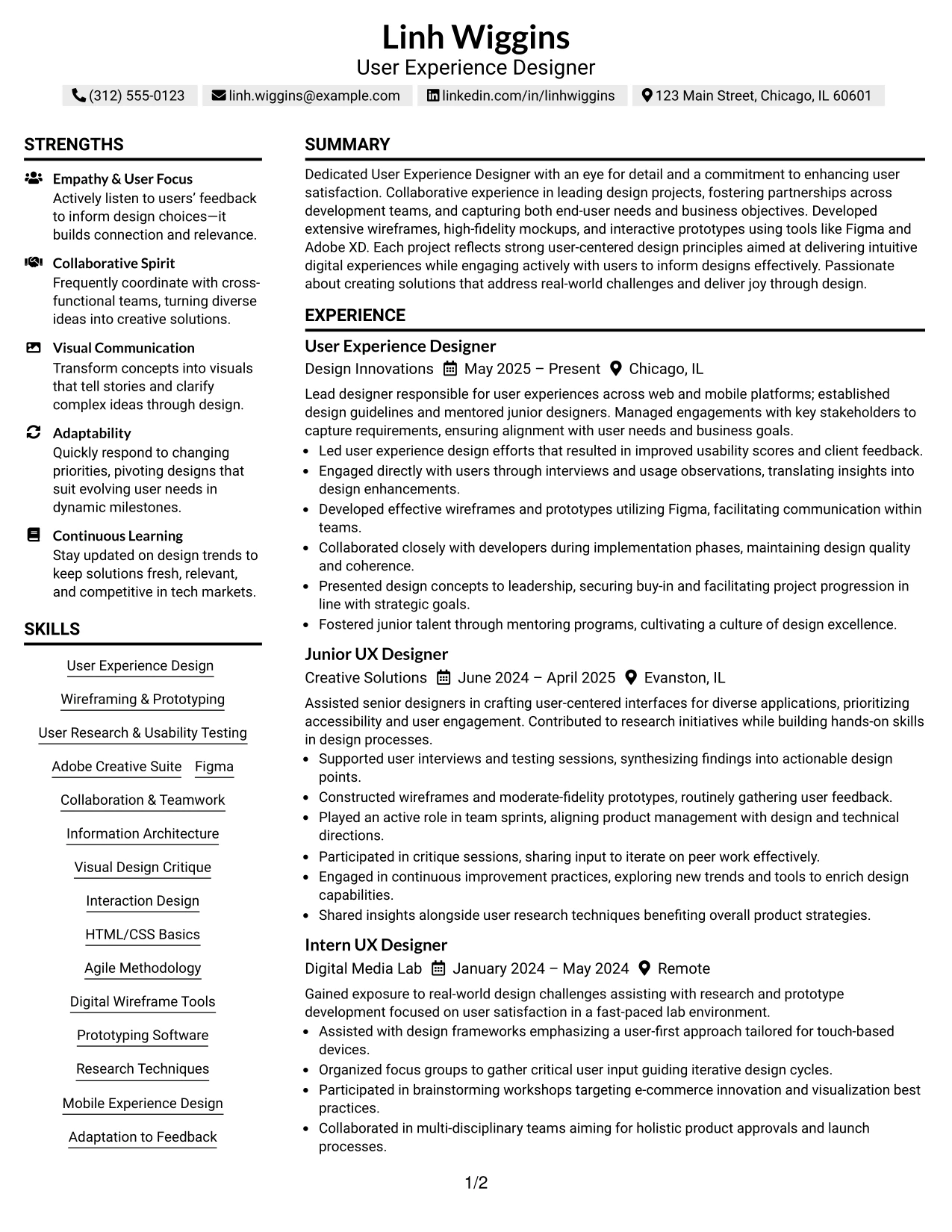
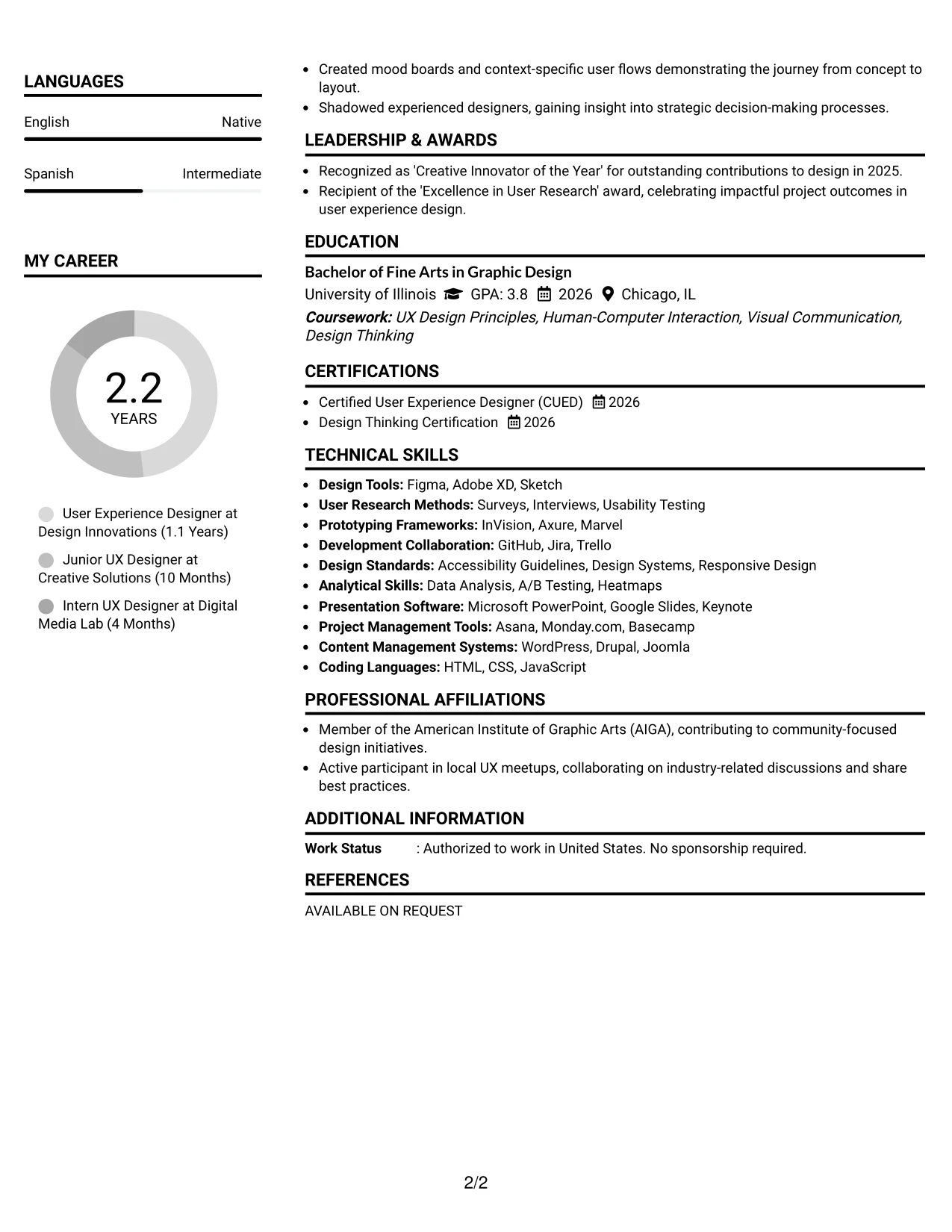
Why the Simple Two Column Format Works for a Resume
- Maintains a clear separation between contact information and the key accomplishments—enhancing Linh's visibility to recruiters.
- Allows for quick access to technical skills and project links essential for her UX applications.
- Facilitates fast navigation, vital for recruiters scanning for relevant qualifications.
- Establishes visual hierarchy while ensuring professionalism and readability.
- Enhances ATS keyword relevance through organized structure and focused content.
- Ideal for students like Linh, showcasing a blend of coursework, projects, and internship experience relevant to UX roles.
- Supports targeted communication via effective bullet points to highlight her relevant skills.
Best For
- ATS-Optimized Resume Submissions
- User Experience Design Internship Applications
- Entry-Level Positions in Digital Marketing
- Collaborative Project Roles in Design
- Students Focused on Communication and Digital Design
#8 User Experience Designer Resume Example (Text/Fang Style)
This resume features a structured text/Fang Style, prioritizing clarity within sections and optimizing for ATS compatibility.
The content-driven focus leads to an organized presentation of Linh's experiences, projects, education, and technical skills in a manner that aligns with job expectations in UX design.
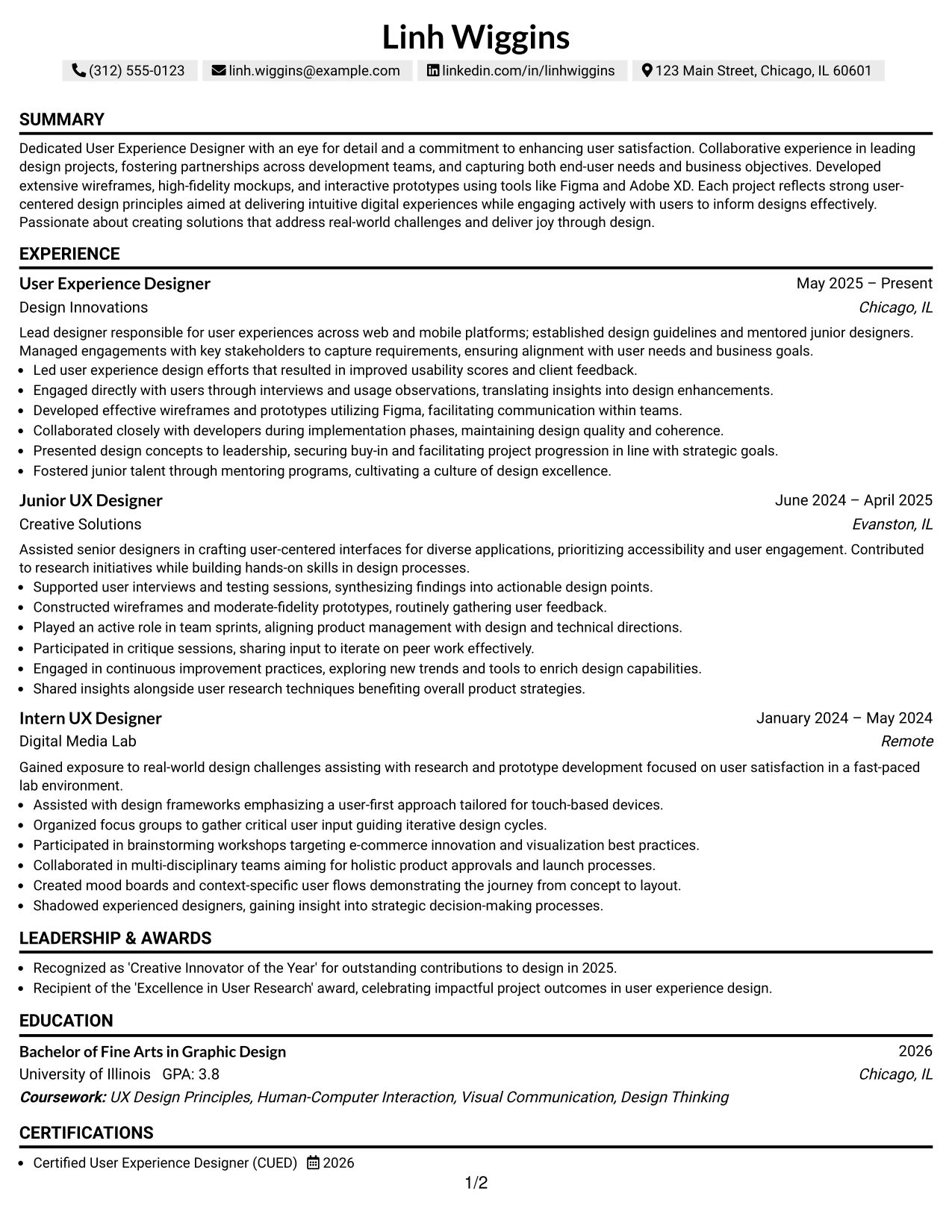
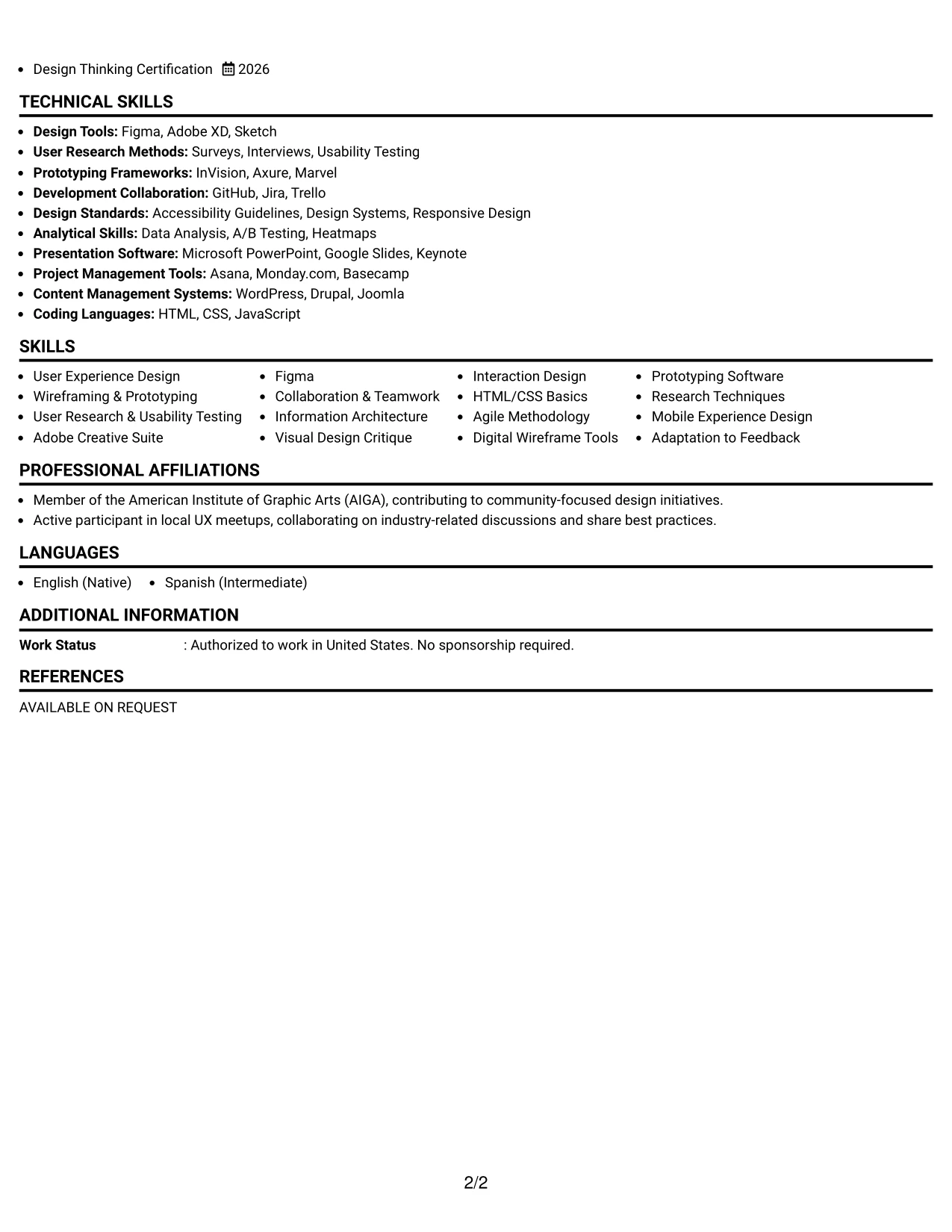
Why the Text/Fang Style Works for a Resume
- Facilitates clear sectioning, making it easier for recruiters and ATS to navigate Linh's qualifications.
- Highlights concise bullet points, essential keywords, and measurable outcomes relevant to UX design.
- Effective for online submissions, ensuring the format resonates with parsing technology.
- Organizes essential experiences and projects for early-career professionals like Linh, encouraging clarity.
- Focuses on significant achievements without lengthy narratives, ensuring impactful communication.
- Incorporates targeted keywords that enhance visibility in applicant tracking systems associated with UX roles.
- Well suited for candidates looking to direct attention to substantial UX-related content rather than embellishments.
Best For
- ATS-Friendly Applications in Design
- User Experience Internship Candidates
- Roles Focusing on Content Creation and User Research
- Early-Career Positions in Digital Marketing
- Project-Focused Candidates Seeking UX Opportunities
#9 User Experience Designer Resume Example (One Column Boxed Contact Header Format)
This resume exemplifies a clean one Column Boxed Contact Header Format, emphasizing clarity, ATS compatibility, and effective parsing by recruiters in the UX design field.
The design is strategically structured to highlight Linh's accomplishments and skills that are relevant to the User Experience Designer position.
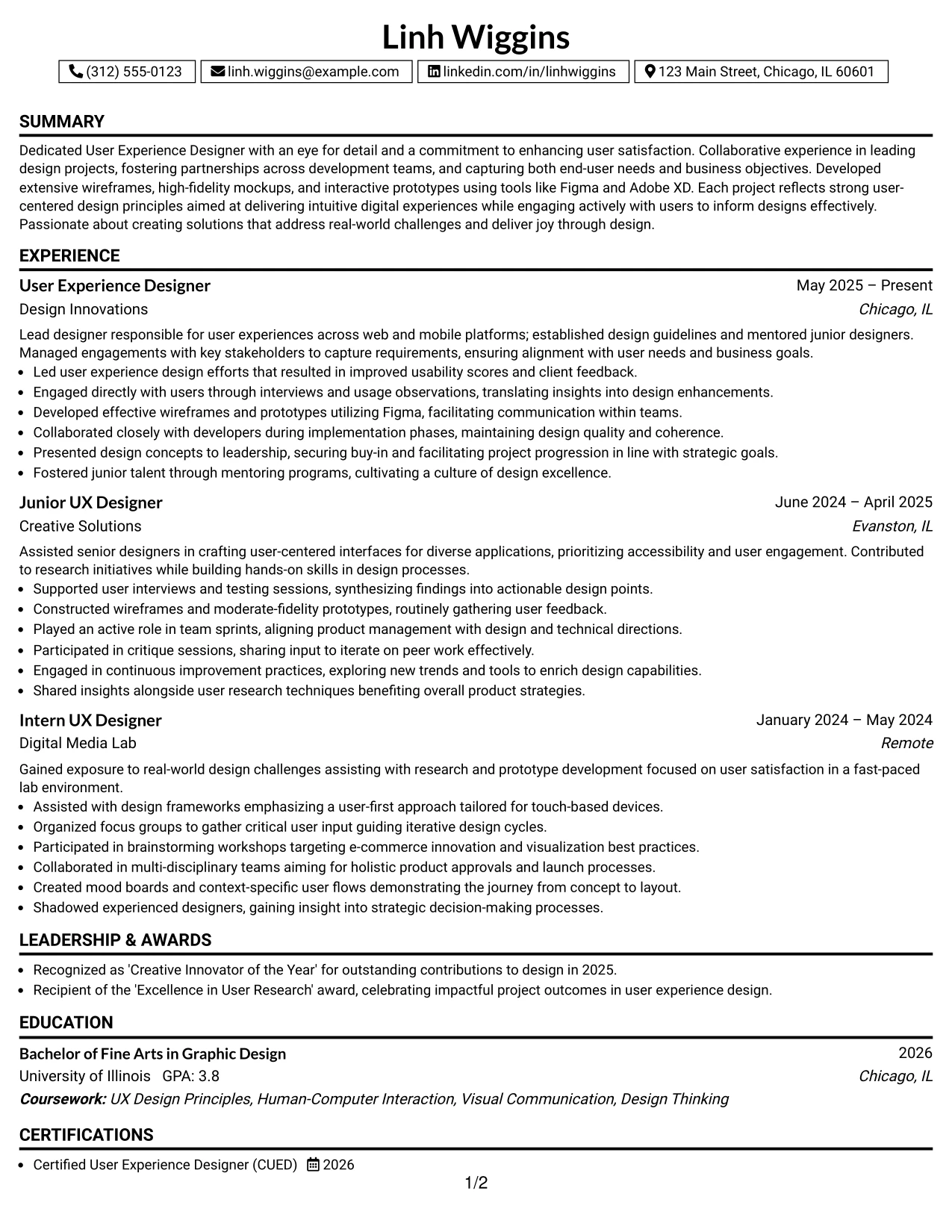
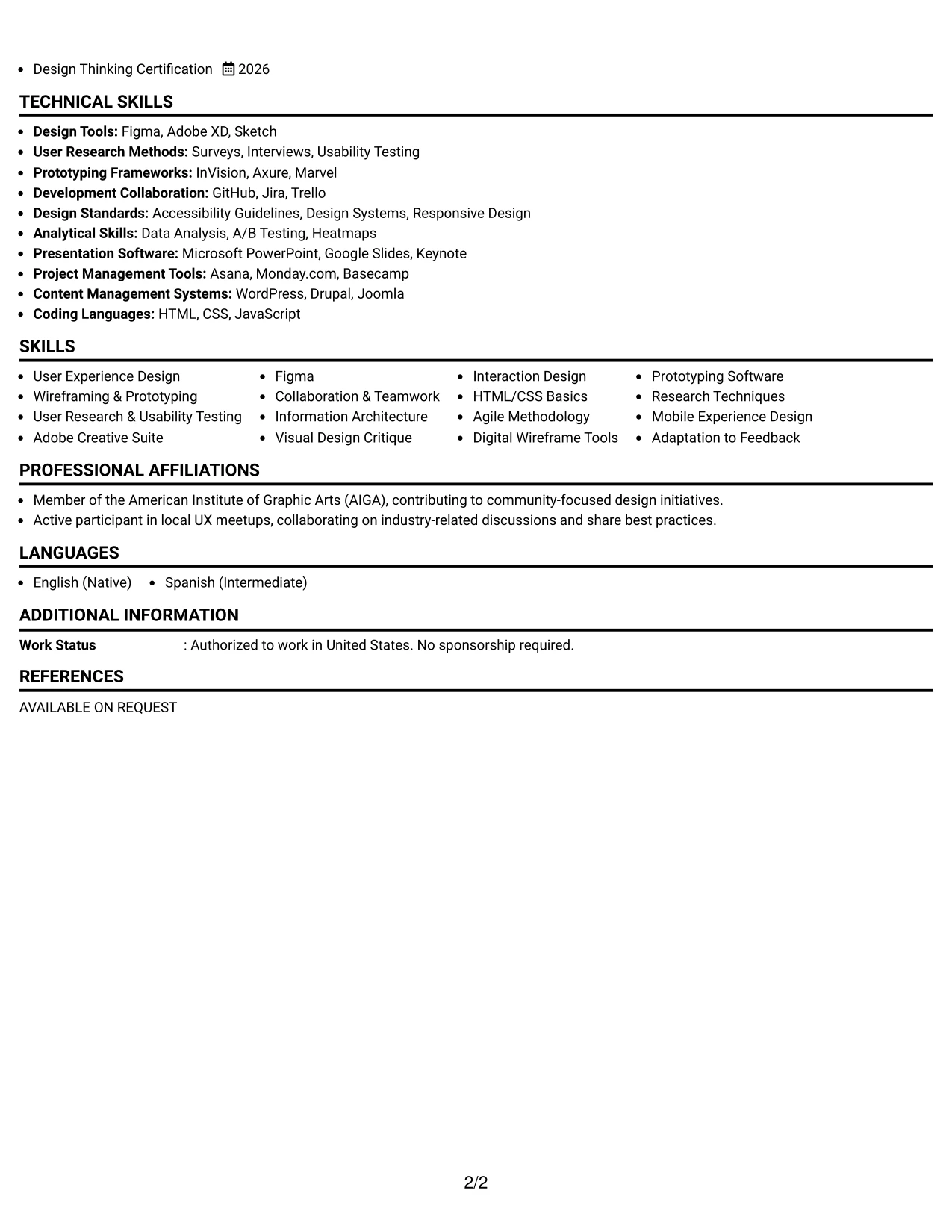
Why the One Column Boxed Contact Header Format Works for a Resume
- Provides a clear structure that enhances the visibility of Linh’s skills and experiences, making them easy to find.
- Directs attention to actionable outcomes and the technical skills she utilized in her projects.
- Encourages concise evaluations, making it particularly suited for roles in digital marketing and UX design.
- Supports early-career candidates in showcasing their academic achievements and hands-on projects effectively.
- Enhances readability while focusing on quantifiable results pertinent to user experience interactions.
- Strategically organizes Linh's competencies, ensuring they are easily identifiable to recruiters.
- Best for candidates who want substantial content to shine rather than decorative elements.
Best For
- Companies in Search of Creative UX Design Interns
- Startups Looking for Innovative Talent
- Interns With Strong Portfolio Presentations
- Positions Requiring Strong Analytical Skills
- Digital Marketing Projects Needing Team Collaboration
- Roles that Involved Video Production Support
#10 User Experience Designer Resume Example (Plain Two Column Format)
This resume showcases a clean plain Two Column Format, distinctly outlining contact information, skills, and core content for quick reference.
The format effectively supports internship candidates, balancing education, hands-on projects, and technical skills relevant to UX design without overwhelming text.
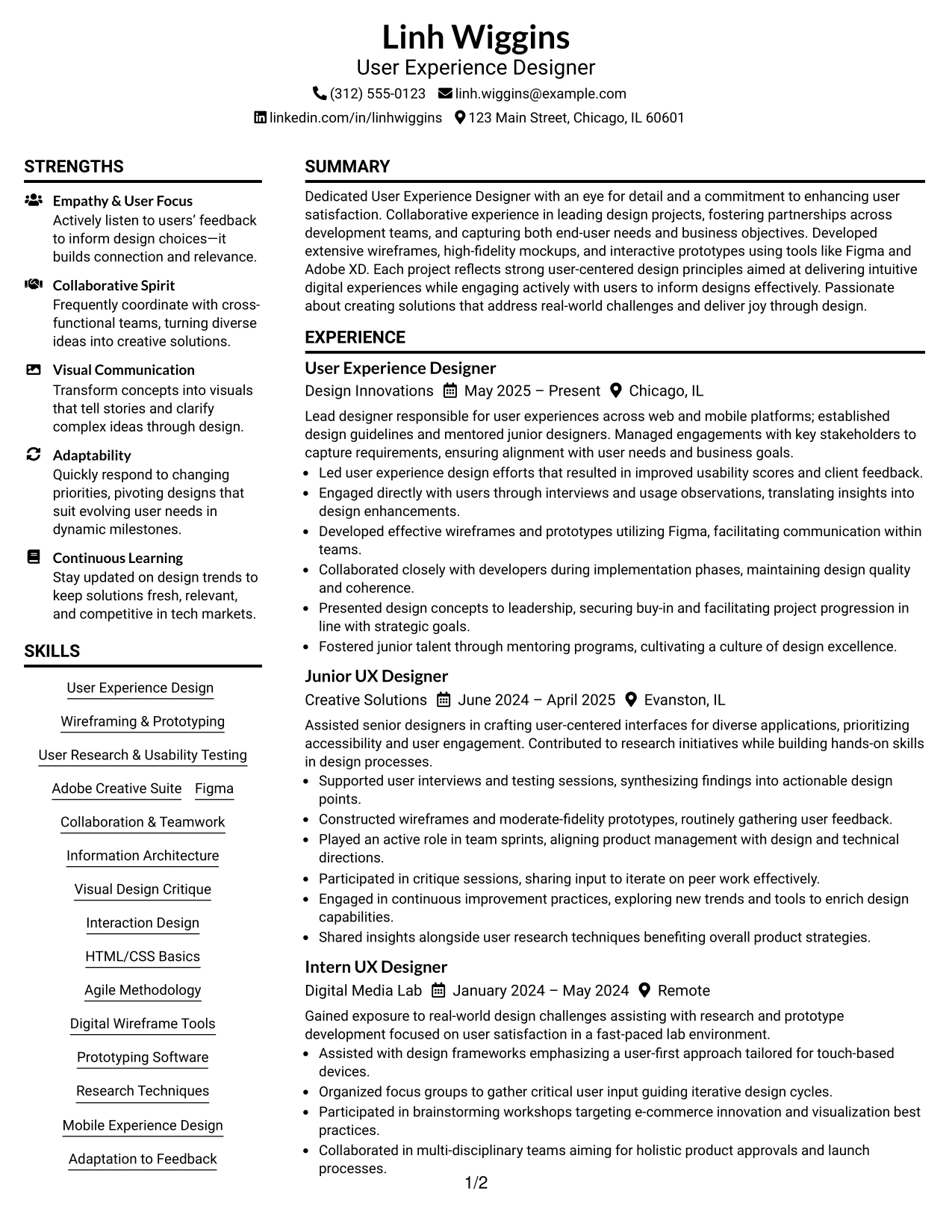
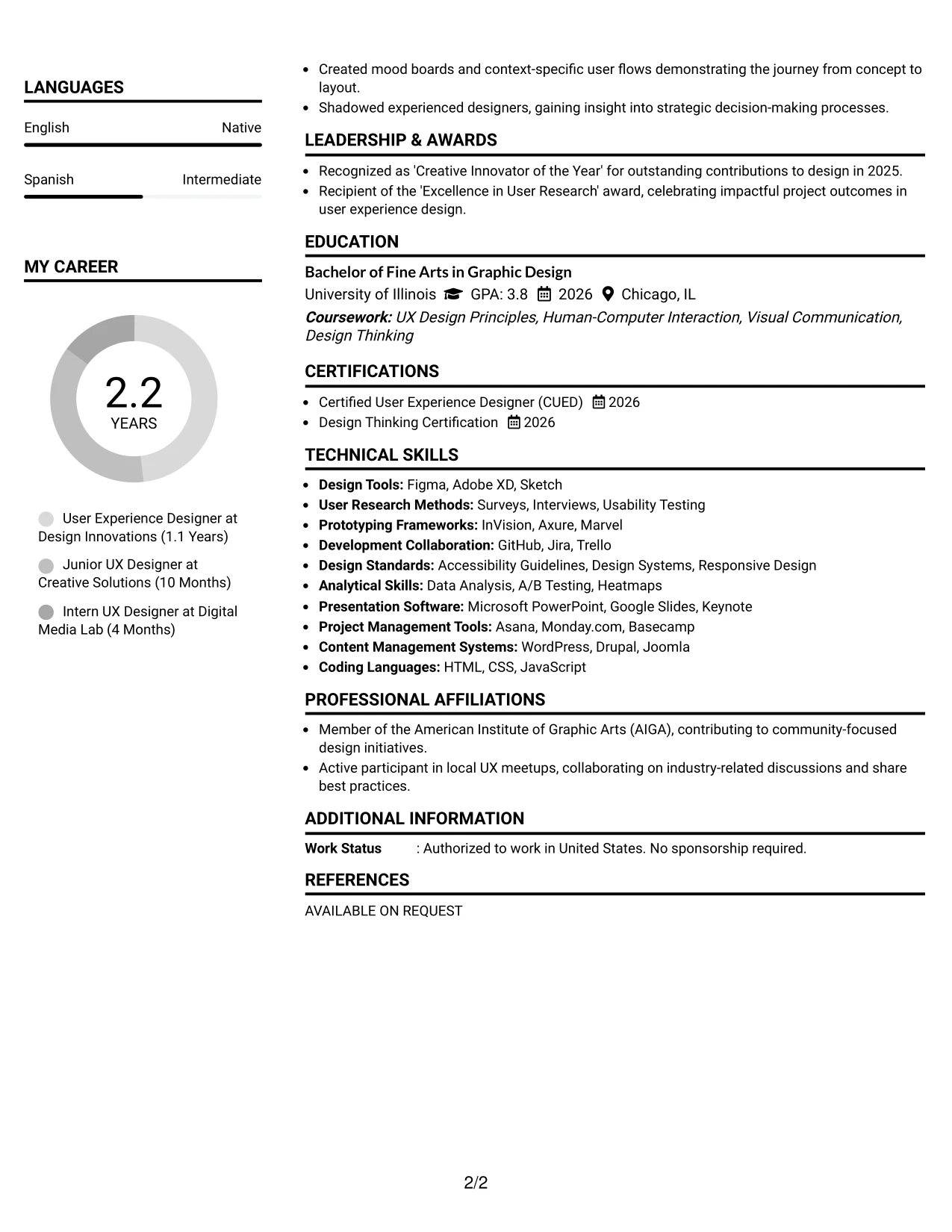
Resume Snapshot
- Name: Linh Wiggins
- Education: BFA in Graphic Design
- Target Role: User Experience Designer
- Resume Focus: Projects, User Research, Technical Skills, Prototyping, Collaboration in Team Environments, Design Thinking
Why the Plain Two Column Format Works for a Resume
- Separates essential contact and skill sections efficiently, allowing for quick access to foundational details.
- Makes technical skills, including design tools and project links, accessible for recruiters.
- Facilitates quick navigation to prioritized sections crucial for Linh’s job applications.
- Establishes a clean visual hierarchy while maintaining a polished look overall.
- Enhances ATS compatibility through clearly defined headings and organized text structure.
- Well-suited for students combining coursework, projects, and practical experience pertinent to user design roles.
- Maintains focus through structured bullet points and organized sections, guiding recruiter reviews.
Resume Keywords Matched From Job Description
- User Experience Designer
- User Research
- Usability Testing
- Wireframing
- Prototyping
- Team Collaboration
- Design Principles
- Adobe XD
- Figma
- Project Management
#11 User Experience Designer Resume Example (Colored Two Column Format)
This resume employs a vibrant colored Two Column Format, skillfully creating a distinct visual hierarchy for Linh’s sections including summary, projects, experience, education, and skills.
By using color, the format effectively highlights Linh's achievements, focusing on user-centered design projects and skills relevant to UX roles in dynamic environments.
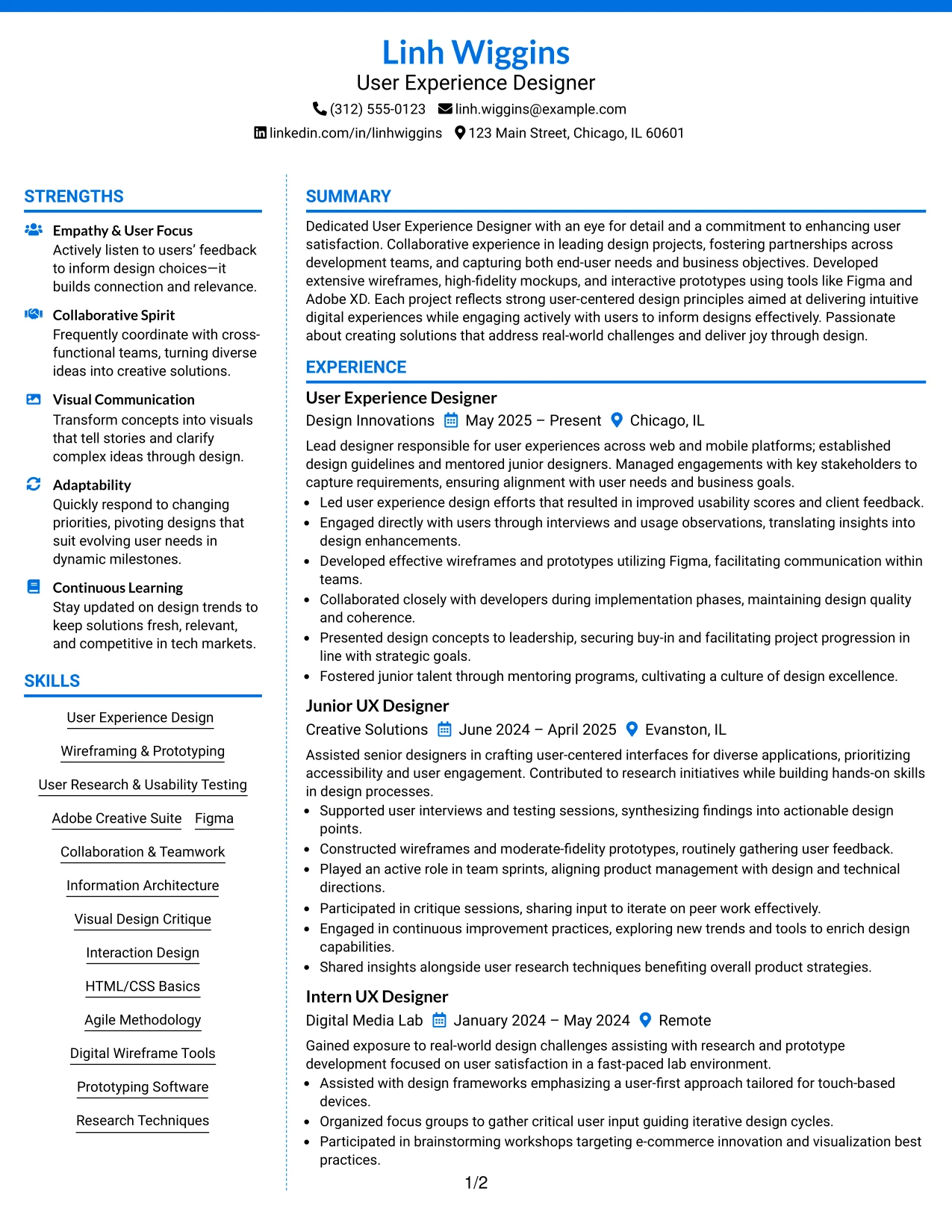
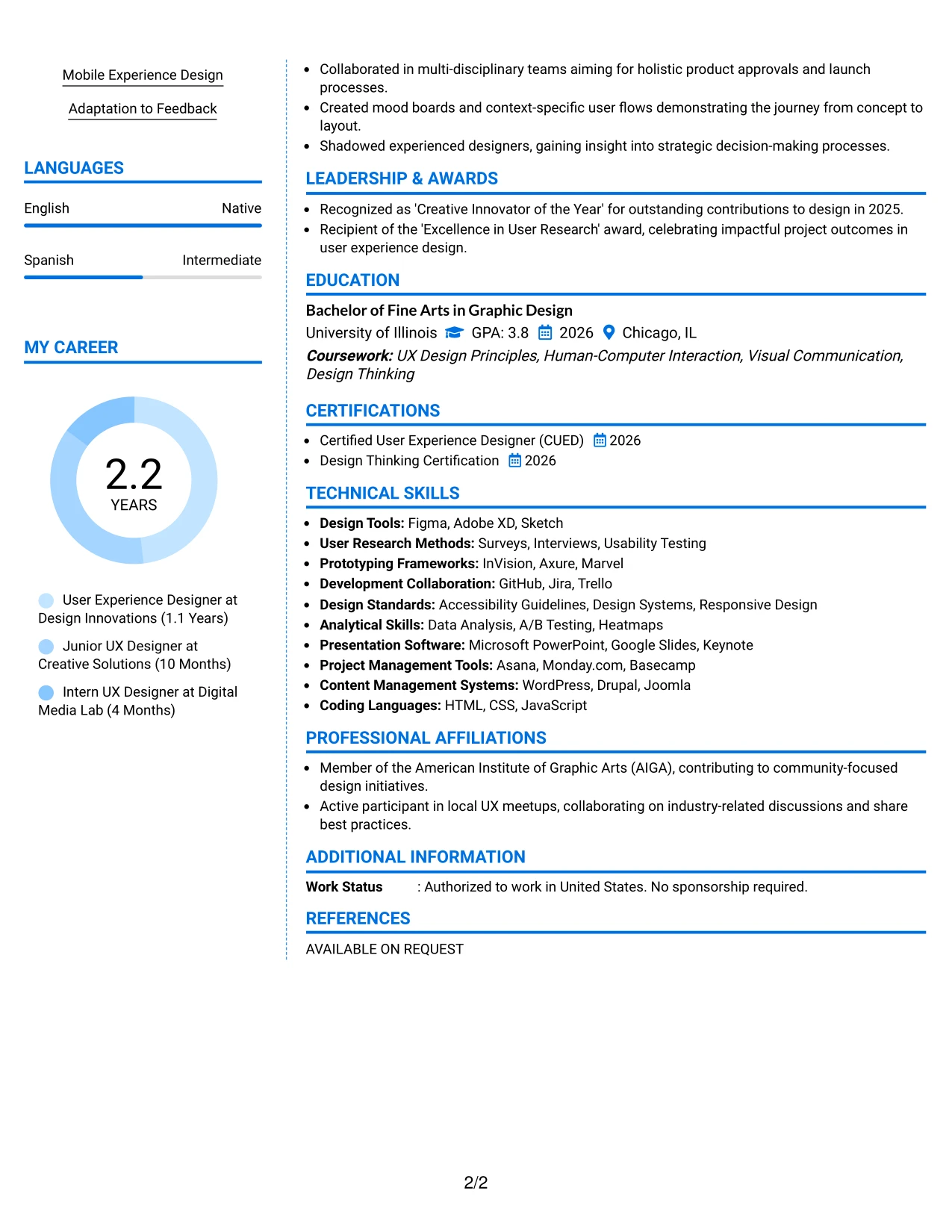
Why the Colored Two Column Format Works for a Resume
- Employs color strategically to guide readers through Linh’s resume sections seamlessly.
- Accentuates Linh's project achievements, skill sets, and tools used for a dynamic presentation.
- Caters to creative roles, ensuring readability while showcasing innovative abilities.
- Ideal for internships focused on marketing and UX roles where creativity is a plus.
- Emphasizes demonstrable skills and achievements over lengthy descriptions, enhancing impact.
- Promotes the inclusion of portfolios where design aesthetics reflect Linh's approach in projects.
- Combines modern stylistic elements with a well-organized resume format for maximum effect.
Best For
- Innovative Tech Companies Emphasizing User Experience
- Creative Recruitment Events at Universities
- Positions Where Portfolios are Essential
- Startups Embracing New Ideas in UX Design
- Diverse Marketing Teams Focused on Innovation
- Dynamic Environments Cultivating Growth in UX Practices
#12 User Experience Designer Resume Example (One Column Shaded Contact Header Format)
This resume format utilizes a stylish one Column Shaded Contact Header Format to create a compelling visual structure that effectively highlights Linh Wiggins' summary, projects, experience, education, and skills.
The design draws attention to critical elements while emphasizing Linh’s technical expertise, showcasing skills in design tools relevant to user experience.
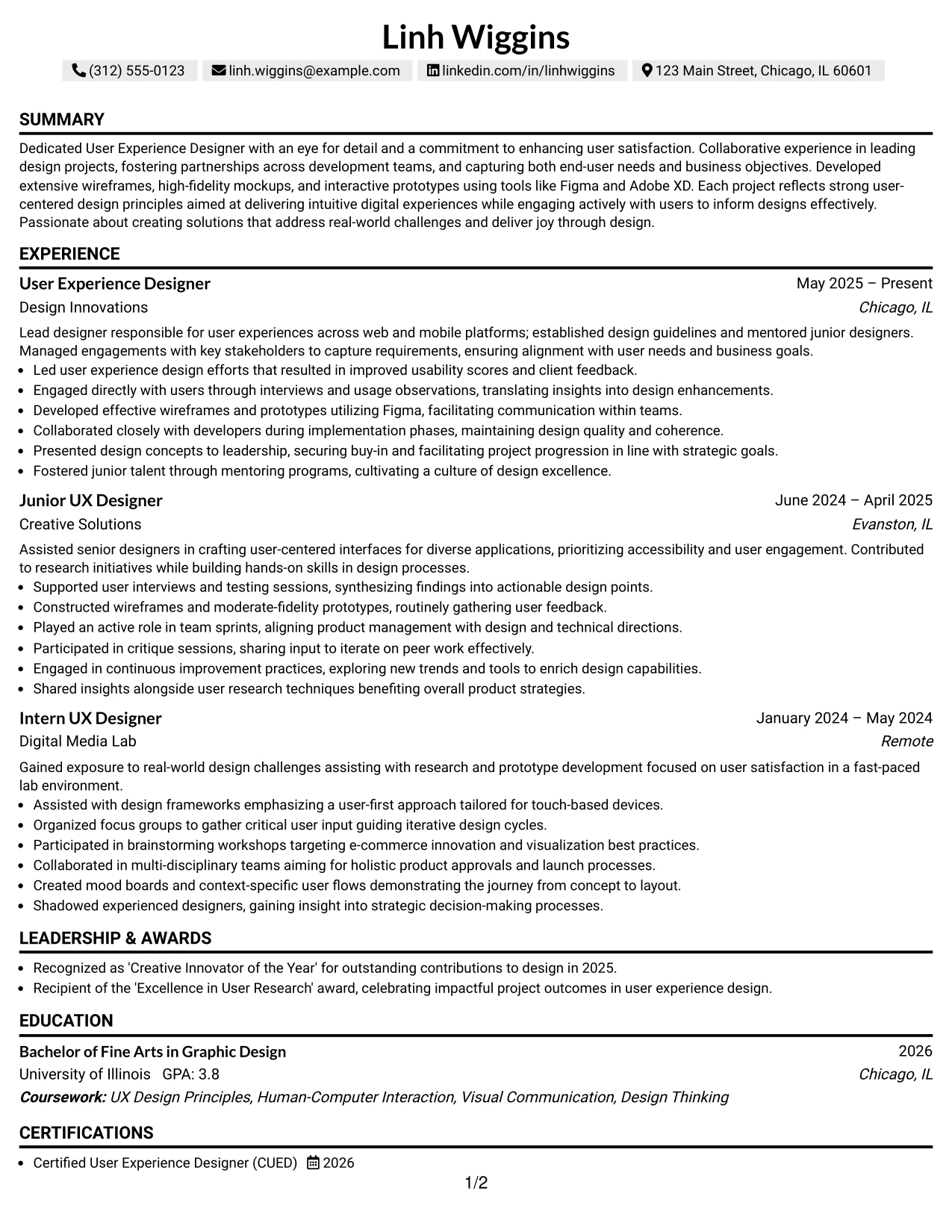
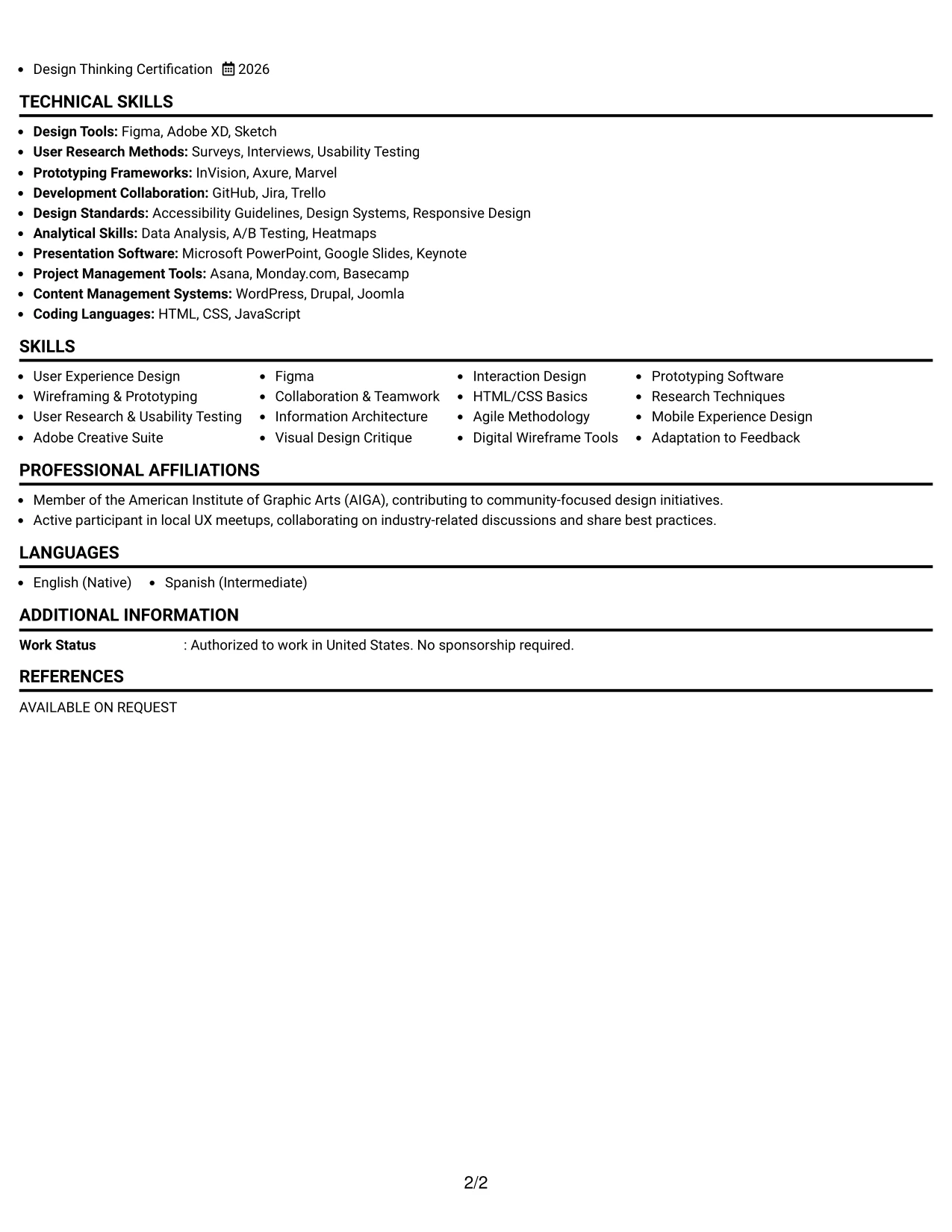
Why the One Column Shaded Contact Header Format Works for a Resume
- This format uniquely showcases Linh's qualifications by guiding readers through essential sections visually, enhancing focus on key information.
- Highlights vital design projects and tools, aligning with the demands of user-centric design roles.
- Demonstrates Linh's creativity in presenting qualifications without sacrificing accessibility.
- Ideal for applications that require clarity and organization, especially in the UX field.
- Shifts attention towards practical outcomes and skills rather than conventional narratives.
- Supports applications aimed at portfolios that thrive on modern layout styles.
- Balances innovative design with crucial resume components effectively.
Best For
- User Experience Design Firms Seeking Talents
- Internships in Digital Design and Development
- Positions Requiring User Research and Testing Skills
- Engaging with Interactive Design Projects
- Collaborative Environments Emphasizing Technical Skills
- Entry-Level Roles within Design Teams
- Applications Highlighting Practical Experience with UX Tools
- Data-Focused Projects in User Experience Contexts
- Website and Mobile App Development Careers
- Positions in User-Centered Design
#13 User Experience Designer Resume Example (Boxed Contact Header with Job Title Format)
This resume, Linh Wiggins is presented using a streamlined boxed Contact Header with Job Title Format, ensuring that each section is clear and easily navigable by both recruiters and ATS systems.
This design effectively emphasizes Linh’s qualifications, coursework, and experiences relevant to UX design roles.
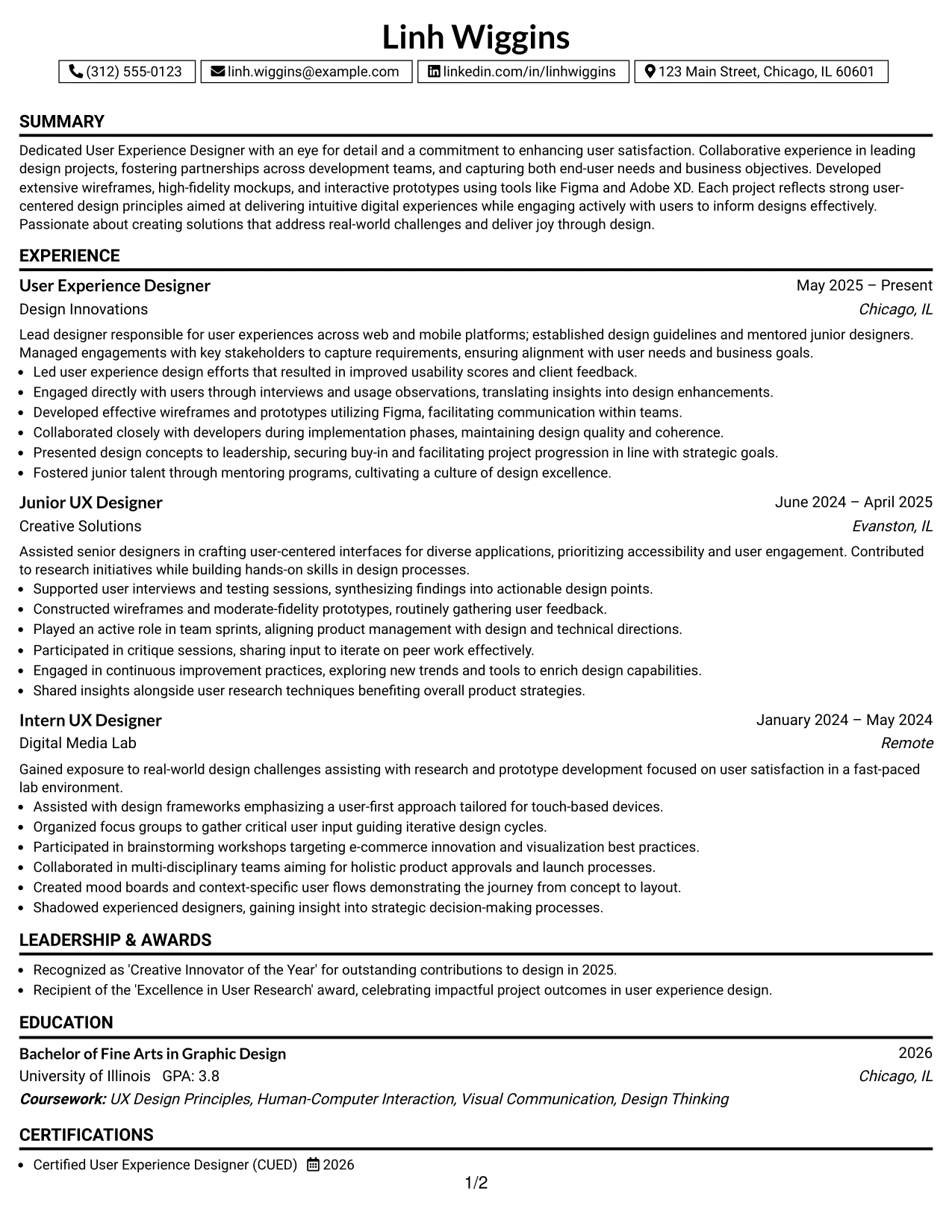
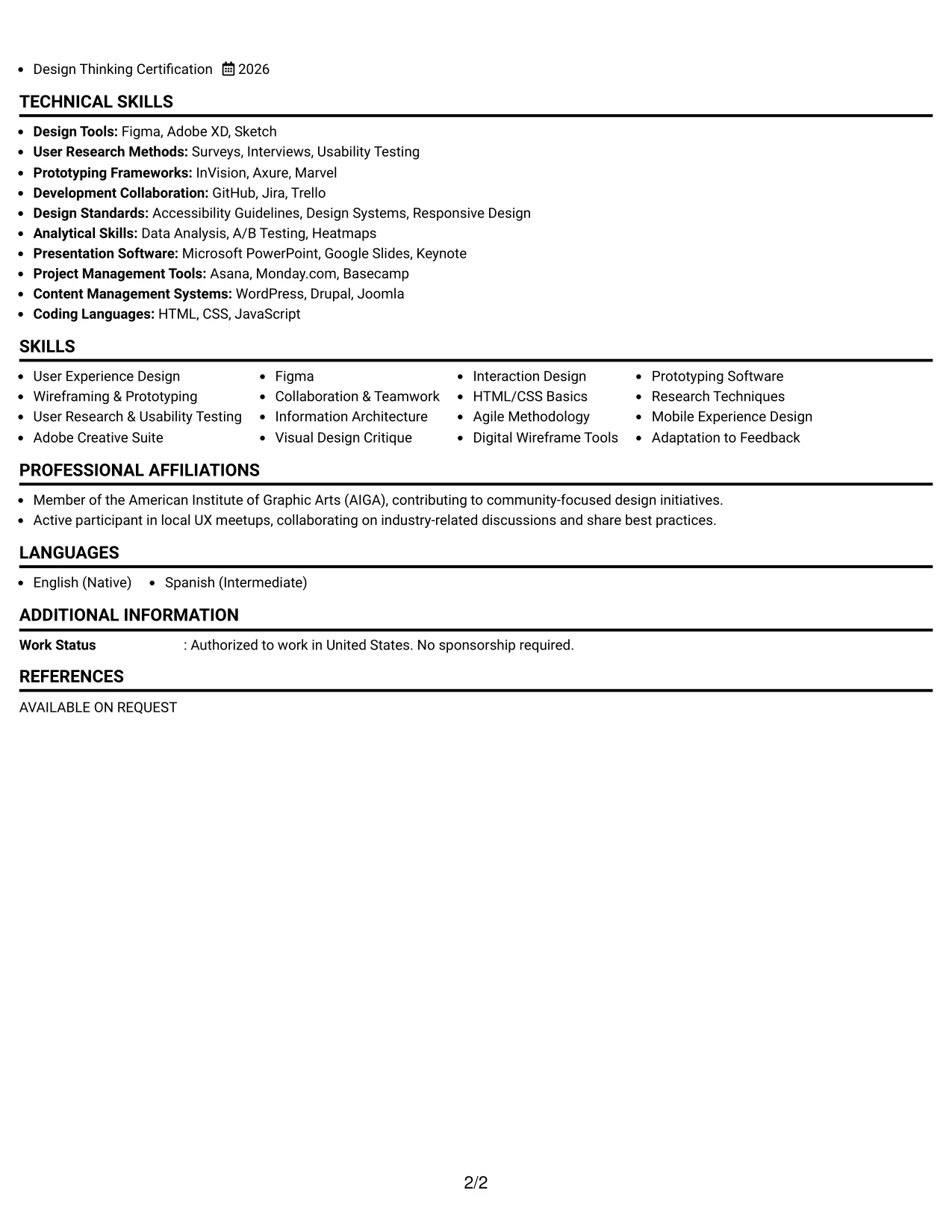
Why the Boxed Contact Header with Job Title Format Works for a Resume
- Creates a clear structure that optimizes ATS compatibility while allowing Linh's UX skills and design experiences to stand out.
- Prioritizes outcome-driven projects and research expertise, making qualifications transparent at a glance.
- Facilitates organized evaluations for hiring managers focused on design competency.
- Enhances Linh’s positioning as a strong candidate for early-career UX roles through coursework representation.
- Reduces the possibility of overwhelming detail while emphasizing concise, impactful achievements.
- Promotes an emphasis on relevant UX keywords connected to research and usability.
- Best for candidates aiming for clarity over decorative embellishments in their applications.
Best For
- Internship Programs in User Experience Design
- Entry-Level UX Roles in Tech Firms
- Hands-On Design Experience Applications
- Early-Career User Research Positions
- Students Pursuing Interactive Design
- Project-Based Roles in Digital Design
- Recruiters Screening for Technical Proficiency
- Applications Emphasizing UX Collaboration Skills
- Internships Requiring User-Centered Approaches
- Keyword-Driven Resume Submissions for UX
#14 User Experience Designer Resume Example (Stylish Two Column Designer Format)
This resume features an organized stylish Two Column Designer Format, categorizing contact details, skills, and achievements into scannable sections.
This layout effectively showcases Linh's education and UX projects while avoiding dense text blocks, making it ideal for internship positions.
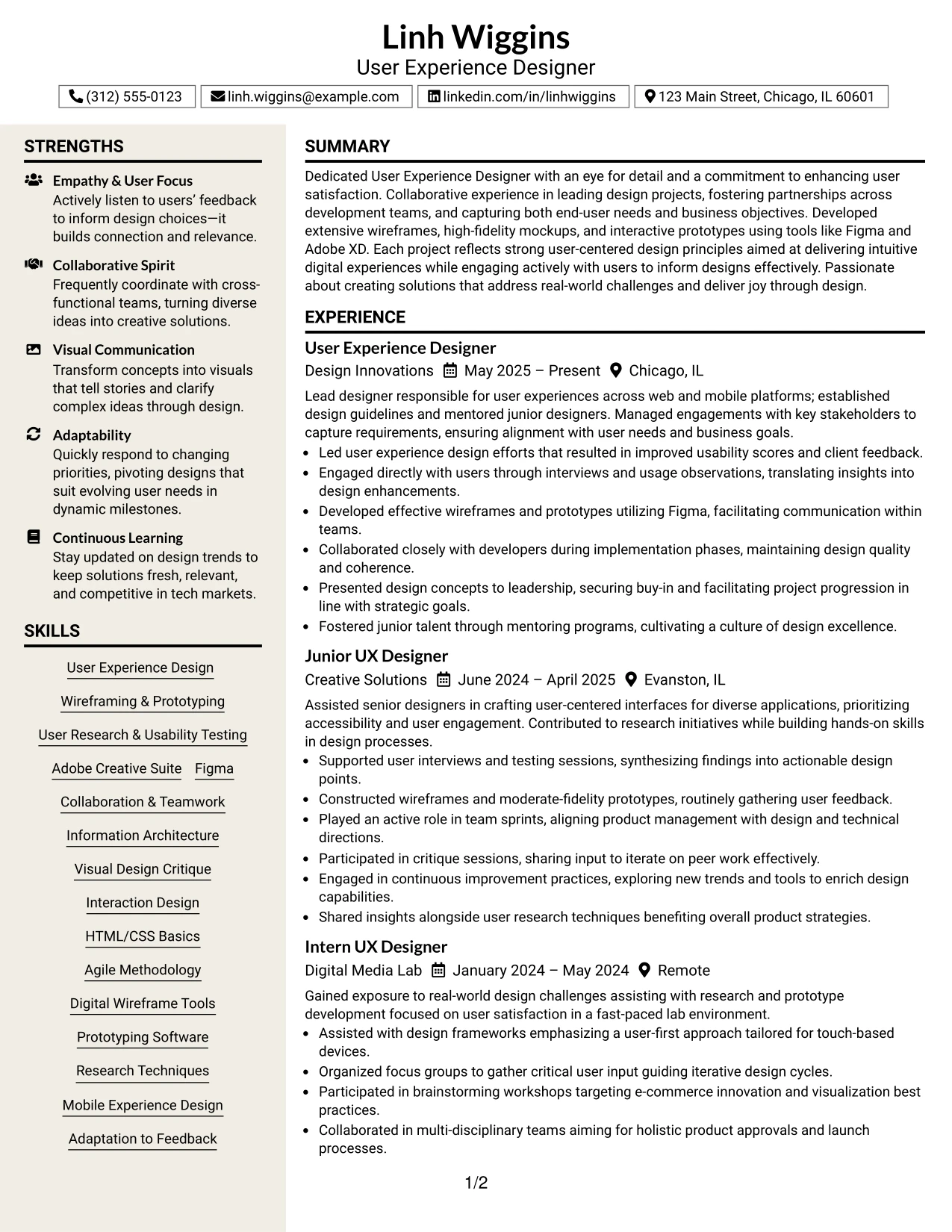
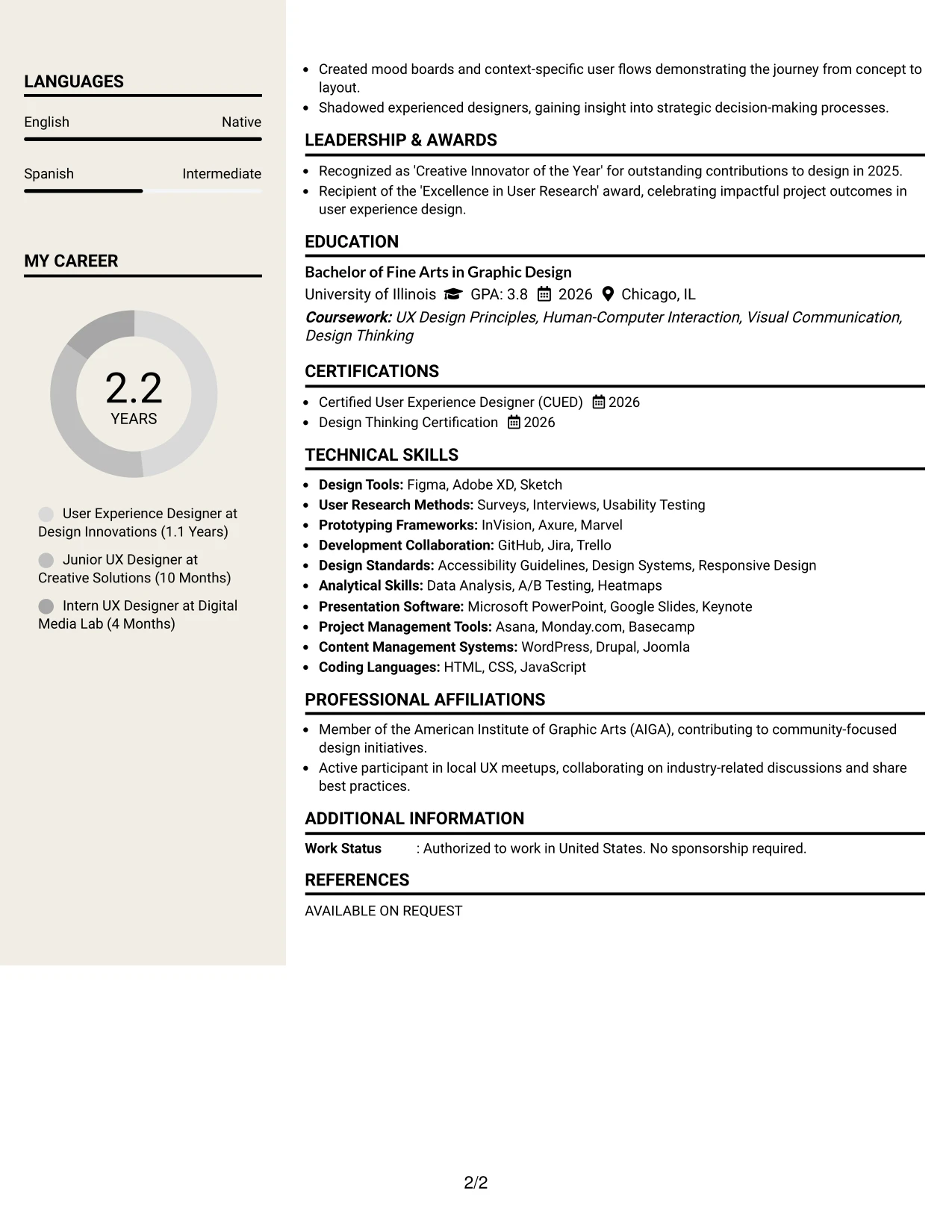
Why the Stylish Two Column Designer Format Works for a Resume
- Distinctly separates crucial sections such as contact information and achievements to enhance readability.
- Makes it easy for recruiters to locate skills, design tools, and project references efficiently.
- Facilitates quick access to preferred sections of interest, allowing for efficient evaluations.
- Creates a professional visual hierarchy that supports Linh's qualifications.
- Enhances ATS alignment through preserved structured headings.
- Best for students showcasing a blend of projects and hands-on work in UX.
- Ensures the resume remains focused through concise bullet points and well-defined sections.
Best For
- ATS-Friendly UX Design Applications
- Marketing Internship Roles Requiring Design Skills
- Positions Focused on User-Centered Content Development
- Engagement in Digital Experience Projects
- Early-Career Design Professionals
- Students Aiming for Practical UX Experience
- Candidates Showcasing Project Portfolios
- Resume Review Processes for UX Design
- Targeting Effective Keyword Resumes for User Experiences
#15 User Experience Designer Resume Example (Modern Icon Format)
This resume showcases a well-organized modern Icon Format, efficiently separating contact details, skills, and accomplishments within the document.
This format is particularly effective for internship candidates, presenting a balanced view of education, UX projects, and design technologies without overwhelming the reader.
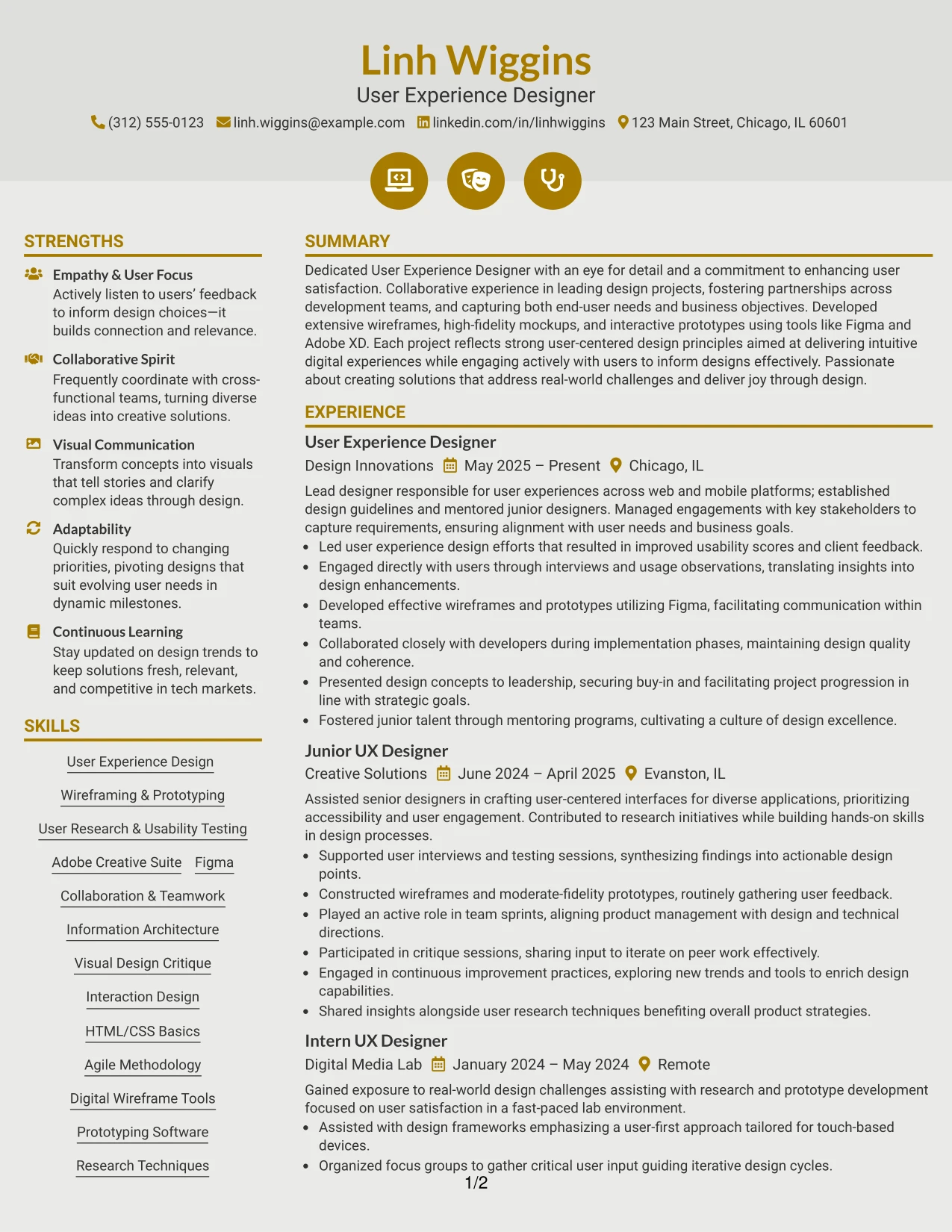
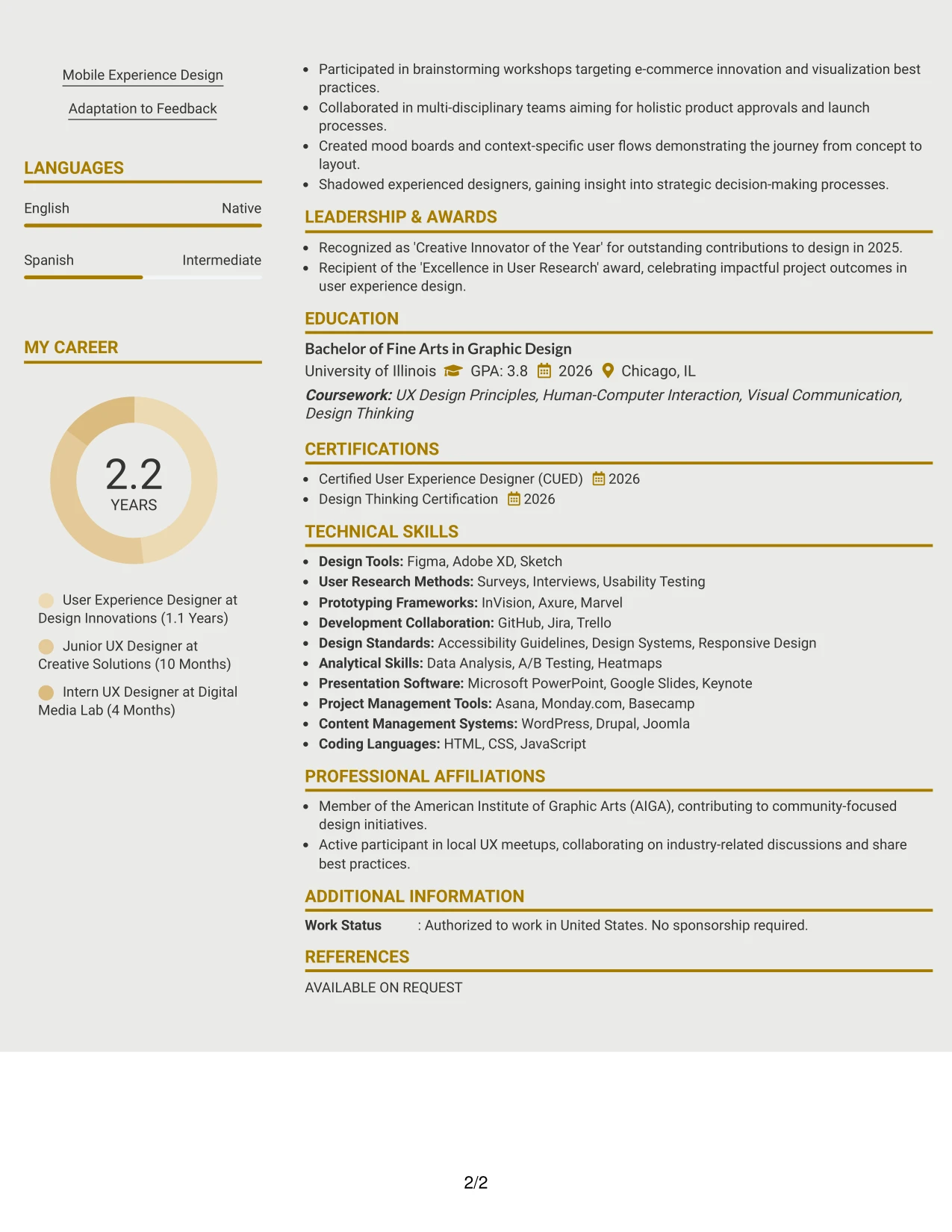
Why the Modern Icon Format Works for a Resume
- Effectively separates contact information and skills from main accomplishments for easy tracking.
- Enhances scan-ability and readability of relevant tools, user research methods, and project details.
- Empowers quick access to key sections for recruiters assessing Linh's fit in UX roles.
- Maintains professionalism while leveraging visual hierarchy for clarity and impact.
- Aids ATS compliance by clearly identifiable sections and headings.
- Well-suited for candidates balancing educational backgrounds with hands-on UX experience.
- Focuses on core content through distinctive and organized bullet points.
Best For
- Creative Organizations in UX and Design
- Internship Applications at Tech Startups
- Positions Requiring UX Portfolio Considerations
- Creative Campaign Support Roles
- Projects Involving User Experience Strategies
- Internships Focusing on Data-Driven Design
- Proficiency with UX Tools and Software
- Entry-Level Positions in Interactive Design
- Marketing Candidates with UX Skills
- Applications Helping to Showcase User-Centric Projects
#16 User Experience Designer Resume Example (Plain Professional Layout with Job Title & Shaded Labels)
This resume features a modern plain Professional Layout with Job Title & Shaded Labels, facilitating a clean visual hierarchy that makes Linh Wiggins’ summary, projects, experience, education, and skills easily digestible.
This structure highlights key areas of focus while showcasing Linh’s design and user experience skills relevant to the field.
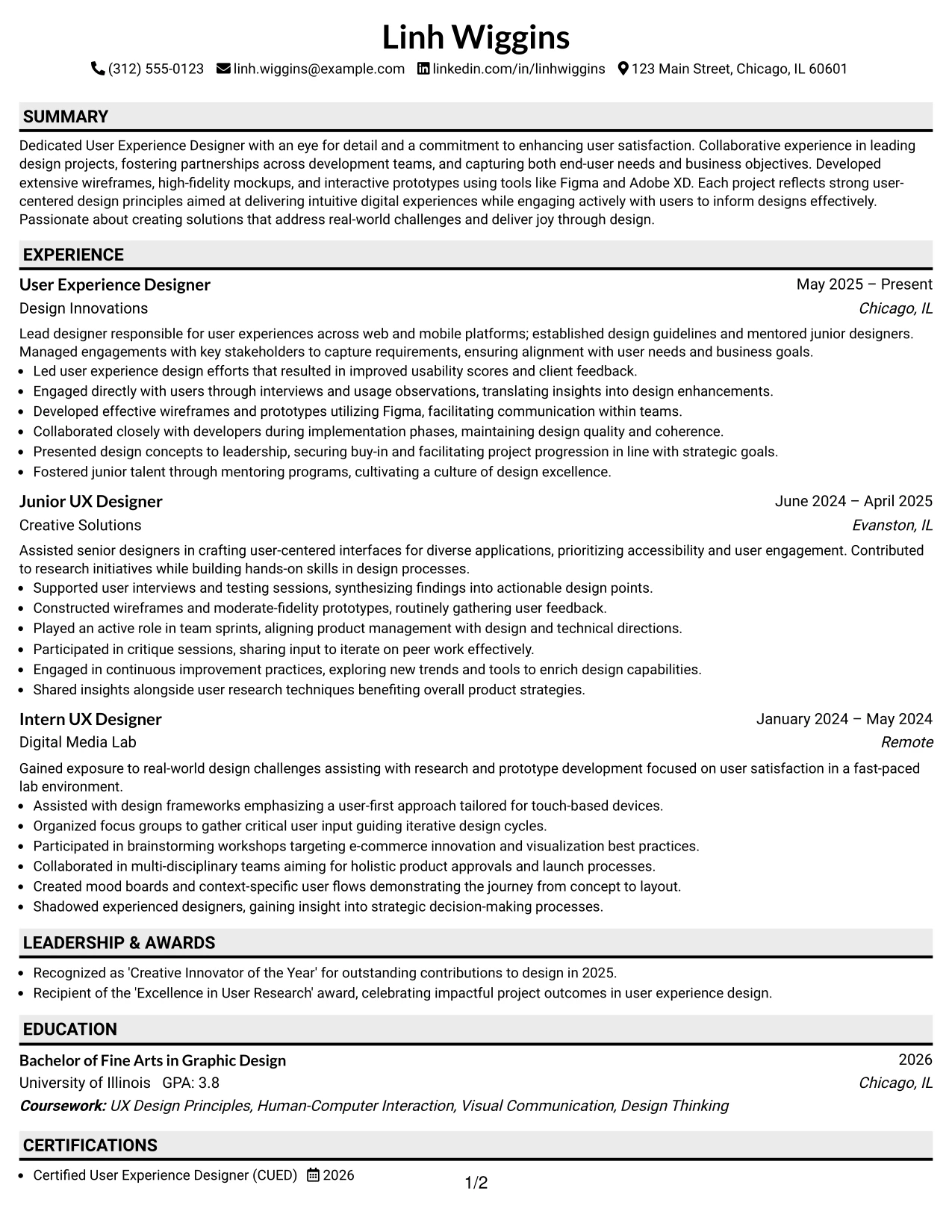
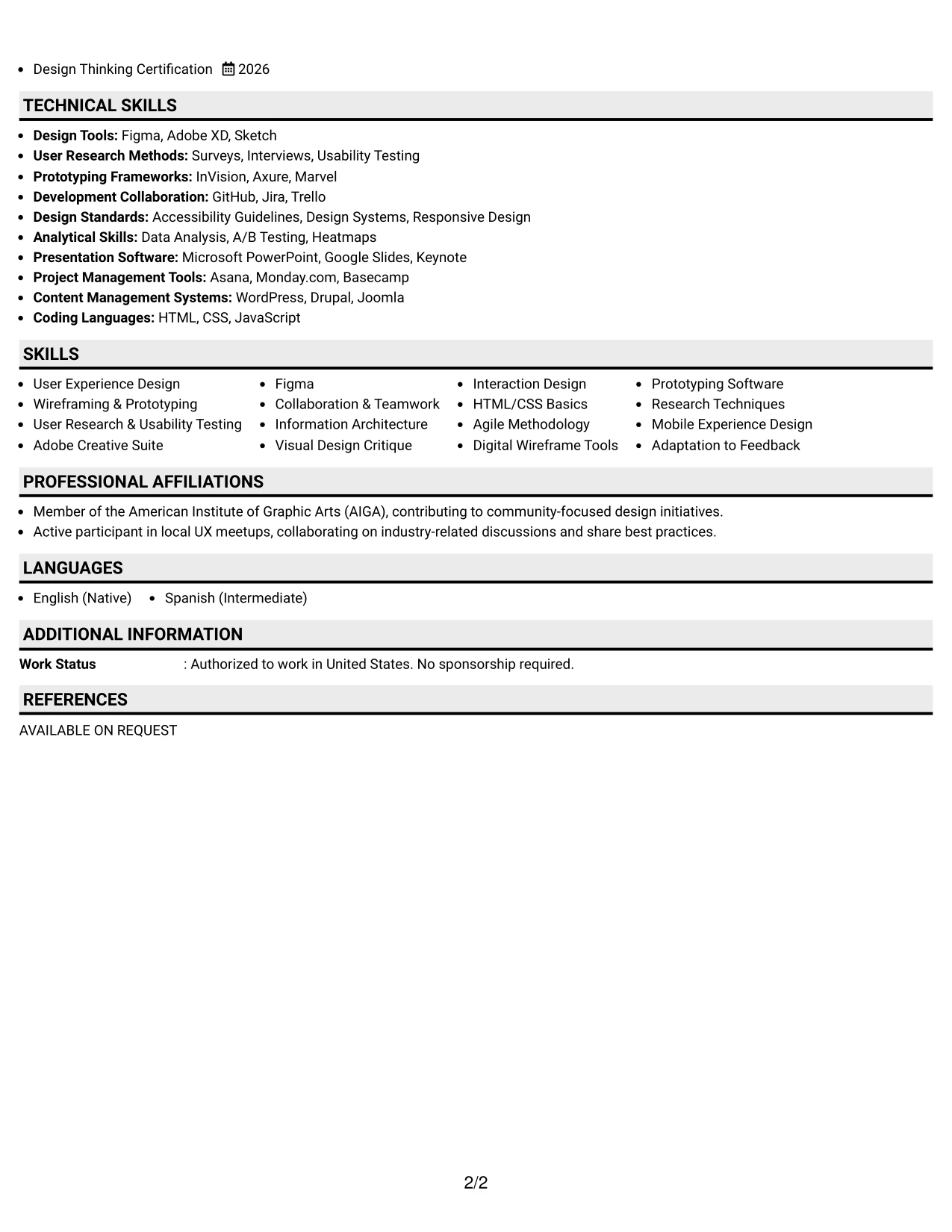
Why the Plain Professional Layout with Job Title & Shaded Labels Works for a Resume
- This layout guides the reader through various sections efficiently, enhancing readability and recruiter access.
- Highlighted elements like project achievements and design tool experience make key aspects of Linh’s expertise stand out.
- Maintains a polished appearance while allowing creative presentation of relevant qualifications.
- Ideal for applications emphasizing skills in user experience design and digital content.
- Focus on tangible outcomes enhances alignment with expectations for UX roles.
- Supports applications that require clarity and a structured layout.
- Strikes a balance between functionality and visual appeal in design-oriented applications.
Best For
- Innovative Companies in User Experience and Design
- Internship Opportunities Related to Digital Interfaces
- Creative Roles in UX and Marketing
- Campaign Internships Requiring User Interaction Focus
- Work Environments Valuing User-Centric Design
- Opportunities in Data-Driven UX Analysis
- Project-Oriented Teams Supplying Collaborative Learning
- Applicants Following Modern UX Design Trends
- Dynamic Companies Looking for Adaptable Designers
- Performances Highlighting Design Thinking Skills
#17 User Experience Designer Resume Example (Classic One Column Resume Format)
This resume utilizes a clear-cut classic One Column Resume Format designed to enhance section visibility, maximize ATS compatibility, and facilitate quick scanning by recruiters.
The layout is particularly effective for candidates eager to showcase relevant academic achievements and practical projects in user experience related to internship roles.
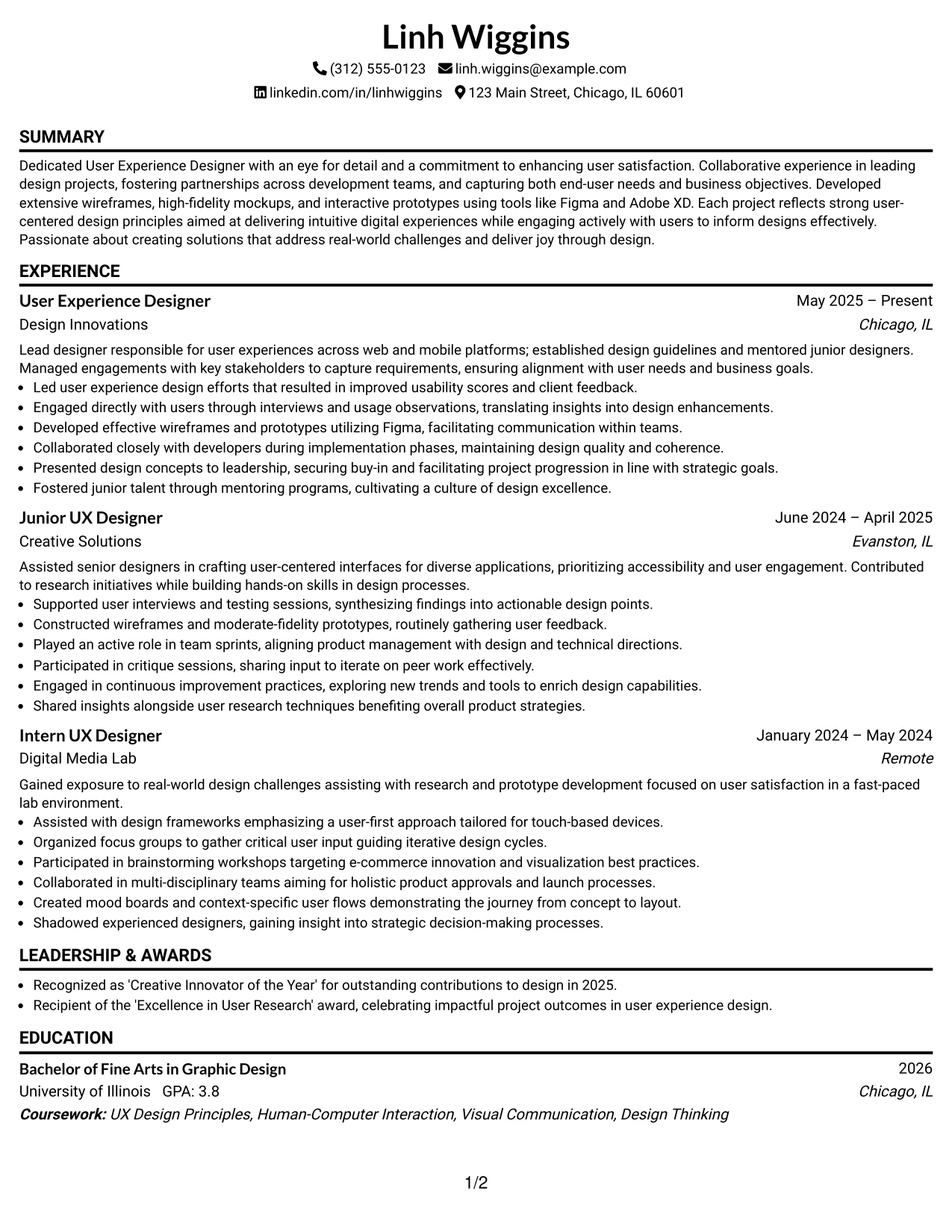
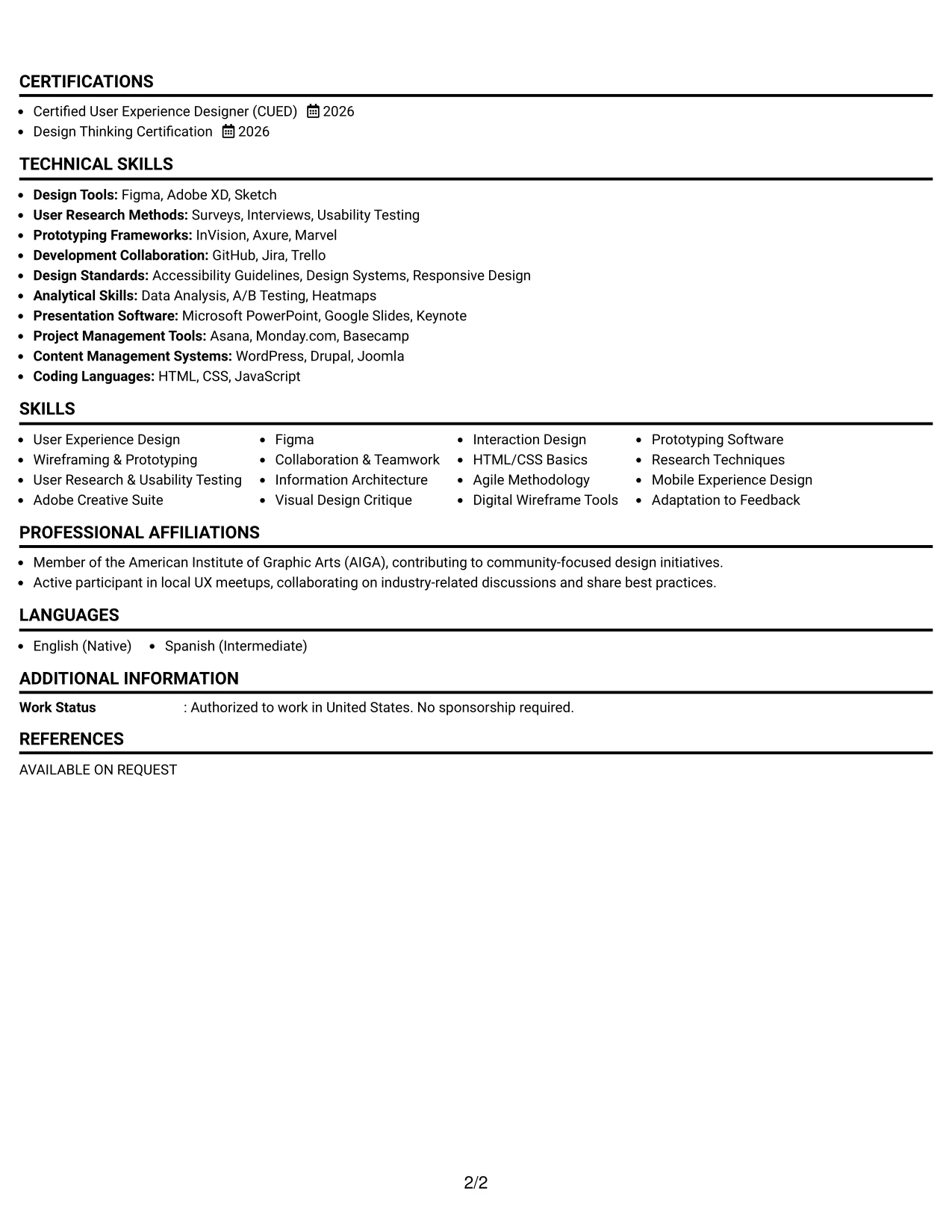
Why the Classic One Column Resume Format Works for a Resume
- Ensures that section organization meets recruiters’ and ATS expectations, particularly for UX-related roles.
- Highlights specific accomplishments, design tools, and personal projects that resonate with expectations for user experience positions.
- Ideal for online applications where readability and parsing by AI systems are critical.
- Enables early-career candidates, like Linh, to clearly display academic projects and internships, emphasizing hands-on experience in user design.
- Minimizes lengthy narratives, focusing on concise and impactful achievements supporting digital marketing efforts.
- Optimizes relevant keyword placement in connection with tools and methodologies, crucial for standing out in UX applications.
- Best suited for candidates looking to highlight their user-centered design experiences over stylistic flair.
Best For
- Internship Programs in User Experience and Technology
- Entry-Level Positions in User Interface Design
- Companies Emphasizing User Experience Strategies
- Applications Requiring ATS-Friendly Formatting
- Organized Resume Presentations
- Collaborative Work Environments
- Academic Institutions Seeking Practical UX Experience
- Tech Companies Focused on Digital Innovation
- Effective Showcasing of Design Projects
- Candidates with Noteworthy Academic Backgrounds
#18 User Experience Designer Resume Example (One Column Format with Photo)
This resume adopts a distinct one Column Format with Photo, streamlining the presentation while effectively promoting Linh Wiggins' branding and professional skills within the UX design environment.
This design is highly beneficial for roles that emphasize clarity and professionalism in UX and interactive design contexts.
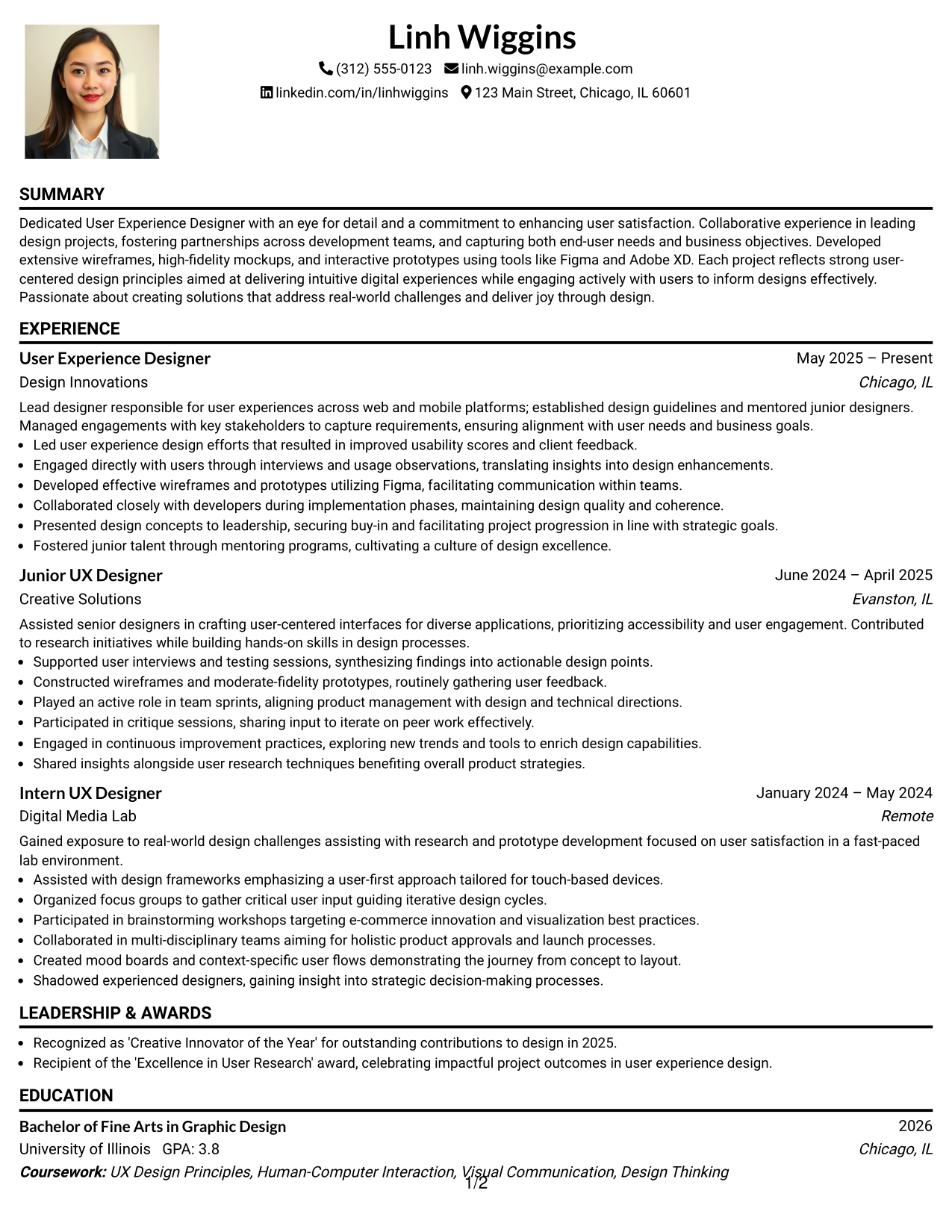
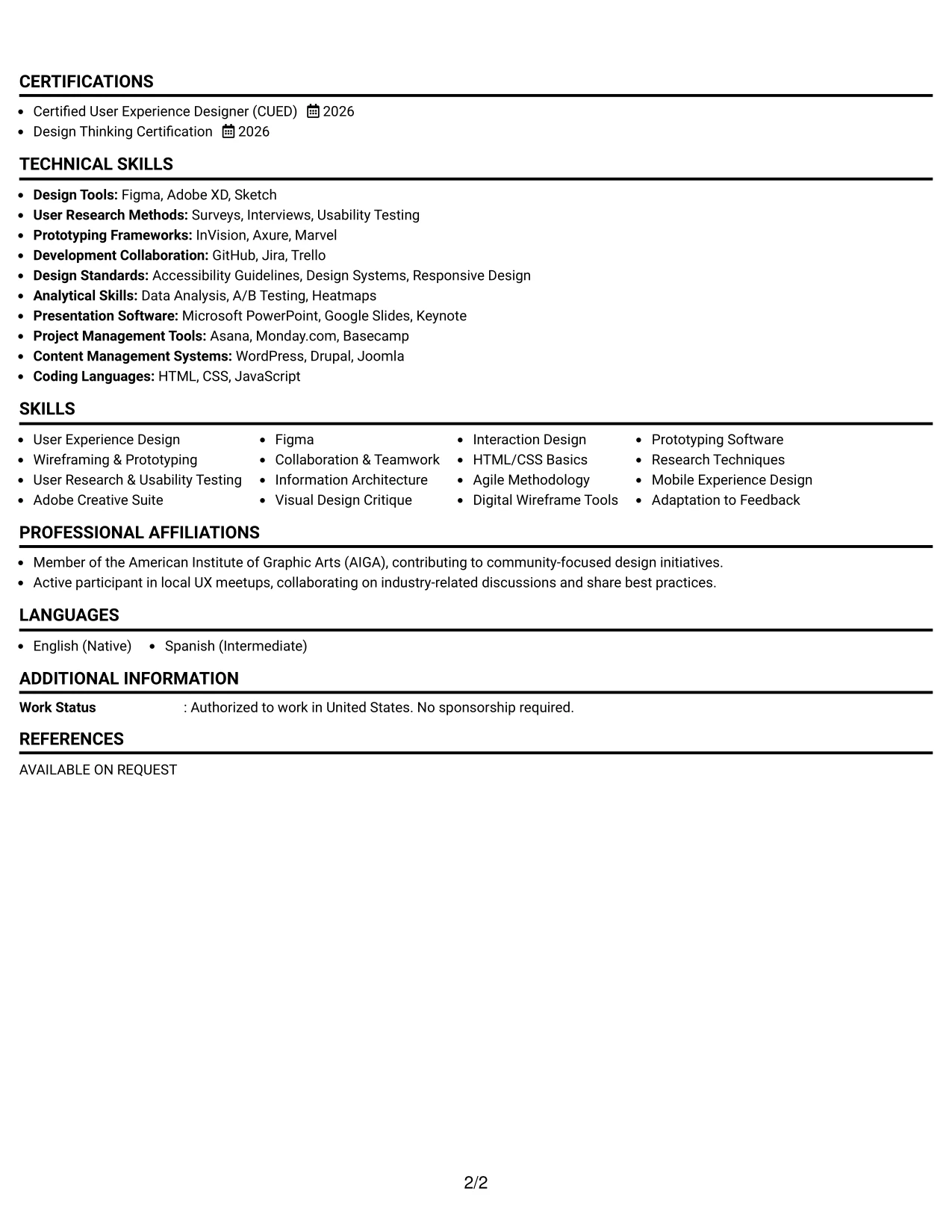
Why the One Column Format with Photo Works for a Resume
- This format emphasizes Linh's personal branding while allowing vital information about her qualifications to shine through.
- Key sections such as the summary, education, and projects are clearly presented, facilitating easy evaluation by recruiters.
- Ideal for creative design roles where visual appeal enhances engagement with potential employers.
- Provides a balanced design that effectively highlights Linh's skills in UX.
- Meets the needs of portfolio-driven submissions while competing for formal positions.
- Encourages professionalism and readability, crucial for competitive applications.
- Utilizes structured content to emphasize Linh's analytical and design skills, fitting for dynamic UX teams.
Best For
- Traditional Corporate Environments in UX
- Campus Recruitment for Design Internships
- Online Applications Requiring Clear Presentation
- Opportunities Valuing User-Centered Design
- Creative Agencies Seeking Dynamic Candidates
- Review Processes for UX Interns
- Submissions Focused on ATS Compatibility
- Digital Marketing Roles Seeking UX Proficiencies
- Entry-Level UX Positions
#19 User Experience Designer Resume Example (Minimal Header Format)
This resume utilizes a streamlined minimal Header Format, emphasizing clarity in sections, ATS compatibility, and efficient recruiter access.
The simplicity of the layout enables Linh’s achievements, relevant projects, and education to take center stage with minimal distraction.
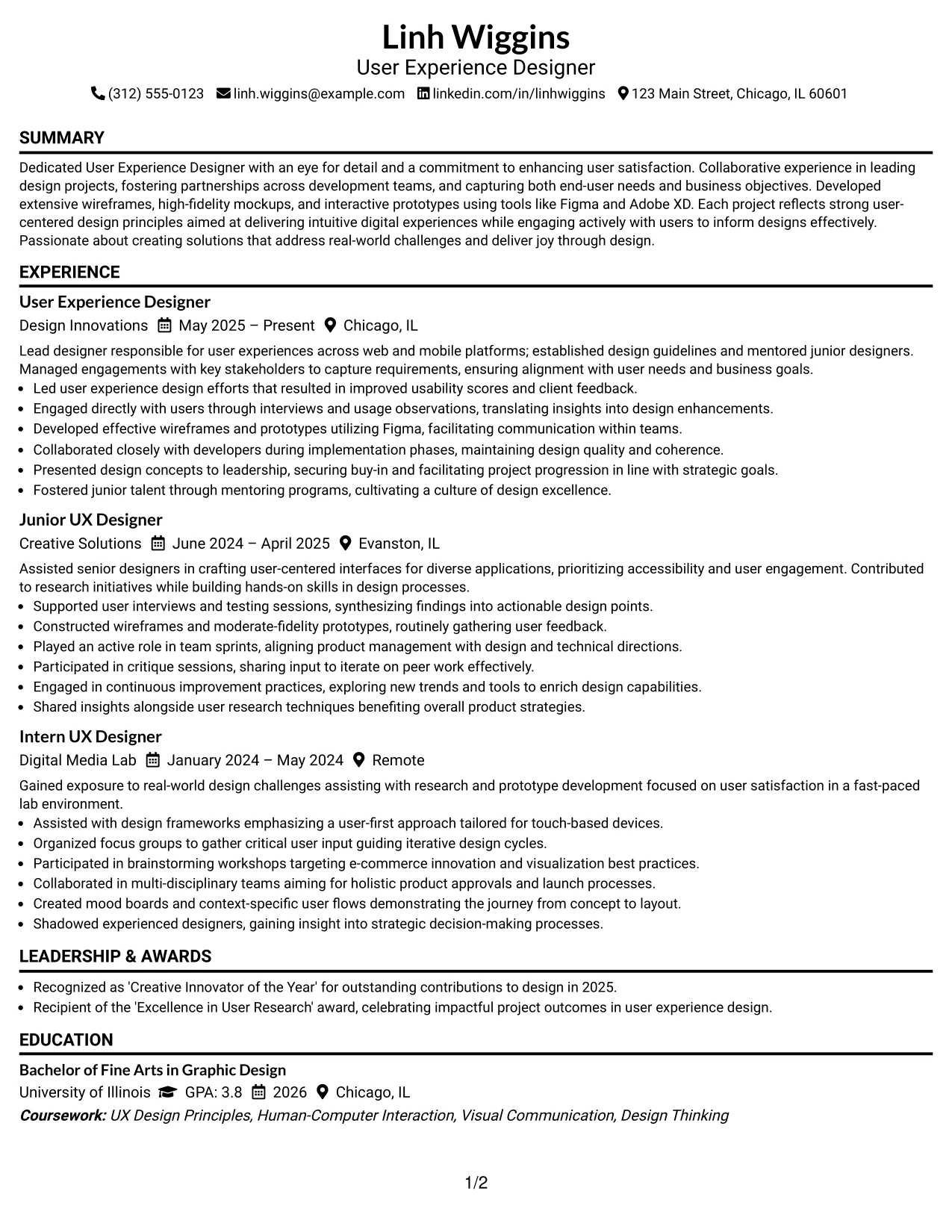
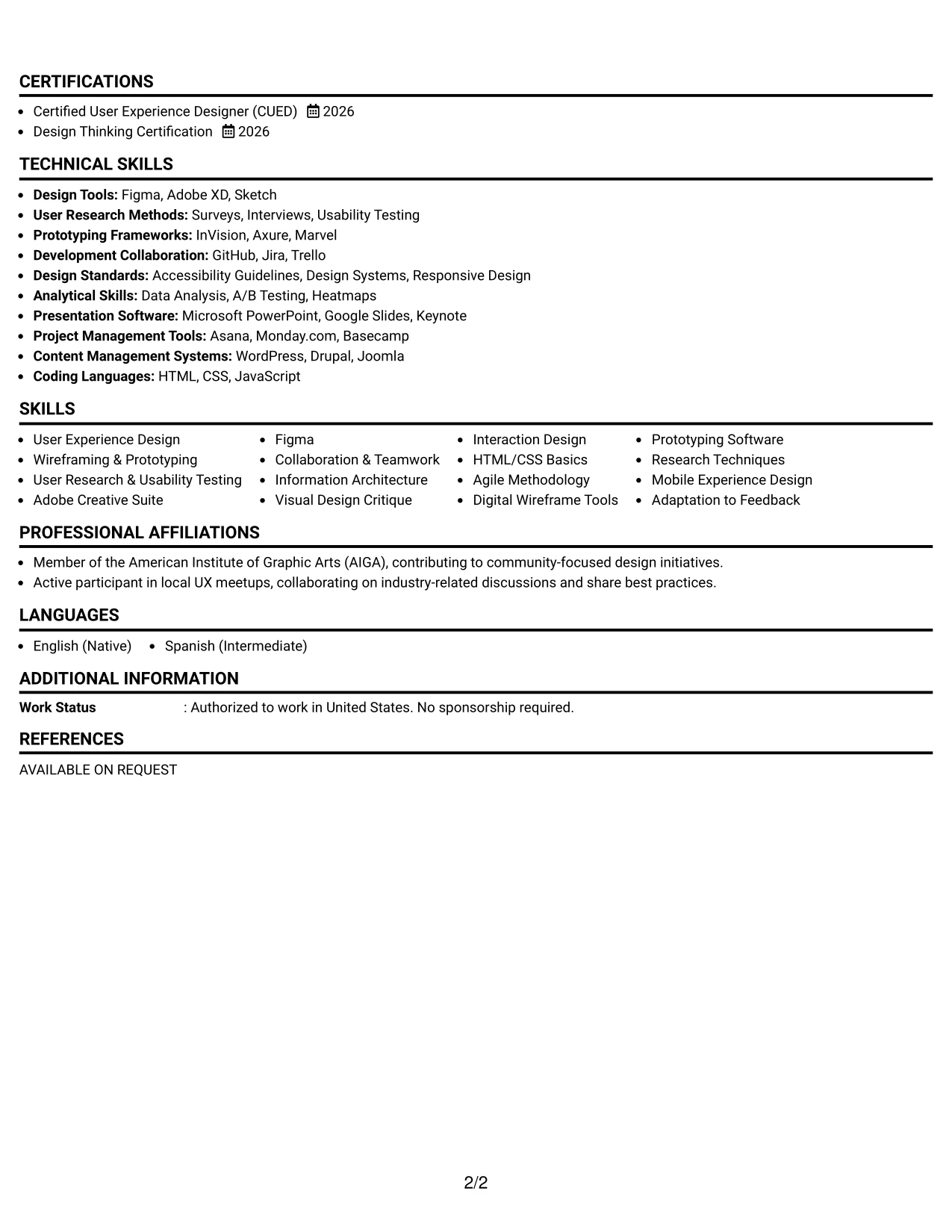
Why the Minimal Header Format Works for a Resume
- Ensures that resume sections are straightforward for recruiters and ATS systems.
- Spotlights Linh’s achievements, core skills, tools used, and contributions effectively.
- Optimized for online applications, ensuring clear parsing and clarity.
- Supports early-career candidates through structured presentation of coursework and projects.
- Avoids lengthy narratives while emphasizing concise, impactful accomplishments.
- Promotes strong keyword alignment related to user experience, research, and design.
- Best suited for candidates who prioritize substantial content over embellishments.
Best For
- Technology-Focused Companies
- Creative Startup Applications in Design
- User Experience and Campaign Support Roles
- Opportunities in Content Management
- Analytics-Centric Internships
- Candidates with Experience in Design Methods
- Entry-Level Positions in User Experience
#20 User Experience Designer Resume Example (Modern Full Background Two Column Format)
This resume adopts a structured modern Full Background Two Column Format, effectively segmenting contact info, skills, and core content for quick navigation.
This format shines for internship applications, as it highlights Linh’s educational background, practical projects, and relevant skills while avoiding cumbersome text blocks.
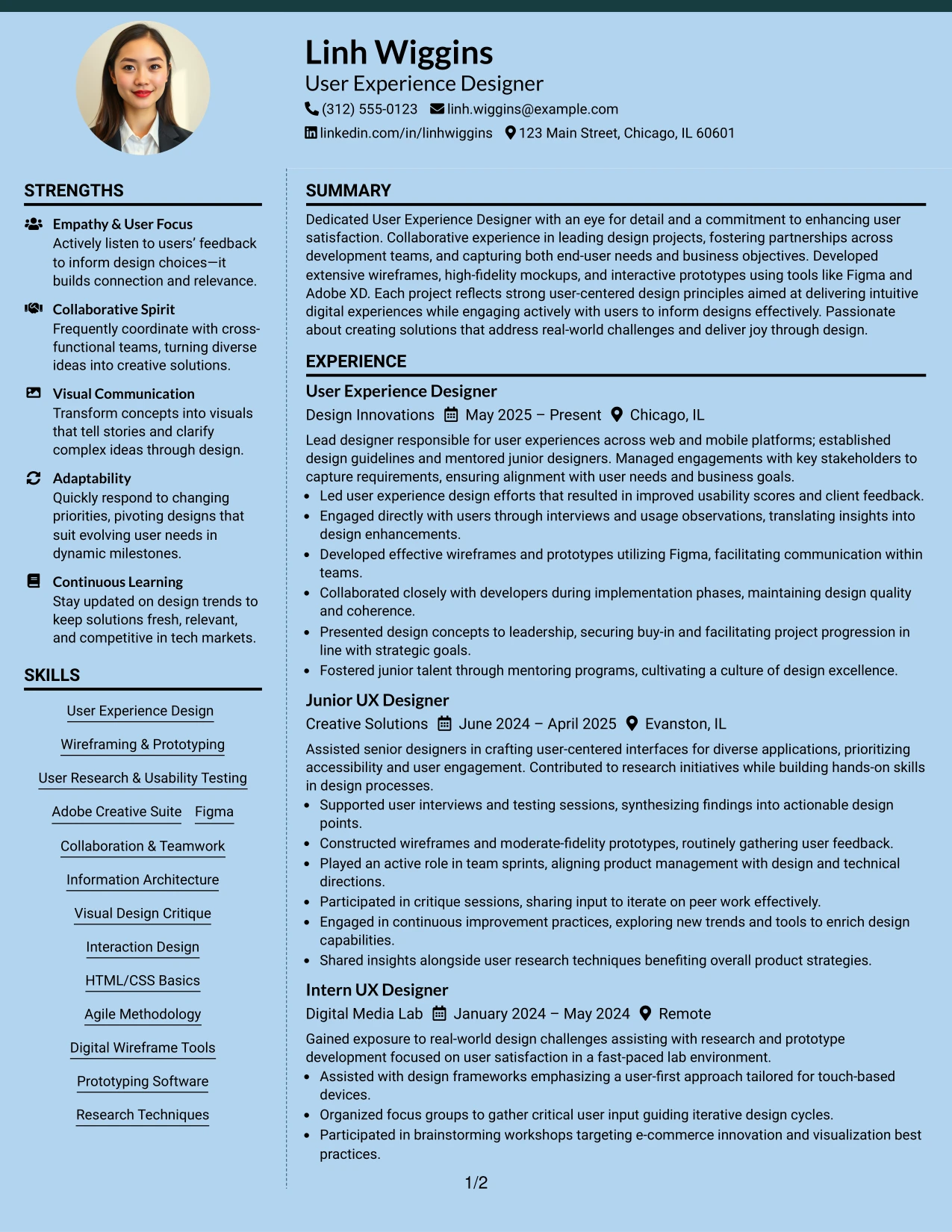
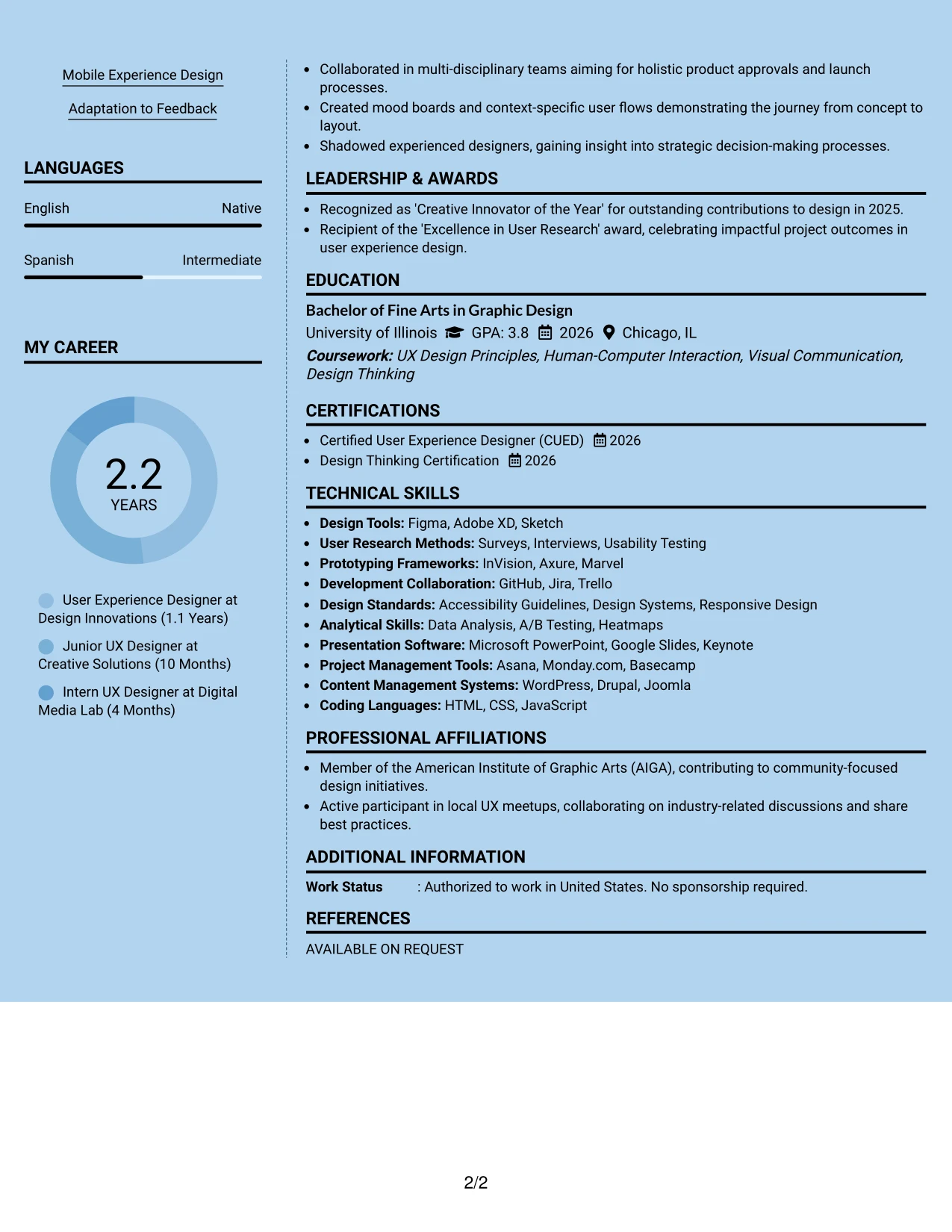
Why the Modern Full Background Two Column Format Works for a Resume
- Isolates contact and skill sections from main accomplishments, significantly enhancing readability.
- Makes pertinent design skills, research methods, and project experiences readily accessible.
- Empowers recruiters to swiftly find relevant information related to Linh’s qualifications.
- Maintains a professional tone while providing clear visual hierarchy for emphasis.
- Enhances ATS compatibility due to well-organized sections and headings.
- Perfectly suited for students balancing coursework, projects, and internships in UX design.
- Preserves focus on key content using organized bullet points and laid-out sections.
Best For
- Tech-Savvy Employers in UX Design
- Internship Positions in User Experience
- Online Job Application Processes
- Corporate Marketing and UX Teams
- Students Seeking Practical UX Experience
- Internship Recruiters Looking for Clear Presentations
- Resume Layouts Approved for Efficiency
#21 User Experience Designer Resume Example (Dark Mode Two Column Format)
This resume showcases a striking dark Mode Two Column Format, ideal for candidates aiming to make a modern, tech-savvy impression in user experience.
The high contrast design highlights key headings and essential keywords, focusing the content on Linh’s achievements, skills, and relevant project metrics.
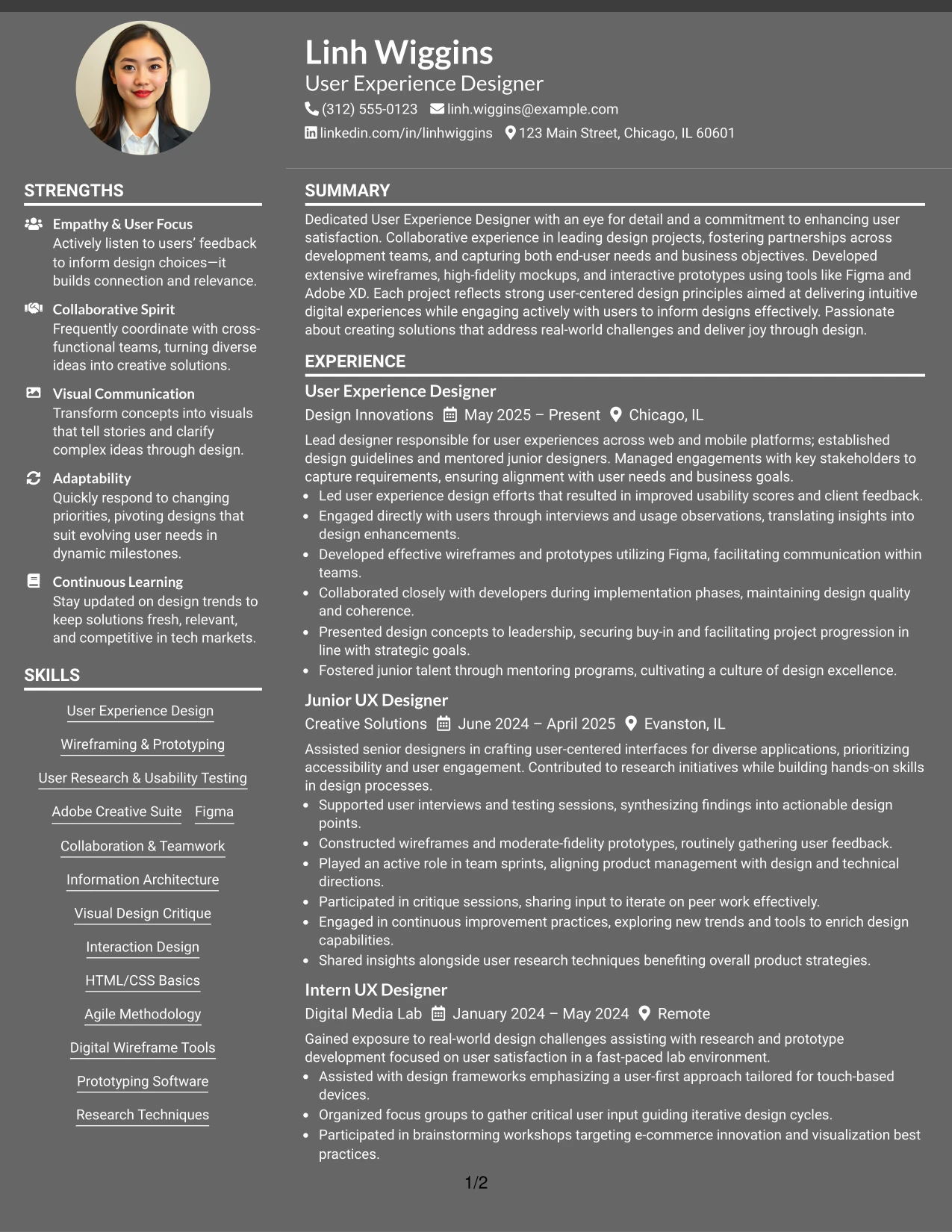
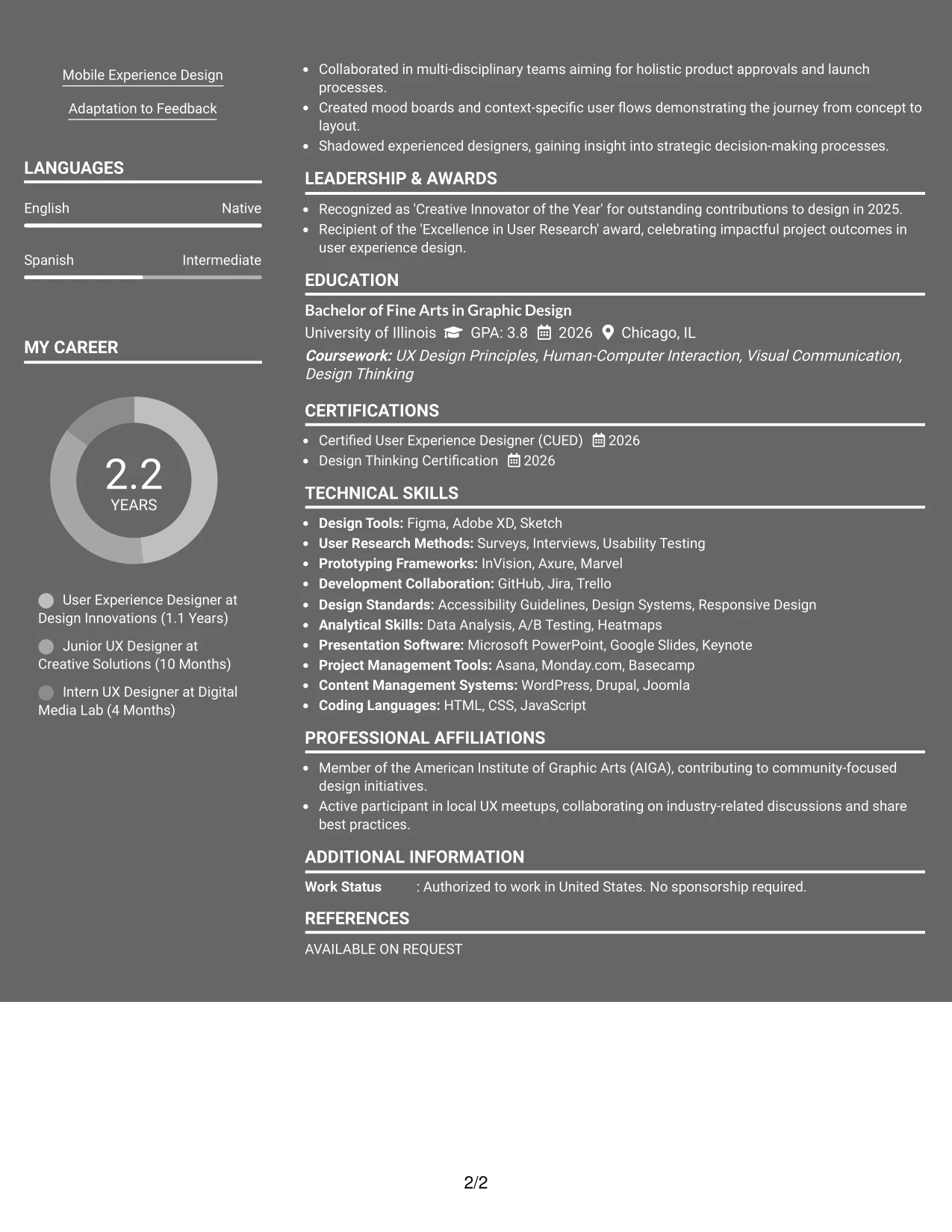
Why the Dark Mode Two Column Format Works for a Resume
- Presents a modern visual aesthetic ideal for digital marketing and UX roles.
- Effectively leverages contrast to draw attention to important headings and keywords.
- Utilizes impactful bullet points instead of lengthy prose, making for quicker evaluations.
- Well-suited for applications to innovative firms or dynamic teams in the tech space.
- Showcases skills, projects, and relevant experiences in a compelling format.
- Ensures focus stays on quantifiable achievements and core responsibilities.
- Maximizes effectiveness with concise, result-oriented bullet points.
Best For
- ATS-Compatible Submissions for Tech Firms
- Video Marketing Intern Roles Focusing on Design
- AI Content Marketing Applications
- Early-Career Positions in User Experience
- Communications and Digital Design Students
- Emerging UX Professionals
- Candidates Undergoing Screening by Recruiters
- Resume Submissions with Strong Keyword Strategies
#22 User Experience Designer Resume Example (Dark Mode Box Header Format)
This resume features a modern dark Mode Box Header Format, ideal for candidates seeking a tech-savvy design.
Bold styling helps emphasize important headings while maintaining a focus on Linh's achievements, tools, and measurable impacts in user experience.
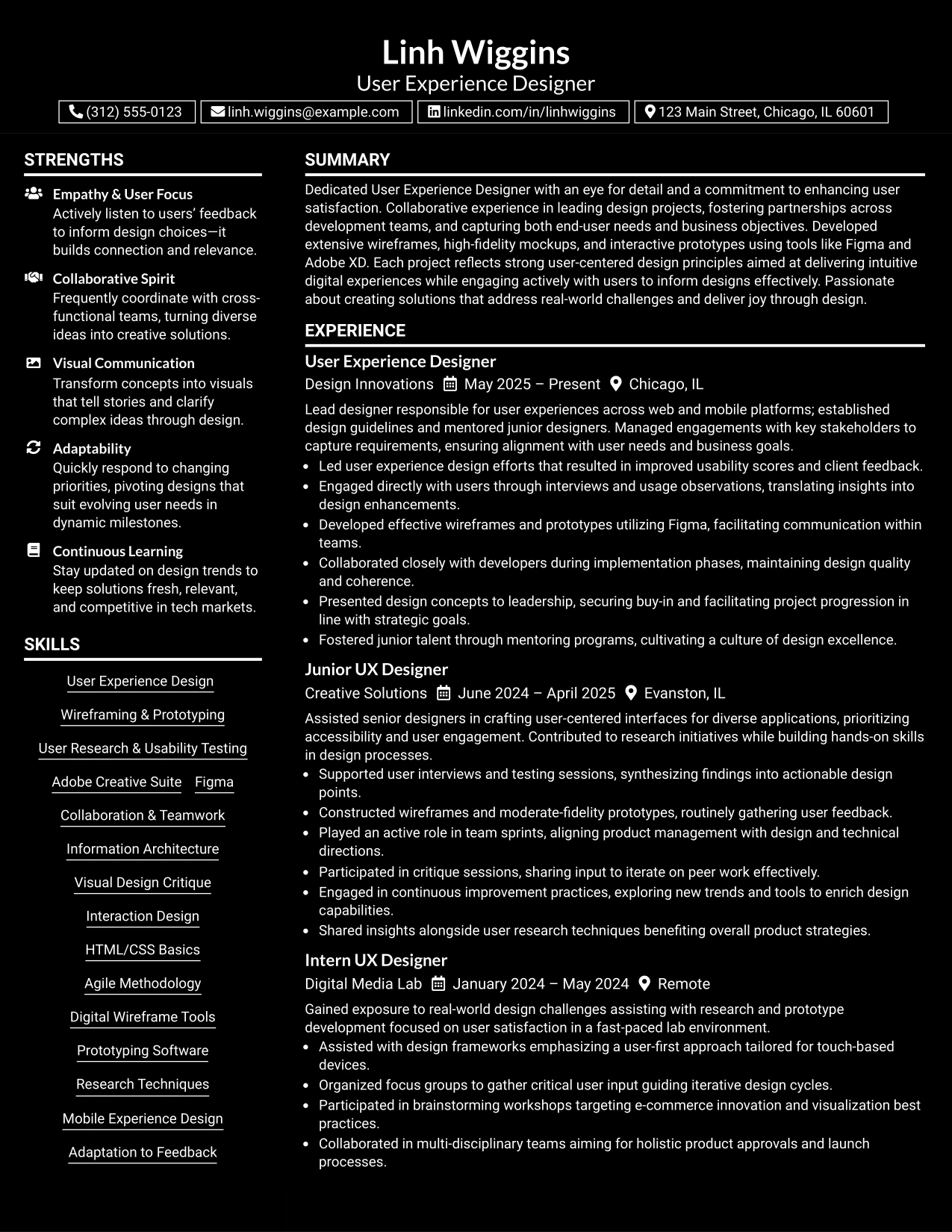
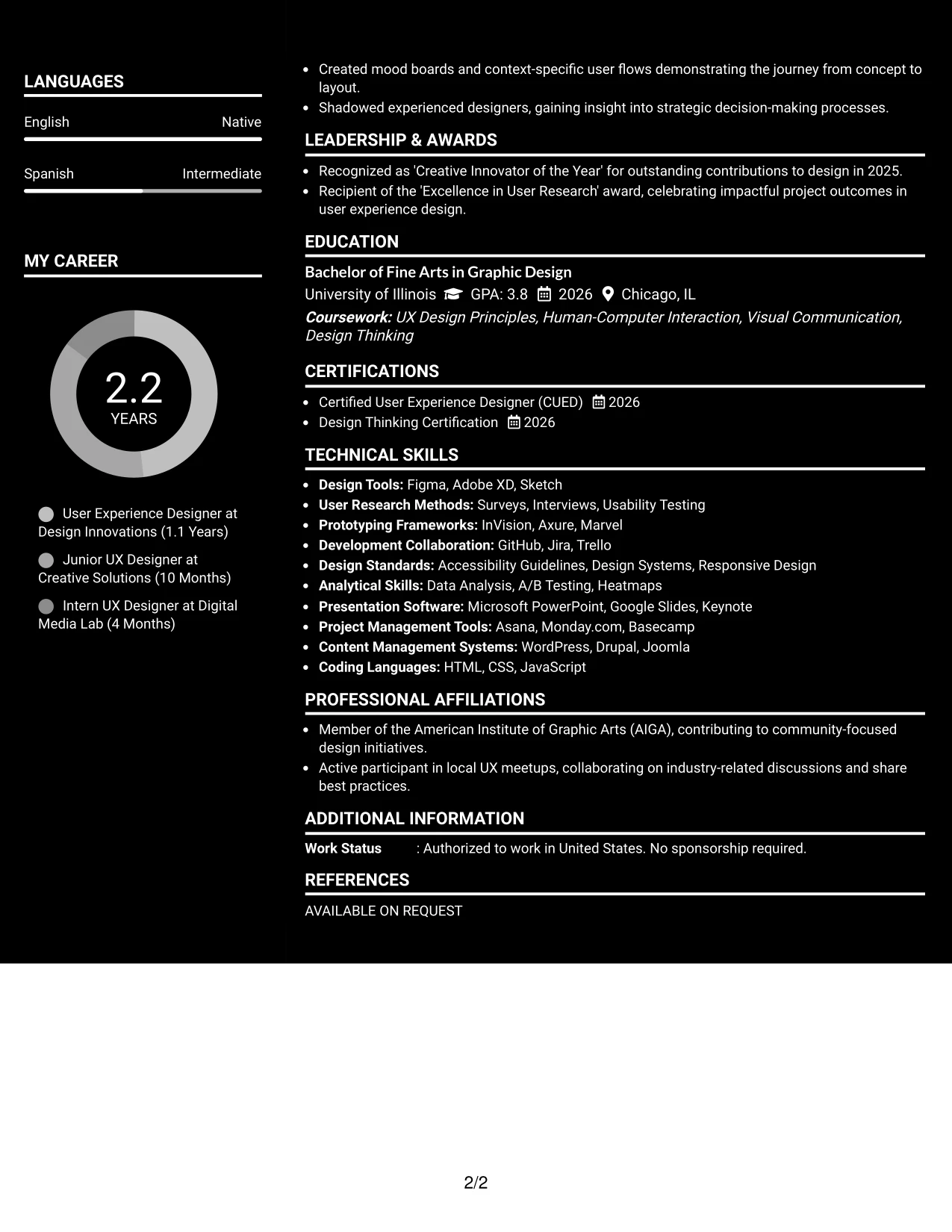
Why the Dark Mode Box Header Format Works for a Resume
- Fosters a visually impactful impression tailored for innovative roles in technology.
- Combines high contrast aesthetics to highlight relevant skills and experiences effectively.
- Maintains focus through concise bullet points, avoiding prolonged narratives.
- Particularly effective for startups and teams with a digital-first approach.
- Showcases practical experience, tools, and initiatives based on user engagement.
- Keeps the document centered on pertinent, achievement-driven content.
- Highlights a narrative of success with pointed, result-focused bullet statements.
Best For
- Startups and Creative Tech Companies
- Video Marketing Intern Positions
- Creative Project Management Roles
- Social Media and Digital Content Campaigns
- Analytics-Focused Internships
- Positions Requiring Proficiency in Design Tools
- Entry-Level Marketing Opportunities Seeking Innovation
#23 User Experience Designer Resume Example (Elegant Full Background Two Column Format)
This resume showcases a structured Elegant Full Background Two Column Format, neatly organizing contact details, key skills, and professional content for fast reference.
Ideal for design-focused applications, it integrates education, projects, and vital skills without overwhelming the reader.
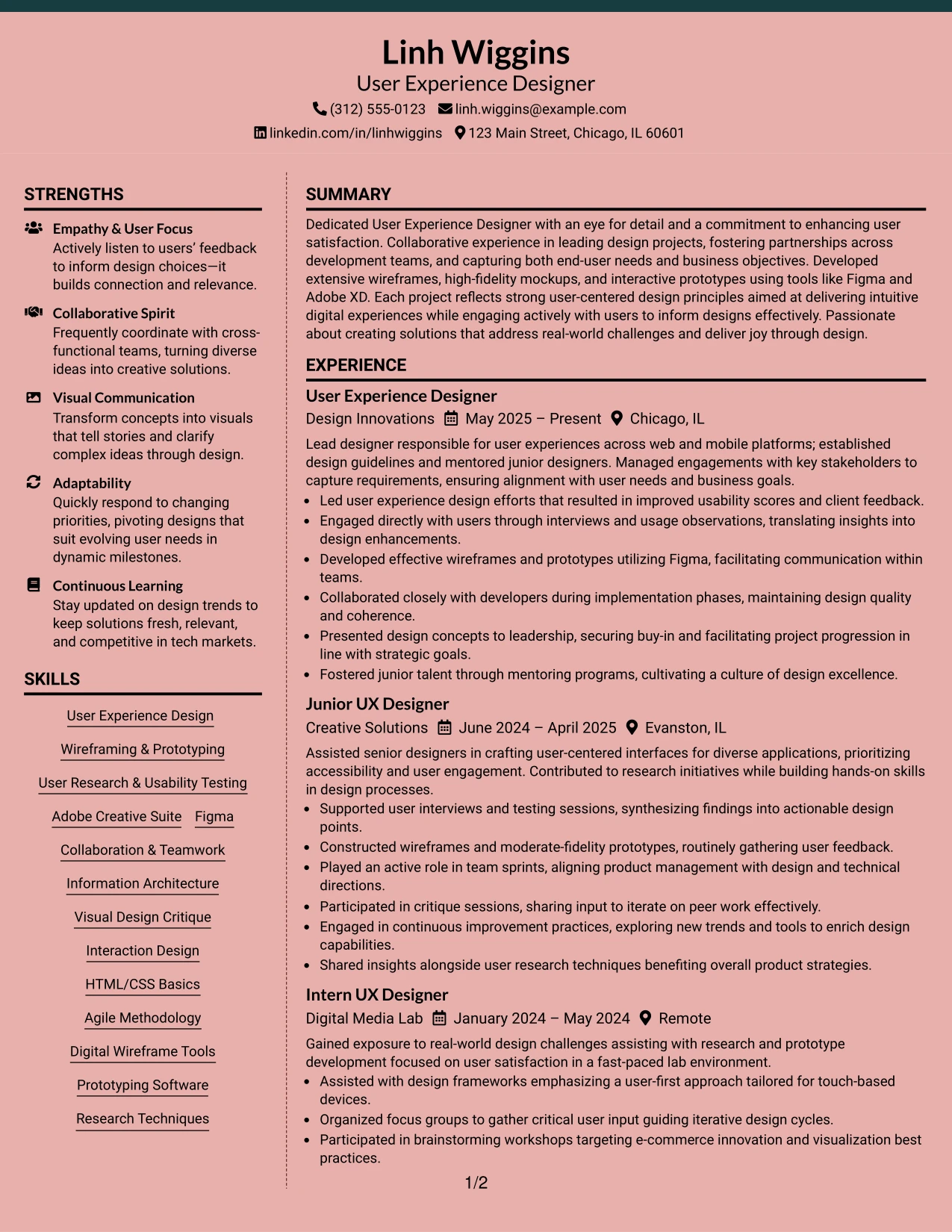
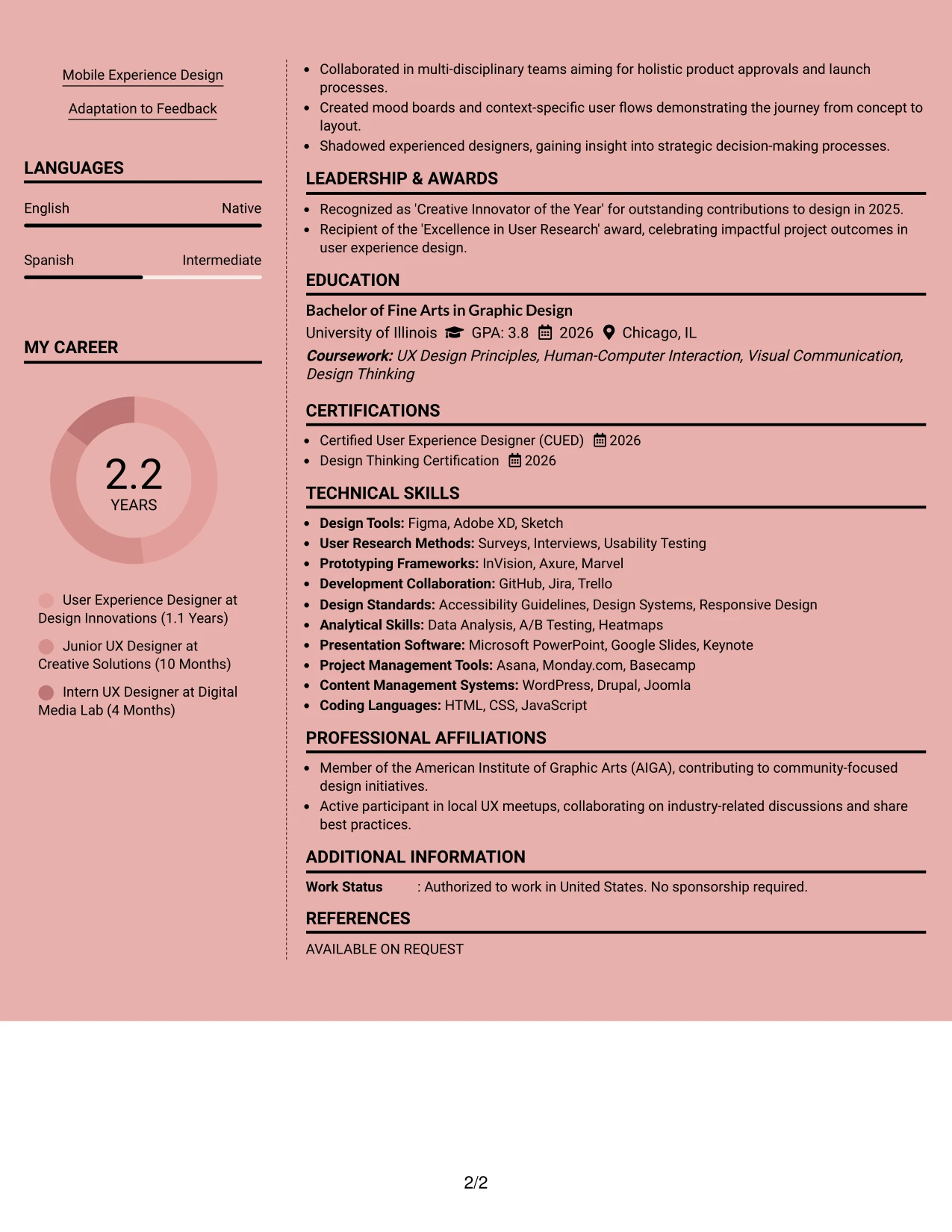
Why the Elegant Full Background Two Column Format Works for a Resume
- Strategically organizes contact and skills sections, shining a light on core achievements.
- Makes vital design skills and relevant tools easy to locate at a glance.
- Allows quick access to sections that hiring managers prioritize when evaluating design talent.
- Conveys professionalism while providing a clear and visually appealing structure.
- Facilitates ATS parsing with well-defined headings and structured text.
- Perfect for candidates blending education, internships, and hands-on projects in user experience.
- Emphasizes key accomplishments using concise, impactful bullet points.
Best For
- User Experience Design Recruiters
- Graduate Programs and Internships
- Digital Design Job Boards
- Companies Focused on User-Centered Products
- Creative Teams in Tech Startups
- Application Tracking Systems for Design Roles
#24 User Experience Designer Resume Example (Creative Two Tone Format)
This resume features a modern Creative Two Tone Format that ensures visual clarity across summary, projects, experience, education, and skills sections.
The accent styling highlights crucial content while focusing on the candidate’s strengths, projects, and design tools.
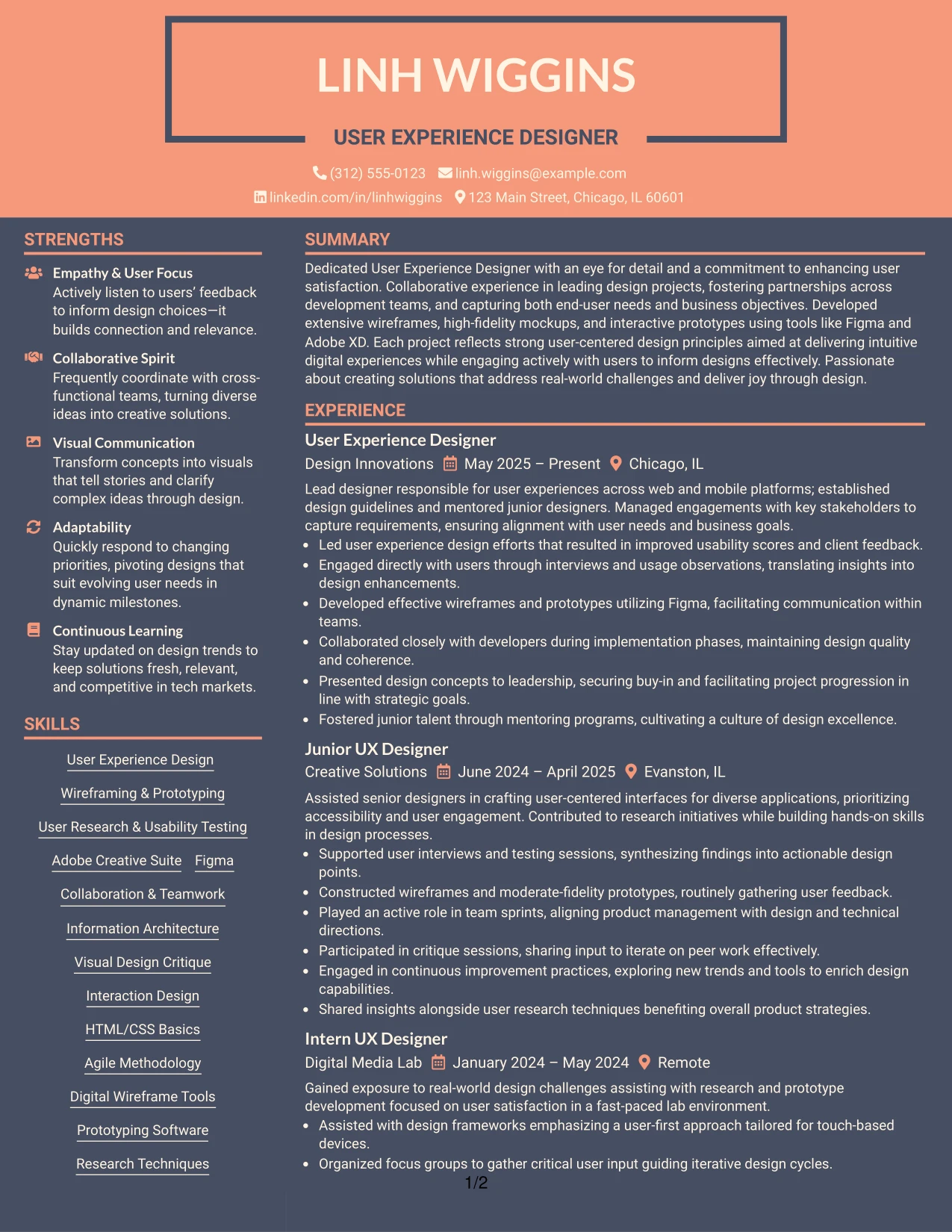
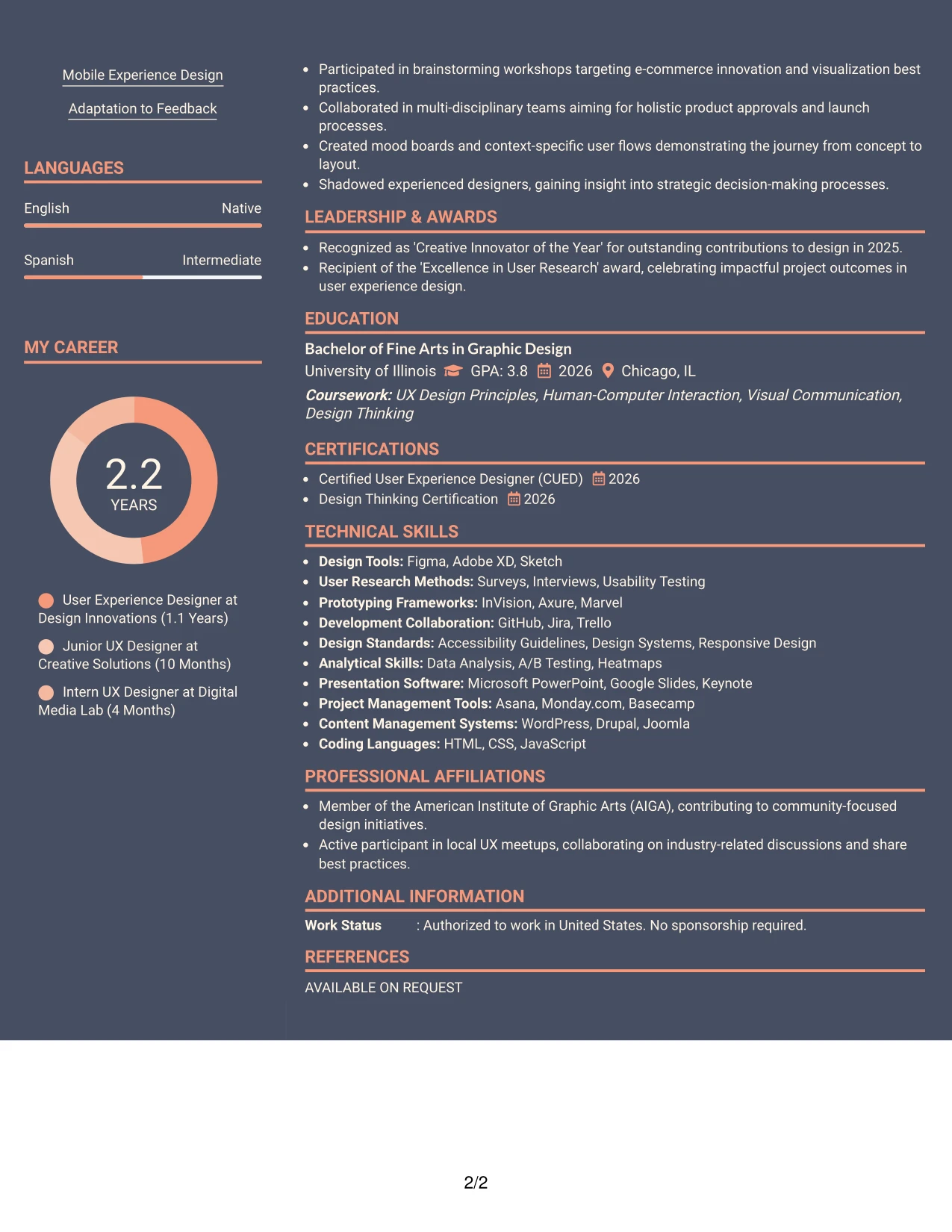
Why the Creative Two Tone Format Works for a Resume
- Utilizes color effectively to guide the reader through distinct resume sections.
- Facilitates quick visibility of project details, design tools, and user experience methodologies.
- Showcases creative presentation abilities without sacrificing readability for recruiters.
- Ideal for design roles emphasizing user experience and collaborative projects.
- Focuses on measurable outcomes and specific skills rather than generic descriptions.
- Aids portfolio-based applications where visuals are crucial to demonstrating creative talent.
- Blends contemporary aesthetics with practical organization of resume content.
Best For
- Innovative User Experience Internship Applications
- Digital Design Projects and Portfolios
- Creative Technology Roles
- Recent Graduates in UI/UX Design
- Marketing Candidates Engaging in Visual Storytelling
- Candidates with Project-Driven Experience
- Resume Screening by Design-Focused Companies
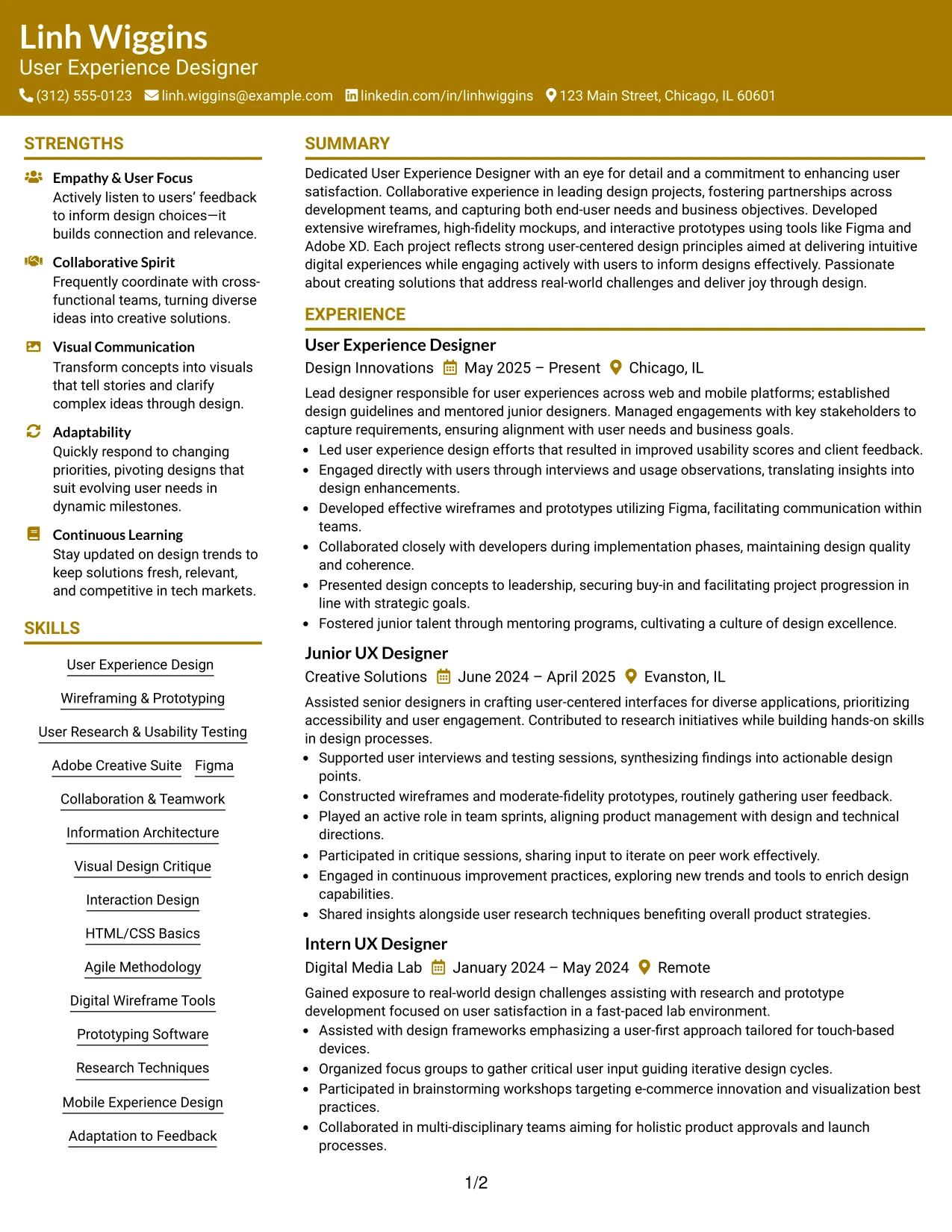
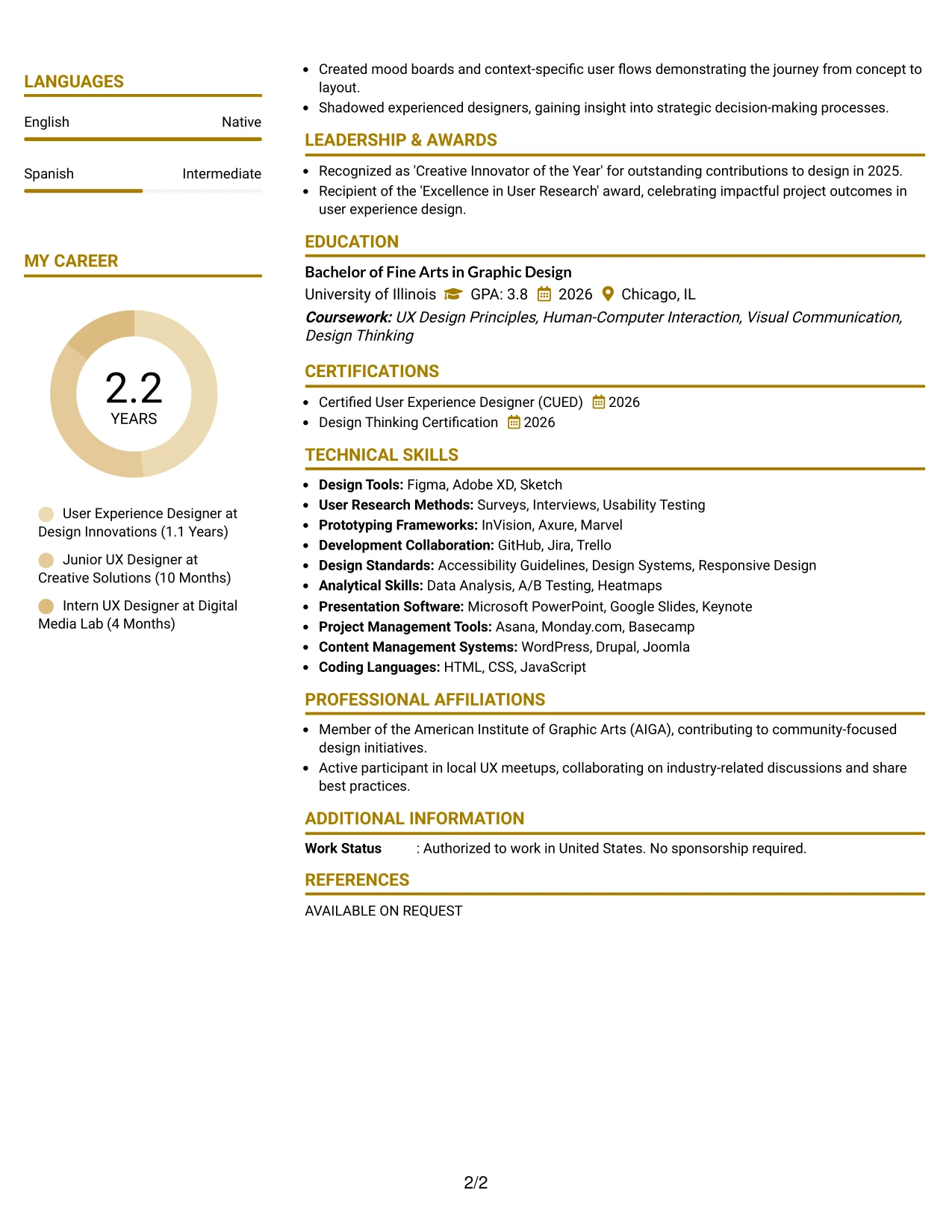
#25 User Experience Designer Resume Example (Bold Color Header Professional Format)
This resume utilizes a dynamic Bold Color Header Professional Format to create a clear visual hierarchy among the summary, projects, experience, education, and skills sections.
Accent styling effectively highlights core resume elements, emphasizing design skills, project contributions, and quantifiable achievements. This format suits creative teams and startups.
Why the Bold Color Header Professional Format Works for a Resume
- Employs color tactfully to guide the reader through the resume’s various sections.
- Quickly highlights project work, tool expertise, and design outcomes.
- Showcases creative presentation while maintaining clarity for recruiters.
- Best suited for internships in user experience and digital design roles.
- Focuses on applicable skills and measurable results, minimizing irrelevant content.
- Supports portfolio showcasing where visual appeal is paramount.
- Combines modern aesthetics with effective resume structure.
Best For
- Creative Agencies in Digital Marketing
- Startups Seeking Design Talent
- Individuals with Portfolio Work to Showcase
- Internship Roles in User Experience and Interface Design
- Roles Involving User-Centric Design Approaches
- Internships in Content Creation and Strategy
- Analytics-Oriented Positions Requiring Design Insight
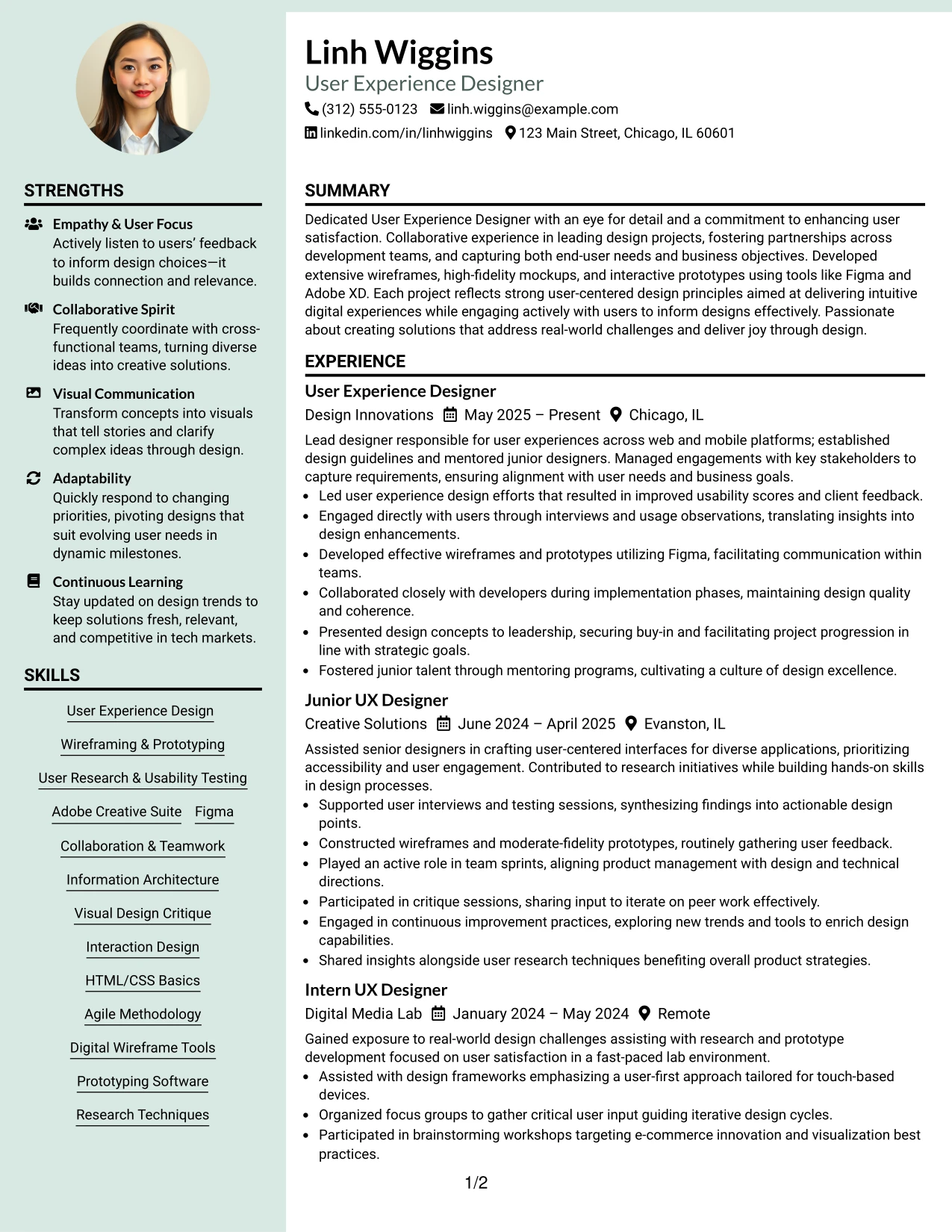
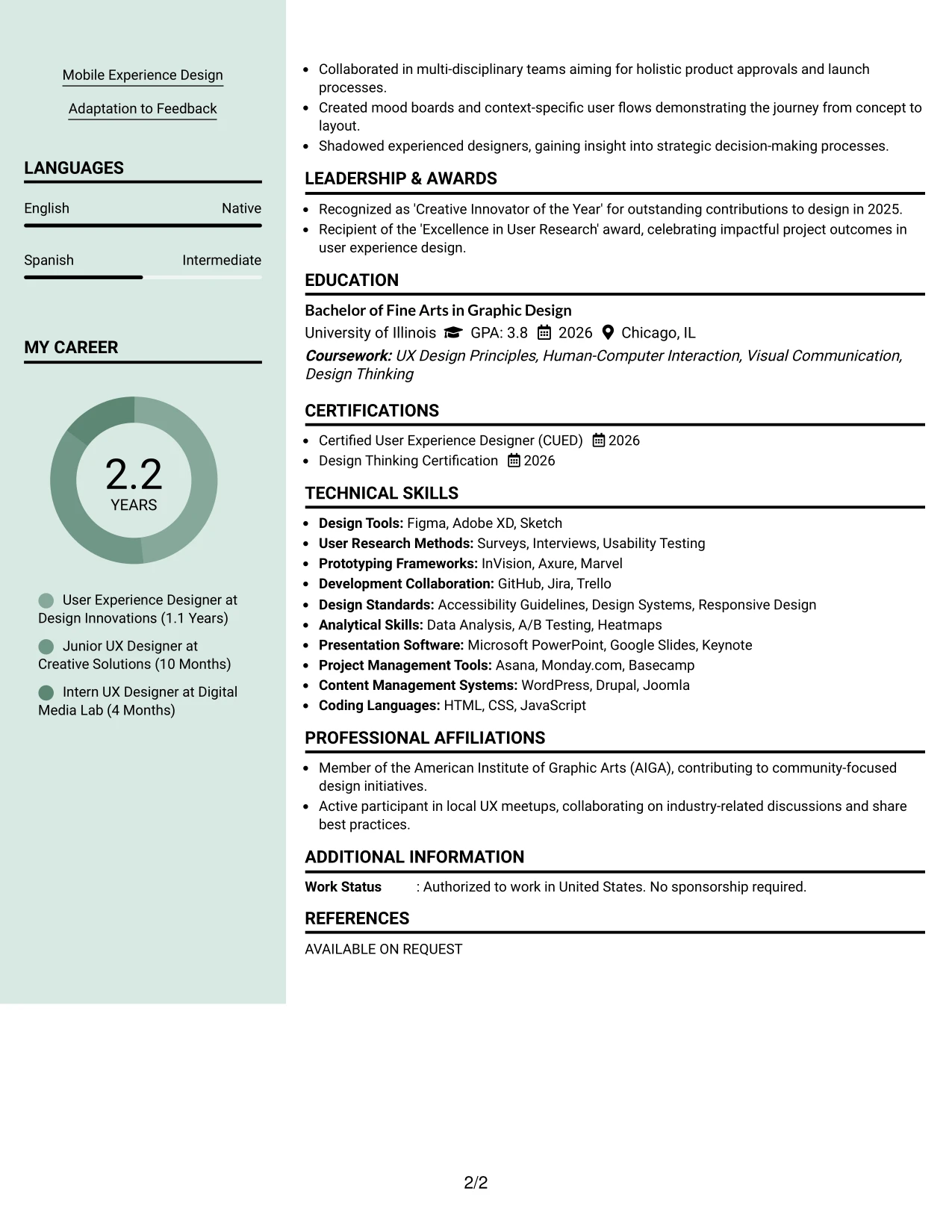
#26 User Experience Designer Resume Example (Photo Header Color Sidebar Format)
This resume showcases the candidate with a refined Photo Header Color Sidebar Format, integrating a personal touch while keeping organized sections clear.
It's particularly beneficial for roles valuing visual branding, highlighting user-focused skills, project analytics, and the impact of design workflows.
Why the Photo Header Color Sidebar Format Works for a Resume
- Integrates personal branding without removing essential resume content.
- Keeps key sections like summary, projects, and technical skills highly visible.
- Effective for roles where visual representation is valued.
- Aligns personal design style with measurable achievements highlighted in the resume.
- Enhances applications focused on visual storytelling and design expertise.
- Should be used cautiously in environments that favor traditional formats.
- Successfully combines creative flair with structured presentation.
Best For
- Marketing Roles Involving Design Elements
- International Position Applications
- Opportunities Requiring Visual Assessment
- Creative Agency Submissions
- Internship Processes Focusing on User Experience
- Positions Emphasizing Portfolio-Based Applications
- Corporate Marketing Departments
#27 User Experience Designer Resume Example (Top Left Header Color Accent Format)
This resume employs a modern Top Left Header Color Accent Format, effectively organizing information into clean subsections, enhancing readability across summary, projects, experience, education, and skills.
The accent styling emphasizes relevant sections, keeping the focus on user-centered skills and measurable outcomes pivotal for design roles.
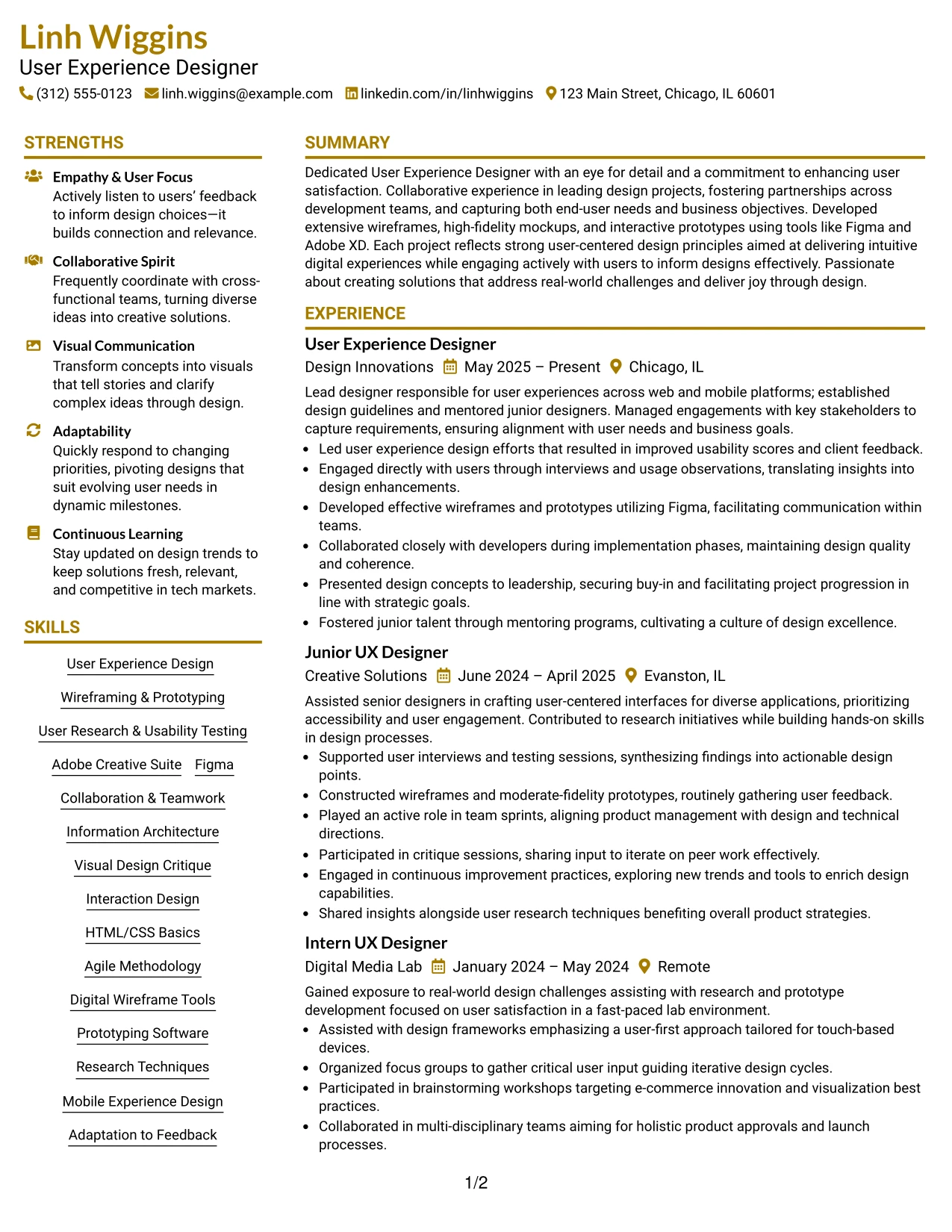
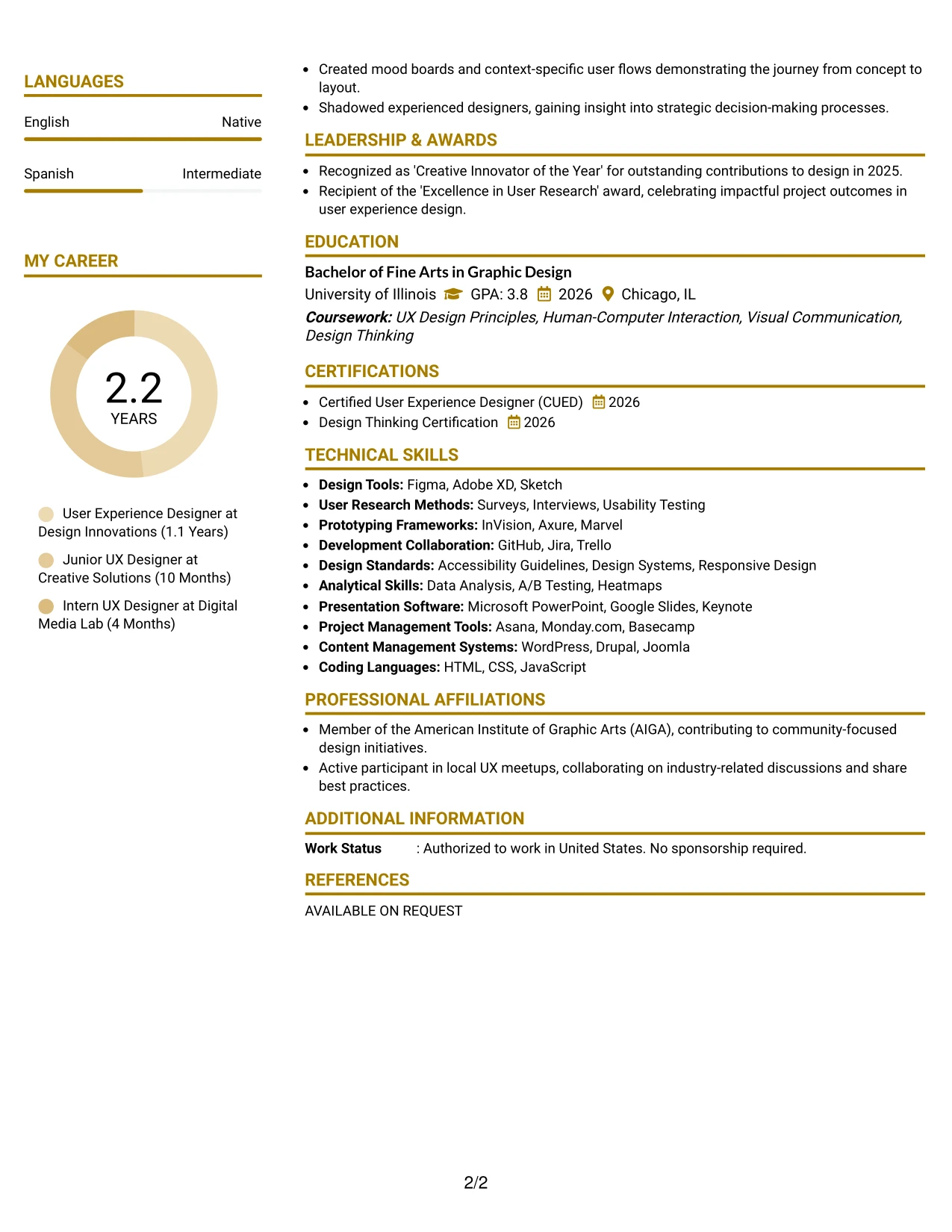
Why the Top Left Header Color Accent Format Works for a Resume
- Utilizes color strategically to lead the reader through the resume sections.
- Clarifies user experience achievements and design skills effectively.
- Demonstrates a polished presentation style while ensuring that critical details are accessible.
- Great for internships focused on user experience, design, and project coordination.
- Maintains emphasis on outcomes, avoiding unnecessary narrative elements.
- Excellent for demonstrations requiring a balance between aesthetic design and organizational clarity.
- Combines modern design preferences with functional resume content organization.
Best For
- ATS-Compatible Resume Submissions
- Internships in User Experience Design
- Positions Requiring Design Portfolio Review
- Early-Career Marketing Opportunities
- Roles Focused on Project Management in Design
- Opportunities Within Creative Agencies
- Candidates Specializing in Research and Usability Testing
#28 User Experience Designer Resume Example (Centered Header Classic Two Column Format)
This resume adopts a well-structured Centered Header Classic Two Column Format, effectively organizing contact information, skills, and key resume content into easily scannable sections.
The structure is suitable for user experience applications, balancing education, projects, tools, and pertinent experience without overwhelming details.
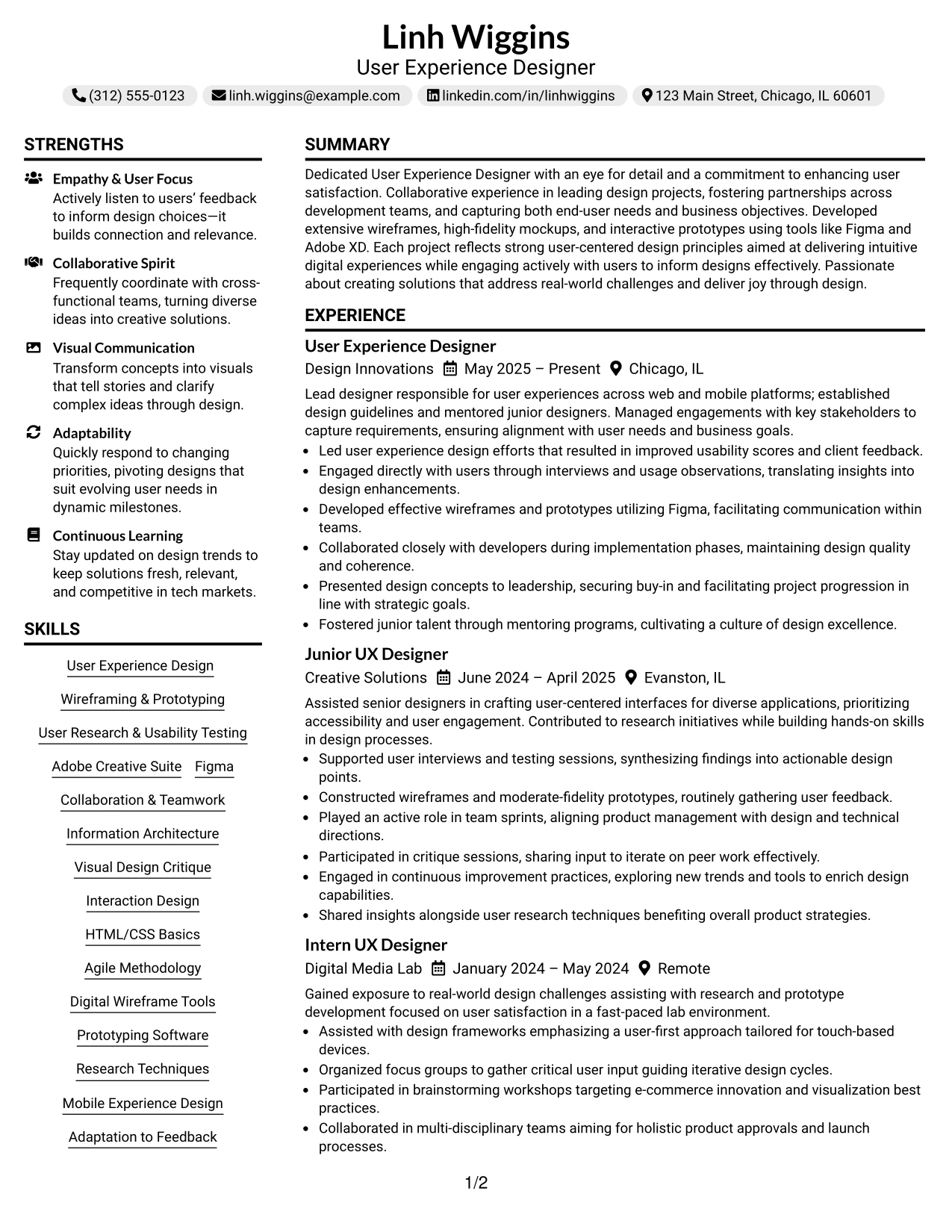
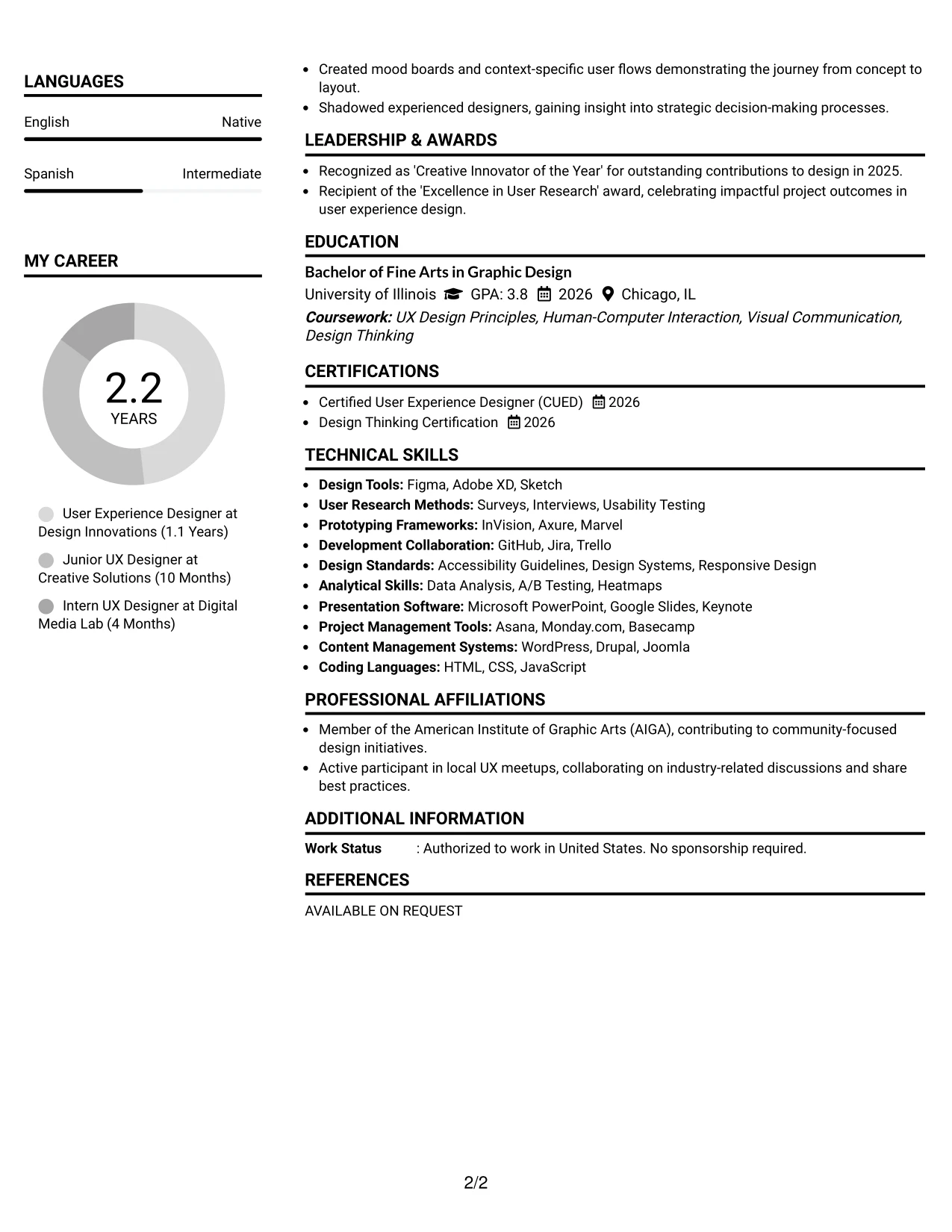
Why the Centered Header Classic Two Column Format Works for a Resume
- Separates contact details and skill sets from achievements, enhancing visibility.
- Facilitates quick access to UX design tools, marketing skills, and portfolio links.
- Ensures swift navigation to important sections for hiring managers.
- Creates professional visual structure across the entire resume.
- Aids ATS keyword effectiveness through clean headings and organized sections.
- Ideal for candidates blending coursework, projects, and relevant experience.
- Keeps the focus on impactful content presented with bullet points and clear sectioning.
Best For
- Creative User Experience Agencies
- Internship Programs in Design
- Roles in Human-Computer Interaction
- Positions Involving Project Management
- Dynamic Marketing Environments
- Candidates Requiring Portfolio Consideration
- Applications Needing ATS Compatibility
#29 User Experience Designer Resume Example (Left Aligned Header Clean Two Column Format)
This resume employs a well-structured Left Aligned Header Clean Two Column Format, organizing contact details, skills, and essential resume content into accessible sections.
This layout is advantageous for user experience resumes, balancing education, projects, and relevant experience without presenting overwhelming text.
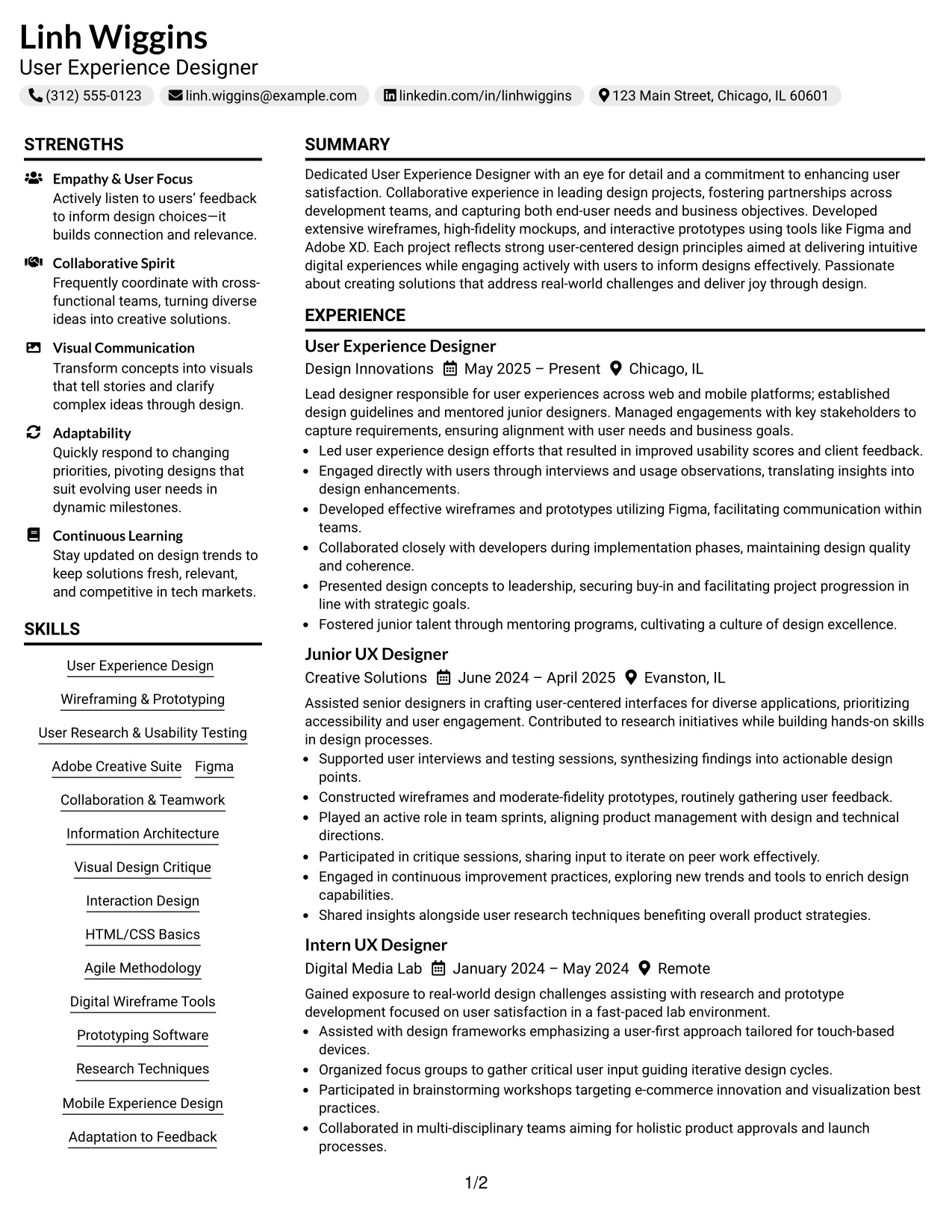
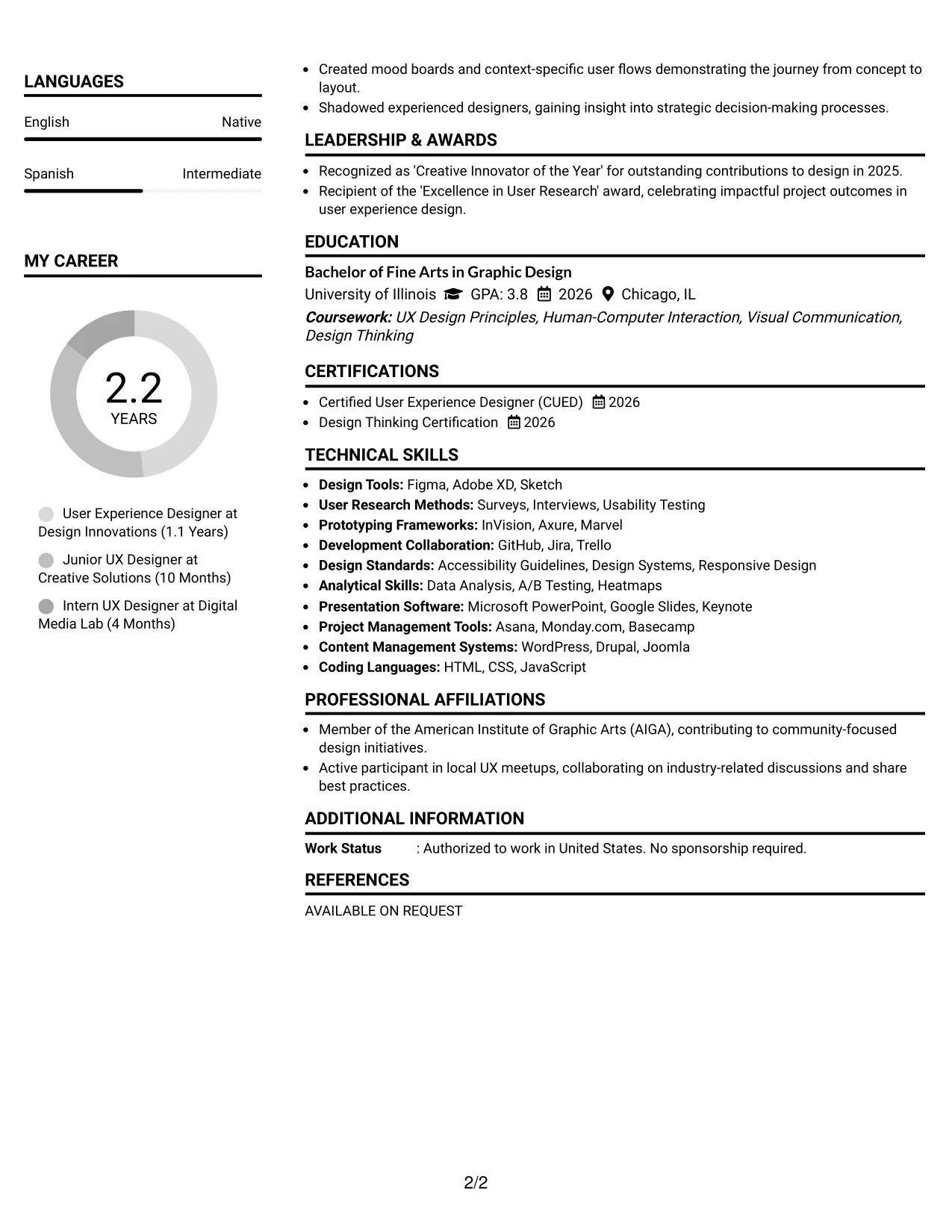
Why the Left Aligned Header Clean Two Column Format Works for a Resume
- Organizes contact details and skills separately from core qualifications for navigation ease.
- Improves visibility of design skills, tools, and project links, enhancing overall application presentation.
- Provides a streamlined experience allowing quick access to vital sections for recruitment review.
- Establishes visual clarity while maintaining professionalism throughout the resume.
- Ensures effective ATS keyword alignment through cleanly divided sections.
- Perfect for students consolidating diverse coursework, projects, and user-centered design experiences.
- Keeps the resume focused on action-oriented content through well-structured bullet points.
Best For
- Traditional Design Firms
- University Career Events
- Online Job Portals
- No-Photo Submissions for Roles
- Simple yet Professional Resumes
- Marketing Positions Seeking Analytical Insight
- Internship Programs in User Experience
#30 User Experience Designer Resume Example (Accent Divider Modern Two Column Format)
This resume adopts a contemporary Accent Divider Modern Two Column Format, facilitating a clear visual hierarchy through summary, projects, experience, education, and skills sections.
Accent styling efficiently emphasizes essential resume components, focusing on relevant skills, design projects, and quantifiable outcomes. Ideal for innovative marketing teams and AI-focused roles.
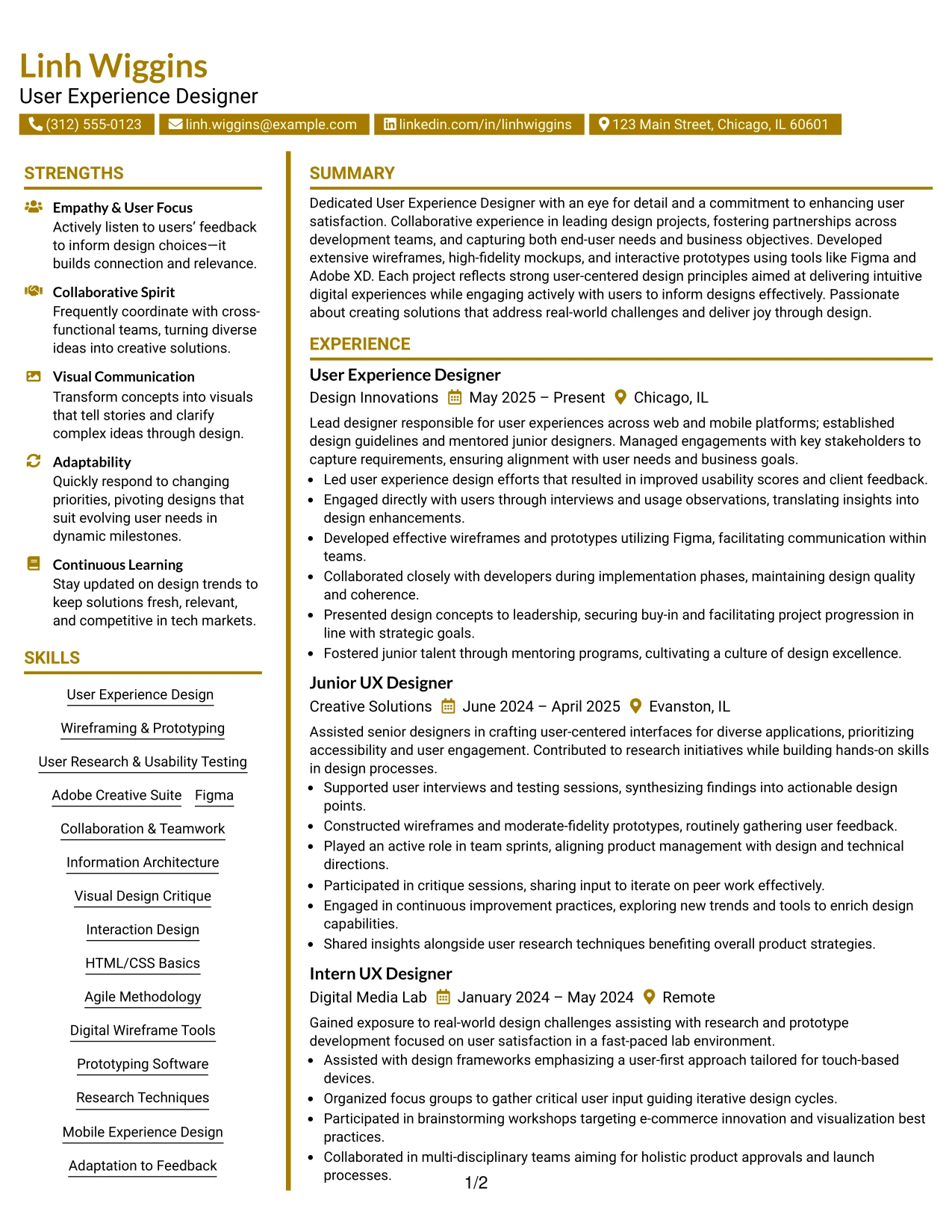
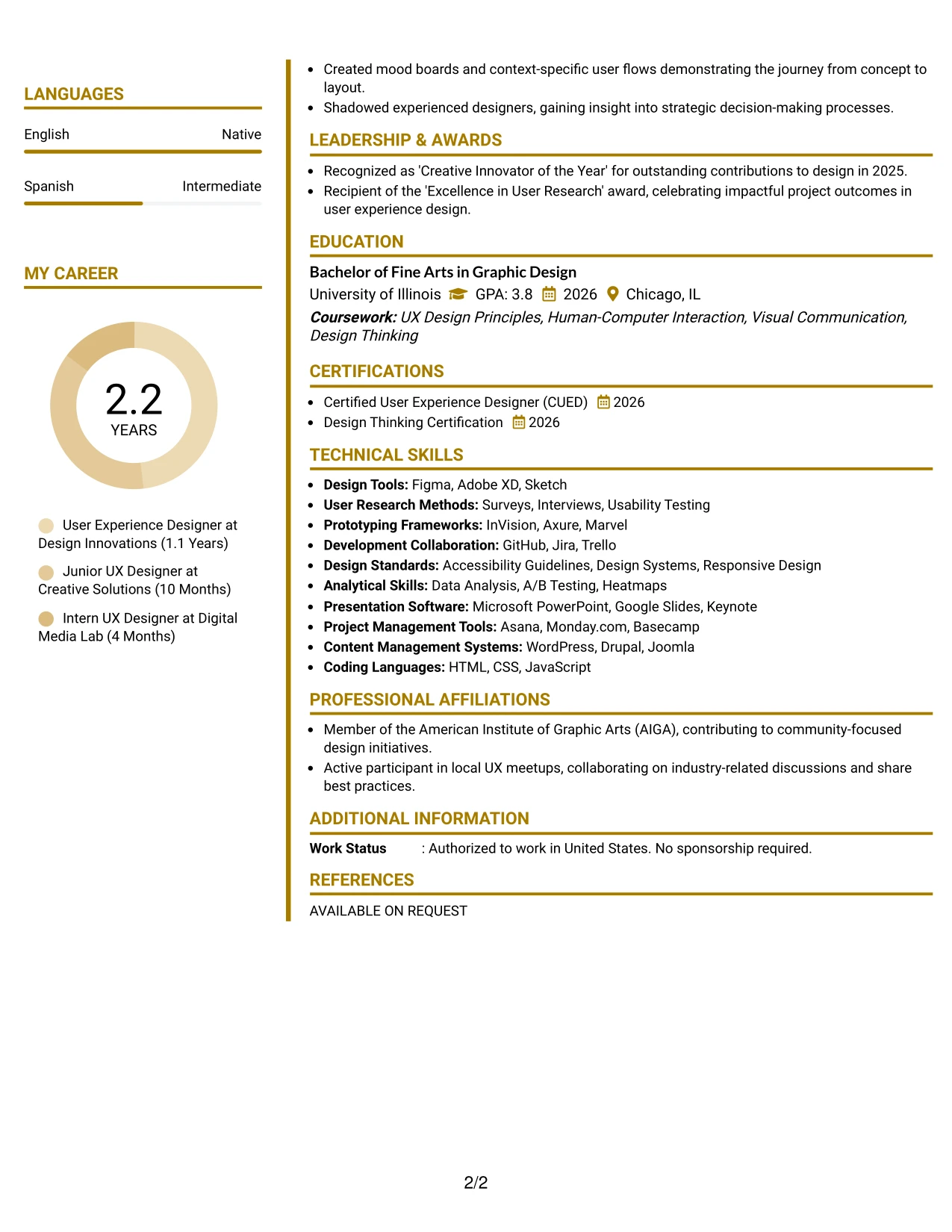
Why the Accent Divider Modern Two Column Format Works for a Resume
- Employs accents strategically to lead the reader through various resume sections.
- Quickly highlights relevant design projects, user testing outcomes, and tool proficiency.
- Demonstrates creative presentation capabilities, ensuring readability for recruiters.
- Perfect for internships targeting UX design and digital marketing roles.
- Solid focus on skills and concrete achievements rather than lengthy narratives.
- Enhances applications relying on visual showcases to demonstrate creativity.
- Seamlessly integrates contemporary design with effective resume organization.
Best For
- User Experience Internship Applications
- Creative Roles in Digital Marketing
- Portfolio-Centric Submissions
- Internships in Social Media Strategy
- Support Roles in Campaign Development
- Analytics-Focused Marketing Positions
- Video Production and Editing Internships
#31 User Experience Designer Resume Example (Shaded Labels Clean Two Column Format)
This resume utilizes a sophisticated Shaded Labels Clean Two Column Format, establishing clarity across summary, projects, experience, education, and skills sections.
Accent styling effectively draws focus to key content while ensuring that relevant skills, user experience projects, and measurable results are highlighted. Perfect for dynamic design environments.
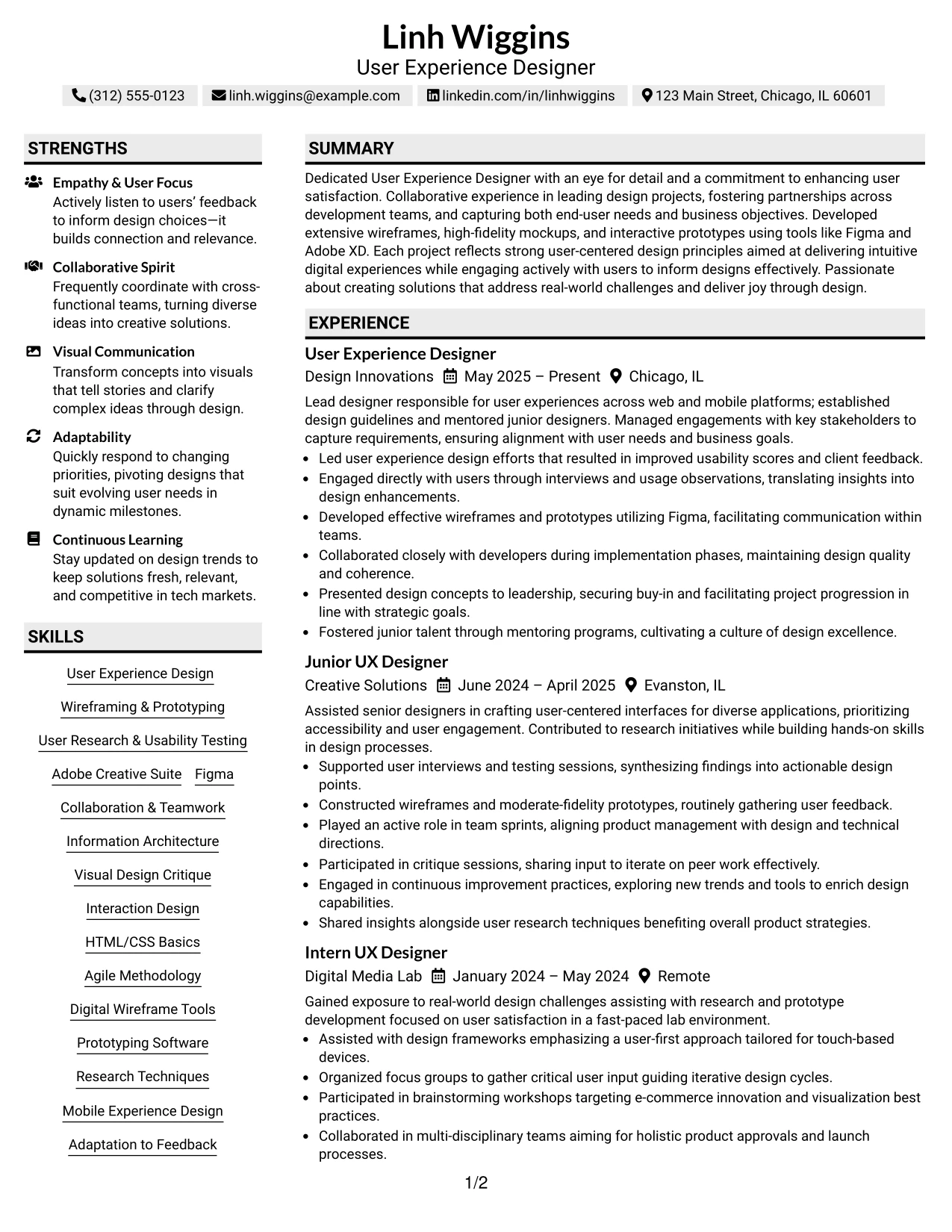
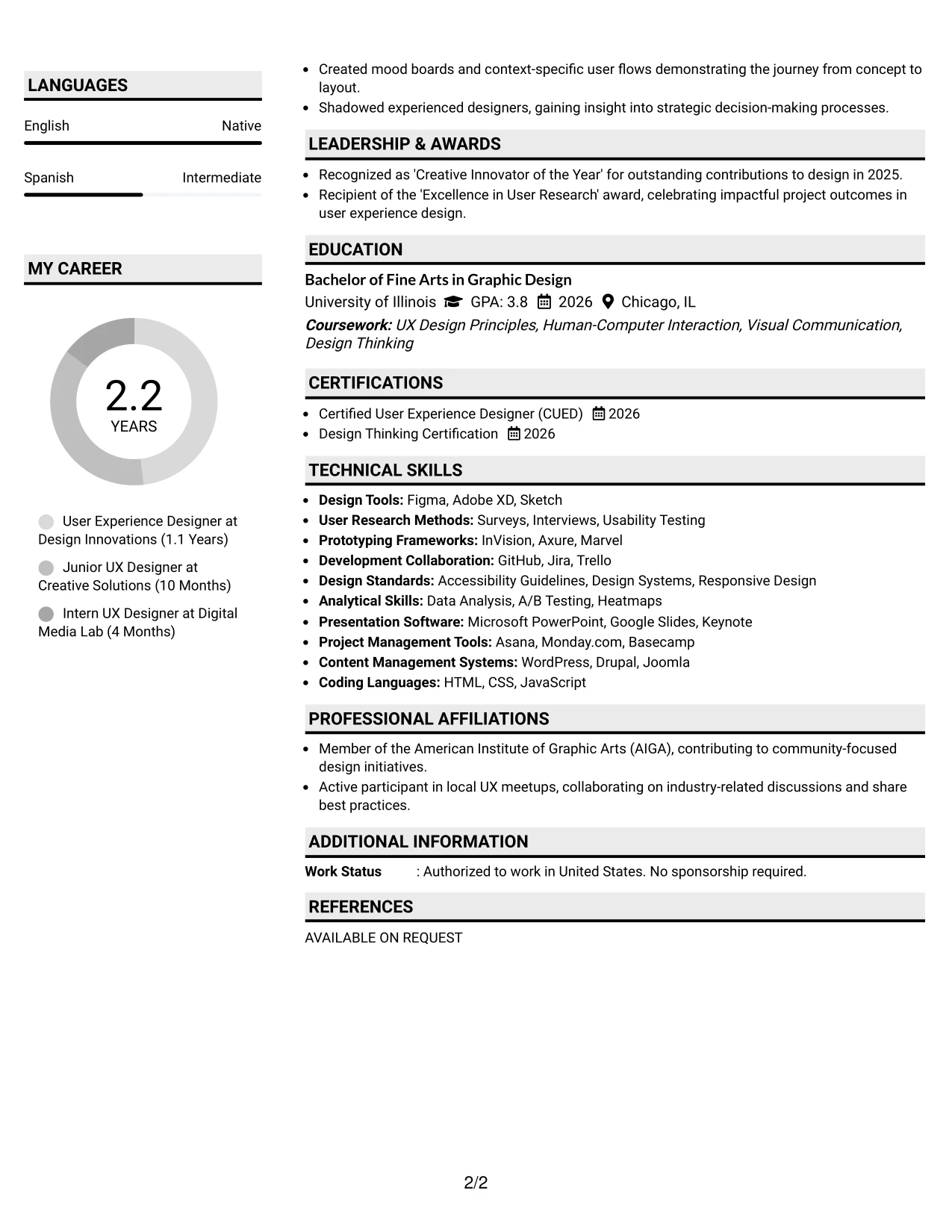
Why the Shaded Labels Clean Two Column Format Works for a Resume
- Uses color to navigate different sections, improving visual flow.
- Highlights projects, design skills, and analytics tools prominently.
- Showcases creative presentation while ensuring clarity for hiring teams.
- Especially effective for roles in user experience and digital content creation.
- Maintains a focus on key competencies and results over lengthy descriptions.
- Well-suited for applications emphasizing a blend of creativity and organization.
- Combines modern aesthetics with functional resume layout.
Best For
- Creative Firms in UX Design
- Startup Environments Seeking Innovative Talent
- Candidates with Portfolio Highlights
- Internships in Social Media Marketing
- Roles Focused on Content Innovation
- Project-Based Marketing Opportunities
- Positions Needing Design Proficiency
#32 User Experience Designer Resume Example (Photo Header Color Accent International Format)
This resume effectively showcases Linh Wiggins' expertise in User Experience Design through a personalized Photo Header Color Accent International Format. This layout highlights strengths while maintaining a structured organization of relevant sections.
Ideal for applications that emphasize a creative touch focusing on user-centered projects and quantifiable outcomes, this format enhances the candidate's profile without losing professionalism.
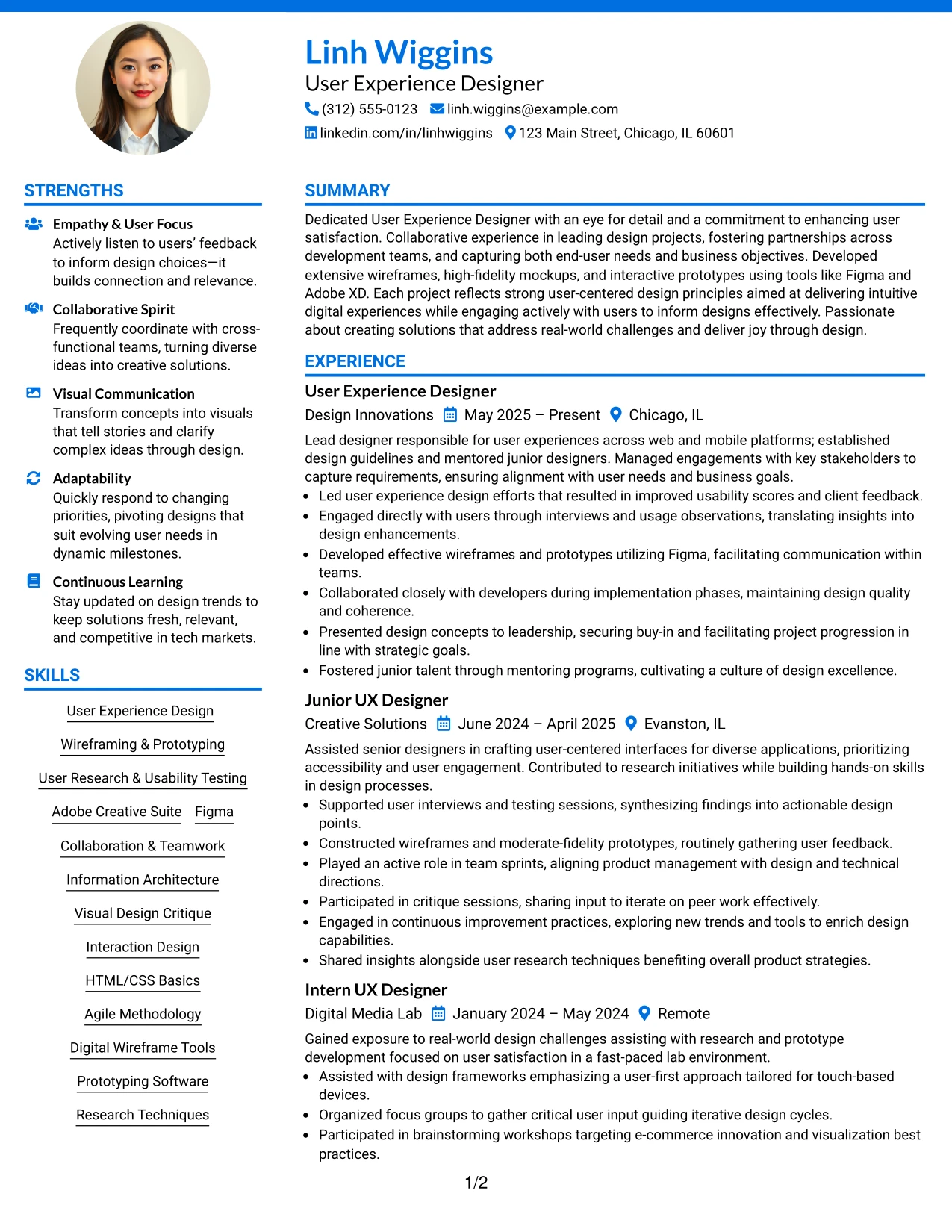
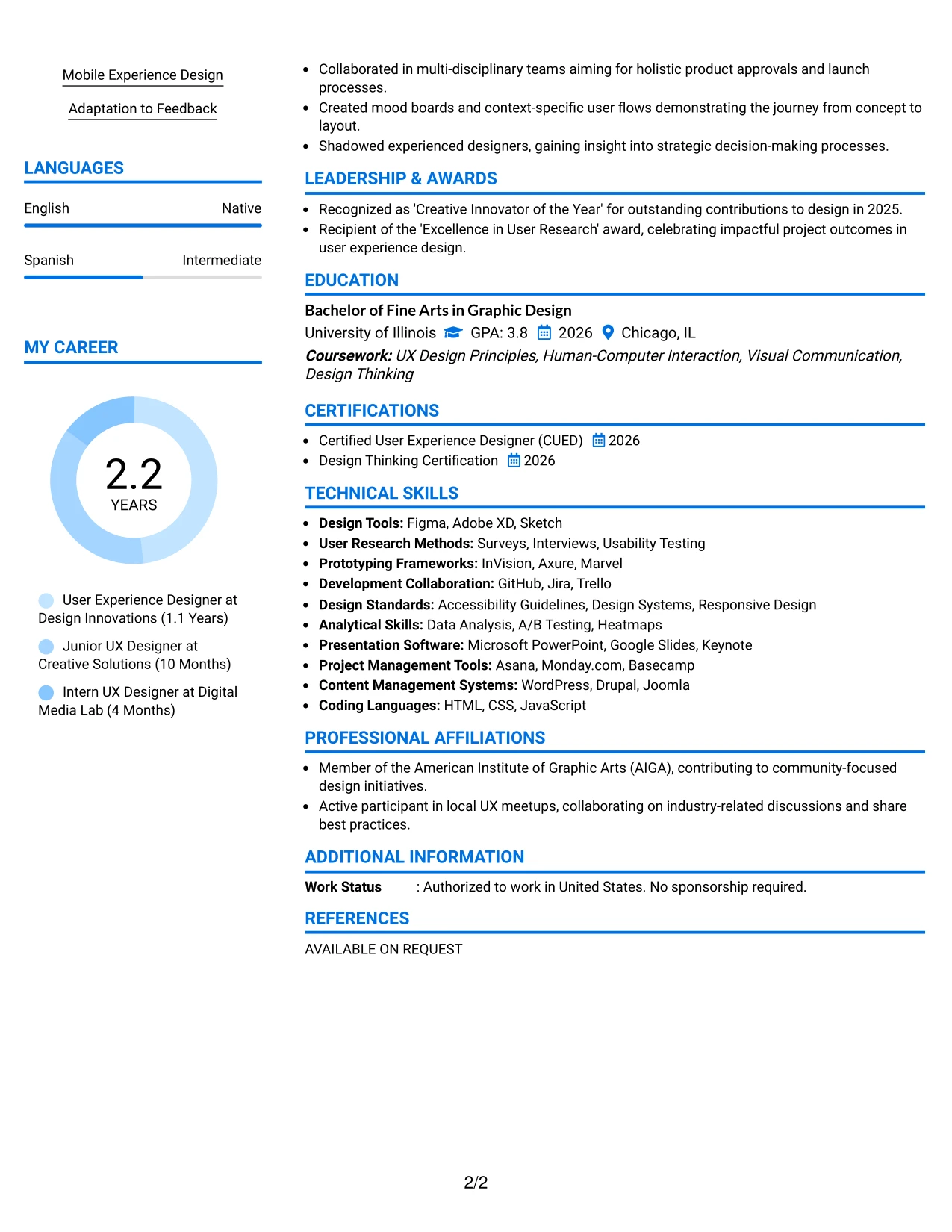
Why the Photo Header Color Accent International Format Works for a Resume
- Incorporates a personal branding element that resonates with Linh's design skills while ensuring essential information is highlighted.
- Keeps visibility on critical sections like education, projects, and UX methodologies relevant to user experience roles.
- Designed for positions in user experience that value creativity and strategic thinking.
- Aligns personal visual identity with metrics-driven achievements throughout the resume.
- Ideal for roles where showcasing both personality and professional strengths is significant.
- Effective in environments appreciating innovative approaches while upholding professionalism.
- Balances aesthetic appeal with structured content, emphasizing Linh's capabilities in user experience design.
Best For
- Internship Opportunities in User Experience Design
- Positions in Digital Marketing and Content Creation
- Creative Roles in Multimedia Projects
- Emerging Technologies Focus in Marketing
- Candidates Requiring Portfolios to Demonstrate Skills
- Fast-Paced Projects in Tech Environments
- Applications Leveraging User-Centered Strategies
#33 User Experience Designer Resume Example (Large Profile Photo International Two Column Format)
This resume features Linh Wiggins in a polished Large Profile Photo International Two Column Format, providing a visually striking presentation that demonstrates organized sections related to user experience and design.
Particularly effective for roles requiring a blend of creativity and analytical skills, this layout highlights relevant projects and hands-on experience in user-centered design, reinforcing Linh's capability in modern user experience initiatives.
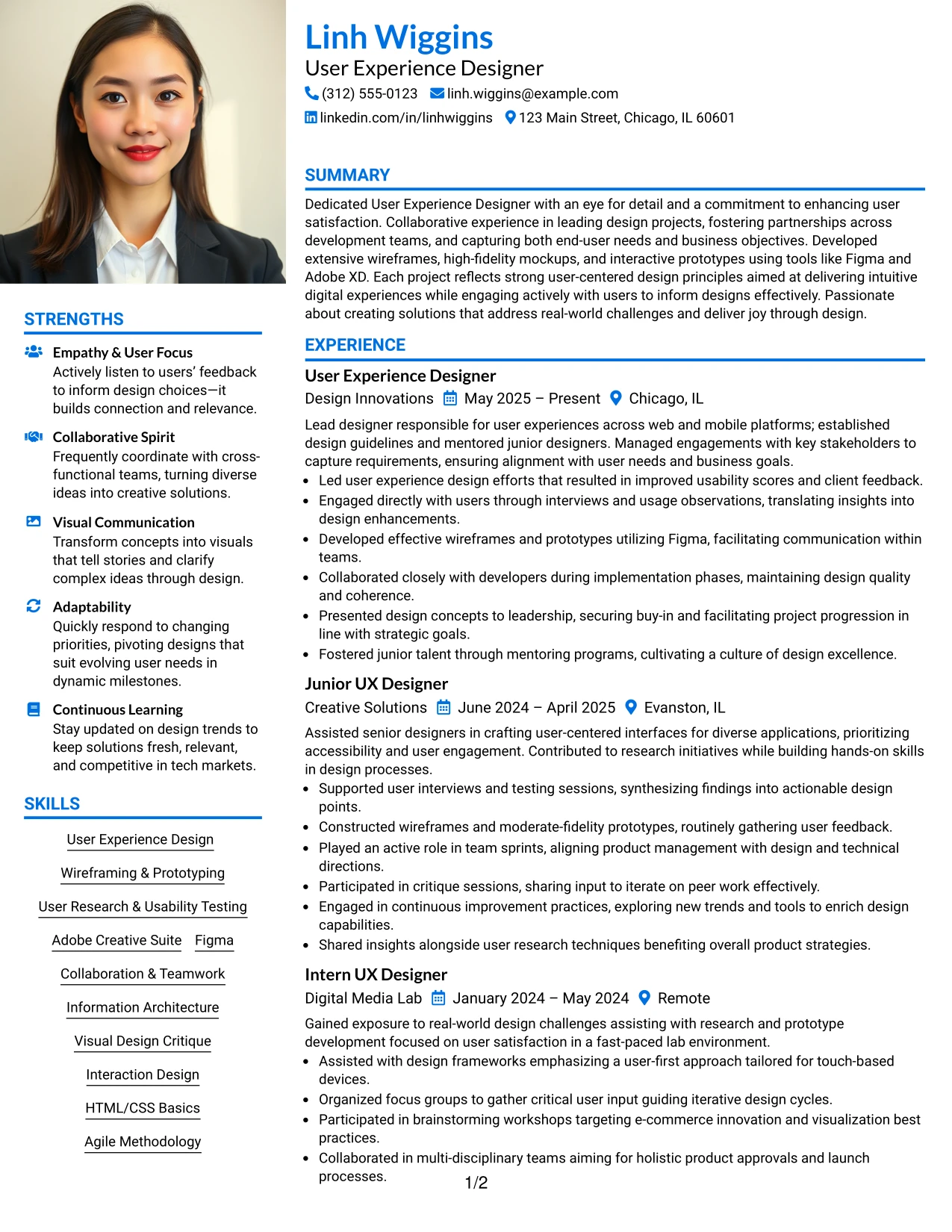
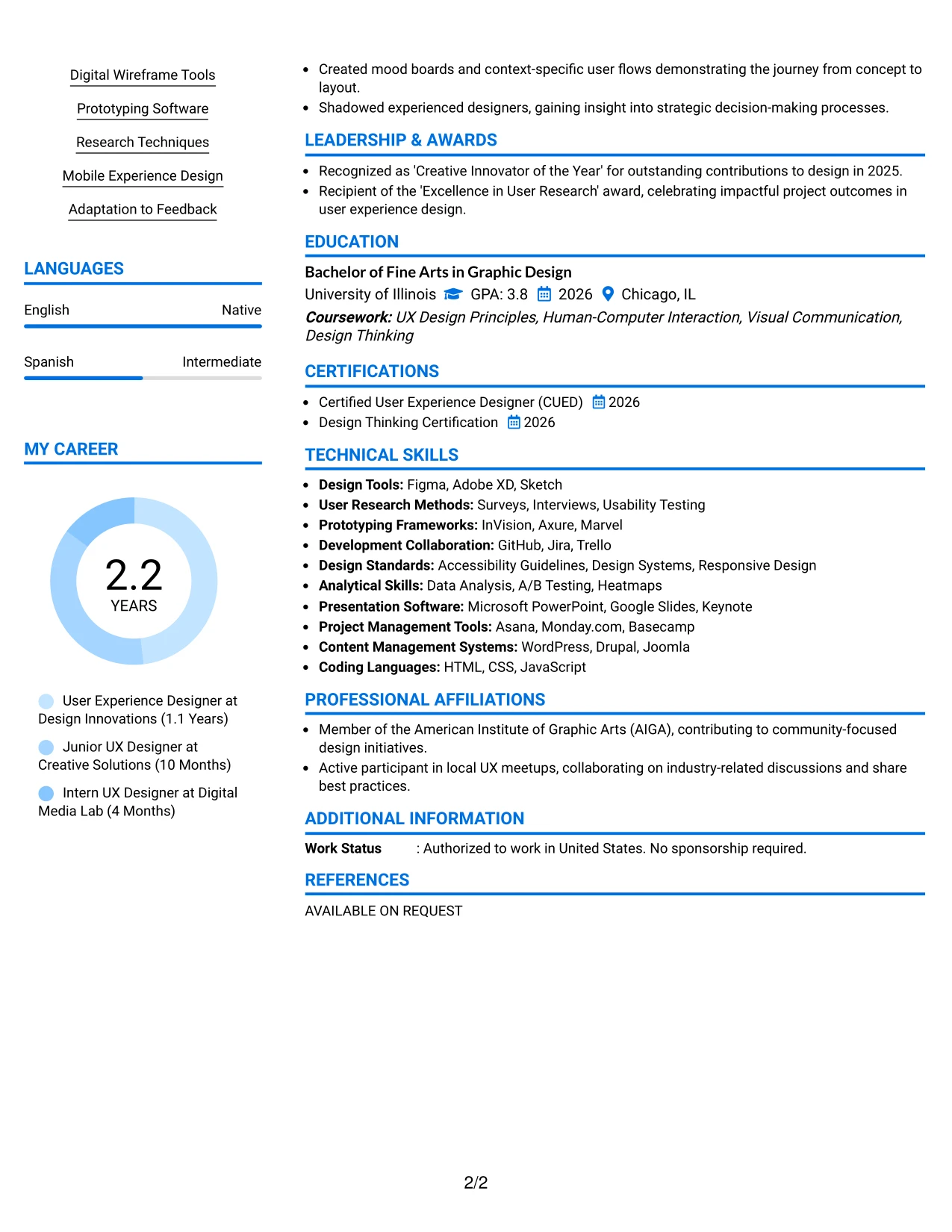
Why the Large Profile Photo International Two Column Format Works for a Resume
- This format enhances Linh's personal branding, showcasing a professional image aligned with user experience disciplines.
- Sections like experience, education, and projects remain distinct, allowing speedy assessment for UX design roles.
- Supports candidates in environments prioritizing creativity and innovation in digital marketing.
- Combines visual identity with tangible achievements, adding depth to Linh's narrative.
- Accessible by recruiters focused on identifying talent in progressive design sectors.
- Beneficial for applications where showcasing both academic and creative credentials is important.
- Overall, strikes a balance between personality and clarity within the marketing field.
Best For
- Creative User Experience Agencies
- Dynamic Startup Environments
- Applications Requiring Portfolio & Academic Display
- Social Media and Content Marketing Internships
- Campaign Strategy Support Roles
- Internships Requiring Research and Analytics
- Opportunities Utilizing Tools for Visual Design
Why Build Your User Experience Designer Resume with ResumeInMinutes
ResumeInMinutes assists designers in translating their projects, skills, and experience into a structured resume that is simple to scan and customize.
- 33 resume layouts
- ATS-friendly section structure
- Keyword-focused resume content
- Project and skills organization
- Free PDF resume previews
- Resume customization support
Whether you are applying for a User Experience Designer position, a junior UX designer role, or an internship, you can create a resume that effectively showcases your skills, projects, and design experience quickly.
See Also
- 33 Lead User Experience (UX) Designer Resume Templates with Example 2026 (ATS-Optimized)
- 33 Associate Director, Senior Service Designer (GenAI Experience) Resume Templates with Example 2026 (ATS-Optimized)
- 33 Entry-Level UI/UX Experience Designer Resume Templates with Example 2026 (ATS-Optimized)
- 33 Senior Experience Designer Resume Templates with Example 2026 (ATS-Optimized)
- 33 Staff Experience Designer, AI Evaluation Platform - AI Evaluation Platform Resume Templates with Example 2026 (ATS-Optimized)
- 33 Staff Experience Designer - AI Evaluation Platform Resume Templates with Example
- 33 Automotive CAD Designer – Exterior Mirrors & Vision Systems Resume Templates with Example 2026 (ATS-Optimized)
- 33 Civil Engineering Designer Resume Templates with Example 2026 (ATS-Optimized)
- 30+ Lead User Experience (UX) Designer Cover Letter Templates with Example 2026
- 30+ User Experience Designer Cover Letter Templates with Example 2026
Frequently Asked Questions
Are these User Experience Designer resume templates ATS-friendly?
Yes. The templates are designed with clean sections, readable headings, and UX-focused keywords like user-centered design, prototyping, usability testing, Figma, and Adobe XD.
Are these 33 different resumes?
No. This guide features one User Experience Designer resume example displayed in 33 different layouts and design themes.
What should a User Experience Designer resume include?
It should feature a focused summary, education, projects, relevant experience, technical skills, design tools, certifications, and measurable outcomes where applicable.
Can I download the resume templates as PDFs?
Yes. Each resume style provides a free PDF download for you to preview the format and select the layout that best suits your application.
Which resume style is best for a User Experience Designer?
For most applications, a streamlined one-column or straightforward two-column resume is most effective, simplifying scanning and ensuring ATS compatibility.
Can students with limited experience still craft a solid resume?
Yes. A strong UX resume can emphasize projects, internships, design tools exposure, and transferable skills in user research and usability testing.
Should I include a photo on my resume?
Only include a photo if it is customary in your industry or region. For U.S. applications, it's generally safer to use a no-photo resume template.
Can I customize these resume templates?
Yes. ResumeInMinutes allows you to modify the resume text, layout, design style, and PDF format for your target User Experience Designer application.