
7 Utilization Management Specialist - Authorization Coordination Cover Letter Templates with Example
Use this practical guide to shape a Utilization Management Specialist - Authorization Coordination cover letter, compare 7 layouts, and make your role fit clear.
What Makes a Great Utilization Management Specialist - Authorization Coordination Cover Letter in 2026
A strong letter connects your interest in authorization coordination with the careful work this role requires. Show how clear payer communication, accurate records, and timely follow-up support complete reviews.
Choose specific evidence you can support, such as preparing clinical review packets, tracking payer decisions, or escalating deadline risks. Then connect that evidence to the employer's focus on coordinated workflows, compliance, and preventing avoidable denials.
The featured example moves from interest in the role to relevant workflow evidence, employer alignment, and a clear close; adapt this focused progression while choosing a presentation that fits the employer and communication context.
#1 Simple One Column Format Cover Letter Example
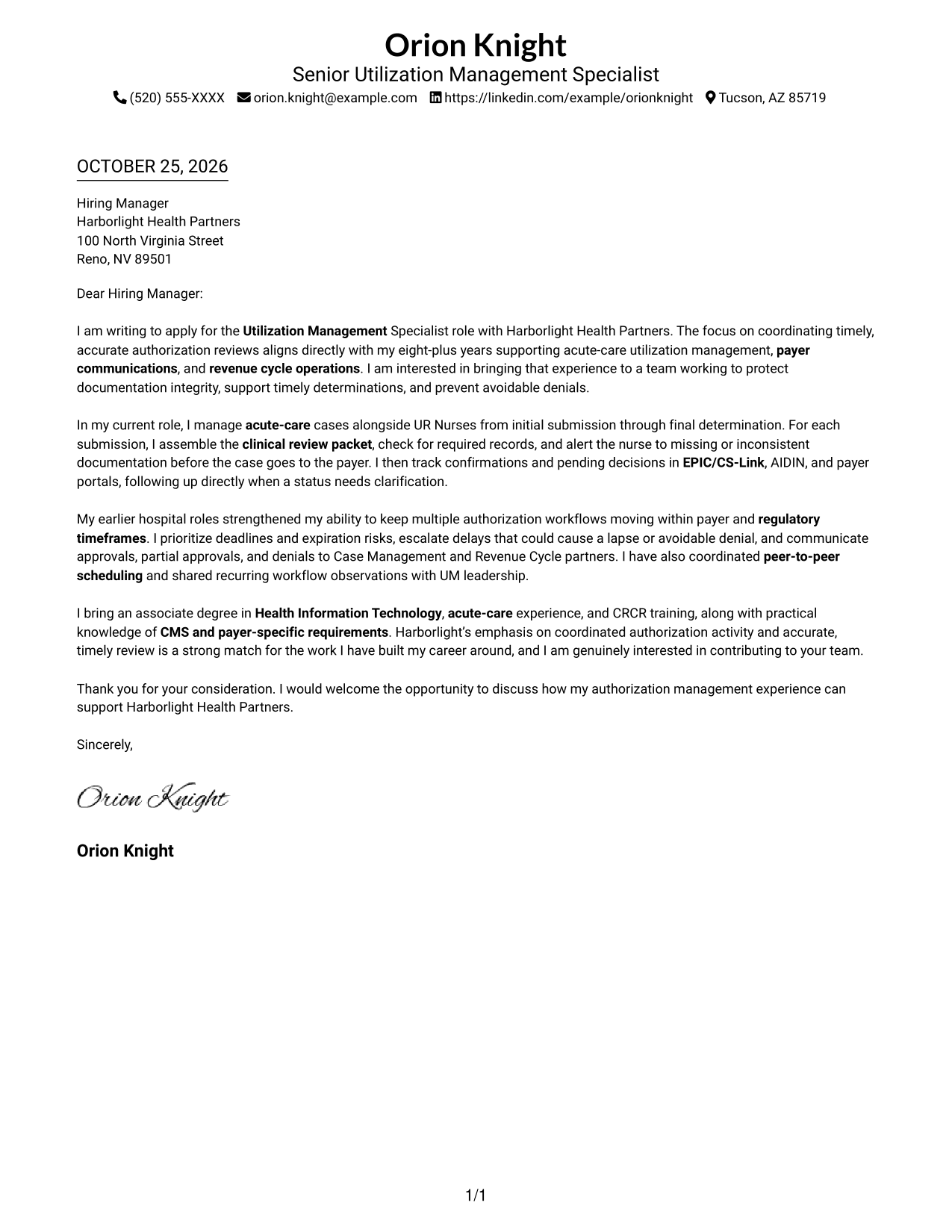
The Simple One Column Format presents sender details in the header and keeps the letter in one reading column.
Why This Format Works
- The single-column reading path keeps the greeting, paragraphs, and closing in sequence.
- Sender details stay in the header, apart from the letter's persuasive paragraphs.
- A photo-free page suits readers who prefer a text-led letter.
Best For
- One-column document preference
- Header-based sender details
- Continuous letter narrative
- Photo-free applications
- Plain visual presentation
#2 Two Column Format Cover Letter Example
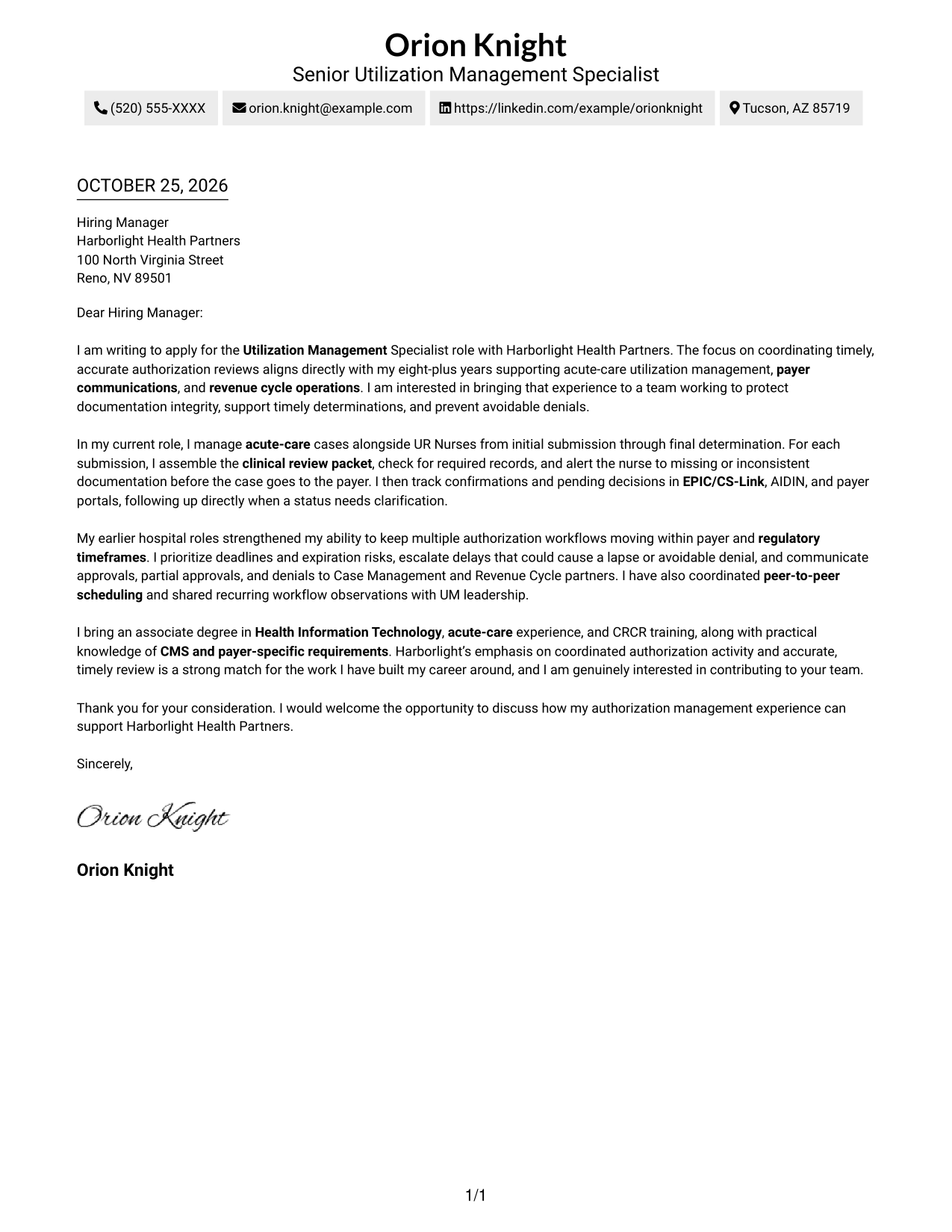
The Two Column Format separates contact details into a sidebar while keeping the letter itself as one continuous body.
Why This Format Works
- The contact sidebar puts sender information apart from the letter's main message.
- The continuous body lets the argument move from greeting to closing without breaks.
- A photo-free layout keeps the presentation focused on the written message.
Best For
- Contact details beside the letter
- A continuous persuasive narrative
- Several sender contact channels
- Photo-free letter presentation
- Distinct contact and message areas
#3 Photo Header Two Column Format Cover Letter Example
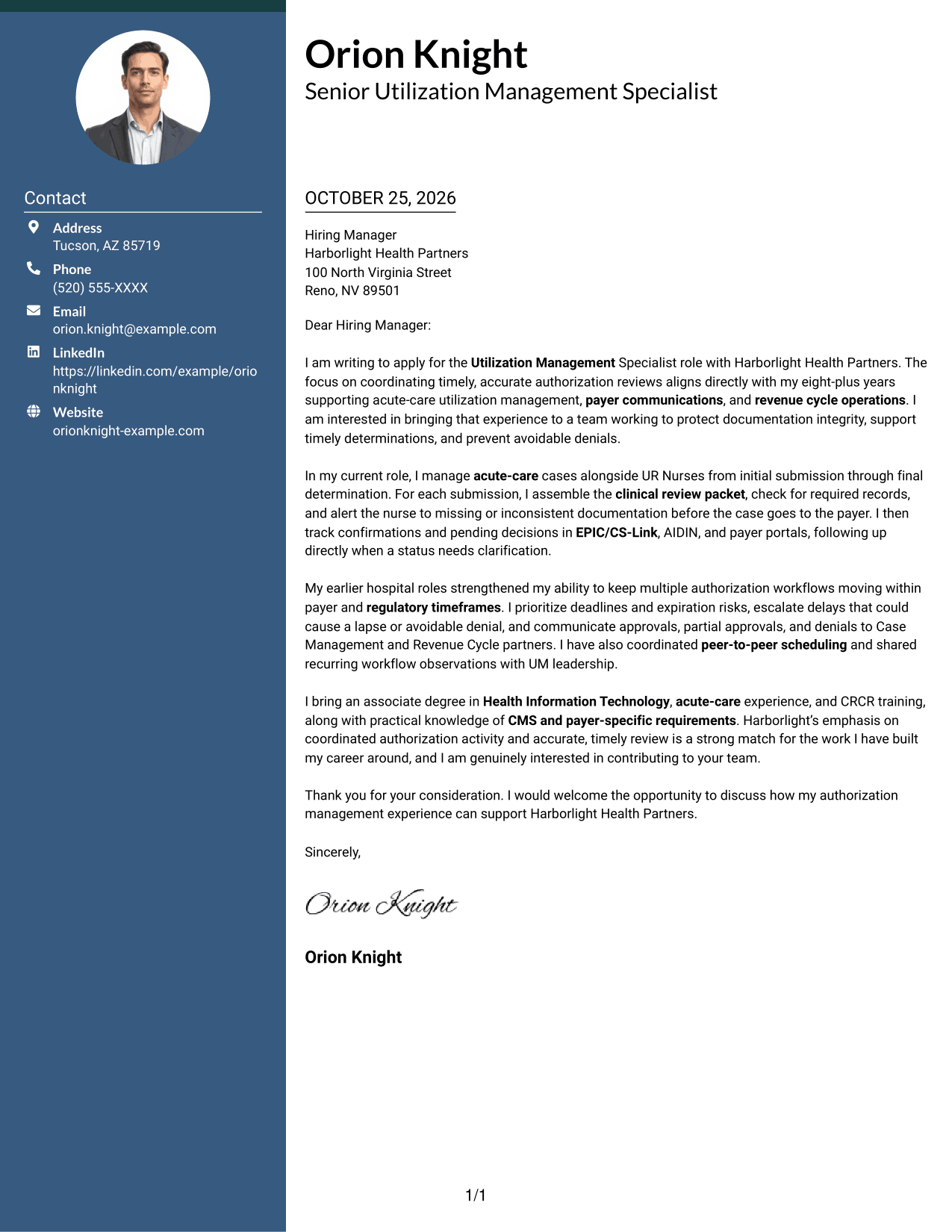
The Photo Header Two Column Format pairs a contact sidebar and continuous letter body with a photo in the design.
Why This Format Works
- The sidebar keeps sender contact details separate from the letter's main message.
- The letter body remains continuous, so its opening and closing read as one argument.
- A photo adds a personal visual element without dividing the letter paragraphs.
Best For
- Contact details beside the letter
- Photo-inclusive letter design
- A continuous persuasive narrative
- Visual sender identification
- Separated contact and message areas
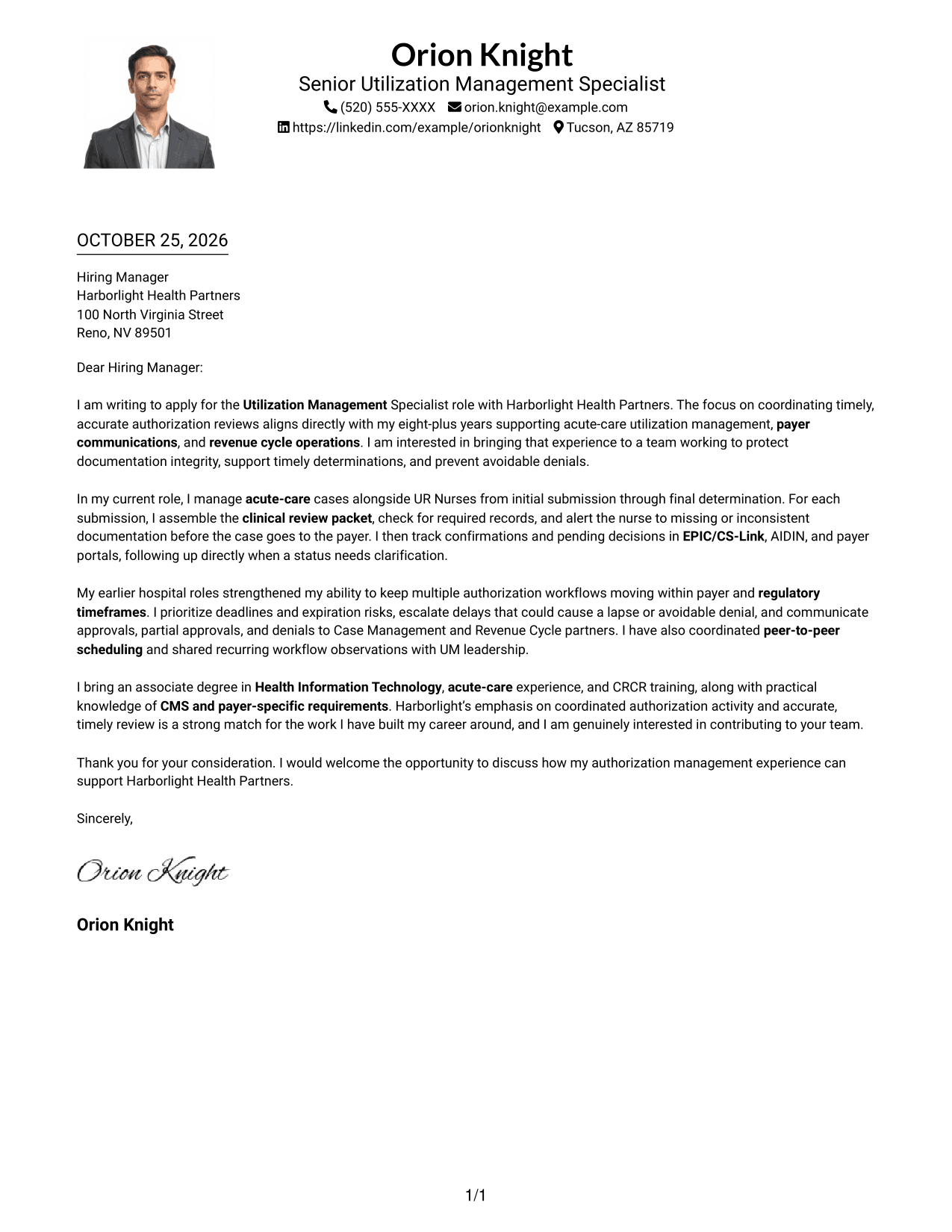
#4 One Column Format with Photo Cover Letter Example
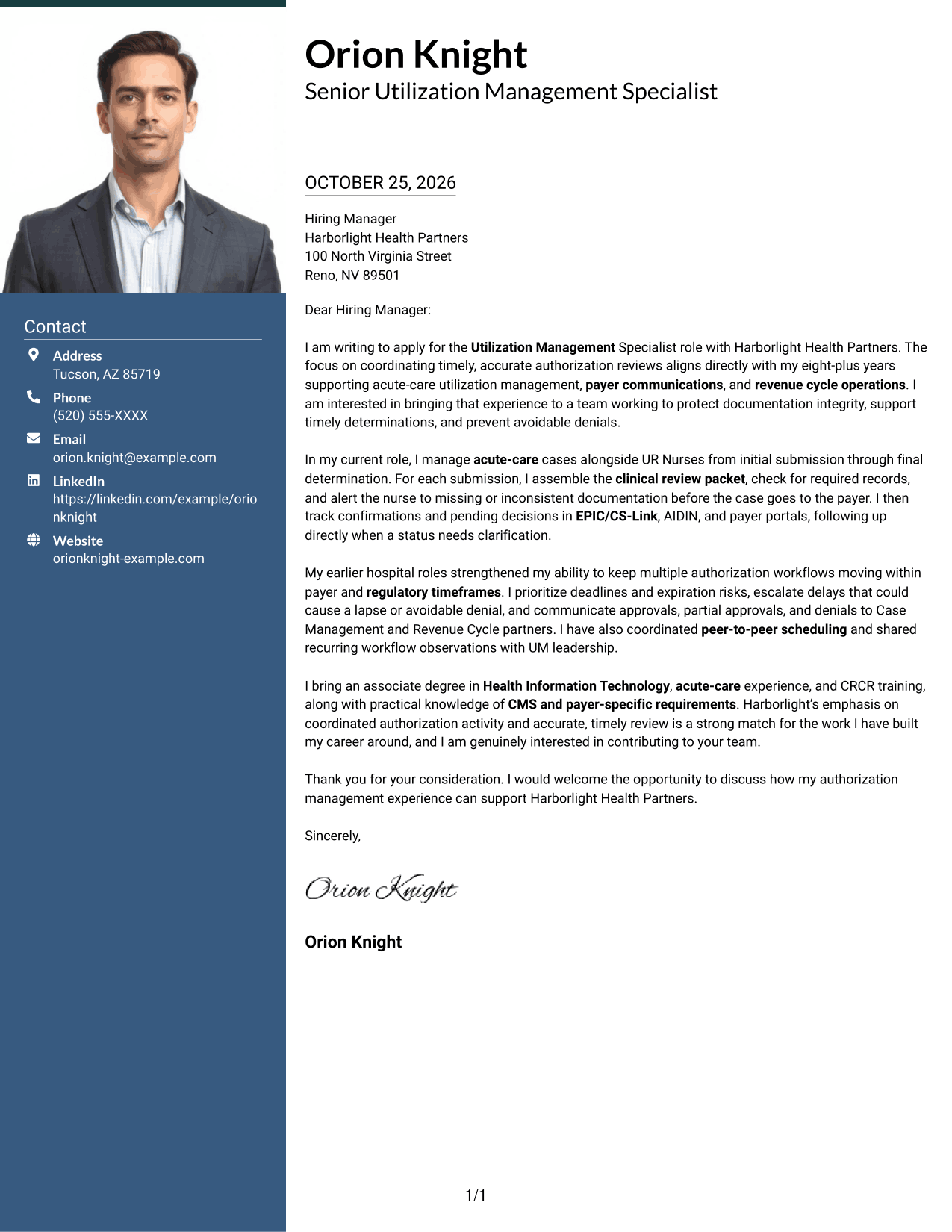
The One Column Format with Photo places the continuous letter in one reading column and includes a photo.
Why This Format Works
- One reading column keeps the greeting, message, and closing in a clear sequence.
- Sender details in the header remain separate from the letter paragraphs.
- The photo offers a visual choice while the letter keeps a direct reading path.
Best For
- One-column letter reading
- A photo-inclusive document
- Header-based sender details
- A direct paragraph sequence
- Applications with a portrait
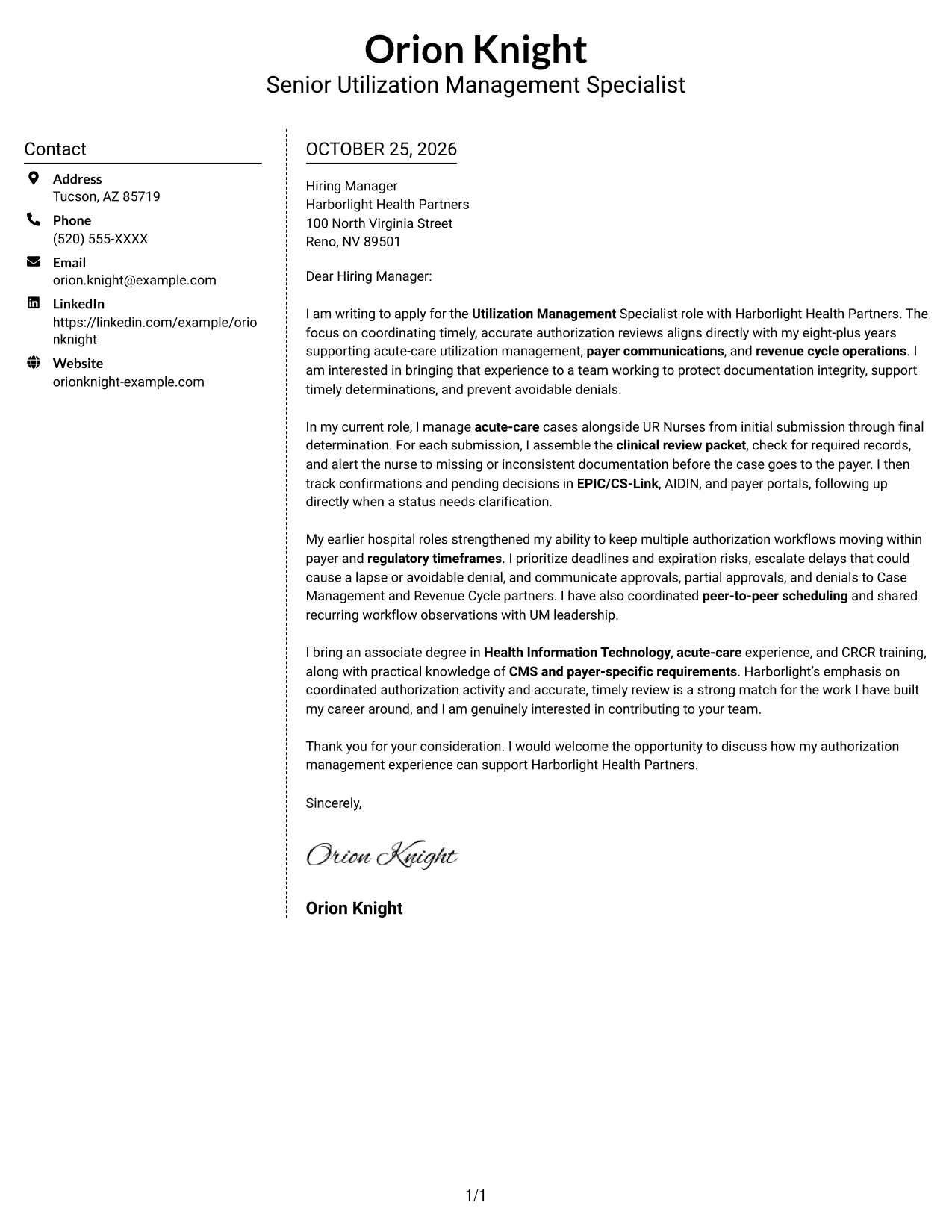
#5 Simple Two Column Format Cover Letter Example
The Simple Two Column Format sets contact details in a sidebar beside one uninterrupted letter body.
Why This Format Works
- The sidebar makes sender information easy to locate apart from the message.
- The letter's paragraphs stay together, preserving the flow of the written case.
- A photo-free presentation keeps the page centered on the letter and contact details.
Best For
- Sidebar contact information
- Uninterrupted letter paragraphs
- Photo-free document preference
- Quick access to sender details
- A simple two-column arrangement
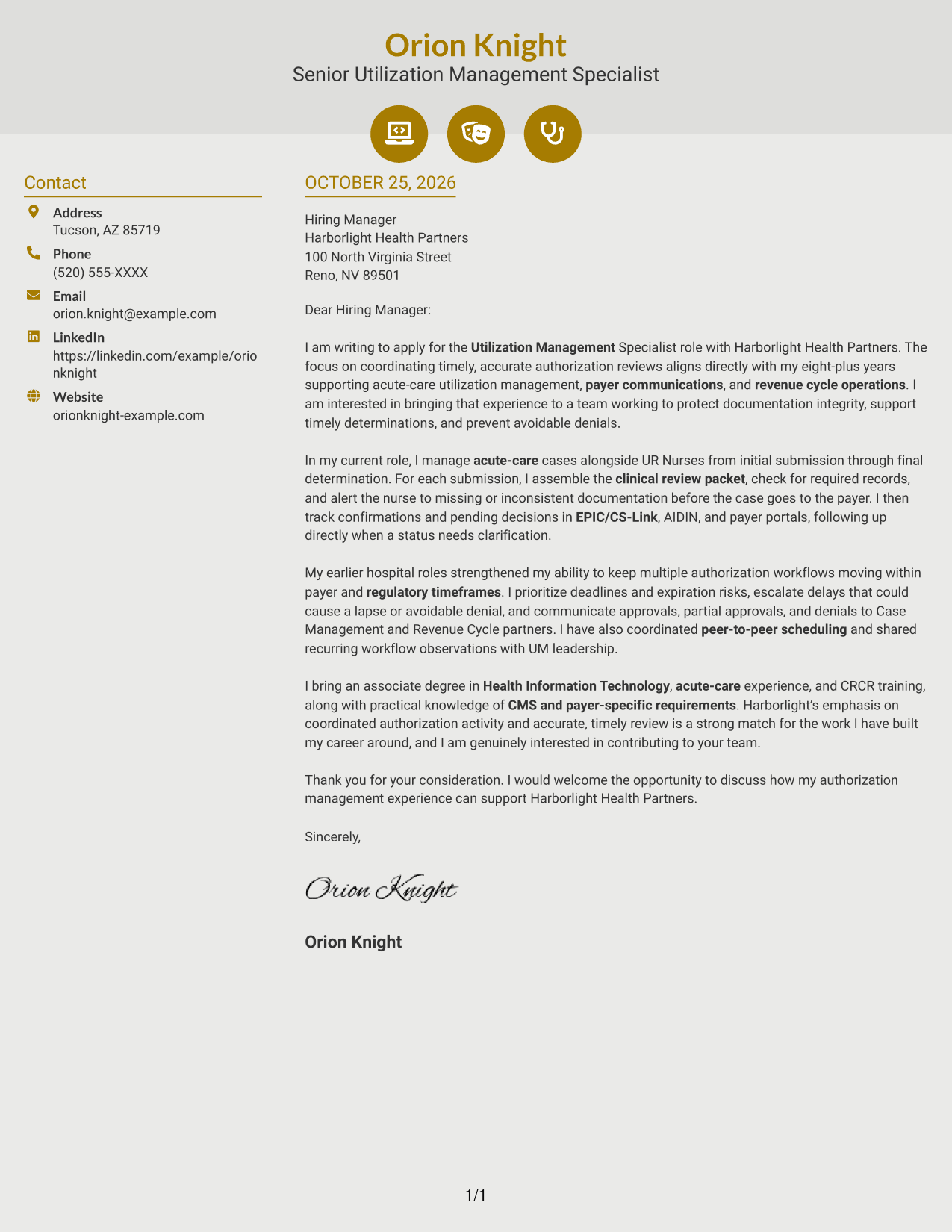
#6 Modern Icon Format Cover Letter Example
The Modern Icon Format uses two columns, with icons serving as contact cues rather than labels for the letter's argument.
Why This Format Works
- Contact icons help distinguish sender details from the main letter text.
- The continuous body keeps the opening, supporting paragraphs, and closing together.
- Icons add visual cues without assigning labels to parts of the argument.
Best For
- Icon-led contact details
- Two-column document preference
- A continuous letter narrative
- Photo-free visual design
- Quick recognition of contact information
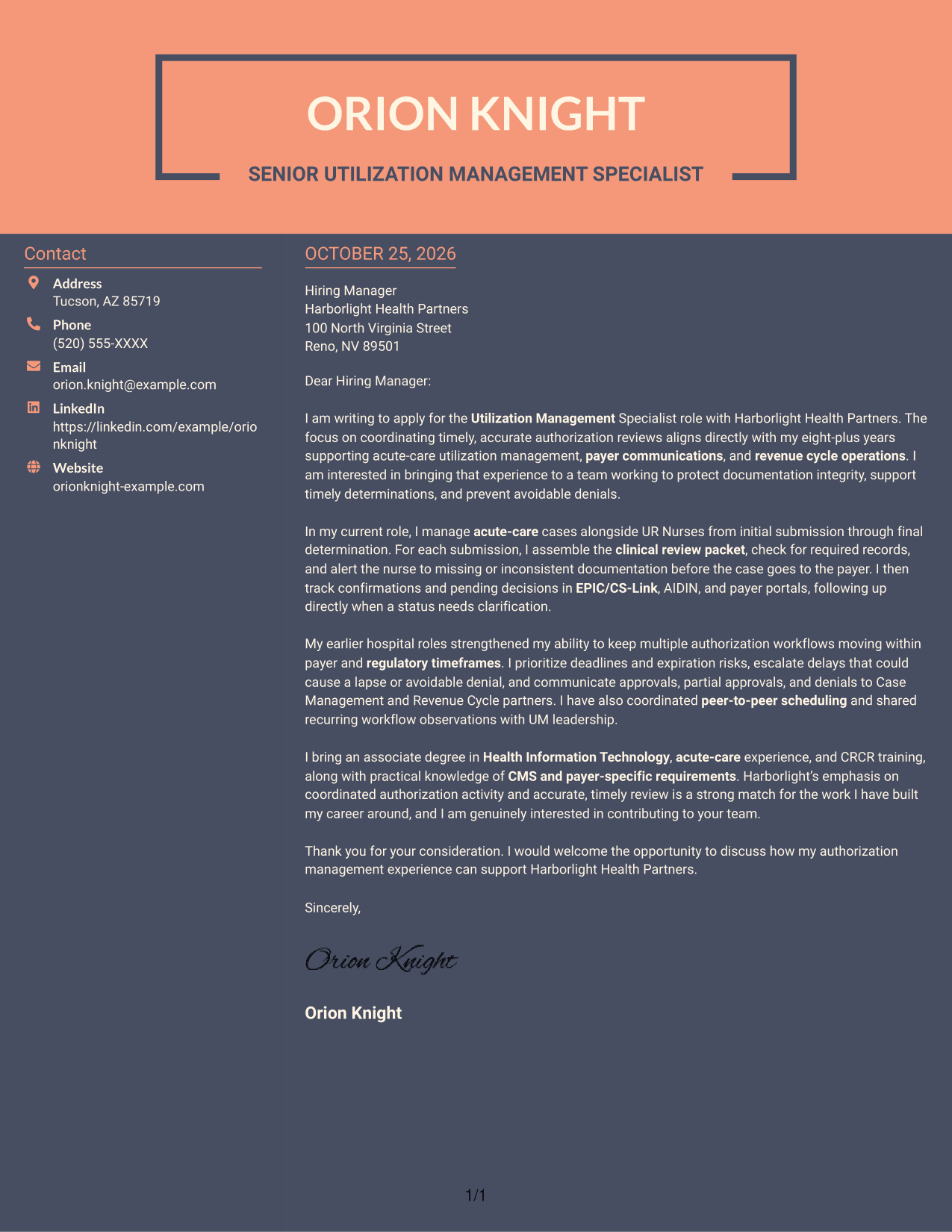
#7 Creative Two Tone Format Cover Letter Example
The Creative Two Tone Format places sender contact details in a sidebar beside one continuous letter body.
Why This Format Works
- The contact sidebar separates sender information from the letter's persuasive message.
- One continuous body carries the reader from the opening through the closing.
- The photo-free layout presents the written case without a portrait.
Best For
- Sidebar-based contact details
- A single letter narrative
- Photo-free presentation
- Clear separation of contact and message
- Two-column reading preference
See Also
- 7 Utilization Management Specialist - Authorization Coordination Resume Templates with Example
- 7 Director Clinical Operations - Utilization Management Resume Templates with Example
- 7 Senior Clinical Education Consultant - Utilization Management Software Resume Templates with Example
- 7 Director, Deployment Lead - Supply Chain Digital Transformation Resume Templates with Example
- 7 Academic Advisor - Automated Industrial Technology Resume Templates with Example
- 7 Carpenter II - Concrete Flatwork Resume Templates with Example
- 7 Chief Labor Relations Officer - Collective Bargaining Resume Templates with Example
- 7 Housekeeper - Building Custodial Services Resume Templates with Example
- 7 Director Clinical Operations - Utilization Management Cover Letter Templates with Example
- 7 Senior Clinical Education Consultant - Utilization Management Software Cover Letter Templates with Example
Frequently Asked Questions
What should a Utilization Management Specialist - Authorization Coordination cover letter emphasize?
Focus on how you support authorization work from submission through final determination. Explain relevant strengths in documentation checks, payer follow-up, deadline management, and communication with clinical and revenue cycle partners.
How can I show that I can manage time-sensitive authorization workflows?
Give a concise example of how you track pending decisions, prioritize deadlines or expiration risks, and escalate delays. Be clear about your own actions and the outcome you can verify.
Should I mention EPIC/CS-Link, AIDIN, or payer portals?
Include systems you have used when they relate to the role. Briefly explain how you used them to record authorization activity, confirm submissions, follow decisions, or resolve status questions.
How do I tailor the letter to the employer?
Connect your experience to the employer's stated focus on accurate authorization coordination, timely review, and communication across teams. Add a specific reason for your interest only when it is genuine and supported by what you know.




