30+ UX Designer Cover Letter Templates with Example 2026
Are you looking to create a UX Designer cover letter that helps your application stand out? You’re in the right place.
A strong cover letter gives you the chance to highlight your design skills, problem-solving abilities, and passion for enhancing user experiences beyond what appears on your resume. It shows employers why you are a strong fit for the role and how your background connects to their design needs.
In this guide, you’ll see one proven UX Designer cover letter example, learn what makes it effective, and explore how to generate the same cover letter in 33 different styles and themes to match your personality, career goals, and target company in minutes.
What Makes a Great UX Designer Cover Letter in 2026
Strong cover letters in 2026 are specifically tailored, skill-focused, and aligned with the job requirements. The best cover letters consistently emphasize three core areas:
- Relevant design skills and tools
- Experience in user research and testing
- Strong communication and collaboration abilities
Instead of repeating the resume, effective cover letters explain:
- Why the candidate is excited about the role
- How their past experiences align with the company's design philosophy
- Why they excel in a team-oriented environment
For this type of role, strong keyword inclusion often includes user experience, wireframing, prototyping, usability testing, Figma, collaboration, and problem-solving.
The templates below showcase how one effective, ATS-friendly cover letter can be presented in various professional styles.
Essential Sections of a UX Designer Cover Letter
High-performing cover letters usually follow a clear and structured approach. When a cover letter feels too generic or disorganized, hiring managers often lose interest quickly.
The strongest cover letters typically include the following:
- HEADER
- DATE
- EMPLOYER / HIRING MANAGER DETAILS
- OPENING PARAGRAPH
- WHY THIS ROLE / WHY THIS COMPANY
- RELEVANT PROJECTS OR EXPERIENCE
- TECHNICAL SKILLS ALIGNMENT
- CULTURE / TEAM FIT
- CLOSING PARAGRAPH
- PROFESSIONAL SIGN-OFF
The example below follows this structure so readers can model their own cover letters with confidence.
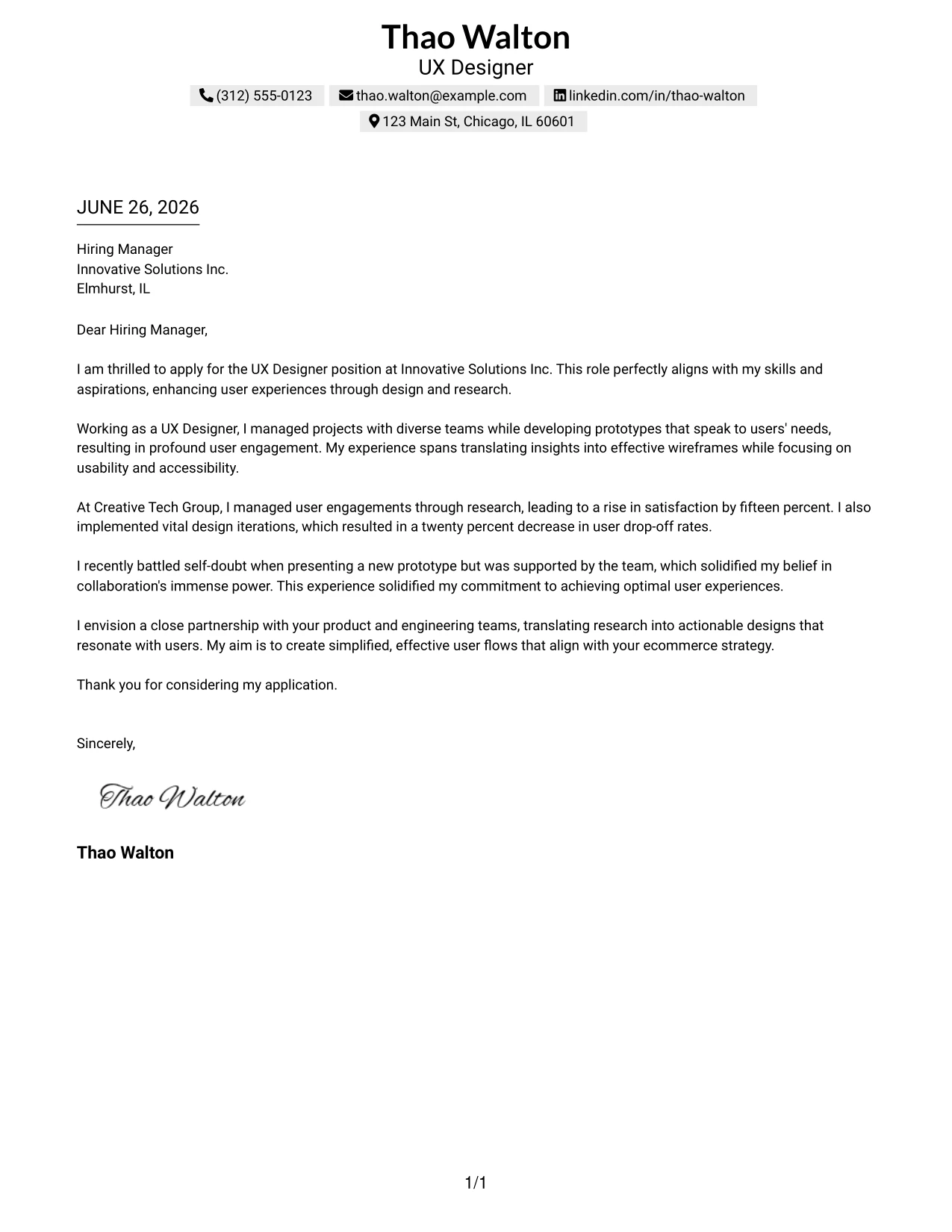
#1 UX Designer Cover Letter Example
This cover letter showcases Thao Walton applying for the UX Designer position at Innovative Solutions Inc., emphasizing her passion for enhancing user experiences through design and research. It highlights her project management skills and ability to collaborate with cross-functional teams effectively.
The clean layout and structured paragraphs encourage easy reading, making it accessible for hiring managers while maintaining a professional tone. It positions her well among peers in the competitive UX landscape.
Candidate Snapshot
- Name: Thao Walton
- Education: B.A. in Graphic Design
- Target Role: UX Designer
- Highlighted Skills: Figma, User Research, UX Design, Collaboration
Why This Cover Letter Works
- Begins with a strong declaration of passion for user experience design, aligning well with the company's mission.
- Demonstrates specific accomplishments with quantifiable results, such as a 15% increase in user satisfaction.
- Successfully conveys collaboration experiences, strengthening her suitability for team-oriented projects.
- Highlights familiarity with essential UX tools like Figma, directly matching the job requirements.
- Communicates a personal story about overcoming challenges, showcasing resilience and a commitment to teamwork.
- Ends with a proactive vision for collaboration with the company's product and engineering teams, reinforcing fit with the organization.
Keywords Matched From Job Description
- UX Designer
- User Research
- Wireframes
- Collaboration
- Figma
- Usability Testing
- Ecommerce Strategy
- Design Iterations
- User Engagement
- Team Collaboration
- Prototyping
- Accessibility
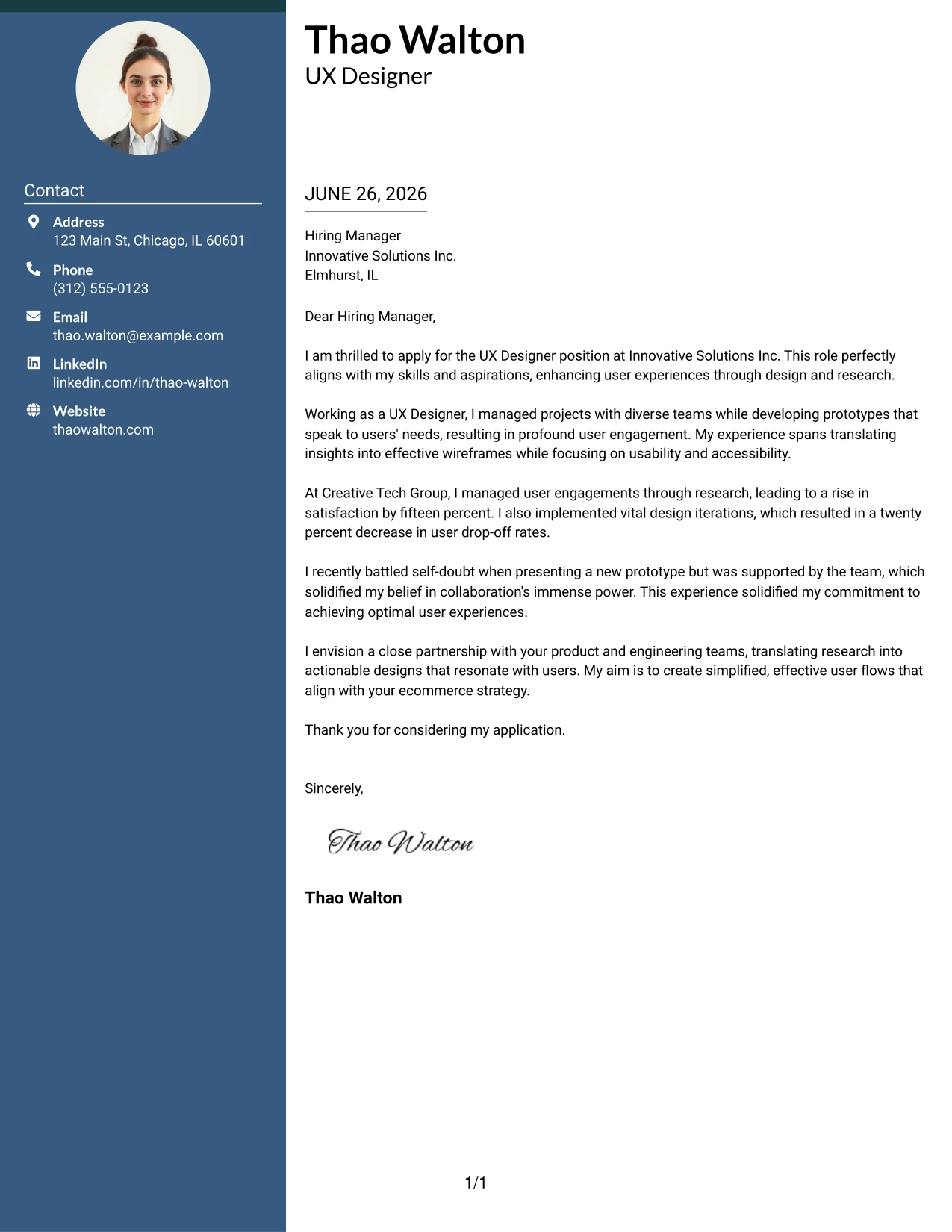
#2 UX Designer Cover Letter Example (Professional Two Column Format)
This version showcases Thao Walton in a modern two-column layout, combining a visually appealing sidebar for contact details with a clean text area. This refined approach emphasizes professionalism while effectively communicating her qualifications for the UX Designer role.
Why the Two Column Format Works
- Creates a distinguished first impression with a well-organized professional layout.
- Left sidebar neatly presents contact information for quick recruiter access.
- Main content area maintains focus on the letter's message, emphasizing Thao's achievements.
- Visually appealing without distracting from the professional tone of the content.
- Helps candidates stand out in the competitive field of UX design while ensuring clarity in communication.
- Ideal for roles requiring collaboration, creativity, and a polished presentation.
Best For
- UX Design Roles
- Creative Tech Employers
- Modern Startups
- Team Collaboration Opportunities
- Entry-Level Positions
- Visual Design Focus
- Professional Branding
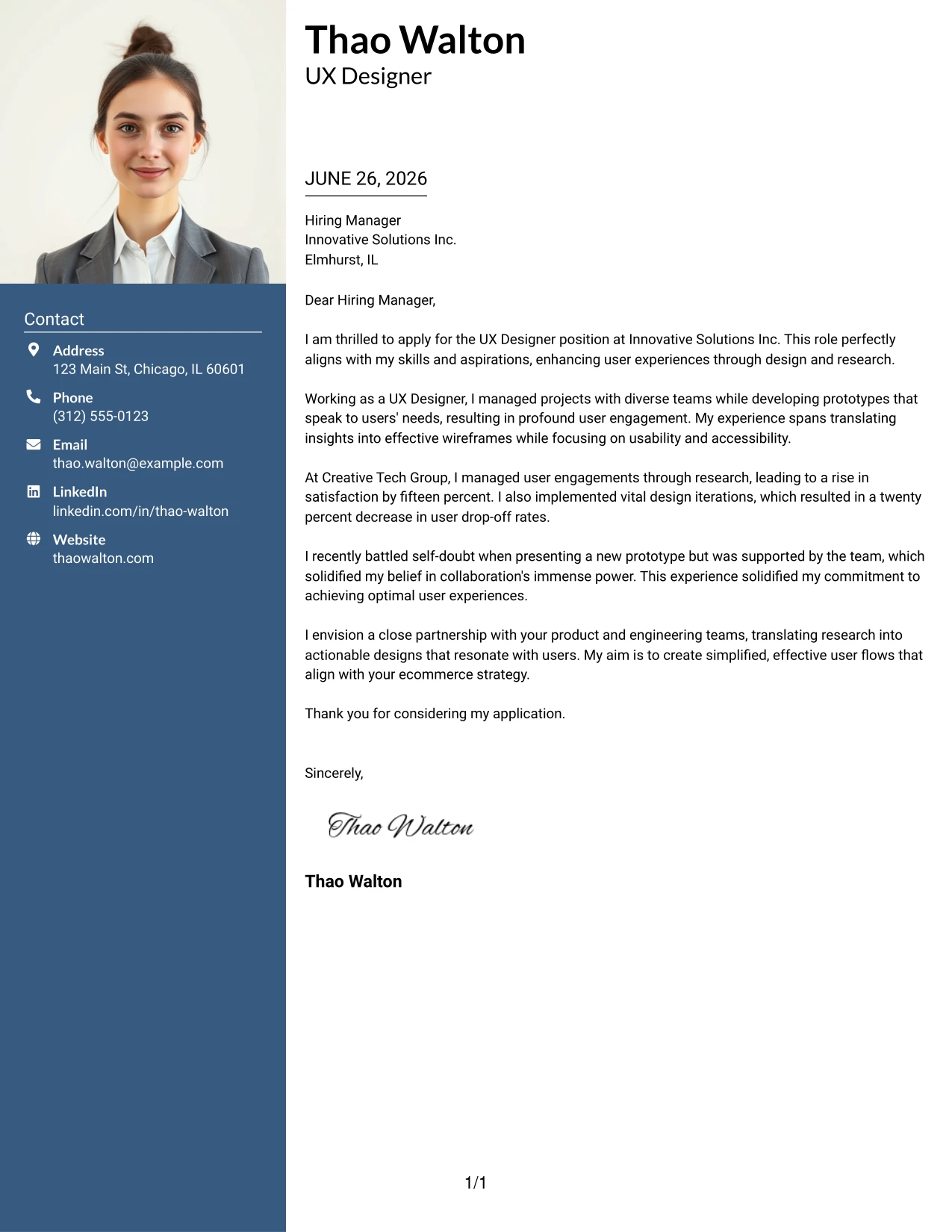
#3 UX Designer Cover Letter Example (Photo Header Two Column Format)
This version utilizes a two-column layout with a professional photo header, enhancing Thao Walton's personal brand while ensuring accessibility and readability of the content. This design effectively merges creativity with professionalism, making it ideal for competitive UX applications.
Why the Photo Header Two Column Format Works
- Captures attention with a modern photo, enhancing personal branding for applicants.
- Organizes contact information clearly, promoting accessibility.
- Maintains a professional look with structured content that makes it easy to follow.
- Conveys creativity while maintaining the seriousness required in professional communication.
- Designed to help Thao stand out among her peers while retaining professional integrity.
- Excellent for roles that appreciate strong communication skills and visual presentation.
Best For
- UX Designer Positions
- Creative Tech Companies
- Startup Applications
- Modern Employers
- Student Applications
- Positions Emphasizing Personal Branding
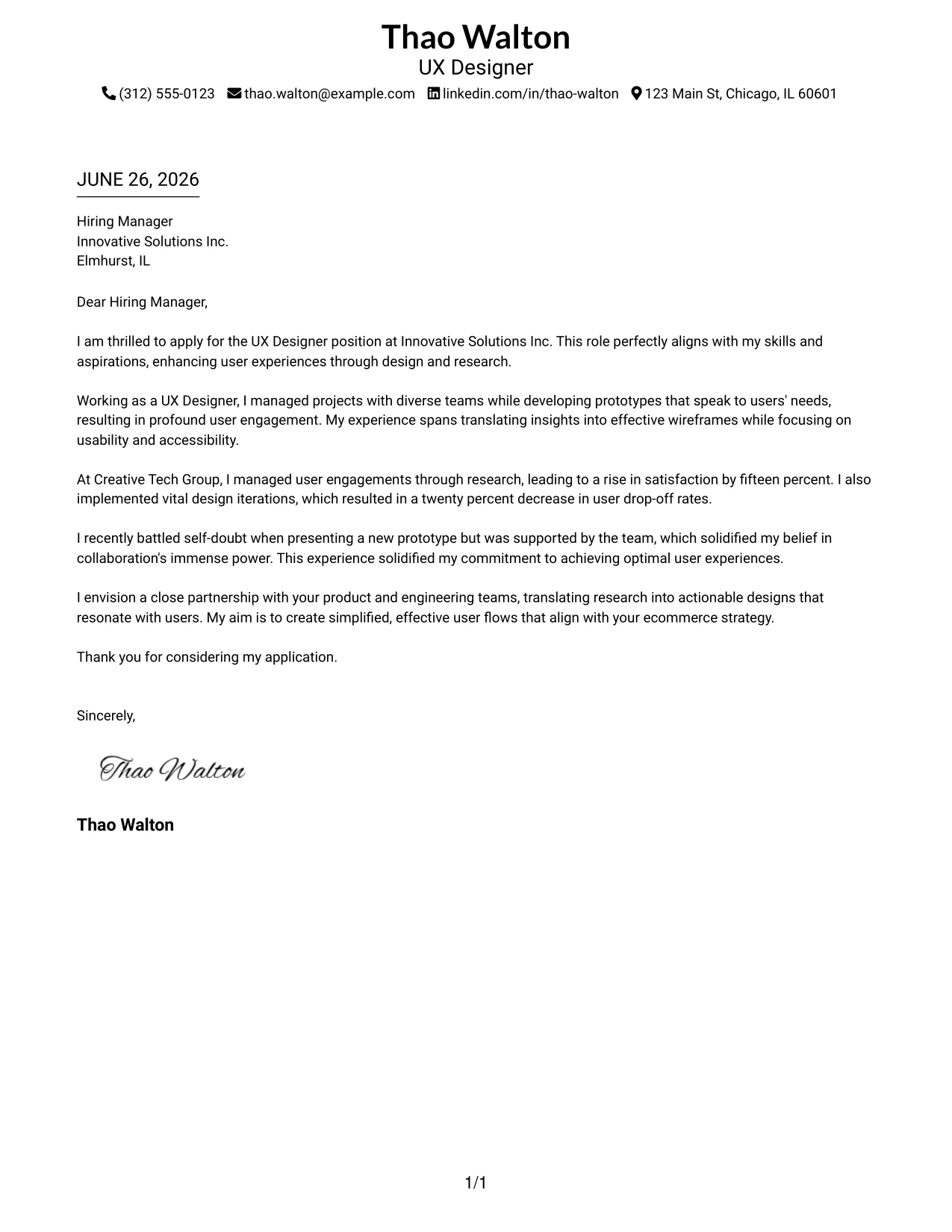
#4 UX Designer Cover Letter Example (Simple One Column Format)
This version utilizes a clean one-column layout emphasizing straightforward and professional text structure. This format is perfect for applicants like Thao who prefer a no-frills approach, keeping attention focused on her qualifications and experiences.
Why the Simple One Column Format Works
- Maintains a focus on professional language, enhancing clarity and impact of the message.
- Ideal for ATS compliance, ensuring the document is easily readable by technology.
- Matches the expectations of conservative employers who emphasize straightforwardness.
- Captures Thao's qualifications and achievements without distractions from design elements.
- Perfect for conveying professionalism in formal or traditional sectors.
- Highly effective for students and early-career applicants seeking clarity in their communication.
Best For
- UX Design Roles
- Corporate Environments
- Traditional Industries
- Entry-Level Positions
- Student Applications
- ATS-Friendly Formats
#5 UX Designer Cover Letter Example (One Column Format with Photo)
This version employs a one-column layout with Thao's professional photo featured, creating a polished yet accessible presentation. Ideal for showcasing her identity while keeping the focus on her skills and experiences as a UX Designer.
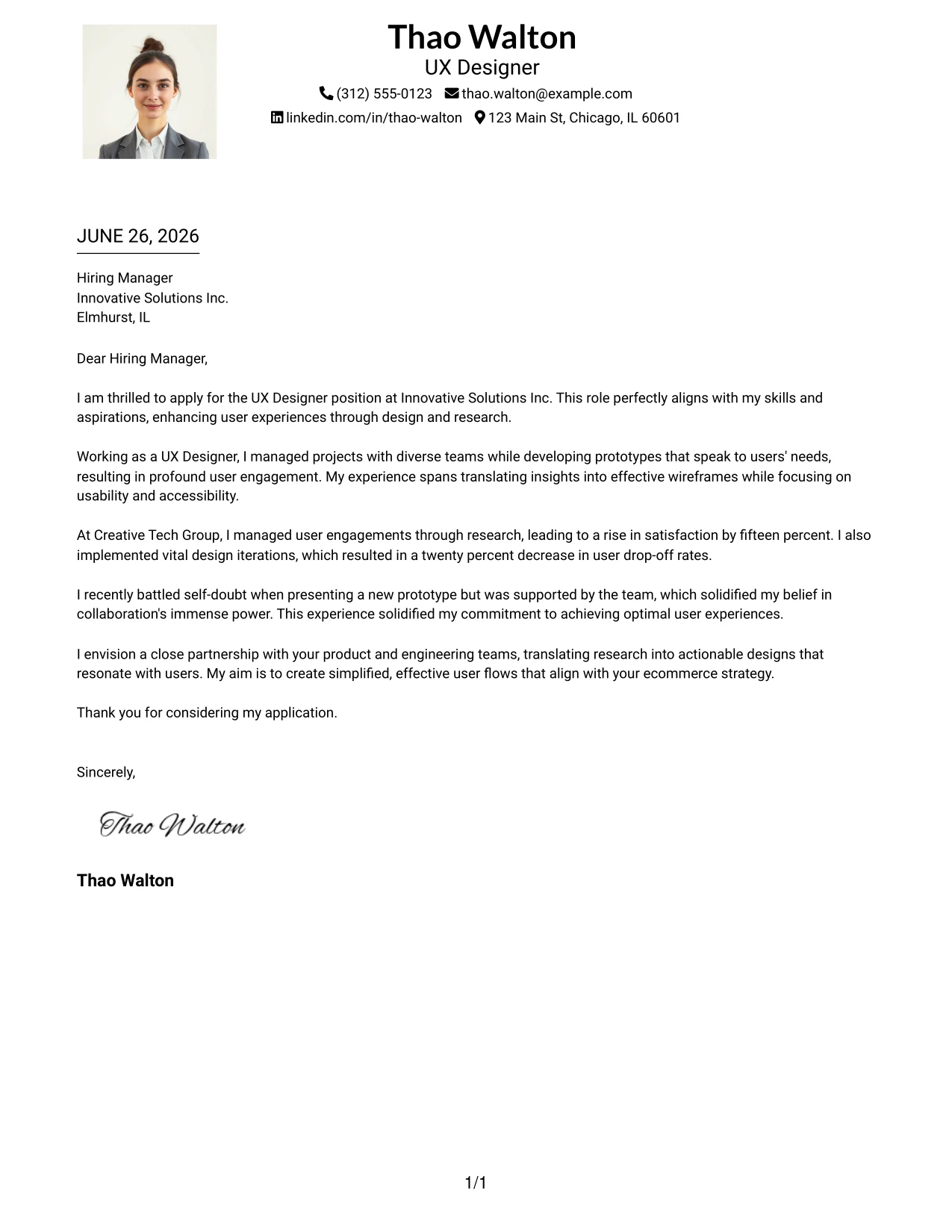
Why the One Column Format with Photo Works
- Combines a classic layout with a personal touch through a professional photo.
- Keeps the viewer's focus on Thao’s accomplishments, skills, and UX design insight.
- Simple yet elegant presentation works well for both ATS and hiring manager reviews.
- Excellent for early-career applicants wishing to create a memorable yet professional first impression.
- Strikes a balance between formality and personality in professional communications.
- Highly suitable for sectors valuing creativity and visual presentation.
Best For
- UX Designer Positions
- Modern Creative Companies
- Student Applications
- Entry-Level Roles
- Visual CV Styles
- Professional Branding
#6 UX Designer Cover Letter Example (One Column Format with Photo on the Right)
This format highlights Thao's professional background through a one-column layout with her photo positioned on the right. This modern style maintains focus on her qualifications while adding a personal touch, ideally suited for creative industries seeking strong communication and collaboration skills.
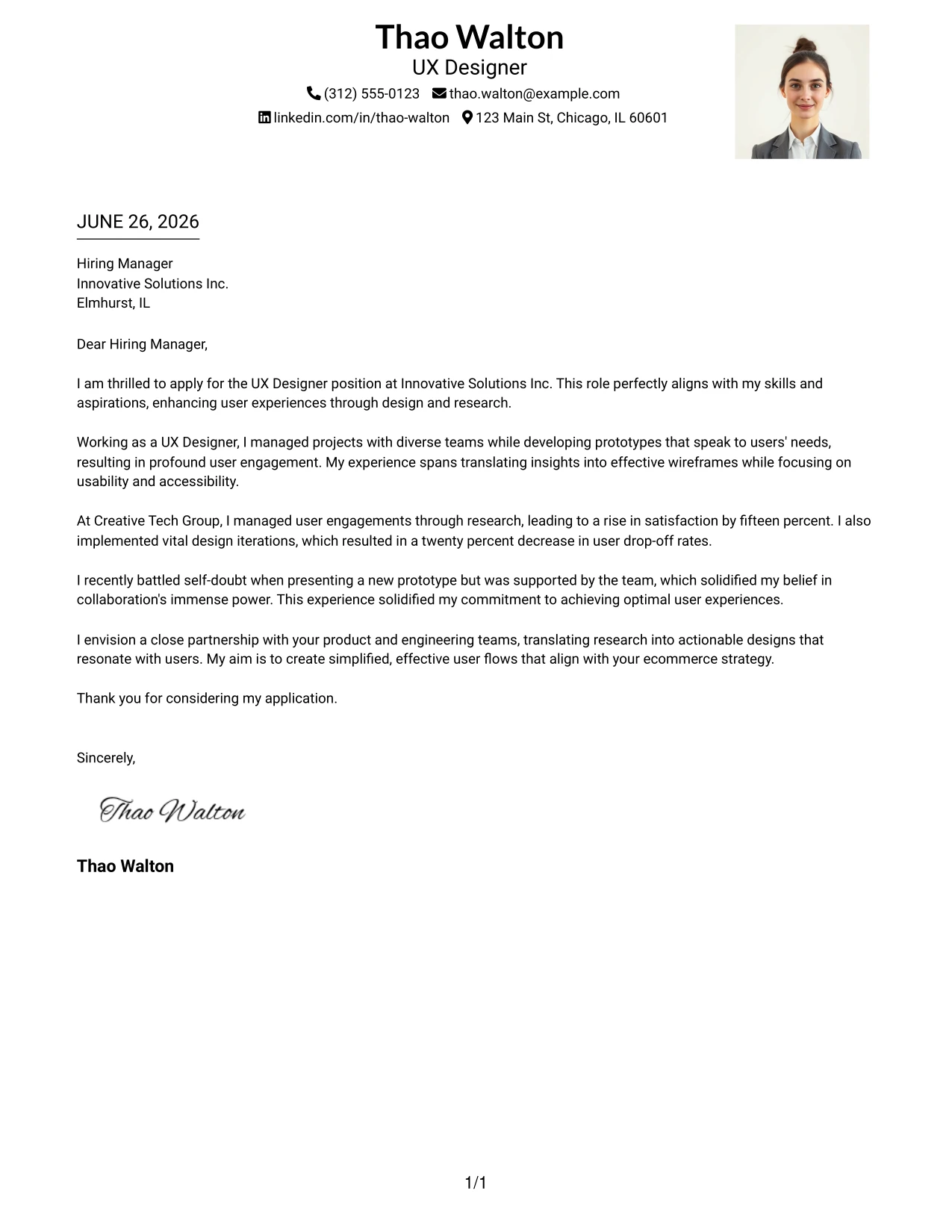
Why the One Column Format with Photo Right Works
- Features a clean layout that emphasizes Thao's qualifications and personal branding.
- Right-side photo allows her personality to shine in a professional context.
- Combines clarity with modern aesthetics, making it user-friendly for hiring managers.
- Presents a polished appearance suited for creative environments that value individuality.
- Effective for applicants who want to make a memorable impression alongside their skills.
- Modern and ATS-friendly structure caters to contemporary job markets.
Best For
- UX Designer Roles
- Creative Startups
- Entry-Level Positions
- Jobs Emphasizing Personal Branding
- Modern Work Environments
- Professional Applications
#7 UX Designer Cover Letter Example (Simple Two Column Format)
This clean two-column layout effectively organizes Thao Walton's contact information and main content. The design promotes professionalism and clarity, allowing her qualifications for the UX Designer position to stand out.
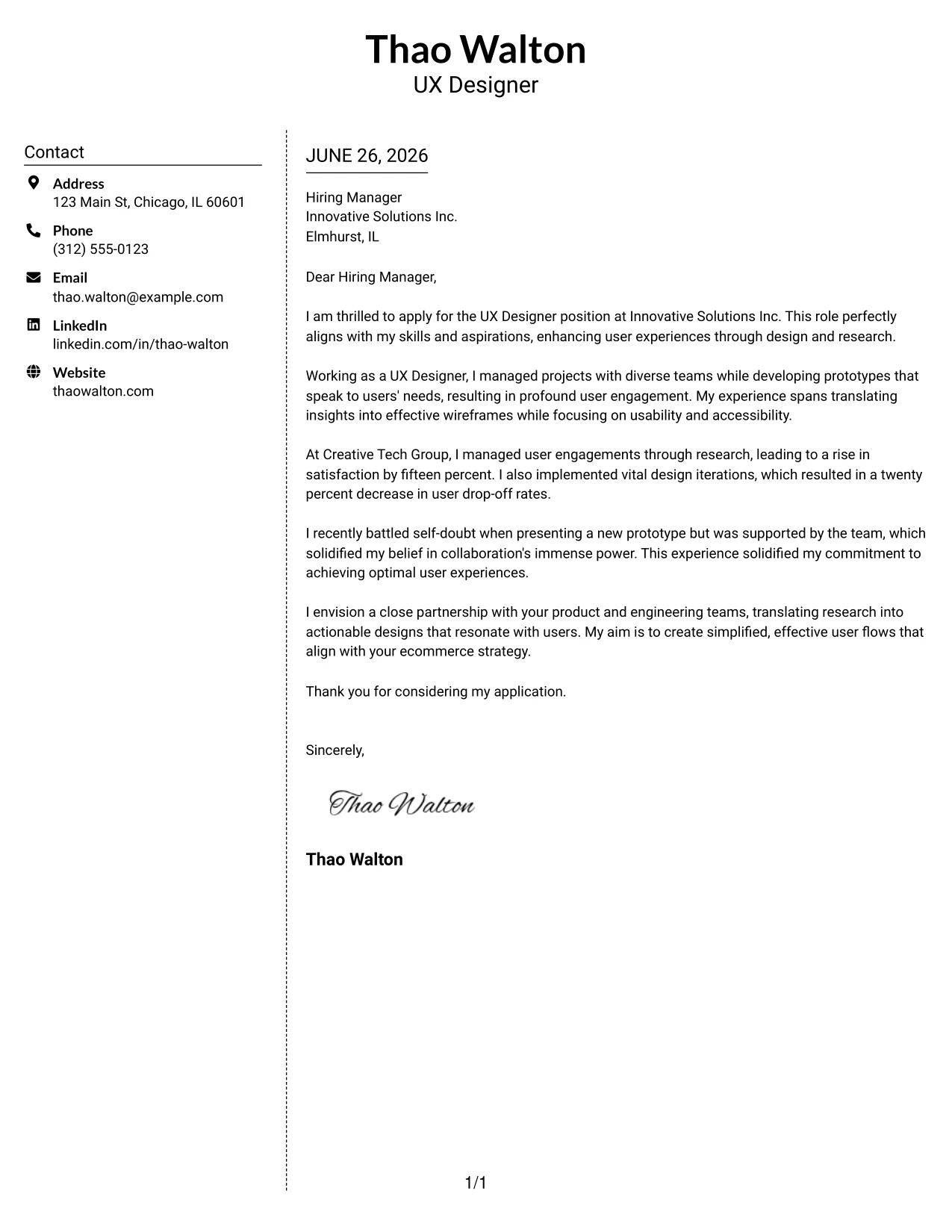
Why the Simple Two Column Format Works
- Differentiates contact details from the letter content for easy navigation.
- Structured and neat presentation enhances professionalism and readability.
- Modern design allows hiring managers to quickly extract key information.
- Balances creative appeal with clear emphasis on Thao’s qualifications.
- Ideal for applicants looking to create a subtle upgrade from plain formats.
- Perfectly suits candidates aiming for a clean, organized representation of skills.
Best For
- UX Design Applications
- Student Internships
- Early-Career Positions
- Tech Startups
- Modern Employers
- ATS-Friendly Formats
#8 UX Designer Cover Letter Example (Stylish Two Column Designer Format)
This stylish two-column layout incorporates a colorful sidebar and bold headers, positioning Thao Walton as a strong candidate in the UX field. The design effectively showcases her creativity while maintaining a professional presentation that aligns with her skill set.
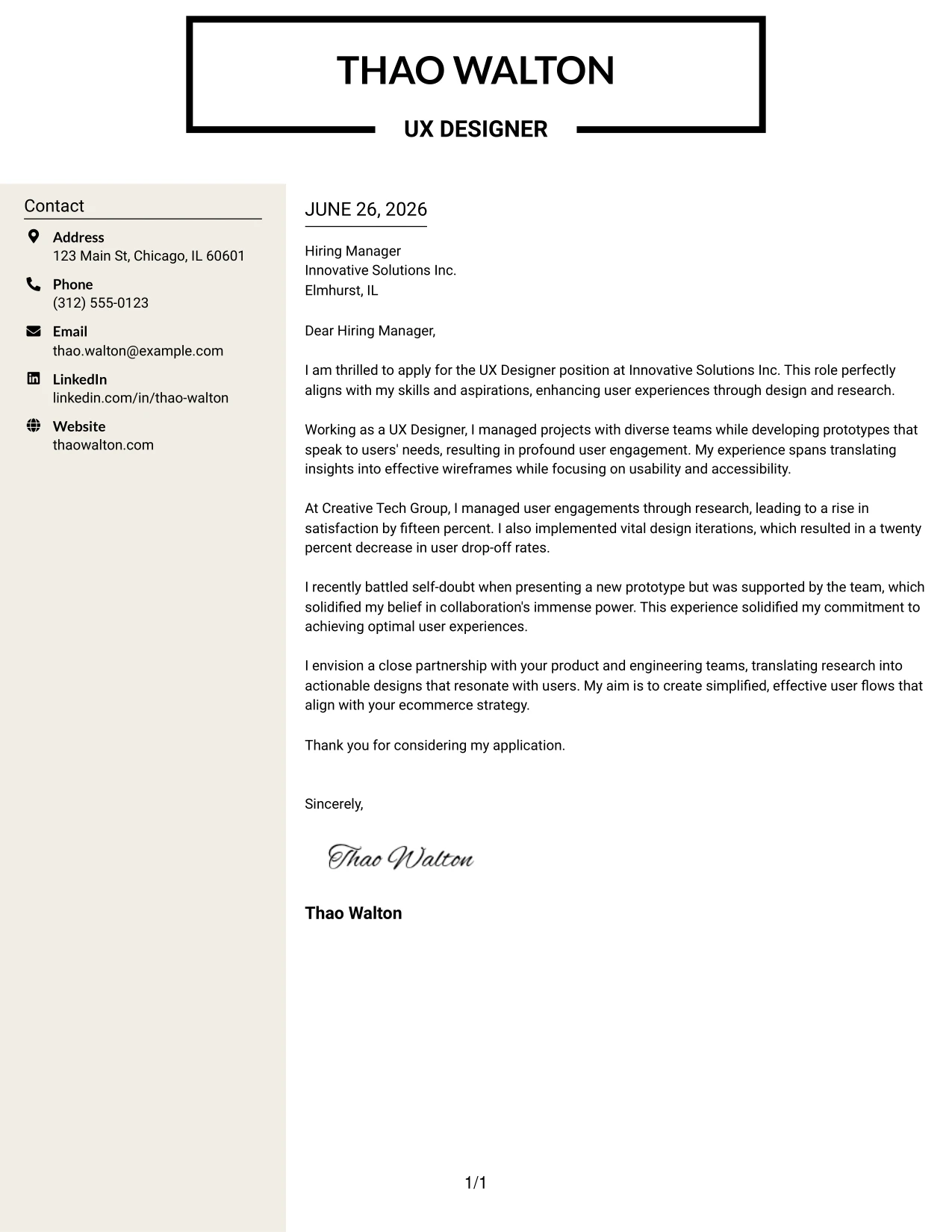
Why the Stylish Two Column Format Works
- Bold design elements create an attractive first impression that stands out.
- Organizes contact information neatly, aligning with modern aesthetic preferences.
- Maintains readability of the main content while showcasing Thao's visual skills.
- Geared towards UX candidates who want to combine creativity with professionalism.
- Position Thao as a forward-thinking applicant in the UX/UI space.
- Ideal for jobs in modern tech companies valuing design skills and personal flair.
Best For
- UX and UI Roles
- Creative Tech Startups
- Design-Focused Employers
- Personal Branding Efforts
- Entry-Level Positions
- Applications Needing Visual Distinction
#9 UX Designer Cover Letter Example (Colored Two Column Format)
This version utilizes colorful headings and a bold framework, enhancing the document's overall appeal while retaining professionalism. Thao Walton’s creativity shines through this format, making it ideal for the UX Designer position at Innovative Solutions Inc.
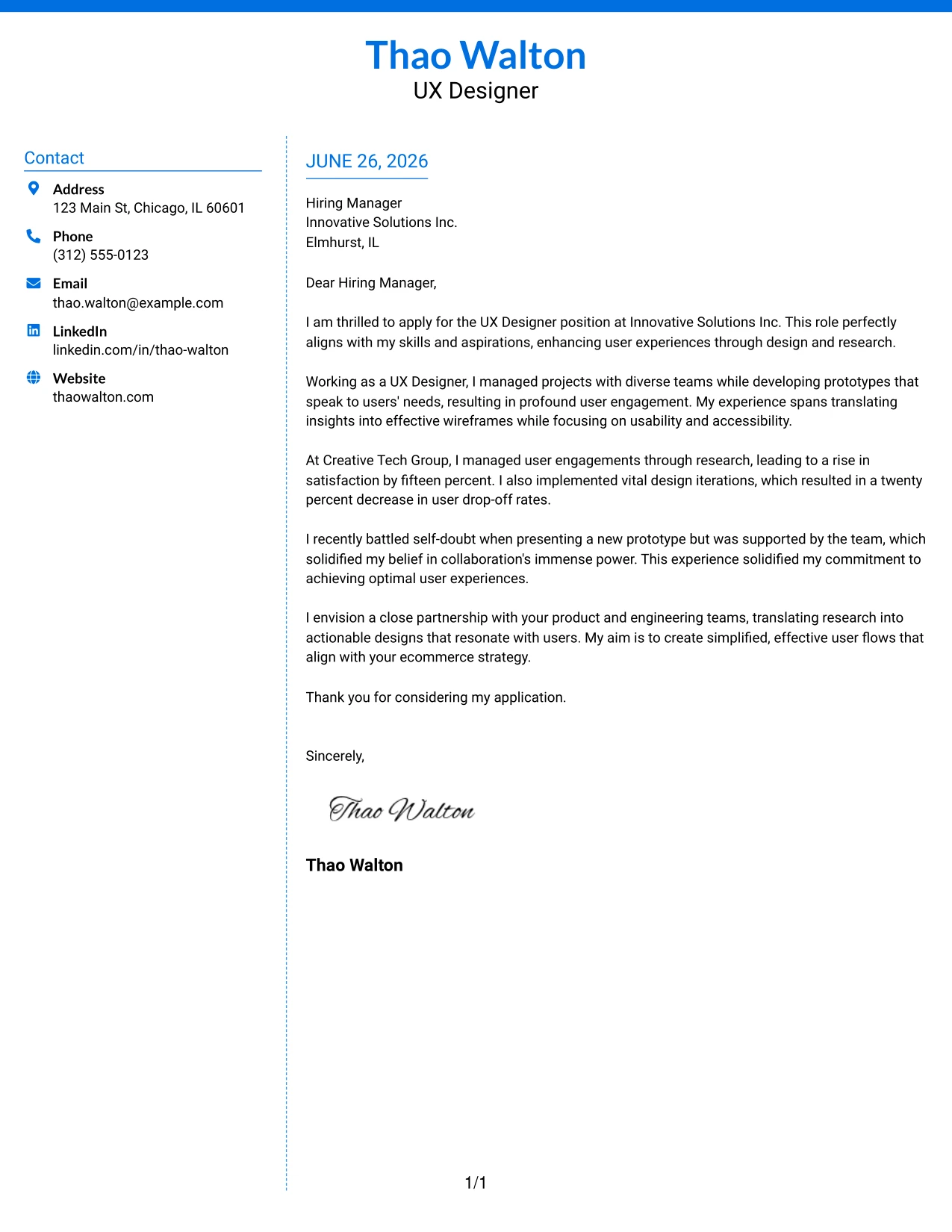
Why the Colored Two Column Format Works
- Vibrant headings draw attention, enhancing visual hierarchy in the letter.
- Structured column layout organizes content while retaining a professional demeanor.
- Visually appealing for candidates aiming for a modern edge without sacrificing formality.
- Effectively positions Thao as a creative candidate suitable for user-centric roles.
- Communicates her strong attention to detail while appealing to employers in the tech sector.
- Perfect for applicants wishing to present their creative skills alongside professional qualifications.
Best For
- UX Design Roles
- Creative Startups
- Tech Companies
- Personal Branding
- Student Applications
- Modern Work Environments
#10 UX Designer Cover Letter Example (Creative Two Tone Format)
This design employs a creative two-tone layout that distinguishes the header and body sections, helping Thao Walton make a memorable impact while remaining professional. This approach reinforces her capabilities as a UX Designer, showcasing both style and function.
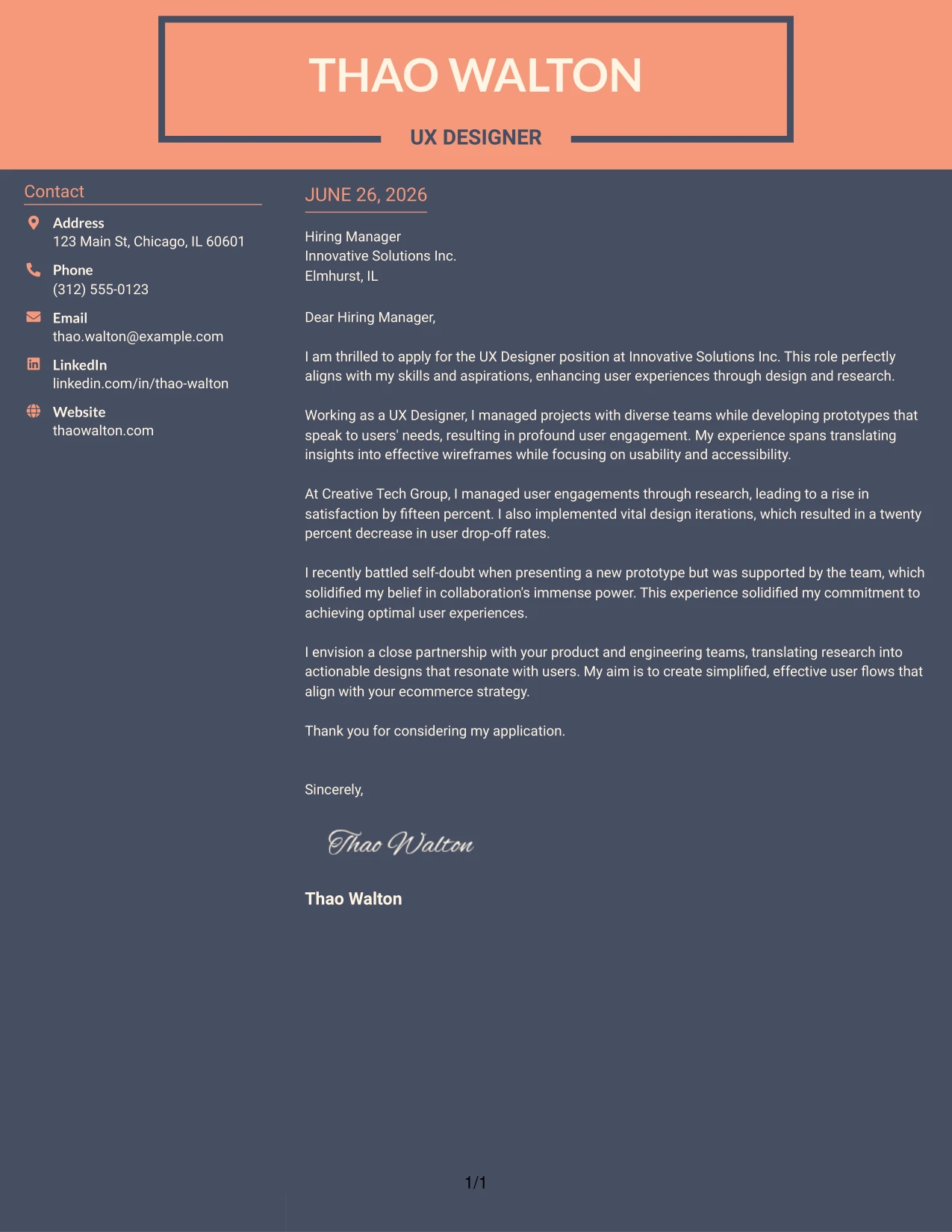
Why the Creative Two Tone Format Works
- Contrasting sections attract attention and facilitate skimming of important details.
- Bold headings enhance readability and create a visual connection between sections.
- Strong presentation makes Thao's qualifications memorable to hiring managers.
- Conveys her design sensibility while maintaining clarity in professional communication.
- Balances creativity and professionalism, aligning well with industry expectations.
- Ideal for candidates seeking to display a strong sense of identity in their applications.
Best For
- UX Design Positions
- Creative Industries
- Startup Roles
- Modern Companies
- Entry-Level Applications
- Visual Branding Efforts
#11 UX Designer Cover Letter Example (Modern Icon Format)
This version features a modern layout enhanced with icons to visually represent Thao Walton’s skills and experiences. This engaging presentation not only draws attention but also creates a lasting impression while keeping the content professional and to the point.
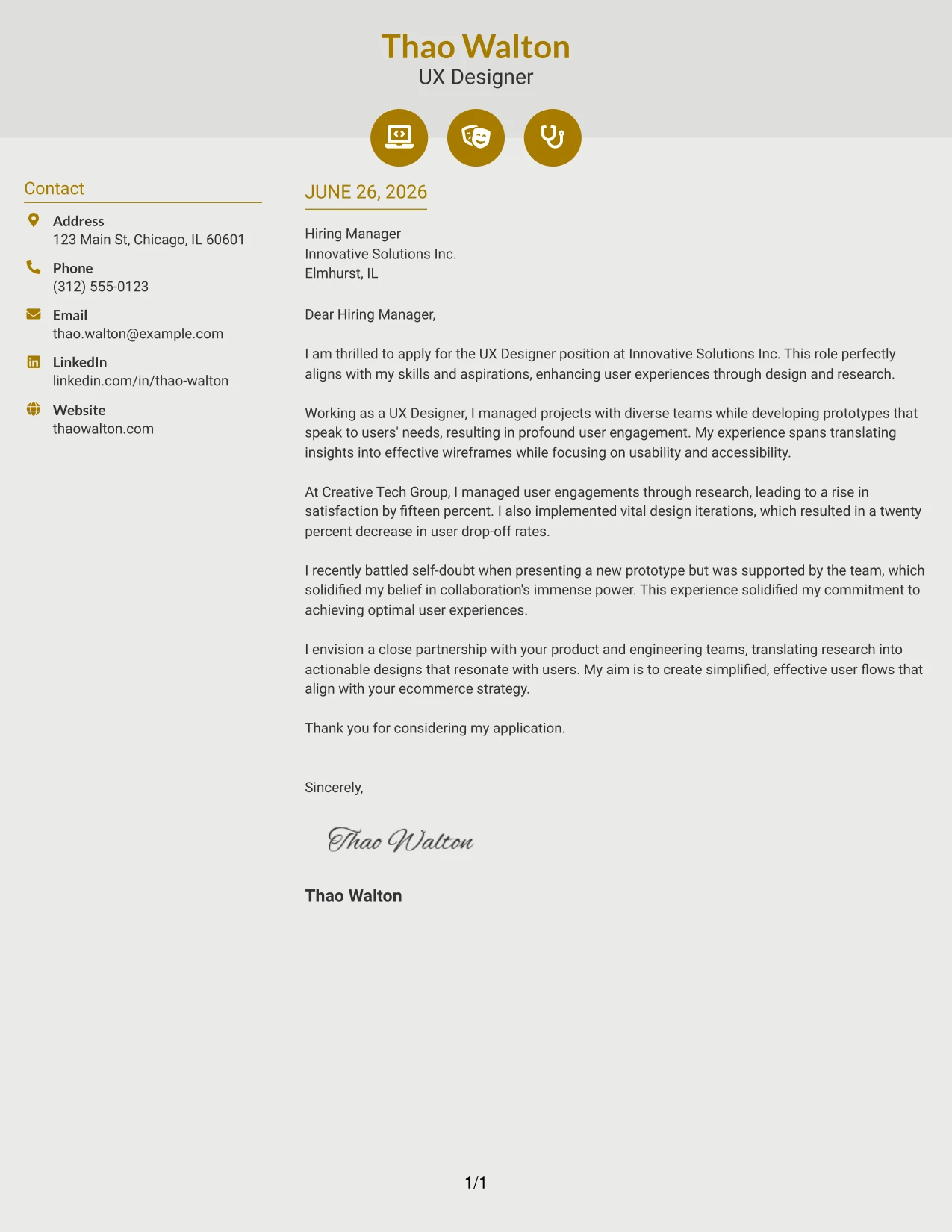
Why the Modern Icon Format Works
- Icons effectively highlight relevant skills and experiences in a creative manner.
- Modern design elements enhance both visual appeal and professional presentation.
- Engagement increases through the visual storytelling of Thao’s qualifications.
- Attracts attention while maintaining a focus on critical information for hiring managers.
- Perfect for candidates looking to balance creativity with professionalism in their applications.
- Ideal for markets where visual skills are paramount for UX roles.
Best For
- UX Design Positions
- Creative Tech Companies
- Startup Environments
- Visual-Centric Roles
- Entry-Level Applications
- Innovative Job Markets
#12 UX Designer Cover Letter Example (Minimal Header Format)
This version employs the simplest text-based cover letter format, featuring a clean name header along with organized contact information. By avoiding extra titles or design elements, the focus remains on your qualifications and professionalism.
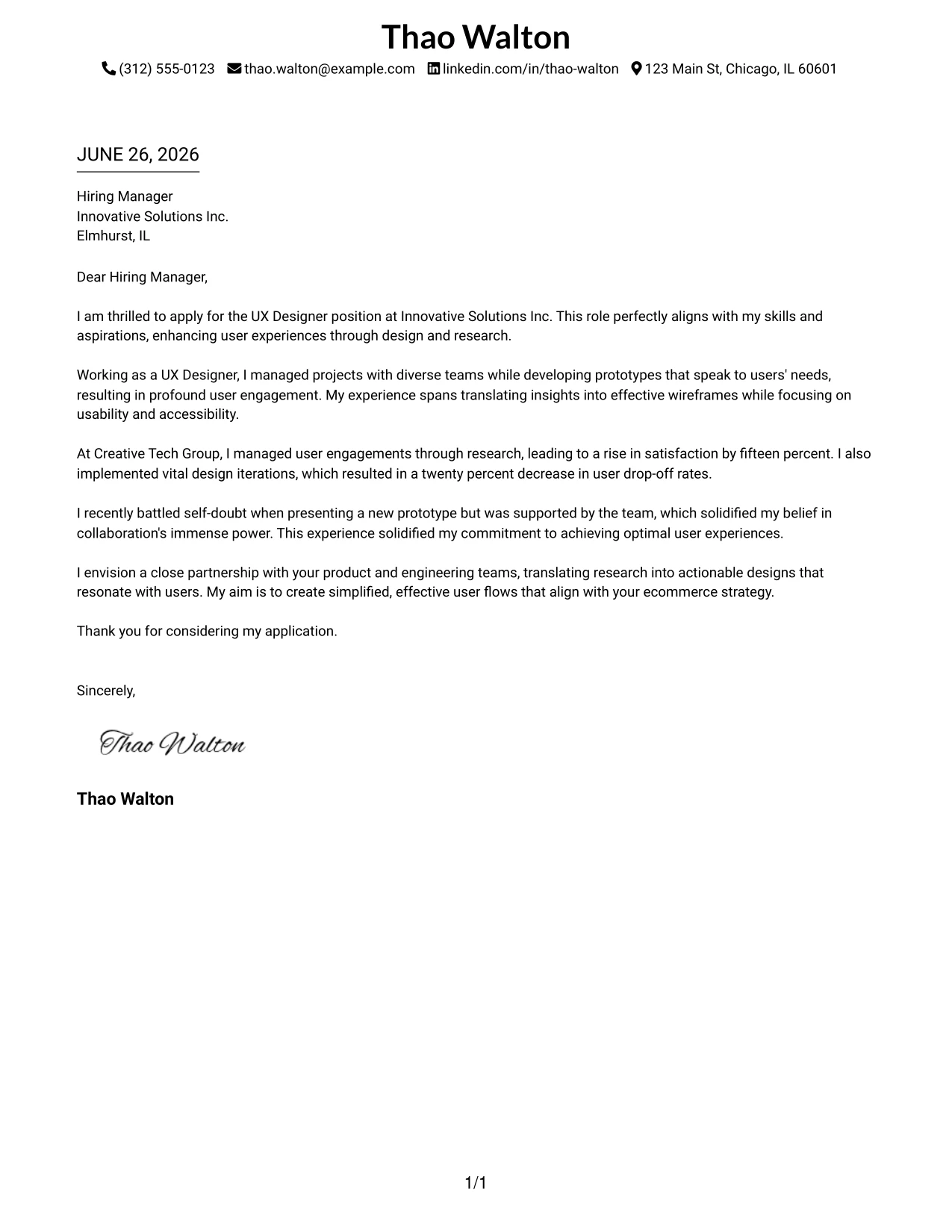
Why the Minimal Header Format Works
- The clean layout focuses entirely on your content, presenting your skills effectively.
- Contact details organized in a single line create a polished first impression.
- Absence of unnecessary titles or decoration maintains a timeless professional style.
- Easy for hiring managers to scan, allowing them to access key information quickly.
- Highly compatible with ATS systems for formal applications.
- Effective when strong writing should take center stage.
- Simple and appealing across various industries, particularly in UX design.
Best For
- UX Design Applications
- Corporate Tech Employers
- Traditional Design Companies
- Formal Job Applications
- ATS-Friendly Roles
- College Graduates
- Entry-Level UX Positions
- Professional Simplicity in Design
- Text-Driven Applications
#13 UX Designer Cover Letter Example (Clean Two Column Sidebar Format)
This version incorporates a clean two-column layout with a soft-shaded left sidebar for contact details and a centered title header. It strikes a professional balance, elevating the plain one-column templates while remaining simple and easy to read.
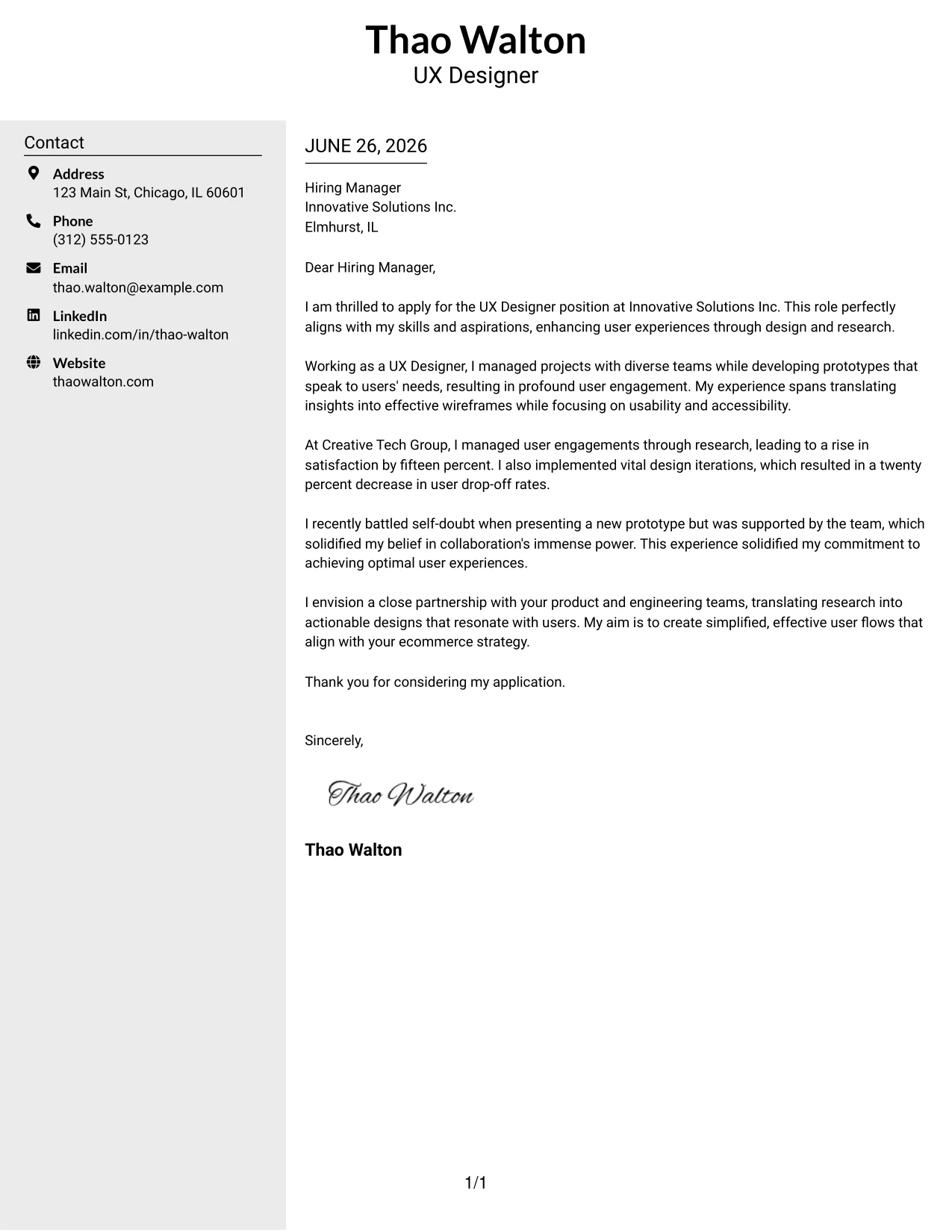
Why the Clean Two Column Sidebar Format Works
- The left sidebar clearly separates your contact information from your application content.
- The centered header establishes a polished, professional identity right from the start.
- The two-column layout ensures organizational clarity, benefitting readability and comprehension.
- Soft color contrasts offer style without distracting from the main content.
- Main sections remain clean and optimized for ATS friendliness.
- Presents a modern style appealing to both contemporary and traditional employers.
Best For
- UX Design Roles
- Corporate Tech Employers
- Modern Design Companies
- College Graduates
- Entry-Level Positions
- Professional Branding in Applications
- ATS-Compatible Submissions
- Structured Presentations
#14 UX Designer Cover Letter Example (Plain Two Column Format)
This version embraces a plain two-column layout with contact information positioned on the left and the main letter content on the right. Featuring a clean and modern structure, it eliminates unnecessary decorative elements, focusing on professionalism and simplicity.
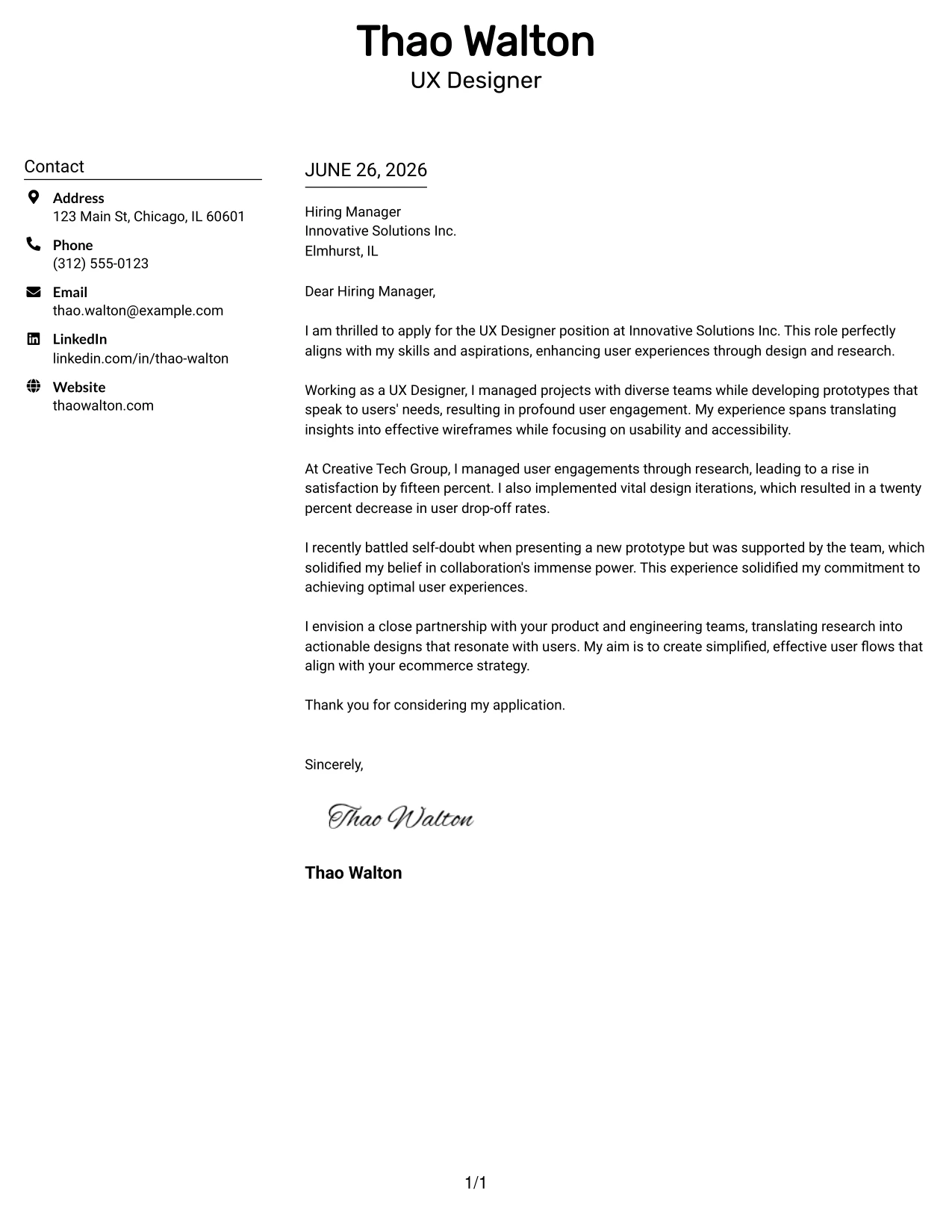
Why the Plain Two Column Format Works
- The layout efficiently separates your contact details from the main content, enhancing organization.
- Absence of decorative lines or graphics yields a clean, understated appearance.
- The modern two-column structure promotes ease of access and reading.
- Recruiters can quickly scan both contact information and content with ease.
- Maintains a professional tone suitable for both tech and design industries.
- Strikes an excellent balance between minimalist and structured aesthetics.
- ATS-friendly while ensuring a polished and organized representation.
Best For
- UX Design Applications
- Corporate Employers
- Tech Companies
- Entry-Level Positions
- College Graduates
- ATS Submissions
- Professional Simplicity
- Structured Layouts
#15 UX Designer Cover Letter Example (Modern Full Background Two Column Format)
This version features a single background color across the page, complemented by a dotted divider between the columns and a bold accent line for visual appeal. The design merges modern aesthetics with a professional structure that remains accessible and easy to comprehend.
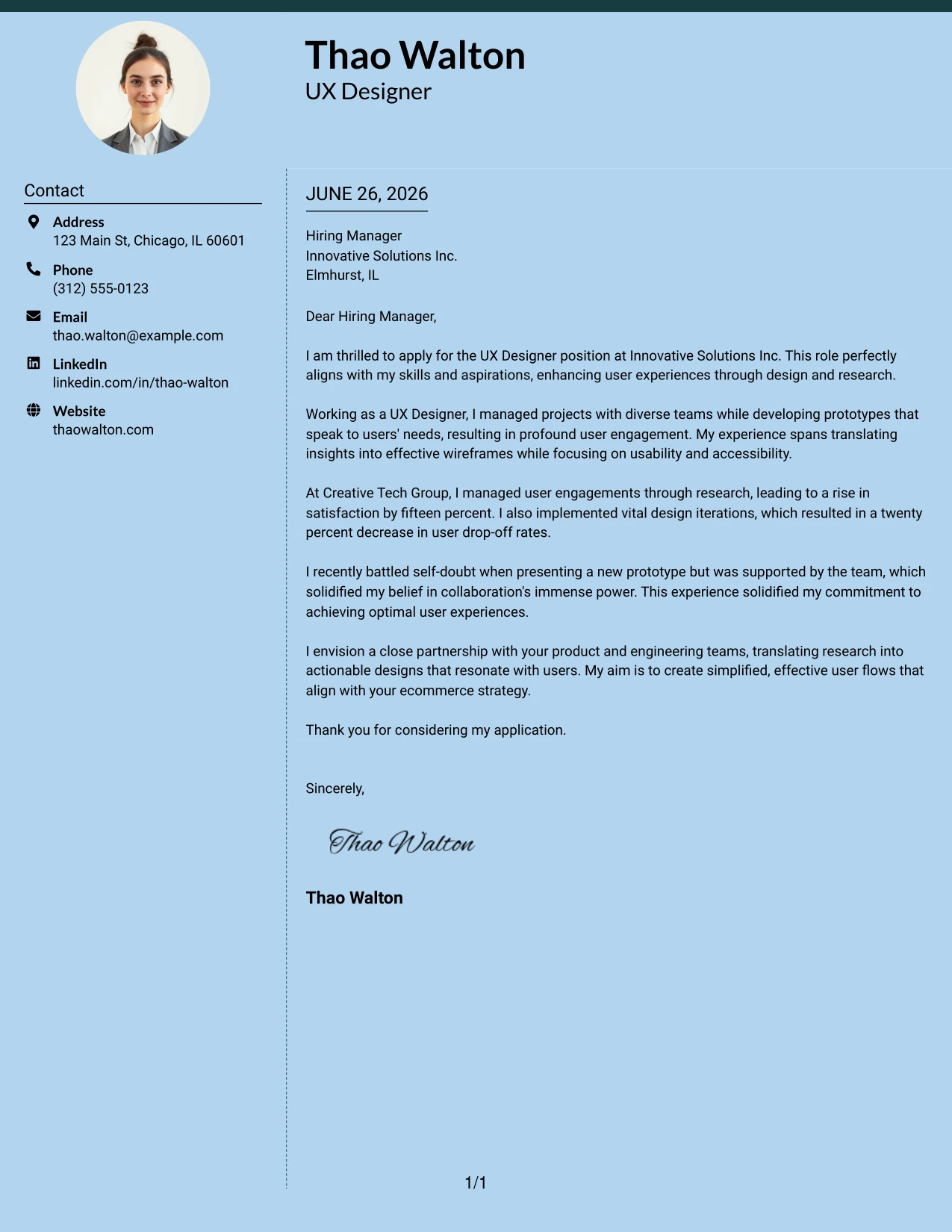
Why the Modern Full Background Two Column Format Works
- A cohesive background color creates a polished, premium look for your letter.
- The dotted divider effectively separates your contact details from the main content.
- The top accent line adds both visual impact and branding strength.
- The two-column design enhances readability and improves content organization.
- Subtle styling helps the application stand out in a professional manner.
- Ideal for candidates seeking an alternative to conventional templates.
Best For
- UX Design Internships
- Startups
- Modern Tech Companies
- Entry-Level Positions
- Creative Job Applications
- Professional Branding
- Visual Impact
#16 UX Designer Cover Letter Example (Dark Mode Two Column Format)
This version features a two-column layout with an inverted color scheme, showcasing a dark background with light text that gives it a bold, modern flair. The design maintains professionalism while ensuring ease of reading and organization.
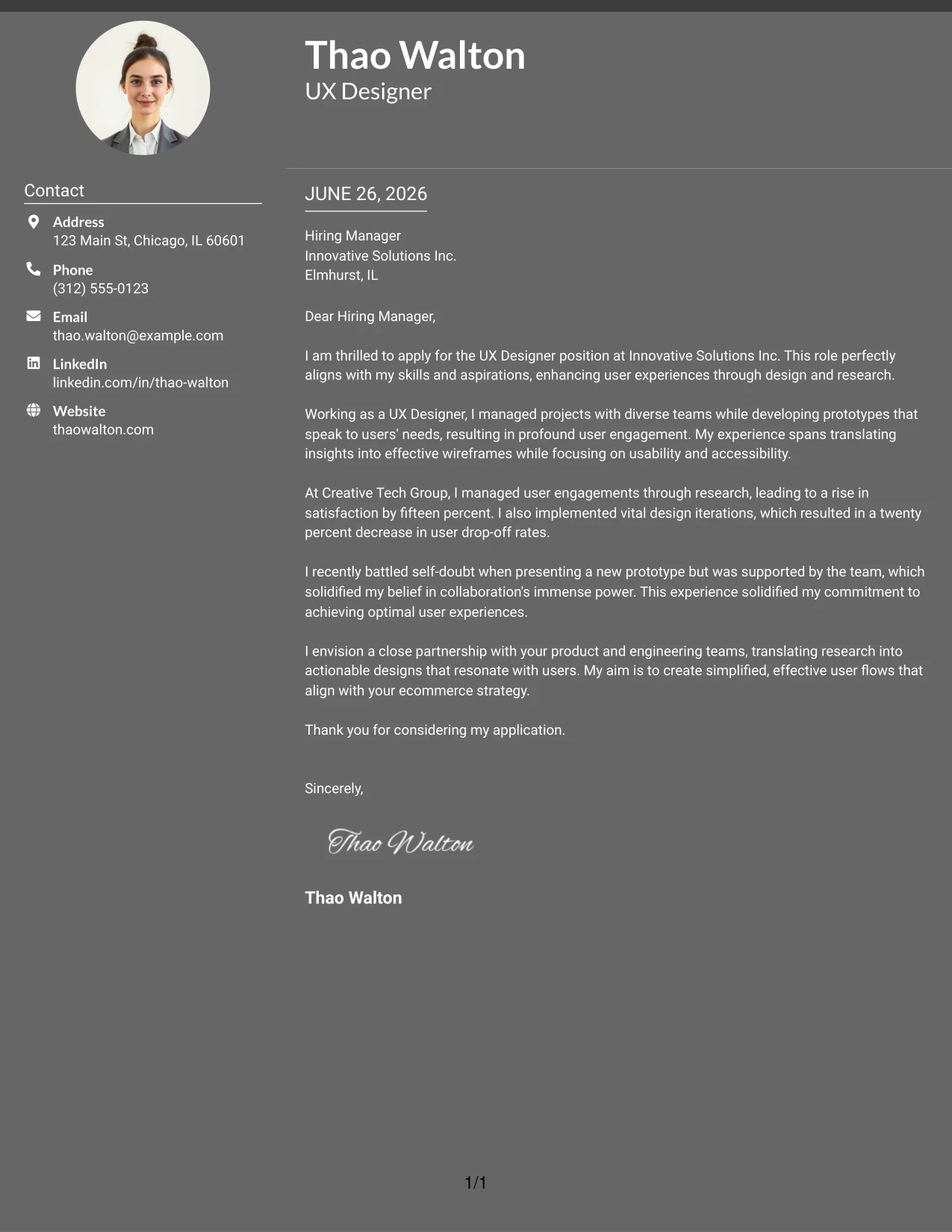
Why the Dark Mode Two Column Format Works
- The dark background presents a striking first impression while staying contemporary.
- Light text creates strong contrast, improving readability and visual appeal.
- The two-column layout neatly separates contact details from the primary content.
- Perfect for UX design candidates aiming for innovation in their presentation.
- Offers a modern, sophisticated aura while remaining organized.
Best For
- UX Design Applications
- Tech Companies
- Modern Employers
- Creative Roles
- Visual Impact
- Personal Branding
- Bold Presentations
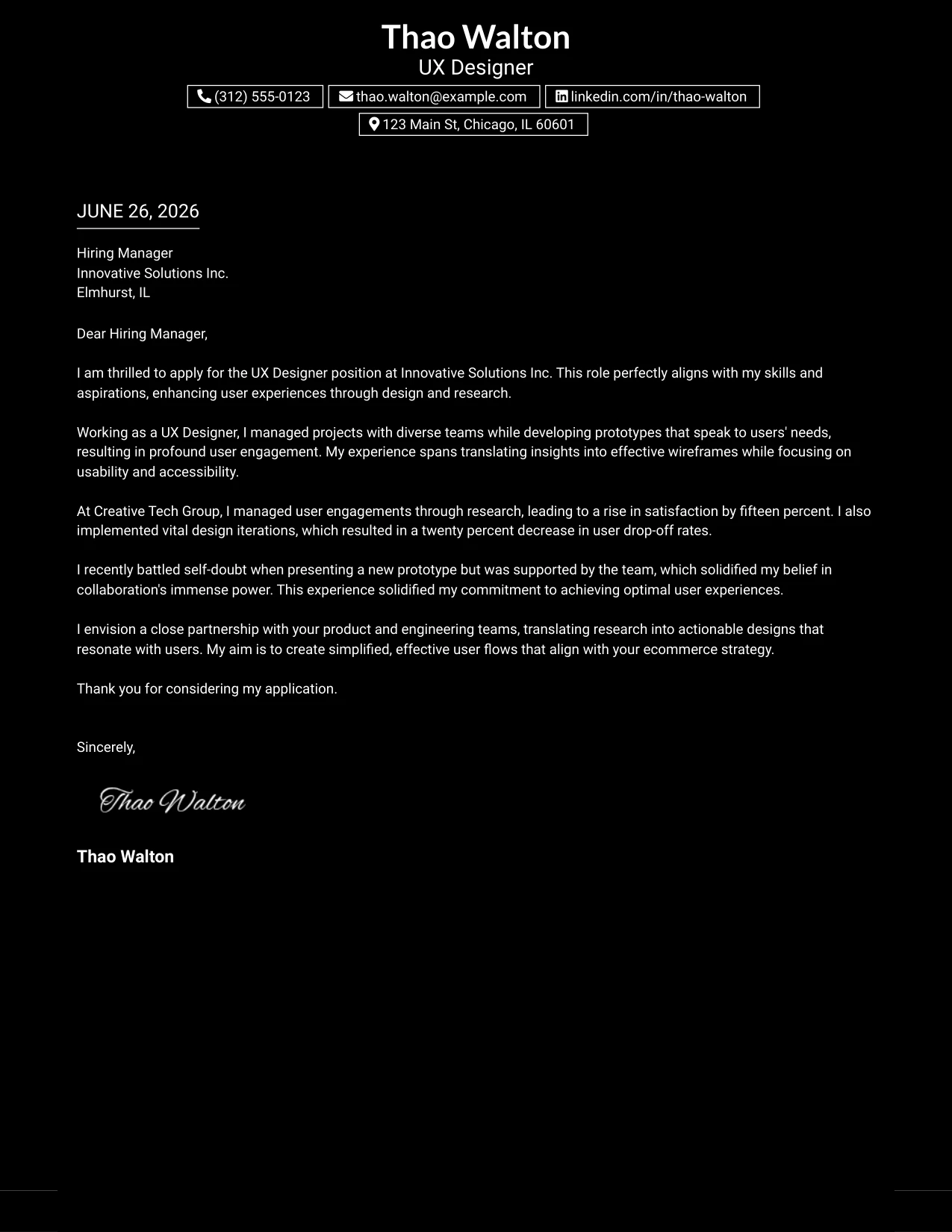
#17 UX Designer Cover Letter Example (Dark Mode Box Header Format)
This version applies a one-column dark mode layout, featuring boxed contact details for phone, email, LinkedIn profile, and address. The sleek black background combined with outlined badges creates an impressive and highly professional appearance.
Why the Dark Mode Box Header Format Works
- The black background provides a bold first impression indicative of confidence.
- Boxed contact details enhance clarity and ensure vital information stands out.
- This single-column layout promotes a seamless reading experience without distractions.
- Creates an innovative, modern identity ideal for UX roles.
- Provides excellent visual impact while maintaining organization and readability.
Best For
- UX Design Internships
- Tech Startups
- Modern Companies
- Creative Roles
- Personal Branding
- Design-Focused Applications
- Visual Impact
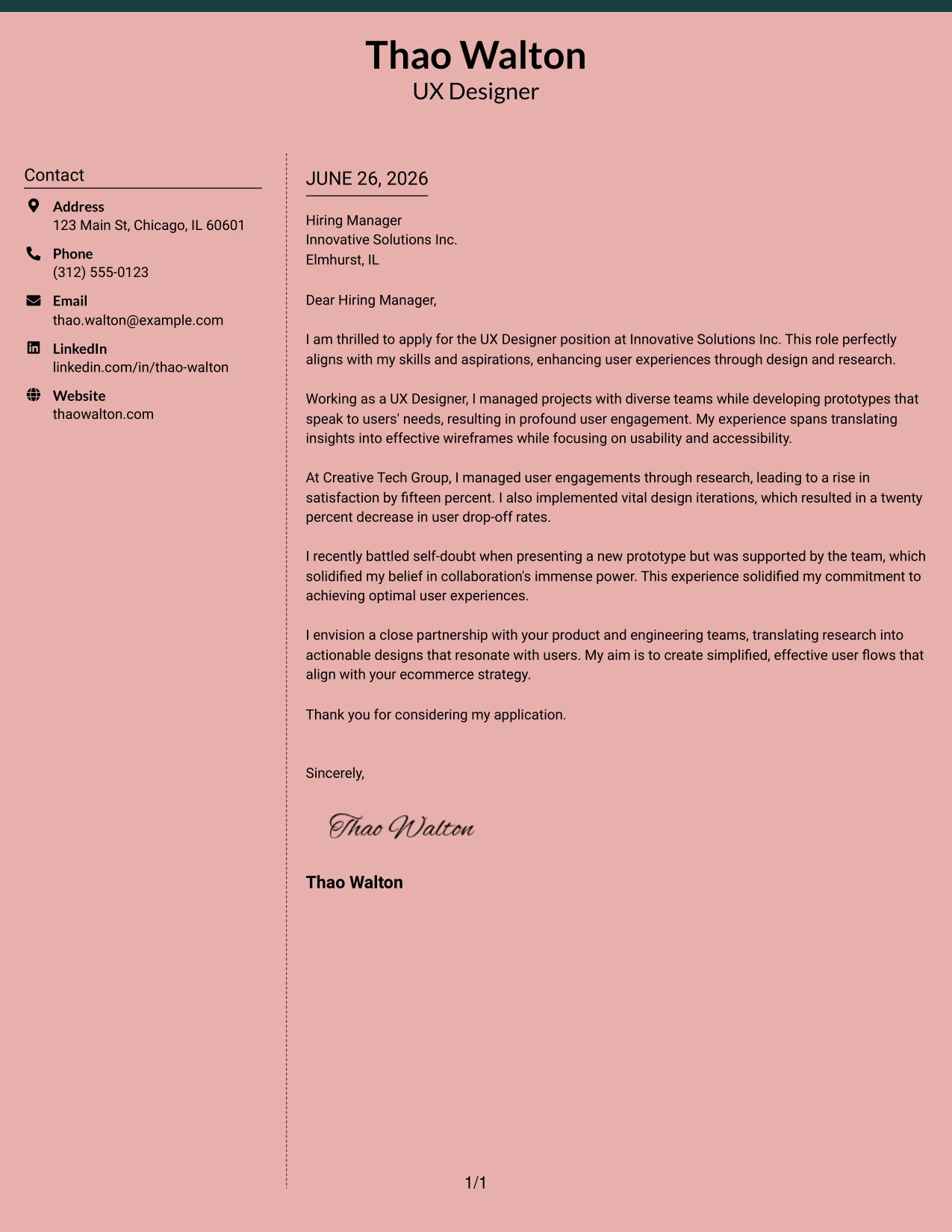
#18 UX Designer Cover Letter Example (Elegant Full Background Two Column Format)
This version utilizes a full-page background color with a dotted line divider between the columns, featuring a bold accent line at the top. The result is a stylish, modern design that adds personality while prioritizing professionalism and navigation ease.
Why the Elegant Full Background Two Column Format Works
- A cohesive background color generates a refined, premium appearance for your application.
- The dotted divider efficiently separates your contact details from the main content.
- A bold accent line introduces visual organization while fostering a strong brand identity.
- This two-column format enhances organizational clarity and scanning speed.
- A soft color theme offers personality without compromising professionalism.
- Ensures your application stands apart from ordinary templates.
Best For
- UX Design Internships
- Creative Work Environments
- Modern Tech Companies
- Graduate Roles
- College Students
- Visual Impact in Applications
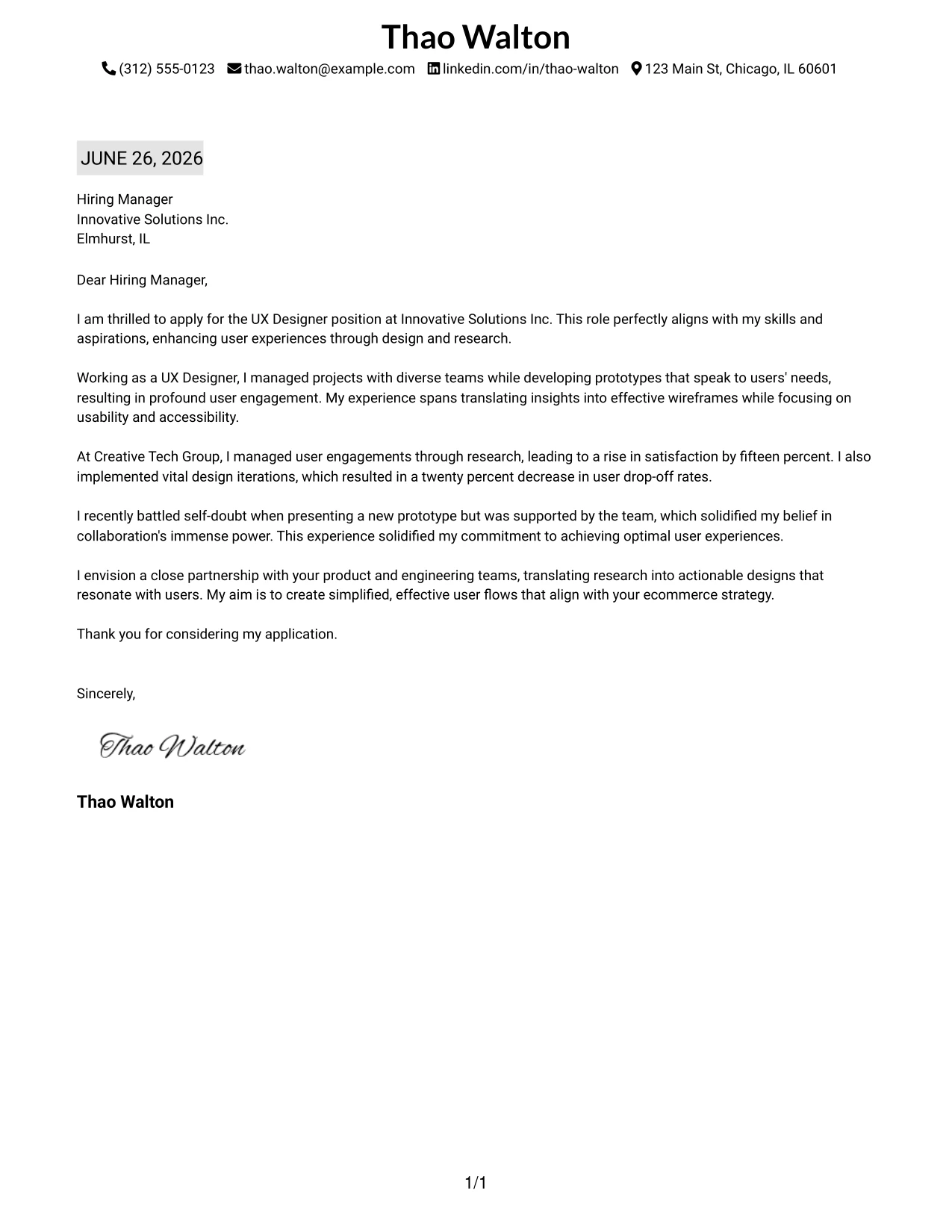
#19 UX Designer Cover Letter Example (Plain One Column with Highlighted Date)
This version presents a simple one-column text layout with a subtle highlight behind the date, emphasizing the application’s freshness and professionalism. The minimal design allows for strong focus on qualifications and written content.
Why the Plain One Column with Highlighted Date Format Works
- A classic one-column layout maintains professionalism, ensuring content clarity.
- Highlighting the date subtly emphasizes the timeliness of your application.
- Minimal styling keeps the focus on your qualifications and writing quality.
- Suitable for conservative employers in the tech and design industries.
- Enables quick skimming by recruiters while reviewing multiple candidates.
- Simple formatting ensures compatibility with ATS-friendly PDF exports.
Best For
- UX Design Internships
- Corporate Employers
- Traditional Job Applications
- Entry-Level Roles
- College Students
- ATS-Friendly Submissions
- Clean Formatting in Applications
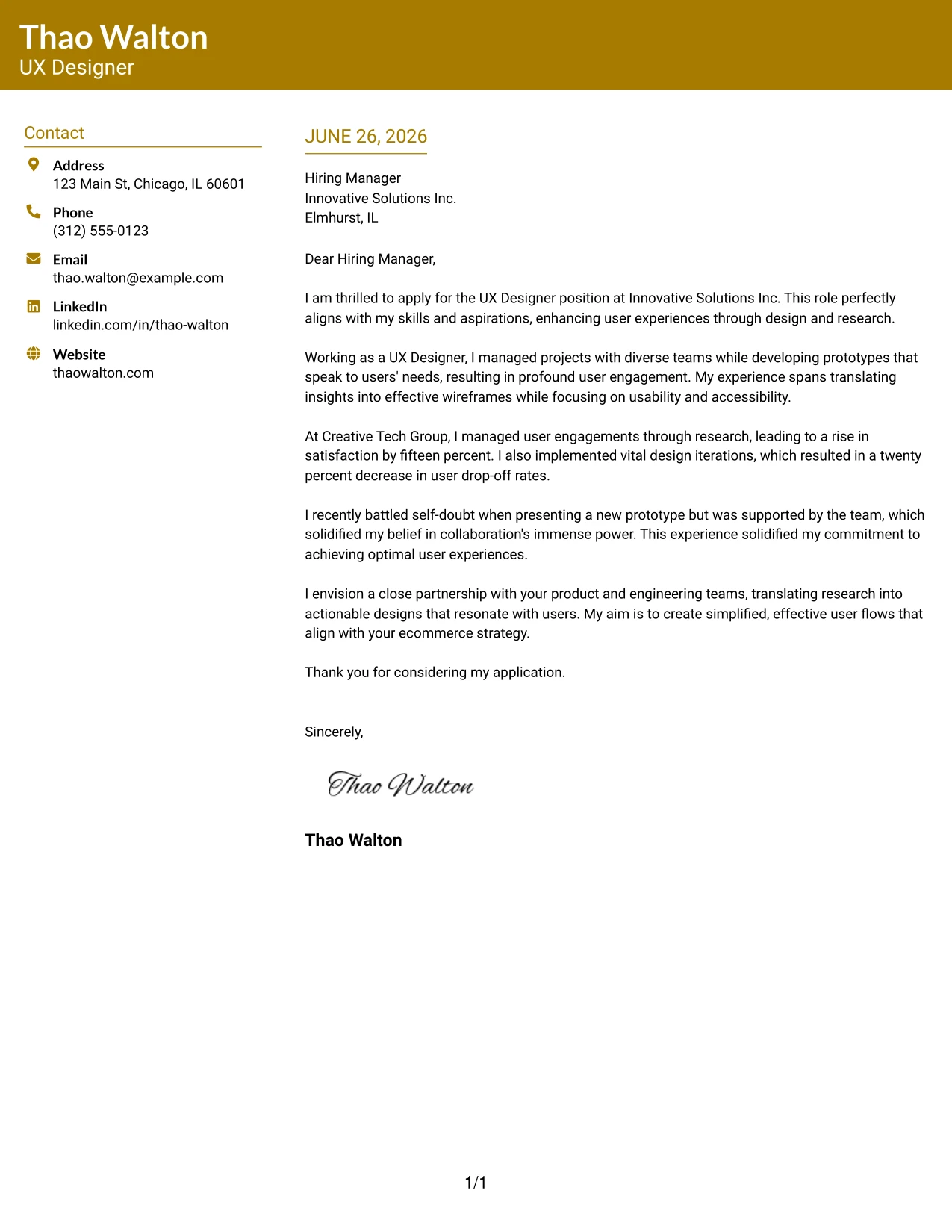
#20 UX Designer Cover Letter Example (Bold Color Header Professional Format)
This example features a full-width colored header that displays the candidate’s name and education prominently, while incorporating attention-grabbing section headings. This creates a modern, polished look without losing structure or professionalism.
Why the Bold Color Header Professional Format Works
- A colored header immediately captures attention, enhancing first impressions.
- Candidate name is clearly established for easy recruiter recognition.
- Color-coordinated headings create visual consistency throughout the document.
- The clean two-column structure organizes both contact details and content efficiently.
- Adds personality while maintaining a professional tone suitable for design roles.
- Strikes a balance between branding and readability, which is crucial for UX designers.
Best For
- UX Design Applications
- Tech Employers
- Graduate Positions
- Corporate Job Applications
- Modern Companies
- College Students
- ATS-Friendly PDFs
- Strong First Impressions
#21 UX Designer Cover Letter Example (Photo Header Color Sidebar Format)
This layout uses a two-column cover letter format with a professional photo, integrating a full-width accent line and a colored left sidebar for contact details. The combination yields a visually impactful design while maintaining a polished and organized structure.
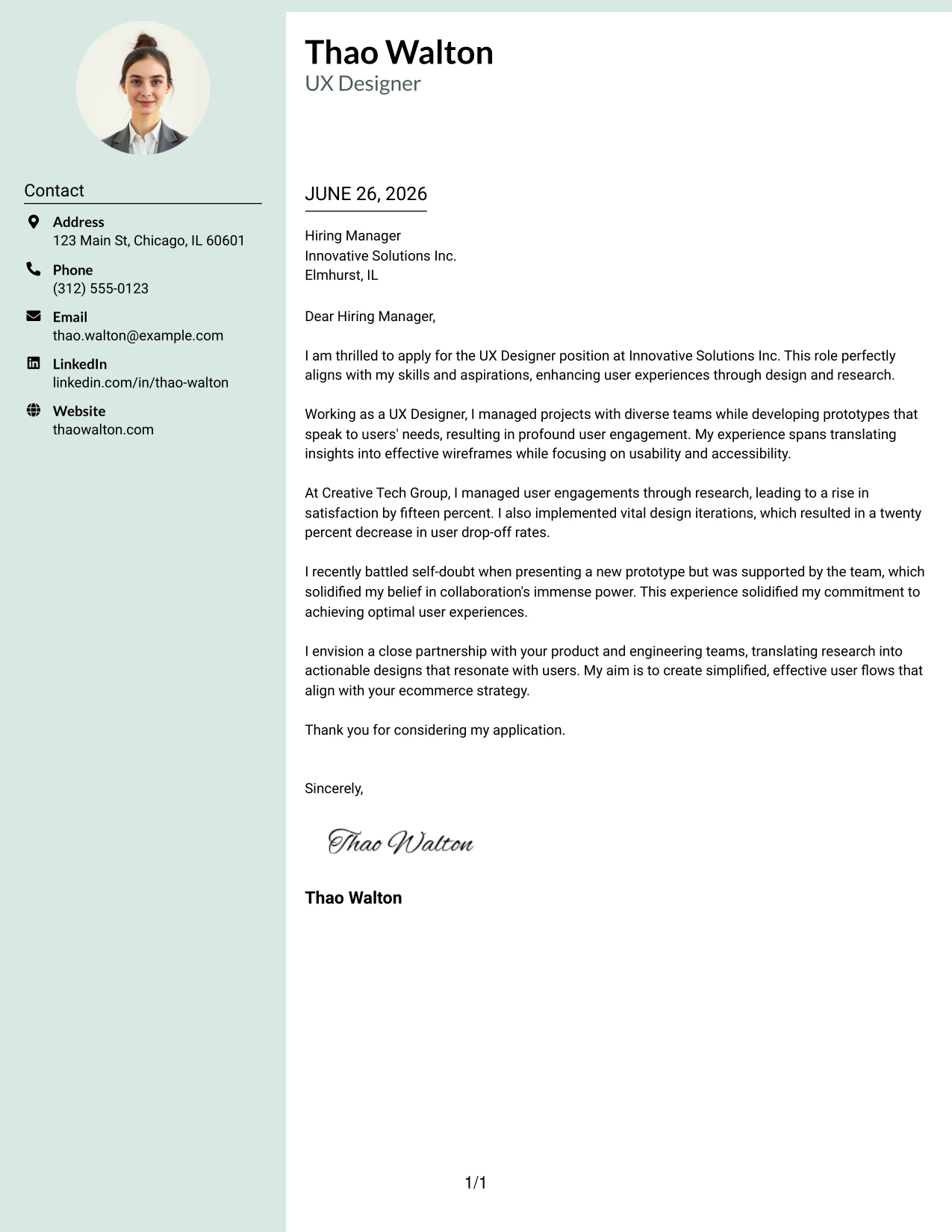
Why the Photo Header Color Sidebar Format Works
- A profile photo adds a touch of personality, enhancing personal branding.
- The full-width accent line strengthens the first impression and overall professionalism.
- The colored sidebar neatly delineates contact information from letter content, boosting clarity.
- A two-column layout improves readability and enhances document structure.
- The modern design effectively sets candidates apart from standard templates.
- Combines style with organization, crucial for standing out in UX applications.
Best For
- UX Design Internships
- Tech Employers
- Graduate Positions
- Startup Applications
- Computer Science Students
- Creative Templates
#22 UX Designer Cover Letter Example (Top Left Header Color Accent Format)
This design utilizes a clean two-column layout with the candidate's name and education aligned at the top left, melding a modern feel with a minimalist introduction. Accent-colored headings draw visual interest while preserving the professional integrity of the presentation.
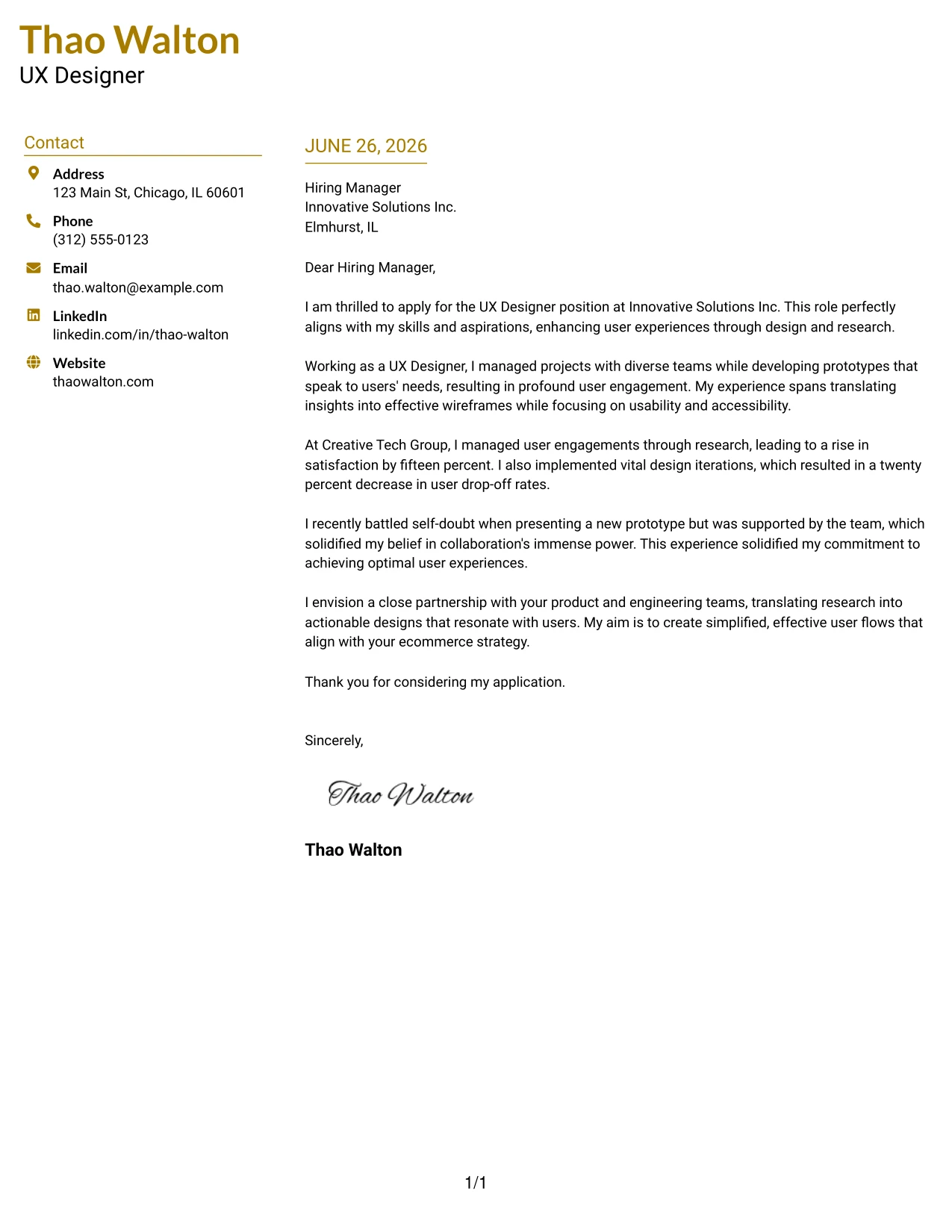
Why the Top Left Header Color Accent Format Works
- Placing name and education at the top left establishes an immediate professional identity.
- Accent-colored headings lend character without overwhelming the document.
- The two-column design facilitates a clean separation of contact details from the main letter.
- Minimalist styling helps to maintain focus on candidate qualifications and writing quality.
- A quick scan-friendly layout caters well to hiring managers traipsing through numerous applications.
- Modern aesthetics differentiate candidates from conventional text formats.
Best For
- UX Design Internships
- Corporate Employers
- Modern Companies
- Graduate Roles
- College Students
- ATS-Compatible PDFs
- Professional Branding
#23 UX Designer Cover Letter Example (Centered Header Classic Two Column Format)
This version uses a centered name and education header coupled with a classic two-column layout to highlight professionalism. The clean black-on-white style ensures clarity, focusing the reader's attention on essential content while maintaining visual impact.
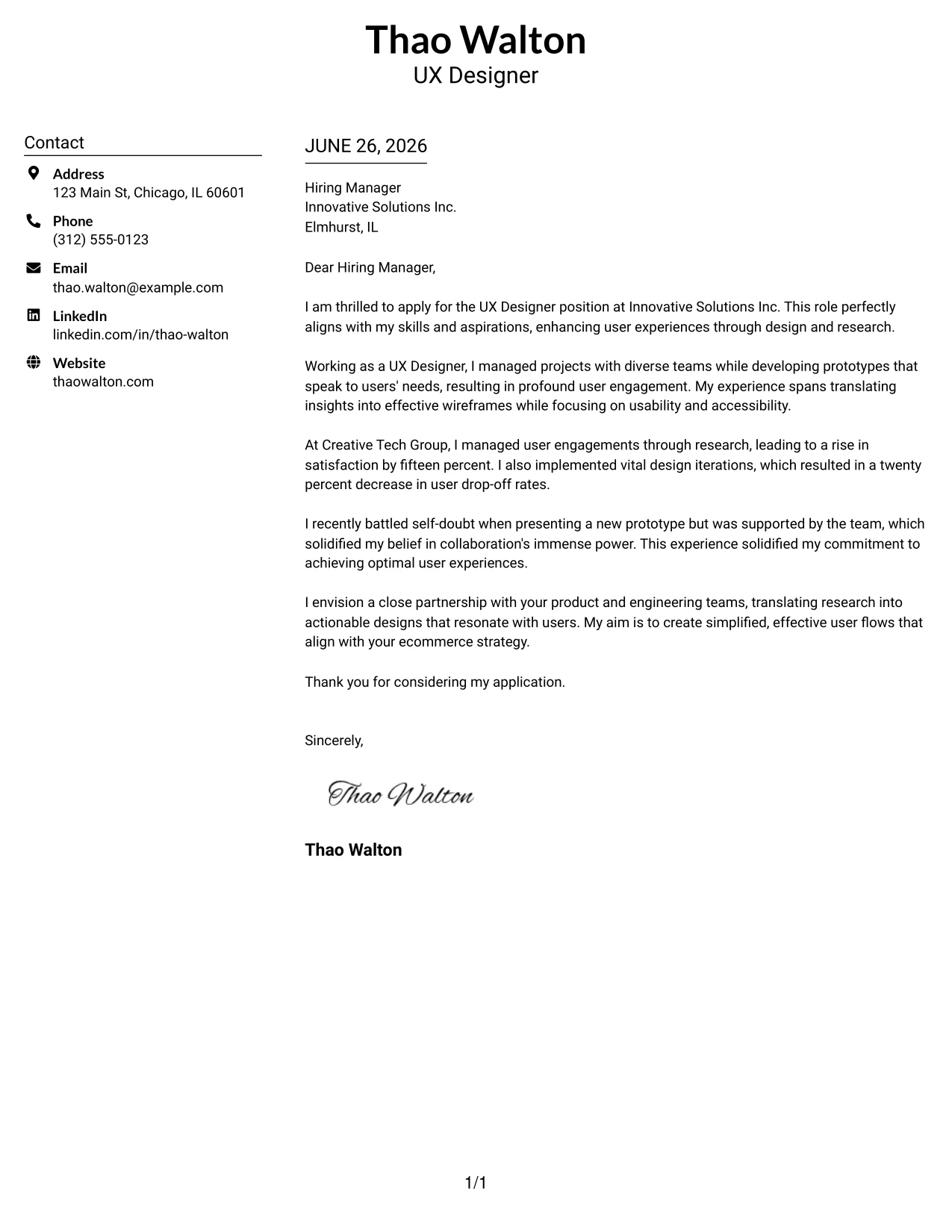
Why the Centered Header Classic Two Column Format Works
- A centered header makes a great first impression, showcasing confidence and professionalism in your approach.
- The two-column structure distinctly separates personal details from letter content, enhancing clarity.
- Classic black-and-white styling contributes to a timeless and visually appealing design.
- A lack of distractions keeps the focus on your qualifications and motivation.
- Readable at a glance, this format appeals to recruiters looking for efficient scanning.
- Suitable for both innovative and traditional companies, making it versatile across job markets.
- Combines simplicity, structure, and readability effectively.
Best For
- UX Designer Roles
- Corporate Employers
- Professional Applications
- Tech Industry Careers
- Candidate with Experience
- ATS Friendly PDFs
- Streamlined Layouts
- Direct Communication Needs
- Modern but Classic Styles
- Effective Branding
#24 UX Designer Cover Letter Example (Left Aligned Header Clean Two Column Format)
This version presents a left-aligned name and education header for a confident and modern touch, complemented by an organized two-column layout. This clean design enhances readability and maintains a professional appearance, allowing your qualifications to shine.
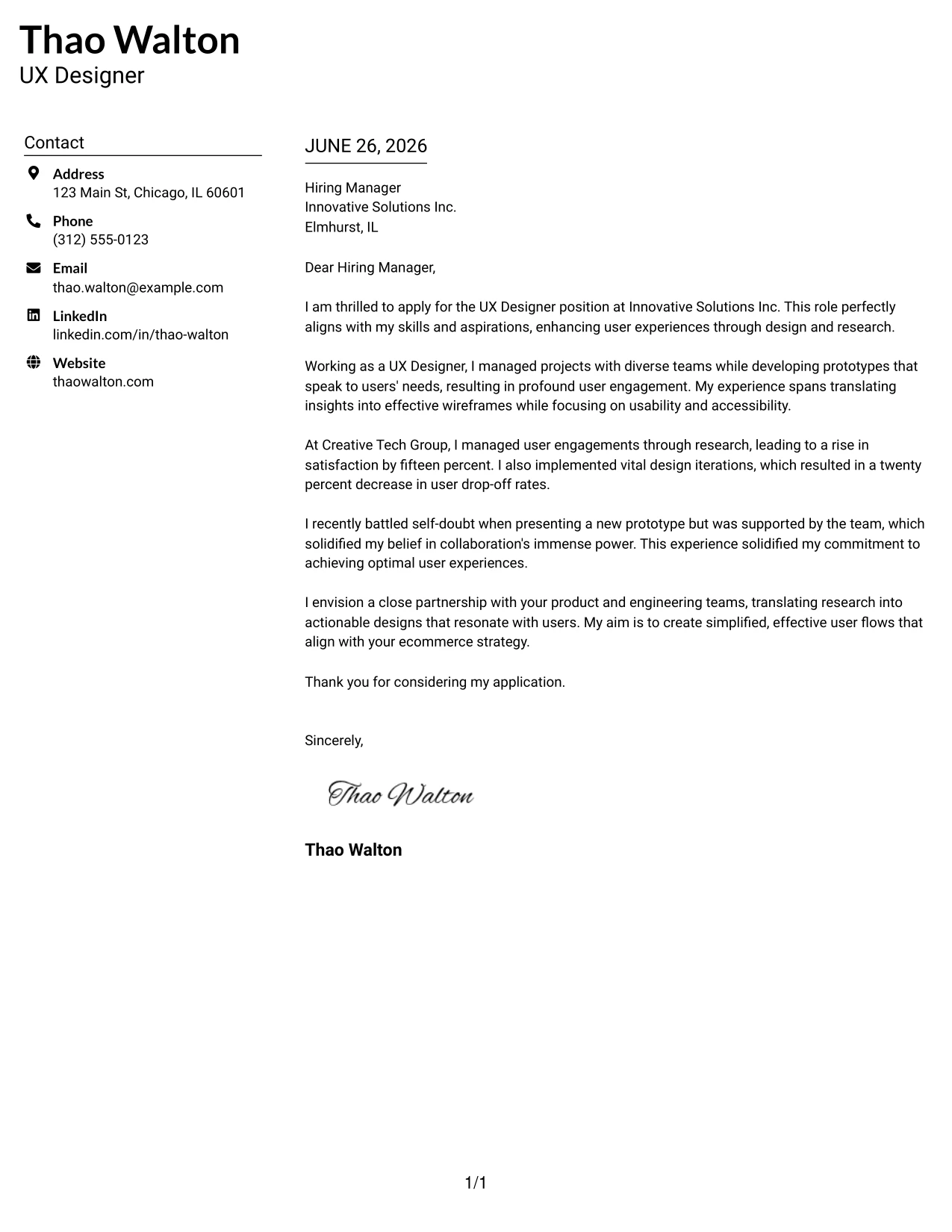
Why the Left Aligned Header Clean Two Column Format Works
- The left-aligned header projects confidence and authority from the get-go, reinforcing your personal brand.
- A natural reading flow guides the eye smoothly through header to content, promoting easy navigation.
- The two-column layout ensures your contact details are distinct and readily accessible.
- Minimal black-and-white styling keeps it adaptable across sectors.
- High readability helps recruiters review your qualifications quickly and effortlessly.
- This format effectively balances contemporary branding with classic document structure.
- It suits both internship positions and full-time roles in tech.
Best For
- UX Design Internships
- Entry-Level Roles
- Graduate Applications
- Corporate Employers
- Tech Industry Positions
- ATS Compatible Documents
- Modern Layouts
- Professional Branding
- Structured Applications
- Clean Design Formats
#25 UX Designer Cover Letter Example (Accent Divider Modern Two Column Format)
This version employs a matching accent-colored header and a bold vertical divider to separate sections visually, creating a contemporary structure that highlights your content. It adds flair without compromising on professionalism, making your application memorable.
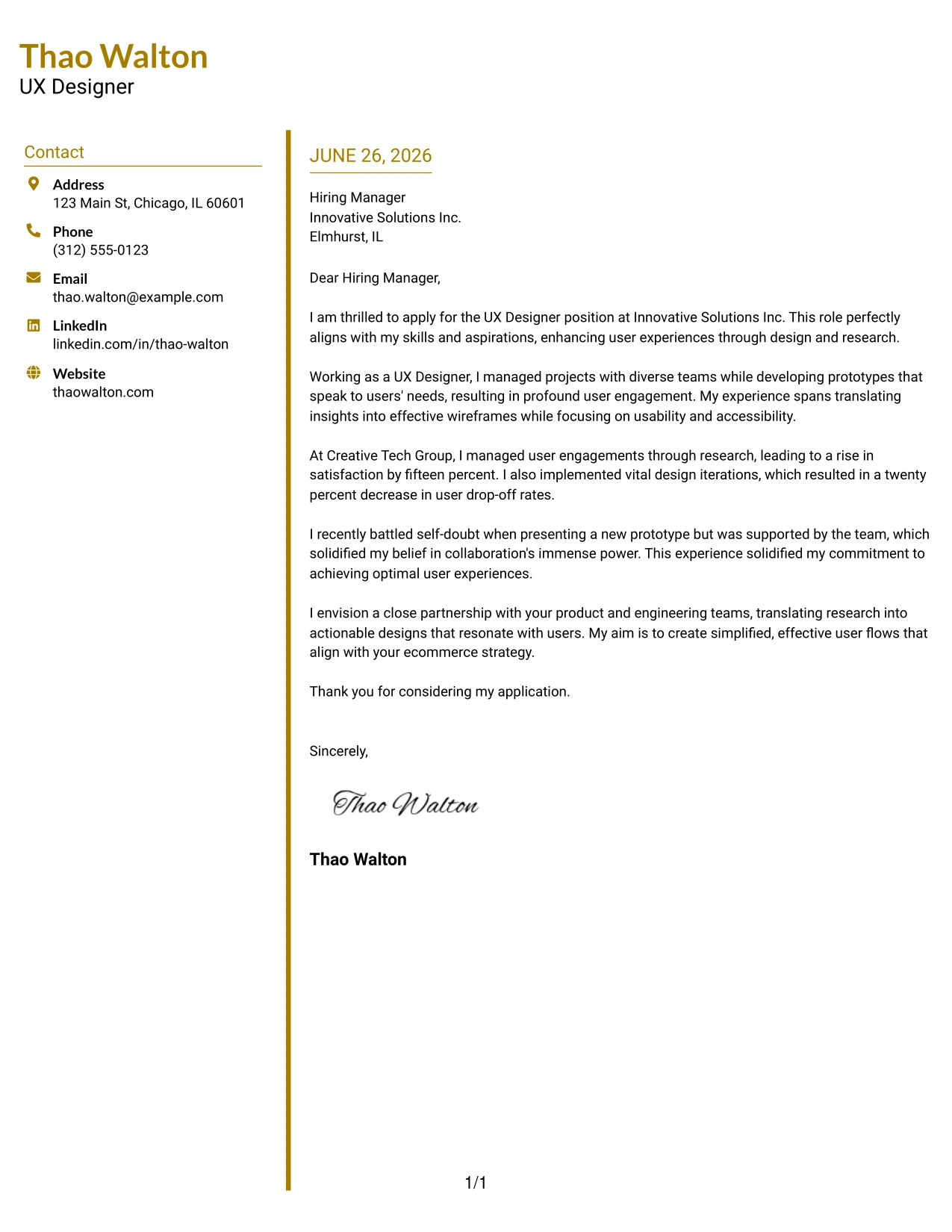
Why the Accent Divider Modern Two Column Format Works
- The colored divider enhances separation between sections, making it visually engaging.
- Matching headings bring consistency, establishing clear branding across your letter.
- A two-column layout presents contact details neatly, aiding quick reference.
- This modern structure feels innovative without excessive embellishment.
- Guides recruiter attention logically through the content's flow, improving engagement.
- Suitable for both corporate and creative roles in tech, presenting versatility.
- Combines clarity, organization, and a personal touch effectively.
Best For
- UX Design Internships
- Graduate Roles
- Tech Companies
- Modern Job Markets
- ATS Friendly PDFs
- Professional Branding
- Structured Presentations
- Entry-Level Applications
- Stylish Designs
- Creative Professional Opportunities
#26 UX Designer Cover Letter Example (Shaded Labels Clean Two Column Format)
This version features a two-column layout with subtle shaded background labels enhancing clarity behind contact details. The light shading adds visual interest without compromising professionalism or cleanliness, emphasizing the most important information.
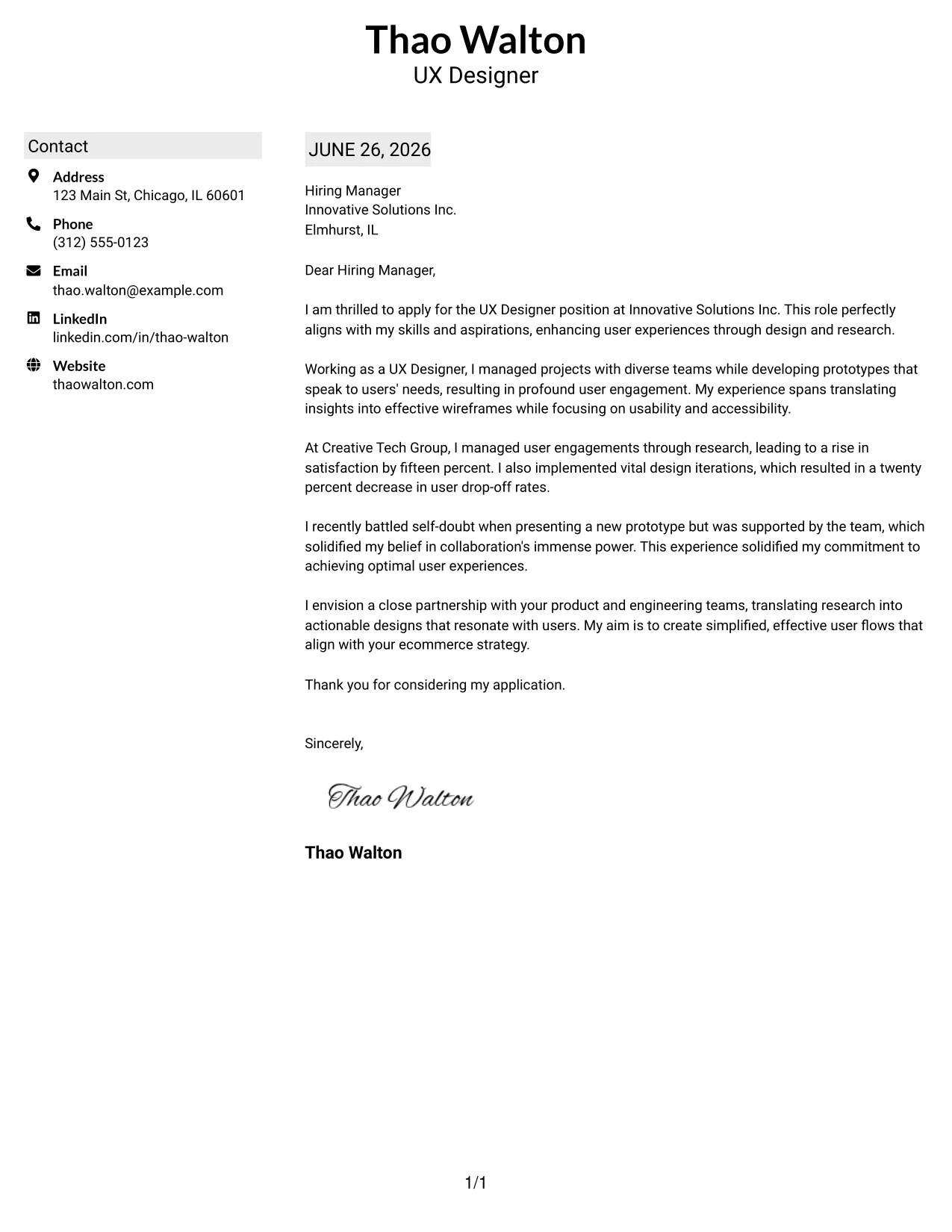
Why the Shaded Labels Clean Two Column Format Works
- The subtle shading emphasizes key headings while keeping the design clean and focused.
- This two-column layout maintains a clear separation between contact details and the letter body.
- Minimalist styling supports a professional tone while improving recruiter friendliness.
- Soft visual anchors enhance readability, making navigation user-friendly.
- This design effectively appeals to students and early-career professionals seeking a polished image.
- Combines organization, simplicity, and strong branding efficiently.
Best For
- UX Design Internships
- Entry-Level Positions
- Graduate Applicants
- ATS Friendly Documents
- Modern Clean Designs
- Professional Templates
- Corporate Opportunities
- Structured Applications
- Minimalist Styles
- Clear Branding
#27 UX Designer Cover Letter Example (Photo Header Color Accent International Format)
This version features a professional profile photo, accent-colored headings, and a bold top border for a contemporary look that stands out. It's especially suitable for markets where incorporating a photo is common, helping to create a stronger personal brand.
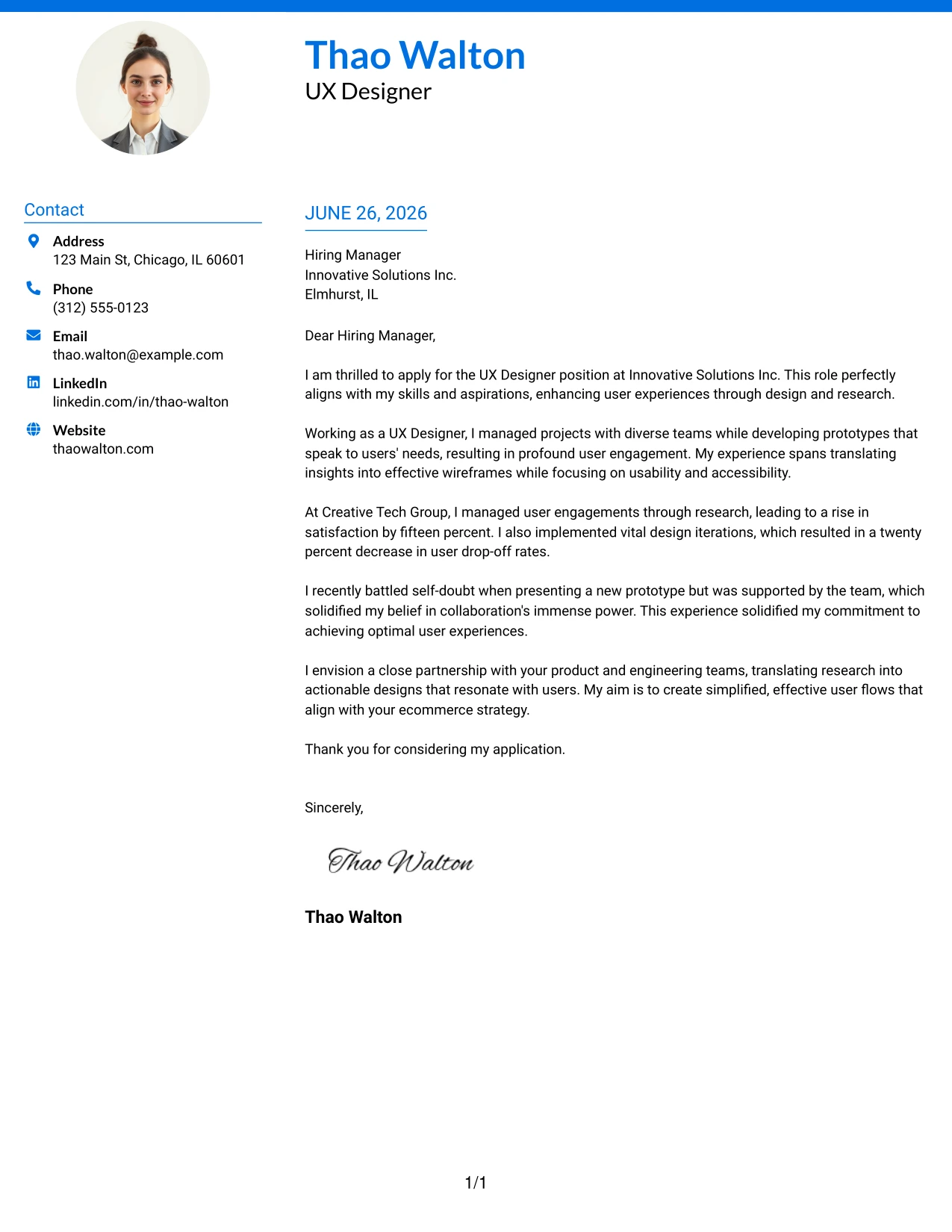
Why the Photo Header Color Accent International Format Works
- Including a professional photo establishes a personal connection, an advantage in many cultures.
- Accent-colored headings create a striking structure that highlights your qualifications.
- A bold top border delivers instant visual distinction, enhancing overall presentation.
- The two-column layout keeps contact information easily accessible and organized.
- Facilitates quick scanning by recruiters, enhancing engagement with your application.
- This format balances creative presentation with professional readability effectively.
- Ideal for roles that involve client interaction in international settings.
Best For
- UX Designer Positions
- International Applications
- Global Roles
- Creative Industries
- Graduate Positions
- Modern Work Environments
- Photo-Friendly Markets
- Professional Branding
- Strong First Impressions
- ATS Friendly PDFs
#28 UX Designer Cover Letter Example (Large Profile Photo International Two Column Format)
This layout integrates a large professional photo, bold accent-colored name header, and a clean two-column structure. Ideal for markets that encourage photo usage, it enhances personal connection while maintaining a professional tone.
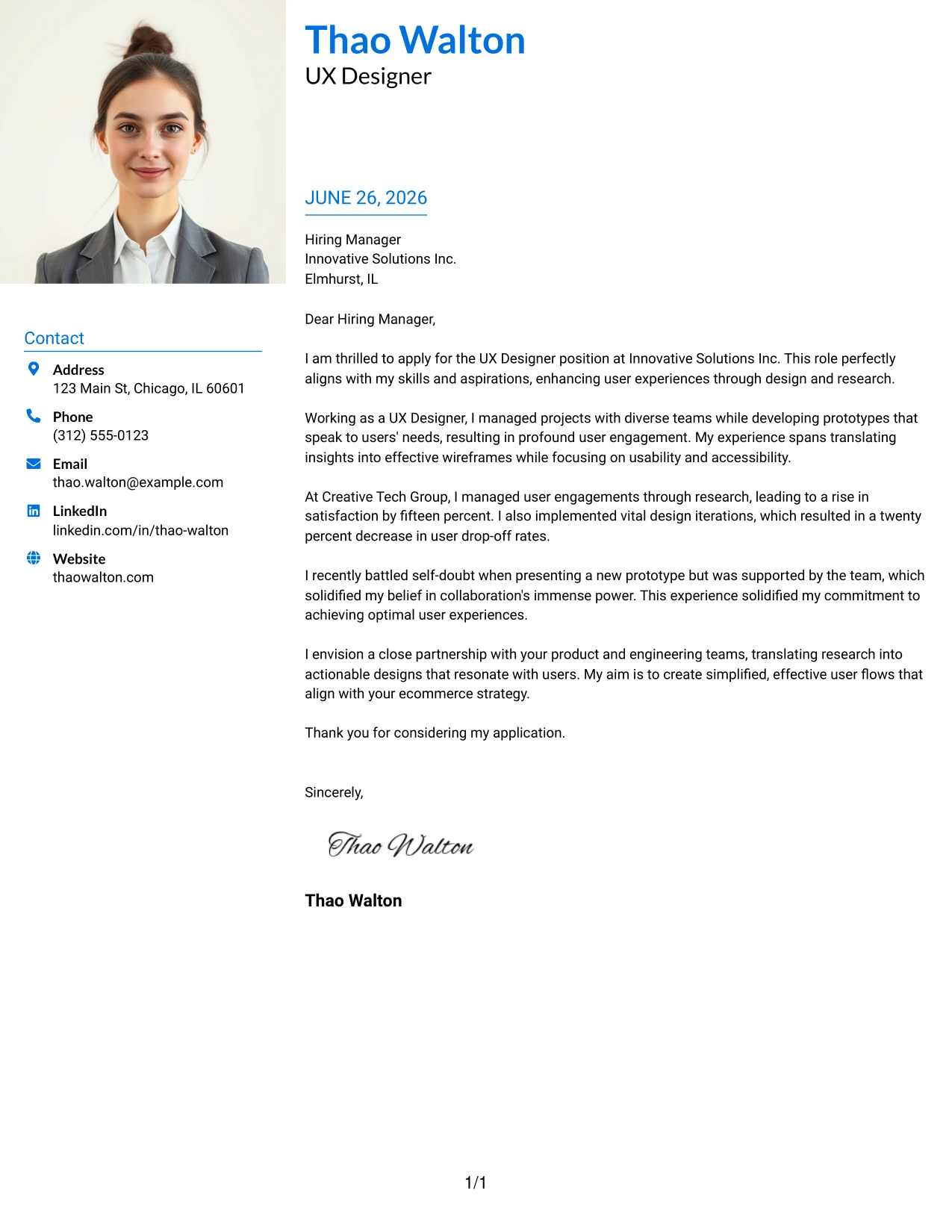
Why the Large Profile Photo International Two Column Format Works
- A large photo immediately personalizes your introduction, beneficial in photo-friendly cultures.
- An accent-colored name header enhances branding visibility, making your application stand out.
- The two-column layout effectively organizes contact information, improving accessibility.
- This modern format elevates your application above standard templates.
- Maintains a clean and professional structure, easy for recruiters to navigate.
- Excellent for roles that require interpersonal skills in a global context.
- Balances visuals and professionalism, crafting a memorable first impression.
Best For
- UX Designer Opportunities
- International Applicants
- Global Tech Roles
- Graduate Positions
- Creative Job Markets
- Photo-Enabled Environments
- ATS Friendly Documents
- Personal Branding
- Strong First Impression
- Client-Facing Roles
#29 UX Designer Cover Letter Example (One Column Boxed Contact Header Format)
This version employs a clean one-column layout with boxed contact details positioned beneath the candidate's name. The bordered structure accentuates clarity and organization while preserving modernity, ensuring a professional presence in your application.
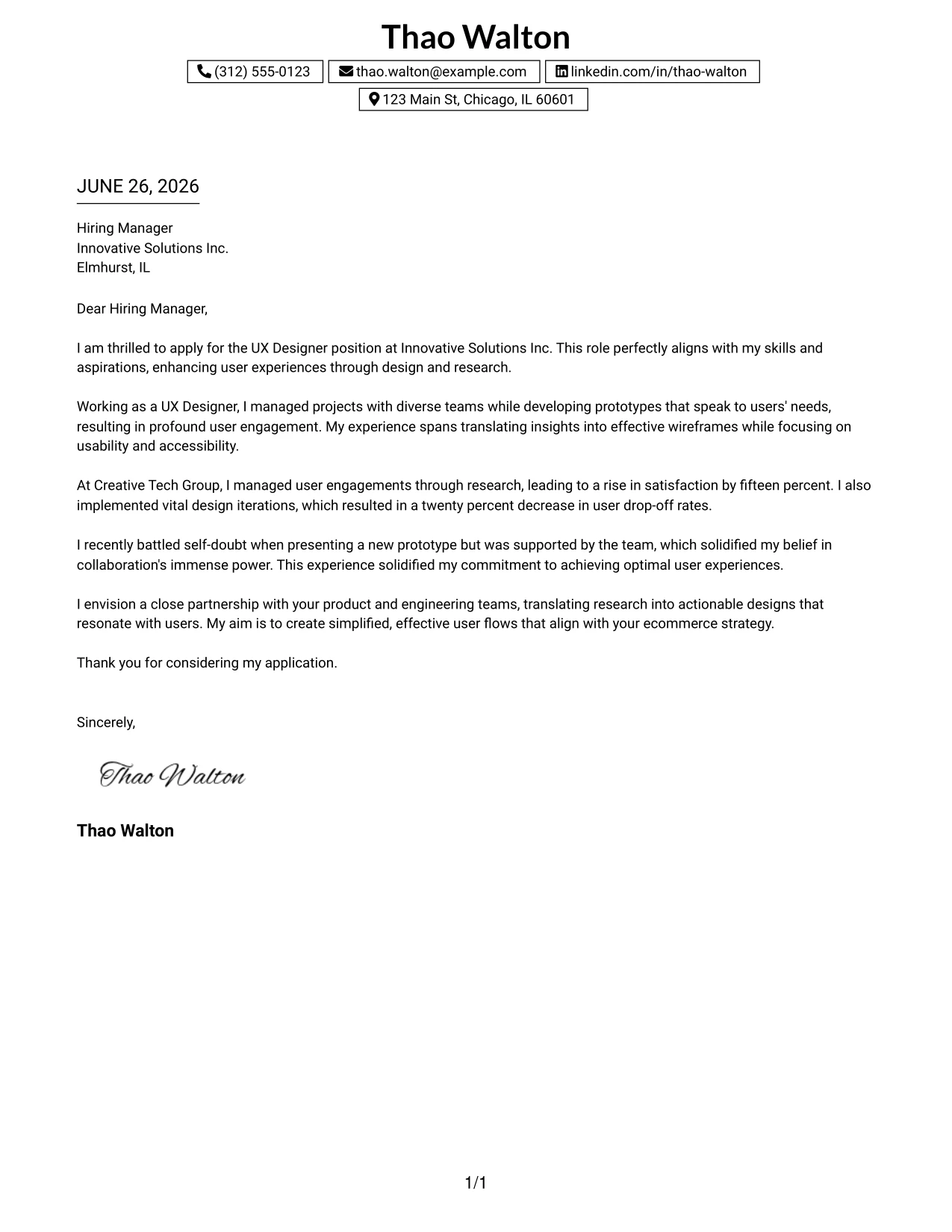
Why the One Column Boxed Contact Header Format Works
- Boxed contact information immediately communicates essential details in an organized manner.
- A centered header creates a polished first impression, reinforcing your professionalism.
- A single-column design allows for smooth reading and clarity, ideal for busy recruiters.
- Clean borders maintain visual interest without detracting from your message.
- Highly readable, this layout caters to the preferred formats of modern employers.
- This stylish minimalist approach works well across various industries.
- Strikes an ideal balance between branding and simplicity, ensuring a strong presentation.
Best For
- UX Design Internships
- Student Candidates
- Entry-Level Positions
- Technical Applications
- Corporate Roles
- ATS Friendly Documents
- Modern Layouts
- Professional Branding
- Structured Cover Letters
- Easy-to-Read Styles
#30 UX Designer Cover Letter Example (One Column Shaded Contact Header Format)
This version adopts a clean one-column professional layout using soft shaded highlights for contact details. The elegant touch enhances the overall visibility while keeping a minimalist and polished look, perfect for a modern job market.
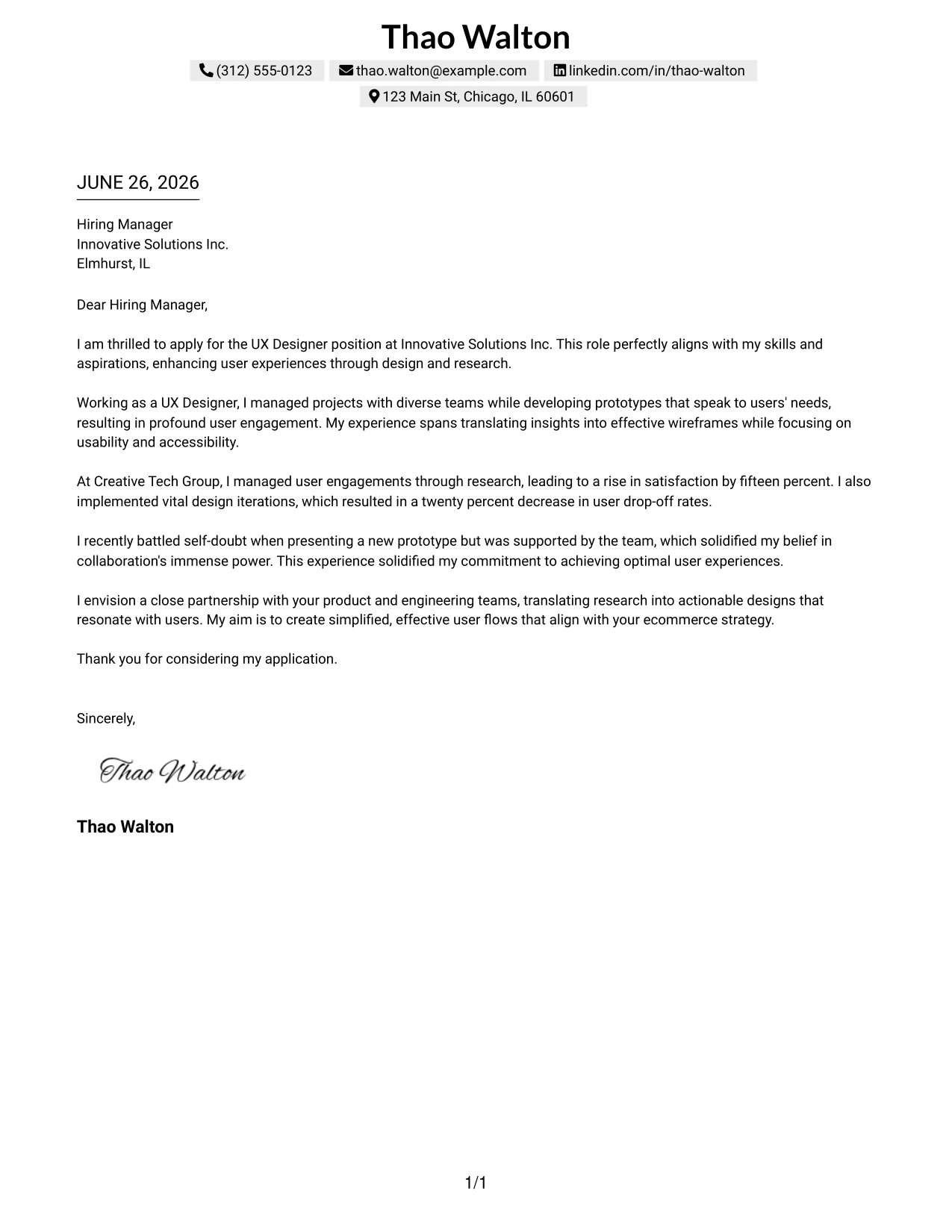
Why the One Column Shaded Contact Header Format Works
- Shaded contact details provide organization without the harshness of borders.
- This softer visual style promotes a modern look while keeping it professional.
- Centered header strengthens personal branding, making a lasting impact.
- A single-column flow feels natural, supporting reader engagement.
- A thoughtful balance of white space enhances readability for busy recruiters.
- This layout suits various corporate settings, merging elegance with professionalism.
- A successful blend of simplicity and clarity fosters positive impressions.
Best For
- UX Designer Internships
- Entry-Level Candidates
- Graduate Opportunities
- Corporate Applications
- Tech Environments
- Modern Templates
- ATS Friendly PDFs
- Elegant Designs
- Professional Branding
- Approachable Layouts
#31 UX Designer Cover Letter Example (Boxed Contact Header with Job Title Format)
This version enhances the boxed contact details layout by adding the job title directly below the name. This strategic approach strengthens personal branding and clarifies the applicant's career focus right from the start.
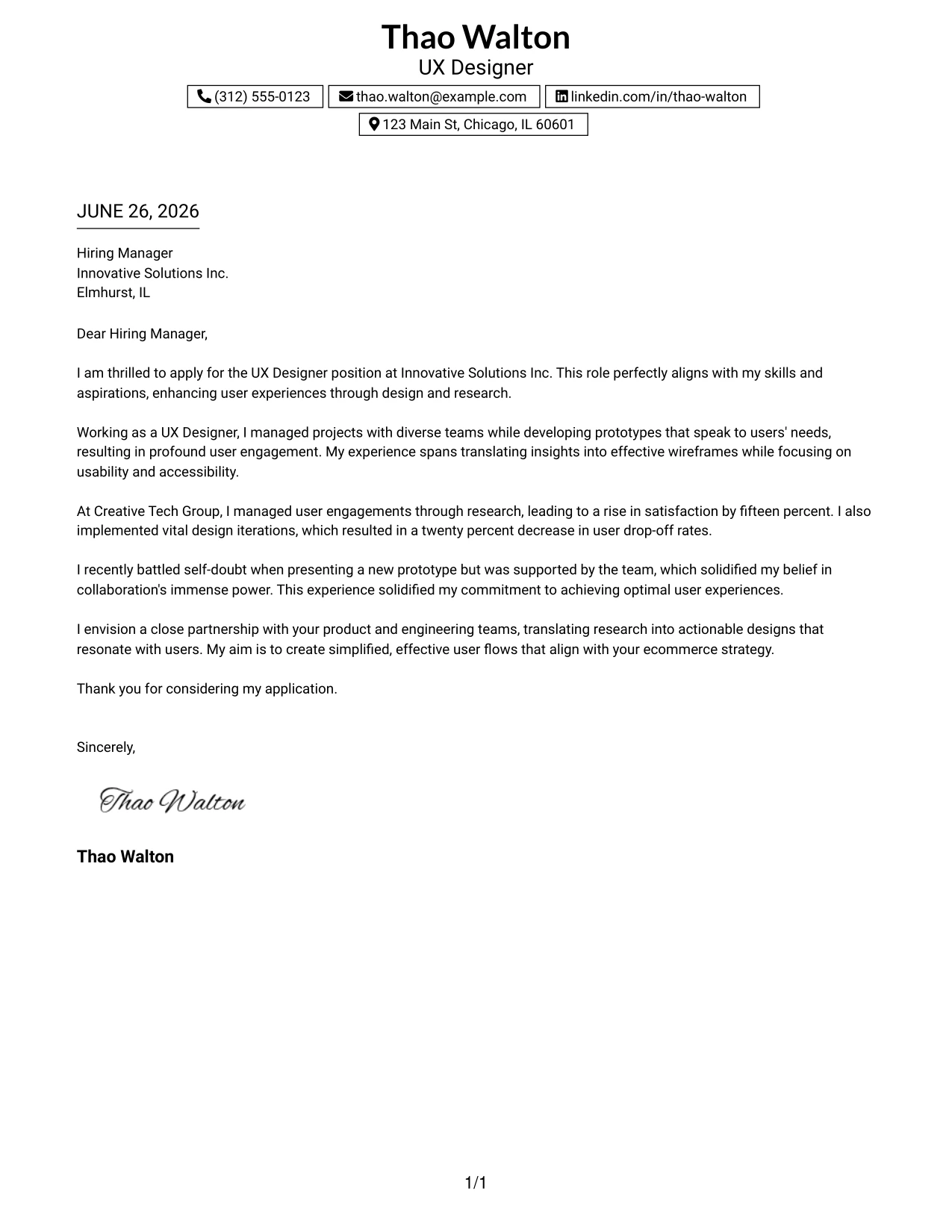
Why the Boxed Contact Header with Job Title Format Works
- Your job title immediately communicates professional intent to recruiters, enhancing clarity.
- Boxed contact details keep essential information organized and accessible.
- A centered header creates a polished first impression and asserts your branding.
- Maintaining a one-column layout ensures the letter remains clean and readable.
- Strong branding conveys intention and professionalism, appealing to hiring managers.
- This minimalist design resonates well in tech environments, emphasizing clarity and focus.
- The format blends professionalism with clear structure and organization.
Best For
- UX Designer Roles
- Computer Science Students
- Graduate Applications
- Corporate Opportunities
- Tech Employers
- ATS Friendly PDFs
- Professional Branding
- Modern Layouts
- Focused Career Pathing
- First Job Applications
#32 UX Designer Cover Letter Example (Plain Professional Layout with Job Title & Shaded Date)
This version utilizes a clean, structured single-column layout featuring the candidate name, job title, and a streamlined contact section at the top. A soft shaded date block adds an elegant touch while ensuring a minimalist presentation.
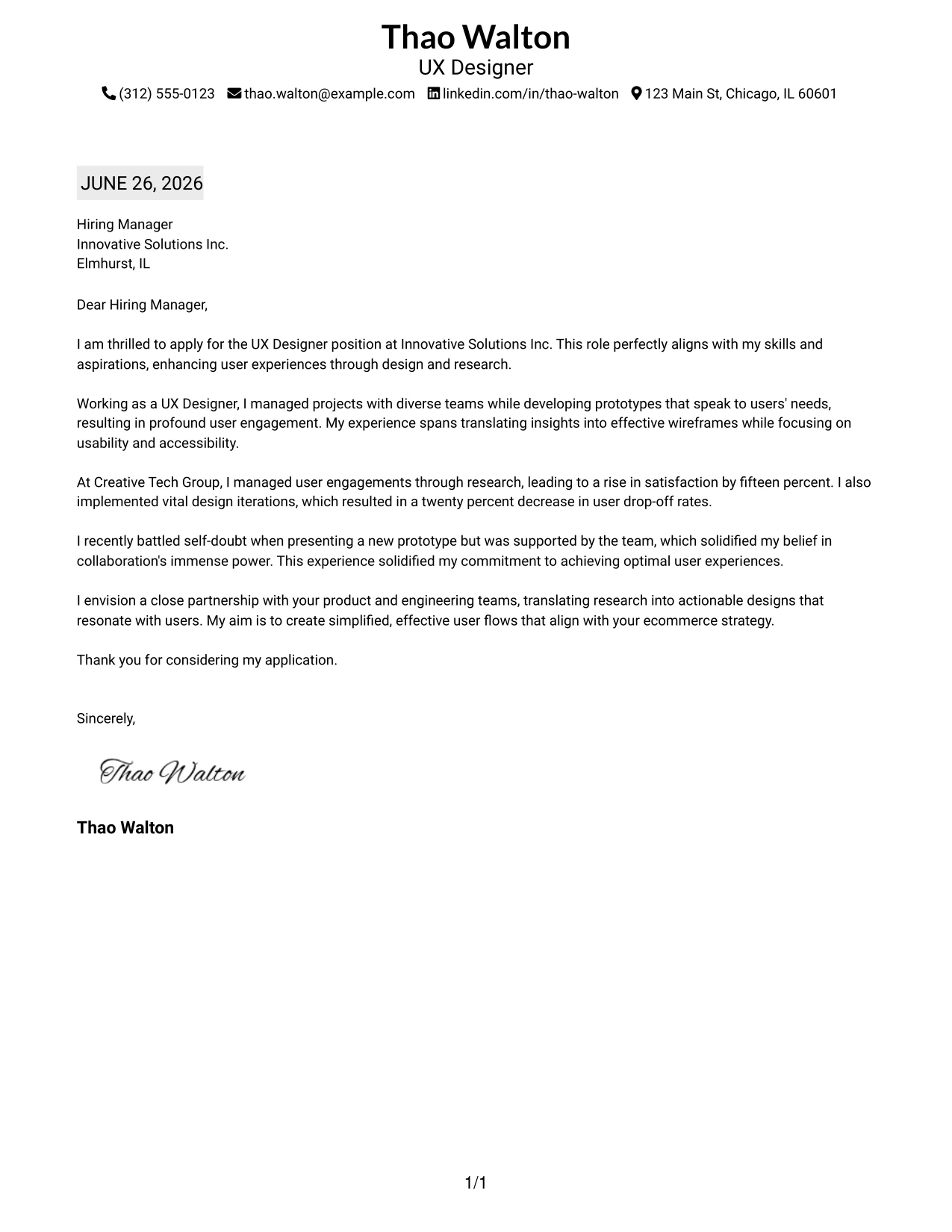
Why the Plain Professional Layout with Job Title & Shaded Date Works
- Job title clarifies your target role succinctly, creating focused communication.
- The shaded date adds subtle emphasis without complication, appealing to modern sensibilities.
- A one-column format promotes smooth reading flow, making it easy for recruiters.
- Compact top contact row saves space while retaining a contemporary feel.
- Minimal styling enables the written content to take center stage in your application.
- Professional appearance suitable for all types of employers looking for clarity.
- This format strikes the right balance between simplicity and robust branding.
Best For
- UX Design Internships
- Graduate Roles
- Corporate Applications
- Tech Employers
- ATS Friendly Documents
- Minimalist Templates
- Professional Layouts
- Modern Job Seekers
- First Career Applications
- Organized Communication
#33 UX Designer Cover Letter Example (Two-Line Contact Header with Underlined Date Format)
This version features a clean centered header with contact details split across two balanced lines, enhancing readability. The underlined plain-text date provides subtle structure while maintaining a minimal yet professional appearance.
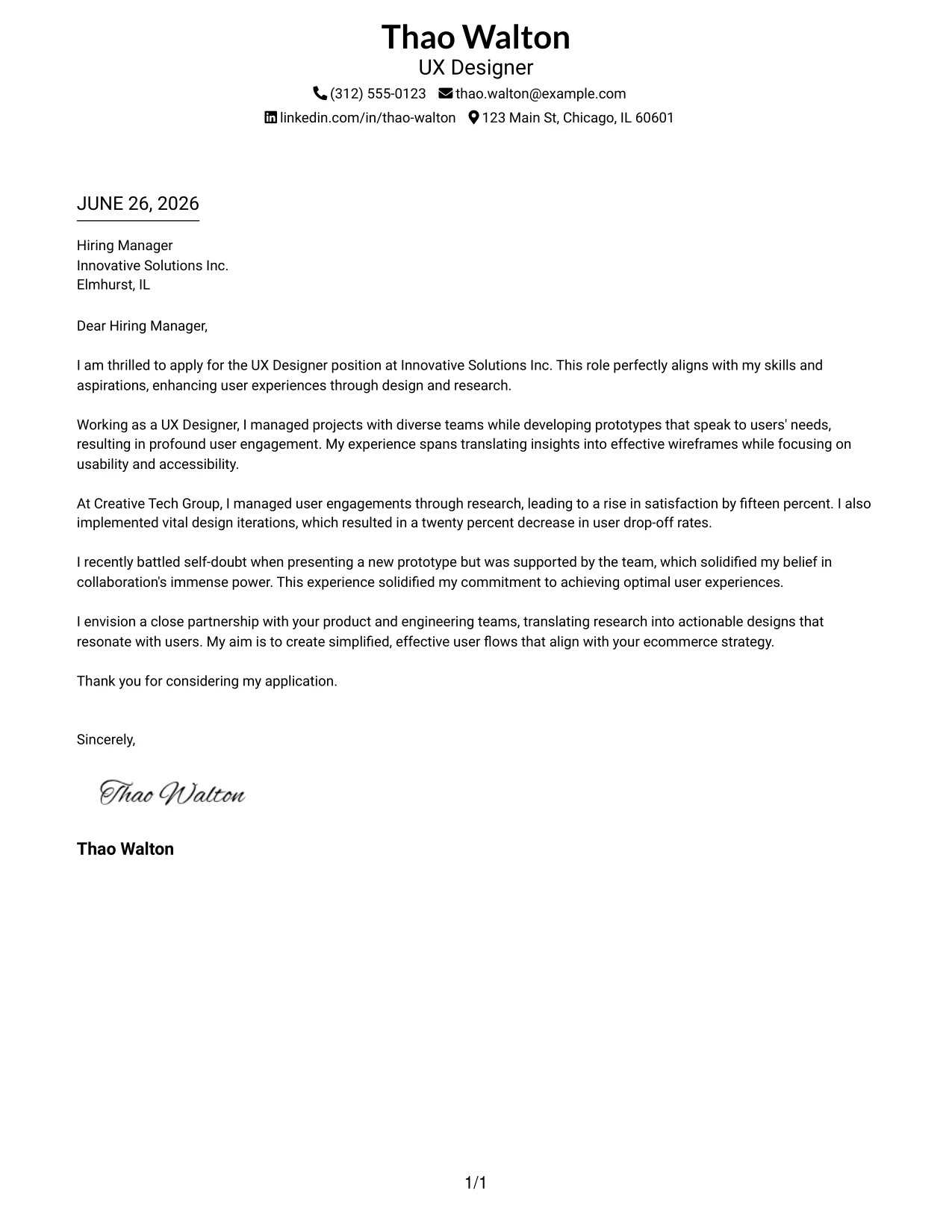
Why the Two-Line Contact Header with Underlined Date Format Works
- The two-line contact layout enhances space and improves readability, particularly for mobile users.
- A centered header presents a professional first impression and reinforces your brand identity.
- The underlined date structure adds clarification without cluttering the page.
- A straightforward single-column layout keeps focus on the message while enhancing clarity.
- Modern typography looks fresh and is recruiter-friendly, catering to various industries.
- An easy-to-scan structure promotes quick reviews by hiring managers, enhancing your visibility.
- This balance of simplicity, clarity, and professionalism serves to make impactful applications.
Best For
- UX Design Internships
- Computer Science Students
- Graduate Roles
- Corporate Applications
- Tech Employers
- ATS Friendly PDFs
- Minimalist Templates
- Modern Layouts
- Professional Branding
- Easy Readability
Why Use ResumeInMinutes for a UX Designer Cover Letter
ResumeInMinutes helps UX professionals create tailored cover letters quickly without starting from scratch.
- 33 writing styles
- ATS-friendly formatting
- Job-description-based customization
- Fast cover letter generation
- Professional templates
- Resume + cover letter support
Whether you are applying for a UX role in ecommerce, tech, or any other field, you can create a polished cover letter in minutes.
See Also
- 33 Entry-Level UI/UX Experience Designer Resume Templates with Example 2026 (ATS-Optimized)
- 33 Junior UI/UX Designer Resume Templates with Example 2026 (ATS-Optimized)
- 33 Lead User Experience (UX) Designer Resume Templates with Example 2026 (ATS-Optimized)
- 33 Lead UX Designer Resume Templates with Example 2026 (ATS-Optimized)
- 33 Principal Associate - UX/UI Designer Resume Templates with Example 2026 (ATS-Optimized)
- 33 Principal Conversational UX Designer Resume Templates with Example 2026 (ATS-Optimized)
- 33 Principal UX Designer, Voice & AI UX, UI Resume Templates with Example 2026 (ATS-Optimized)
- 33 Senior UX Designer Resume Templates with Example 2026 (ATS-Optimized)
- 30+ Entry-Level UI/UX Experience Designer Cover Letter Templates with Example 2026
- 30+ Junior UI/UX Designer Cover Letter Templates with Example 2026
Frequently Asked Questions
Are these UX Designer cover letter templates ATS-friendly?
Yes. The templates use clean, readable formatting and include UX-focused keywords such as user experience, wireframing, Figma, collaboration, and usability.
Are these 33 different cover letters?
No. This guide uses one UX Designer cover letter example shown in 33 different template styles, layouts, and design themes.
Can I download the templates as PDFs?
Yes. Each style includes a free PDF download so you can preview the design and choose the format that fits your application best.
Which cover letter style is best for a UX Designer position?
For most applications, a clean one-column or simple two-column template works best. For modern companies, creative styles with color accents, icons, or a professional layout can also be effective.
Can candidates with limited experience still write a strong cover letter?
Yes. A strong cover letter can focus on relevant coursework, design projects, teamwork, and enthusiasm for user-centered design.
Should I use a photo on my cover letter?
Use a photo only if it is common or expected in your country, region, or industry. For U.S. applications, a no-photo template is usually the safer choice.
Can I customize these cover letter templates?
Yes. ResumeInMinutes allows you to customize the cover letter text, layout, design style, and PDF format for your target UX Designer application.