30+ UX Designer (Mobile-First) Cover Letter Templates with Example 2026
Are you looking to create a UX Designer (Mobile-First) cover letter that helps your application stand out? You’re in the right place.
A strong cover letter provides you with the opportunity to highlight your design skills, innovative concepts, and enthusiasm for user experience design beyond what appears on your resume. It shows employers why you are an excellent fit for the role and how your background connects to their mobile-focused opportunity.
In this guide, you’ll see one proven UX Designer (Mobile-First) cover letter example, learn what makes it effective, and explore how to generate the same cover letter in 33 different styles and themes to match your personality, career goals, and target company in minutes.
What Makes a Great UX Designer (Mobile-First) Cover Letter in 2026
Strong cover letters in 2026 are specific, skill-focused, and tailored to the job description. The best letters consistently emphasize three core areas:
- Relevant design skills and experience
- Projects or contributions that showcase mobile focus
- Collaboration, user-centric design principles, and motivation
Instead of reiterating the resume, effective cover letters explain:
- Why the candidate is passionate about mobile-first design
- How their experience aligns with mobile interaction requirements
- Why they will contribute positively to a user-centered design team
For this type of role, strong keyword alignment often includes mobile-first UX, Figma, user research, data visualization, collaboration.
The templates below show how one effective, ATS-friendly UX cover letter can be presented in different professional styles.
Essential Sections of a UX Designer (Mobile-First) Cover Letter
High-performing cover letters usually follow a clear and familiar structure. When a cover letter feels too generic or disorganized, hiring managers often lose interest quickly.
The strongest cover letters typically include the following:
- HEADER
- DATE
- EMPLOYER / HIRING MANAGER DETAILS
- OPENING PARAGRAPH
- WHY THIS ROLE / WHY THIS COMPANY
- RELEVANT PROJECTS OR EXPERIENCE
- TECHNICAL SKILLS ALIGNMENT
- CULTURE / TEAM FIT
- CLOSING PARAGRAPH
- PROFESSIONAL SIGN-OFF
The example below follows this structure so readers can model their own cover letters with confidence.
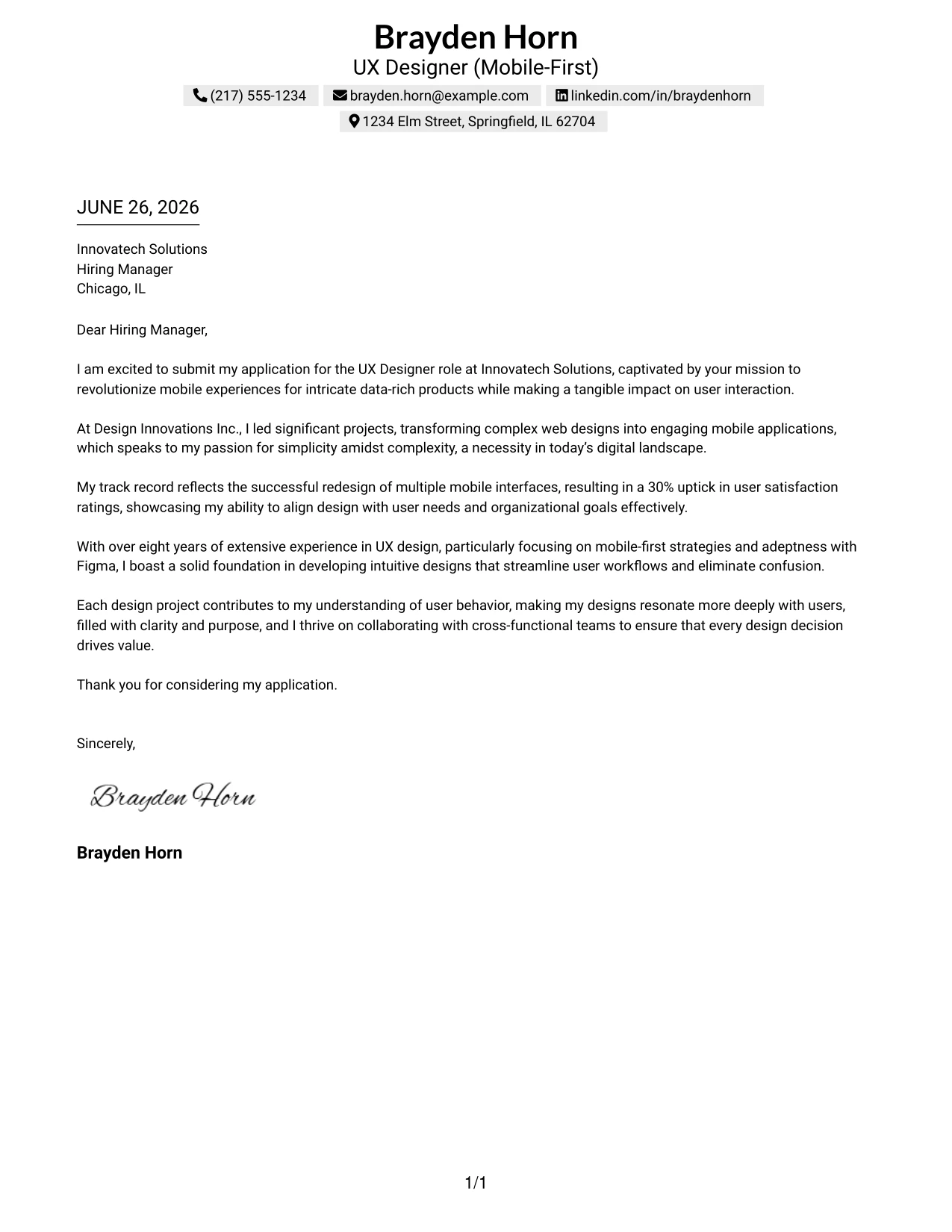
#1 UX Designer Cover Letter Example
This cover letter exemplifies a seasoned UX Designer with a focus on mobile-first strategies, articulating a deep understanding of user-centered design for data-rich applications. Brayden's letter emphasizes his extensive experience, successful project outcomes, and enthusiasm for enhancing user engagement through innovative design solutions.
The clean and concise format aligns with professional expectations in the UX field, making it easy for hiring managers to gauge qualifications quickly and effectively while establishing a strong professional presence.
Candidate Snapshot
- Name: Brayden Horn
- Education: B.A. in Graphic Design
- Target Role: UX Designer (Mobile-First)
- Highlighted Skills: Figma, User Research, Mobile UX Design, Data Visualization
Why This Cover Letter Works
- Begins with genuine enthusiasm for Innovatech Solutions, aligning personal motivation with the company’s mission.
- Showcases Brayden's successful project experiences specifically related to mobile application design and user engagement.
- Brings forth quantifiable success (30% increase in user satisfaction) to enhance credibility and demonstrate impact.
- Emphasizes collaboration and user-centric methodology, appealing directly to the skills mentioned in the job description.
- Maintains a cohesive narrative that connects his extensive experience with the specific needs of the role.
- Utilizes a professional tone that resonates with the expectations of hiring managers in the tech industry.
Keywords Matched From Job Description
- UX Designer
- Mobile-First Strategies
- Data-Rich Products
- User Interaction
- Figma
- Analytics Tools
- User Research
- Prototyping
- User-Centered Design
- Collaboration
- Design Systems
#2 UX Designer Cover Letter Example (Two Column Format)
This design adopts a contemporary two-column layout, seamlessly integrating contact information with a clean presentation of the letter content. This strategy allows Brayden to maintain strong visibility while showcasing his exceptional qualifications in a polished format, suitable for modern employers.
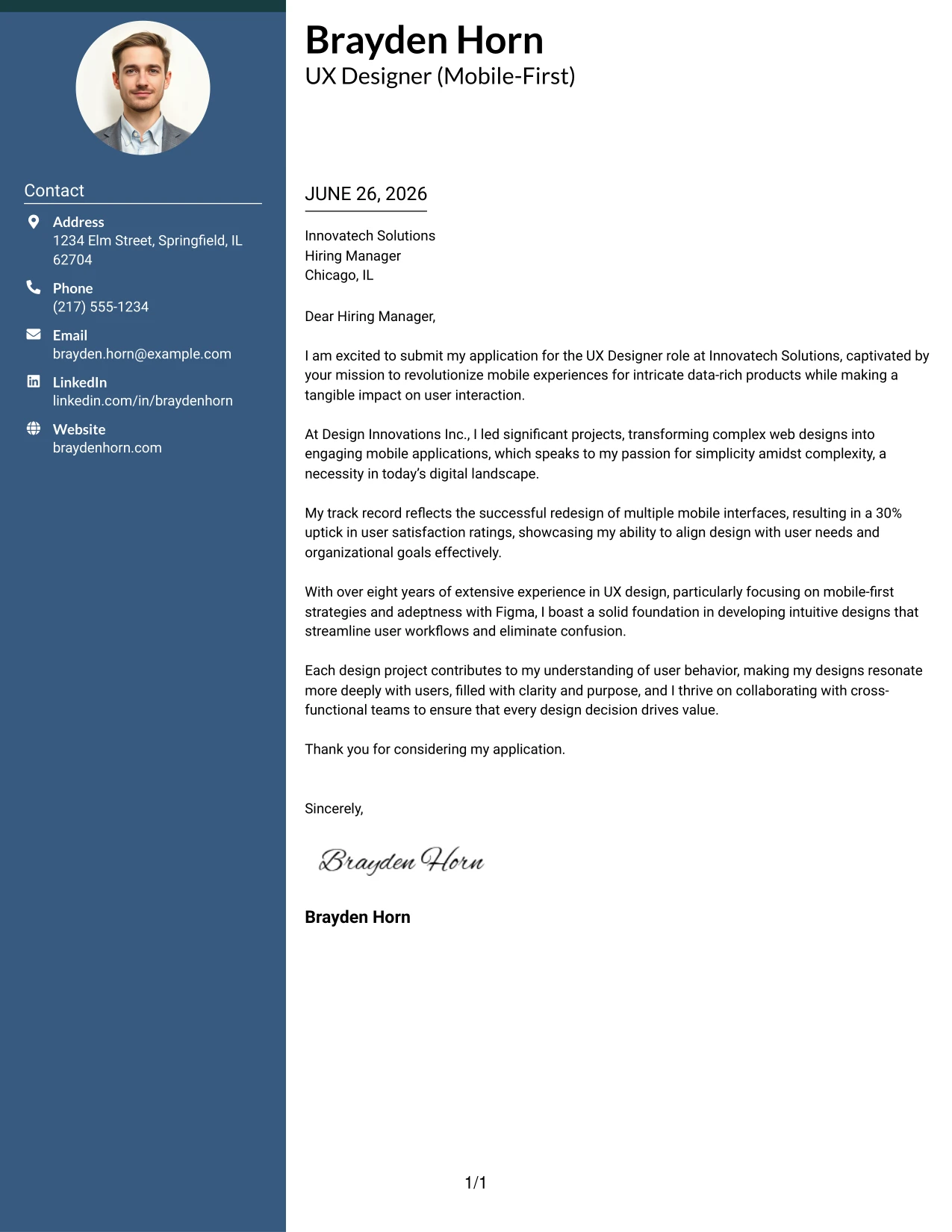
Why the Two Column Format Works
- Provides a strong, visually appealing structure that captures a reader's attention from the outset.
- Organizes contact information clearly for quick access, which is essential for recruiters.
- Main content area remains straightforward and easy to navigate, promoting readability.
- Incorporates visual elements while preserving a professional tone, critical when applying in technology-focused industries.
- Elevates Brayden's candidacy by standing out from standard text-heavy cover letters.
- Ideal for applicants with extensive experience and a strong portfolio, enhancing the first impression.
- Balancing creativity with professionalism to accentuate his design skills effectively.
Best For
- UX Designer Positions
- Mobile-Focused Roles
- Visual Communication in Technology
- Creative Tech Companies
- Experienced Applicants
- Data-Rich Product Environments
- Cutting-Edge Startups
#3 UX Designer Cover Letter Example (Photo Header Two Column Format)
This version employs a stylish two-column layout featuring a profile photo to bolster personal branding while ensuring a clear and professional presentation. By integrating visual elements, this format helps Brayden distinguish himself in a competitive job market for UX designers.
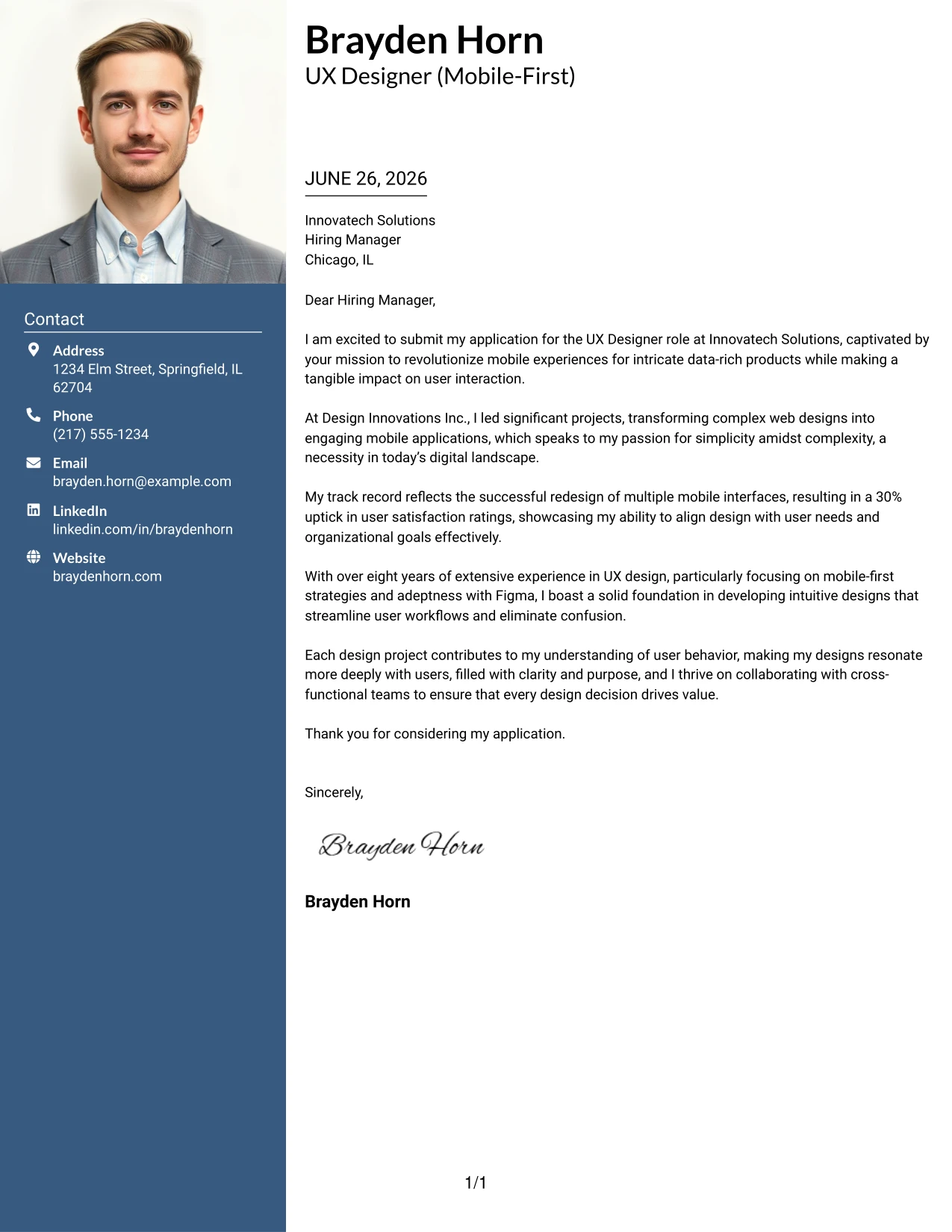
Why the Photo Header Two Column Format Works
- Captures attention immediately with a polished photo header that enhances the personal brand.
- Organizes contact details effectively, making them easily accessible for hiring managers.
- Ensures high readability while maintaining a structured layout that highlights qualifications.
- Combines creativity with professional appeal, aligning with the expectations of modern tech firms.
- Helps Brayden stand out from more conventional text-heavy cover letters, adding a personal touch.
- Great for companies that value presentation and visual design in candidates.
- Builds a memorable first impression through effective personal branding.
Best For
- UX Designer Roles
- Creative Technology Companies
- Mobile Application Development
- Personal Branding in Digital Applications
- Startup Culture
- Designer Interviews
- Career Transition Roles
#4 UX Designer Cover Letter Example (Simple One Column Format)
This iteration follows a straightforward one-column cover letter layout, concentrating solely on clarity and professionalism. By eliminating excessive design elements, it allows Brayden's qualifications and experience to take center stage, which is crucial in the UX domain.
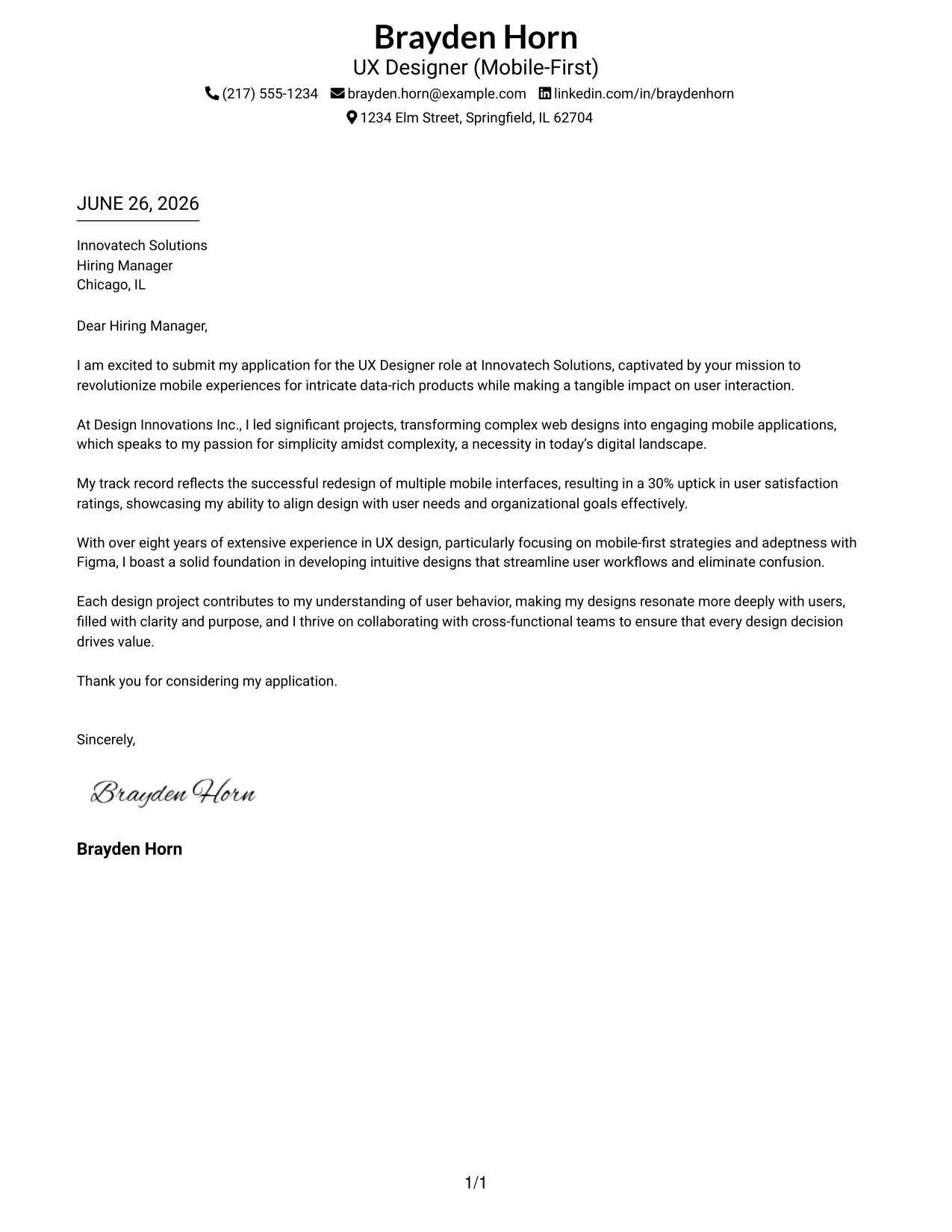
Why the Simple One Column Format Works
- Utilizes a classic format that is recognized and trusted across industries.
- Allows complete focus on Brayden's words, achievements, and qualifications, ensuring impactful communication.
- Very easy for recruiters to scan quickly, which is crucial for high-volume positions.
- Complies well with ATS requirements while remaining clear and concise.
- Ideal for positions at more conservative or traditional companies that value straightforward communication.
- Minimizes distractions, enhancing the clarity of his design philosophy.
- Great when content strength is the primary selling point.
Best For
- UX Designer Positions
- Corporate and Traditional Roles
- ATS-Friendly Applications
- Conservative Industries
- Senior-Level Applicants
- Professional Opportunities
- Focused Communication
#5 UX Designer Cover Letter Example (One Column Format with Photo)
This version adopts a streamlined one-column cover letter layout with a professional photo, preserving a focus on readability while introducing a personal branding aspect through the photo header. This adds depth to Brayden's self-presentation, making it compelling yet professional.
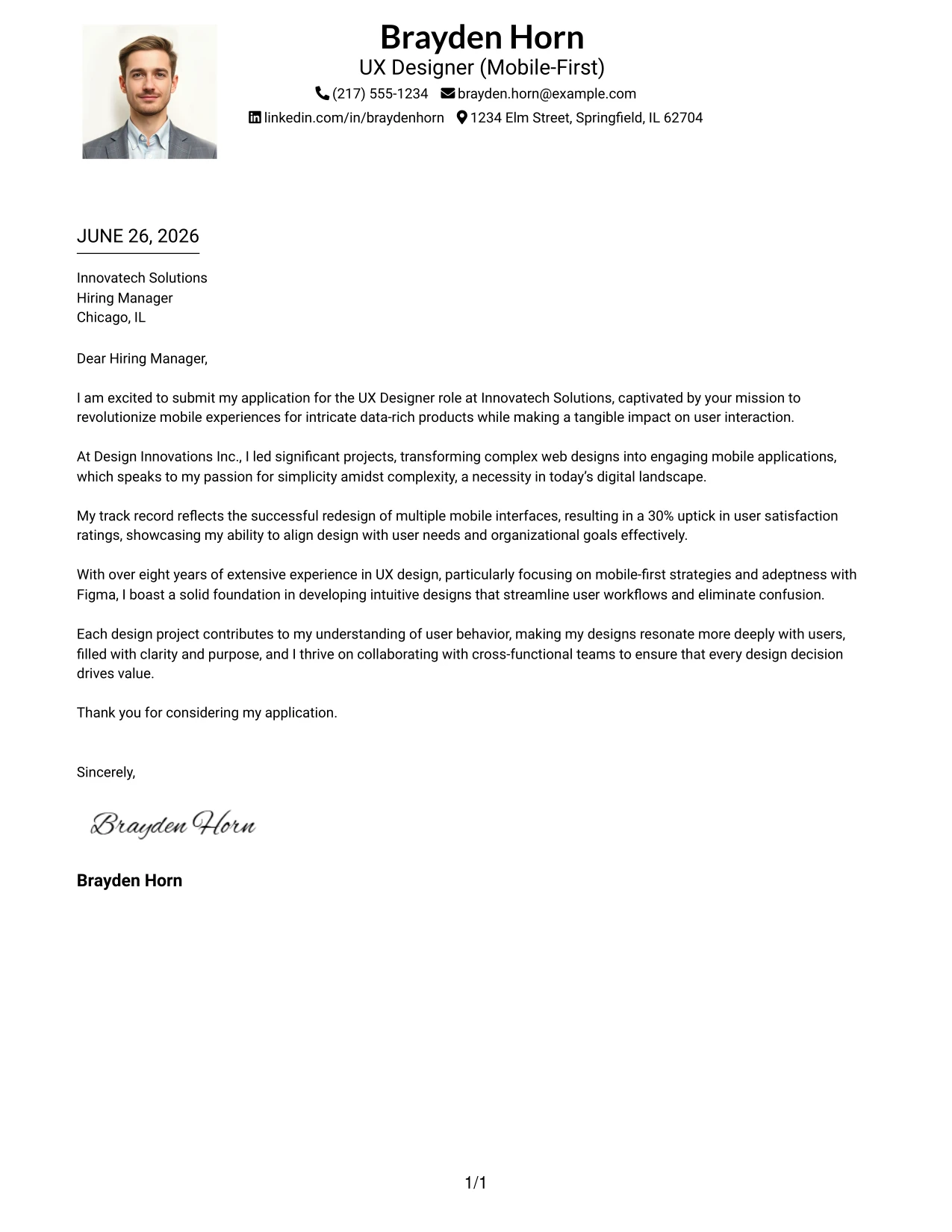
Why the One Column Format with Photo Works
- Maintains a traditional one-column structure that ensures easy scanning for hiring managers.
- Integrates a professional photo to enhance personal branding and memorability.
- Focuses the reader's attention on Brayden's qualifications and the value he brings to the role.
- Simplified layout is effective for ATS and recruiter assessments alike.
- Presents a polished, modern aesthetic while keeping the focus on the letter content.
- Perfect for applicants striving for a balance between professionalism and a personal touch.
- Achieves a strong first impression with an emphasis on clarity and visibility.
Best For
- UX Designer Positions
- Creative Tech Companies
- Student Applications
- Professional Branding
- Entry-Level Roles
- Modern Employers
- Application Specific to Mobile UX Design
#6 UX Designer Cover Letter Example (One Column Format with Photo Right)
This example utilizes an effective one-column layout with a photo positioned on the right, offering a clean and organized format while introducing personal branding through visual elements. It enhances the professionalism of Brayden’s candidacy as a UX designer.
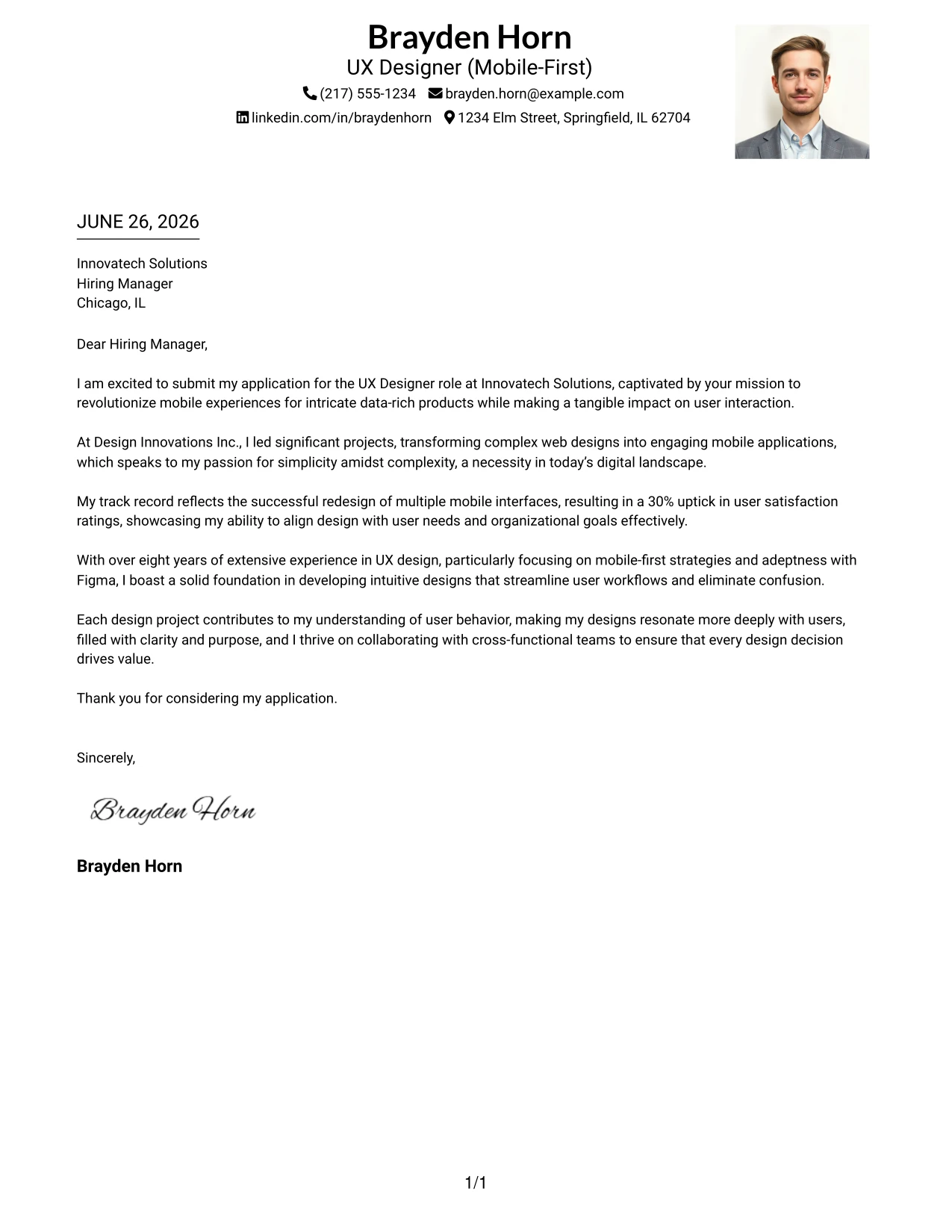
Why the One Column Format with Photo Right Works
- Retains a clean structure conducive to readability and professionalism in UX design.
- Right-side photo delivers an executive-level presentation that enhances personal branding.
- Ensures that the main content remains the focal point, emphasizing qualifications and motivation.
- Adds branding without overshadowing the letter's essential components.
- Useful for industries where visual representation is expected as part of the application process.
- Fulfills both traditional expectations and modern presentation standards.
- Strikes a balance between creativity and clarity of purpose.
Best For
- UX Design Roles
- Visual Communication Positions
- Professional Branding Opportunities
- Creative Tech Companies
- Startup Environments
- Student and Entry-Level Applicants
- Photos Allowed in Applications
#7 UX Designer Cover Letter Example (Simple Two Column Format)
This layout features a clean two-column design that separates contact details from the main content with a subtle dotted line. This clear organization adeptly enhances the overall professionalism of Brayden's cover letter.
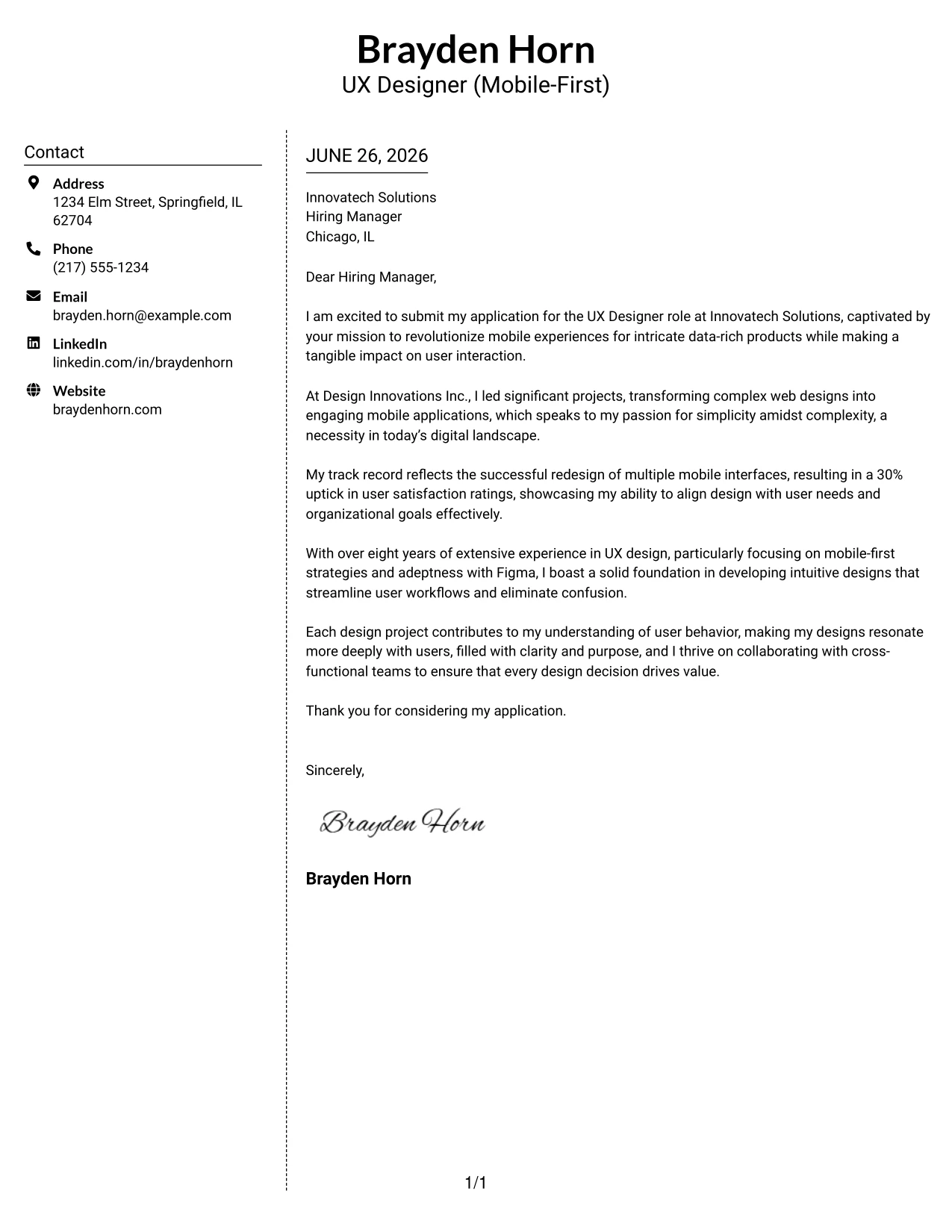
Why the Simple Two Column Format Works
- Clearly differentiates contact information from the cover letter content for better organization.
- The dotted line adds dimension without drawing attention away from the message.
- Creates a modern and clean layout that is easy for readers to navigate.
- Enables quick access to contact information, a vital component for recruiters.
- Maintains a thoughtful structure that prioritizes readability and professional presentation.
- Great for applicants looking for a moderate upgrade from traditional layouts.
- Successfully balances simplicity with modern design expectations.
Best For
- UX Designer Applications
- Professional Environments
- Creative Tech Companies
- Entry-Level Positions
- College Graduates
- Structured Application Formats
- Student Applicants
#8 UX Designer Cover Letter Example (Stylish Two Column Designer Format)
This design presents a two-column layout infused with stylish elements, featuring a colored sidebar and bold header section. This modern template effectively showcases Brayden’s creativity while maintaining professional integrity, making it an excellent choice for UX positions.
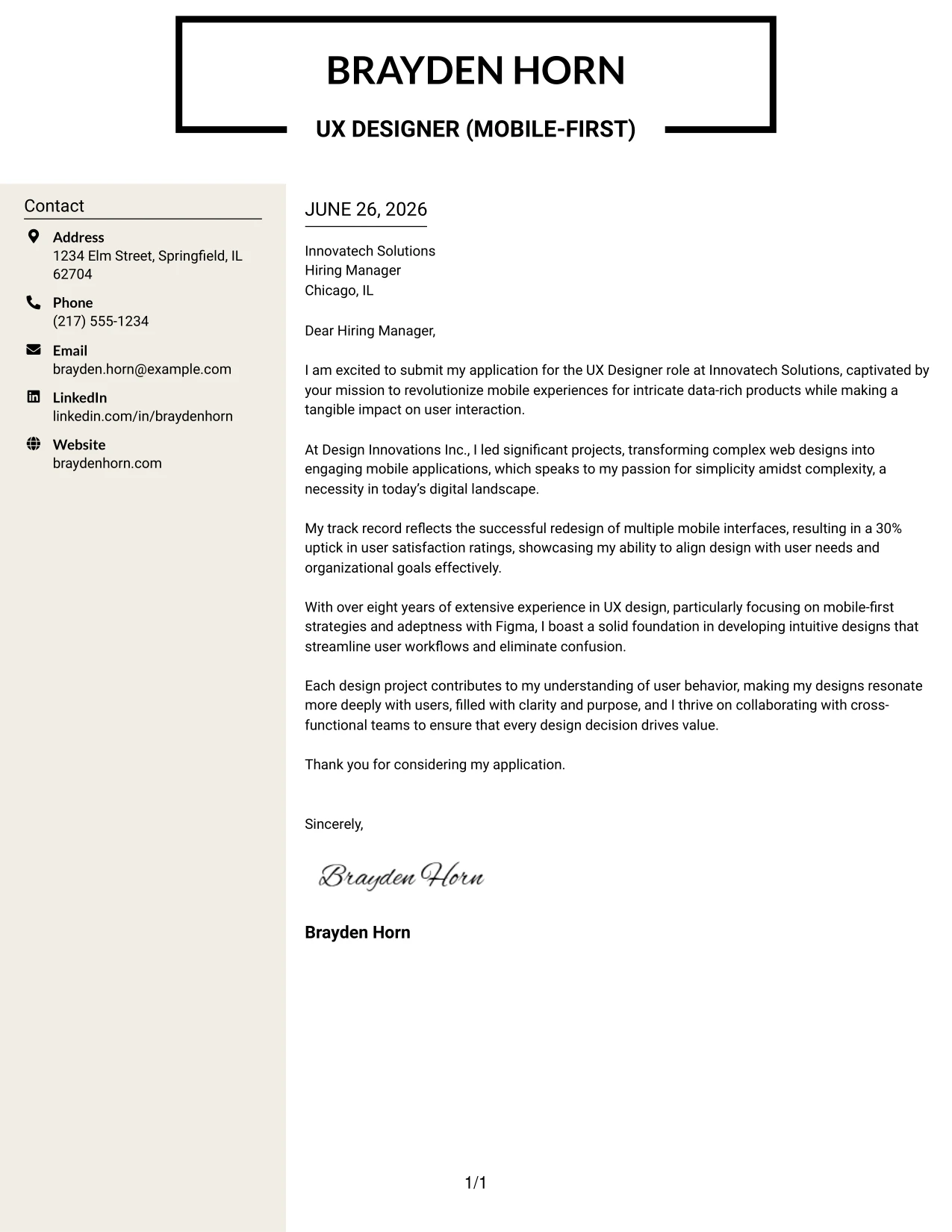
Why the Stylish Two Column Format Works
- Creates a striking first impression through the use of a bold header and a distinctive color palette.
- The sidebar effectively organizes contact details, adding a visual balance to the document.
- Main content area is clear and maintains professional structure.
- Reflects Brayden's proficiency in UI/UX design while leaving a lasting impact.
- Ideal for those looking to showcase creativity in their application while maintaining professionalism.
- Distinct from conventional plain-text templates, helping Brayden stand out.
- Combines design elements with serious business communication, suitable for modern employers.
Best For
- UX Designer Roles
- Creative Technology Companies
- Startup Opportunities
- Experienced Applicants
- Modern Employers
- Personal Branding
- UI/UX Focused Positions
#9 UX Designer Cover Letter Example (Colored Two Column Format)
This version opts for a dynamic two-column layout, incorporating color to enhance visual appeal while maintaining professionalism. This approach enables Brayden to express his creative flair while adhering to the standards expected within the UX industry.
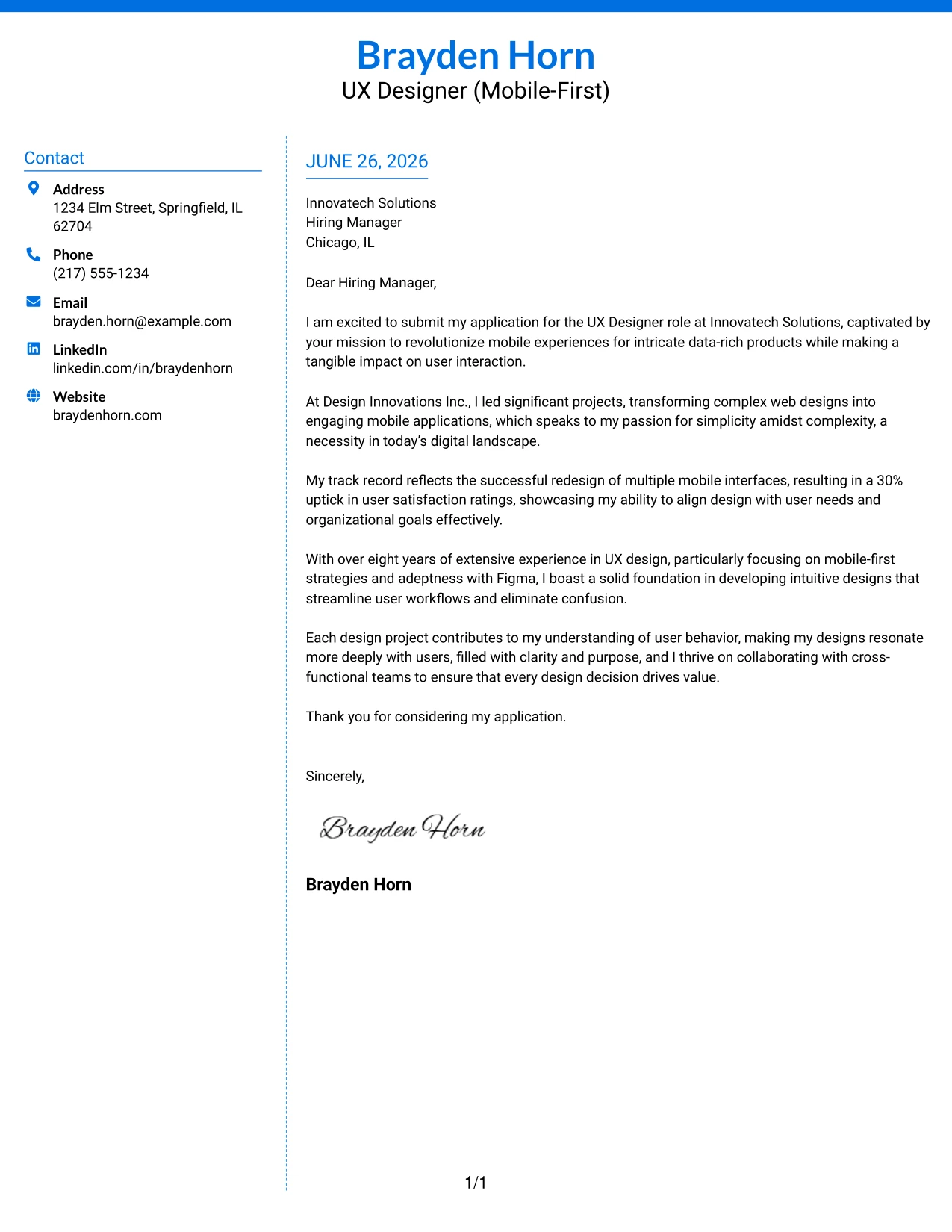
Why the Colored Two Column Format Works
- Employs color to establish a welcoming and engaging reader experience, enhancing the document's appeal.
- Separates contact details from main content, increasing accessibility for hiring managers.
- Maintains readability while incorporating a creative edge, suitable for the UX landscape.
- Perfect for candidates aiming to make a memorable impression within competitive application settings.
- Enables Brayden to combine professionalism with a design-conscious approach.
- Works well for tech startups and companies seeking innovative design perspectives.
- Enhances visual engagement without compromising the quality of content.
Best For
- UX Design Opportunities
- Creative Technology Firms
- Dynamic Startups
- Senior Position Applications
- Companies Favoring Visual Designs
- Computer Science Graduates
- Colorful Presentation Styles
#10 UX Designer Cover Letter Example (Creative Two Tone Format)
This cover letter employs a two-tone format, utilizing contrasting colors for the header and body sections. This layout gives Brayden a chance to stand out from the sea of standard applications while delivering his professional message in an engaging manner.
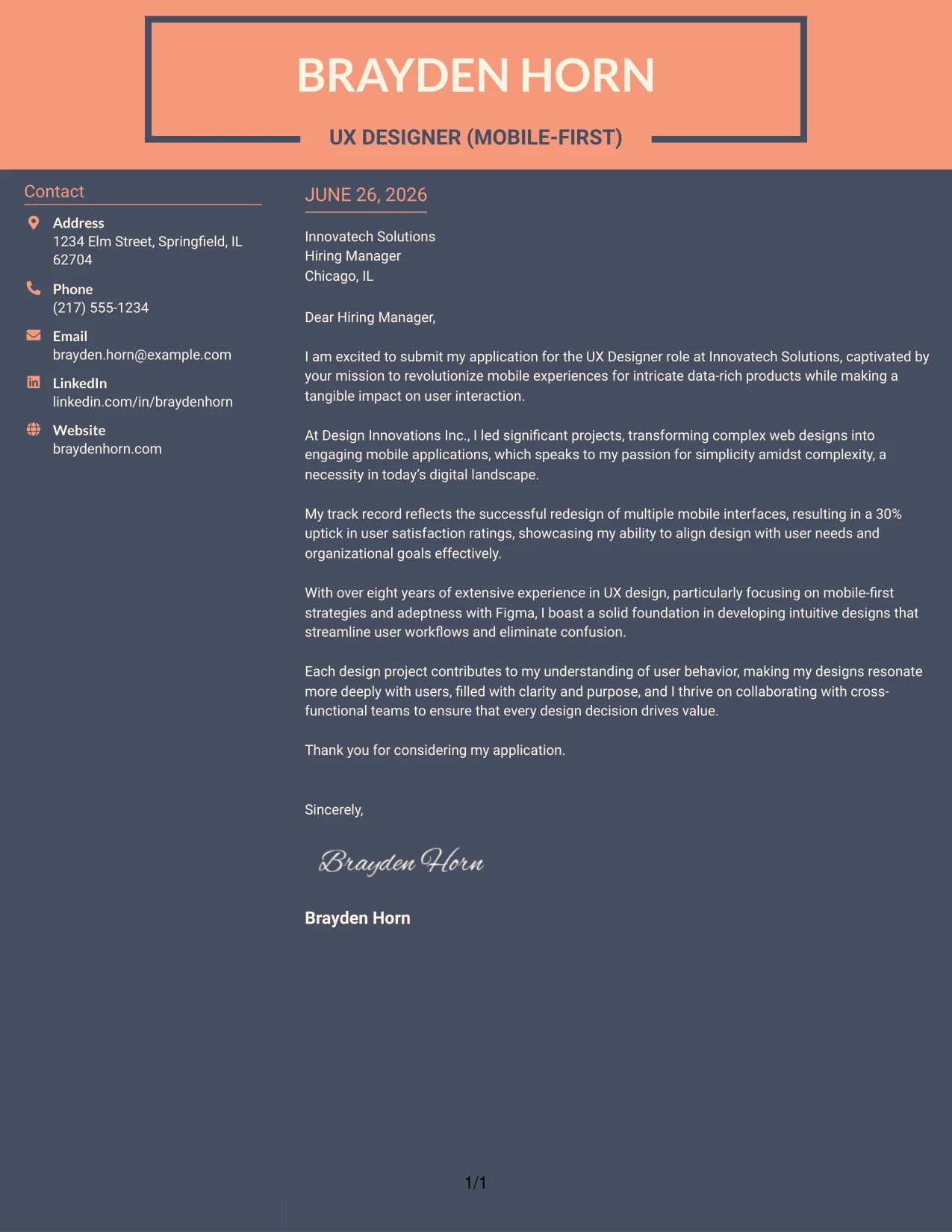
Why the Creative Two Tone Format Works
- Utilizes contrasting colors to maintain reader interest, facilitating a memorable first impression.
- Bold headers guide the reader through the cover letter, enhancing the overall navigation experience.
- The two-tone structure effectively separates professional branding from body content.
- Helps Brayden differentiate himself from traditional applications by adding a modern twist.
- Balancing readability with creativity influences a candidate's perceived confidence and compatibility.
- Strongly suitable for innovative roles where design skill is paramount.
- Conveys professionalism while showcasing Brayden’s unique branding approach.
Best For
- UX Designer Positions
- Creative Tech Companies
- Startups
- UI/UX Focused Roles
- Modern Application Environments
- Job Seekers with a Design Focus
- High-Impact Visuals
#11 UX Designer Cover Letter Example (Modern Icon Format)
This cover letter leverages a modern layout with appealing icons to highlight Brayden’s qualifications and experience creatively while retaining a professional tone. This format serves to capture the attention of hiring managers effectively while providing a clear overview of his background.
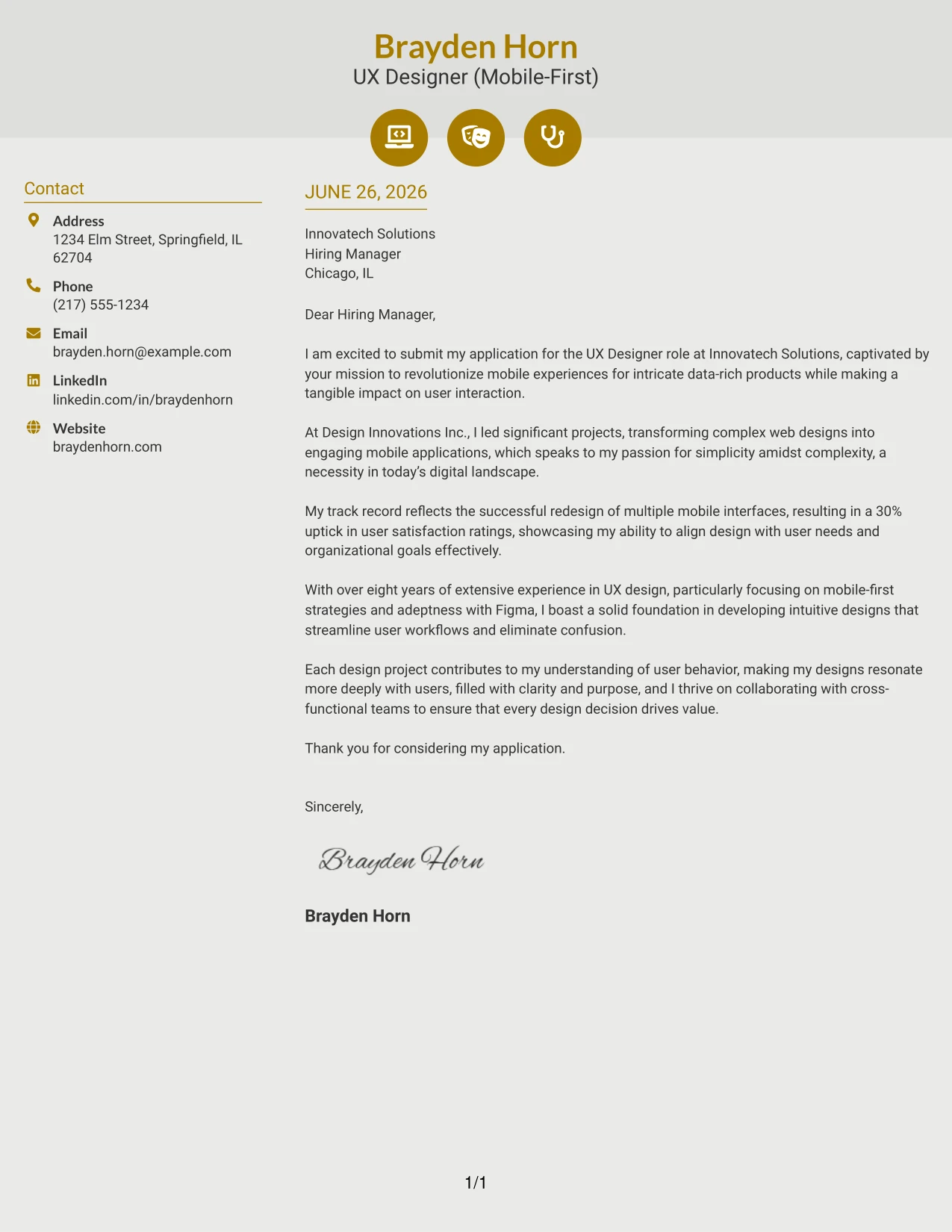
Why the Modern Icon Format Works
- Uses icons to visually signify Brayden's essential skills and strengths, enhancing engagement.
- Soft background shading creates a refined and contemporary appearance that pleases the eye.
- Accent colors help establish a structured flow and direct reader attention effectively.
- Makes it easy for recruiters to quickly identify key qualifications and contact details.
- Introduces a level of creativity that suits the UX design field without sacrificing professionalism.
- Perfect for candidates aiming for a fresh and memorable representation within applications.
- Successfully balances engagement and clarity, highlighting Brayden's visual design skillset.
Best For
- UX Designer Roles
- Creative Tech Companies
- Front-End Development
- Startup Roles
- Visual Design Positions
- Student Applications
- High-Impact Cover Letter Styles
#12 UX Designer Cover Letter Example (Minimal Header Format)
This version employs a clear and minimalist header format that includes all contact information on a single line, while omitting any unnecessary titles or design elements. This approach maximizes focus on the written content, showcasing professionalism and the candidate's qualifications.
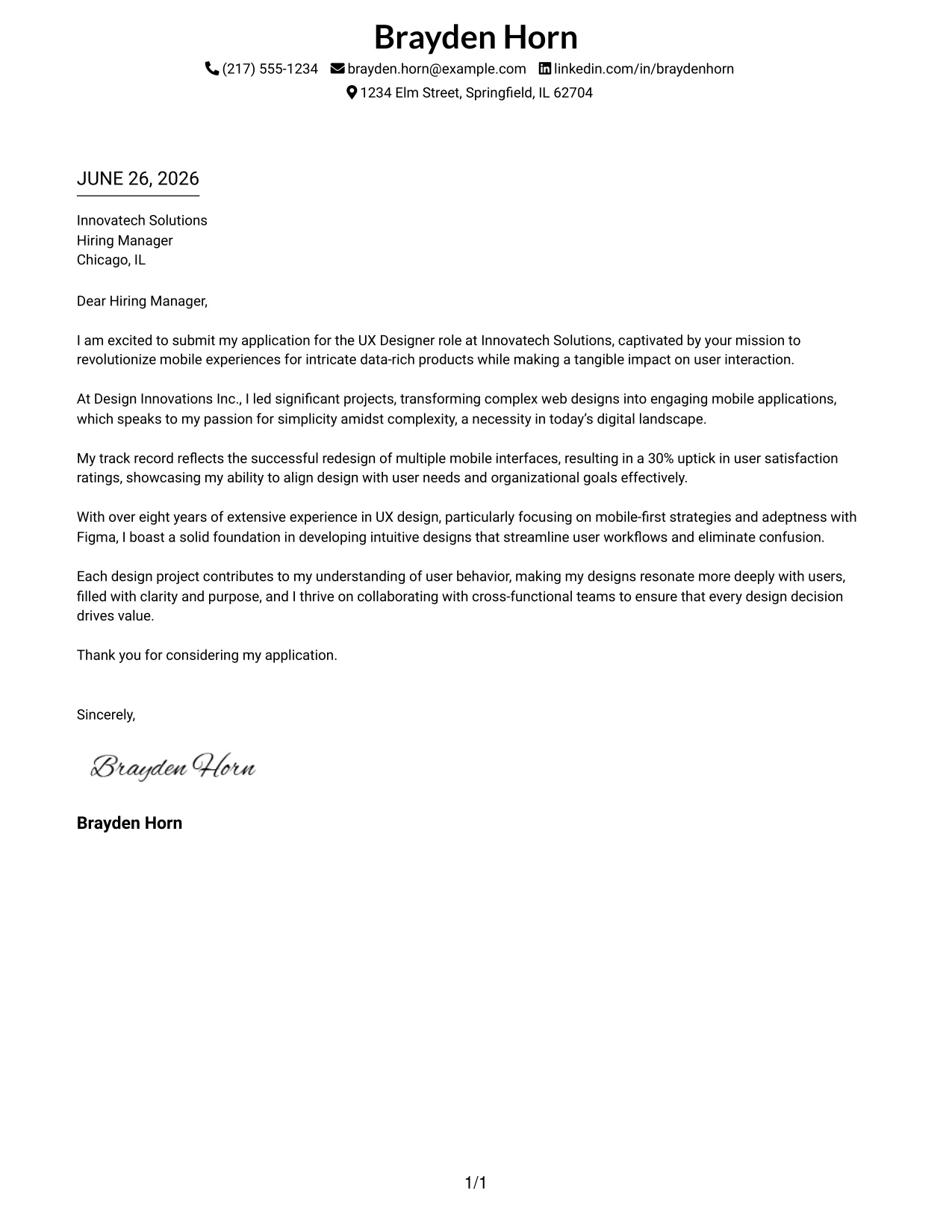
Why the Minimal Header Format Works
- The uncluttered layout emphasizes the candidate's written qualifications and enthusiasm.
- Single-line contact details enhance organization and clarity for the hiring manager.
- Absence of extraneous elements maintains a timeless professional style.
- Facilitates quick scanning by recruiters, aiding their review process.
- Highly compatible with various ATS systems, ensuring broad applicability.
- Establishes a strong foundation for an engaging narrative within.
- Efficient, polished, and fitting for diverse industry scenarios.
Best For
- UX Designer Roles
- Corporate Employers
- Tech Companies
- Formal Applications
- ATS-Compatible Positions
- Senior Professionals
- Creative Fields
- Professional Style Advocates
- Text-Focused Job Applications
#13 UX Designer Cover Letter Example (Clean Two Column Sidebar Format)
This layout features a two-column design, with a subtle sidebar for contact information and a centered header. This arrangement strikes a balance between sophistication and simplicity, making it a professional choice for UX designers.
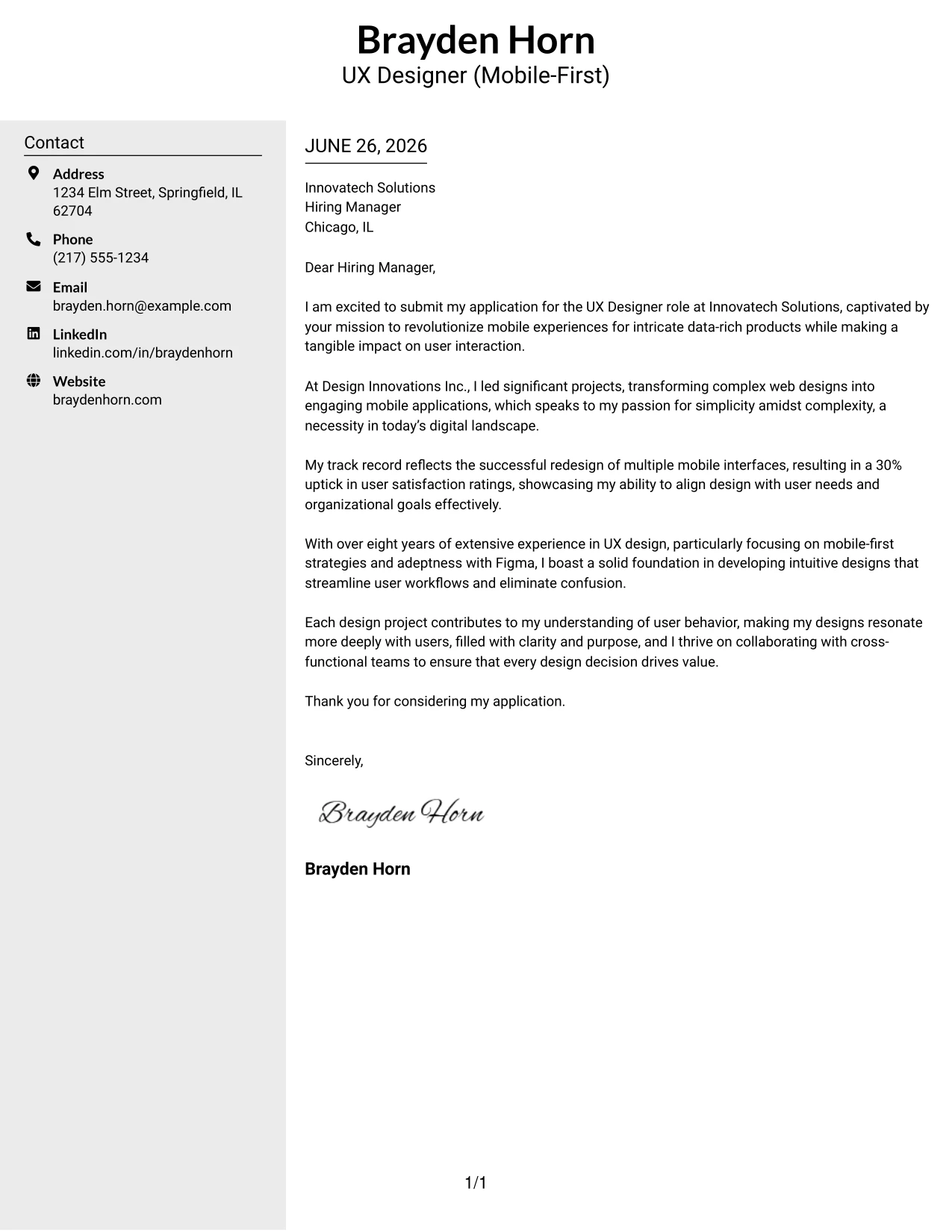
Why the Clean Two Column Sidebar Format Works
- The left sidebar effectively delineates contact information from letter text, enhancing organization.
- The centered top header establishes a polished, professional identity that resonates with the reader.
- A well-structured layout promotes readability and allows for easy navigation through content.
- Color contrast in the sidebar adds a refined touch without overwhelming the letter.
- Main content remains ATS-friendly, ensuring compliance with application tracking systems.
- This design effectively bridges the gap between minimalism and aesthetics.
- Applicable for a wide range of employers, from modern startups to traditional corporations.
Best For
- UX Designer Positions
- Corporate Settings
- Modern Tech Firms
- Design-Focused Applications
- Creative Candidates
- Professional Branding Initiatives
- ATS-Centric Environments
- User Experience Roles
- Structured Design Formats
- Elegant Visual Presentations
#14 UX Designer Cover Letter Example (Plain Two Column Format)
This version utilizes a straightforward two-column layout featuring contact information on one side and main content on the other. This design emphasizes clarity and professionalism, appealing for any UX professional in the tech space.
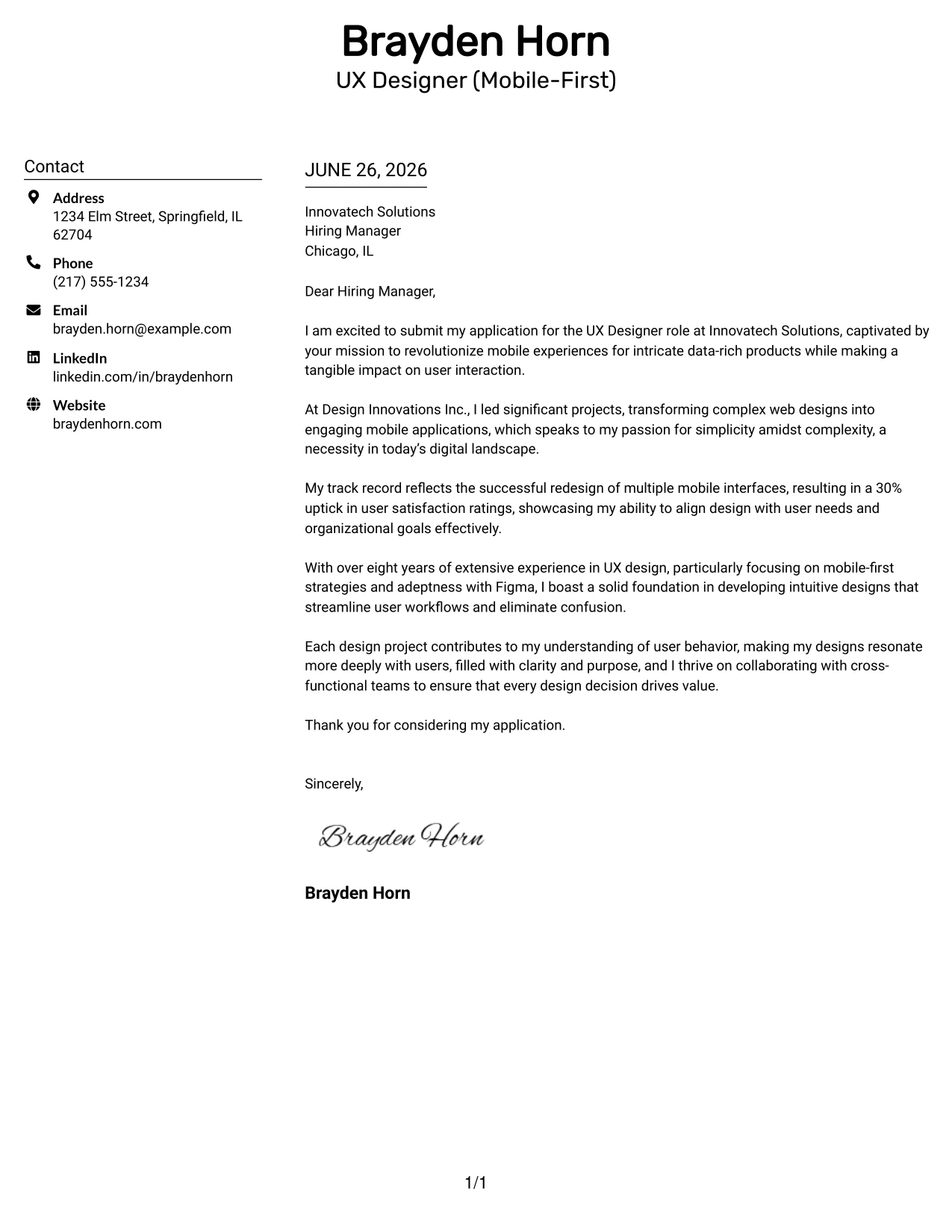
Why the Plain Two Column Format Works
- This layout organizes contact details distinctly from letter content, enhancing clarity.
- The absence of decorative elements maintains a clean and professional aesthetic.
- Offers a modern feel without unnecessary frills.
- Makes it easy for recruiters to quickly read both sections for relevant information.
- Maintains professionalism across various industries, making it versatile.
- Expertly blends minimalism with structure, perfect for tech and design environments.
- ATS-friendly design ensures smooth electronic application submissions.
Best For
- Roles in UX Design
- Corporate Job Markets
- Technology Firms
- Creative Job Applications
- Senior-Level Candidates
- Graduate Positions
- ATS-Friendly submissions
- Clarity Focused Applications
- Minimalist Document Preferences
- Modern Yet Understated Styles
#15 UX Designer Cover Letter Example (Modern Full Background Two Column Format)
This example features a full-page background color with a two-column layout, creating a striking contemporary look. A dotted line divides the content, emphasizing organization while maintaining a polished aesthetic, ideal for the tech industry.
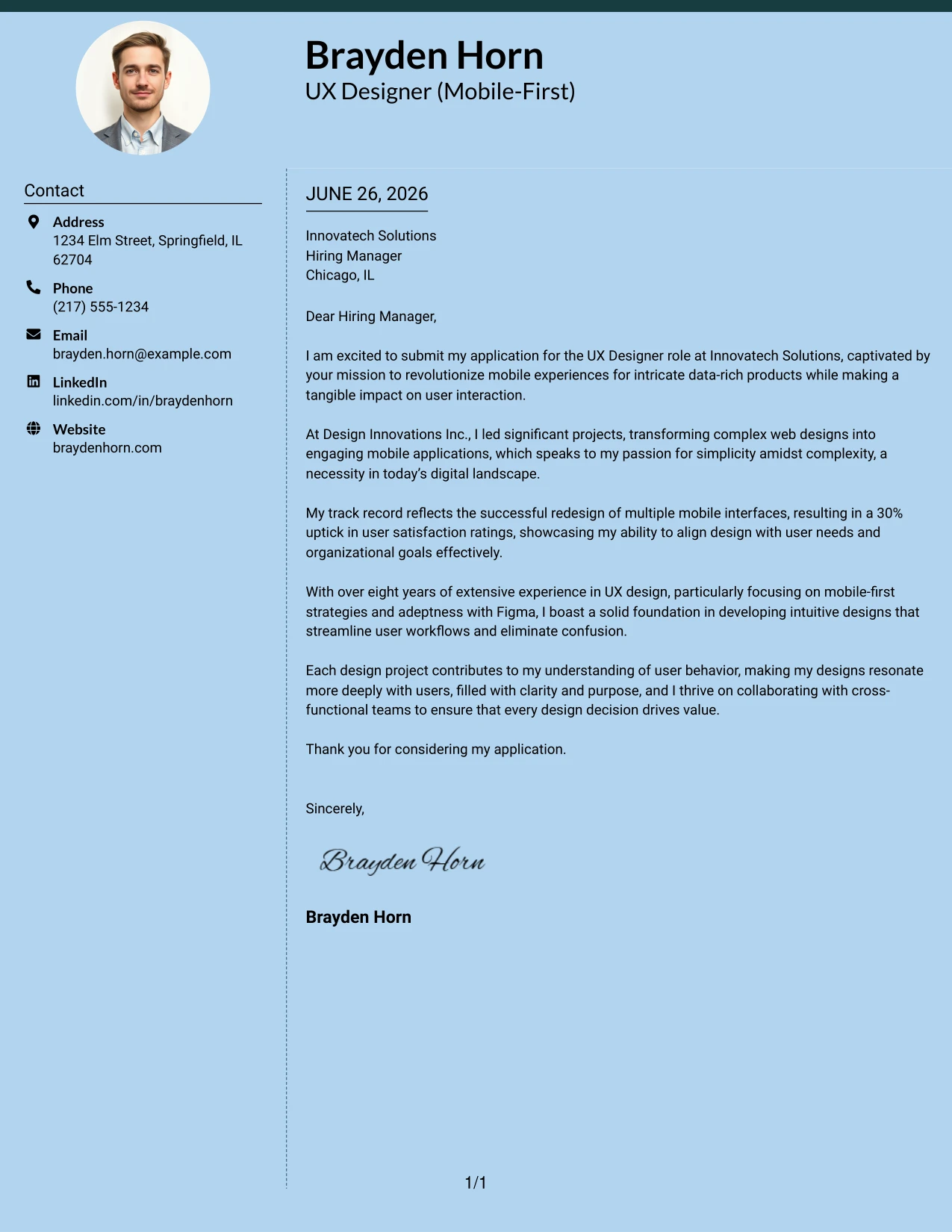
Why the Modern Full Background Two Column Format Works
- A cohesive background color enhances visual appeal, adding sophistication.
- The clear dotted line separates the sidebar from the main content effectively.
- Top accent features provide an instant visual cue and branding opportunity.
- Two-column structure enhances organization and readability without sacrificing professionalism.
- Subtle touches elevate the application's presentation while keeping it user-friendly.
- Ideal for candidates seeking a standout alternative to traditional templates.
- Successfully balances impactful design with clarity and ATS compatibility.
Best For
- UI/UX Internship Applications
- Progressive Tech Companies
- Startups Looking for Fresh Talent
- Creative Job Roles
- College Graduates
- Emerging Designers Seeking Visibility
- Impactful Visual Resumes
- Professional Branding Endeavors
- Showcasing Creativity
- Candidacy for Innovative Positions
#16 UX Designer Cover Letter Example (Dark Mode Two Column Format)
This variant showcases a dark-themed two-column layout, featuring light text against a dark background. This bold design provides a contemporary look that is attention-grabbing yet remains highly readable and suitable for the tech sector.
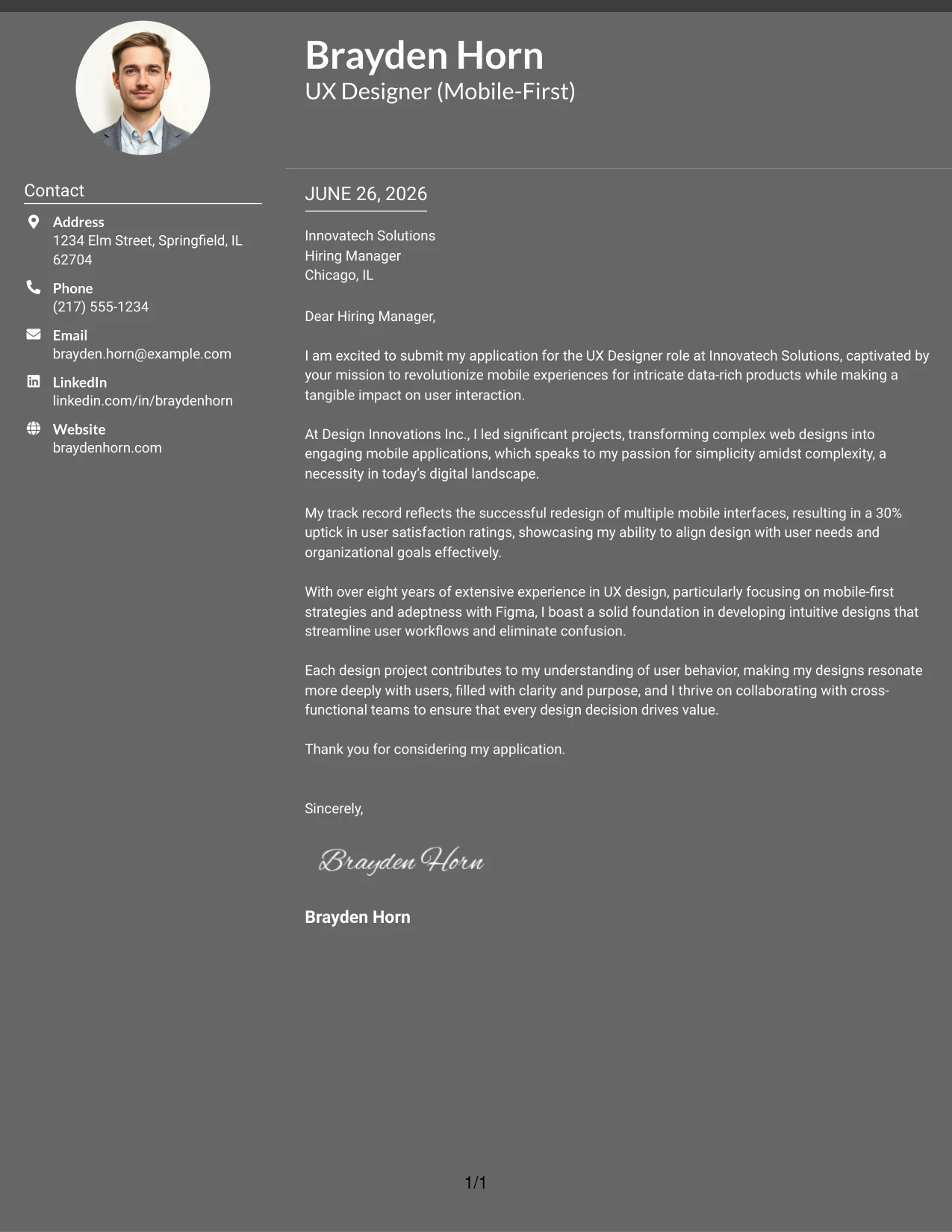
Why the Dark Mode Two Column Format Works
- A dark background evokes a premium and strong first impression.
- Light text enhances legibility and adds modern appeal to the design.
- The two-column format helps separate contact information from main text efficiently.
- Ideal for tech-savvy applicants seeking an innovative look.
- Contemporary feel enhances visibility in applicant pools.
- Ensures a unique differentiation from conventional styles.
- Combines creative expression with professional structure.
Best For
- UX/UI Internships
- Tech-Forward Companies
- Innovative Workforce Environments
- Creative Design Roles
- Computer Science Students
- Applications Seeking Immediate Engagement
- Distinctive Visual Styles
- Modern Design Candidates
- High-Viz Creative Formats
- Impactful Visuals
#17 UX Designer Cover Letter Example (Dark Mode Box Header Format)
This variation utilizes a dark-themed layout with boxed contact details, featuring clear and outlined sections. This creates a bold, stylish appearance while maintaining clarity for the reader, making it suitable for competitive tech roles.
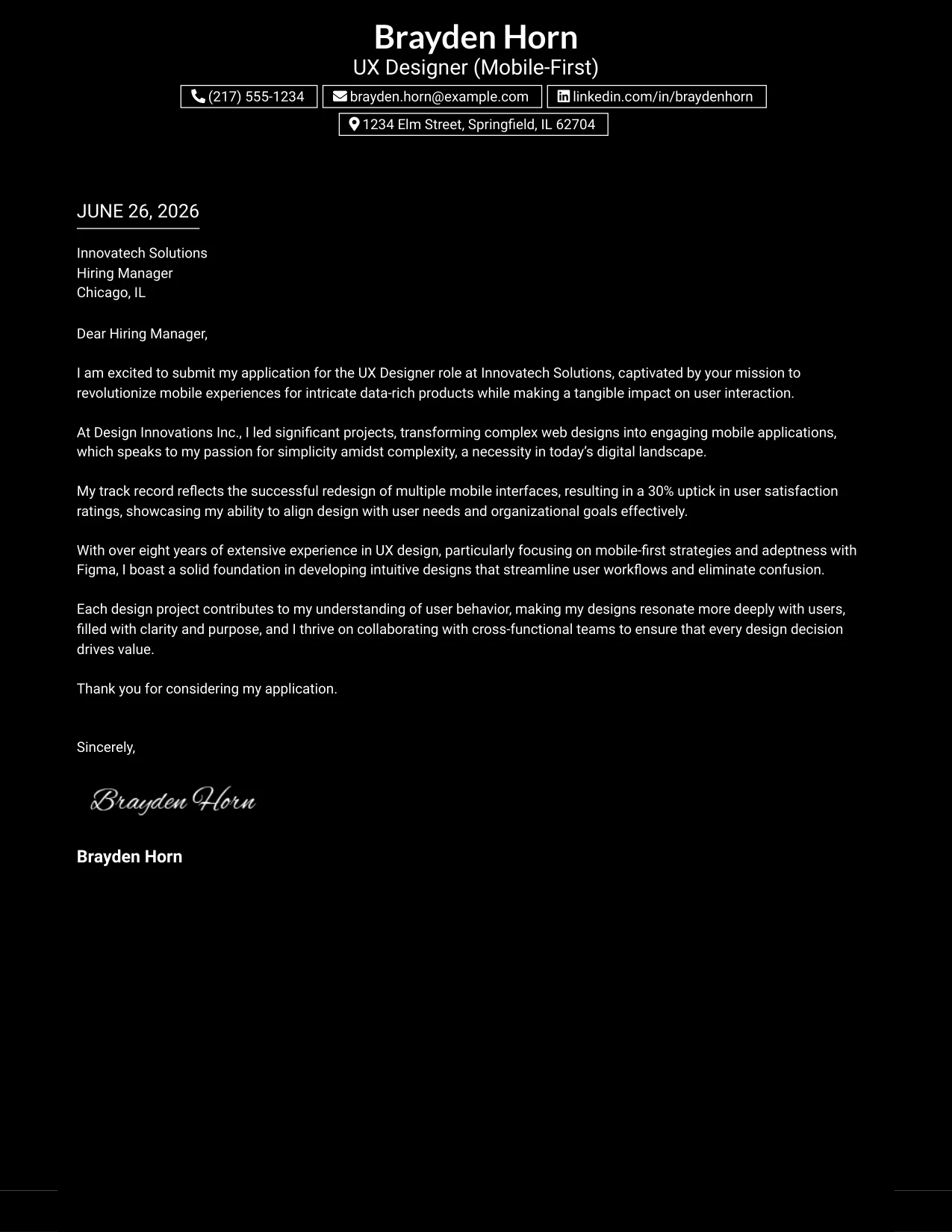
Why the Dark Mode Box Header Format Works
- The black background establishes a striking first impression that stands out.
- Boxed details allow immediate visibility of essential information for the reviewers.
- A simplified layout fosters professional flow through the letter.
- Strong contrast boosts visual appeal and encourages engagement.
- Great for tech and software candidates aiming for a distinct style.
- Differentiates applications from standard templates which utilize white backgrounds.
- Showcases creativity while preserving organized readability.
Best For
- Software Development Internships
- Dynamic Tech Startups
- Contemporary Employers
- Front-End Design Roles
- Computer Science Scholars
- Applications with Personalized Branding
- Creative Position Candidates
- Effective Use of Dark Theme Designs
- High Visual Impact Resumes
- Modern Application Designs
#18 UX Designer Cover Letter Example (Elegant Full Background Two Column Format)
This version features a full-page background with divided columns, creating an elegant and structured approach to presenting information. The design balances modern aesthetics with usability, making it ideal for user experience roles.
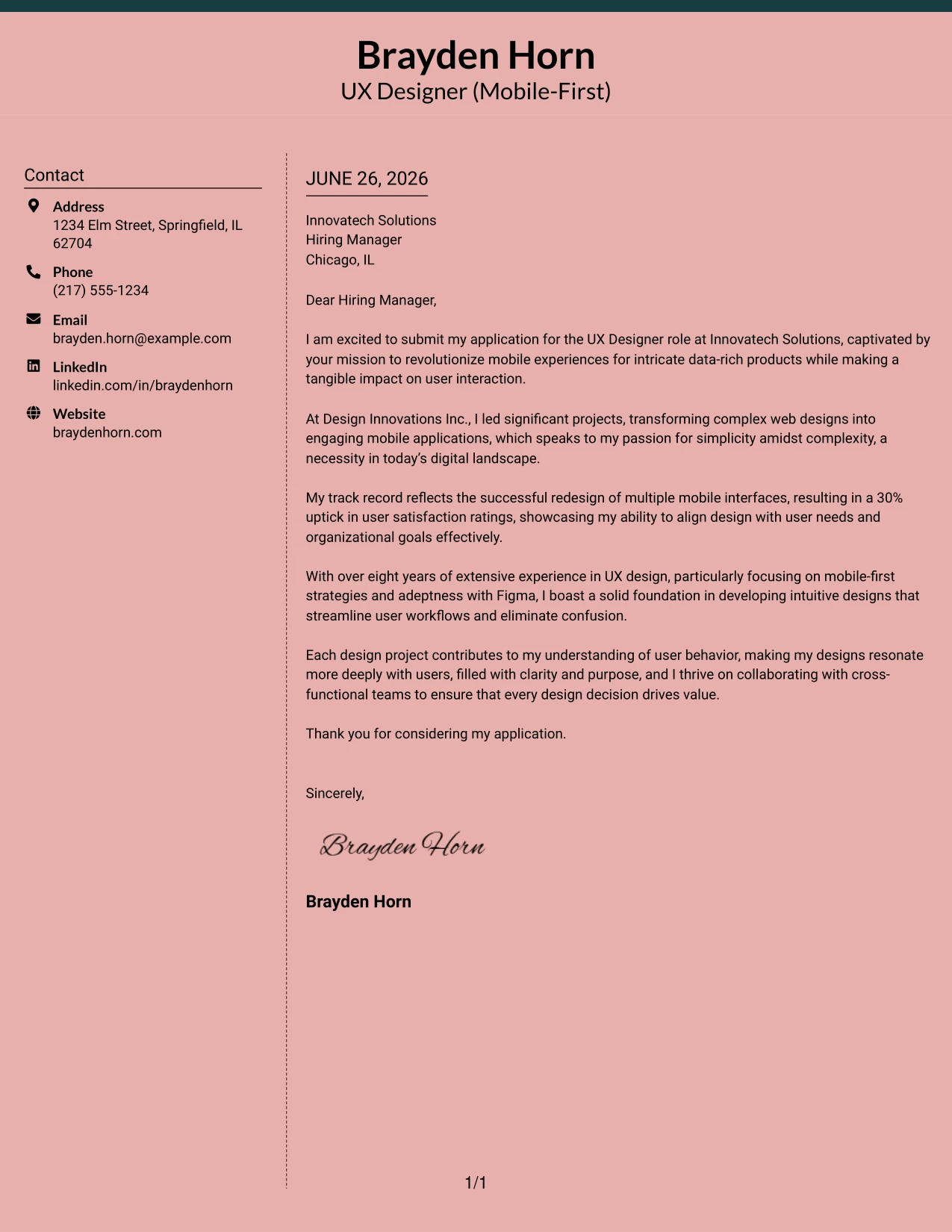
Why the Elegant Full Background Two Column Format Works
- A single background color creates a cohesive and appealing aesthetic.
- Dotted lines provide effective separation of contact from letter content, enhancing clarity.
- The top accent line brings in branding opportunities while showcasing design skills.
- The two-column layout prioritizes organization and ease of information flow.
- Soft color tones add personality while remaining professional.
- Distinguishes applications from traditional templates, promoting a modern image.
- Combines elegance with user-centric design without sacrificing readability.
Best For
- UX Internship Applications
- Modern Companies
- Startups in Technology
- Creative Job Roles
- Graduate Opportunities
- Professional Branding Initiatives
- Creative and Design-Focused Candidates
- Soft Color Preference Roles
- Candidates Showing Visual Impact
- User Experience Positions
#19 UX Designer Cover Letter Example (Plain One Column with Highlighted Date)
This style features a clean one-column layout that includes a subtle highlight behind the date, drawing attention to its importance. This design remains minimal yet impactful, ideal for presenting qualifications clearly.
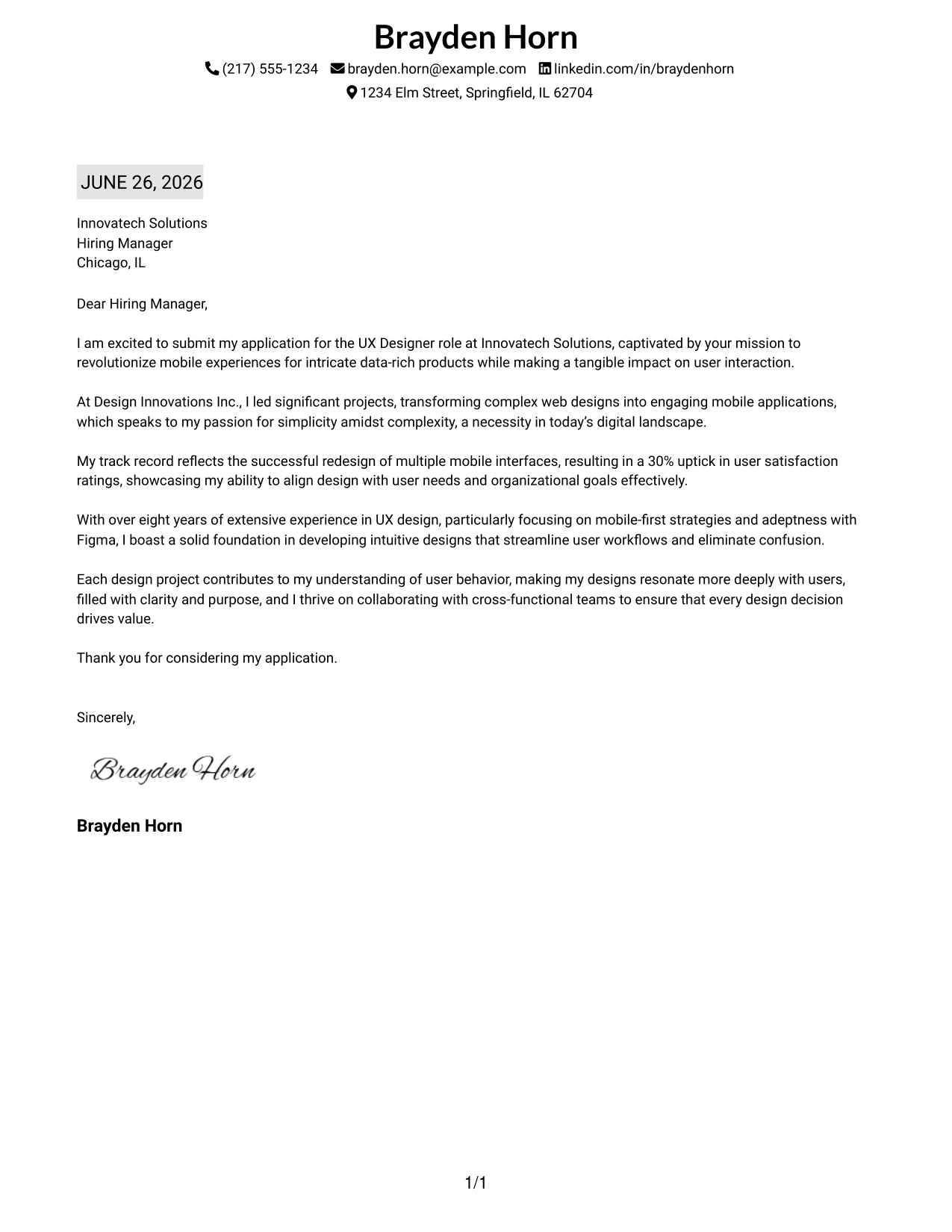
Why the Plain One Column with Highlighted Date Format Works
- The traditional one-column layout conveys professionalism and straightforwardness.
- The date highlight underscores the candidate's current activity and application status.
- Minimalist design keeps the reader focused on writing quality and qualifications.
- A perfect choice for conservative employers valuing professionalism.
- Optimizes quick scanning for recruiters evaluating multiple candidates.
- ATS-friendly structure ensures easy electronic processing of the document.
- Visual polish is enhanced without overwhelming the reader.
Best For
- UX Roles for Internships
- Traditional Corporations
- Entry-Level Positions
- Graduate Opportunities
- College Candidates
- ATS-Compatible Applications
- Simplicity-Driven Designs
- Professional Applications
- Clarity Focused Resumes
- Minimalist Aesthetic Fans
#20 UX Designer Cover Letter Example (Bold Color Header Professional Format)
This format includes a full-width colored header, prominently displaying the candidate's name and educational background. With matching accent colors for section headings, this design achieves a polished and modern look while retaining clarity and professionalism.
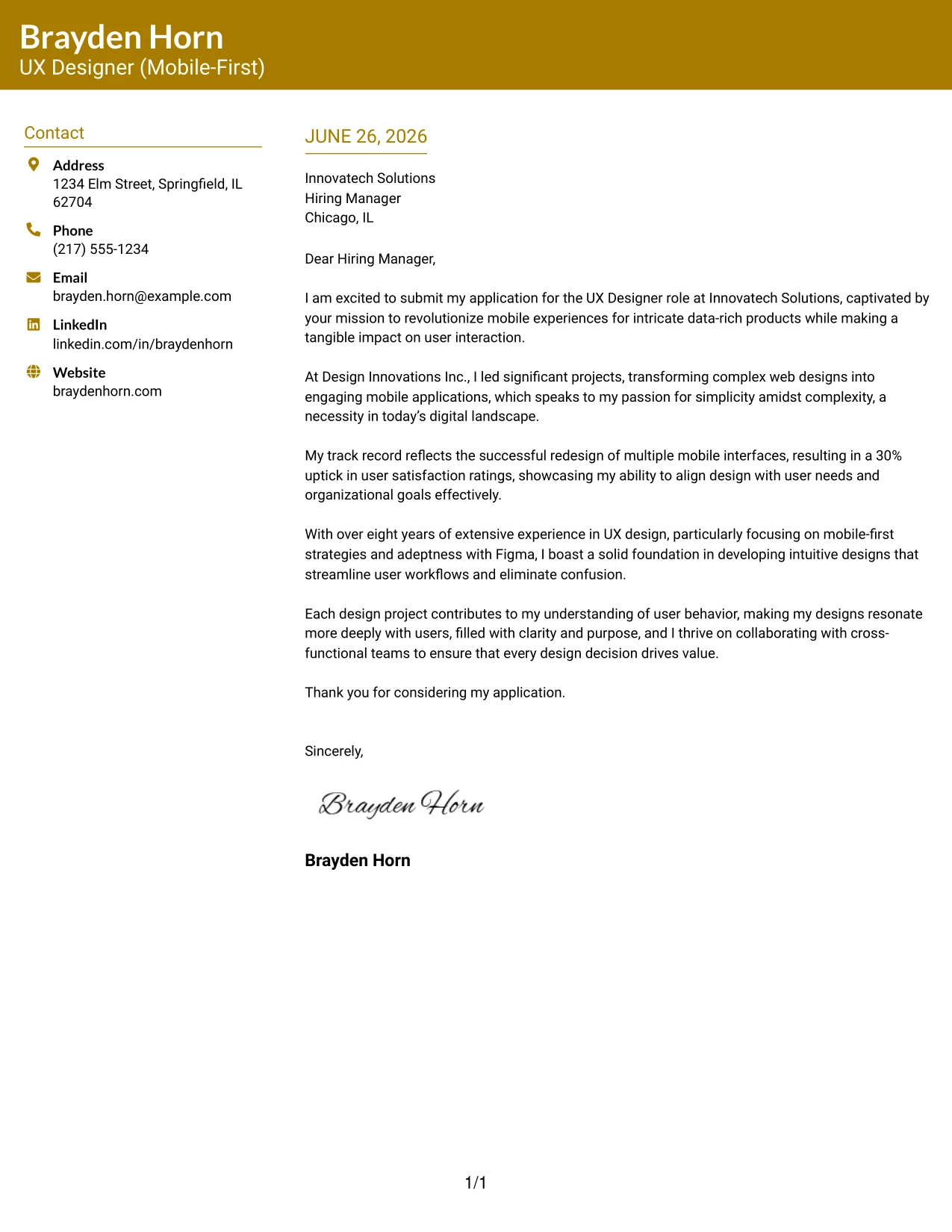
Why the Bold Color Header Professional Format Works
- A colored header immediately attracts attention, enhancing the first impression.
- The candidate's name is highlighted for easy recruiter recognition.
- Accent-colored headings provide visual consistency, enhancing organization.
- Two-column structure helps organize both contact and content neatly.
- Adds a touch of personality while ensuring professionalism is not compromised.
- Ideal for software design candidates wishing to portray modernity and style.
- Strikes a balance between branding and structured presentation.
Best For
- Ambitious UX Interns
- Tech and Modern Employers
- Graduate Applications
- Creative Job Opportunities
- Innovative Companies
- College Students Seeking Edge
- Professional Branding Plans
- ATS-Compatible Submissions
- Color-Inspired Designs
- Strong Personal Presence
#21 UX Designer Cover Letter Example (Photo Header Color Sidebar Format)
This design utilizes a two-column layout featuring a professional profile photo along with a bold accent line and a colored sidebar for contact details. This creates a significant visual impact while keeping the overall presentation organized and professional.
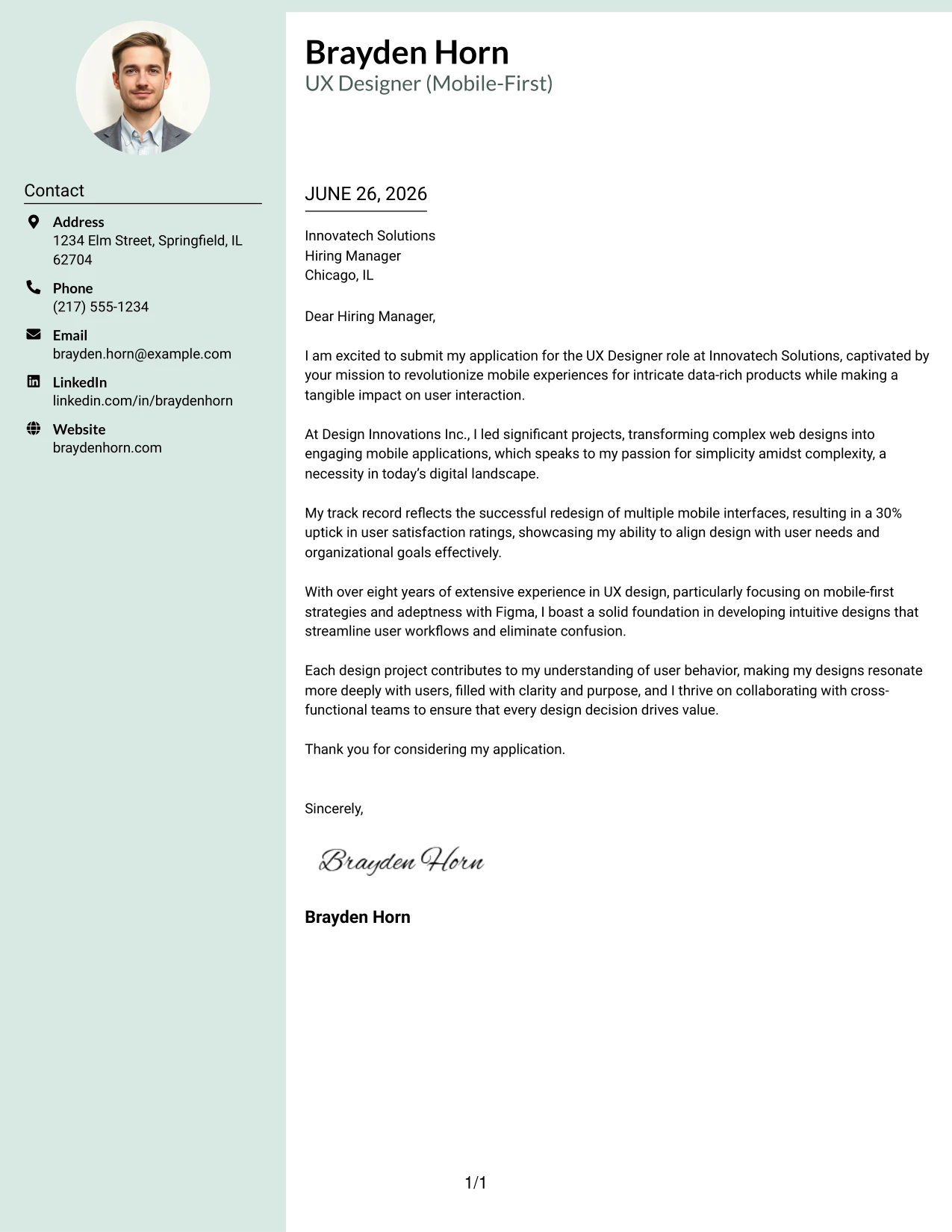
Why the Photo Header Color Sidebar Format Works
- Including a profile photo adds a personal touch, improving branding.
- A full-width accent line creates an eye-catching introduction.
- The colored sidebar effectively separates contact from letter content.
- A two-column layout enhances readability and organization.
- Modern design effectively differentiates from conventional templates.
- Ideal for candidates desiring visual appeal without sacrificing professionalism.
- Combines branding, structure, and engaging visual elements seamlessly.
Best For
- UX Design Internships
- Progressive Tech Employers
- Modern Job Candidates
- Graduate Roles in Tech
- Computer Science Students
- Startup Applications
- Personal Branding Efforts
- Creative Position Applicants
- Professional Visual Design
- Memorable First Impressions
#22 UX Designer Cover Letter Example (Top Left Header Color Accent Format)
This example uses a two-column cover letter layout with the candidate's name and educational background in the top left for a contemporary introduction. Accent-colored headings add visual interest while maintaining a clean and professional atmosphere.
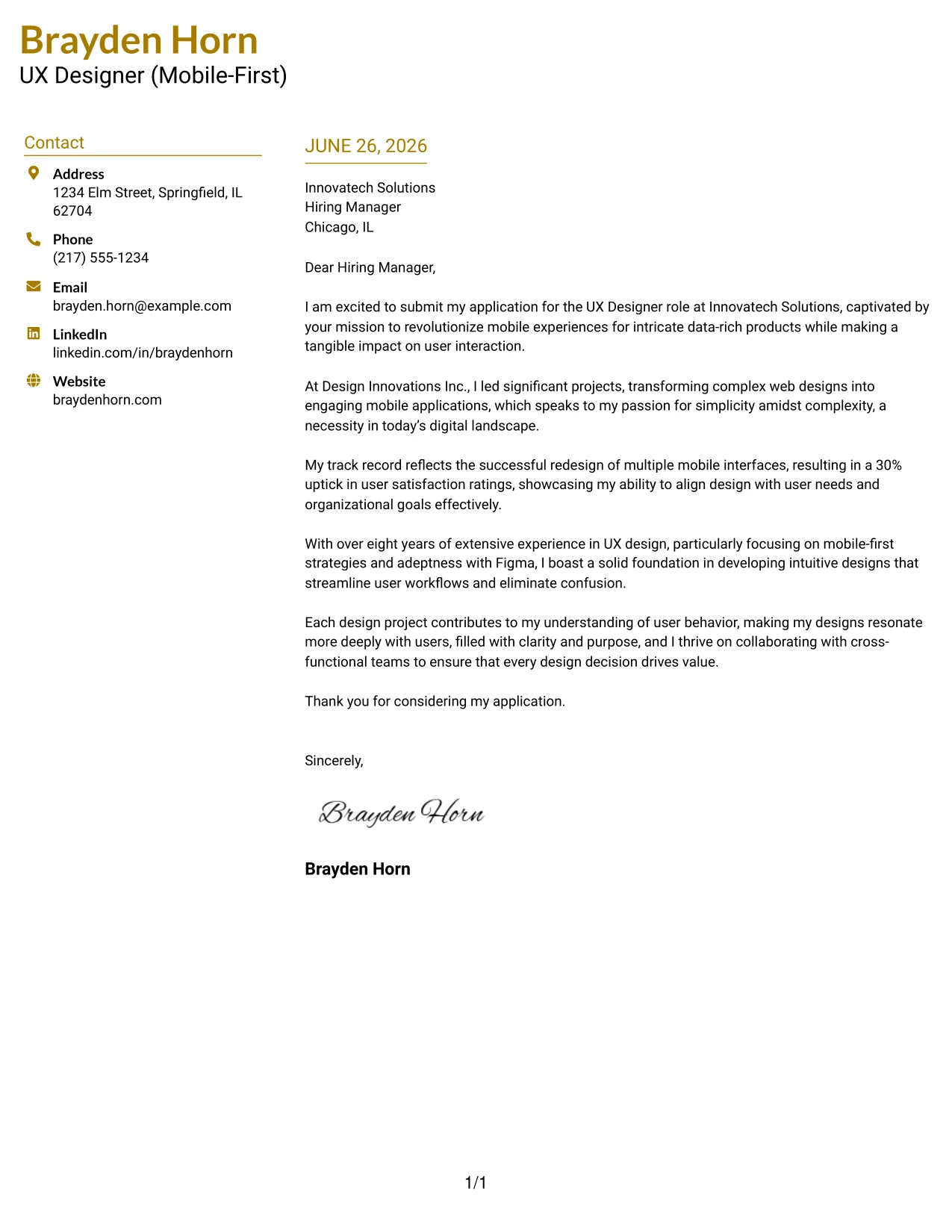
Why the Top Left Header Color Accent Format Works
- Positioning name and education prominently conveys a strong professional identity.
- Accent colors incorporate a personal element without overwhelming the overall design.
- A two-column layout ensures clarity between contact and body content.
- Minimalist style emphasizes the qualifications and the quality of writing.
- Facilitates quick scanning for busy recruiters.
- This modern approach separates the application from basic text formats.
- Balances simplicity, branding, and readability effectively.
Best For
- UX Design Internships
- Graduate Roles
- Corporate Job Opportunities
- Innovative Employers
- Computer Science Students
- ATS-Friendly Designs
- Professional Branding Strategies
- Minimalist Aesthetic Preferences
- Color Accents in Applications
- Structured Layouts for Clarity
#23 UX Designer Cover Letter Example (Centered Header Classic Format)
This version uses a centered name and education header combined with a clean layout that highlights the candidate's qualifications in a clear and professional manner. By employing a traditional black-on-white style, it creates a focus on the informative content within the letter.
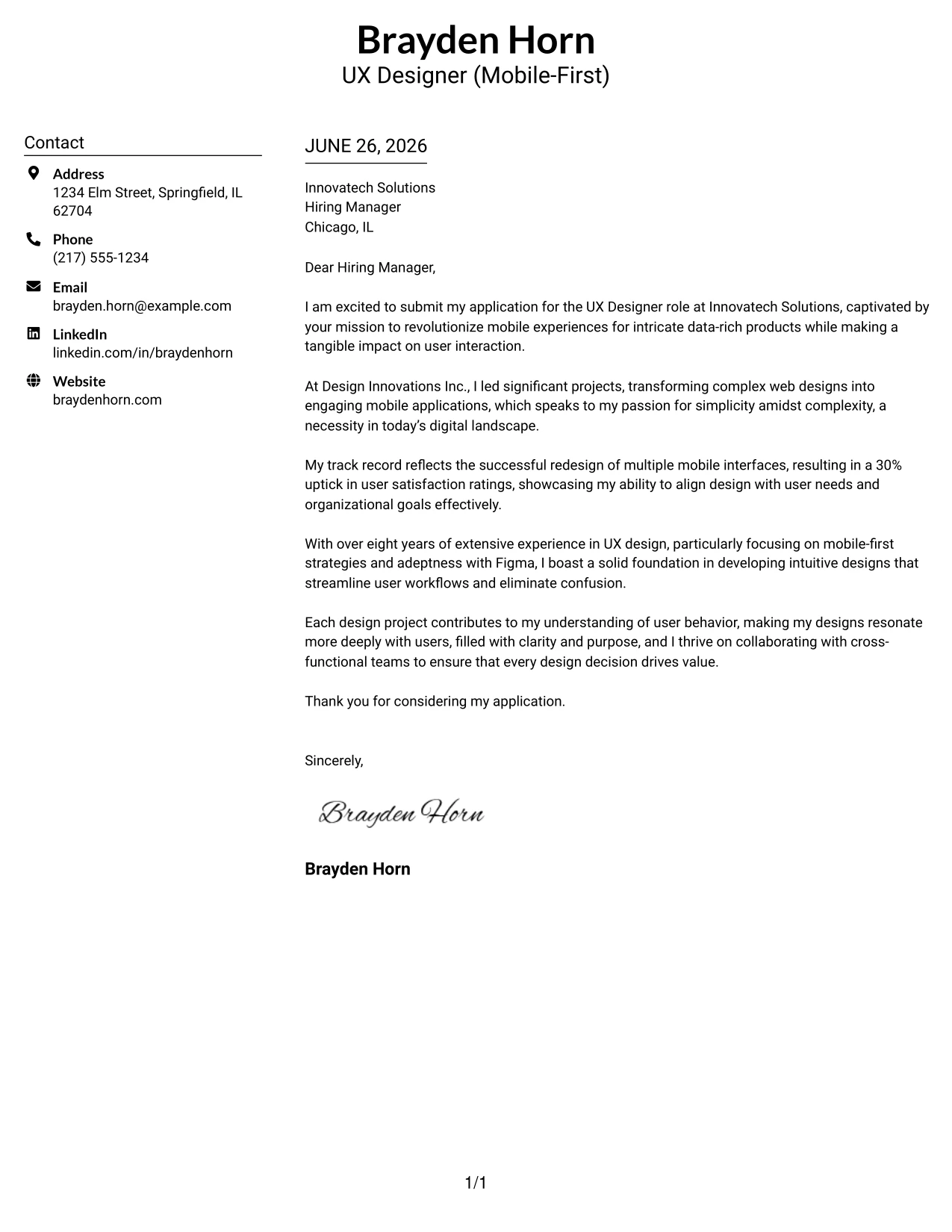
Why This Cover Letter Works
- Centered header emphasizes a polished presentation, establishing a professional tone from the outset.
- Clear structure allows recruiters to easily navigate between sections, enhancing readability.
- Classic color scheme avoids distraction, ensuring the focus remains on qualifications and experience.
- Helps articulate Brayden's passion for user experience design aligned with Innovatech's mission.
- Well-structured layout supports quick scanning, which appeals to hiring managers focused on efficiency.
- Combines professionalism with the creative flair expected in the UX field.
Best For
- UX Design Roles
- Mobile-Focused Industries
- Experienced Candidates
- Tech and Design Employers
- Formal Applications
- Professionals Seeking Growth
- Traditional Hiring Scenarios
- Highly Readable Formats
#24 UX Designer Cover Letter Example (Left Aligned Header Clean Format)
This version features a left-aligned name and education header that conveys confidence and clarity. The structured layout facilitates a smooth flow of information, presenting a modern and approachable format while maintaining professionalism.
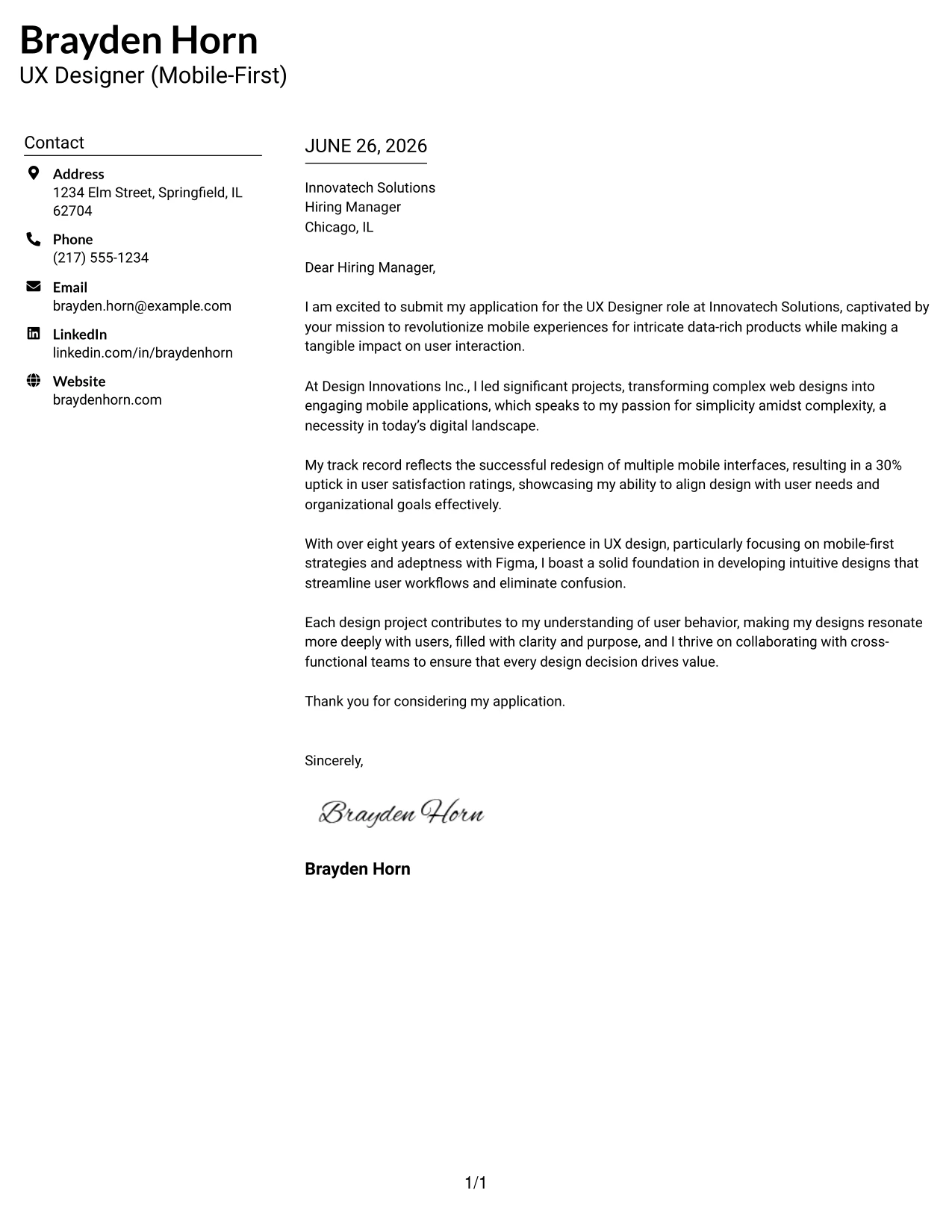
Why This Cover Letter Works
- Left-aligned header creates a confident impression, immediately signifying professionalism.
- The natural flow guides the reader from the header to the content seamlessly.
- The layout maintains organization, allowing for easy navigation of contact and main letter information.
- Minimalist black-and-white styling ensures professional presentation across any industry.
- Highly readable, enhancing the chances for quick engagement by hiring managers.
- Strikes a balance between modernity and tradition, suitable for the UX design field.
Best For
- UX Design Applications
- Mobile-Focused Companies
- Experienced Professionals
- Corporate Settings
- Tech and Creative Roles
- Graduate-Level Positions
- Structured Yet Creative Applications
- Professional Branding
#25 UX Designer Cover Letter Example (Accent Divider Modern Format)
This version employs a matching accent-colored header and bold vertical divider. This design introduces a clean, modern structure that enhances visual organization, allowing the content to shine while retaining a professional essence.
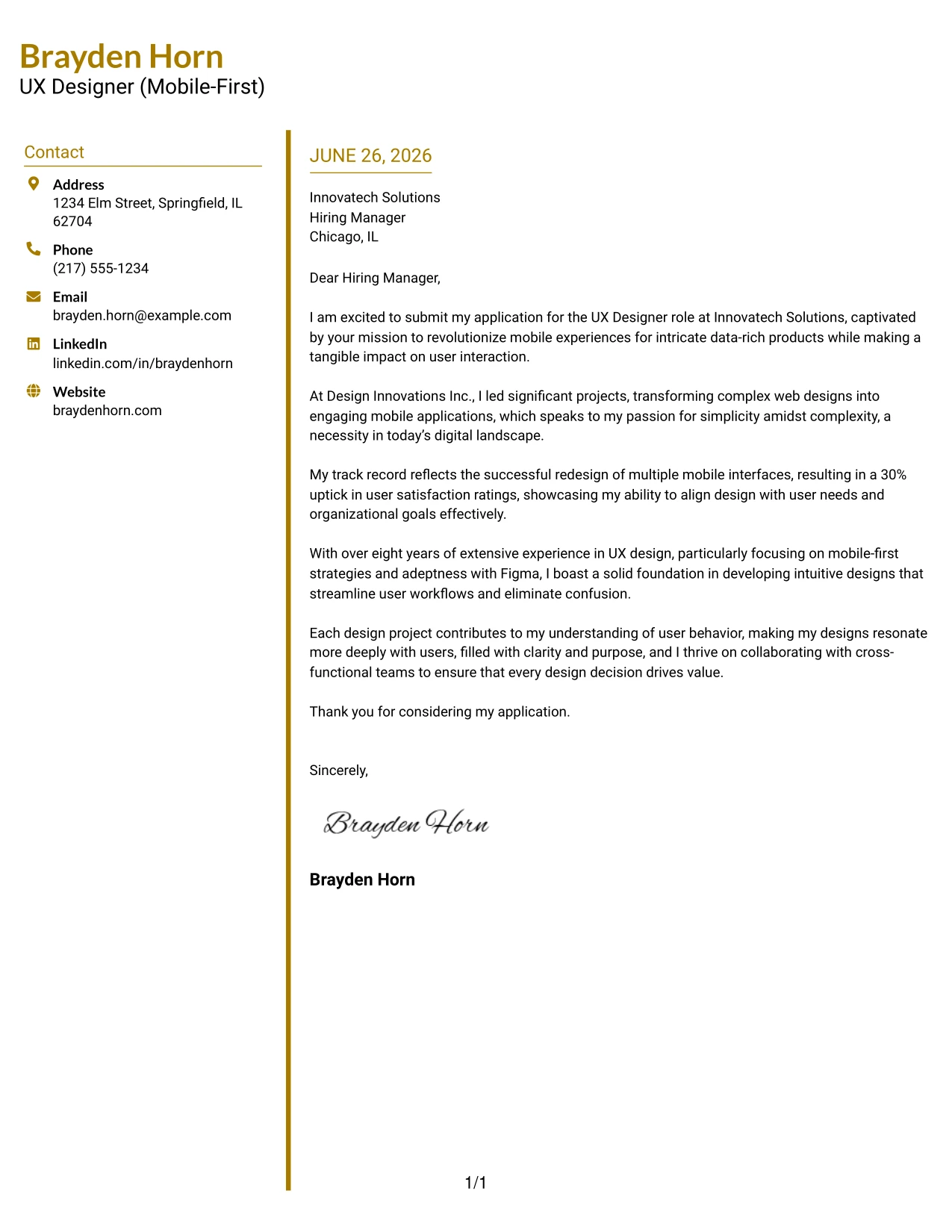
Why This Cover Letter Works
- The colored divider offers strong visual separation, enhancing the organization of the letter.
- Matching header accents contribute a cohesive branding element, defining the candidate’s identity.
- The two-column format keeps contact information clear and visually accessible.
- Fresh design appeals to modern sensibilities while maintaining professional integrity.
- Guides recruiters’ attention through effective layout, enhancing the readability of key points.
- Professional enough for various roles while showcasing the candidate’s creativity.
Best For
- UX Design Positions
- Tech Industry Employers
- Graduate Applications
- Creative Roles
- Innovative Work Environments
- Structured Applications
- Professional Presentations
- Modern Templates
#26 UX Designer Cover Letter Example (Shaded Labels Clean Format)
This version incorporates a two-column layout with subtle shaded background labels for key headings. These light enhancements provide clarity and structure while maintaining a sleek, professional appearance.
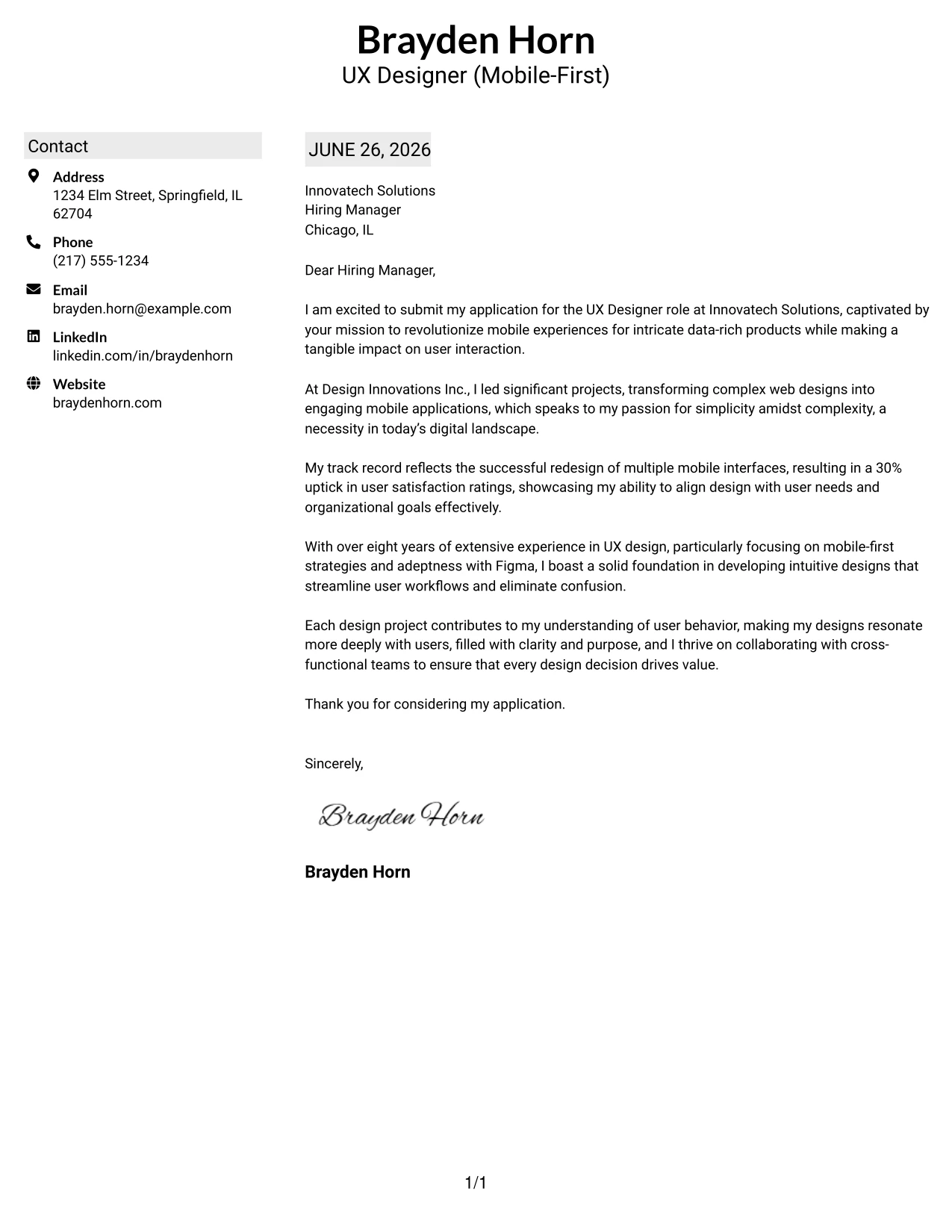
Why This Cover Letter Works
- Subtle background shading effectively highlights important headings, enhancing visual hierarchy.
- The two-column layout allows for clear separation between contact information and main content.
- Minimalist styling ensures professionalism and an ease of navigation for recruiters.
- Soft visual anchors aid reading flow while maintaining a conservative aesthetic.
- Creates an engaging presentation that appeals to tech and design industries.
- Ideal for experienced candidates seeking modern and sophisticated formats.
Best For
- UX Design Jobs
- Mobile-Focused Positions
- Corporate Settings
- Professional Applications
- Tech Industry Roles
- Graduate-Level Candidates
- Structured Layouts
- Modern Minimalist Designs
#27 UX Designer Cover Letter Example (Photo Header Color Accent Format)
This version combines a professional profile photo with accent-colored headings and a bold top border, providing a modern and appealing presentation. It is particularly effective for markets where visual elements are valued.
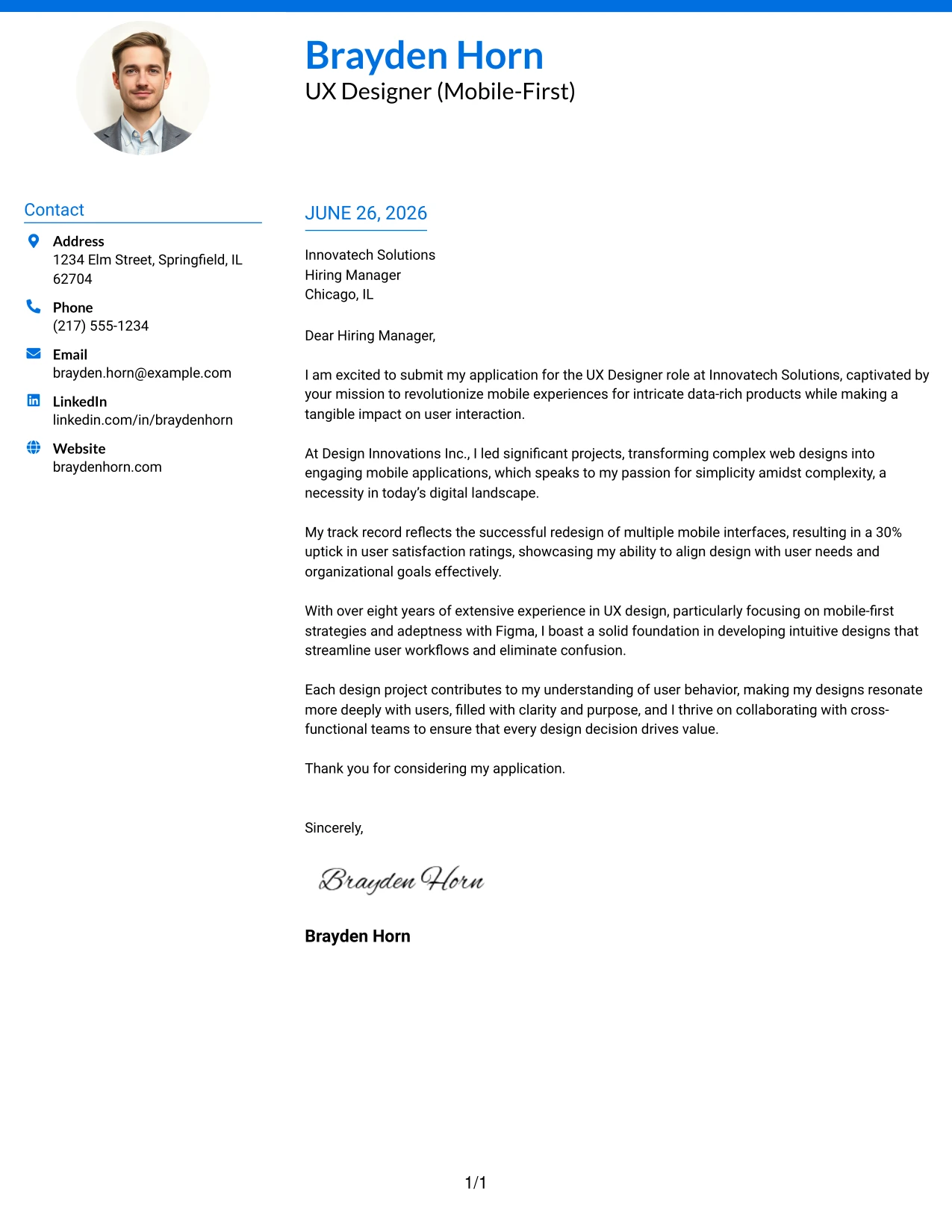
Why This Cover Letter Works
- A professional photo establishes a personal connection with the reader, emphasizing approachability.
- Accent-colored headings are visually striking, aiding in navigation and brand recognition.
- Top border provides a notable distinction while enhancing presentation quality.
- The two-column design neatly organizes contact information and the main body, supporting clarity.
- Encourages quick scanning, facilitating efficient review by recruiters.
- Strikes a favorable balance between creativity and professional formatting, suitable for UX roles.
Best For
- UX Designer Applications
- Creative Industries
- Client-Facing Roles
- Graduate Applications
- International Job Markets
- Innovation-Focused Employers
- Visual Branding Opportunities
- Professional-Friendly Markets
#28 UX Designer Cover Letter Example (Large Profile Photo International Format)
This version prominently features a large professional profile photo and a bold accent-colored name header, creating a memorable impression. It suits regions where visual elements are emphasized in job applications.
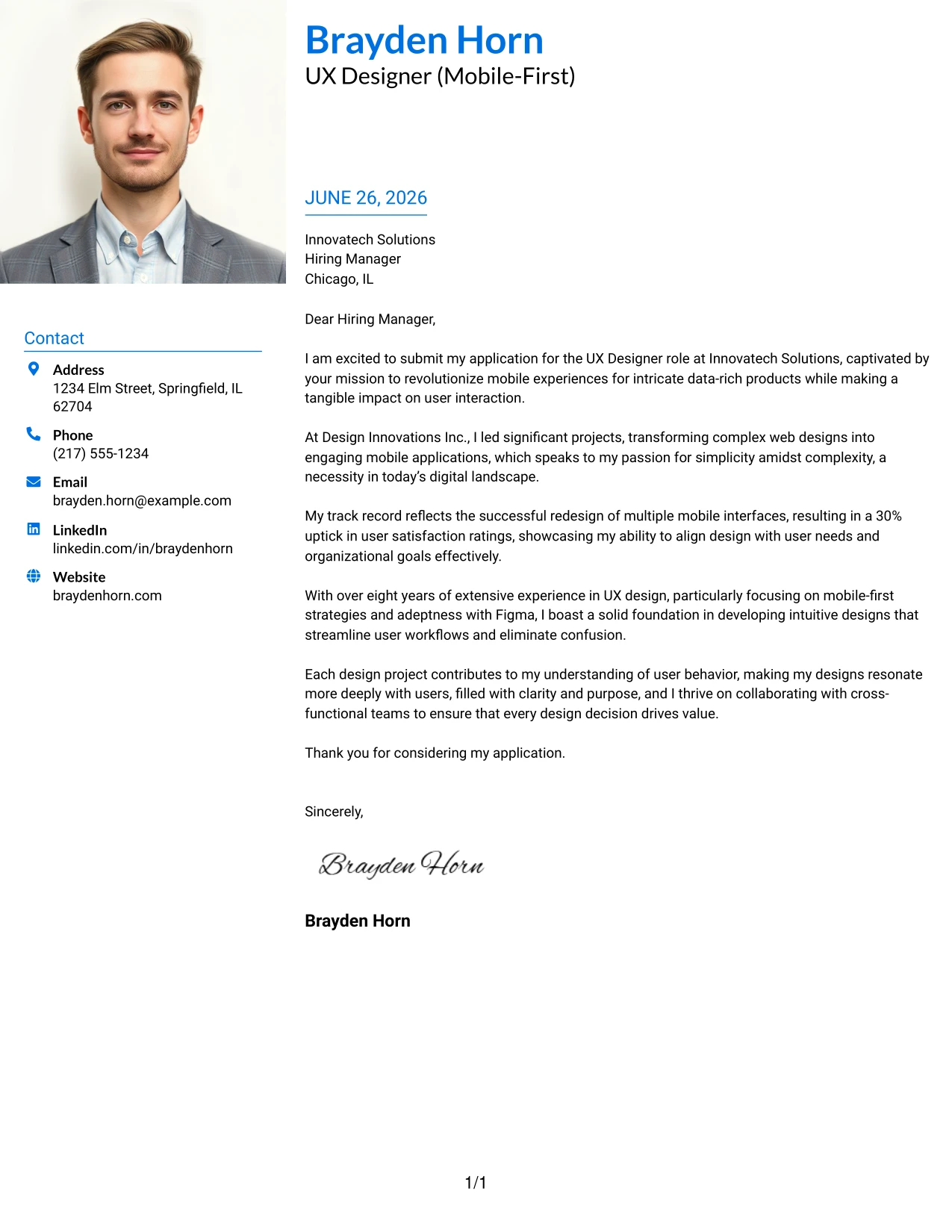
Why This Cover Letter Works
- A large photo enhances personal connection and allows the candidate to be memorable where appropriate.
- Accent-colored header reinforces branding and increases visibility of contact information.
- Two-column structure organizes content effectively, ensuring clarity and ease of access.
- Modern design elements make the document stand out among traditional formats.
- Balances personality with professionalism, ideal for client-facing and UX roles.
- Supports applications in employment markets where personal presentation is valued.
Best For
- UX Design Positions
- International Markets
- Client-Facing Roles
- Innovative Companies
- Modern Job Applications
- Creative Industries
- Graduate-Level Opportunities
- Visual Branding Focus
#29 UX Designer Cover Letter Example (One Column Boxed Contact Header Format)
This version utilizes a clean one-column layout featuring boxed contact details placed distinctly beneath the candidate's name. This design provides organization and clarity without overwhelming the main content of the letter.
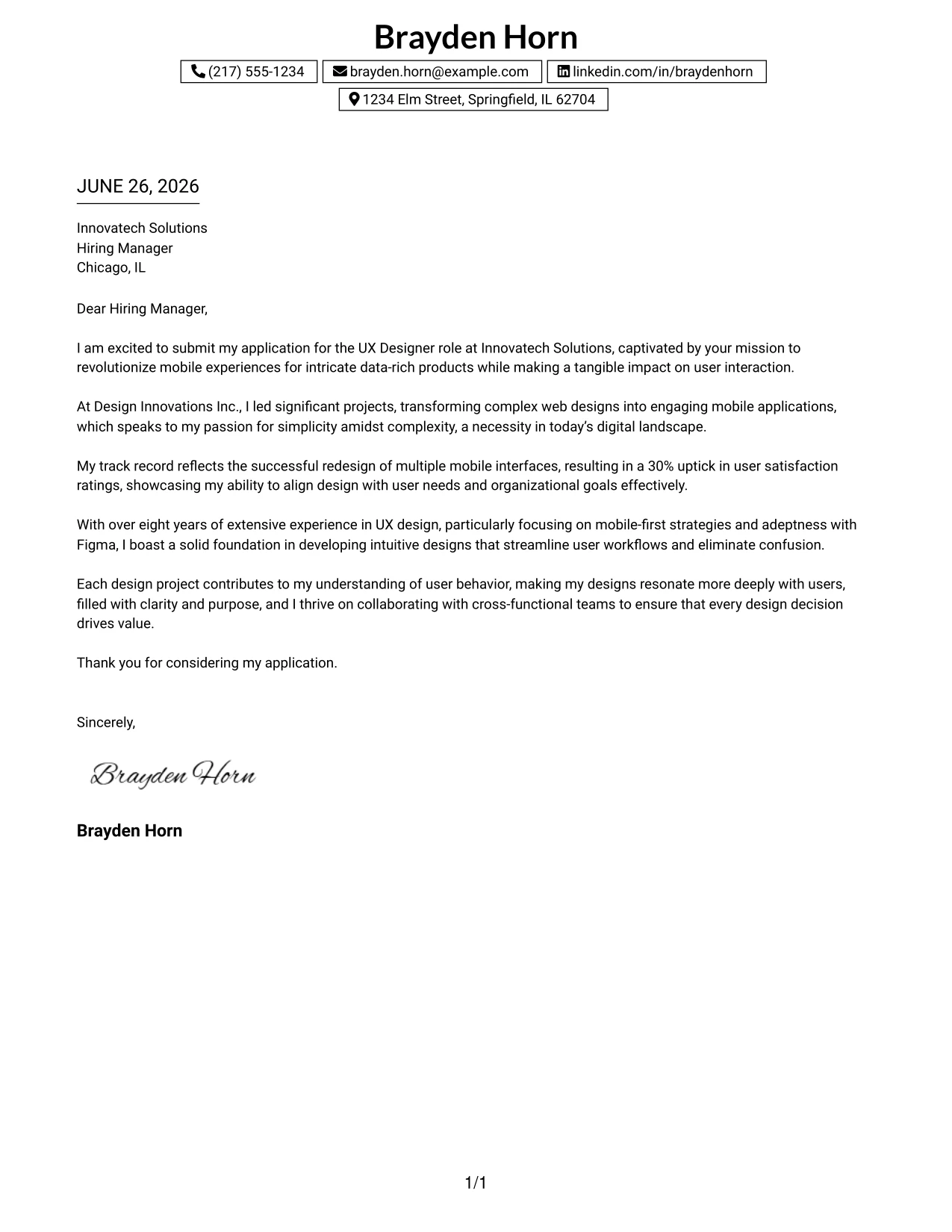
Why This Cover Letter Works
- Boxed contact details provide immediate organization of essential information, enhancing accessibility.
- Centered header offers a strong professional introduction, establishing presence at first glance.
- Single-column layout maintains natural reading flow, making it approachable and easy to navigate.
- Clean borders introduce visual design elements without overpowering the content.
- Facilitates readability for recruiters and hiring managers, supporting swift evaluations.
- Minimalist style pairs well with the tech industry's expectations for clarity and creativity.
Best For
- UX Design Applications
- Student and Graduate Positions
- Corporate Roles
- Tech Industries
- Modern Application Formats
- Entry-Level Roles
- Structured Cover Letters
- ATS Friendly Designs
#30 UX Designer Cover Letter Example (One Column Shaded Contact Header Format)
This version retains a clean one-column layout while integrating soft shaded contact highlights that add subtle emphasis to important details. The softer aesthetic achieves a modern and polished look while remaining professional.
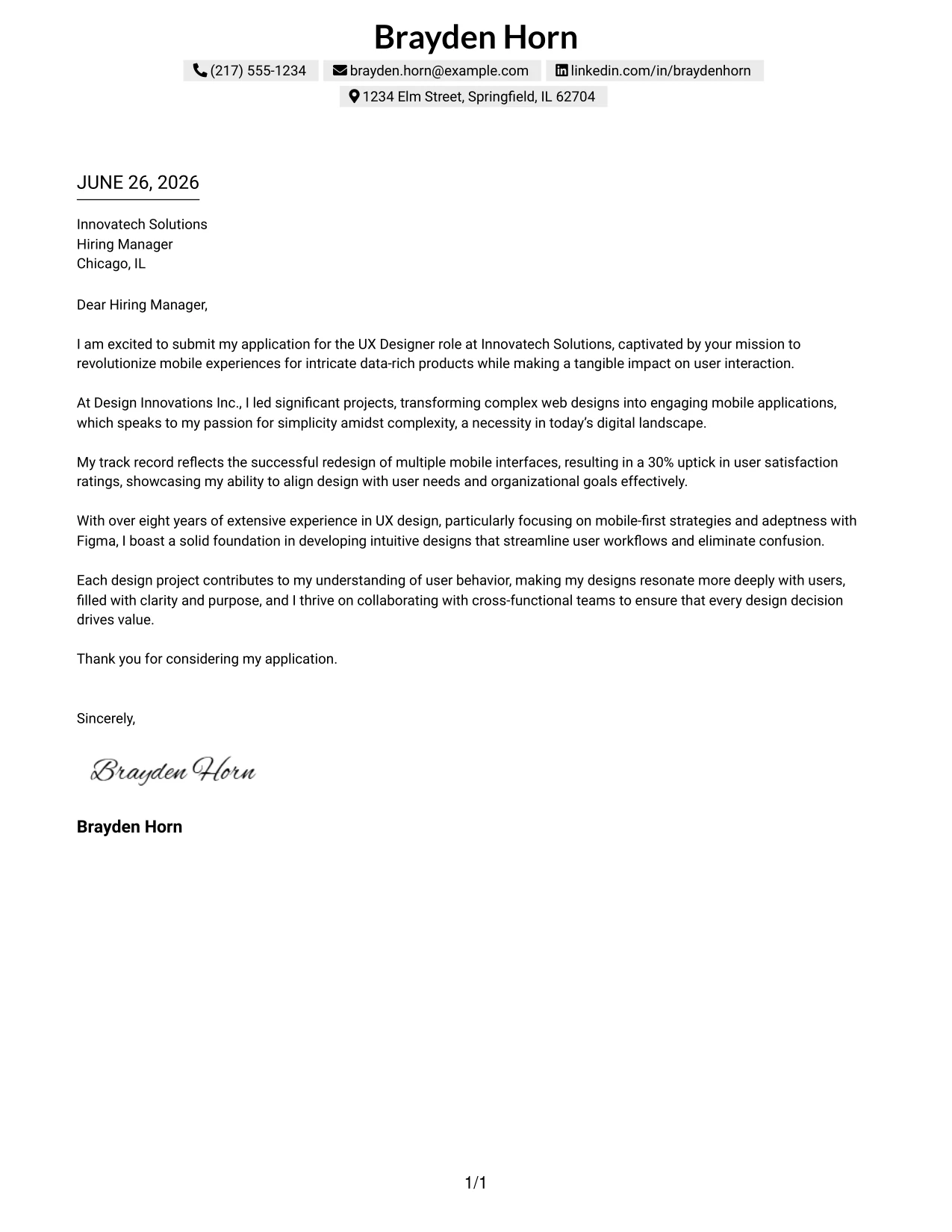
Why This Cover Letter Works
- Shaded contact highlights organize key details without the use of harsh borders, improving visual appeal.
- This design enhances a softer, more modern style than traditional boxed layouts.
- Centered header continues to reinforce branding, maintaining a cohesive professional appearance.
- A single-column reading flow remains natural and friendly for recruiters.
- Well-balanced white space facilitates readability and comfort in visual navigation.
- Professional enough for corporate intern roles yet retains updated visual style.
Best For
- UX Design Internships
- Student Applications
- Graduate Roles
- Corporate Hiring Processes
- Tech-Centric Positions
- Contemporary Minimal Designs
- Structured Layouts
- Professional Branding
#31 UX Designer Cover Letter Example (Boxed Contact Header with Job Title Format)
This version enhances the boxed contact information layout by placing the candidate’s job title beneath their name. This element strengthens personal branding and conveys the desired role directly to recruiters.
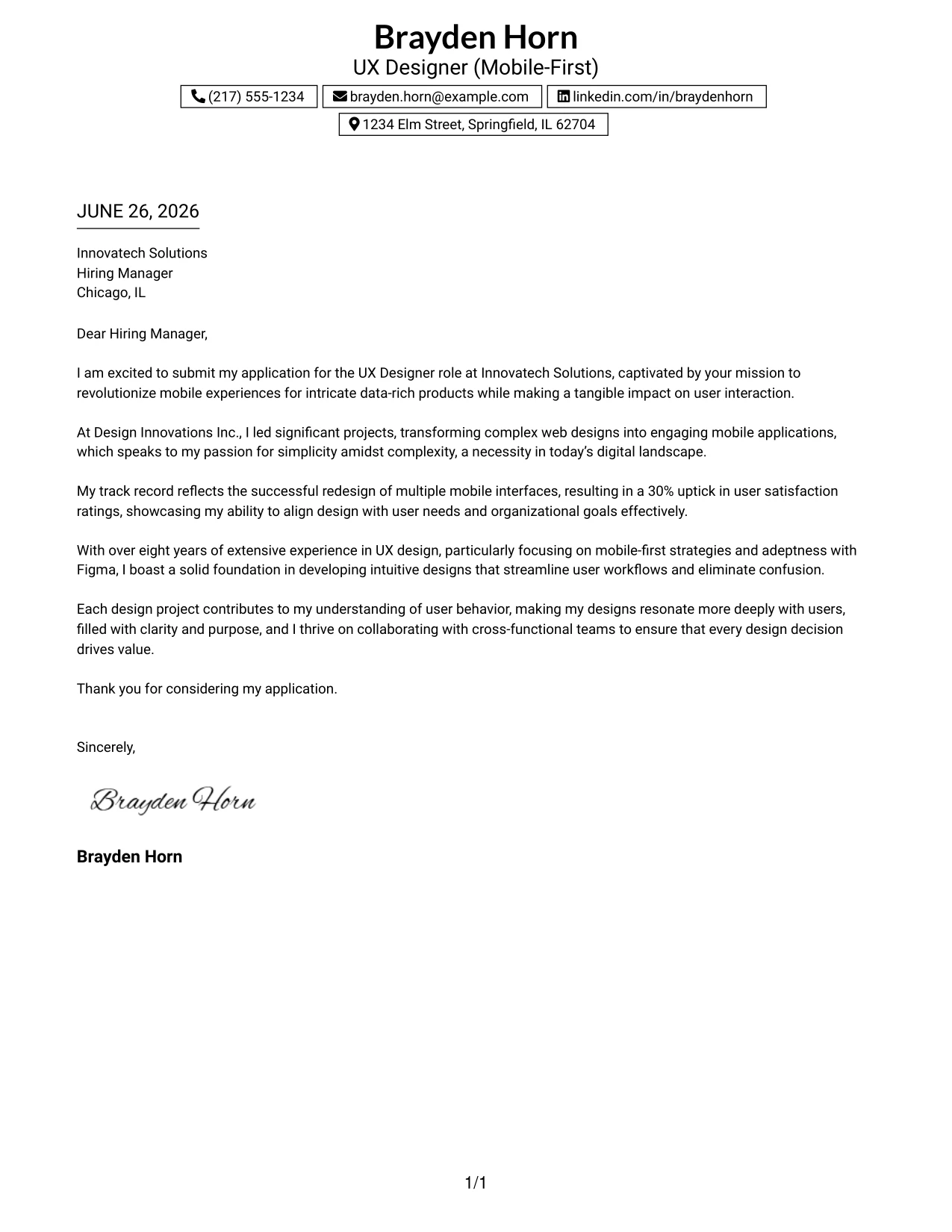
Why This Cover Letter Works
- The job title instantly sets the focus on the candidate’s career aspirations, aiding quick recognition by hiring managers.
- Boxed contact details maintain organization and visibility, ensuring important information stands out.
- The centered header creates a refined and professional introduction, fostering a great first impression.
- Clean one-column structure ensures clarity and ease of reading, which is essential for busy reviewers.
- Strong branding helps audiences perceive the candidate as intentional and focused.
- Modern minimalist styling aligns well with tech and design sector expectations.
Best For
- UX Design Internships
- Tech Industry Candidates
- Graduate Positions
- Corporate Employers
- Professional Branding Initiatives
- ATS Friendly Formats
- Focused Job Applications
#32 UX Designer Cover Letter Example (Plain Professional Layout with Job Title & Shaded Date)
This version presents a clean one-column structure featuring the candidate's name and job title alongside a streamlined shaded date block. This maintains a minimalist yet sophisticated aesthetic, focusing on the content.
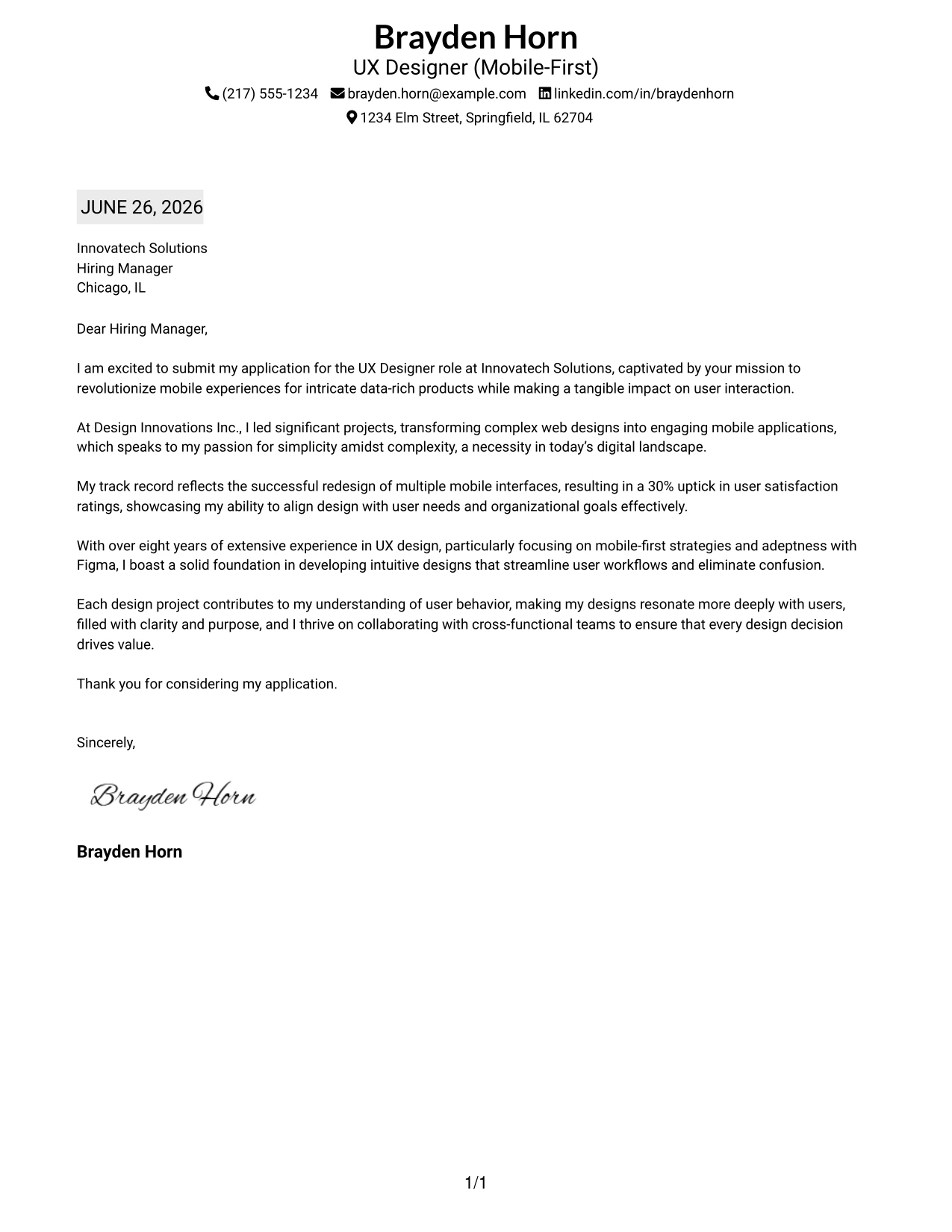
Why This Cover Letter Works
- The job title quickly clarifies the candidate’s focus, enhancing immediate understanding for recruiters.
- Shaded date block provides subtle visual emphasis while maintaining a lightweight design.
- One-column layout ensures a smooth reading flow that is recruiter-friendly and easy to navigate.
- Top contact row maximizes space efficiency while presenting a modern touch.
- Minimal styling allows the content to take precedence, essential for effective communications.
- Professional appeal that is appropriate for a variety of employers.
Best For
- UX Design Internships
- Recent Graduates
- Tech Industry Applications
- Corporate Roles
- ATS Friendly Formats
- Simplistic Yet Elegant Designs
- Modern Job Seekers
#33 UX Designer Cover Letter Example (Two-Line Contact Header with Underlined Date Format)
This version presents a clean centered header with contact details divided into two lines. This design enhances spacing and readability. The underlined date adds soft structure, keeping the focus on the content.
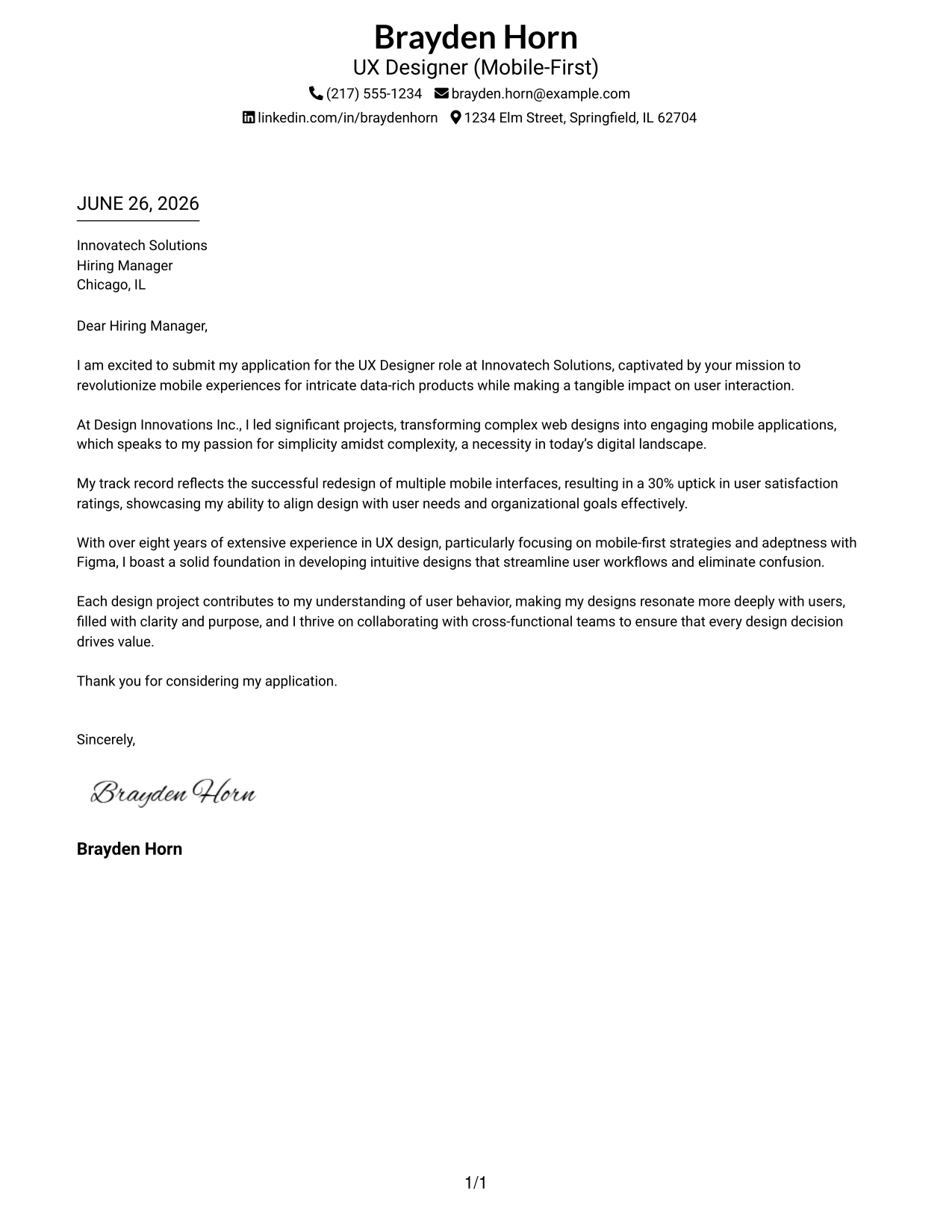
Why This Cover Letter Works
- The two-line contact header enhances spacing and legibility, improving mobile-readiness.
- Centered branding sets a polished tone from the start, offering an inviting first impression.
- Underlined date adds subtle structure, balancing the layout while avoiding clutter.
- The plain one-column setup keeps focus on vital written content, minimizing distractions.
- Modern typography feels fresh and inviting, which is attractive to hiring managers.
- Easy-to-scan layout supports swift evaluations by recruiters, saving their time.
Best For
- UX Design Internships
- Graduate Positions
- Tech Employers
- Corporate Hiring Processes
- ATS Friendly Designs
- Minimalist Templates
- Easy Readability
Why Use ResumeInMinutes for a UX Designer (Mobile-First) Cover Letter
ResumeInMinutes helps seasoned designers create tailored cover letters quickly without starting from scratch.
- 33 writing styles
- ATS-friendly formatting
- Job-description-based customization
- Fast cover letter generation
- Professional templates
- Resume + cover letter support
Whether you are applying to a UX Designer (Mobile-First) role or any focused design position, you can create a polished cover letter in minutes.
See Also
- 33 UX Designer (Mobile-First) Resume Templates with Example 2026 (ATS-Optimized)
- 33 Entry-Level UI/UX Experience Designer Resume Templates with Example 2026 (ATS-Optimized)
- 33 Junior UI/UX Designer Resume Templates with Example 2026 (ATS-Optimized)
- 33 Lead User Experience (UX) Designer Resume Templates with Example 2026 (ATS-Optimized)
- 33 Lead UX Designer Resume Templates with Example 2026 (ATS-Optimized)
- 33 Principal Associate - UX/UI Designer Resume Templates with Example 2026 (ATS-Optimized)
- 33 Principal Conversational UX Designer Resume Templates with Example 2026 (ATS-Optimized)
- 33 Principal UX Designer, Voice & AI UX, UI Resume Templates with Example 2026 (ATS-Optimized)
- 30+ Entry-Level UI/UX Experience Designer Cover Letter Templates with Example 2026
- 30+ Junior UI/UX Designer Cover Letter Templates with Example 2026
Frequently Asked Questions
Are these UX Designer (Mobile-First) cover letter templates ATS-friendly?
Yes. The templates utilize clean, readable formatting and include design-focused keywords such as UX design, mobile-first, user research, and collaboration.
Are these 33 different cover letters?
No. This guide uses one UX Designer (Mobile-First) cover letter example shown in 33 different template styles, layouts, and design themes.
Can I download the templates as PDFs?
Yes. Each style includes a free PDF download so you can preview the design and choose the format that fits your application best.
Which cover letter style is best for a UX Designer (Mobile-First) position?
For most applications, a clean single-column template works best, while modern companies may prefer creative styles with color accents or a polished layout.
Can experienced designers still write a strong cover letter?
Absolutely. A compelling cover letter can emphasize your UX projects, mobile design experience, collaboration skills, and innovative thinking.
Should I use a photo on my cover letter?
Use a photo only if it is common or expected in your country, region, or industry. For U.S. applications, a template without a photo is usually the safer choice.
Can I customize these cover letter templates?
Yes. ResumeInMinutes allows you to customize the cover letter text, layout, design style, and PDF format for your target UX Designer (Mobile-First) application.