
7 VP, Front Office Technology - ION Cover Letter Templates with Example
Use this guide to shape a persuasive VP, Front Office Technology - ION cover letter and compare its seven layouts.
What Makes a Great VP, Front Office Technology - ION Cover Letter in 2026
A strong letter connects ION Fixed Income platform leadership to the role’s focus on trading technology, upgrades, integration, and reliable operations.
Use clear examples of upgrade delivery, testing, production support, or vendor integration. Explain how your approach supports trading needs and helps manage platform and operational risk.
The featured example moves from role interest to specific delivery and integration evidence, then closes with a clear statement of fit; adapt that progression and choose a presentation that suits the employer and communication context.
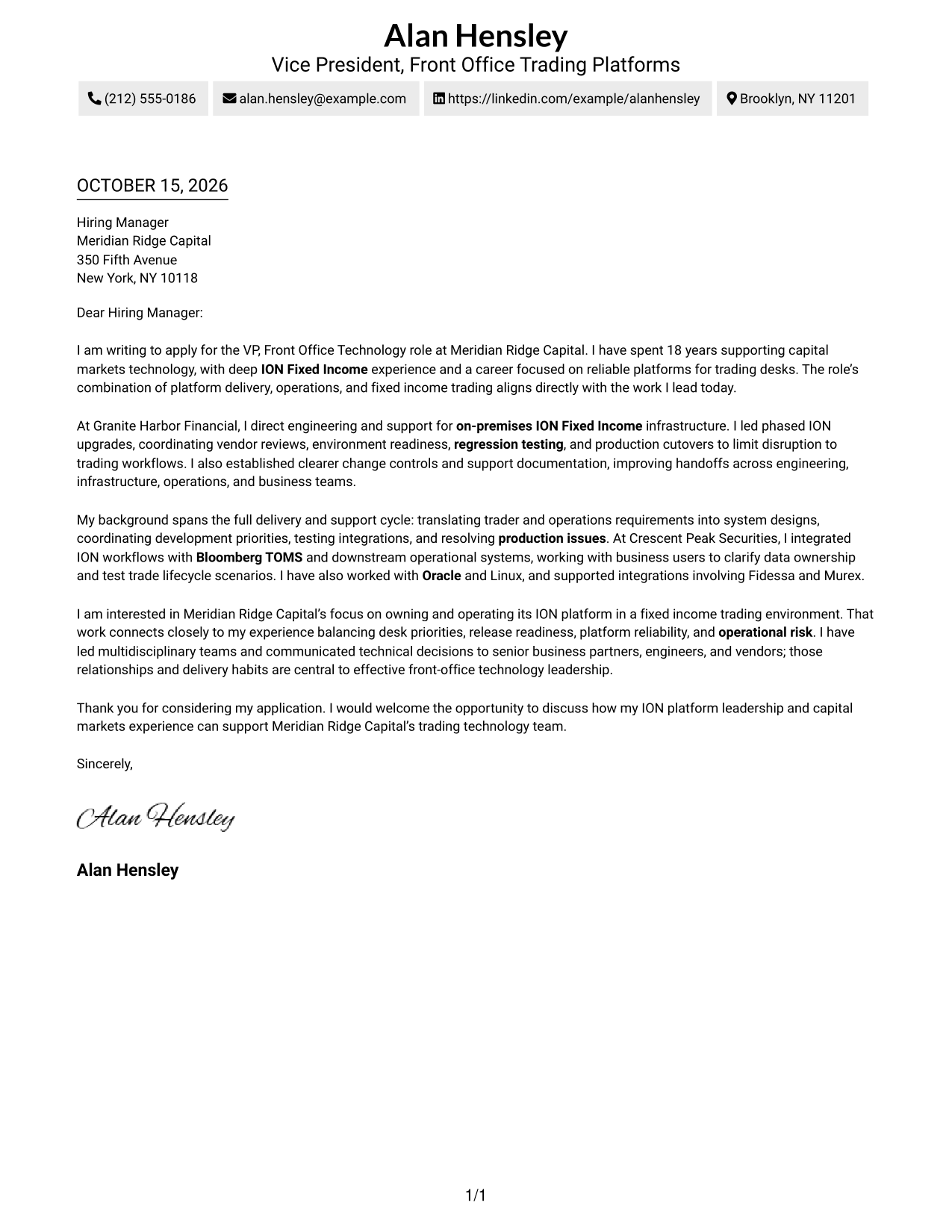
#1 Simple One Column Format Cover Letter Example
The Simple One Column Format keeps sender details in the header and the letter in one reading column, giving the message a direct, uncluttered path.
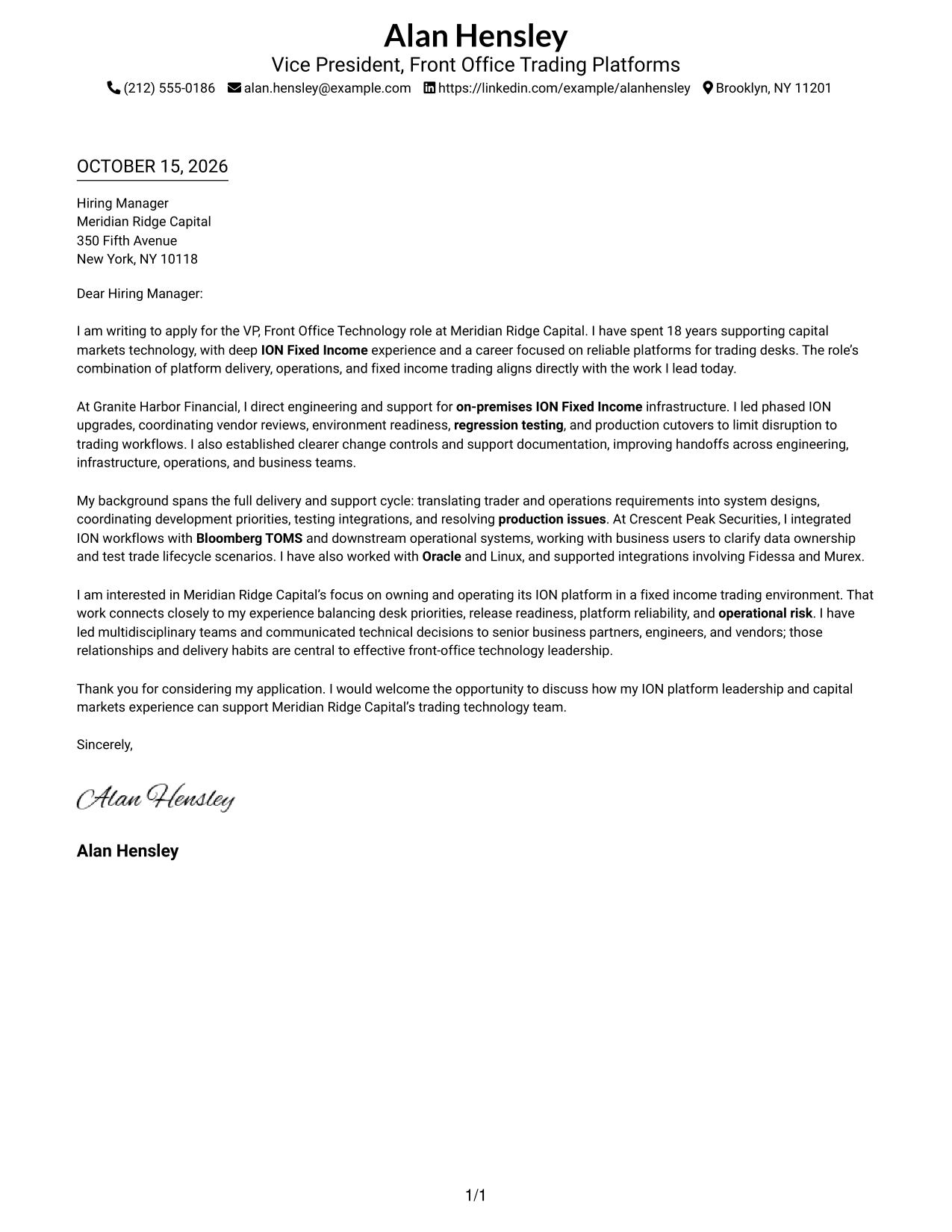
Why This Format Works
- Sender details sit in the header, leaving the main letter area for its message.
- One reading column carries the opening, evidence, and closing in a clear sequence.
- Continuous paragraphs let the central case develop without section breaks.
Best For
- One-column reading preference
- Header-based contact details
- Letters with a continuous argument
- Simple page presentation
- Photo-free letter preference
#2 Two Column Format Cover Letter Example
The Two Column Format places a contact sidebar beside one continuous letter body, keeping reference details visible alongside the message.
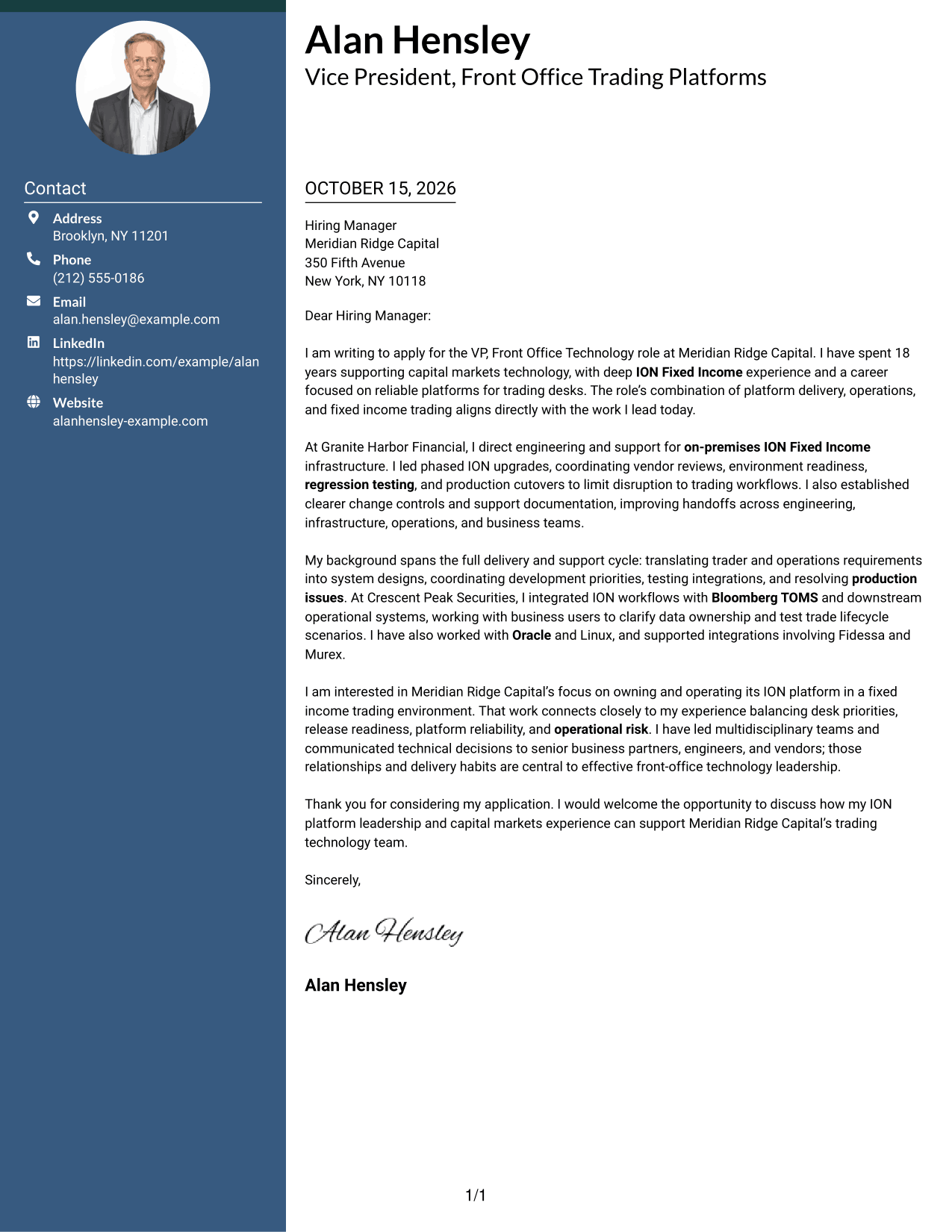
Why This Format Works
- A contact sidebar gives sender information a separate place from the letter's argument.
- The body remains continuous, so motivation and evidence stay in their natural order.
- Readers can view contact details beside the message rather than within it.
Best For
- Side-by-side contact and message
- Letters with uninterrupted paragraphs
- Easy access to sender details
- Two-column page preference
- Contact details visible while reading
#3 Photo Header Two Column Format Cover Letter Example
The Photo Header Two Column Format includes a photo and a contact sidebar beside the continuous letter body, for readers who want a portrait with a clearly placed message.
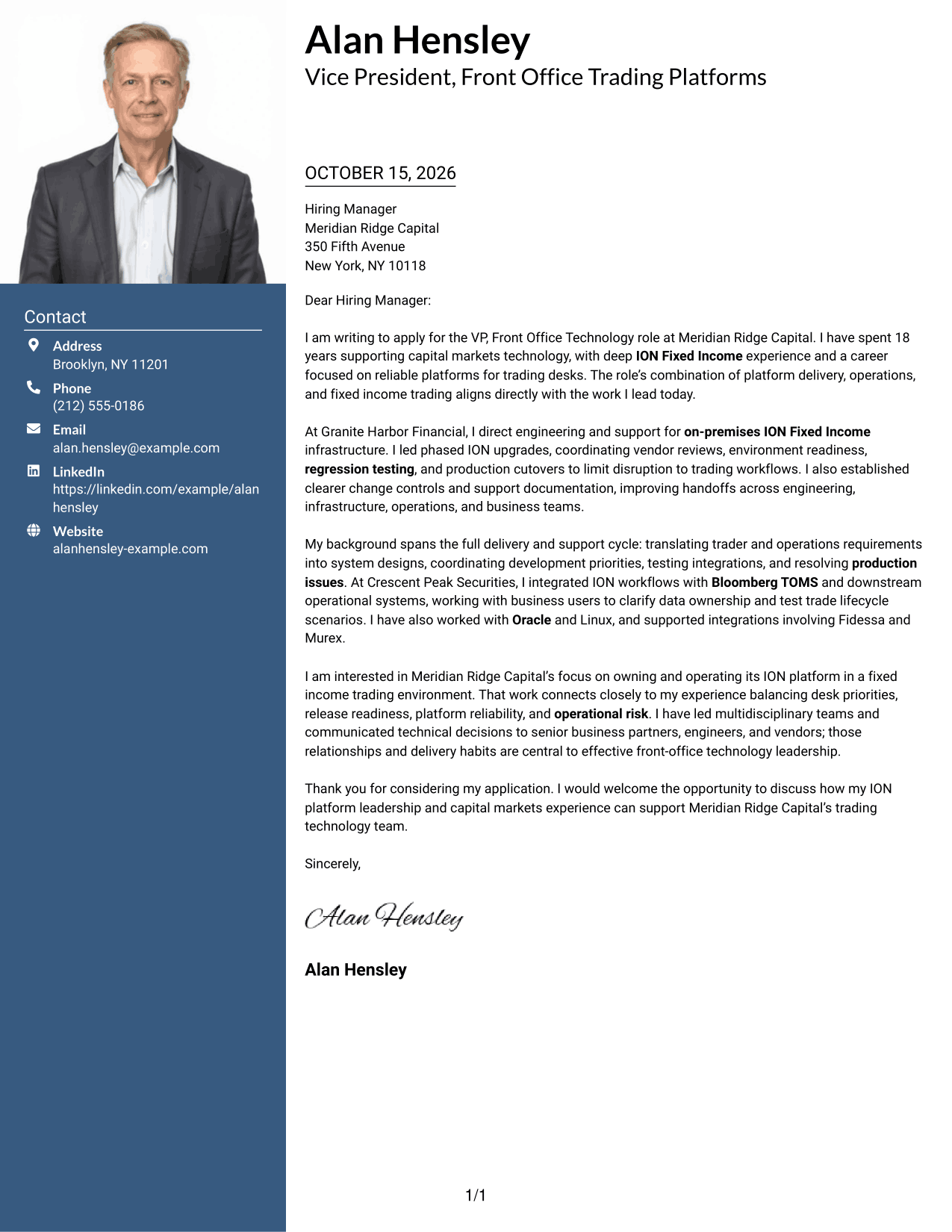
Why This Format Works
- The separate contact area keeps sender details apart from the letter's main message.
- One continuous body lets the opening, evidence, and closing follow a natural order.
- An included photo suits readers who prefer a portrait on the page.
Best For
- Portrait-inclusive letter preference
- Contact details beside the message
- Continuous letter paragraphs
- Two-column reading layouts
- Applications requesting a photo
#4 One Column Format with Photo Cover Letter Example
The One Column Format with Photo places a portrait within a one-column presentation, while sender details remain in the header and the letter body stays continuous.
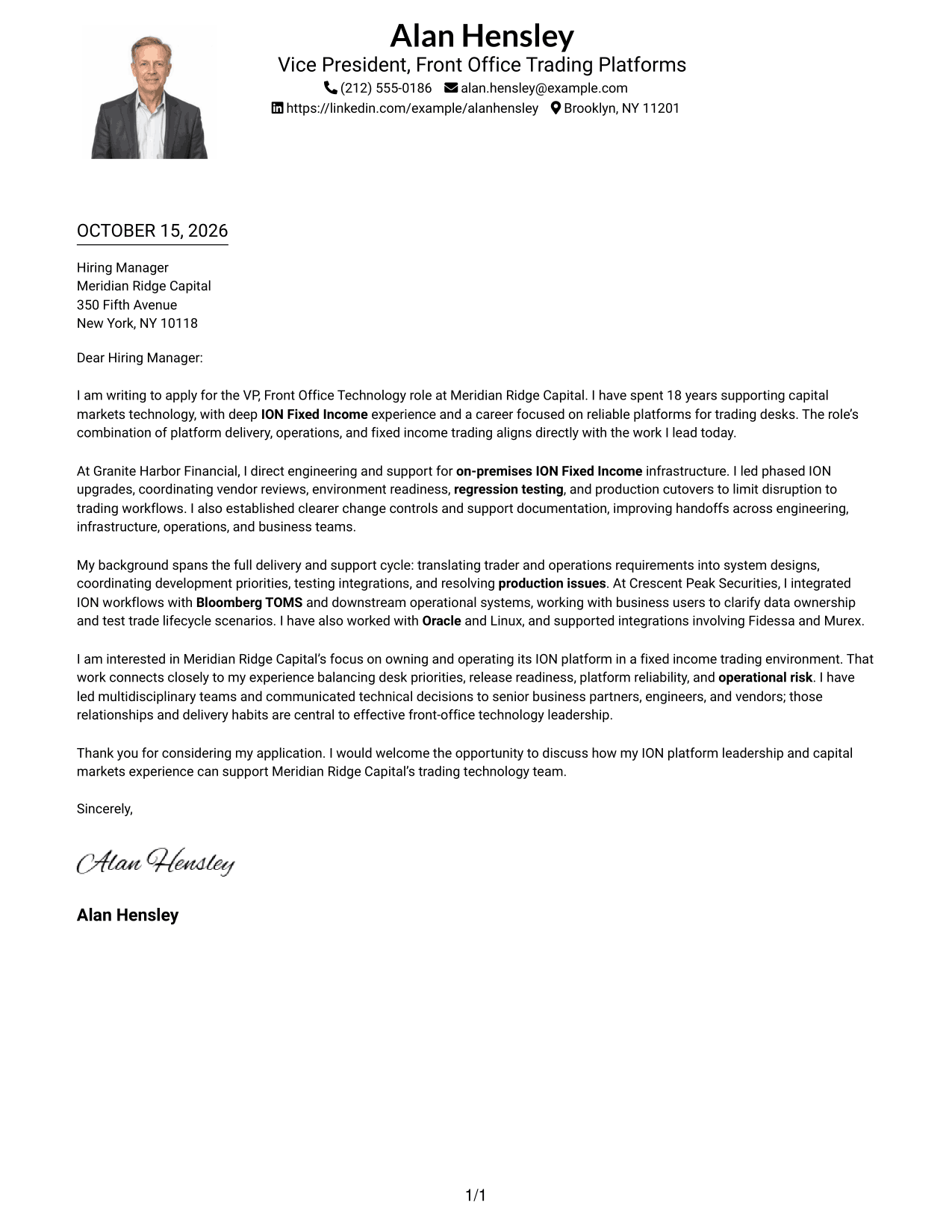
Why This Format Works
- Header-based contact details remain distinct from the letter's main argument.
- The single body column keeps the letter's ideas in a straightforward reading order.
- A photo provides a clear visual option for portrait-inclusive applications.
Best For
- One-column letter layouts
- Portrait-inclusive applications
- Header-based sender details
- Continuous letter bodies
- Readers who prefer a simple reading path
#5 Simple Two Column Format Cover Letter Example
The Simple Two Column Format sets contact details in a sidebar and keeps all letter paragraphs together in one body, making both areas easy to see.
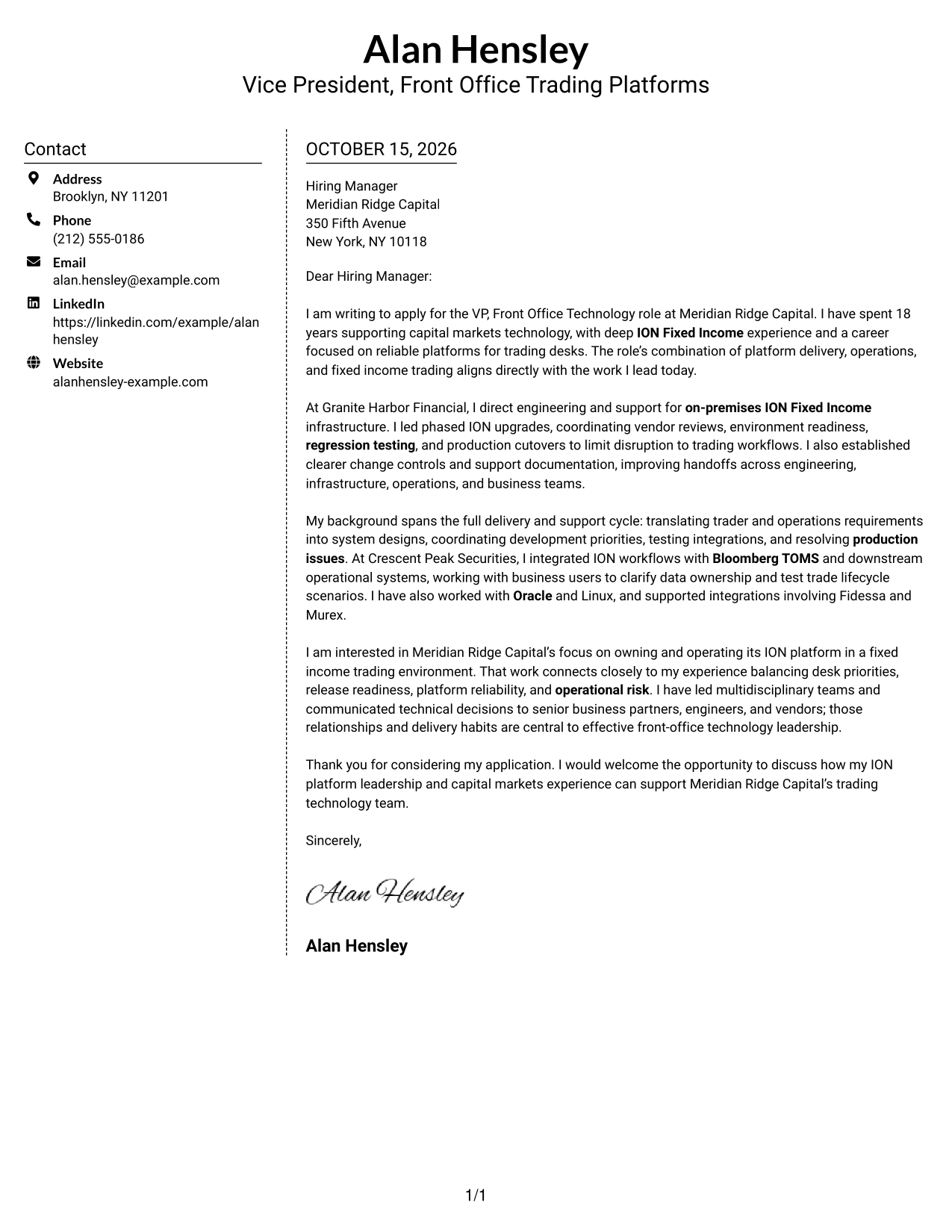
Why This Format Works
- The sidebar gives contact details a defined place beside the letter.
- Opening, motivation, evidence, and closing remain together in the letter body.
- The side-by-side view keeps reference information visible as readers follow the message.
Best For
- Sidebar contact presentation
- Letters with a single argument path
- Visible sender details during review
- Two-area page organization
- Readers who prefer side-by-side information
#6 Modern Icon Format Cover Letter Example
The Modern Icon Format uses two columns for a contact sidebar and continuous letter body, with icons serving as cues for contact details or header accents.
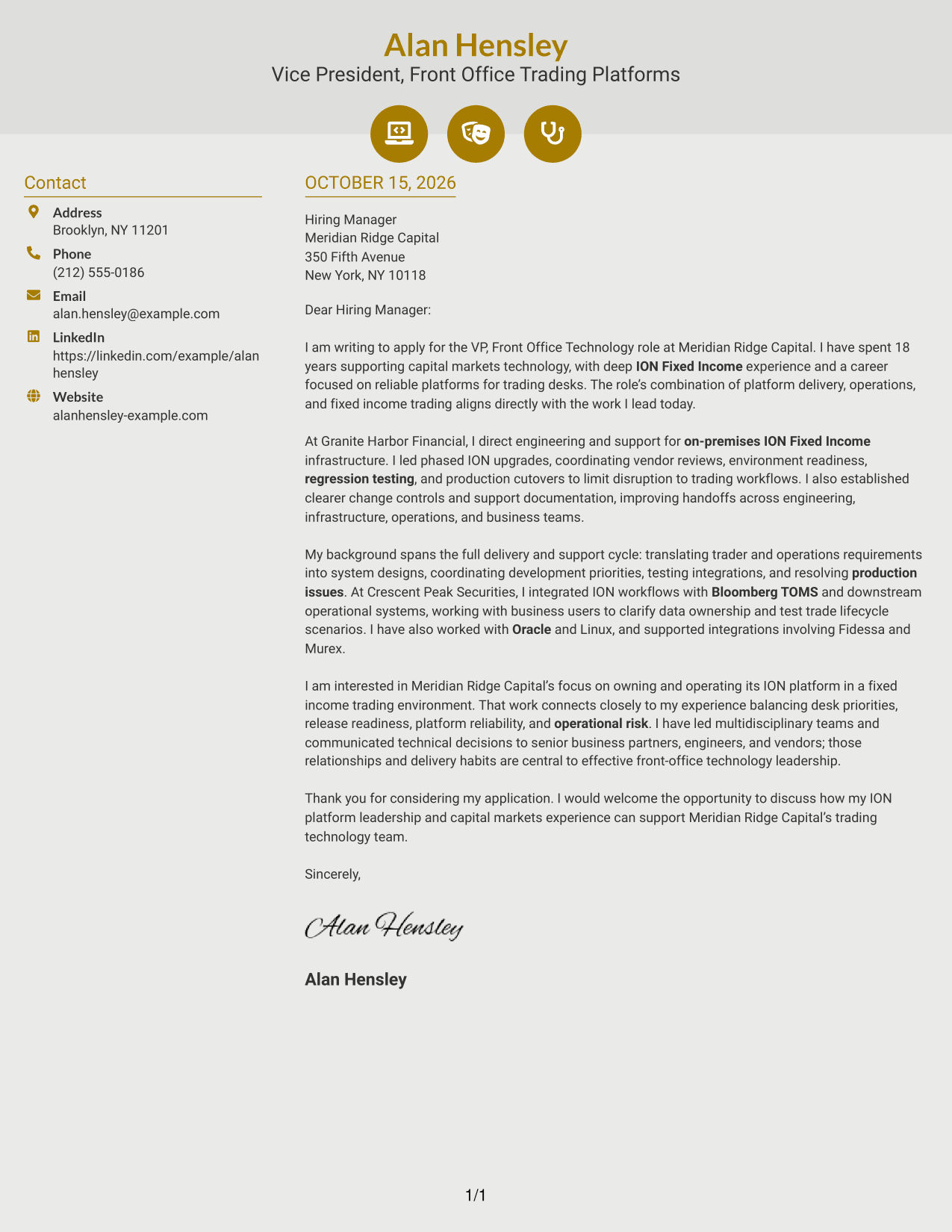
Why This Format Works
- Contact icons help distinguish reference details from the letter's argument.
- The continuous body keeps motivation and supporting evidence in one reading sequence.
- Two columns place contact information beside the message without splitting its paragraphs.
Best For
- Icon-marked contact details
- Two-column letter layouts
- Uninterrupted persuasive paragraphs
- Contact information beside the message
- Readers who like visual contact cues
#7 Creative Two Tone Format Cover Letter Example
The Creative Two Tone Format places a contact sidebar beside one continuous letter body, suiting readers who want contact information and the full message presented in separate areas.
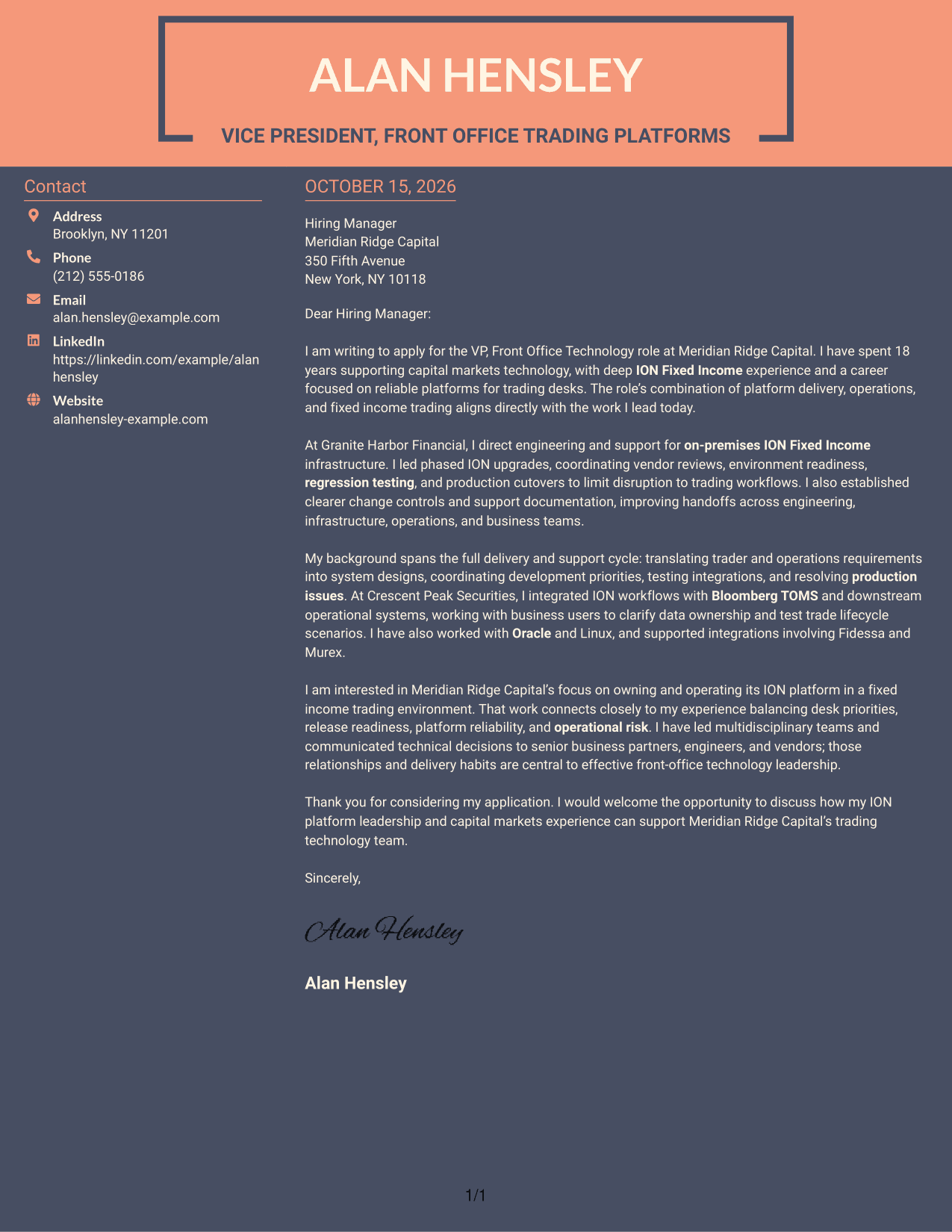
Why This Format Works
- The sidebar keeps sender details distinct from the letter's central message.
- A single body lets the case build from the opening through the closing.
- The two-column view keeps reference details alongside the letter for easy access.
Best For
- Separate contact and letter areas
- Continuous opening-to-close flow
- Quick access to sender details
- Two-column page preference
- Readers who want the message beside its contact information
Why Use ResumeInMinutes for a VP, Front Office Technology - ION Cover Letter
Compare image previews to see how different presentations shape the same role-focused message, then open an example in the editor to customize it.
- Readable cover letter layouts
- Image previews to compare
- Examples you can open in the editor
- Space for role-specific motivation
- Clear places for relevant evidence
- Focused cover letter structure
For this role, focus your message on fixed income trading technology, ION platform delivery, reliable operations, and clear communication with business and technology teams.
See Also
- 7 VP, Front Office Technology - ION Resume Templates with Example
- 33 Dental Front Office Resume Templates with Example 2026 (ATS-Optimized)
- 7 Front Office Assistant Resume Templates with Example
- 33 Front Office Medical Assistant Resume Templates with Example 2026 (ATS-Optimized)
- 33 Medical Assistant & Front Office Representative Resume Templates with Example 2026 (ATS-Optimized)
- 33 Medical Front Office Assistant Resume Templates with Example 2026 (ATS-Optimized)
- 7 Patient Services Specialist - Medical Clinic Front Office Resume Templates with Example
- 7 Front Desk Agent Resume Templates with Example
- 30+ Dental Front Office Cover Letter Templates with Example 2026
- 30+ Front Office Medical Assistant Cover Letter Templates with Example 2026
Frequently Asked Questions
What should a VP, Front Office Technology - ION cover letter emphasize?
Connect your experience to ION Fixed Income, platform operations, upgrades, testing, and integrations. Explain how your work supports trading needs and helps protect platform reliability.
Does this guide show one letter in different layouts?
It presents a role-focused cover letter example in different visual layouts. Compare the image previews, then open an example in the editor to customize it.
How can I explain ION upgrade experience in a cover letter?
Describe your role in planning, readiness checks, regression testing, and production cutover. Add the outcome, such as limiting disruption to trading workflows, when that reflects your experience.
How should I describe platform integrations?
Name the systems you have worked with and explain your part in the integration. For example, discuss how you clarified data ownership or tested trade lifecycle steps with business users, if those details match your background.
What tone suits a front-office technology leadership cover letter?
Use a direct, confident tone. Show how you balance trading desk priorities, delivery, platform reliability, and operational risk, and close by welcoming a conversation.




