
7 VP, Murex Application Development Cover Letter Templates with Example
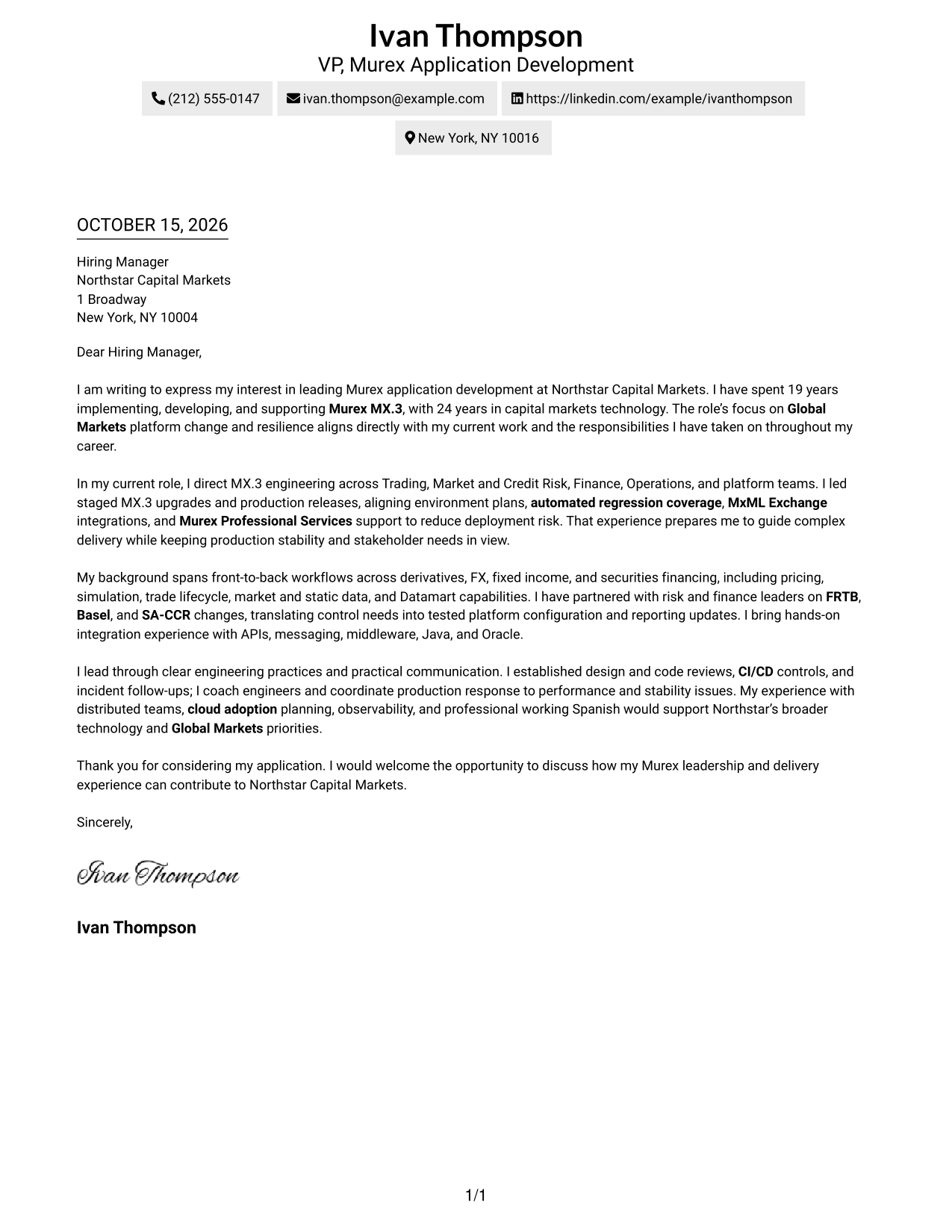
This practical guide helps you create a focused VP, Murex Application Development cover letter, compare seven layouts, and present your Murex leadership with clear role-focused evidence.
What Makes a Great VP, Murex Application Development Cover Letter in 2026
A strong cover letter for this role links Murex MX.3 leadership to Global Markets delivery and platform stability. Its opening should show clear interest, while the body explains how your experience fits the role.
Use specific evidence, such as leading upgrades, coordinating releases, or supporting risk and finance changes. Connect that work to the employer’s needs and explain how you guide teams and communicate with stakeholders.
The featured VP, Murex Application Development example follows a focused progression from role interest to delivery evidence and a clear close. Adapt that flow, then choose a presentation that suits the employer and the communication context.
#1 Simple One Column Format Cover Letter Example
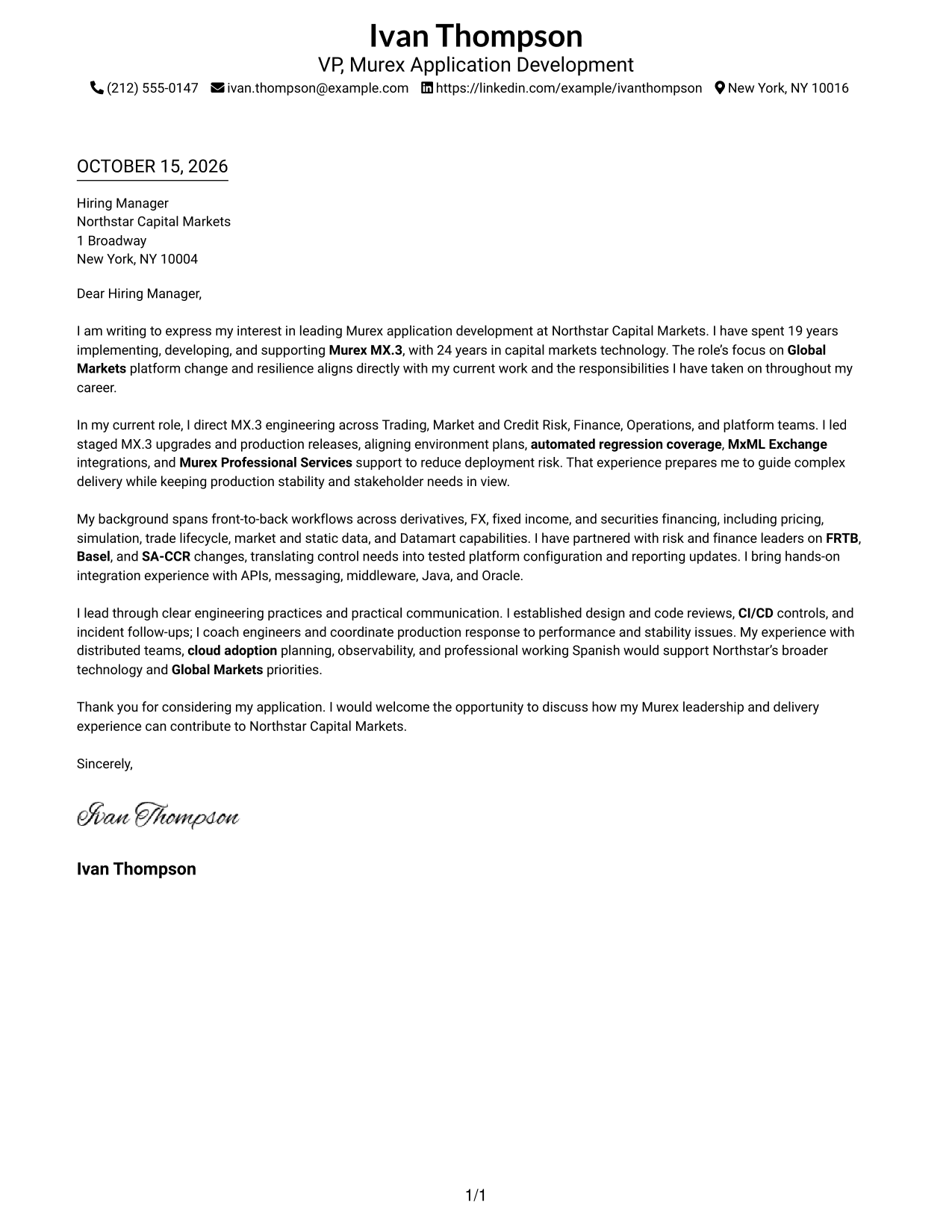
A single-column page keeps sender details and the letter body in one reading path, a practical choice for readers who prefer a direct layout.
Why This Format Works
- One reading path lets reviewers follow the opening, supporting case, and closing in order.
- Sender details share the page without a separate contact sidebar.
- Without a photo, the written message remains the main visual content.
Best For
- Single-column reading preference
- Sender details in the header
- Photo-free letter presentation
- Direct message flow
- Multi-paragraph cover letters
#2 Two Column Format Cover Letter Example
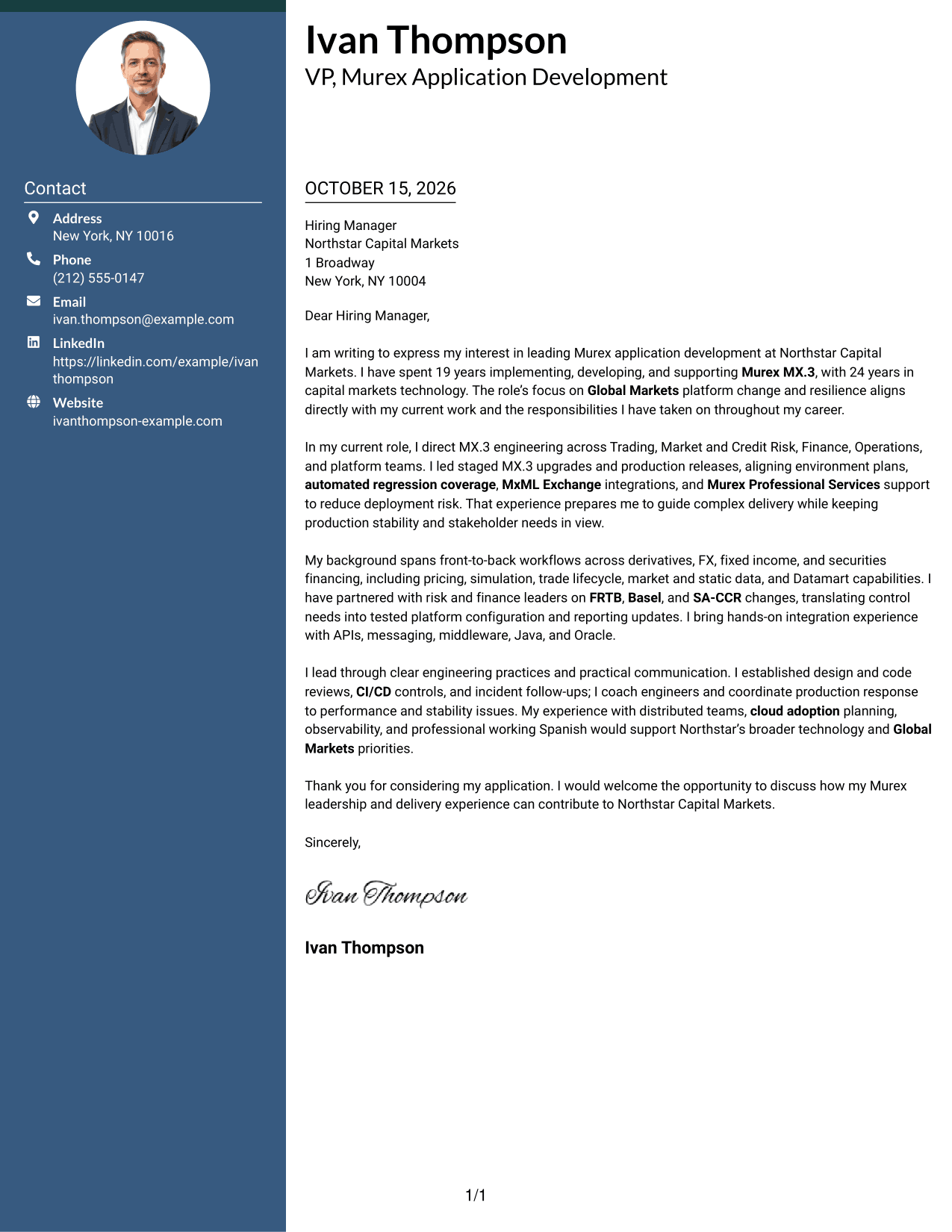
A contact sidebar sits beside one continuous letter body, keeping contact information distinct while the message remains easy to follow.
Why This Format Works
- Reviewers can locate sender information before turning their attention to the message.
- Opening, evidence, and closing remain paragraphs rather than separate labeled sections.
- The main letter stays together instead of splitting across parallel text columns.
Best For
- Contact details beside the message
- Continuous letter body
- Two-column page preference
- Photo-free applications
- Multi-paragraph application messages
#3 Photo Header Two Column Format Cover Letter Example
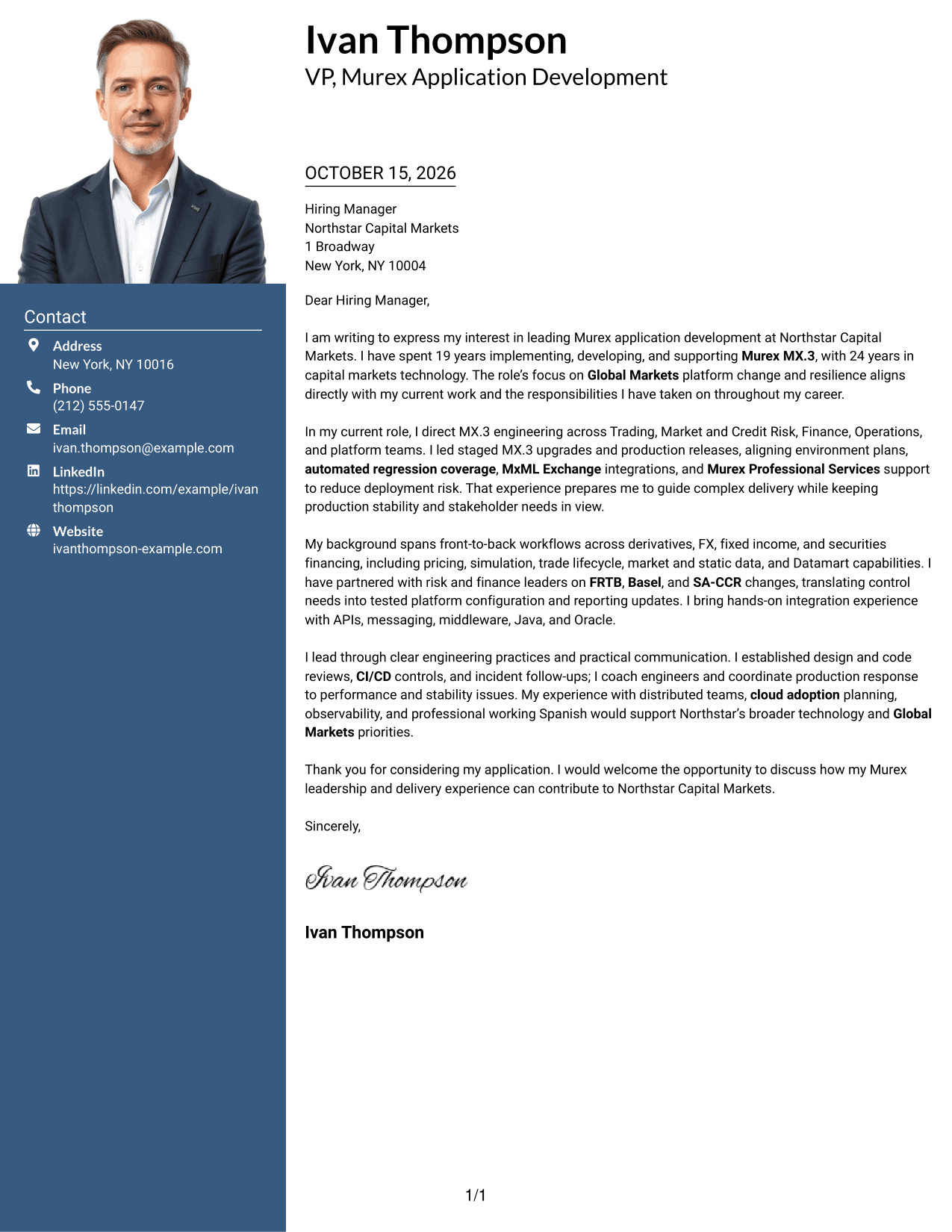
A photo header paired with a contact sidebar adds a personal visual element while keeping the letter body continuous.
Why This Format Works
- The photo gives the header a visible point of recognition without changing the letter's argument.
- A separate contact area keeps sender details distinct from the message paragraphs.
- The body remains a single sequence, so the reader can follow the letter from start to finish.
Best For
- Photo-inclusive letter design
- Contact sidebar organization
- Continuous paragraph sequence
- Two-column page preference
- Applications with a personal visual element
#4 One Column Format with Photo Cover Letter Example
A photo adds a personal visual element to this single-column letter, suiting readers who want that feature without a contact sidebar.
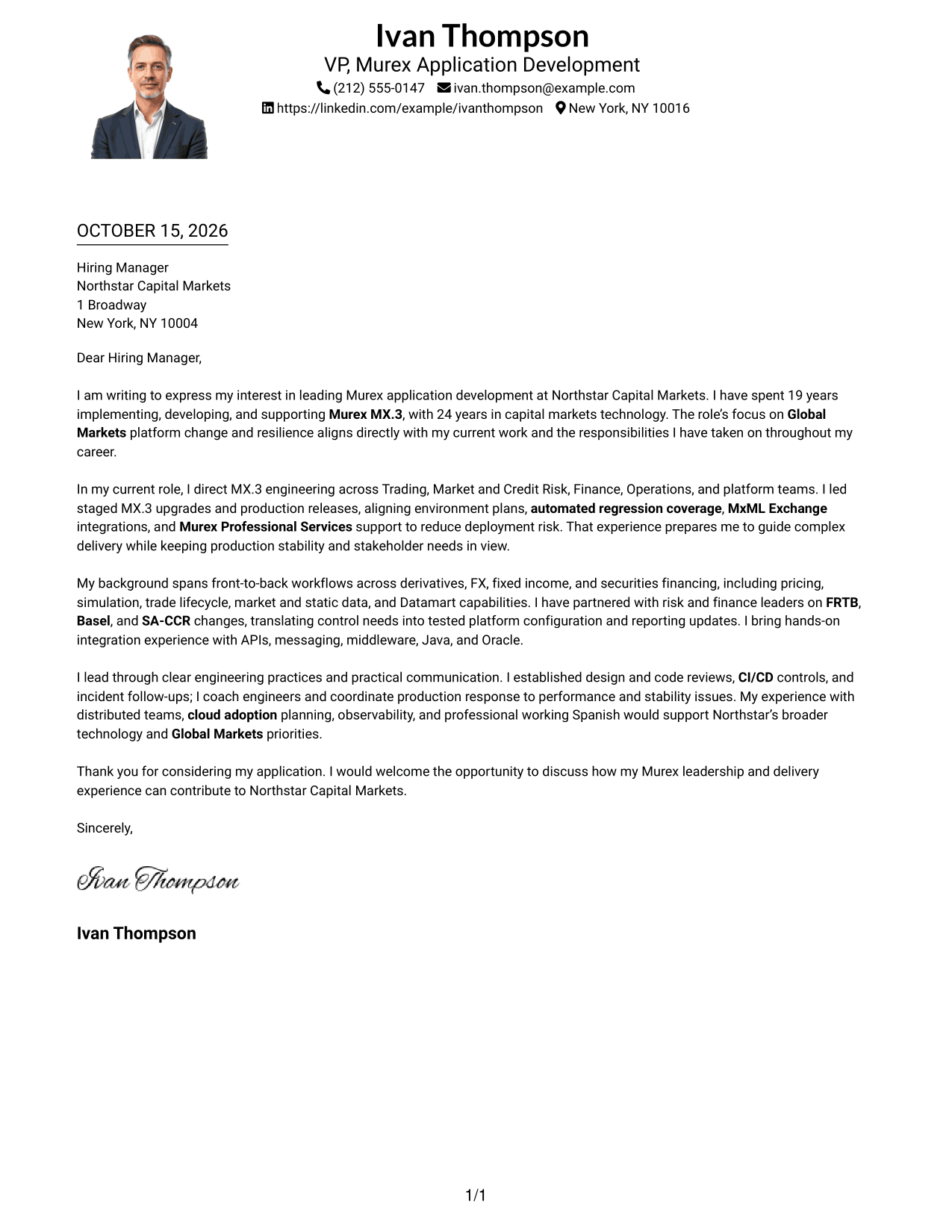
Why This Format Works
- One main reading path keeps the opening, supporting points, and close in sequence.
- Sender details appear with the letter rather than in a separate sidebar.
- The photo adds a visual element without dividing the body into columns.
Best For
- Single-column page preference
- Photo-inclusive application materials
- Header-based sender details
- Uninterrupted message flow
- Letters with several supporting points
#5 Simple Two Column Format Cover Letter Example
A contact sidebar gives sender details a separate place beside the message, while the letter itself stays together in one continuous body.
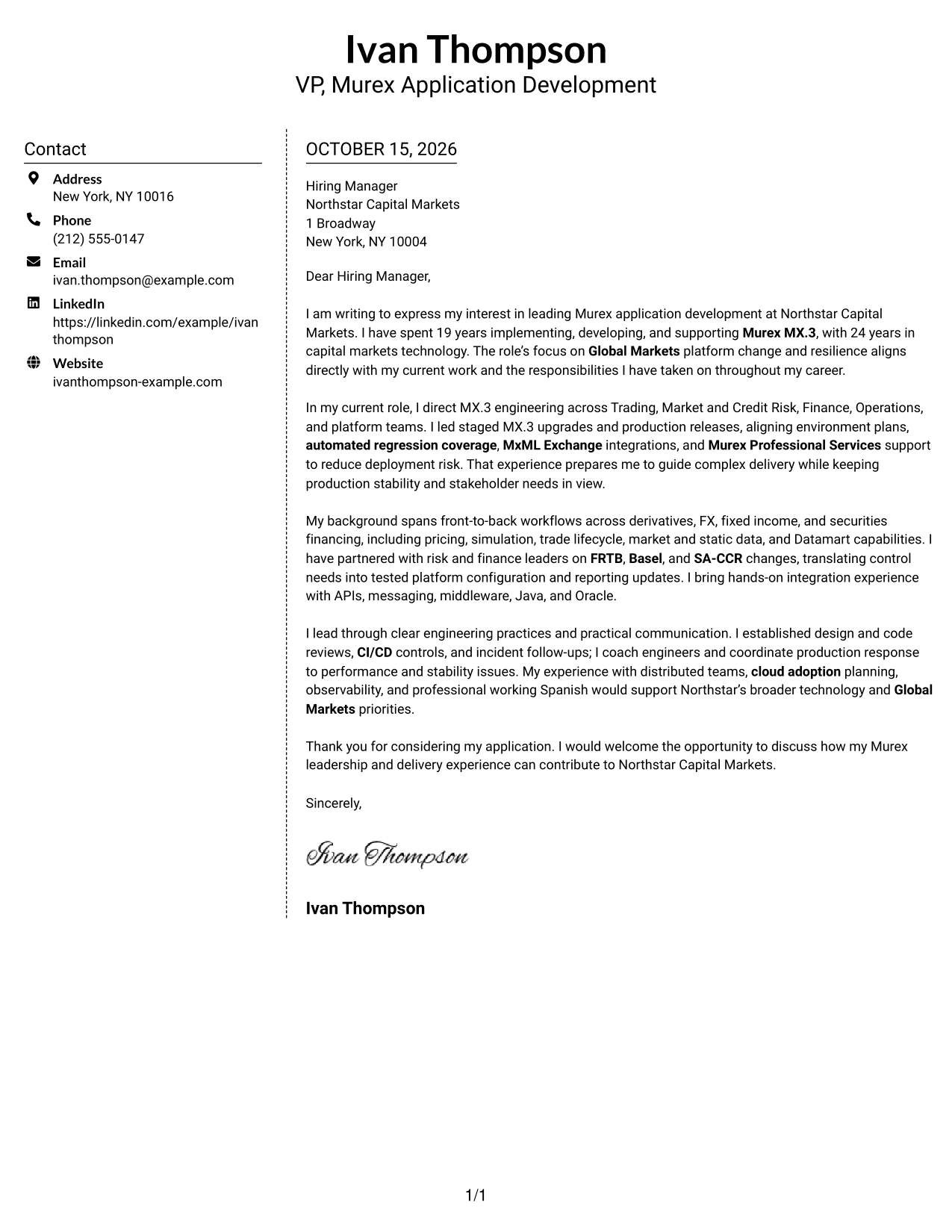
Why This Format Works
- The sidebar makes sender details easy to find without adding headings to the message.
- The letter paragraphs stay together, preserving the natural progression of the argument.
- Contact information and letter text occupy distinct areas of the page.
Best For
- Separate sender information
- Letters without body headings
- Two-column page preference
- Photo-free letter presentation
- Continuous persuasive paragraphs
#6 Modern Icon Format Cover Letter Example
Contact icons provide visual cues in the sidebar, while the letter's paragraphs stay together in one continuous body.
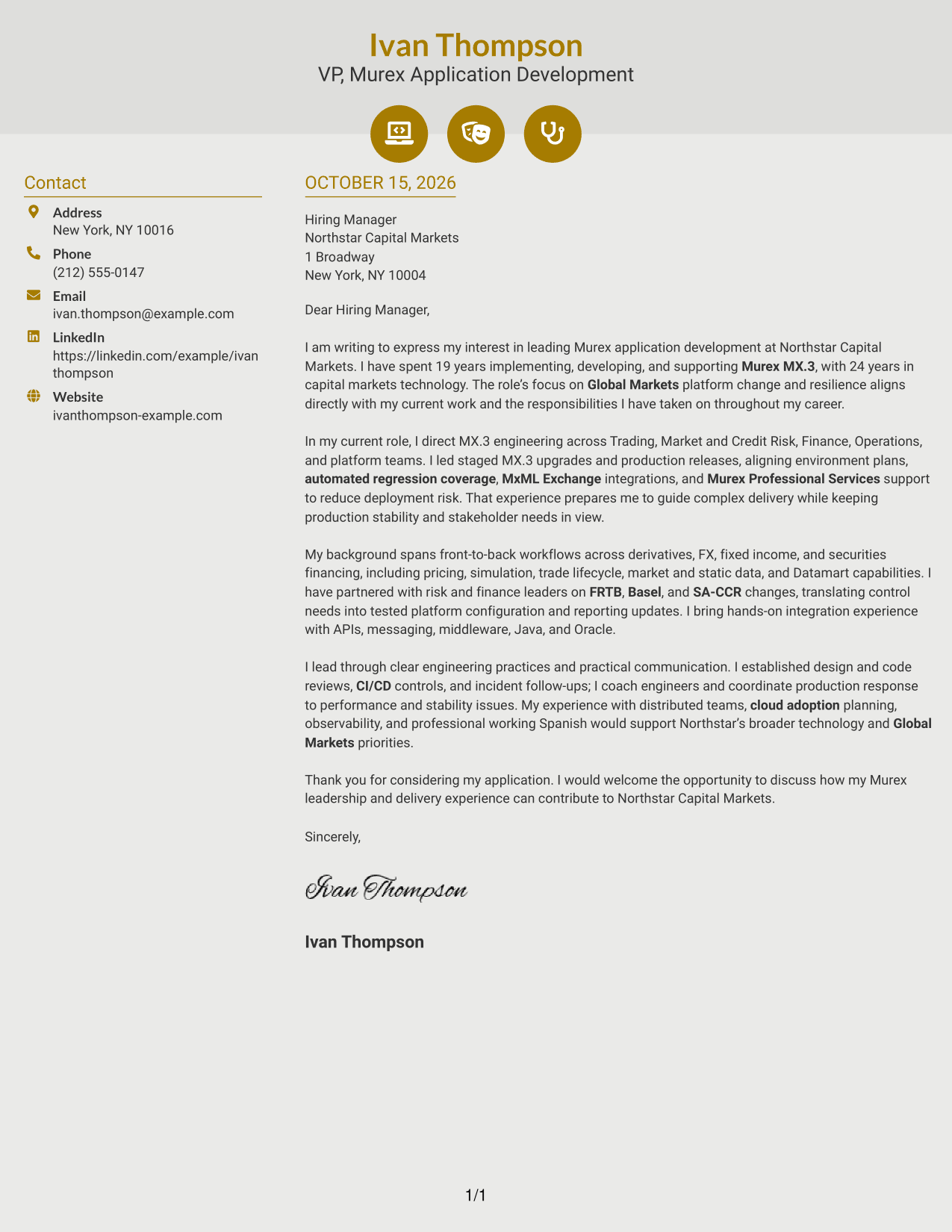
Why This Format Works
- Contact icons help distinguish sender details from the letter's persuasive content.
- The sidebar keeps contact information apart from the message without splitting its paragraphs.
- The continuous body lets readers follow the letter's full case in order.
Best For
- Icon-cued contact details
- Two-column page layout
- Photo-free design
- Continuous body text
- Letters with a clear contact block
#7 Creative Two Tone Format Cover Letter Example
The contact sidebar sits alongside a single letter body, separating sender details from the message while keeping the argument in one sequence.
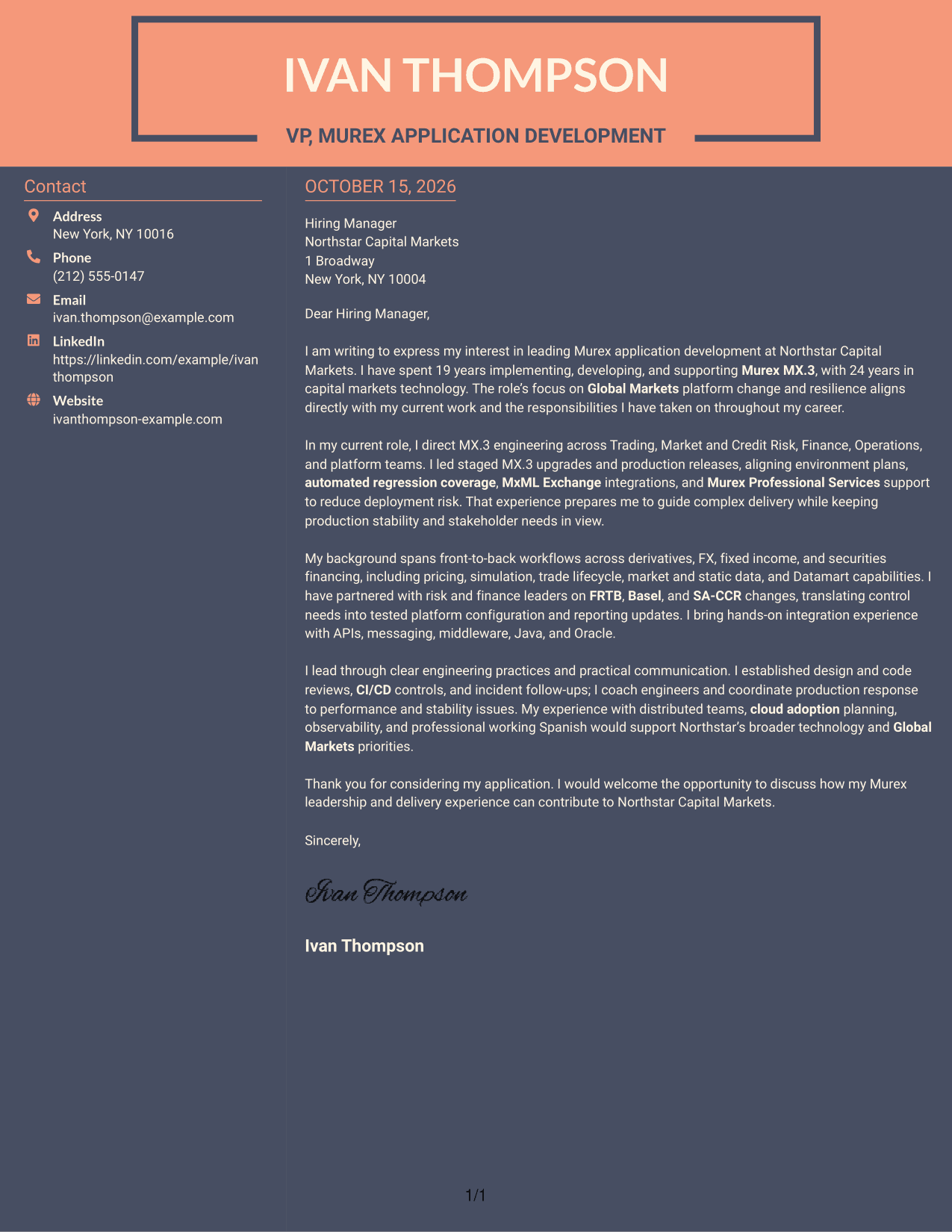
Why This Format Works
- Sender details have their own area, separate from the letter's paragraphs.
- The message stays in one body, preserving a clear path from interest to closing.
- Side-by-side placement distinguishes contact information from the written case.
Best For
- Distinct sender information
- One continuous letter body
- Side-by-side page organization
- Photo-free cover letters
- Messages with several body paragraphs
Why Use ResumeInMinutes for a VP, Murex Application Development Cover Letter
ResumeInMinutes offers a clear starting point for explaining your Murex experience and matching your message to the role. Review the image preview, then open the example in the editor to customize your letter.
- Multiple writing styles
- Clear, readable layouts
- Role-focused customization
- Focused cover letter structure
- Professional presentation options
- Examples you can adapt
Show how your MX.3 work, release leadership, integrations, and production support connect to the needs of a Global Markets technology team.
See Also
- 7 VP, Murex Application Development Resume Templates with Example
- 7 Applications Development Sr Supervisor Resume Templates with Example
- 33 Cloud Applications Development Intern Resume Templates with Example 2026 (ATS-Optimized)
- 33 Cyber Security Engineer, VP Resume Templates with Example 2026 (ATS-Optimized)
- 33 Penetration Tester, VP Resume Templates with Example 2026 (ATS-Optimized)
- 33 VP, Corporate & Financial Sponsor Structuring Resume Templates with Example 2026 (ATS-Optimized)
- 33 VP/Director of Data & Intelligence Engineering Resume Templates with Example 2026 (ATS-Optimized)
- 7 VP, Finance - Strategic Finance Resume Templates with Example
- 30+ Cloud Applications Development Intern Cover Letter Templates with Example 2026
- 30+ Cyber Security Engineer, VP Cover Letter Templates with Example 2026
Frequently Asked Questions
What should a VP, Murex Application Development cover letter emphasize?
Explain how your Murex MX.3 experience supports Global Markets delivery, platform resilience, and production stability. Include clear examples of upgrades, integrations, release planning, or cross-functional leadership that reflect your own work.
How can I show that my Murex experience fits this role?
Connect specific work with MX.3 workflows, MxML Exchange, releases, or risk and finance changes to the role’s needs. Describe your contribution in direct language and do not claim results or skills you cannot support.
Which cover letter style works well for a Murex application development leadership role?
Choose a clean, readable layout that gives your opening, key evidence, and close a clear order. The best presentation is one that suits the employer and makes your message easy to follow.
How should I explain my leadership and communication style?
Give a brief example of how you guide engineers, coordinate with Trading and control teams, or communicate during production issues. Show how your approach helps teams manage delivery and platform stability.
Should I mention cloud adoption or regulatory work?
Include these topics when they are relevant to your experience and the role. For example, describe your contribution to cloud adoption planning or FRTB, Basel, and SA-CCR changes, and connect it to the needs of the position.




