
7 Warehouse Associate - Order Selector Cover Letter Templates with Example
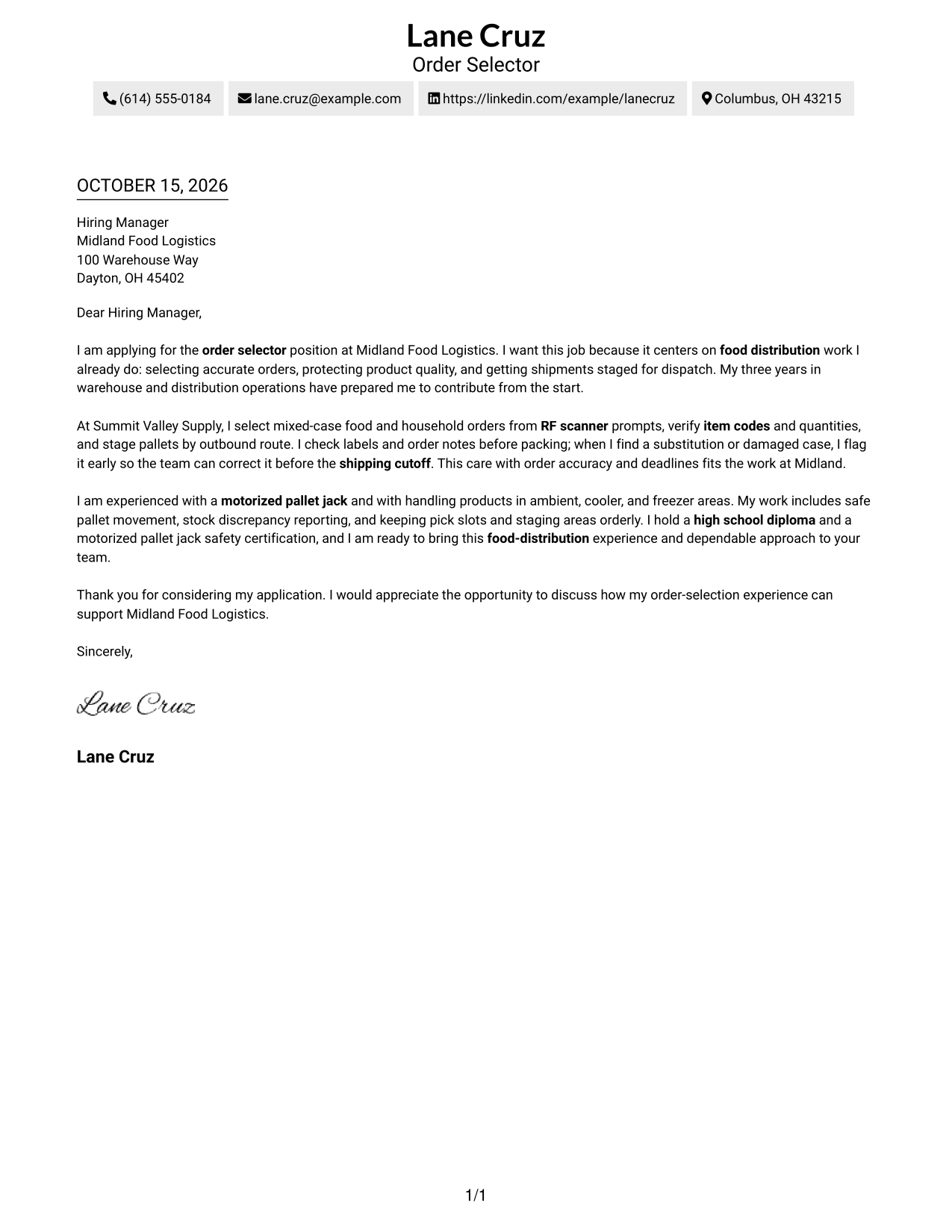
This practical guide helps you create a focused Warehouse Associate - Order Selector cover letter and compare its message across seven layouts.
What Makes a Great Warehouse Associate - Order Selector Cover Letter in 2026
A strong letter links your interest in order selection to careful picking, accurate order checks, and safe product handling. Show how your approach helps prepare reliable shipments on time.
Use a specific example, such as checking item codes or flagging a damaged case before a shipping cutoff. Connect that evidence to the employer's needs, including safe pallet movement and work across temperature zones.
The featured example moves from role interest and fit to a concrete order-selection example, then closes with relevant strengths and a clear request to talk. Adapt this progression while choosing a presentation that suits the employer and the communication context.
#1 Simple One Column Format Cover Letter Example
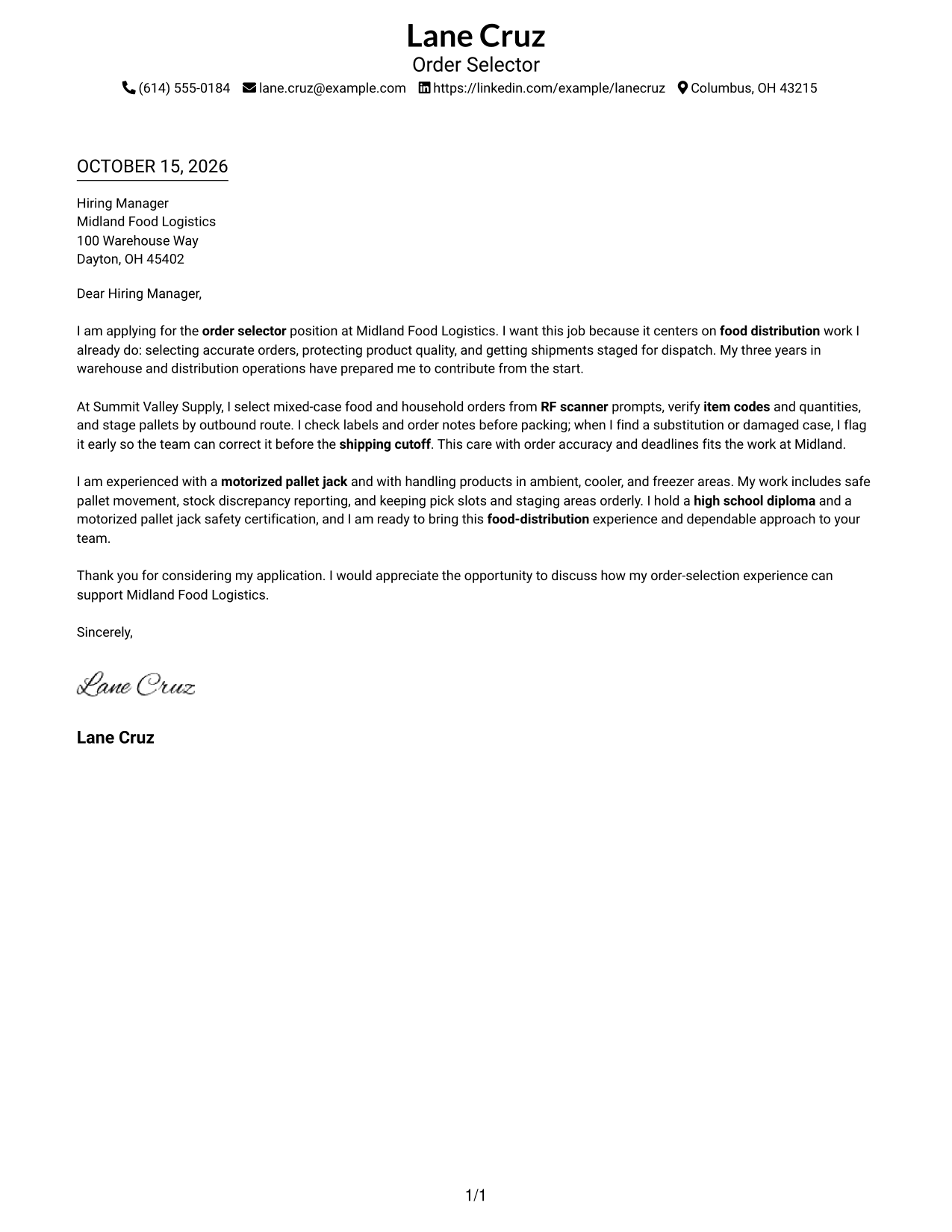
Simple One Column Format keeps the sender details in the header and the letter in one column, giving the message a direct reading path.
Why This Format Works
- Sender details stay with the header, making contact information easy to find.
- The opening, supporting details, and request remain together in one letter body.
- A single column gives the reviewer a clear path through the message.
Best For
- Single-column letter preferences
- Continuous paragraph-based messages
- Direct reading from greeting to closing
- Contact details in the header
- Concise application letters
#2 Two Column Format Cover Letter Example
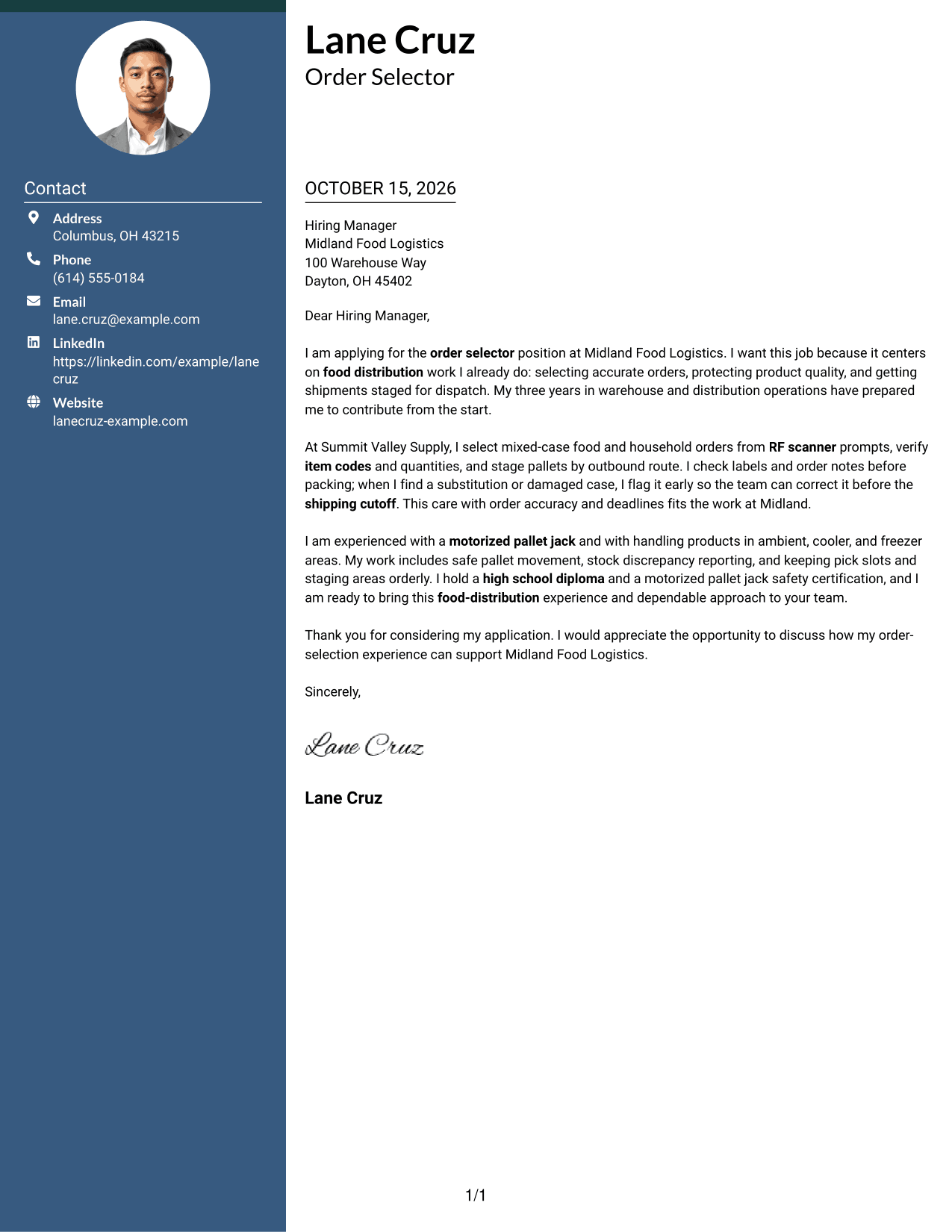
Two Column Format places contact details in a sidebar beside one continuous letter body, keeping the sender information distinct from the message.
Why This Format Works
- The contact sidebar makes sender information easy to locate before reading.
- One continuous body carries motivation, evidence, and the closing request in order.
- The letter paragraphs stay together rather than split between columns.
Best For
- Contact details beside the letter
- A separate space for sender information
- Continuous persuasive messages
- Quick access to contact information
- Two-column page preferences
#3 Photo Header Two Column Format Cover Letter Example
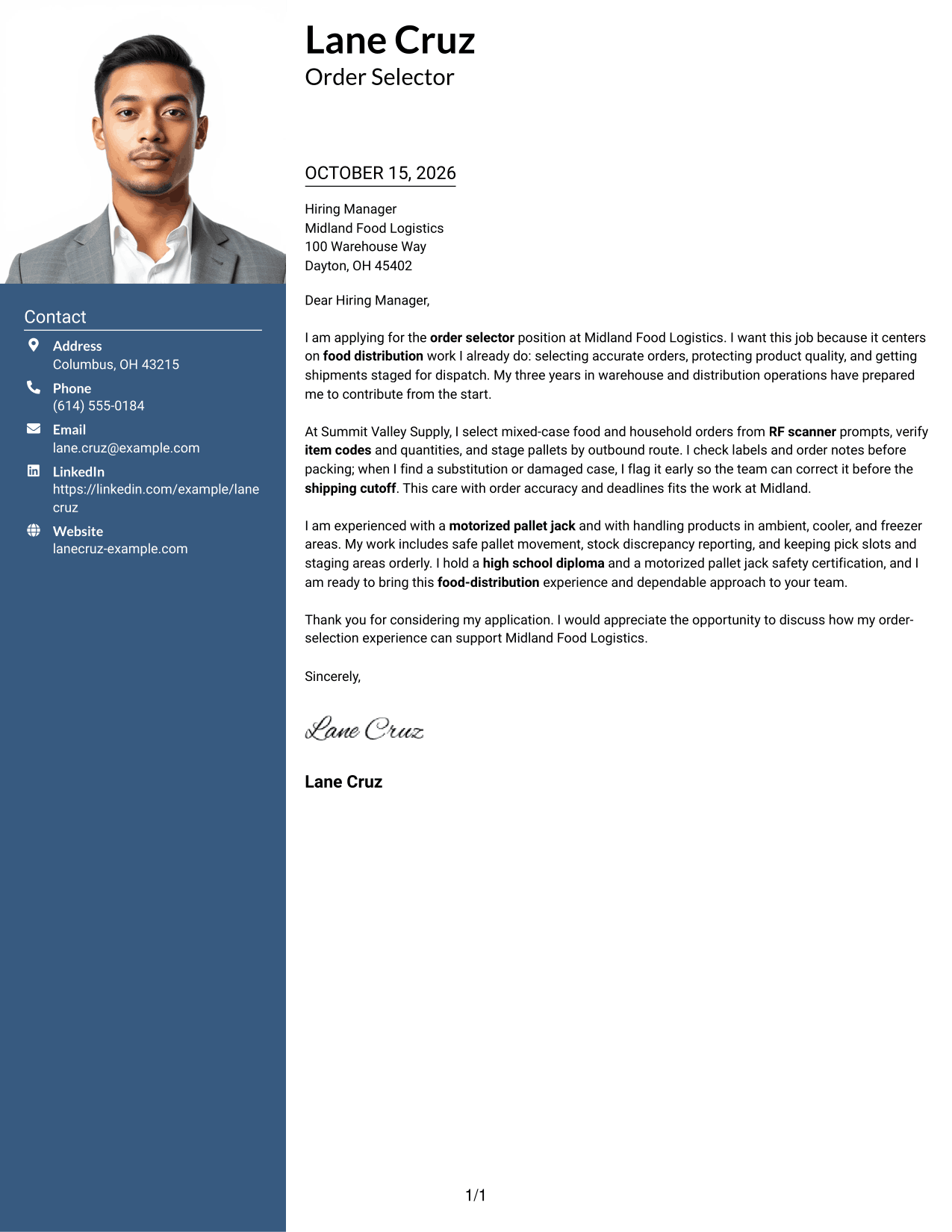
Photo Header Two Column Format pairs a photo with a contact sidebar and one continuous letter body, while keeping the message intact.
Why This Format Works
- The sidebar separates sender details from the paragraphs that make the case for fit.
- The letter body keeps motivation, supporting evidence, and the request in sequence.
- A photo adds a portrait option without dividing the letter into parallel columns.
Best For
- Two-column letter layouts with a photo
- Portrait-inclusive document preferences
- Contact details apart from the message
- Continuous letter arguments
- Applications with a personal photo
#4 One Column Format with Photo Cover Letter Example
One Column Format with Photo combines a portrait with a single-column letter, for readers who want a photo alongside a direct reading path.
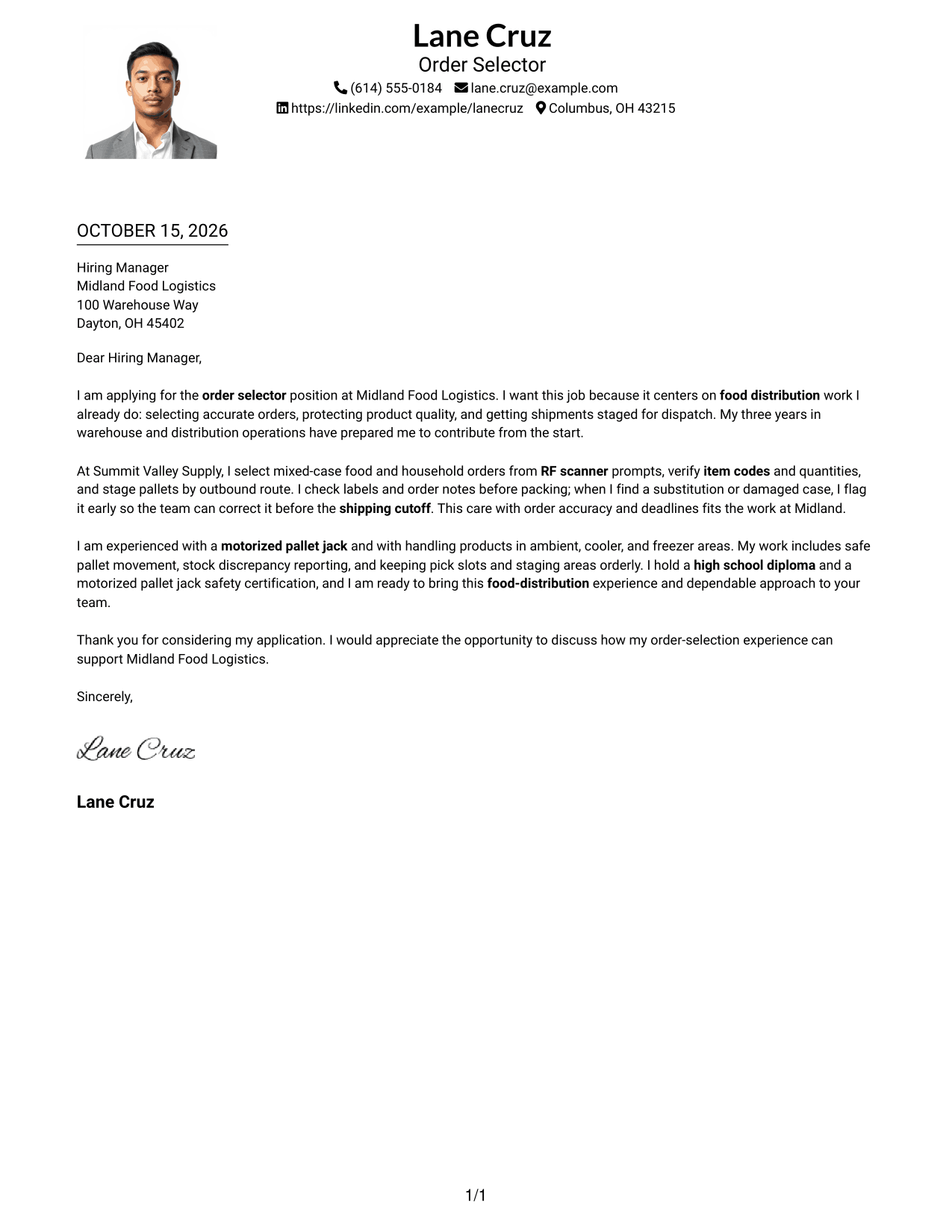
Why This Format Works
- One column keeps the greeting, letter paragraphs, and closing in a clear sequence.
- The continuous body lets the reason for applying lead into supporting evidence.
- A portrait adds a visual element without creating a separate contact column.
Best For
- Single-column letter preferences
- Cover letters that include a photo
- A direct path through the message
- Continuous paragraph-based arguments
- Portrait-inclusive applications
#5 Simple Two Column Format Cover Letter Example
Simple Two Column Format keeps contact details in a sidebar and the letter in one continuous body, giving each a distinct place.
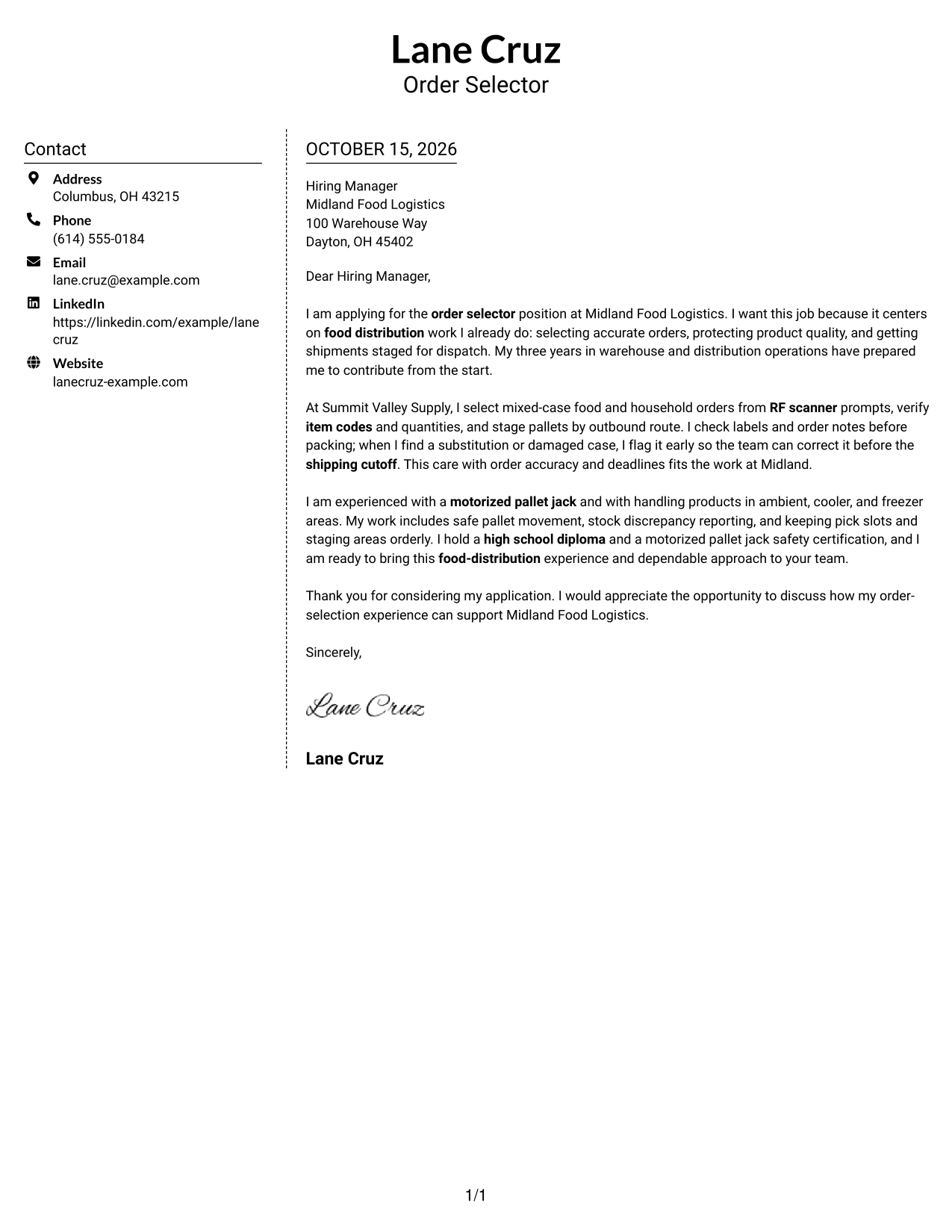
Why This Format Works
- The contact sidebar gives sender details a separate place beside the letter.
- The main body keeps motivation, evidence, and the closing request connected.
- A clear division helps reviewers move between contact information and the message.
Best For
- Separate contact and message areas
- Two-column document preferences
- A single continuous letter body
- Easy-to-find sender details
- Applications with concise evidence
#6 Modern Icon Format Cover Letter Example
Modern Icon Format uses two columns, with contact icons identifying sender details beside the continuous letter body.
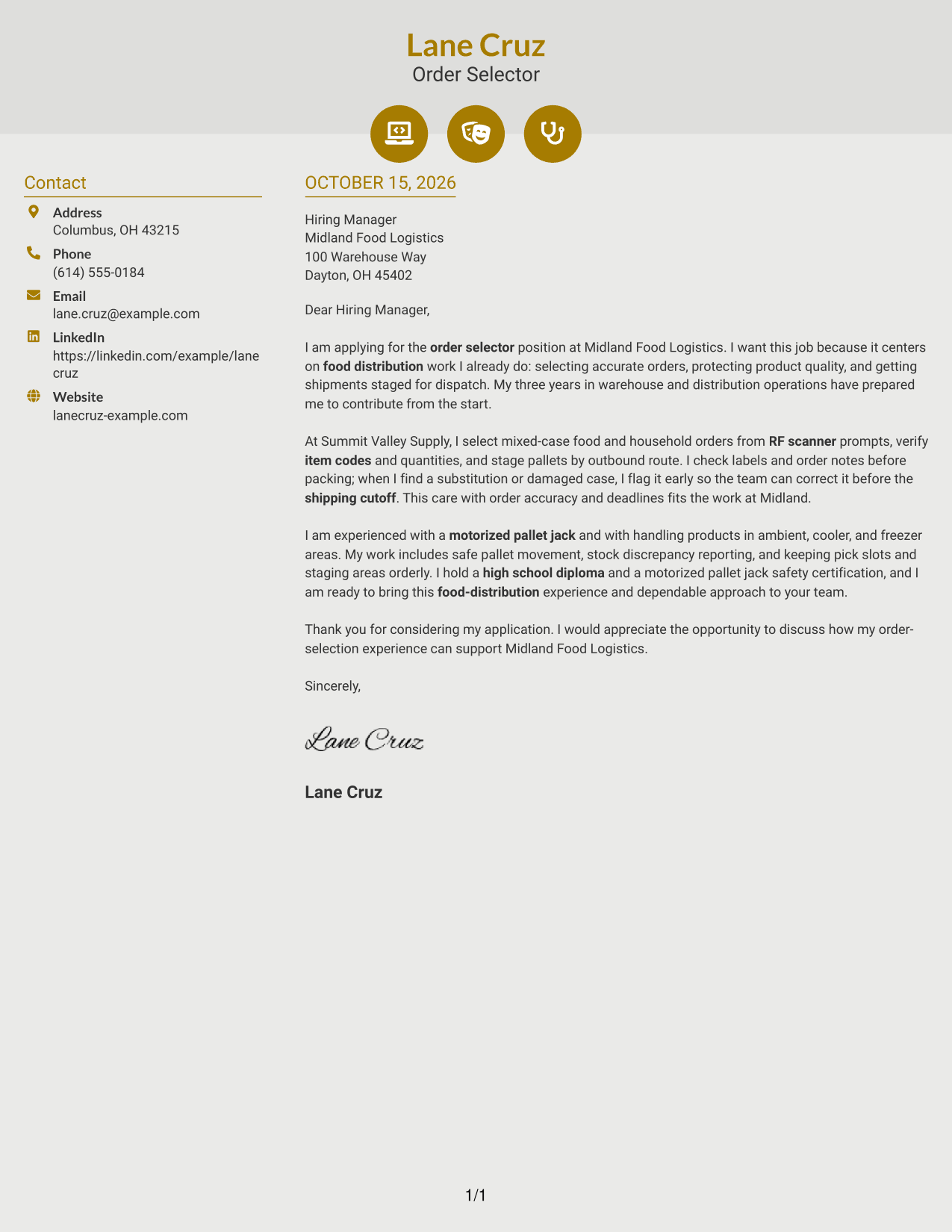
Why This Format Works
- Contact icons help readers identify sender details without labeling the letter's argument.
- The contact sidebar stays distinct from the continuous message.
- A single body keeps the opening, supporting points, and closing request in order.
Best For
- Icon-marked contact information
- Two-column letter layouts
- A continuous persuasive message
- Quick contact-detail searches
- Applications with a clear closing request
#7 Creative Two Tone Format Cover Letter Example
Creative Two Tone Format places the contact sidebar beside one continuous letter body, separating sender details from the message.
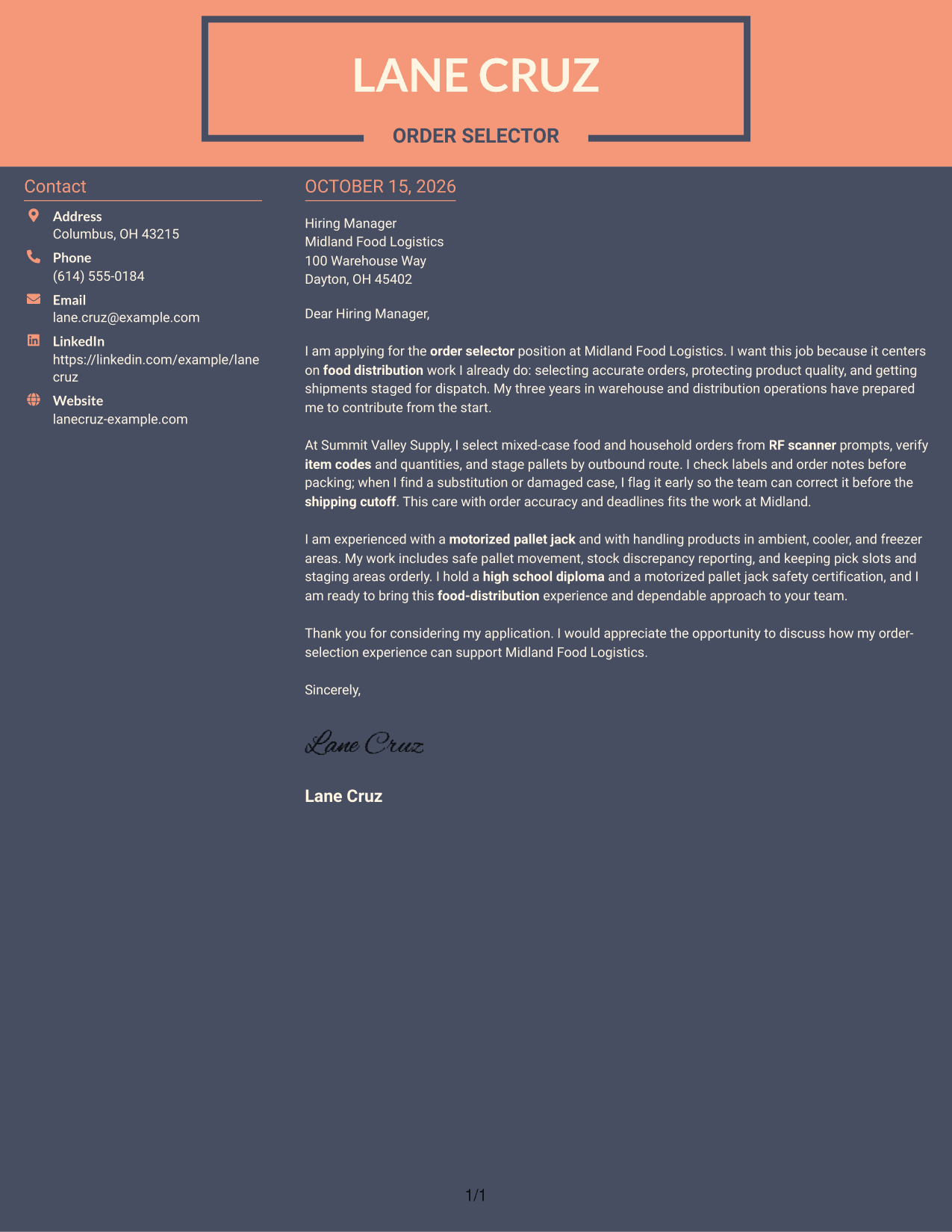
Why This Format Works
- The sidebar gives contact details a separate place from the letter's argument.
- One continuous body presents motivation, evidence, and the final request together.
- The two-column organization keeps sender information and letter text distinct.
Best For
- Two-column reading preferences
- Contact details outside the letter body
- Continuous letter arguments
- A separate sender-information area
- Concise messages with a clear request
See Also
- 7 Warehouse Associate - Order Selector Resume Templates with Example
- 7 Warehouse Associate - Order Picker Resume Templates with Example
- 33 CDL Shuttle Driver - Warehouse Transport Resume Templates with Example 2026 (ATS-Optimized)
- 33 Customer Service/Warehouse Staff Resume Templates with Example 2026 (ATS-Optimized)
- 7 Driver CDL/Warehouse Associate Resume Templates with Example
- 7 Inbound Warehouse Manager Resume Templates with Example
- 33 Lead Warehouse Associate Resume Templates with Example 2026 (ATS-Optimized)
- 7 Outbound Loader - Warehouse Distribution Resume Templates with Example
- 7 Warehouse Associate - Order Picker Cover Letter Templates with Example
- 30+ Customer Service/Warehouse Staff Cover Letter Templates with Example 2026
Frequently Asked Questions
What should the opening of a Warehouse Associate - Order Selector cover letter say?
Name the role and give a clear reason for your interest. Briefly connect that interest to the work, such as accurate order selection, product care, or preparing shipments for dispatch.
How can I show order accuracy in my cover letter?
Share a short example of how you checked item codes, quantities, labels, or order notes. If relevant to your experience, explain how you reported a substitution or damaged case in time for the team to correct it.
Which cover letter style suits an order selector role?
Choose a clear, easy-to-read layout that helps the employer follow your interest, relevant example, and closing request. Keep the tone direct and professional.
Should I mention RF scanners and motorized pallet jacks?
Yes, when you have used them. Explain briefly how your experience supports accurate picking or safe movement of staged orders, and connect it to the position's duties.
How do I connect my experience to a food distribution employer?
Use examples that relate to product quality, shipment deadlines, safe handling, and communication with warehouse teammates. Refer to the employer's stated needs, and do not claim experience you cannot support.




