7 Warehouse Loader Resume Templates with Example
This guide shows you how to build a Warehouse Loader resume that is clear, focused, and easy to review. You will learn how to organize your experience so employers can quickly see the value you bring to warehouse operations.
Strong resumes for this role make safe freight movement, accurate shipment checks, equipment use, and dependable physical work easy to find. Use clear section headings and short bullets, then support your claims with specific tasks such as trailer loading, dock staging, pallet securing, label checks, and work across dry, cooler, and freezer areas.
The same complete resume is shown in 7 layouts so you can compare how different structures present experience, skills, education, and credentials. Each example includes practical format guidance and a free PDF preview to help you choose a layout that fits your information.
What Makes a Great Warehouse Loader Resume in 2026
A strong Warehouse Loader resume is easy to scan and shows safe, accurate, reliable work. It keeps the summary, experience, skills, education, and credentials clearly separated.
Use grounded terms such as trailer loading, Electric Pallet Jack, shipment documentation, pallet securing, visual inspection, and warehouse safety when they match your real experience.
The examples shown below are intentionally detailed to demonstrate a range of experiences, skills, accomplishments and relevant keywords. We prefer detailed resumes as they provide more context to the hiring managers and also help the ATS systems identify relevant qualifications and score your resume better for a match. But the length of a resume is an individual choice. If you want a one page resume, just keep the most relevant experience and information for the job. Note: Resume examples are for educational purposes only. Use only information that accurately reflects your experience and qualifications. References to real organizations do not imply affiliation or endorsement.
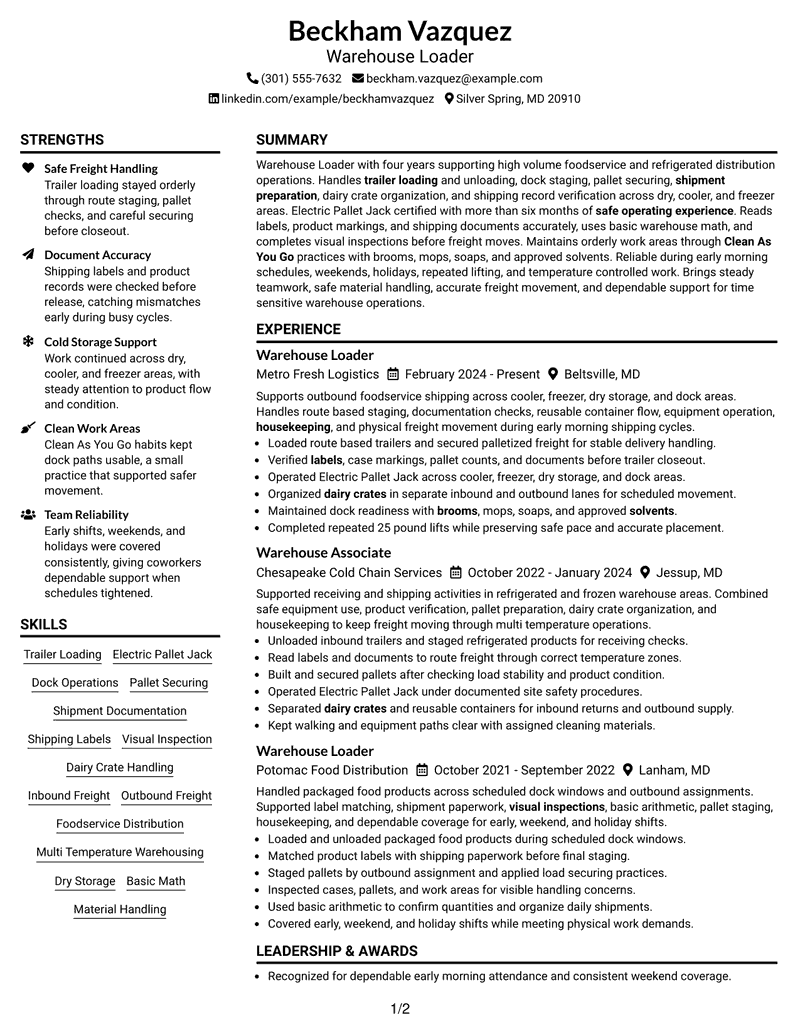
#1 Plain Two Column Format Resume Example
The Plain Two Column Format separates core resume sections into a balanced two-column structure that helps recruiters scan the document quickly.
Resume Snapshot
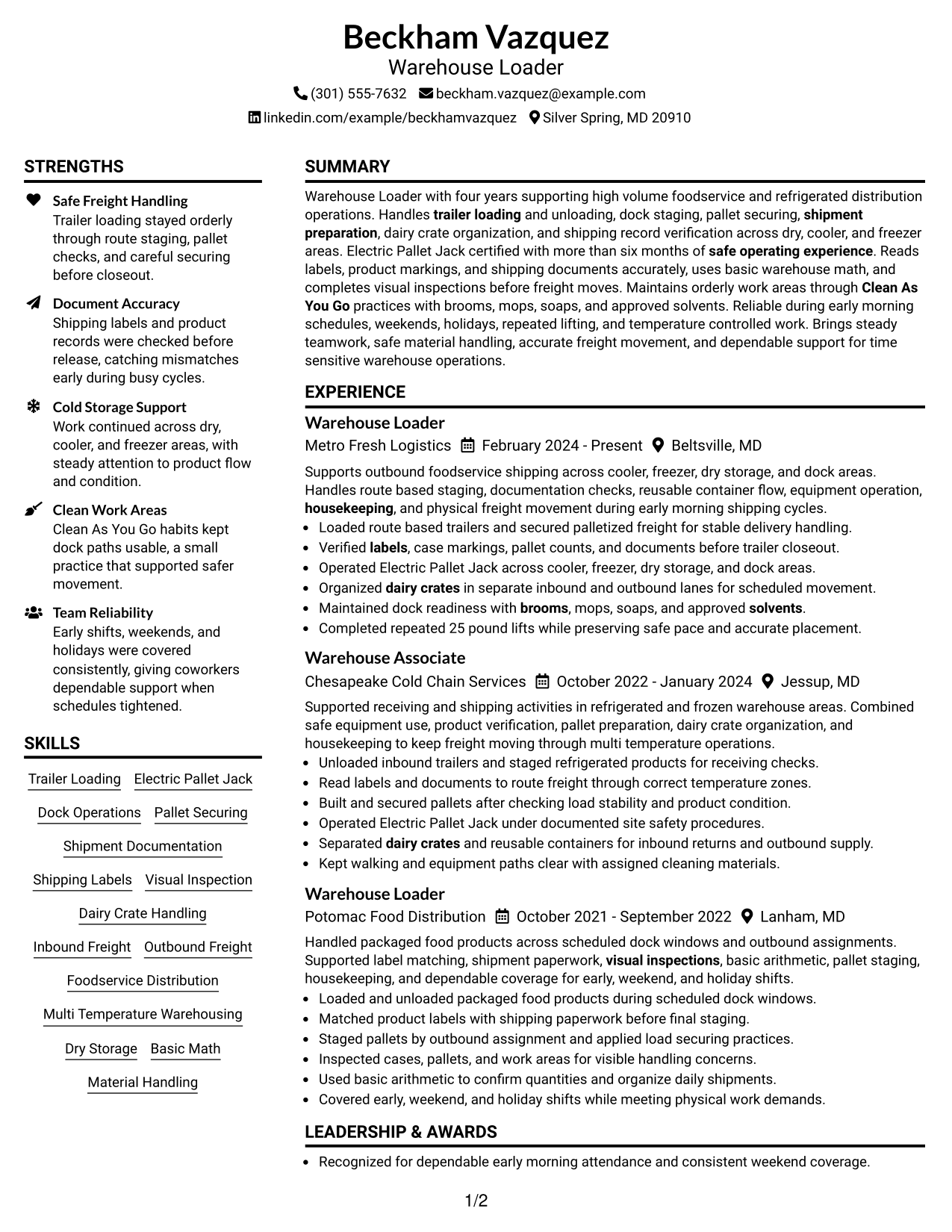
- Four years of foodservice and refrigerated distribution experience
- Electric Pallet Jack certified with more than six months of safe operation
- Experience across dry, cooler, freezer, dock, inbound, and outbound areas
- Reliable early-morning, weekend, holiday, and repeated 25-pound lifting work
Why This Format Works
- Two columns separate experience from supporting skills and credentials for faster review.
- Clear section boundaries help recruiters follow career progression without losing key details.
- Balanced space keeps education and credentials visible beside a detailed work history.
Best For
- Resumes with several distinct content sections
- Readers who prefer quick side-by-side scanning
- Work histories with supporting skills and credentials
- Warehouse Loader applications with varied operational evidence
- Documents needing clear separation without heavy styling
Resume Keywords
- Warehouse Loader
- Trailer loading
- trailer unloading
- dock staging
- shipment preparation
- Dairy Crate
- housekeeping
- labels
- Basic Math
- Clean As You Go
- brooms
- mops
- soaps
- solvents
- Visual Inspection
#2 Simple One Column Format Resume Example
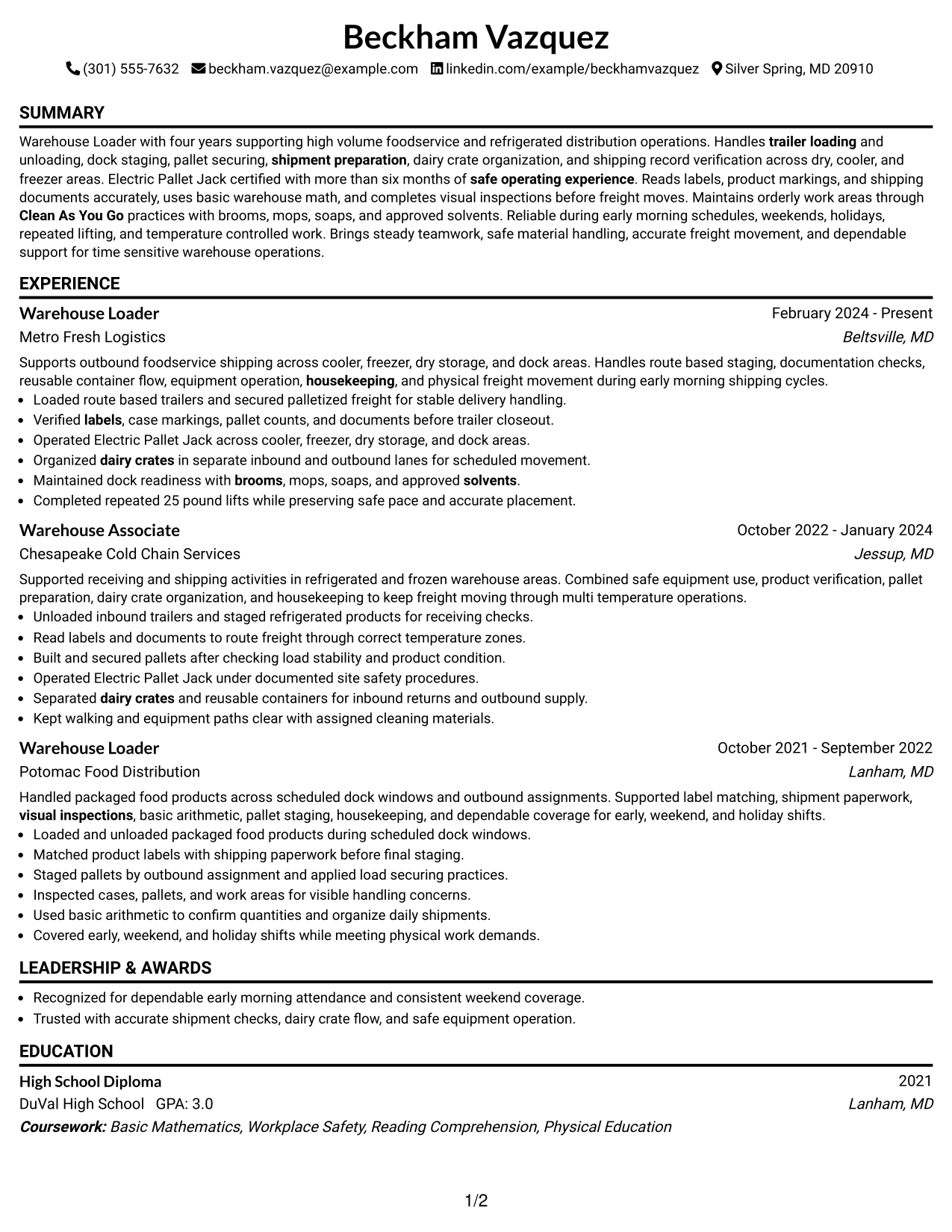
The Simple One Column Format places every section in one direct reading path, making it easy for recruiters to move from summary to experience and credentials.
Why This Format Works
- One reading path keeps experience and career progression easy to follow.
- Full-width sections give work history room for clear, readable achievement bullets.
- Straight section order helps recruiters move from skills to education and credentials.
Best For
- Straightforward chronological work histories
- Readers who want one clear reading path
- Detailed experience that benefits from full width
- Applications where simple structure matters most
- Resumes with limited need for parallel sections
#3 Clean Two Column Sidebar Format Resume Example
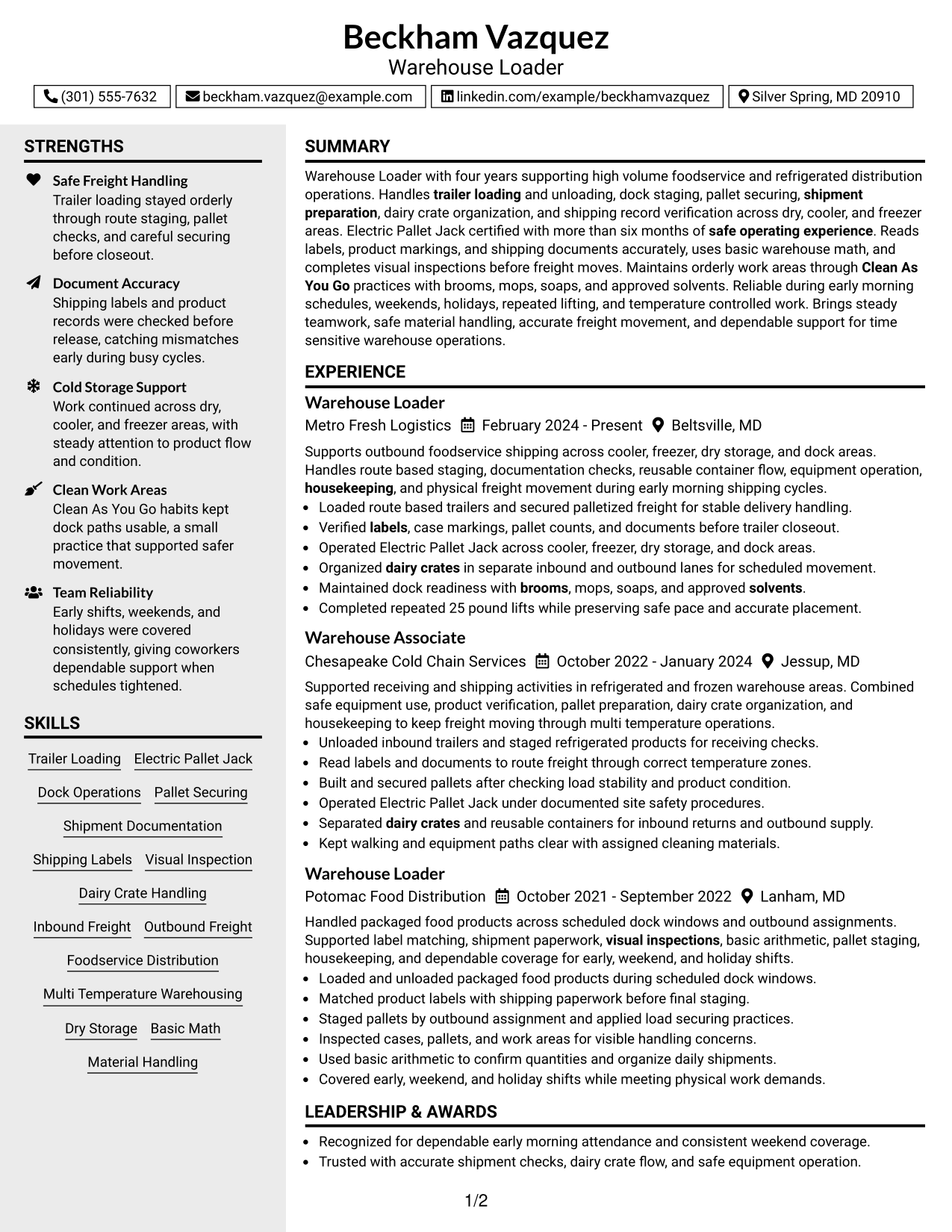
The Clean Two Column Sidebar Format uses a main content area with a supporting sidebar so recruiters can scan experience while locating shorter sections nearby.
Why This Format Works
- The main column gives experience space while the sidebar holds shorter sections.
- Parallel sections make skills and credentials easier to locate during quick review.
- Separated content areas reduce competition between detailed experience and supporting information.
Best For
- Experience-heavy resumes with shorter supporting sections
- Readers who scan work history before credentials
- Documents with compact skills and education content
- Applications needing clear visual section separation
- Profiles with several supporting resume categories
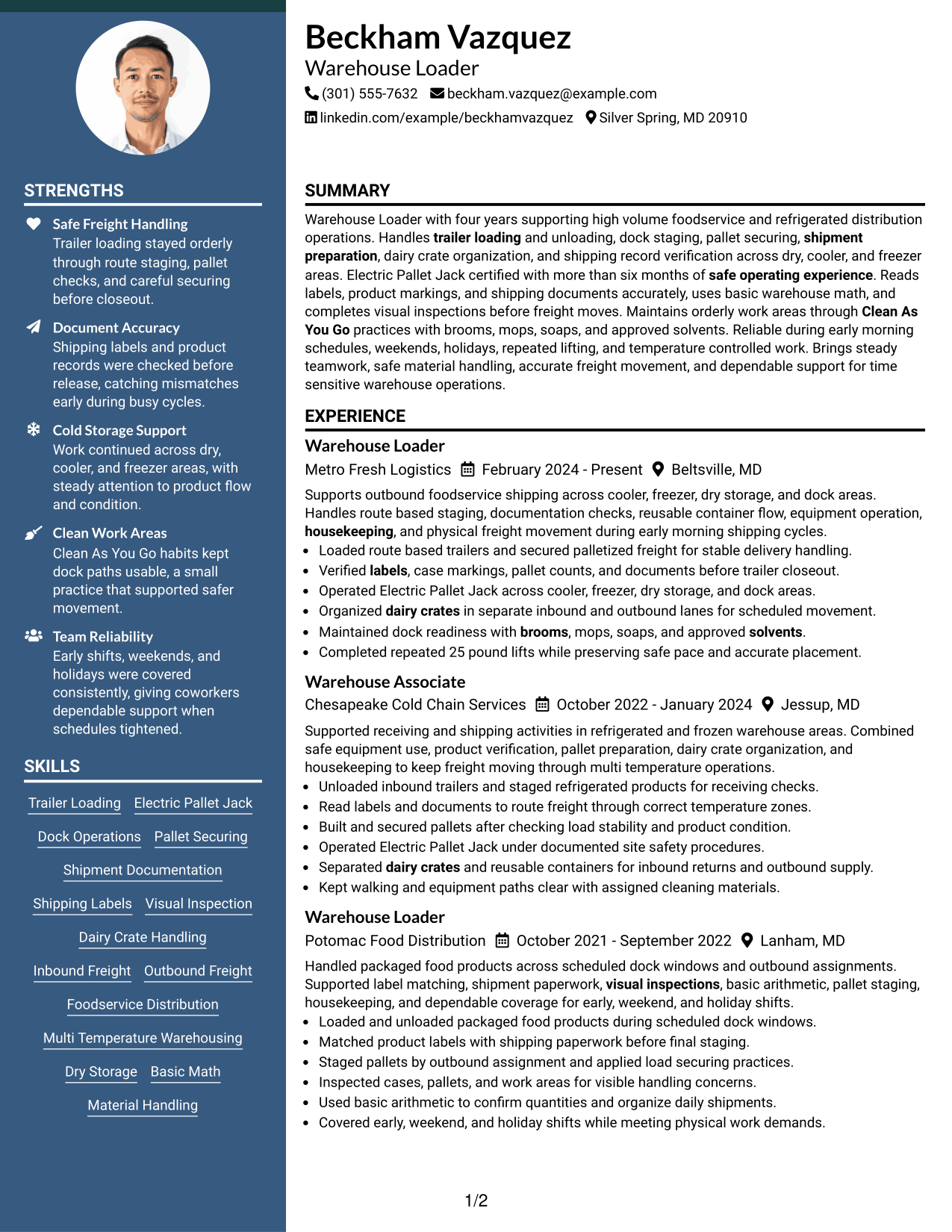
#4 Two Column Format Resume Example
The Two Column Format divides the resume into parallel content areas, helping recruiters compare work history with supporting qualifications without following one long vertical flow.
Why This Format Works
- Parallel columns shorten the distance between experience and supporting qualification sections.
- Side-by-side organization helps recruiters compare career history with skills and credentials.
- Distinct content zones keep education separate without interrupting the experience narrative.
Best For
- Resumes balancing work history and qualifications
- Readers comparing several section types at once
- Documents with medium-length experience sections
- Profiles needing visible education and credentials
- Applications that benefit from compact organization
#5 Photo Header Two Column Format Resume Example
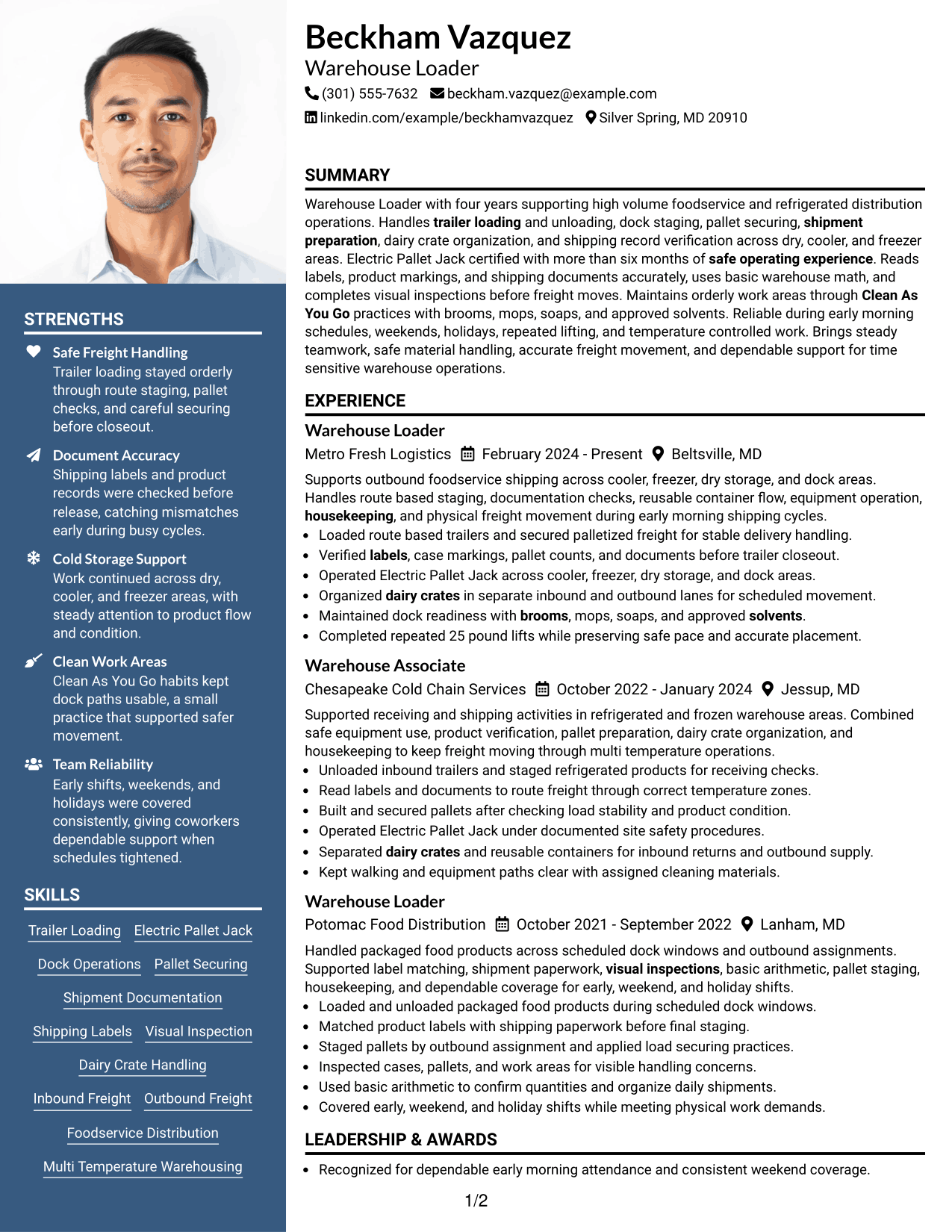
The Photo Header Two Column Format pairs a photo-based header with two body columns, giving recruiters a clear identity area and a structured path through resume sections.
Why This Format Works
- The photo header creates a distinct identity area before the resume sections begin.
- Two body columns separate detailed experience from shorter skills and credential sections.
- Section division helps recruiters locate education without disrupting career progression.
Best For
- Regions where resume photos are customary
- Applications that specifically permit professional photos
- Resumes with balanced main and supporting sections
- Readers who value a distinct header area
- Documents combining detailed experience with compact credentials
#6 Colored Two Column Format Resume Example
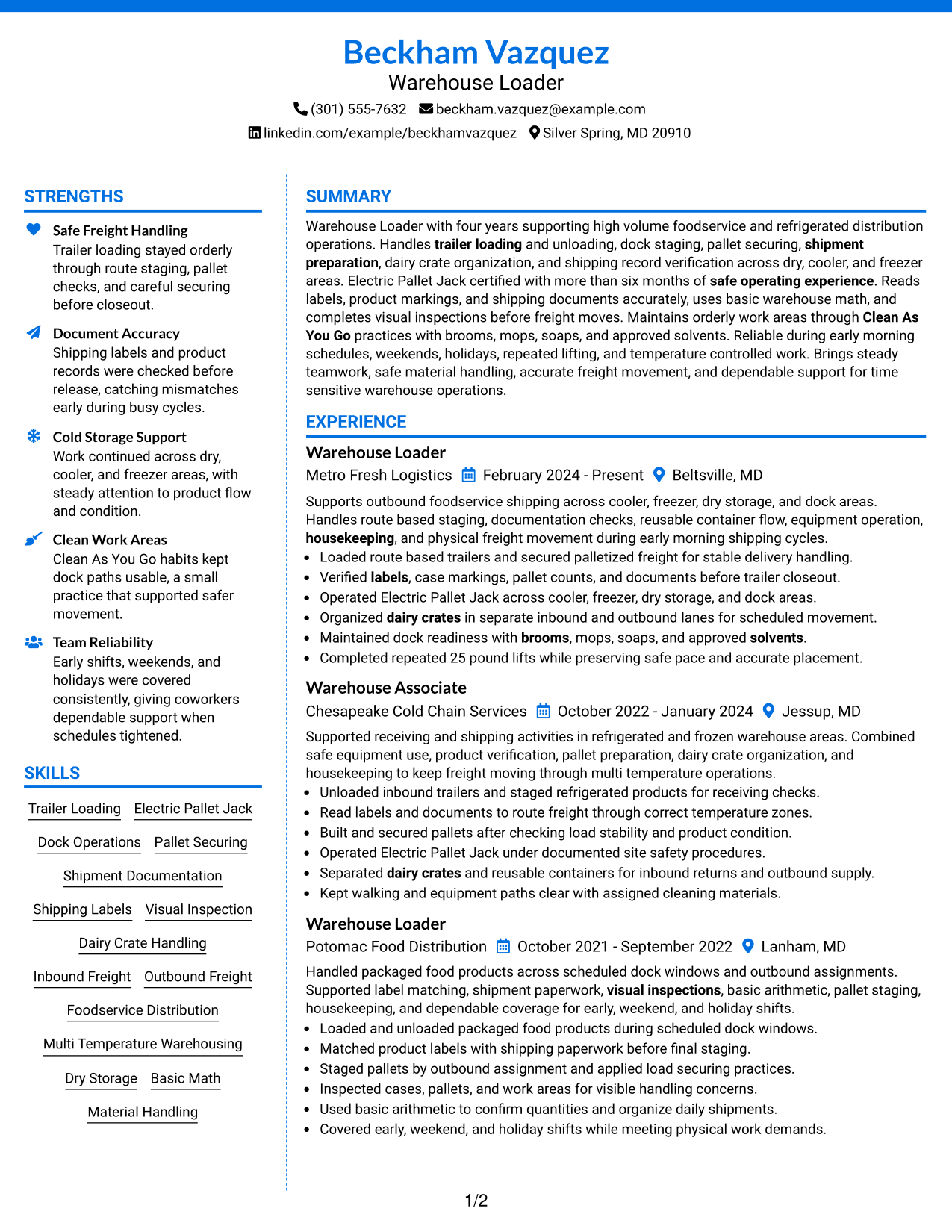
The Colored Two Column Format adds color to a two-column structure, using visual contrast to help recruiters distinguish major resume sections while scanning.
Why This Format Works
- Color contrast marks section boundaries while two columns organize different content groups.
- Structured columns keep experience readable beside concise skills and credential information.
- Visual separation helps education remain easy to find during a fast scan.
Best For
- Readers who benefit from stronger section contrast
- Resumes with several clearly separated content groups
- Applications allowing restrained professional color
- Profiles balancing detailed experience with short sections
- Documents needing easy navigation between resume categories
#7 Stylish Two Column Designer Format Resume Example
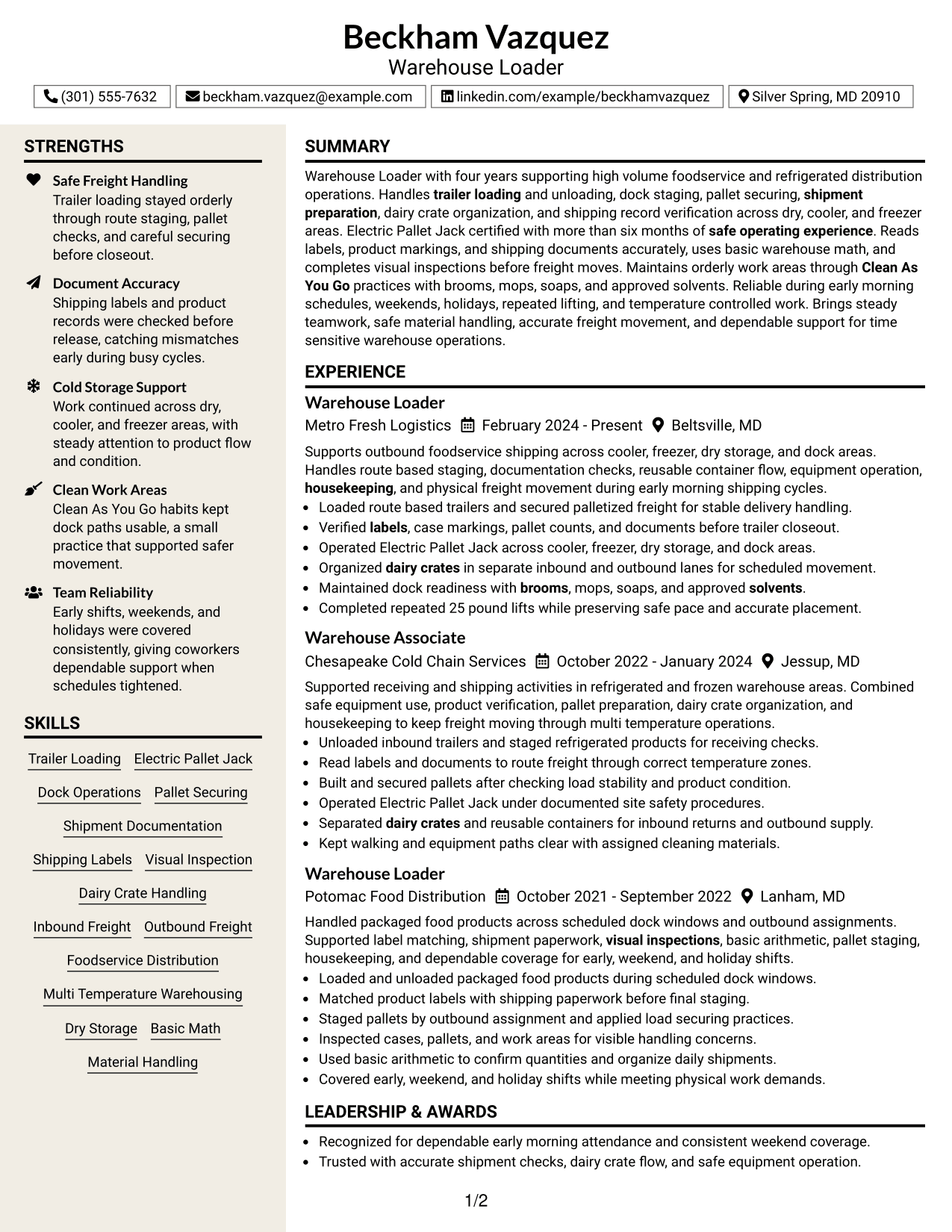
The Stylish Two Column Designer Format uses stronger visual styling within a two-column body, helping recruiters distinguish major sections without changing the resume content.
Why This Format Works
- Strong section styling makes experience, skills, and credentials easier to distinguish.
- Two-column organization gives detailed history and supporting sections separate visual space.
- Clear content blocks help recruiters locate education without breaking the reading sequence.
Best For
- Applications where polished visual styling is acceptable
- Readers who prefer strongly separated resume sections
- Resumes with multiple supporting qualification categories
- Profiles that need compact two-column organization
- Documents where visual hierarchy aids quick review
Why Build Your Warehouse Loader Resume with ResumeInMinutes
ResumeInMinutes helps you turn warehouse experience into clear resume sections that are easier to review and tailor. You can keep physical work, equipment use, shipment accuracy, and safety details organized without hiding them inside long paragraphs.
- Clear resume format choices
- ATS-friendly section structure
- Role-specific keyword guidance
- Organized experience and skills
- Free PDF resume previews
- Easy resume customization
You can adjust the wording and layout while keeping the resume centered on Warehouse Loader work, including freight movement, documentation checks, material handling, housekeeping, and dependable shift coverage.
See Also
- 7 Outbound Loader - Warehouse Distribution Resume Templates with Example
- 33 CDL Shuttle Driver - Warehouse Transport Resume Templates with Example 2026 (ATS-Optimized)
- 33 Customer Service/Warehouse Staff Resume Templates with Example 2026 (ATS-Optimized)
- 7 Distribution Specialist II - GMP Materials and Warehouse Operations Resume Templates with Example
- 7 Driver CDL/Warehouse Associate Resume Templates with Example
- 7 Inbound Warehouse Manager Resume Templates with Example
- 7 Janitor - Warehouse Facilities Resume Templates with Example
- 33 Lead Warehouse Associate Resume Templates with Example 2026 (ATS-Optimized)
- 30+ WAREHOUSE LOADER Cover Letter Templates with Example 2026
- 30+ Customer Service/Warehouse Staff Cover Letter Templates with Example 2026
Frequently Asked Questions
Are these Warehouse Loader resume templates ATS-friendly?
Yes. The layouts use clear headings and standard resume sections that make role keywords easier for ATS software and recruiters to find.
Are these seven different Warehouse Loader resumes?
No. The guide shows one complete Warehouse Loader resume in different visual formats so you can compare the layouts without changing the underlying career facts.
What should a Warehouse Loader resume include?
Include a focused summary, work experience, relevant skills, education, and certifications. Add specific evidence of loading, staging, equipment use, shipment checks, physical work, and safety when those details are true for you.
Can I download the resume templates as PDFs?
Yes. Each design includes a free PDF preview so you can review the layout before choosing a format for your resume.
Which resume style is best for a Warehouse Loader position?
A simple one-column format is often easy to follow, while a clear two-column format can separate skills and credentials from work history. Choose the layout that keeps your strongest evidence easy to find.
What keywords can help a Warehouse Loader resume?
Use exact terms that match your real experience, such as trailer loading, trailer unloading, dock staging, pallet securing, shipment documentation, shipping labels, visual inspection, material handling, and warehouse safety.
Should I include a photo on my resume?
For U.S. applications, a no-photo resume is usually the safer choice unless a photo is specifically expected for the application or region.
Can I customize these resume templates?
Yes. You can change the resume text, section order, and design while keeping the content accurate for your Warehouse Loader experience.