
7 Workday Integration - Application Consultant Resume Templates with Example
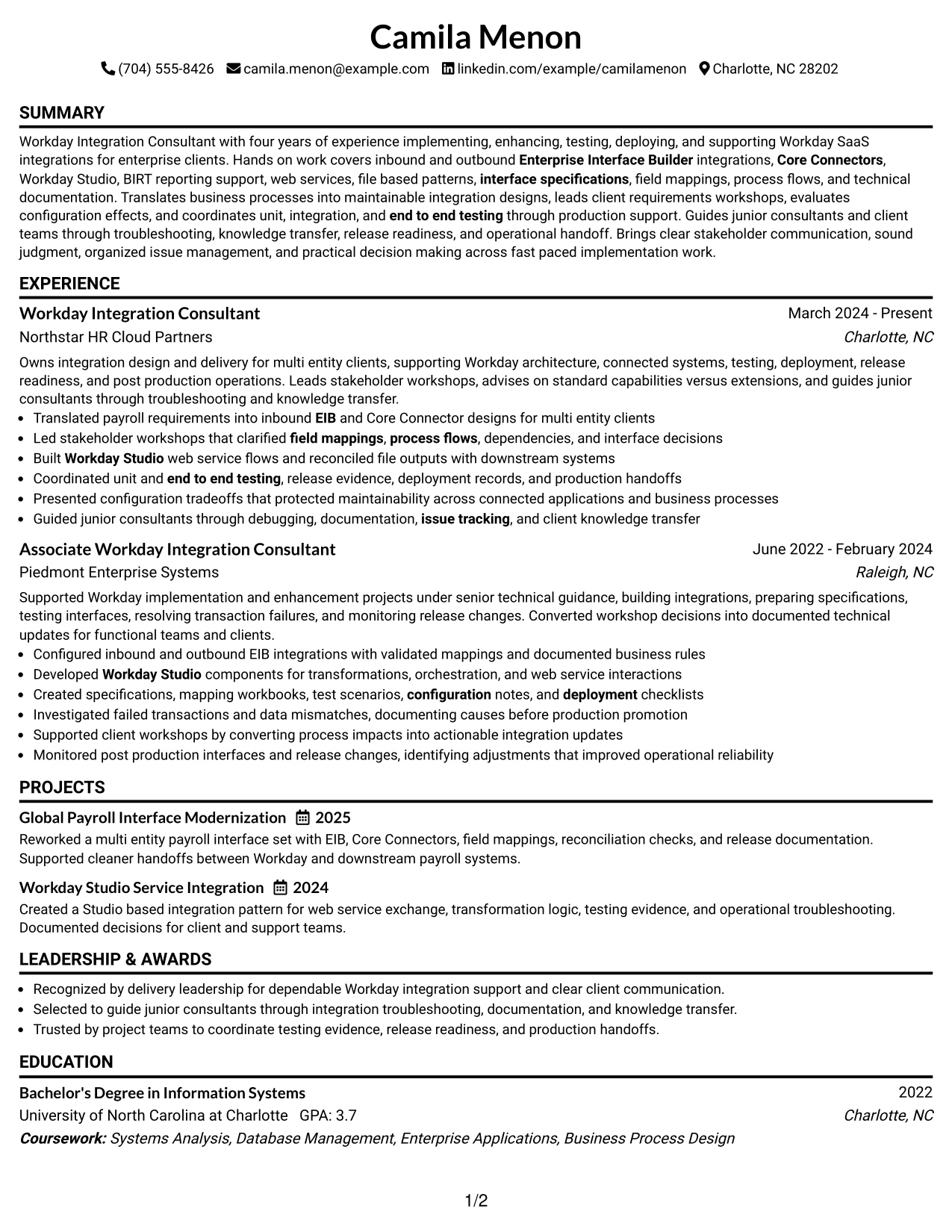
This practical guide shows you how to build a Workday Integration - Application Consultant resume that is clear, focused, and easy to review. You will learn how to organize evidence so recruiters can find your strongest qualifications quickly.
Strong resumes for this role connect Workday integration work with clear delivery evidence. Use focused sections for EIB, Core Connectors, Workday Studio, BIRT support, web services, file-based integrations, requirements workshops, testing, deployment, and post-production support.
The same complete resume is shown in 7 ATS-friendly resume layouts so you can compare reading order, section structure, and visual balance. Use the notes to choose a format that keeps technical depth easy to scan without hiding important experience.
What Makes a Great Workday Integration - Application Consultant Resume in 2026
A strong resume is easy to scan, specific, and evidence-based. It should show integration design, testing, deployment, support, and client-facing work in clear sections.
Match important job language with facts you can support, including EIB, Core Connectors, Workday Studio, Workday BIRT, web services, field mappings, end-to-end testing, and technical documentation.
The examples shown below are intentionally detailed to demonstrate a range of experiences, skills, accomplishments and relevant keywords. We prefer detailed resumes as they provide more context to the hiring managers and also help the ATS systems identify relevant qualifications and score your resume better for a match. But the length of a resume is an individual choice. If you want a one page resume, just keep the most relevant experience and information for the job. Note: Resume examples are for educational purposes only. Use only information that accurately reflects your experience and qualifications. References to real organizations do not imply affiliation or endorsement.
#1 Simple One Column Format Resume Example
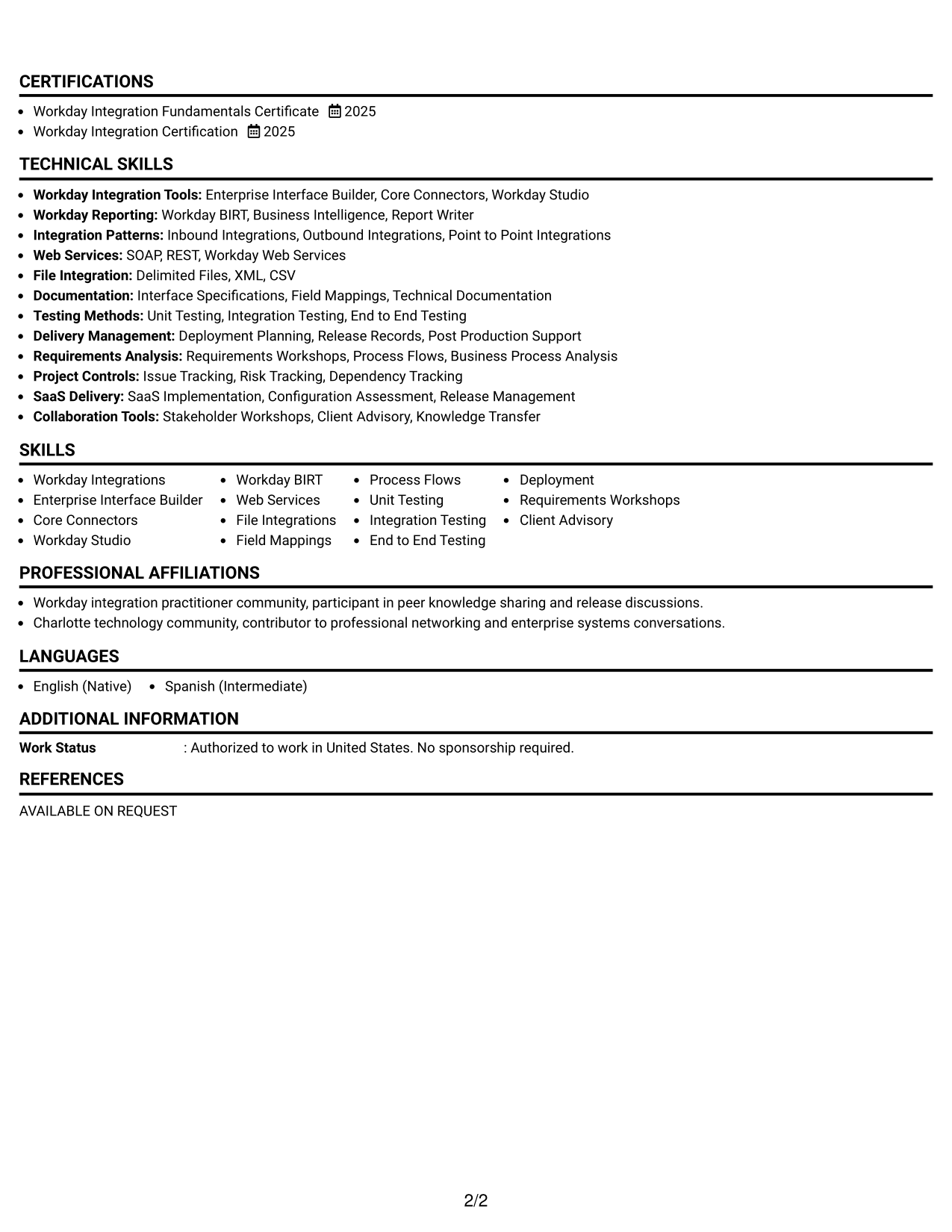
The Simple One Column Format gives recruiters a direct top-to-bottom path through each resume section.
Why This Format Works
- Straight reading order keeps career progression easy to follow.
- Full-width sections give achievements room without splitting attention.
- Clear section sequence makes skills, education, and credentials easy to locate.
Best For
- Straightforward ATS reading order
- Experience-heavy resumes
- Detailed achievement bullets
- Clear career progression
- Traditional professional applications
Resume Keywords
- Workday Integrations
- Enterprise Interface Builder (EIB)
- Core Connectors
- Workday Studio
- Workday BIRT
- Workday Web Services
- File-Based Integrations
- Interface Specifications
- Field Mappings
- End-to-End Testing
- Deployment
- Post-Production Support
#2 Plain One Column with Shaded Labels Resume Example
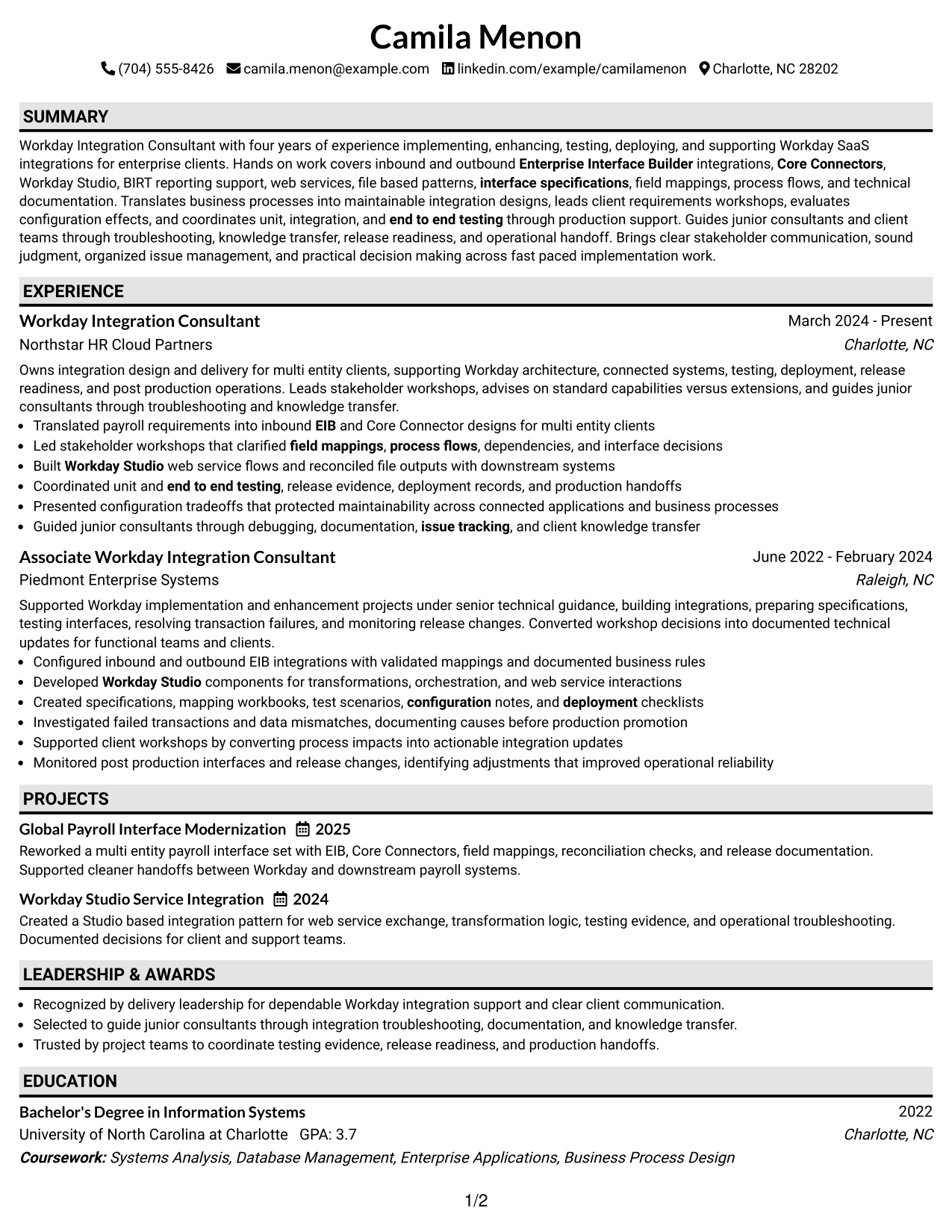
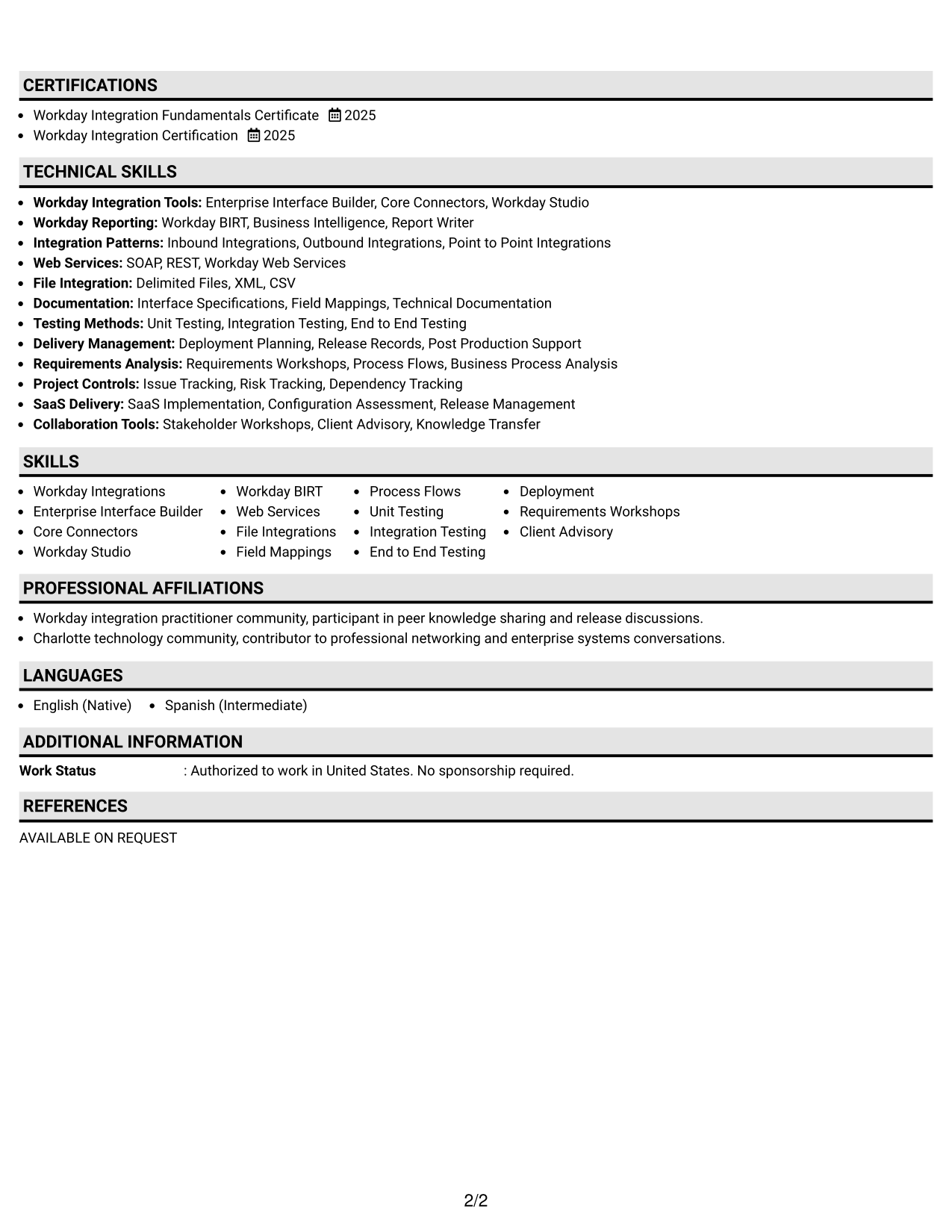
The Plain One Column with Shaded Labels helps recruiters spot section changes while keeping one continuous reading flow.
Why This Format Works
- Shaded labels separate experience, skills, education, and credentials clearly.
- One continuous column keeps dates and progression easy to trace.
- Visible section breaks help recruiters return quickly to key evidence.
Best For
- Long section lists
- Frequent section scanning
- Clear date sequencing
- Technical resumes with many categories
- Readers who prefer strong labels
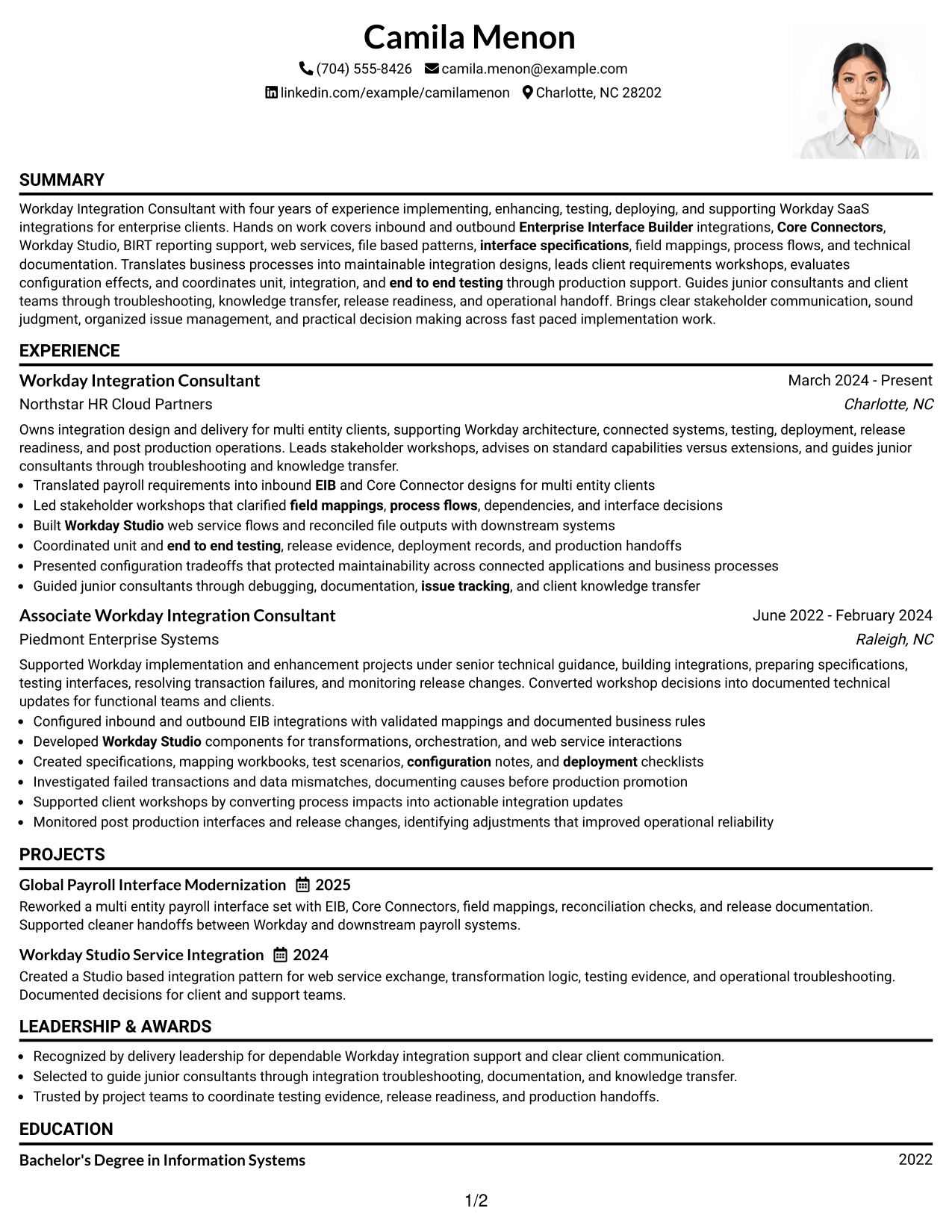
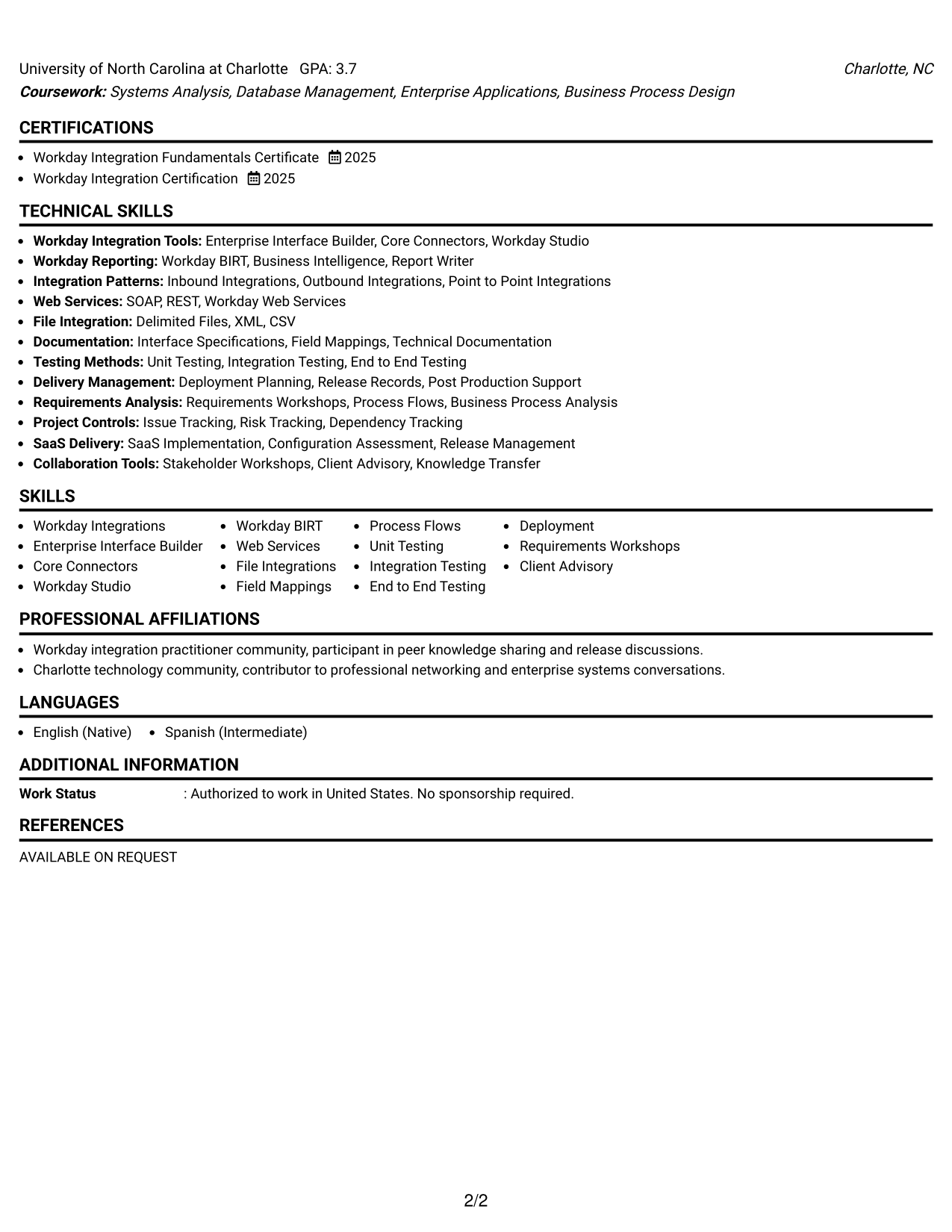
#3 One Column Format with Photo Right Resume Example
The One Column Format with Photo Right keeps the body linear while a right-side photo adds personal identification.
Why This Format Works
- Linear body order keeps experience and achievements simple to scan.
- Full-width sections preserve space for skills, education, and credentials.
- Photo stays separate from the body, so content remains easy to follow.
Best For
- Markets where photos are expected
- Linear professional histories
- Content that needs full-width space
- Applications with formal profile presentation
- Readers who value simple sequencing
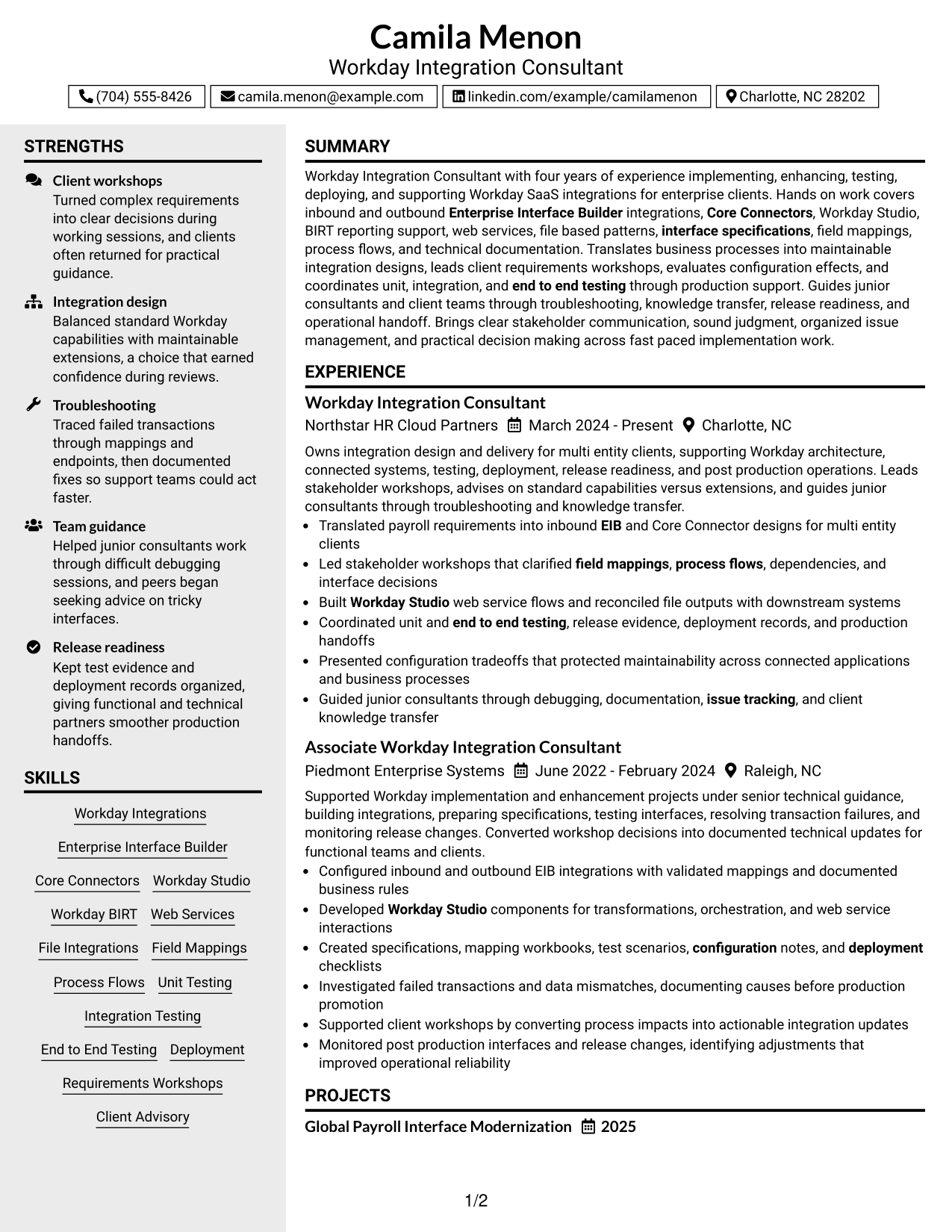
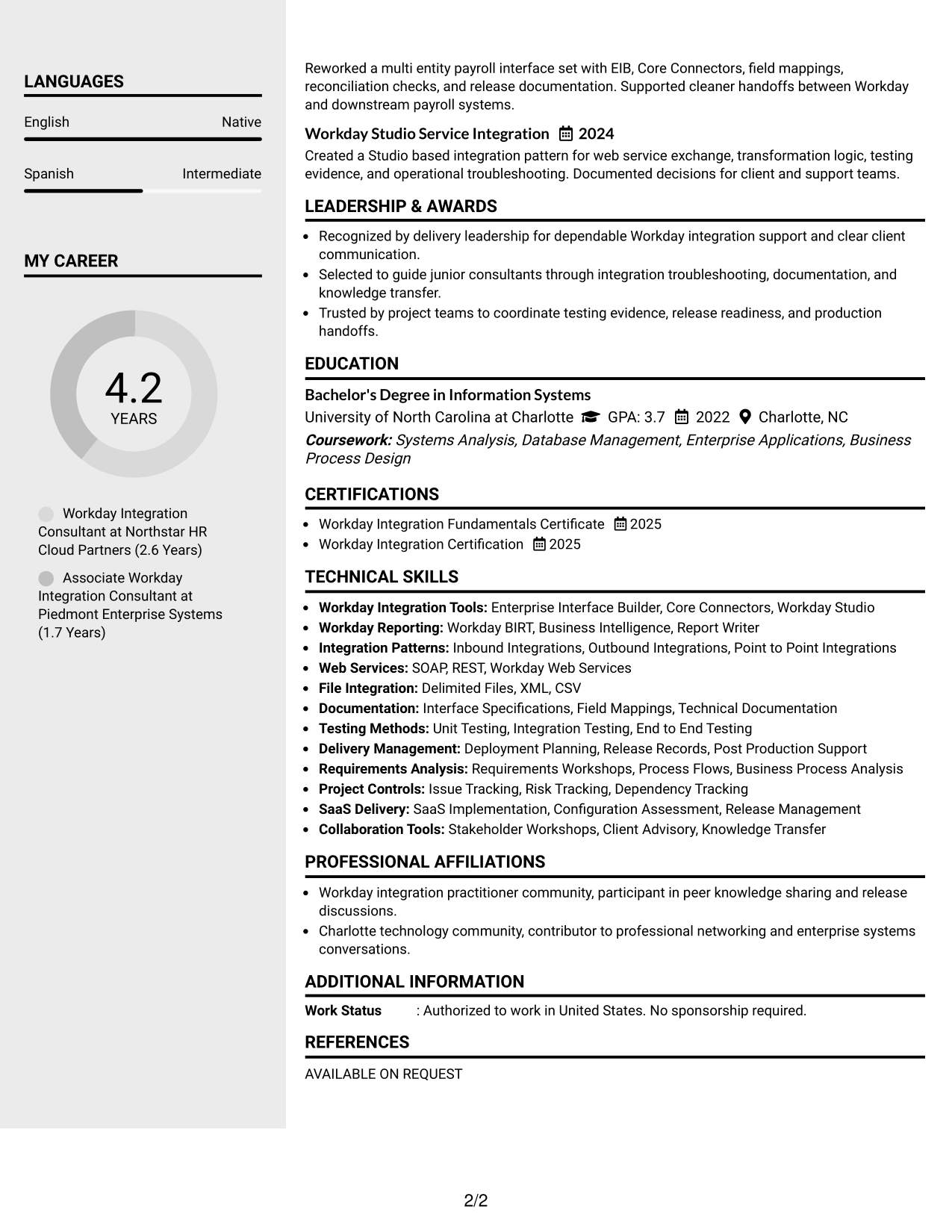
#4 Clean Two Column Sidebar Format Resume Example
The Clean Two Column Sidebar Format lets recruiters scan core experience beside compact supporting sections.
Why This Format Works
- Two-column organization separates career history from supporting qualifications.
- Sidebar space keeps skills and credentials visible without crowding experience.
- Parallel sections reduce scrolling between achievements and supporting details.
Best For
- Resumes with many technical skills
- Compact credential sections
- Balanced experience and qualifications
- Fast cross-checking between sections
- Readers comfortable with two-column layouts
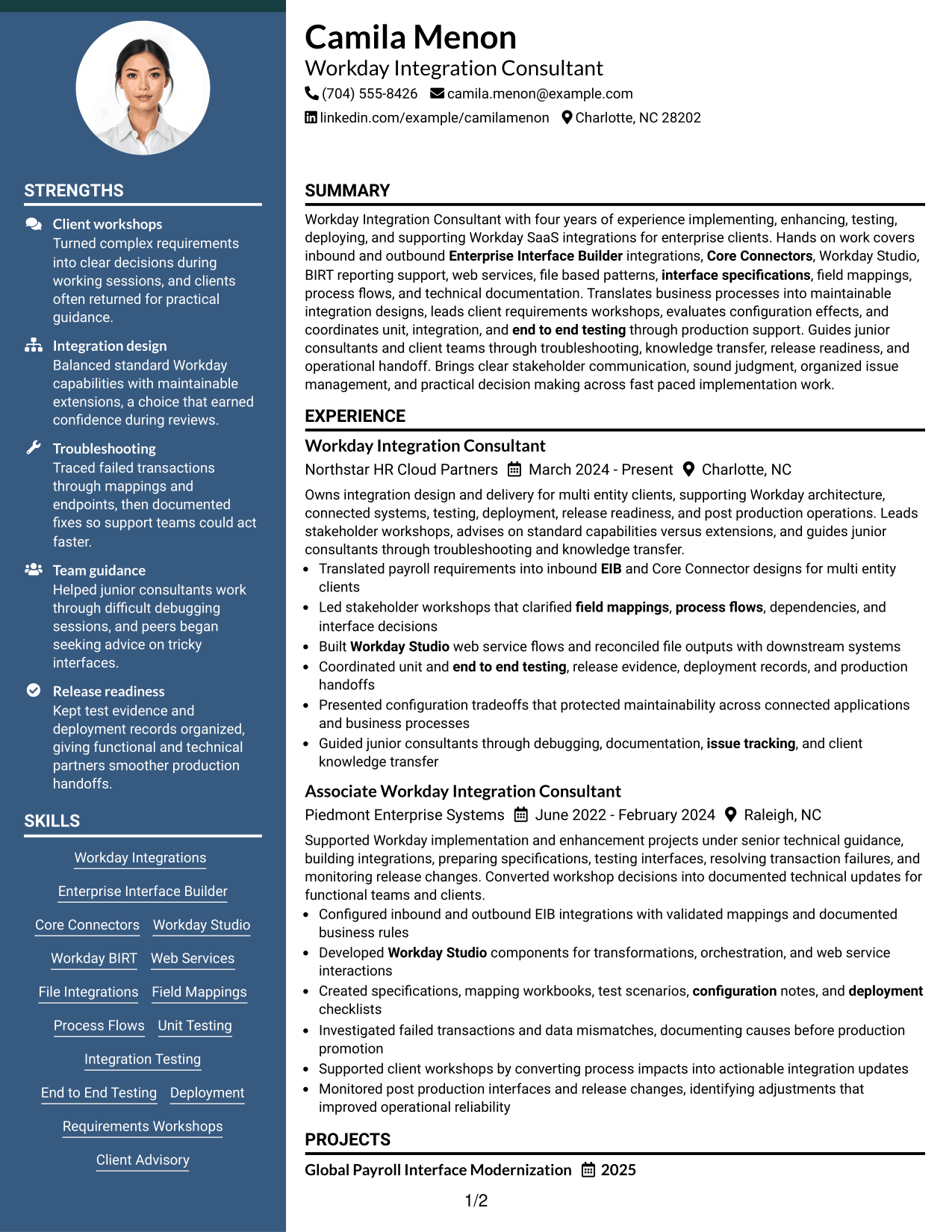
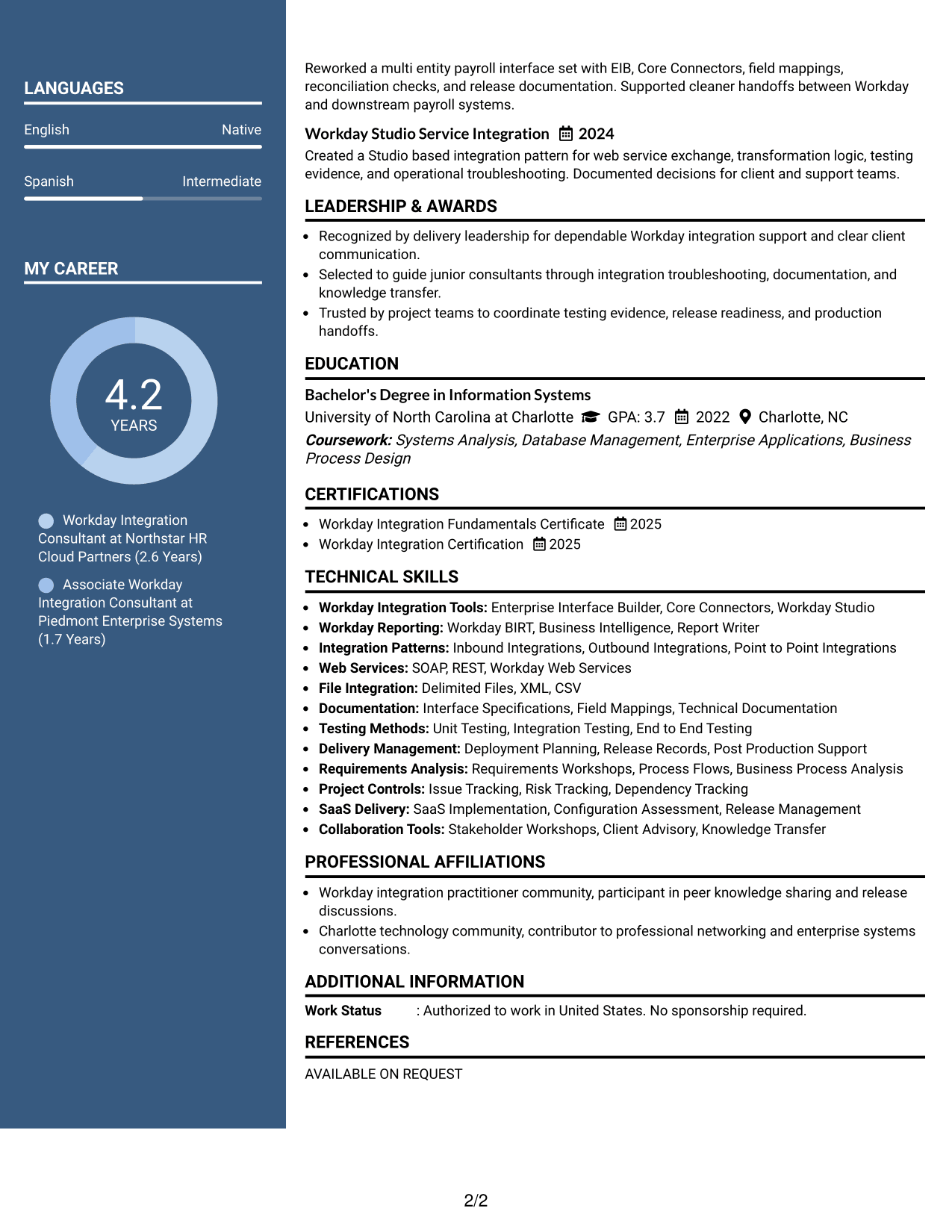
#5 Two Column Format Resume Example
The Two Column Format gives recruiters parallel access to major resume sections without forcing every detail into one stream.
Why This Format Works
- Parallel columns make broad qualifications easier to review side by side.
- Separate content areas keep experience distinct from education and credentials.
- Balanced space helps dense achievements remain readable across the page.
Best For
- Broad qualification sets
- Mixed experience and project content
- Detailed skills sections
- Resumes needing balanced visual density
- Side-by-side section comparison
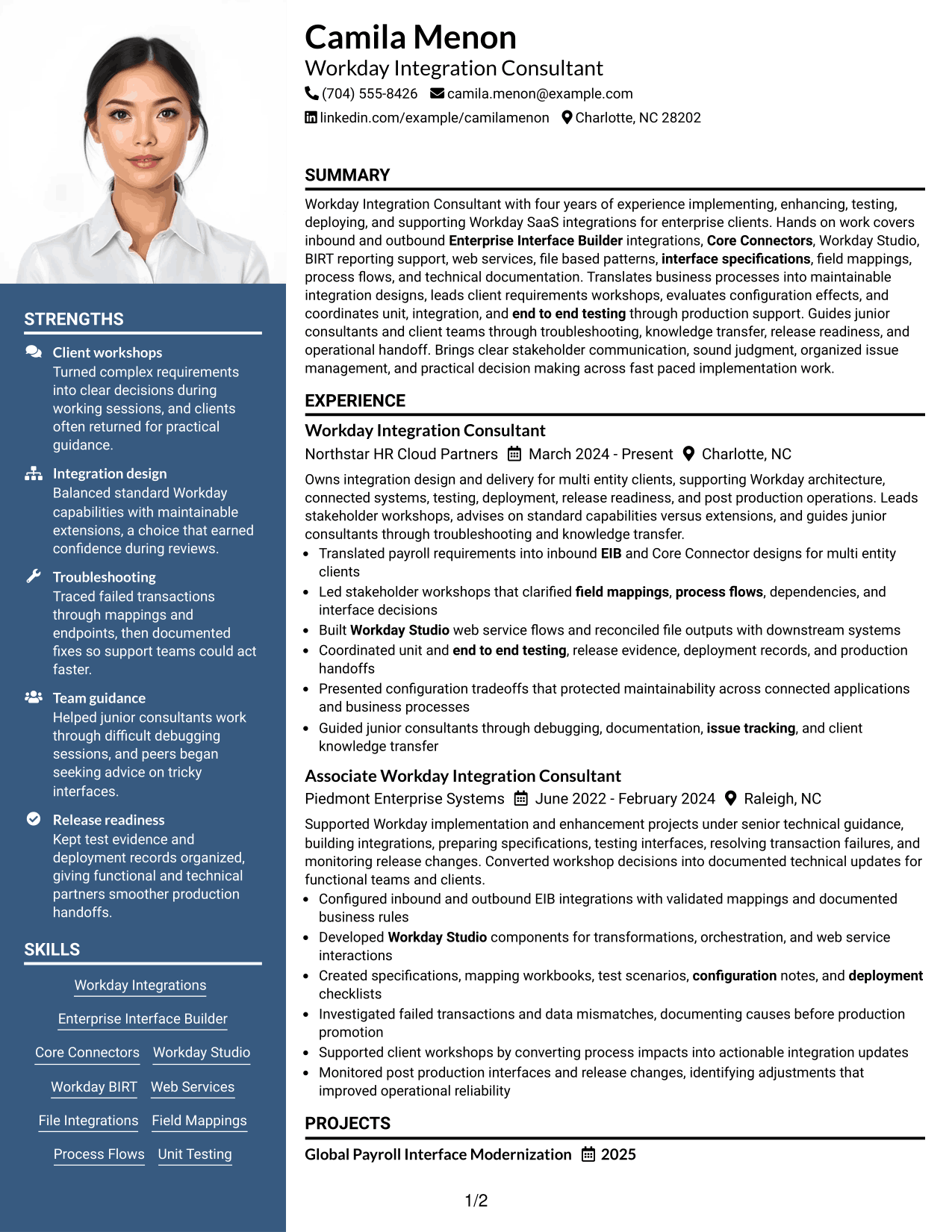
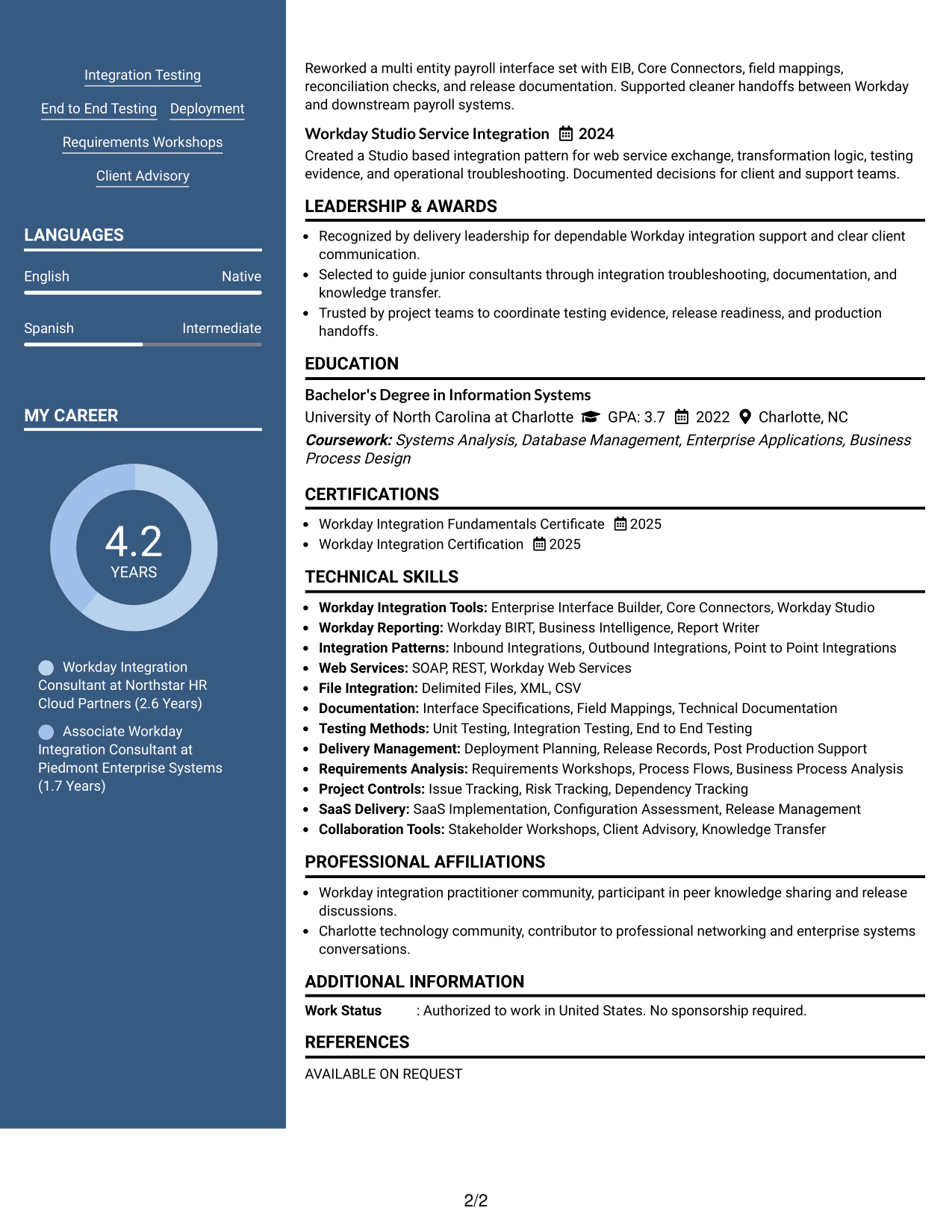
#6 Photo Header Two Column Format Resume Example
The Photo Header Two Column Format combines a visible identity header with two-column organization for faster section comparison.
Why This Format Works
- Header photo identifies the person without changing body reading order.
- Two columns keep experience and supporting qualifications clearly separated.
- Section contrast helps recruiters compare achievements, skills, and credentials quickly.
Best For
- Markets that commonly use photos
- Profiles needing strong identity details
- Two-column section comparison
- Resumes with substantial supporting qualifications
- Applications outside standard U.S. conventions
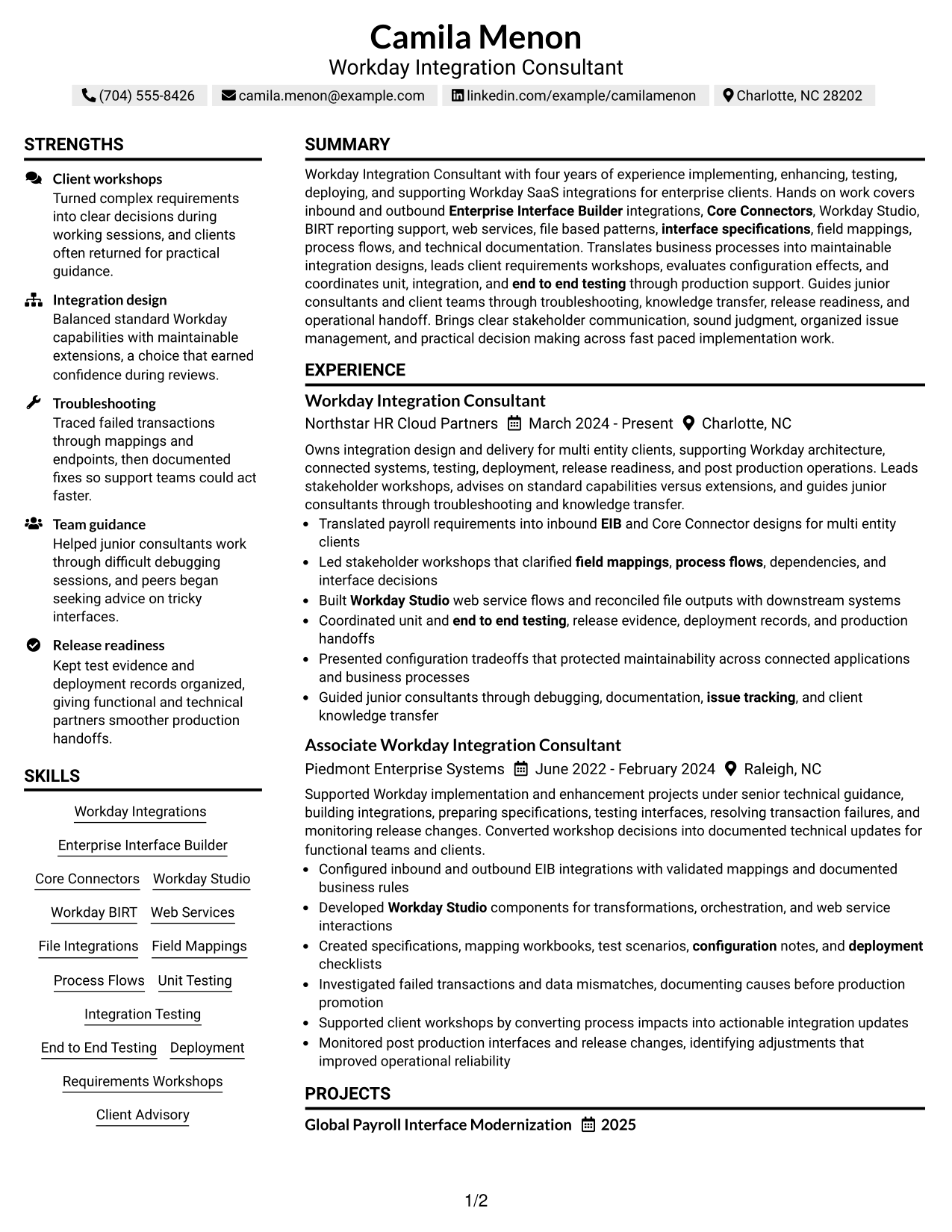
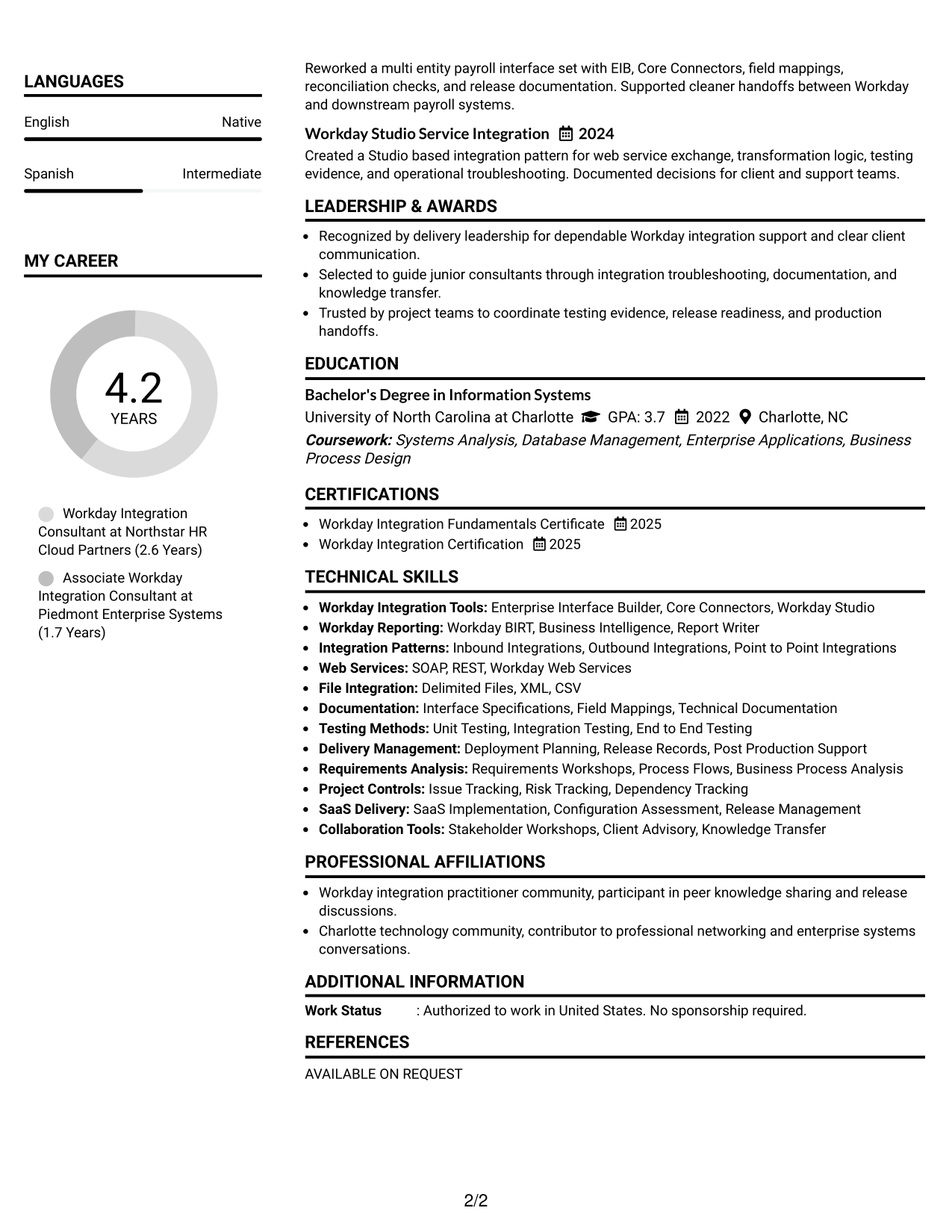
#7 Simple Two Column Format Resume Example
The Simple Two Column Format helps recruiters compare key sections quickly while keeping the design restrained and easy to read.
Why This Format Works
- Simple columns divide experience from supporting sections without visual clutter.
- Compact structure keeps skills and credentials near broader career evidence.
- Consistent spacing helps recruiters move between achievements and qualifications smoothly.
Best For
- Compact technical resumes
- Balanced section lengths
- Clear separation of evidence
- Applications needing restrained visual style
- Readers comparing qualifications quickly
See Also
- 7 Integration Engineer 3, Workday - Functional (HCM) Resume Templates with Example
- 7 Workday Compensation Application Consultant - Core and Advanced Compensation Resume Templates with Example
- 7 Workday Reporting & Prism Analytics - Application Consultant Resume Templates with Example
- 7 Workday Security - Application Consultant Resume Templates with Example
- 7 Senior Integrations Consultant (Financial) Resume Templates with Example
- 7 Senior HR Systems Solutions Architect (Workday) Resume Templates with Example
- 7 Workday Product Operations Manager Resume Templates with Example
- 33 AI Platform & Integrations Software Engineer Resume Templates with Example 2026 (ATS-Optimized)
- 30+ AI Platform & Integrations Software Engineer Cover Letter Templates with Example 2026
- 30+ Mid-Level Systems Integration Engineer Cover Letter Templates with Example 2026
Frequently Asked Questions
Are these Workday Integration - Application Consultant resume templates ATS-friendly?
Yes. The formats use clear section structure and readable headings. Keep your wording close to the job description when the same skills and duties are supported by your own experience.
Are these different resumes?
No. This guide uses one complete resume and presents the same content in different visual formats so you can compare structure and readability.
What should a Workday Integration - Application Consultant resume include?
Include a focused summary, Workday integration experience, technical skills, testing and deployment work, education, certifications, projects, and client-facing responsibilities that you can support with real evidence.
Which Workday skills should I place near the top?
Prioritize the skills most relevant to the job and supported by your background, such as EIB, Core Connectors, Workday Studio, BIRT, web services, file-based integrations, field mappings, and testing.
How should I write Workday integration experience bullets?
Start with the action you owned, then show the integration or delivery task and the result or business value when available. Keep each bullet specific and easy to verify.
Should I include Workday certifications?
Yes, when they are current and accurate. Place relevant Workday credentials in a clear certification section so recruiters can confirm them quickly.
Should I include a photo on my resume?
For U.S. applications, a no-photo resume is usually the safer choice. Use a photo only when it is customary or expected in the country or market where you are applying.
Can I customize these resume templates?
Yes. Adjust the wording, section order, spacing, and design while keeping your strongest Workday integration evidence easy to find and consistent with the target role.




