
7 Workforce Analyst II - Call Center Workforce Management Cover Letter Templates with Example
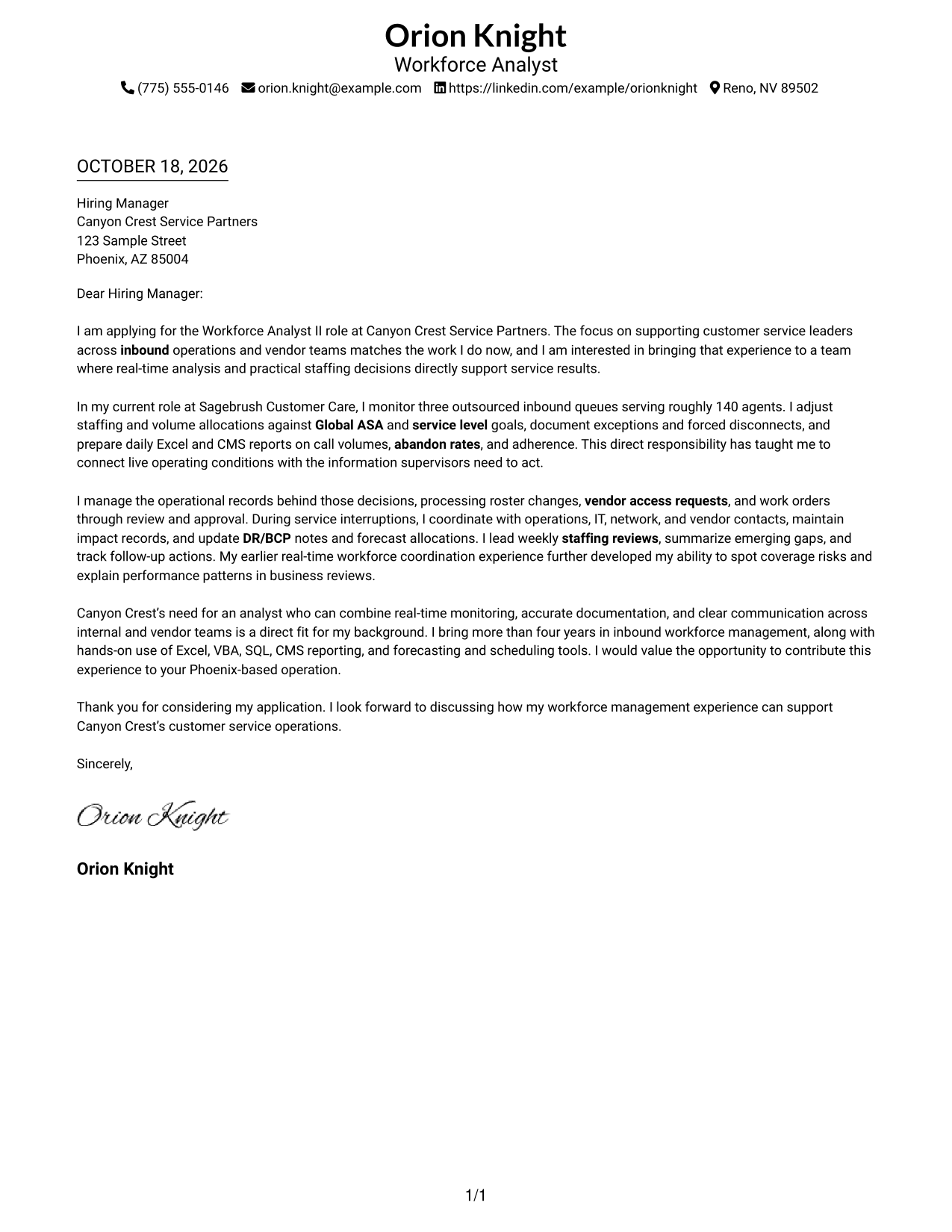
This practical guide helps you write a Workforce Analyst II - Call Center Workforce Management cover letter, compare seven layouts, and connect real-time staffing decisions to clear service-focused communication.
What Makes a Great Workforce Analyst II - Call Center Workforce Management Cover Letter in 2026
A strong letter explains how real-time monitoring and staffing decisions support inbound call center service goals. It also makes your interest in the role clear.
Use specific evidence, such as ASA and service-level reporting, roster updates, or outage coordination. Connect that evidence to the employer’s needs with clear, direct language.
The featured example moves from role interest to live-operations evidence, operational coordination, and a clear close. Adapt that focused progression, choosing a presentation suited to the employer and the communication context.
#1 Simple One Column Format Cover Letter Example
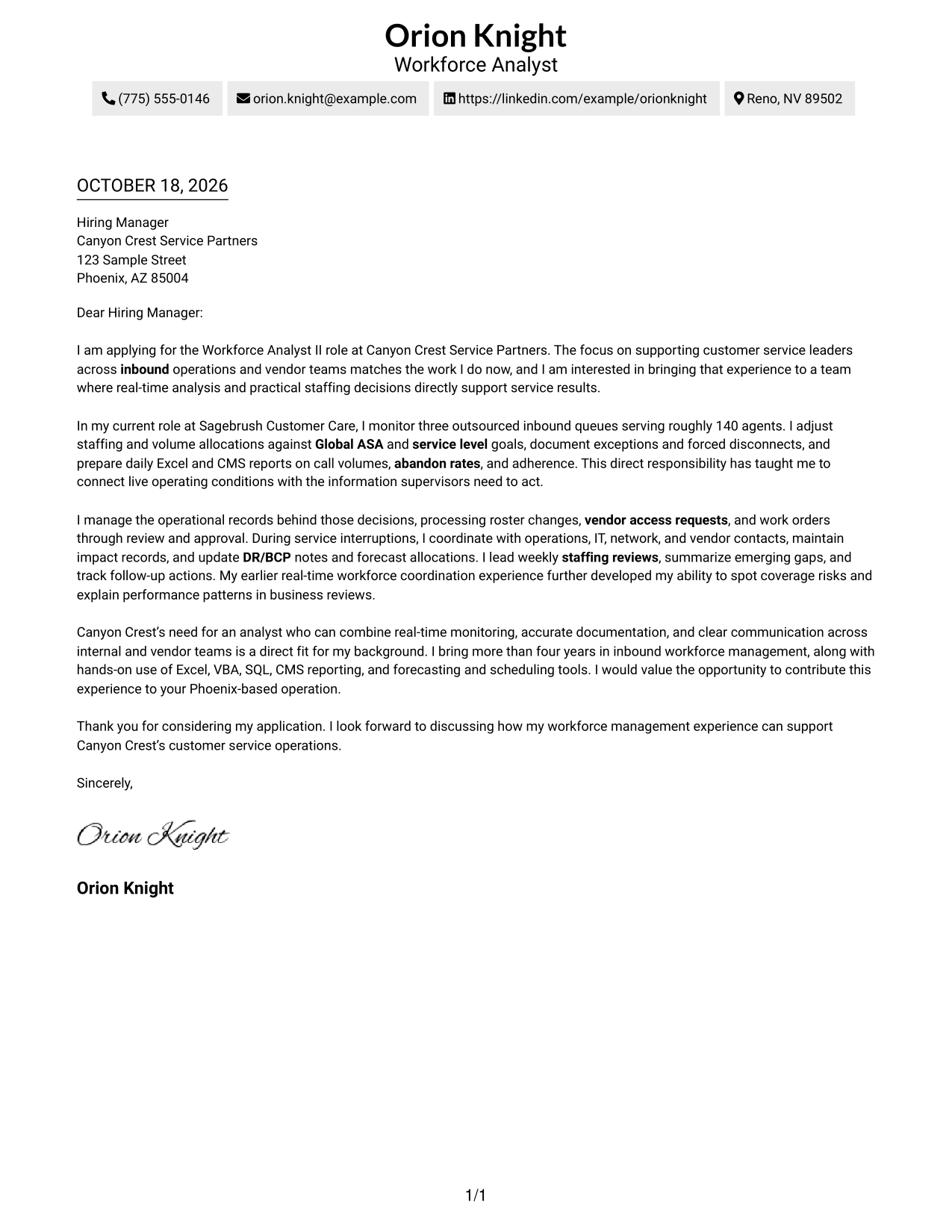
Simple One Column Format keeps sender details in the header above one continuous letter body, giving the message a direct reading path.
Why This Format Works
- Sender details stay in the header, keeping the letter body focused on its message.
- Reviewers can follow motivation, supporting evidence, and closing in one reading path.
- A single column keeps the letter's paragraphs together from opening to sign-off.
Best For
- Single-column letter layouts
- Continuous paragraph-based arguments
- Header-based contact details
- Letters with a clear reading order
- Photo-free applications
#2 Two Column Format Cover Letter Example
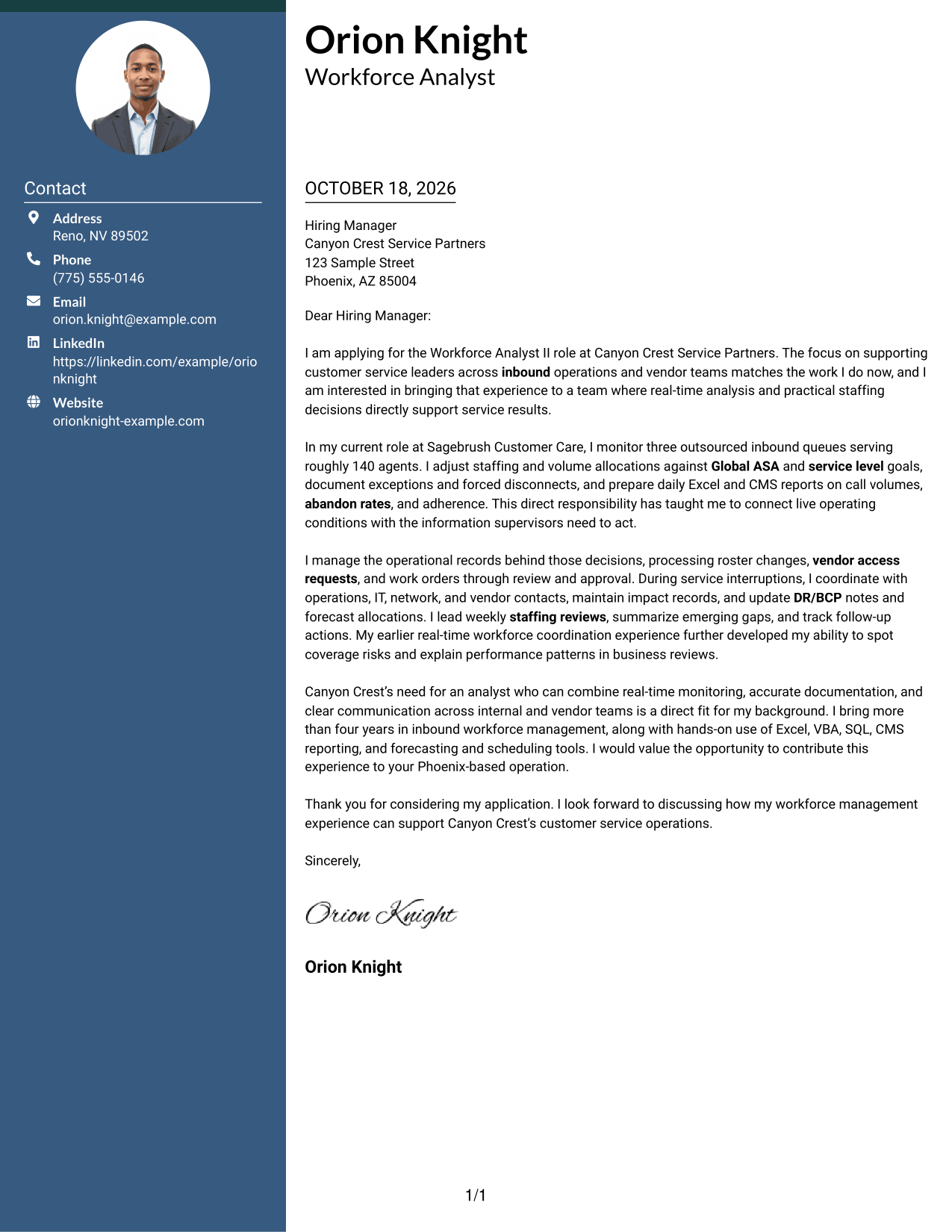
Two Column Format places contact details in a sidebar beside one continuous letter body, keeping practical information apart from the application message.
Why This Format Works
- A sidebar keeps contact details available without interrupting the letter's paragraphs.
- The single letter column preserves the order from opening through closing.
- Separate areas distinguish sender information from the case made to the employer.
Best For
- Contact details beside the letter body
- One continuous application argument
- Quick access to sender information
- Paragraph-led employer messages
- Photo-free letter layouts
#3 Photo Header Two Column Format Cover Letter Example
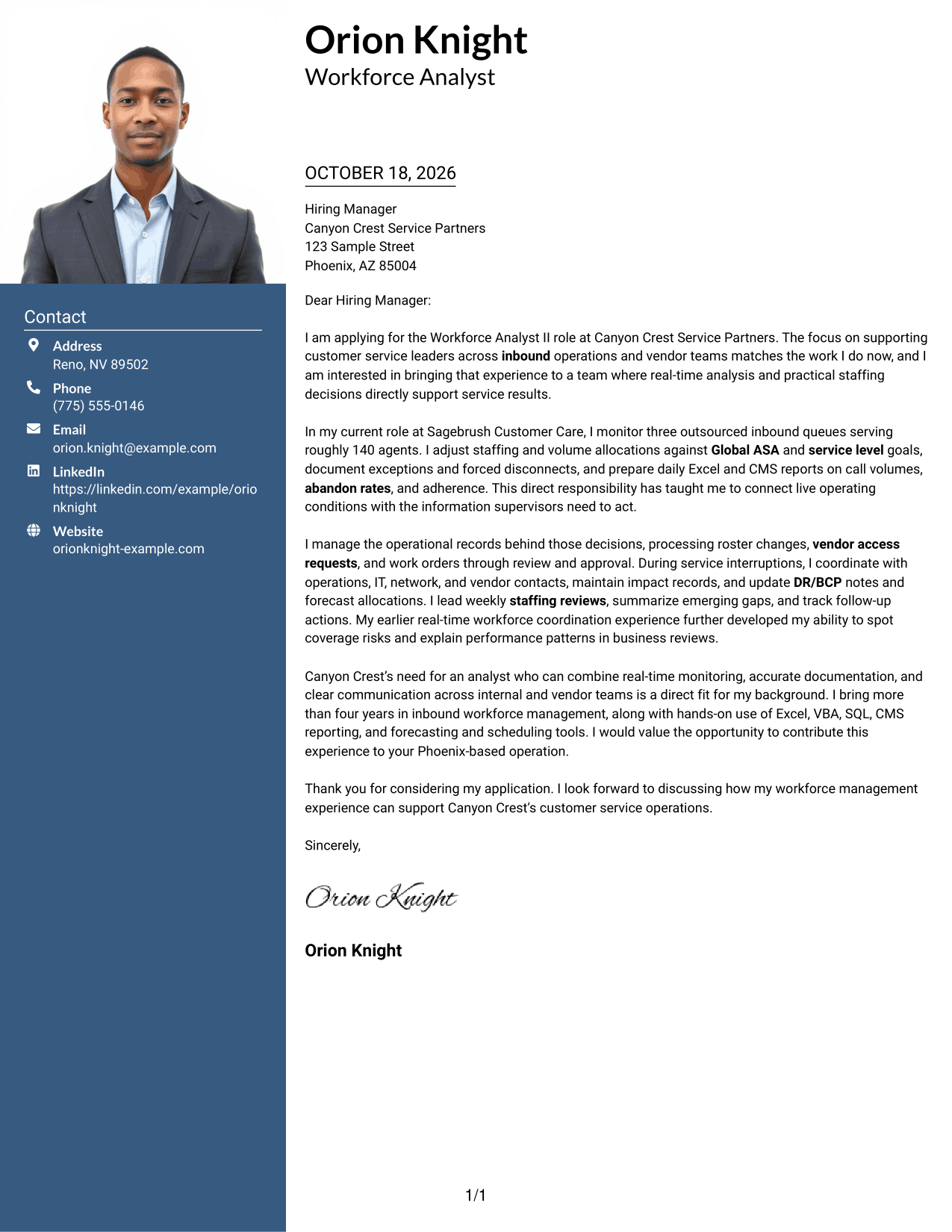
Photo Header Two Column Format pairs a photo header with a contact sidebar and one continuous letter body, keeping personal and message details distinct.
Why This Format Works
- The sidebar gives contact details a place beside, but apart from, the letter.
- The body keeps the opening, evidence, and closing in one connected sequence.
- A photo header suits readers who prefer a visible portrait on the letter.
Best For
- Letters with a visible photo
- Contact sidebars beside the message
- Continuous employer-facing arguments
- Clear separation of contact details
- Portrait-inclusive applications
#4 One Column Format with Photo Cover Letter Example
One Column Format with Photo places a portrait with the sender details and keeps the letter in one continuous column for a direct reading path.
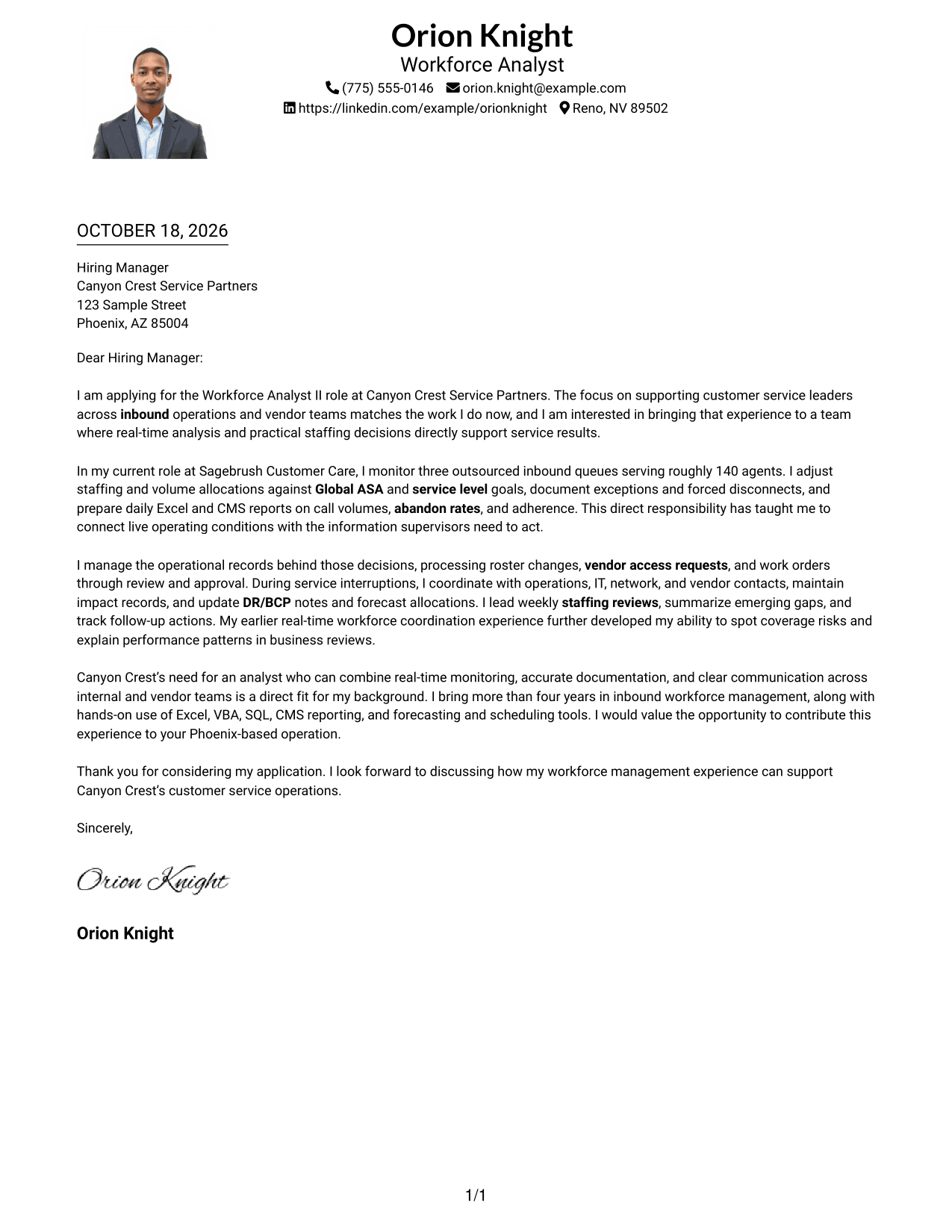
Why This Format Works
- Sender details in the header are easy to find before reading the message.
- One body column keeps the application argument in a clear sequence.
- The header portrait suits readers who prefer a visible photo with their letter.
Best For
- One-column letter layouts
- Letters with a visible portrait
- Header-based sender details
- Continuous application arguments
- Photo-inclusive applications
#5 Simple Two Column Format Cover Letter Example
Simple Two Column Format sets contact details in a sidebar beside one uninterrupted letter body, giving the sender information and application message separate areas.
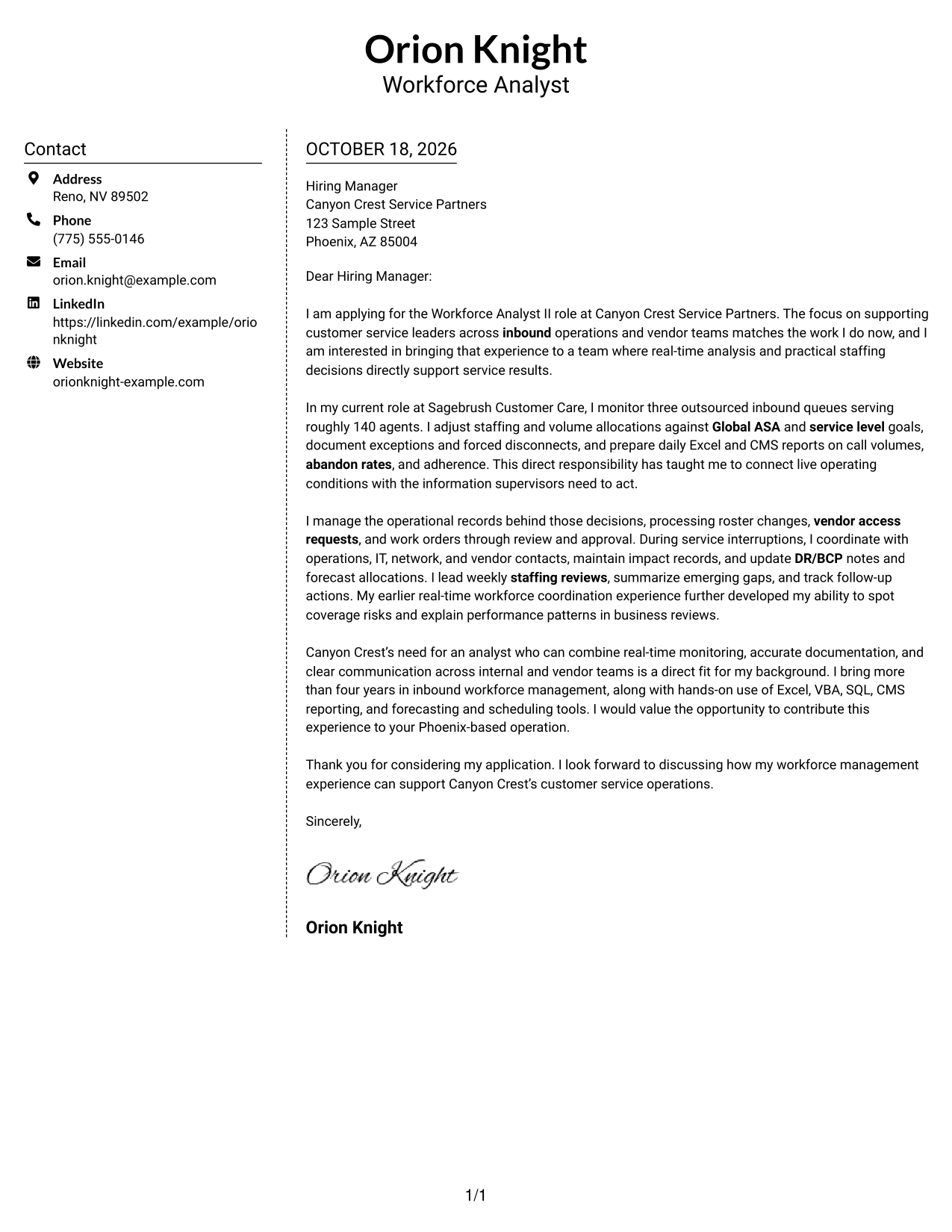
Why This Format Works
- The contact sidebar separates sender information from the employer-facing message.
- One letter column keeps each paragraph in the intended reading order.
- The layout gives contact details a consistent place beside the full argument.
Best For
- Separate contact and message areas
- Uninterrupted letter paragraphs
- Contact details outside the body
- A clear opening-to-close sequence
- Photo-free applications
#6 Modern Icon Format Cover Letter Example
Modern Icon Format places contact details in a sidebar beside one continuous letter body, with icons serving as cues for contact information.
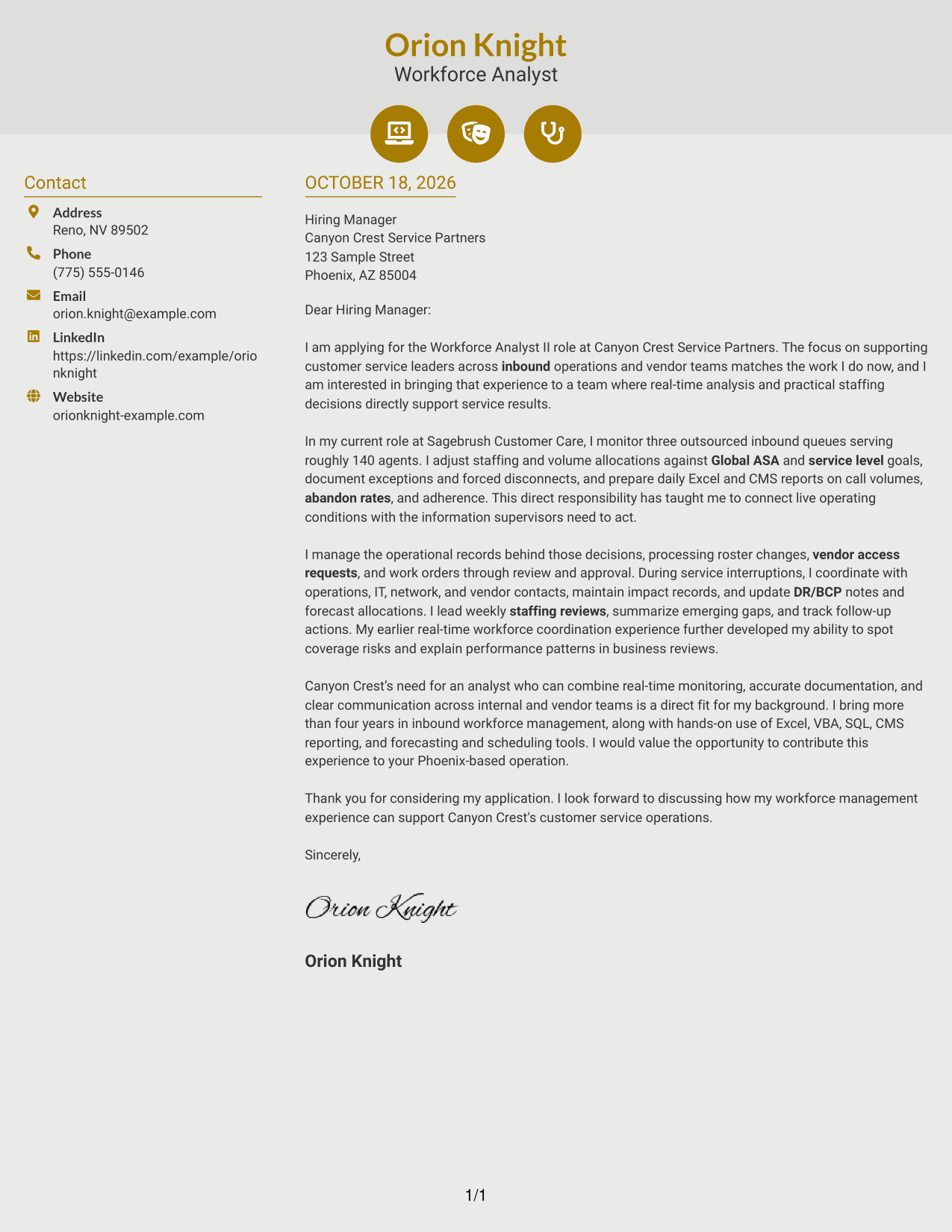
Why This Format Works
- Icons act as cues for contact details, not as labels for letter paragraphs.
- The sidebar keeps sender information apart from the employer-facing message.
- One body column lets the opening and closing follow the evidence naturally.
Best For
- Icon-marked contact details
- A distinct contact sidebar
- Continuous letter arguments
- Quick contact information checks
- Photo-free correspondence
#7 Creative Two Tone Format Cover Letter Example
Creative Two Tone Format places contact details in a sidebar beside one continuous letter body, keeping sender information separate from the letter's argument.
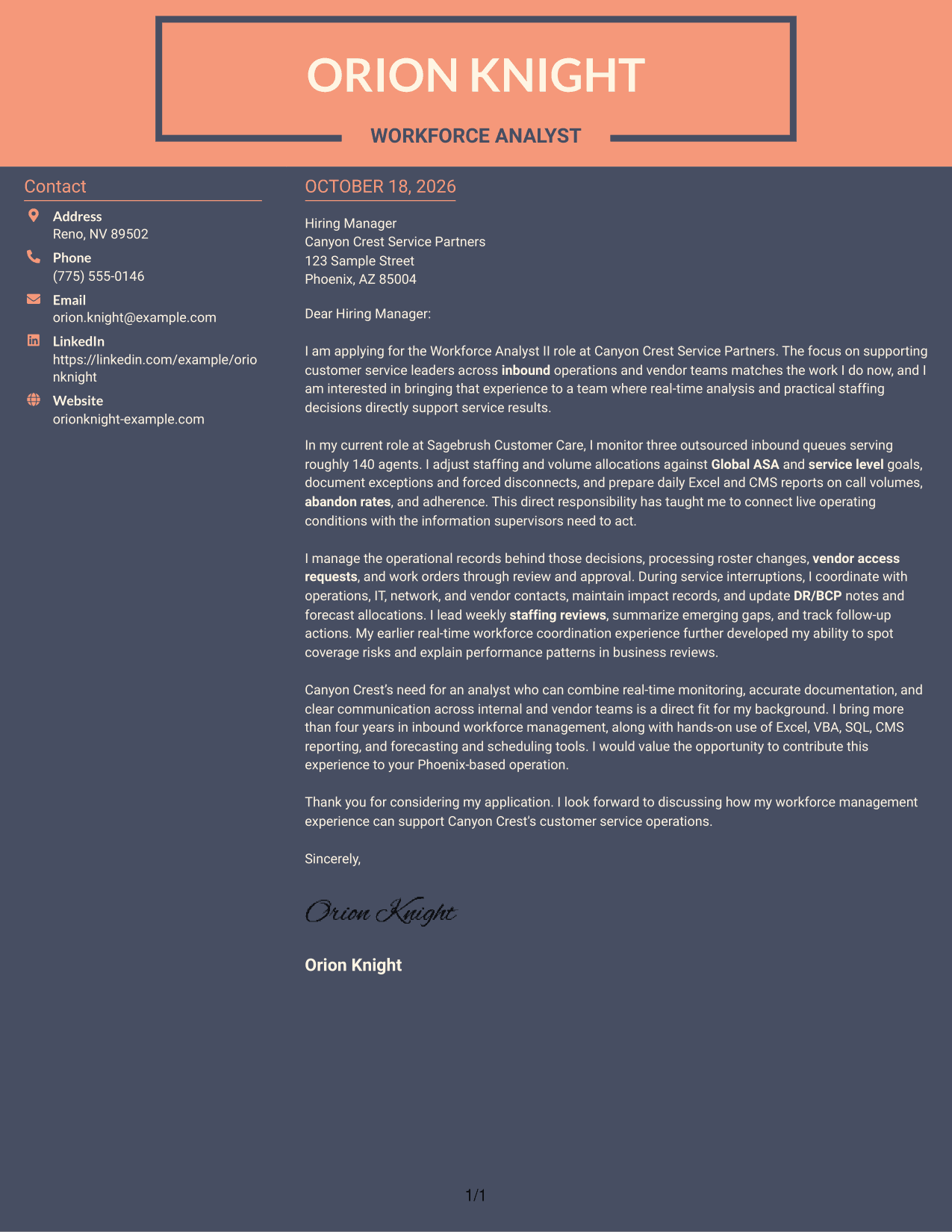
Why This Format Works
- The sidebar lets reviewers find contact details without breaking into the letter.
- The body keeps motivation, evidence, and closing together in paragraph order.
- Two areas make the difference between sender details and letter content clear.
Best For
- Contact information beside the letter
- A single continuous argument
- Easy access to sender details
- Paragraph-based application messages
- Photo-free cover letters
Why Use ResumeInMinutes for a Workforce Analyst II - Call Center Workforce Management Cover Letter
Compare PNG image previews to review each presentation, then open an example in the editor to customize it. The guidance on this page can help you shape a clear letter around real-time staffing, service results, and team communication.
- Cover letter examples
- PNG image previews
- Examples you can open in the editor
- Guidance for role-focused writing
- A clear letter progression
- Advice on employer alignment
Use the example to connect your workforce analysis, documentation, and coordination experience to the needs of a call center workforce management role.
See Also
- 7 Workforce Analyst II - Call Center Workforce Management Resume Templates with Example
- 7 Financial Analyst II Resume Templates with Example
- 7 HR Analyst II - Compensation Resume Templates with Example
- 7 Analyst/Associate: Equity Research - Telecommunication, Data Center and Tower Resume Templates with Example
- 7 Facilities Operations Analyst - Data Center Operations Resume Templates with Example
- 7 Sr. Analyst, Facilities Management (FM) Center of Excellence (COE) Resume Templates with Example
- 33 Accounts Payable Analyst - Invoice Processing Resume Templates with Example 2026 (ATS-Optimized)
- 33 Accounts Payable Analyst Resume Templates with Example 2026 (ATS-Optimized)
- 30+ Accounts Payable Analyst Cover Letter Templates with Example 2026
- 7 AI Operations Adoption and Enablement Analyst Cover Letter Templates with Example
Frequently Asked Questions
What should a Workforce Analyst II cover letter emphasize?
Show how you use live call and staffing information to identify service gaps and guide practical action. You can also describe clear reporting, accurate records, and coordination with operations, IT, and vendor teams when supported by your experience.
Are these different cover letters?
The page presents one featured cover letter example in different visual styles. Use the previews to compare the layouts and open an example in the editor.
Which cover letter style works well for call center workforce management?
Choose a clean, easy-to-read presentation that gives your opening, evidence, and closing clear space. Consider the employer and the communication context when choosing a style.
What evidence can I include in the body paragraphs?
When it reflects your real experience, describe monitoring measures such as ASA, service level, and abandon rates. You can also explain staffing adjustments, reporting, roster updates, or outage coordination and how they supported informed decisions.
Should I use a photo on my cover letter?
Use a photo only where it is common or expected in your country, region, or industry. For U.S. applications, a no-photo presentation is usually the safer choice.




