
7 Workforce Training Provider Specialist Cover Letter Templates with Example
This practical guide helps you write a focused Workforce Training Provider Specialist cover letter and compare seven layouts for presenting provider quality work with clarity.
What Makes a Great Workforce Training Provider Specialist Cover Letter in 2026
A strong Workforce Training Provider Specialist cover letter gives a clear reason for applying and links ETPL administration, WIOA guidance, and provider reviews to better training quality and outcomes.
Choose evidence showing how performance or labor market information guided an improvement, then connect your approach to the employer's workforce and partner goals.
The featured Workforce Training Provider Specialist application moves from motivation to provider-review evidence, analysis, partnership work, and a direct close. Adapt that progression while choosing a presentation that fits the employer and communication context.
#1 Simple One Column Format Cover Letter Example
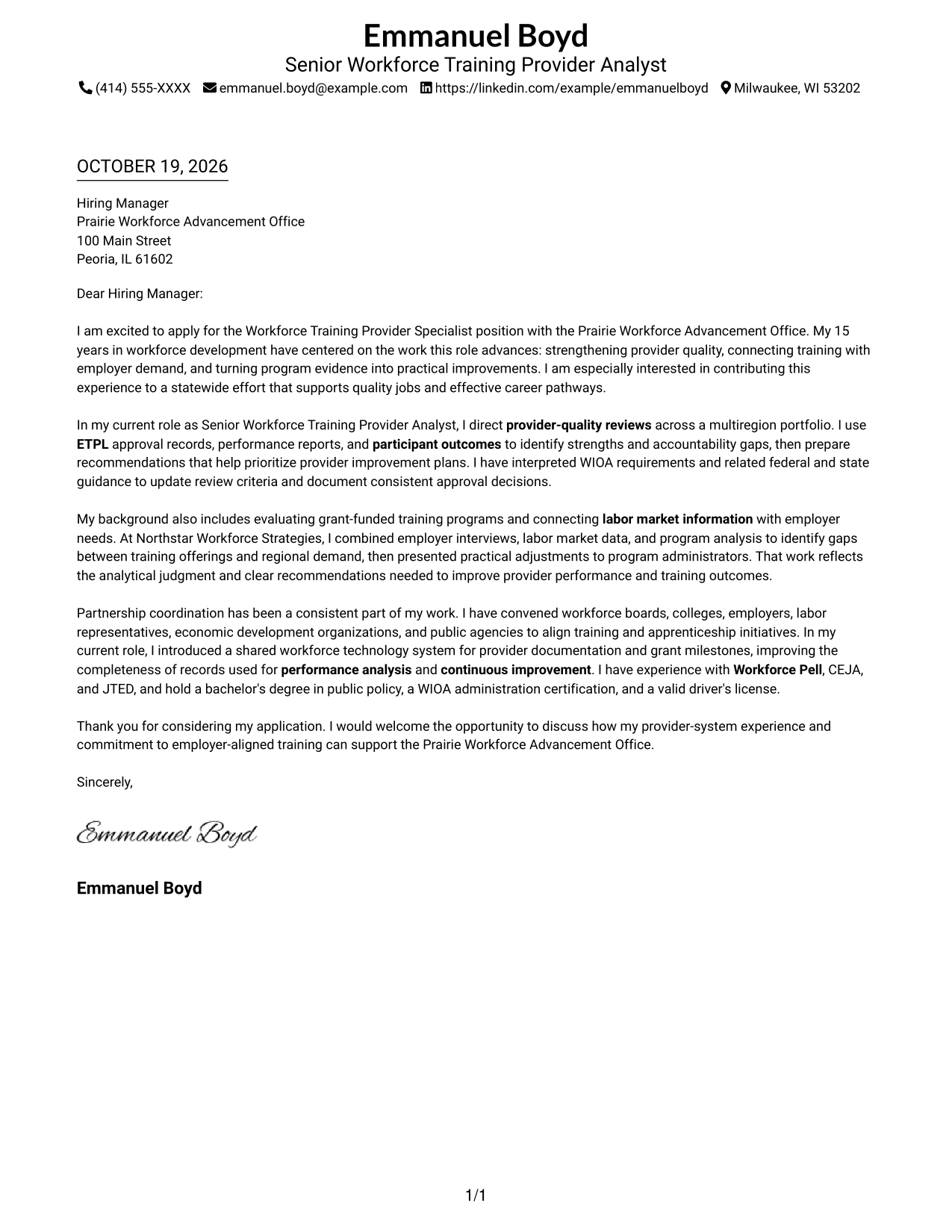
The Simple One Column Format keeps sender details in the header and the letter body in one column, giving the message a direct reading path.
Why This Format Works
- Header contact details stay apart from the persuasive paragraphs.
- The continuous body keeps motivation, supporting evidence, and the closing in sequence.
- One-column reading avoids switching between parallel text areas.
Best For
- Single-path letter reading
- Header-based contact details
- Continuous paragraph messages
- Multi-paragraph application letters
- Cover letters without a contact sidebar
#2 Two Column Format Cover Letter Example
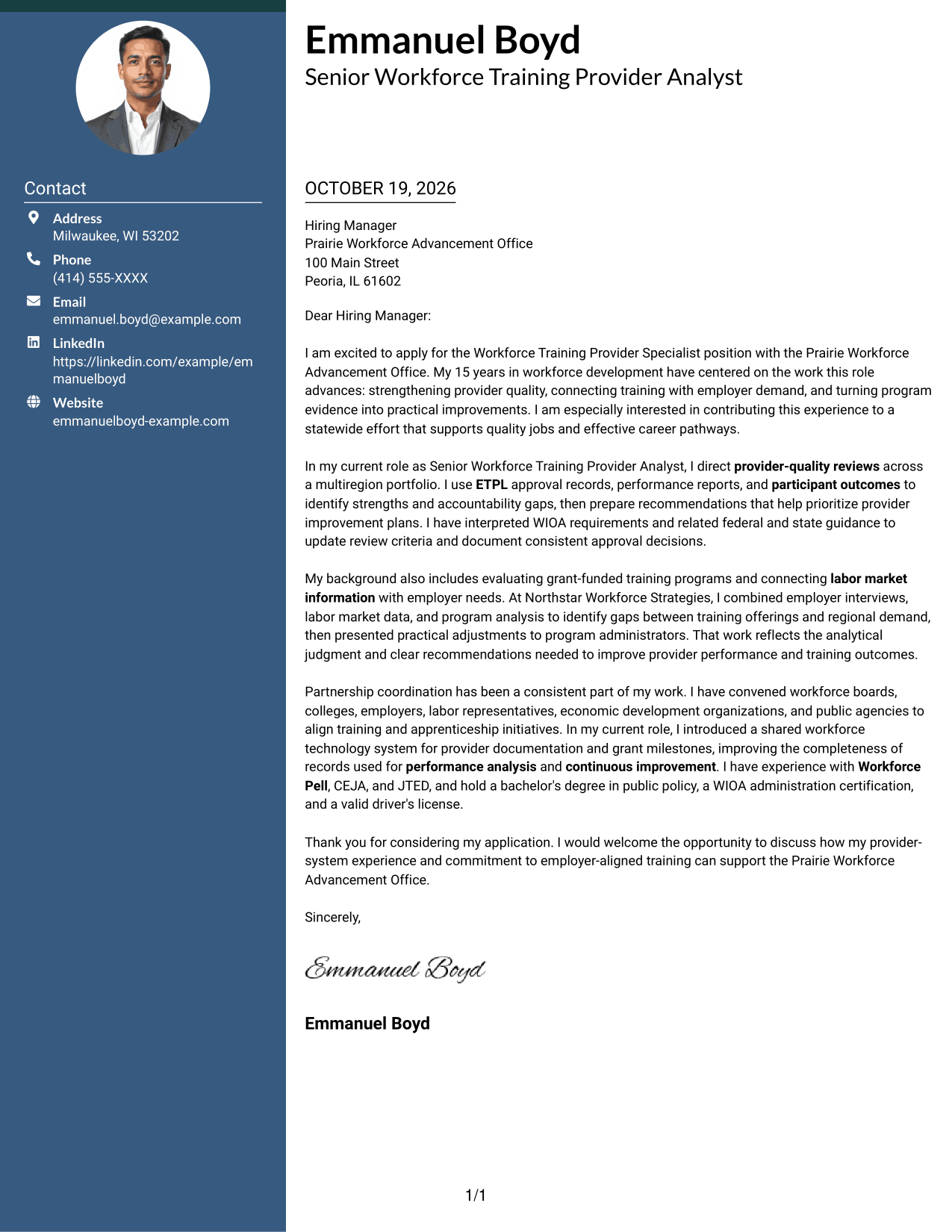
The Two Column Format places a contact sidebar beside one continuous letter body, separating contact information from the message.
Why This Format Works
- A separate contact area distinguishes sender details from the message.
- The continuous body keeps motivation and evidence in their intended order.
- One-column letter text avoids splitting the argument across parallel body columns.
Best For
- Contact details beside the message
- Uninterrupted letter arguments
- Multi-paragraph application messages
- Quick access to sender information
- Distinct contact placement
#3 Photo Header Two Column Format Cover Letter Example
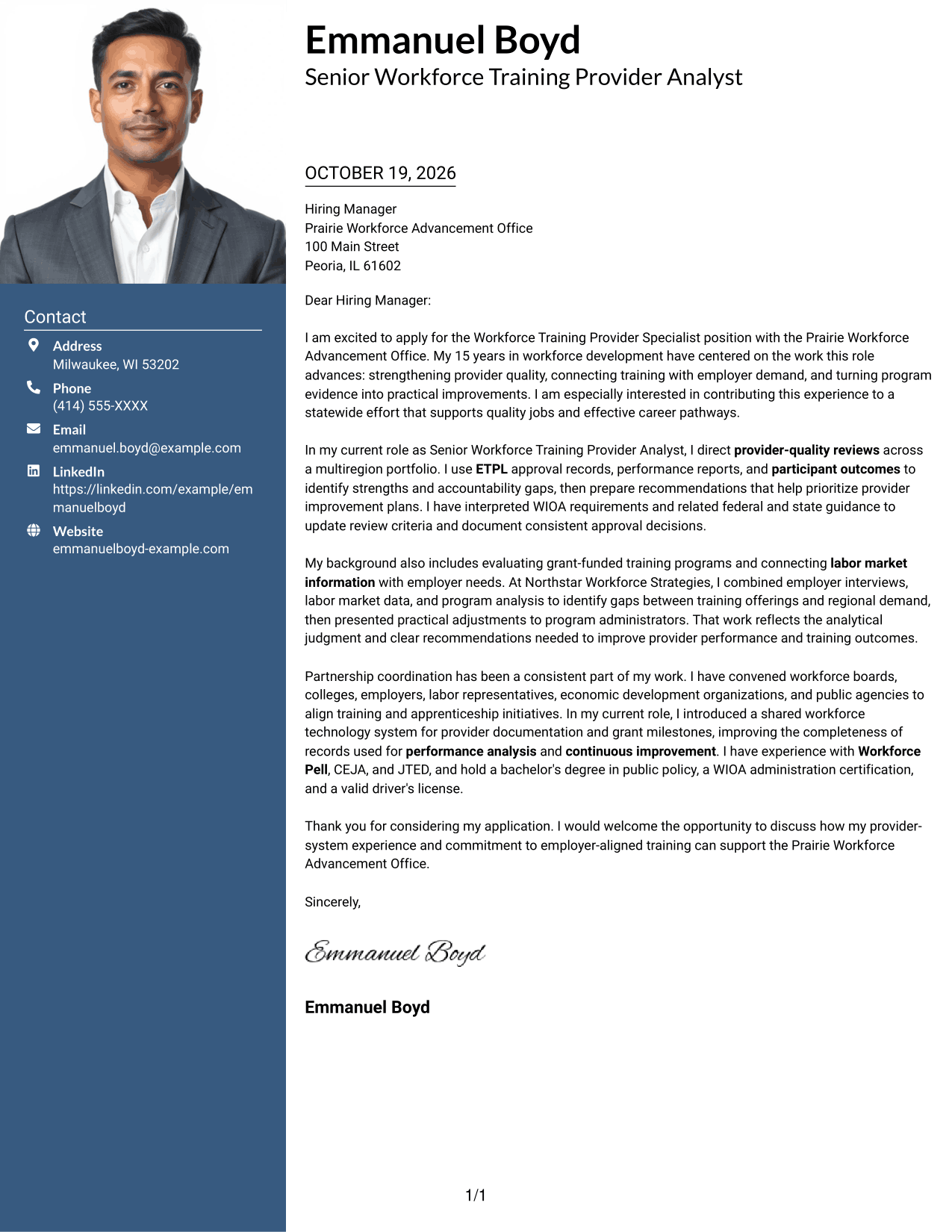
The Photo Header Two Column Format combines a contact sidebar and continuous letter body with a photo for a letter that includes a visual personal detail.
Why This Format Works
- The photo adds a visual element without changing the letter's argument.
- The contact sidebar keeps sender information apart from the message.
- One continuous body lets readers follow motivation through the closing.
Best For
- Letters that include a sender photo
- Contact details in a sidebar
- Continuous persuasive messages
- Multi-paragraph cover letters
- Visual sender identification
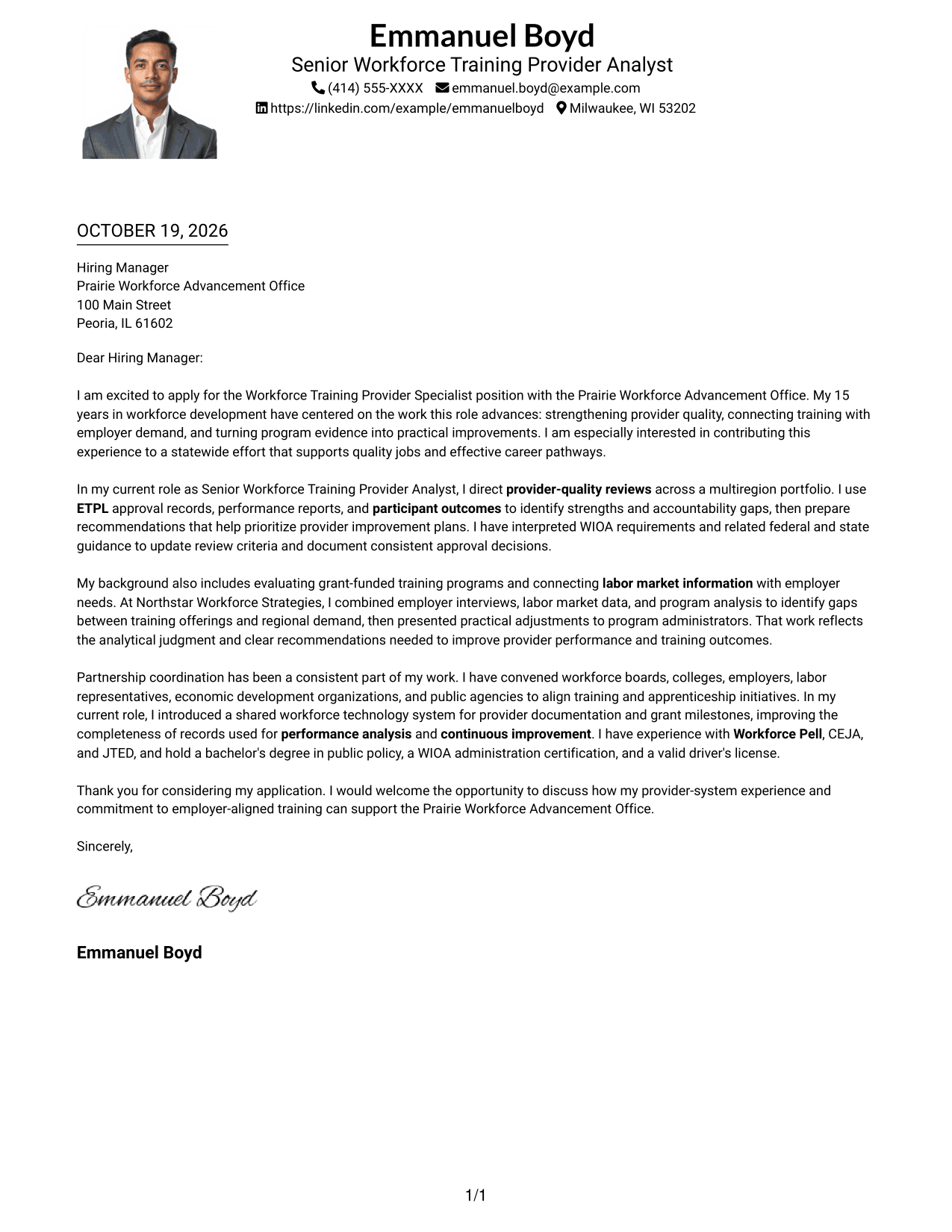
#4 One Column Format with Photo Cover Letter Example
The One Column Format with Photo pairs a single-column letter body with a photo for readers who want a direct reading path and a portrait.
Why This Format Works
- The single body keeps the full message on one reading path.
- Sender details remain in the header, apart from the letter paragraphs.
- The photo adds a visual choice while the message stays in continuous prose.
Best For
- Single-column letter layouts
- Cover letters with a photo
- Header-based contact details
- Continuous application messages
- Portrait-inclusive document preferences
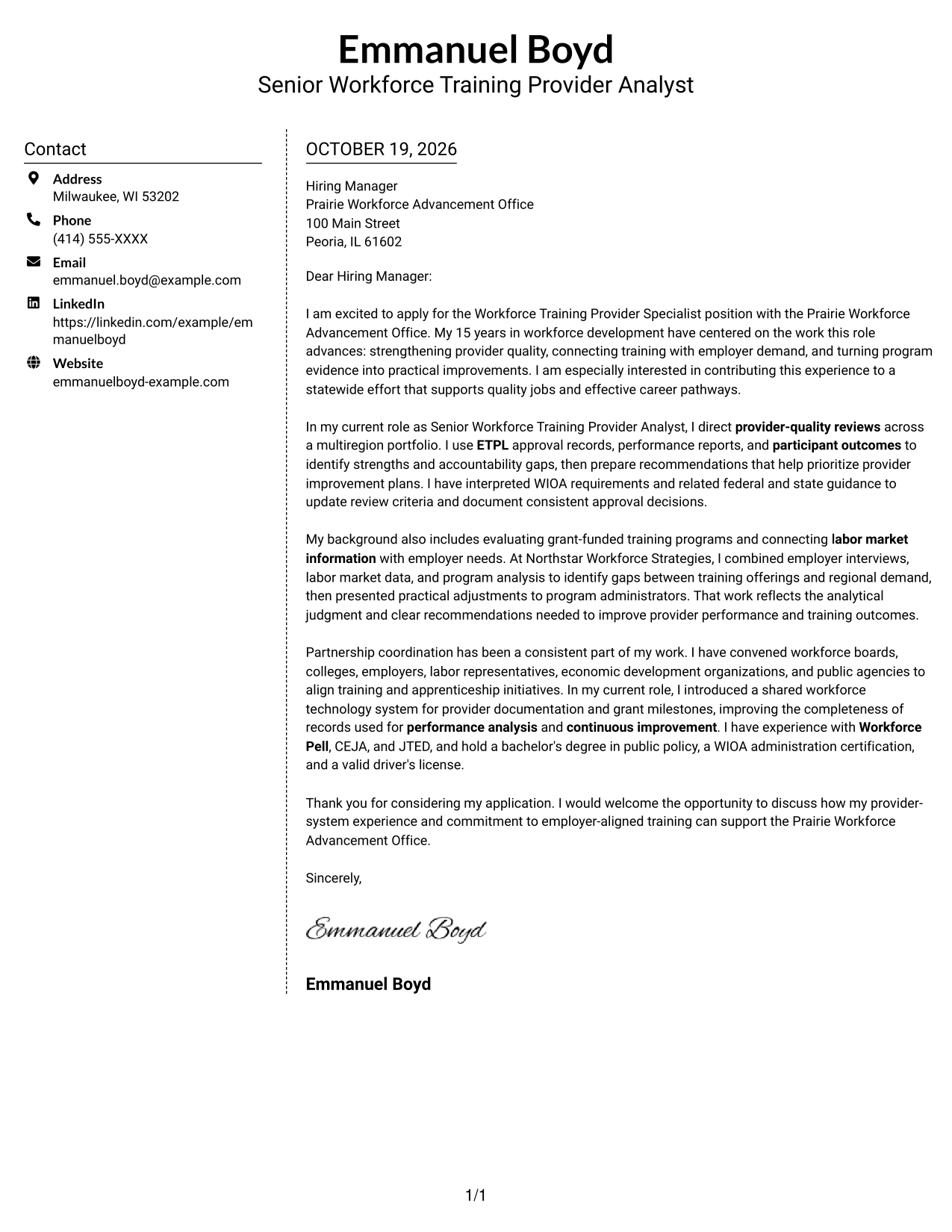
#5 Simple Two Column Format Cover Letter Example
The Simple Two Column Format gives sender details a contact sidebar while keeping the letter's opening, evidence, and closing in one continuous body.
Why This Format Works
- The sidebar gives contact information a distinct place beside the letter.
- Motivation, supporting details, and the closing remain in a single body.
- Readers can move through the letter without searching among separate text columns.
Best For
- Sidebar contact organization
- One-body cover letters
- Messages with several paragraphs
- Separate sender and letter areas
- Direct access to contact details
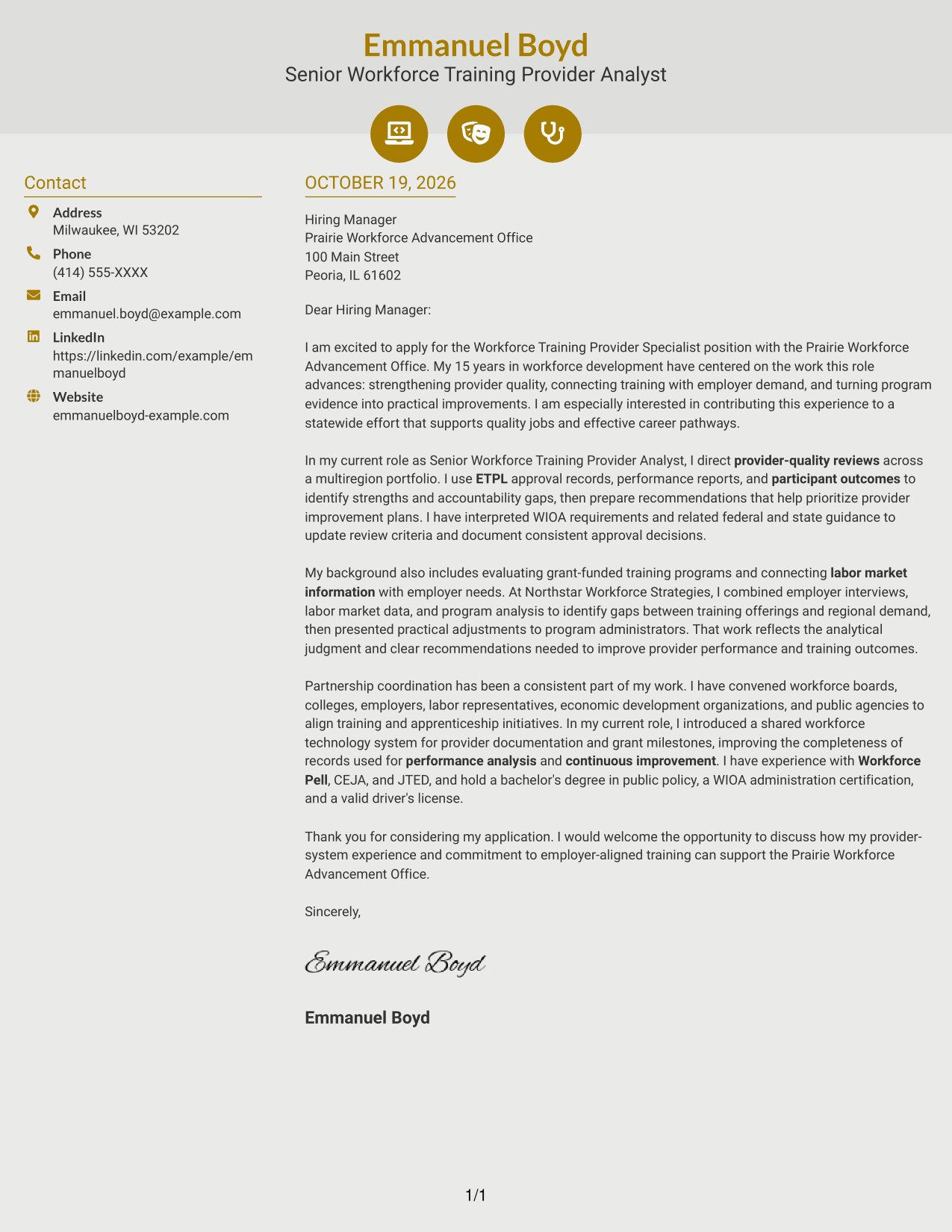
#6 Modern Icon Format Cover Letter Example
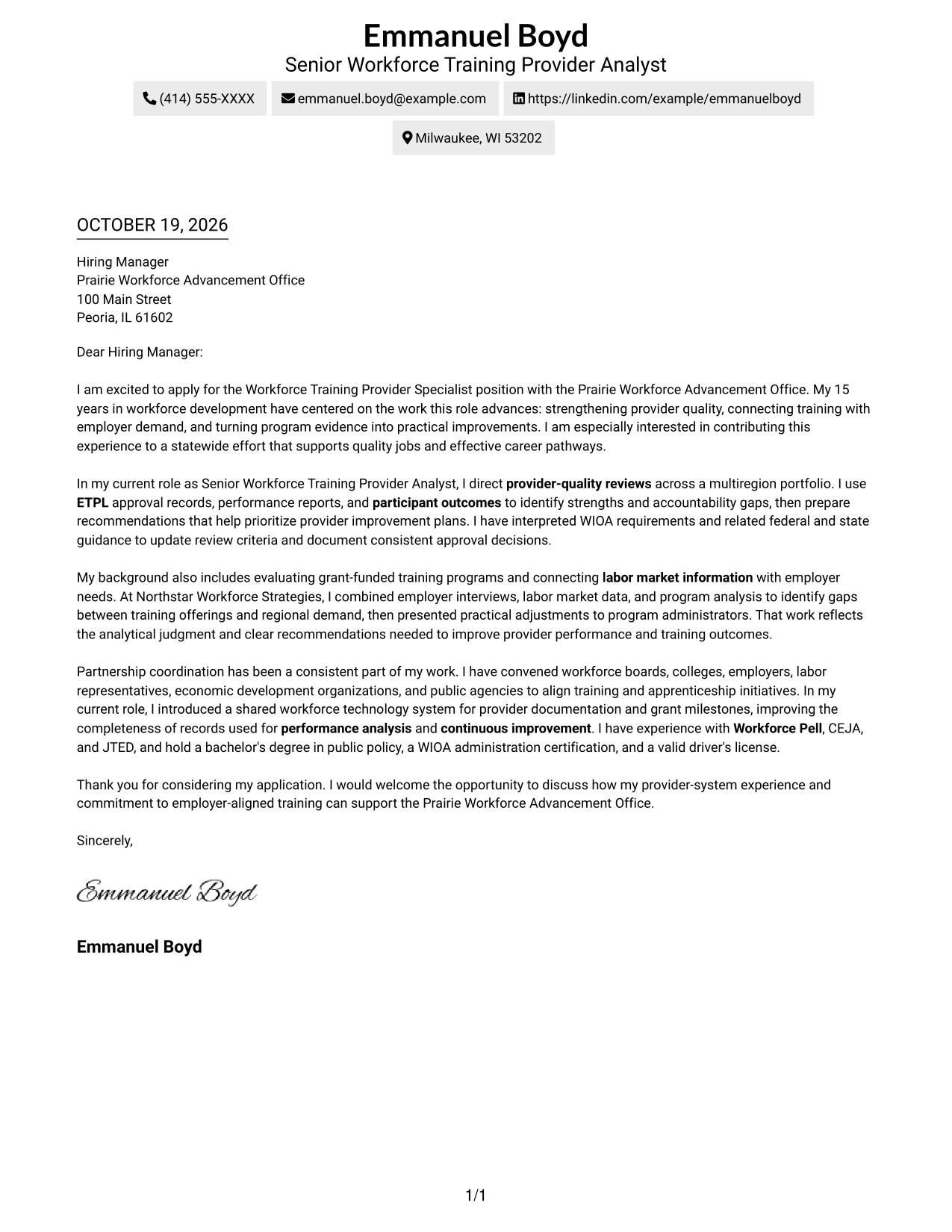
The Modern Icon Format uses two columns, with contact cues and decorative icons alongside a continuous letter body.
Why This Format Works
- Contact cues help distinguish sender information from the letter text.
- Icons serve as contact details or header accents, not argument labels.
- The continuous body keeps the persuasive message together from opening to close.
Best For
- Icon-assisted contact details
- A continuous letter argument
- Two-column page organization
- Multi-paragraph persuasive letters
- Decorative header accents
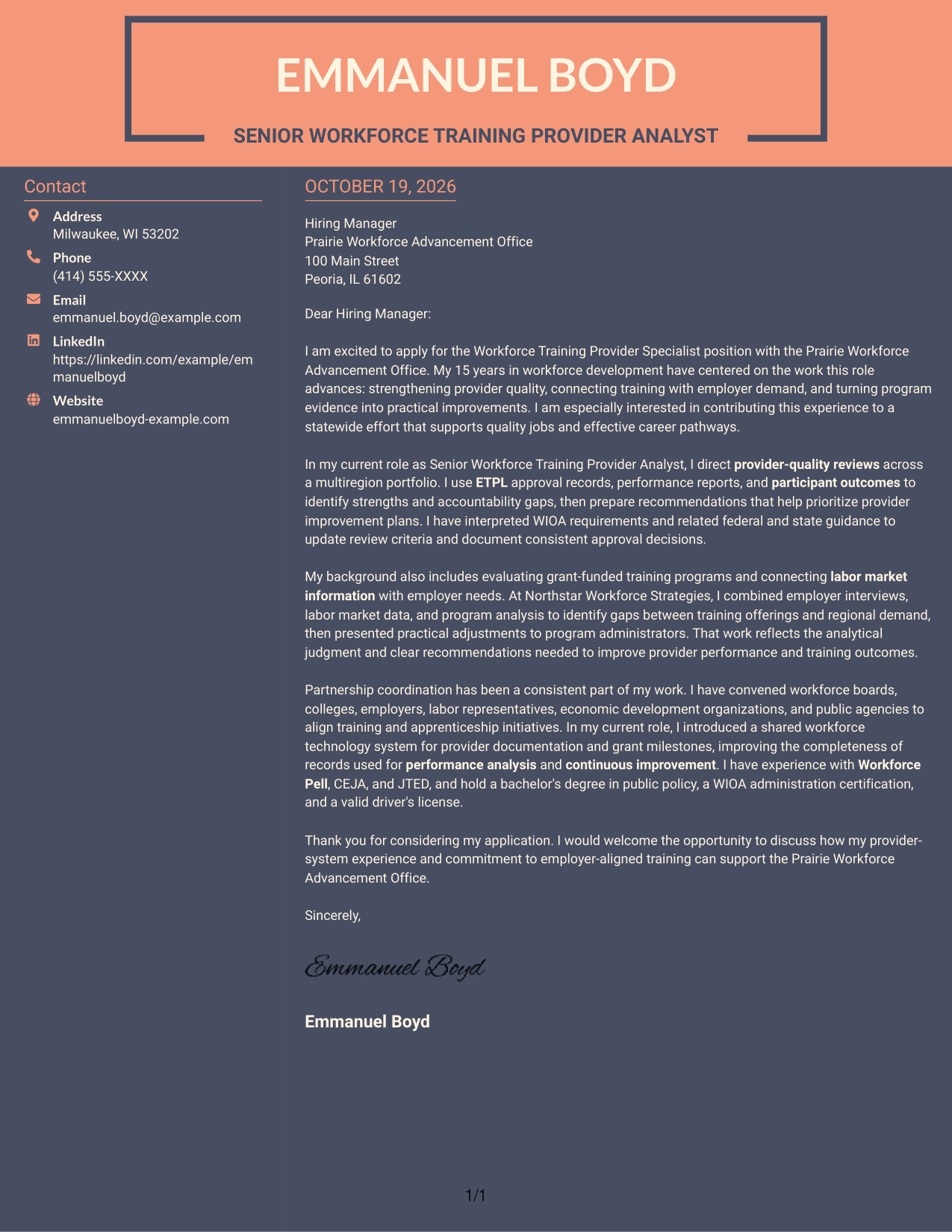
#7 Creative Two Tone Format Cover Letter Example
The Creative Two Tone Format places a contact sidebar beside one continuous letter body, keeping sender details separate from the message.
Why This Format Works
- The sidebar keeps contact information distinct from the persuasive text.
- A single body preserves the sequence from opening through closing.
- The two-column arrangement gives sender details and letter paragraphs separate reading areas.
Best For
- Separate contact and message areas
- One continuous letter body
- Multi-paragraph application letters
- Sidebar-based sender details
- A distinct two-column layout
See Also
- 7 Workforce Training Provider Specialist Resume Templates with Example
- 7 Program Coordinator - Workforce Programs Resume Templates with Example
- 7 Security Engineer 5 - Workforce Security Resume Templates with Example
- 7 Workforce Analyst II - Call Center Workforce Management Resume Templates with Example
- 7 Workforce Development Administrative Manager - Welfare-to-Work Programs Resume Templates with Example
- 7 Workforce Development Program Assistant Resume Templates with Example
- 7 Advanced Practice Provider - Interventional Radiology Resume Templates with Example
- 7 Consultant - Energy Providers Resume Templates with Example
- 7 Workforce Analyst II - Call Center Workforce Management Cover Letter Templates with Example
- 7 Workforce Development Administrative Manager - Welfare-to-Work Programs Cover Letter Templates with Example
Frequently Asked Questions
What should a Workforce Training Provider Specialist cover letter emphasize?
Show how your experience relates to provider approvals, ETPL quality, WIOA guidance, program evaluation, or workforce partnerships. Use only examples that reflect your own work.
How can I describe workforce program evaluation experience?
Choose a clear example that connects provider or participant information with a practical finding or recommendation. Explain how your analysis supported better decisions or continuous improvement.
How can I show alignment with Prairie Workforce Advancement Office?
Connect your motivation to the role's focus on provider quality, employer demand, quality jobs, and career pathways. You can also describe relevant work with education, labor, employer, workforce, or public agency partners.
Which cover letter layout should I choose?
Choose a clear layout that makes your message easy to follow and suits the employer's communication style. Compare the image previews, then open an example in the editor to view or customize it.
Can I view the examples before editing?
Yes. Review the image previews on this page, then use the editor link to open an example and customize its presentation.




