
7 Youth Services Coordinator - Youth Employment Programs Cover Letter Templates with Example
This practical guide to a Youth Services Coordinator - Youth Employment Programs cover letter shows how to present your motivation and role fit across 7 layouts.
What Makes a Great Youth Services Coordinator - Youth Employment Programs Cover Letter in 2026
A strong letter connects your interest in youth employment with the work of coordinating community partners and supporting consistent program delivery.
Use specific evidence, such as agency site visits, corrective action plans, career curricula, reporting, or staff training, and link it to the employer’s program needs.
The featured Youth Services Coordinator - Youth Employment Programs example follows a focused progression from role interest to partner coordination evidence and a clear close. Adapt that flow to your experience, then choose a presentation that suits the employer and communication context.
#1 Simple One Column Format Cover Letter Example
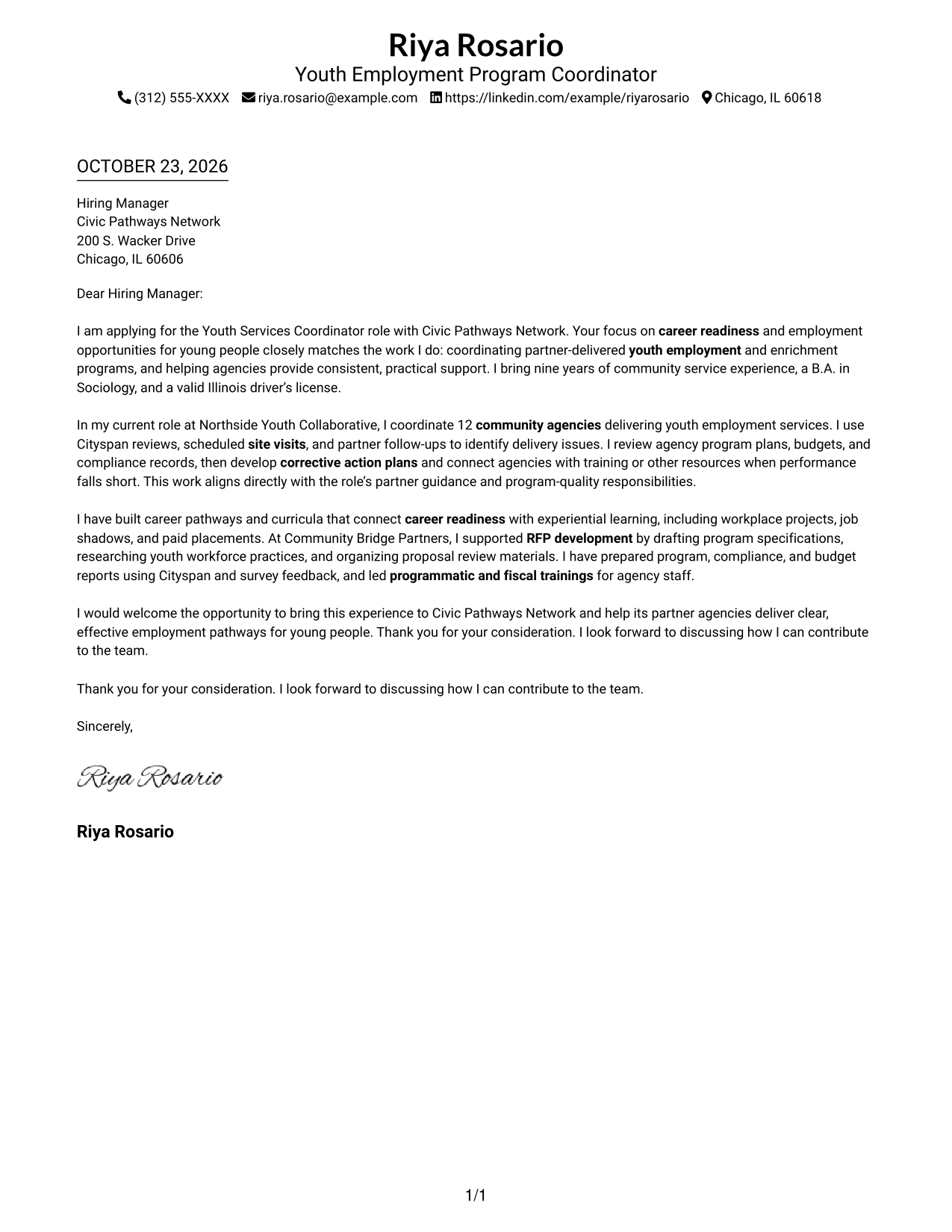
The Simple One Column Format places sender details in the header and keeps the letter in one column, a direct choice when the written message should remain central.
Why This Format Works
- Sender details in the header are easy to find before the message begins.
- The letter stays in one column, keeping its paragraphs in a clear order.
- Without internal headings, the body reads as one connected message.
Best For
- Single-column letter reading
- Header-based contact details
- Direct opening-to-close messages
- Connected motivation and evidence
- Applications centered on written persuasion
#2 Two Column Format Cover Letter Example
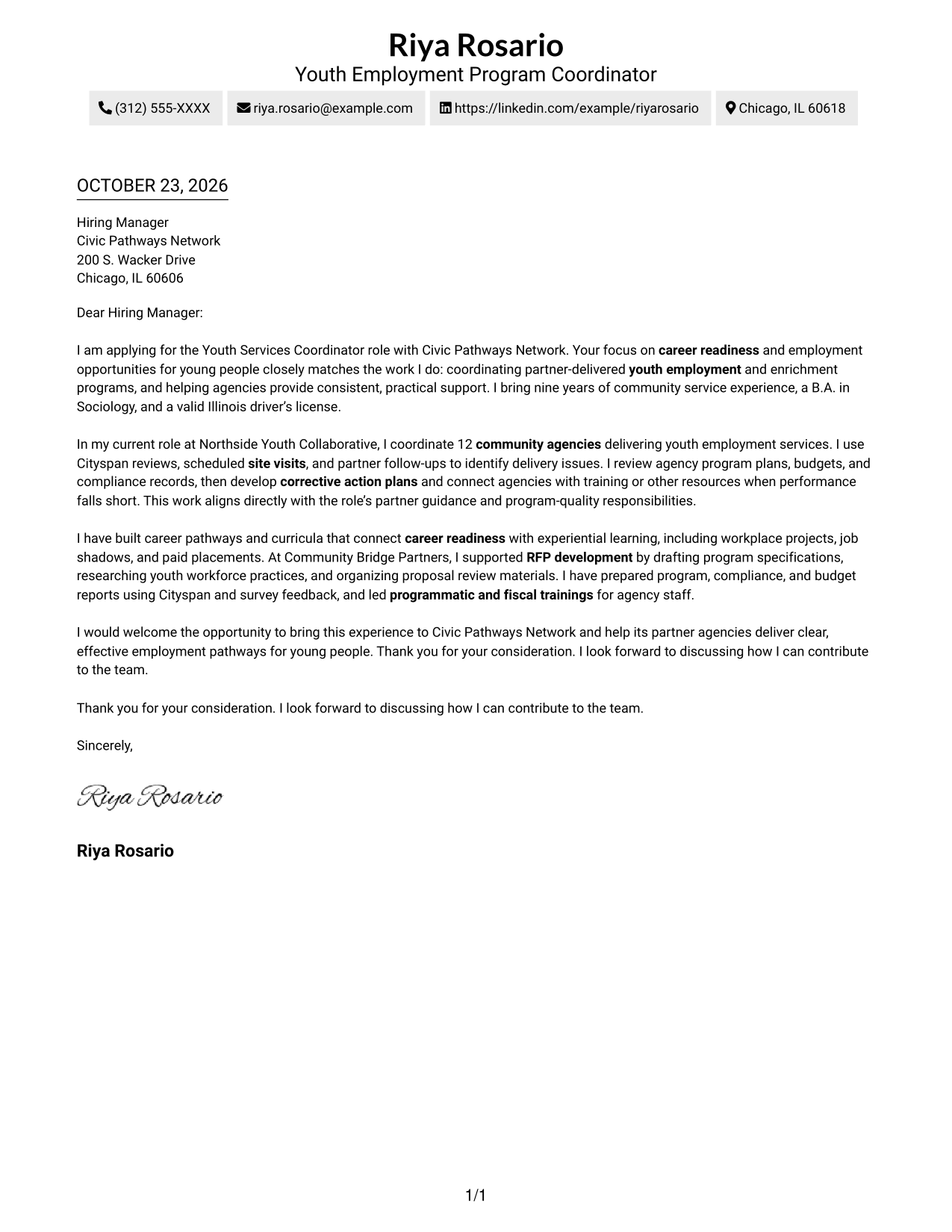
With a contact sidebar beside one continuous letter body, the Two Column Format keeps contact information distinct while leaving the message in a single reading path.
Why This Format Works
- Contact details have a sidebar, separate from the letter's written argument.
- The main body remains a single column, so its paragraphs are not split.
- Readers can move from the opening to the close within one letter column.
Best For
- Separate contact and message areas
- Uninterrupted letter paragraphs
- Readers seeking quick contact access
- Messages with linked supporting points
- Two-column page preference
#3 Photo Header Two Column Format Cover Letter Example
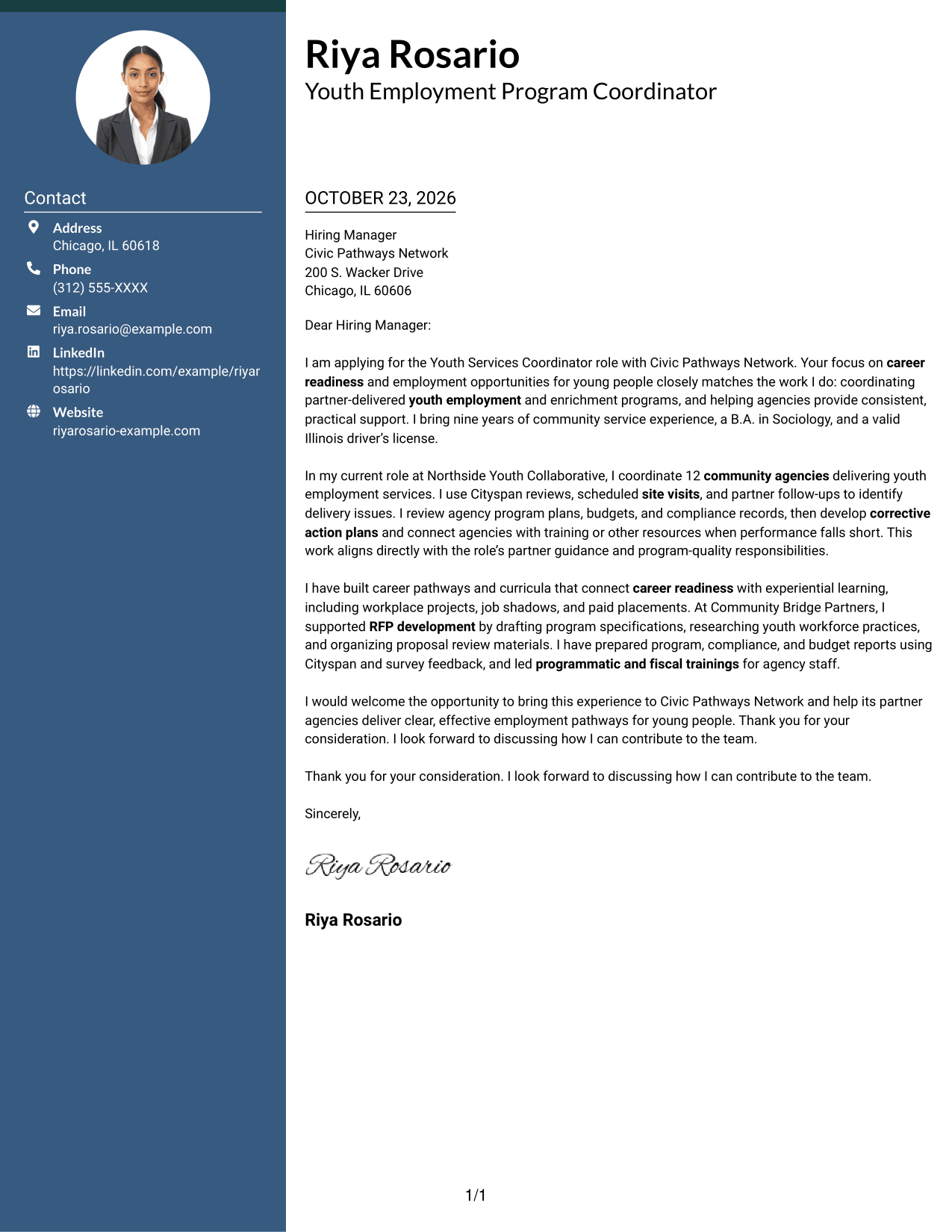
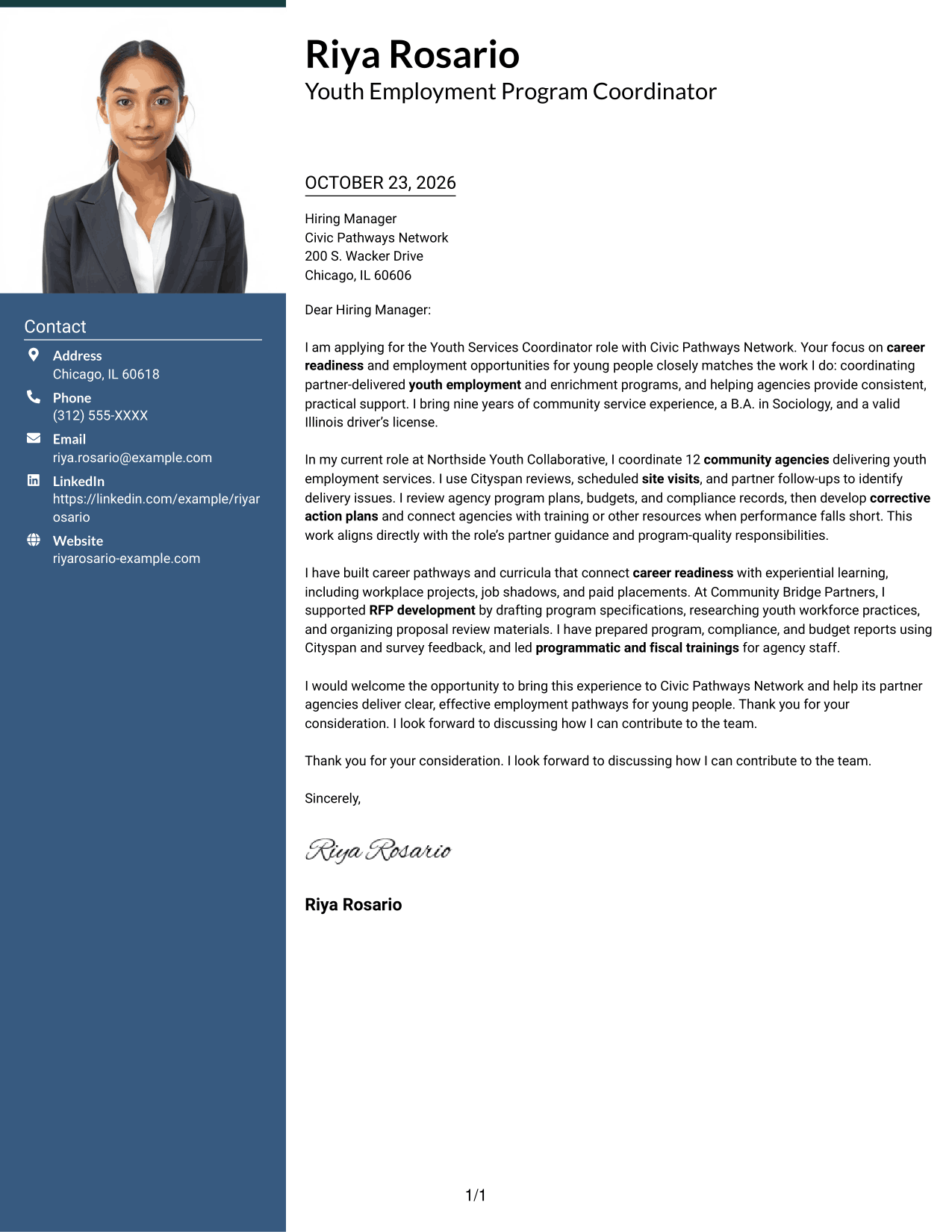
The Photo Header Two Column Format includes a photo, a contact sidebar, and one continuous letter body, for readers who want a personal visual element alongside clearly separated contact details.
Why This Format Works
- Contact details stay in a sidebar, apart from the letter's central message.
- One continuous body keeps the application argument in a single reading sequence.
- The photo offers a personal visual choice without changing the letter's structure.
Best For
- Letters that include a photo
- Sidebar contact details
- Continuous written arguments
- Distinct contact and message areas
- Applications with a personal visual element
#4 One Column Format with Photo Cover Letter Example
The One Column Format with Photo combines a photo with a single-column letter and sender details in the header, keeping the written message together for readers who prefer that presentation.
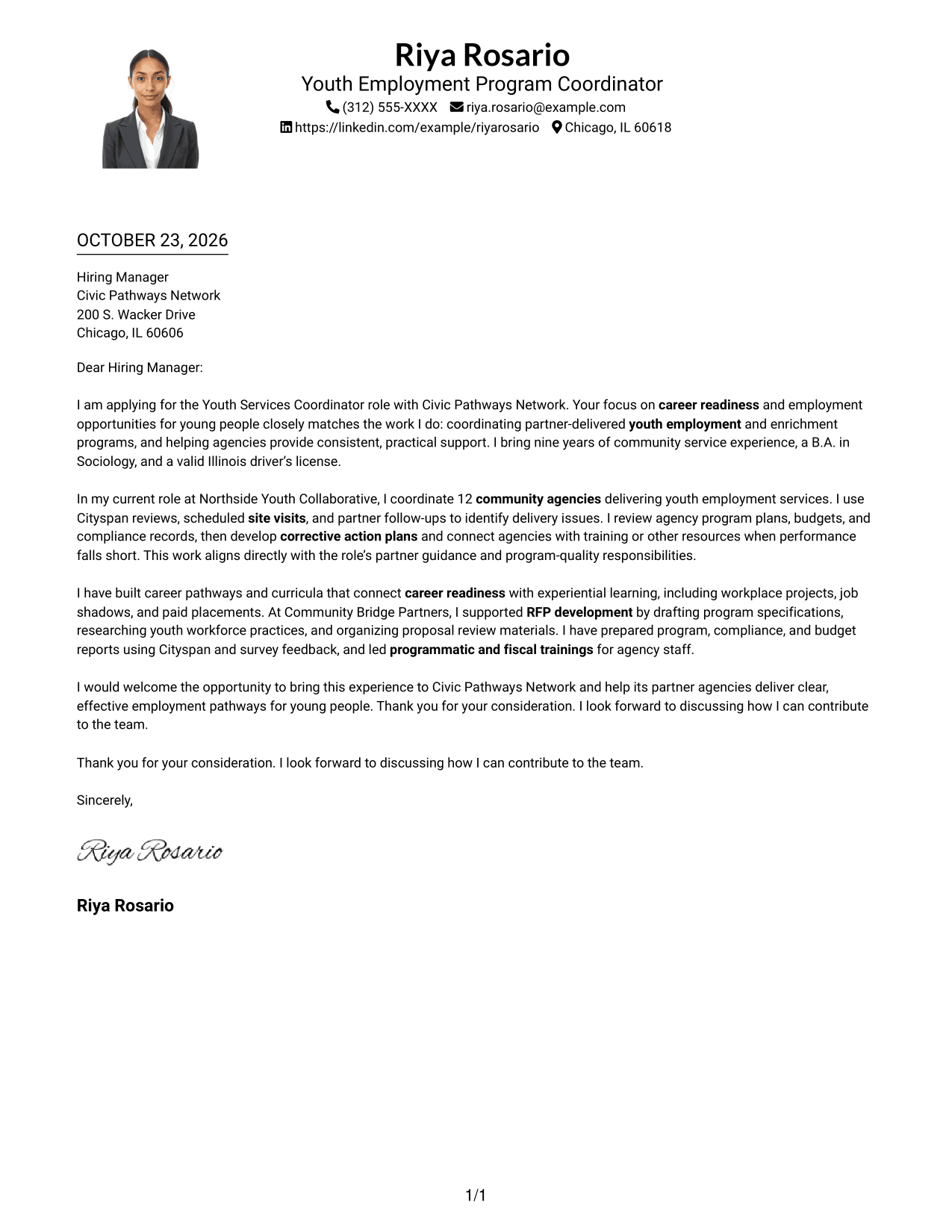
Why This Format Works
- Header contact details remain separate from the single-column letter body.
- One reading path keeps the message moving from opening to close.
- The photo adds a visible personal element without interrupting the written argument.
Best For
- Photo-inclusive letter layouts
- Single-column message reading
- Header-led contact details
- Letters with a continuous argument
- Applications with a personal visual element
#5 Simple Two Column Format Cover Letter Example
The Simple Two Column Format places a contact sidebar beside one continuous letter body, a straightforward option when contact details and persuasive writing should have separate areas.
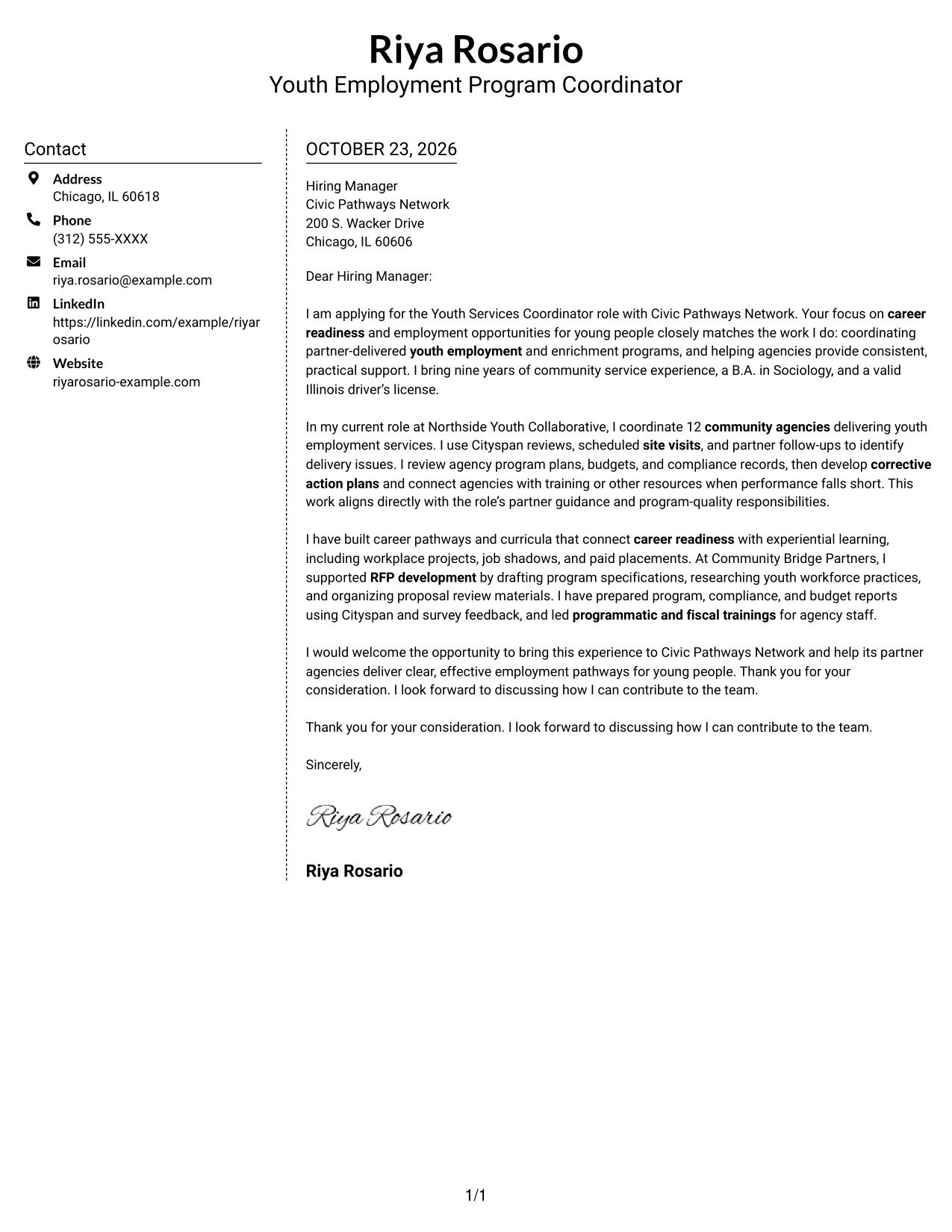
Why This Format Works
- Contact details sit apart from the continuous letter body in the sidebar.
- One body column keeps the persuasive message from breaking into parallel text.
- The familiar paragraph sequence supports a direct opening-to-close letter.
Best For
- Contact details outside the main text
- Unsplit letter body
- Clear separation between contact and message
- Direct opening-to-close letters
- Two-column page organization
#6 Modern Icon Format Cover Letter Example
The Modern Icon Format uses two columns, with contact icons serving as cues for sender details and one continuous letter body carrying the message.
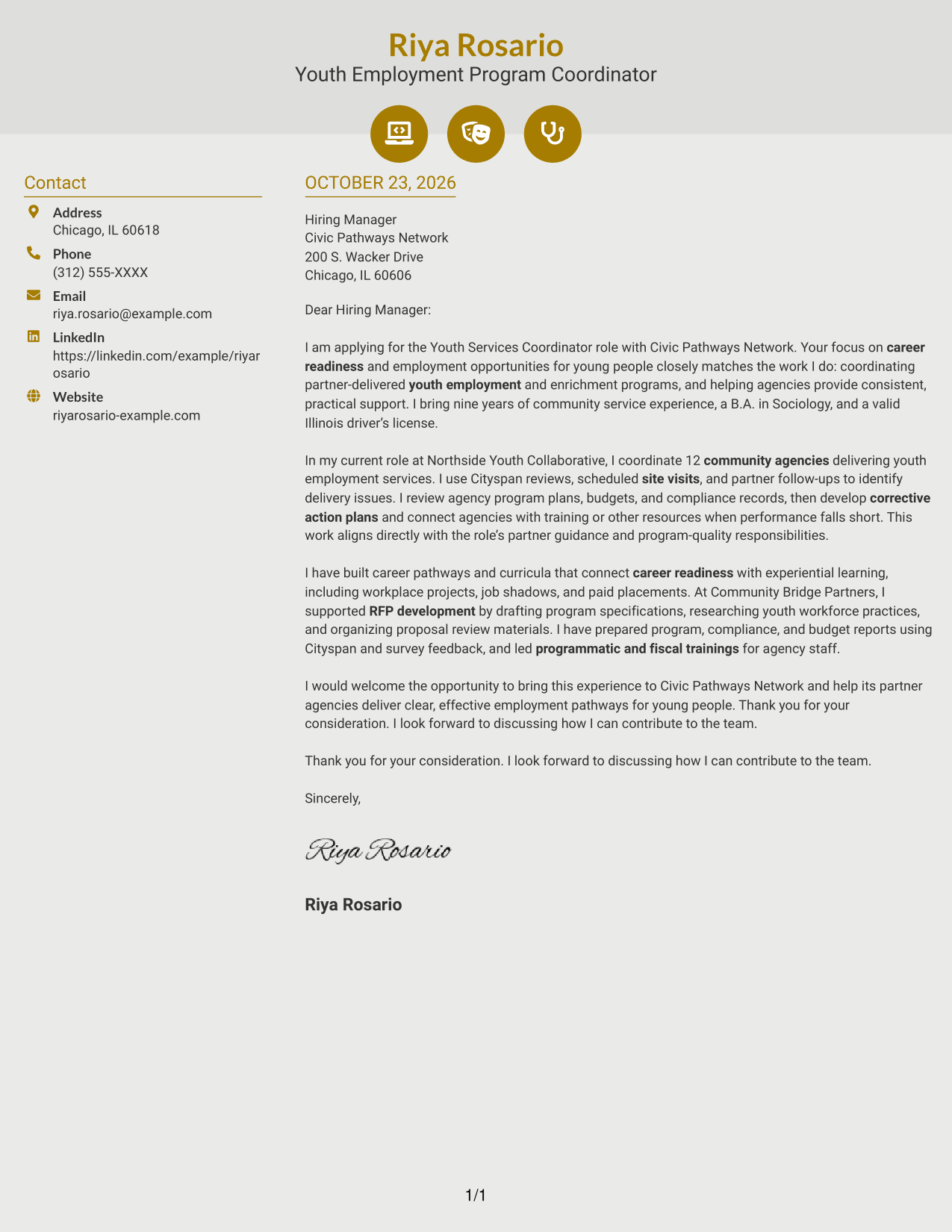
Why This Format Works
- Contact icons help readers identify sender details in the sidebar.
- One letter column keeps the opening, supporting points, and close together.
- Decorative icons remain separate from the argument, leaving paragraphs to carry it.
Best For
- Icon-cued contact details
- A two-column page layout
- Continuous letter paragraphs
- Readers who prefer visual contact cues
- Applications with a clear written argument
#7 Creative Two Tone Format Cover Letter Example
The Creative Two Tone Format places a contact sidebar beside one continuous letter body, giving contact information its own area while keeping the written case together.
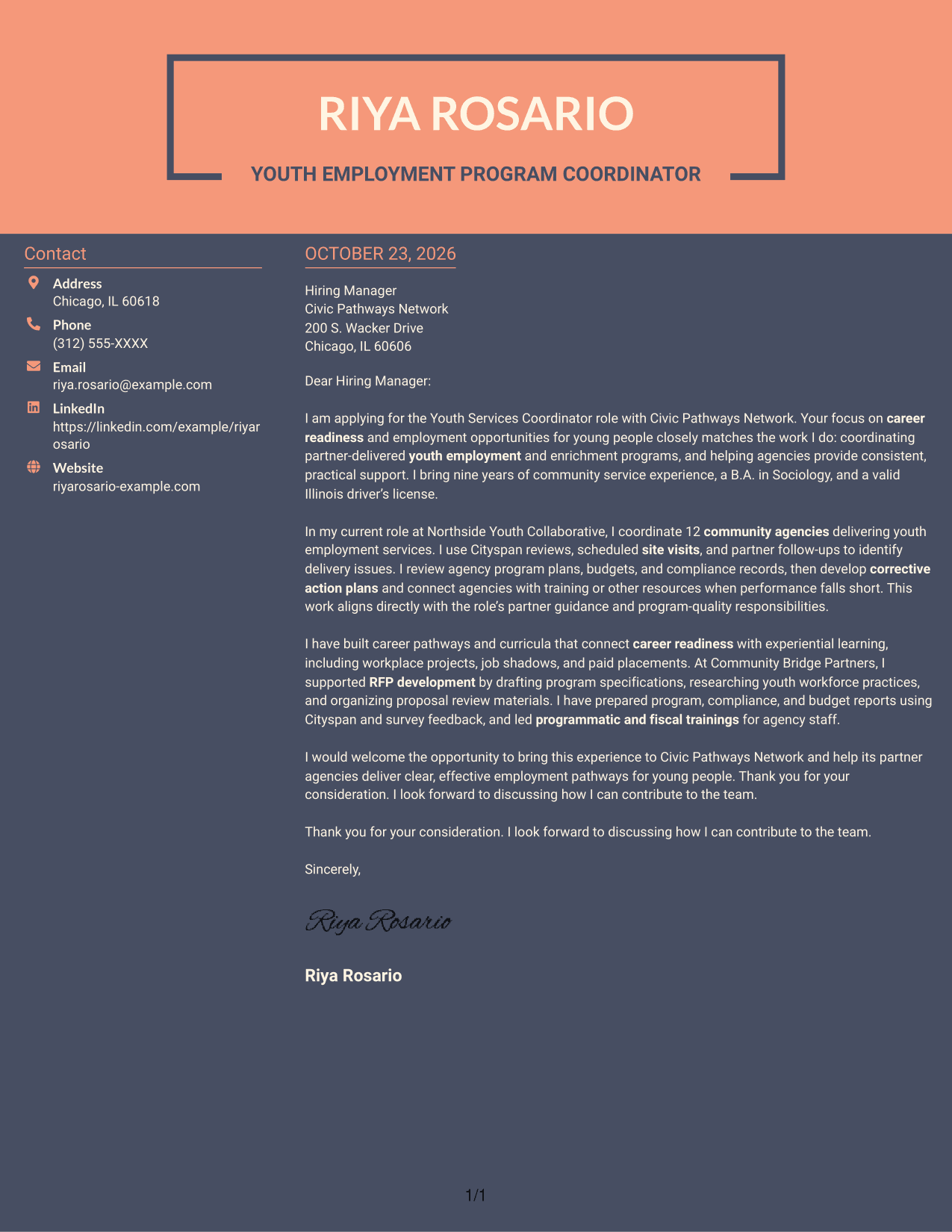
Why This Format Works
- Contact details occupy a sidebar while the full letter remains in one column.
- The message's paragraphs keep their usual order without splitting across columns.
- A single body lets motivation and supporting points read as connected prose.
Best For
- Separate contact and message areas
- One-column letter text
- Connected motivation and supporting points
- Readers who value a sidebar
- Letters with a continuous argument
Why Use ResumeInMinutes for a Youth Services Coordinator - Youth Employment Programs Cover Letter
ResumeInMinutes lets you compare PNG previews and open an example in the editor while shaping a cover letter for youth employment program work.
- PNG image previews
- Examples you can view in the editor
- Cover letter-focused guidance
- Role-specific writing ideas
- Clear, professional layouts
- Guidance on motivation and role fit
Use the example to shape a clear opening, connect your youth program experience to partner needs, and close with a direct statement of interest.
See Also
- 7 Youth Services Coordinator - Youth Employment Programs Resume Templates with Example
- 7 Catering Event Coordinator - Dining Services Resume Templates with Example
- 7 Grants Coordinator & Constituent Services Representative Resume Templates with Example
- 33 LTSS Service Care Coordinator Resume Templates with Example 2026 (ATS-Optimized)
- 7 Patient Services Coordinator - Radiation Oncology Resume Templates with Example
- 33 Biological Sciences Pre-Health Student Success and Program Coordinator Resume Templates with Example
- 7 Center for Creativity Program Coordinator Resume Templates with Example
- 7 Clinical Administrative Coordinator - PA Program Resume Templates with Example
- 7 Grants Coordinator & Constituent Services Representative Cover Letter Templates with Example
- 30+ LTSS Service Care Coordinator Cover Letter Templates with Example 2026
Frequently Asked Questions
What should the opening of a Youth Services Coordinator - Youth Employment Programs cover letter say?
State your interest in the role and connect it to the work of helping partner agencies deliver career readiness and employment programs for young people.
What evidence can make this cover letter more persuasive?
Choose examples that show how you support program quality, such as partner coordination, site visits, corrective action plans, career curricula, reports, or staff training. Explain how the example relates to the role.
Do the previews show different cover letter examples?
The guide presents one featured cover letter in different visual layouts. Compare the PNG previews, then use the editor link to view or customize an example.
How should I close a cover letter for this role?
Restate your interest in supporting youth employment programs, thank the reader for their time, and invite a conversation about your contribution.
Should I include every part of my youth services experience?
No. Select the experience that best supports your fit for the role. Focus on relevant partner work, program delivery, and communication, and keep each point clear.




