
7 Academic Resource Planning Coordinator - Workload Data Cover Letter Templates with Example
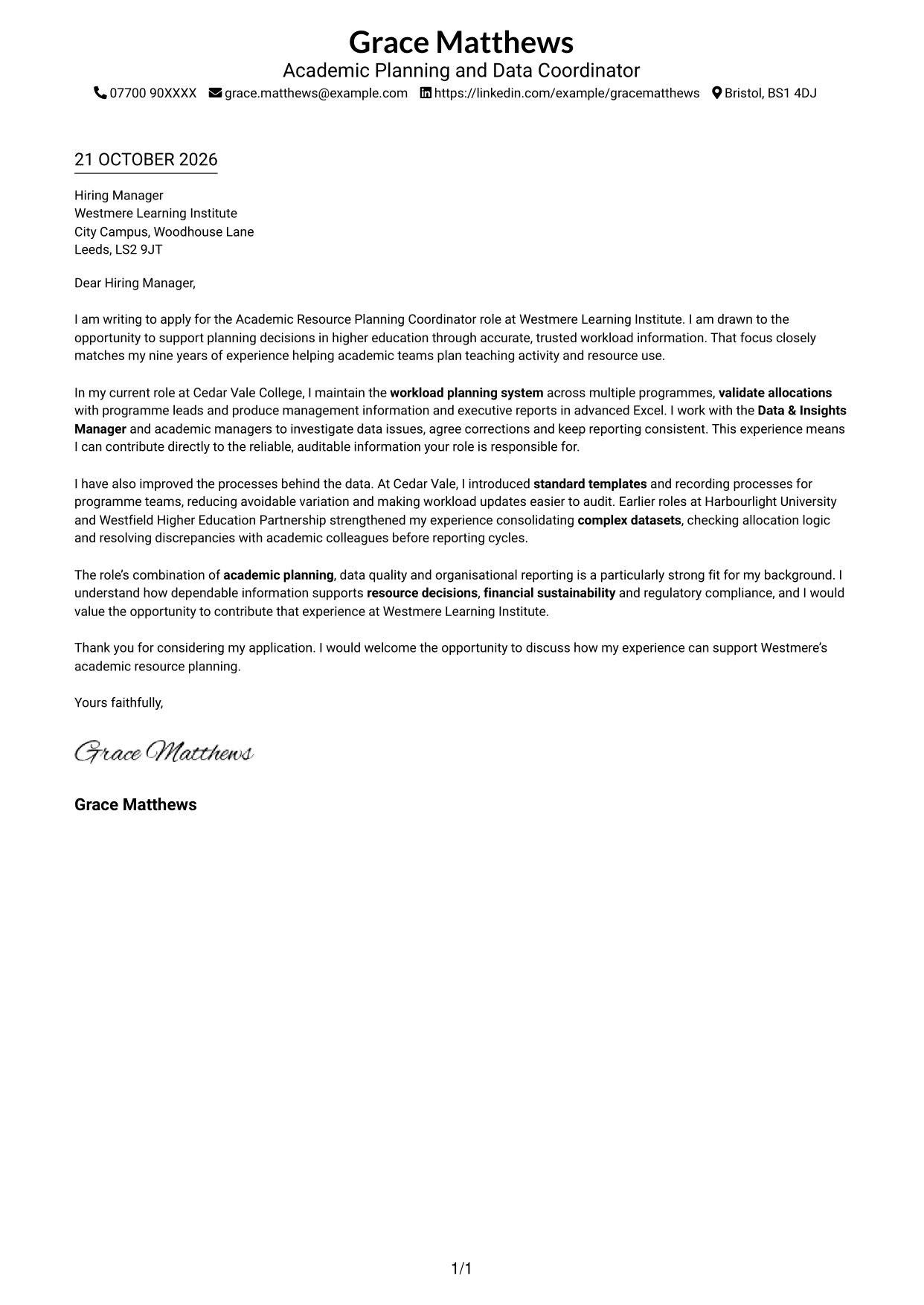
This guide to the Academic Resource Planning Coordinator - Workload Data cover letter shows how to present your motivation and relevant evidence across seven layouts.
What Makes a Great Academic Resource Planning Coordinator - Workload Data Cover Letter in 2026
A strong letter links your interest in the role to careful workload planning, trusted data and clear reporting. Make your opening direct and show how your approach can support sound resource decisions.
Use relevant examples, such as validating allocations, preparing management information in advanced Excel or improving recording processes. Explain how this evidence fits the employer’s needs for accurate, consistent and auditable planning information.
The featured example moves from interest in the role to current workload and reporting evidence, then to process improvements and a clear close; adapt this focused progression while choosing a presentation suited to the employer and communication context.
#1 Simple One Column Format Cover Letter Example
The Simple One Column Format keeps sender details in the header and the letter body in one column, giving the argument a direct reading path.
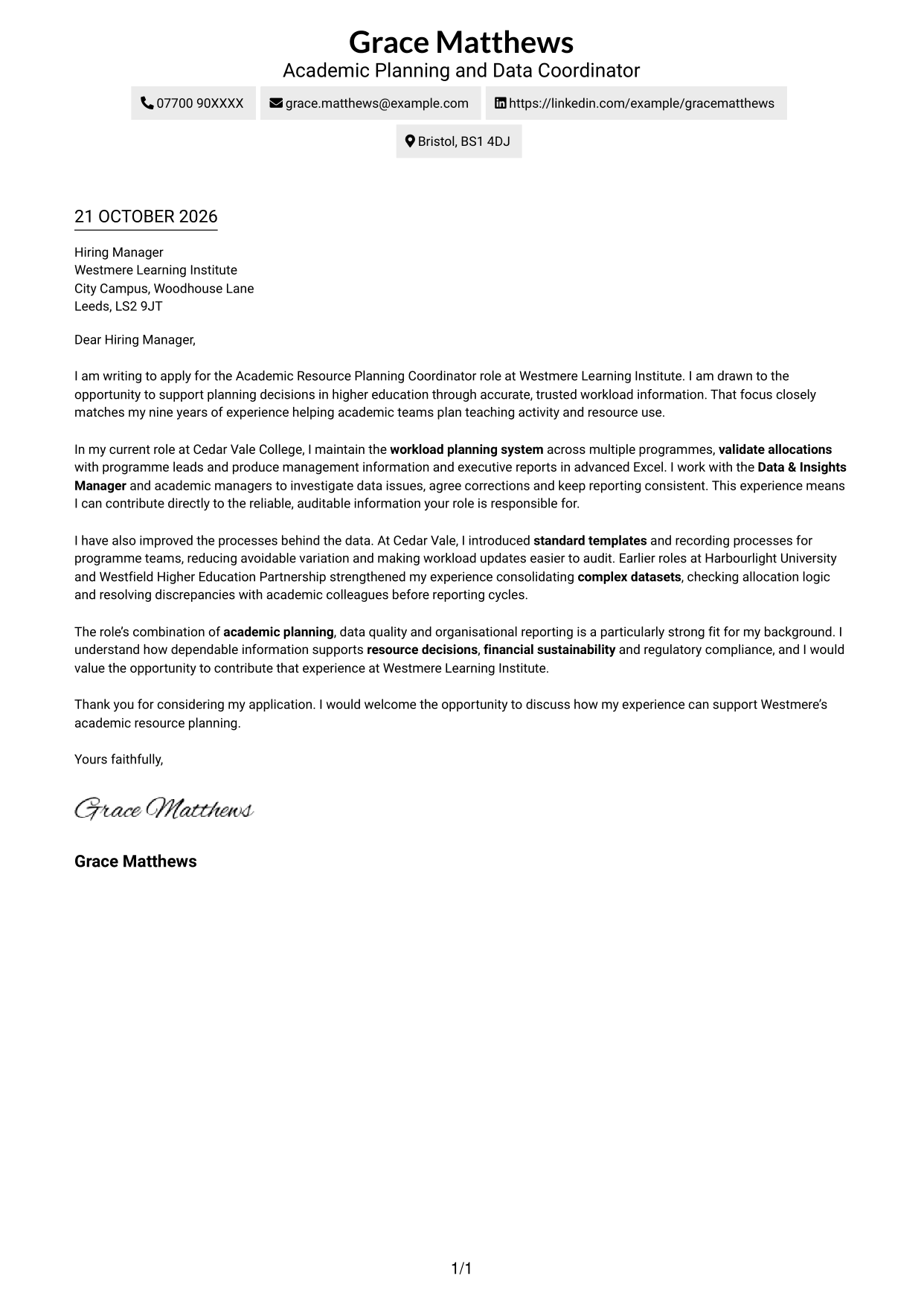
Why This Format Works
- The single-column body lets reviewers follow the letter from opening through closing in order.
- Header-based contact details remain distinct from the application message.
- One reading column keeps the argument's paragraphs together without a contact sidebar.
Best For
- Single-column letters
- Continuous paragraph flow
- Header-based contact details
- No-sidebar layouts
- Photo-free correspondence
#2 Two Column Format Cover Letter Example
A contact sidebar sits beside the continuous letter body in the Two Column Format, keeping contact details distinct while the letter remains a single narrative.
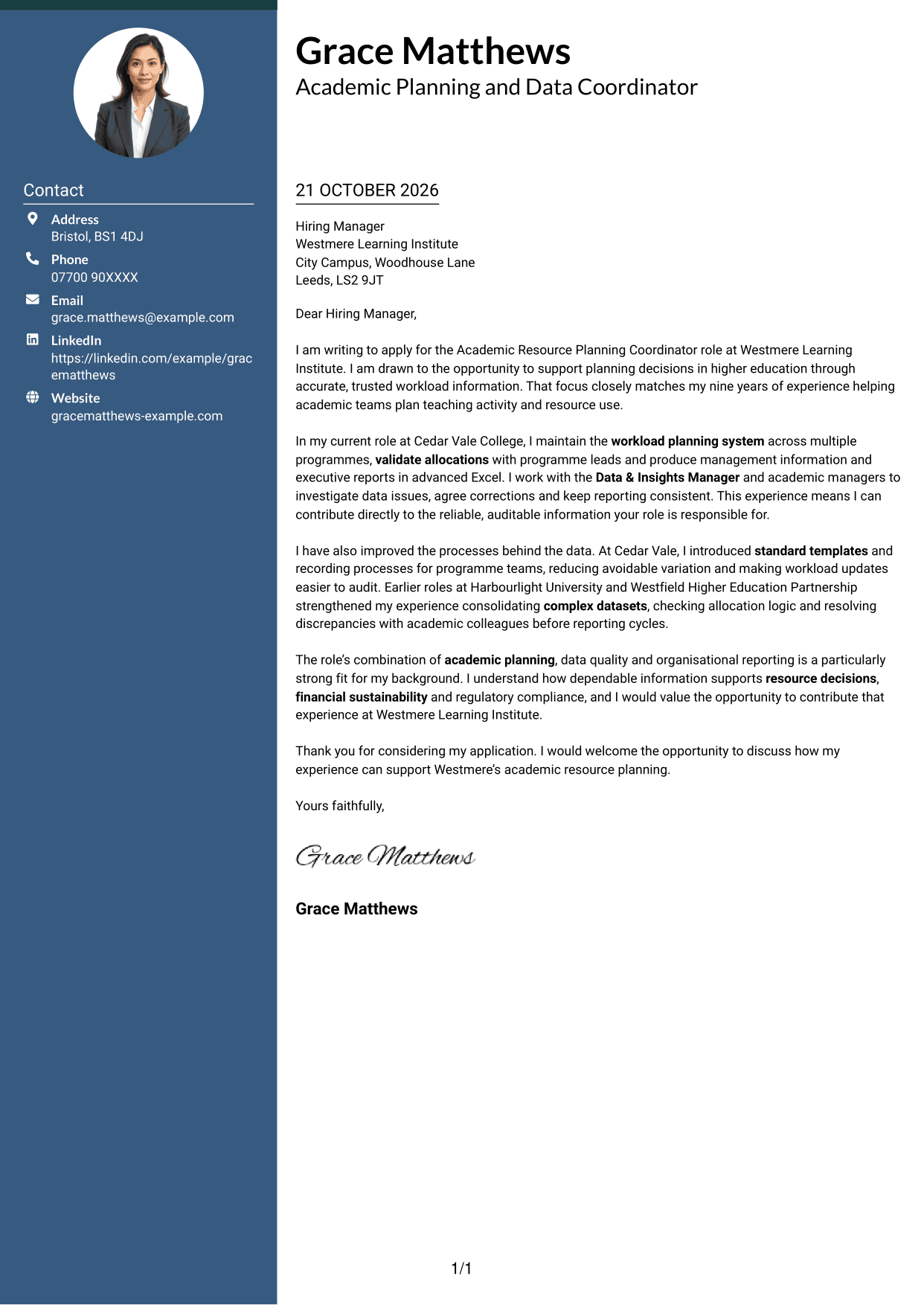
Why This Format Works
- Contact details occupy a sidebar, separate from the letter's persuasive message.
- The letter body stays continuous, so motivation and supporting points remain in sequence.
- Reviewers can locate sender information without interrupting the main reading path.
Best For
- Contact details beside the letter
- Continuous letter narratives
- Separate contact lookup
- Two-column layouts
- Photo-free correspondence
#3 Photo Header Two Column Format Cover Letter Example
The Photo Header Two Column Format includes a portrait alongside a contact sidebar, offering a personal visual element while keeping the letter body continuous.
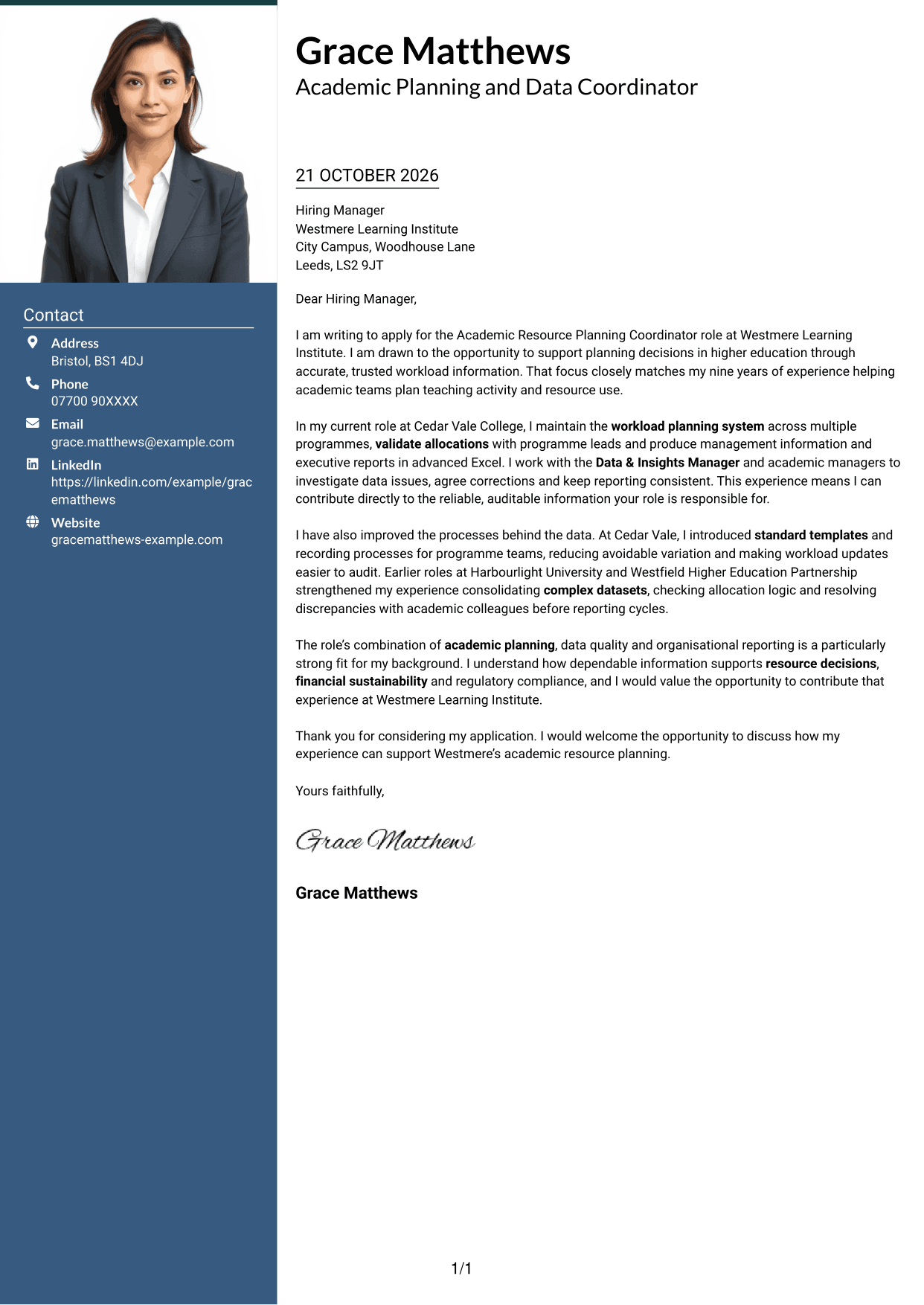
Why This Format Works
- A portrait adds a personal visual element without changing the letter's paragraph sequence.
- Contact details sit apart from the continuous body, making sender information easy to locate.
- One letter column keeps motivation, evidence and closing in a single reading sequence.
Best For
- Portrait-inclusive correspondence
- Contact sidebar layouts
- Continuous letter arguments
- Single-body-column reading
- Applications suited to a portrait
#4 One Column Format with Photo Cover Letter Example
One Column Format with Photo includes a portrait while keeping sender details in the header and the letter body in a single column.
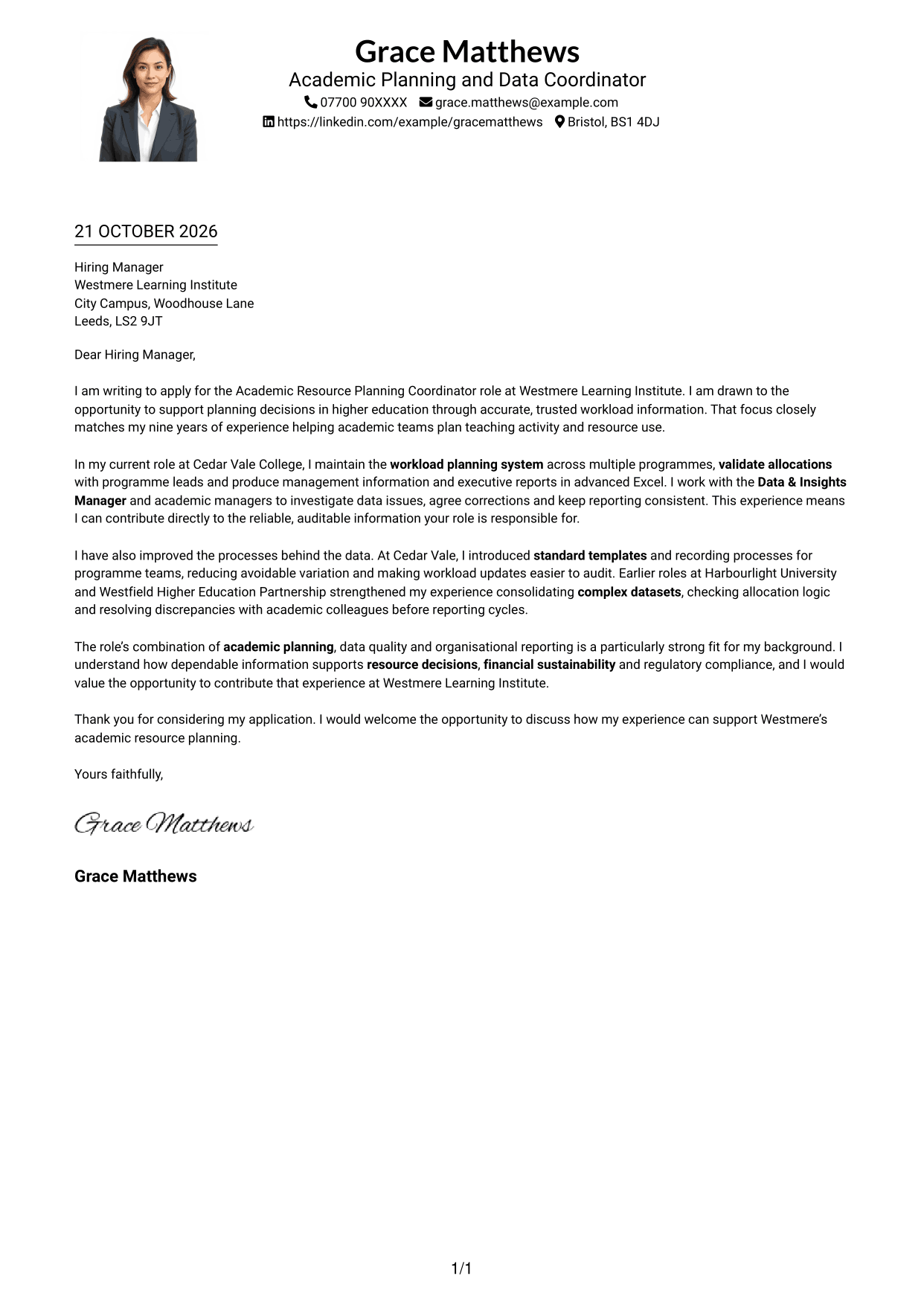
Why This Format Works
- The single-column body gives each paragraph a direct place in the reading order.
- Photo inclusion offers a visual option while the application message stays in one column.
- Sender details remain in the header rather than beside the letter body.
Best For
- Photo-inclusive letters
- Single-column correspondence
- Header-based contact information
- Uninterrupted paragraph order
- Portrait-led visual preference
#5 Simple Two Column Format Cover Letter Example
The Simple Two Column Format places contact information in a sidebar beside the continuous letter body, keeping these two parts easy to distinguish.
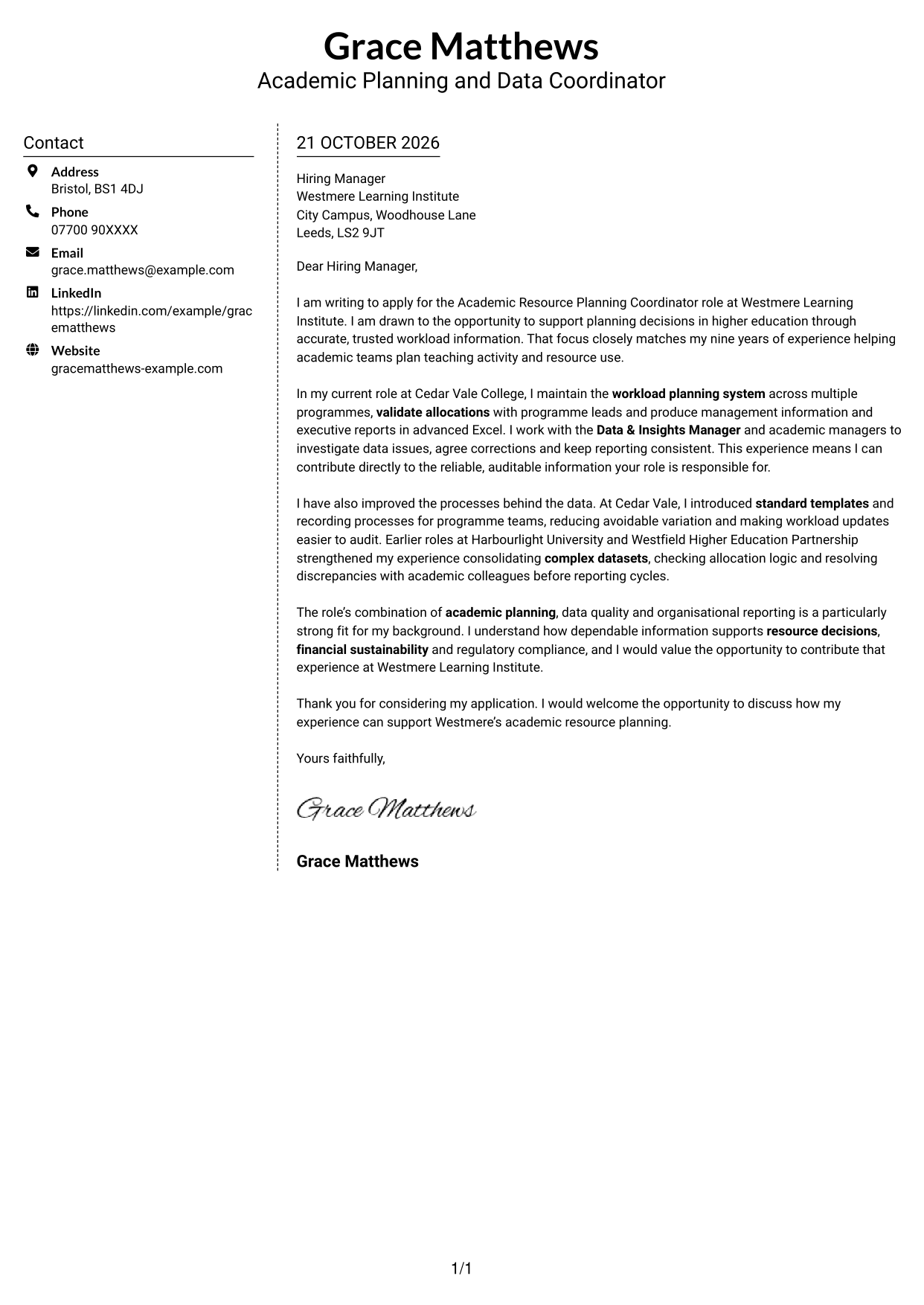
Why This Format Works
- Contact information has its own sidebar, apart from the letter's persuasive content.
- Readers can check sender details separately before turning to the correspondence.
- A single body column preserves the order of motivation, evidence and closing.
Best For
- Sidebar contact details
- Continuous letter paragraphs
- Separate sender information
- Two-column correspondence
- Photo-free letters
#6 Modern Icon Format Cover Letter Example
The Modern Icon Format uses a contact sidebar beside the letter body, with icons providing cues for contact details rather than argument sections.
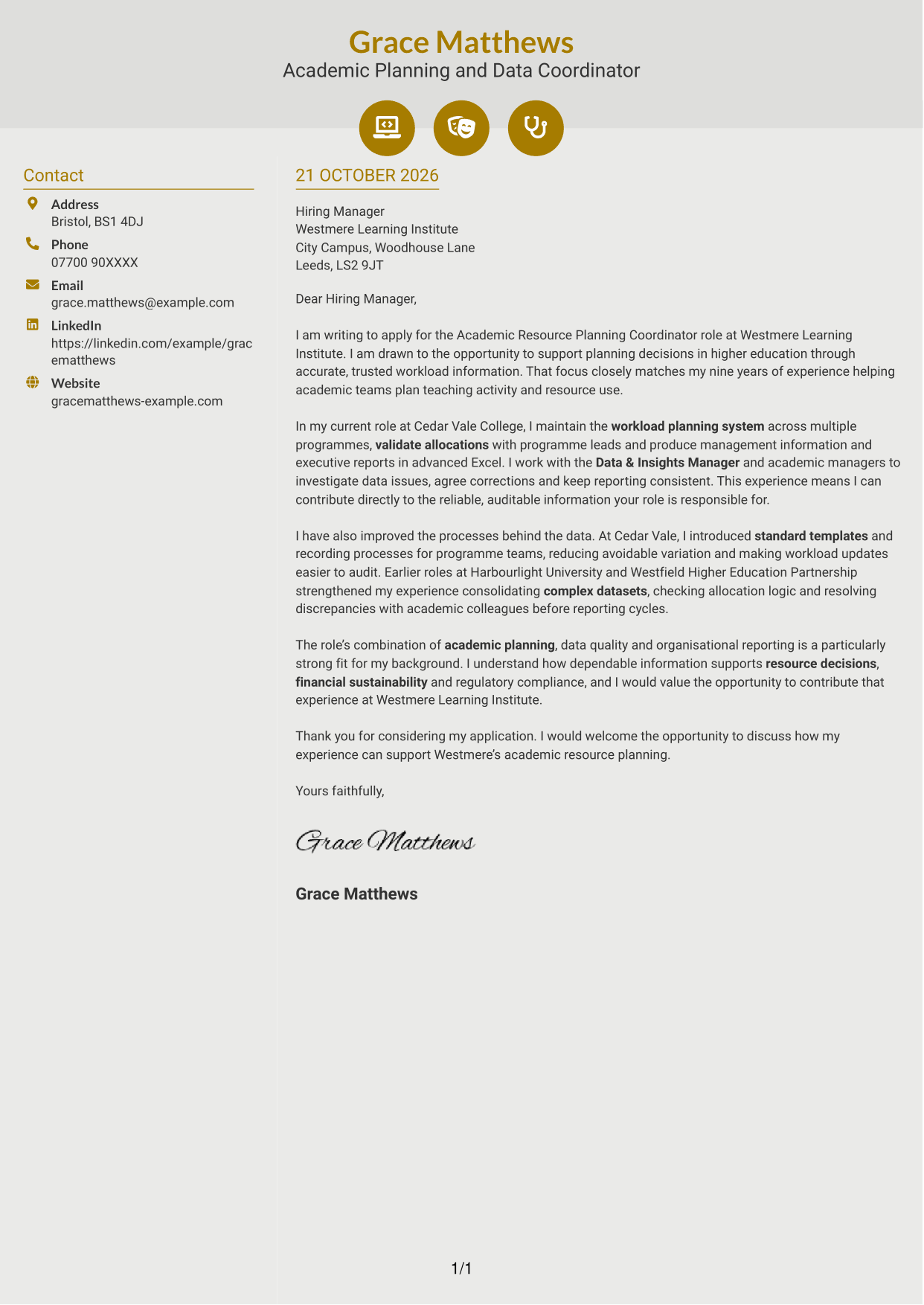
Why This Format Works
- Contact icons act as cues for sender details, not labels for letter arguments.
- The separate contact area leaves the main letter body as one continuous account.
- One body column keeps the opening, supporting paragraphs and close in order.
Best For
- Icon-cued contact details
- Two-column correspondence
- Continuous letter narratives
- Clear separation of sender and message
- Letters without a portrait
#7 Creative Two Tone Format Cover Letter Example
The Creative Two Tone Format places contact information and the continuous letter body in separate columns, giving each a distinct place on the page.
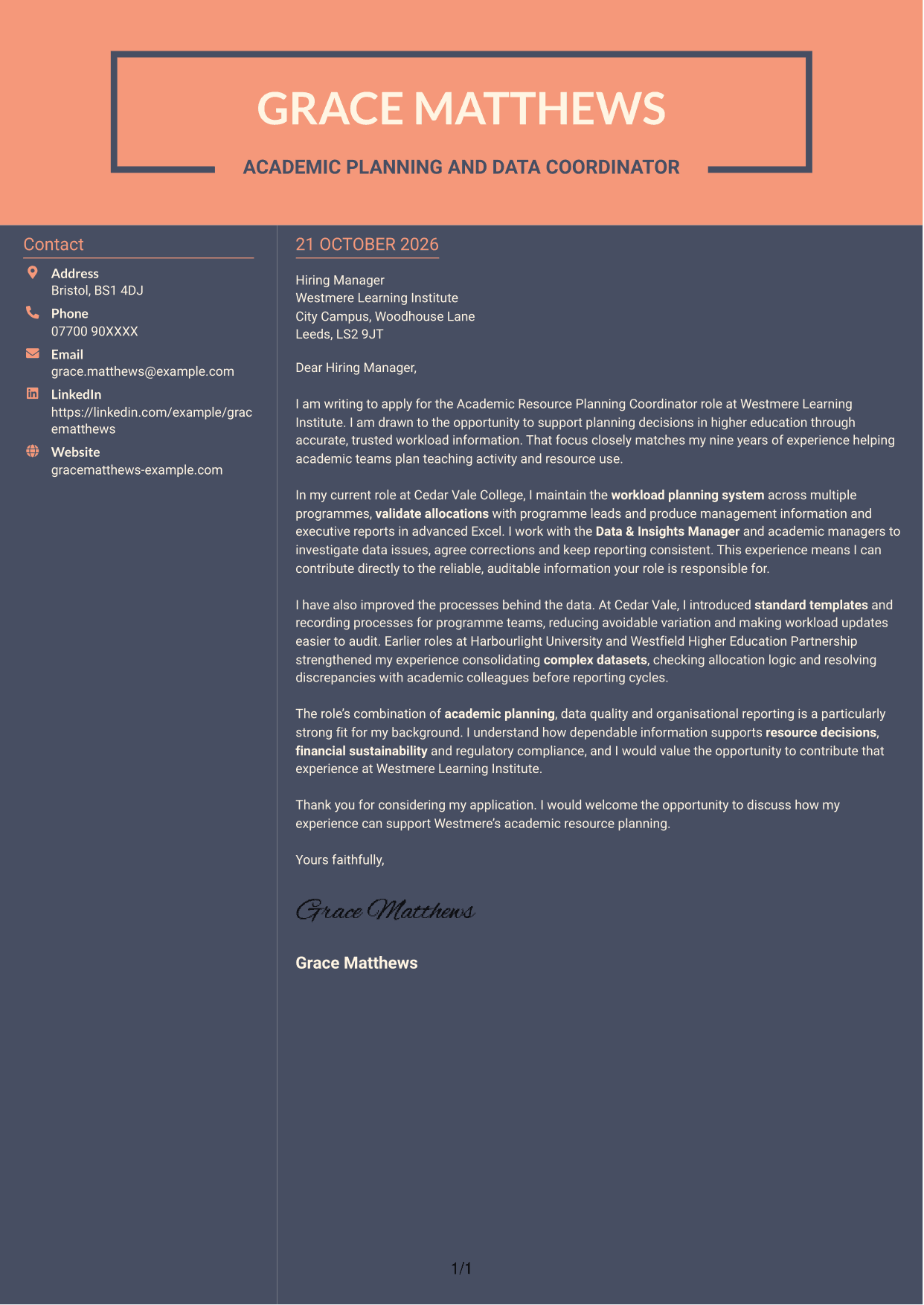
Why This Format Works
- The contact sidebar and letter body have separate columns and clear reading roles.
- Keeping the correspondence in one body column preserves the paragraph sequence.
- Contact information can be checked separately from the message itself.
Best For
- Separate contact and letter areas
- Single-column letter body
- Two-column reading order
- Continuous persuasive correspondence
- Photo-free applications
See Also
- 7 Academic Resource Planning Coordinator - Workload Data CV Templates with Example
- 7 Customer Account Coordinator - Semiconductor Sales Operations CV Templates with Example
- 7 Front of House Coordinator - Corporate Reception CV Templates with Example
- 7 Meeting & Events Coordinator CV Templates with Example
- 7 Programme Coordinator - Adult English and Maths Projects CV Templates with Example
- 7 Treasury Analyst - Cash and Collateral Management CV Templates with Example
- 7 International Scholarships Administrator CV Templates with Example
- 7 Regulatory Complaint Handler - Financial Services CV Templates with Example
- 7 Customer Account Coordinator - Semiconductor Sales Operations Cover Letter Templates with Example
- 7 Front of House Coordinator - Corporate Reception Cover Letter Templates with Example
Frequently Asked Questions
What should an Academic Resource Planning Coordinator - Workload Data cover letter highlight?
Show how your experience relates to maintaining workload records, validating allocations and producing clear management information. Strong examples can also show how you resolve data issues and help keep planning information consistent and auditable.
How can I show that my experience fits this role?
Choose one or two specific examples and explain your part in the work. You might describe how you checked workload allocations, prepared an executive report in advanced Excel or improved a template, then link the result to reliable resource planning.
How should I explain my interest in the employer?
Connect your interest to the role’s focus on higher education planning, data quality and informed resource decisions. Keep the reason genuine, and explain how your approach could support the organisation’s planning needs.
What is a clear way to structure this cover letter?
Open by naming the role and explaining your main reason for applying. Use the body to connect relevant workload and reporting evidence to the role, then close by restating your interest and welcoming a discussion.
Should I include every part of my work history?
No. Focus on the experience that best supports your fit for this position. A small number of clear examples will make your motivation and contribution easier to understand.




