
7 Academic Resource Planning Coordinator - Workload Data CV Templates with Example
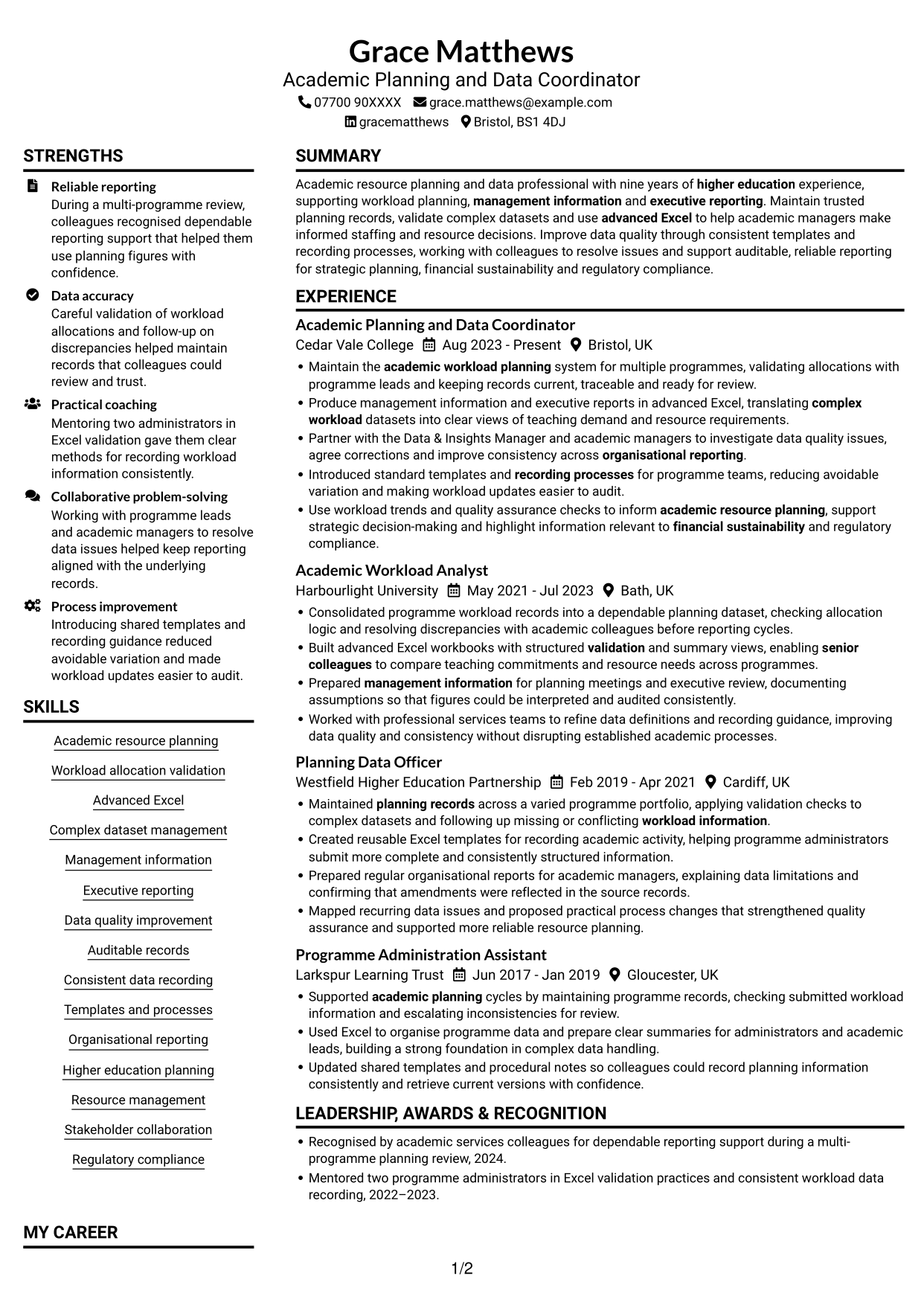
This guide shows you how to create an Academic Resource Planning Coordinator - Workload Data CV that is clear, focused and easy to review. You will learn how to organise relevant evidence and choose a format that presents your information well.
A strong CV for this role makes workload planning, accurate records and reliable reporting easy to see. Use clear examples to show how you maintain allocation data, check complex datasets and help colleagues make informed resource decisions.
Compare the example in 7 layouts through the PNG image previews, then open a preferred version in the editor to customise it. The guidance covers ATS readability and role-specific terms such as academic workload planning systems, advanced Excel, management information, executive reporting, data quality and auditability.
What Makes a Great Academic Resource Planning Coordinator - Workload Data CV in 2026
A strong CV brings workload planning, data checks and reporting experience into clear sections. Focused bullet points help readers see how your work supports accurate records and resource decisions.
Use relevant terms such as allocation validation, advanced Excel, management information, quality assurance and auditable records. Add figures only when you can support them.
Note: CV examples are for educational purposes only. Use only information that accurately reflects your experience and qualifications. References to real organisations do not imply affiliation or endorsement.
#1 Plain Two Column Format CV Example
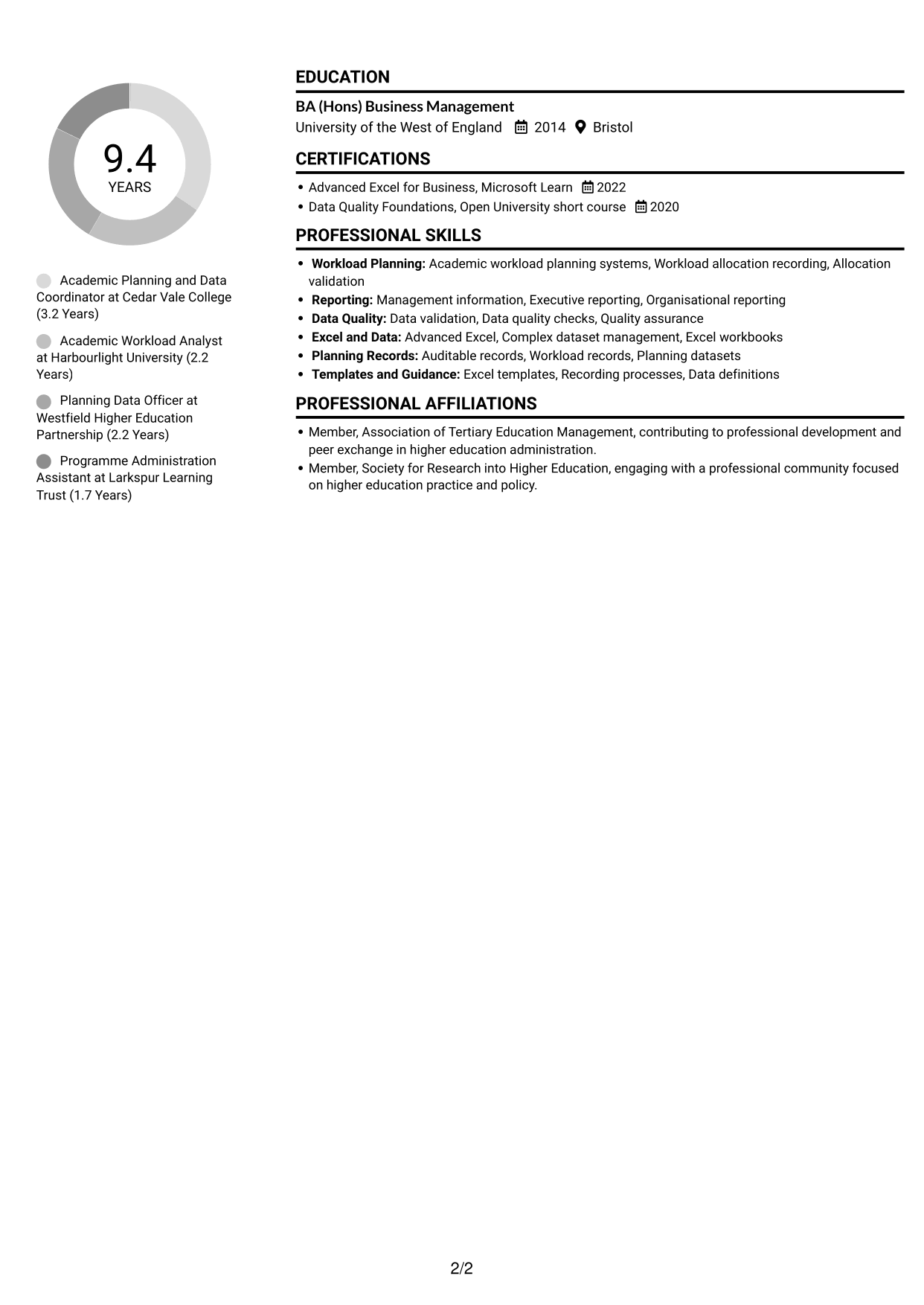
The Plain Two Column Format places CV content in two columns, giving reviewers a compact way to compare related sections.
CV Snapshot
- Nine years of higher education experience
- Academic workload planning and resource support
- Advanced Excel and complex dataset management
- BA (Hons) Business Management
Why This Format Works
- Separate areas help reviewers distinguish work history from skills and education.
- A two-column reading order keeps workload records and reporting details easy to locate.
- Compact grouping gives qualifications and training a clear place beside career information.
Best For
- Compact CV content
- Related sections read side by side
- Work history with supporting details
- Clear skills and education sections
- Concise qualification records
CV Keywords
- Academic workload planning systems
- Maintain the academic workload planning system for multiple programmes, validating allocations with programme leads and keeping records current, traceable and ready for review.
- Academic resource planning
- Advanced Excel
- Complex dataset management
- Management information
- Executive reporting
- Data quality improvement
- Data validation
- Auditable records
- Consistent data recording
- Templates and processes
- Organisational reporting
- Academic Planning
- Higher education
#2 Simple One Column Format CV Example
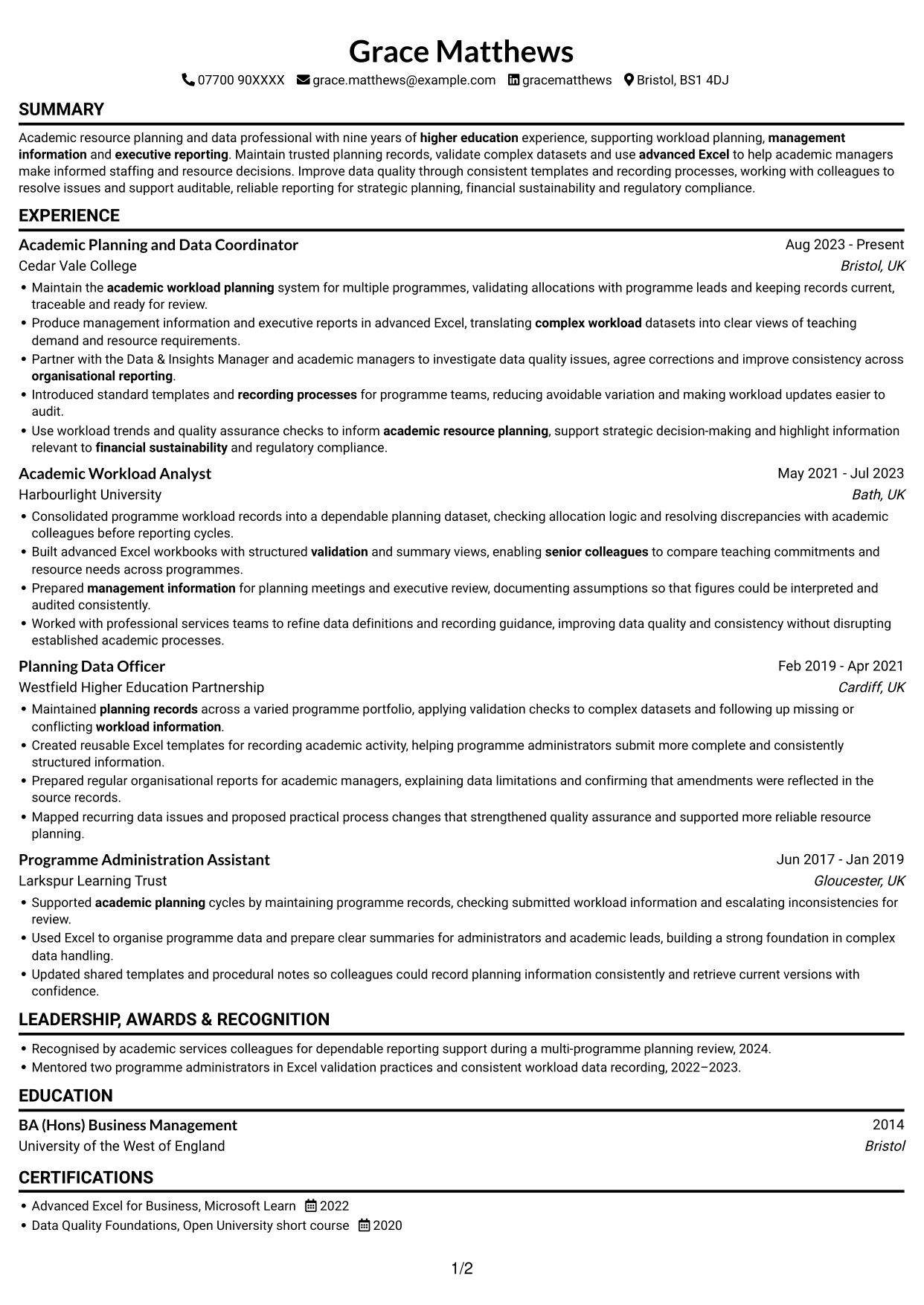
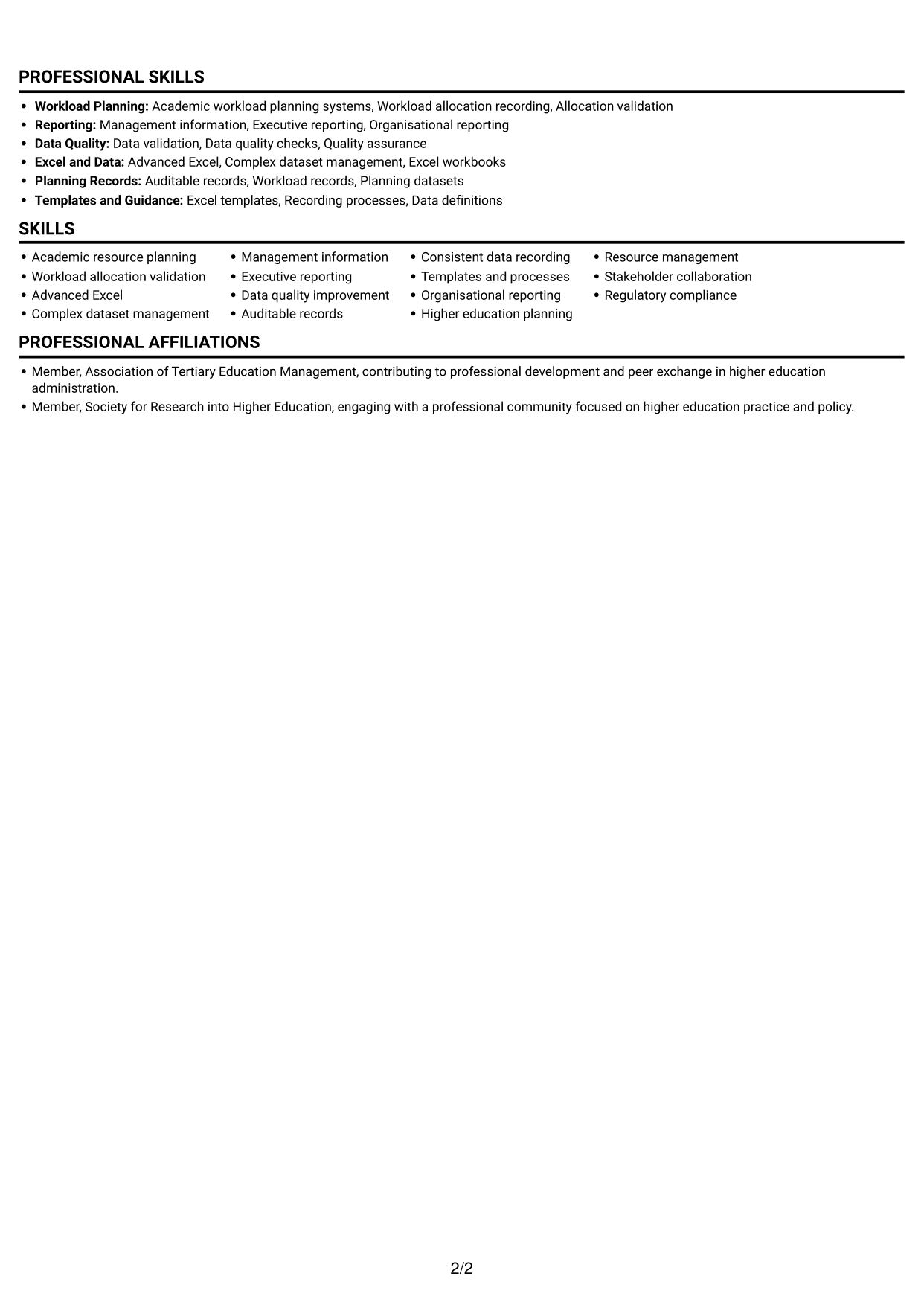
A single-column layout in the Simple One Column Format gives detailed career history a clear top-to-bottom reading path.
Why This Format Works
- One reading path lets reviewers follow career history in sequence.
- Consistent section order keeps skills, education and credentials easy to find.
- Full-width text gives detailed experience bullets room to remain readable.
Best For
- Chronological career history
- Detailed experience descriptions
- Linear section reading
- Full-width text
- Straightforward skills and training records
#3 Clean Two Column Sidebar Format CV Example
The Clean Two Column Sidebar Format sets a sidebar beside the main CV content, helping readers locate grouped details while keeping the work-history flow.
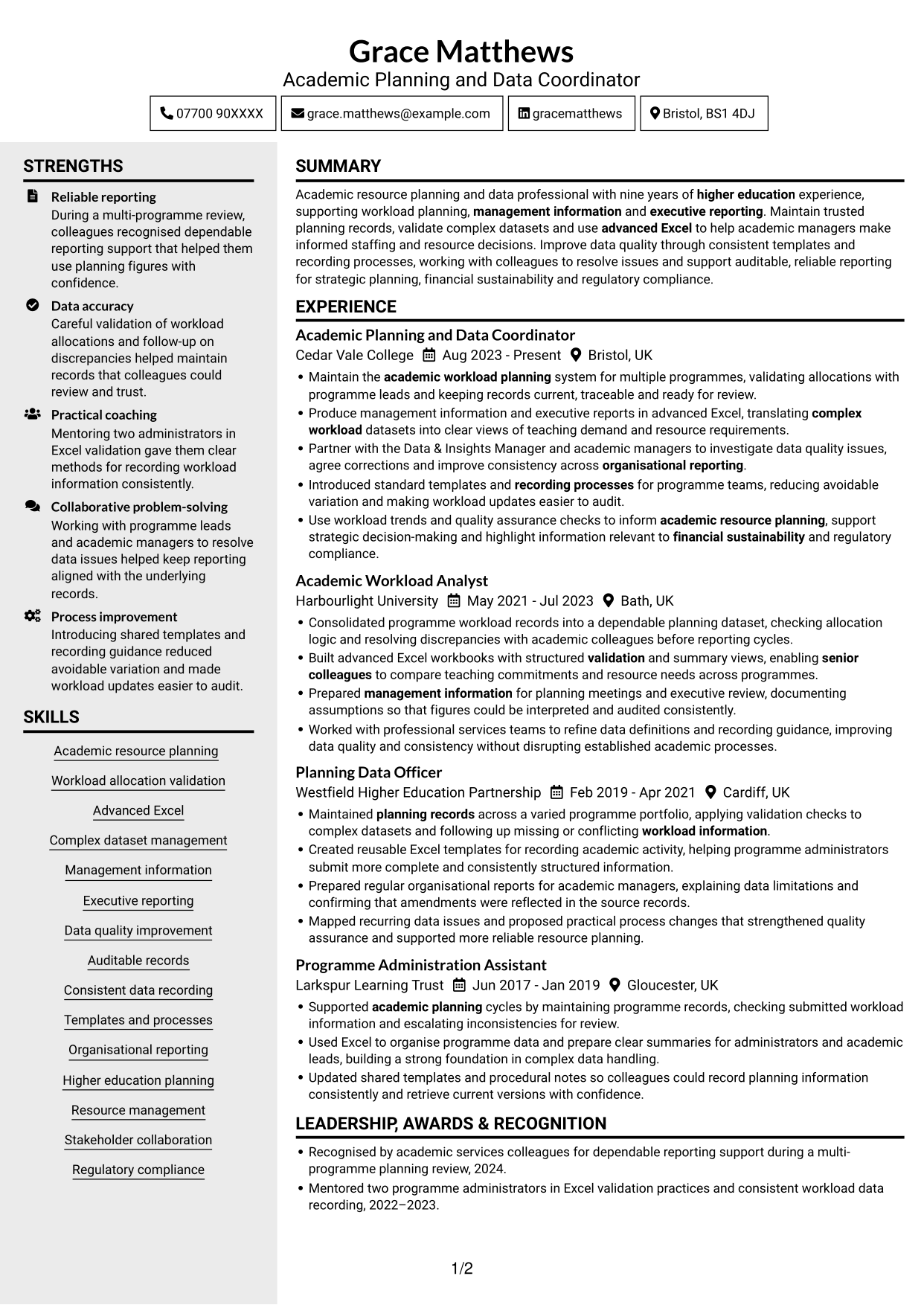
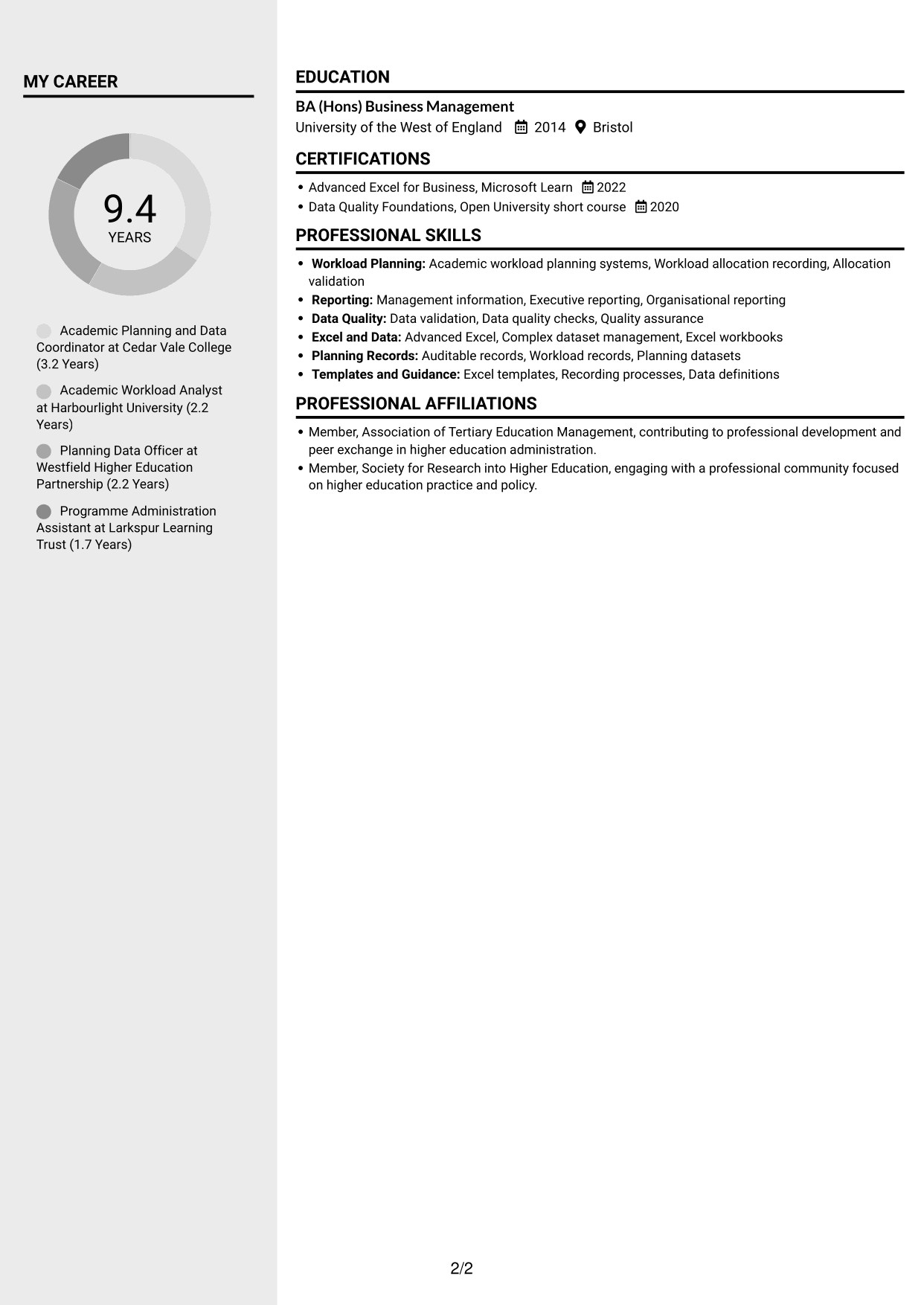
Why This Format Works
- A sidebar gives supporting information a distinct place beside career history.
- The main content area can present experience in a clear sequence.
- Separate sections help reviewers locate skills, education and credentials.
Best For
- Sidebar-led organisation
- Career history with supporting details
- Quick access to key sections
- Grouped skills and qualifications
- A distinct content hierarchy
#4 Two Column Format CV Example
The Two Column Format divides CV content into two reading areas, which can make skills and career information easier to scan.
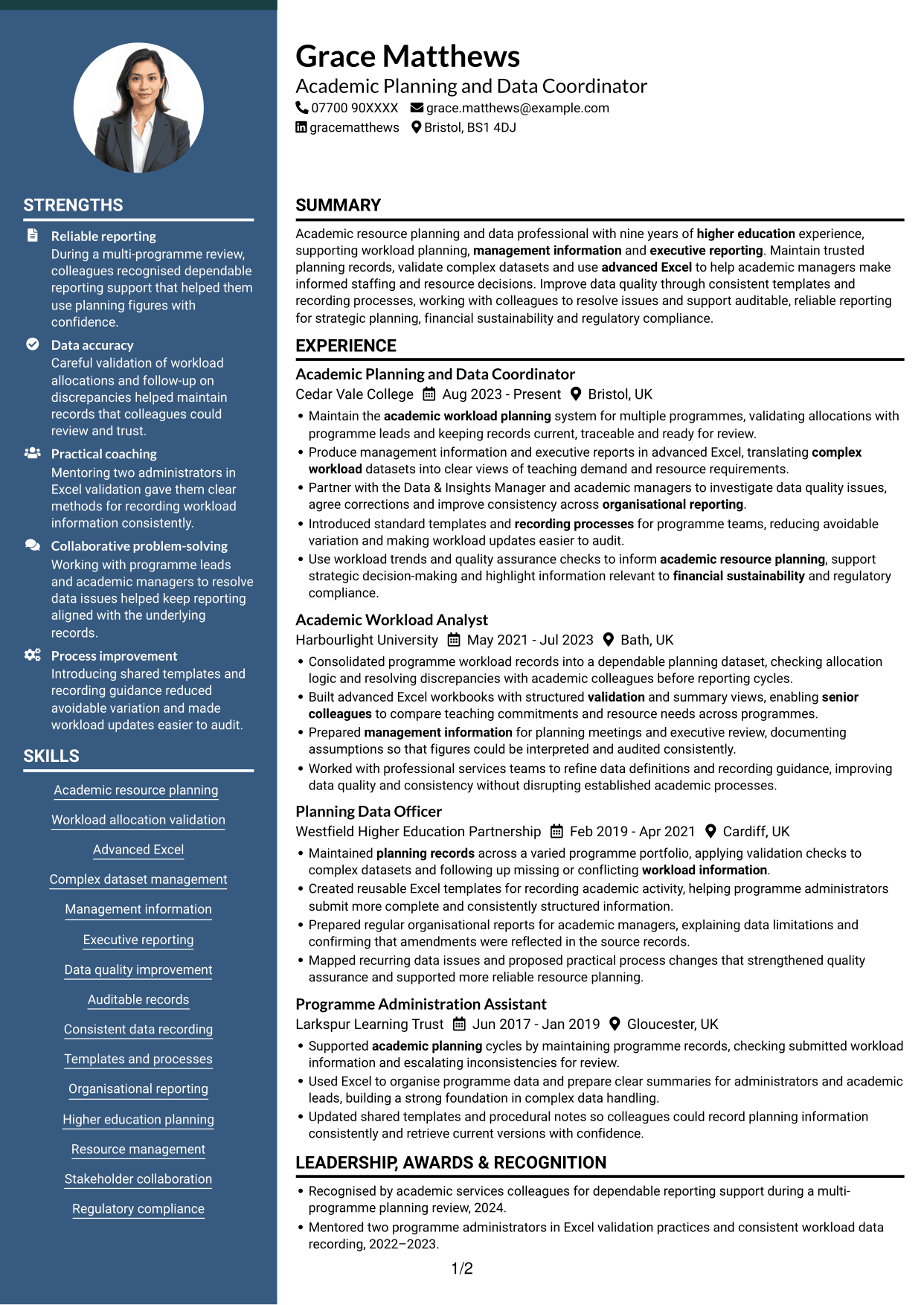
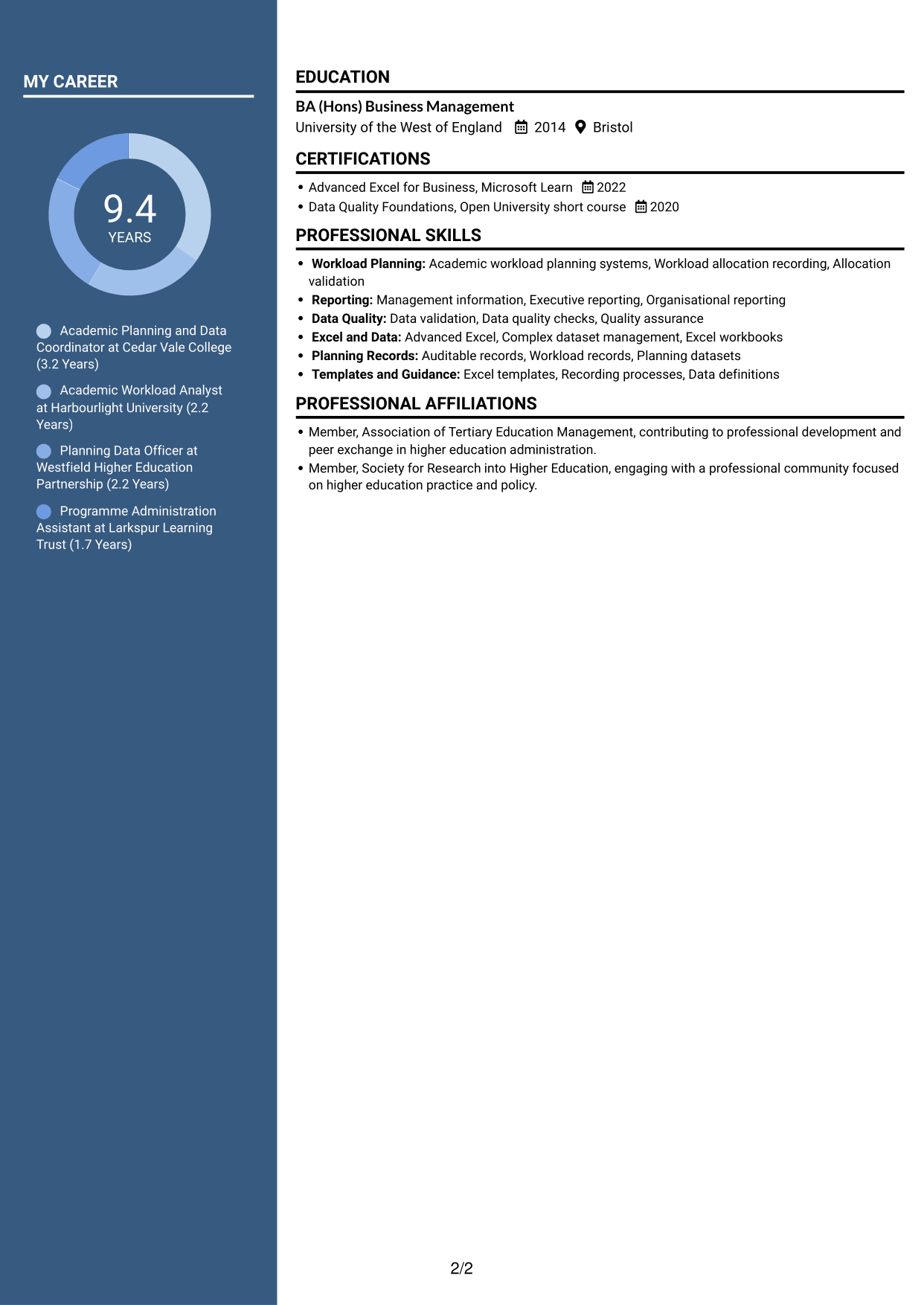
Why This Format Works
- Two reading areas help distinguish career details from supporting information.
- Section grouping gives skills and education a clear place in the CV.
- The layout lets reviewers move between experience and qualifications with ease.
Best For
- Two-area CV organisation
- Career and skills read together
- Clearly grouped education details
- Supporting information beside experience
- A balanced content layout
#5 Photo Header Two Column Format CV Example
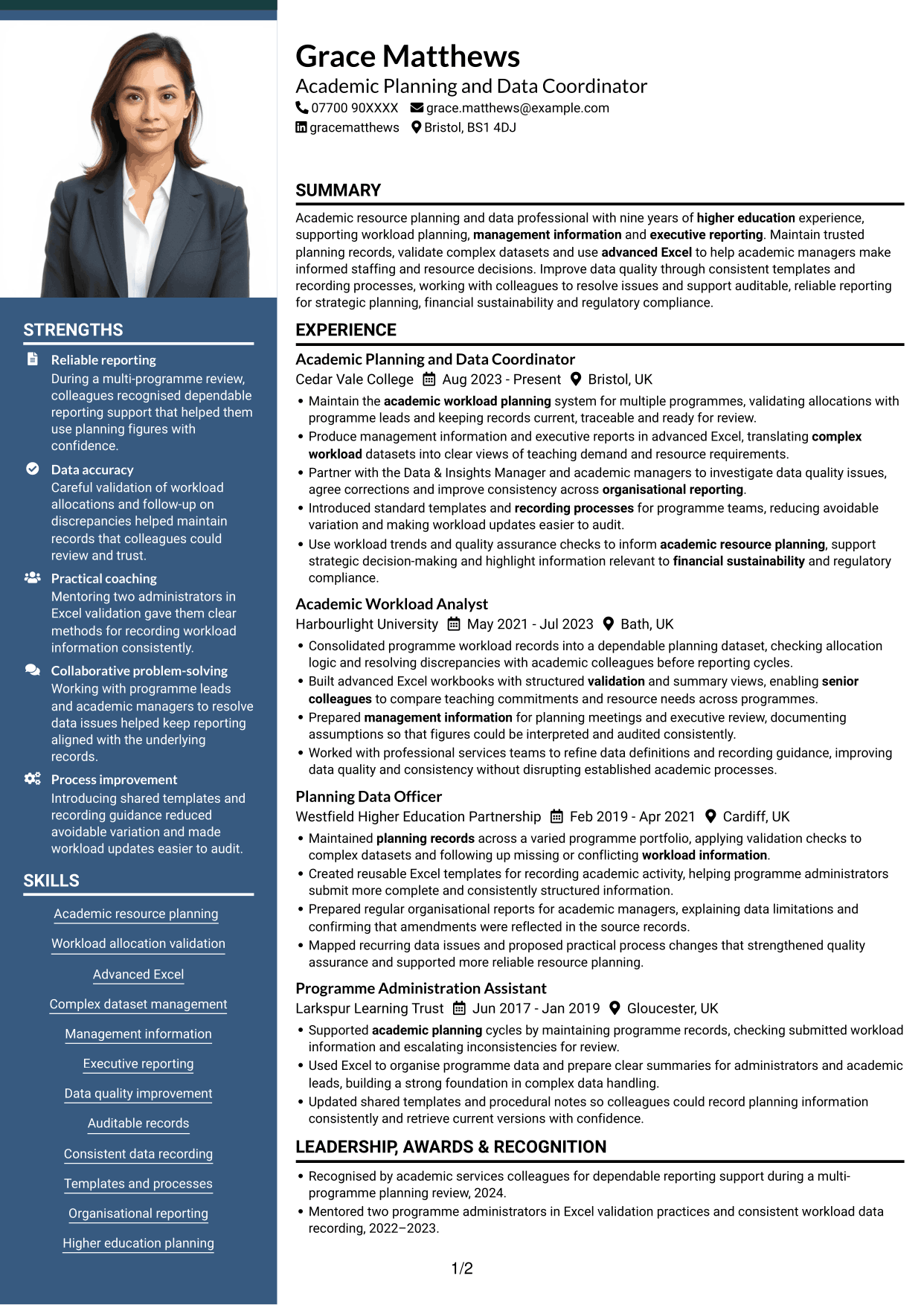
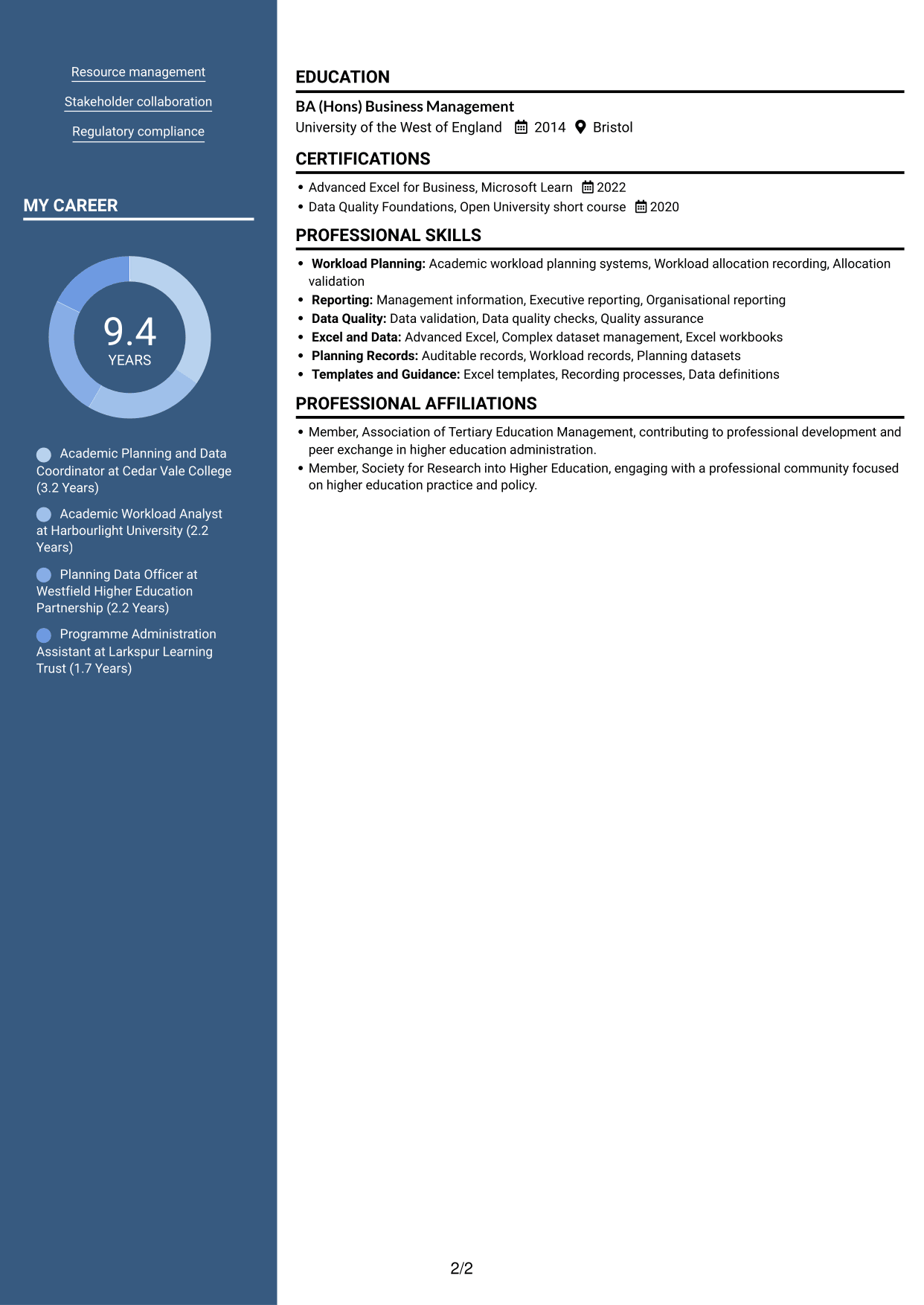
The Photo Header Two Column Format pairs a photo header with two body columns, offering a visible personal image while keeping CV sections compact.
Why This Format Works
- Two body columns separate career information into clear reading areas.
- Grouped sections help reviewers find experience, skills and education.
- The photo header provides a visible personal image without changing the content order.
Best For
- CVs with a personal photo
- Two-column section grouping
- Compact career information
- Skills and experience read together
- A visual header preference
#6 Coloured Two Column Format CV Example
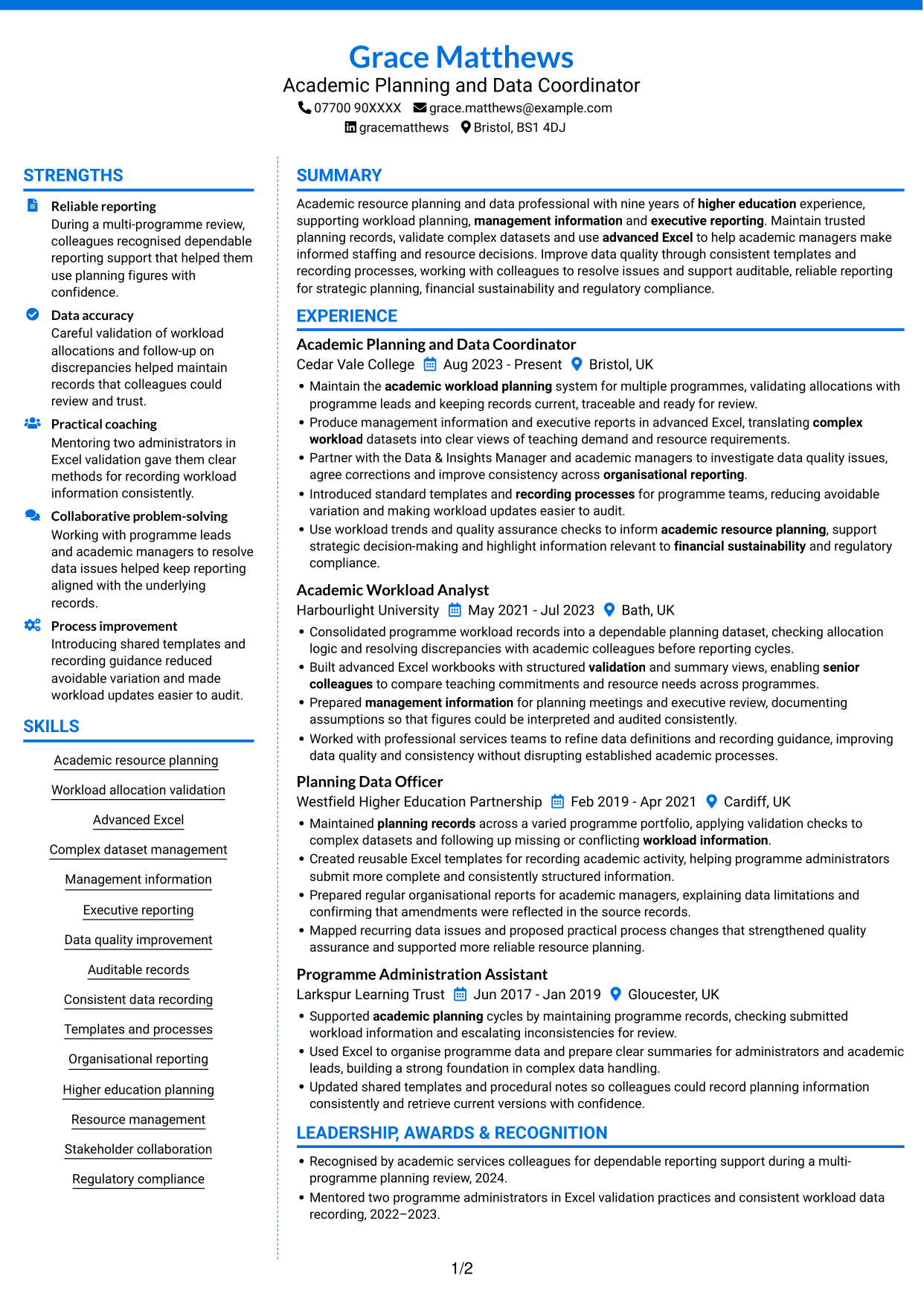
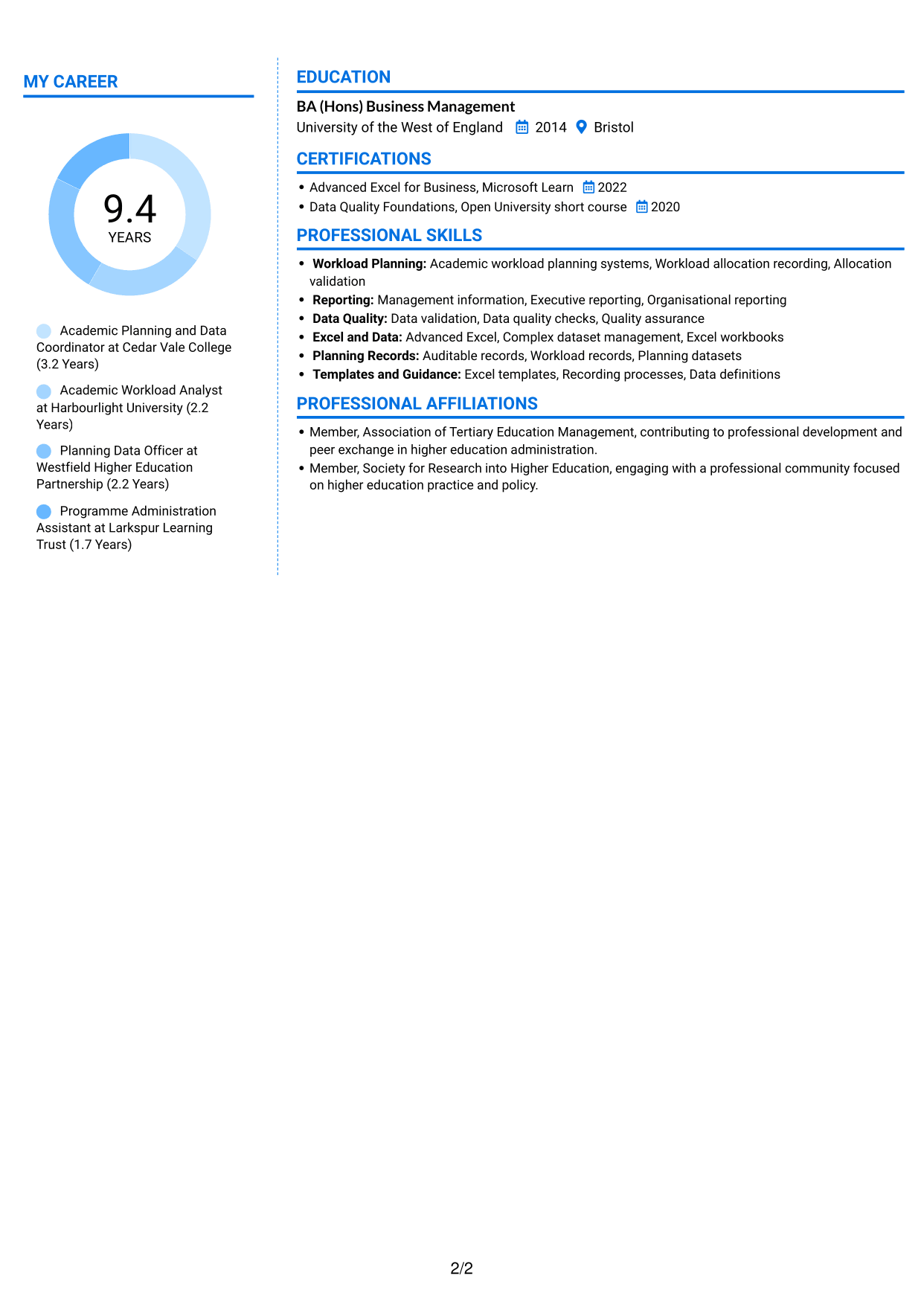
The Coloured Two Column Format brings colour to a two-column CV, offering visual distinction while keeping information arranged in clear sections.
Why This Format Works
- Two columns give work history and supporting details separate reading areas.
- Section grouping helps reviewers move between experience, skills and qualifications.
- Colour adds visual distinction to the layout without replacing clear section labels.
Best For
- Colour in the CV design
- Two-column information grouping
- Separate career and skills areas
- Clearly labelled qualifications
- A visually distinct document
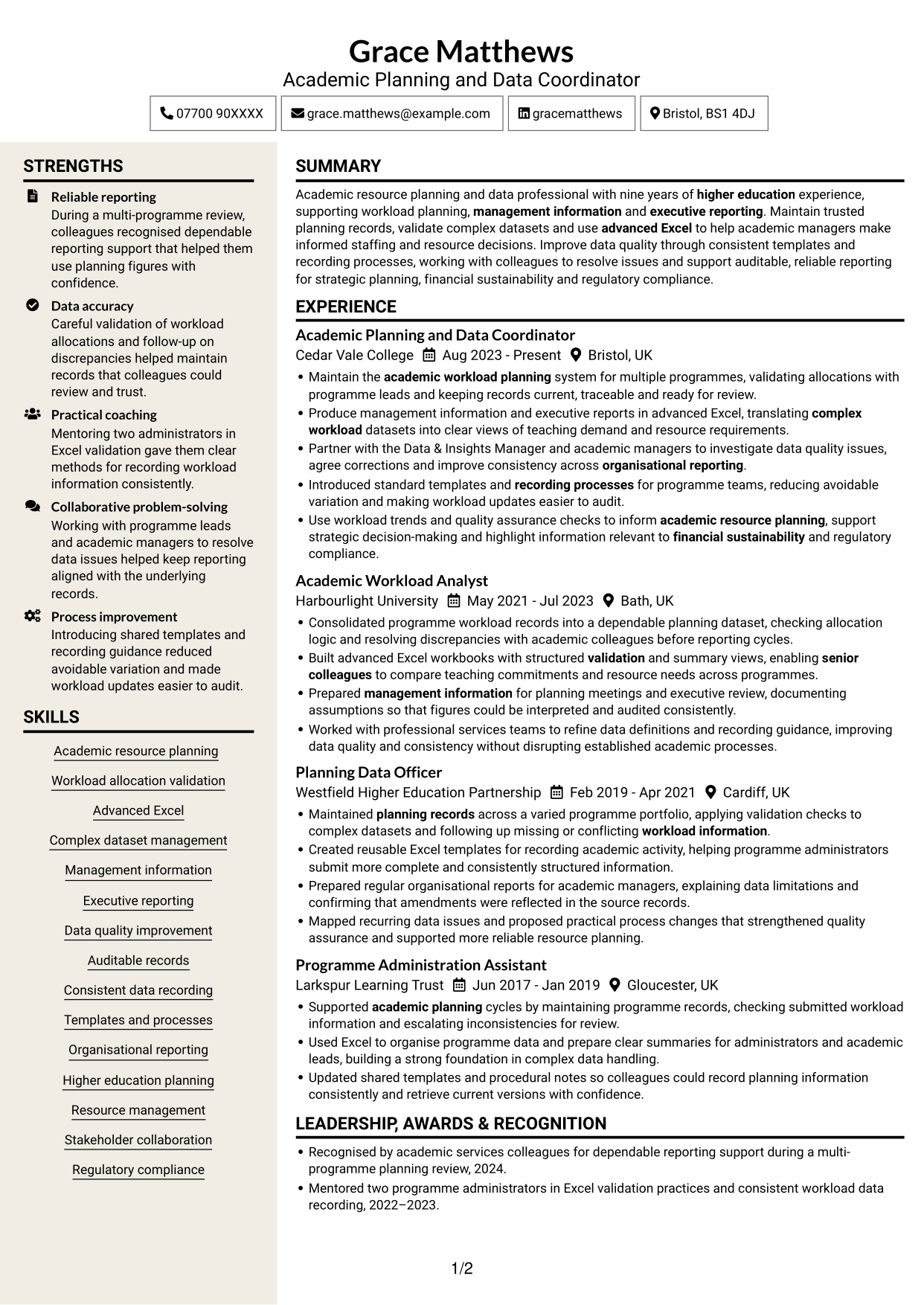
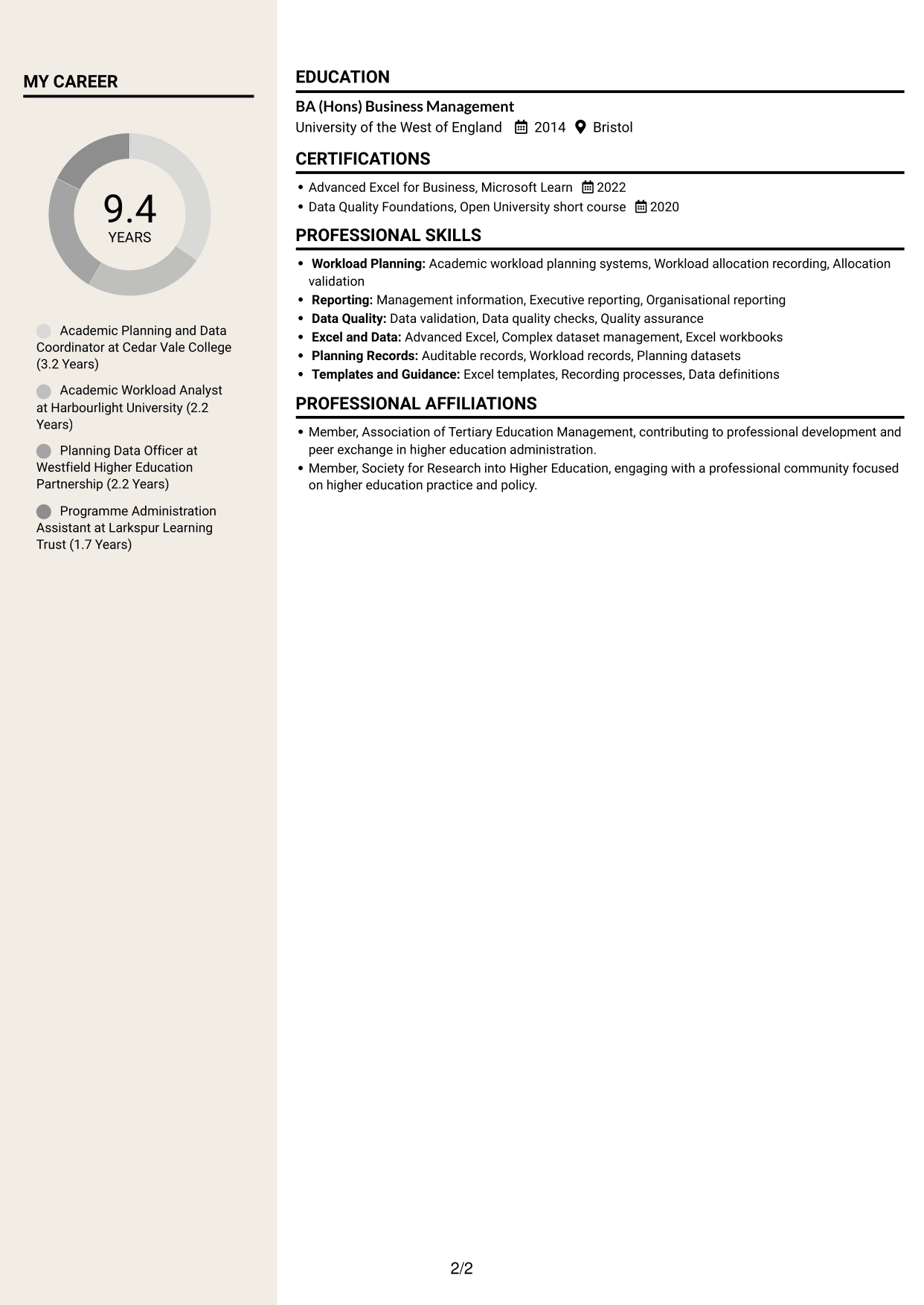
#7 Stylish Two Column Designer Format CV Example
The Stylish Two Column Designer Format uses two columns for an organised CV with a more design-led visual presentation.
Why This Format Works
- The two-column structure groups career information into clear sections.
- A distinct reading order helps reviewers move between experience and qualifications.
- Separate content areas make skills and education easier to locate.
Best For
- Design-led CV presentation
- Two-column career information
- Grouped skills and education
- Clear qualification sections
- A defined reading order
Why Build Your Academic Resource Planning Coordinator - Workload Data CV with ResumeInMinutes
ResumeInMinutes helps you arrange workload planning experience, skills and education in a clear CV. Compare PNG image previews, then open an example in the editor to customise its content and layout.
- Different CV layouts
- Clear, readable section structure
- Space for role-specific keywords
- Organised skills and experience
- PNG image previews
- CV customisation in the editor
Choose the format that makes your workload data and reporting evidence easiest to follow. Keep the focus on accurate allocations, useful management information and practical improvements to data quality.
See Also
- 7 Customer Account Coordinator - Semiconductor Sales Operations CV Templates with Example
- 7 Front of House Coordinator - Corporate Reception CV Templates with Example
- 7 Meeting & Events Coordinator CV Templates with Example
- 7 Programme Coordinator - Adult English and Maths Projects CV Templates with Example
- 7 Treasury Analyst - Cash and Collateral Management CV Templates with Example
- 7 International Scholarships Administrator CV Templates with Example
- 7 Regulatory Complaint Handler - Financial Services CV Templates with Example
- 7 Reception Administrator CV Templates with Example
- 7 Academic Resource Planning Coordinator - Workload Data Cover Letter Templates with Example
- 7 Customer Account Coordinator - Semiconductor Sales Operations Cover Letter Templates with Example
Frequently Asked Questions
Are these Academic Resource Planning Coordinator - Workload Data CV templates ATS-friendly?
The examples use clear headings and sections that are easy to scan. Include relevant terms naturally, such as academic workload planning systems, allocation validation, advanced Excel, management information and data quality.
Are these separate CV examples or different layouts of one example?
This page shows one role-focused CV example in different layouts. Compare the PNG image previews, then open an example in the editor to customise it.
What should an Academic Resource Planning Coordinator - Workload Data CV include?
Include a focused summary, relevant experience, education and skills. Show evidence of workload allocation recording and validation, complex dataset management, advanced Excel, management information, executive reporting and data quality improvement.
Which CV layout works well for this role?
Choose a layout with clear headings and an easy-to-follow order for experience, skills and education. A simple structure can help recruiters and applicant tracking systems find key details.
How can I show workload data achievements on my CV?
Use concise bullet points to explain the task, your contribution and the result. Where you have evidence, include figures that show changes to data quality, reporting or workload record checks.
Should I include a photo on my CV?
For UK applications, a photo is usually not needed. Use the space for relevant experience, skills and measurable results instead.




