
7 Accounts Administrator - Payroll and Finance Cover Letter Templates with Example
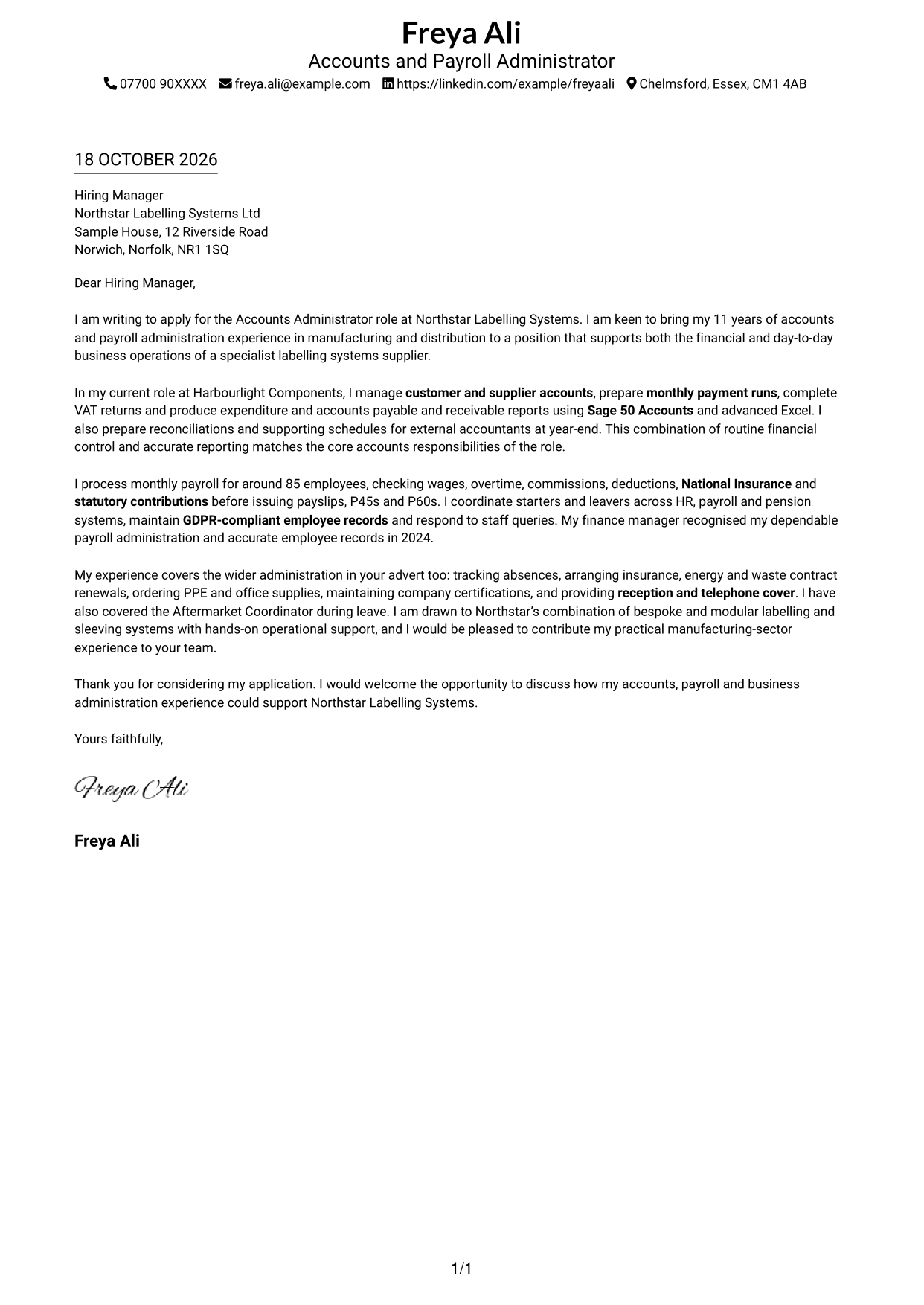
This practical guide to an Accounts Administrator - Payroll and Finance cover letter presents seven layouts and shows how to make your role fit clear.
What Makes a Great Accounts Administrator - Payroll and Finance Cover Letter in 2026
A strong letter connects accurate accounts work, reliable payroll and day-to-day administration to the needs of the role. Make your opening clear about your interest and the support you can offer.
Use relevant evidence, such as managing payment runs, completing VAT returns or checking payroll, and name tools like Sage 50 and advanced Excel when they support your example. Show how your approach meets the employer’s needs and explain what interests you about its work.
The featured example follows a focused progression from role interest to accounts evidence, payroll experience and a clear close; adapt this structure while choosing a presentation suited to the employer and communication context.
#1 Simple One Column Format Cover Letter Example
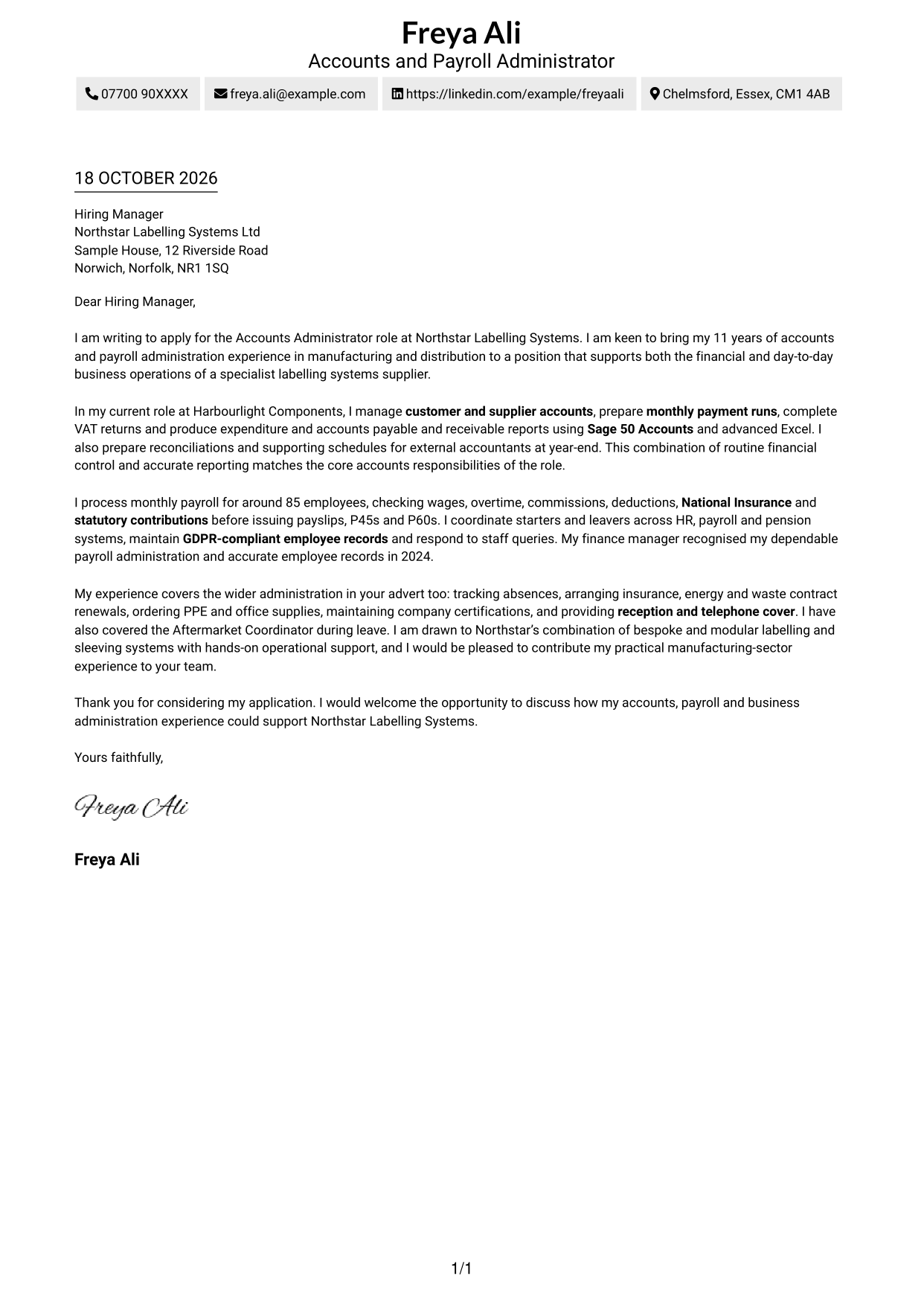
The single-column layout keeps sender details in the header and gives the letter one clear reading route.
Why This Format Works
- Sender details sit in the header, apart from the letter paragraphs.
- One column gives the message a straightforward top-to-bottom reading order.
- A photo-free design suits readers who want the written message alone.
Best For
- One clear reading route
- Header-based contact details
- Paragraph-led application letters
- Text-first presentation
- Applications without a portrait
#2 Two Column Format Cover Letter Example
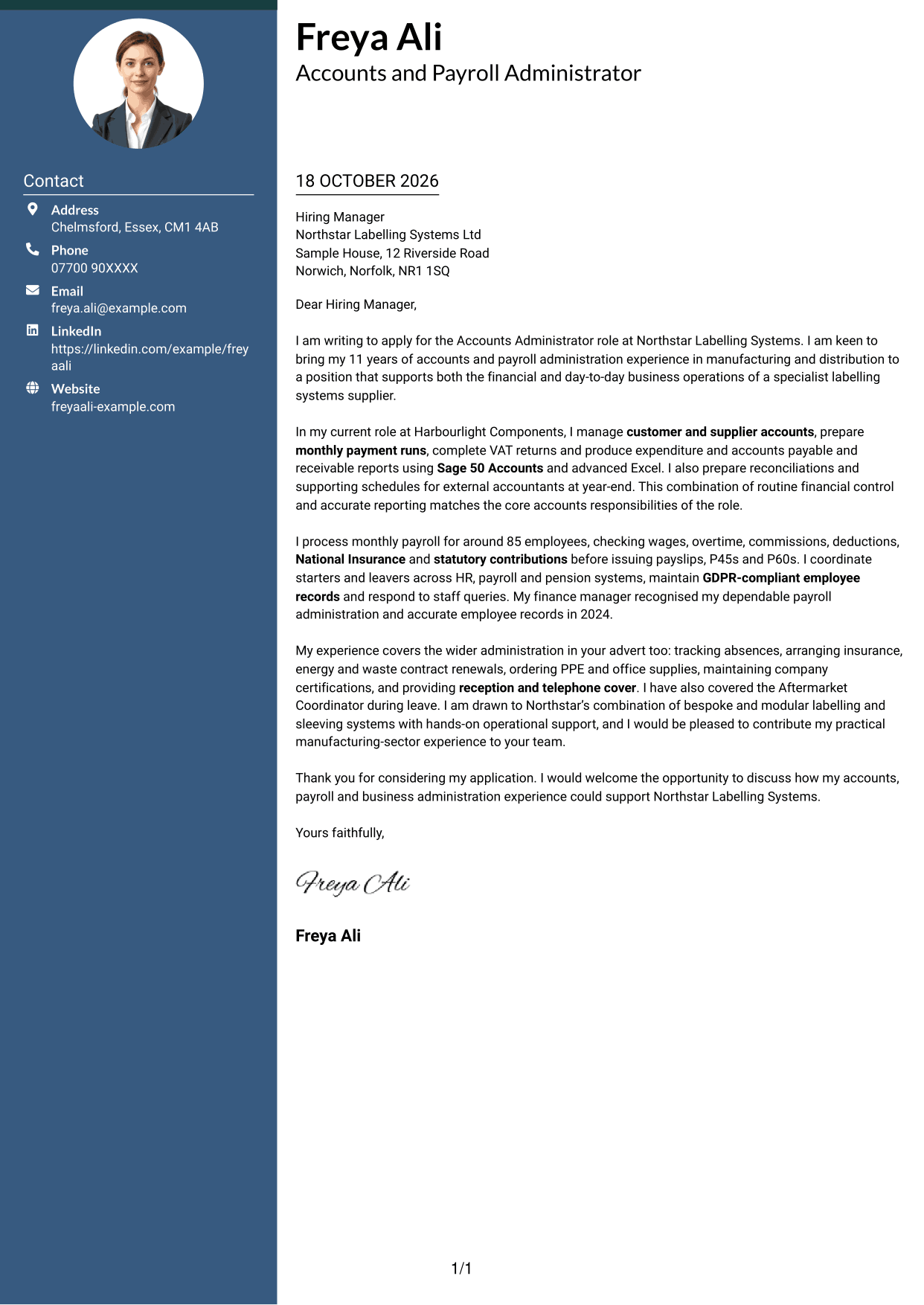
A contact sidebar sits beside the continuous letter body, giving sender details and the message separate areas.
Why This Format Works
- The sidebar makes sender details easy to find apart from the message.
- One continuous body keeps the application argument in paragraph order.
- Without a photo, the page focuses on contact details and letter text.
Best For
- Separate contact lookup
- Continuous letter paragraphs
- Photo-free correspondence
- Letters with detailed supporting points
- Accounts Administrator applications
#3 Photo Header Two Column Format Cover Letter Example
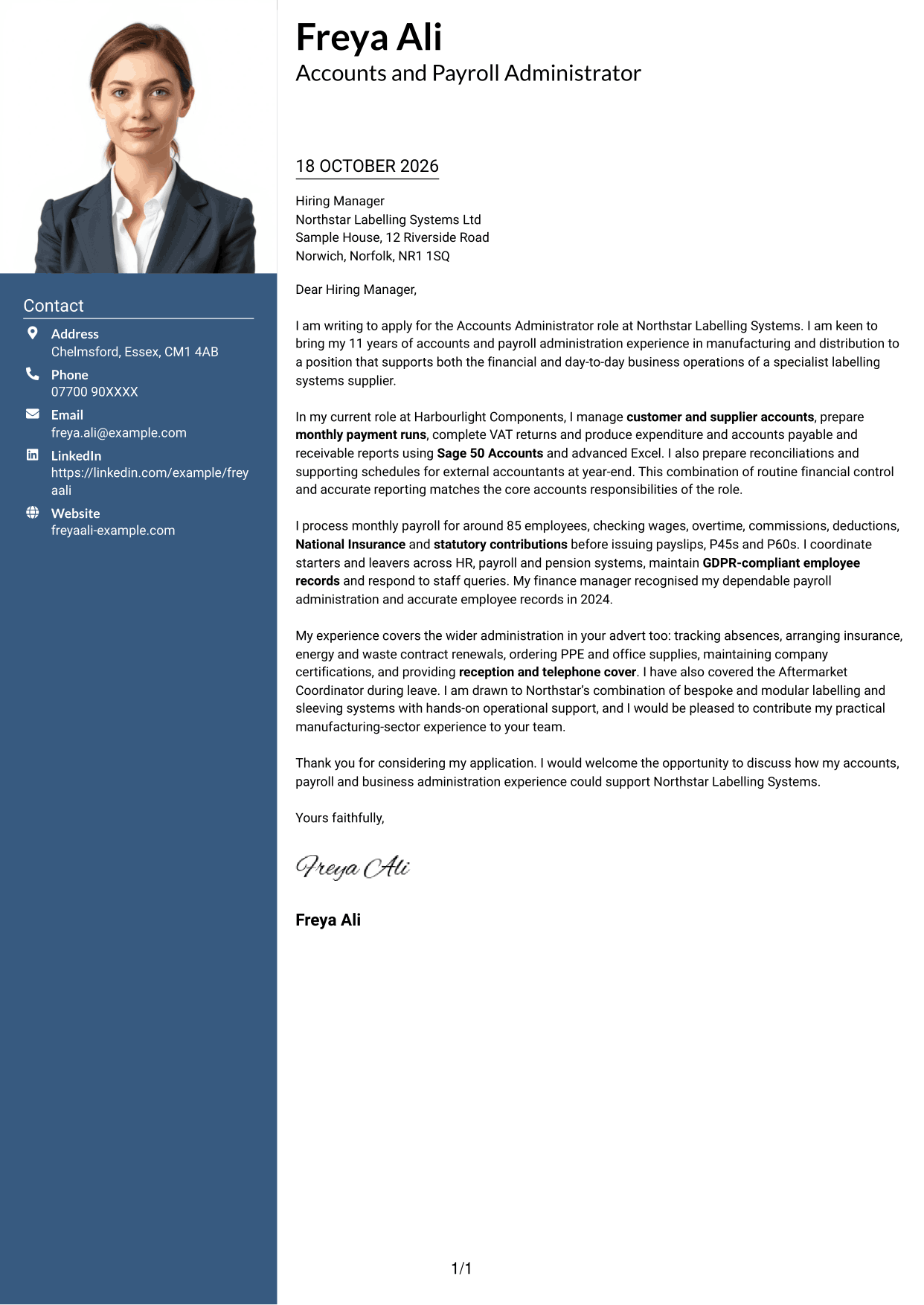
The photo header adds a personal visual element, while a contact sidebar sits beside the continuous letter body.
Why This Format Works
- The header photo adds a personal visual element without interrupting the letter.
- Contact details have a separate place beside the message for quick reference.
- One continuous body keeps the opening, evidence and closing together.
Best For
- Photo-led header preference
- Separate contact reference
- Continuous paragraph-based letters
- Applications with a visual profile
- Accounts Administrator applications
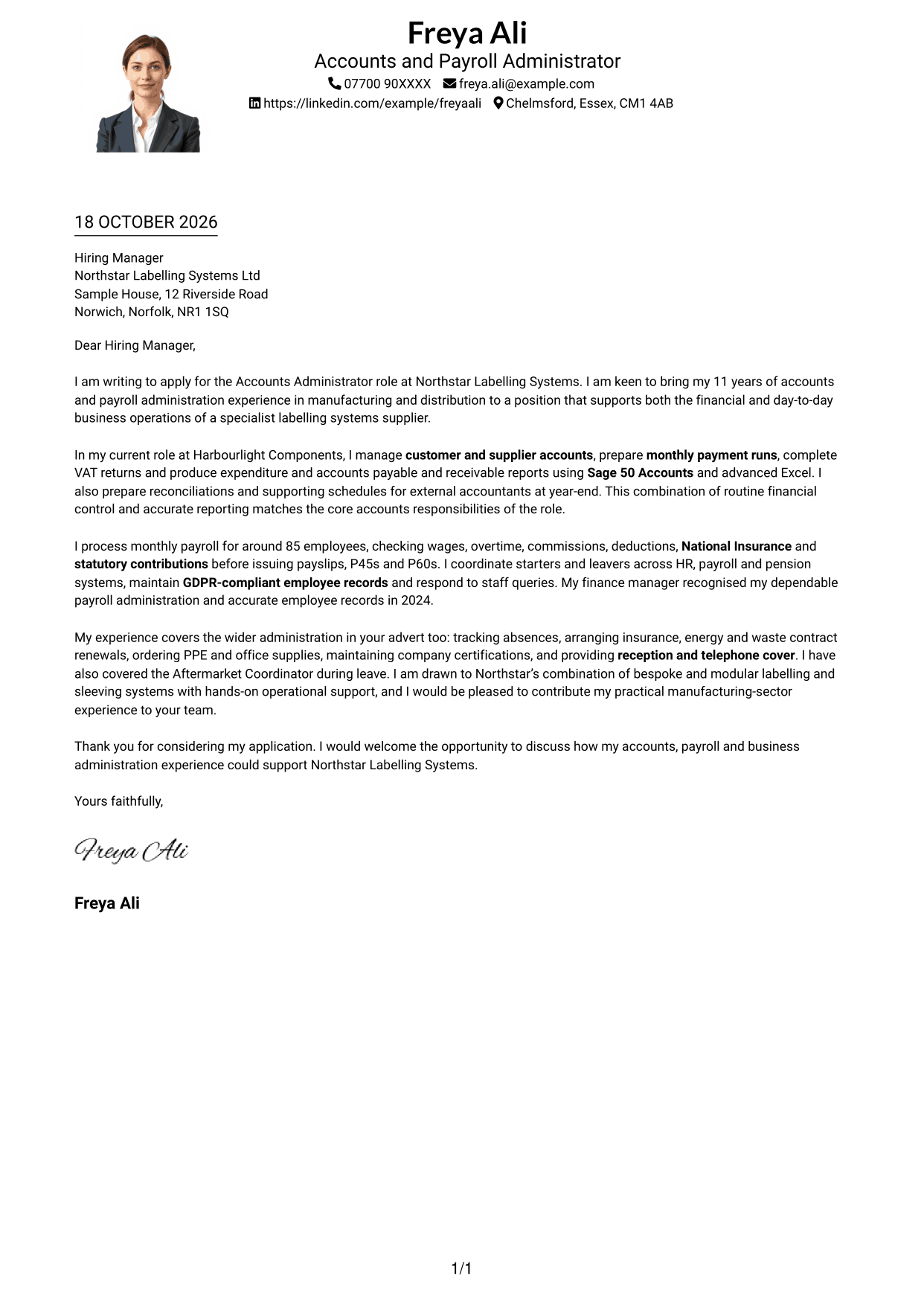
#4 One Column Format with Photo Cover Letter Example
The photo accompanies a one-column layout, keeping the letter body on a single reading route.
Why This Format Works
- One-column reading order keeps each letter paragraph in sequence.
- Header contact details remain linked to the message without a sidebar.
- The photo provides a visible personal element alongside the written letter.
Best For
- One-column letter preference
- Header-based contact details
- Portrait-inclusive applications
- Messages relying on written detail
- Accounts Administrator applications
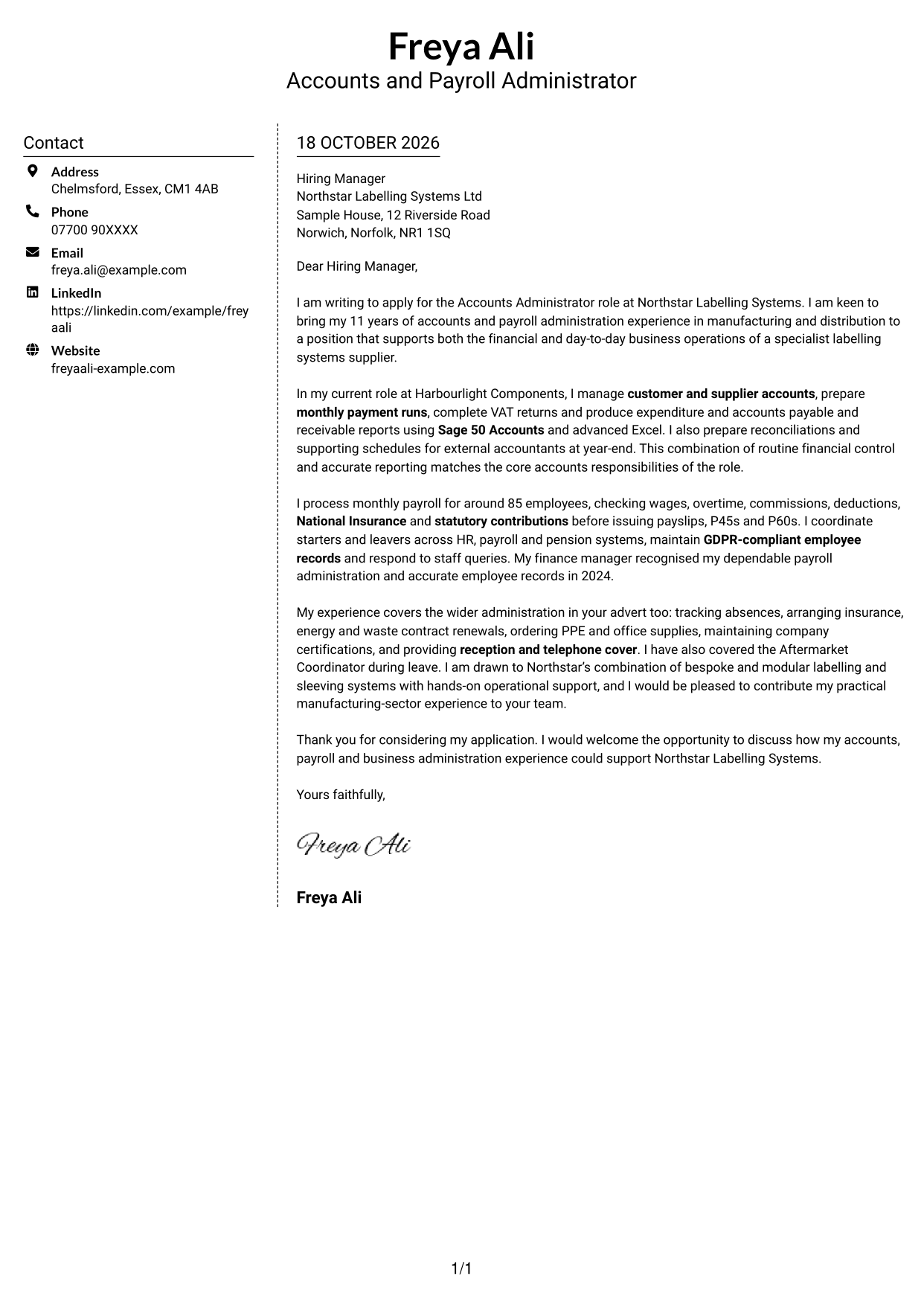
#5 Simple Two Column Format Cover Letter Example
The contact sidebar and continuous letter body occupy separate columns, keeping the sender details distinct from the message.
Why This Format Works
- A dedicated sidebar gives sender information a clear reference point.
- The letter remains one body, so its paragraphs are not split across columns.
- No argument headings leave the paragraphs to carry the message from start to finish.
Best For
- Distinct contact and message areas
- Uninterrupted letter paragraphs
- Letters without argument headings
- Photo-free application layouts
- Accounts Administrator applications
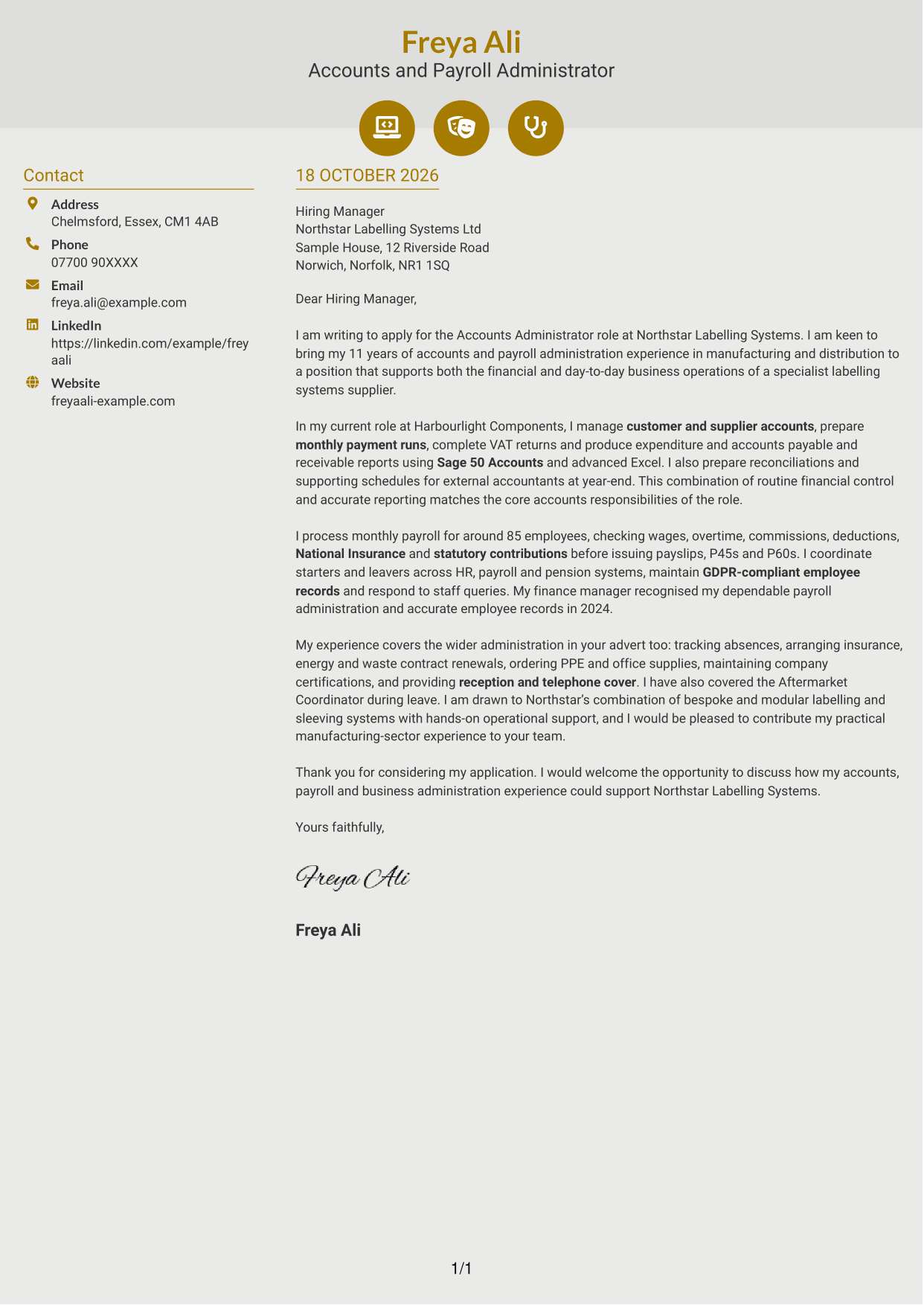
#6 Modern Icon Format Cover Letter Example
Contact icons add visual cues in the sidebar, beside a single continuous letter body.
Why This Format Works
- Contact icons give readers visual cues for locating sender details.
- The sidebar keeps contact information apart from the application message.
- The letter stays in one continuous body, with paragraphs in reading order.
Best For
- Icon-marked contact details
- Separate sender information
- Paragraph-based application letters
- Layouts with visual contact cues
- Accounts Administrator applications
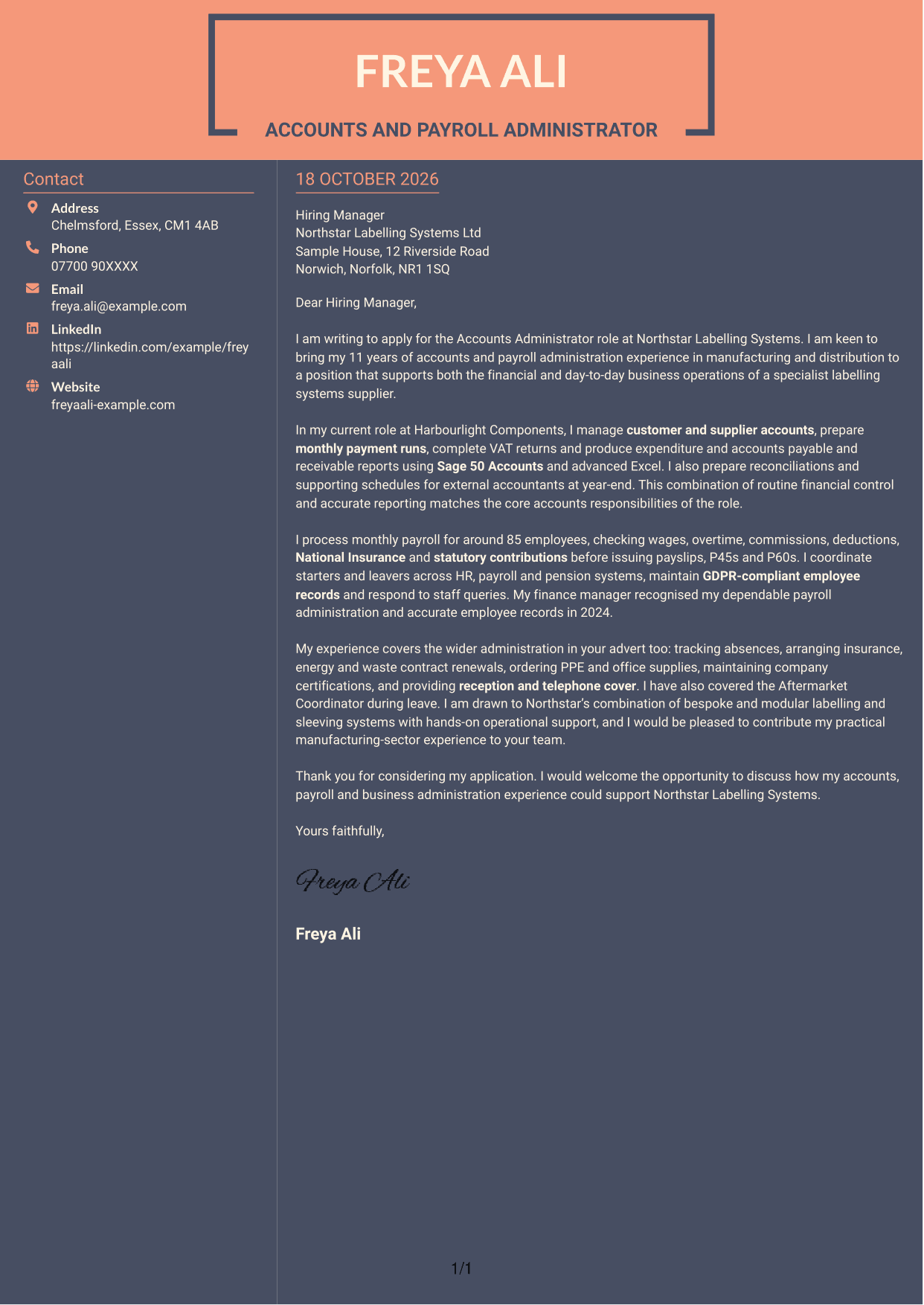
#7 Creative Two Tone Format Cover Letter Example
The contact sidebar provides a separate reference area alongside the letter's continuous body.
Why This Format Works
- Readers can check sender details in the sidebar without searching the letter text.
- The message stays together in one body, rather than being split into columns.
- Paragraphs guide the reader through the application without headings for argument stages.
Best For
- Sidebar contact reference
- One-body letter structure
- Letters without argument headings
- Photo-free correspondence
- Accounts Administrator applications
See Also
- 7 Accounts Administrator - Payroll and Finance CV Templates with Example
- 7 Research Grants Administrator - Post-Award Finance CV Templates with Example
- 7 Virtual Finance Apprentice - Bookkeeping, VAT and Management Accounts CV Templates with Example
- 7 Clinical Administrator CV Templates with Example
- 7 Credit Control Administrator Apprentice CV Templates with Example
- 7 Postgraduate Administrator - Admissions and Student Support CV Templates with Example
- 7 Service Administrator - Ophthalmology Patient Administration CV Templates with Example
- 7 AAT Trainee - Accounts and Bookkeeping CV Templates with Example
- 7 Research Grants Administrator - Post-Award Finance Cover Letter Templates with Example
- 7 Virtual Finance Apprentice - Bookkeeping, VAT and Management Accounts Cover Letter Templates with Example
Frequently Asked Questions
What should an Accounts Administrator - Payroll and Finance cover letter highlight?
Show how your accounts and payroll work supports accurate records and smooth daily operations. Useful examples may include supplier payments, account reconciliations, VAT returns, monthly payroll and employee record keeping.
How can I show that my experience fits this role?
Choose a specific task and explain how you handled it. For example, describe preparing a payment run or checking payroll details, then link your care and accuracy to the needs of the position.
How should I explain my interest in the employer?
Refer to a genuine detail about the employer’s products or work. Connect that point to your interest in supporting both finance tasks and wider business operations.
How should I structure this cover letter?
Open by naming the role and giving a clear reason for applying. Use the body to share focused accounts, payroll and administration evidence, then close by restating your interest and inviting a conversation.
Should I include every part of my work history?
No. Select the duties and examples that best match the role, such as payroll checks, Sage and Excel reporting, or year-end support. A few clear examples are easier to follow than a full list of tasks.




