
7 Accounts Assistant - Purchase and Sales Ledger Cover Letter Templates with Example
This guide to an Accounts Assistant - Purchase and Sales Ledger cover letter shows how to present your fit across seven layouts.
What Makes a Great Accounts Assistant - Purchase and Sales Ledger Cover Letter in 2026
A strong letter makes your interest clear and connects your purchase and sales ledger experience to the role. Show how you can support accurate processing, supplier queries, customer receipts and bank reconciliations.
Use specific evidence, such as improving supplier statement checks or investigating unmatched bank entries. Explain how your experience with French accounts and clear query follow-up can support the employer’s needs.
The featured example moves from interest in the role to relevant ledger evidence and a clear close; adapt this focused progression while choosing a presentation suited to the employer and communication context.
#1 Simple One Column Format Cover Letter Example
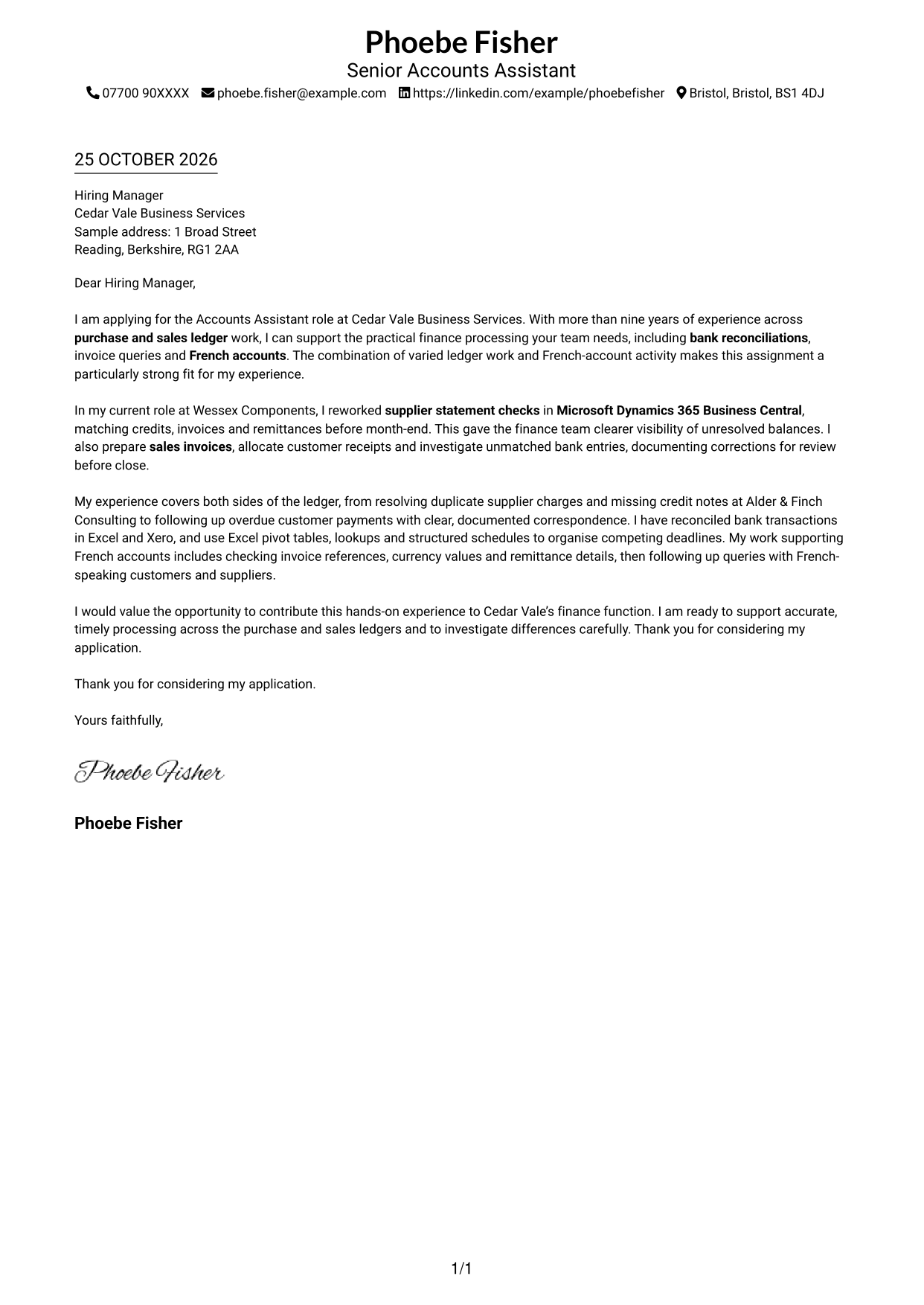
The Simple One Column Format places sender details in the header above a single continuous letter body, giving the message a direct reading path.
Why This Format Works
- The single reading path keeps the opening, supporting points and closing in natural order.
- Sender details stay together in the header, leaving the letter body for its message.
- One text column gives each paragraph a clear place within the letter's argument.
Best For
- Single-column letter reading
- Contact details in the header
- A continuous paragraph argument
- Letters without parallel text
- A straightforward visual style
#2 Two Column Format Cover Letter Example
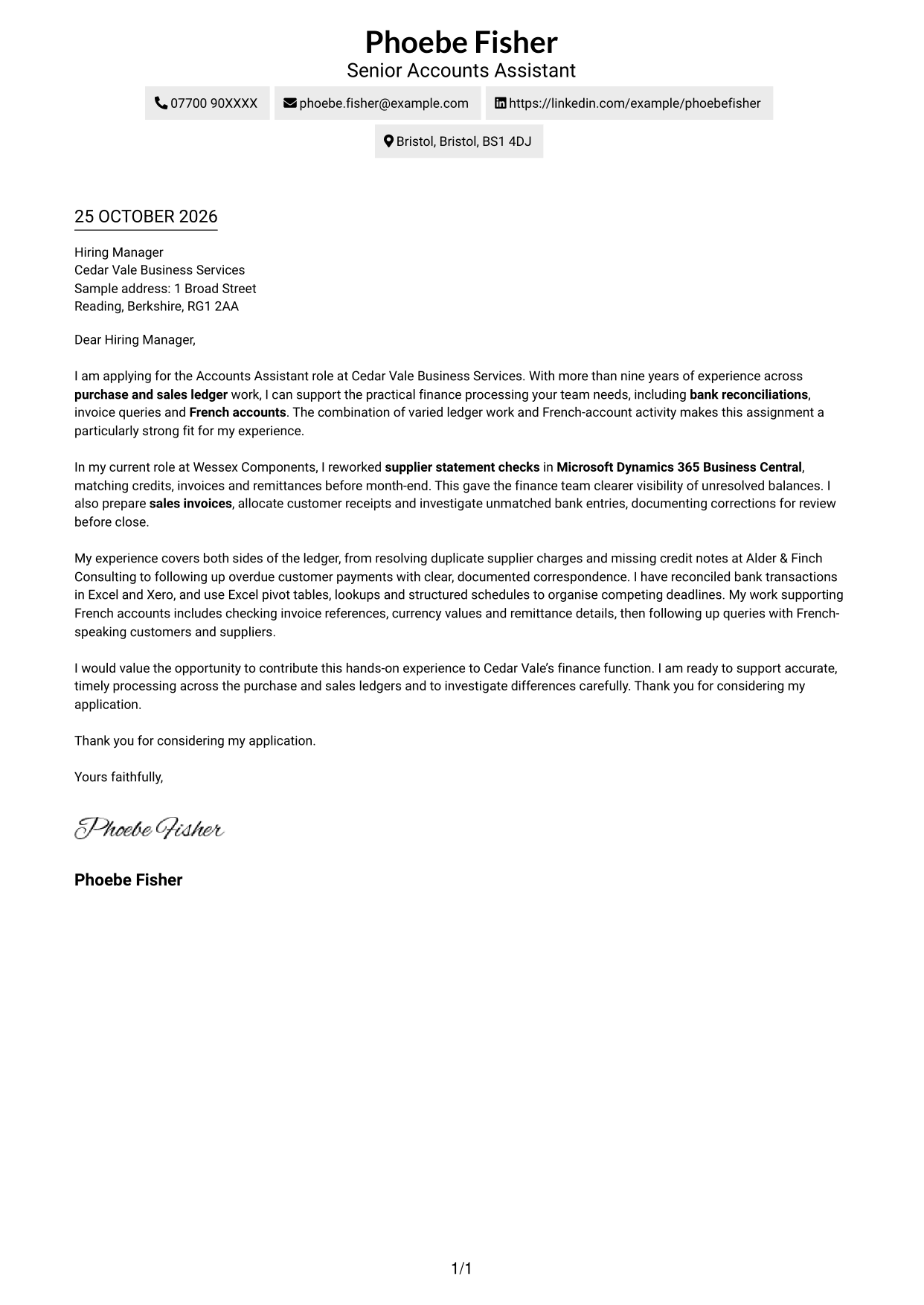
The Two Column Format keeps contact details in a sidebar beside one continuous letter body, separating correspondence details from the application message.
Why This Format Works
- A contact sidebar keeps address and communication details apart from the letter's argument.
- The main column carries the opening, supporting points and close in one sequence.
- Readers can move from sender details to the message without splitting its paragraphs.
Best For
- Contact details beside the letter
- A clear separation of correspondence and message
- Continuous letter paragraphs
- Two-column reading preferences
- Applications with several contact details
#3 Photo Header Two Column Format Cover Letter Example
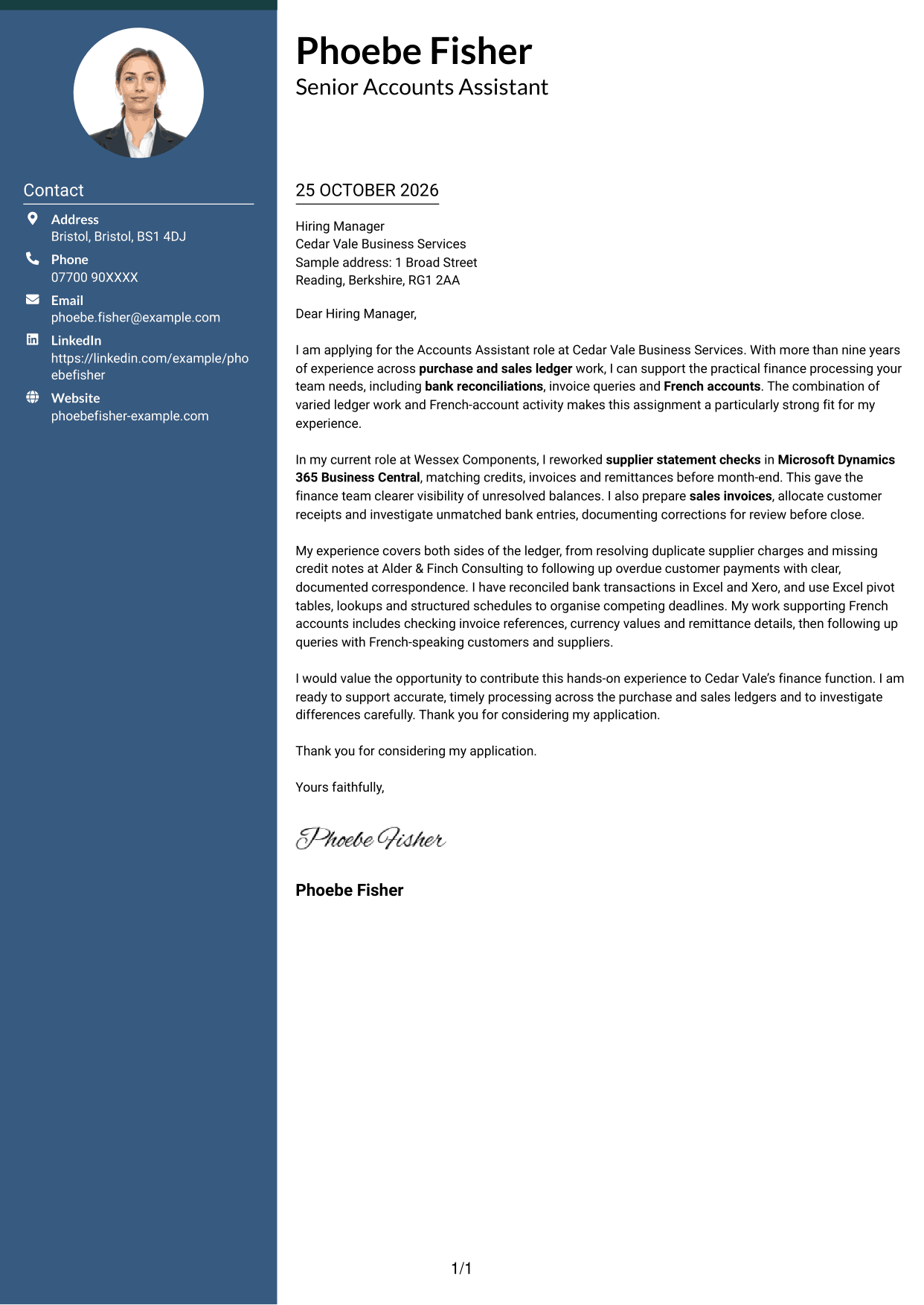
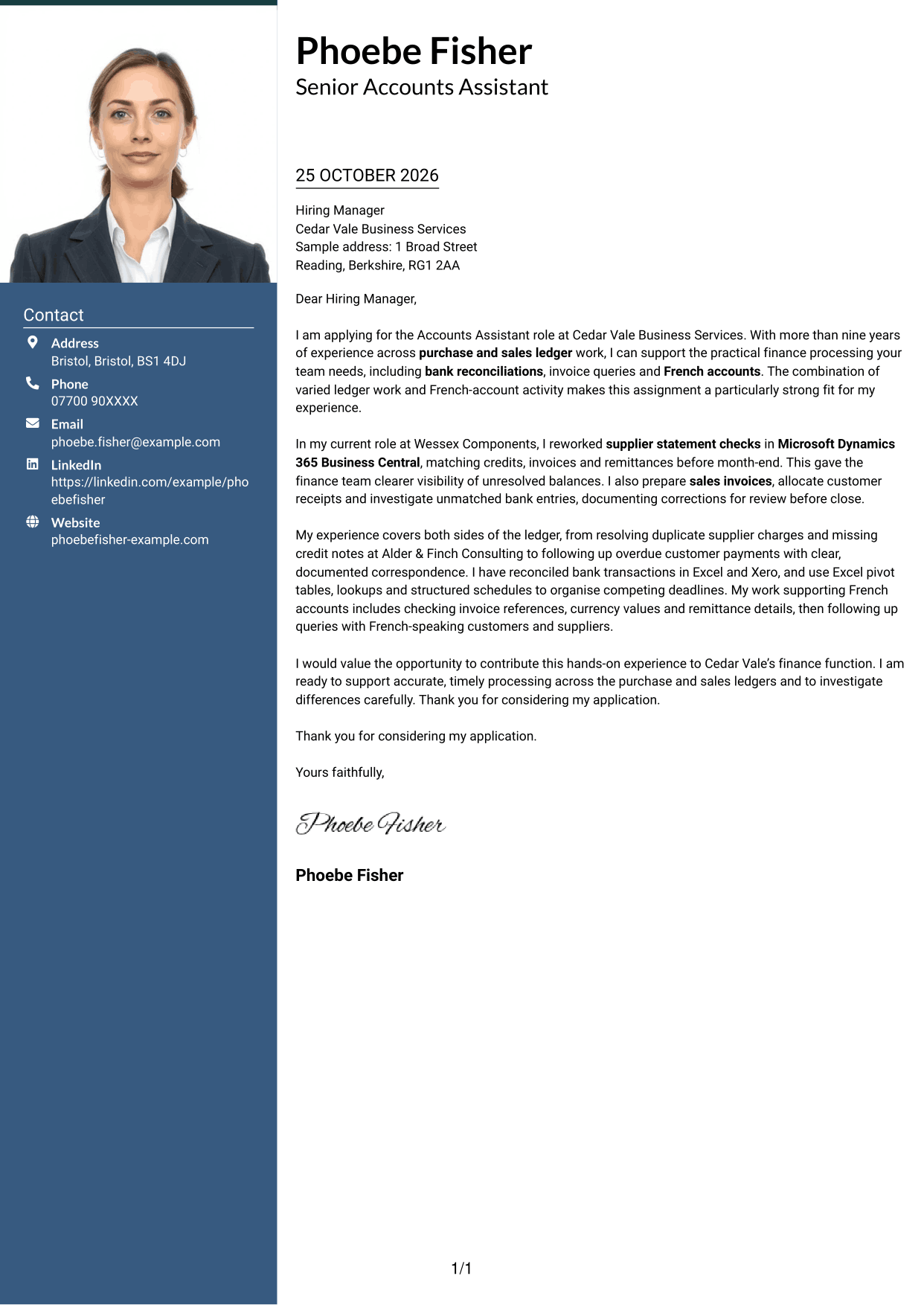
The Photo Header Two Column Format includes a photo and places contact details beside one continuous letter body, for readers who prefer a portrait in a two-column layout.
Why This Format Works
- Contact details sit apart from the letter, keeping the message easy to follow.
- The continuous body carries the opening, evidence and close in a single sequence.
- The included photo offers a visible personal element without acting as proof.
Best For
- A portrait with contact details
- Two-column letter organisation
- A continuous application message
- Visual contact information
- A photo-inclusive document style
#4 One Column Format with Photo Cover Letter Example
The One Column Format with Photo keeps the letter in one body column and includes a photo, offering a personal visual choice without parallel text columns.
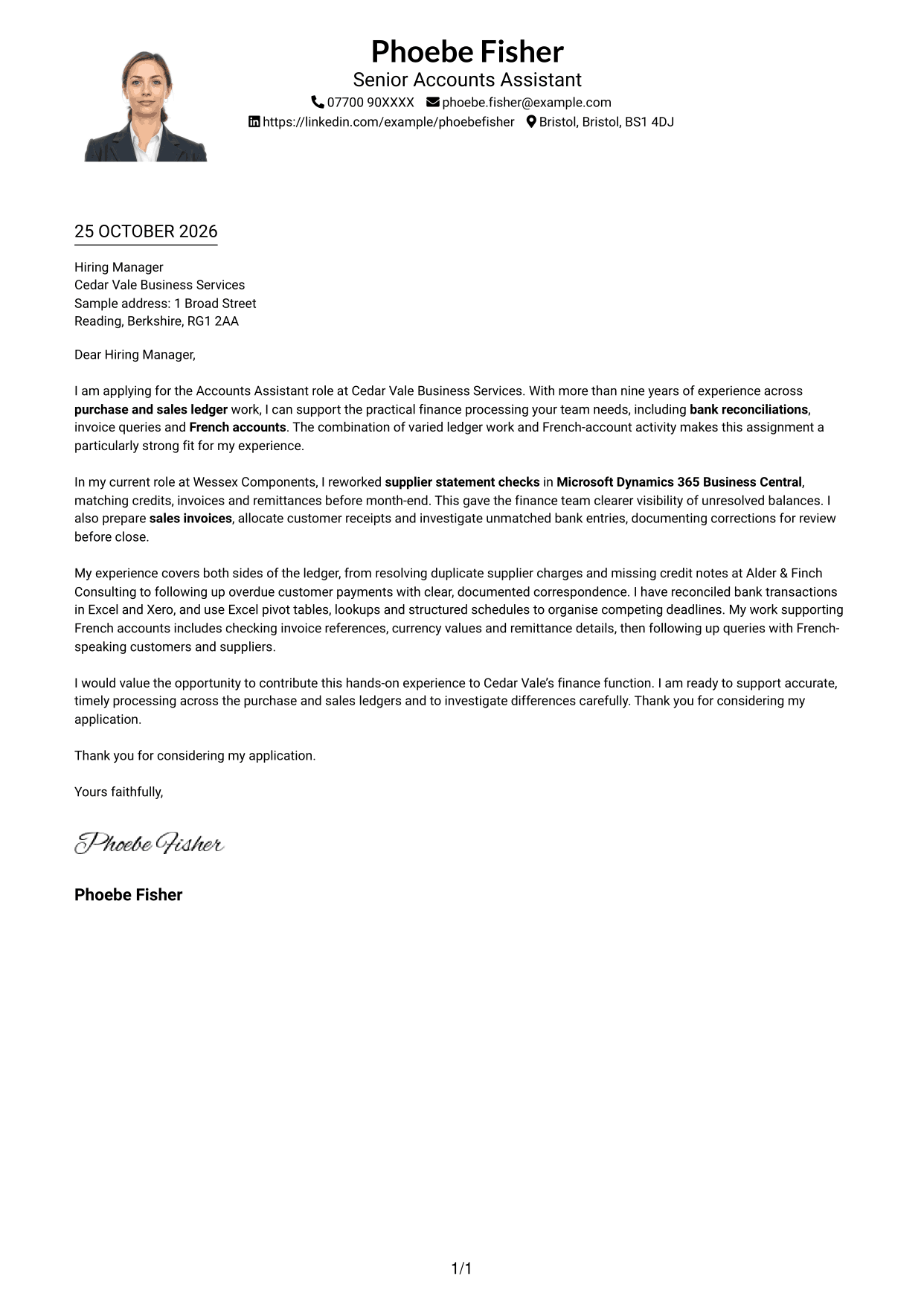
Why This Format Works
- The photo adds a visual element while the letter remains a single-column message.
- Sender details in the header stay distinct from the application paragraphs.
- Opening, supporting points and close remain in one continuous reading sequence.
Best For
- A photo with a single-column letter
- One clear text path
- Header-based sender details
- A continuous letter message
- A personal visual element
#5 Simple Two Column Format Cover Letter Example
The Simple Two Column Format sets contact details apart in a sidebar while keeping every part of the letter in one continuous body.
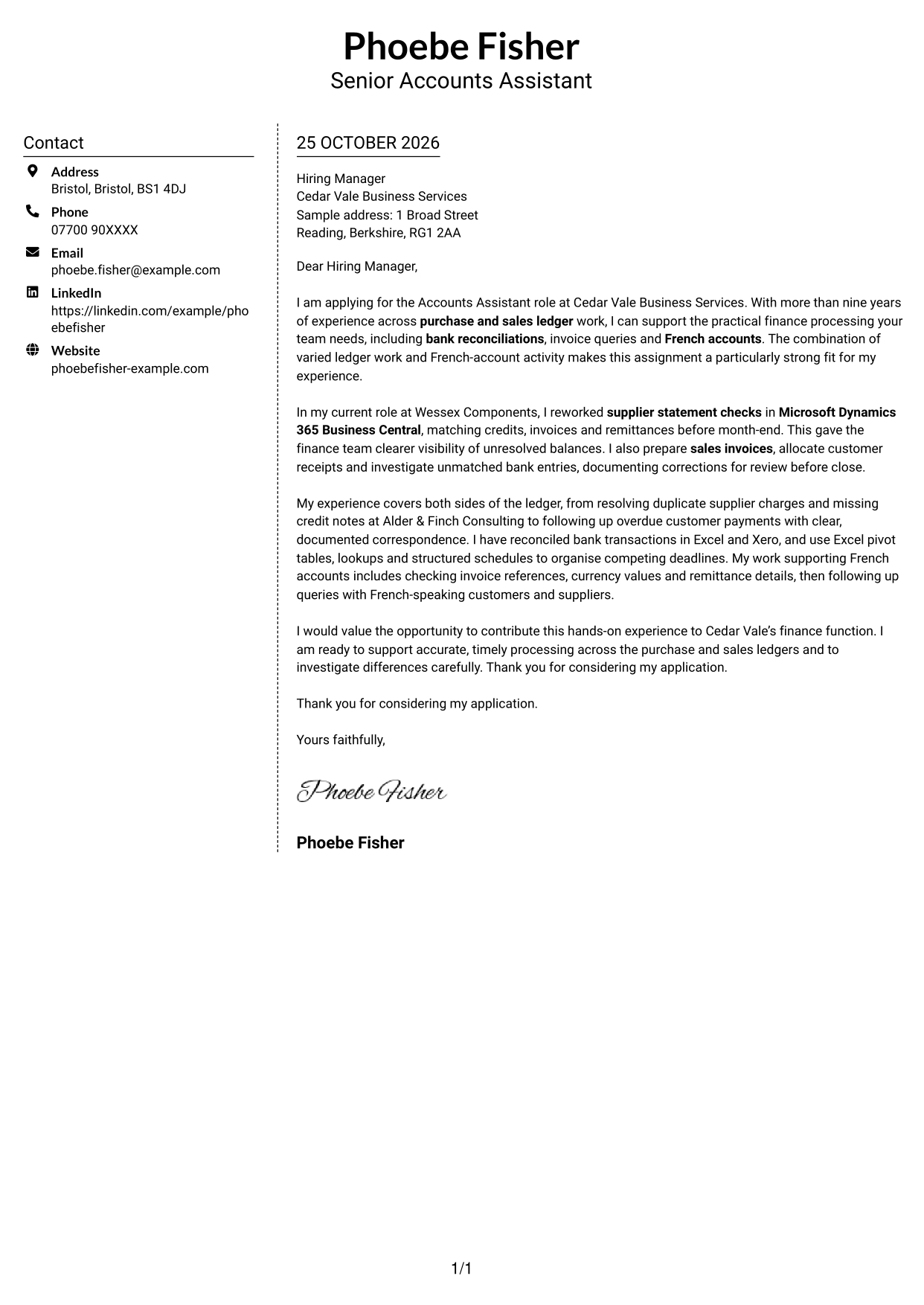
Why This Format Works
- Sidebar contact details remain separate, while the letter keeps its natural paragraph order.
- One main text column lets readers follow the complete message without parallel arguments.
- The body has no argument headings, so direct paragraph transitions carry the message.
Best For
- Separate contact and letter areas
- A single continuous message
- Letters without argument headings
- Two-column contact presentation
- Direct paragraph transitions
#6 Modern Icon Format Cover Letter Example
The Modern Icon Format uses two columns for contact details and the continuous letter body, with icons serving as contact cues rather than argument labels.
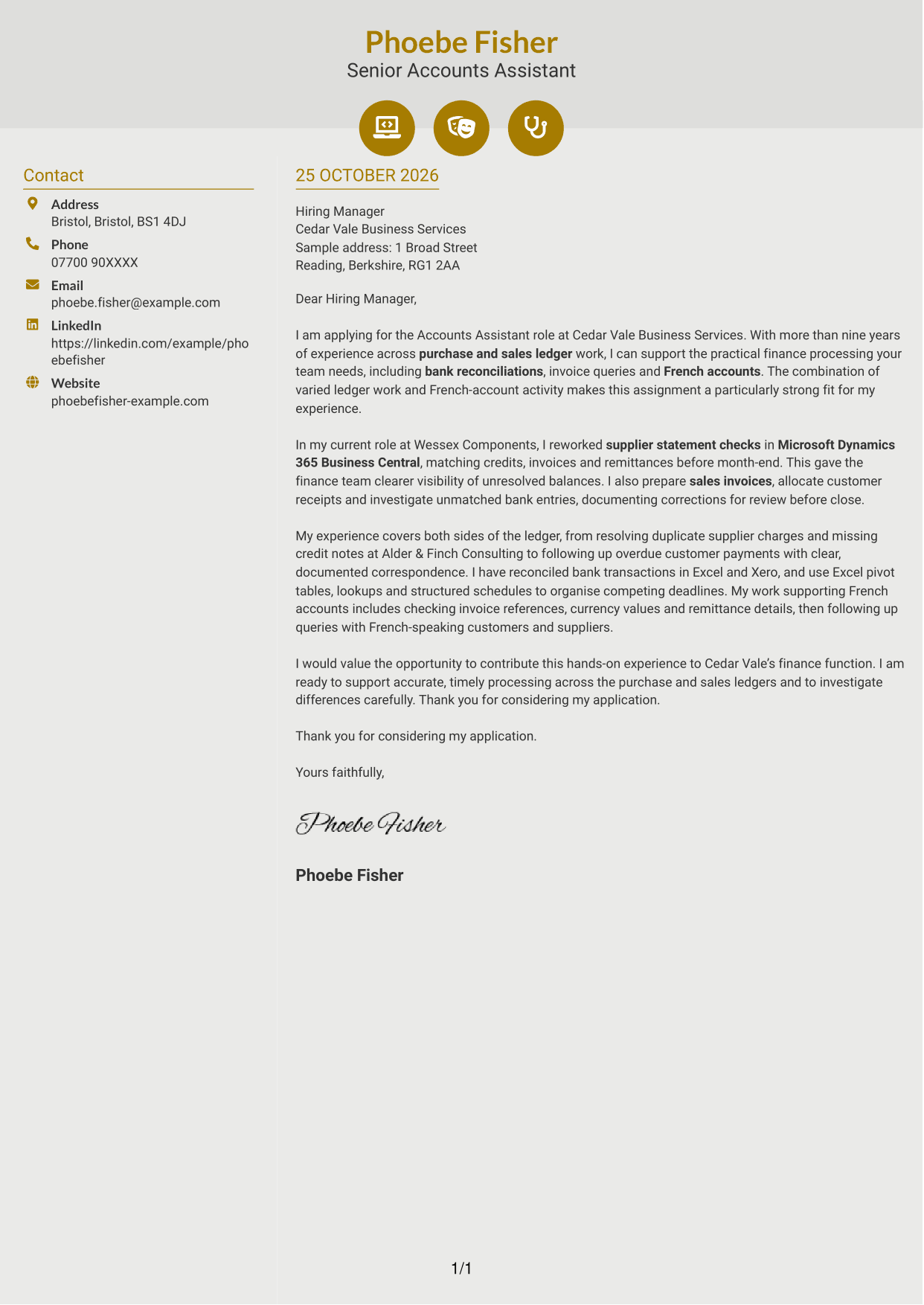
Why This Format Works
- Contact icons help distinguish communication details from the body text.
- Two-column placement keeps the sender's details beside, not inside, the letter.
- One continuous message preserves the sequence from opening through closing.
Best For
- Icon cues for contact details
- A sidebar beside the letter
- One uninterrupted message
- Easy-to-separate correspondence details
- A modern visual preference
#7 Creative Two Tone Format Cover Letter Example
The Creative Two Tone Format places a contact sidebar beside one continuous letter body, distinguishing correspondence details from the application message.
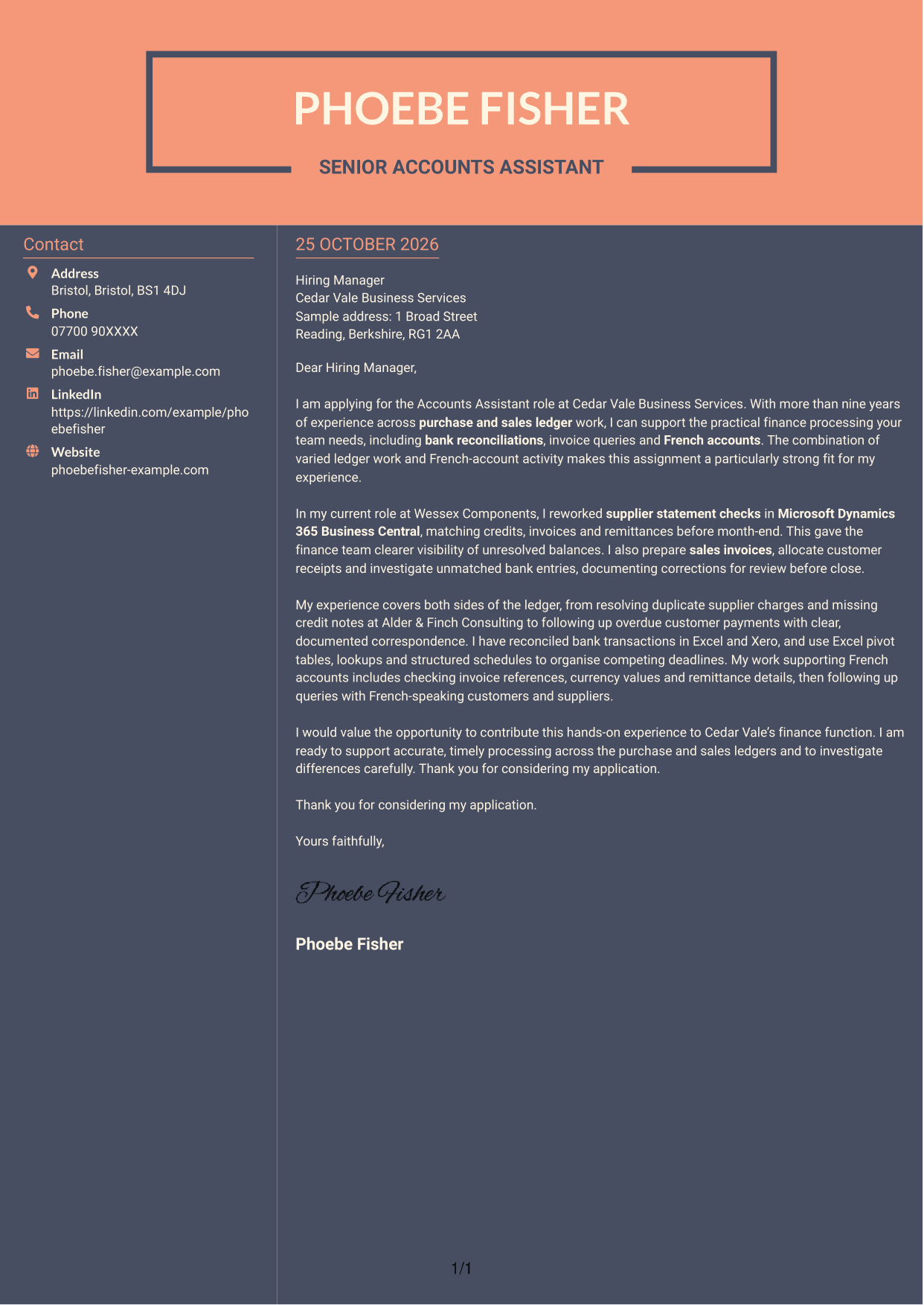
Why This Format Works
- Sidebar placement separates contact information from the letter's persuasive message.
- One continuous body lets paragraphs build the case without parallel text columns.
- Without argument headings, each paragraph contributes directly to the letter's overall case.
Best For
- Contact details beside the message
- A continuous persuasive letter
- A body without section headings
- Two-column document organisation
- A distinct visual style
See Also
- 7 Accounts Assistant - Purchase and Sales Ledger CV Templates with Example
- 7 Accounts Assistant - Purchase Ledger and Reconciliations CV Templates with Example
- 7 Accounts Assistant - Purchase Ledger CV Templates with Example
- 7 Accounts Assistant - Accounts Payable and Accounts Receivable CV Templates with Example
- 7 Accounts Assistant - Accounts Payable and Receivable CV Templates with Example
- 7 Accounts Assistant - Accounts Payable and Reconciliation CV Templates with Example
- 7 Accounts Assistant Apprentice CV Templates with Example
- 7 Accounts Assistant Trainee - Construction Bookkeeping CV Templates with Example
- 7 Accounts Assistant - Purchase Ledger and Reconciliations Cover Letter Templates with Example
- 7 Accounts Assistant - Purchase Ledger Cover Letter Templates with Example
Frequently Asked Questions
What should an Accounts Assistant - Purchase and Sales Ledger cover letter highlight?
Show how your experience matches both sides of the ledger. You could discuss supplier invoice processing, statement checks, sales invoicing, receipt allocation and bank reconciliations, using brief examples to make your contribution clear.
How can I show that my experience fits this role?
Choose a clear example that shows what you did and why it helped. For instance, explain how you matched supplier credits and remittances before month-end, or investigated a bank difference and recorded the correction.
How should I mention experience with French accounts?
If you have relevant experience, describe the tasks you handled, such as checking invoice references, currency values and remittance details. You can also explain how you followed up queries with French-speaking customers or suppliers.
What is a clear structure for this cover letter?
Open by naming the role and explaining your interest. Use the body to give focused evidence of ledger processing and reconciliations, then close by stating how you would contribute and thanking the reader.
Should I include every part of my work history?
No. Focus on the experience that best supports this role, such as resolving ledger queries, reconciling accounts and managing deadlines. A few relevant examples help the reader follow your case.




