
7 Accounts Assistant - Purchase Ledger Cover Letter Templates with Example
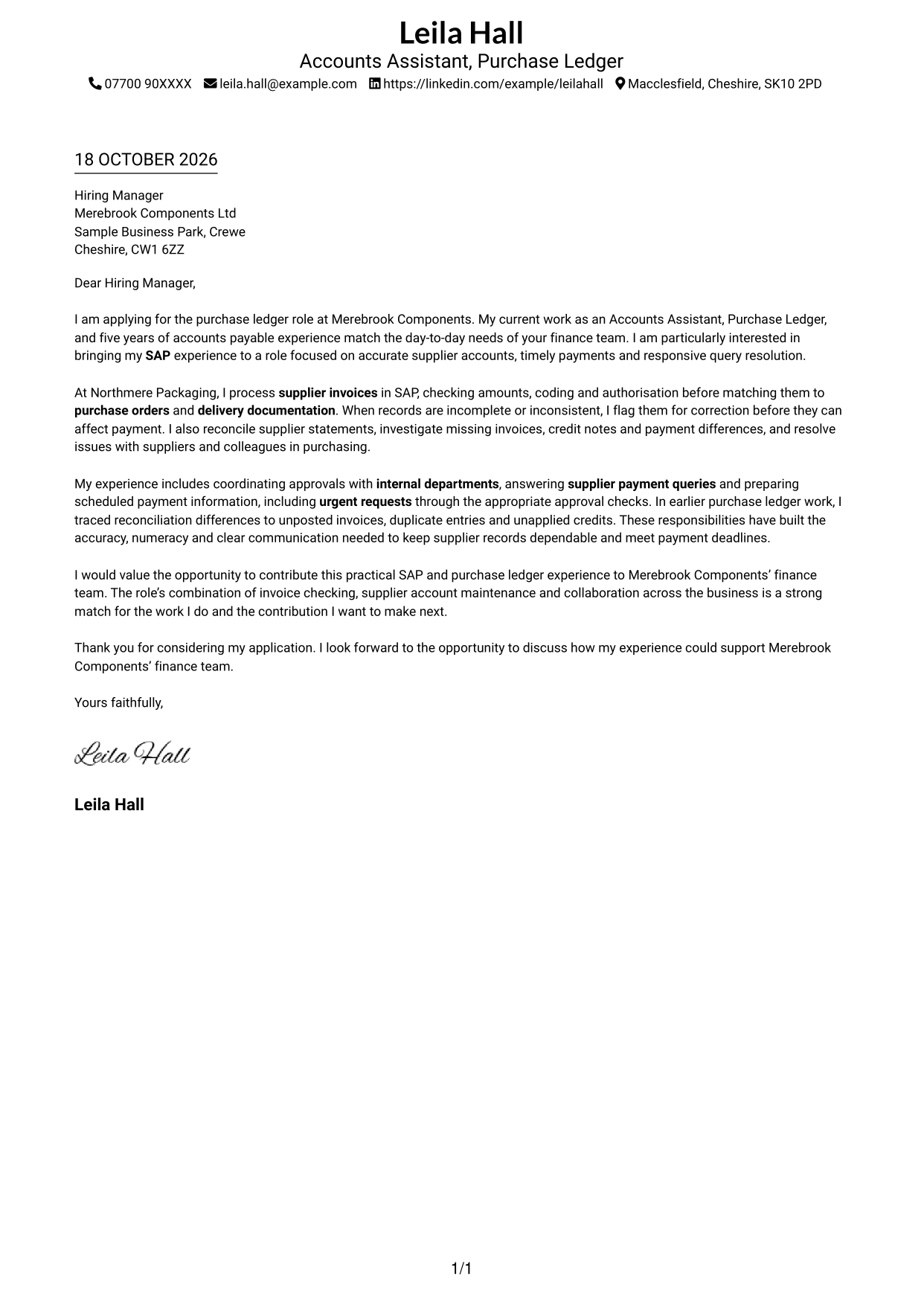
This practical guide helps you write an Accounts Assistant - Purchase Ledger cover letter, with seven layouts to compare and adapt.
What Makes a Great Accounts Assistant - Purchase Ledger Cover Letter in 2026
A strong letter connects your purchase ledger experience to accurate invoice processing, supplier accounts and timely payments. Make your opening clear about the role and why the work interests you.
Use specific examples of SAP invoice checks, statement reconciliations or supplier query resolution to show how you work. Link that evidence to the employer’s needs, and keep your motivation genuine and focused.
The featured example follows a focused progression from interest in the role, to practical evidence of invoice and supplier account work, to a clear close; adapt this flow while choosing a presentation suited to the employer and communication context.
#1 Simple One Column Format Cover Letter Example
A single-column page without a photo gives the correspondence a direct, text-led presentation.
Why This Format Works
- Sender details in the header stay apart from the letter's continuous paragraphs.
- The opening, supporting points and close remain together in one reading path.
- With no section headings, the message reads as a letter, not separate labelled stages.
Best For
- Single-column reading
- Header-led contact details
- Letters with several supporting points
- Formal written applications
- Paragraph-based correspondence
#2 Two Column Format Cover Letter Example
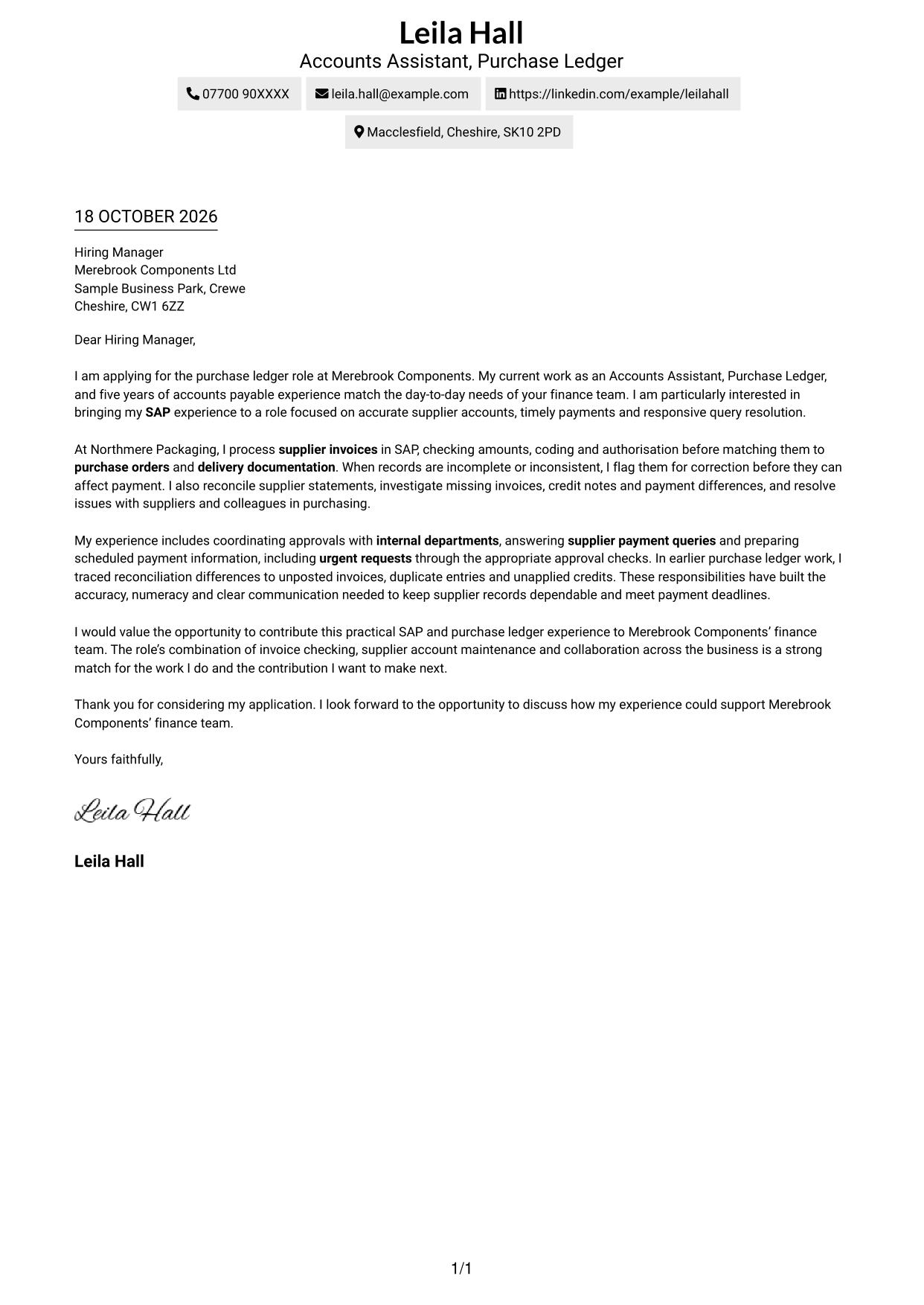
A contact sidebar sits beside the letter body, keeping sender details close while the message remains one continuous text.
Why This Format Works
- Contact details stay available in a sidebar beside the letter's single body.
- One continuous body lets the message develop from opening through supporting points to close.
- Without section headings, the letter keeps the familiar tone of personal correspondence.
Best For
- Sidebar contact reference
- Continuous paragraph-led letters
- No-photo correspondence
- Applications with several supporting points
- Traditional business letters
#3 Photo Header Two Column Format Cover Letter Example
A photo in the header adds a personal visual element, while the contact sidebar sits beside one continuous letter body.
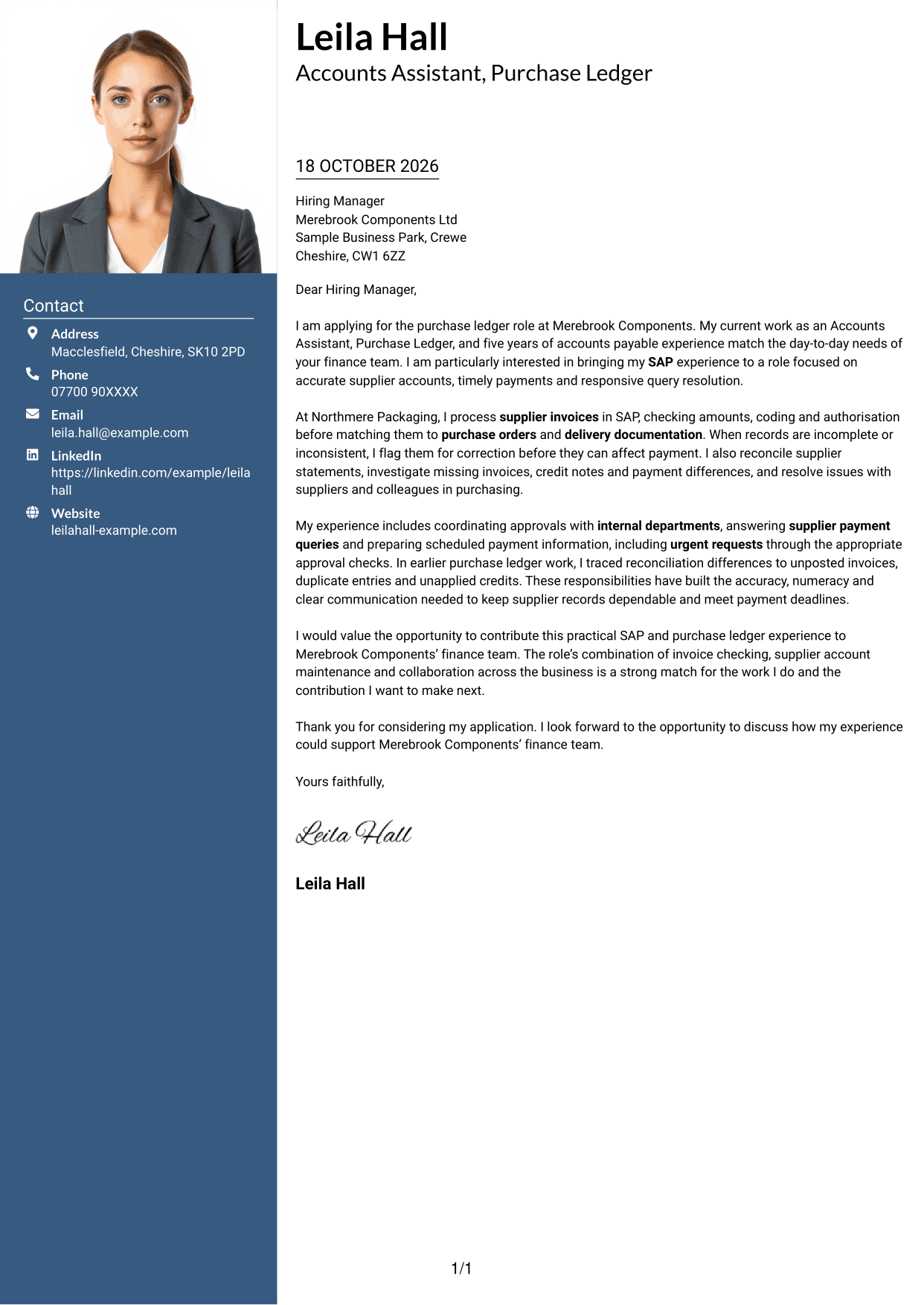
Why This Format Works
- Contact details remain in the sidebar, separate from the paragraphs making the case.
- A header photo offers a visual point of recognition without changing the written argument.
- Opening, supporting points and close stay within one uninterrupted letter body.
Best For
- Header portrait preference
- Sidebar contact details
- Continuous paragraph-led letters
- Applications with several supporting points
- Formal employer correspondence
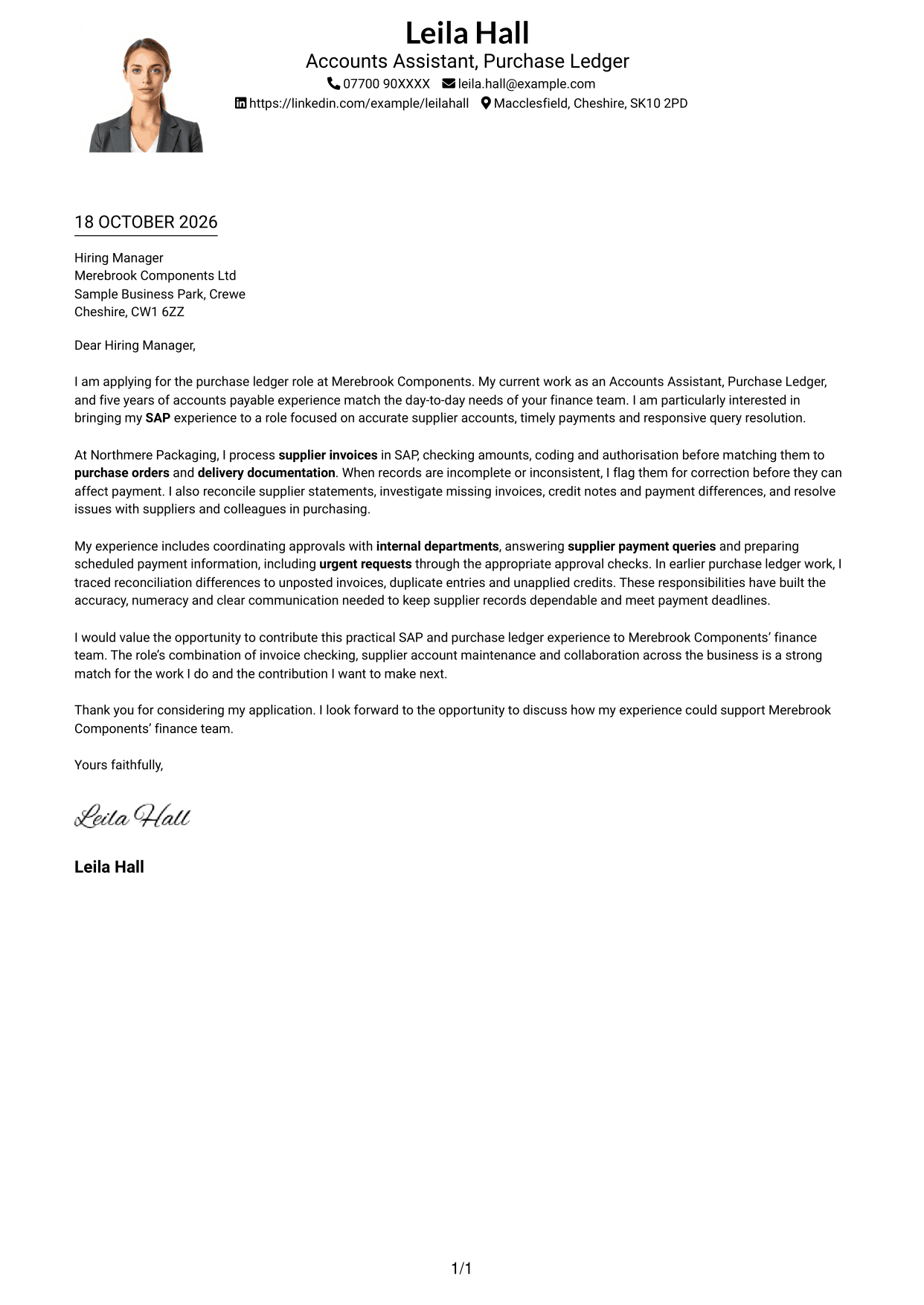
#4 One Column Format with Photo Cover Letter Example
The one-column letter body and included photo pair the correspondence with a personal visual element.
Why This Format Works
- Sender details in the header remain distinct from the one-column letter body.
- The photo provides a personal visual element without taking the place of written evidence.
- Paragraphs carry the opening, supporting points and close without section labels.
Best For
- Single-column letter reading
- Photo in sender presentation
- Header-based contact details
- Formal employer correspondence
- Letters with supporting points
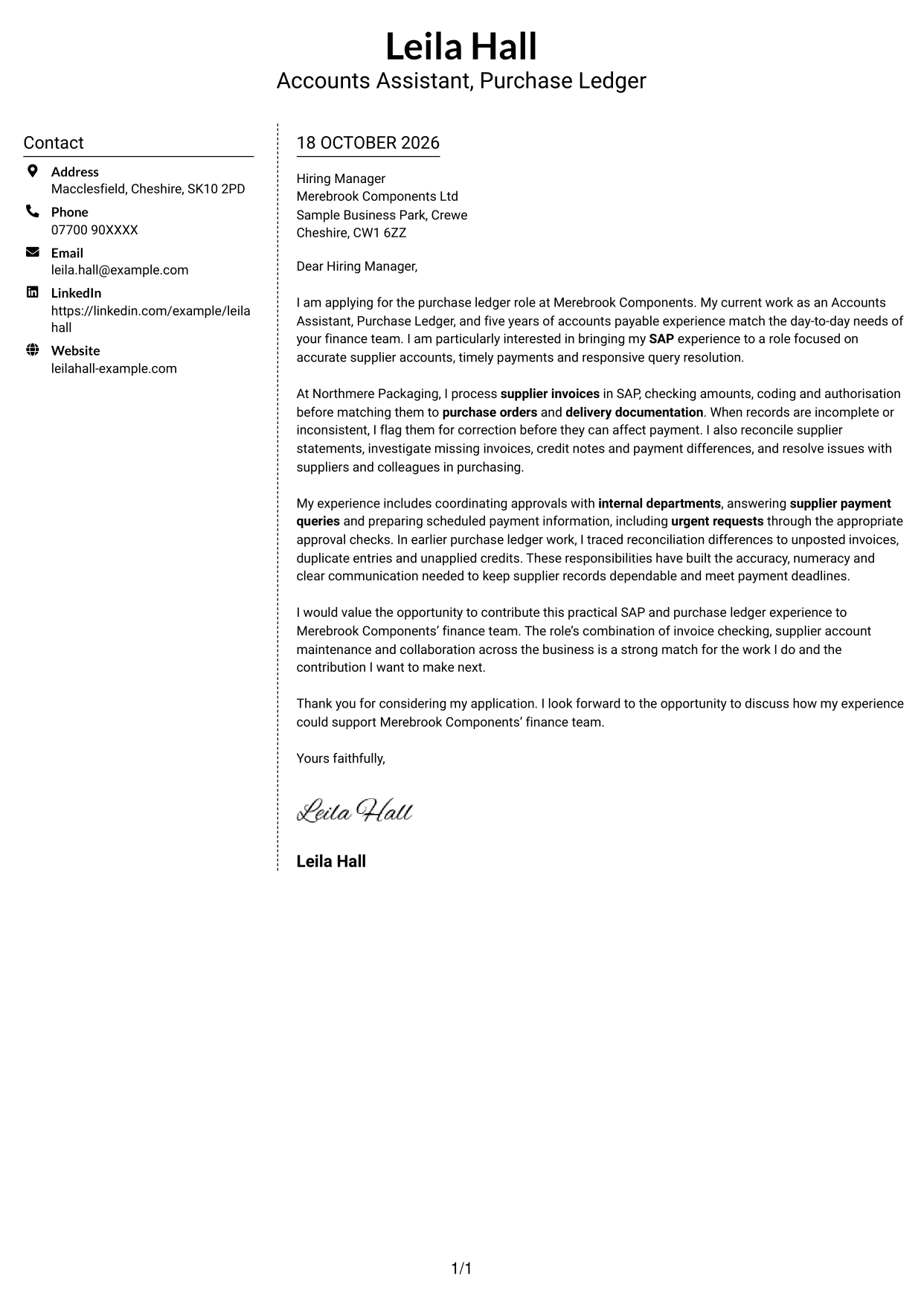
#5 Simple Two Column Format Cover Letter Example
The contact sidebar and continuous letter body occupy separate columns, keeping sender details apart from the message.
Why This Format Works
- Sidebar contact details can be found without interrupting the letter's main text.
- The letter remains one continuous body, so its points build in sequence.
- Paragraph-based writing preserves a personal tone without labelled argument stages.
Best For
- Separate contact and message areas
- Uninterrupted letter paragraphs
- No-photo correspondence
- Applications with several supporting points
- Personal business letters
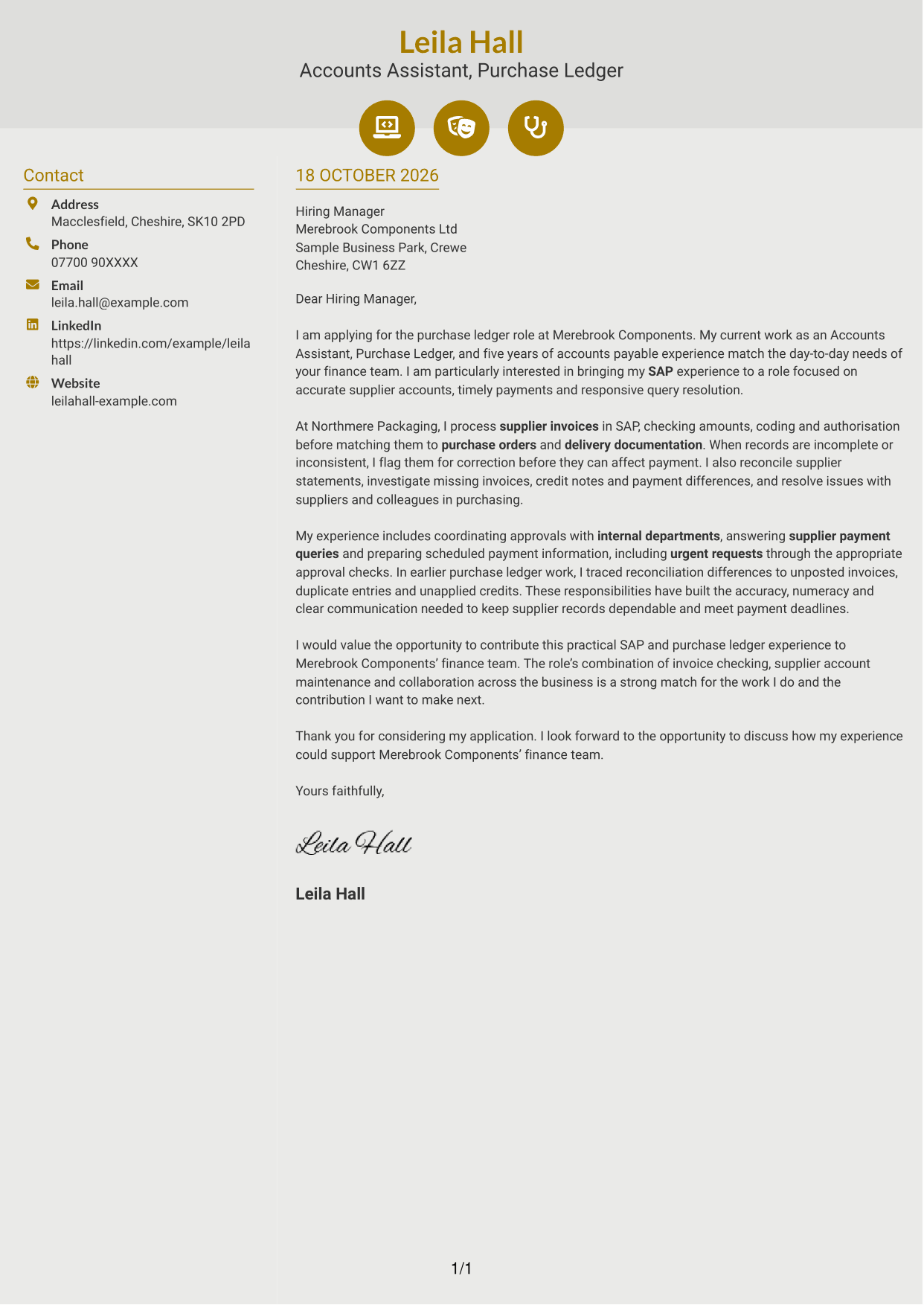
#6 Modern Icon Format Cover Letter Example
Contact icons cue sender details in the sidebar, while the letter remains one continuous body.
Why This Format Works
- Icons cue contact details, making sender information distinct from the letter paragraphs.
- The sidebar keeps contact information beside, not inside, the continuous message.
- Header accents add visual detail without acting as labels for the letter's argument.
Best For
- Icon cues for contact details
- Decorative header accents
- Continuous letter paragraphs
- No-photo correspondence
- Separate contact and message areas
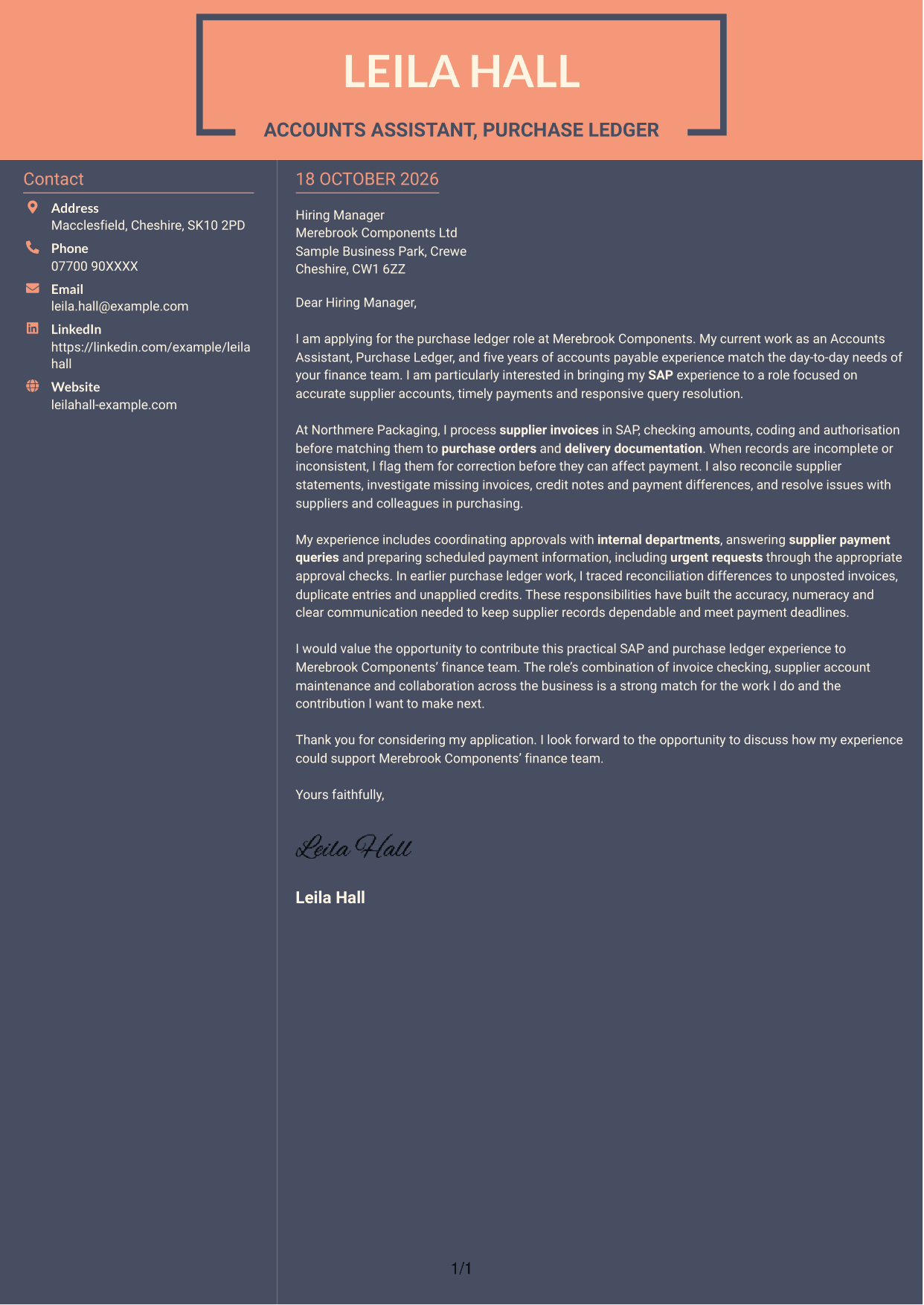
#7 Creative Two Tone Format Cover Letter Example
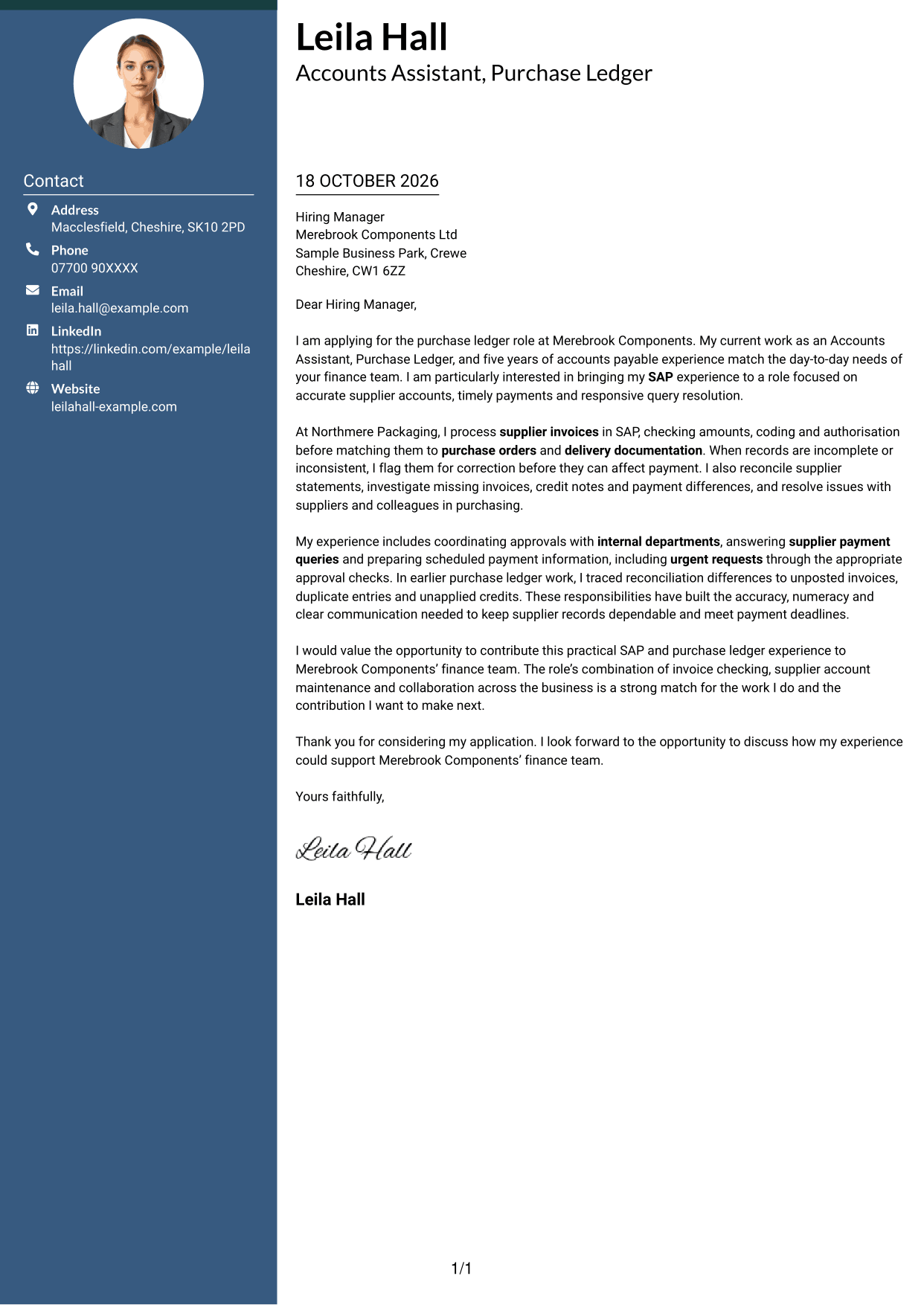
This two-column layout places contact details in a sidebar beside the single continuous letter body.
Why This Format Works
- Contact information has its own sidebar beside the single continuous letter body.
- The message stays in paragraph form, so its points unfold in a natural sequence.
- With no argument headings, the writing keeps a direct letter style.
Best For
- Two-column page preference
- Sidebar contact details
- Continuous letter paragraphs
- Formal employer correspondence
- Letters with several supporting points
See Also
- 7 Accounts Assistant - Purchase Ledger CV Templates with Example
- 7 Accounts Assistant - Accounts Payable and Receivable CV Templates with Example
- 7 Accounts Assistant Apprentice CV Templates with Example
- 7 Apprentice Bookkeeper & Accounts Assistant - Client Accounts CV Templates with Example
- 7 Cash Reconciliation Assistant - Retail and Wholesale Accounts CV Templates with Example
- 7 Administrative Assistant - School Administration CV Templates with Example
- 7 Assistant Banking Manager - Lending Administration CV Templates with Example
- 7 Assistant Chef - Residential Care Catering CV Templates with Example
- 7 Accounts Assistant - Accounts Payable and Receivable Cover Letter Templates with Example
- 7 Accounts Assistant Apprentice Cover Letter Templates with Example
Frequently Asked Questions
What should an Accounts Assistant - Purchase Ledger cover letter highlight?
Show how your experience relates to supplier invoice processing, authorisation checks, invoice matching and accurate account records. You can also describe relevant work with SAP, reconciliations, payment preparation or supplier queries when it reflects your own experience.
How can I show my SAP experience in the letter?
Give a brief example of a task you completed in SAP, such as checking and processing an invoice or reviewing supplier account records. Explain how careful checks helped you keep information accurate or resolve an issue.
How should I explain my interest in the employer?
Choose a genuine detail from the role or the employer’s work that interests you. For this position, you might refer to its focus on accurate supplier accounts, prompt payments or working with colleagues across the business.
What is a clear way to structure this cover letter?
Use the opening to name the role and state your main reason for applying. In the body, give relevant examples of invoice, reconciliation or supplier query work. Close by restating your interest and inviting a conversation.
Should I include every part of my work history?
No. Select the experience that best supports your application for this purchase ledger role. A few clear examples of relevant tasks are more useful than a full list of every duty.




