
7 Accounts Payable Administrator - Supplier Payments Cover Letter Templates with Example
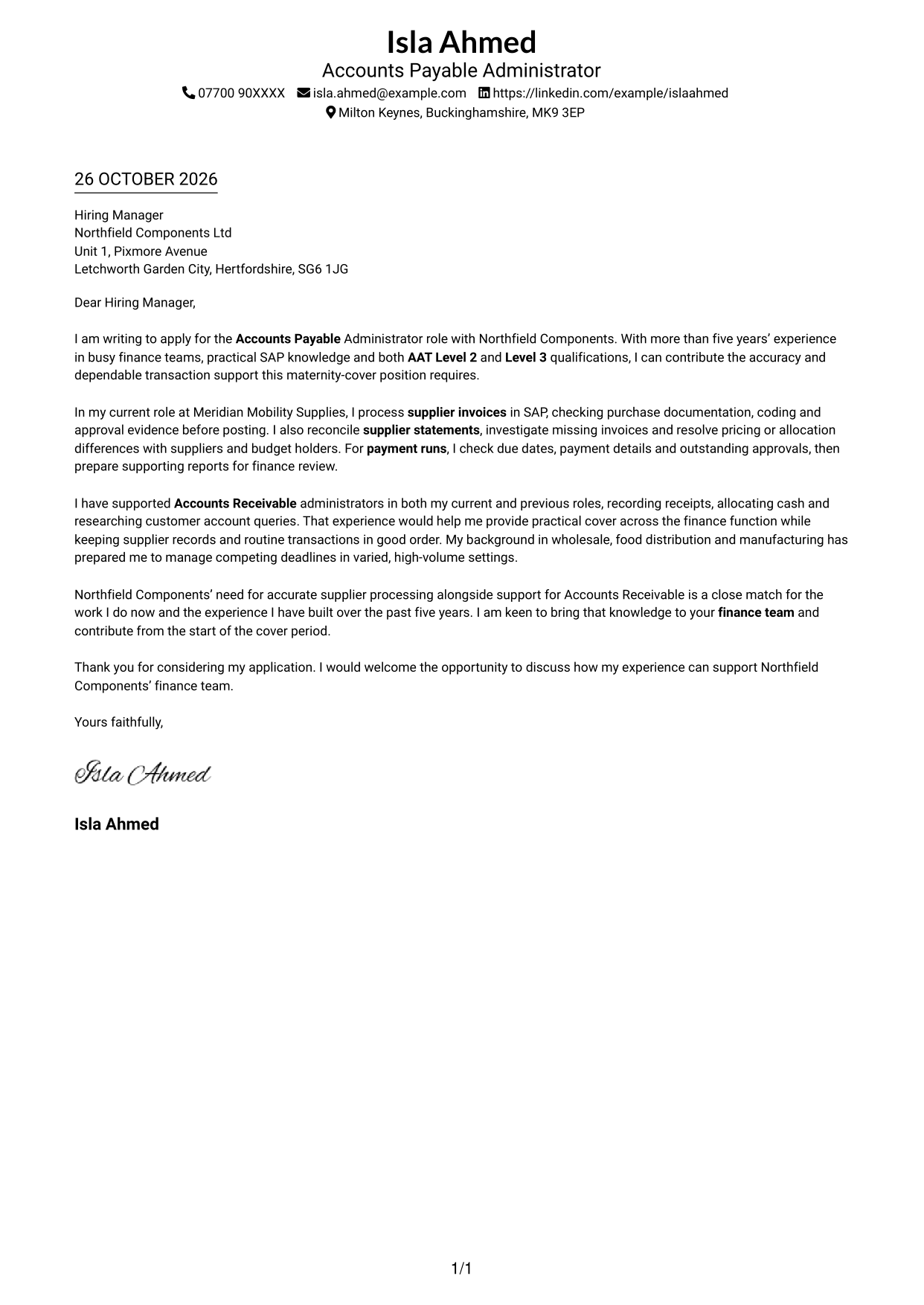
This guide helps you write an Accounts Payable Administrator - Supplier Payments cover letter and compare its presentation across seven layouts.
What Makes a Great Accounts Payable Administrator - Supplier Payments Cover Letter in 2026
A strong letter explains your fit for accurate supplier processing and payment support. Make your opening clear, then show how your experience can help a busy finance team.
Use relevant evidence, such as checking supplier invoices in SAP, reconciling statements and preparing payment runs. Link these examples to the employer’s needs, including practical support for Accounts Receivable.
The featured example follows a focused progression from role interest to practical supplier payment evidence, relevant Accounts Receivable support and a clear close; adapt this order while choosing a presentation that suits the employer and communication context.
#1 Simple One Column Format Cover Letter Example
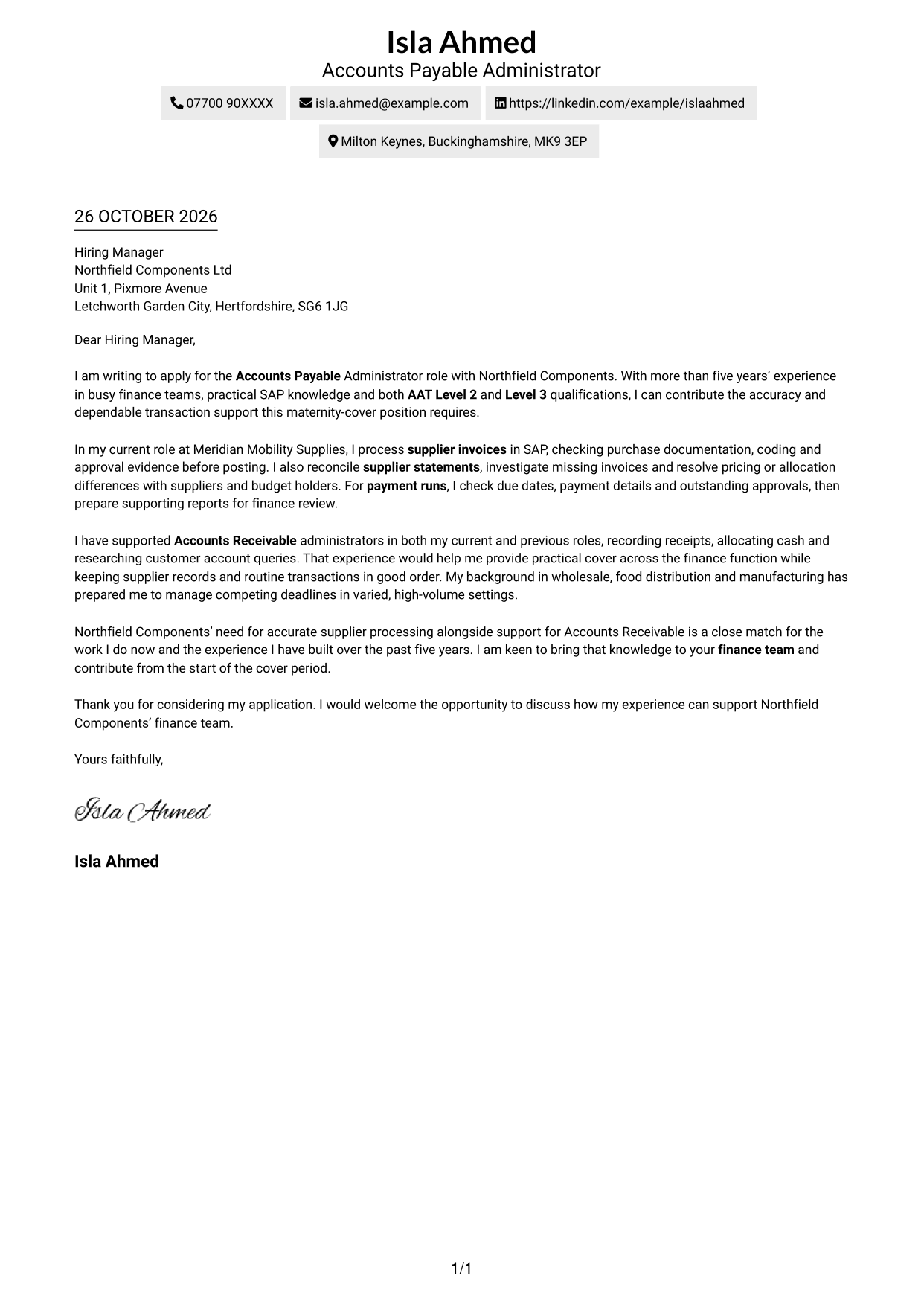
Simple One Column Format places sender details in the header above one continuous letter body, giving the argument a direct reading path.
Why This Format Works
- Header-based sender details make contact information easy to find before the letter begins.
- One body column gives the application, supporting case and close a clear order.
- Readers can follow the argument without switching between separate body columns.
Best For
- Single-column letter preferences
- Header-based contact details
- Direct opening-to-closing reading
- Uninterrupted paragraph presentation
- Traditional business-letter structure
#2 Two Column Format Cover Letter Example
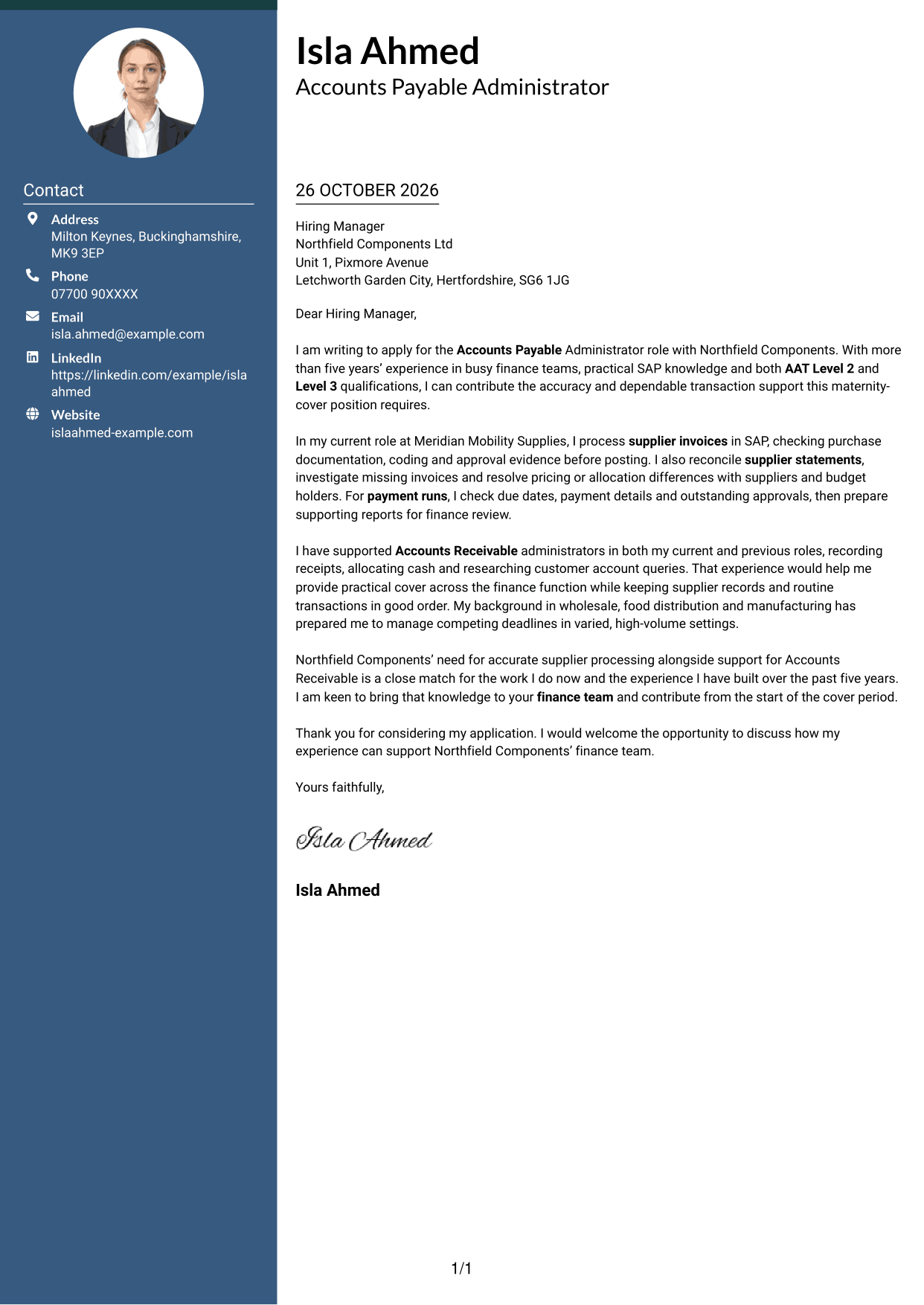
Two Column Format places contact details in a sidebar beside one continuous letter body, keeping the contact block distinct from the argument.
Why This Format Works
- The contact sidebar lets reviewers locate sender details apart from the letter paragraphs.
- A continuous body keeps the opening, supporting points and close in sequence.
- Side-by-side placement suits readers who want contact details visible beside the letter.
Best For
- Sidebar contact visibility
- Continuous persuasive paragraphs
- Side-by-side page layouts
- Letters with several contact details
- Separate sender information
#3 Photo Header Two Column Format Cover Letter Example
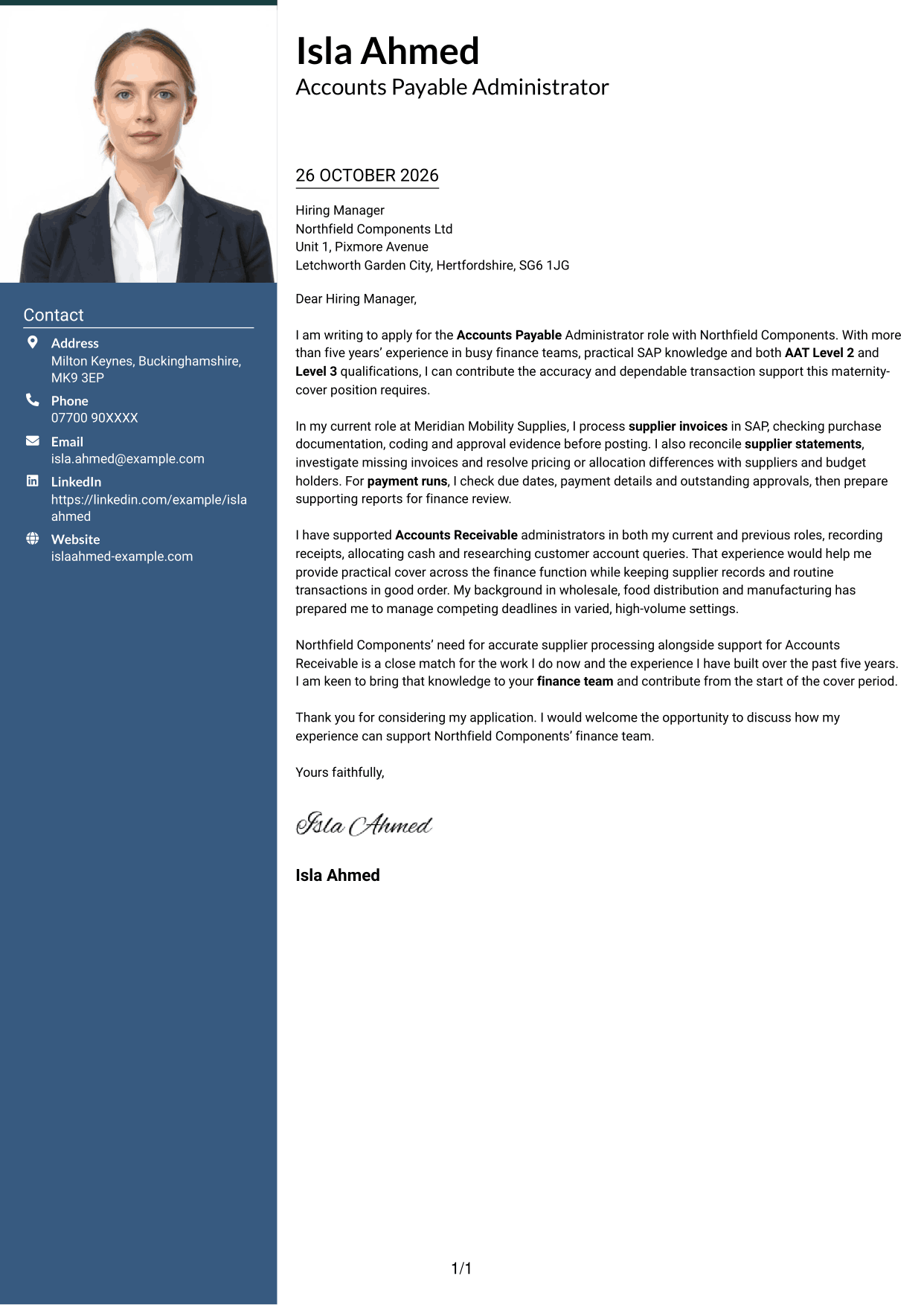
Photo Header Two Column Format pairs a photo and contact sidebar with one continuous letter body, keeping the personal header separate from the written case.
Why This Format Works
- The photo gives the header a personal visual element without changing the letter's argument.
- Contact details remain apart from the continuous paragraphs for straightforward reference.
- One letter-body column carries the application from opening through closing.
Best For
- Photo-led letter headers
- Visible sender contact details
- Single-column letter arguments
- Personal visual presentation
- Continuous paragraph structure
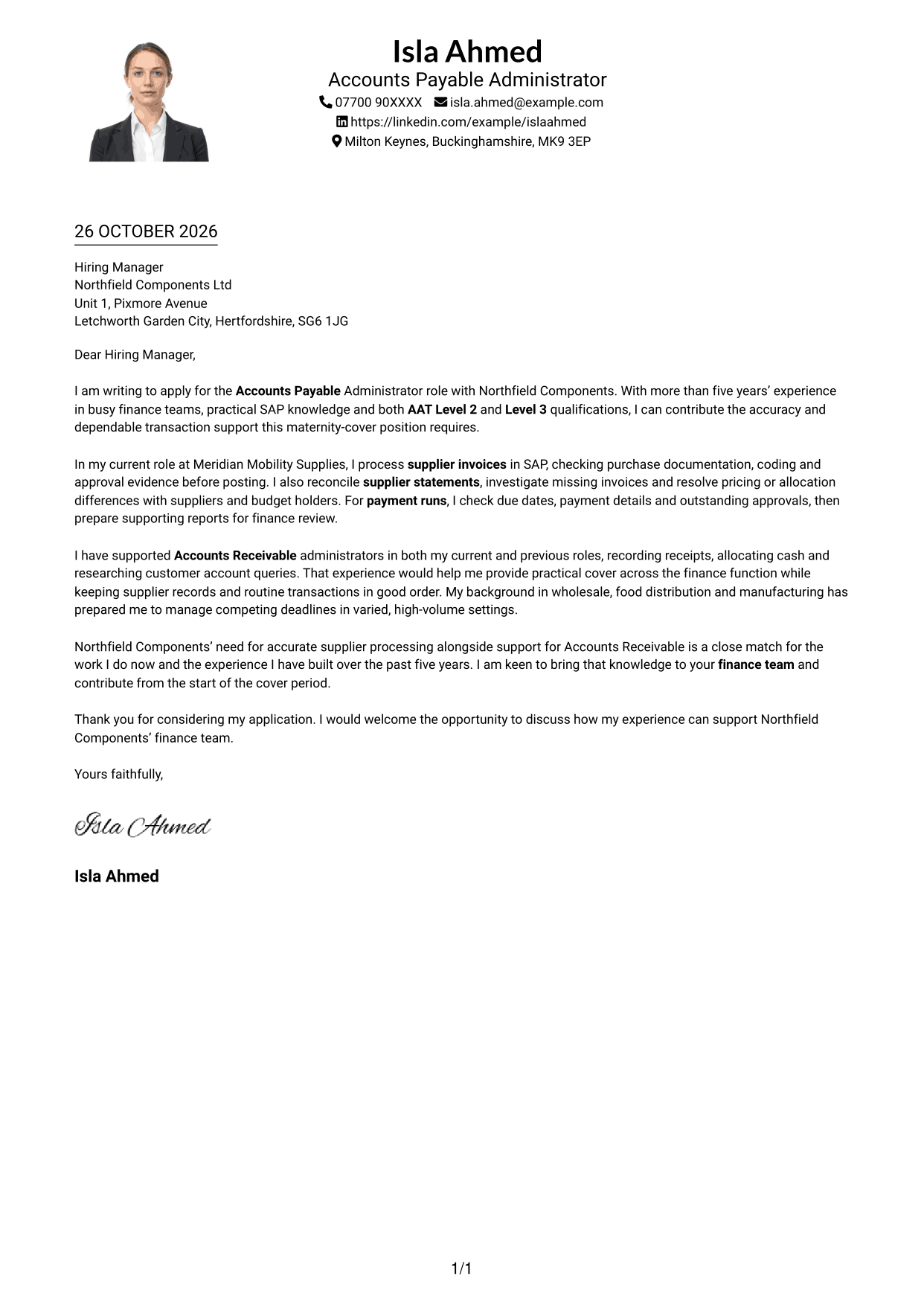
#4 One Column Format with Photo Cover Letter Example
One Column Format with Photo combines a photo with a single continuous letter body, retaining a direct reading path while adding a personal visual element.
Why This Format Works
- The photo adds a personal visual feature without being used to organise the letter's argument.
- A single body column keeps the application and supporting points in reading order.
- Sender details in the header are easy to locate before the letter begins.
Best For
- Single-column letter layouts
- Photo-inclusive presentation
- Direct letter reading
- Header-based sender details
- Continuous application paragraphs
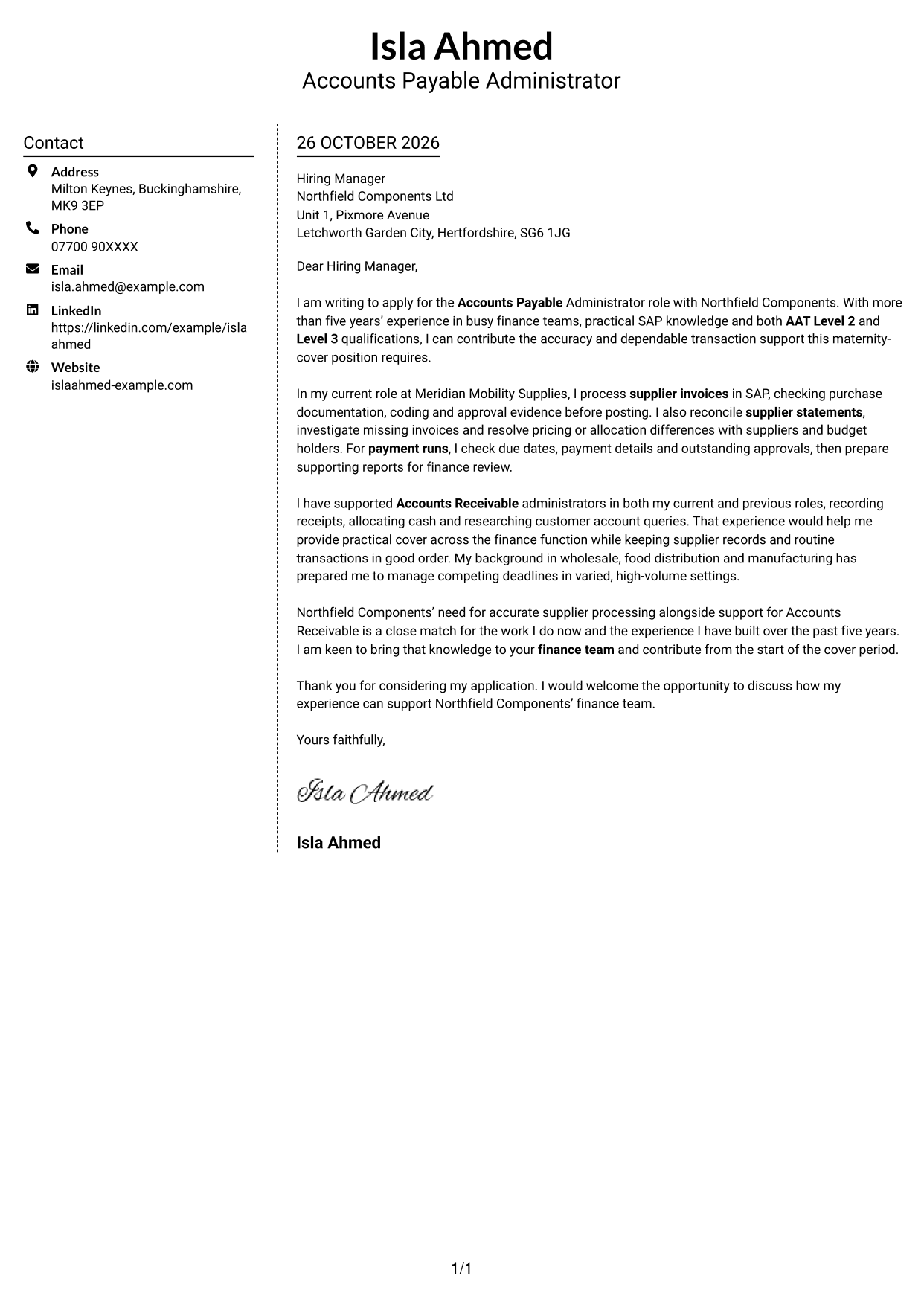
#5 Simple Two Column Format Cover Letter Example
Simple Two Column Format sets the contact sidebar alongside one continuous letter body, offering a straightforward way to keep sender details distinct from the message.
Why This Format Works
- The sidebar separates sender information from the paragraphs that make the case.
- Reviewers can follow the letter body in order without argument-section headings.
- A contact area beside the letter suits readers who value a divided page layout.
Best For
- Distinct contact and letter areas
- Letters without body headings
- Side-by-side page organisation
- Continuous persuasive writing
- Quick access to sender details
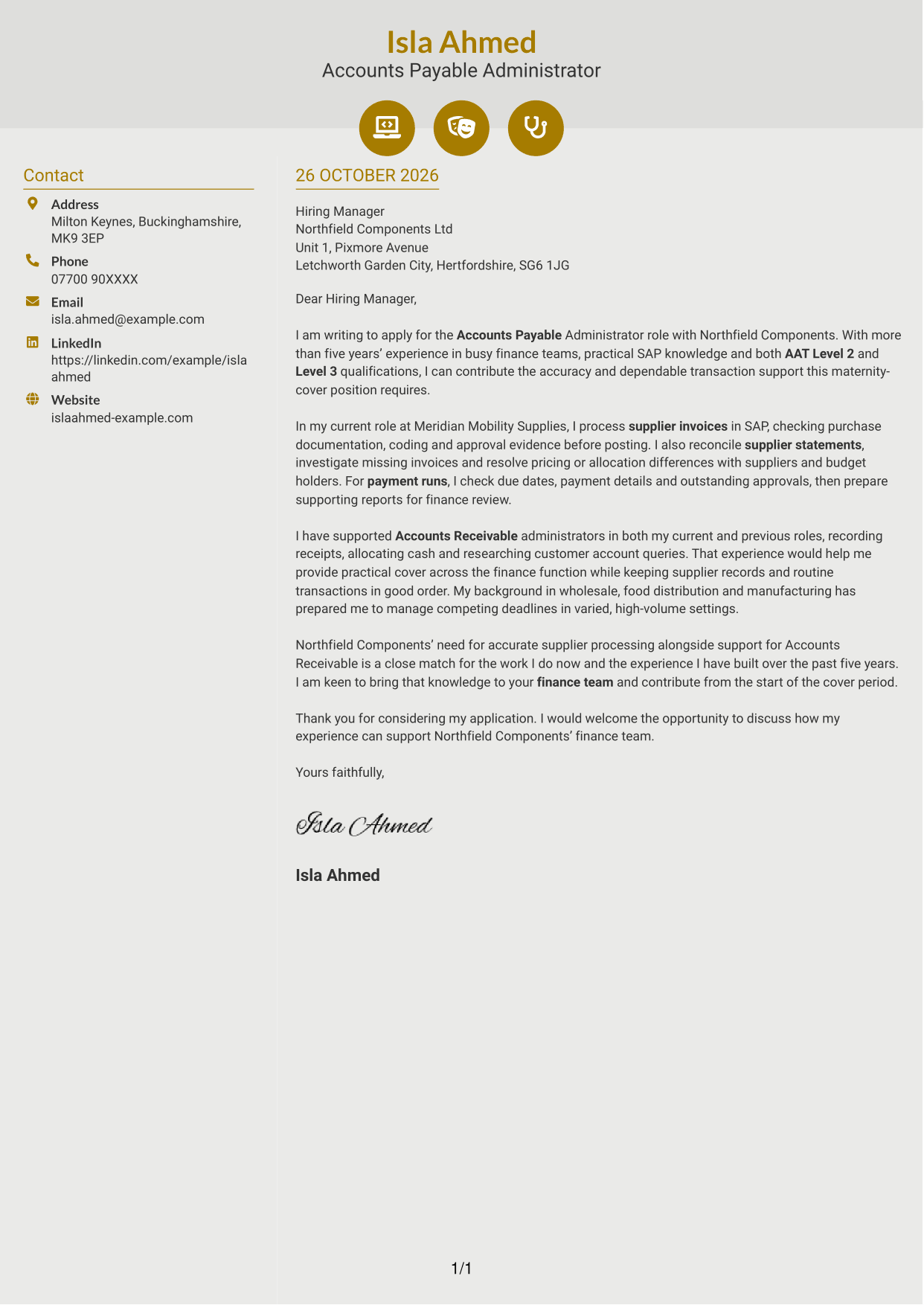
#6 Modern Icon Format Cover Letter Example
Modern Icon Format uses two columns for contact details and one continuous letter body, with icons serving as contact cues or header accents.
Why This Format Works
- Contact icons help distinguish sender details without labelling the letter's argument.
- The separate contact area leaves the letter body as one continuous sequence.
- Two columns keep contact information beside the letter for easy reference.
Best For
- Icon-led contact details
- A continuous letter argument
- Contact information beside the message
- Two-column page preference
- Header accents with a clear purpose
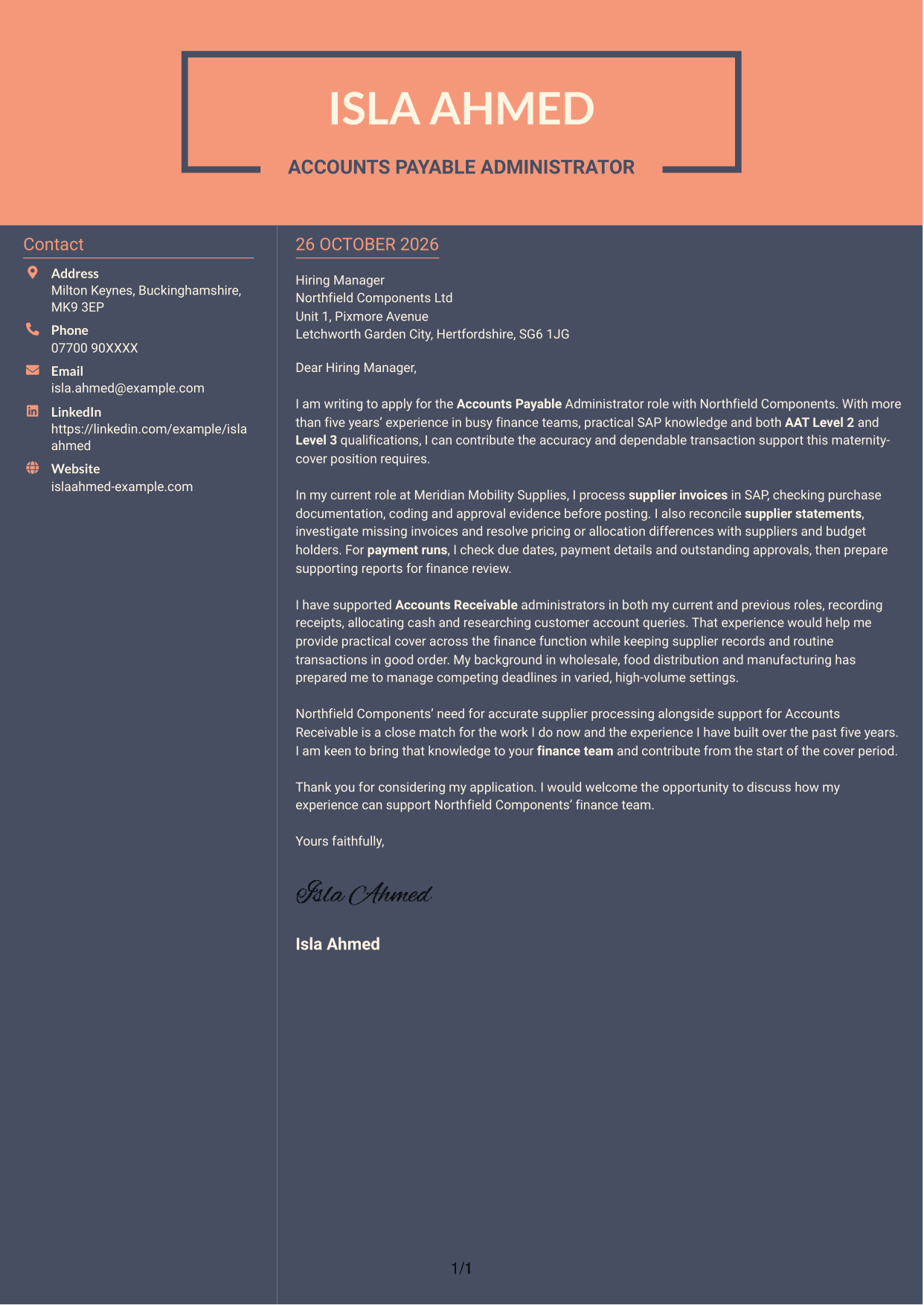
#7 Creative Two Tone Format Cover Letter Example
Creative Two Tone Format places contact details in a sidebar beside one continuous letter body, separating the sender information from the main message.
Why This Format Works
- The contact sidebar gives sender details a distinct place beside the letter.
- The continuous body carries the application and closing in a clear sequence.
- Readers can refer to contact information without interrupting the letter paragraphs.
Best For
- Sidebar-based sender details
- Unbroken letter paragraphs
- Contact details easy to reference
- A divided page arrangement
- Direct opening and closing flow
See Also
- 7 Accounts Payable Administrator - Supplier Payments CV Templates with Example
- 7 Payments Co-ordinator - Accounts Payable CV Templates with Example
- 7 Accounts Assistant - Accounts Payable and Accounts Receivable CV Templates with Example
- 7 Accounts Assistant - Accounts Payable and Receivable CV Templates with Example
- 7 Accounts Assistant - Accounts Payable and Reconciliation CV Templates with Example
- 7 Bookkeeper - Accounts Payable and Receivable CV Templates with Example
- 7 Entry-Level Bookkeeper - Accounts Payable and Receivable CV Templates with Example
- 7 Accounts Administrator - Accounts and Payroll CV Templates with Example
- 7 Payments Co-ordinator - Accounts Payable Cover Letter Templates with Example
- 7 Accounts Assistant - Accounts Payable and Receivable Cover Letter Templates with Example
Frequently Asked Questions
What should an Accounts Payable Administrator - Supplier Payments cover letter highlight?
Show how you can support accurate supplier transactions and keep payment records up to date. Relevant evidence may include SAP invoice processing, supplier statement reconciliations, payment-run preparation and support for Accounts Receivable.
How can I show that my experience fits this role?
Choose a clear example of work such as checking invoice details, resolving a supplier discrepancy or preparing a payment run. Explain what you did and how it helped keep finance tasks on track.
How should I explain my interest in the employer?
Connect your interest to the duties described for the role. For example, explain why you would value supporting supplier payments while also helping the Accounts Receivable Administrator.
How should I structure this cover letter?
Open by naming the role and summarising your fit. Use the body to give focused evidence of supplier invoice processing, reconciliations and payment support, then close by restating your interest and inviting a discussion.
Should I include all my finance experience?
No. Select the examples that best support this application. A few relevant details about supplier payments and related Accounts Receivable support will keep your message clear.




