
7 Administrative Assistant - School Administration Cover Letter Templates with Example
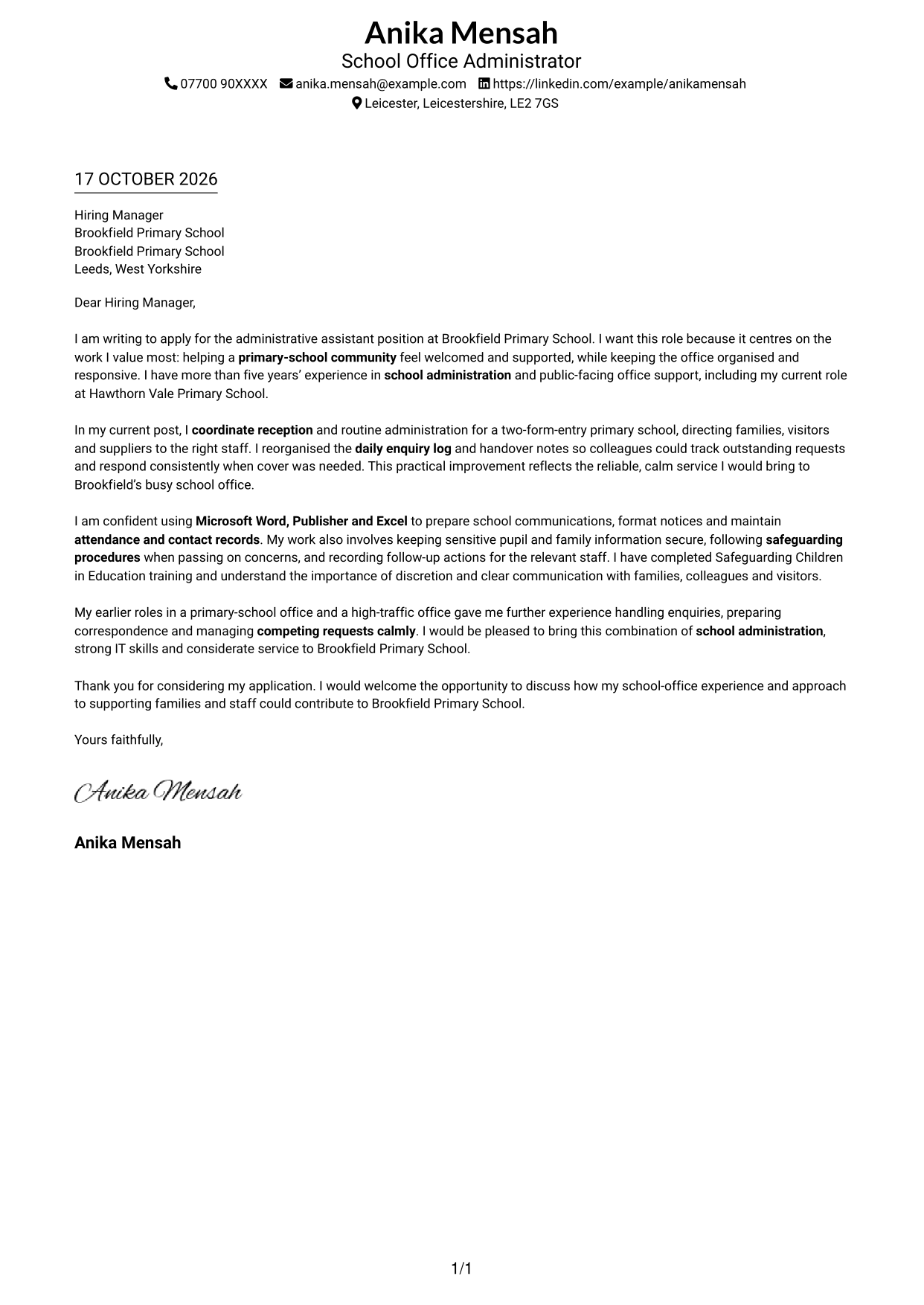
This practical guide helps you write an Administrative Assistant - School Administration cover letter and compare its message across seven layouts.
What Makes a Great Administrative Assistant - School Administration Cover Letter in 2026
A strong letter shows how you can welcome families and visitors, keep a busy school office organised, and communicate with care. Make your reason for applying clear from the start.
Use specific evidence, such as improving enquiry records or handling confidential information with discretion. Link your school-office experience and IT skills to the school’s needs and show genuine interest in supporting its community.
The featured example moves from interest in the role to a practical office improvement, then to relevant skills and a clear close; adapt this focused progression while choosing a presentation suited to the employer and communication context.
#1 Simple One Column Format Cover Letter Example
The Simple One Column Format places sender details in the header above one continuous letter body, giving the opening, supporting points and closing a direct reading path.
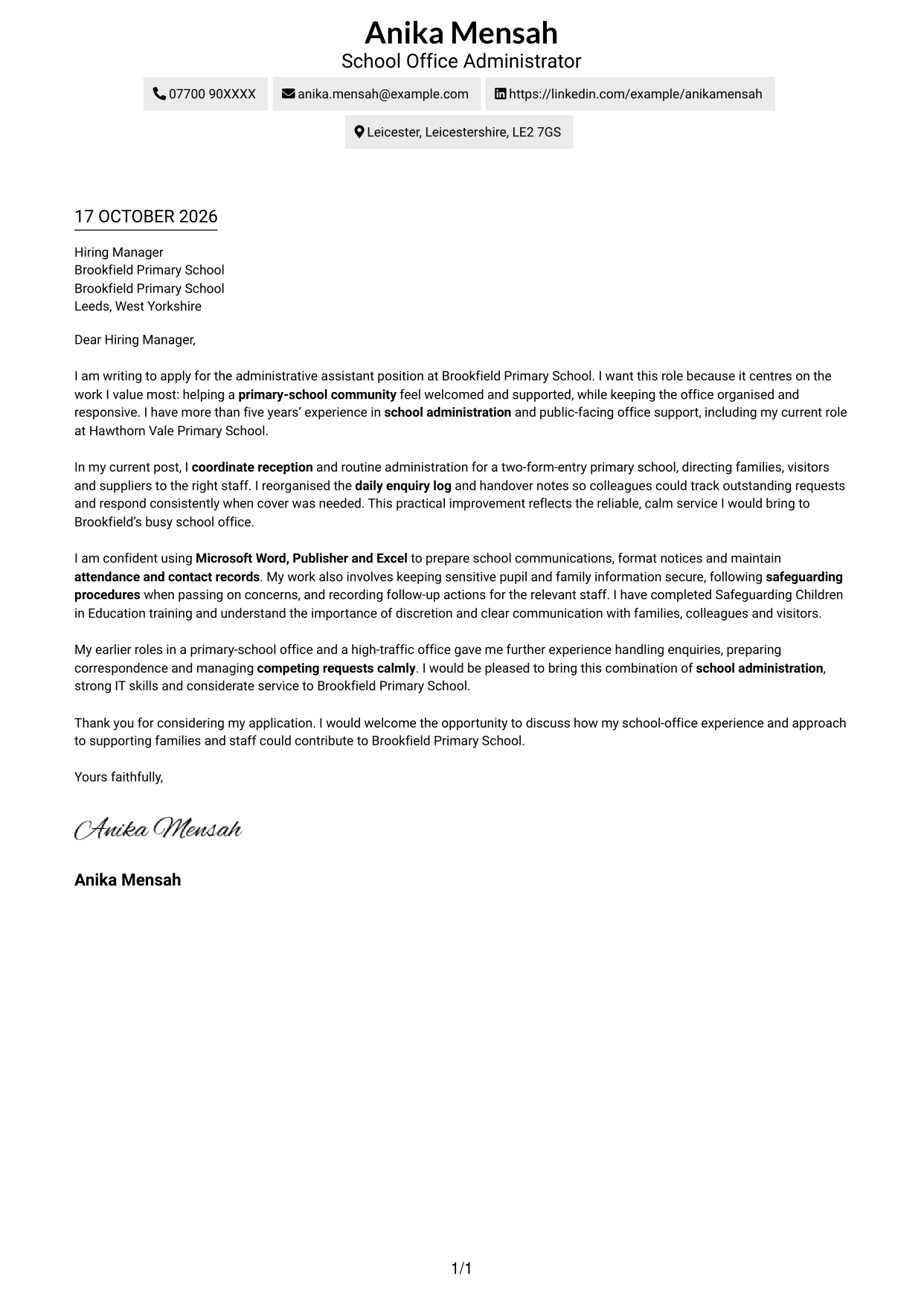
Why This Format Works
- Sender details remain easy to find without breaking up the letter.
- One reading column presents motivation, evidence and closing in a clear order.
- The straightforward layout suits readers who prefer a familiar letter style.
Best For
- Single-column reading preference
- Contact details near the letter
- Direct opening-to-close argument
- Text-led application materials
- Straightforward letter presentation
#2 Two Column Format Cover Letter Example
The Two Column Format sets a contact sidebar beside one continuous letter body, keeping contact information distinct while the message reads from opening to close.
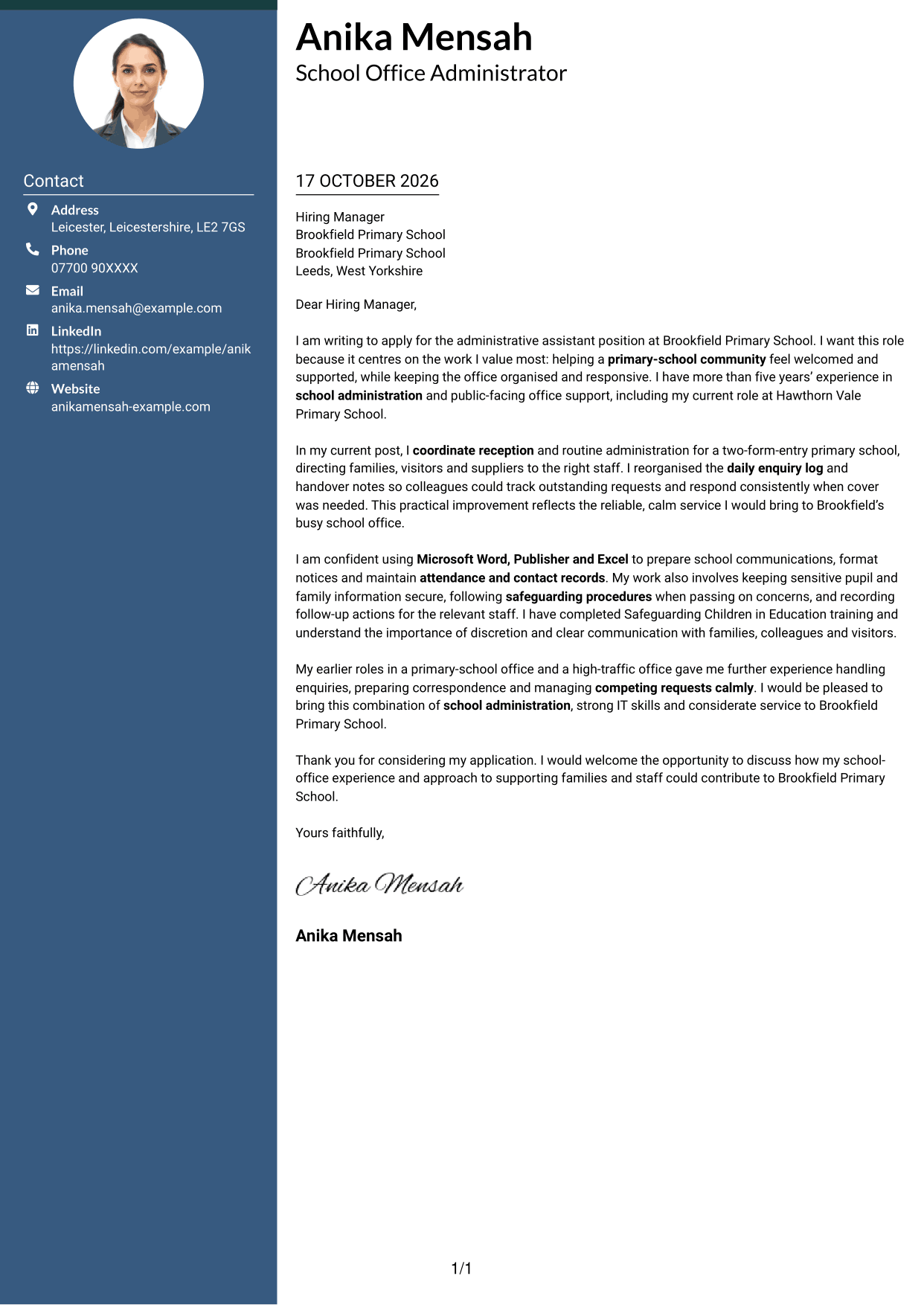
Why This Format Works
- Contact details are easy to locate without interrupting the letter's message.
- One body column keeps motivation, evidence and closing in sequence.
- The side-by-side layout makes the contact and correspondence areas clear.
Best For
- Contact details in a sidebar
- A distinct letter and contact area
- Continuous persuasive writing
- Clear opening-to-close reading
- Two-column page preference
#3 Photo Header Two Column Format Cover Letter Example
The Photo Header Two Column Format includes a photo and places contact details beside one continuous letter body, combining a personal visual choice with a clear reading order.
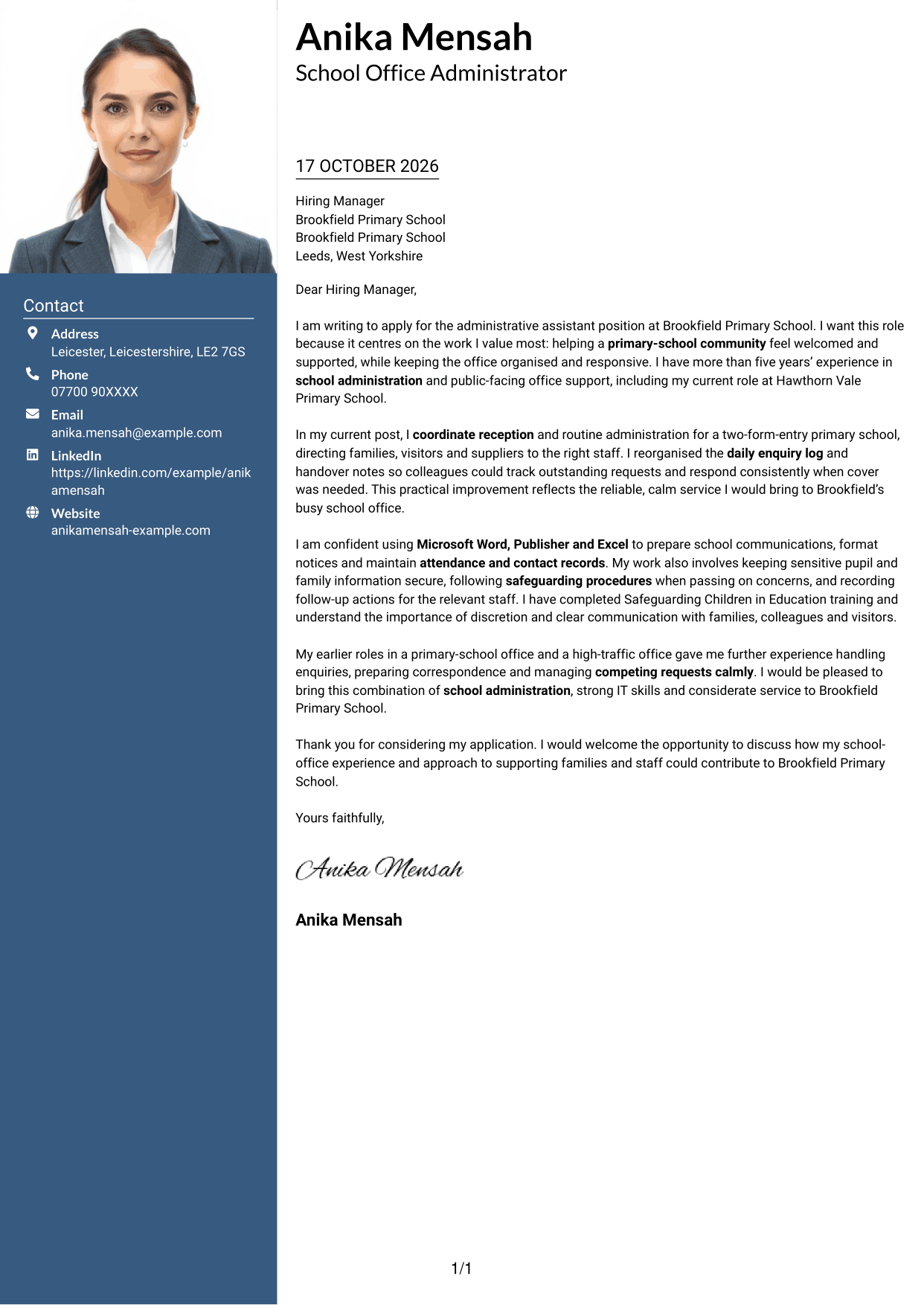
Why This Format Works
- A photo offers a visible personal touch for readers who prefer one.
- The sidebar keeps contact details apart from the letter's message.
- A single body column carries motivation, evidence and closing in order.
Best For
- Photo-inclusive letter design
- Contact information beside the message
- One-column letter reading
- A personal visual touch
- Continuous persuasive writing
#4 One Column Format with Photo Cover Letter Example
The One Column Format with Photo includes a photo alongside sender details in the header, while the letter itself remains one continuous body for a straightforward read.
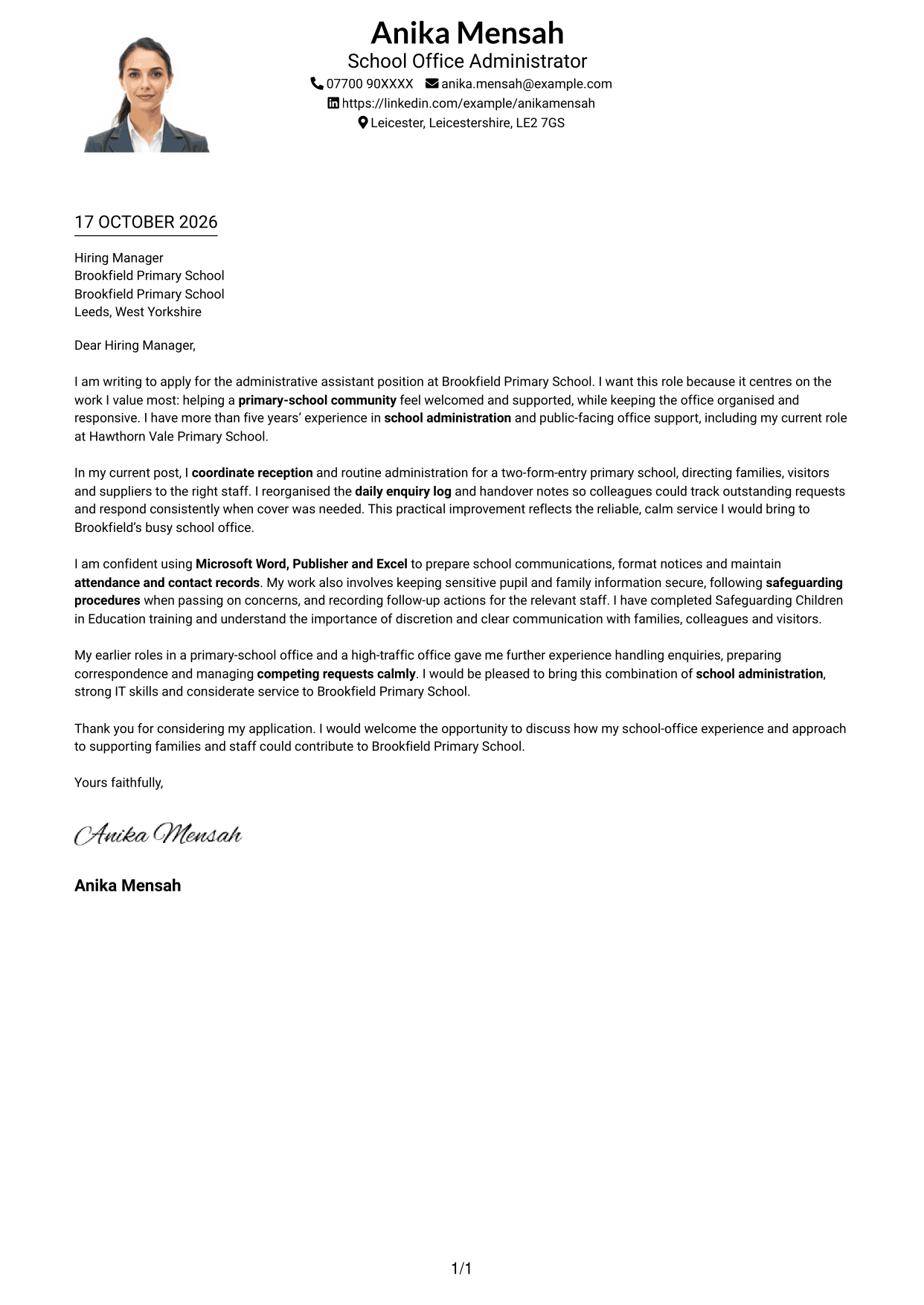
Why This Format Works
- The photo adds a personal visual element without dividing the letter body.
- Sender details are presented separately from the message itself.
- A single column keeps the letter's paragraphs in their intended order.
Best For
- Photo-inclusive one-column format
- Sender details in the header
- Continuous letter paragraphs
- A personal visual element
- Simple reading order
#5 Simple Two Column Format Cover Letter Example
The Simple Two Column Format places contact details in a sidebar beside one continuous letter body, offering a clear distinction between contact information and the message.
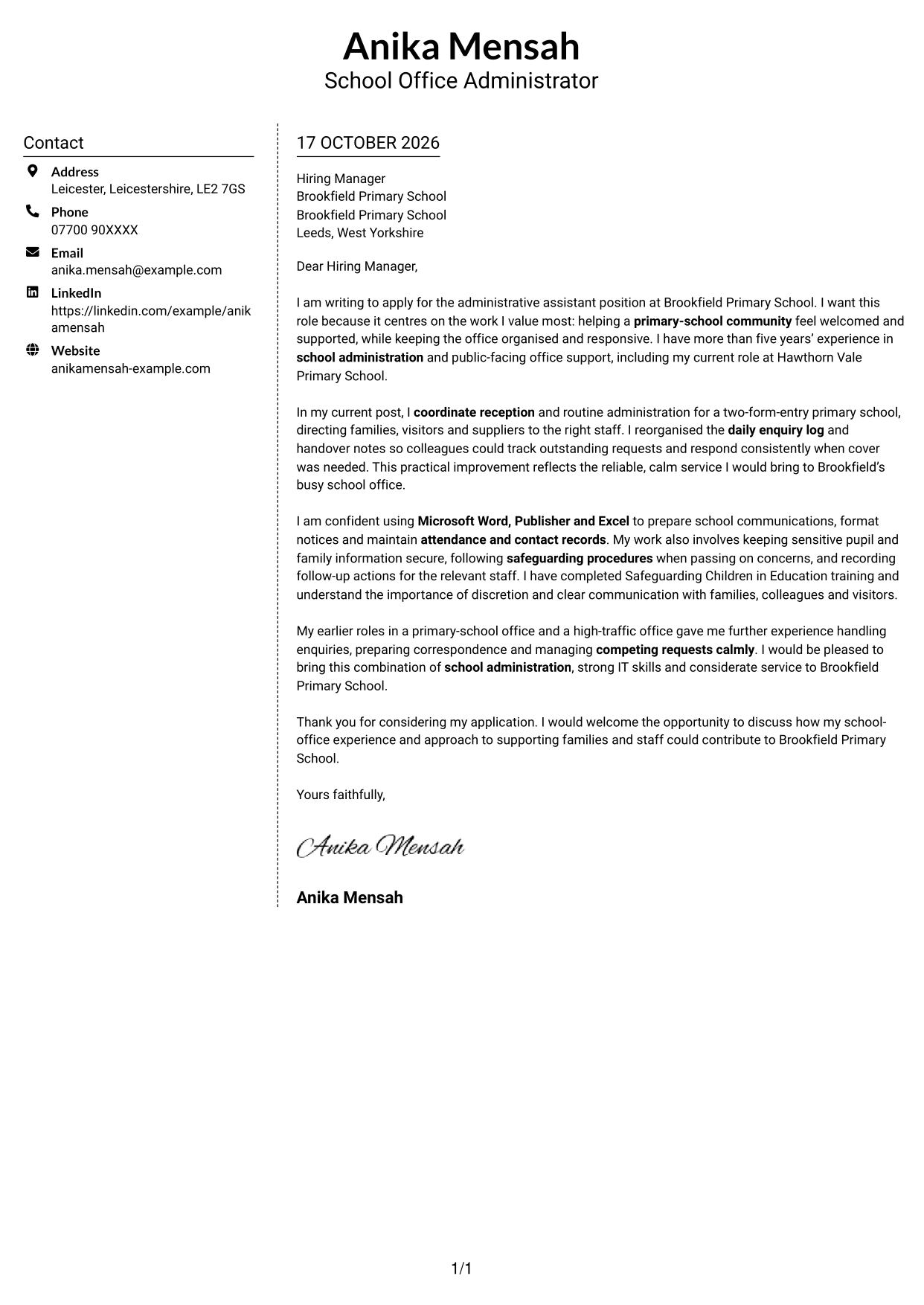
Why This Format Works
- The sidebar makes contact details distinct from the written message.
- A continuous body lets the letter develop from motivation to closing.
- The simple column arrangement gives readers a clear page structure.
Best For
- Sidebar contact details
- A separate message area
- Continuous letter paragraphs
- Clear page organisation
- Simple two-column reading
#6 Modern Icon Format Cover Letter Example
The Modern Icon Format uses two columns for contact details and one continuous letter body, with icons serving as contact cues or header decoration.
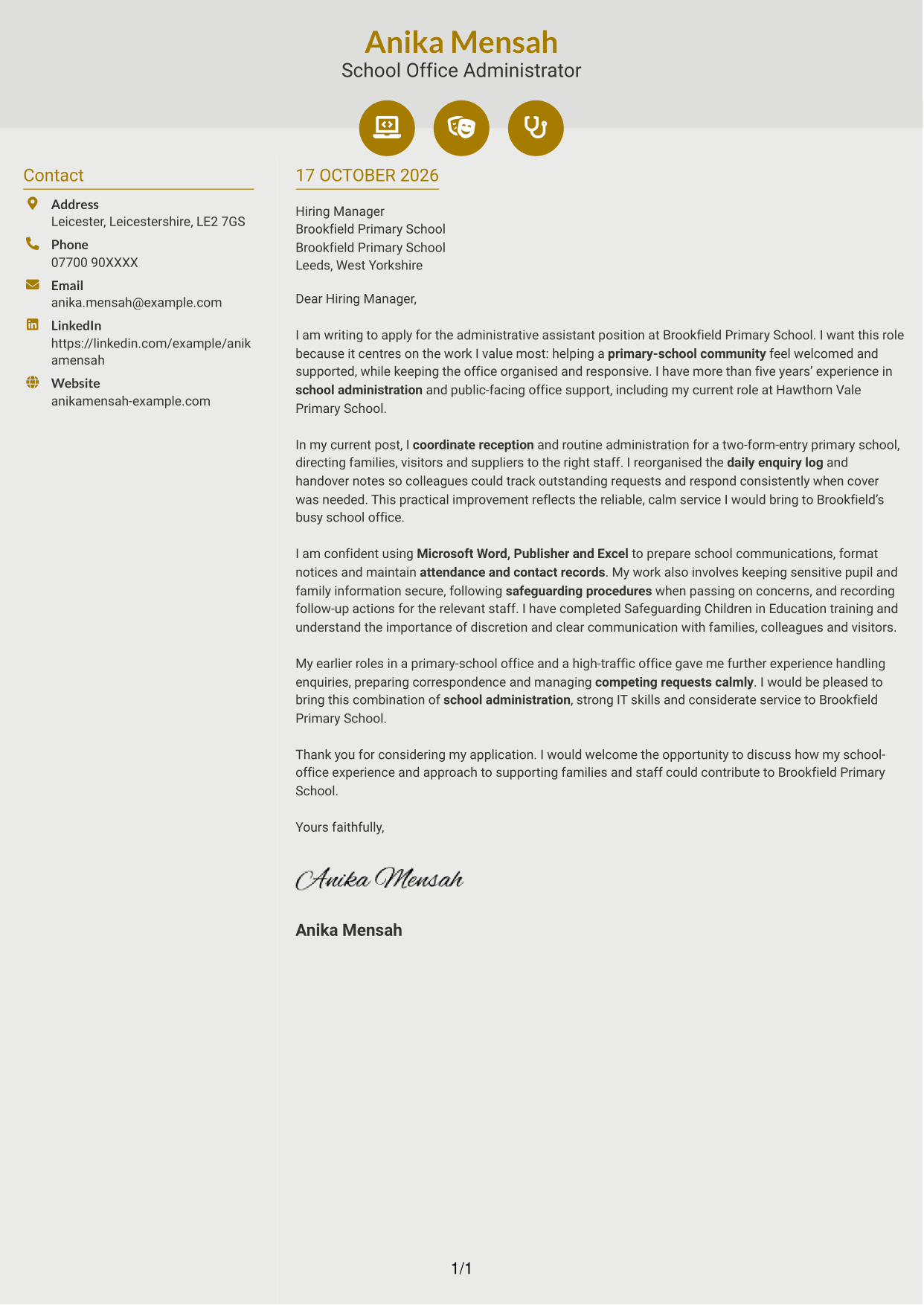
Why This Format Works
- Contact icons can help readers recognise contact details at a glance.
- The letter remains one continuous body rather than separate argument sections.
- Two columns distinguish contact information from the written message.
Best For
- Icon-led contact details
- Contact cues in the header
- A single continuous letter body
- Separate contact and message areas
- Two-column reading preference
#7 Creative Two Tone Format Cover Letter Example
The Creative Two Tone Format places a contact sidebar beside one continuous letter body, keeping contact details separate from the letter's persuasive message.
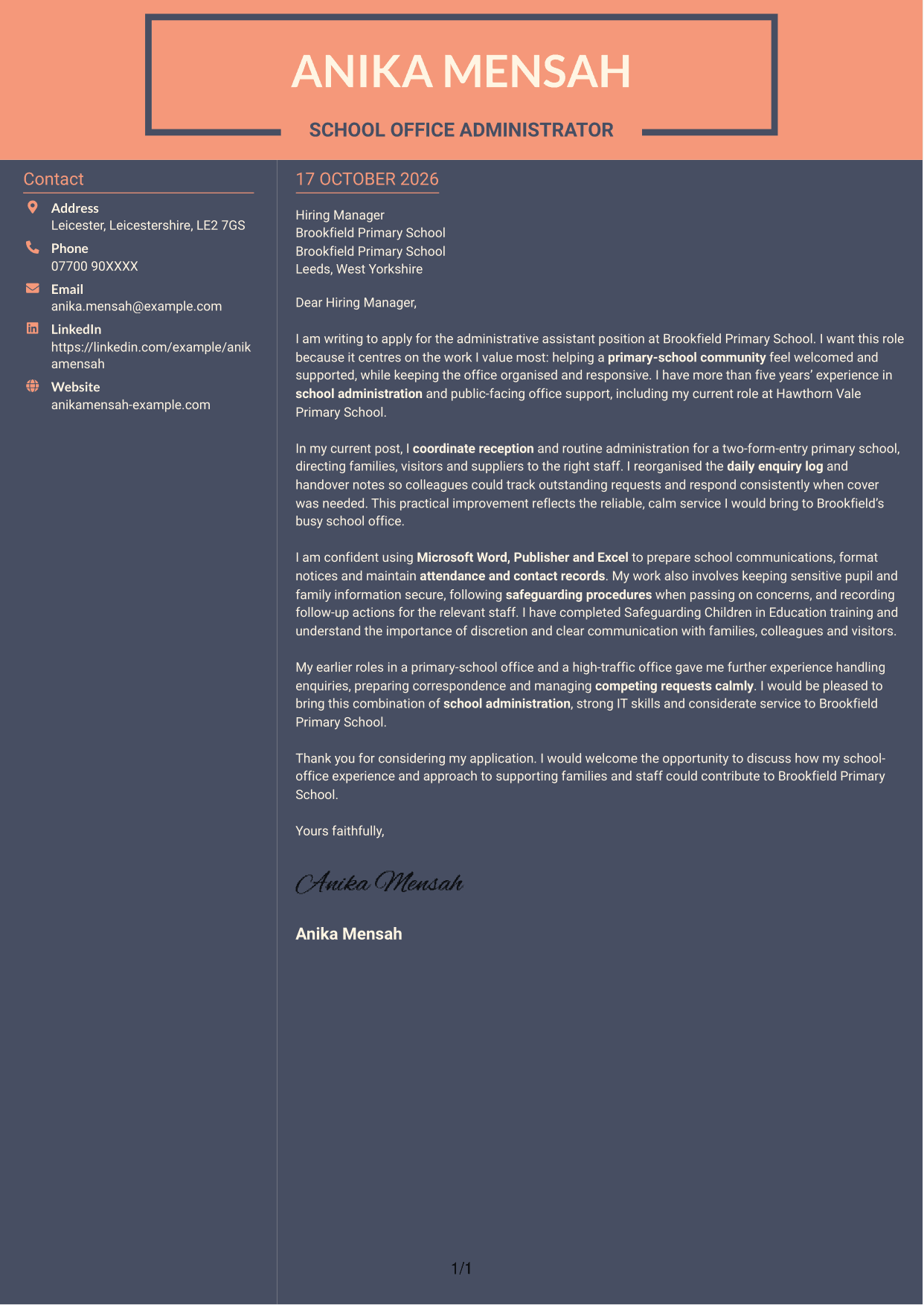
Why This Format Works
- The sidebar keeps contact information apart from the letter's argument.
- One continuous body carries the message from opening through closing.
- Two distinct areas make contact details and correspondence easy to distinguish.
Best For
- Contact details in a sidebar
- Continuous persuasive writing
- A distinct message area
- Clear contact and letter separation
- Two-column page preference
See Also
- 7 Administrative Assistant - School Administration CV Templates with Example
- 7 Assistant Banking Manager - Lending Administration CV Templates with Example
- 7 Assistant Manager - Digital and Cyber Governance CV Templates with Example
- 7 Audit Assistant Manager - Consumer Markets CV Templates with Example
- 7 Audit Assistant Manager - Real Estate CV Templates with Example
- 7 Cash Reconciliation Assistant - Retail and Wholesale Accounts CV Templates with Example
- 7 Optical Assistant Apprentice CV Templates with Example
- 7 Partnership Tax Manager / Assistant Manager CV Templates with Example
- 7 Assistant Banking Manager - Lending Administration Cover Letter Templates with Example
- 7 Assistant Manager - Digital and Cyber Governance Cover Letter Templates with Example
Frequently Asked Questions
What should an Administrative Assistant - School Administration cover letter highlight?
Show how you can support a welcoming, organised school office. Choose evidence that relates to reception, clear communication, accurate records, confidentiality and calm handling of changing requests.
How can I make my experience relevant to a school administration role?
Give a clear example of a task you handled and its benefit. For instance, explain how keeping an enquiry log or handover notes organised helped colleagues follow up requests consistently.
How should I explain my interest in a school office position?
State why supporting a school community appeals to you. Connect that interest to the day-to-day work, such as helping families and visitors, keeping information organised and supporting staff.
What is a clear way to structure this cover letter?
Open with the role and your reason for applying. Use the body to give relevant examples of school-office support, communication and record handling, then close by restating your interest and welcoming a discussion.
Should I mention safeguarding and confidential information?
Yes, if you have relevant experience or training. Briefly explain how you handle sensitive information with care and follow the correct safeguarding procedures.




