
7 AI Data Engineer - Data Analytics Cover Letter Templates with Example
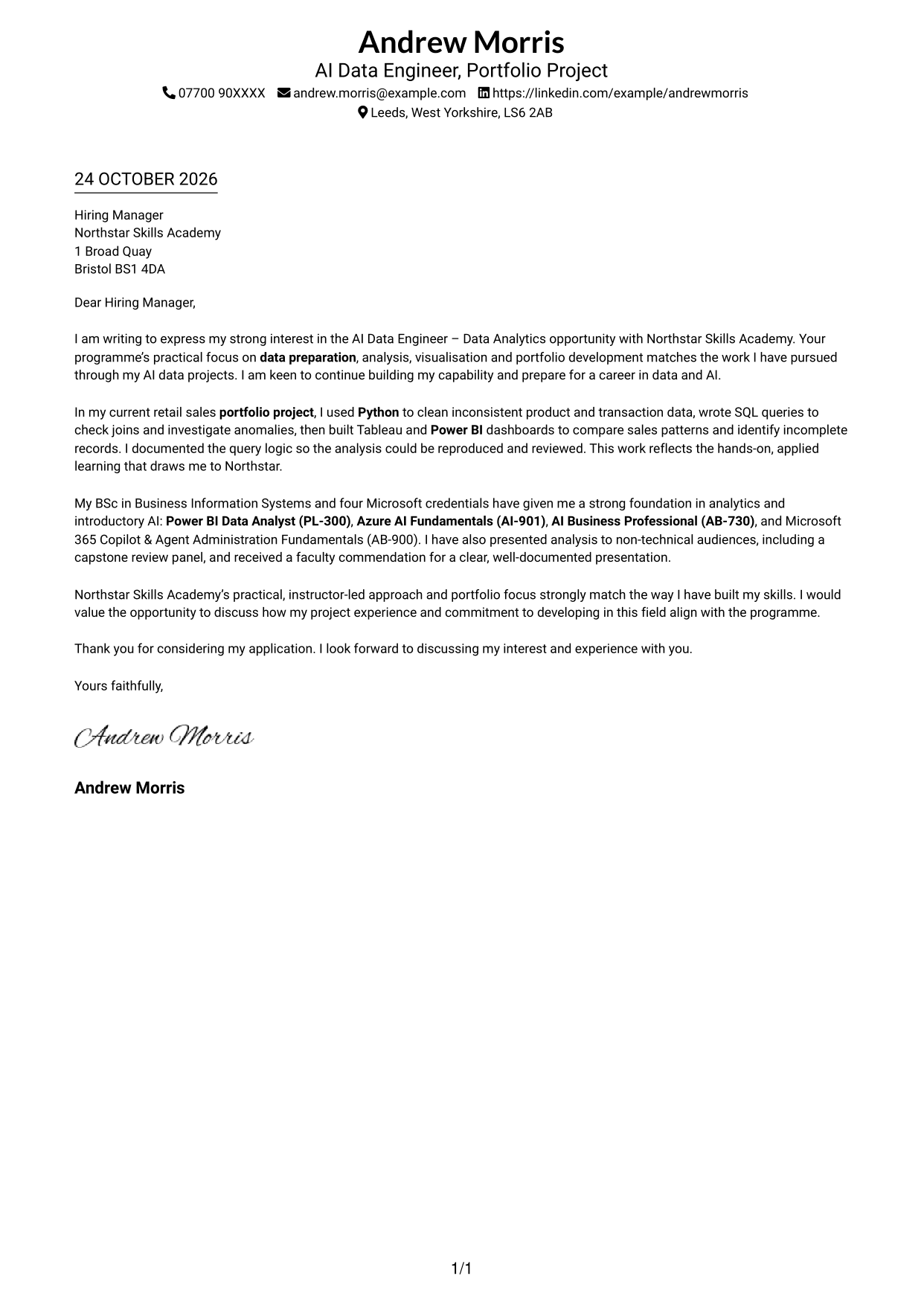
This practical guide to an AI Data Engineer - Data Analytics cover letter helps you present your fit across seven layouts.
What Makes a Great AI Data Engineer - Data Analytics Cover Letter in 2026
A strong letter links data preparation and analysis to practical AI and analytics work. Open with clear interest, then show how your approach can support accurate, useful insight.
Use a focused example involving Python data cleaning, SQL checks or dashboards, and explain what it shows. Connect your evidence to Northstar’s practical teaching, live lab work and portfolio focus.
The featured AI Data Engineer - Data Analytics letter moves from interest in Northstar’s practical programme to evidence from data preparation, SQL checks and dashboards, then closes with a clear request to talk. Adapt this focused progression and choose a presentation that suits the employer and communication context.
#1 Simple One Column Format Cover Letter Example
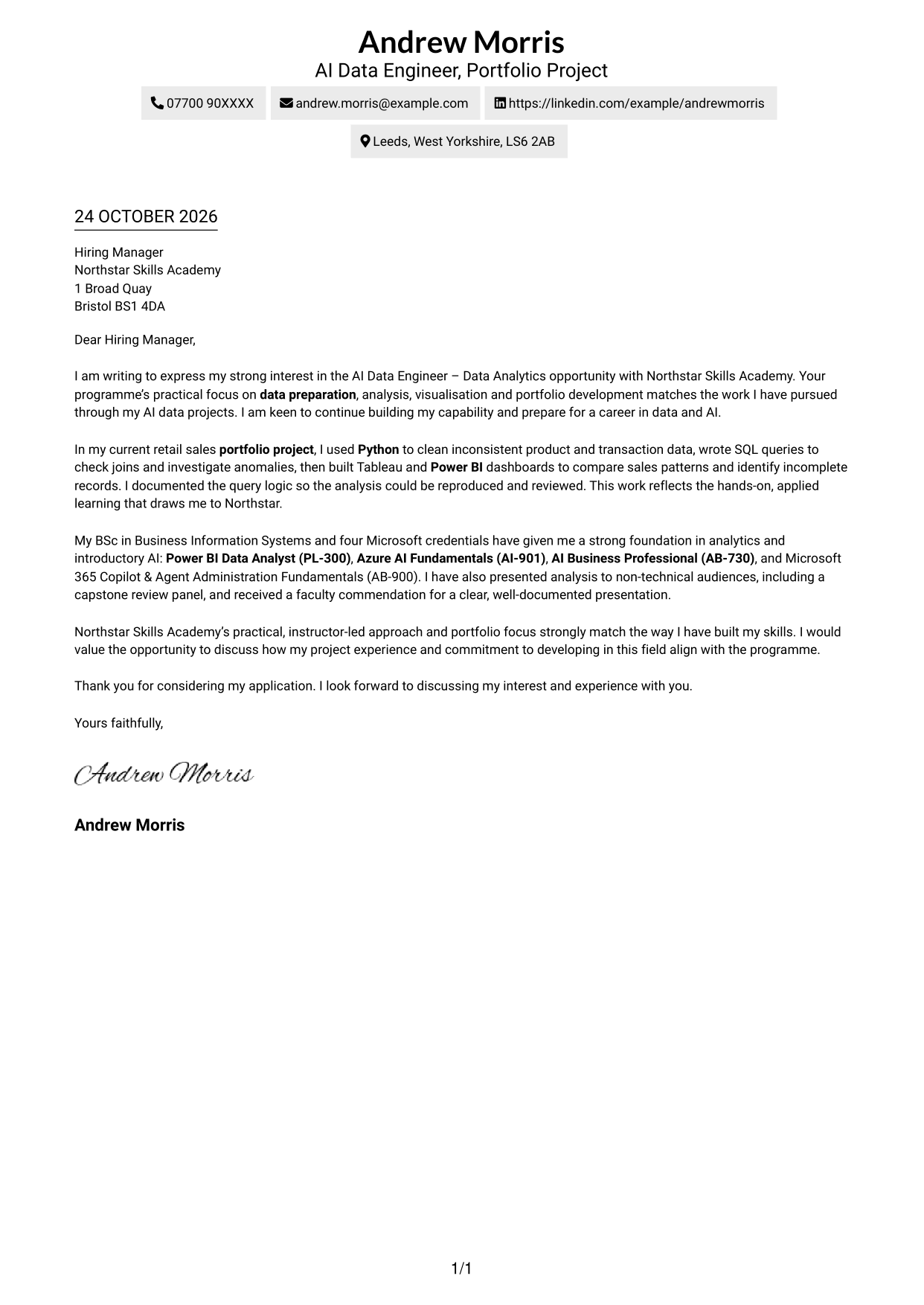
Sender details sit in the header above a single-column letter, keeping the message easy to follow.
Why This Format Works
- Header details give contact information a clear place before the message begins.
- One continuous text column lets motivation and evidence unfold in a natural order.
- Paragraph-based writing keeps the application in a familiar letter form.
Best For
- Single-column letter layouts
- Header-based contact details
- Continuous paragraph messages
- Text-led applications
- Familiar letter reading order
#2 Two Column Format Cover Letter Example
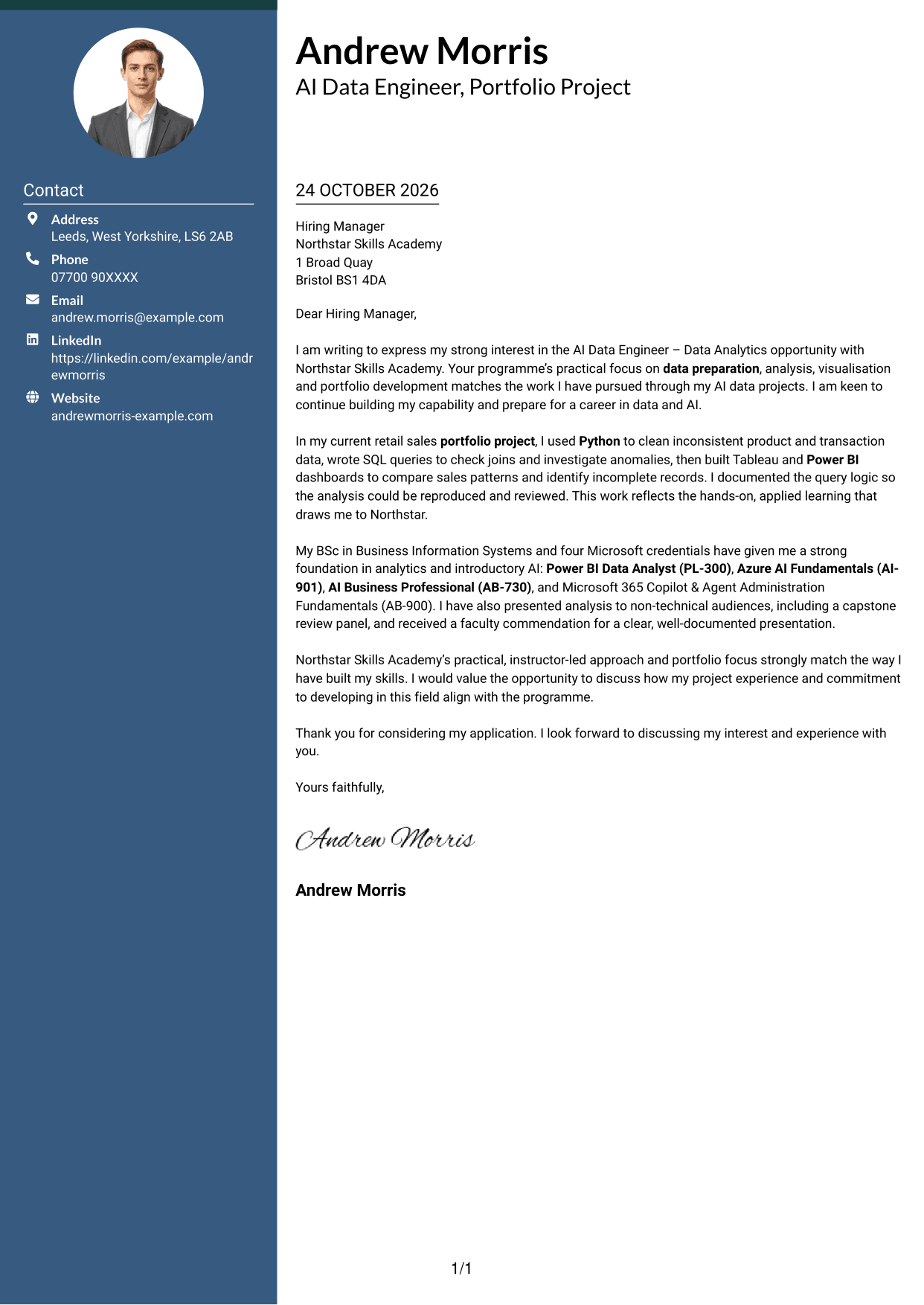
A contact sidebar sits beside one continuous letter body, giving practical details and the written message separate spaces.
Why This Format Works
- Contact details stay apart from the message, so the reviewer can find them quickly.
- One continuous letter body lets motivation and evidence build in sequence.
- Without argument headings, the message reads as a personal letter rather than a form.
Best For
- Contact details beside the message
- Single-body-column letters
- Applications with detailed contact information
- Continuous persuasive paragraphs
- Readers who prefer clear separation
#3 Photo Header Two Column Format Cover Letter Example
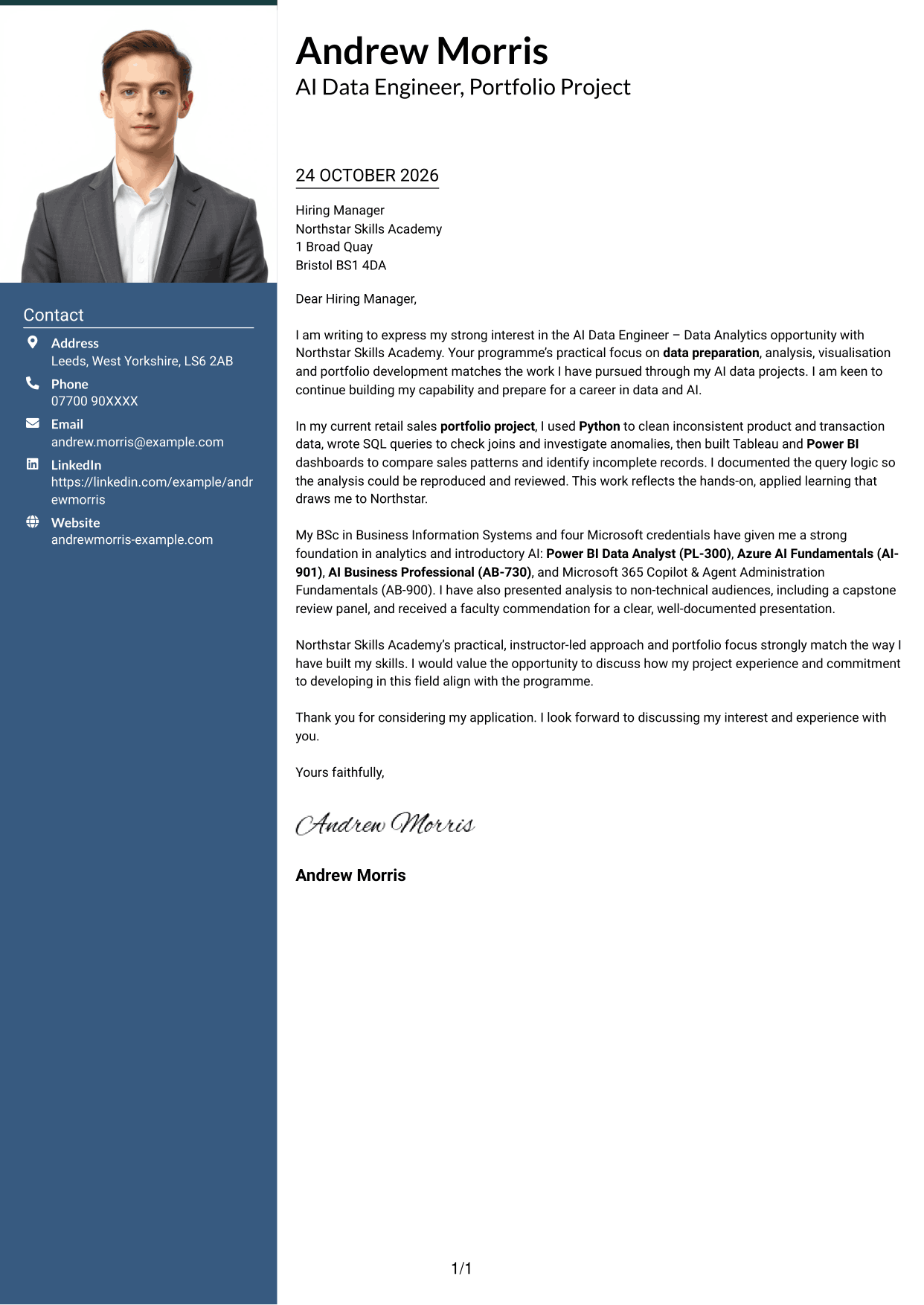
A portrait accompanies the two-column layout, with contact details beside one continuous letter body.
Why This Format Works
- Contact details sit apart from the message, making them easy to locate.
- One continuous text area carries the opening, supporting points and close in order.
- The portrait offers a visible personal touch for readers who favour photo-led letters.
Best For
- Portrait-inclusive letters
- Contact details beside the message
- One-body-column correspondence
- Photo-led application preferences
- Continuous opening-to-close messages
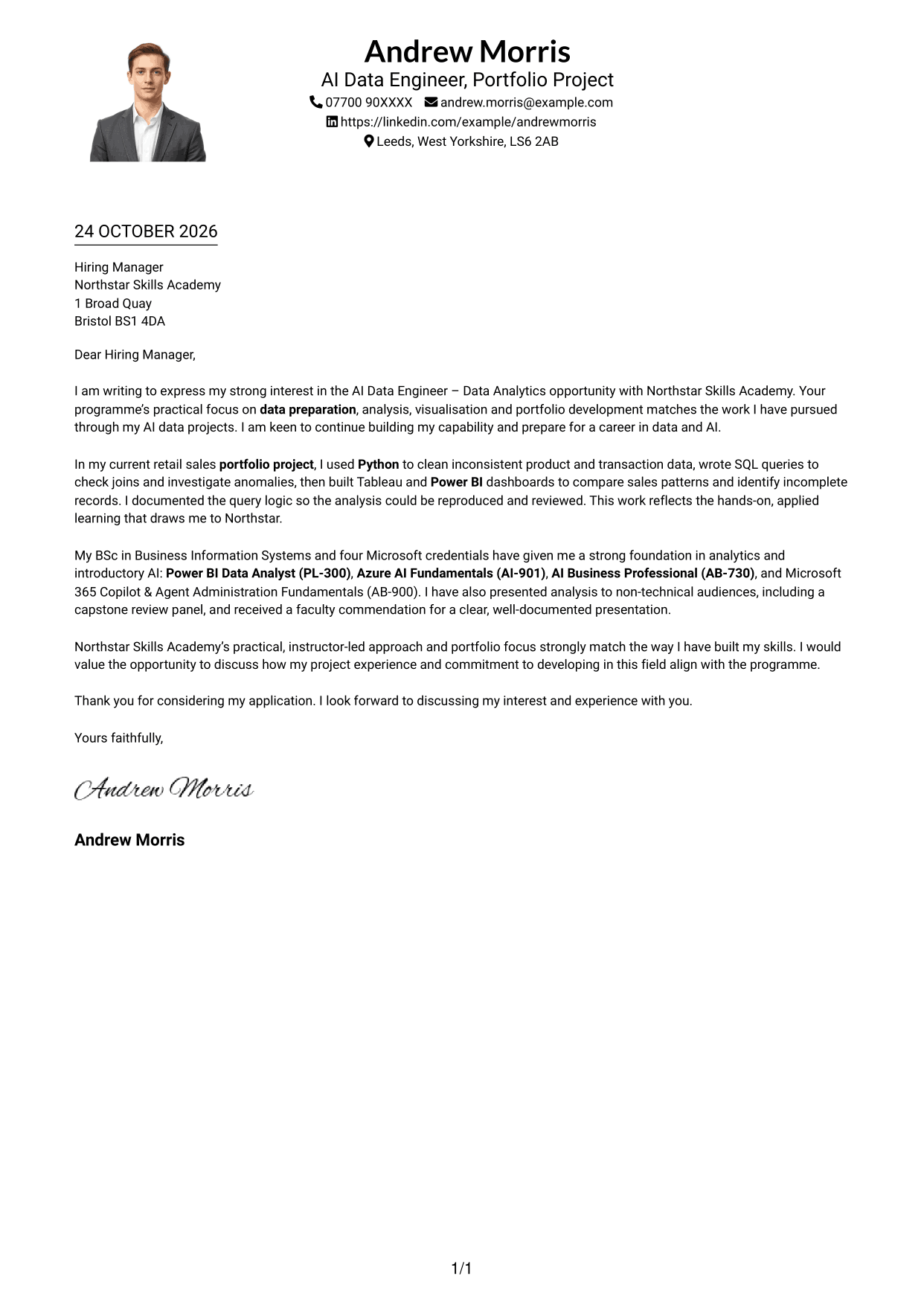
#4 One Column Format with Photo Cover Letter Example
The single-column layout includes a portrait, while sender details remain in the header and the letter stays continuous.
Why This Format Works
- Header contact details remain easy to locate before the letter begins.
- The uninterrupted column carries the message from opening through closing paragraphs.
- A portrait adds a visual option while leaving the written case in its usual order.
Best For
- Portrait-inclusive letter headers
- Single-column correspondence
- Header-led contact presentation
- Continuous written applications
- Readers who favour a portrait
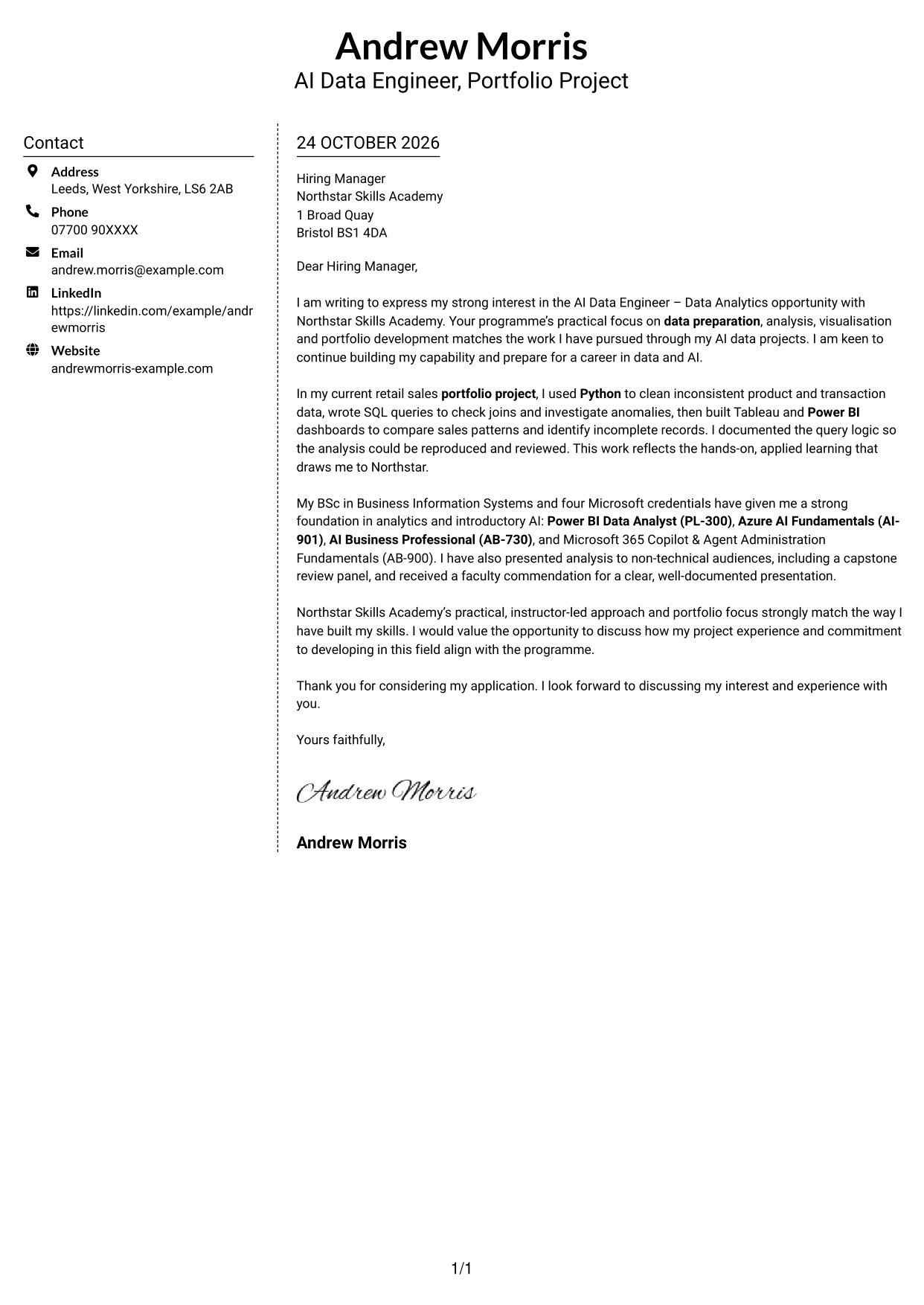
#5 Simple Two Column Format Cover Letter Example
A contact sidebar sits beside the continuous letter body, keeping practical details separate from the written appeal.
Why This Format Works
- The contact sidebar makes practical details distinct from the letter's persuasive message.
- Continuous paragraphs keep the opening, supporting points and close in one body.
- No portrait suits applications where a text-led presentation is preferred.
Best For
- Contact sidebar layouts
- Text-led cover letters
- One continuous message
- Applications without a portrait
- Separate contact and letter areas
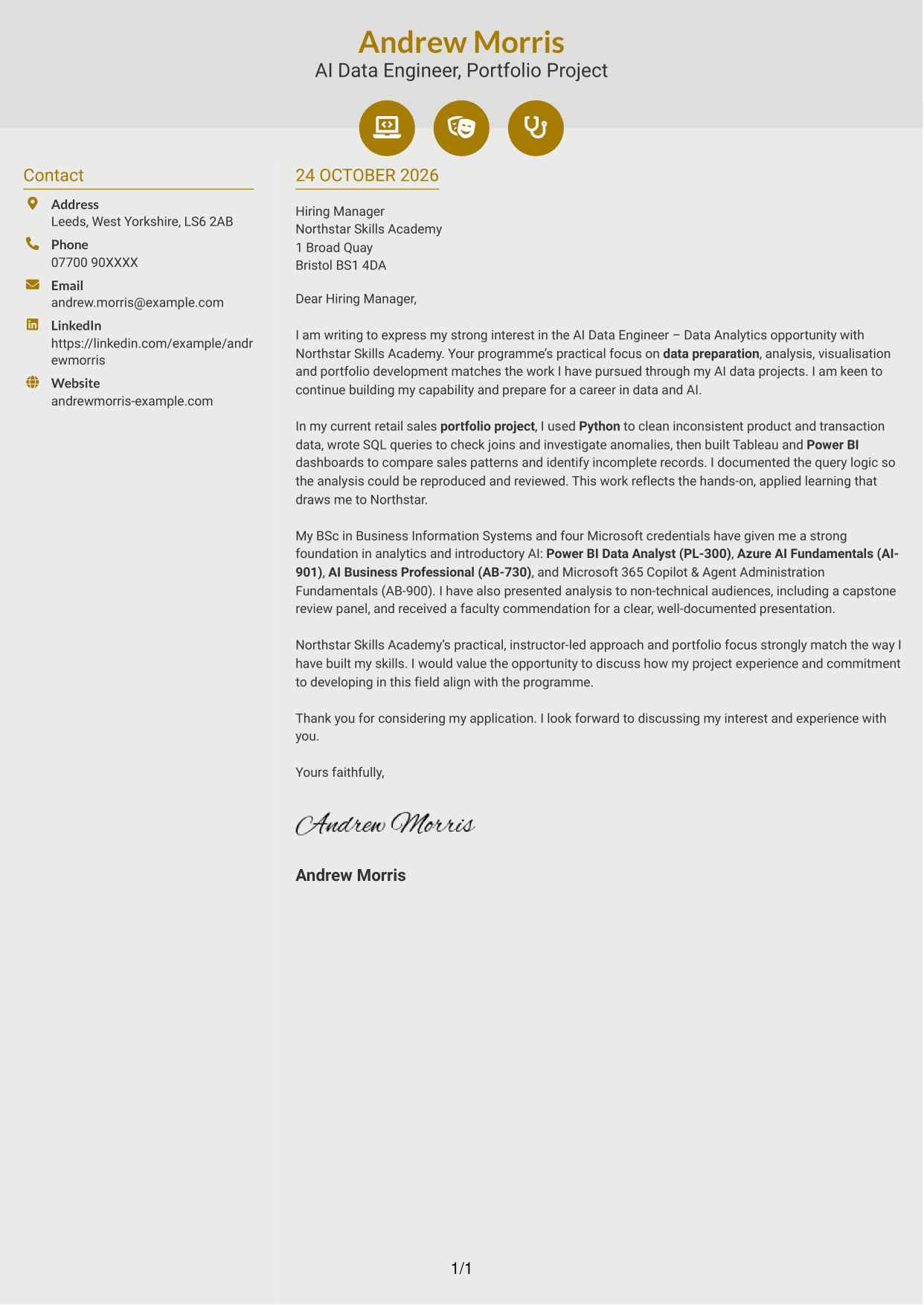
#6 Modern Icon Format Cover Letter Example
Contact icons provide visual cues in the sidebar, beside a single continuous letter body.
Why This Format Works
- Small contact icons help readers identify practical details without labelling letter arguments.
- The message remains one continuous body, so its case develops in paragraph order.
- Decorative header accents add visual detail without interrupting the letter paragraphs.
Best For
- Icon-led contact details
- Two-column letter layouts
- Continuous paragraph messages
- Decorative header preferences
- Letters without a portrait
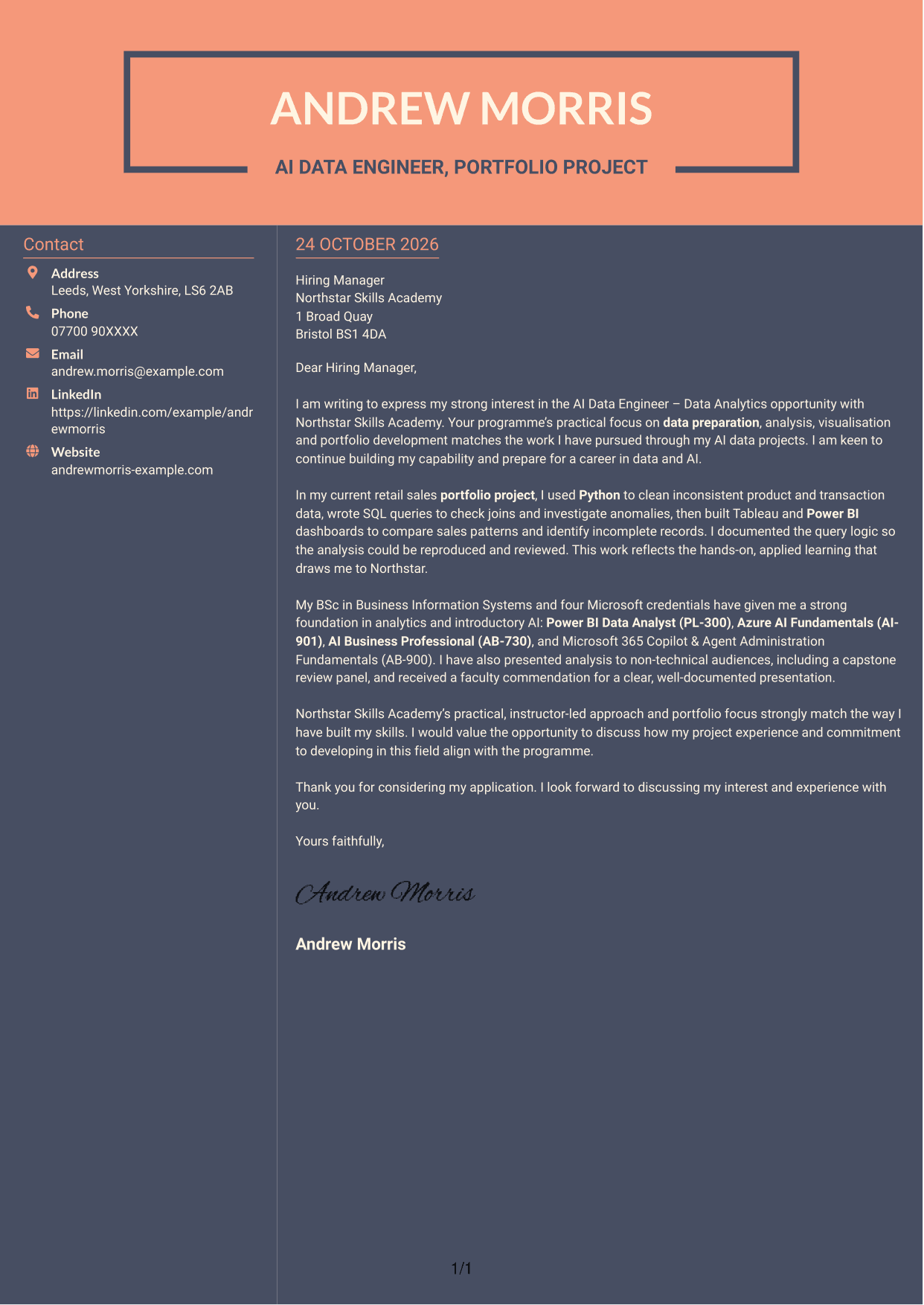
#7 Creative Two Tone Format Cover Letter Example
The two-column arrangement places contact details beside one continuous letter body, giving practical information its own space.
Why This Format Works
- The sidebar holds contact details apart from the letter's continuous message.
- Paragraph order lets the opening and supporting points lead naturally to the close.
- The text-led layout suits readers who prefer a letter without a portrait.
Best For
- Contact sidebar layouts
- Text-led application letters
- Continuous paragraph flow
- Separate contact information
- Letters without a portrait
See Also
- 7 AI Data Engineer - Data Analytics CV Templates with Example
- 7 Junior AI Engineer - Data Analytics and AI Tools CV Templates with Example
- 7 Junior AI Engineer - AI and Data CV Templates with Example
- 7 Principal Full-Stack Software Engineer - Python, Data and AI CV Templates with Example
- 7 Data Science Engineer - Legal Document Analytics CV Templates with Example
- 7 Data Scientist & Engineer - Legal Data Products CV Templates with Example
- 7 AI Automation Engineer CV Templates with Example
- 7 AI Engineer Apprentice - Generative AI CV Templates with Example
- 7 Junior AI Engineer - Data Analytics and AI Tools Cover Letter Templates with Example
- 7 Junior AI Engineer - AI and Data Cover Letter Templates with Example
Frequently Asked Questions
What should an AI Data Engineer - Data Analytics cover letter highlight?
Show how your data skills support careful analysis and clear results. A relevant example might cover preparing data, checking it with SQL, or sharing findings through a Tableau or Power BI dashboard.
How can I make my experience relevant to this opportunity?
Choose one specific example and explain what you did and what it helped you understand. You could describe cleaning a dataset with Python, checking records with SQL, or presenting dashboard findings to a non-technical audience.
How should I explain my interest in Northstar Skills Academy?
Refer to a genuine part of the programme, such as its instructor-led teaching, practical lab work or portfolio focus. Explain why that approach suits your goals in AI data engineering and data analytics.
What is a clear way to structure this cover letter?
Start by naming the opportunity and giving your reason for applying. Use the body to share relevant evidence and explain your fit with the programme, then close by restating your interest and inviting a conversation.
Should I include every part of my work history?
No. Choose the experience that best supports your application. A concise example of data preparation, analysis or communication is often more useful than a full account of every task.




