
7 AI Data Engineer - Data Analytics CV Templates with Example
This guide shows you how to create an AI Data Engineer - Data Analytics CV that is clear, focused and easy to review. It offers practical advice to help you organise your evidence and choose a format that supports your goals.
A strong CV for this role makes data preparation, analysis and visualisation easy to understand. Use clear sections and focused bullet points to show how you work with data and share useful findings.
Compare the example presented in 7 layouts through PNG image previews, then open a chosen example in the editor to customise it. The guide also covers ATS readability, useful CV sections and relevant terms, including Excel, SQL, Python, Tableau, Microsoft Power BI and the four Microsoft credentials.
What Makes a Great AI Data Engineer - Data Analytics CV in 2026
A strong CV gives data preparation, analysis and dashboard work a clear place. Focused bullets help reviewers see your contribution and the result of each project.
Use relevant terms such as SQL query optimisation, Python data cleaning, data validation, Tableau and Microsoft Power BI. Add figures only when you can support them with evidence.
Note: CV examples are for educational purposes only. Use only information that accurately reflects your experience and qualifications. References to real organisations do not imply affiliation or endorsement.
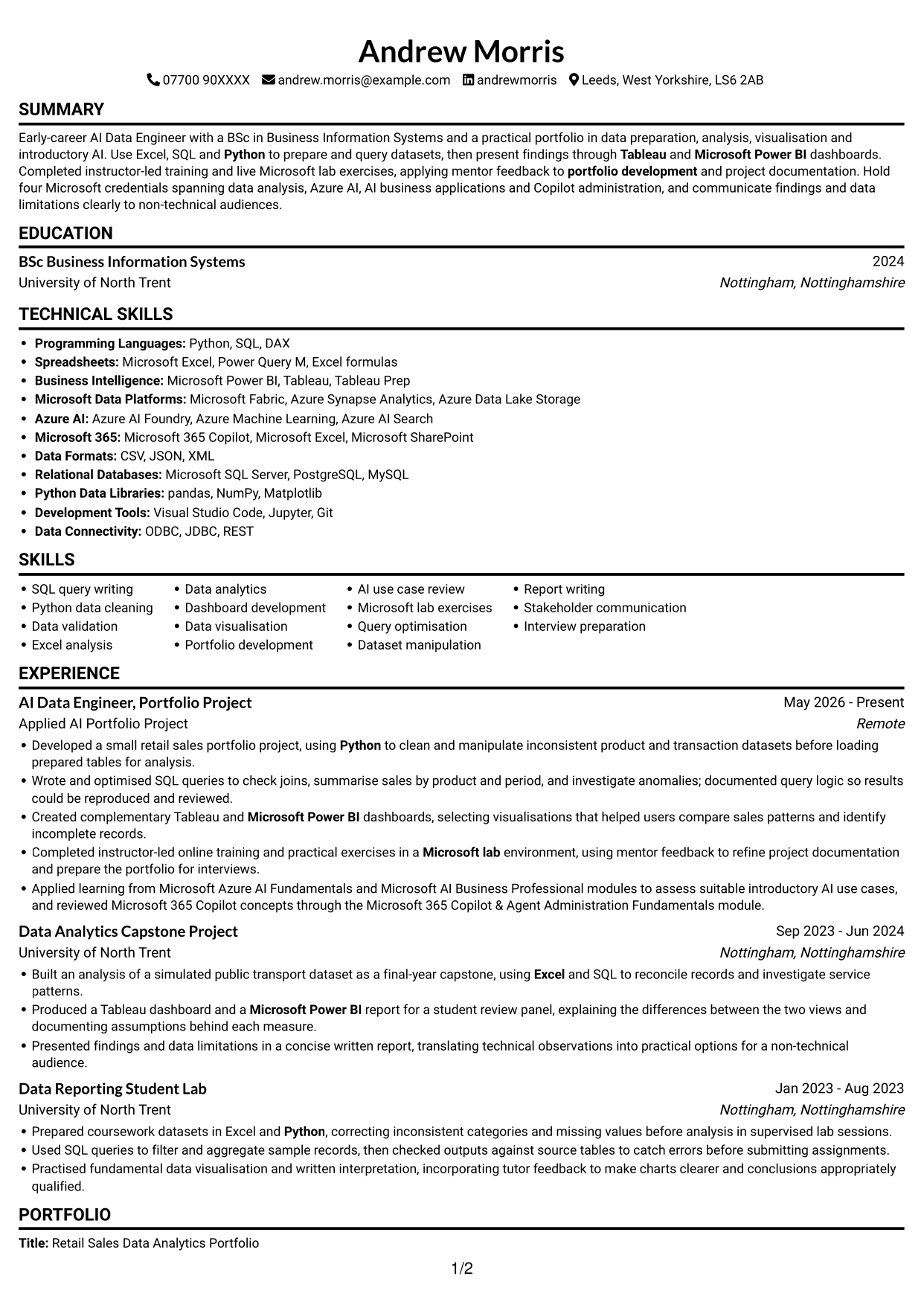
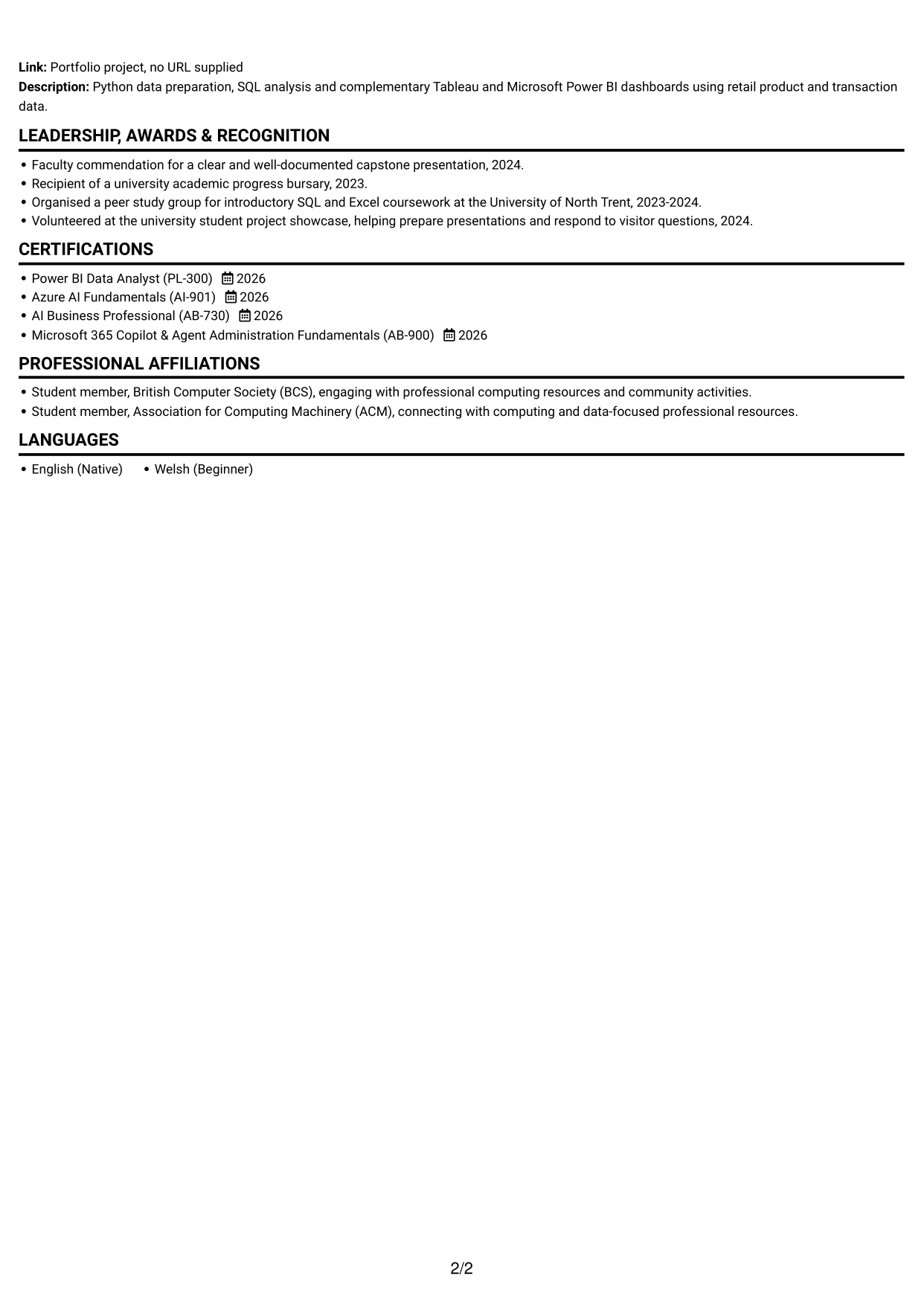
#1 Simple One Column Format CV Example
The Simple One Column Format places experience, skills and education in one sequence, giving reviewers a direct route through the CV.
Why This Format Works
- Experience, education and skills follow one sequence, giving career details a clear reading path.
- Project achievements can be reviewed in order without shifting between parallel columns.
- Supporting sections remain part of the same continuous reading sequence.
Best For
- Linear career histories
- Detailed project records
- CVs with several evidence sections
- Sequential reviewer preferences
- Education alongside practical projects
CV Keywords
- Wrote and optimised SQL queries
- Python
- clean and manipulate inconsistent product and transaction datasets
- Microsoft Power BI
- Tableau
- Excel
- Dashboard development
- Azure AI Fundamentals (AI-901)
- Power BI Data Analyst (PL-300)
- AI Business Professional (AB-730)
- Microsoft 365 Copilot & Agent Administration Fundamentals (AB-900)
- Completed instructor-led online training and practical exercises in a Microsoft lab environment
- Data analytics
- portfolio development
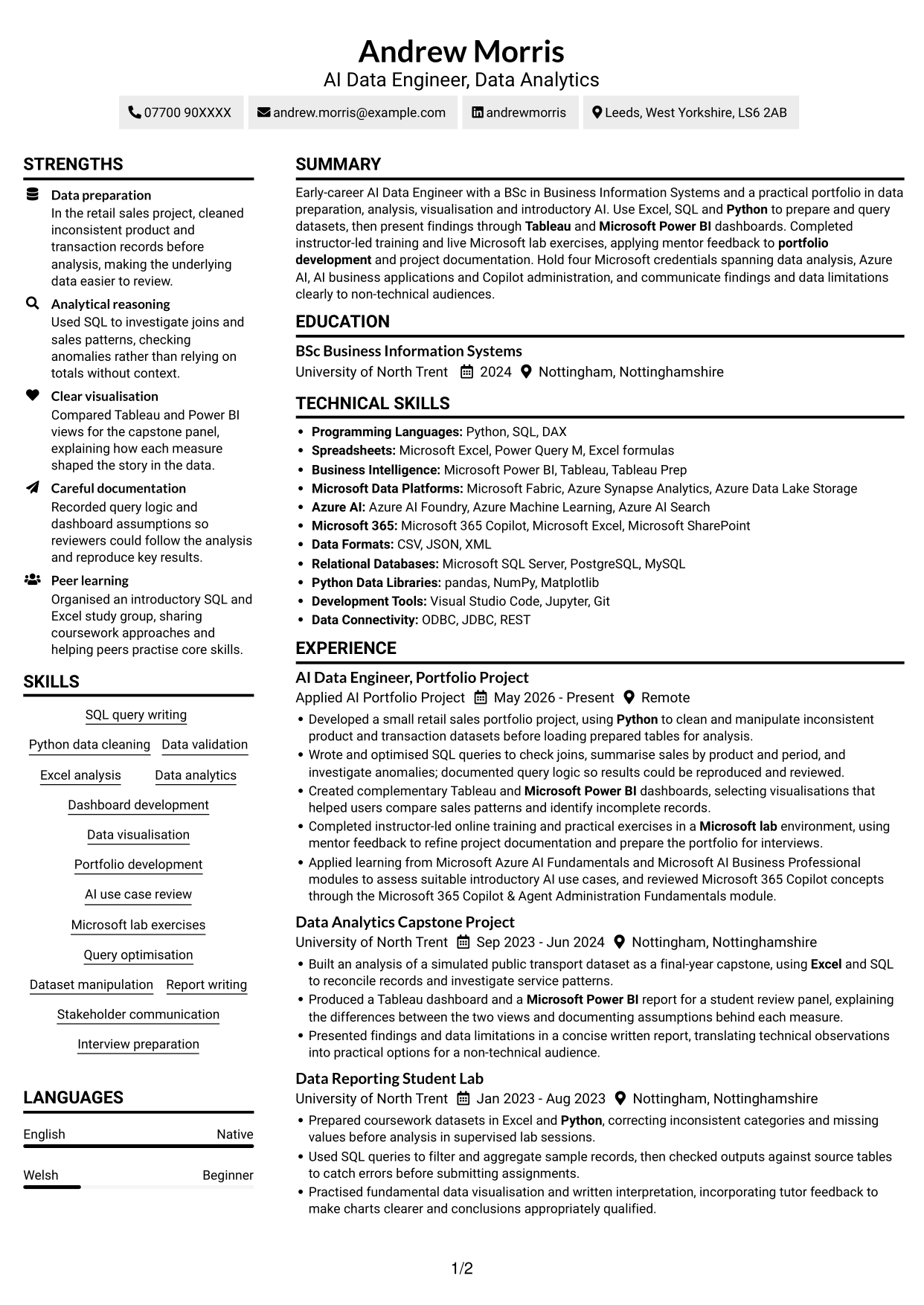
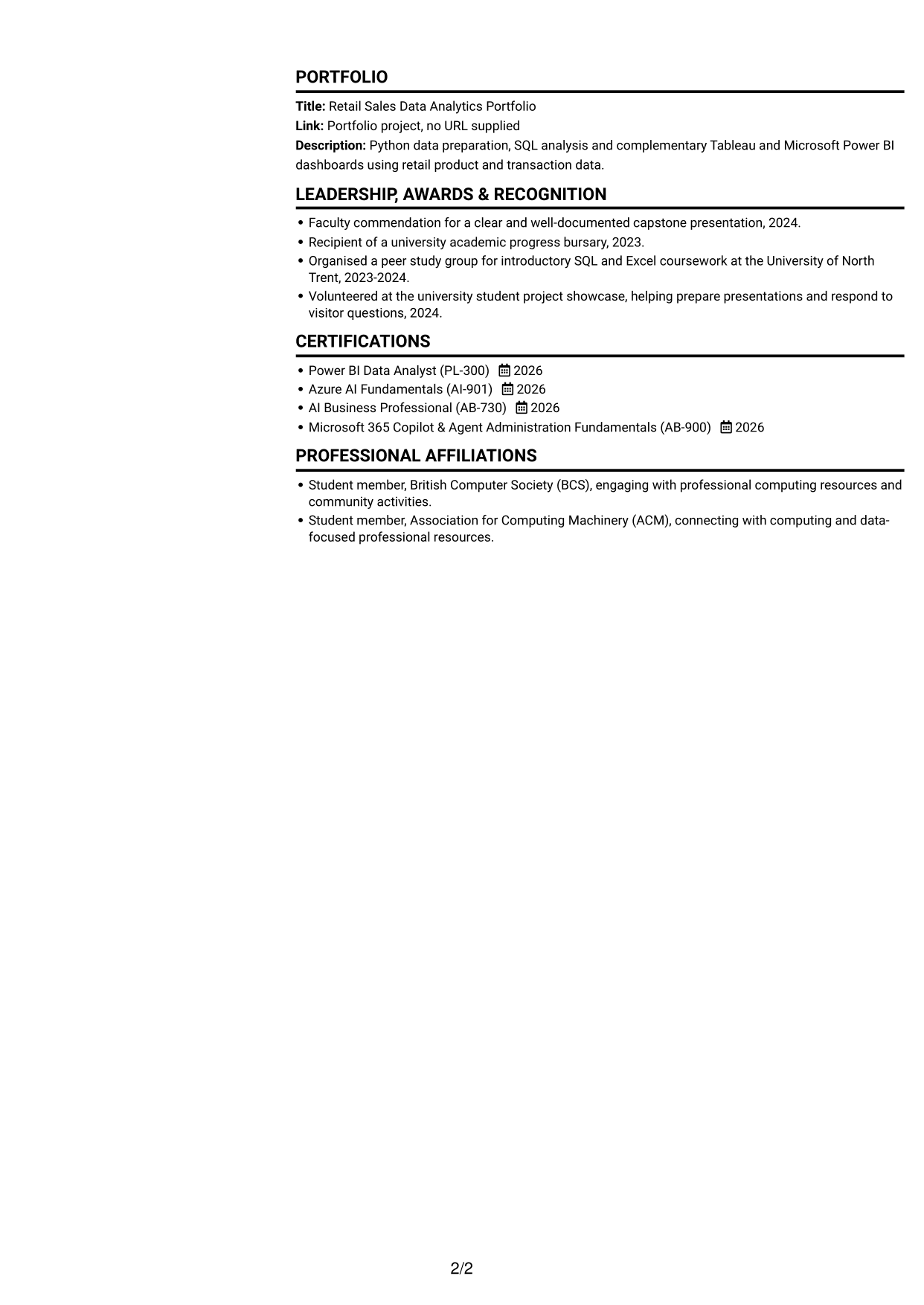
#2 Simple Two Column Format CV Example
The Simple Two Column Format separates CV content into two reading areas, helping reviewers scan supporting details alongside the career record.
Why This Format Works
- Separate columns let reviewers compare experience with supporting sections at a glance.
- Education and credentials can sit apart from longer project and experience entries.
- Parallel reading areas help keep skills visible alongside the career record.
Best For
- Side-by-side section review
- CVs with varied evidence
- Experience paired with supporting details
- Skills requiring easy access
- Project and education records
#3 Plain One Column with Shaded Labels CV Example
Plain One Column with Shaded Labels keeps the CV in one reading sequence, making it straightforward to follow experience and supporting sections.
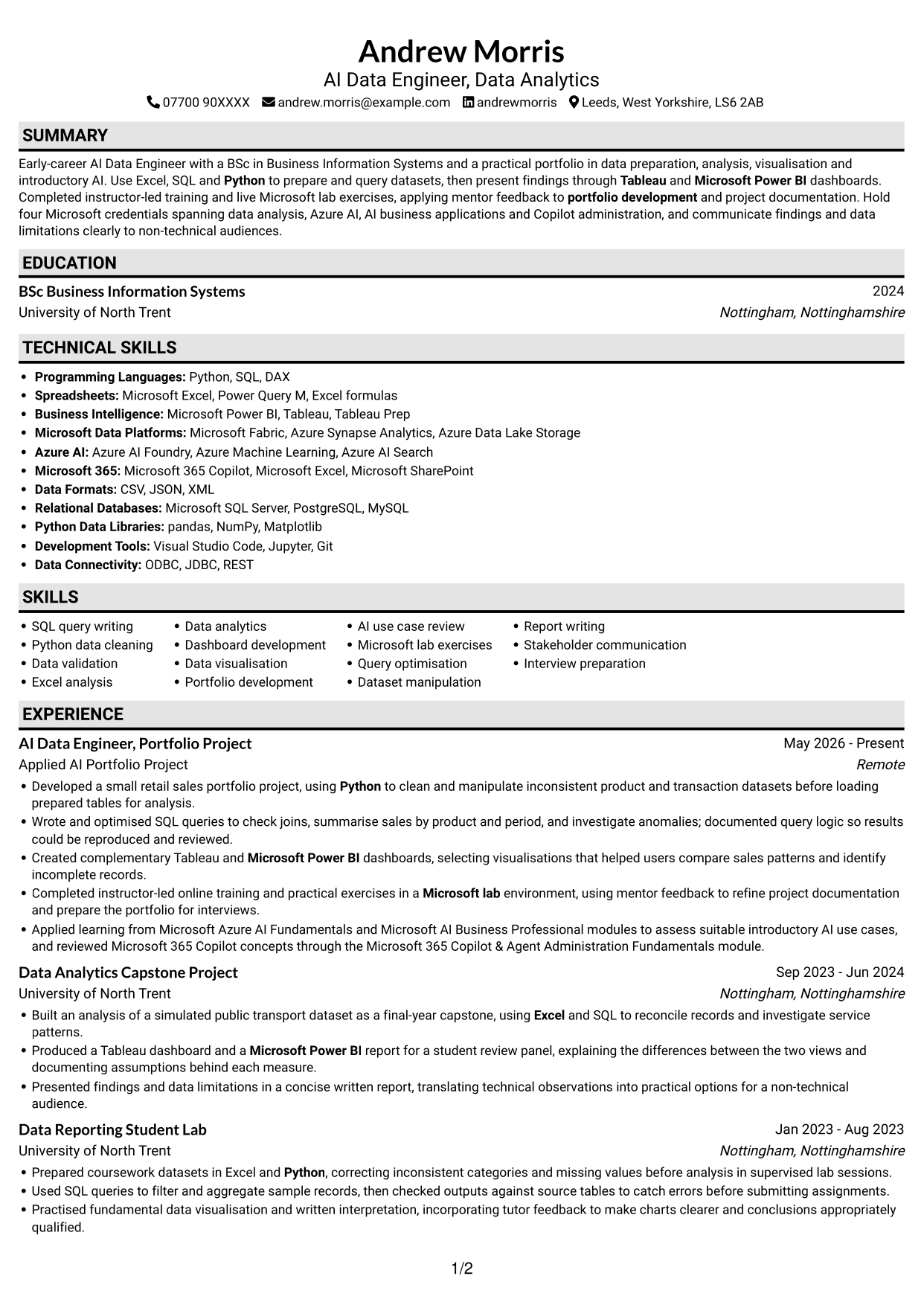
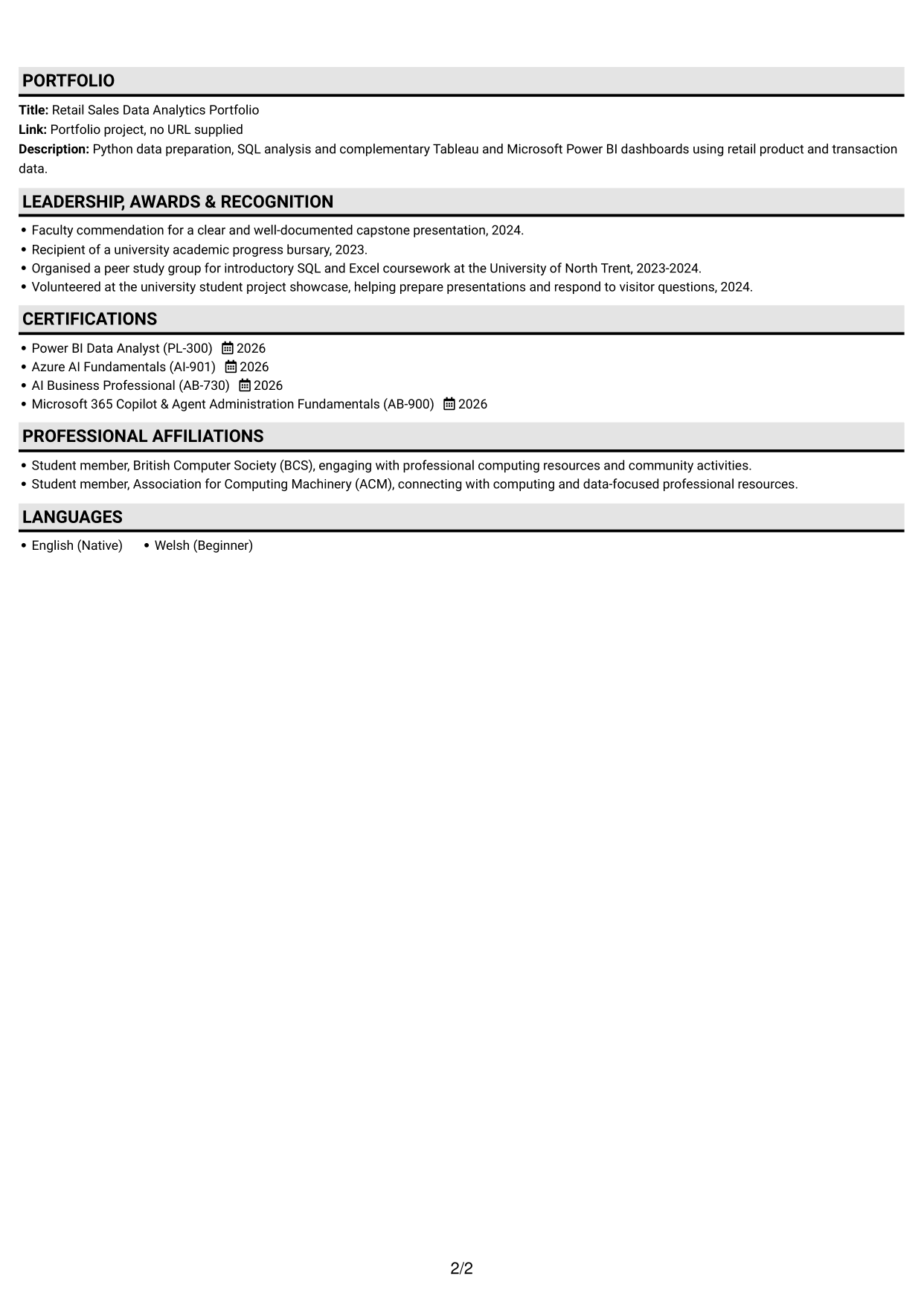
Why This Format Works
- A single reading sequence keeps experience entries in their intended order.
- Education and credentials can be found without switching between content columns.
- Project details remain connected to the wider career record in one flow.
Best For
- Chronological experience records
- Connected project details
- Single-route CV review
- Education and credentials together
- Readers who prefer linear layouts
#4 One Column Format with Photo Right CV Example
One Column Format with Photo Right combines a single-column CV with a photo, keeping the content in a direct sequence while including a portrait.
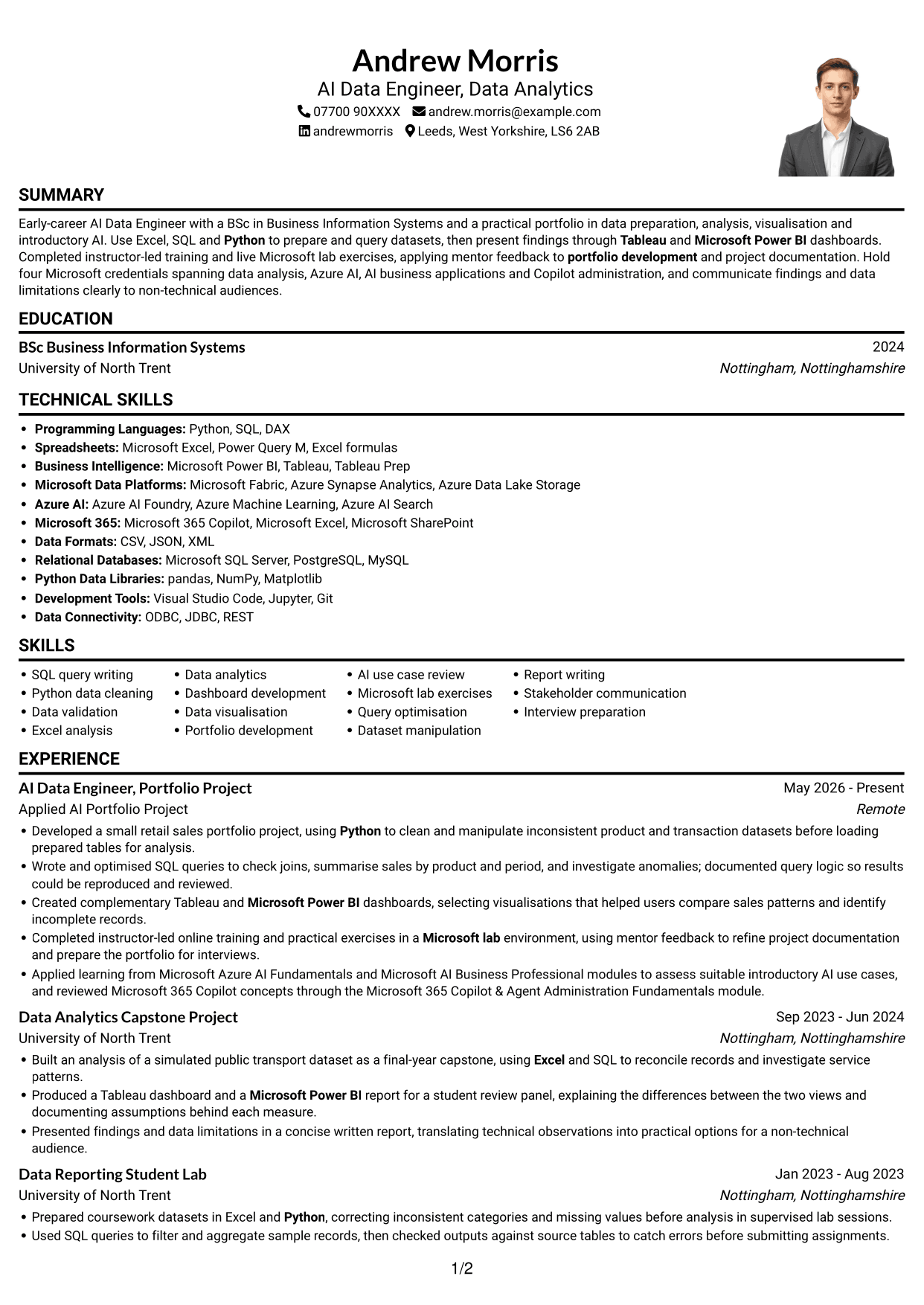
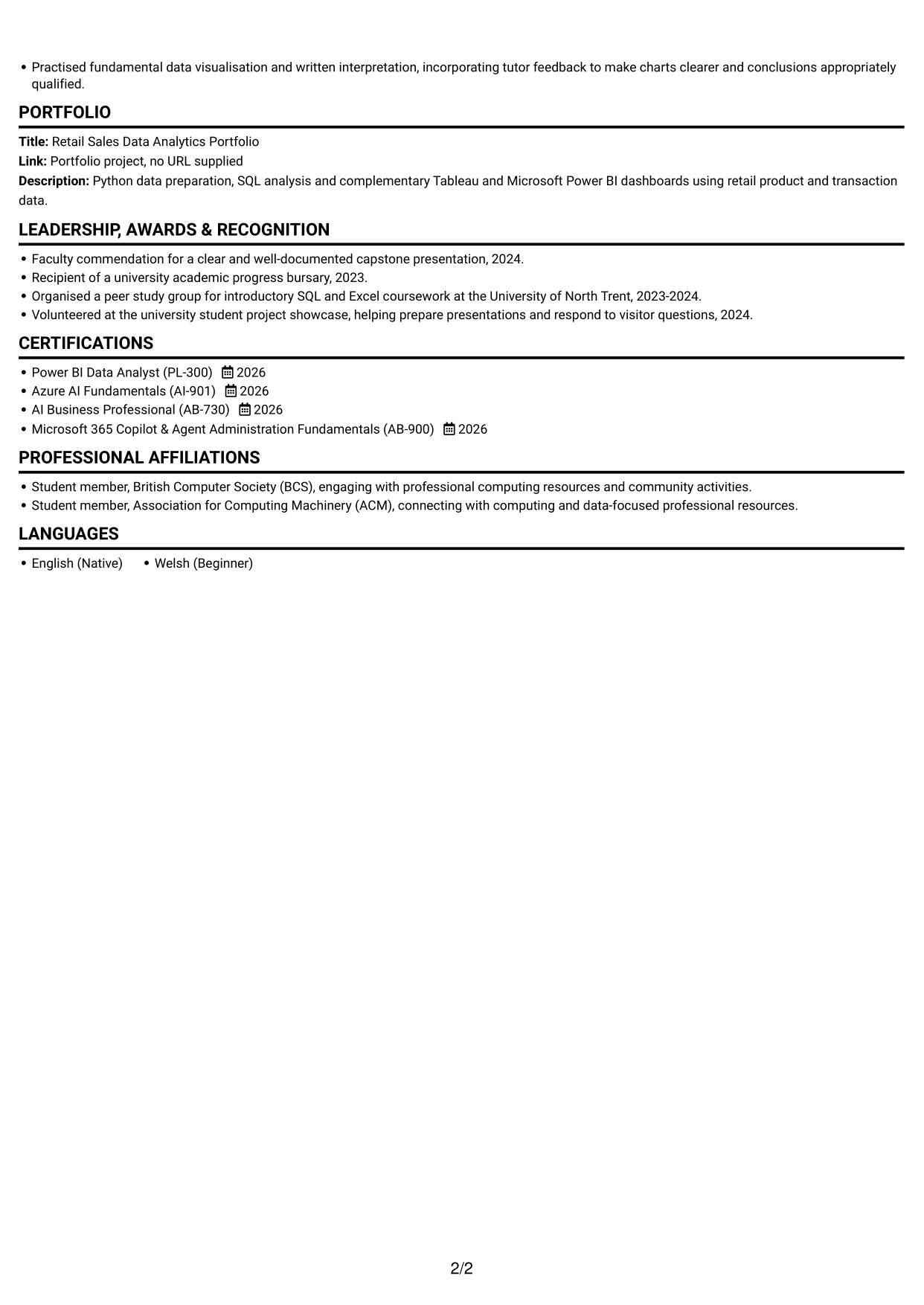
Why This Format Works
- Experience and project entries read in sequence, helping reviewers follow development.
- Skills and education remain part of the same direct content route.
- Supporting credentials are easy to locate within a single-column CV.
Best For
- CVs including a portrait
- Sequential career records
- Project details with supporting sections
- Direct content review
- Education and skills in one sequence
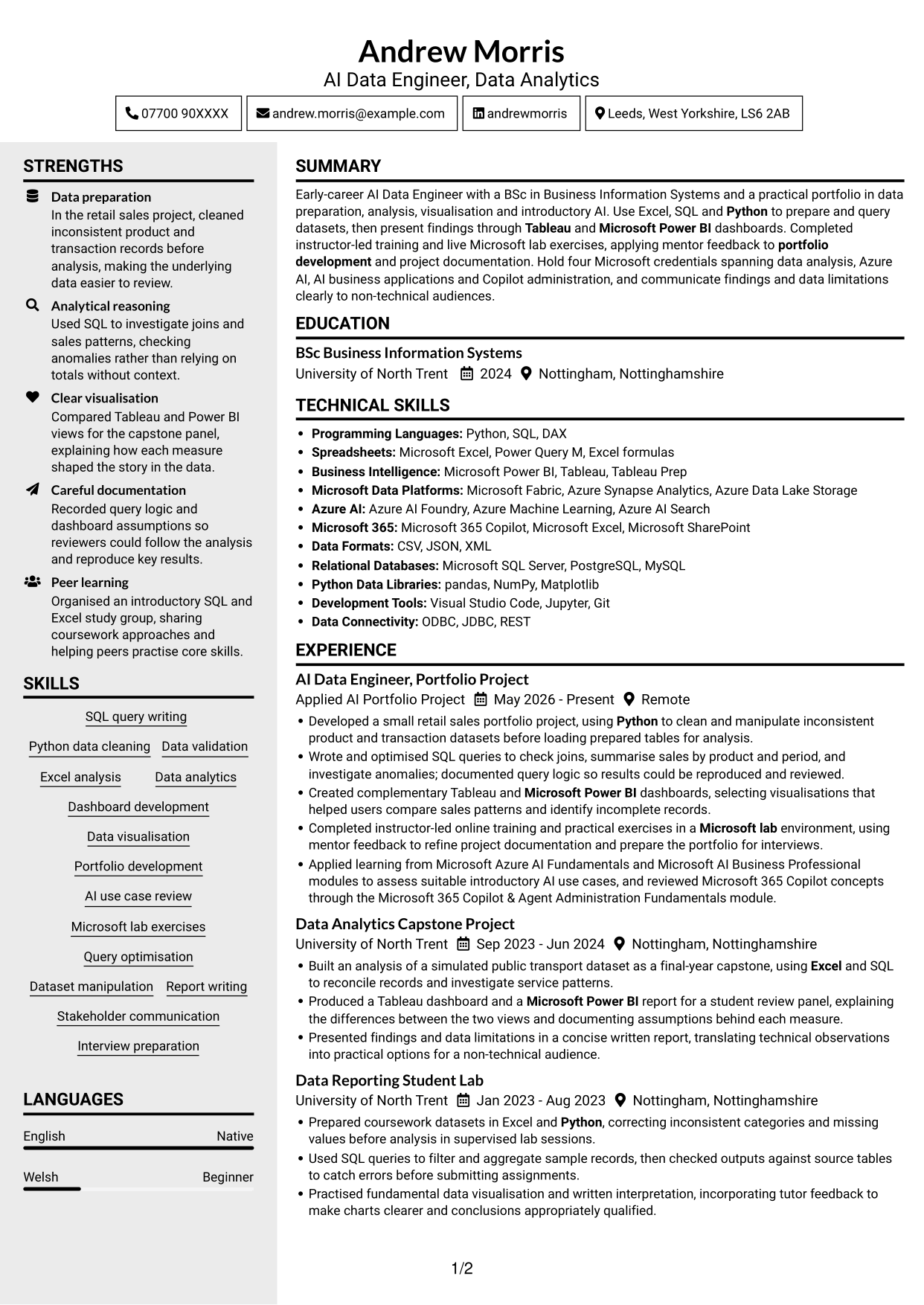
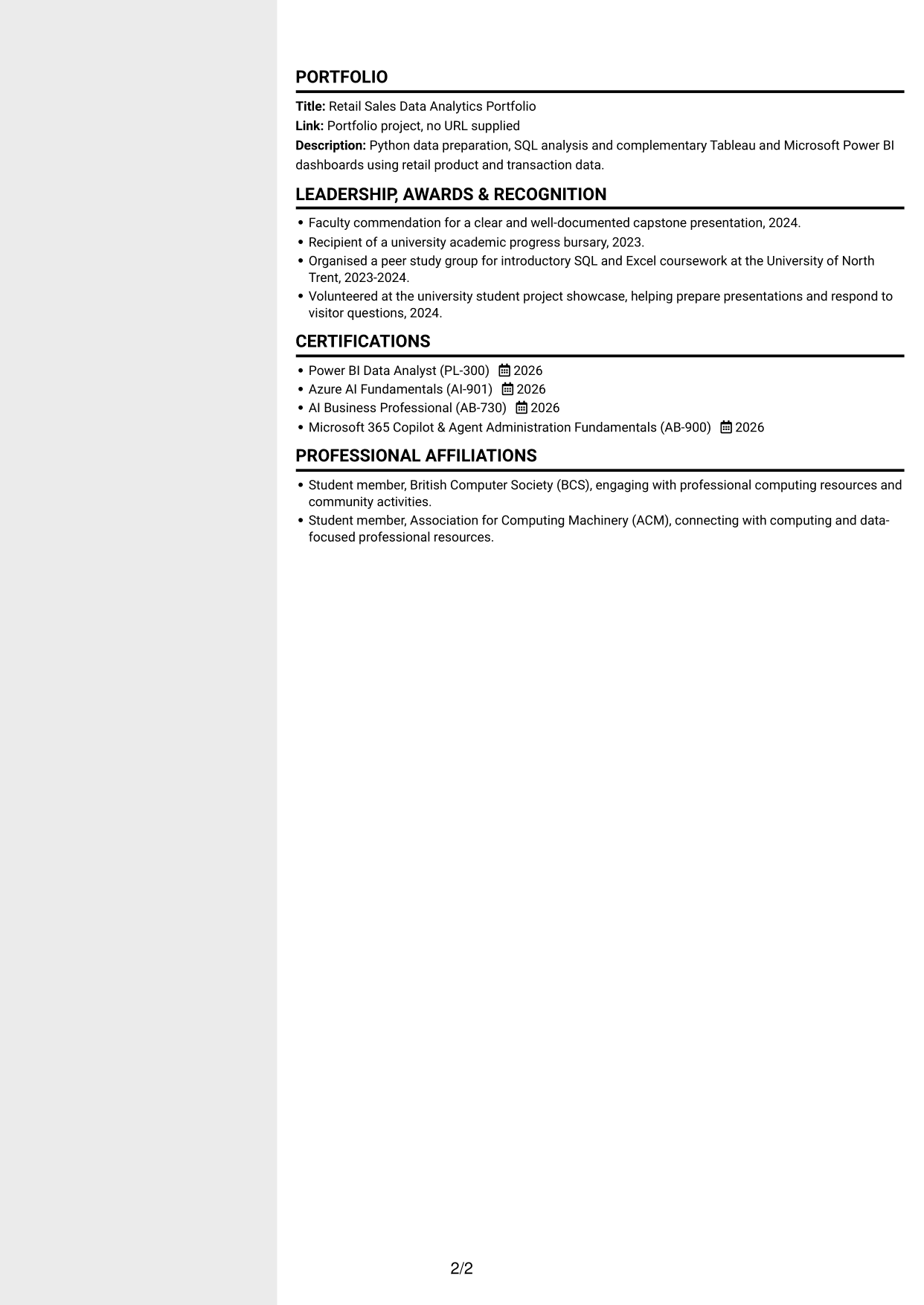
#5 Clean Two Column Sidebar Format CV Example
Clean Two Column Sidebar Format uses two reading areas to set apart parts of the CV, helping reviewers scan career details and supporting information.
Why This Format Works
- Two reading areas help distinguish career history from supporting CV sections.
- Experience entries can retain a clear sequence within their own column.
- Separate content areas give skills and credentials space beside career details.
Best For
- Distinct content areas
- Career history with supporting sections
- CVs with several skill groups
- Experience entries needing clear order
- Quick access to credentials
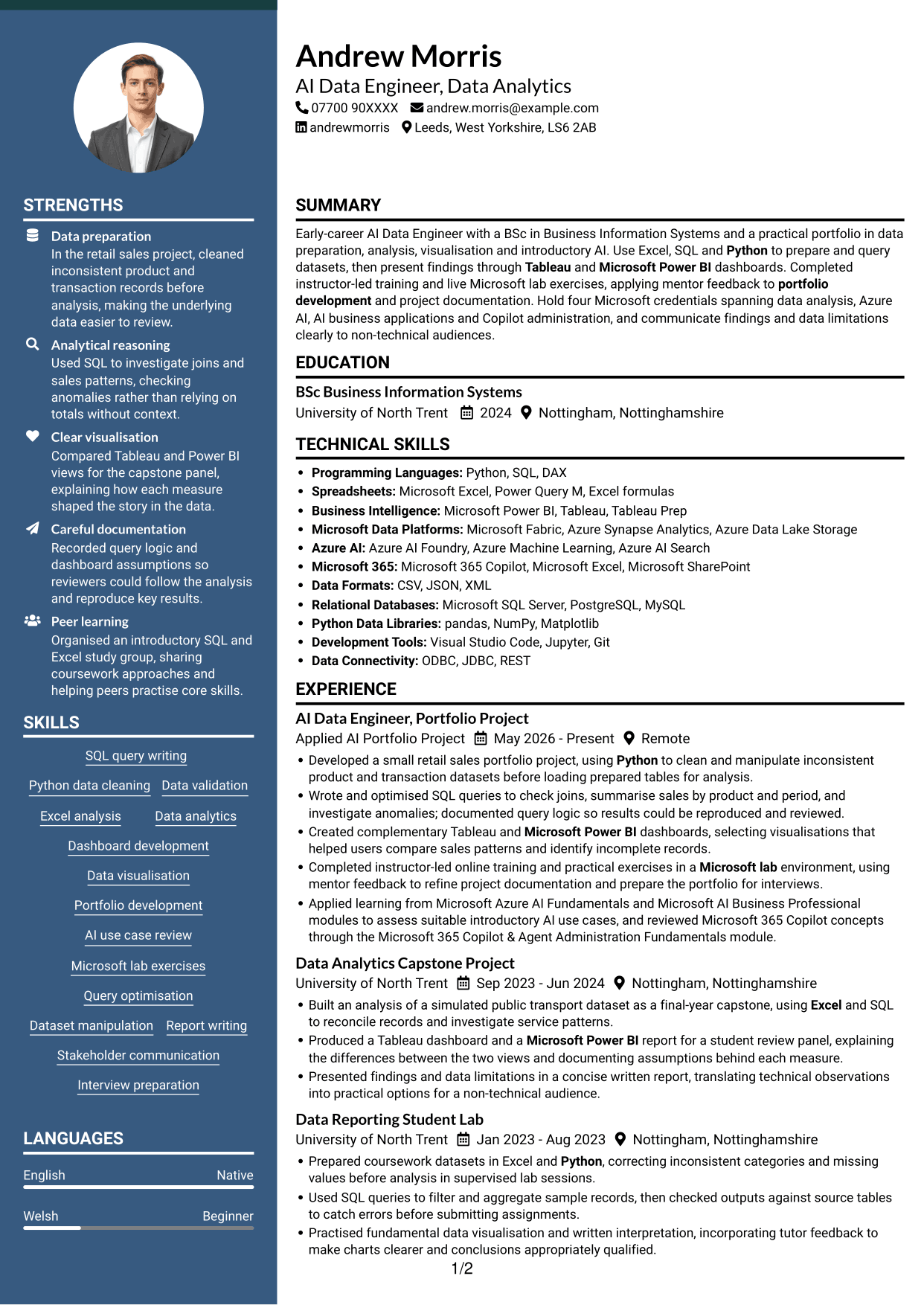
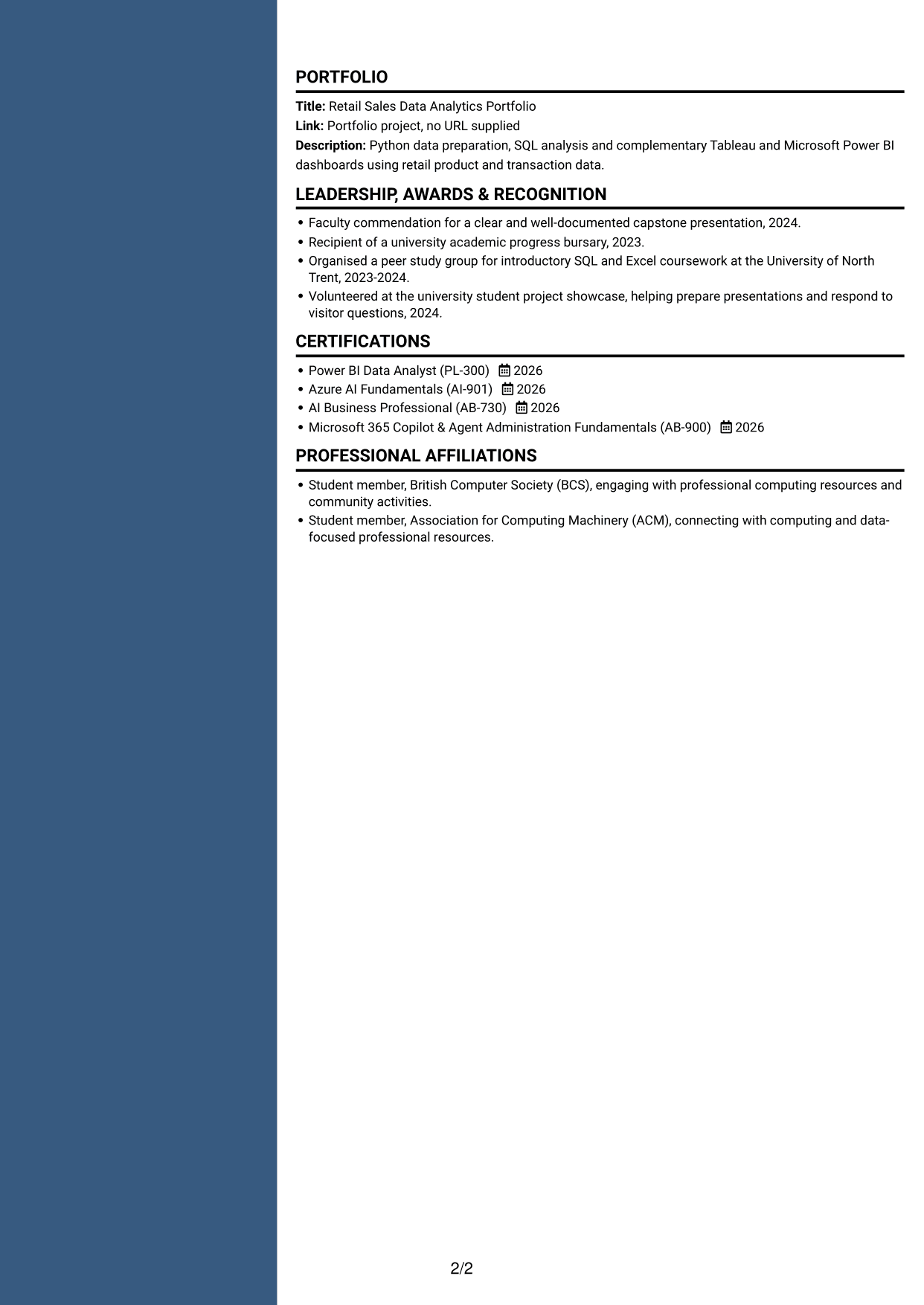
#6 Two Column Format CV Example
Two Column Format arranges CV content in parallel areas, offering reviewers a way to scan career details alongside other sections.
Why This Format Works
- Parallel columns give project work and supporting sections distinct reading areas.
- Reviewers can scan skills separately while keeping the career record in view.
- Education and credentials remain easy to locate without interrupting experience entries.
Best For
- Parallel section review
- Project work with supporting details
- Skills beside career history
- CVs with varied content
- Education and credentials alongside experience
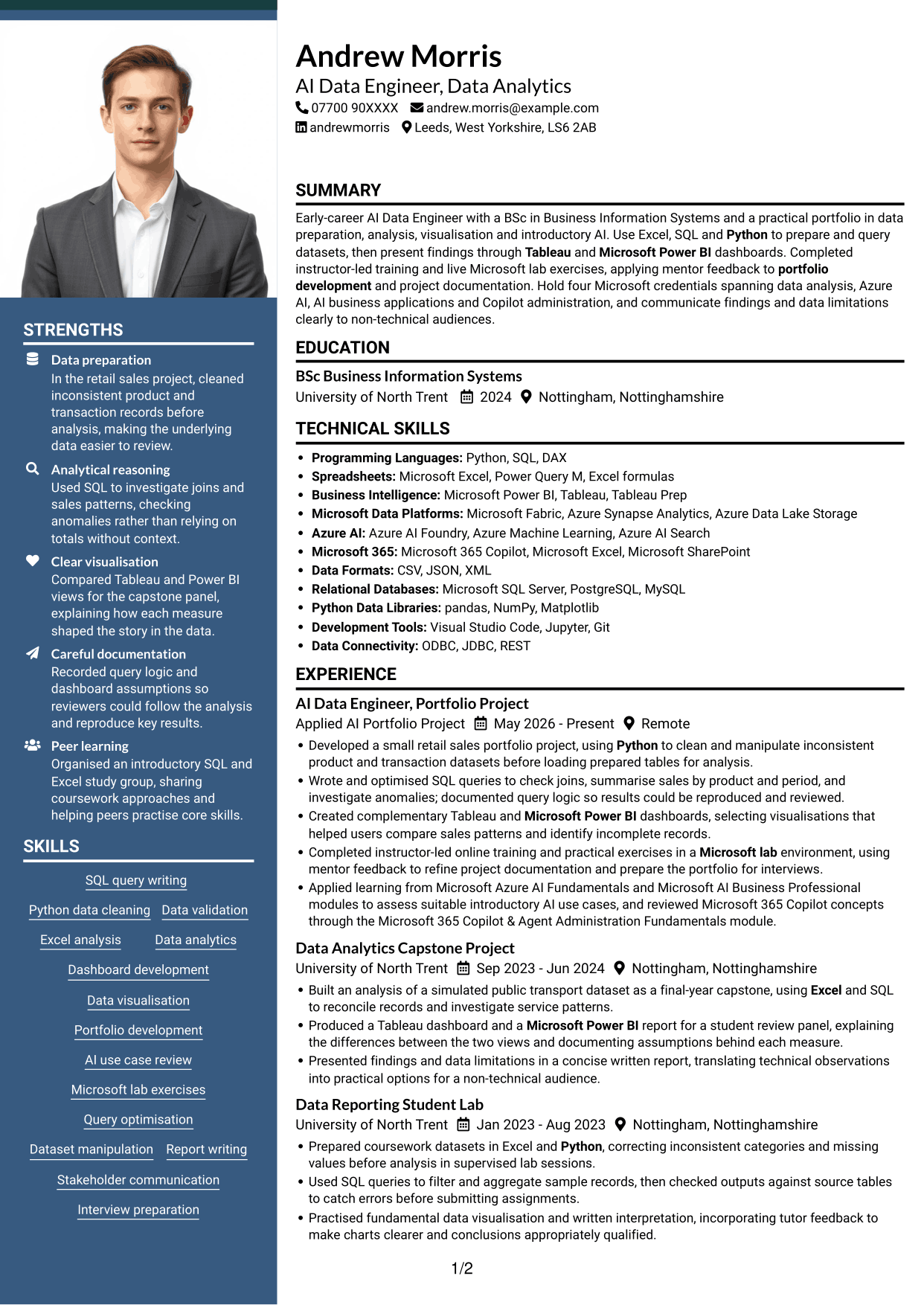
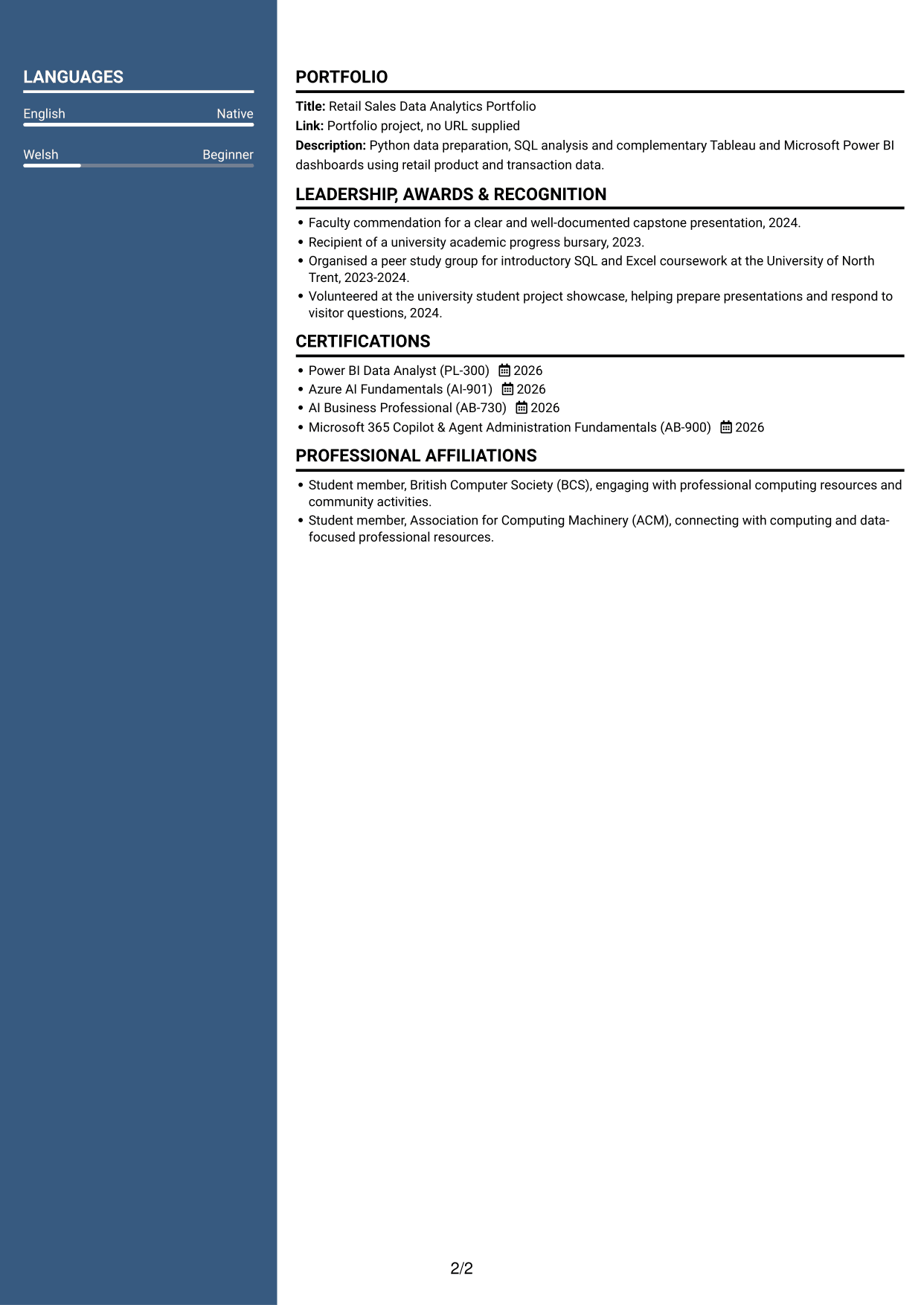
#7 Photo Header Two Column Format CV Example
Photo Header Two Column Format combines two reading areas with a photo, giving the CV a portrait while keeping its sections distinct.
Why This Format Works
- Career entries can be followed in one column while other sections remain visible.
- Education and credentials have a separate area from detailed experience entries.
- Skills are easier to scan without breaking the order of project records.
Best For
- Two-column CVs including a portrait
- Separate career and supporting sections
- Detailed experience with related records
- Skills that need quick access
- Project history with education
Why Build Your AI Data Engineer - Data Analytics CV with ResumeInMinutes
ResumeInMinutes helps you arrange skills, projects, education and experience in a clear CV. Compare PNG image previews, then open an example in the editor to customise its content and layout.
- Different CV layouts
- Clear section structure
- Space for role-specific keywords
- Organised skills and project evidence
- PNG image previews
- CV customisation in the editor
Choose the format that makes your evidence easiest to follow. Keep the focus on data preparation, well-documented analysis and clear dashboards.
See Also
- 7 Junior AI Engineer - Data Analytics and AI Tools CV Templates with Example
- 7 Junior AI Engineer - AI and Data CV Templates with Example
- 7 Principal Full-Stack Software Engineer - Python, Data and AI CV Templates with Example
- 7 Data Science Engineer - Legal Document Analytics CV Templates with Example
- 7 Data Scientist & Engineer - Legal Data Products CV Templates with Example
- 7 AI Automation Engineer CV Templates with Example
- 7 AI Engineer Apprentice - Generative AI CV Templates with Example
- 7 AI Engineer - Generative AI CV Templates with Example
- 7 AI Data Engineer - Data Analytics Cover Letter Templates with Example
- 7 Junior AI Engineer - Data Analytics and AI Tools Cover Letter Templates with Example
Frequently Asked Questions
Are these AI Data Engineer - Data Analytics CV templates ATS-friendly?
The examples use clear headings and sections to support scanning. Include relevant terms naturally, such as SQL query writing, Python data cleaning, Excel analysis, Tableau and Microsoft Power BI.
Are these separate CV examples or different layouts of one example?
This page shows one role-focused CV example in different layouts. Compare the PNG image previews, then open a preferred example in the editor to customise it.
What should an AI Data Engineer - Data Analytics CV include?
Include a focused summary, relevant skills, education, credentials and project or experience evidence. Explain how you prepare and check data, write SQL queries, build dashboards and communicate findings.
Which CV layout works well for this role?
Choose a layout with clear headings and an easy-to-follow order for skills, experience, projects and education. A simple structure can help recruiters and applicant tracking systems find key details.
How can I show data analytics achievements on my CV?
Use concise bullet points to explain the task, your approach and the result. For example, describe how you checked records, investigated data patterns or made dashboard findings easier to understand. Include figures only when they are accurate and supported.
Should I include a photo on my CV?
For UK applications, a photo is usually not needed. Use the space for relevant skills, project evidence and clear results instead.




