
7 Assistant - Executive and Banking Administration Cover Letter Templates with Example
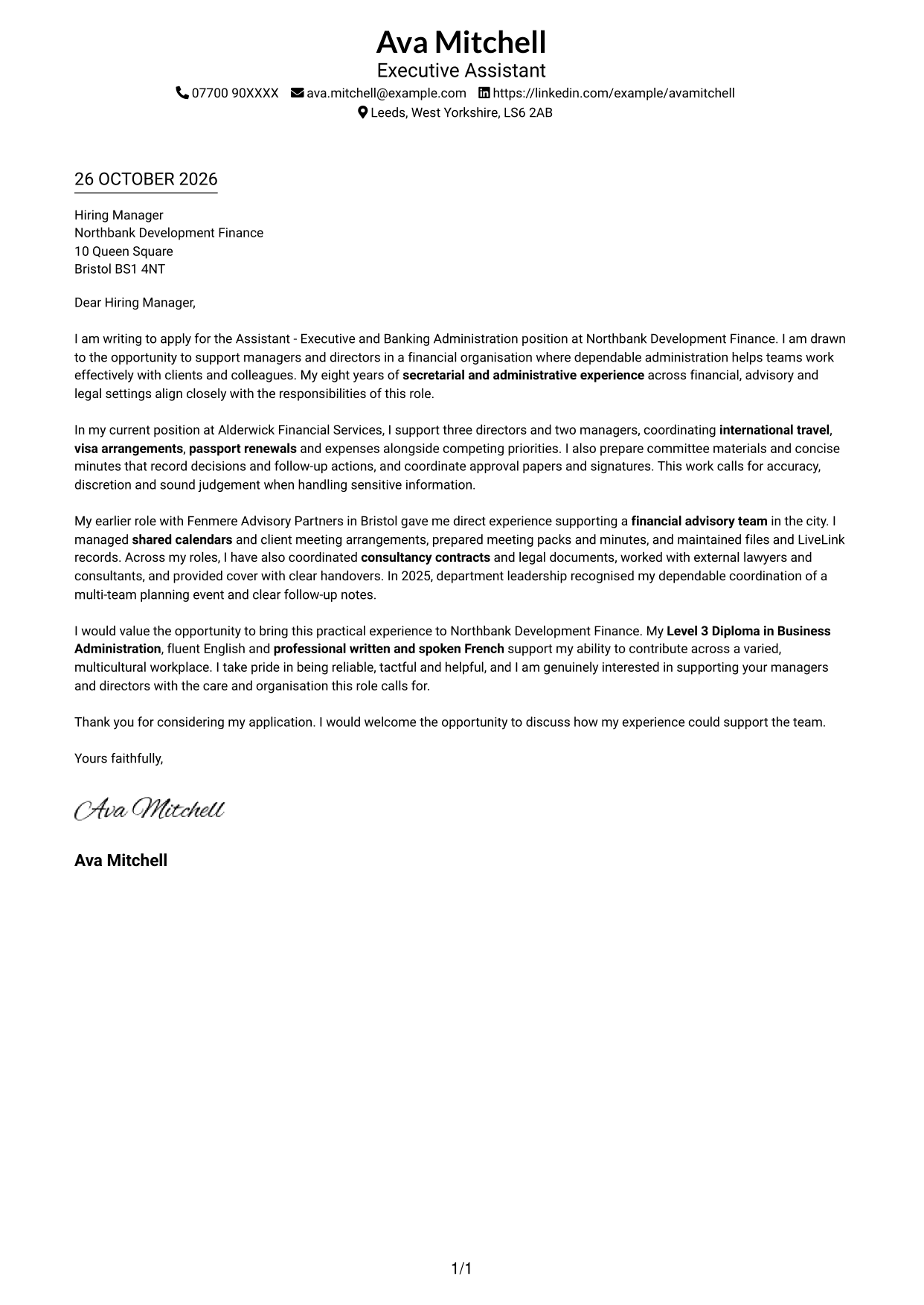
This guide helps you write an Assistant - Executive and Banking Administration cover letter, with seven layouts to compare and ideas for presenting your administrative fit clearly.
What Makes a Great Assistant - Executive and Banking Administration Cover Letter in 2026
A strong letter opens with clear interest in supporting managers and directors, then shows careful handling of competing administrative needs. Keep the message focused and direct.
Use concise evidence from diary and travel coordination, meetings and minutes, approval papers, records and sensitive information. Link those examples to the organisation’s needs and explain why this role interests you.
The featured example moves from interest in the role to current executive support, relevant financial and advisory experience, and a courteous close; adapt this focused progression while choosing a presentation suited to the employer and communication context.
#1 Simple One Column Format Cover Letter Example
The Simple One Column Format places sender details in the header above one continuous letter body.
Why This Format Works
- Opening, supporting points and closing stay together in one reading sequence.
- Contact details have a consistent place above the letter body.
- The photo-free design suits applications where a portrait is not wanted.
Best For
- Single-column page preference
- Header-located contact details
- Letters written as continuous paragraphs
- Applications without a portrait
- Direct, text-led presentation
#2 Two Column Format Cover Letter Example
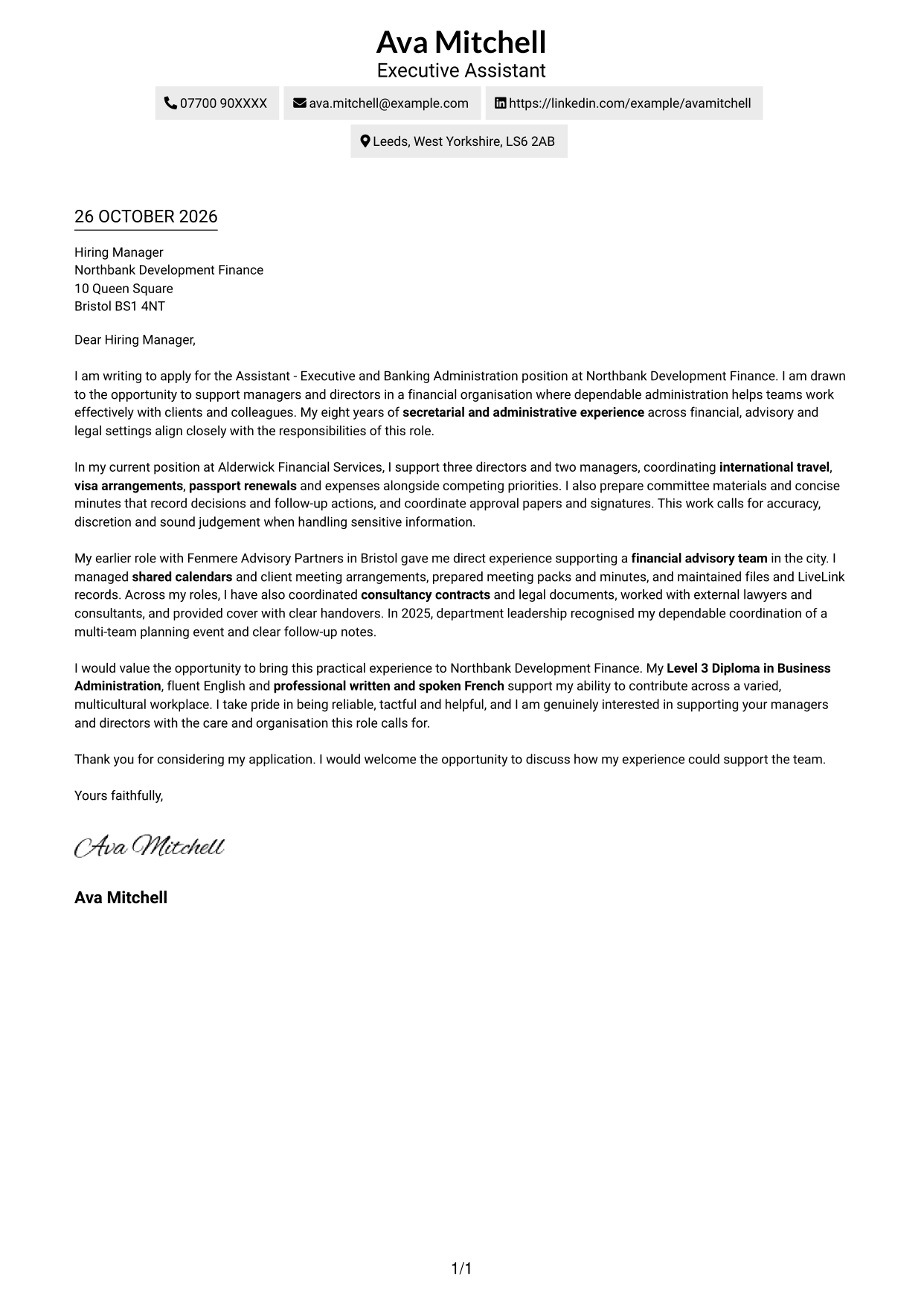
The Two Column Format sets a contact sidebar beside a single, continuous letter body.
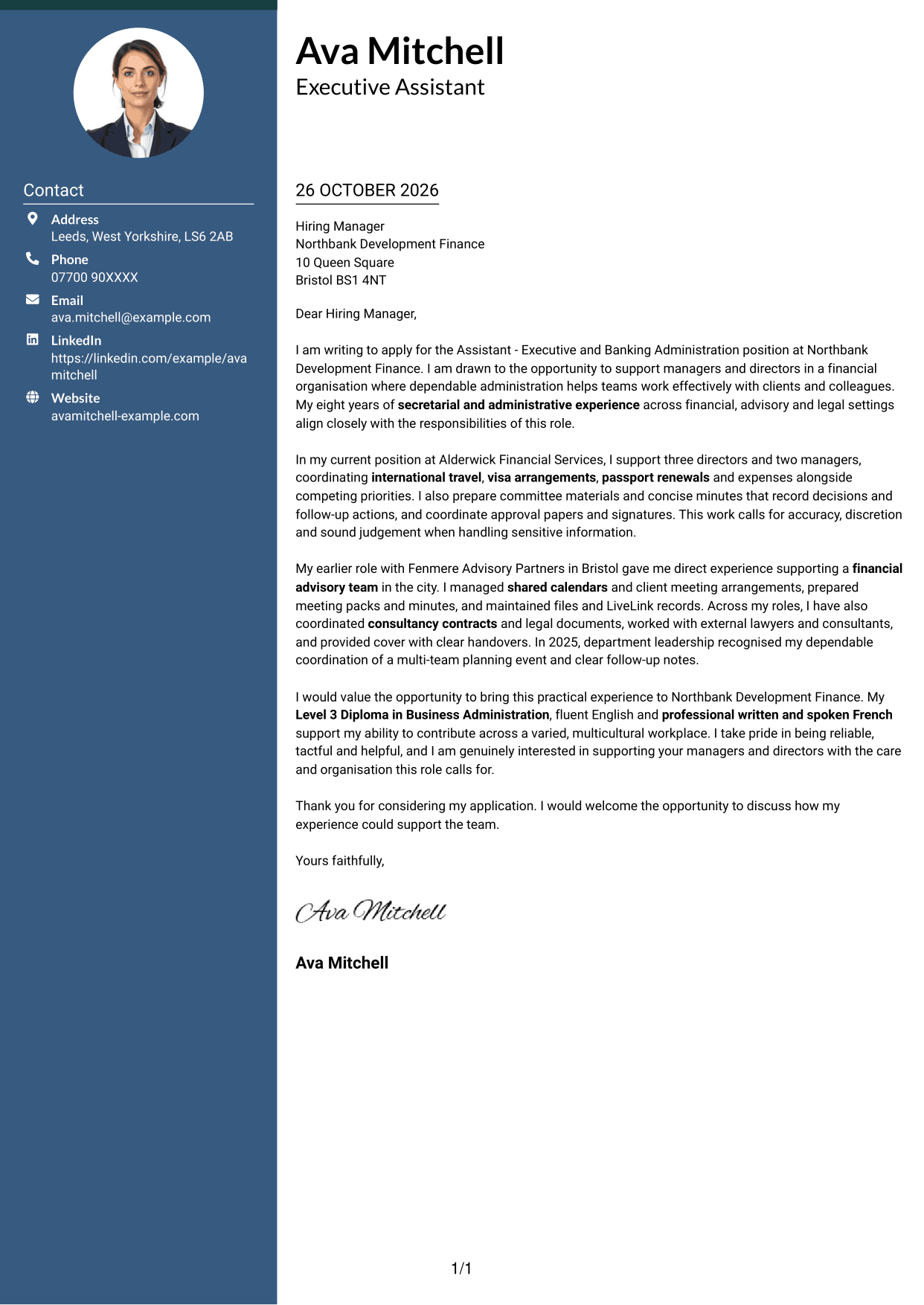
Why This Format Works
- Contact details occupy a separate area from the letter message.
- The body keeps the opening, supporting points and closing in sequence.
- A stable sidebar location makes sender information easy to find.
Best For
- Sidebar-based contact details
- Continuous paragraph letters
- A fixed contact area
- Side-by-side page organisation
- Photo-free applications
#3 Photo Header Two Column Format Cover Letter Example
The Photo Header Two Column Format includes a photo, with contact details beside one continuous letter body.
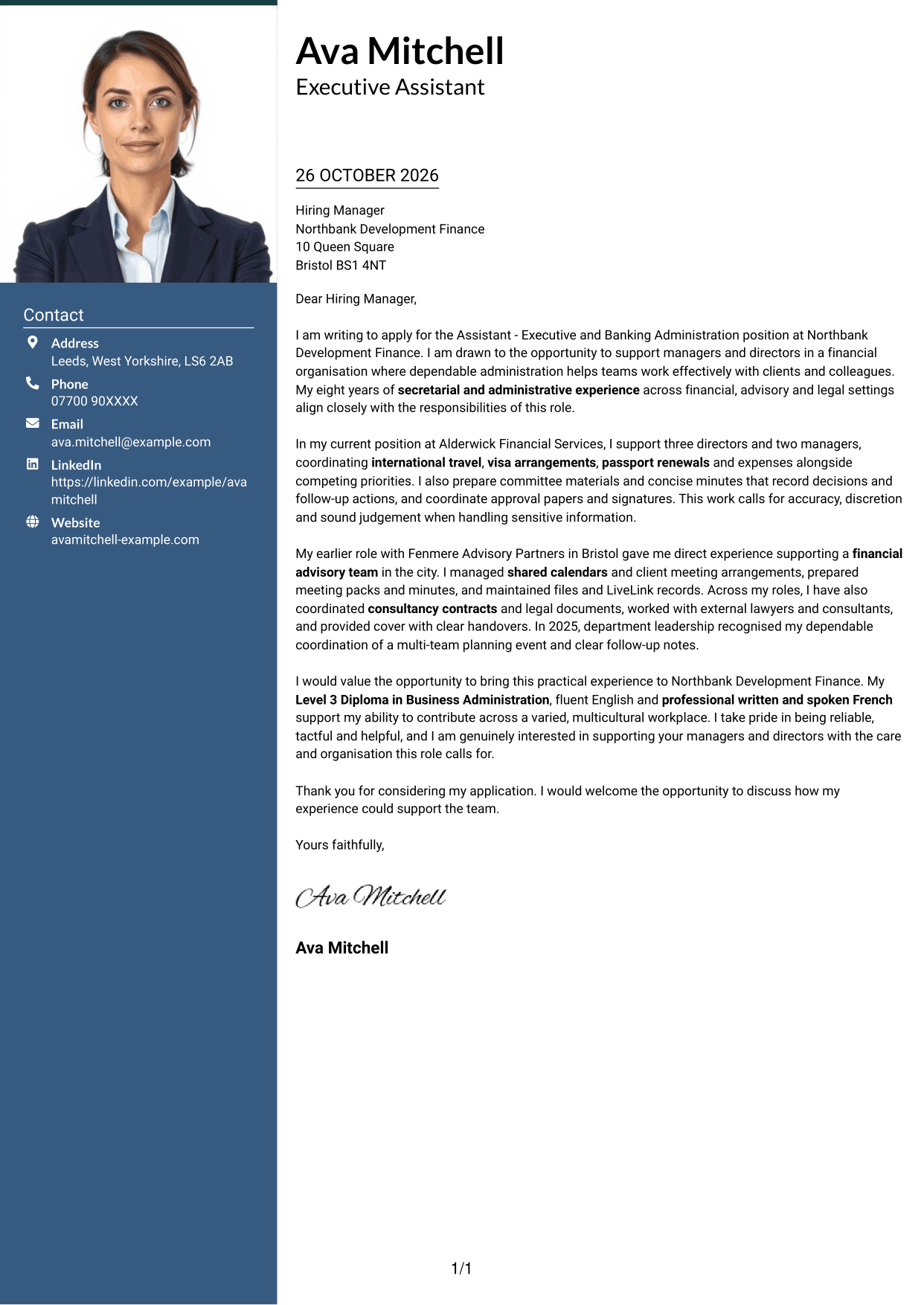
Why This Format Works
- The photo adds a portrait option without dividing the letter body.
- Contact details sit apart from the application message.
- Opening, evidence and closing remain in one continuous sequence.
Best For
- Portrait-inclusive applications
- Contact details beside the letter
- Continuous paragraph arguments
- A distinct contact area
- Photo-and-text documents
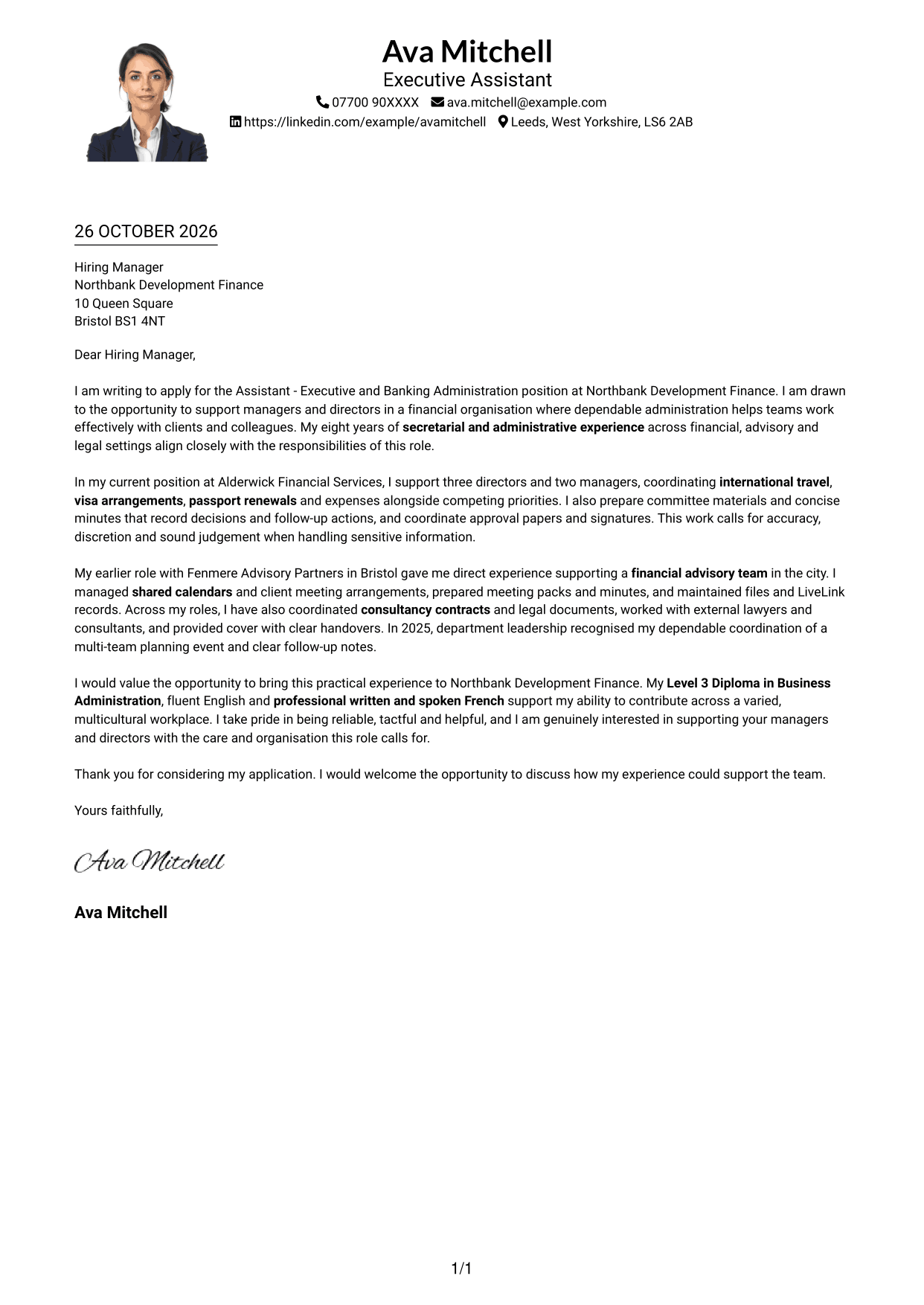
#4 One Column Format with Photo Cover Letter Example
The One Column Format with Photo keeps the letter in one column and includes a photo.
Why This Format Works
- The single column keeps the letter paragraphs in a direct reading order.
- Sender details appear in the header rather than a separate sidebar.
- A photo offers a portrait choice within the one-column layout.
Best For
- One-column letter layouts
- Portrait-inclusive documents
- Header-based sender details
- Paragraph-led applications
- A direct reading order
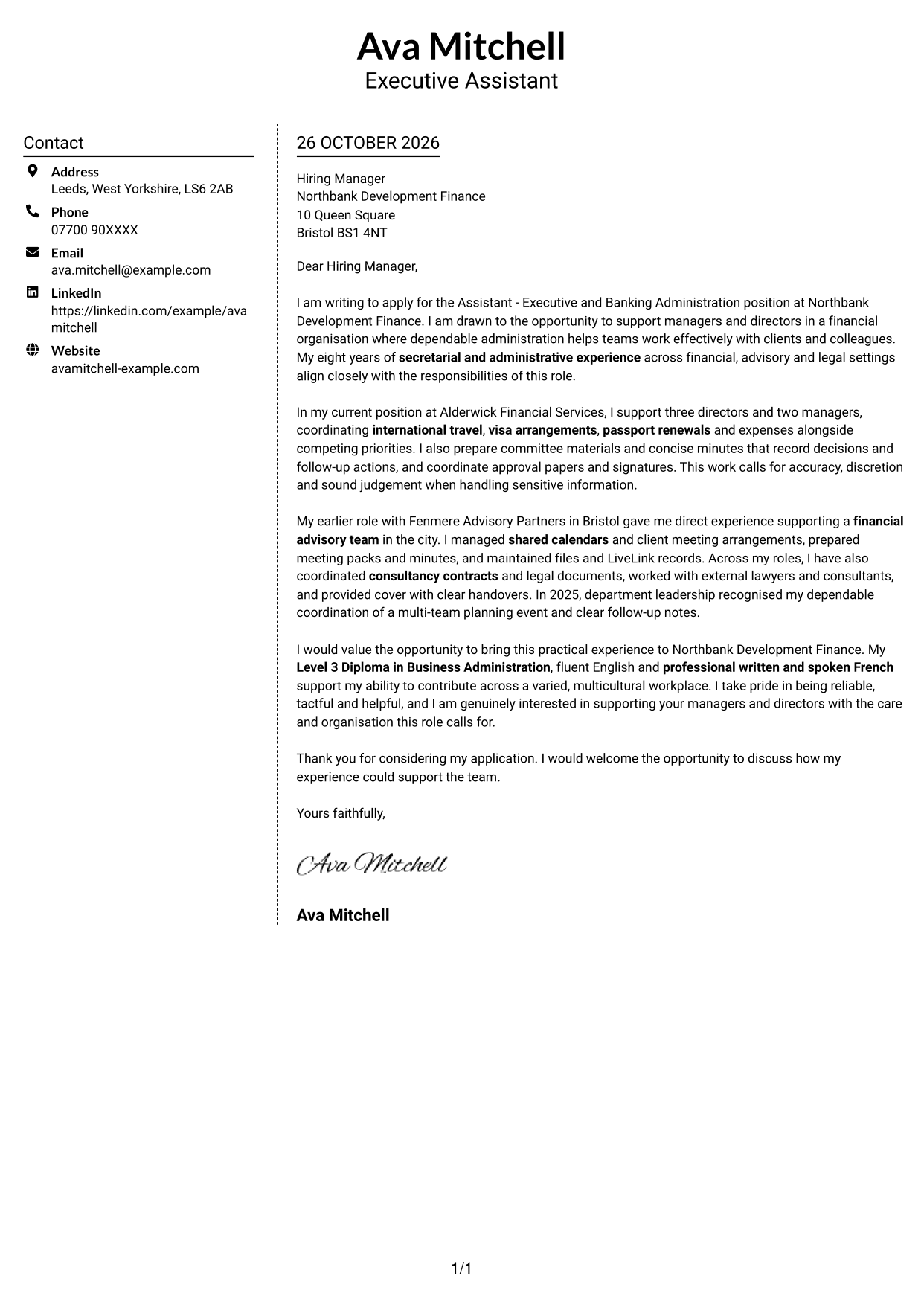
#5 Simple Two Column Format Cover Letter Example
The Simple Two Column Format places contact details in a sidebar alongside one uninterrupted letter body.
Why This Format Works
- The sidebar separates contact information from the application paragraphs.
- A continuous body keeps the letter argument together from start to finish.
- Two columns give contact details and letter text distinct places.
Best For
- Contact information in a sidebar
- Uninterrupted letter paragraphs
- Separate contact and message areas
- Two-column document preference
- Applications without a portrait
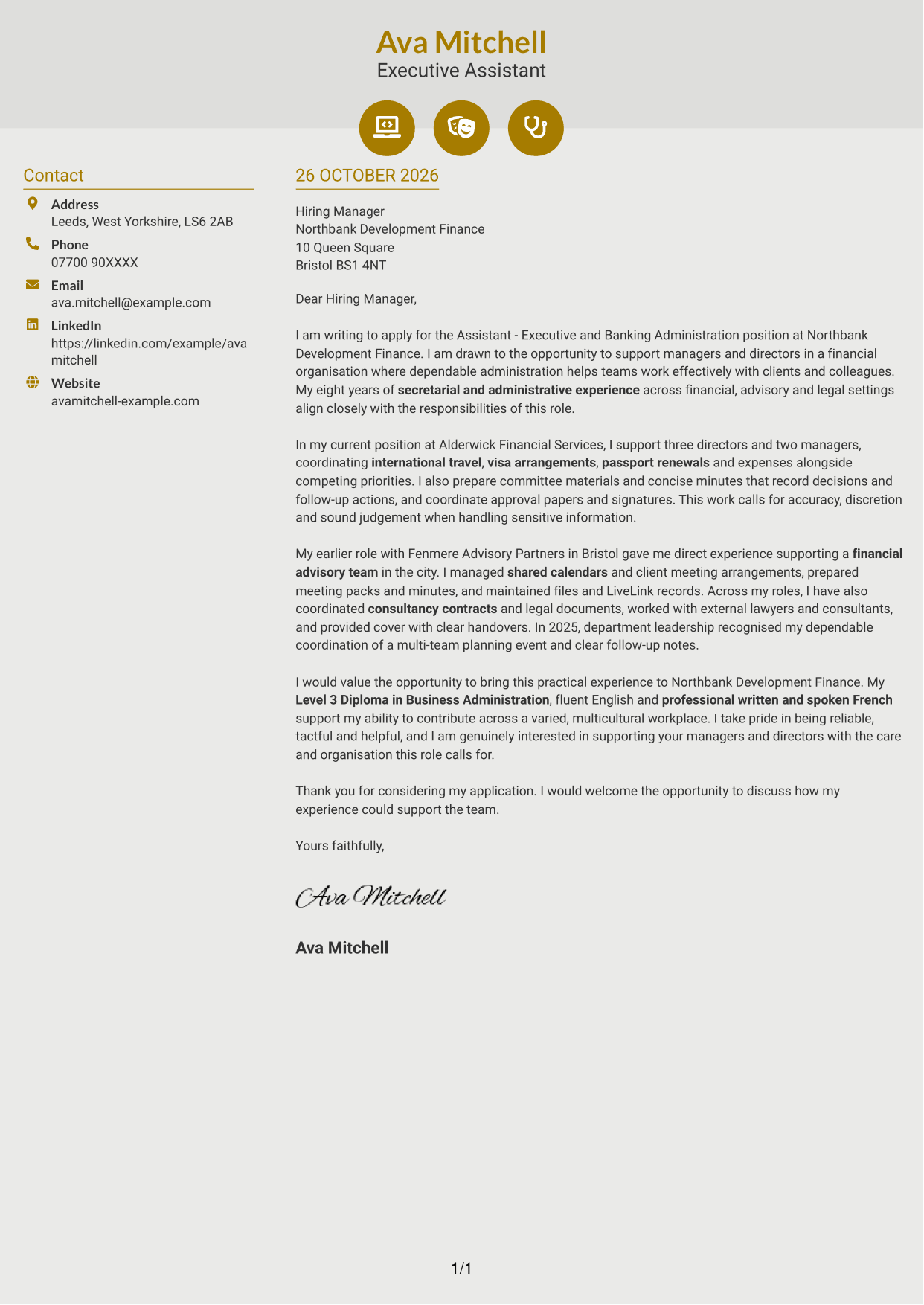
#6 Modern Icon Format Cover Letter Example
The Modern Icon Format uses a contact sidebar beside one continuous letter body, with icons marking contact details.
Why This Format Works
- Contact icons act as cues for sender information, not letter sections.
- The sidebar keeps contact details separate from the continuous message.
- The letter body carries its opening, supporting points and close together.
Best For
- Icon-cued contact information
- A separate contact sidebar
- Continuous letter paragraphs
- Two-column reading preference
- Applications without a portrait
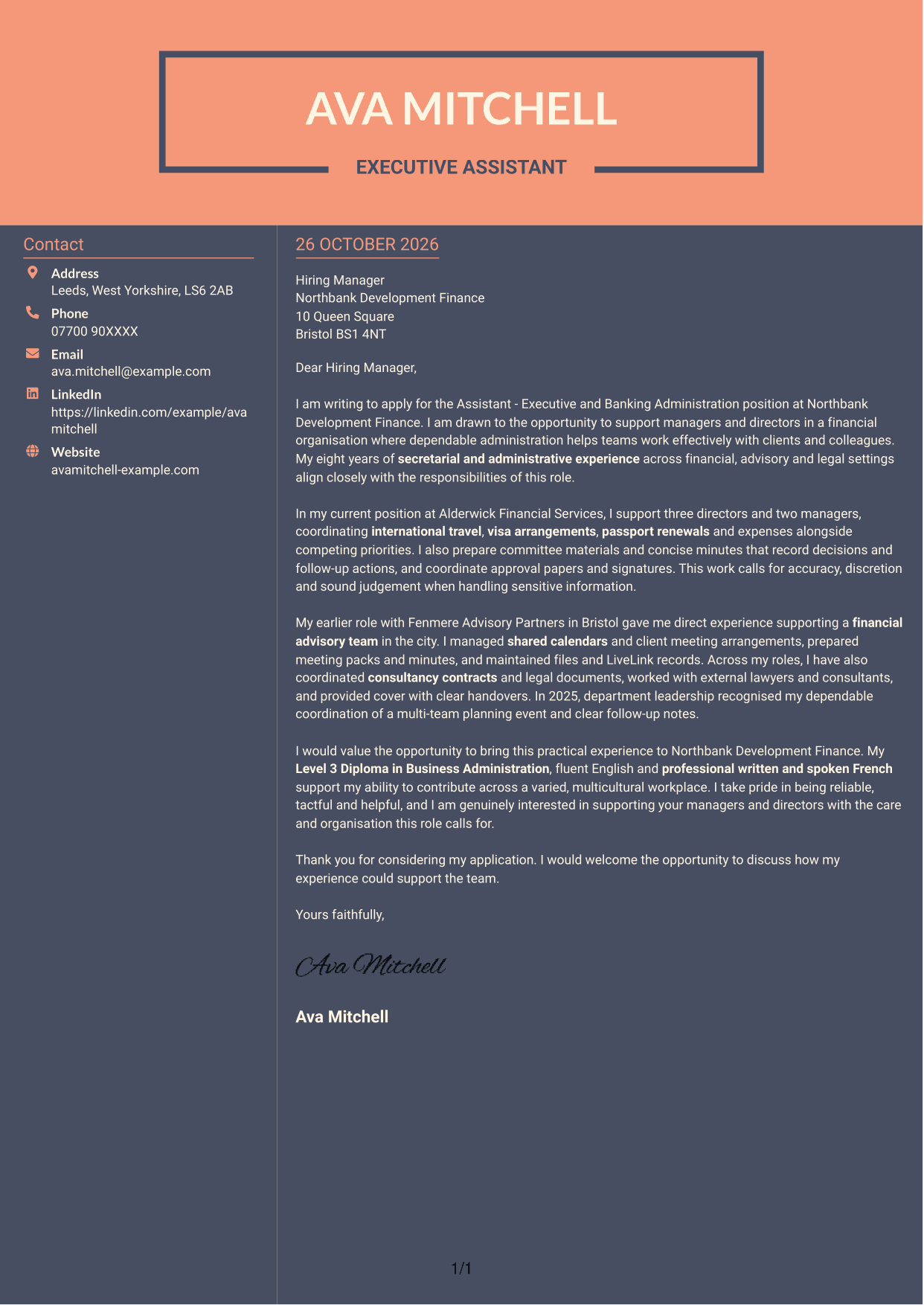
#7 Creative Two Tone Format Cover Letter Example
The Creative Two Tone Format uses two columns, with contact details alongside a single, continuous letter body.
Why This Format Works
- Contact details have their own area beside the letter text.
- The body remains continuous, keeping the message in its intended order.
- The two-column arrangement distinguishes sender information from the application paragraphs.
Best For
- A separate contact area
- Continuous letter-body reading
- Side-by-side content organisation
- Clearly placed sender details
- Photo-free correspondence
See Also
- 7 Assistant - Executive and Banking Administration CV Templates with Example
- 7 Assistant Banking Manager - Lending Administration CV Templates with Example
- 7 Team Assistant - Executive and Office Support CV Templates with Example
- 7 Admin Assistant - School Administration CV Templates with Example
- 7 Administrative Assistant - School Administration CV Templates with Example
- 7 Accounts Assistant - Accounts Payable and Accounts Receivable CV Templates with Example
- 7 Accounts Assistant - Accounts Payable and Receivable CV Templates with Example
- 7 Accounts Assistant - Accounts Payable and Reconciliation CV Templates with Example
- 7 Assistant Banking Manager - Lending Administration Cover Letter Templates with Example
- 7 Team Assistant - Executive and Office Support Cover Letter Templates with Example
Frequently Asked Questions
What should an Assistant - Executive and Banking Administration cover letter highlight?
Show how your administrative work supports managers and directors. Relevant examples may include diary and travel coordination, meeting preparation, minutes, approval papers, records and careful handling of confidential information.
How can I show that my experience fits this role?
Choose a few clear examples that match the role’s duties. Explain how you managed competing requests, prepared accurate meeting records or coordinated travel and expenses, then show why that work mattered to the team.
How can I explain my interest in Northbank Development Finance?
Connect your interest to the work described in the job advert, such as supporting managers and directors in a financial organisation. Be specific about the contribution you hope to make, and avoid claims about the organisation that you cannot verify.
What is a clear structure for this cover letter?
Open by naming the role and explaining your interest. Use the body to give relevant evidence from your administrative work, then close by restating your interest and welcoming a discussion.
Should I include every part of my work history?
No. Select the experience that best supports your fit for this position. Focused examples are easier to follow and more persuasive than a full list of duties.




