
7 Assistant - Executive and Banking Administration CV Templates with Example
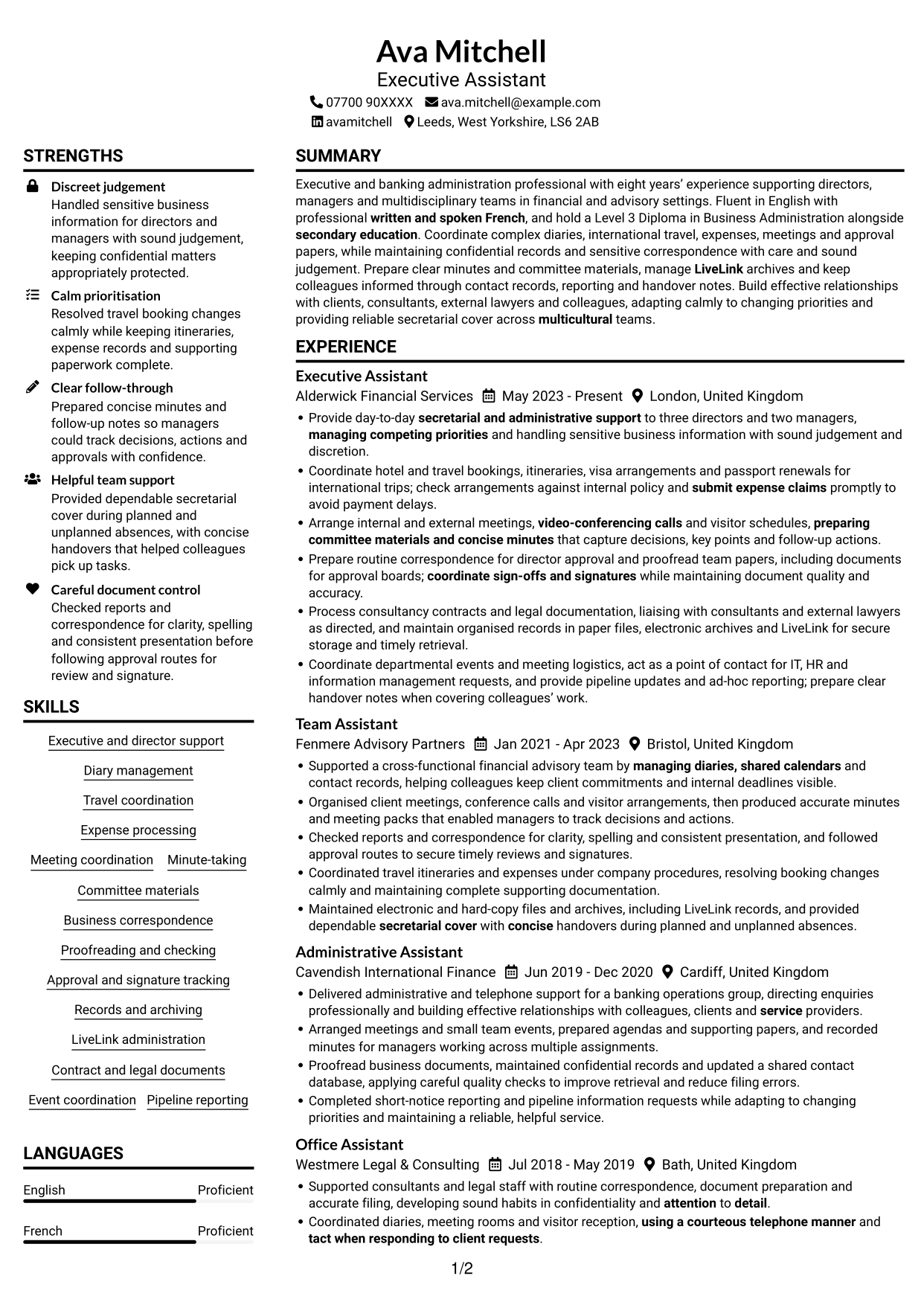
This guide shows you how to create an Assistant - Executive and Banking Administration CV that presents your experience clearly. You will learn how to organise your evidence and choose a format that is easy to review.
A strong CV for this role makes executive support, banking administration and careful handling of sensitive information clear. Focus on evidence such as diary management, travel coordination, meeting minutes, approval tracking and accurate records.
Compare the example in 7 layouts using the PNG image previews, then open an example in the editor to customise it. The guide also explains how to keep your CV easy for applicant tracking systems to scan and how to use role-relevant terms such as LiveLink, expense processing, consultancy contracts and pipeline reporting.
What Makes a Great Assistant - Executive and Banking Administration CV in 2026
A strong CV makes administrative support, judgement and accuracy easy to see. Clear bullet points show how you manage diaries, meetings, travel and confidential records.
Use relevant terms such as LiveLink, approval tracking, minute-taking and expense processing. Add figures only when you can support them with evidence.
Note: CV examples are for educational purposes only. Use only information that accurately reflects your experience and qualifications. References to real organisations do not imply affiliation or endorsement.
#1 Plain Two Column Format CV Example
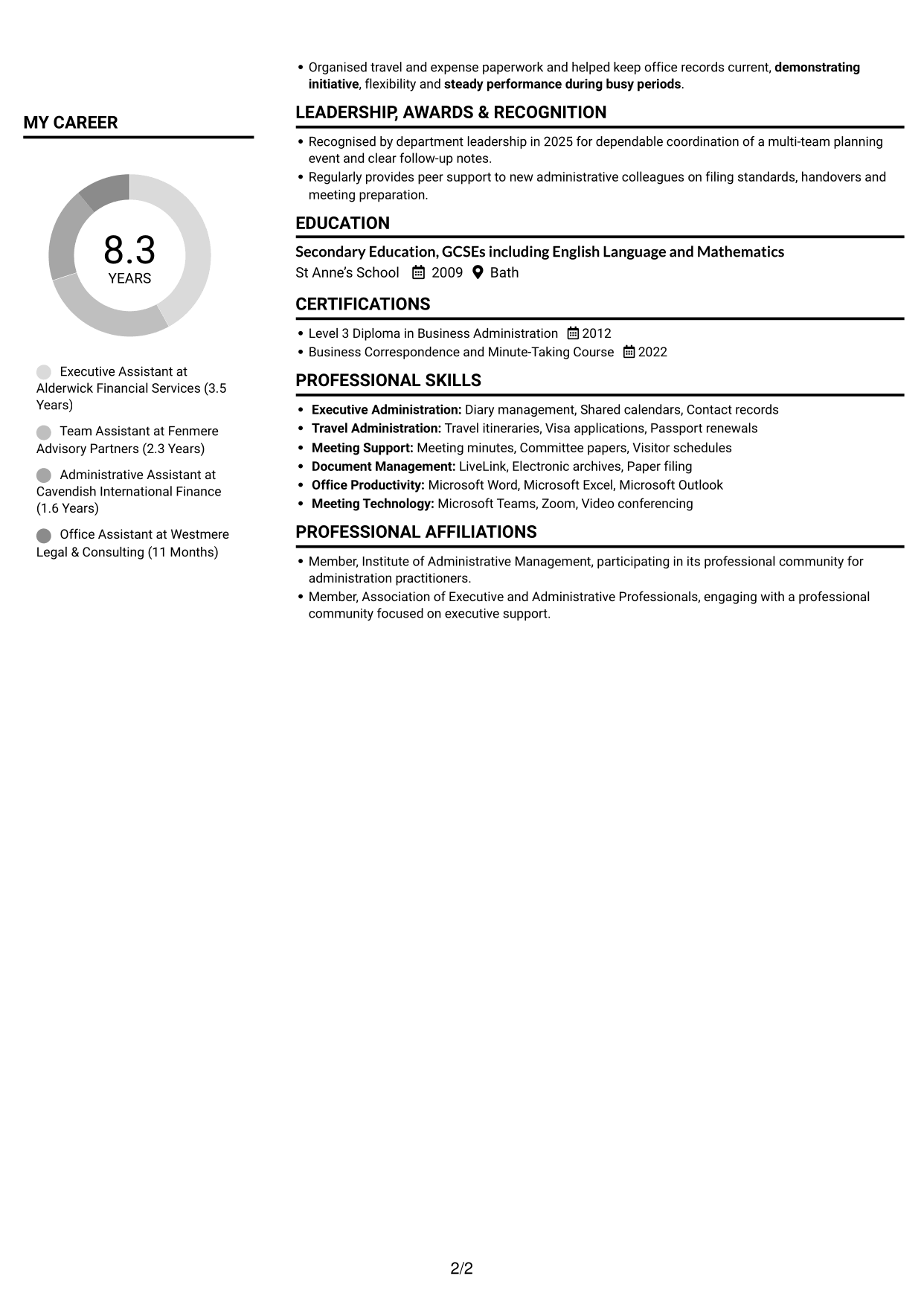
The Plain Two Column Format uses two content columns, helping readers compare work history with supporting sections at a glance.
CV Snapshot
- Eight years’ secretarial and administrative experience
- Level 3 Diploma in Business Administration
- Fluent English and professional French
- Support for directors and managers
Why This Format Works
- Separate content areas help reviewers distinguish career history from supporting details.
- Grouped sections make skills, education and credentials easier to locate.
- The two-column reading order lets reviewers compare experience and supporting evidence.
Best For
- Work history with supporting sections
- Skills and credentials shown together
- Quick comparison of different CV sections
- Detailed administrative experience
- A clear visual reading order
CV Keywords
- secretarial and administrative support
- Executive and director support
- managing diaries, shared calendars
- Coordinate hotel and travel bookings, itineraries, visa arrangements and passport renewals for international trips
- submit expense claims
- Arrange internal and external meetings
- video-conferencing calls
- preparing committee materials and concise minutes
- Meeting minutes
- Business correspondence
- Prepare routine correspondence for director approval and proofread team papers
- coordinate sign-offs and signatures
- maintain organised records in paper files, electronic archives and LiveLink
- electronic archives and LiveLink for secure storage
- LiveLink
#2 Simple One Column Format CV Example
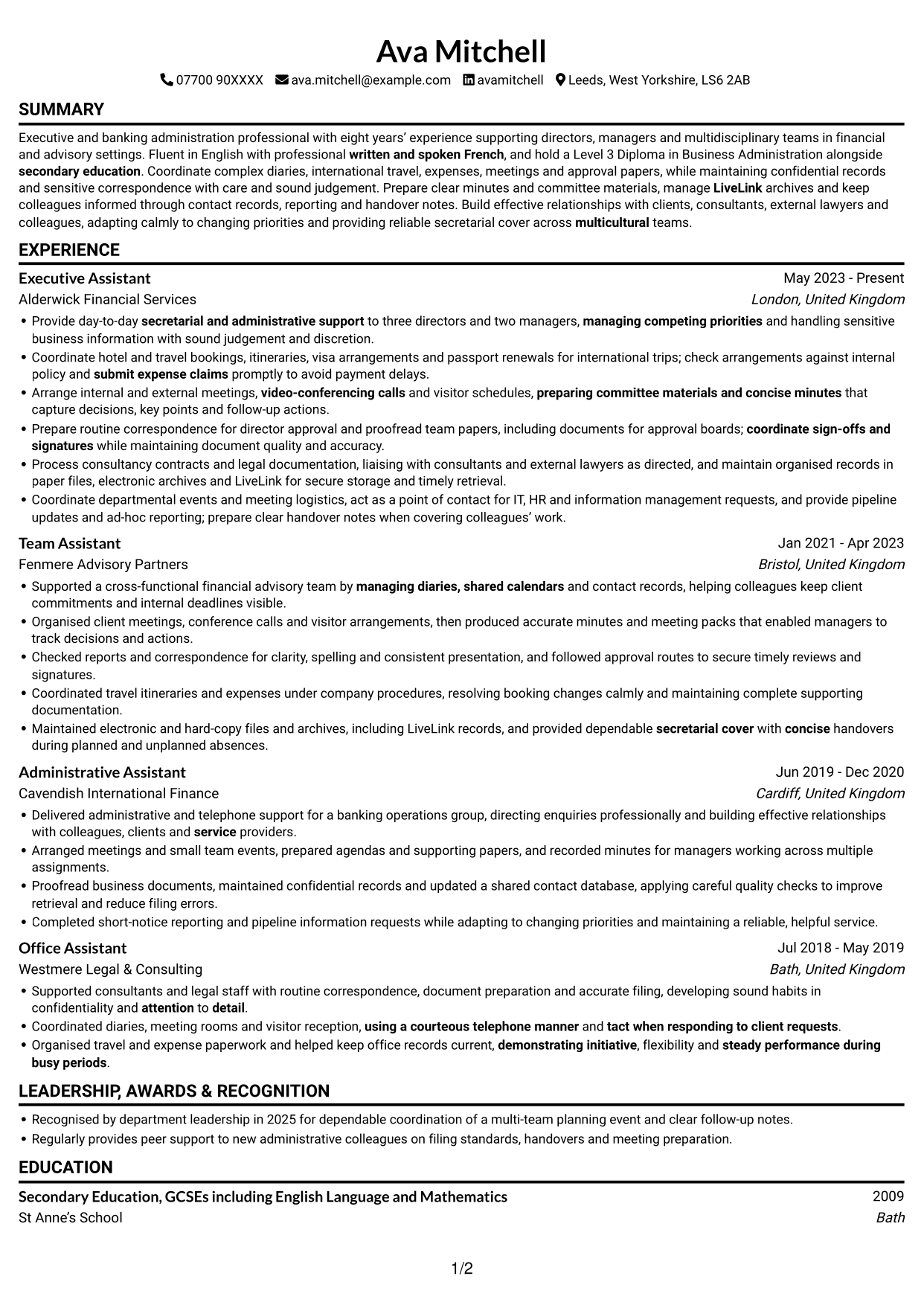
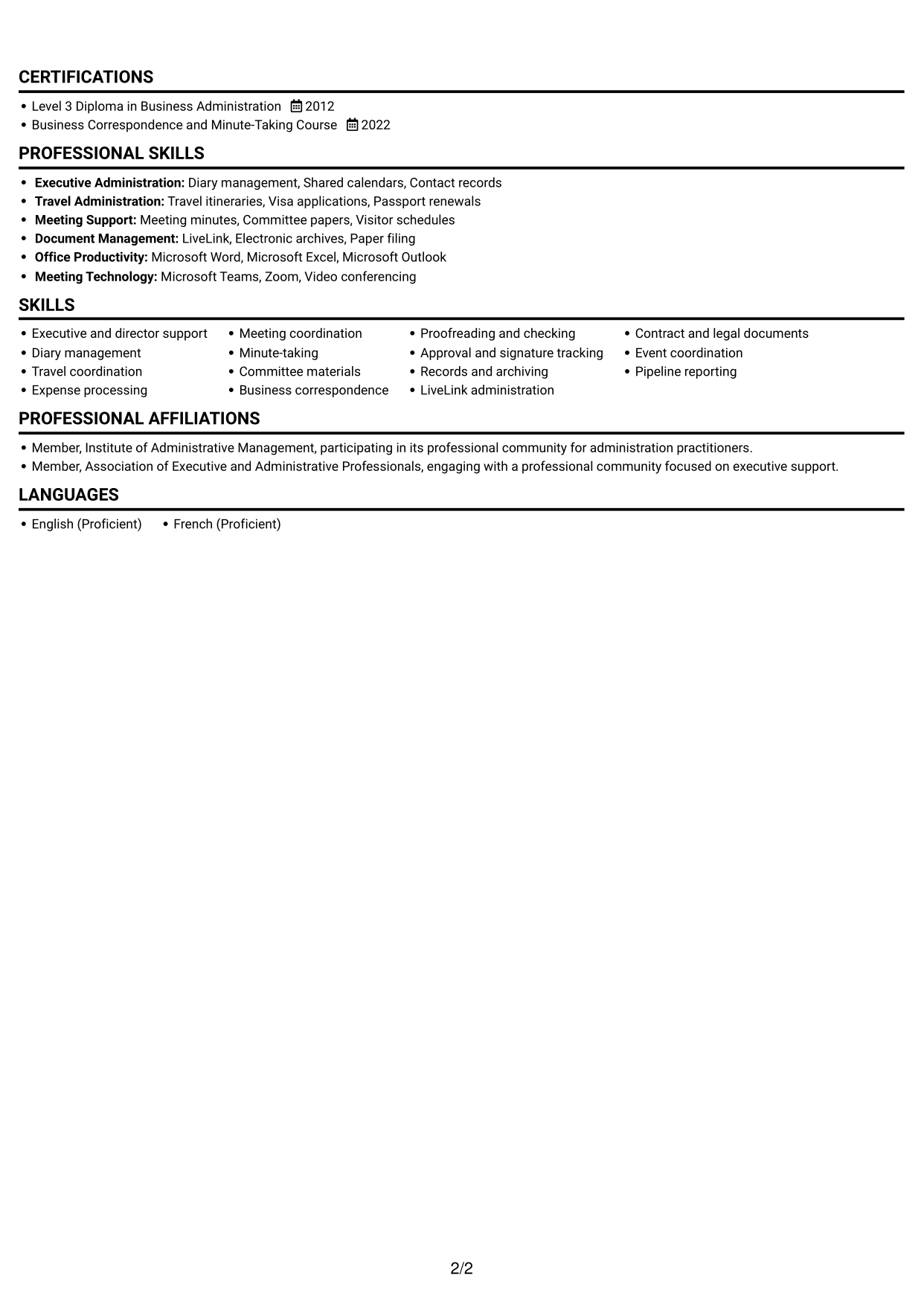
The Simple One Column Format presents content in a single reading path, making a direct, section-by-section review easy.
Why This Format Works
- A single reading path keeps the career history in a clear sequence.
- Consistent section order helps reviewers find skills and education naturally.
- The layout gives detailed experience bullets room to be read in context.
Best For
- A straightforward reading path
- Chronological career history
- Detailed experience descriptions
- Sequential skills and education sections
- Simple text-based applications
#3 Clean Two Column Sidebar Format CV Example
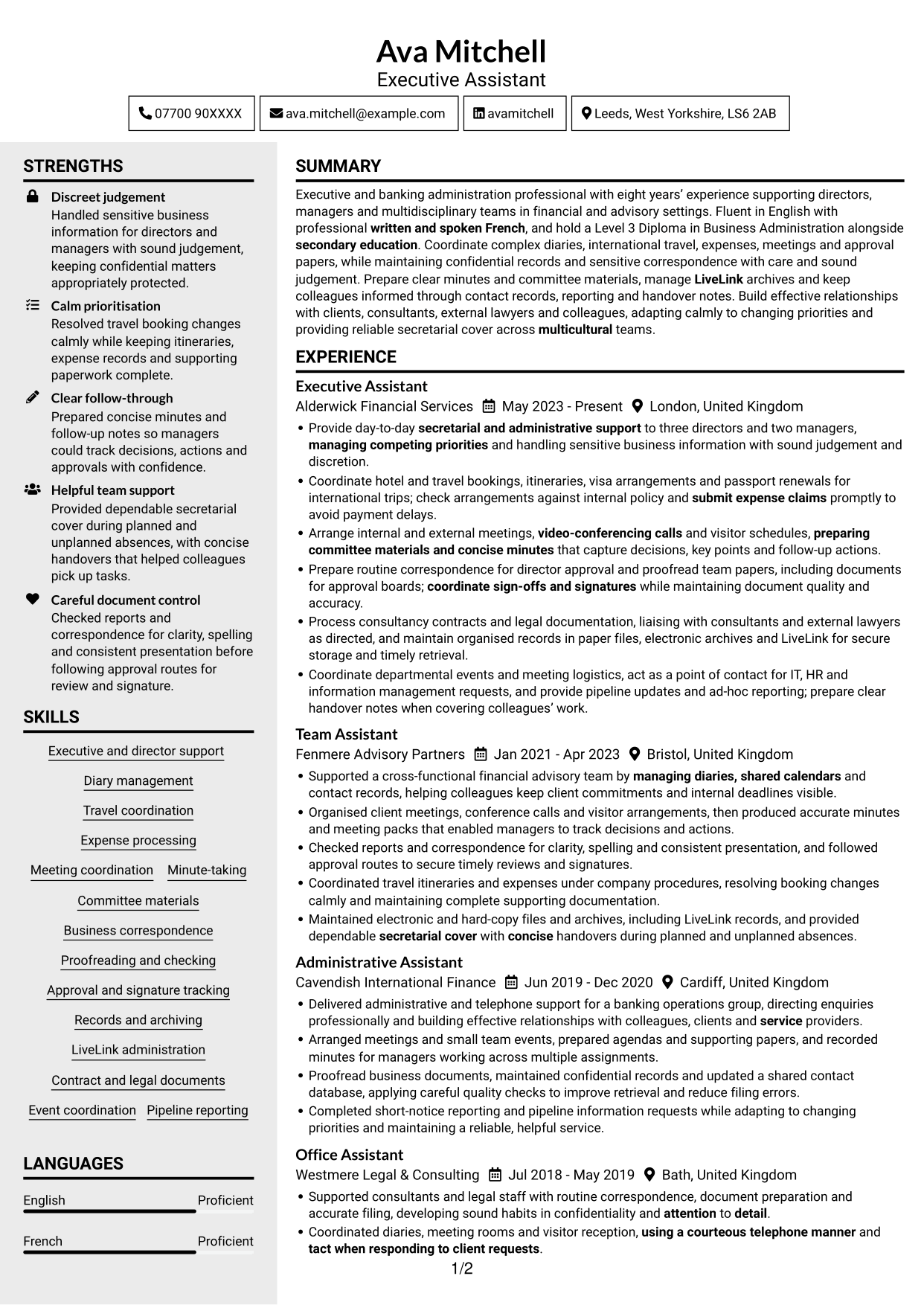
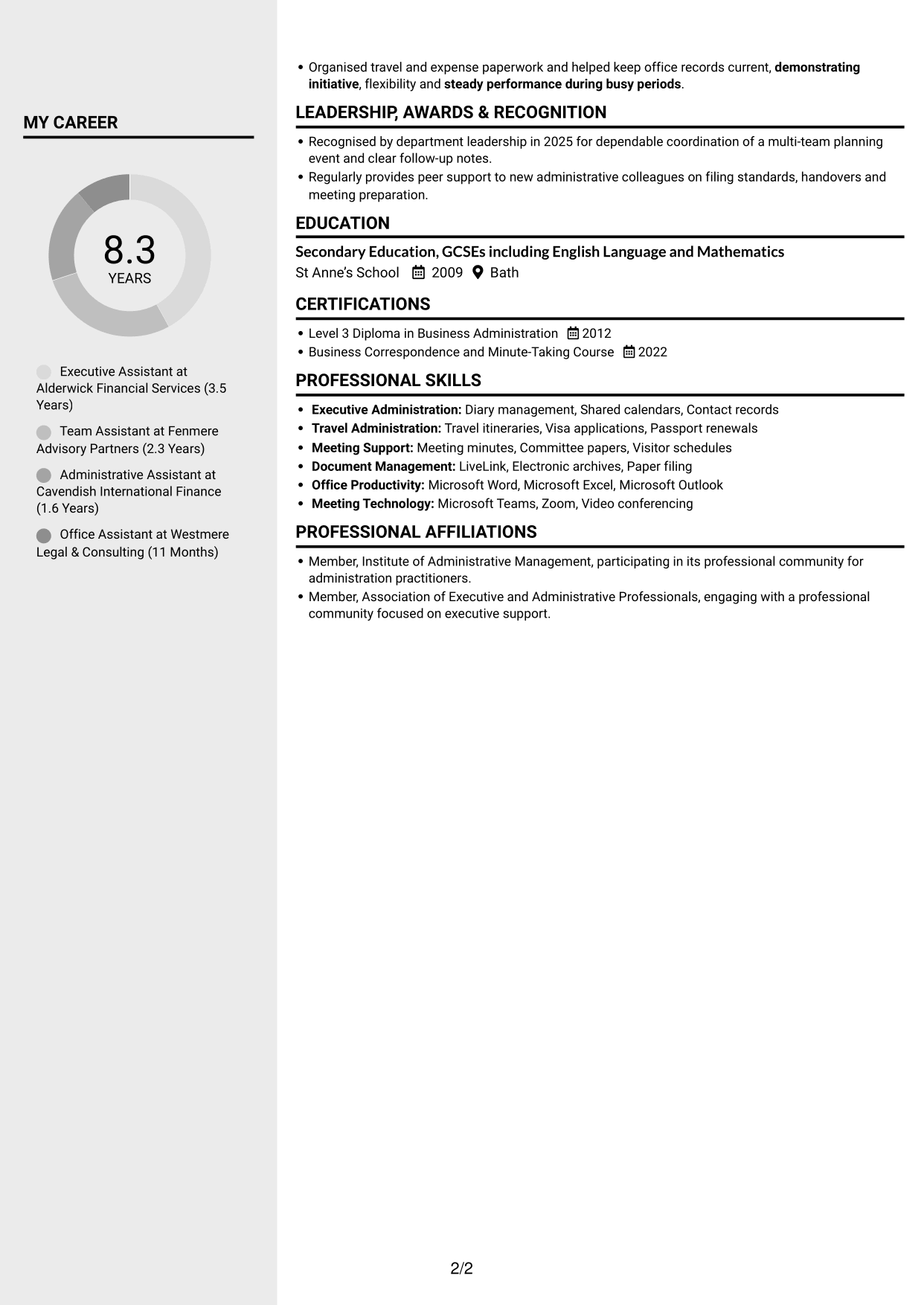
The Clean Two Column Sidebar Format separates content across two columns, offering a clear way to review the CV’s different sections.
Why This Format Works
- The two-column structure gives work history and supporting information distinct areas.
- Section grouping helps readers find education, skills and credentials with less searching.
- A clear reading order keeps detailed experience easy to follow.
Best For
- Experience with concise supporting details
- CVs with several distinct sections
- Skills and education alongside work history
- Easy-to-find professional credentials
- A structured visual review
#4 Two Column Format CV Example
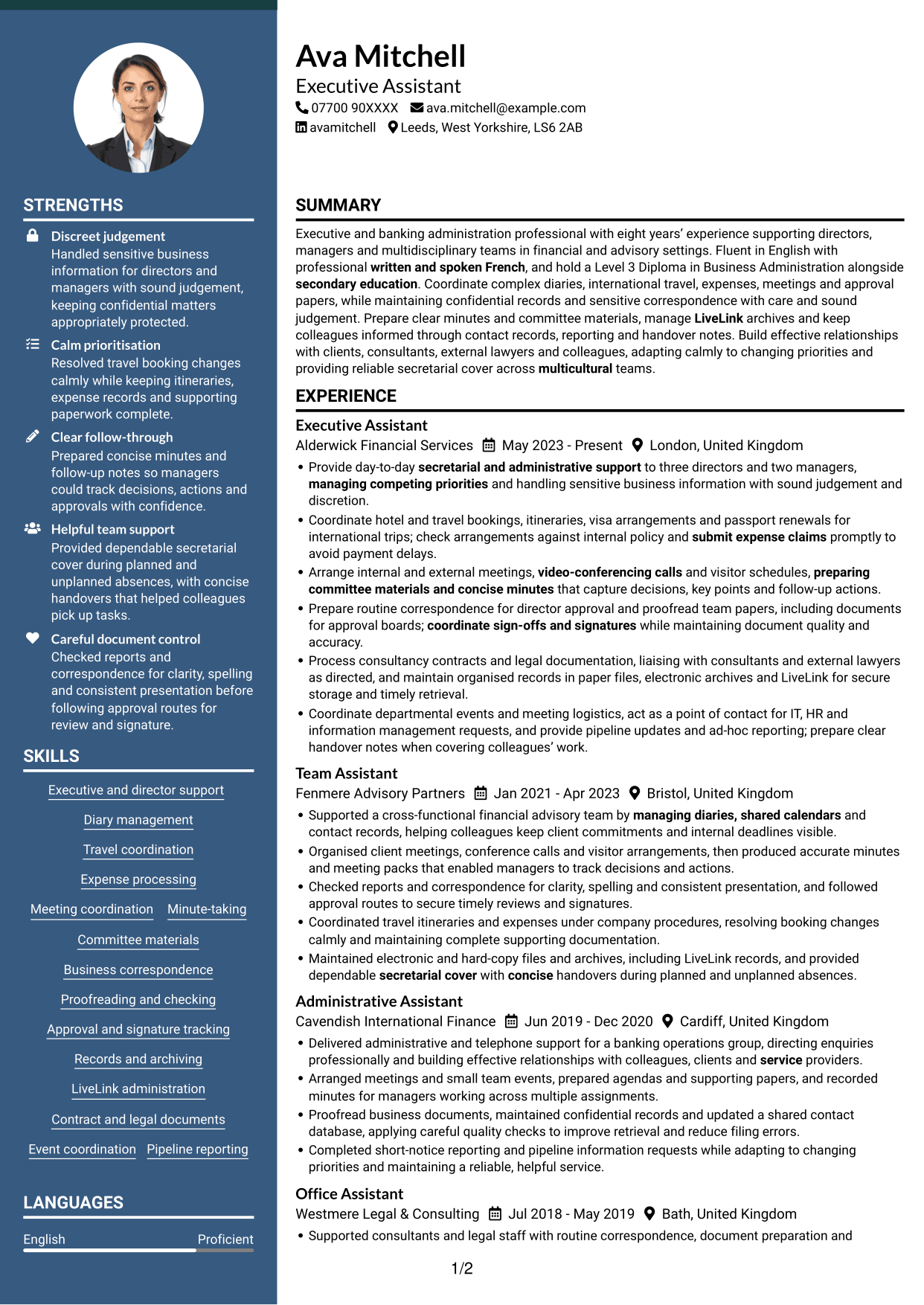
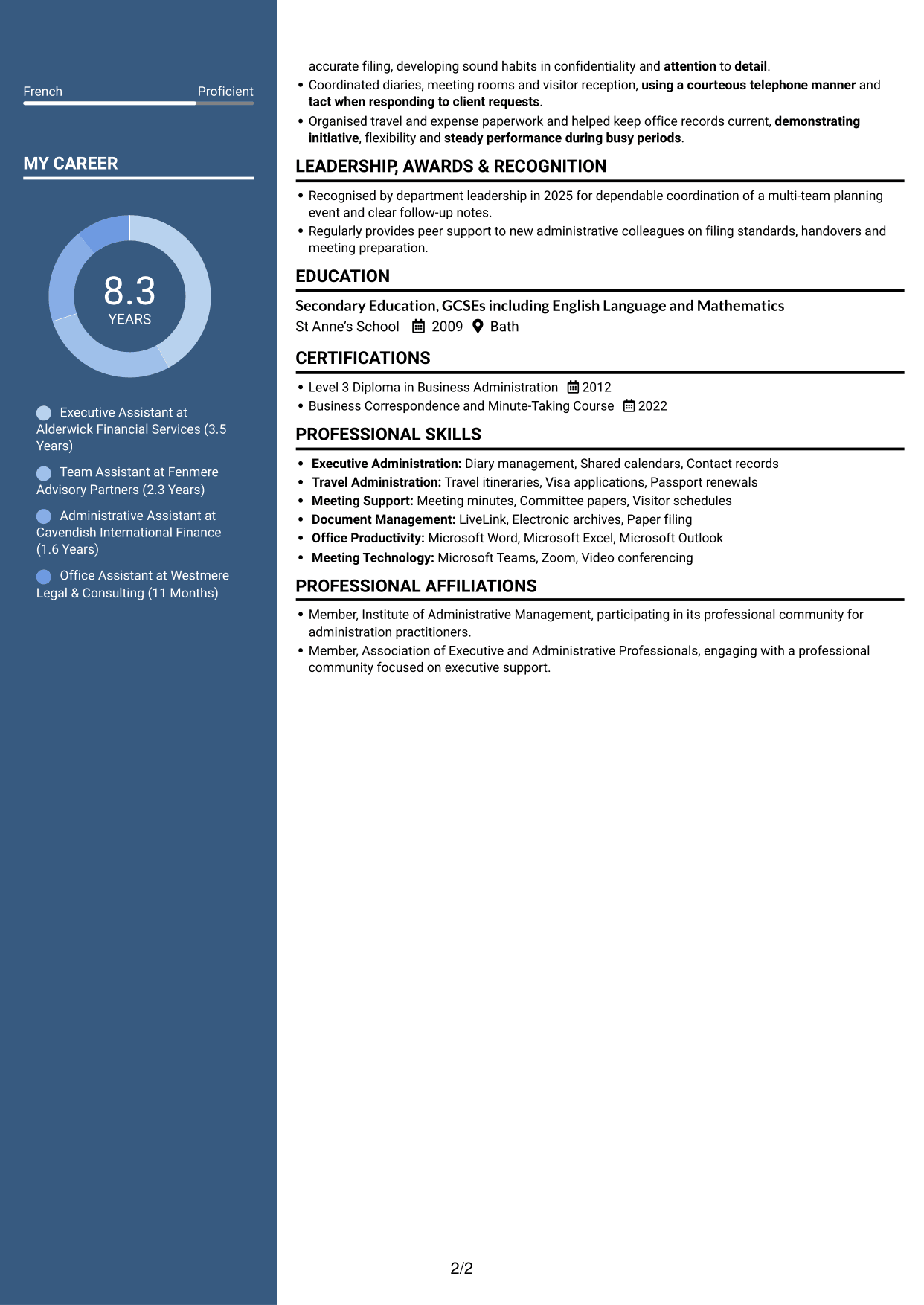
The Two Column Format places information in two columns, helping readers move between career details and other CV sections.
Why This Format Works
- Separate columns help reviewers move between experience and supporting information.
- Grouped details make skills and education easier to scan beside career history.
- The layout supports a clear distinction between work records and credentials.
Best For
- Work history with related details
- Several CV sections to review
- Skills beside career information
- Education and credentials in a clear structure
- A balanced two-column view
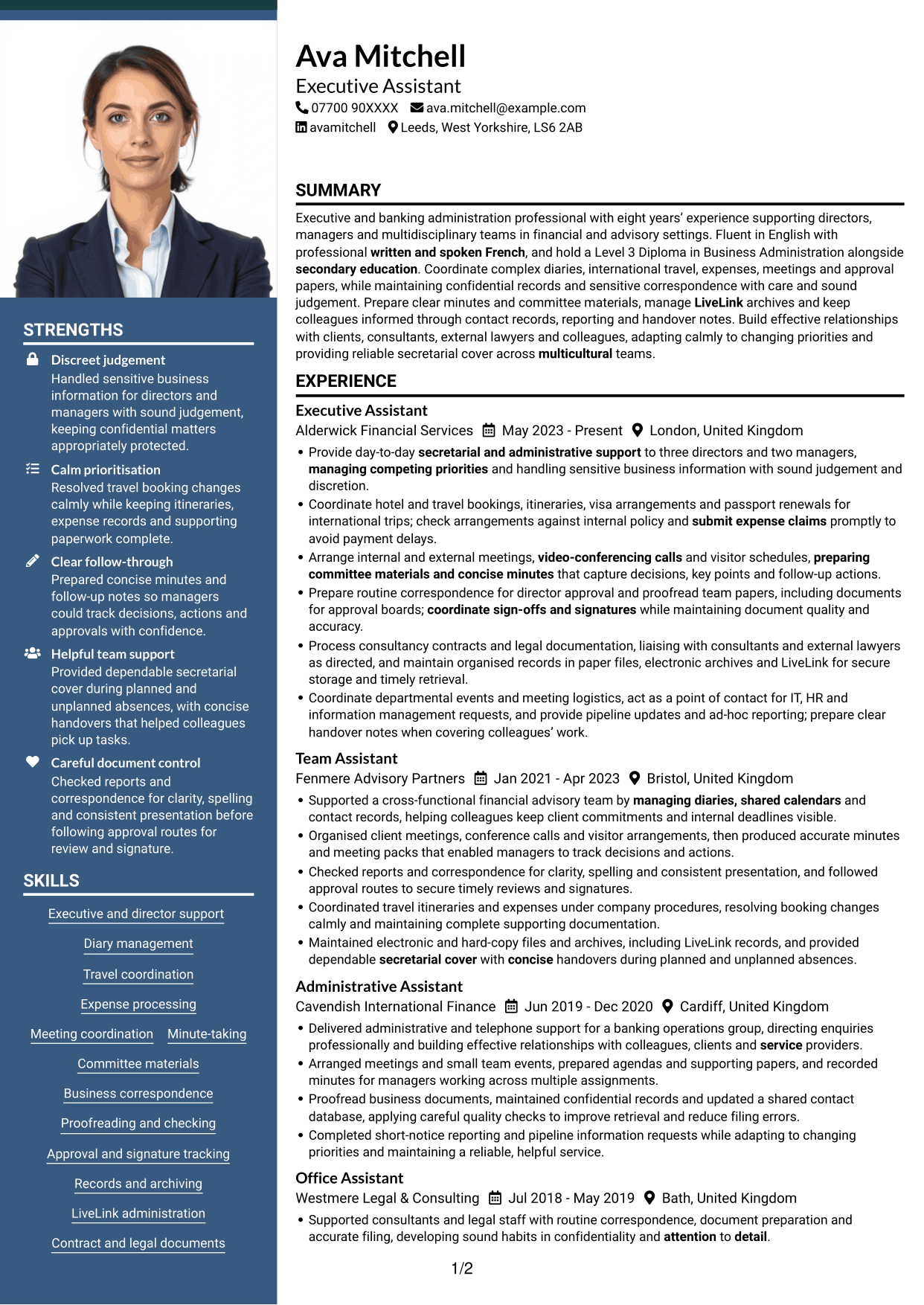
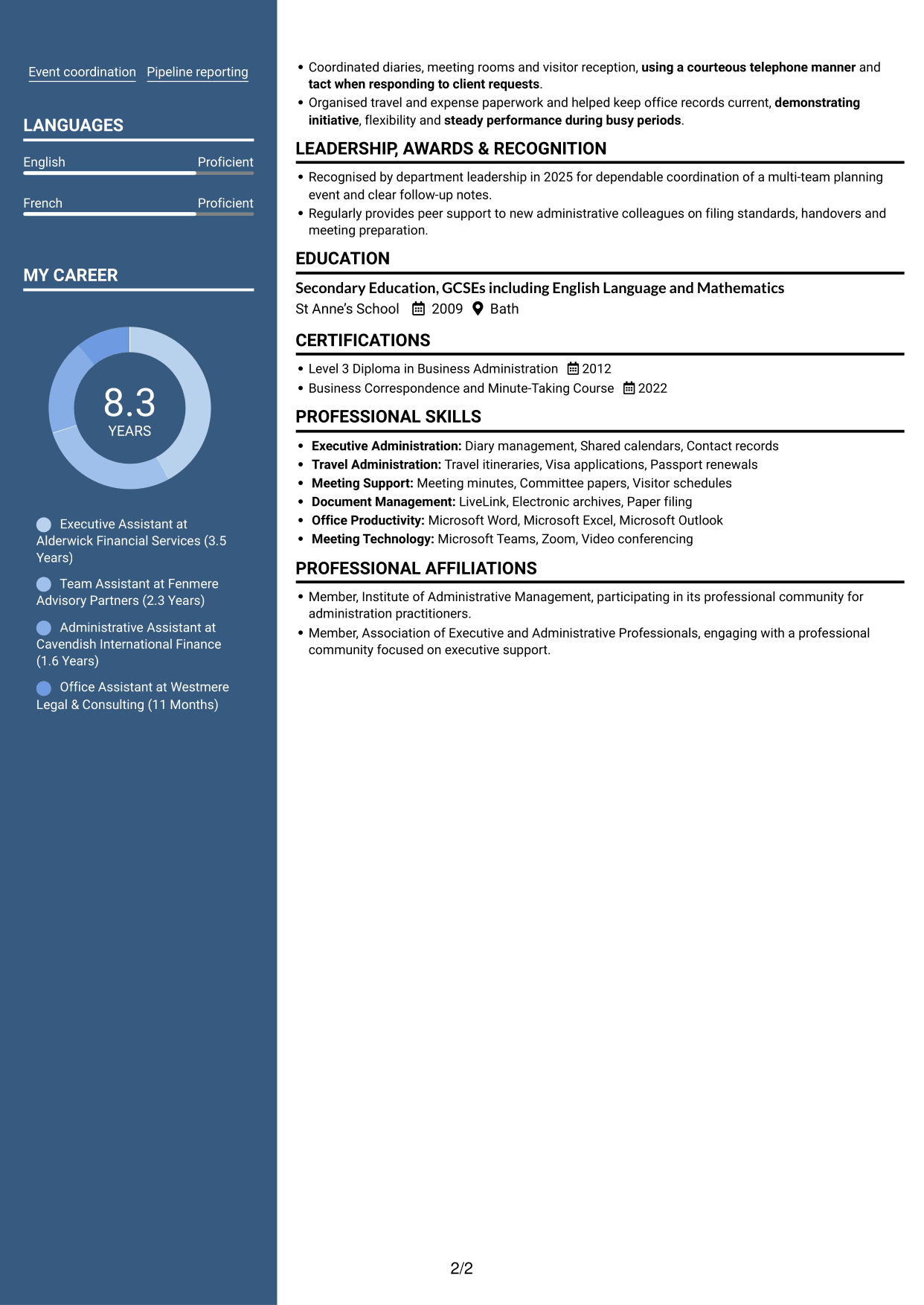
#5 Photo Header Two Column Format CV Example
The Photo Header Two Column Format combines a photo with two-column content, giving the page a personal visual cue alongside its structured sections.
Why This Format Works
- The two-column body separates career history from other professional details.
- Distinct content areas help readers locate skills and education efficiently.
- A photo adds a personal visual element without replacing written evidence.
Best For
- CVs that include a photo
- Experience with supporting sections
- Skills and education in separate areas
- A personal visual element
- Two-column content organisation
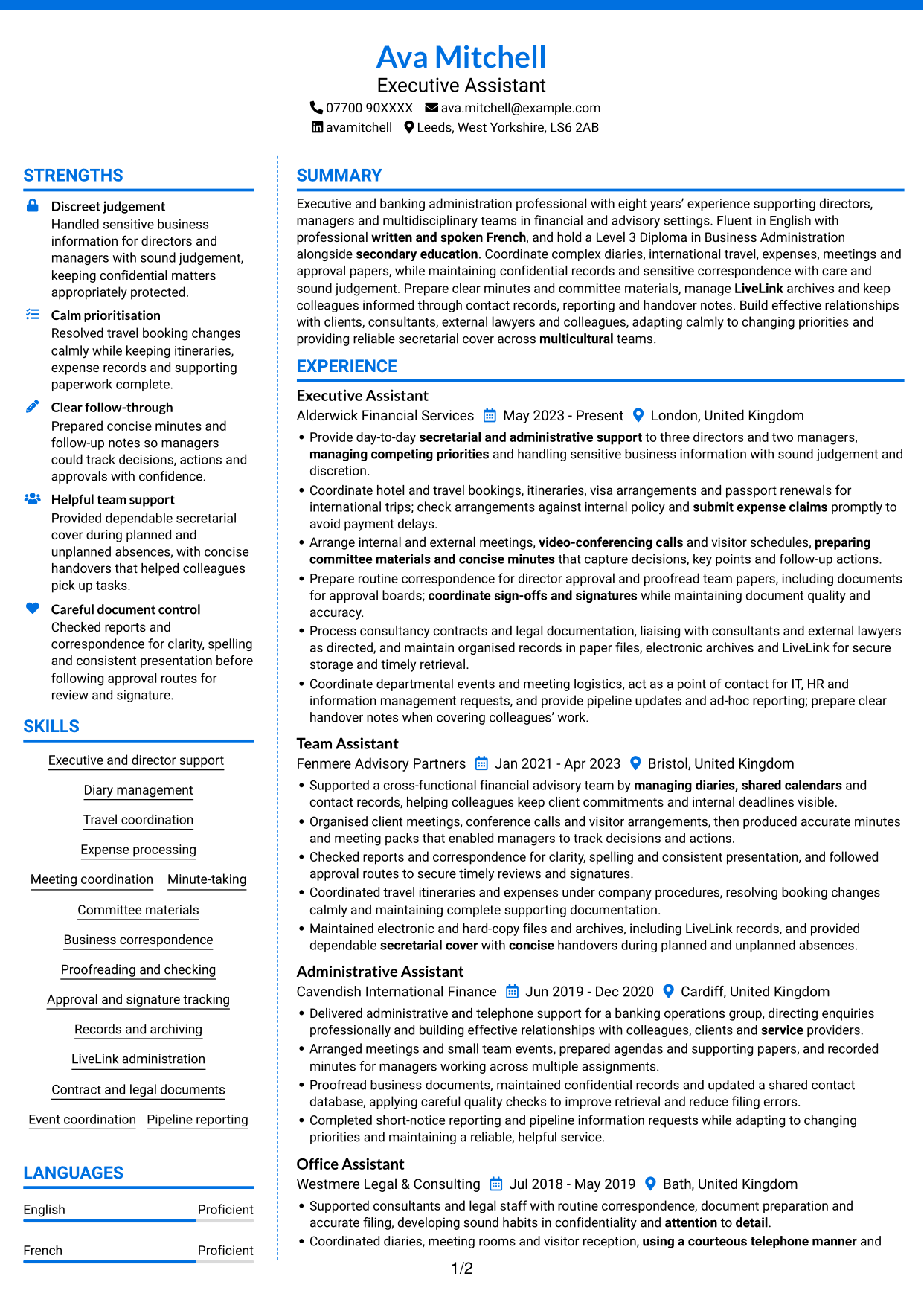
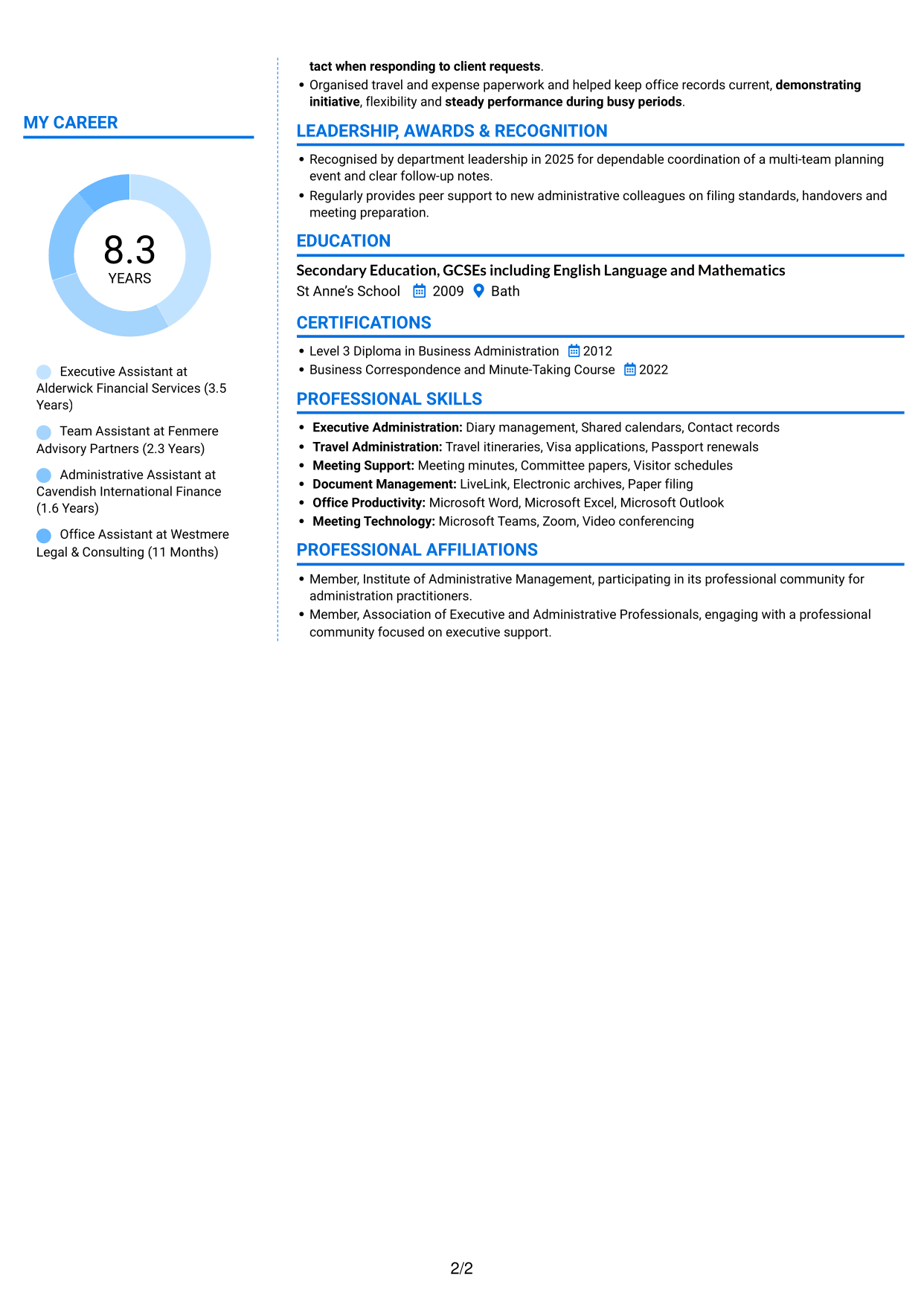
#6 Coloured Two Column Format CV Example
The Coloured Two Column Format organises content in two columns, giving readers a choice of routes through the CV’s sections.
Why This Format Works
- The two-column arrangement keeps experience distinct from supporting CV information.
- Readers can locate skills, education and credentials without following one long list.
- Separate content areas make a varied work history easier to review.
Best For
- A varied work history
- Experience and supporting sections
- Skills and credentials across distinct areas
- CVs with multiple information types
- Flexible section-by-section review
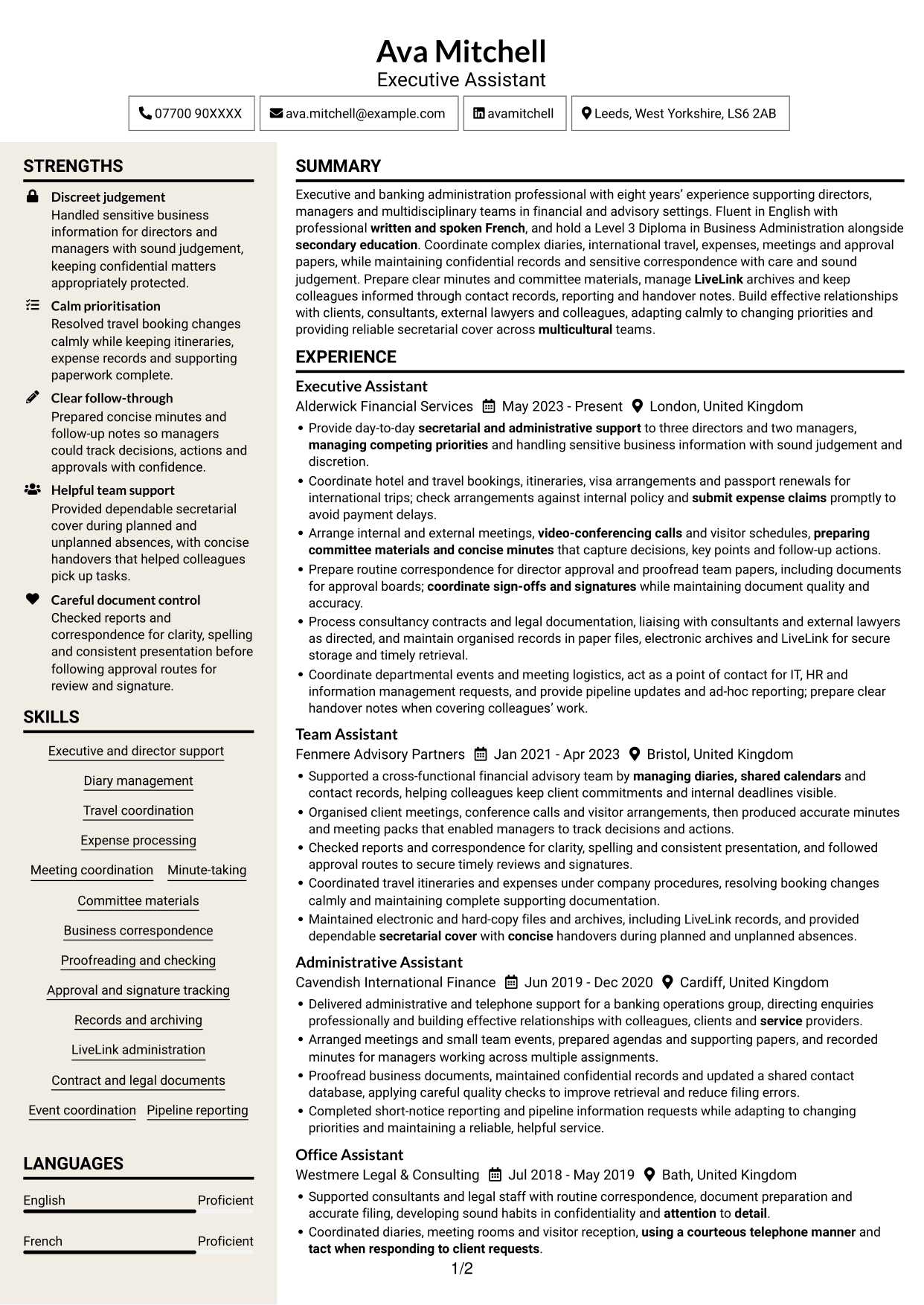
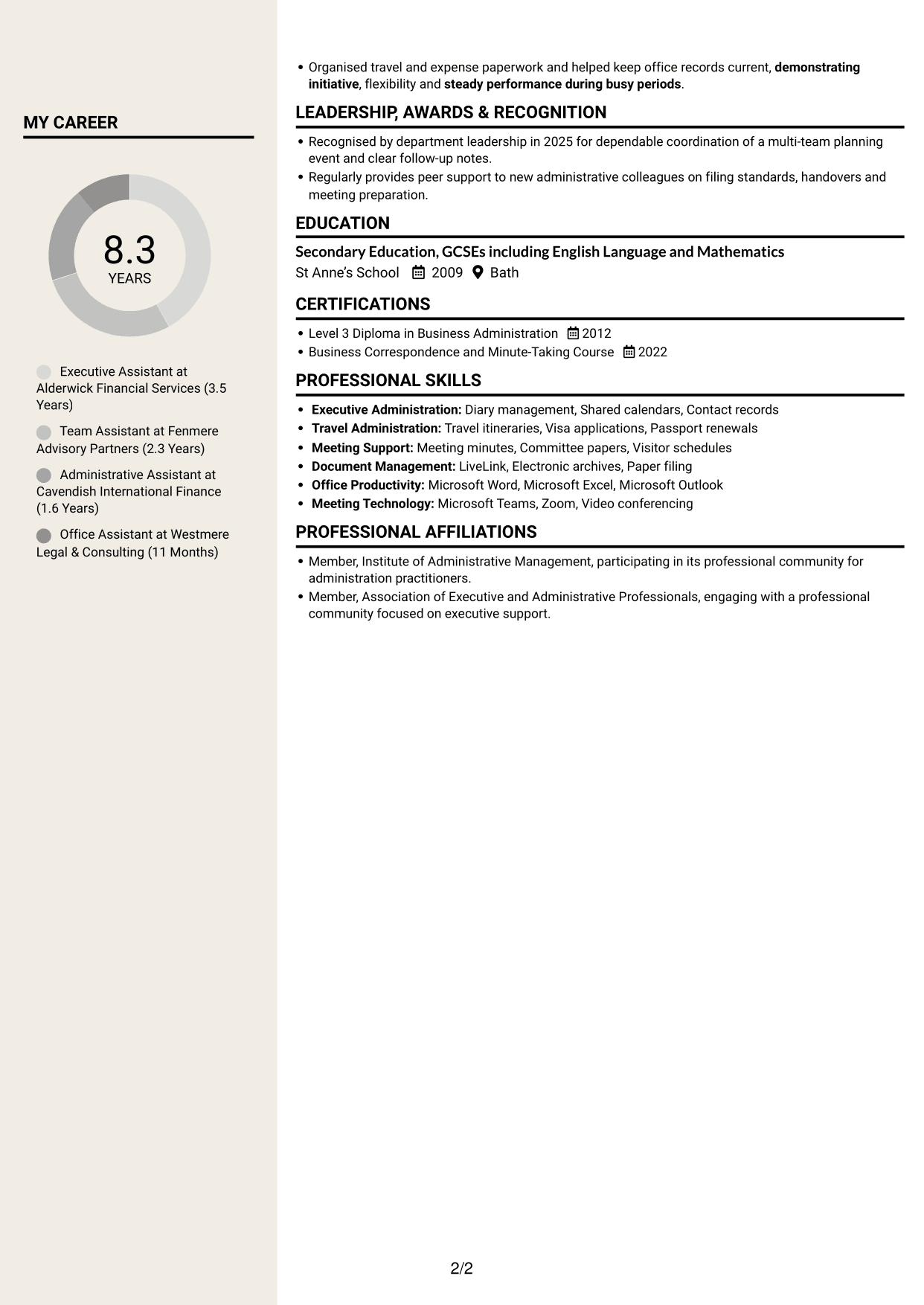
#7 Stylish Two Column Designer Format CV Example
The Stylish Two Column Designer Format uses a two-column structure, giving the CV a clear division between its content areas.
Why This Format Works
- The divided content areas help readers tell experience apart from other details.
- Skills and education remain easy to find alongside career information.
- The two-column reading order supports a measured review of each section.
Best For
- Clear division between CV sections
- Career information with supporting details
- Skills and education easy to find
- A measured review of experience
- Two-column content organisation
Why Build Your Assistant - Executive and Banking Administration CV with ResumeInMinutes
ResumeInMinutes helps you organise your experience, skills and education in a clear CV. Compare PNG image previews, then open an example in the editor to customise its content and layout.
- Clear CV layouts
- Easy-to-read section structure
- Space for relevant keywords
- Organised skills and experience
- PNG image previews
- CV customisation in the editor
Choose a format that makes your experience simple to follow. Keep the focus on executive support, banking administration, reliable records and careful follow-through.
See Also
- 7 Assistant Banking Manager - Lending Administration CV Templates with Example
- 7 Team Assistant - Executive and Office Support CV Templates with Example
- 7 Admin Assistant - School Administration CV Templates with Example
- 7 Administrative Assistant - School Administration CV Templates with Example
- 7 Accounts Assistant - Accounts Payable and Accounts Receivable CV Templates with Example
- 7 Accounts Assistant - Accounts Payable and Receivable CV Templates with Example
- 7 Accounts Assistant - Accounts Payable and Reconciliation CV Templates with Example
- 7 Accounts Assistant Apprentice CV Templates with Example
- 7 Assistant - Executive and Banking Administration Cover Letter Templates with Example
- 7 Assistant Banking Manager - Lending Administration Cover Letter Templates with Example
Frequently Asked Questions
Are these Assistant - Executive and Banking Administration CV templates ATS-friendly?
The examples use clear headings and sections to support quick scanning. Include relevant terms naturally, such as diary management, travel coordination, LiveLink, meeting minutes and approval tracking.
Are these separate CV examples or different layouts of one example?
This page presents one role-focused CV example in different layouts. Compare the PNG image previews, then open an example in the editor to customise it.
What should an Assistant - Executive and Banking Administration CV include?
Include a focused summary, relevant experience, education, qualifications and skills. Show evidence of diary management, travel and expenses, meeting coordination, accurate minutes, confidential records, LiveLink and approval tracking.
Which CV layout works well for this role?
Choose a layout with clear headings and an easy-to-follow order for experience, skills and education. A simple structure helps readers find important details quickly.
How can I show administrative achievements on my CV?
Use concise bullet points to explain the task, your contribution and the result. Include supported details, such as improved record retrieval, timely expense claims or clear follow-up notes.
Should I include a photo on my CV?
For UK applications, a photo is usually not needed. Use the space for relevant experience, qualifications and skills instead.




