
7 Assistant Manager - Digital and Cyber Governance Cover Letter Templates with Example
This practical guide helps you create an Assistant Manager - Digital and Cyber Governance cover letter, with seven layouts to compare and clear advice on presenting your fit.
What Makes a Great Assistant Manager - Digital and Cyber Governance Cover Letter in 2026
A strong letter links your interest in the role to clear evidence of cyber assurance, control testing and team guidance. Show how you can turn assessment findings into practical improvements.
Use relevant examples such as leading PCI DSS and SWIFT CSP assessments, coordinating client work or improving engagement reporting. Connect this evidence to the employer’s focus on regulated clients and clear, useful advice.
The featured example moves from interest in the role to assessment and team leadership evidence, then closes with a clear statement of motivation; adapt this focused progression while choosing a presentation suited to the employer and communication context.
#1 Simple One Column Format Cover Letter Example
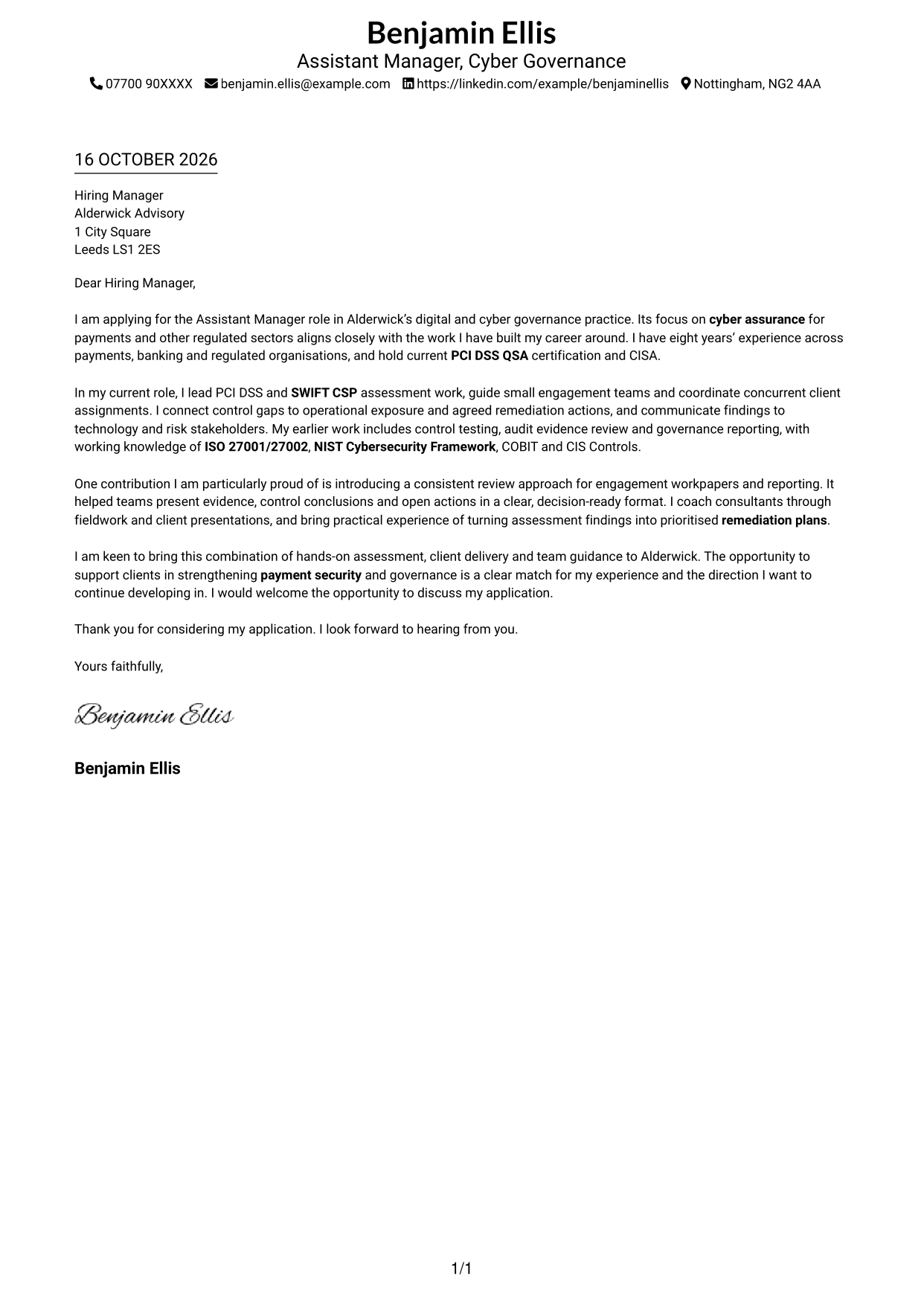
This one-column format keeps sender details in the header and the complete letter body in a clear reading path.
Why This Format Works
- Sender details in the header stay apart from the letter's message.
- One reading column gives the paragraphs a clear order from opening to close.
- Continuous body text carries motivation and supporting points without section headings.
Best For
- Single-column reading preference
- Contact details kept in the header
- Continuous paragraph-led arguments
- Photo-free correspondence
- Direct contact-to-message order
#2 Two Column Format Cover Letter Example
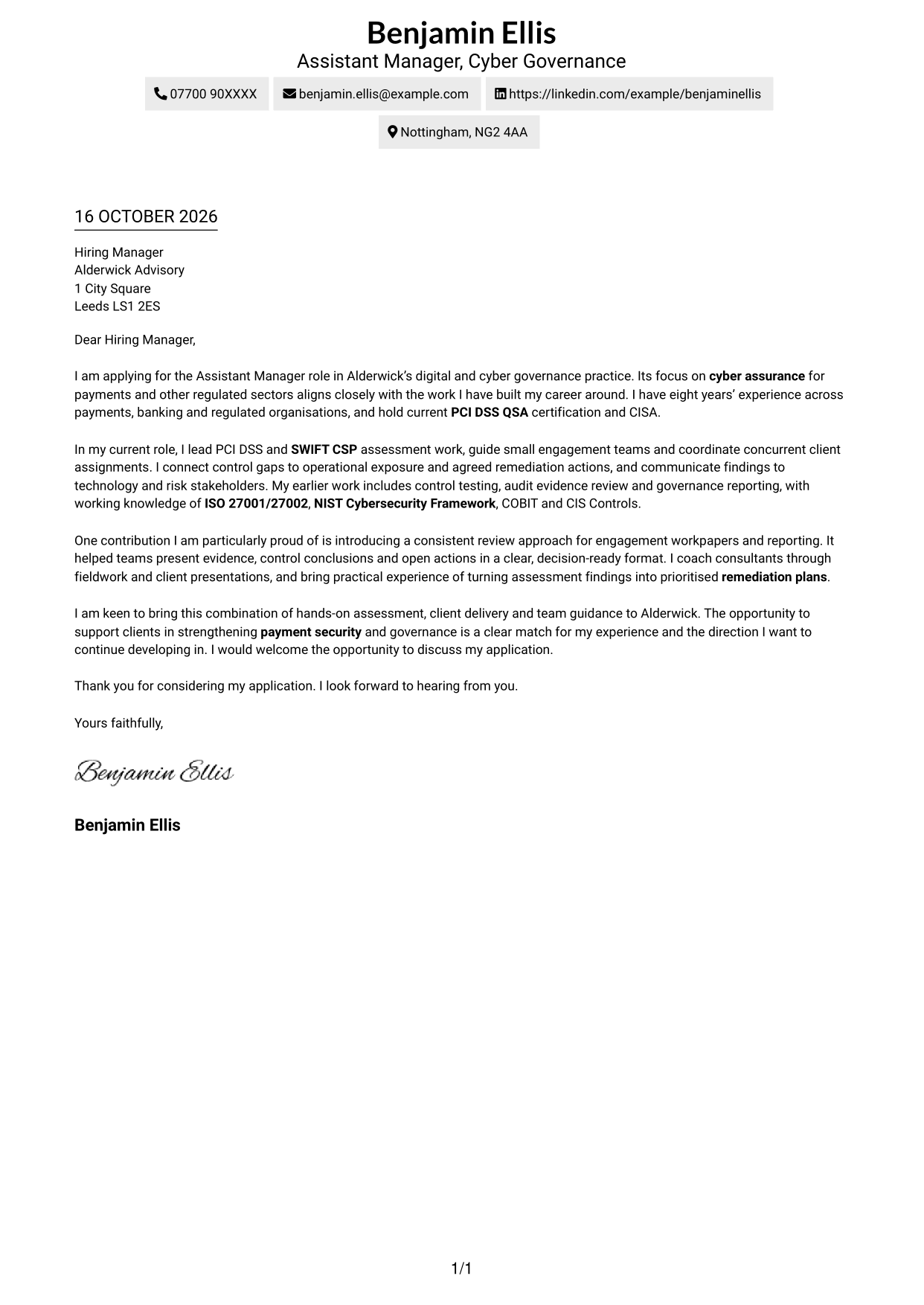
The Two Column Format places a contact sidebar beside one continuous letter body, keeping contact details separate from the message.
Why This Format Works
- Contact details in the sidebar remain easy to find beside the letter.
- The letter body stays together, helping readers follow its case from start to finish.
- Opening, supporting points and closing appear as paragraphs, not labelled stages.
Best For
- Contact details beside the letter
- Two-column reading preference
- Applications with several contact methods
- Continuous paragraph-led letters
- Photo-free correspondence
#3 Photo Header Two Column Format Cover Letter Example
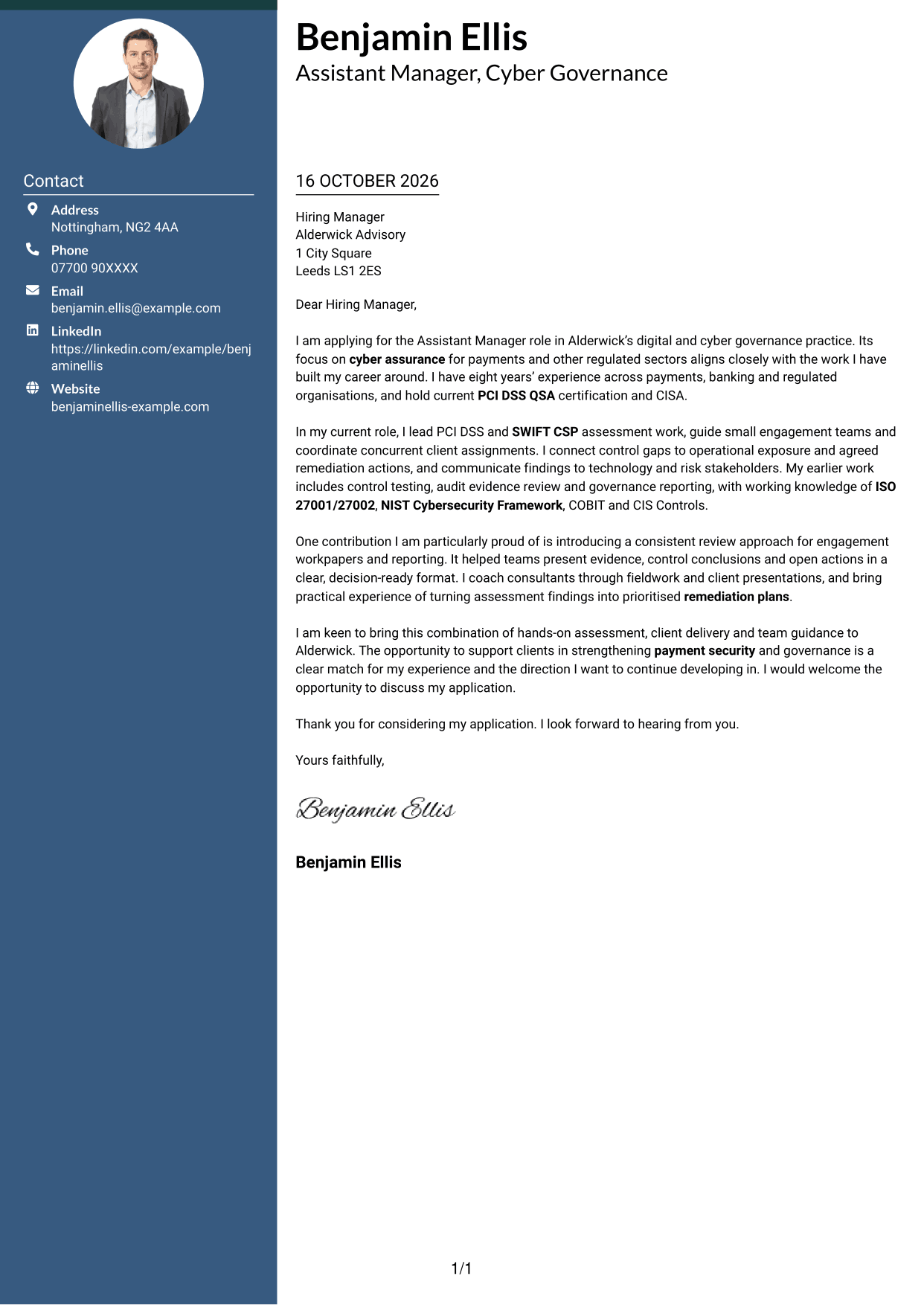
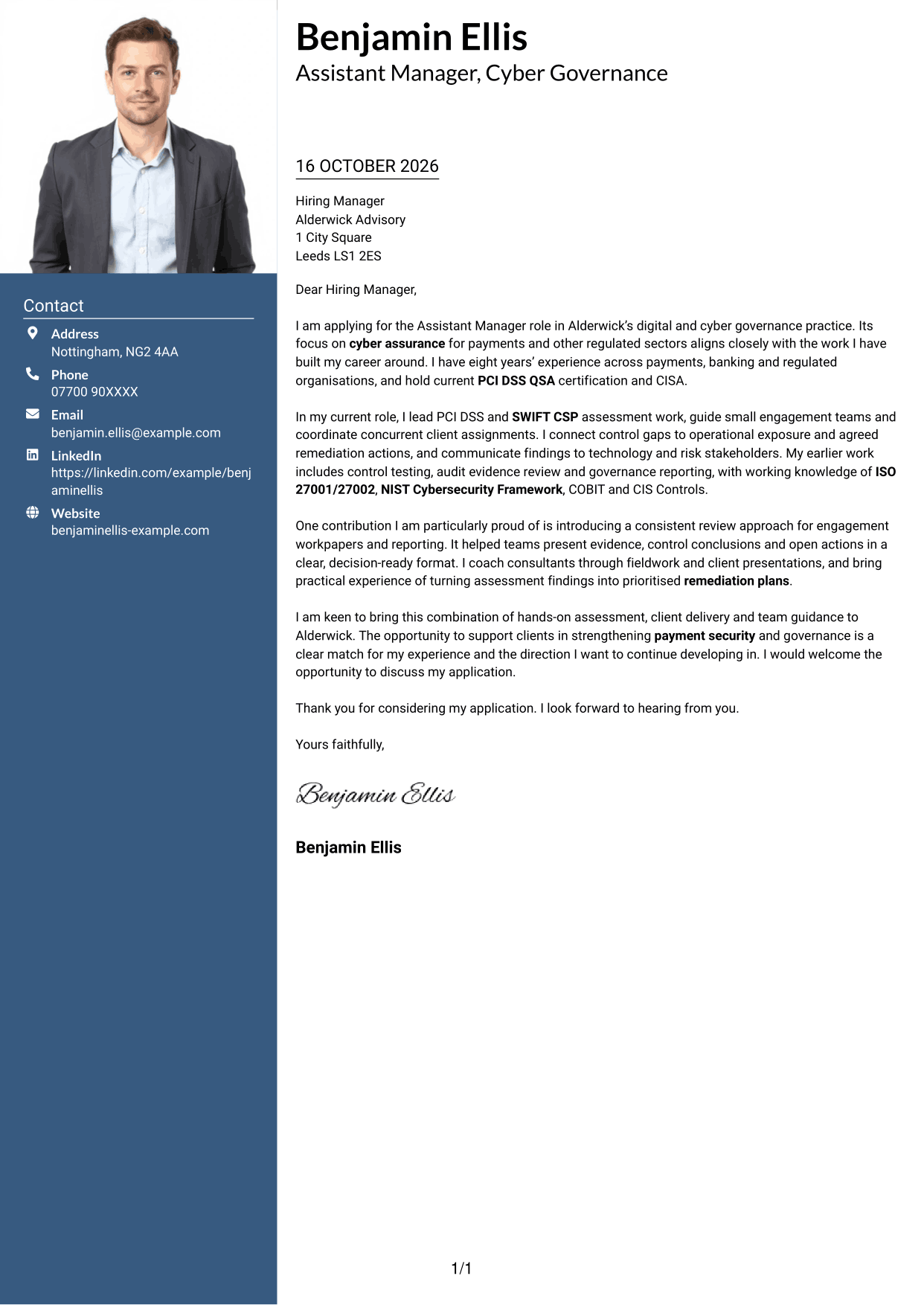
The Photo Header Two Column Format pairs a contact sidebar and continuous letter body with a photo for readers who prefer a portrait.
Why This Format Works
- The sidebar keeps contact information distinct while the main body carries the full message.
- Readers can follow the letter as one connected argument, rather than separate sections.
- Photo inclusion offers a visual option without changing the letter's paragraph structure.
Best For
- Contact sidebar beside the letter
- Portrait included with the application
- One continuous letter body
- Two-column reading preference
- Applications with several contact methods
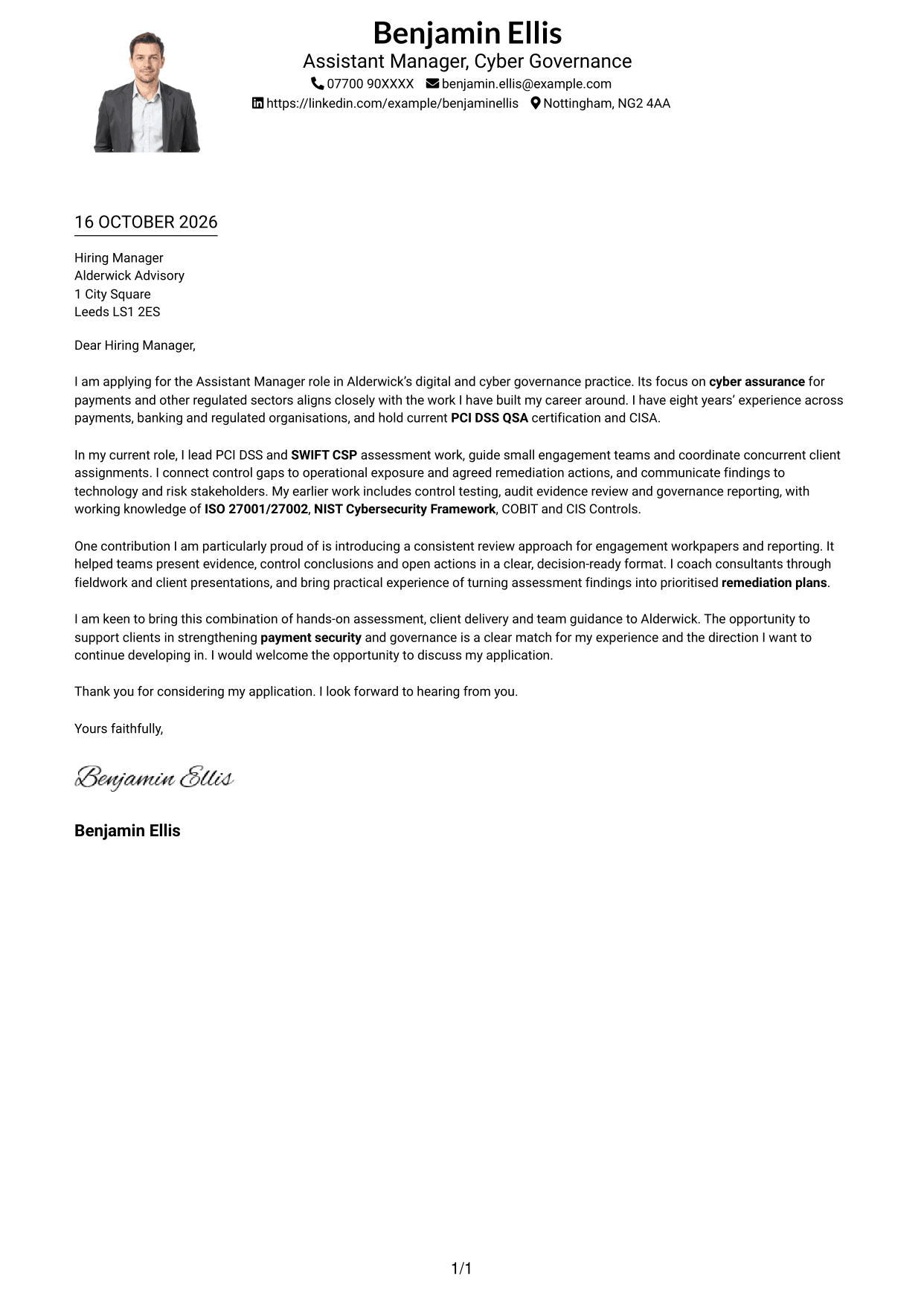
#4 One Column Format with Photo Cover Letter Example
This one-column format includes a photo while keeping the sender details in the header and the complete letter body together.
Why This Format Works
- One column keeps the complete message in a direct top-to-bottom reading order.
- Header contact details stay distinct from the paragraphs that make the application case.
- The photo adds a personal visual element while the body remains continuous.
Best For
- One-column reading preference
- Portrait included with the application
- Contact details in the header
- Continuous letter paragraphs
- A direct top-to-bottom reading order
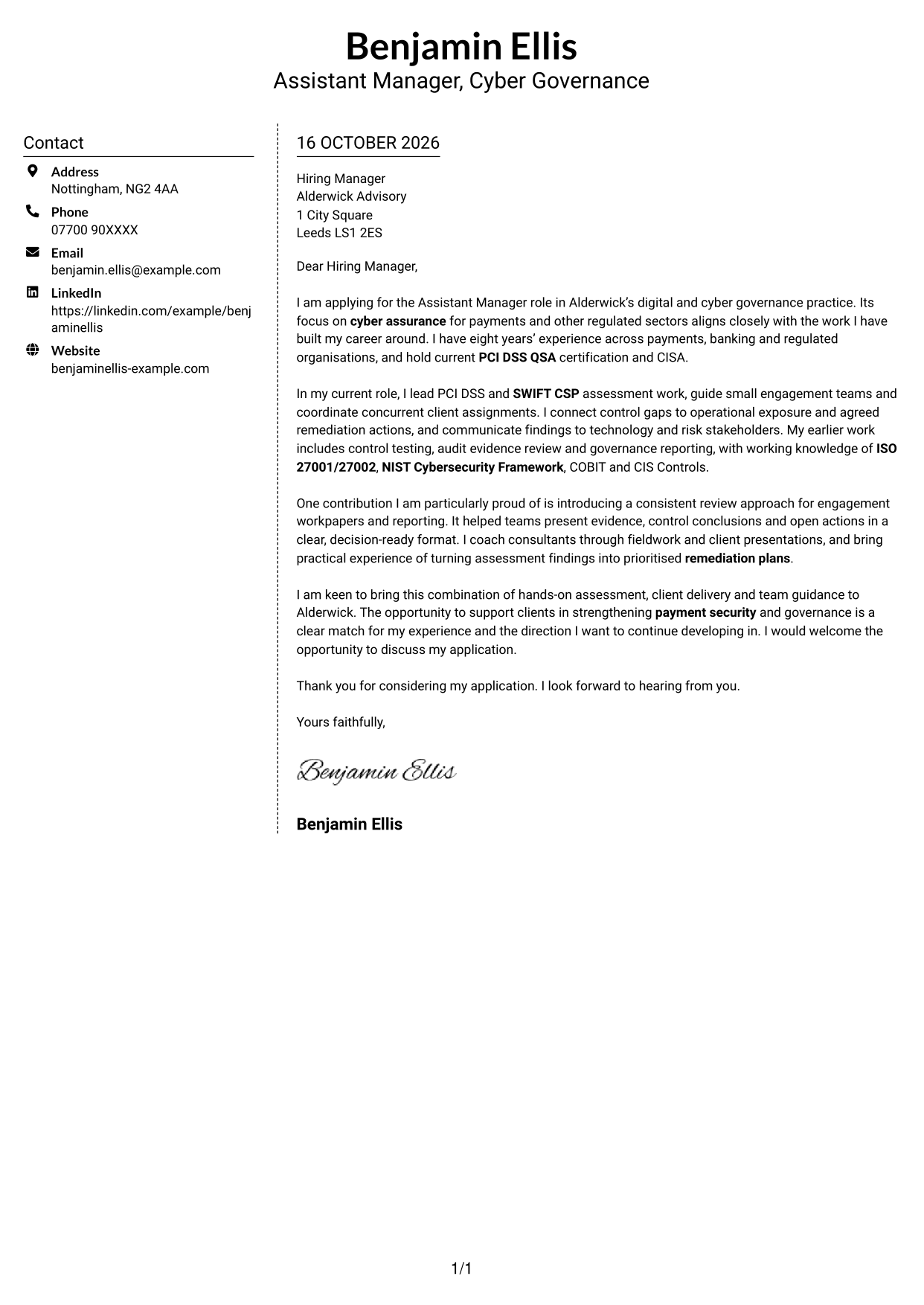
#5 Simple Two Column Format Cover Letter Example
The Simple Two Column Format sets contact information in a sidebar beside the letter, while keeping the argument in one continuous body.
Why This Format Works
- Contact information has its own sidebar, leaving the main area for the letter.
- Paragraphs remain in one body, so the message develops without split columns.
- Opening and closing paragraphs retain their natural place in the continuous letter.
Best For
- A separate contact sidebar
- One continuous letter body
- Two-column reading preference
- Paragraph-led application messages
- Photo-free correspondence
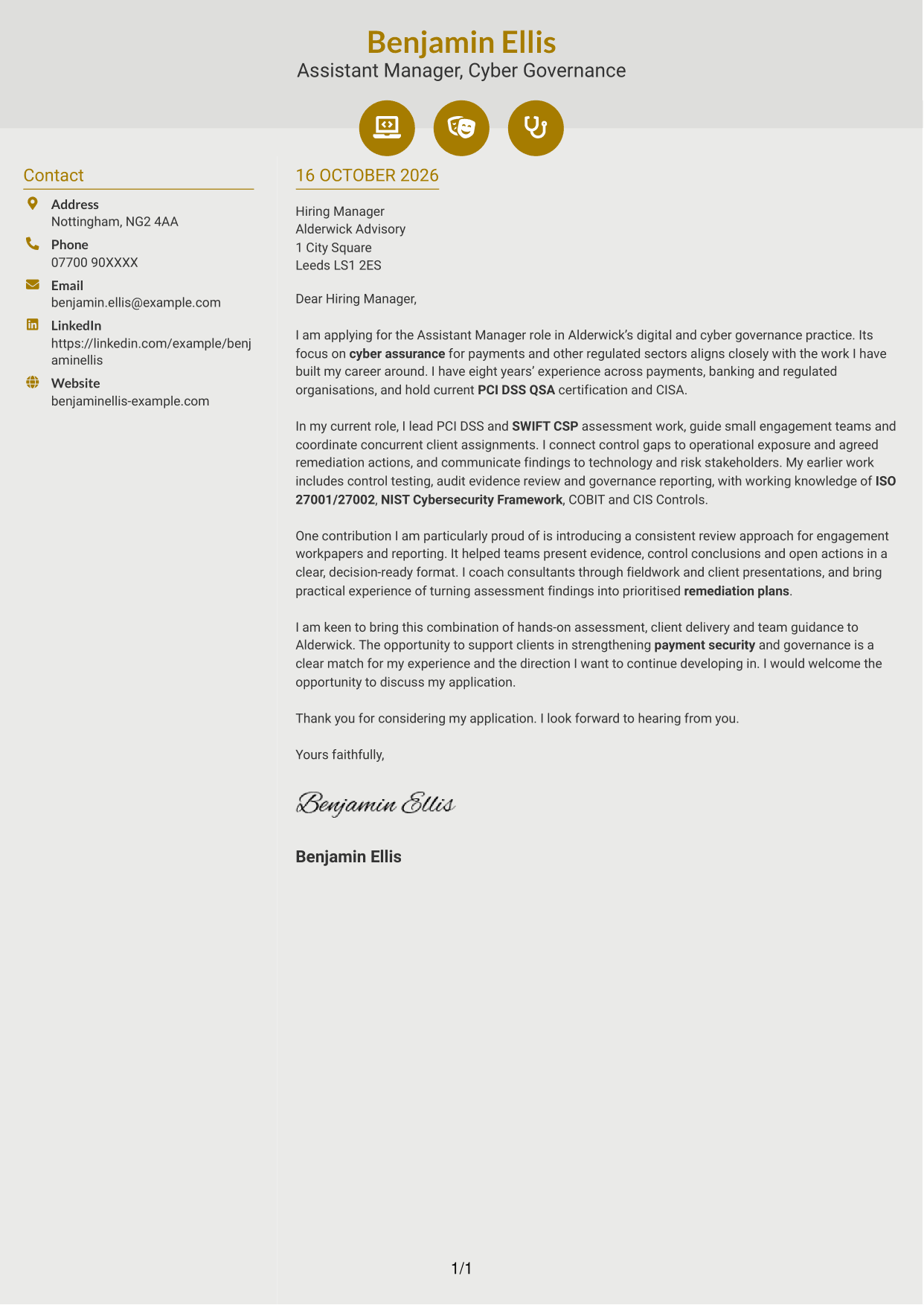
#6 Modern Icon Format Cover Letter Example
Modern Icon Format uses contact-detail icons as visual cues in a two-column layout, while the letter remains one continuous body.
Why This Format Works
- Small icons act as cues for contact details, not for parts of the letter.
- The sidebar keeps sender information apart while the message stays in one body.
- With no argument headings, the paragraphs carry the reader through the whole appeal.
Best For
- Icon cues for contact details
- A separate contact sidebar
- Continuous paragraph-led letters
- Two-column reading preference
- Photo-free correspondence
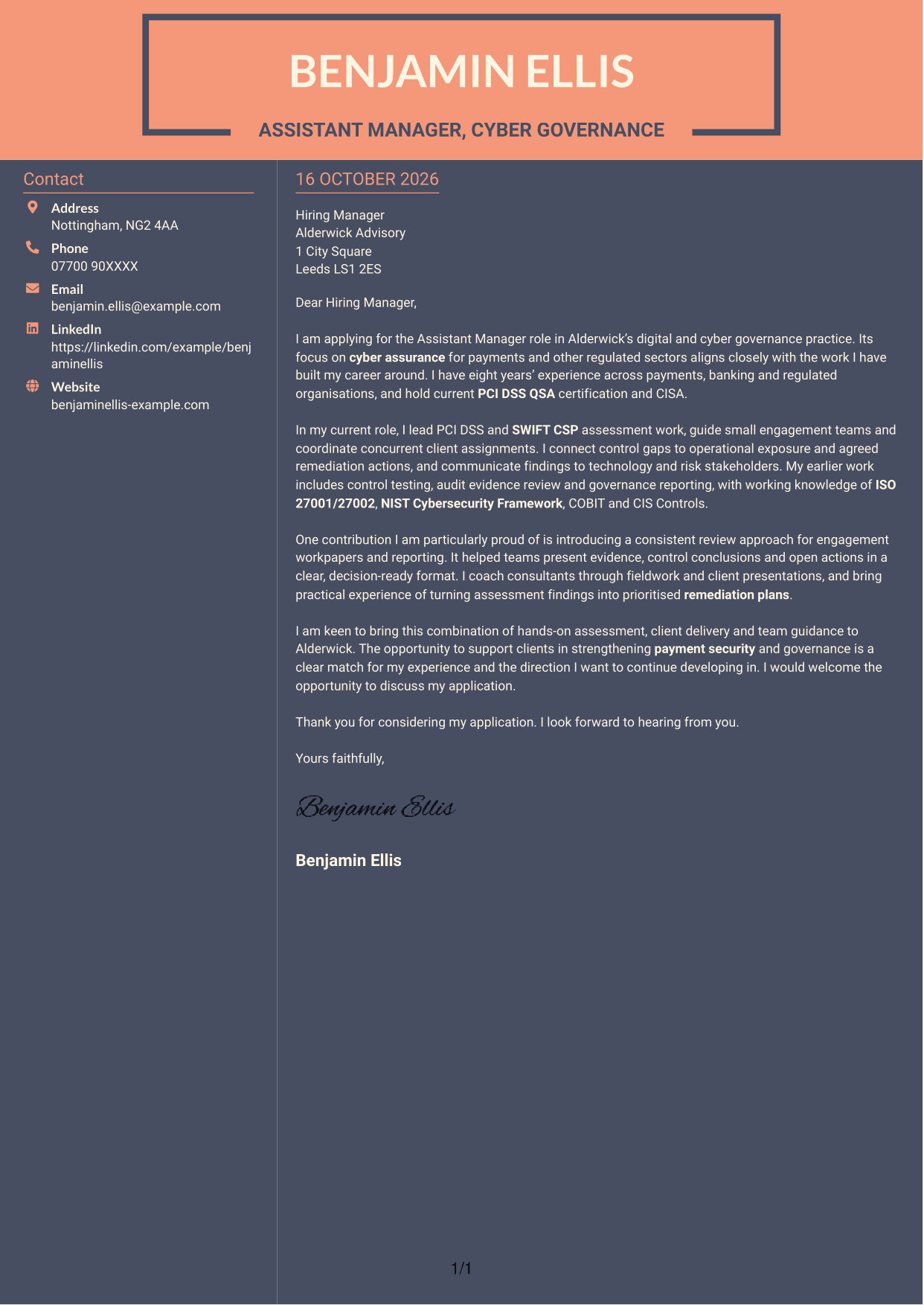
#7 Creative Two Tone Format Cover Letter Example
Creative Two Tone Format places contact details beside one continuous letter body, separating correspondence information from the application message.
Why This Format Works
- Contact information sits apart from the main letter, making the two areas easy to distinguish.
- The continuous body lets the opening, supporting points and closing read in sequence.
- No section labels divide the letter's connected paragraphs.
Best For
- Contact details beside the letter
- One continuous letter body
- Two-column reading preference
- Paragraph-led application messages
- Photo-free correspondence
See Also
- 7 Assistant Manager - Digital and Cyber Governance CV Templates with Example
- 7 Assistant Banking Manager - Lending Administration CV Templates with Example
- 7 Audit Assistant Manager - Consumer Markets CV Templates with Example
- 7 Optical Assistant Apprentice CV Templates with Example
- 7 New Business Senior Manager - Financial Sponsor Coverage CV Templates with Example
- 7 Content Editor - Digital Rewards CV Templates with Example
- 7 Sales Associate - Activewear and Womenswear CV Templates with Example
- 7 Strategic Finance Lead - Technical Finance CV Templates with Example
- 7 Assistant Banking Manager - Lending Administration Cover Letter Templates with Example
- 7 Audit Assistant Manager - Consumer Markets Cover Letter Templates with Example
Frequently Asked Questions
What should an Assistant Manager - Digital and Cyber Governance cover letter highlight?
Explain how your cyber governance and technology risk experience fits the role. You could highlight PCI DSS and SWIFT CSP assessment work, control testing, remediation planning and clear reporting to stakeholders.
How can I show that I can guide teams and manage client work?
Give a specific example of coordinating concurrent assignments, guiding a small team or coaching colleagues through fieldwork. Explain how your approach supported consistent work and clear client communication.
How can I show my fit with the role’s technical focus?
Describe your current PCI DSS QSA certification and relevant assessment work. You can also refer to your experience with SWIFT CSP and your working knowledge of frameworks such as ISO 27001/27002, NIST Cybersecurity Framework, COBIT and CIS Controls.
How should I explain my interest in the employer?
Refer to the employer’s work in digital and cyber governance for financial services, payments, fintech and other regulated sectors. Explain why that work matters to you and how your assessment and advisory experience could support its clients.
What is a clear way to structure this cover letter?
Open with the role and a direct reason for applying. Use the body to show relevant assessment, client delivery and team guidance, then close by stating your interest and welcoming a discussion.




