
7 Bookkeeper and Payroll Assistant Cover Letter Templates with Example
This guide helps you shape a focused Bookkeeper and Payroll Assistant cover letter, with seven layouts to compare as you choose a clear way to present your fit.
What Makes a Great Bookkeeper and Payroll Assistant Cover Letter in 2026
A strong letter links accurate bookkeeping and complete payroll processing to the needs of a varied client portfolio. Make your opening clear about your interest and the value you can bring to the practice.
Choose specific evidence, such as checking payroll inputs, tracing account discrepancies to source records or improving a recurring checklist. Explain how your approach supports accurate work and reliable service for the employer’s clients.
The featured example follows a focused progression from interest in the role to relevant bookkeeping and payroll evidence, then employer alignment and a clear close; adapt this flow while choosing a presentation suited to the employer and communication context.
#1 Simple One Column Format Cover Letter Example
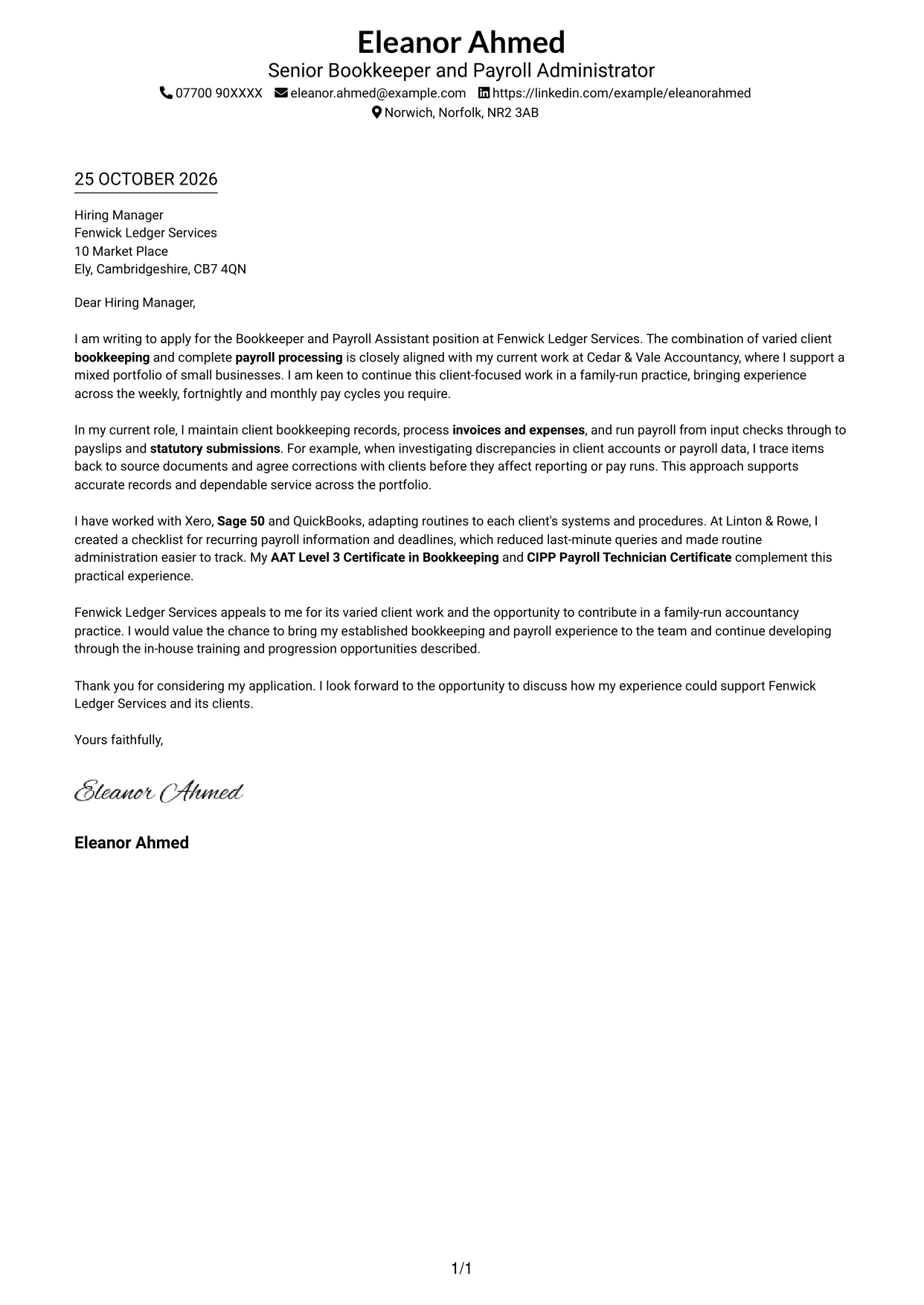
This single-column layout keeps sender details in the header and the letter in one continuous reading path, making the message easy to follow from opening to close.
Why This Format Works
- Sender details stay in the header, separate from the employer-facing paragraphs.
- The single-column body carries the opening, evidence and closing in sequence.
- One clear text column keeps attention on the written message.
Best For
- Single-column letter layouts
- Header-based contact details
- Continuous paragraph messages
- Direct opening-to-close reading
- Letters without a sidebar
#2 Two Column Format Cover Letter Example
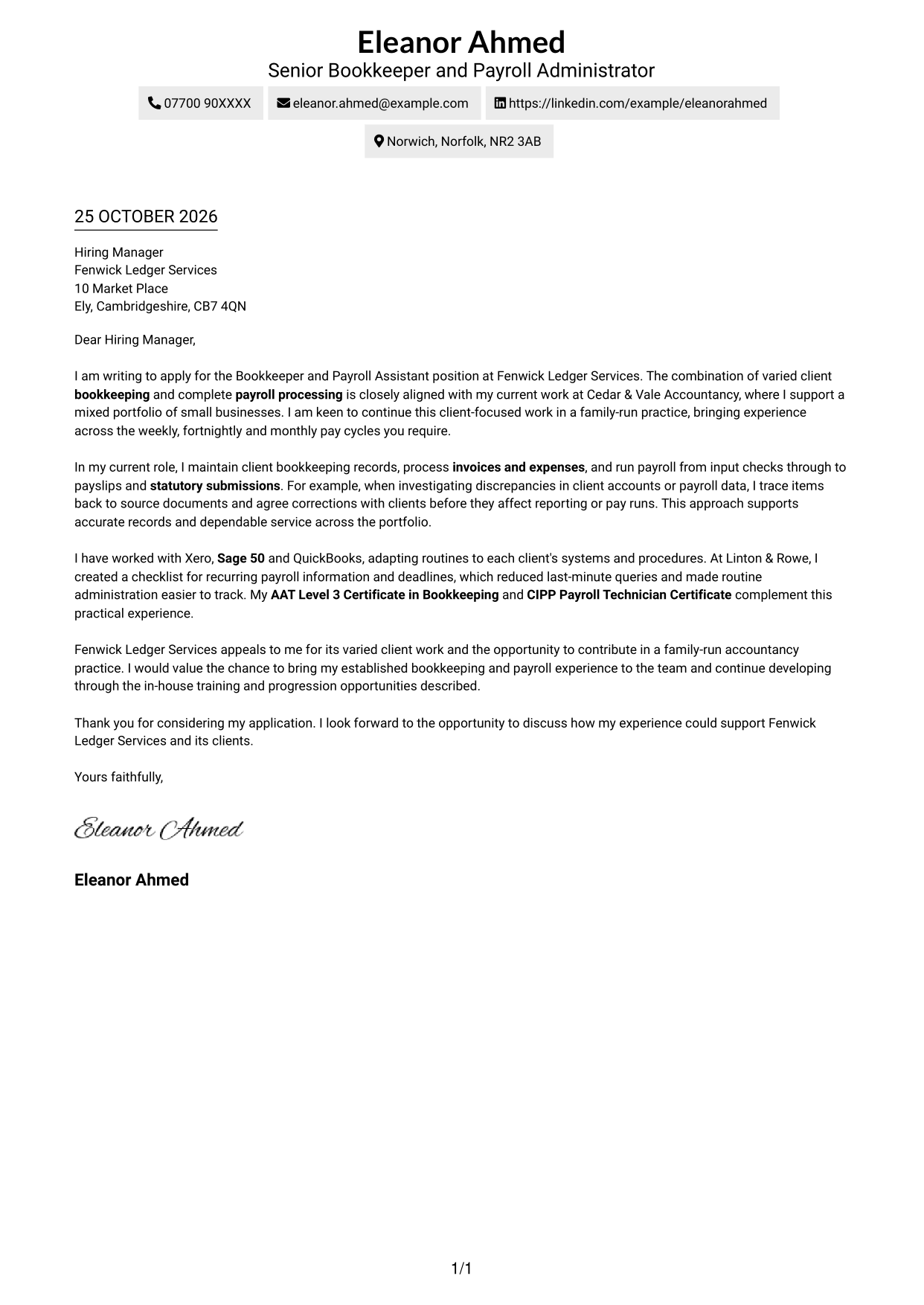
A contact sidebar sits beside the continuous letter body in this two-column format, keeping contact details easy to find while the message remains in one reading sequence.
Why This Format Works
- The contact sidebar separates sender details from the employer-facing paragraphs.
- The main column presents the complete message as connected paragraphs.
- Readers can refer to contact details without interrupting the letter's progression.
Best For
- Side-by-side contact and message areas
- Letters with connected paragraphs
- Quick access to sender details
- A distinct contact reference
- Two-column document layouts
#3 Photo Header Two Column Format Cover Letter Example
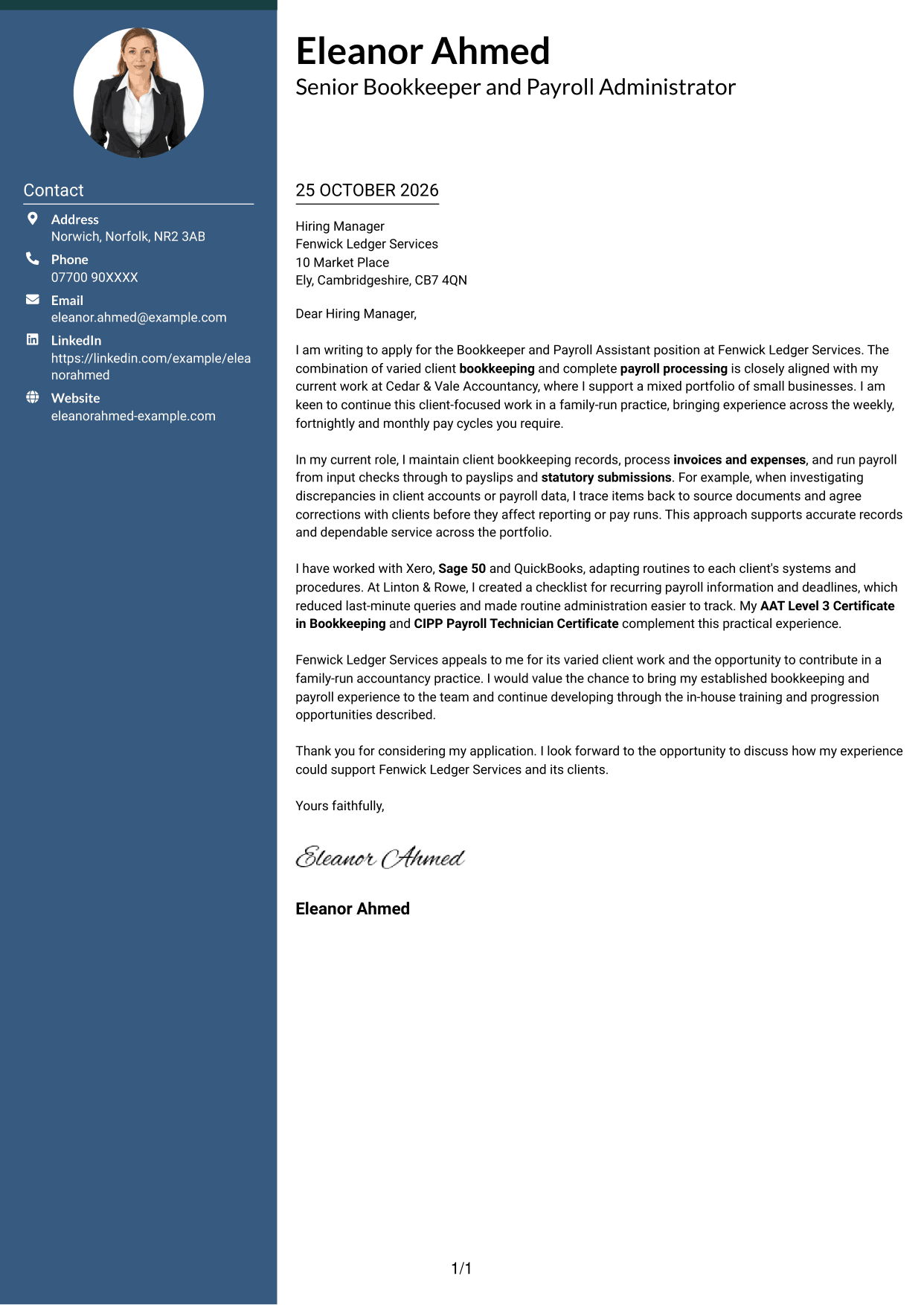
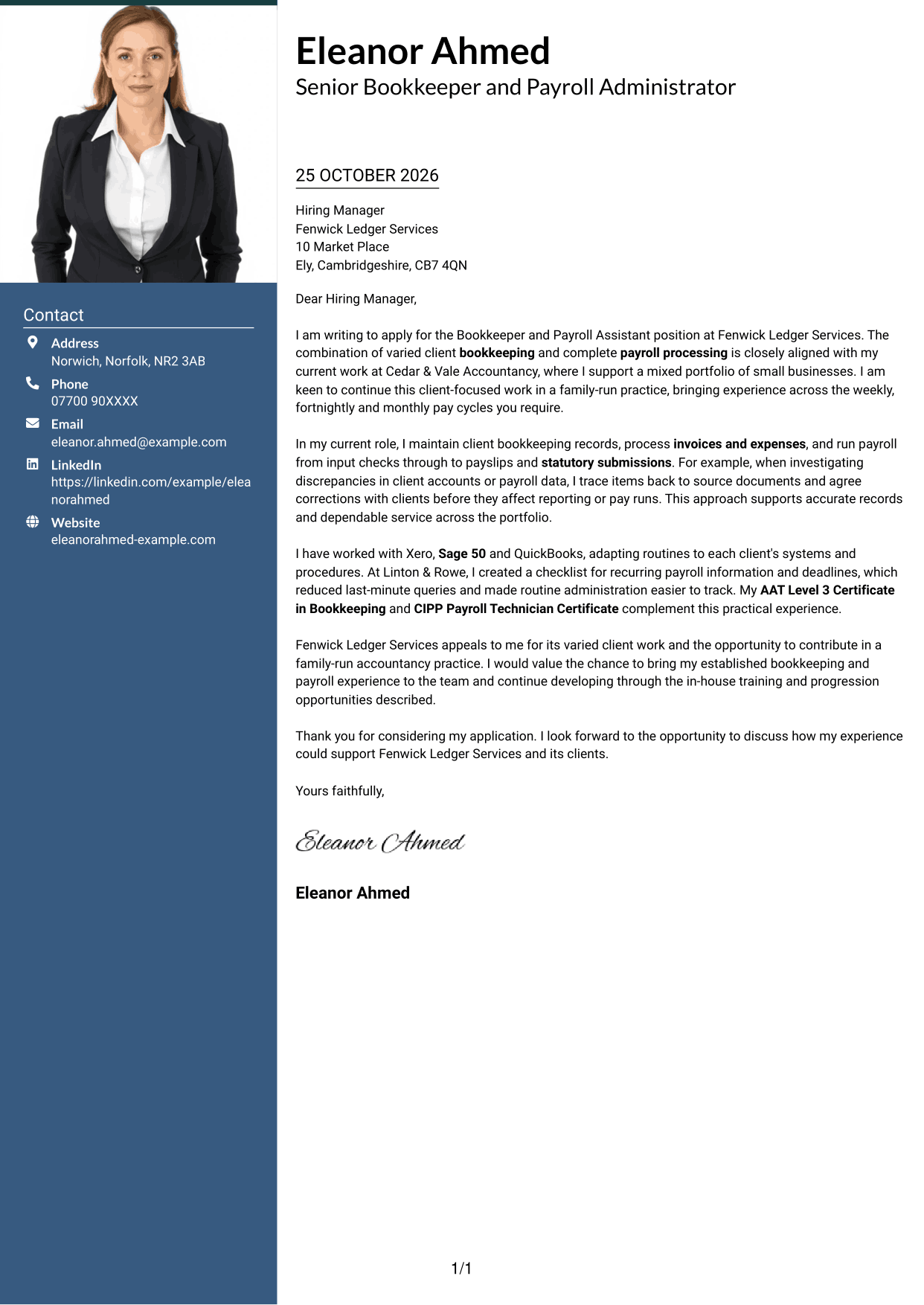
This two-column layout includes a photo and a contact sidebar beside one continuous letter body, for readers who prefer a portrait with clearly separated contact details.
Why This Format Works
- The contact sidebar keeps sender details apart from the letter paragraphs.
- A single body column presents the message as one connected argument.
- The included photo offers a portrait-led visual choice without dividing the letter.
Best For
- Portrait-inclusive letter layouts
- Contact details beside the message
- One continuous letter argument
- A clear contact reference
- Photo-led document preferences
#4 One Column Format with Photo Cover Letter Example
The one-column letter body is paired with a photo, offering a direct reading path for those who want a portrait included without placing the message in parallel columns.
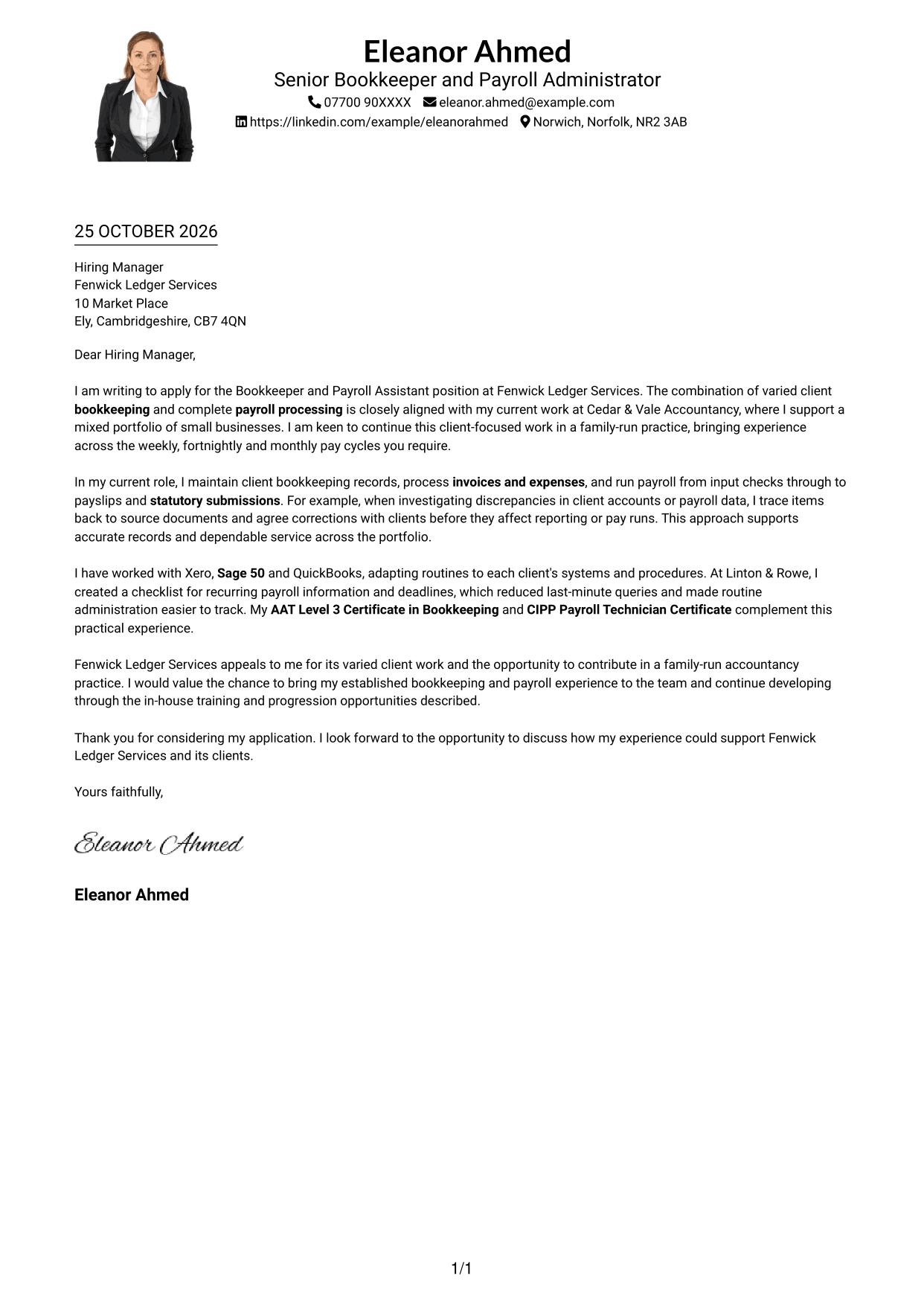
Why This Format Works
- The single-column body keeps the opening, supporting points and closing together.
- Sender details remain in the header, apart from the letter paragraphs.
- A photo adds a portrait option while the message keeps one reading path.
Best For
- One-column letter reading
- Portrait-inclusive applications
- Header-based sender details
- Continuous letter paragraphs
- Letters without a contact sidebar
#5 Simple Two Column Format Cover Letter Example
A contact sidebar and one continuous letter body form the two-column layout, keeping the sender's details distinct from the message without splitting its paragraphs.
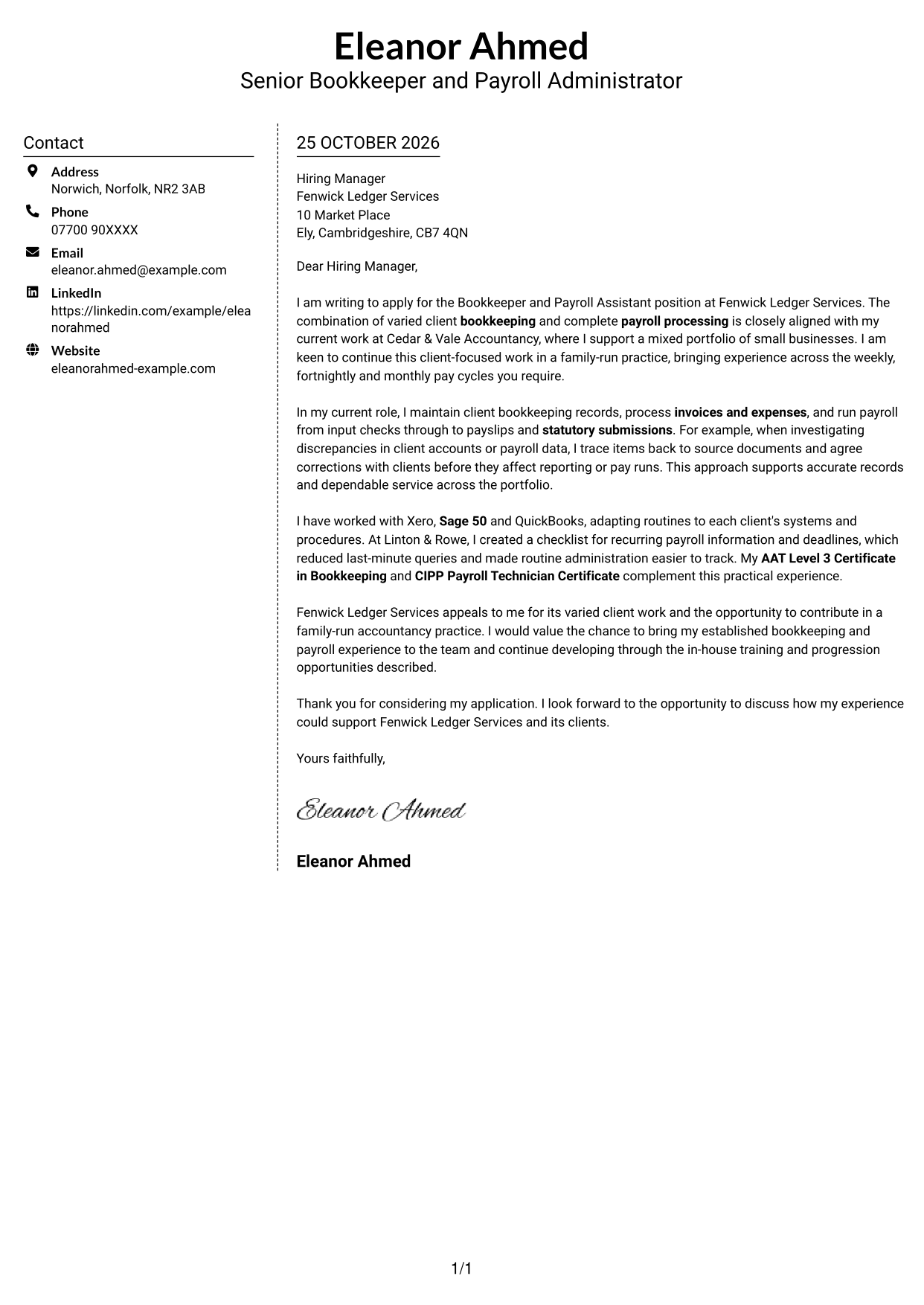
Why This Format Works
- The sidebar gives sender details a separate place beside the letter.
- The body keeps the opening, evidence and closing in one sequence.
- A clear division distinguishes contact information from the employer-facing message.
Best For
- Separate contact and message areas
- Letters with a continuous argument
- A distinct sender information area
- Easy contact detail reference
- Two-column reading preferences
#6 Modern Icon Format Cover Letter Example
This two-column layout pairs contact details, marked with icons, with one continuous letter body; the icons act as contact cues rather than labels for the message.
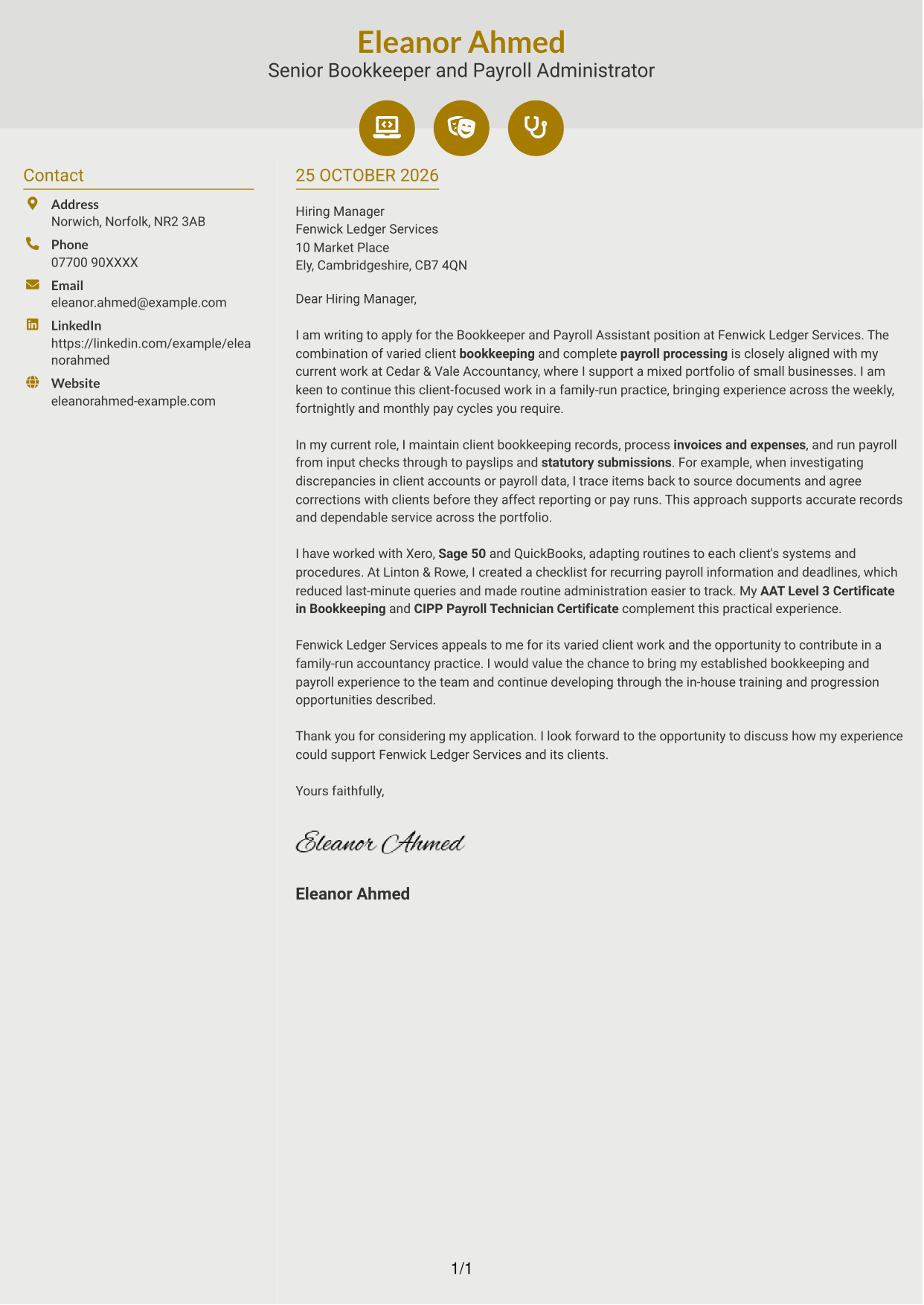
Why This Format Works
- Contact icons help distinguish sender details from the letter paragraphs.
- The separate body column keeps the full message in one sequence.
- Icons remain cues for contact information, not stages of the argument.
Best For
- Icon-marked contact details
- A separate letter body column
- Continuous paragraph messages
- Quick contact information checks
- Two-column document layouts
#7 Creative Two Tone Format Cover Letter Example
The two-column layout places contact details beside one continuous letter body, giving readers a separate reference area while keeping the message in a single sequence.
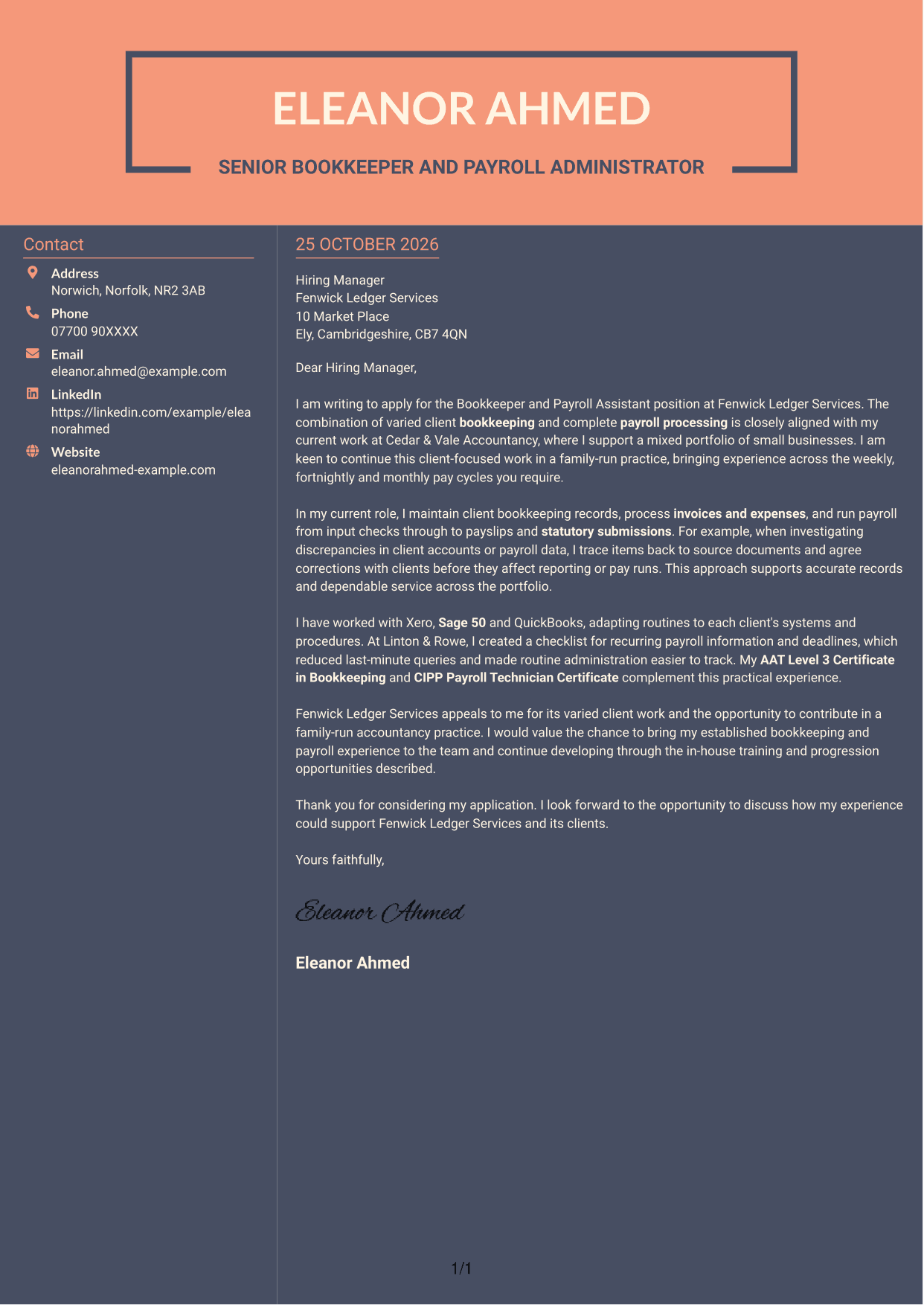
Why This Format Works
- The contact sidebar separates sender information from the employer-facing paragraphs.
- One continuous body keeps the letter's message together from opening to close.
- The two-column arrangement gives contact details and the letter distinct areas.
Best For
- Contact details beside the message
- One continuous letter body
- A separate sender information area
- Direct opening-to-close reading
- Two-column letter layouts
See Also
- 7 Bookkeeper and Payroll Assistant CV Templates with Example
- 7 Bookkeeper & Payroll Assistant - Hospitality Finance CV Templates with Example
- 7 Finance and Payroll Assistant - Payroll and Transactional Finance CV Templates with Example
- 7 Finance Assistant Apprentice - Bookkeeping and Payroll CV Templates with Example
- 7 Finance & HR Assistant - Payroll CV Templates with Example
- 7 Apprentice Bookkeeper & Accounts Assistant - Client Accounts CV Templates with Example
- 7 Accounts Assistant - Accounts Payable and Accounts Receivable CV Templates with Example
- 7 Accounts Assistant - Accounts Payable and Receivable CV Templates with Example
- 7 Bookkeeper & Payroll Assistant - Hospitality Finance Cover Letter Templates with Example
- 7 Finance and Payroll Assistant - Payroll and Transactional Finance Cover Letter Templates with Example
Frequently Asked Questions
What should a Bookkeeper and Payroll Assistant cover letter highlight?
Show how your bookkeeping and payroll work meets client needs. You could describe processing invoices and expenses, checking payroll information, keeping records accurate and meeting different pay-cycle deadlines.
How can I make my experience relevant to this role?
Choose a clear example that shows what you did and why it mattered. For instance, explain how you traced a discrepancy to its source or checked payroll inputs before a pay run, then link your actions to accurate records or dependable service.
How should I explain my interest in the employer?
Connect your interest to a genuine feature of the practice, such as its varied client work or family-run setting. Then explain how your approach to client bookkeeping and payroll could support its team and clients.
What is a clear way to structure this cover letter?
Start with the role and your reason for applying. Use the body to give focused evidence of bookkeeping, payroll and client service, then close by restating your interest and inviting a conversation.
Should I include every part of my work history?
No. Select the duties and examples that best show your fit for this position. A short, relevant account of your work is easier to follow than a full list of past responsibilities.




