
7 Bookkeeper - VAT and Cloud Bookkeeping Cover Letter Templates with Example
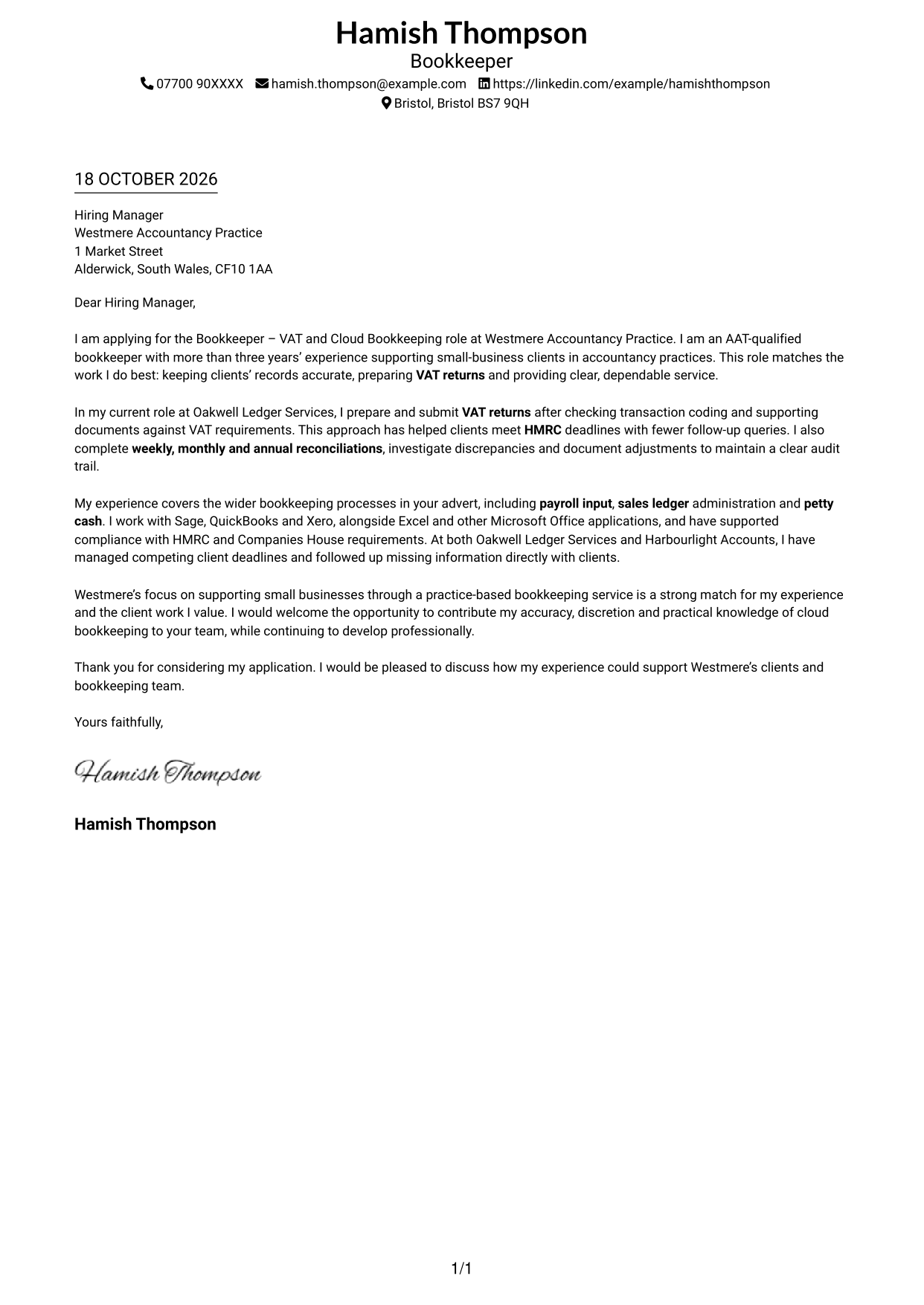
This practical guide helps you create a Bookkeeper - VAT and Cloud Bookkeeping cover letter, with seven layouts to compare and adapt.
What Makes a Great Bookkeeper - VAT and Cloud Bookkeeping Cover Letter in 2026
A strong letter links accurate bookkeeping to the role’s key work: preparing VAT returns, keeping records current and giving small-business clients clear service. State your interest and make your fit easy to understand.
Use evidence such as checking VAT records before submission, resolving reconciliation differences or managing client deadlines. Connect your experience with the practice’s small-business service and explain why that work appeals to you.
The featured example moves from interest in the role to VAT and reconciliation evidence, broader bookkeeping duties, employer alignment and a clear close; adapt this focused progression while choosing a presentation suited to the employer and communication context.
#1 Simple One Column Format Cover Letter Example
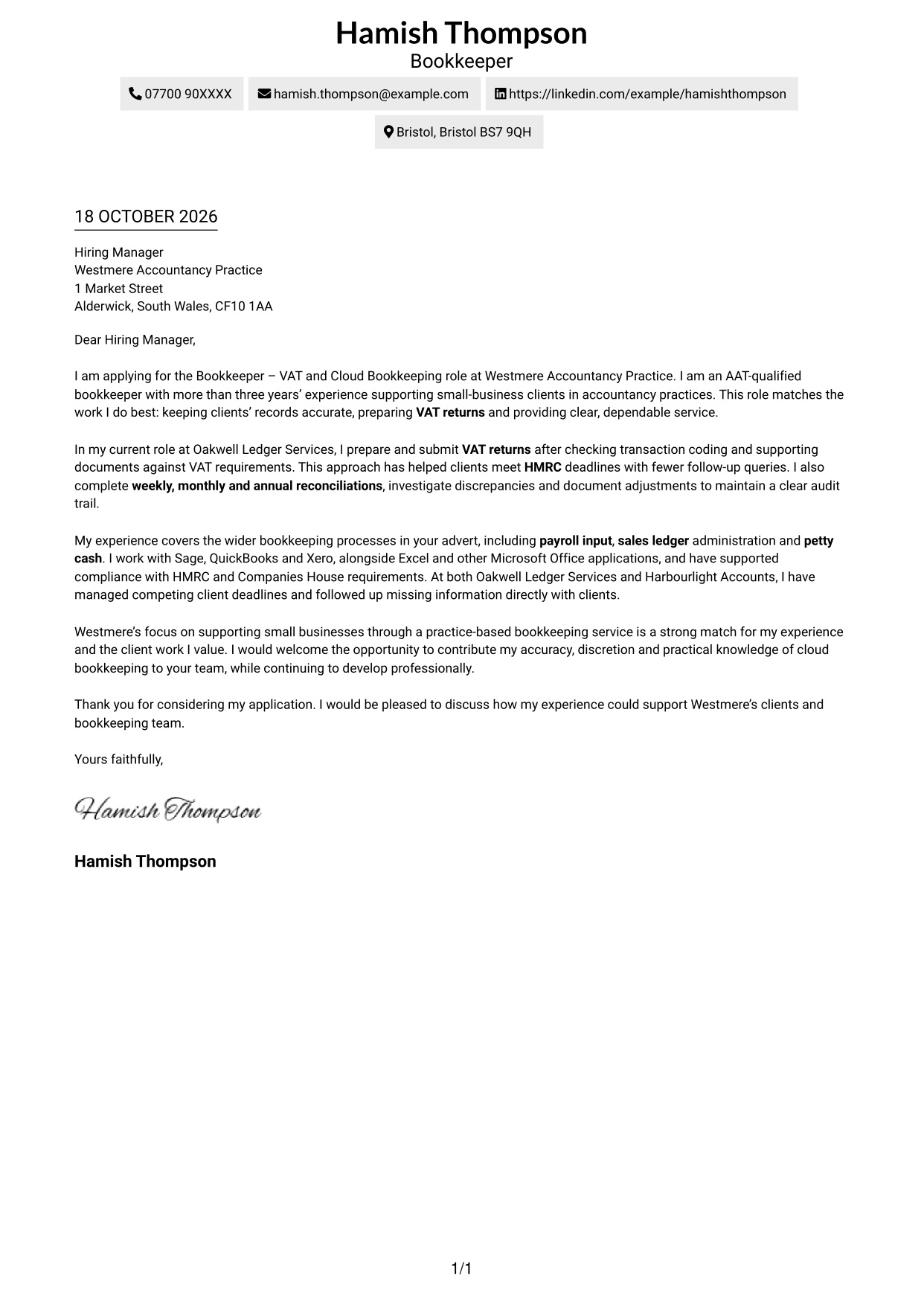
The Simple One Column Format places sender details and the continuous letter body in one column, giving the message a straightforward presentation.
Why This Format Works
- A single column gives the sender details and letter a direct reading path.
- Paragraphs carry the case from role interest through evidence to a courteous close.
- Header contact information stays distinct from the message’s persuasive purpose.
Best For
- Single-column correspondence
- Direct reading order
- One continuous application argument
- Header-based sender details
- Applications without a portrait
#2 Two Column Format Cover Letter Example
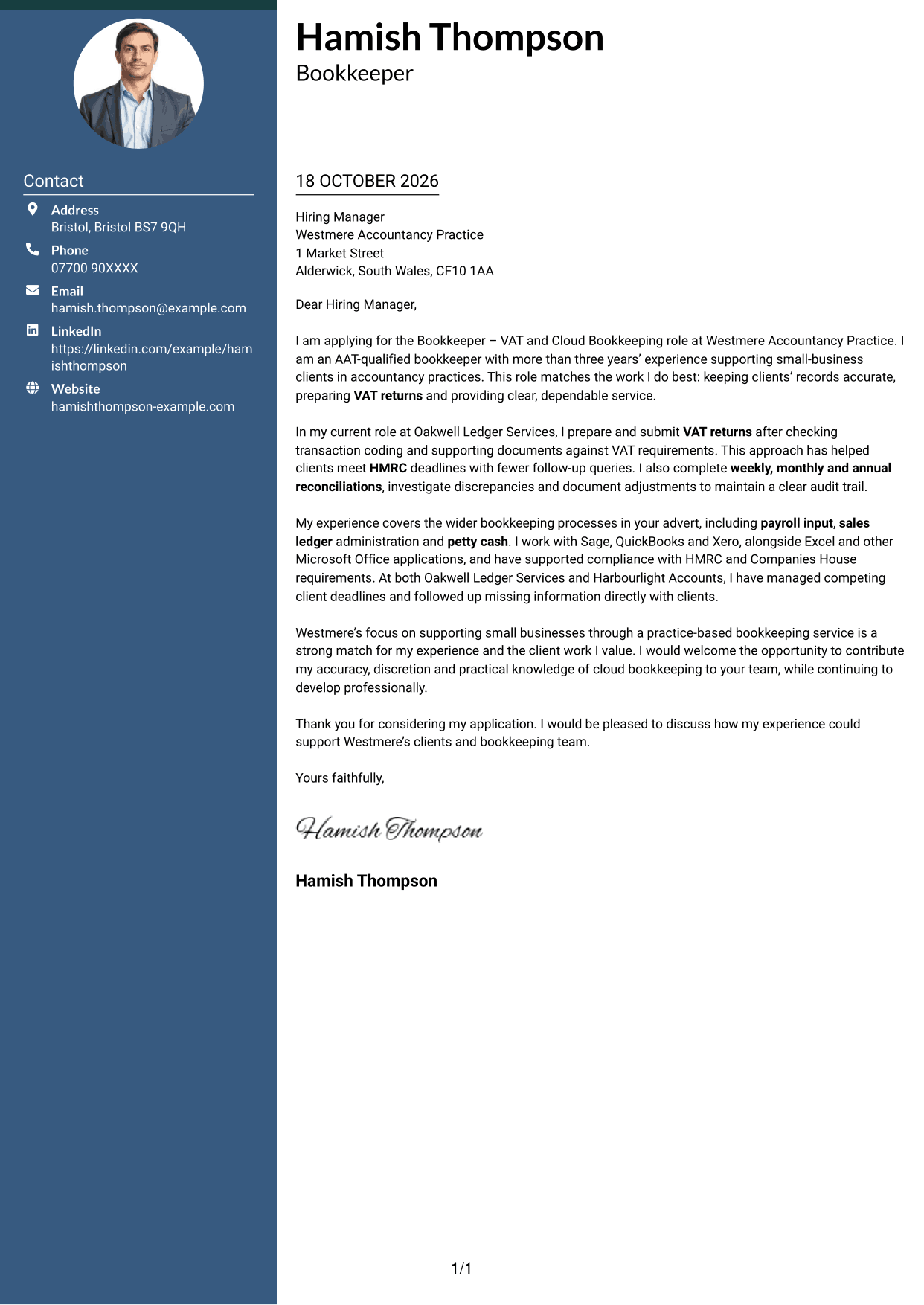
The Two Column Format places a contact sidebar beside one continuous letter body, giving sender information a separate place from the message.
Why This Format Works
- One body lets the application move from motivation to evidence without split columns.
- The sidebar gives readers a clear place to find sender information.
- Its photo-free presentation suits a plain, text-led visual style.
Best For
- Sidebar contact details
- Continuous letter body
- Clear contact lookup
- Sequential application arguments
- Photo-free letters
#3 Photo Header Two Column Format Cover Letter Example
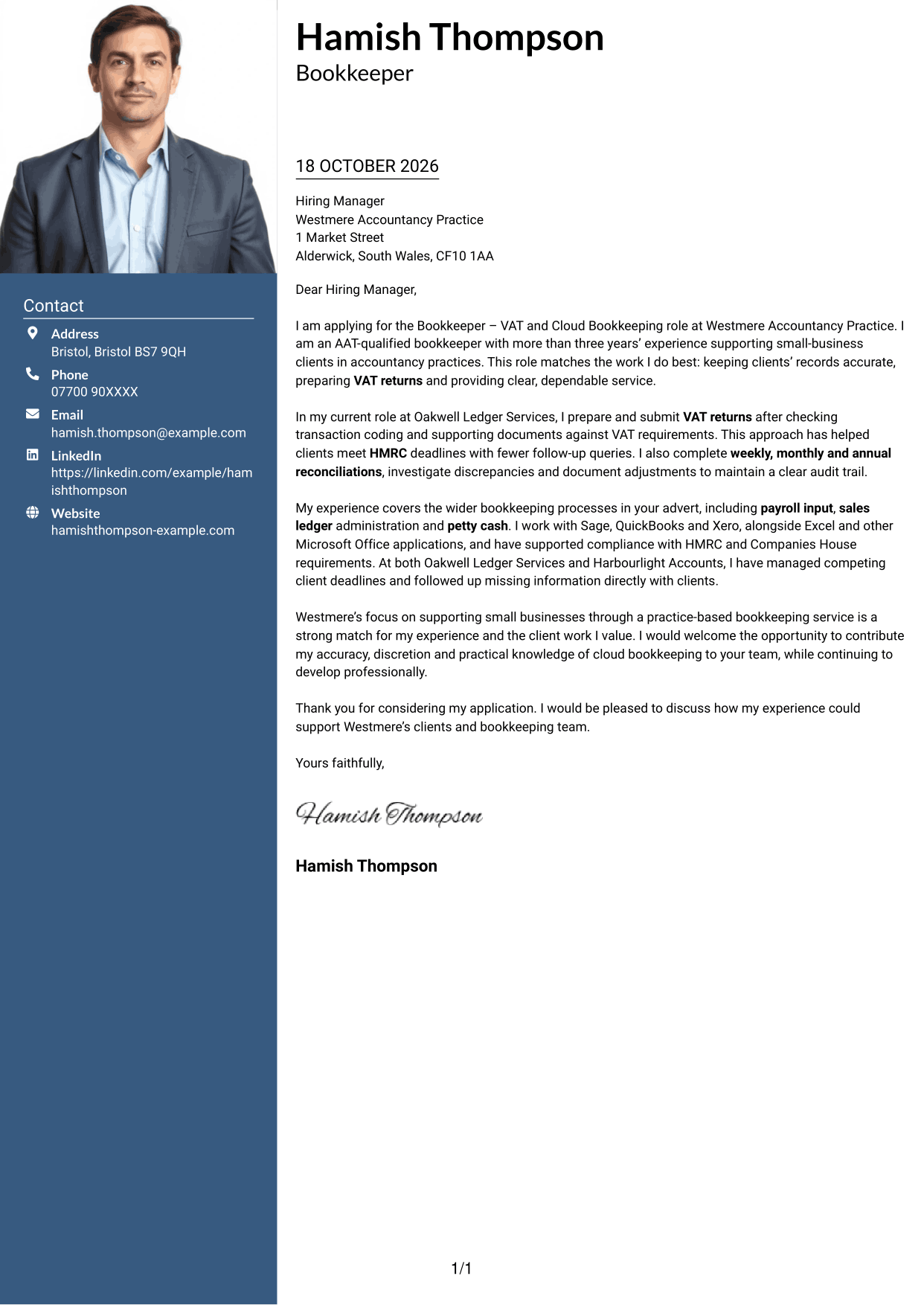
The Photo Header Two Column Format pairs a header portrait with a contact sidebar and continuous letter body, adding a personal visual element.
Why This Format Works
- The sidebar gives sender details a clear place beside the letter.
- One continuous body lets the application build its case in order.
- The header portrait suits readers who prefer a visible personal touch.
Best For
- Header portrait layouts
- Sidebar contact details
- Single-body arguments
- Photo-led personal presentation
- Sequential letter reading
#4 One Column Format with Photo Cover Letter Example
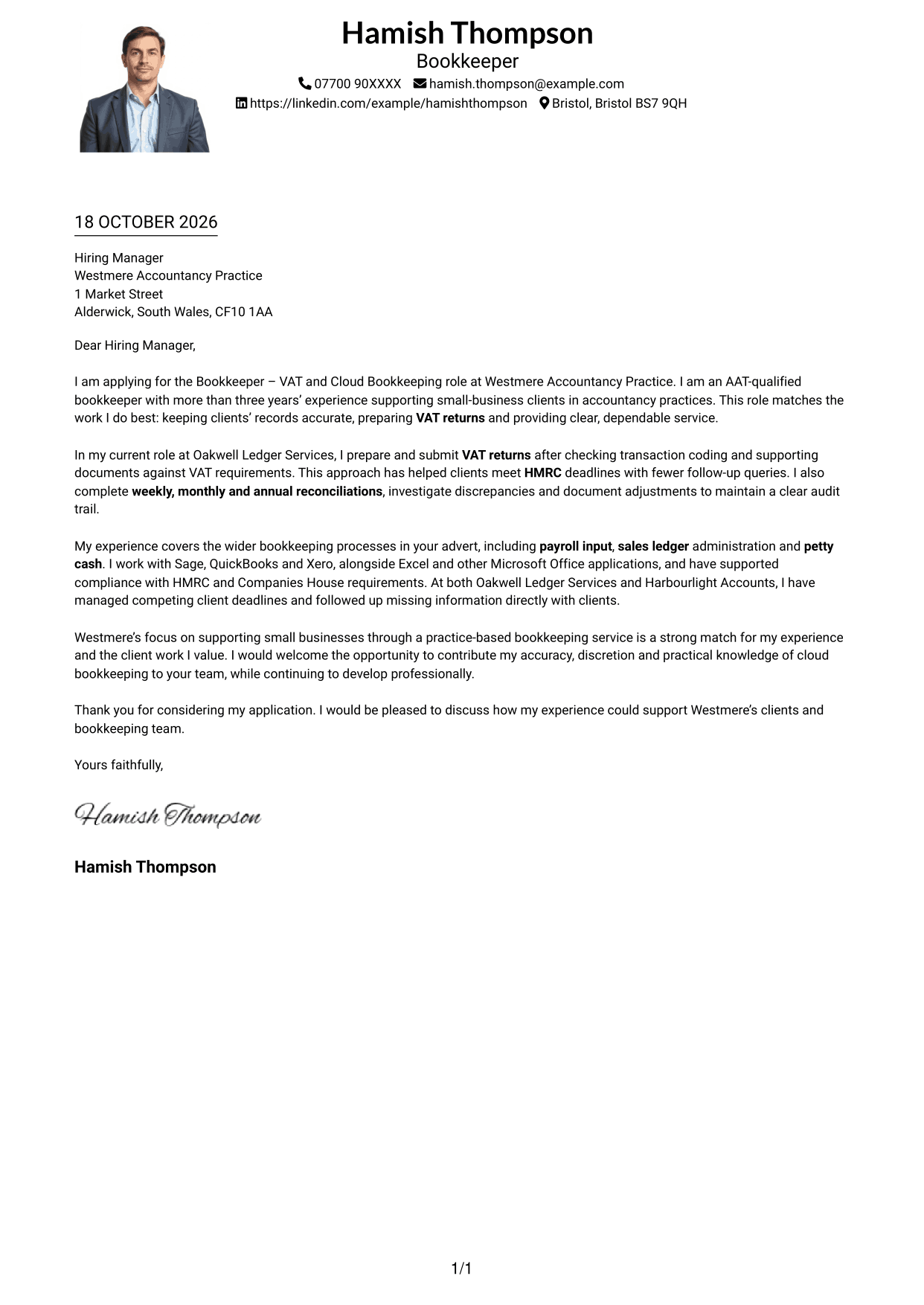
The One Column Format with Photo places a portrait alongside a single-column letter, adding a personal visual accent without dividing the message.
Why This Format Works
- The single-column reading order keeps the letter's paragraphs together.
- The continuous body carries the application from opening through its supporting case.
- Header-based sender details remain distinct from the letter's argument.
Best For
- One-column letters with a portrait
- Top-to-bottom reading
- Header-led sender information
- Photo-inclusive correspondence
- Continuous application arguments
#5 Simple Two Column Format Cover Letter Example
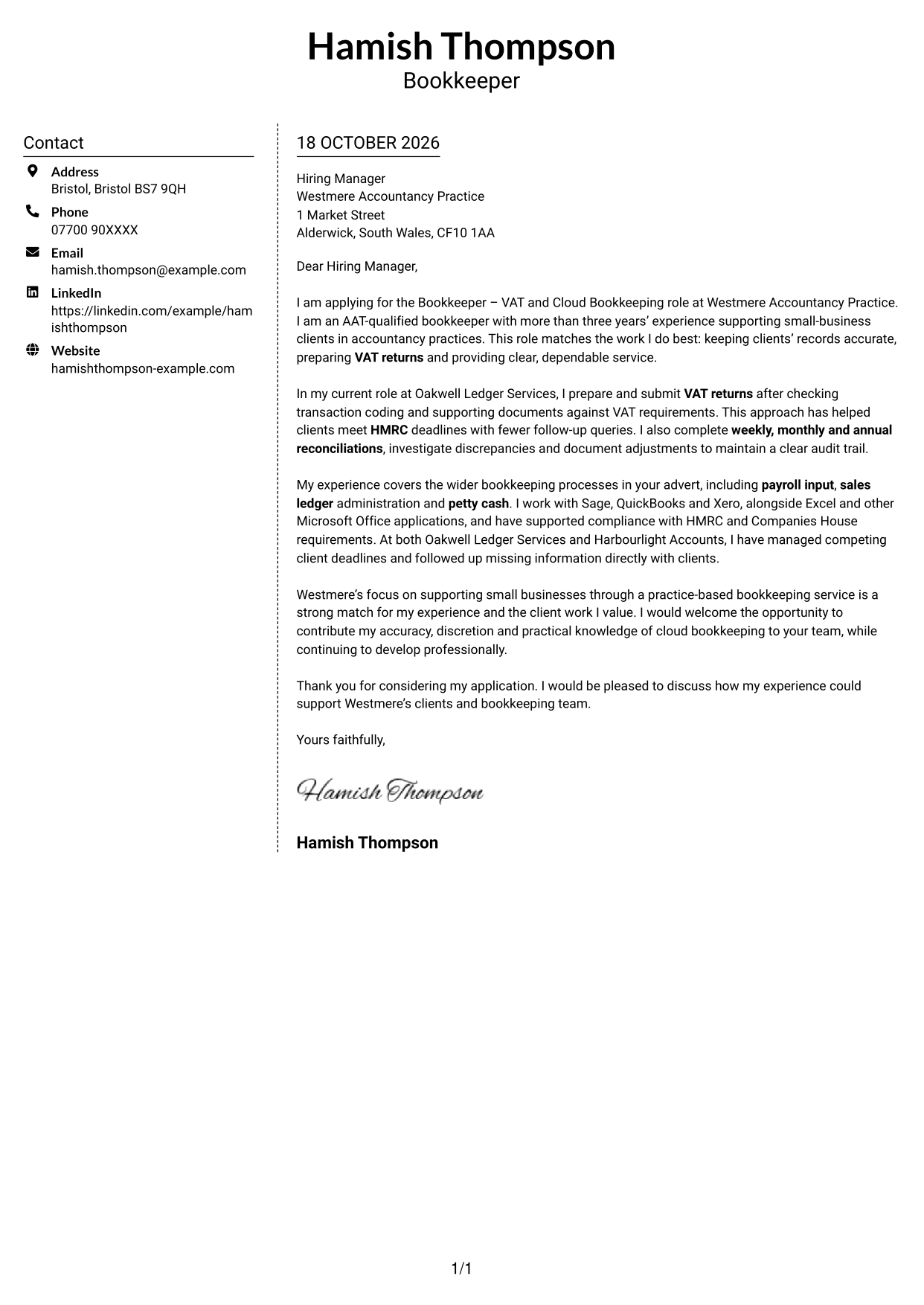
The Simple Two Column Format sets a contact sidebar beside one continuous letter body, keeping the sender information apart from the message.
Why This Format Works
- The sidebar helps readers locate sender details without searching the letter.
- The main text stays together as one sequence from opening to close.
- A simple two-column arrangement keeps contact information beside the message, not within it.
Best For
- Contact-sidebar layouts
- One uninterrupted letter body
- Separate sender information
- Sequential persuasive writing
- Photo-free correspondence
#6 Modern Icon Format Cover Letter Example
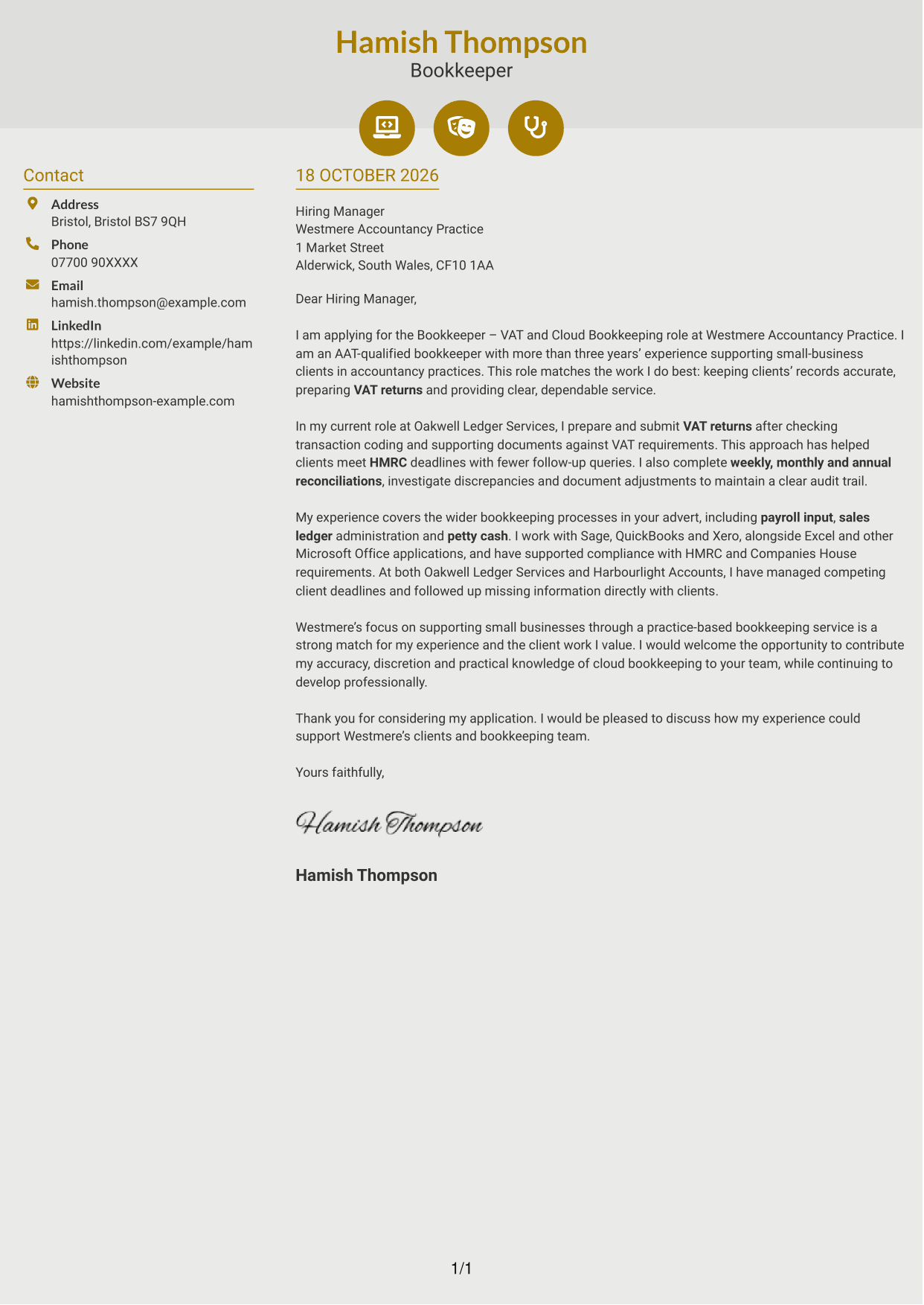
The Modern Icon Format uses two columns, with icons for contact details or as header accents beside the continuous letter body.
Why This Format Works
- Contact icons help readers identify key sender details at a glance.
- The letter body remains one continuous account of interest and fit.
- Two columns keep contact information apart from the application message.
Best For
- Icon-cued contact details
- Two-column letters
- Single-body applications
- Decorative header accents
- Photo-free correspondence
#7 Creative Two Tone Format Cover Letter Example
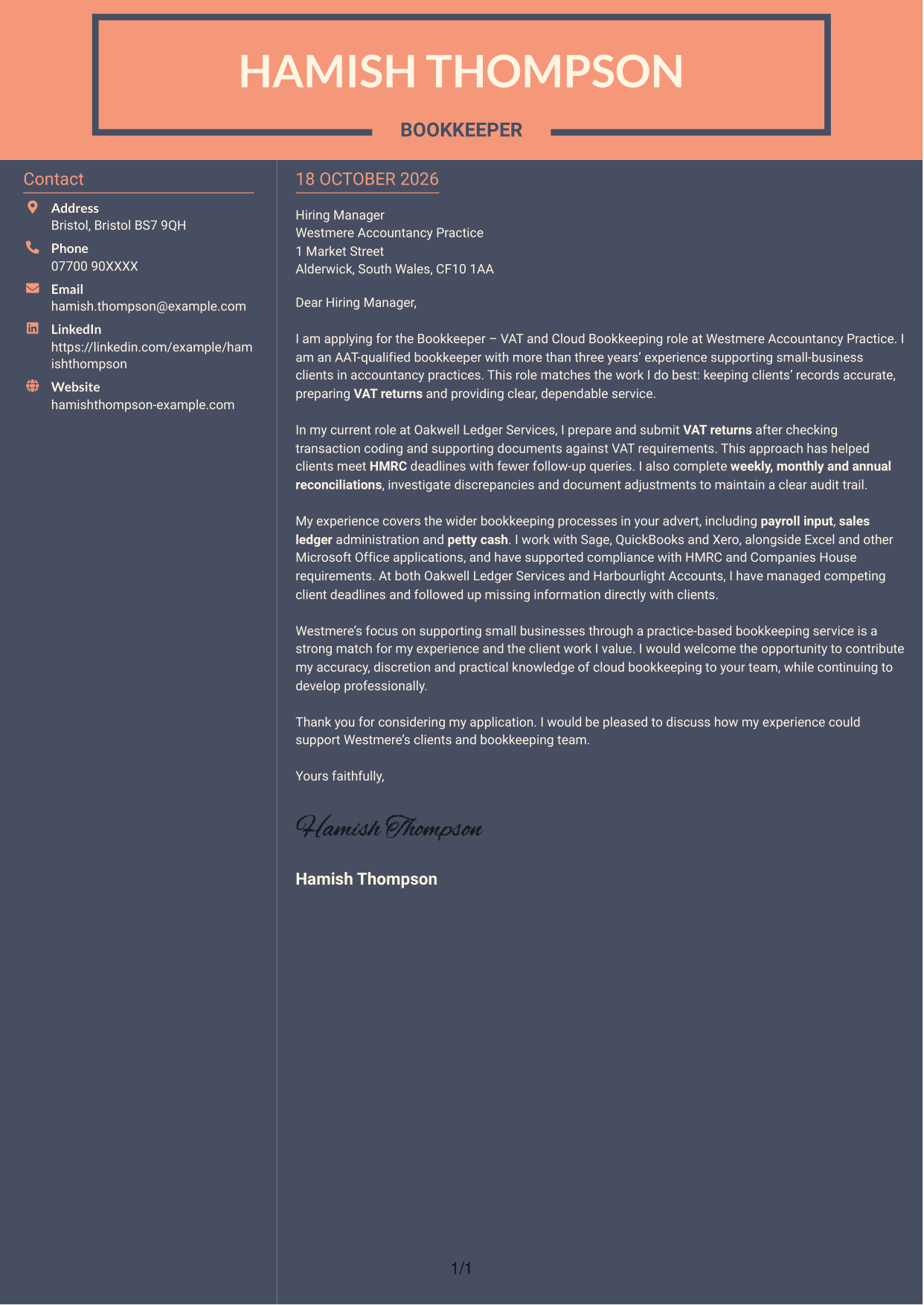
The Creative Two Tone Format uses a contact sidebar beside a continuous letter body, separating sender information from the application message.
Why This Format Works
- Contact details have a separate place beside the main letter text.
- The continuous body lets readers follow the application in its intended order.
- Its photo-free layout suits a text-led page without a portrait.
Best For
- Sidebar contact information
- Continuous letter arguments
- Clear sender details
- Text-led correspondence
- Photo-free page layouts
See Also
- 7 Bookkeeper - VAT and Cloud Bookkeeping CV Templates with Example
- 7 Apprentice Bookkeeper & Accounts Assistant - Client Accounts CV Templates with Example
- 7 Bookkeeper Apprentice - Client Accounts CV Templates with Example
- 7 Bookkeeper - Property Finance CV Templates with Example
- 7 Entry-Level Bookkeeper - Accounts Payable and Receivable CV Templates with Example
- 7 Senior Bookkeeper Media CV Templates with Example
- 7 Business Tax Manager - Corporate Tax Compliance CV Templates with Example
- 7 Employment Tax Manager - Client Advisory and Compliance CV Templates with Example
- 7 Apprentice Bookkeeper & Accounts Assistant - Client Accounts Cover Letter Templates with Example
- 7 Bookkeeper Apprentice - Client Accounts Cover Letter Templates with Example
Frequently Asked Questions
What should a Bookkeeper - VAT and Cloud Bookkeeping cover letter highlight?
Focus on accurate VAT returns, cloud bookkeeping and timely reconciliations. You can also show how you support clients, protect confidential information and manage competing deadlines.
How can I show that my bookkeeping experience fits this role?
Choose a clear example that explains what you did and the result. For instance, describe how you checked VAT records before filing or investigated a reconciliation difference, then link that work to accurate client accounts.
How should I explain my interest in the accountancy practice?
Make a genuine connection between the practice’s small-business service and the client work you value. Explain how your approach to clear communication, careful records and dependable follow-up could support that service.
How should I organise this cover letter?
Open by naming the role and summarising your fit. Use the body to give focused evidence of VAT, bookkeeping and client work, then close by restating your interest and inviting a discussion.
Should I include every bookkeeping task I have handled?
No. Select the duties most relevant to this position, such as VAT returns, reconciliations, cloud bookkeeping or client communication. A few specific examples make your case clearer than a long list.




